DAZA Electronics R15BT BT headphone User Manual

DAZA Electronics Company BT headphone Users Manual

Contents

Users Manual

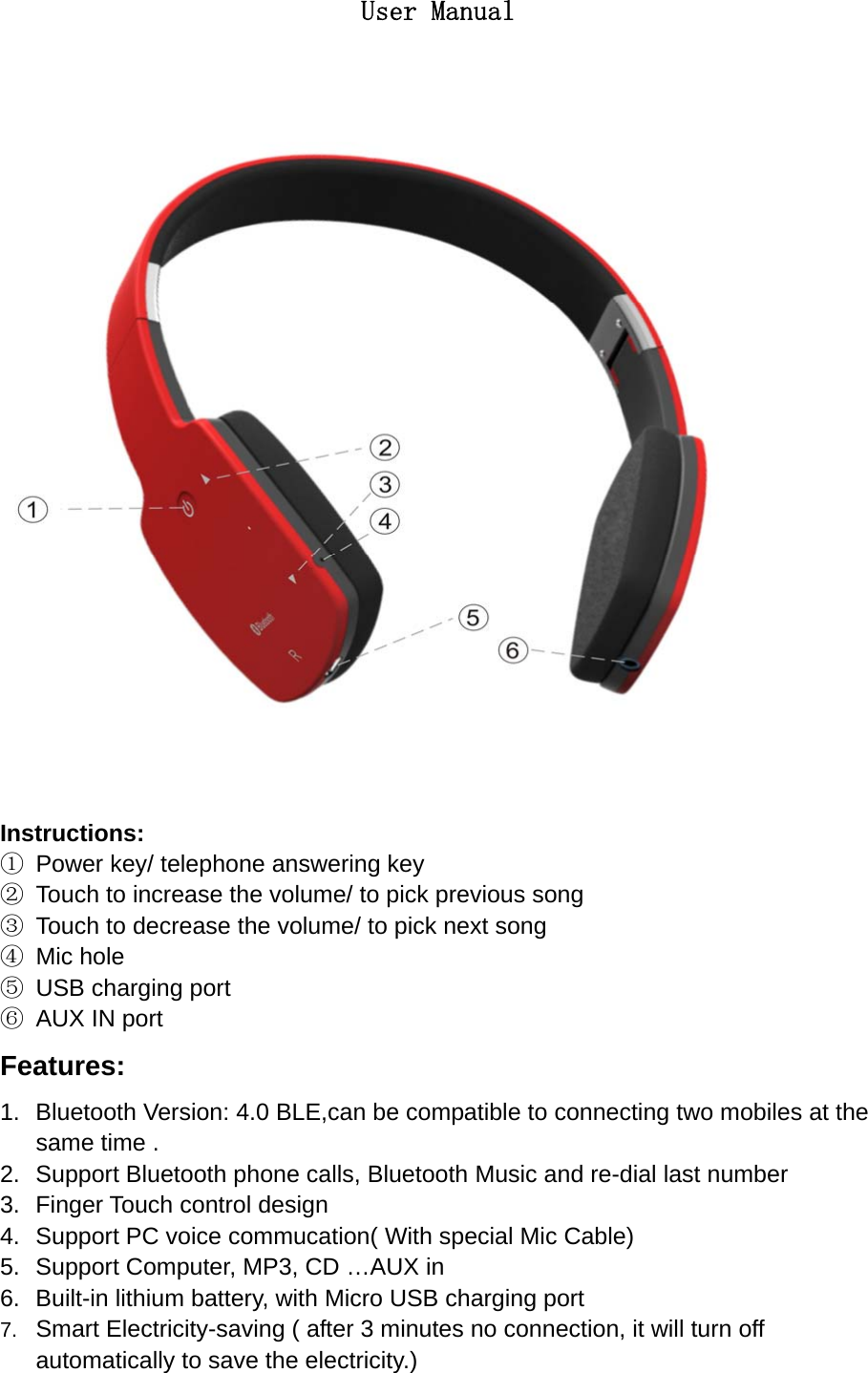
   User Manual  Instructions: ①  Power key/ telephone answering key ②  Touch to increase the volume/ to pick previous song ③  Touch to decrease the volume/ to pick next song ④ Mic hole ⑤  USB charging port ⑥  AUX IN port Features: 1.  Bluetooth Version: 4.0 BLE,can be compatible to connecting two mobiles at the same time . 2.  Support Bluetooth phone calls, Bluetooth Music and re-dial last number   3.  Finger Touch control design 4.  Support PC voice commucation( With special Mic Cable) 5.  Support Computer, MP3, CD …AUX in 6.  Built-in lithium battery, with Micro USB charging port 7.  Smart Electricity-saving ( after 3 minutes no connection, it will turn off automatically to save the electricity.)
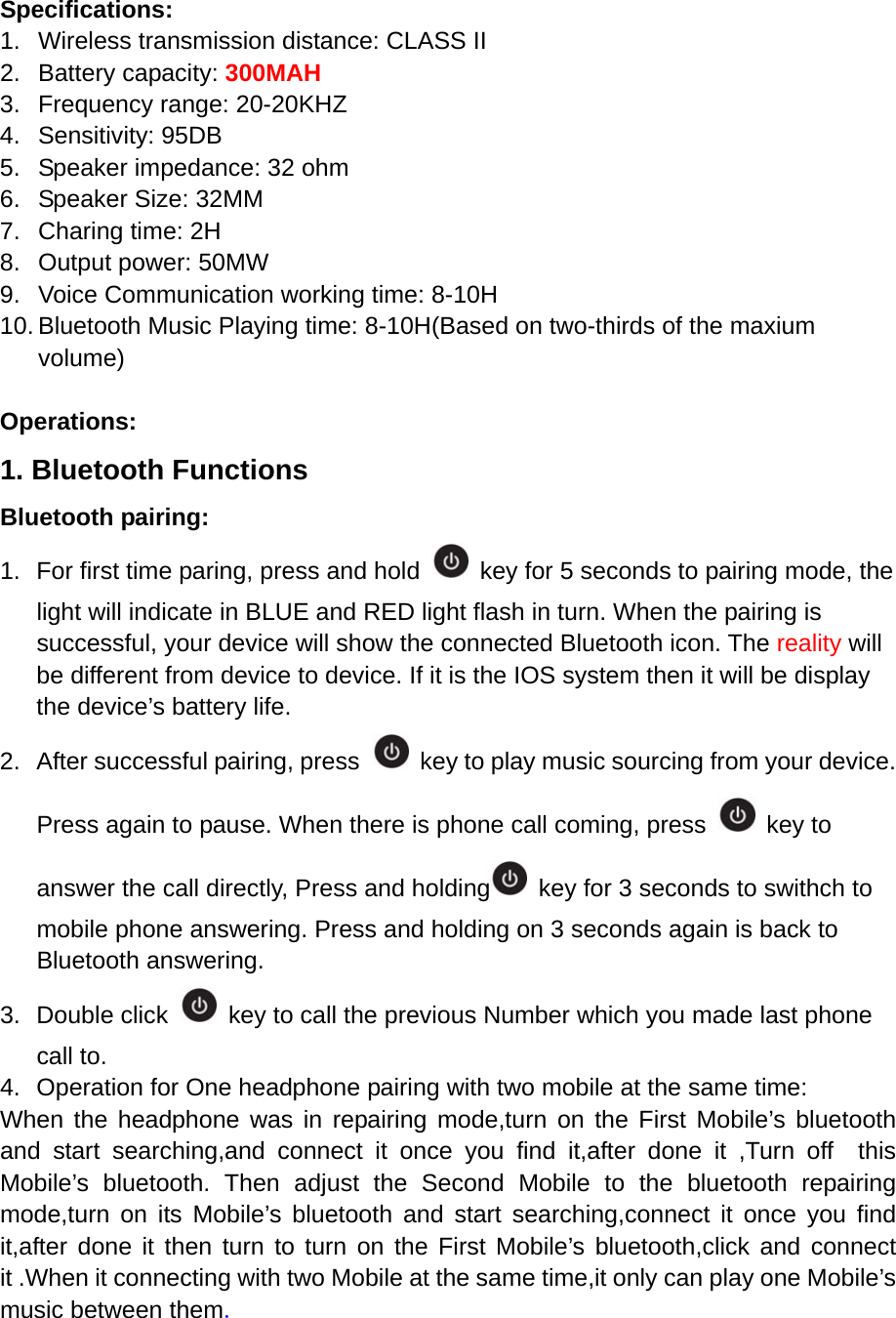
Specifications: 1.  Wireless transmission distance: CLASS II 2. Battery capacity: 300MAH 3.  Frequency range: 20-20KHZ 4. Sensitivity: 95DB 5.  Speaker impedance: 32 ohm 6.  Speaker Size: 32MM 7.  Charing time: 2H 8.  Output power: 50MW 9.  Voice Communication working time: 8-10H 10. Bluetooth Music Playing time: 8-10H(Based on two-thirds of the maxium volume)  Operations: 1. Bluetooth Functions Bluetooth pairing: 1.  For first time paring, press and hold    key for 5 seconds to pairing mode, the light will indicate in BLUE and RED light flash in turn. When the pairing is successful, your device will show the connected Bluetooth icon. The reality will be different from device to device. If it is the IOS system then it will be display the device’s battery life. 2.  After successful pairing, press    key to play music sourcing from your device. Press again to pause. When there is phone call coming, press   key to answer the call directly, Press and holding   key for 3 seconds to swithch to mobile phone answering. Press and holding on 3 seconds again is back to Bluetooth answering. 3. Double click    key to call the previous Number which you made last phone call to. 4.  Operation for One headphone pairing with two mobile at the same time:   When the headphone was in repairing mode,turn on the First Mobile’s bluetooth and start searching,and connect it once you find it,after done it ,Turn off  this Mobile’s bluetooth. Then adjust the Second Mobile to the bluetooth repairing mode,turn on its Mobile’s bluetooth and start searching,connect it once you find it,after done it then turn to turn on the First Mobile’s bluetooth,click and connect it .When it connecting with two Mobile at the same time,it only can play one Mobile’s music between them.
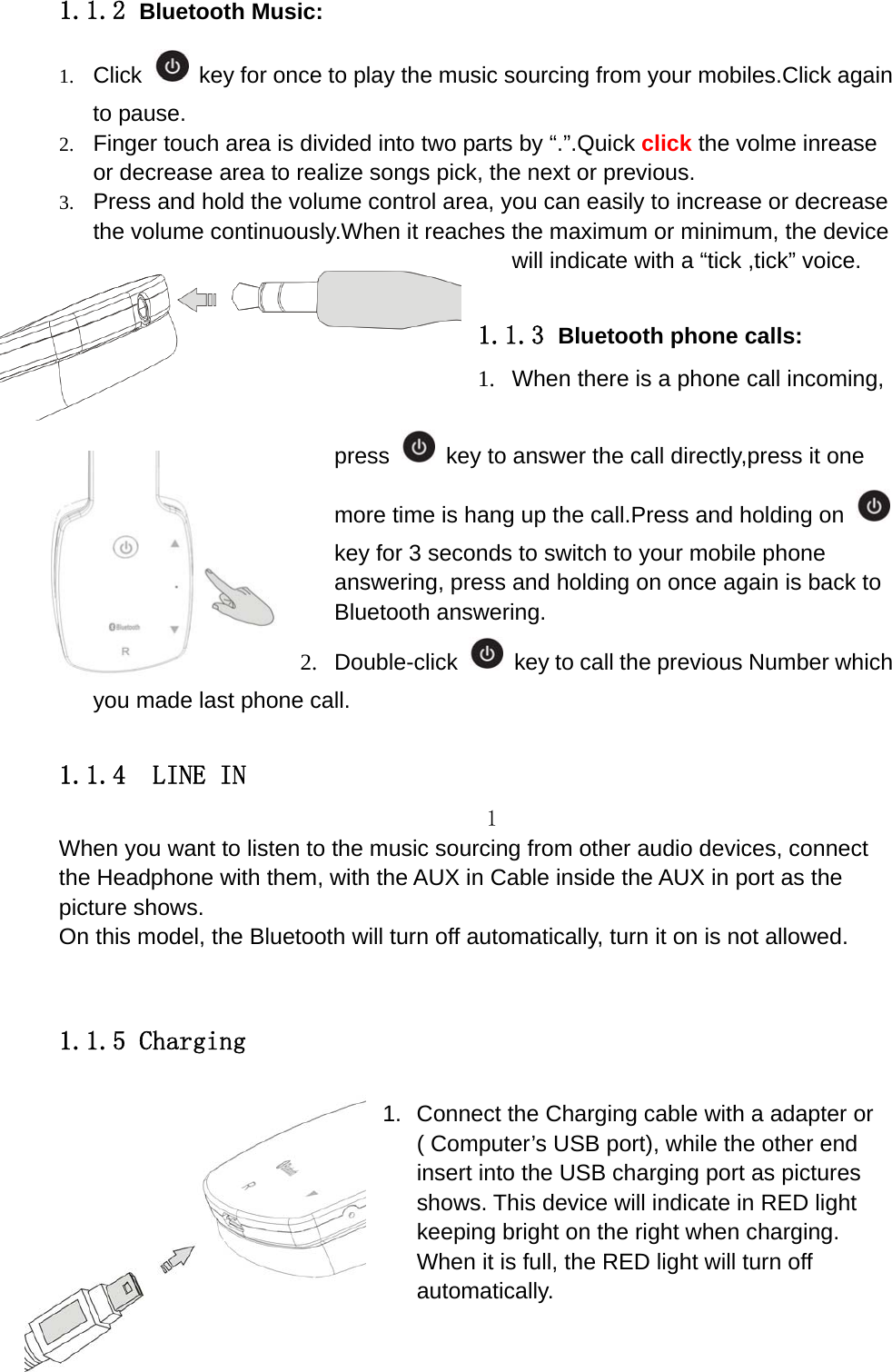
   1.1.2 Bluetooth Music: 1. Click   key for once to play the music sourcing from your mobiles.Click again to pause. 2. Finger touch area is divided into two parts by “.”.Quick click the volme inrease or decrease area to realize songs pick, the next or previous. 3. Press and hold the volume control area, you can easily to increase or decrease the volume continuously.When it reaches the maximum or minimum, the device will indicate with a “tick ,tick” voice.    1.1.3 Bluetooth phone calls: 1.  When there is a phone call incoming, press    key to answer the call directly,press it one more time is hang up the call.Press and holding on key for 3 seconds to switch to your mobile phone answering, press and holding on once again is back to Bluetooth answering. 2. Double-click    key to call the previous Number which you made last phone call.  1.1.4  LINE IN 1 When you want to listen to the music sourcing from other audio devices, connect the Headphone with them, with the AUX in Cable inside the AUX in port as the picture shows.   On this model, the Bluetooth will turn off automatically, turn it on is not allowed.  1.1.5 Charging  1.  Connect the Charging cable with a adapter or ( Computer’s USB port), while the other end insert into the USB charging port as pictures shows. This device will indicate in RED light keeping bright on the right when charging. When it is full, the RED light will turn off automatically.
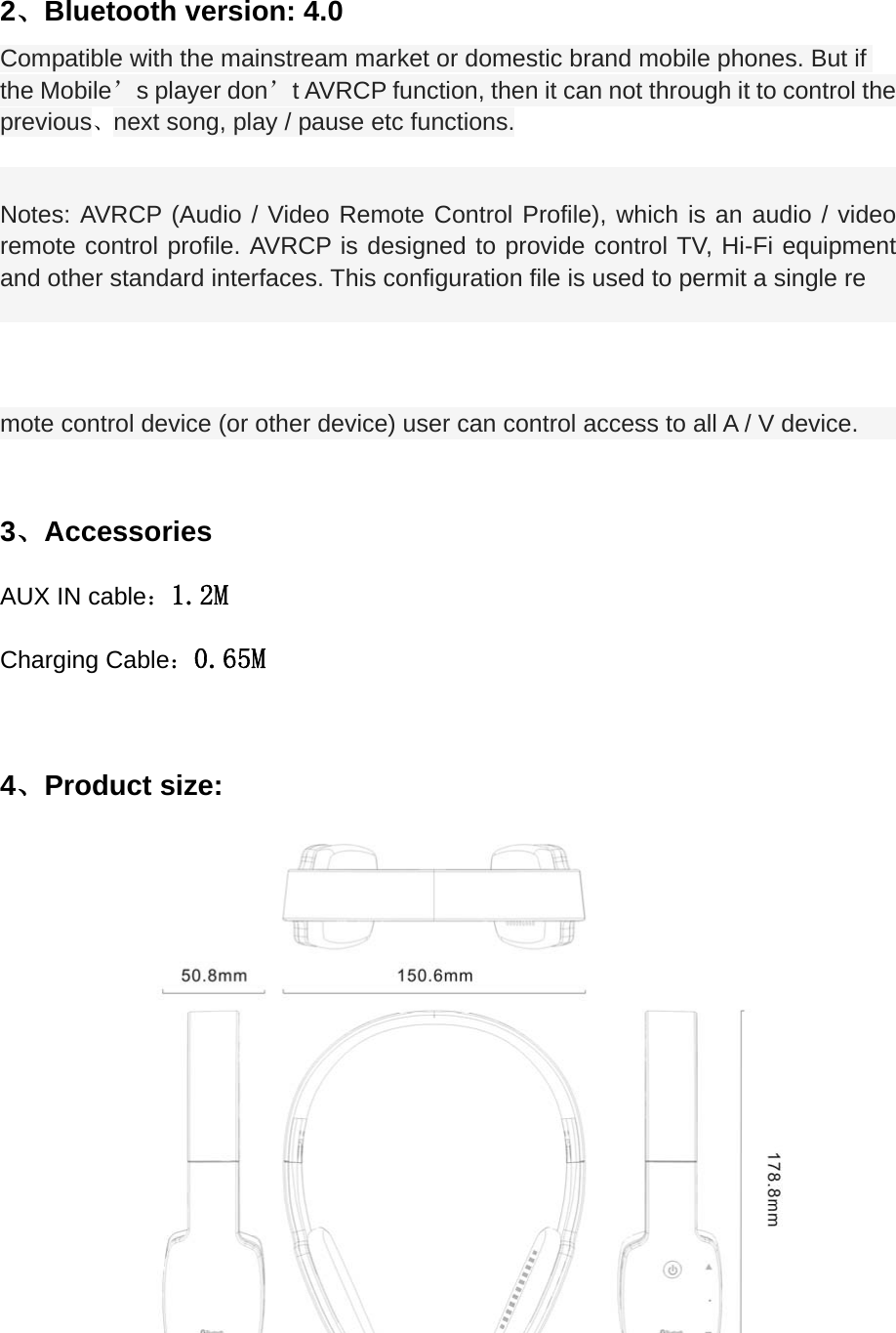
 2、Bluetooth version: 4.0   Compatible with the mainstream market or domestic brand mobile phones. But if the Mobile’s player don’t AVRCP function, then it can not through it to control the   previous、next song, play / pause etc functions.  Notes: AVRCP (Audio / Video Remote Control Profile), which is an audio / video remote control profile. AVRCP is designed to provide control TV, Hi-Fi equipment and other standard interfaces. This configuration file is used to permit a single re mote control device (or other device) user can control access to all A / V device.  3、Accessories AUX IN cable:1.2M Charging Cable:0.65M  4、Product size:
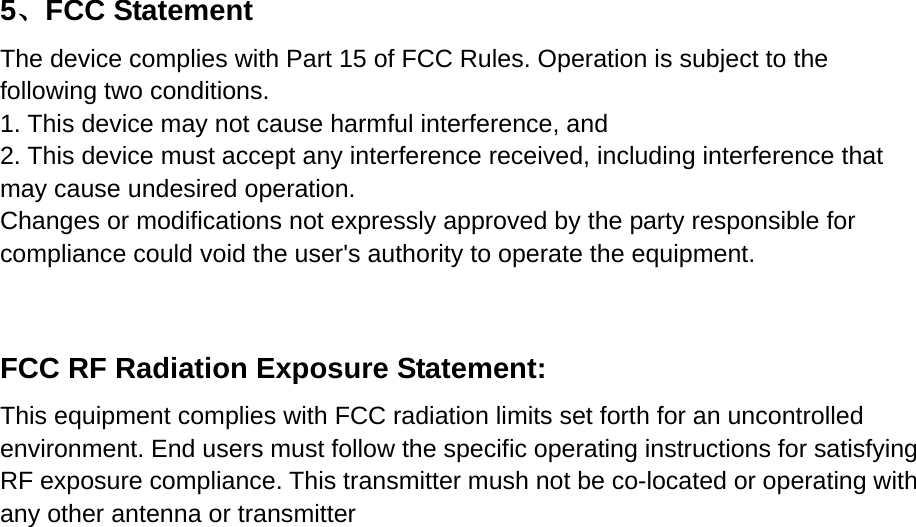
    5、FCC Statement  The device complies with Part 15 of FCC Rules. Operation is subject to the following two conditions.     1. This device may not cause harmful interference, and   2. This device must accept any interference received, including interference that may cause undesired operation.     Changes or modifications not expressly approved by the party responsible for compliance could void the user's authority to operate the equipment.      FCC RF Radiation Exposure Statement:     This equipment complies with FCC radiation limits set forth for an uncontrolled environment. End users must follow the specific operating instructions for satisfying RF exposure compliance. This transmitter mush not be co-located or operating with any other antenna or transmitter

Navigation menu