DynaPoint H33V-5001 Wireless Optical Mouse User Manual H33V English

DynaPoint (Dong Guan) Inc. Wireless Optical Mouse H33V English

Contents

User Manual

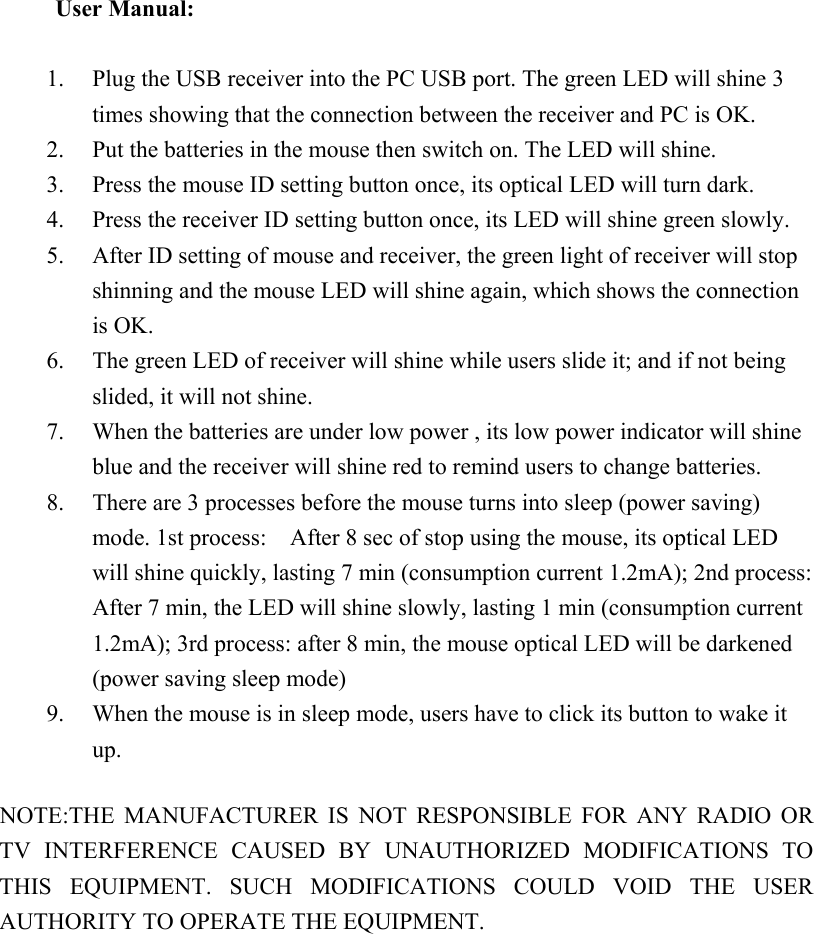
User Manual:      1. Plug the USB receiver into the PC USB port. The green LED will shine 3 times showing that the connection between the receiver and PC is OK. 2. Put the batteries in the mouse then switch on. The LED will shine. 3. Press the mouse ID setting button once, its optical LED will turn dark. 4. Press the receiver ID setting button once, its LED will shine green slowly. 5. After ID setting of mouse and receiver, the green light of receiver will stop shinning and the mouse LED will shine again, which shows the connection is OK. 6. The green LED of receiver will shine while users slide it; and if not being slided, it will not shine. 7. When the batteries are under low power , its low power indicator will shine blue and the receiver will shine red to remind users to change batteries. 8. There are 3 processes before the mouse turns into sleep (power saving) mode. 1st process:    After 8 sec of stop using the mouse, its optical LED will shine quickly, lasting 7 min (consumption current 1.2mA); 2nd process: After 7 min, the LED will shine slowly, lasting 1 min (consumption current 1.2mA); 3rd process: after 8 min, the mouse optical LED will be darkened (power saving sleep mode) 9. When the mouse is in sleep mode, users have to click its button to wake it up.  NOTE:THE  MANUFACTURER  IS  NOT  RESPONSIBLE  FOR  ANY  RADIO  OR TV  INTERFERENCE  CAUSED  BY  UNAUTHORIZED  MODIFICATIONS  TO THIS  EQUIPMENT.  SUCH  MODIFICATIONS  COULD  VOID  THE  USER AUTHORITY TO OPERATE THE EQUIPMENT.

Navigation menu