Excel Digital technology CZ-SRC-AF100 Multi - Function Remote Control User Manual

Shenzhen Excel Digital technology Co.,LTD Multi - Function Remote Control Users Manual

Users Manual

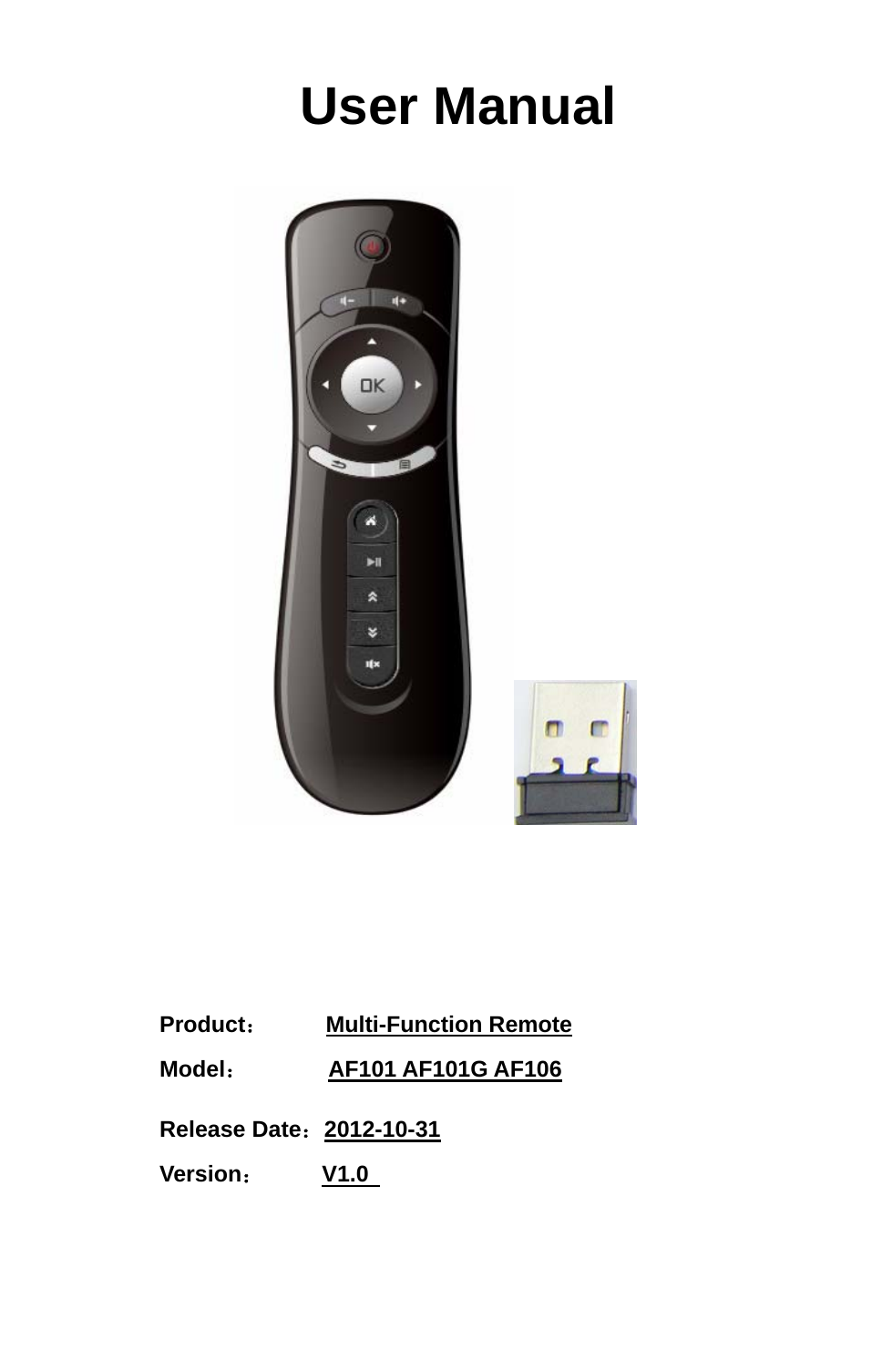
  User Manual         Product:     Multi-Function Remote   Model:       AF101 AF101G AF106    Release Date:2012-10-31                        Version:     V1.0
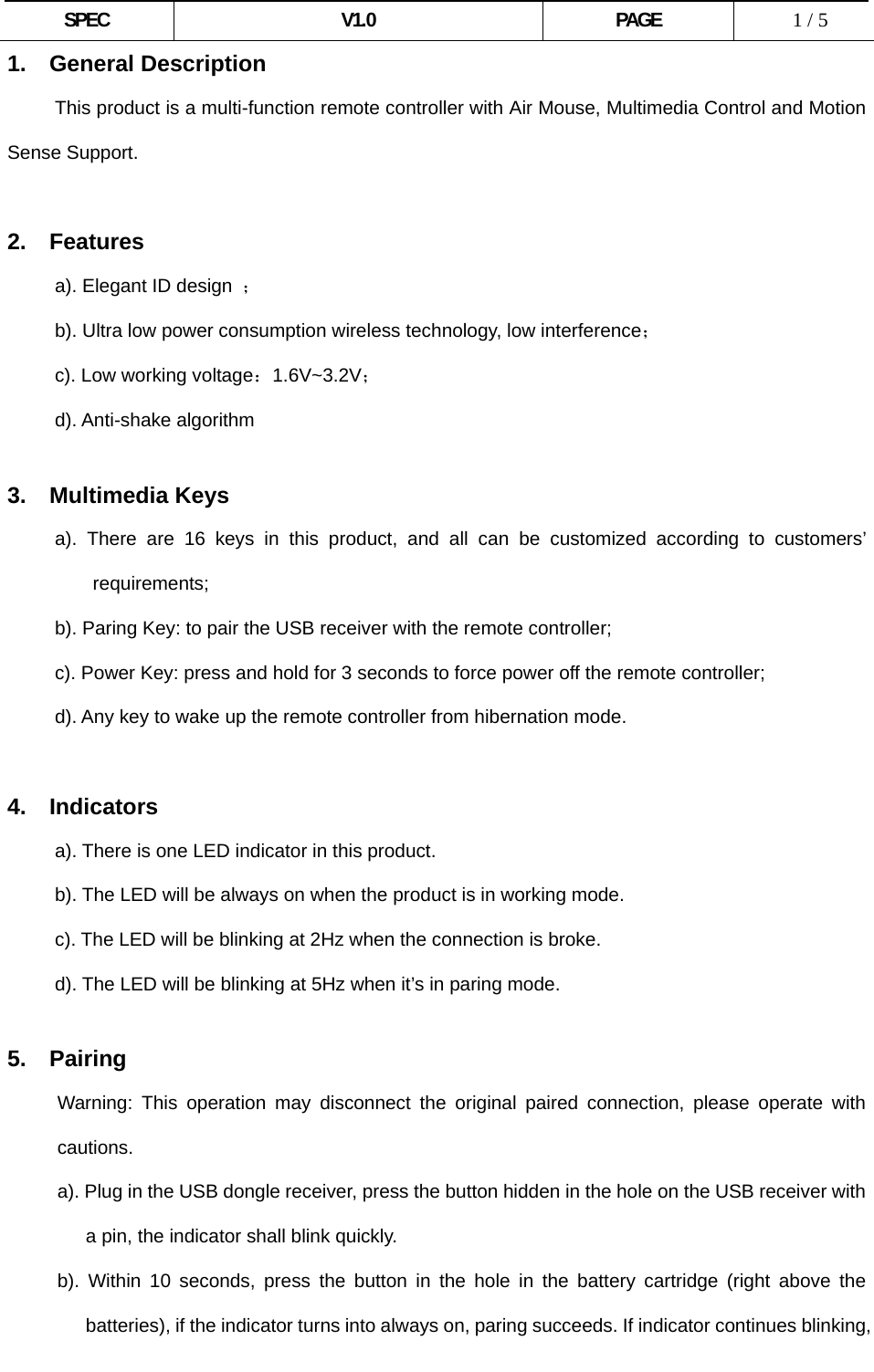
 SPEC V1.0 PAGE   1 / 5 1. General Description           This product is a multi-function remote controller with Air Mouse, Multimedia Control and Motion Sense Support.  2. Features      a). Elegant ID design ;           b). Ultra low power consumption wireless technology, low interference;      c). Low working voltage:1.6V~3.2V;      d). Anti-shake algorithm       3. Multimedia Keys      a). There are 16 keys in this product, and all can be customized according to customers’ requirements; b). Paring Key: to pair the USB receiver with the remote controller;           c). Power Key: press and hold for 3 seconds to force power off the remote controller;           d). Any key to wake up the remote controller from hibernation mode.  4. Indicators a). There is one LED indicator in this product. b). The LED will be always on when the product is in working mode. c). The LED will be blinking at 2Hz when the connection is broke. d). The LED will be blinking at 5Hz when it’s in paring mode.  5.  Pairing Warning: This operation may disconnect the original paired connection, please operate with cautions. a). Plug in the USB dongle receiver, press the button hidden in the hole on the USB receiver with a pin, the indicator shall blink quickly. b). Within 10 seconds, press the button in the hole in the battery cartridge (right above the batteries), if the indicator turns into always on, paring succeeds. If indicator continues blinking,
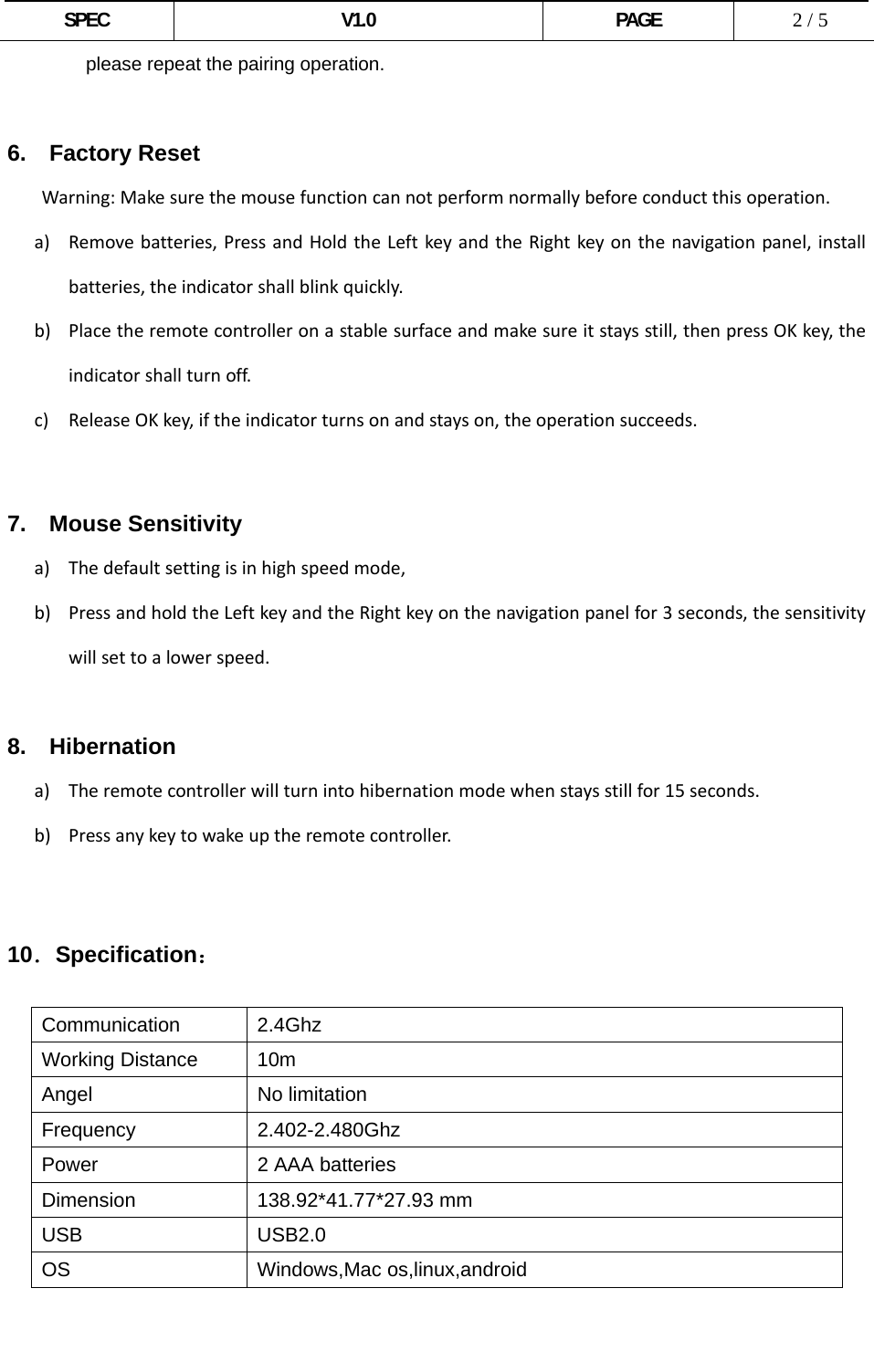
 SPEC V1.0 PAGE   2 / 5 please repeat the pairing operation.  6.  Factory Reset Warning:Makesurethemousefunctioncannotperformnormallybeforeconductthisoperation.a) Removebatteries,PressandHoldtheLeftkeyandtheRightkeyonthenavigationpanel,installbatteries,theindicatorshallblinkquickly.b) Placetheremotecontrolleronastablesurfaceandmakesureitstaysstill,thenpressOKkey,theindicatorshallturnoff.c) ReleaseOKkey,iftheindicatorturnsonandstayson,theoperationsucceeds.  7.  Mouse Sensitivity a) Thedefaultsettingisinhighspeedmode,b) PressandholdtheLeftkeyandtheRightkeyonthenavigationpanelfor3seconds,thesensitivitywillsettoalowerspeed.8.  Hibernation a) Theremotecontrollerwillturnintohibernationmodewhenstaysstillfor15seconds.b) Pressanykeytowakeuptheremotecontroller.     10.Specification:  Communication 2.4Ghz Working Distance  10m Angel No limitation Frequency 2.402-2.480Ghz Power  2 AAA batteries Dimension 138.92*41.77*27.93 mm USB USB2.0 OS Windows,Mac os,linux,android
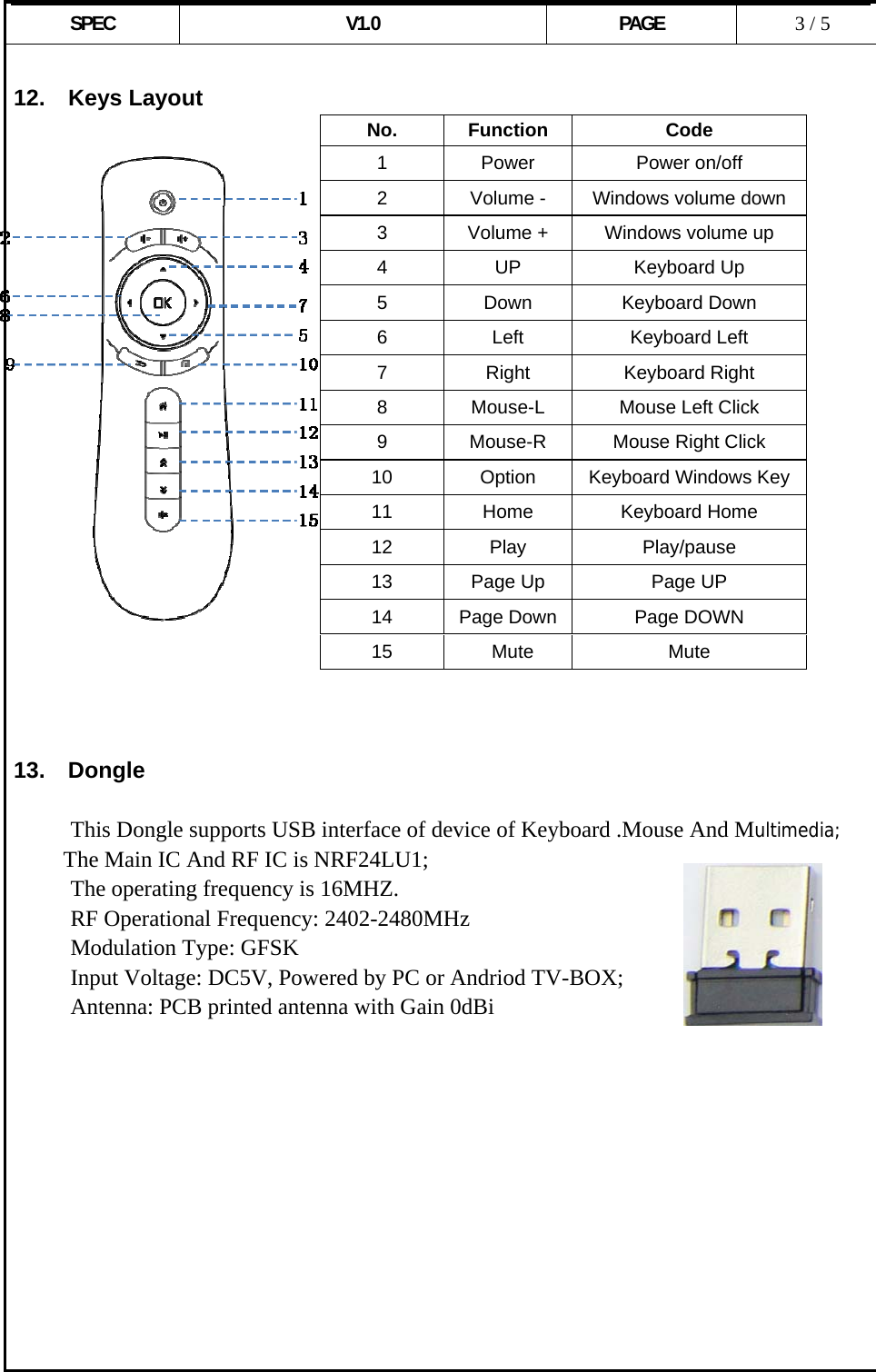
 SPEC V1.0 PAGE   3 / 5  12.  Keys Layout                      13.  Dongle       This Dongle supports USB interface of device of Keyboard .Mouse And Multimedia; The Main IC And RF IC is NRF24LU1; The operating frequency is 16MHZ. RF Operational Frequency: 2402-2480MHz Modulation Type: GFSK Input Voltage: DC5V, Powered by PC or Andriod TV-BOX;  Antenna: PCB printed antenna with Gain 0dBi            No. Function  Code 1 Power  Power on/off 2  Volume -  Windows volume down 3  Volume +  Windows volume up 4 UP  Keyboard Up 5 Down Keyboard Down 6 Left Keyboard Left 7 Right Keyboard Right 8  Mouse-L  Mouse Left Click 9  Mouse-R  Mouse Right Click 10  Option  Keyboard Windows Key 11 Home Keyboard Home 12 Play  Play/pause 13  Page Up  Page UP 14  Page Down Page DOWN 15 Mute  Mute
 SPEC V1.0 PAGE   4 / 5 FCC Warning Statement  Changes or modifications not expressly approved by the party responsible for compliance could void the user's authority to operate the equipment.  This device complies with part 15 of the FCC rules. Operation is subject to the following two conditions (1) this device may not cause harmful interference, and (2) this device must accept any interference received, including interference that may cause undesired operation.  This equipment has been tested and found to comply with the limits for a Class B digital device, pursuant to Part 15 of the FCC Rules.  These limits are designed to provide reasonable protection against harmful interference in a residential installation. This equipment generates uses and can radiate radio frequency energy and, if not installed and used in accordance with the instructions, may cause harmful interference to radio communications.  However, there is no guarantee that interference will not occur in a particular installation.  If this equipment does cause harmful interference to radio or television reception, which can be determined by turning the equipment off and on, the user is encouraged to try to correct the interference by one or more of the following measures:    Reorient or relocate the receiving antenna.   Increase the separation between the equipment and receiver.   Connect the equipment into an outlet on a circuit different from that to which the receiver is connected.   Consult the dealer or an experienced radio/TV technician for help  ShenzhenExcelDigitalTechnologyCo.,LTDAdd:Room1907,Overseas‐ChineseHighTec hVenturePark,Nanshan,Shenzhen,P. R . ChinaTel:0755‐86550630Fax:0755‐86550660www.exceldigi.com

Navigation menu