Okura U S A KEYBOARD WIRELESS KEYBOARD User Manual BL IBM WRLKB

OKURA USA INC. WIRELESS KEYBOARD BL IBM WRLKB

User Manual

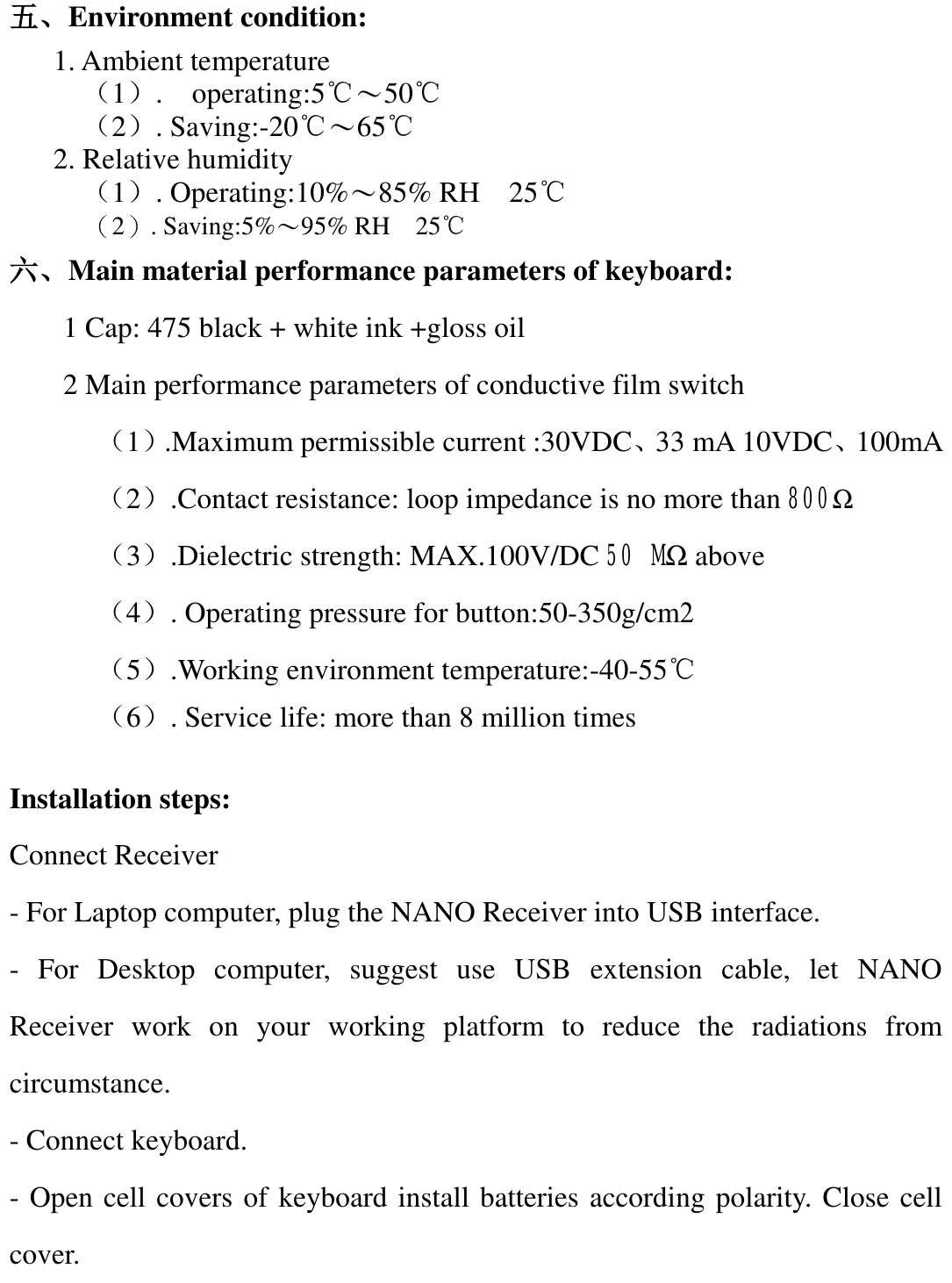
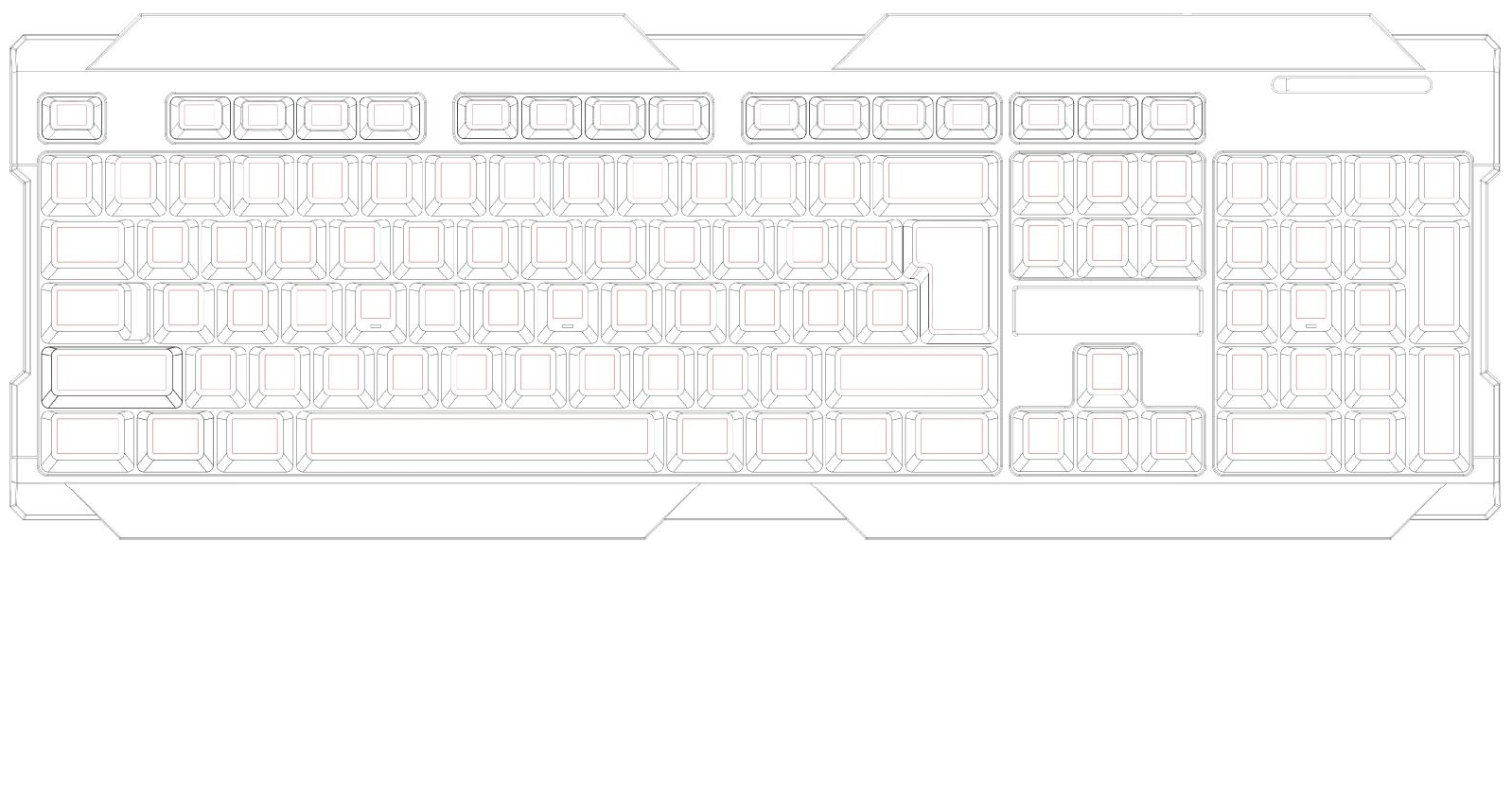
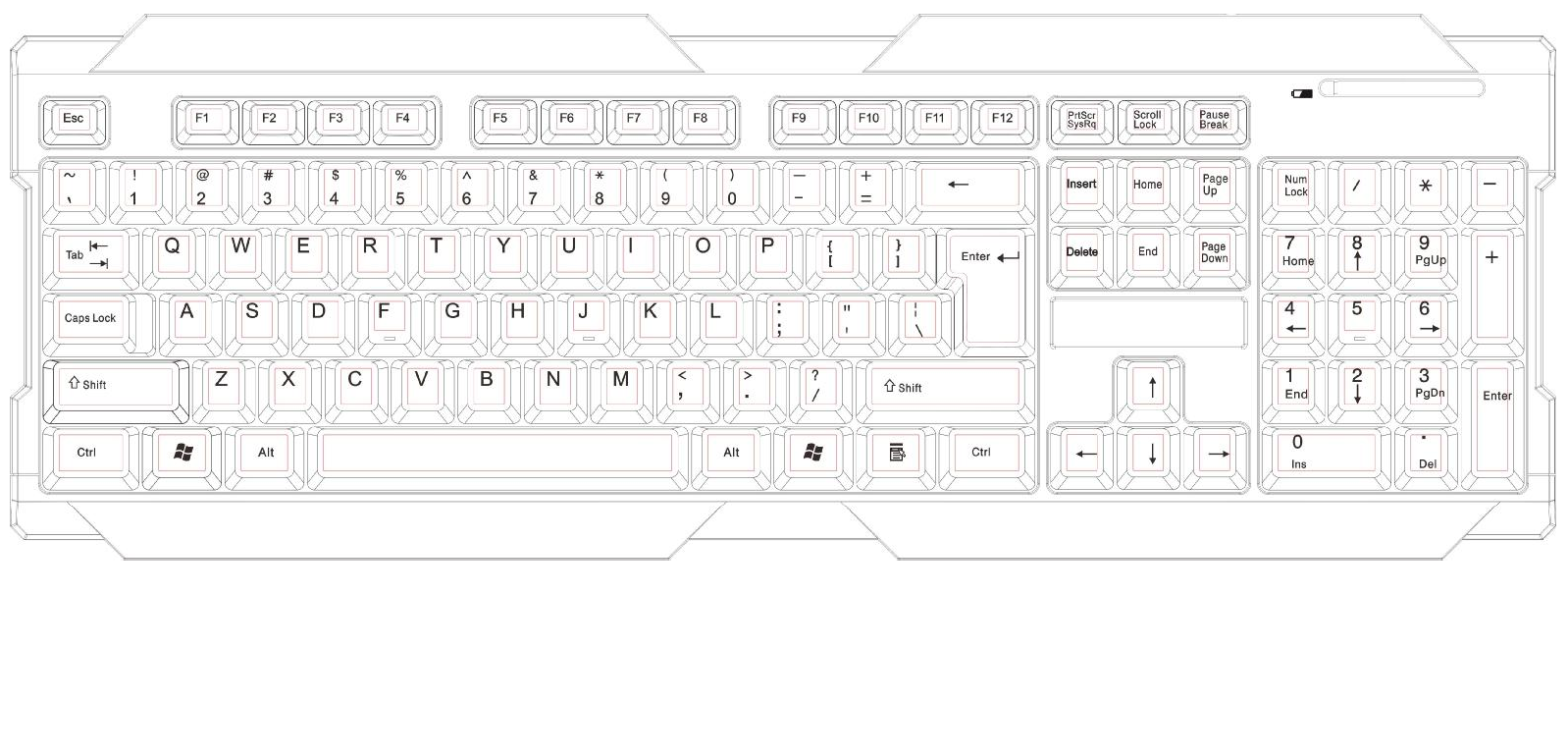
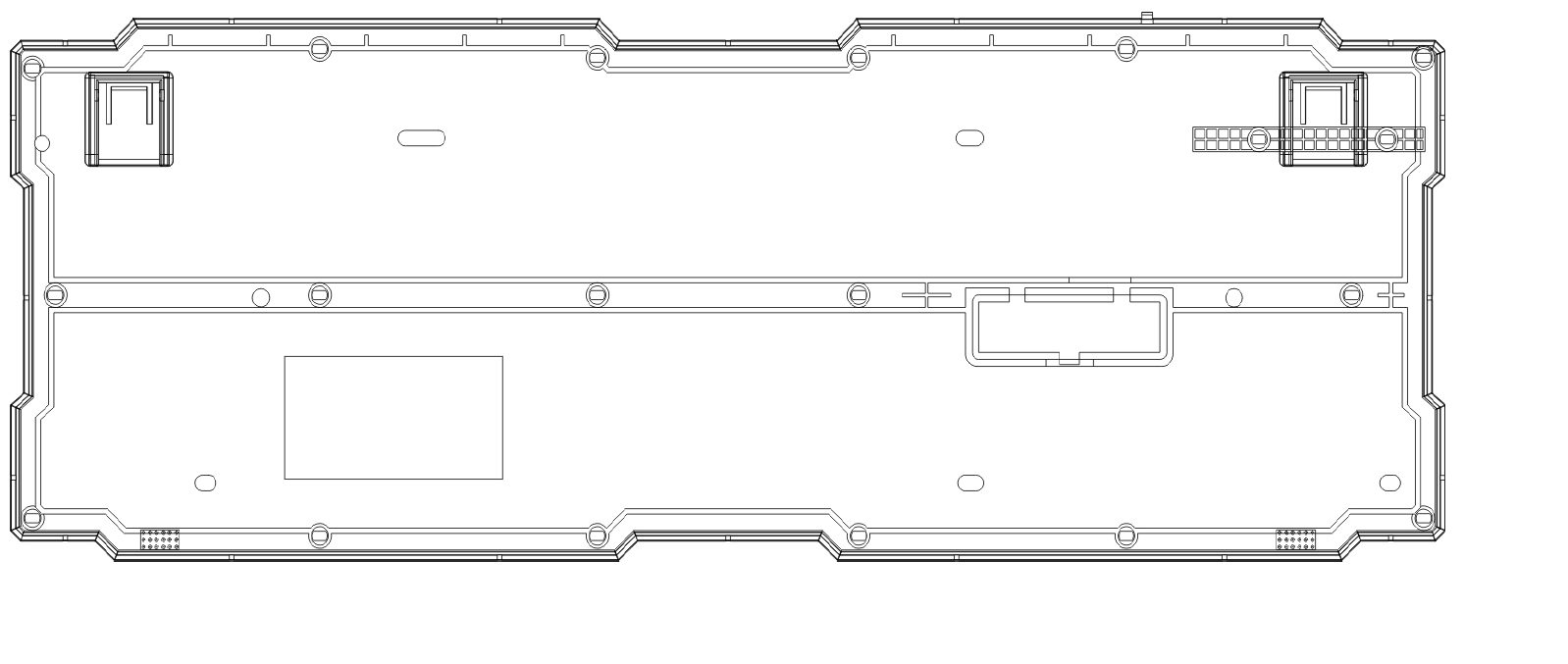
 WIRELESS KEYBOARD  MODEL:BL-IBM-WRLKB  一、Product overview:    1. Low cap streamline design 2. High quality wireless 2.4G durable power saving keyboard 3. High quality silver paste film button 4. Receiver effective distance 12M 5. Anti-splash structure, elegant modeling, 104 button arrangement 6. Support XP, win7/win8/Linux/Mac, OS and other operating systems 7. Compatible with IBM PC/AT/USB2.0 二、 Product function description: Standard 3 zone keyboard  三、Electrical specification: 1. Operating voltage: DC+1.5V error  ±0.25V     2. Low voltage requirement: more than 1V (can work properly) 3. Operating current: DC+1.5V, < 2.0mA 4. Output interface: wireless 2.4G, valid distance 12M 5. Electrical working life: 8 million times 6. Loss power: <1W 7. Menbrane:Silver paste  Impedance: Less than 1K ohms 8. IC:CX5176 四、Institution (physical / Mechanical) specifications: 1. Appearance: see attached drawings 2. Keyboard size: 442.2*156*23.5 3. Keyboard main material: BLACK 475 4. Weight:470 grams 5. Number of ordinary keys :104KEY   6. Drawing force:≥1.0kgf 7. resilience﹕55±10gf   8. Front stroke :0.9mm±0.5mm  9. Total stroke of button :4.0mm±0.5mm  10. Operation mode :RUBBER DOME 11. Mechanical working life: more than 8 million times
 五、Environment condition: 1. Ambient temperature (1).  operating:5℃~50℃ (2). Saving:-20℃~65℃   2. Relative humidity (1). Operating:10%~85% RH  25℃  (2). Saving:5%~95% RH  25℃ 六、Main material performance parameters of keyboard: 1 Cap: 475 black + white ink +gloss oil 2 Main performance parameters of conductive film switch       (1).Maximum permissible current :30VDC、33 mA 10VDC、100mA           (2).Contact resistance: loop impedance is no more than 800Ω   (3).Dielectric strength: MAX.100V/DC 50 MΩ above       (4). Operating pressure for button:50-350g/cm2   (5).Working environment temperature:-40-55℃  (6). Service life: more than 8 million times  Installation steps: Connect Receiver - For Laptop computer, plug the NANO Receiver into USB interface. - For Desktop computer, suggest use USB extension cable, let NANO    Receiver work on your working platform to reduce the radiations from circumstance. - Connect keyboard. - Open cell covers of keyboard install batteries according polarity. Close cell cover.
FCC Caution: This device complies with part 15 of the FCC Rules. Operation is subject to the following two conditions: (1) This device may not cause harmful interference, and (2) this device must accept any interference received, including interference that may cause undesired operation. Any Changes or modifications not expressly approved by the party responsible for compliance could void the user's authority to operate the equipment. Note: This equipment has been tested and found to comply with the limits for a Class B digital device, pursuant to part 15 of the FCC Rules. These limits are designed to provide reasonable protection against harmful interference in a residential installation. This equipment generates uses and can radiate radio frequency energy and, if not installed and used in accordance with the instructions, may cause harmful interference to radio communications. However, there is no guarantee that interference will not occur in a particular installation. If this equipment does cause harmful interference to radio or television reception, which can be determined by turning the equipment off and on, the user is encouraged to try to correct the interference by one or more of the following measures: -Reorient or relocate the receiving antenna.-Increase the separation between the equipment and receiver.-Connect the equipment into an outlet on a circuit different from that to which thereceiver is connected.-Consult the dealer or an experienced radio/TV technician for help.

Navigation menu