Winmax Industry UM028C WIRELESS DIGITAL MAGNIFIER User Manual
Winmax Industry Co., Ltd. WIRELESS DIGITAL MAGNIFIER Users Manual
Users Manual
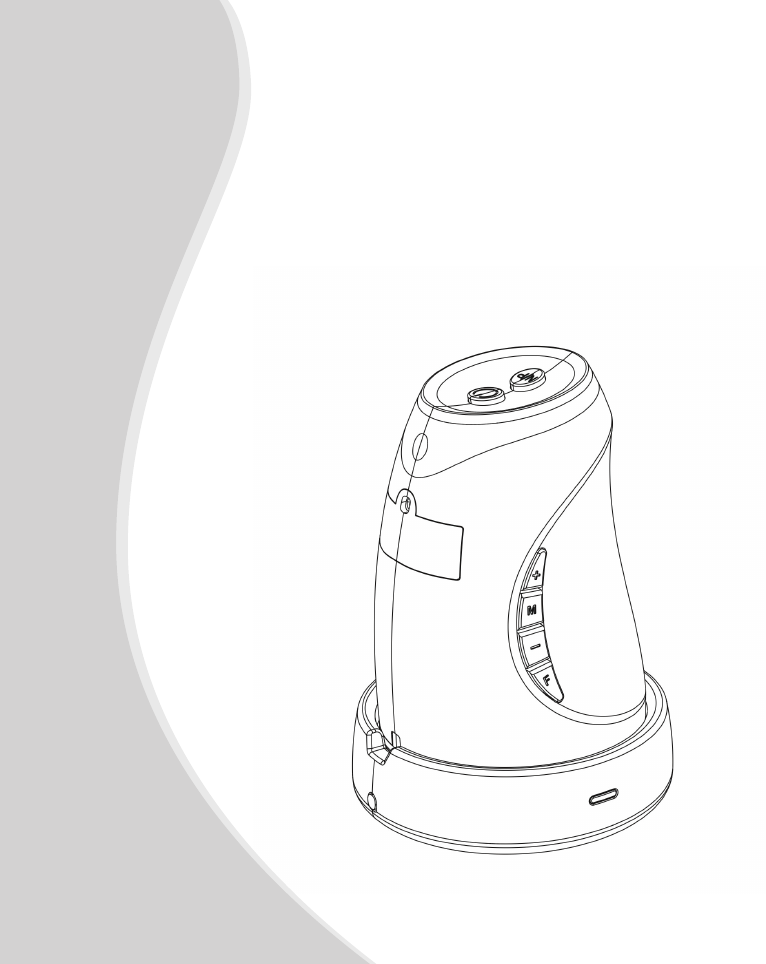
Wireless Magnier
User’s Guide

Wireless Magnier User’s Guide
- 1 -
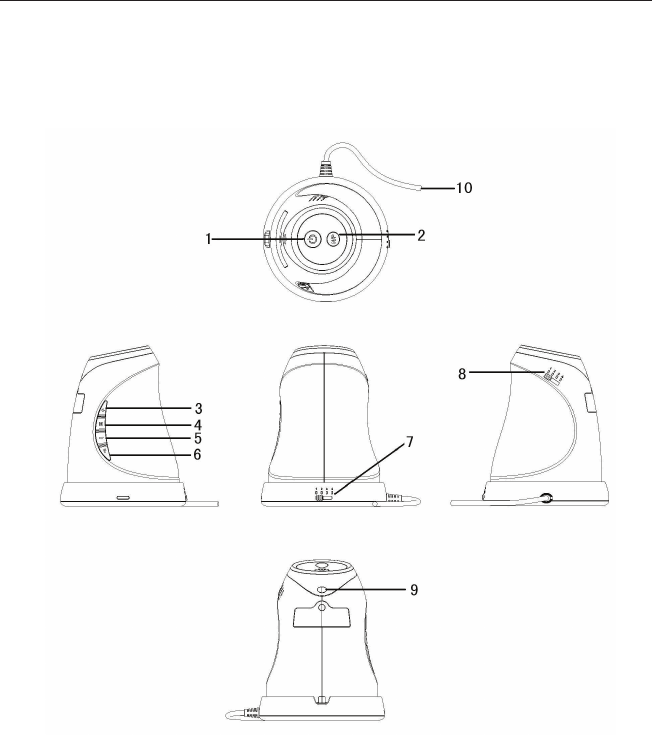
Open box and unpack contents
- 1 x Magnier (TX)
- 1 x Receiver (also functions as Base)
- 1 x power adaptor
- 1 x user’s guide for Wireless Magnier
Wireless Magnier User’s Guide
- 2 -
A quick look at the Wireless Magnier

Wireless Magnier User’s Guide
- 3 -
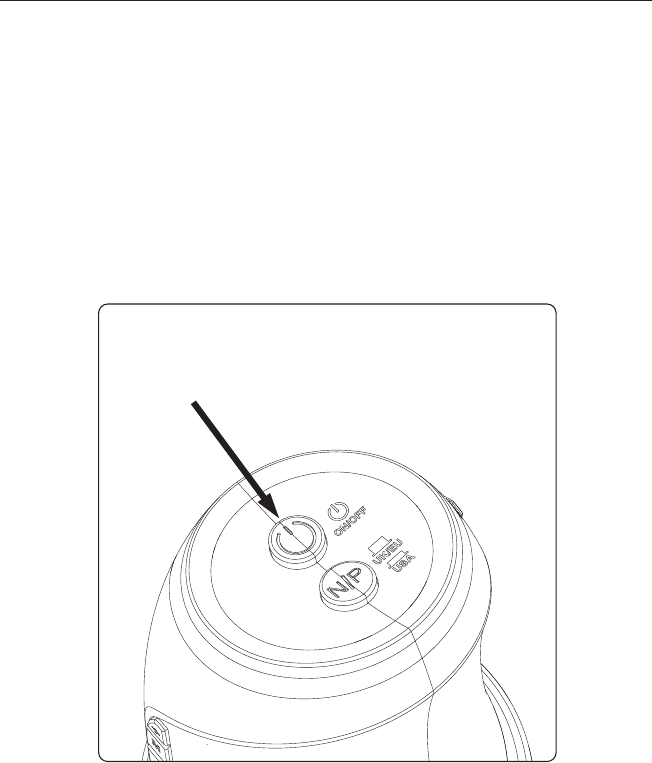
1. Power ON/OFF
2. NTSC/PAL switch
3. Magnify
4. Color mode
5. Minify
6. Freeze/Unfreeze
7. Channel switch on RX
8. Channel switch on TX
9. Battery charging indicator (red-charging,
green-charging nish)
10. Y-shaped power
NOTE: Before using the magnifier, please
charge its internal battery for 5-6 hours!
Please refer to Part I for how to charge its
battery!
Wireless Magnier User’s Guide
- 4 -
Part I How to Charge the Wireless
Magnier?
1. Connect the Receiver properly as the above
Step 1 in Part I instructed.
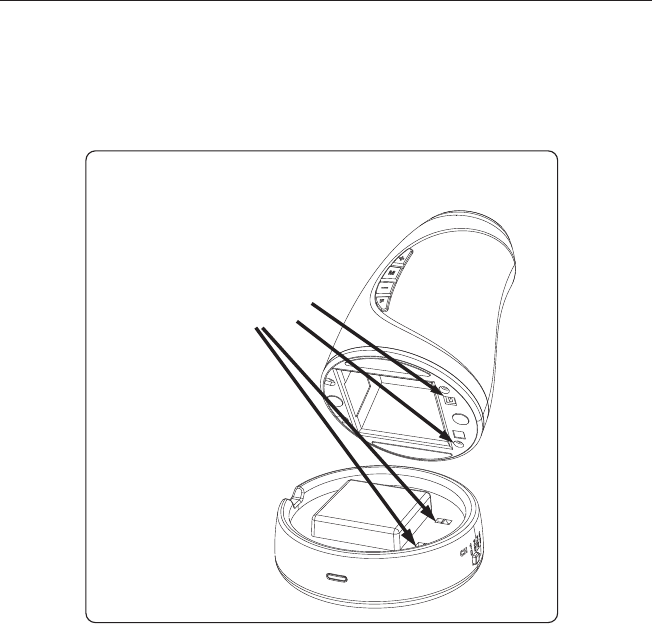
2. Switch off the magnifier by pressing ON/OFF
button to OFF (up) position.
Press ON/OFF button to
its upper position
Wireless Magnier User’s Guide
- 5 -
3. Put the magnifier onto the Receiver. Please
make sure that the two pairs of metal connecting
points are matched properly.
The charge indicator on the magnifier will be in
red. The charge will last for 5-6 hours.
When charge complete, the indicator will be in
green.
Make sure the 2 pairs of
metal connecting points
are matched properly

Wireless Magnier User’s Guide
- 6 -
Key functions:
1) M: Switch reading mode among Full color /
Black and White / Black on White /
White on Black
2) + : Magnify
3) - : Minify
4) F : Freeze & Unfreeze

Wireless Magnier User’s Guide
- 7 -
The Wireless Magnifier is not waterproof, so
keep it dry.
Use the Wireless Magnier only at -5℃-50℃.
The white LEDs which illuminate the Wireless
Magnifier target field are very bright. Do
not stare directly into these LEDs as it may
damage your eyes.
Use only the power adaptor that came with
the Wireless Magnifier. Other adaptors may
damage the unit.
Safety:
●
●
●
●
Wireless Magnier User’s Guide
- 8 -
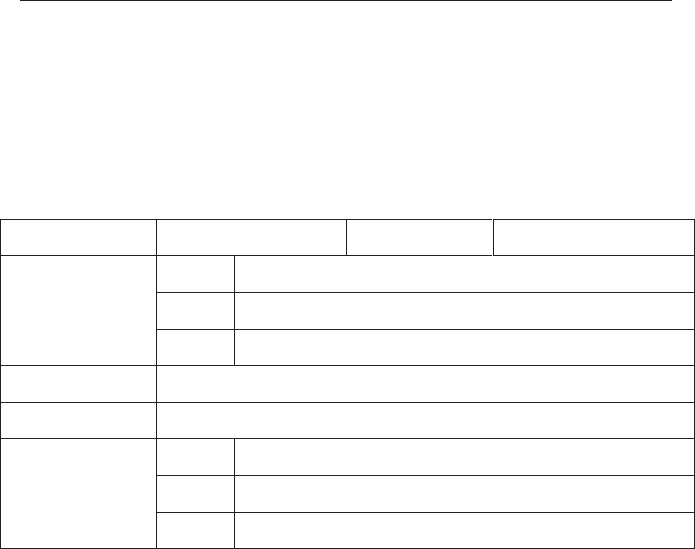
Warranty Card
Your Reading Aid has a one year guarantee against
any manufacturing defect!
Date of purchase: Product No.
Defect description
Cause
User’s info
Seller’s info
Name:
Address:
Tel:
Name:
Address:
Tel:
FCC NOTE : THE MANUFACTURER IS NOT RESPONSIBLE FOR ANY RADIO
OR TV INTERFERENCE CAUSED BY UNAUTHORIZED MODIFICATIONS TO
THIS EQUIPMENT. SUCH MODIFICATIONS COULD VOID THE USER'S
AUTHORITY TO OPERATE THE EQUIPMENT.
This device complies with Part 15 of the FCC Rules. Operation is subject to the
following two conditions:1. This device may not cause harmful interference, and 2.
This device must accept any interference received, including interference that may
cause undesired operation.