

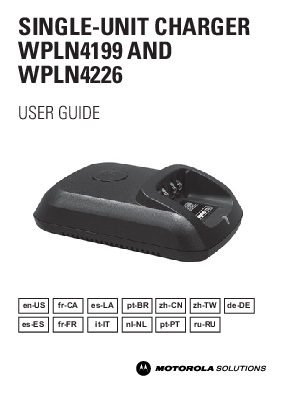
Key Features and Operation
The Motorola Solutions IMPRES Adaptive Single-Unit Charger System is designed for automated battery care. Users can ensure optimal charging by following simple steps for placing and removing batteries.
Key operating instructions include:
- Placing the radio or IMPRES battery into the charger.
- Removing the radio or IMPRES battery once fully charged.
- Turning off the radio before charging if the battery is attached to the radio.
- Batteries charge most effectively at room temperature.
Charging Procedure and Indicators
The charging process involves connecting the charger to a power source and then inserting the battery. A successful power-up is indicated by a single green blink on the charger. The guide details the specific steps for inserting the battery and explains various charge indicator lights, such as Steady Red for rapid charge, Steady Green for fully charged, and Blinking Orange for when the battery is waiting to charge due to temperature or voltage.
Special features like Initialization and Automatic Reconditioning for IMPRES batteries are also explained, including the necessary steps and expected indicator lights (e.g., Steady Orange, Steady Green).
Troubleshooting and Service
For common issues, the document offers a troubleshooting table that addresses problems like 'No charger indication' and 'Blinking Red Indication,' providing clear steps on what to do. It also covers 'Blinking Orange Indication' for batteries waiting to charge.
Important Note: The Adaptive Single-Unit Chargers are not repairable. For replacement chargers, users should contact their local Motorola Solutions Sales Representative.
Specifications
The charger specifications include an input of 14V, 1A and an output of 8.4V, 1.25A. The document also lists compatible Motorola Solutions Power Supply Transformers for various chargers, detailing their power supply, nominal input voltage, line frequency, and country plug type.
For more details on compatible transformers and specific model information, please refer to the detailed tables within the full document.