

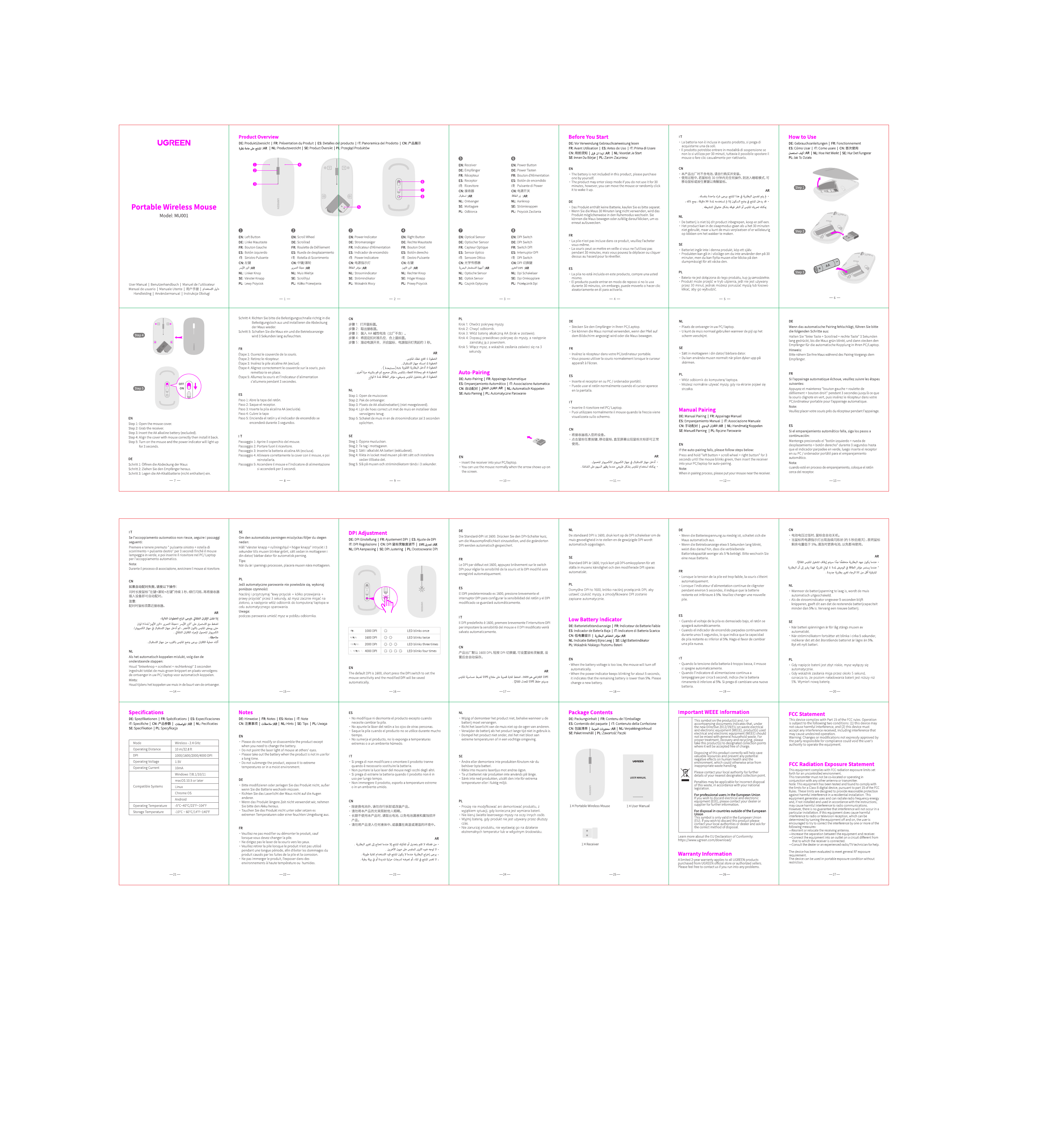
Ugreen MU001 Portable Wireless Mouse
Product Overview
The Ugreen MU001 is a portable wireless mouse designed for convenient use with computers and other compatible devices. It offers reliable wireless connectivity and ergonomic design for comfortable operation.
Features
The mouse includes standard left and right click buttons, a scroll wheel, and a DPI adjustment button. It utilizes a 2.4GHz wireless connection for stable performance.
Getting Started
Package Contents
- Portable Wireless Mouse
- USB Receiver
- User Manual
Installation
- Connect the USB Receiver: Plug the USB receiver into an available USB port on your computer.
- Insert Batteries: Open the battery compartment on the underside of the mouse and insert one AA battery, observing the correct polarity.
- Power On: Slide the power switch on the bottom of the mouse to the 'ON' position.
- Automatic Connection: The mouse should automatically connect to the USB receiver. If not, press the connect button on the receiver and the mouse.
Operation
DPI Adjustment
Press the DPI button located behind the scroll wheel to cycle through different sensitivity levels (e.g., 800/1200/1600 DPI). The LED indicator will flash to show the current DPI setting.
Scrolling
Use the scroll wheel to navigate up and down through documents and web pages. The scroll wheel can also be pressed as a middle click button.
Troubleshooting
Mouse not working
- Ensure the batteries are inserted correctly and have sufficient power.
- Check that the USB receiver is properly plugged into the computer.
- Try reconnecting the mouse by pressing the connect button on the receiver and the mouse.
- Ensure the mouse is within the effective range of the USB receiver.
Cursor movement is erratic
- Ensure the surface the mouse is used on is clean and flat.
- Avoid using the mouse on reflective or transparent surfaces.
- Clean the optical sensor on the underside of the mouse.
Specifications
Model: MU001
Connectivity: 2.4GHz Wireless
Power Source: 1 x AA Battery
DPI Settings: 800/1200/1600 DPI
Compatibility: Windows, macOS, Linux
Safety and Care
- Keep the mouse away from water and moisture.
- Avoid dropping or subjecting the mouse to strong impacts.
- Clean the mouse with a soft, dry cloth.
- Do not attempt to disassemble the mouse.
Warranty Information
Ugreen provides a limited warranty for this product. Please refer to the Ugreen website or the warranty card included in the package for details.