

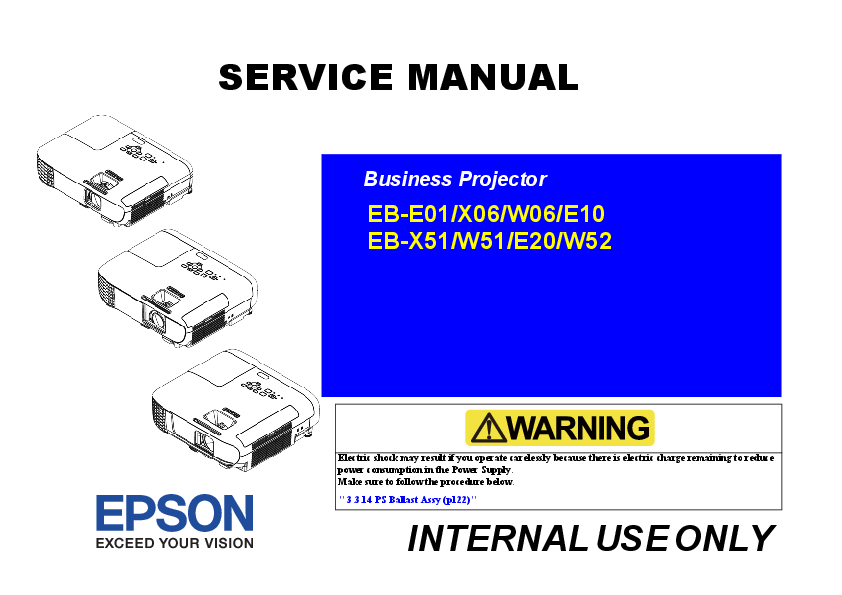
About This Manual
This service manual provides detailed information on the basic functions, electrical and mechanical operations, and maintenance and repair procedures for Epson business projectors. It is intended for experienced repair technicians and includes essential safety precautions.
Product Overview
The Epson EB-E01 series projectors offer features such as quick and easy setup with direct and auto power on, a home screen for input selection, automatic vertical keystone correction, and horizontal correction sliders (on select models). Some models also support easy wireless projection via Screen Mirroring and Epson iProjection, flexible connectivity, a slide show function from USB storage, enhanced security features, and a sliding lens cover.
Key Features and Specifications
- Models Covered: EB-E01, EB-X06, EB-W06, EB-E10, EB-X51, EB-W51, EB-E20, EB-W52
- Technology: 3LCD
- Brightness: Varies by model, ranging from 3,300 to 4,000 lumens
- Resolution: XGA (1024 x 768) or WXGA (1280 x 800)
- Lamp Life: Up to 6,000 hours (Normal), 12,000 hours (Eco)
- Connectivity: HDMI, D-sub 15 pin, RCA, Stereo mini audio
Important Safety Precautions
This manual emphasizes critical safety instructions for repair and maintenance. Key precautions include:
- Always turn off the power and unplug the projector before servicing.
- Exercise extreme caution with live electrical components.
- Avoid touching hot parts, such as the lamp assembly.
- Never disable or modify safety devices.
- Use only specified service parts and tools.
- Take precautions against static discharge when handling internal components.
- Ensure proper disposal of used lamps containing mercury.
Manual Structure
The manual is organized into four chapters:
- Chapter 1: Product Descriptions - Overview of features and specifications.
- Chapter 2: Troubleshooting - Guidance for identifying and resolving issues, including error indications.
- Chapter 3: Disassembly / Assembly - Step-by-step procedures for taking apart and reassembling the projector components.
- Chapter 4: Appendix - Includes information on the AS (After Service) menu and other service-related procedures.
