

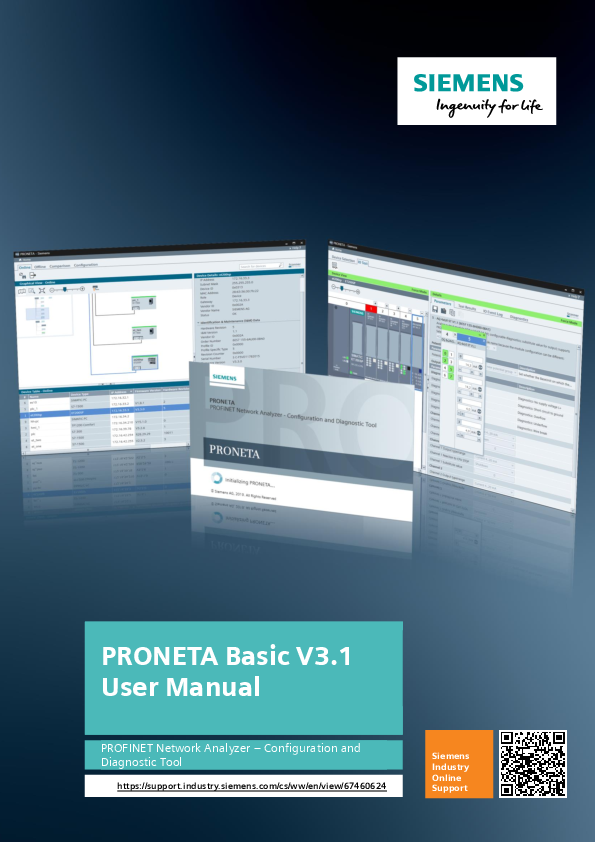
PRONETA Basic V3.1 User Manual
This document serves as the user manual for Siemens PRONETA Basic V3.1, a powerful yet accessible tool designed for the configuration and diagnostic analysis of PROFINET networks. It also facilitates simple testing of ET 200 distributed IO systems and other components.
Key Features and Tasks
PRONETA Basic is engineered to assist users with two fundamental tasks crucial for commissioning PROFINET installations:
- Network Analysis: Provides a comprehensive overview of devices connected to a PROFINET network. It includes straightforward configuration options, such as setting network parameters and assigning network names to devices. Furthermore, it offers robust mechanisms for comparing different network topologies, allowing for the validation of an intended project topology against the actual installation.
- IO Test: Offers a simple and intuitive method for testing the IO wiring of an installation with numerous distributed IO devices. This feature enables checks of wiring integrity and automatically generates a protocol of the testing procedure, which can be exported for documentation purposes.
Both of these tasks can be performed even before a CPU is integrated into the network. As no other engineering tools are required, PRONETA Basic enables efficient and convenient system configuration checks from the early stages of a project.
PRONETA Basic is available as a free download from the Siemens support portal.
About This Manual
This manual is structured to guide users through the functionalities of PRONETA Basic:
- Chapter 2, "General": Provides an overview of PRONETA Basic's features and essential information for installation and operation.
- Chapter 3, "PRONETA Basic User Guide": Acts as a reference, mirroring the online help, to familiarize users with the concepts and user interface of PRONETA Basic.
- Chapter 4, "Working with PRONETA Basic": Offers step-by-step guidance through the most relevant use cases of the software.