

YMC500 700 Firmware Update Ver1.03
File info: application/pdf · 3 pages · 148.54KB
YMC500 700 Firmware Update Ver1.03
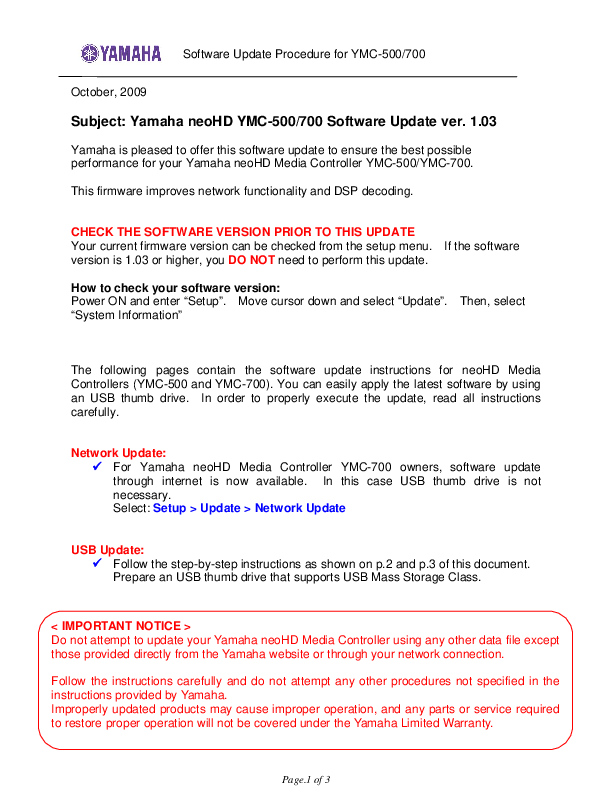
Yamaha neoHD YMC-500/700 Software Update ver. 1.03
The following pages contain the software update instructions for neoHD Media. Controllers (YMC-500 and YMC-700). You can easily apply the ...
Full PDF Document

If the inline viewer fails, it will open the original document in compatibility mode automatically. You can also open the file directly.
Extracted Text
Software Update Procedure for YMC-500/700
October, 2009
Subject: Yamaha neoHD YMC-500/700 Software Update ver. 1.03
Yamaha is pleased to offer this software update to ensure the best possible performance for your Yamaha neoHD Media Controller YMC-500/YMC-700.
This firmware improves network functionality and DSP decoding.
CHECK THE SOFTWARE VERSION PRIOR TO THIS UPDATE Your current firmware version can be checked from the setup menu. If the software version is 1.03 or higher, you DO NOT need to perform this update.
How to check your software version: Power ON and enter "Setup". Move cursor down and select "Update". Then, select "System Information"
The following pages contain the software update instructions for neoHD Media Controllers (YMC-500 and YMC-700). You can easily apply the latest software by using an USB thumb drive. In order to properly execute the update, read all instructions carefully.
Network Update: 9 For Yamaha neoHD Media Controller YMC-700 owners, software update through internet is now available. In this case USB thumb drive is not necessary. Select: Setup > Update > Network Update
USB Update: 9 Follow the step-by-step instructions as shown on p.2 and p.3 of this document. Prepare an USB thumb drive that supports USB Mass Storage Class.
< IMPORTANT NOTICE > Do not attempt to update your Yamaha neoHD Media Controller using any other data file except those provided directly from the Yamaha website or through your network connection.
Follow the instructions carefully and do not attempt any other procedures not specified in the instructions provided by Yamaha. Improperly updated products may cause improper operation, and any parts or service required to restore proper operation will not be covered under the Yamaha Limited Warranty.
Page.1 of 3

Software Update Procedure for YMC-500/700
PREPARATION
Download the corresponding software file for your neoHD from Yamaha website. For the YMC-500, click here to download "YMC500_xxxx.bin" software For the YMC-700, click here to download "YMC700_xxxx.bin" software Then, copy the software file to the root folder of your USB thumb drive

The software file, YMCxxx_xxxx.bin

Note: It is recommend that you DO NOT store any other files or folders on your thumb drive during this software update

PROCEDURE

STEP1

Insert USB thumb drive. The USB terminal is located on the rear side of your neoHD.

STEP2

Power ON the neoHD.

Page.2 of 3

STEP3

Software Update Procedure for YMC-500/700
Enter USB Update. From the TOP MENU, select "Setup". Move cursor down and select "Update".

Select "USB Update" and when "Start updating?" appears, select "Yes".

Note:

In case "Update file is not found" appears on your TV, the data in your USB thumb drive may have some issue. Re-copy the software data (BIN file), and retry. Make sure the software is stored in the root folder of your thumb drive. If the software is stored in a folder, neoHD can't detect it.

STEP4

neoHD will start the update automatically. Progress will be shown on TV. Allow about 3 minutes for the update. When the update is completed, neoHD will turn itself off.

STEP5

DO NOT interrupt the power or the buttons while update is in progress
Check updated software version. Power ON and enter "Setup". Move cursor down and select "Update". Then, select "System Information"
Updated Version
1.03

Congratulations, your neoHD is now ready for normal use.
Page.3 of 3