

ℹ️ Document Conversion Notice:
This page was converted from the original file for easier reading. Diagrams/images may appear only in the original PDF below.
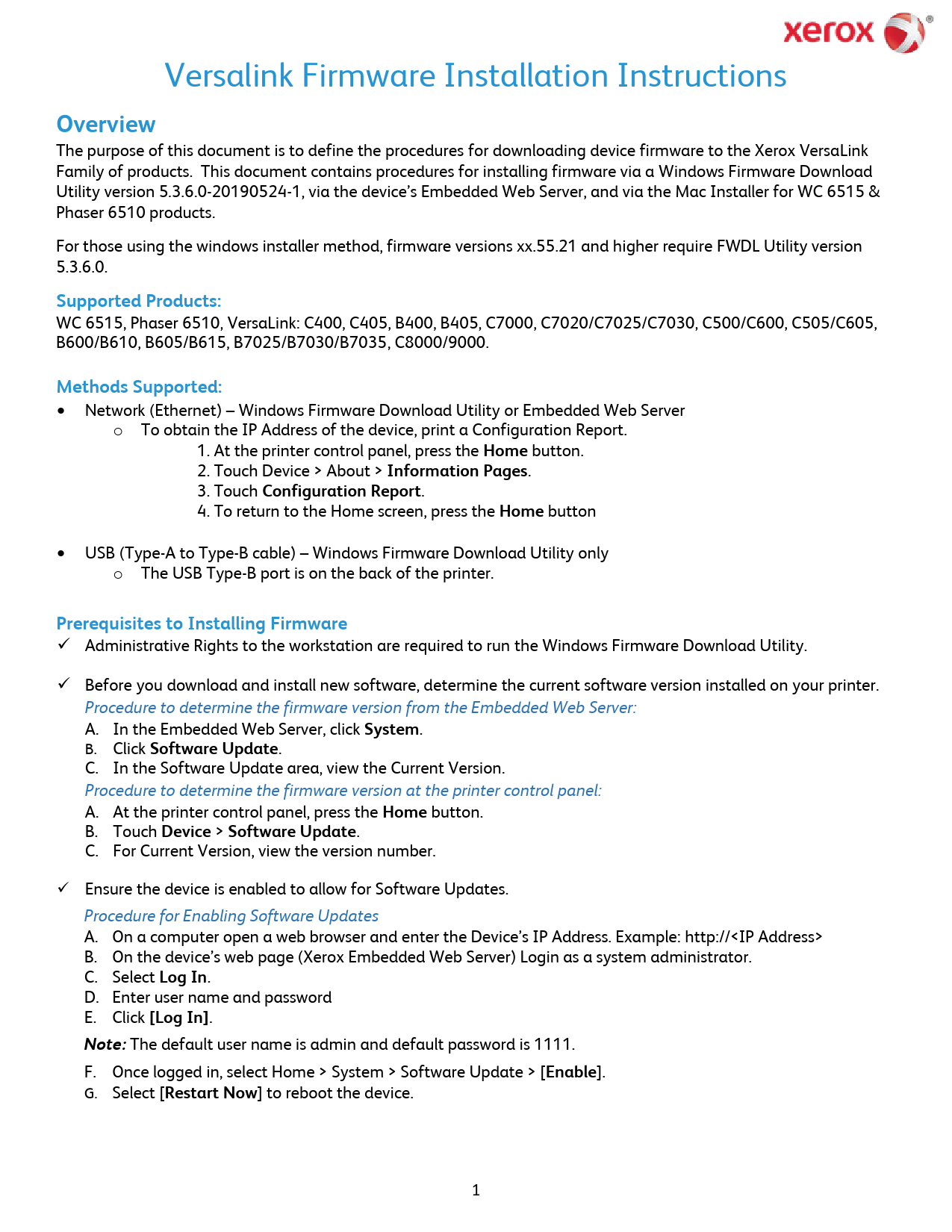
File info: application/pdf · 4 pages · 844.64KB
Xerox VersaLink Firmware Installation Instructions
Overview
This document outlines the procedures for downloading and installing device firmware for the Xerox VersaLink family of products. It details installation methods via the Windows Firmware Download Utility, the device's Embedded Web Server, and the Mac Installer for specific models like WC 6515 and Phaser 6510.
Supported Products
The guide covers firmware installation for a range of Xerox printers, including:
- WC 6515, Phaser 6510
- VersaLink Series: C400, C405, B400, B405, C7000, C7020/C7025/C7030, C500/C600, C505/C605, B600/B610, B605/B615, B7025/B7030/B7035, C8000/9000.
Installation Methods
Firmware can be installed using the following methods:
- Network (Ethernet): Utilizes the Windows Firmware Download Utility or the device's Embedded Web Server.
- USB: Available for Windows users via a Type-A to Type-B cable, using the Windows Firmware Download Utility.
- Mac OS: Specific instructions are provided for Mac users for WC 6515 and Phaser 6510 models.
Prerequisites
Key requirements before starting the firmware installation include:
- Administrative rights on the workstation for the Windows Utility.
- Determining the current software version installed on the printer.
- Ensuring the device is enabled for software updates.