

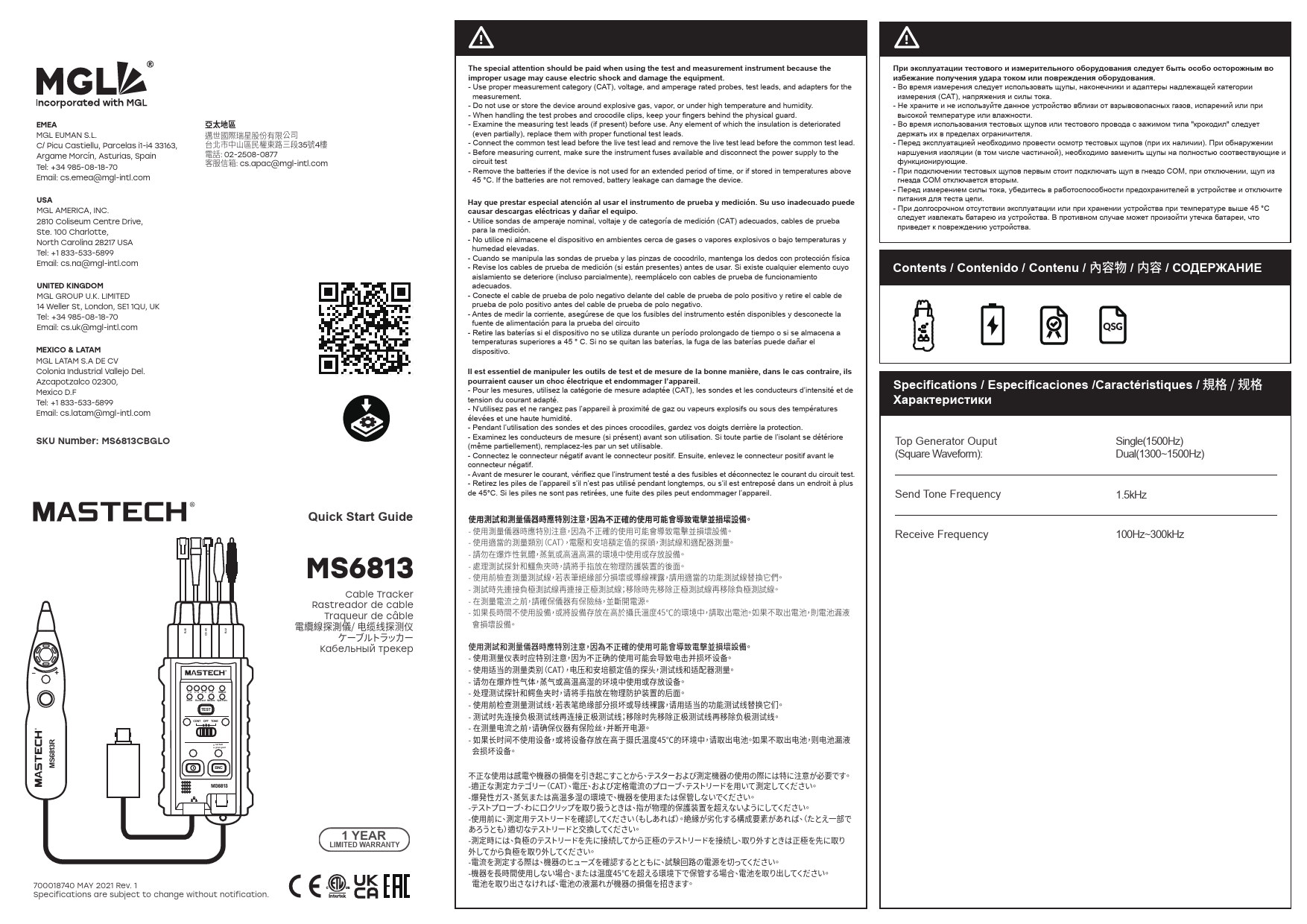
Mastech MS6813 Cable Tracker
Quick Start Guide
Safety Precautions
Special attention should be paid when using the test and measurement instrument. Improper usage may cause electric shock and damage the equipment.
- Use proper measurement category (CAT), voltage, and amperage rated probes, test leads, and adapters for the measurement.
- Do not use or store the device around explosive gas, vapor, or under high temperature and humidity.
- When handling the test probes and crocodile clips, keep your fingers behind the physical guard.
- Examine the measuring test leads (if present) before use. Any element of which the insulation is deteriorated (even partially), replace them with proper functional test leads.
- Connect the common test lead before the live test lead and remove the live test lead before the common test lead.
- Before measuring current, make sure the instrument fuses are available and disconnect the power supply to the circuit test.
- Remove the batteries if the device is not used for an extended period of time, or if stored in temperatures above 45 °C. If the batteries are not removed, battery leakage can damage the device.
Contents
This document provides a quick start guide for the MS6813 Cable Tracker.
Specifications
| Top Generator Output (Square Waveform) | Single(1500Hz) / Dual(1300~1500Hz) |
| Send Tone Frequency | 1.5kHz |
| Receive Frequency | 100Hz~300kHz |
Continuity Testing
Follow these steps for continuity testing:
- Set the switch to 'CONT' (Continuity).
- Connect the test leads to the cable under test.
- Observe the indicator light for continuity status (Green for good, Red for fault).
The device supports testing for RJ45, RJ11, and BNC connectors.
Wire mapping indicators show the status of connections:
- 1-2, 3-6, 4-5, 7-8, SHIELD
- Indicators for 'Good' (Green light) and 'Miswired' (Red light) are provided for various wire configurations like Short, Reversed, Miswire, and Split Pairs.
Cable Tracking
Follow these steps for cable tracking:
- Set the switch to 'TONE' (Tone).
- Connect the generator probe to the cable.
- Use the receiver probe to trace the cable, listening for the tone.
Contact Information
EMEA: MGL EUMAN S.L., C/ Picu Castiellu, Parcelas i1-i4 33163, Argame Morcín, Asturias, Spain. Tel: +34 985-08-18-70. Email: cs.emea@mgl-intl.com
USA: MGL AMERICA, INC., 2810 Coliseum Centre Drive, Ste. 100 Charlotte, North Carolina 28217 USA. Tel: +1 833-533-5899. Email: cs.na@mgl-intl.com
United Kingdom: MGL GROUP U.K. LIMITED, 14 Weller St, London, SE1 1QU, UK. Tel: +34 985-08-18-70. Email: cs.uk@mgl-intl.com
Mexico & LATAM: MGL LATAM S.A DE CV, Colonia Industrial Vallejo Del. Azcapotzalco 02300, Mexico D.F. Tel: +1 833-533-5899. Email: cs.latam@mgl-intl.com
APAC: Tel: 02-2508-0877. Email: cs.apac@mgl-intl.com
