

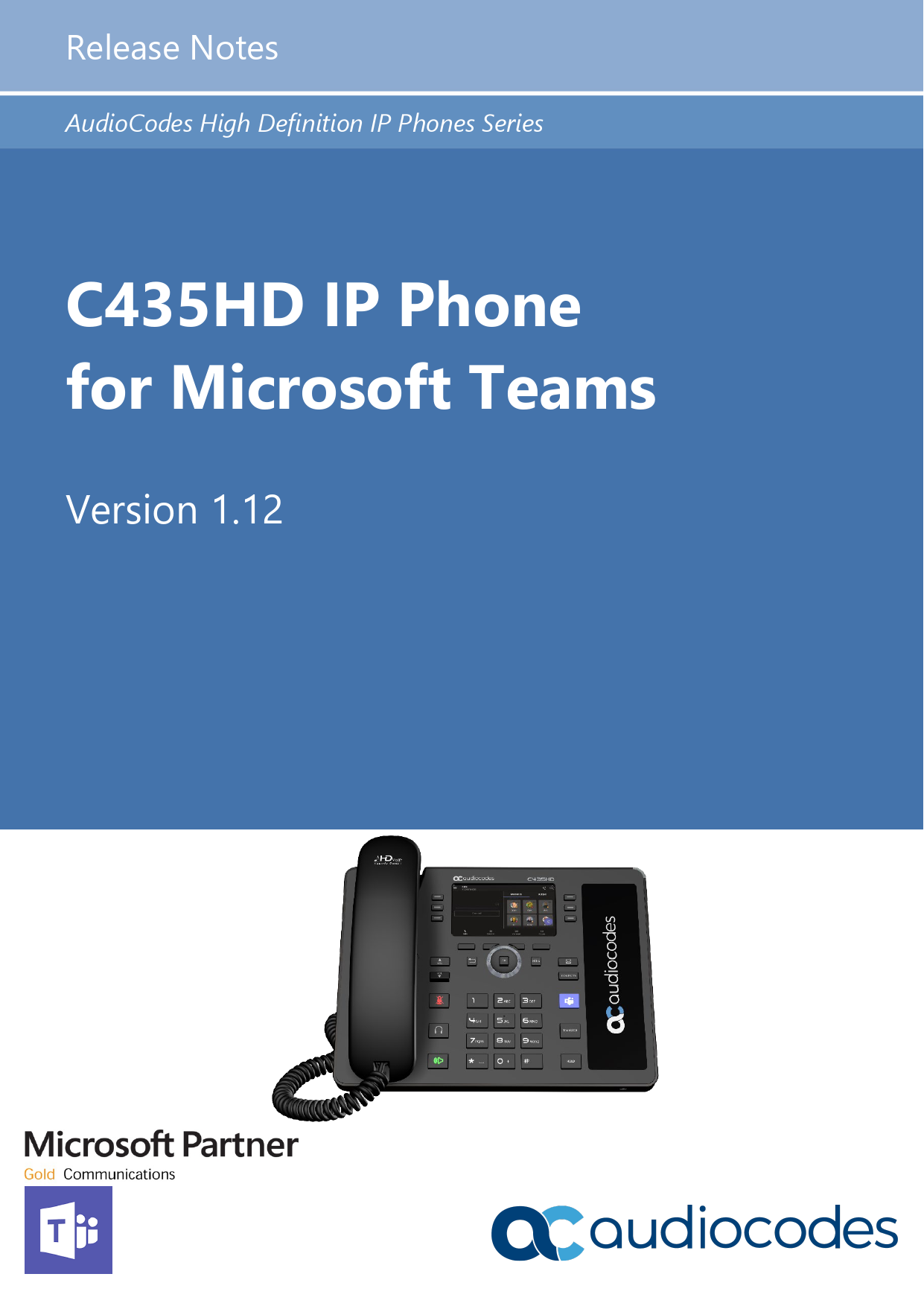
C435HD IP Phone for Microsoft Teams Release Notes Ver. 1.12.33
File info: application/pdf · 14 pages · 584.05KB
C435HD IP Phone for Microsoft Teams Release Notes Ver. 1.12.33
These Release Notes describe the C435HD IP Phone for Microsoft Teams Ver. 1.12.33
C435HD IP Phone for Microsoft Teams - AudioCodes
22 apr 2021 —
C435HD IP Phone for Microsoft Teams Release Notes Ver. 1.12
Release Notes Notices Version 1.12 5 400HD Series IP Phones for Teams Notice Information contained in this document is believed to be accurate and reliable at the time of printing.
Full PDF Document

If the inline viewer fails, it will open the original document in compatibility mode automatically. You can also open the file directly.
Extracted Text
Release Notes
AudioCodes High Definition IP Phones Series
C435HD IP Phone for Microsoft Teams
Version 1.12

Release Notes

Contents

Table of Contents
1 Introduction.......................................................................................................................... 7
1.1 Overview ..................................................................................................................................7 1.1.1 About the C435HD IP Phone .....................................................................................................7
1.2 Specifications ...........................................................................................................................7 1.3 AudioCodes IP Phones for Microsoft Teams ..........................................................................10
2 Version 1.12 ....................................................................................................................... 11
2.1 What's New in Version 1.12....................................................................................................11 2.2 Resolved Limitations in Version 1.12 ......................................................................................11
2.2.1 Teams Application...................................................................................................................11 2.2.2 Device.....................................................................................................................................11 2.3 Known Limitations in Version 1.12..........................................................................................11 2.3.1 Teams Application...................................................................................................................11 2.3.2 Device.....................................................................................................................................12
3 Previous Releases ............................................................................................................. 13

Version 1.12

3

400HD Series IP Phones for Teams

400HD Series IP Phones for Teams
List of Tables
Table 1-1: C435HD IP Phone for Microsoft Teams Software Specifications.............................................................7 Table 1-2: AudioCodes IP Phones for Microsoft Teams.........................................................................................10 Table 2-1: Resolved Teams Application Limitations in Version 1.12.......................................................................11 Table 2-2: Resolved Device Limitations in Version 1.12 ........................................................................................11 Table 2-3: Known Teams Application Limitations in Version 1.12 ..........................................................................11 Table 2-4: Known Device Limitations in Version 1.12 ............................................................................................12

Version 1.12

4

Document #: LTRT-08499

Release Notes

Notices

Notice
Information contained in this document is believed to be accurate and reliable at the time of printing. However, due to ongoing product improvements and revisions, AudioCodes cannot guarantee accuracy of printed material after the Date Published nor can it accept responsibility for errors or omissions. Updates to this document can be downloaded from https://www.audiocodes.com/library/technical-documents.
This document is subject to change without notice. Date Published: April-22-2021
WEEE EU Directive
Pursuant to the WEEE EU Directive, electronic and electrical waste must not be disposed of with unsorted waste. Please contact your local recycling authority for disposal of this product.
Customer Support
Customer technical support and services are provided by AudioCodes or by an authorized AudioCodes Service Partner. For more information on how to buy technical support for AudioCodes products and for contact information, please visit our website at https://www.audiocodes.com/servicessupport/maintenance-and-support.
Stay in the Loop with AudioCodes

Abbreviations and Conventions
Each abbreviation, unless widely used, is spelled out in full when first used.
Related Documentation
Document Name C448HD IP Phone for Microsoft Teams Quick Guide C450HD IP Phone for Microsoft Teams Quick Guide C470HD IP Phone for Microsoft Teams Quick Guide C448HD C450HD C470HD IP Phone for Microsoft Teams User's and Administrator's Manual https://docs.microsoft.com/en-us/MicrosoftTeams/phones-for-teams
Documentation Feedback
AudioCodes continually strives to produce high quality documentation. If you have any comments (suggestions or errors) regarding this document, please fill out the Documentation Feedback form on our website at https://online.audiocodes.com/documentation-feedback.

Version 1.12

5

400HD Series IP Phones for Teams

400HD Series IP Phones for Teams This page is intentionally left blank.

Version 1.12

6

Document #: LTRT-08499

Release Notes

1. Introduction

1 Introduction
This document describes the new features and known constraints of AudioCodes' C435HD IP Phone for Microsoft Teams.

1.1

Overview
The AudioCodes C435HD IP phones are Microsoft Teams-native entry level/common area phones designed to support the next generation of enterprise collaboration technologies with a large color touch screen and full UC integration for the Native Microsoft Teams Online market.
The phones can be managed by the Microsoft Teams & Skype for Business Admin Center. For more information, see https://docs.microsoft.com/en-us/MicrosoftTeams/phones-forteams.

1.1.1

About the C435HD IP Phone
Feature highlights:  Full duplex speakerphone and headset connectivity  Color Screen 4.3": Graphic, 480x272 resolution, with multi-lingual support  Multi-lingual support  Full duplex speakerphone and headset connectivity  Dual GbE support  USB headset support  PoE or external power supply  Calendar and click-to-join support (Roadmap)

1.2

Specifications
The table below summarizes the software specifications of the C435HD IP Phone for Microsoft Teams.

Table 1-1: C435HD IP Phone for Microsoft Teams Software Specifications

Feature Media Processing
Microsoft Teams phones feature set

Details
 Voice Coders: G.722 G.711 and SILK Opus (depending on the Teams app)
 Acoustic Echo Cancelation: G.168-2004 compliant, 64-msec tail length
 Adaptive Jitter Buffer  Voice Activity Detection  Comfort Noise Generation  Packet Lost Concealment  RTP/RTCP Packetization (RFC 3550, RFC 3551), SRTP
(RFC 3711)
 For a summarized list of features, see https://docs.microsoft.com/en-us/MicrosoftTeams/phones-forteams.
 In addition, the phone features the following:

Version 1.12

7

400HD Series IP Phones for Teams

400HD Series IP Phones for Teams

Feature
Configuration / Management Debugging Tools Localization Support C435HD Hardware

Details
 Sign-in with Modern Authentication, IP phone policies (including sign-in as Common Area Phone (CAP)), lock/unlock phone, unlock with smart PIN, 802.1x Authentication, SSH access, HTTPS Proxy Server, LLDP/CDP
 Incoming/outgoing P2P calls, PSTN calls, Regional Tone Settings, in-call controls via phone screen (mute, hold/resume, transfer, transfer to contacts, call park, call merge, end call, auto dismiss rate my call and call ended screens, Group Call Pickup), auto-dialing to call an extension, distinctive ringtone per call type, People app, add/remove `Favorites', Delegates, E911, Visual Voicemail
 Presence (contact pictures; Corporate Directory access), Meetings (join Skype for Business meetings; meeting call controls [mute/unmute, hold/resume, hang up, add/remove participant, raise hand, live captions])
 Language Localization; Virtual Keyboard: QWERTY | Numeric, Global Network Banner, Dark Theme
 Better Together over Bluetooth incl. pairing with the Teams PC client and lock/unlock synchronization, VLANs
 AudioCodes Device Manager (OVOC plugin), AudioCodes Redirect Server
 Dumpstate option, Remote Logging (Syslog) / Device Diagnostics Logs, Android Debug Bridge (ADB) command-line tool
 Microsoft Teams & Skype for Business Admin Center (Provisioning and Logging)
 AudioCodes Device Manager
 Log upload to Microsoft server (certification for 3rd party Skype for Business clients)
 Remote logging via Syslog  Diagnostic Data  SSH Access  Capturing the phone screen  TCPdump  Company Portal (Intune) logs  Audio Debug recording logs  Media logs (*.blog)  Port mirroring network monitoring  Remote Packet Capture network sniffer application
 Multi-lingual support; the language pack list is not yet final and is subject to modification.
 Color Screen 4.3": Graphic, 480x272 resolution, with multilingual support
 Connectors interfaces:
 2 x RJ-45 ports (10/100/1000BaseT Ethernet) for WAN and LAN (GbE support)
 RJ-9 port (jack) for headset  RJ-9 port (jack) for handset  USB interface for USB headset support  RJ-11 interface for DHSG
 Mounting:
 Wall and desktop mounting options  One angle for desktop mount, another angle for wall
mount

Version 1.12

8

Document #: LTRT-08499

Release Notes Feature

Details
 Power:  DC jack adapter 12V  Power supply AC 100 ~ 240V  PoE Class 3: IEEE802.3af (optional)
 Keys:  Hold  Mute  Transfer  Volume  Headset (including LED)  Speaker (including LED)  Back  Teams

1. Introduction

Version 1.12

9

400HD Series IP Phones for Teams

400HD Series IP Phones for Teams

1.3 AudioCodes IP Phones for Microsoft Teams
The table below lists the AudioCodes IP Phones for Microsoft Teams.

Table 1-2: AudioCodes IP Phones for Microsoft Teams

Part Number

Product Description

TEAMS-C435HD TEAMS-C448HD TEAMS-C450HD TEAMS-C470HD TEAMS-C470HD-DBW TEAMS-C450HD-DBW TEAMS-C450HD-BW TEAMS-C448HDPS TEAMS-C450HDPS TEAMS-C470HDPS TEAMS-C470HDPS-DBW TEAMS-C450HDPS-DBW TEAMS-C450HDPS-BW

Teams C435HD IP Phone PoE GbE, black
Teams C448HD IP Phone PoE GbE, black
Teams C450HD IP Phone PoE GbE, black
Teams C470HD Total Touch IP Phone PoE GbE
Teams C470HD Total Touch IP Phone PoE GbE with integrated Bluetooth and Dual Band Wi-Fi
Teams C450HD IP Phone PoE GbE black, with integrated Bluetooth and Dual Band Wi-Fi
Teams C450HD IP Phone PoE GbE black, with integrated Bluetooth and Wi-Fi
Teams C448HD IP Phone PoE GbE black, with an external power supply black
Teams C450HD IP Phone PoE GbE black, with an external power supply black
Teams C470HD Total Touch IP Phone PoE GbE with an external power supply
Teams C470HD Total Touch IP Phone PoE GbE with integrated Bluetooth, Dual Band Wi-Fi and an external power supply
Teams C450HD IP Phone PoE GbE with integrated Bluetooth, Dual Band Wi-Fi and an external power supply black
Teams C450HD IP Phone PoE GbE with integrated Bluetooth and Wi-Fi and an external power supply, black

Version 1.12

10

Document #: LTRT-08499

Release Notes
2 Version 1.12

2. Version 1.12

Note: Version 1.12.33 includes Microsoft Teams Version 2021031201.

2.1 What's New in Version 1.12
This is the first release of the C435HD IP Phone.

2.2 Resolved Limitations in Version 1.12

2.2.1

Teams Application
This is the first release of the C435HD IP Phone. This section is not applicable in this version.

Table 2-1: Resolved Teams Application Limitations in Version 1.12

Incident

N/A

N/A

Description

2.2.2

Device
This is the first release of the C435HD IP Phone. This section is not applicable in this version.

Table 2-2: Resolved Device Limitations in Version 1.12

Incident

N/A

N/A

Description

2.3 Known Limitations in Version 1.12

2.3.1

Teams Application
Here are the known Teams application limitations in Version 1.12.

Table 2-3: Known Teams Application Limitations in Version 1.12

Incident

Description

VSO240928 IPPAN-3127 IPPAN-2270 IPPAN-2566
-
IPPAN-2520

Transitioning from the `home' screen to one of the tabs screens is slow.
The phone gets stuck in a `Verifying a few things' state after idle.
The device sometimes displays `Poor internet connection' in the main screen.
A muted phone that receives another incoming call and rejects it results in a non-voluntary unmute of the original call.
When using right to left languages (Hebrew, for example) the soft dial pad and presented dial string are reverted.
On some occasions, the phone displays a `Connecting...' message after boot up even though there is no real network issue.

Version 1.12

11

400HD Series IP Phones for Teams

400HD Series IP Phones for Teams

Incident

Description

VSO240928 IPPAN-2270
IPPAN-2510

Transitioning from the `home' screen to one of the tabs screens is slow.
On some occasions, the phone displays a `Poor internet connection...' message after booting up even though there is no real network issue.
An incorrect date format is displayed when the current language is Simple Chinese.

2.3.2

Device
Here are the known device limitations in Version 1.12.

Table 2-4: Known Device Limitations in Version 1.12

Incident

Description

-
IPPAN-3283 IPPAN-3343

[Device Manager] Administrators are recommended not to provision phones from both the Device Manager and the Microsoft Admin Portal. Monitoring from both Device Manager and the Microsoft Admin Portal at the same time is not an issue.
An endless auto-negotiation with the Ethernet switch may occur if the phone is connected to the Power Supply and to PoE simultaneously. It's recommended to avoid connecting them simultaneously even though no damage occurs. If a Power Supply is used, users should disable the power from the ETH port.
When using multiple users on a single phone (i.e., if user A signs out and then signs in with user B), AudioCodes' Device Manager may present the wrong username.
The date format does not take effect on the phone when the configuration file is loaded from the Device Manager.

Version 1.12

12

Document #: LTRT-08499

Release Notes
3 Previous Releases
This is the first release of the C435HD IP Phone.

3. Previous Releases

Version 1.12

13

400HD Series IP Phones for Teams

International Headquarters 1 Hayarden Street, Airport City Lod 7019900, Israel Tel: +972-3-976-4000 Fax: +972-3-976-4040
AudioCodes Inc. 200 Cottontail Lane Suite A101E, Somerset, NJ 08873 Tel: +1-732-469-0880 Fax: +1-732-469-2298
Contact us: https://www.audiocodes.com/corporate/offices-worldwide Website: https://www.audiocodes.com/
�2021 AudioCodes Ltd. All rights reserved. AudioCodes, AC, HD VoIP, HD VoIP Sounds Better, IPmedia, Mediant, MediaPack, What's Inside Matters, OSN, SmartTAP, User Management Pack, VMAS, VoIPerfect, VoIPerfectHD, Your Gateway To VoIP, 3GX, VocaNom, AudioCodes One Voice, AudioCodes Meeting Insights, AudioCodes Room Experience and CloudBond are trademarks or registered trademarks of AudioCodes Limited. All other products or trademarks are property of their respective owners. Product specifications are subject to change without notice.
Document #: LTRT-08499