

PLEASE READ ALL INSTRUCTIONS CAREFULLY AND RETAIN FOR FUTURE USE
What you need:
- USB Cable (included)
- AUX Cable (included, optional)
- USB Adapter or USB power supply (not included)
- Mobile phone with Bluetooth or other Bluetooth device
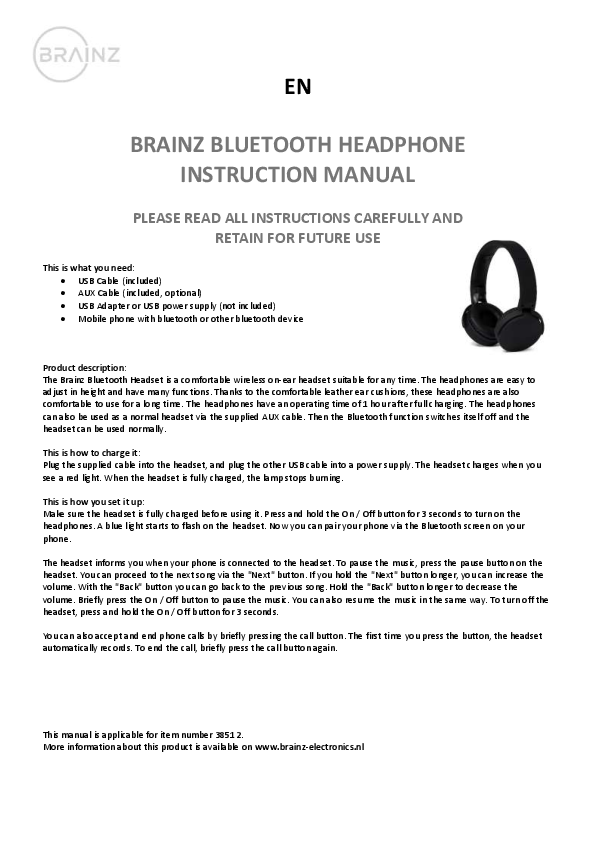
Image: A pair of black wireless over-ear headphones with a padded headband and cushioned earcups.
Product description:
The Brainz Bluetooth Headset is a comfortable wireless on-ear headset suitable for any time. The headphones are easy to adjust in height and have many functions. Thanks to the comfortable leather ear cushions, these headphones are also comfortable to use for a long time. The headphones have an operating time of 1 hour after full charging. The headphones can also be used as a normal headset via the supplied AUX cable. Then the Bluetooth function switches itself off and the headset can be used normally.
How to charge it:
Plug the supplied cable into the headset, and plug the other USB cable into a power supply. The headset charges when you see a red light. When the headset is fully charged, the lamp stops burning.
How you set it up:
Make sure the headset is fully charged before using it. Press and hold the On / Off button for 3 seconds to turn on the headphones. A blue light starts to flash on the headset. Now you can pair your phone via the Bluetooth screen on your phone.
The headset informs you when your phone is connected to the headset.
Music Control:
- To pause the music, press the pause button on the headset.
- To proceed to the next song, use the "Next" button.
- To increase the volume, hold the "Next" button longer.
- To go back to the previous song, use the "Back" button.
- To decrease the volume, hold the "Back" button longer.
- Briefly press the On / Off button to pause or resume the music.
Turning Off:
To turn off the headset, press and hold the On / Off button for 3 seconds.
Call Handling:
You can also accept and end phone calls by briefly pressing the call button. The first time you press the button, the headset automatically records. To end the call, briefly press the call button again.
Additional Information:
This manual is applicable for item number 38512.
More information about this product is available on www.brainz-electronics.nl.
