

Introduction
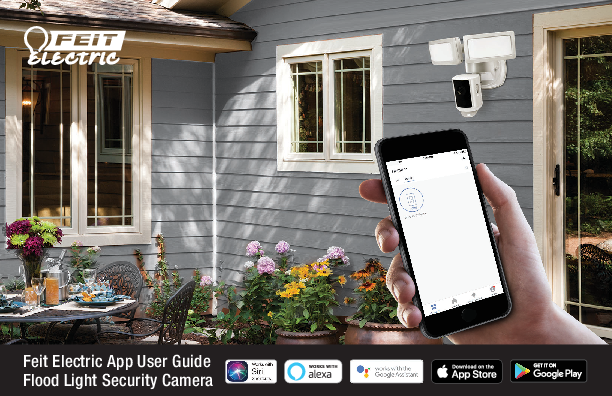
This guide provides comprehensive instructions for setting up and using the Feit Electric App with your Flood Light Security Camera. Discover how to connect your device, manage settings, and integrate with popular voice assistants like Siri, Alexa, and Google Assistant for enhanced home security and convenience.
The Feit Electric Flood Light Security Camera offers 1080p HD video recording, 128 GB microSD card storage, and two-way communication. It is designed for easy integration into your smart home ecosystem.
Key Features
- 1080p HD Video Recording
- 128 GB microSD™ Card Included
- Two-Way Communication
- Night Vision Capabilities
- Motion and App-Controlled Recording
- Compatibility with Siri Shortcuts, Alexa, and Google Assistant
Getting Started
Follow the step-by-step instructions within this guide to connect your Feit Electric Flood Light Security Camera to your 2.4GHz Wi-Fi network and register it with the Feit Electric App. Ensure you have downloaded the app from the App Store or Google Play.
For detailed setup, refer to the sections on Network Connect and App Setup, and Security Camera Setup.
Voice Assistant Integration
Learn how to link your Feit Electric Flood Light Security Camera with Siri Shortcuts, Amazon Alexa, and Google Assistant for voice-activated control and automation.
Support and Troubleshooting
This guide also includes troubleshooting tips to help resolve common issues and a detailed overview of the Feit Electric App's profile settings, including account security, location management, and notification preferences.
For further assistance, visit the Feit Electric website or consult the Help Center within the app.
