

Mycica®
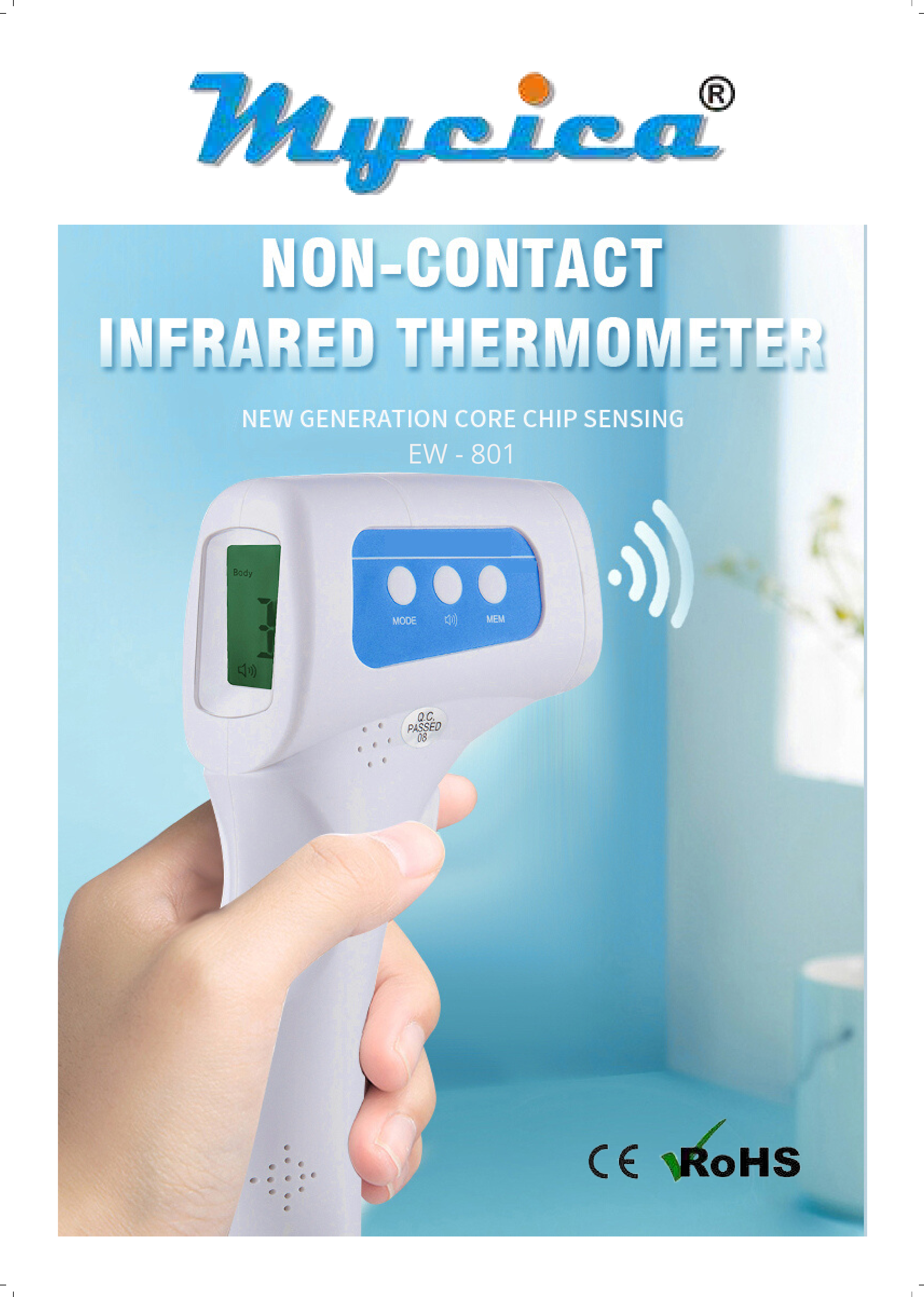
Non-Contact Infrared Thermometer
Model: EW-801
New Generation Core Chip Sensing
Key Features
- ☀️ LCD Large Screen with 3 Colors Backlight
- ? Mute/Beep Free Switching
- ⏱️ Automatic Shutdown Without Operation in 30 Seconds
- ♻️ Environmentally Friendly
- ? One-Button Operation
- ? Non-Contact Measurement
High-End Probe Sensor
Features an advanced temperature compensation algorithm for more accurate and stable readings.
Temperature Indication
The thermometer uses a three-color backlight system to quickly indicate temperature status:
- Green Backlight: ≤37.3°C (99.1°F) - Normal
- Orange Backlight: 37.4°C–37.9°C (99.3°F–100.2°F) - Low Fever
- Red Backlight: ≥38°C (100.4°F) - High Fever
Specifications
| Feature | Details |
|---|---|
| Product Name | Infrared Digital Thermometer |
| Model No. | EW-801 |
| Battery | 2*AA battery |
| Certification | CE, RoHS |
| Measurement Time | 1 second |
| Temperature Measure Range | 32°C - 43°C (89.6°F - 109.4°F) |
| Measurement Distance | 3-5 cm |
| Temperature Setting | °F & °C |
| Three Colour Backlight Indication Function | Green: 32-37.5°C; Orange: 37.6-38.5°C; Red: 38.6-43°C |
| Size | 154 x 39 x 103mm |
| Weight | 105 grams without battery |
Device Details Display
The device features the following components:
- Infrared Probe: The sensor for temperature measurement.
- LCD Display: Shows temperature readings, mode, and battery status.
- Mode Display: Indicates the current measurement mode.
- Temperature Display: Shows the measured temperature.
- Voice Display: Indicates audio feedback status.
- Buttons: MODE, MEM (Memory).
- Mute/Beep Indicator: Shows audio feedback status.
- Q.C. PASSED: Quality Control pass indicator.
Operation: A single 'Scan' button initiates measurement.
