

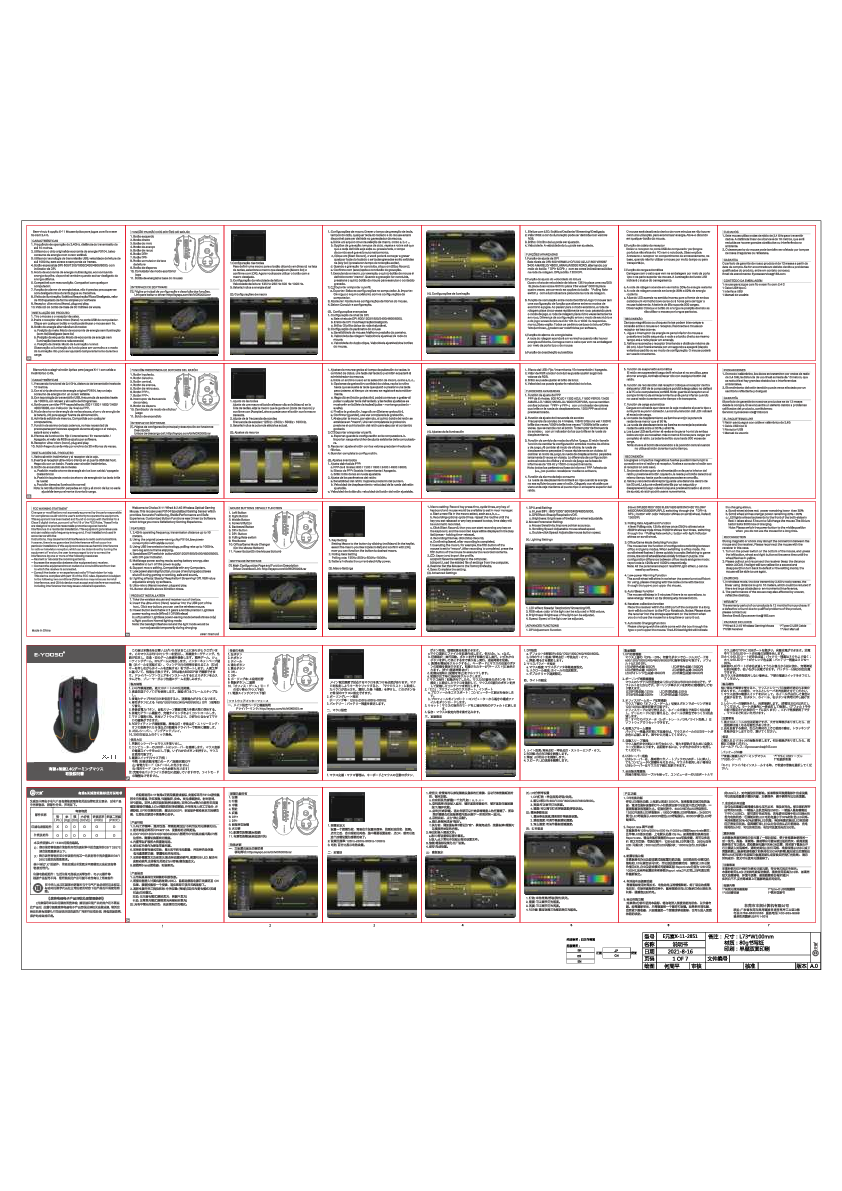
Eastern Times Technology DS-2851 Gaming Mouse User Manual
Product Overview
This document provides instructions and information for the Eastern Times Technology DS-2851 Wired+2.4G Gaming Mouse. It covers setup, software customization, and technical specifications.
The DS-2851 is a versatile gaming mouse designed for performance and comfort, offering both wired and wireless connectivity options.
Product Features
The DS-2851 gaming mouse boasts a range of features to enhance the gaming experience:
- Wired and 2.4G wireless connectivity
- Ergonomic design for comfortable grip
- Customizable RGB lighting effects
- Programmable buttons for macros and shortcuts
- High-precision optical sensor
- Adjustable DPI settings
Software Customization
The mouse is supported by dedicated software that allows for extensive customization:
Key Customization
Users can reassign the function of each button, including the scroll wheel and DPI buttons. Options include standard mouse functions, multimedia controls, Windows shortcuts, and macro assignments.
DPI Settings
The software enables users to adjust the DPI (Dots Per Inch) sensitivity of the mouse. Multiple DPI levels can be set and switched between using the dedicated DPI buttons on the mouse. The software displays the current DPI setting.
RGB Lighting
Personalize the mouse's appearance with customizable RGB lighting. Users can select from various lighting modes, effects, and colors. The software provides a color palette and effect selection interface.
Macro Recording
Create and assign complex command sequences to mouse buttons using the macro recording feature. This allows for in-game advantage through automated actions.
Specifications
The following table outlines the technical specifications of the DS-2851 gaming mouse:
| Feature | Specification |
|---|---|
| Connectivity | Wired USB / 2.4G Wireless |
| Sensor Type | Optical |
| DPI Range | [Details not specified in provided text, but adjustable] |
| Polling Rate | [Details not specified in provided text] |
| Number of Buttons | [Details not specified in provided text, but includes programmable buttons] |
| Lighting | RGB |
| Compatibility | Windows OS |
Troubleshooting and Support
For any issues encountered with the DS-2851 gaming mouse, users are advised to consult the troubleshooting section of the software or contact Eastern Times Technology support.
Safety and Compliance
This product complies with relevant safety and regulatory standards. Please refer to the product packaging or manufacturer's website for detailed compliance information.