

UBIQUITI UniFi Talk Analog Telephone Adapter Datasheet
File info: application/pdf · 5 pages · 2.15MB
Users Manual
Ubiquiti Inc. UTATA SWX-UTATA SWXUTATA utata
Full PDF Document

If the inline viewer fails, it will open the original document in compatibility mode automatically. You can also open the file directly.
Extracted Text
Datasheet UT-ATA

Analog Telephone Adapter
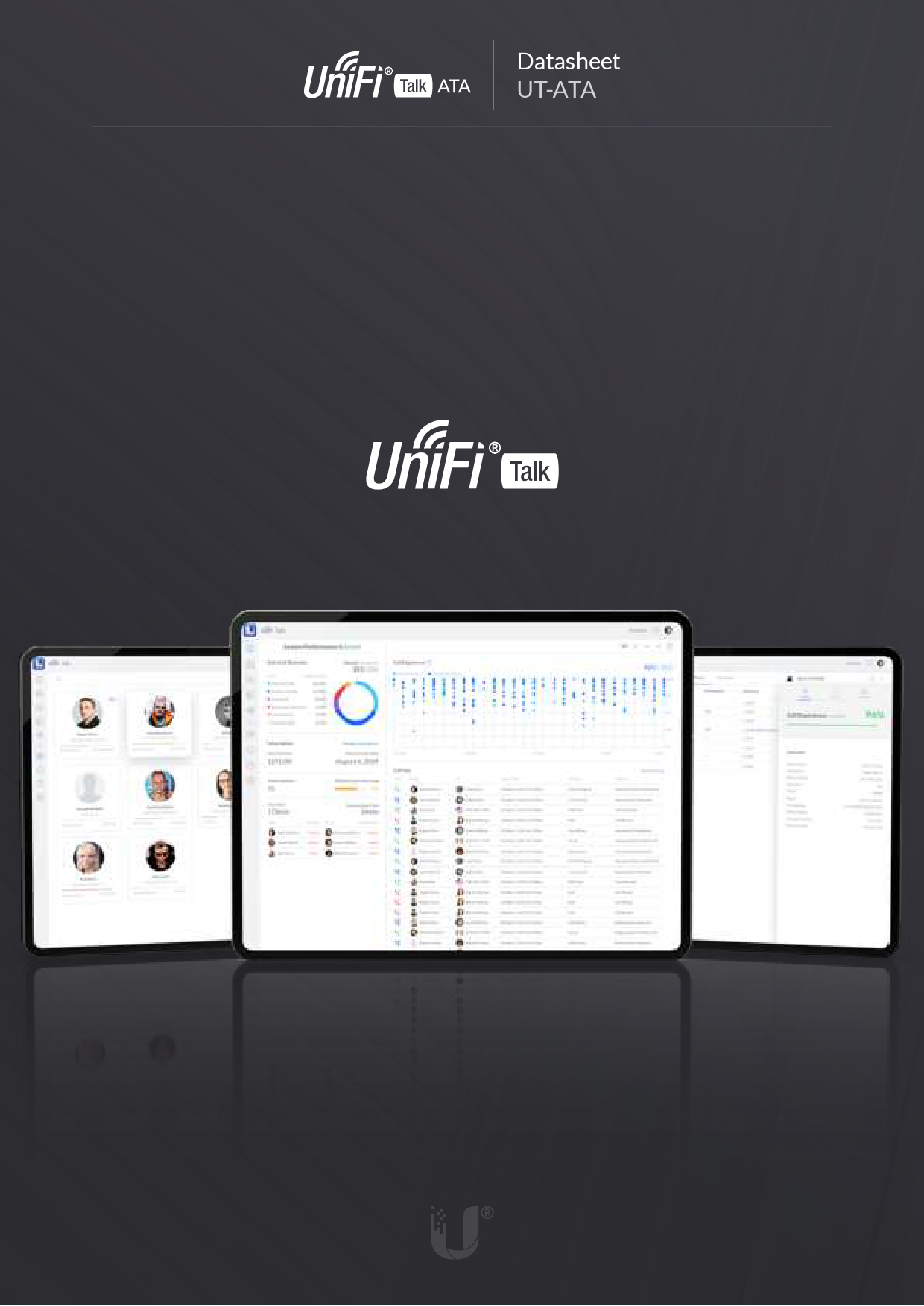
Intuitive, easy-to-deploy device that allows you to manage analog telephones and fax machines with the UniFi Talk application.
The UniFi Talk Analog Telephone Adapter (UT ATA) allows you to easily adopt your analog telephones and fax machines to the UniFi Talk application*. The UT ATA can support up to two analog phones and offers headset functionality for the primary line. Additionally, its 3.39" display concisely shows caller and line status information. Deploy multiple UT ATAs to add even more analog phones and fax machines and easily scale your UniFi Talk system without sacri cing the devices you're accustomed to working with. The UT ATA is powered by either its included USB-C power adapter or 802.3af PoE and connects to your UniFi OS Console via Ethernet or WiFi autolink**.
* A Dream Machine ProorCloudKey Gen2Plus is requiredtorunUniFi Talk. **WiFi autolink functionality will be includedina future software release.

Mechanical
Dimensions Weight Enclosure material
Display
Display size Resolution
Hardware
Memory Power method Power supply Connectivity
Buttons Telephone features Operating temperature Operating humidity Certi cations

131.5 x 110.7 x 28.2 mm (5.18 x 4.36 x 1.11") 300 g (10.58 oz) Plastic
86.04 mm (3.39") diagonal 192 x 64 dots
RAM: 128 Mb DDR3 Storage: 256 Mb USB-C 5VDC, 1A PoE 802.3af 48VDC/0.35A 5VDC, 1A power adapter, 1.5 m cord (included) PoE IEEE 802.3af (pair B 4, 5+; 7, 8-) (1) 100 MbE RJ45 port/PoE (1) 3.5 mm (0.14") headset port (2) RJ11 FXS ports (1) USB-C (power input) 802.11a/b/g/n/ac WiFi 2.4G b/g/n, BW 20 WiFi 5G a/n/ac, BW 20/40/80 (3) Device control keys Voicemail, DND, caller ID, call transfer, call waiting, 3-way conference 0 to 40� C (32 to 104� F) 10 - 90% noncondensing FCC, IC, CE

2 of 3

Software
Fax over IP Voice codec Number of supported phone lines Application Minimum software requirements

Fax pass-through using G.711 G.711 u/a 2 UniFi Talk Application (version 1.12.0 or higher) Web browser (ChromeTM recommended)

Ubiquiti products are s old with a limited warranty described at: ui.com/support/warranty The limited warranty requires the use of arbitration to res olve disputes on an individual bas is, and, where applicable, spec ify arbitration instead of jury trials or clas s actions. �2020-2021 Ubiquiti Inc. All rights reserved. Ubiquiti, Ubiquiti Networks, the Ubiquiti U logo, UniFi, and UniFi Talk are trademark s or registered trademarks of Ubiquiti Inc . in the United States and in other countries. All other trademarks are the property of their respective owners . 620-00950-02

FCC

Changes or modifications not expressly approved by the party responsible for compliance could void the user's authority to operate the equipment. This device complies with Part 15 of the FCC Rules. Operation is subject to the following two conditions. 1. This device may not cause harmful interference, and
2. This device must accept any interference received, including interference that may cause undesired operation.
"This equipment has been tested and found to comply with the limits for a Class B digital device. These limits are designed to provide reasonable protection against harmful interference in a residential installation. This equipment generates, uses and can radiate radio frequency energy and, if not installed and used in accordance with the instructions, may cause harmful interference to radio communications.However, there is no guarantee that interference will not occur in a particular installation. If this equipment does cause harmful interference to radio or television reception, which can be determined by turning the equipment off and on, the user is encouraged to try to correct the interference by one or more of the following measures:
- Reorient or relocate the receiving antenna. - Increase the separation between the equipment and receiver. - Connect the equipment into an outlet on a circuit different from that to which the receiver is connected. - Consult the dealer or an experienced radio/TV technician for help."
The antennas used for this transmitter must be installed to provide a separation distance of at least 20 cm from all
persons and must not be located or operating in conjunction with any other antenna or transmitter.

SED Canada
CAN ICES-3(B)/NMB-3(B) This device complies with ISED Canada licence-exempt RSS standard(s). Operation is subject to the following two conditions: 1. This device may not cause interference, and 2. This device must accept any interference, including interference that may cause undesired operation of the device.
CAN ICES-3(B)/NMB-3(B) Le pr�sent appareil est conforme aux CNR d'ISDE Canada applicables aux appareils radio ex empts de licence. L'exploitation est autoris�e aux deux conditions suivantes : 1. l'appareil ne doit pas produire de brouillage;
2. l'appareil doit accepter tout brouillage radio�lectrique subi, m�me si le brouillage est suscepti ble d'en compromettre le fonctionnement.
RF Exposure Warning The antennas used for this transmitter must be installed to provide a separation distance of at least 20 cm from all persons and must not be located or operating in conjunction with any other antenna or transmitter. Les antennes utilis�es pour ce transmetteur doivent �tre install� en consid�rant une distance de
s�paration de toute personnes d'au moins 20 cm et ne doivent pas �tre localis� ou utilis� en
conflit avec tout autre antenne ou transmetteur.