

Canyon C3 HD Webcam
Quick Guide v1.5
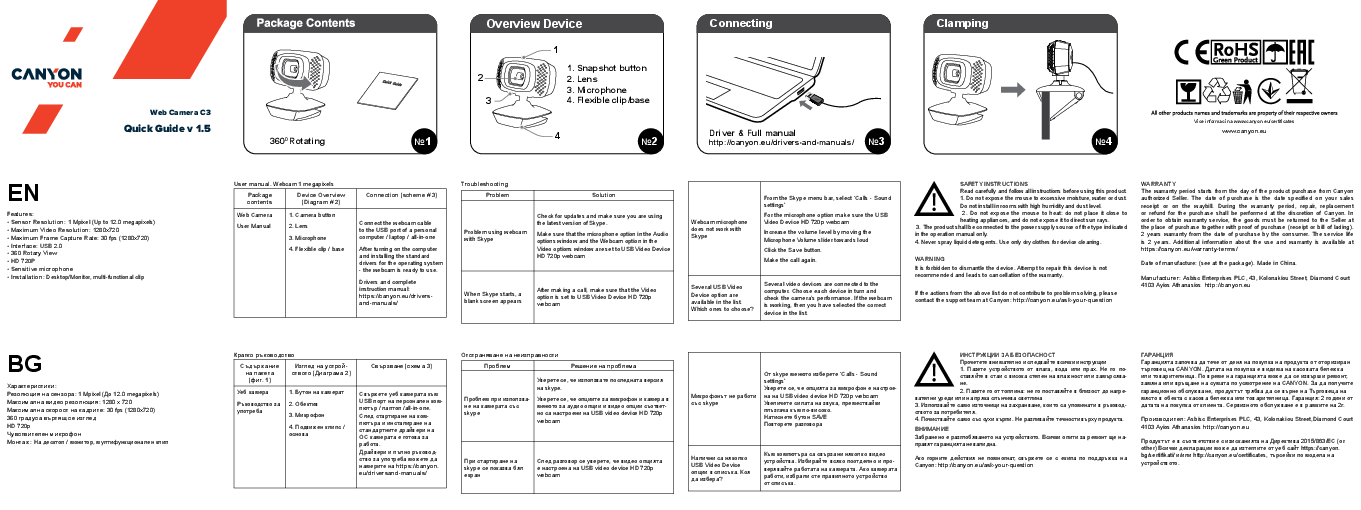
Package Contents
- Web Camera
- User Manual
Overview Device
The device includes:
- 1. Snapshot button
- 2. Lens
- 3. Microphone
- 4. Flexible clip/base
Connecting
Connect the webcam cable to the USB port of a personal computer / laptop / all-in-one. After turning on the computer and installing the standard drivers for the operating system, the webcam is ready to use.
Drivers and complete instruction manual: http://canyon.eu/drivers-and-manuals/
Clamping
The webcam features a flexible clip/base for mounting on desktops or monitors.
Features
- Sensor Resolution: 1 Mpixel (Up to 12.0 megapixels)
- Maximum Video Resolution: 1280x720
- Maximum Frame Capture Rate: 30 fps (1280x720)
- Interface: USB 2.0
- 360° Rotary View
- HD 720P
- Sensitive microphone
- Installation: Desktop/Monitor, multi-functional clip
Troubleshooting
Problem using webcam with Skype
Solution
Check for updates and make sure you are using the latest version of Skype. Ensure that the microphone option in the Audio options window and the Webcam option in the Video options window are set to 'USB Video Device HD 720p webcam'.
When Skype starts, a blank screen appears
Solution
After making a call, ensure that the Video option is set to 'USB Video Device HD 720p webcam'.
Webcam microphone does not work with Skype
Solution
From the Skype menu bar, select 'Calls - Sound settings'. For the microphone option, ensure 'USB Video Device HD 720p webcam' is selected. Increase the volume level by moving the Microphone Volume slider towards 'loud'. Click the 'Save' button. Make the call again.
Several USB Video Device options are available in the list. Which ones to choose?
Solution
Several video devices may be connected to the computer. Select each device in turn and check the camera's performance. If the webcam functions correctly, you have selected the appropriate device.
Safety Instructions
Read carefully and follow all instructions before using this product.
- Do not expose the device to excessive moisture, water, or dust. Do not install in rooms with high humidity and dust levels.
- Do not expose the device to heat: do not place it close to heating appliances, and do not expose it to direct sun rays.
- The product shall be connected to the power supply source of the type indicated in the operation manual only.
- Never spray liquid detergents. Use only dry clothes for device cleaning.
WARNING: It is forbidden to dismantle the device. Attempting to repair this device is not recommended and leads to cancellation of the warranty.
If the actions from the above list do not contribute to problem solving, please contact the support team at Canyon: http://canyon.eu/ask-your-question
Warranty
The warranty period starts from the day of the product purchase from Canyon authorized Seller. The date of purchase is the date specified on your sales receipt or on the waybill. During the warranty period, repair, replacement, or refund for the purchase shall be performed at the discretion of Canyon. To obtain warranty service, the goods must be returned to the Seller at the place of purchase together with proof of purchase (receipt or bill of lading).
2 years warranty from the date of purchase by the consumer. The service life is 2 years. Additional information about the use and warranty is available at https://canyon.eu/warranty-terms/
Date of manufacture: (see at the package). Made in China.
Manufacturer: Asbisc Enterprises PLC, 43, Kolonakiou Street, Diamond Court 4103 Ayios Athanasios. http://canyon.eu
