

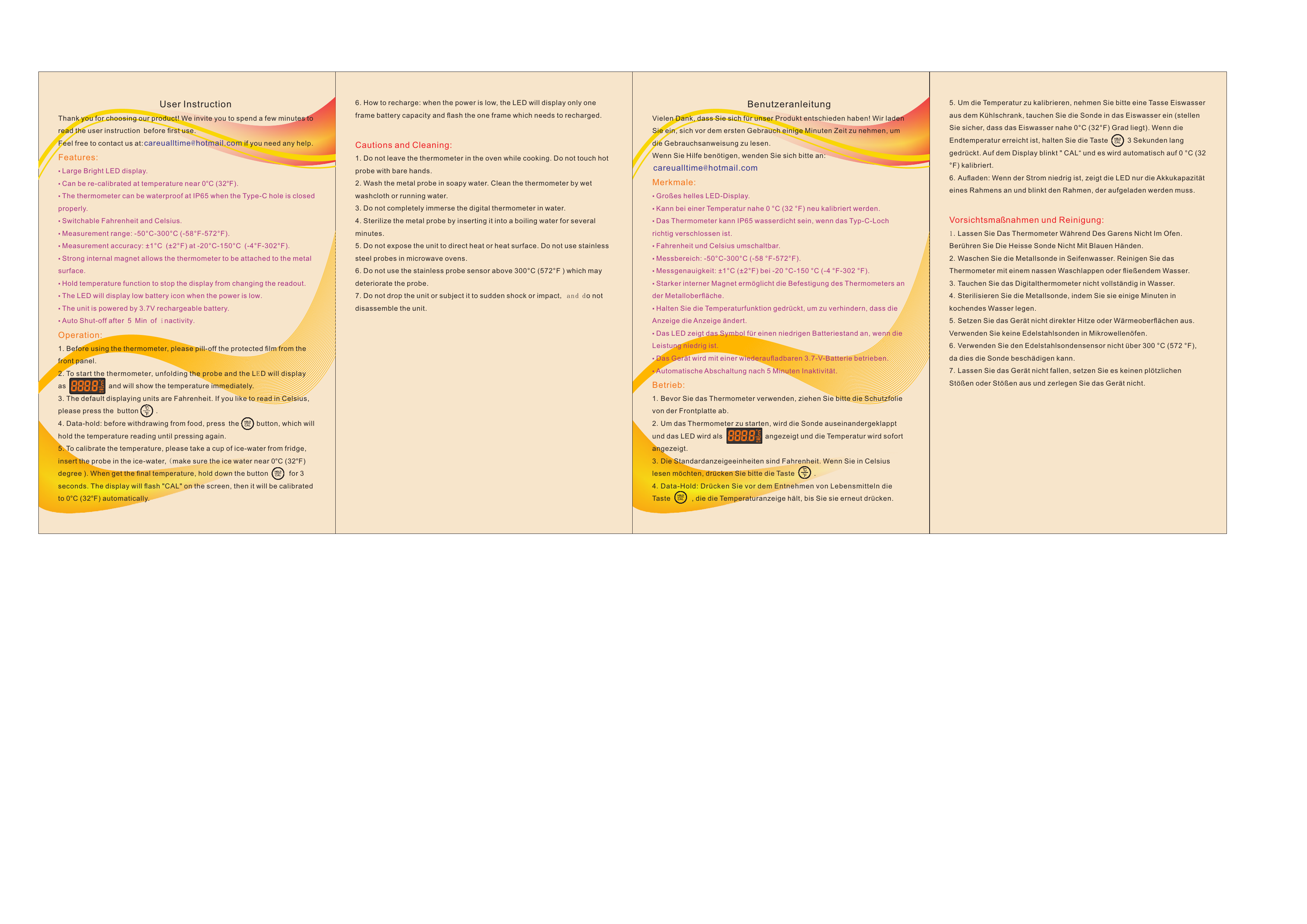
Umedo Digital Meat Thermometer - User Instruction
Thank you for choosing Umedo. Please take a few minutes to read this user instruction before first use. For any assistance, please contact careualtime@hotmail.com.
Features
- Large bright LED display.
- Re-calibratable near 0°C (32°F).
- IP65 waterproof rating when Type-C port is properly closed.
- Switchable between Fahrenheit (°F) and Celsius (°C).
- Measurement range: -50°C to 300°C (-58°F to 572°F).
- Measurement accuracy: ±1°C (±2°F) within the range of -20°C to 150°C (-4°F to 302°F).
- Strong internal magnet for attachment to metal surfaces.
- Hold temperature function to freeze the current reading.
- Low battery indicator on the LED display.
- Powered by a 3.7V rechargeable battery.
- Auto Shut-off after 5 minutes of inactivity.
Operation
- Before use, remove the protective film from the front panel.
- Unfold the probe to turn on the thermometer. The LED will display the temperature immediately.
- The default unit is Fahrenheit. Press the button [°F/°C] to switch to Celsius.
- Data-Hold: Before removing the probe from food, press the [HOLD] button to freeze the temperature reading. Press again to resume normal reading.
- Calibration: To calibrate, prepare a cup of ice-water (ensure it's near 0°C or 32°F). Insert the probe into the ice-water. Hold the [CAL] button for 3 seconds. The display will flash "CAL" and then automatically calibrate to 0°C (32°F).
- Recharging: When the battery is low, the LED will show a single battery frame and flash, indicating the need for recharging.
Cautions and Cleaning
- Do not leave the thermometer in a hot oven during cooking. Avoid touching the hot probe with bare hands.
- Wash the metal probe with soapy water. Clean the thermometer body with a damp cloth or under running water.
- Do not fully immerse the digital thermometer in water.
- Sterilize the metal probe by placing it in boiling water for a few minutes.
- Avoid exposing the unit to direct heat or hot surfaces. Do not use stainless steel probes in microwave ovens.
- Do not use the stainless probe sensor above 300°C (572°F) as it may damage the probe.
- Do not drop the unit or subject it to sudden shocks or impacts. Do not disassemble the unit.