

Overview
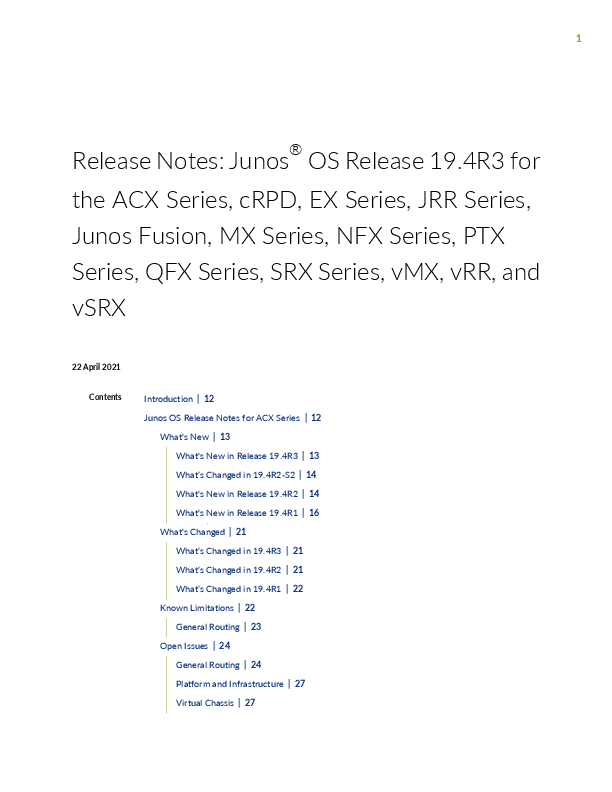
Junos OS is the sophisticated network operating system that powers Juniper Networks' extensive portfolio of hardware, including the ACX Series, EX Series, M Series, MX Series, NFX Series, PTX Series, QFabric systems, QFX Series, SRX Series, T Series, JRR Series, and Junos Fusion. This release specifically addresses Junos OS Release 19.4R3 for the ACX Series, CRPD, EX Series, JRR Series, Junos Fusion, MX Series, NFX Series, PTX Series, QFX Series, SRX Series, vMX, vRR, and vSRX.
These release notes detail new and changed features, identify known limitations, and list resolved and open issues within the hardware and software.
Key Updates and Information
- Feature Guides Renamed: Starting with Junos OS 19.4R1, Juniper Networks has renamed its Feature Guides to User Guides to better reflect their purpose. Existing bookmarks remain valid.
- New 'In Focus' Guide: Junos Release 19.4 introduces an 'In Focus' document, offering a consolidated view of the most important features for the release.
- Important Information: The document highlights critical information regarding upgrading using ISSU, licensing, compliance advisories, finding more information, documentation feedback, and requesting technical support from Juniper Networks.
Product Support
This release notes document is essential for users of the following Juniper Networks products:
- ACX Series
- CRPD
- EX Series
- JRR Series
- Junos Fusion
- MX Series
- NFX Series
- PTX Series
- QFX Series
- SRX Series
- vMX
- vRR
- vSRX
For more detailed information, users are encouraged to refer to the specific sections within the document for each product series.
