

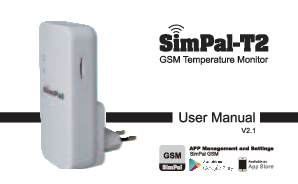
SimPal-T2 GSM Temperature Monitor User Manual
Introduction
The SimPal-T2 is a GSM temperature monitor designed to alert users about temperature changes. It consists of a GSM module and a built-in temperature sensor. The device requires a GSM SIM card to operate, and all settings are managed by sending SMS messages to the device's SIM card number.
Product Overview
The SimPal-T2 provides reliable temperature monitoring for various applications. It leverages GSM technology to send alerts, ensuring that users are informed of critical temperature fluctuations even when they are away from the monitored location.
Key Features
- GSM module for remote alerts
- Built-in temperature sensor
- SMS-based configuration and control
- Requires a GSM SIM card
Getting Started
To set up your SimPal-T2:
- Insert a compatible GSM SIM card into the device. Ensure the SIM card has SMS functionality and is not protected by a PIN code.
- Power on the device.
- Send SMS commands to the device's SIM card number to configure settings such as temperature thresholds and alert recipients. Refer to the detailed SMS command list for specific instructions.
Operation
Once configured, the SimPal-T2 will continuously monitor the ambient temperature. If the temperature exceeds or falls below the set thresholds, the device will send an SMS alert to the pre-defined phone numbers.
Maintenance
Regularly check the device's power supply and SIM card status. Ensure the device is placed in an area where it can accurately measure the temperature.
Troubleshooting
If you encounter issues, consult the detailed troubleshooting section in the full manual or contact SimPal support for assistance.