

ℹ️ Document Conversion Notice:
This page was converted from the original file for easier reading. Diagrams/images may appear only in the original PDF below.
File info: application/pdf · 43 pages · 7.53MB
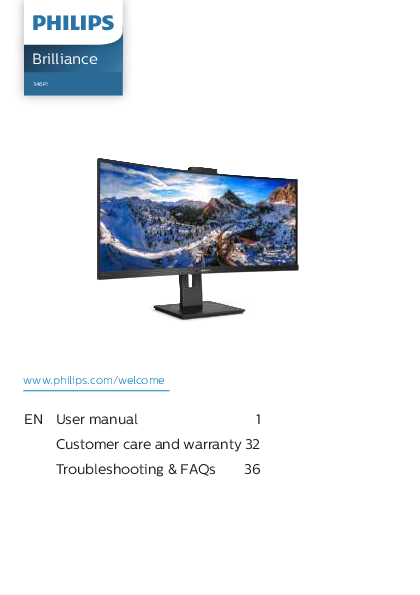
Philips Brilliance 346P1 User Manual
This comprehensive user manual provides essential information for operating and maintaining the Philips Brilliance 346P1 monitor. It is designed to assist users with setup, feature utilization, and troubleshooting.
The Philips Brilliance 346P1 offers advanced features including a built-in webcam with Windows Hello support, MultiClient Integrated KVM for dual PC control, and MultiView technology for simultaneous display of multiple sources. Explore detailed guidance on image optimization, power management, and connectivity options.
For further assistance and product registration, please visit the official Philips support website: www.philips.com/welcome
Key Sections Covered:
- Important Safety Precautions and Maintenance
- Setting Up the Monitor
- Image Optimization (SmartImage, SmartContrast, Adaptive Sync)
- HDR Capabilities
- Computer Vision Syndrome Prevention Features
- PowerSensor Technology
- Daisy-Chain Functionality
- Technical Specifications
- Troubleshooting and Frequently Asked Questions (FAQs)
- Customer Care and Warranty Information
Models: Curved UltraWide LCD Monitor with USB-C, Brilliance 346P1
 Global home | Philips
  Microsoft Support