
Home
›
Stadler Form
›
Stadler Form E-001 Eva Ultrasonic Aromatherapy Dispenser Humidifier Instruction Manual

Stadler Form E-001 Eva Ultrasonic Aromatherapy Dispenser Humidifier Instruction Manual
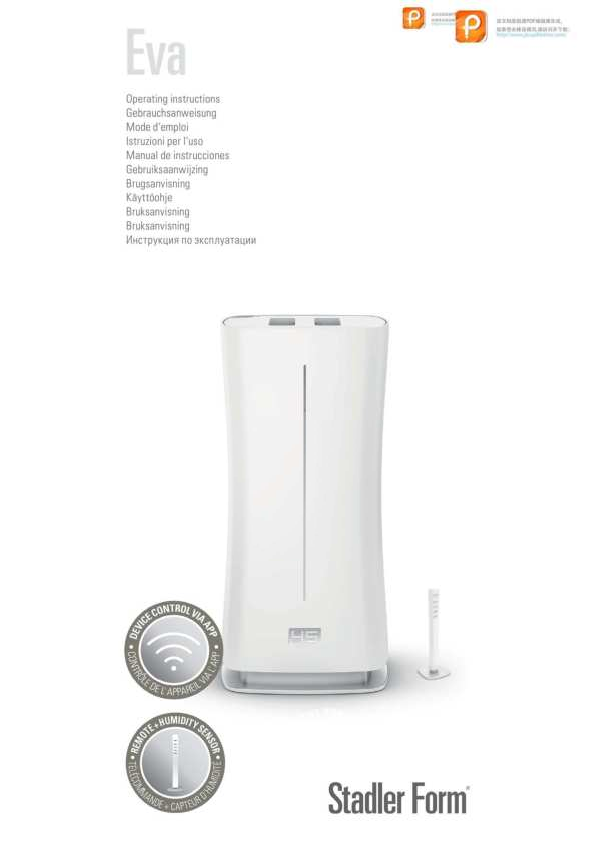
File info: application/pdf · 16 pages · 2.07MB
sf eva manual eu 2021-改
User Manual
Stadler Form Aktiengesellschaft EVAWIFI Humidifier 2AH9L-EVAWIFI 2AH9LEVAWIFI evawifi
Extracted Text
M anually add Wi-Fi+ Bluetooth dual-mode devices
1. If you use a Wi-Fi+ Bluetooth dual-mode product, power on the device first. Then, enable Bluetooth on your mobile phone and open the app. Bluetooth and Wi-Fi+ Bluetooth dual-mode devices that are ready for pairing will be displayed.

2. Select the device to be added. On the Wi-Fi setting page, enter the password for connecting to the 2.4 GHz Wi-Fi network. Wait for the device to automatically complete pairing.

3. For a Wi-Fi+ Bluetooth dual-mode device, you can also perform the following steps to add the device by using Bluetooth. On the Add M anually tab, select a device type that supports Bluetooth pairing. On the page that appears, follow the detailed tutorial in the app to enable the indicator to blink quickly, select Confirm the light has flashed or breathed, and tap Next.
4. After the app detects the device, tap Add. After the device is added, tap Done.

5. When the devices are displayed in grid view, tap the small arrow in the bottom right
corner of a device to access the extension functions of the device. For example, you can tap the switch icon to turn on or turn off the humidifier or drag the slider to adjust the humidity.
When the devices are displayed in list view, tap the Common Functions button under the device name to quickly control the device.