

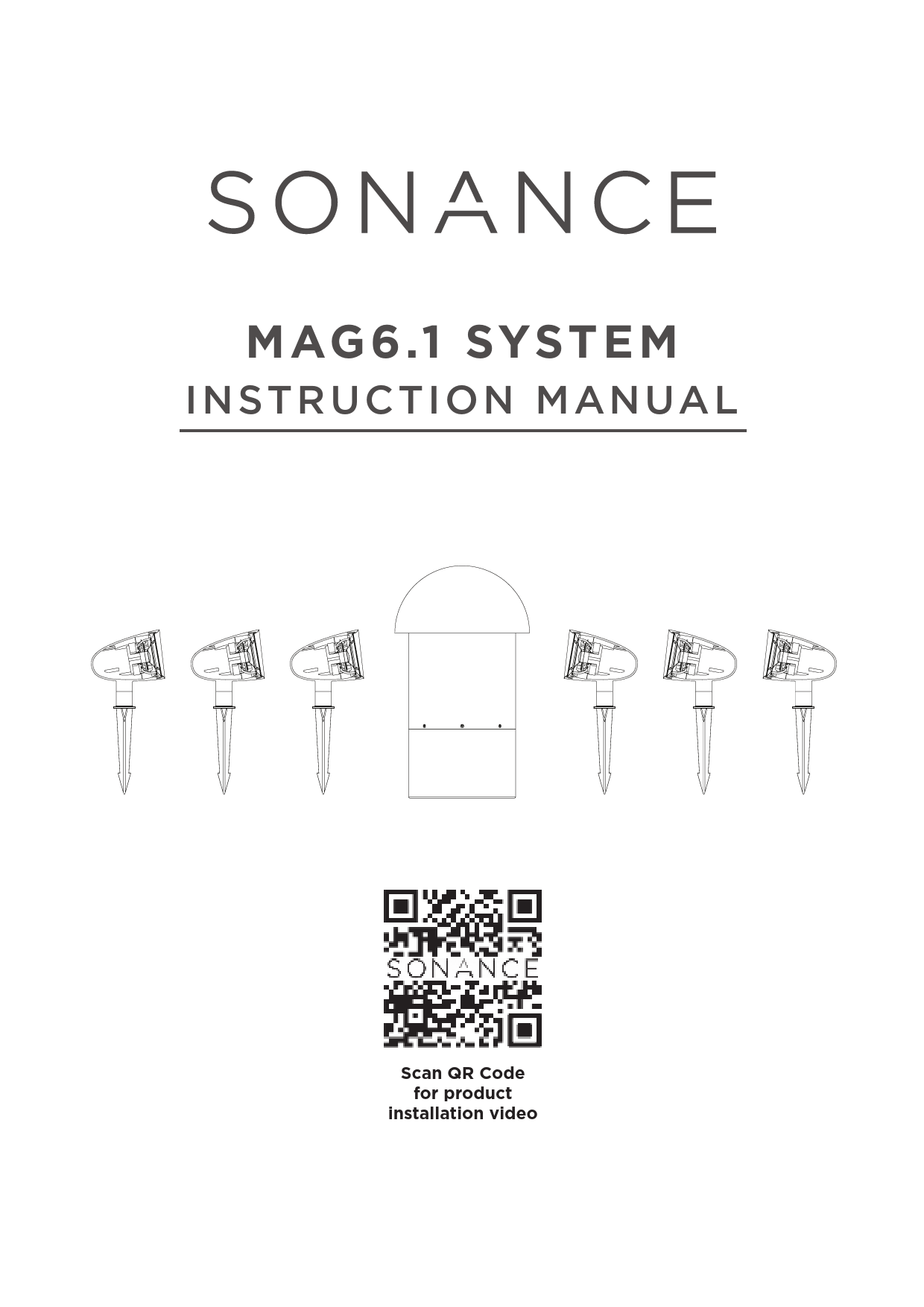
SONANCE MAG6.1 SYSTEM
INSTRUCTION MANUAL
This manual provides comprehensive instructions for the installation and setup of the Sonance MAG6.1 System. For a product installation video, please refer to the Sonance website or official channels.
Introduction
Sonance thanks customers for purchasing the MAG6.1 SYSTEM. When properly installed, this system is designed to provide years of outdoor entertainment. To maximize the system's performance, it is recommended to read this manual thoroughly before beginning installation.
Box Contents
The MAG6.1 SYSTEM box typically contains:
- 6 Satellite speakers
- 6 Removable speaker stakes with 1/2" NPS threading
- 16 Silicone filled wire nuts
- 1 In-Ground subwoofer
Speaker Layout Planning
The MAG6.1 SYSTEM is engineered to deliver a seamless, evenly dispersed sound field in an open-air environment. A daisy chain of multiple satellite speakers and a subwoofer should be strategically placed to create even, balanced coverage, minimizing 'hot spots' and 'dead zones' around the outdoor entertainment area.
Satellite speakers should be placed 8 to 10 feet (2.4 - 3.1 meters) apart for best coverage. To achieve the best balance between the satellites and subwoofer, the subwoofer should be placed as close to the center of the satellites as possible.
If more bass is required, placing the subwoofer near a wall or other solid structure will significantly reinforce low bass frequencies. In some cases, the subwoofer may be placed closer to the primary listening position.
Types of Wire
Color-coded, 14/4 direct-burial speaker wire is recommended.
| Wire Gauge | Distance |
|---|---|
| 18 Gauge | Up to 100 feet (30 meters) |
| 16 Gauge | Up to 150 feet (45 meters) |
| 14 Gauge | Up to 250 feet (80 meters) |
Speaker Installation
- Place the 6 satellites and 1 subwoofer in their approximate final locations.
- Dig a trench 4" to 5" deep to run the speaker wires in. Be sure to check local building codes for any trenching limitations.
- Run speaker wire through the trench from the amplifier to the last speaker location.
- Once the speakers and subwoofer are laid out in their locations and the wiring is completed per this installation guide, stake or mount the speakers into their final locations and bury the subwoofer in its final location.
Connecting the Speakers
The MAG6.1 SYSTEM allows the satellite speakers to be wired together in a parallel/daisy chain configuration. Once the first speaker is designated as either left or right, continue alternating the wires between the left and right channels creating a daisy chain of stereo satellites.
Recommended Tools
- Wire Stripper: Accommodates up to a 12 gauge wire. (Depiction: A hand tool with multiple notches for stripping wire insulation.)
- Round Cable Stripper: Needed when using 14/4 direct burial wire. (Depiction: A tool designed to cut and strip the outer jacket of round cables.)
- Wire Ties and Electrical Tape: For securing wires and protecting connections. (Depiction: Bundles of plastic wire ties and a roll of black electrical tape.)
Speaker Wire Connection
Connecting the speakers using 14/4 direct burial speaker wire.
- Pull the 14/4 wire on the spool to the furthest speaker location. Leave the wire attached to the spool until the last speaker has been connected.
- Starting at the last speaker and every speaker that follows, create a loop of wire approximately 6" in length.
- Use the round cable stripper to remove the outside protective wire jacket to expose the 4 individual color-coded wires. If unfamiliar with using a round cable stripper, search for videos on "Using a Round Cable Stripper" on platforms like YouTube or visit the specific brand of cable stripper's company website for detailed instructions.
- Use a wire tie to keep the wire loop intact and act as a strain relief.
- Cutting the wires. In this example, to connect the first speaker to the right channel, cut the red (+) and black (-) wires only. Leave the white and green wires intact.
Connecting the Speakers Using a 2-Conductor Wire or Low Voltage Lighting Wire
- Pull the first pair of 2-conductor wire to the furthest speaker location, leaving it connected to the spool near the amplifier.
- Starting at the furthest speaker and every other speaker that follows, create a loop of wire approximately 6” in length, securing the loop with a wire tie.
- Cut the wire at the last speaker location in the daisy-chain closest to the amplifier.
- Take the spool back to the starting point and pull a second 2-conductor wire to the furthest speaker location and repeat steps 1 and 2.
- Starting with the first speaker, cut the wire loop.
- Strip the insulation on each wire to expose approximately 3/4" of copper. Combine and twist all the positive (+) wires together in a clockwise motion. Repeat this step for all the negative (-) wires.
- Secure the three wires together using the provided silicone filled wire nuts ensuring that no copper is exposed.
- Wrap the wire nut and surrounding wire connection in electrical tape to protect from moisture.
- Repeat steps 5-8 for the remainder of the speakers.
Subwoofer Wire Connection
The subwoofer features a dual voice coil driver with 4 wires, one pair for each of the amplifier channels. Red (+) and black (-) are used for the right channel, while white (+) and green (-) are for the left channel. The subwoofer can be connected at any point along the daisy chain (e.g., beginning, middle, end, or anywhere in-between). However, locating the subwoofer mid-way in the daisy chain will produce an equal amount of bass for the speakers on either side of the sub. The subwoofer needs to be connected in the same manner as the satellite speakers.
To test the system, turn on the Sonos Amp and play music. If the speakers are operating properly, refill the wire trench and enjoy the new MAG6.1 SYSTEM.
Specifications
MAG6.1 SYSTEM
- Woofer (1X)
- 8" (203mm) dual voice coil, polypropylene cone & Santoprene™ surround
- Satellite (6X)
- 3 1/2" (89mm) anodized aluminum cone & Santoprene™ surround
- Frequency Response
- 40Hz - 20kHz +/-3dB
- Impedance
- 5 ohms per channel nominal
- Dispersion
- 60º dispersion with an optimum listening area 8'-20' (2.4-6.1 meters) from the satellites
- Power Handling
- 50 watts minimum; 150 watts system
- Sensitivity
- 85dB and 89dB SPL, satellite and subwoofer respectively, 2.83V / 1 meter
- Enclosure Material
- Satellites and Woofer - Non-corroding, high-heat ABS enclosures
- Crossover
- 100Hz
- Shipping Weight
- 75 lbs (34kg) each
- Satellite Dimensions
- 6.75" L x 4.53" Dia. (184mm x 115mm)
- Subwoofer Dimensions
- 21.4" L x 12.4" Dia. (544mm x 315mm)
- Included Accessories
- 6 ground stakes, 16 silicone filled wire nuts
Installation Best Practice Placement Recommendations:
- Satellites
- 8'-10' (2.4-3 meters) apart along perimeter of listening area.
- Woofer
- The center of the four satellites.
- Listening Area
- Up to 1,500 square feet.
- Wire Recommendations
- 18 gauge up to 100' (33 meters) 4 conductor, stranded, direct burial
- 16 gauge up to 150' (50 meters) 4 conductor, stranded, direct burial
- 14 gauge up to 250' (80 meters) 4 conductor, stranded, direct burial
Specifications are subject to change. Direct burial cable is required (sold separately). CAD files are available for download at www.sonance.com.
Limited One (1) Year Warranty
Sonance warrants to the first end-user purchaser that this Sonance-brand product ("Product"), when purchased from an authorized Sonance Dealer/Distributor, will be free from defective workmanship and materials for one (1) year from the date of the original sales receipt or invoice. Sonance will, at its option and expense during the warranty period, either repair the defect or replace the Product with a new or remanufactured Product or a reasonable equivalent.
Exclusions
To the extent permitted by law, the warranty set forth above is in lieu of, and exclusive of, all other warranties, express or implied, and is the sole and exclusive warranty provided by Sonance. All other express and implied warranties, including the implied warranties of merchantability, implied warranty of fitness for use, and implied warranty of fitness for a particular purpose are specifically excluded.
No one is authorized to make or modify any warranties on behalf of Sonance. The warranty stated above is the sole and exclusive remedy and Sonance's performance shall constitute full and final satisfaction of all obligations, liabilities and claims with respect to the Product.
In any event, Sonance shall not be liable for consequential, incidental, economic, property, bodily injury, or personal injury damages arising from the Product, any breach of this warranty or otherwise.
This warranty statement gives specific legal rights, and there may be other rights which vary from state to state. Some states do not allow the exclusion of implied warranties or limitations of remedies, so the above exclusions and limitations may not apply. If a state does not allow disclaimer of implied warranties, the duration of such implied warranties is limited to the period of Sonance's express warranty.
Product Model & Description: MAG6.1 - Outdoor Streaming Sound System Powered by Sonos
Warranty period for this Product: One (1) year from the date on the original sales receipt or invoice or other satisfactory proof of purchase.
Additional Limitations and Exclusions from Warranty Coverage
The warranty described above is non-transferable, applies only to the initial installation of the Product, does not include installation of any repaired or replaced Product, does not include damage to allied or associated equipment which may result for any reason from use of this Product, and does not include labor or parts caused by accident, disaster, negligence, improper installation, misuse (e.g., overdriving the amplifier or speaker, excessive heat or cold or humidity, outdoor installation), or from service or repair which has not been authorized by Sonance.
Obtaining Authorized Service
To qualify for the warranty, contact an authorized Sonance Dealer/Installer or call Sonance Customer Service at (949) 492-7777 within the warranty period. A return merchandise authorization number (RMA) must be obtained, and the Product must be delivered to Sonance shipping prepaid during the warranty period, together with the original sales receipt, or invoice or other satisfactory proof of purchase.
Models: Sonance, MAG 6.1, MAG6.1
Full PDF Document

If the inline viewer fails, it will open the original document in compatibility mode automatically. You can also open the file directly.
 Life is Better with Music | Sonance – Sonance Site