

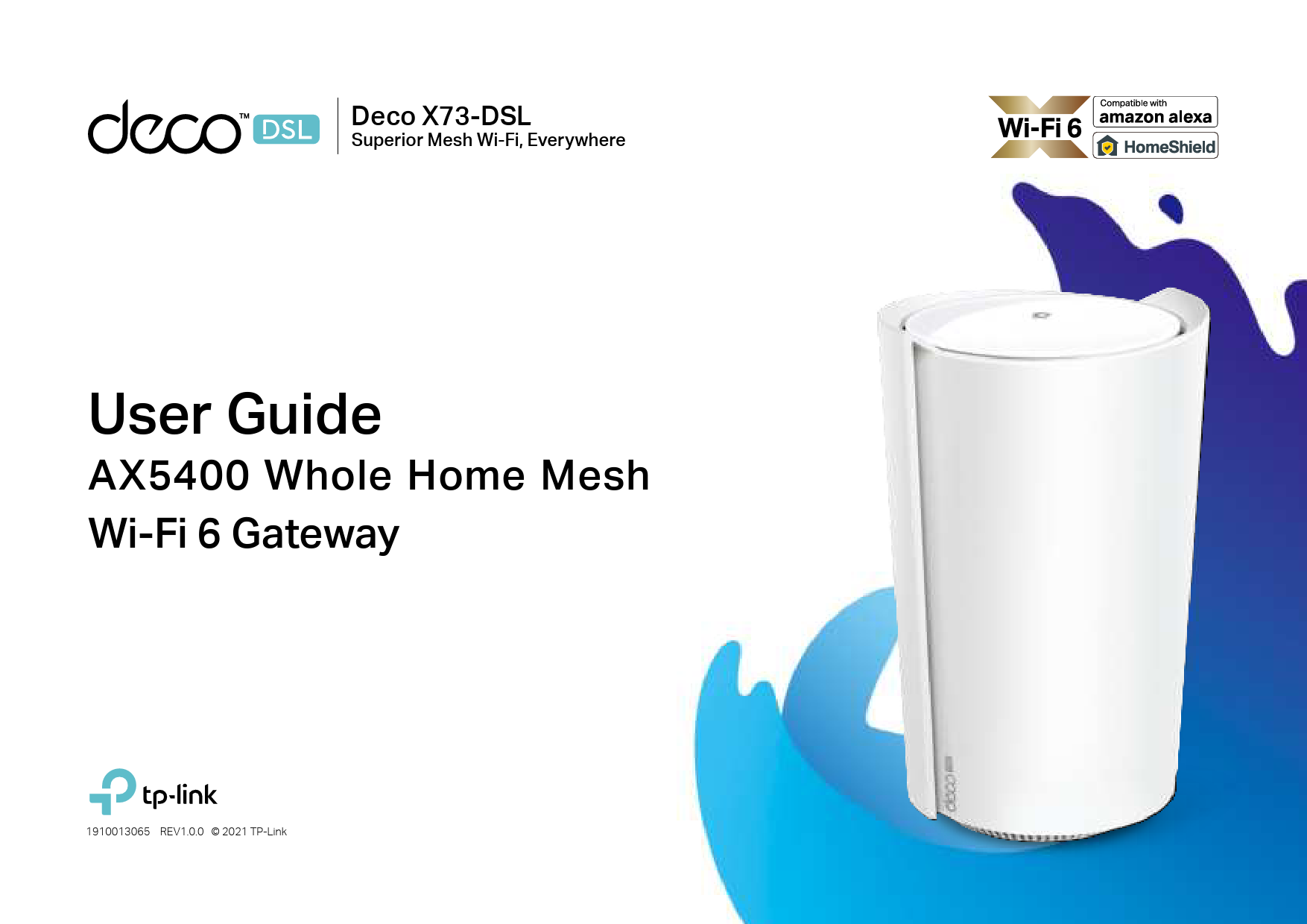
Welcome to the Deco X73-DSL Guide
This user guide provides essential information for the TP-Link Deco X73-DSL AX5400 Whole Home Mesh Wi-Fi 6 Gateway. It is designed to help users understand and effectively set up their home network.
Product Overview
The Deco X73-DSL is a powerful Whole Home Mesh Wi-Fi 6 Gateway designed to deliver superior, seamless Wi-Fi coverage throughout any home. It offers advanced features and can operate as either a DSL modem router or a standard wireless router.
- Wi-Fi 6 technology for faster speeds and increased capacity.
- Whole Home Mesh system for eliminating dead zones.
- Dual functionality: DSL Modem Router or Wireless Router.
- Compatible with Amazon Alexa and TP-Link HomeShield for enhanced network management and security.
Getting Started with Setup
The guide walks users through the setup process using the intuitive Deco app. Key steps include downloading and installing the app, logging in with a TP-Link ID, identifying the Deco model, choosing an operation mode (DSL Modem Router or Wireless Router), connecting the hardware, and configuring network settings like Wi-Fi name and password.
Users can also learn how to add more Decos to expand coverage, manage connected devices, and utilize advanced features such as Guest Network, Blacklist, and Telephony.
 TP-Link Community
  TP-Link: Your Smart Home, Simplified