
Home
›
FCA Services
›
P1B13-00 Park By Wire Unintended Out of Park Position Diagnostic Guide for 8HP45/845RE TCM

ℹ️ Document Conversion Notice:
This page was converted from the original file for easier reading. Diagrams/images may appear only in the original PDF below.
File info: application/pdf · 3 pages · 107.41KB
2/27/2021
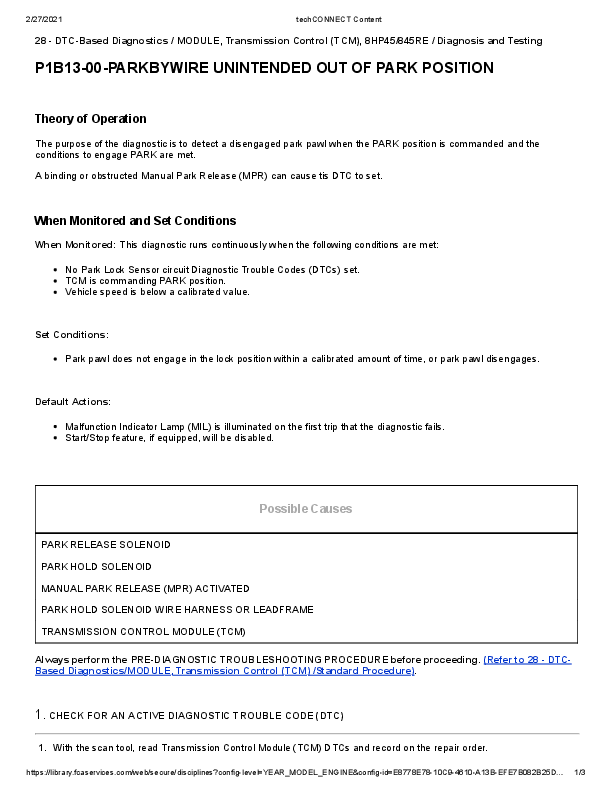
P1B13-00 Park By Wire Unintended Out of Park Position Diagnostic Guide
DTC-Based Diagnostics for Transmission Control Module (TCM) 8HP45/845RE
Theory of Operation
The diagnostic aims to detect a disengaged park pawl when the PARK position is commanded and conditions for PARK engagement are met. A binding or obstructed Manual Park Release (MPR) can cause this DTC to set.
When Monitored and Set Conditions
When Monitored:
This diagnostic runs continuously when the following conditions are met:
- No Park Lock Sensor circuit Diagnostic Trouble Codes (DTCs) set.
- TCM is commanding PARK position.
- Vehicle speed is below a calibrated value.
Set Conditions:
- Park pawl does not engage in the lock position within a calibrated amount of time, or park pawl disengages.
Default Actions:
- Malfunction Indicator Lamp (MIL) is illuminated on the first trip that the diagnostic fails.
- Start/Stop feature, if equipped, will be disabled.
Possible Causes
- PARK RELEASE SOLENOID
- PARK HOLD SOLENOID
- MANUAL PARK RELEASE (MPR) ACTIVATED
- PARK HOLD SOLENOID WIRE HARNESS OR LEADFRAME
- TRANSMISSION CONTROL MODULE (TCM)
Always perform the PRE-DIAGNOSTIC TROUBLESHOOTING PROCEDURE before proceeding. Refer to 28 - DTC-Based Diagnostics/MODULE, Transmission Control (TCM) /Standard Procedure.
1. CHECK FOR AN ACTIVE DIAGNOSTIC TROUBLE CODE (DTC)
- With the scan tool, read Transmission Control Module (TCM) DTCs and record on the repair order.
- Record the Event Data and Environmental Data.
- With the scan tool, erase DTCs.
- Using the recorded Event and Environmental Data, along with the When Monitored and Set Conditions above, operate the vehicle in the conditions that set the DTC.
- With the scan tool, read TCM DTCs.
Did the DTC return?
- Yes: Go To 2
- No: Go To 3
2. CHECK MANUAL PARK RELEASE (MPR) CABLE
- Check MPR Cable and Lever for activation, obstruction, or damage that could cause this condition.
Is the MPR Cable or Lever causing this condition?
- Yes:
- Repair MPR Cable or Lever as necessary.
- Perform the TRANSMISSION VERIFICATION TEST. Refer to 28 - DTC-Based Diagnostics/MODULE, Transmission Control (TCM) - Standard Procedure.
- No:
- Using the schematics as a guide, check the Transmission Control Module (TCM) connector and all related in-line connector terminals for corrosion, damage, or pushed out terminals. Pay particular attention to power and ground circuits. Check Service Bulletins for possible causes that may apply. Remove the Transmission oil pan and the TCM. Refer to 08 - Electrical/8E - Electronic Control Modules/MODULE, Transmission Control/Removal. Inspect and clean the solenoid terminals at the wiring harness leadframe for metallic contamination. Reinstall the TCM. Refer to 08 - Electrical/8E - Electronic Control Modules/MODULE, Transmission Control/Installation. Connect the scan tool and erase the DTCs. Road test the vehicle and check for DTCs. If the DTC returns, replace and program the TCM in accordance with the Service Information. Refer to 08 - Electrical/8E - Electronic Control Modules/MODULE, Transmission Control/Removal.
- Perform the TRANSMISSION VERIFICATION TEST. Refer to 28 - DTC-Based Diagnostics/MODULE, Transmission Control (TCM) - Standard Procedure.
3. CHECK WIRING AND CONNECTORS
- The conditions necessary to set the DTC are not present at this time.
- Using the schematics as a guide, inspect the wiring and connectors specific to this circuit.
- Wiggle the wires while checking for shorted and open circuits.
- Check for any Service Bulletins that may apply.
Were any problems found?
- Yes:
- Repair as necessary.
- Perform the TRANSMISSION VERIFICATION TEST. Refer to 28 - DTC-Based Diagnostics/MODULE, Transmission Control (TCM) /Standard Procedure.
- No: Test complete.
Full PDF Document

If the inline viewer fails, it will open the original document in compatibility mode automatically. You can also open the file directly.