3J Tech ENABLER Communication Enabler User Manual

3J Tech. Co., Ltd. Communication Enabler Users Manual

Users Manual

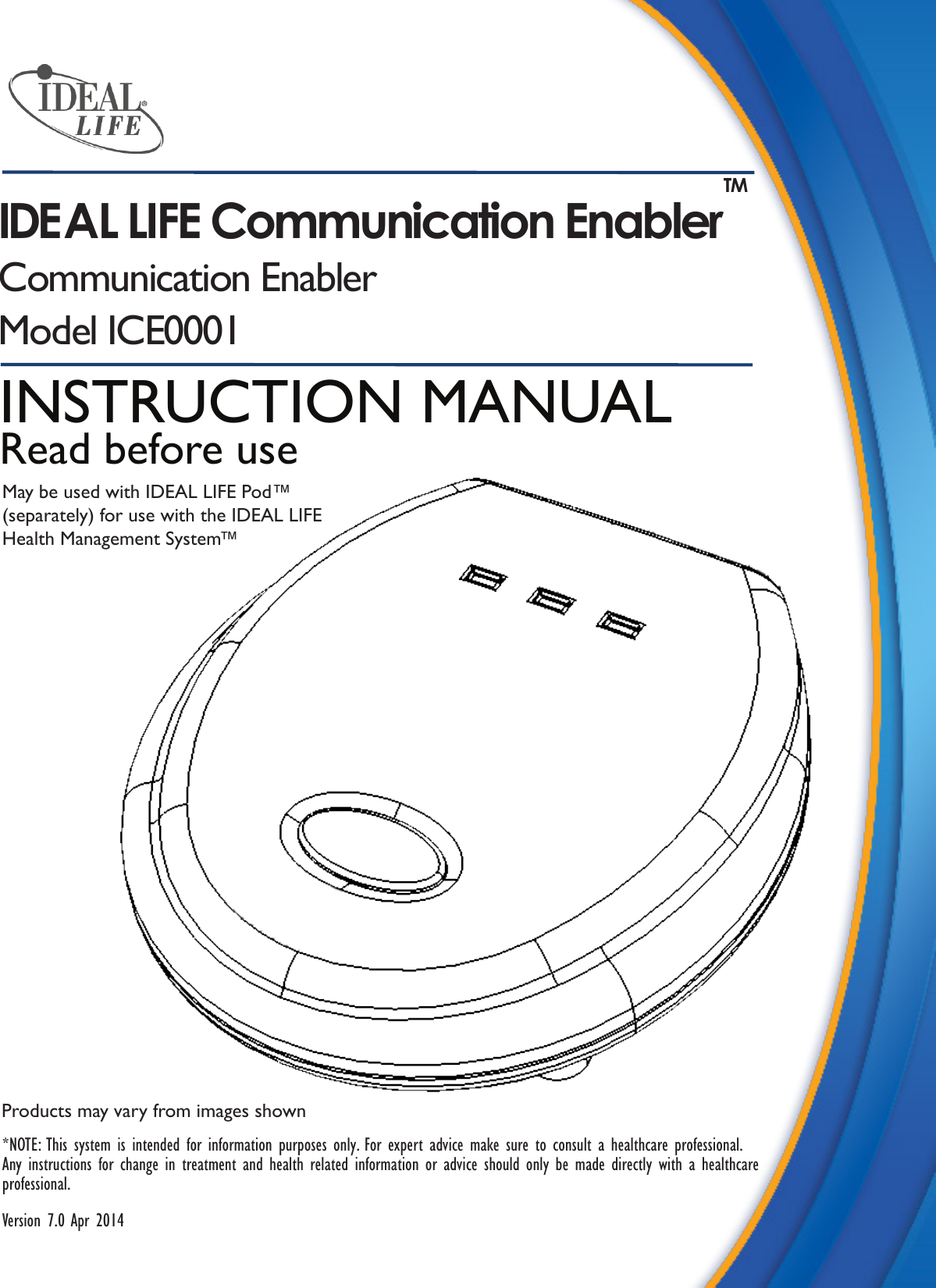
Products may vary from images shown*NOTE: This system is intended for information purposes only. For expert advice make sure to consult a healthcare professional. Any instructions for change in treatment and health related information or advice should only be made directly with a healthcare professional.Version 7.0 Apr 2014INSTRUCTION MANUALRead before useMay be used with IDEAL LIFE Pod™(separately) for use with the IDEAL LIFE Health Management System™IDEAL LIFE Communication Enabler TMCommunication EnablerModel ICE0001
2IDEAL LIFE Communication Enabler™ ICE0001Table of ContentsTable of Contents......................................2Introduction.................................................3Preface..........................................................3Intended Use..............................................3Precautions..................................................3Package Contents......................................4Before You Start:  Your IDEAL LIFE Communication Enabler™......................5Using Your IDEAL LIFE Communication Enabler™......................6Installing Batteries ....................................6Sending a Measurement ..........................6Clearing Device Memory.........................7Specications..............................................8FCC Statement..........................................9Service Requirements.............................10Table of Contents
3Instruction Manual v7.0 Apr 2014IntroductionPrefaceThank you for purchasing the IDEAL LIFE Communication Enabler™. This device allows you to use a third party gluclose meter with the IDEAL LIFE Health Management System™. Using your third party glucose meter in conjunction with the IDEAL LIFE Communication Enabler™, you’ll be able to measure your blood glucose and manage information automatically so that you can work with your healthcare provider to control your blood glucose. Intended UseThe IDEAL LIFE Communication Enabler™ is intended to allow the use of a third party glucose meter in obtaining a quantitative measurement of glucose in fresh capillary whole blood samples drawn from the ngertip or alternative sites (palm, forearm, upper arm, calf, and thigh) and transmit them over the IDEAL LIFE Health Management System™.The IDEAL LIFE Communication Enabler™ and accompanying devices are intended for self-testing outside the body (in vitro diagnostic use) by people with diabetes at home as an aid to monitor the effectiveness of diabetes control. The system is not to be used for the diagnosis of or screening for diabetes or for neonatal use. Alternative site testing should only be done during steady state times when blood glucose is not changing rapidly.The IDEAL LIFE Communication Enabler™ can wirelessly communicate with a communication gateway or an access point such as the IDEAL LIFE Pod ™or the IDEAL LIFE Gateway™ application.PrecautionsThe IDEAL LIFE Communication Enabler™ should only be used with supported devices.  Do not use the IDEAL LIFE Communication Enabler™ with any other devices.Introduction
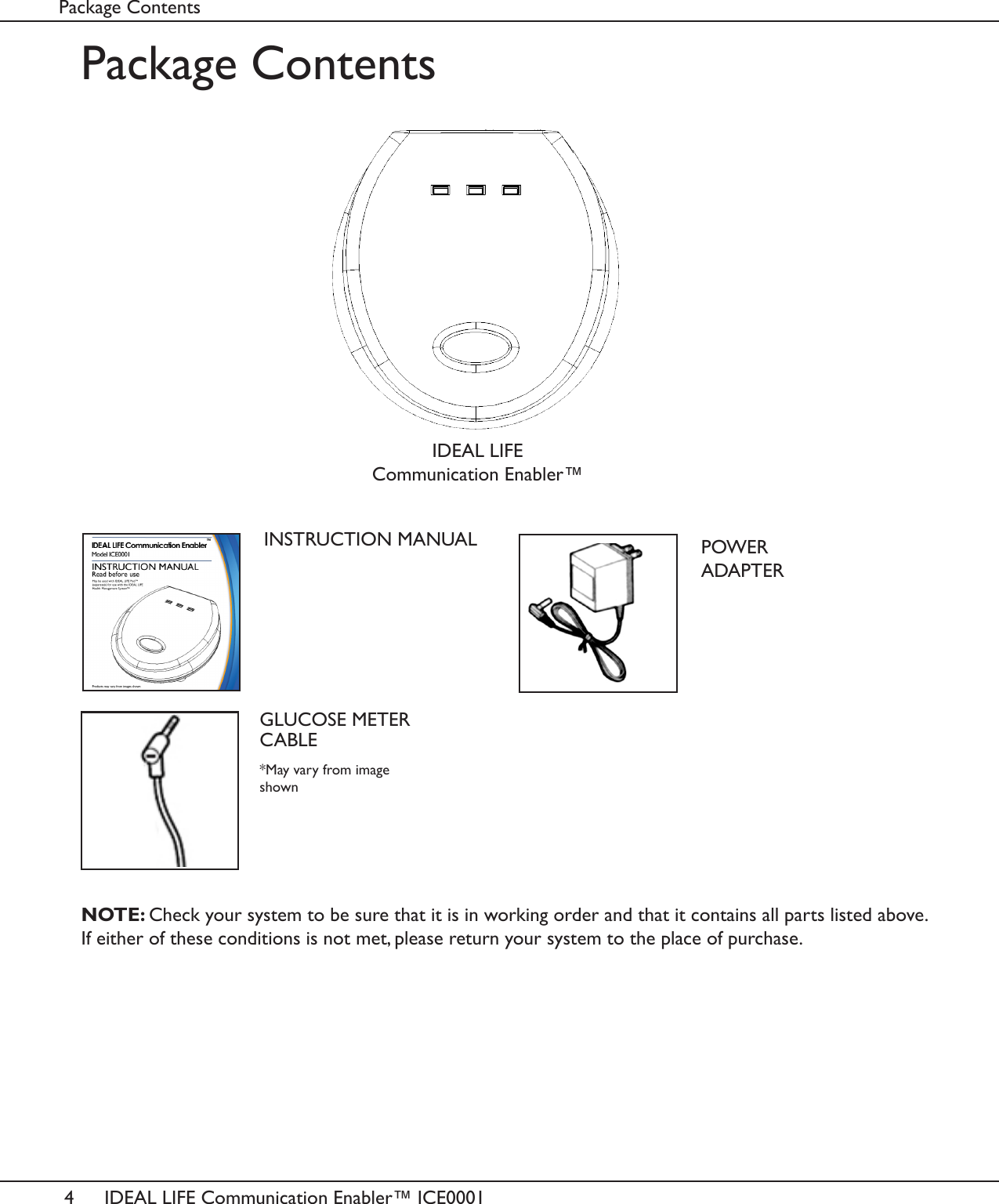
4IDEAL LIFE Communication Enabler™ ICE0001Package ContentsPackage ContentsINSTRUCTION MANUALNOTE: Check your system to be sure that it is in working order and that it contains all parts listed above. If either of these conditions is not met, please return your system to the place of purchase.POWER ADAPTERGLUCOSE METER CABLEIDEAL LIFE Communication Enabler™*May vary from image shown
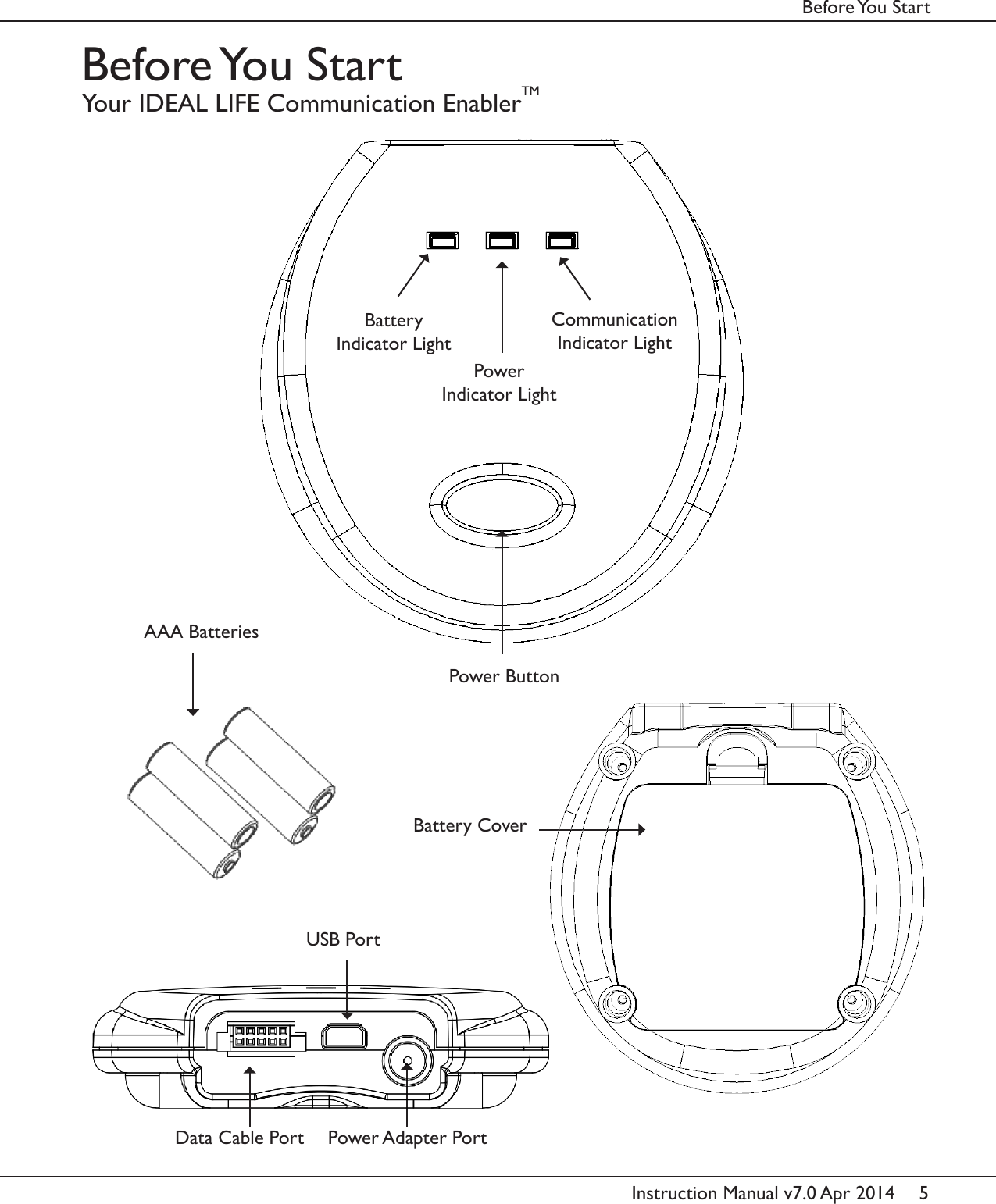
5Instruction Manual v7.0 Apr 2014Before You  StartBefore You  StartYour IDEAL LIFE Communication EnablerTMPower ButtonBattery Indicator LightPower Adapter PortBattery CoverAAA BatteriesCommunicationIndicator LightPowerIndicator LightData Cable PortUSB Port
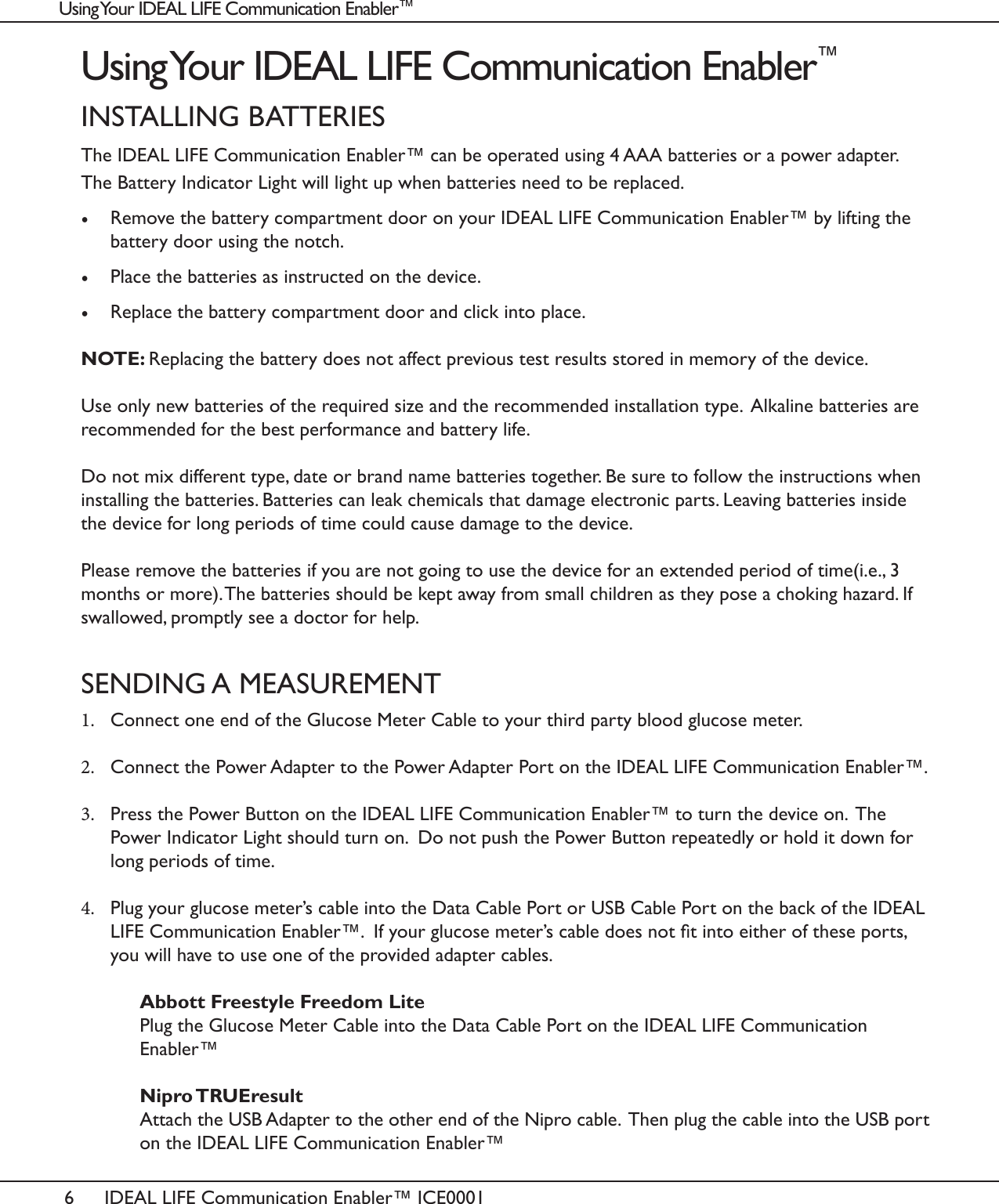
6IDEAL LIFE Communication Enabler™ ICE0001Using Your IDEAL LIFE Communication Enabler™INSTALLING BATTERIESThe IDEAL LIFE Communication Enabler™ can be operated using 4 AAA batteries or a power adapter.  The Battery Indicator Light will light up when batteries need to be replaced. •  Remove the battery compartment door on your IDEAL LIFE Communication Enabler™ by lifting the battery door using the notch. •  Place the batteries as instructed on the device. •  Replace the battery compartment door and click into place.NOTE: Replacing the battery does not affect previous test results stored in memory of the device. Use only new batteries of the required size and the recommended installation type.  Alkaline batteries are recommended for the best performance and battery life. Do not mix different type, date or brand name batteries together. Be sure to follow the instructions when installing the batteries. Batteries can leak chemicals that damage electronic parts. Leaving batteries inside the device for long periods of time could cause damage to the device.Please remove the batteries if you are not going to use the device for an extended period of time(i.e., 3 months or more). The batteries should be kept away from small children as they pose a choking hazard. If swallowed, promptly see a doctor for help.SENDING A MEASUREMENT1.  Connect one end of the Glucose Meter Cable to your third party blood glucose meter. 2.  Connect the Power Adapter to the Power Adapter Port on the IDEAL LIFE Communication Enabler™.  3.  Press the Power Button on the IDEAL LIFE Communication Enabler™ to turn the device on.  The Power Indicator Light should turn on.  Do not push the Power Button repeatedly or hold it down for long periods of time. 4.  Plug your glucose meter’s cable into the Data Cable Port or USB Cable Port on the back of the IDEAL LIFE Communication Enabler™.  If your glucose meter’s cable does not t into either of these ports, you will have to use one of the provided adapter cables.   Abbott Freestyle Freedom Lite   Plug the Glucose Meter Cable into the Data Cable Port on the IDEAL LIFE Communication     Enabler™   Nipro TRUEresult   Attach the USB Adapter to the other end of the Nipro cable.  Then plug the cable into the USB port    on the IDEAL LIFE Communication Enabler™ Using Your IDEAL LIFE Communication Enabler™
7Instruction Manual v7.0 Apr 20145.  The Battery Indicator Light will blink green to let you know that your glucose meter has successfully been connected to the IDEAL LIFE Communication Enabler™.  The Communication Indicator Light will blink blue to let you know that data is ready to be transferred. 6.  Take your readings like you normally would using your glucose meter.CLEARING DEVICE MEMORY•  To clear device memory, hold the Power Button for 5 seconds.  The Battery Indicator Light will begin to blink. •  Release the Power Button and hold it again for 5 seconds.  The Battery Indicator Light and Power Indicator Light will both begin to blink.  The device’s memory is now cleared.
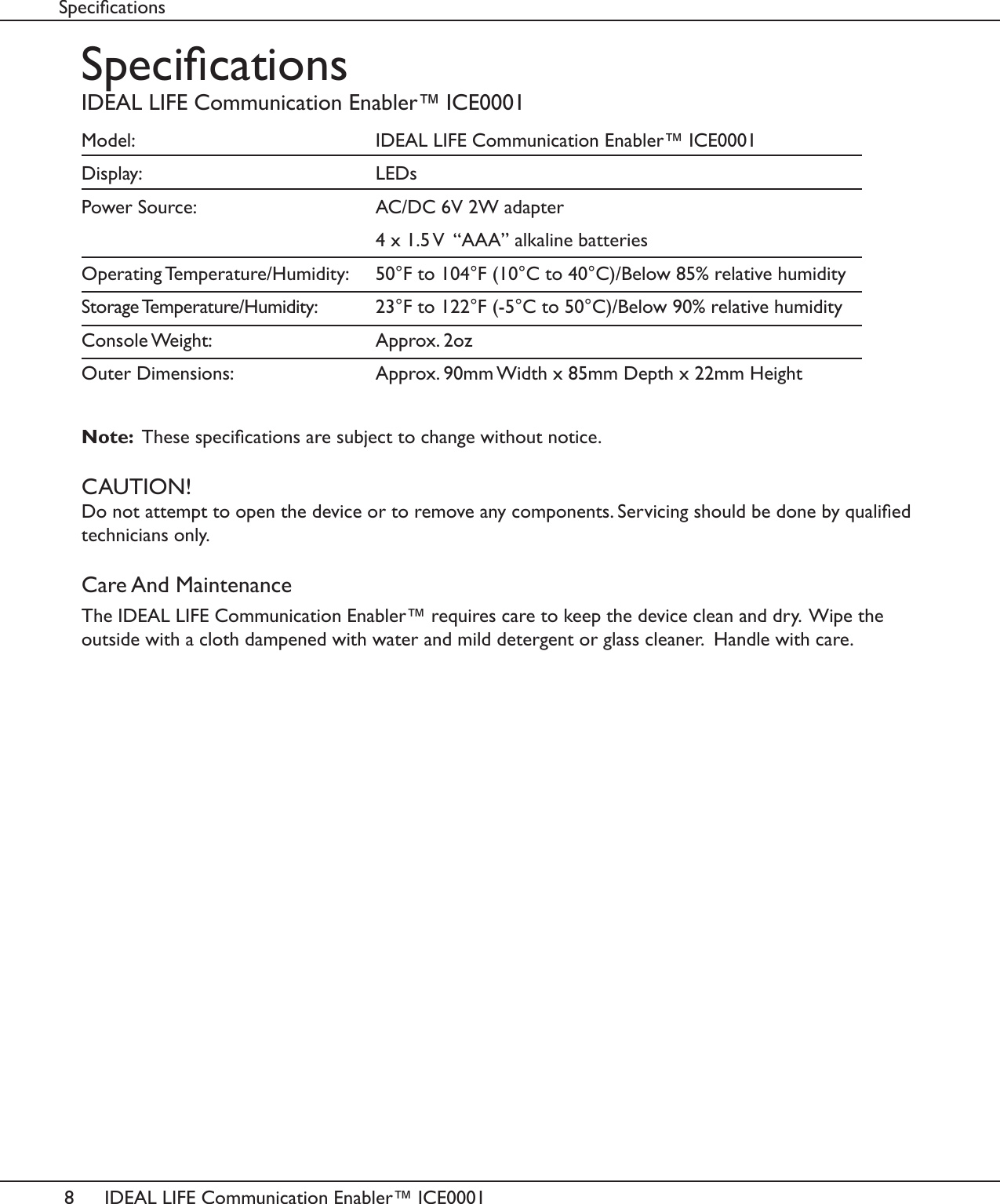
8IDEAL LIFE Communication Enabler™ ICE0001SpecicationsIDEAL LIFE Communication Enabler™ ICE0001Model:          IDEAL LIFE Communication Enabler™ ICE0001Display:     LEDsPower Source:       AC/DC 6V 2W adapter          4 x 1.5 V  “AAA” alkaline batteriesOperating Temperature/Humidity:   50°F to 104°F (10°C to 40°C)/Below 85% relative humidityStorage Temperature/Humidity:   23°F to 122°F (-5°C to 50°C)/Below 90% relative humidityConsole Weight:       Approx. 2ozOuter Dimensions:       Approx. 90mm Width x 85mm Depth x 22mm HeightNote:  These specications are subject to change without notice.CAUTION!Do not attempt to open the device or to remove any components. Servicing should be done by qualied technicians only.Care And MaintenanceThe IDEAL LIFE Communication Enabler™ requires care to keep the device clean and dry.  Wipe the outside with a cloth dampened with water and mild detergent or glass cleaner.  Handle with care.Specications
9Instruction Manual v7.0 Apr 2014FCC StatementInterference InformationThis equipment has been tested and found to comply with the limits for a Class B digital device, pursuant to Part 15 of FCC Rules. These limits are designed to provide reasonable protection against harmful inter-ference in a residential installation. This equipment generates, uses, and can radiate radio frequency energy and, if not installed and used in accordance with the instructions, may cause harmful interference to radio communications. However, there is no guarantee that interference will not occur in a particular installation. If this equipment does cause harmful interference to radio or television reception, which can be deter-mined by turning the equipment off and on, the user is encouraged to try to correct the interference by one or more of the following measures:•  Reorient or relocate the receiving antenna•  Increase the separation between the equipment and receiver•  Connect the equipment into an outlet on a circuit different from that to which the receiver is connected•  Consult the dealer or an experienced radio/TV technician for help.FCC CAUTION:To assure continued compliance, any changes or modications not expressly approved by the party responsible for compliance could void the user’s authority to operate this equipment. (Example - use only shielded interface cables when connecting to computer or peripheral devices).FCC StatementIMPORTANT NOTE:To comply with FCC RF exposure compliance requirements, the antenna used for this transmitter must be installed to provide a separation distance of at least 20cm from all persons and must not be colocated or operating in conjunction with any other antenna or transmitter.”  This device complies with part 15 of the FCC rules. Operation is subject to the following two conditions  (1) This device may not cause harmful interference and   (2) This device must accept any interference received, including interference that may cause undesired operation.WARNING:Changes or modications to this unit not expressly approved by the party responsible for compliance could void the user’s authority to operate the equipment.
10 IDEAL LIFE Communication Enabler™ ICE0001Service RequirementsService RequirementsIn the event of equipment malfunction, all repairs should be performed by our Company or anauthorized agent. It is the responsibility of the User to report the need for service to our Company orauthorized agent. Please refer to the original location of purchase for service details.
IDEAL LIFE US INC.Customer Support Hours: Between 9:00 am and 8:00 pm (EST)Tel 1-866-IDEAL-41 1-866-433-2541 www.IDEALLIFEonline.comAt all other times, you should contact your healthcare professional for assistance.© 2014 - 001 IDEAL LIFE INC. All rights reserved. IDEAL LIFE is a registered trademark in the United States for weight scales, blood glucose meters, blood pressure cuffs and meters, heart monitors.  IDEAL LIFE BODY MANAGER, IDEAL LIFE BP MANAGER, IDEAL LIFE GLUCO MANAGER, IDEAL LIFE POD, IDEAL LIFE Step Manager, IDEAL LIFE Breath Manager, IDEAL LIFE Direct Connect, IDEAL LIFE SpO2 Manager, IDEAL LIFE Medication Manager, IDEAL LIFE Health Tablet, IDEAL LIFE Communication Enabler, Caregiver Relief, Your Gateway to Health, Leveraging the Power of Communication, Reinventing Healthcare for an IDEAL LIFE, IDEAL LIFE Health & Wellness Solution, are all proprietary trademarks of IDEAL LIFE INC. Contents are covered by issued U.S. patents and one or more U.S. patents pending.  Manufactured for and Distributed by IDEAL LIFE INC., Toronto ON M4S 2C6, and made in Taiwan, ROC.

Navigation menu