ASKA ELECTRONICS F1 Bluetooth headset User Manual

ASKA ELECTRONICS CO., LIMITED Bluetooth headset Users Manual

Users Manual

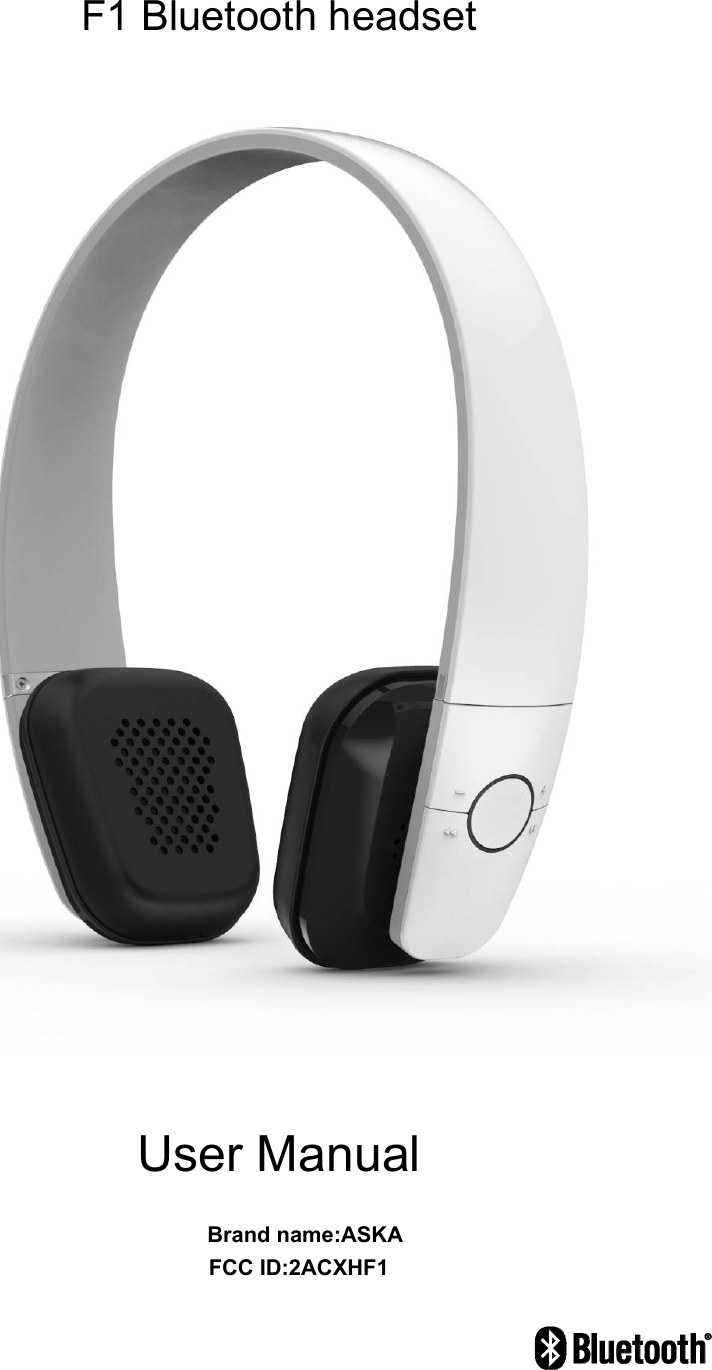
F1 Bluetooth headset     User Manual                                   Brand name:ASKA                                  FCC ID:2ACXHF1
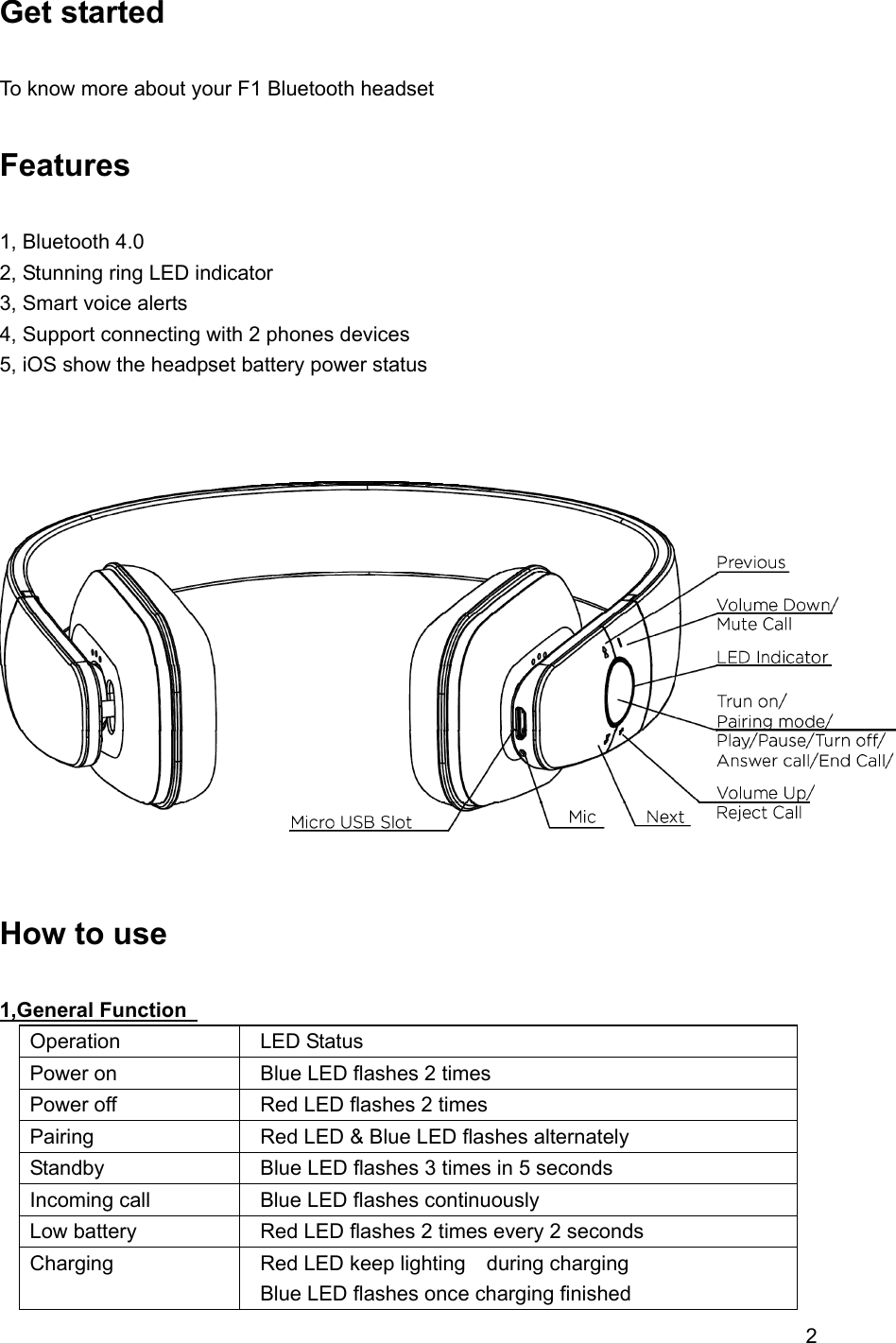
2   Get started    To know more about your F1 Bluetooth headset  Features  1, Bluetooth 4.0 2, Stunning ring LED indicator 3, Smart voice alerts 4, Support connecting with 2 phones devices     5, iOS show the headpset battery power status       How to use  1,General Function   Operation  LED Status Power on    Blue LED flashes 2 times Power off    Red LED flashes 2 times Pairing    Red LED & Blue LED flashes alternately Standby    Blue LED flashes 3 times in 5 seconds Incoming call    Blue LED flashes continuously Low battery    Red LED flashes 2 times every 2 seconds Charging    Red LED keep lighting  during charging   Blue LED flashes once charging finished
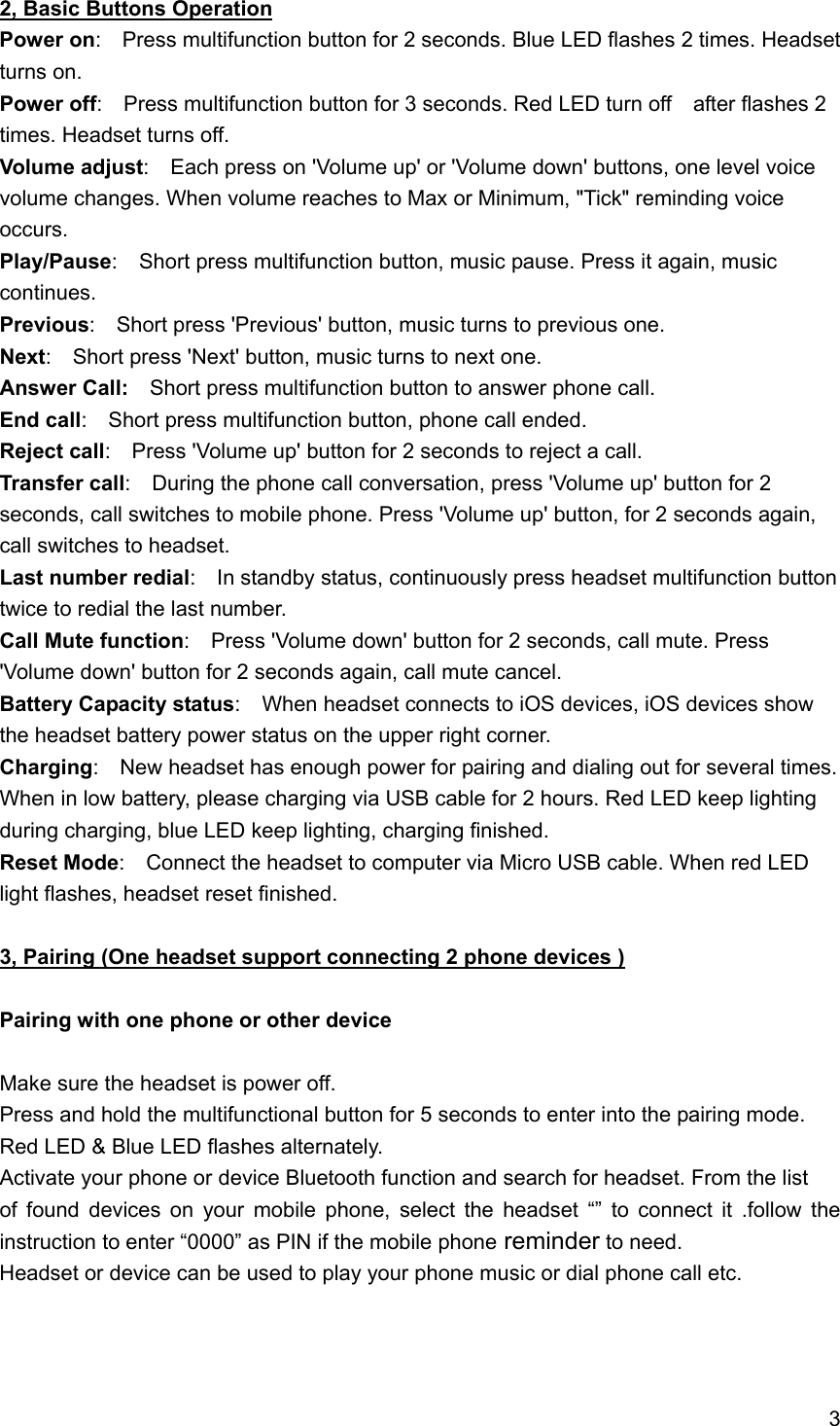
3  2, Basic Buttons Operation Power on:    Press multifunction button for 2 seconds. Blue LED flashes 2 times. Headset turns on. Power off:    Press multifunction button for 3 seconds. Red LED turn off    after flashes 2 times. Headset turns off. Volume adjust:    Each press on 'Volume up' or 'Volume down' buttons, one level voice volume changes. When volume reaches to Max or Minimum, "Tick" reminding voice occurs. Play/Pause:    Short press multifunction button, music pause. Press it again, music continues. Previous:    Short press 'Previous' button, music turns to previous one. Next:    Short press 'Next' button, music turns to next one. Answer Call:  Short press multifunction button to answer phone call. End call:    Short press multifunction button, phone call ended. Reject call:    Press 'Volume up' button for 2 seconds to reject a call. Transfer call:    During the phone call conversation, press 'Volume up' button for 2 seconds, call switches to mobile phone. Press 'Volume up' button, for 2 seconds again, call switches to headset.     Last number redial:    In standby status, continuously press headset multifunction button twice to redial the last number. Call Mute function:    Press 'Volume down' button for 2 seconds, call mute. Press 'Volume down' button for 2 seconds again, call mute cancel. Battery Capacity status:    When headset connects to iOS devices, iOS devices show the headset battery power status on the upper right corner. Charging:    New headset has enough power for pairing and dialing out for several times. When in low battery, please charging via USB cable for 2 hours. Red LED keep lighting during charging, blue LED keep lighting, charging finished. Reset Mode:    Connect the headset to computer via Micro USB cable. When red LED light flashes, headset reset finished.   3, Pairing (One headset support connecting 2 phone devices )  Pairing with one phone or other device  Make sure the headset is power off. Press and hold the multifunctional button for 5 seconds to enter into the pairing mode. Red LED & Blue LED flashes alternately. Activate your phone or device Bluetooth function and search for headset. From the list   of found devices on your mobile phone, select the headset “” to connect it .follow the instruction to enter “0000” as PIN if the mobile phone reminder to need. Headset or device can be used to play your phone music or dial phone call etc.
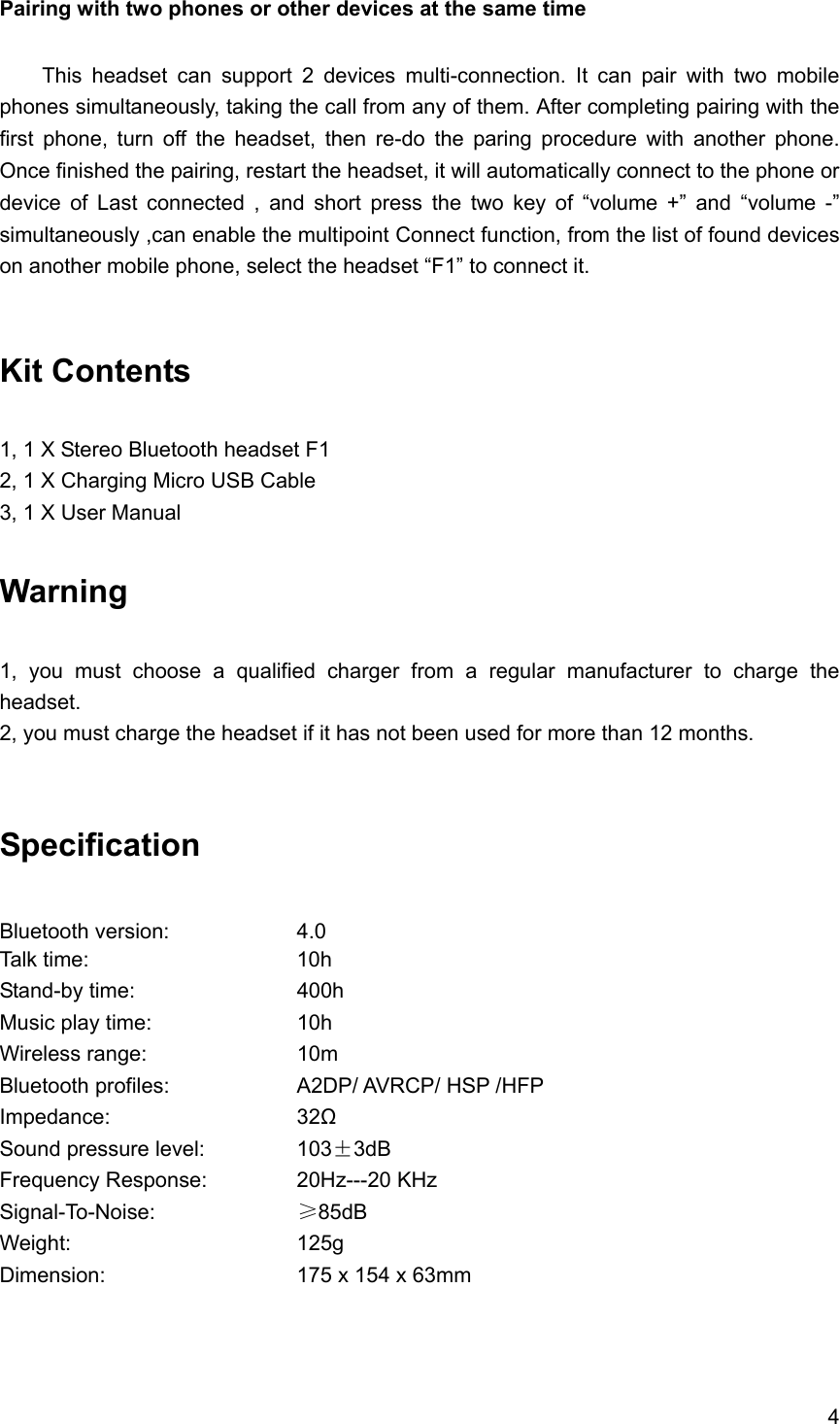
4  Pairing with two phones or other devices at the same time    This headset can support 2 devices multi-connection. It can pair with two mobile phones simultaneously, taking the call from any of them. After completing pairing with the first phone, turn off the headset, then re-do the paring procedure with another phone. Once finished the pairing, restart the headset, it will automatically connect to the phone or device of Last connected , and short press the two key of “volume +” and “volume -” simultaneously ,can enable the multipoint Connect function, from the list of found devices on another mobile phone, select the headset “F1” to connect it.   Kit Contents  1, 1 X Stereo Bluetooth headset F1 2, 1 X Charging Micro USB Cable 3, 1 X User Manual  Warning   1, you must choose a qualified charger from a regular manufacturer to charge the headset. 2, you must charge the headset if it has not been used for more than 12 months.  Specification  Bluetooth version:    4.0 Talk time:     10h  Stand-by time:    400h Music play time:    10h  Wireless range:    10m Bluetooth profiles:        A2DP/ AVRCP/ HSP /HFP Impedance:     32Ω Sound pressure level:      103±3dB Frequency Response:   20Hz---20 KHz Signal-To-Noise:    ≥85dB Weight:      125g Dimension:     175 x 154 x 63mm
5  This device complies with part 15 of the FCC rules. Operation is subject to the following two conditions:         (1) this device may not cause harmful interference, and        (2) this device must accept any interference received, including interference that may cause undesired operation.      Changes or modifications to this unit not expressly approved by the party responsible for compliance could void the user's authority to operate the equipment.

Navigation menu