AVATARCONTROLS AFCC01 Wireless Charger User Manual
SHENZHEN AVATARCONTROLS CO., LTD. Wireless Charger
User Manual
Wireless Charger
( User Manual )
Item No: AFCC01User Manual
Packing List:
Wireless Charger * 1
User Manual * 1
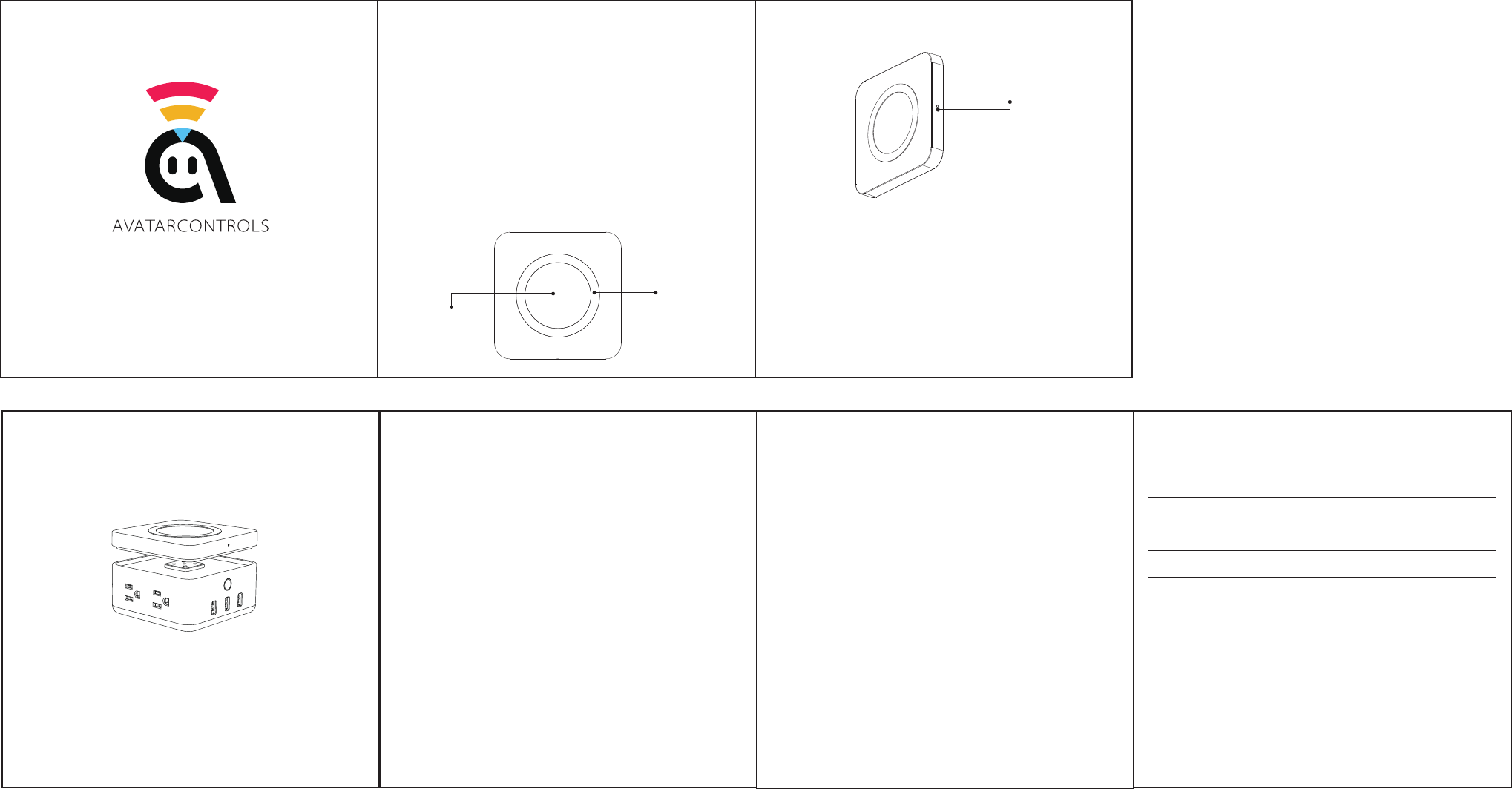
Product Appearance:
Thank you for choosing the Wireless Charger by AvatarControls. This product is part of
the Freecube series and will only function with the AvatarControls Freecube USB Power
Socket Base. For the best experience with your Wireless Charger please read the user
manual carefully before use. The user manual includes an introduction to the product,
usage directions and as well as important safety information.
Wireless
Charging Area
Non-Slip
Silicone Ring
Indicator Light
Indicator Light:
• OFF:No device is placed on the Charging Pad.
• Orange:Device is charging.
• Green:Device is fully charged.
• Red:Device placed on the Charging Pad but not compatible with the Charging Pad.
www.avatarcontrols.com
Precautions:
• Keep the charger away from water and other liquids.
• When cleaning the charger, first make sure it is disconnected from the power supply.
• To maximize the phone charging performance, please do not place metal pieces,
coins, or other debris on the charging area.
FAQ:
Q: Why isn't my phone charging on the pad ?
A: Please check if there are foreign matters on the charging area.
Q: What if the area is clean but phone still not charging ?
A: Please make sure the charger receiver is inserted in your phone in the correct
orientation.
1. Open and remove the top cover of the Freecube.
2. Place the metal connection face down on the socket.
How to use:
• Input : 24V/4.5W(MAX)
• Output : 5V/1A
• Transmission Distance : ≤0.24” (6mm)
• Maximum Charge Efficiency: ≤80%
• Working Temperature: 32°F~122°F ( 0℃~50℃ )
• Dimensions(WxDxH) : 4.6 x 4.6 x 0.75 in (116 x116 x 19mm)
Specification:
FCC STATEMENT
1.ThisdevicecomplieswithPart15oftheFCCRules.Operationissubjecttothefollowing
twoconditions:
(1)Thisdevicemaynotcauseharmfulinterference,and
(2)Thisdevicemustacceptanyinterferencereceived,includinginterferencethatmay
causeundesiredoperation.
Warranty Card
User Name:
Address:
Contact :
Order Date:
Guarantee Clause:
• Within 7 days since goods are sold, if there is performance failure, commodity itself
and the outer package is complete (no scratches), can replace the sample type of
goods, not including man-made damage.
• The goods are guaranteed for one year from the date of sale. The accessories are
not covered by the warranty.
• The warranty service will be only effective under normal use.
• All the man-made damage, disassemble, stripping, improper use etc., is not covered
by warranty.
• The warranty card must be provided when ask for warranty. Failure to provide this card
or alter the card without permission, the company has privilege to refuse warranty.
2.Changesormodificationsnotexpresslyapprovedbythepartyresponsiblefor
compliancecouldvoidtheuser’sauthoritytooperatetheequipment.
ThisequipmenthasbeentestedandfoundtocomplywiththelimitsforaClassBdigital
device,pursuanttopart15oftheFCCRules.Theselimitsaredesignedtoprovidereaso-
nableprotectionagainstharmfulinterferenceinaresidentialinstallation.
Thisequipmentgenerates,usesandcanradiateradiofrequencyenergyand,ifnotinst-
alled andusedinaccordancewiththeinstructions,maycauseharmfulinterferenceto
radiocommunications.However,thereisnoguaranteethatinterferencewillnotoccurina
particularinstallation.Ifthisequipmentdoescauseharmfulinterferencetoradioortelevi-
sionreception,whichcanbedeterminedbyturningtheequipmentoffandon,the useris
encouragedtotrytocorrecttheinterferencebyoneormoreofthefollowing measures:
— Reorientorrelocatethereceivingantenna.
— Increasetheseparationbetweentheequipmentandreceiver.
— Connecttheequipmentintoanoutletonacircuitdifferentfromthattowhichthereceiver
isconnected.
— Consultthedealeroranexperiencedradio/TVtechnicianforhelp.
Made in China