Aesopower CTB005 Troffer Light User Manual Manual
Aesopower,Inc. Troffer Light Manual
Manual
AP212663B/N User Manual V1.5
Date: 2017-06-19
About AP212663, there are two models: type B and type N.
a. Package:
2 sets troffer light inside one box
b. Installation:
1. Turn off power
2. Connect two lead wires (blue and brown) of troffer light and power line from the
building (blue and brown) connected together one by one. Terminal block is not
included. Installation must be performed by skilled technicians who are informed
about the standards and technical requirements of the appliance and its proper
Installation. Terminal block shall confirm to EN 60998-2-1 or EN 60998-2-2 or other
approved terminals.
Type of terminal: screw or screwless
Number of terminals: 2
Rated voltage: min. AC100-240V
Rated connecting capacity: 0.75mm2
Necessary preparation of the ends of conductors: The wire ends of power cord need to be treated
as clipping to avoid the separation of the wire ends.
3. Allocate Troffer light to the ceiling space for lighting and then turn on.
User guide for lighting control:
Type B:
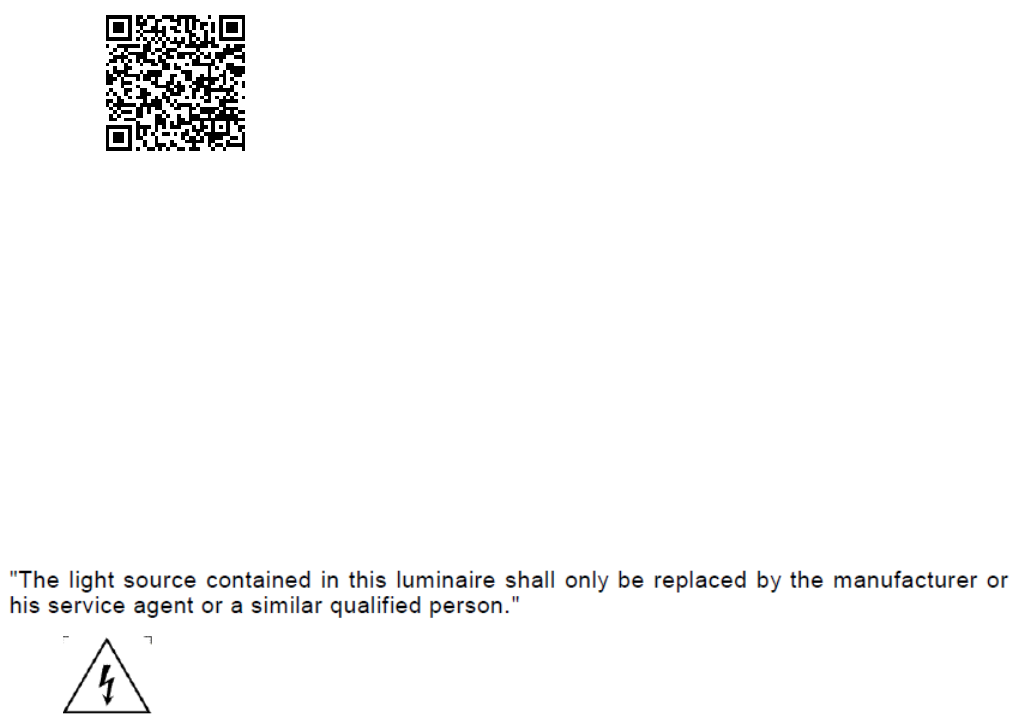
The brightness and Color temperature is adjustable by APP. Right now, this APP is just
support Andriod only,iOS is exclusive. Customer has to download BTSWAPP from Google Play
first. The procedure showed below:
1. Key-in“Bluetooth AC Switch”
2. Start to search
3. Find it and follow installation instruction showed on windows.
Besides, QR code is another choice to access APP installation window directly.
User manual refer to “ BTSWAPP user manual on Aesopower web site”
Type N:
Troffer light can be turn ON and OFF by external power switch.
Caution
1. Both models are for indoor use only.
2. If the external flexible cable or cord of this luminaire is damaged, it shall be exclusively replaced by the
manufacturer or his service agent or a similar qualified person in order to avoid a hazard.
3.
4. For AP212663 Type: B, reinforced insulation is maintained between LV supply and control conductors.
FCC Statement:
This device complies with part 15 of the FCC Rules. Operation is subject to the following
two conditions:
(1) This device may not cause harmful interference, and
(2) this device must accept any interference received, including interference that may cause
undesired operation.
NOTE: This equipment has been tested and found to comply with the limits for a Class B digital
device, pursuant to part 15 of the FCC Rules. These limits are designed to provide reasonable
protection against harmful interference in a residential installation.
This equipment generates, uses and can radiate radio frequency energy and, if not installed
and used in accordance with the instructions, may cause harmful interference to radio
communications. However, there is no guarantee that interference will not occur in a
particular installation.
If this equipment does cause harmful interference to radio or television reception, which
can be determined by turning the equipment off and on, the user is encouraged to try to correct
the interference by one or more of the following measures:
—Reorient or relocate the receiving antenna.
—Increase the separation between the equipment and receiver.
—Connect the equipment into an outlet on a circuit different from that to which the receiver
is connected.
—Consult the dealer or an experienced radio/TV technician for help.
Changes or modifications not expressly approved by the party responsible for compliance could
void the user’s authority to operate the equipment.