AirVast Technology WM168GI 802.11g WLAN USB Module User Manual 802 11g WLAN USB Module Manual 12242003

AirVast Technology Inc. 802.11g WLAN USB Module 802 11g WLAN USB Module Manual 12242003

User Manual

 1          880022..1111gg  WWLLAANN  UUSSBB  MMoodduullee    WM168gi User Manual
STATEMENT FOR MODUAL APPROVAL  This product is sold to OEM integrators only. The manual for the OEM integrators must include some instructions to be followed by the end users in the user manual. For example:  The OEM integrators must be instructed to ensure that the end user has no manual instructions to remove or install the device. The OEM integrators must be instructed about the end product labeling ("Contains TX FCC ID: QDWWM168GI")  etc.  This device is intended only for OEM integrators under the following conditions: 1) The antenna must be installed such that 20 cm is maintained between the antenna and users, and 2) The transmitter module may not be co-located with any other transmitter or antenna.  As long as the 2 conditions above are met, further transmitter test will not be required. However, the OEM integrator is still responsible for testing their end product for any additional compliance requirements required with this module installed (for example, digital device emissions, PC peripheral requirements, etc.).  IMPORTANT NOTE: In the event that these conditions cannot be met (for example certain laptop configurations or co-location with another transmitter), then the FCC authorization is no longer considered valid and the FCC ID can not be used on the final product. In these circumstances, the OEM integrator will be responsible for re-evaluating the end product (including the transmitter) and obtaining a separate FCC authorization.  End Product Labeling This transmitter module is authorized only for use in device where the antenna may be installed such that 20 cm may be maintained between the antenna and users (for example, access points, routers, wireless ADSL modems, and similar equipment). The final end product must be labeled in a visible area with the following: "Contains TX FCC ID: QDWWM168GI".  Manual Information for End Users The end user must not have manual instructions to remove or install the device. The user manual for end users must include the following information in a prominent location. “IMPORTANT NOTE:   To comply with FCC RF exposure compliance requirements, this grant is applicable to only Mobile Configurations. The antennas used for this transmitter must be installed to provide a separation distance of at least 20 cm from all persons and must not be co-located or operating in conjunction with any other antenna or transmitter.
 3No part of this documentation may be reproduced in any form or by any means or used to make any derivative work (such as translation, transformation, or adaptation) without written permission from the copyright owner. All the other trademarks and registered trademarks are the property of their respective owners. Statement of Conditions We may make improvements or changes in the product described in this documentation at any time. The information regarding to the product in this manual are subject to change without notice. We assume no responsibility for errors contained herein or for direct, indirect, special, incidental, or consequential damages with the furnishing, performance, or use of this manual or equipment supplied with it, even if the suppliers have been advised of the possibility of such damages. Electronic Emission Notices This device complies with Part 15 of the FCC Rules. Operation is subject to the following two conditions: (1) This device may not cause harmful interference. (2) This device must accept any interference received, including interference that may cause undesired operation. FCC INFORMATION The Federal Communication Commission Radio Frequency Interference Statement includes the following paragraph: The equipment has been tested and found to comply with the limits for a Class B Digital Device, pursuant to part 15 of the FCC Rules. These limits are designed to provide reasonable protection against harmful interference in a residential installation. This equipment generates, uses and can radiate radio frequency energy and, if not installed and used in accordance with the instruction, may cause harmful interference to radio communication. However, there is no guarantee that interference will not occur in a particular installation. If this equipment does cause harmful interference to radio or television reception, which can be determined by turning the equipment off and on, the user is encouraged to try to overcome the interference by one or more of the following measures: --Reorient or relocate the receiving antenna. --Increase the separation between the equipment and receiver. --Connect the equipment into an outlet on a circuit different from that to which the receiver is connected. --Consult the dealer or an experienced radio/TV technician for help. The equipment is for home or office use. IMPORTANT NOTE FCC RF Radiation Exposure Statement:  This equipment complies with FCC RF radiation exposure limits set forth for an uncontrolled environment. This equipment should be installed and operated with a minimum distance of 20cm between the antenna and your body and must not be co-located or operating in conjunction with any other antenna or transmitter.  Caution: Changes or modifications not expressly approved by the party responsible for compliance could void the user's authority to operate the equipment.
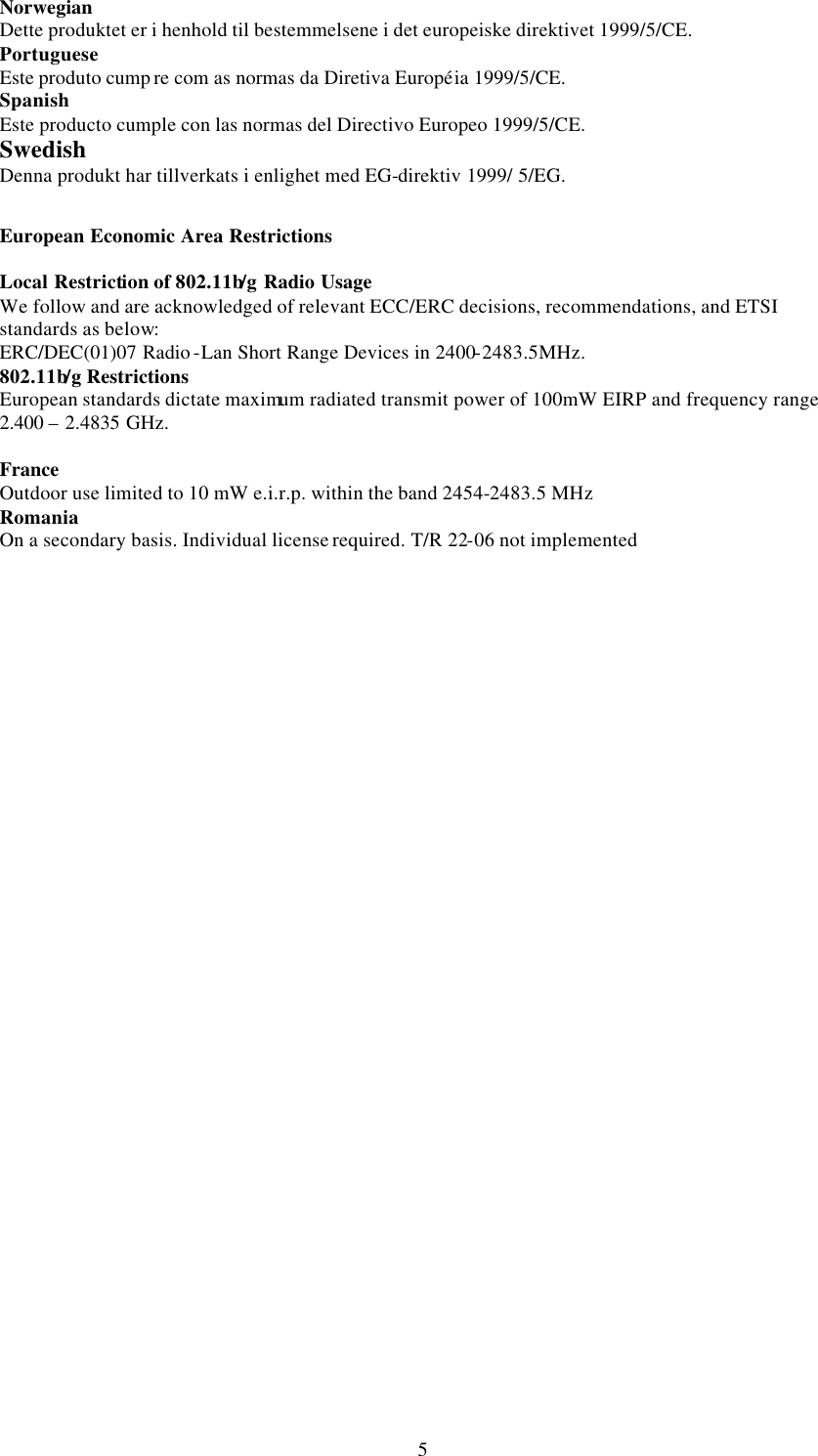
 4R&TTE Compliance Statement This equipment complies with all the requirements of the Directive 1999/5/EC  of the European Parliament and the Council of 9 March 1999 on radio equipment and telecommunication terminal equipment (R&TTE)and the mutual recognition of their conformity.The R&TTE Directive repeals and replaces in the directive 98/13/EEC. As of April 8, 2000. European Union CE Marking and Compliance Notices Products intended for sale within the European Union are marked, which indicates compliance with the applicable directives identified below. This equipment also carries the Class 2 identifier.  with the Conformité Européene (CE) and European standards and amendments. We declares that the equipment described in this document is in conformance with the essential requirements of the European Council Directives, standards, and other normative documents listed below: 73/23/EEC Safety of the User (article 3.1.a) 89/336/EEC Electromagnetic Compatibility (article 3.1.b) 1999/5/EC (R&TTE) Radio and Telecommunications Terminal Equipment Directive.  EN 60950 2000 Safety of Information Technology Equipment, Including Electrical Business Equipment.  EN 300 328 V1.4.1(2003-04) Electromagnetic compatibility and Radio spectrum Matters (ERM); Wideband Transmission systems;Data transmission equipment operatingin the 2,4 GHz ISM band and using spread spectrum modulation techniques;Harmonized EN covering essential requirements under article 3.2 of the R&TTE Directive.  EN 301 489-1, V1.4.1(2002-08); EN 301489-17, V1.2.1(2002) – Electromagnetic compatibility and radio spectrum matters (ERM); electromagnetic compatibility (EMC) standard for radio equipment and services: Part 1: Common technical requirements; Part 17: Part 17: Specific conditions for 2,4 GHz wideband transmission systems and5 GHz high performance RLAN equipment  Warning: According to ERC/REC 70-30 appendix 3 National Restrictions, annex 3 Band A “RLANs and HIPERLANs.” See list of 802.11b/g restrictions for specific countries under the heading “European Economic Area Restrictions” as below.  English This product follows the provisions of the European Directive 1999/5/EC. Danish Dette produkt er i overensstemmelse med det europæiske direktiv 1999/5/EF Dutch Dit product is in navolging van de bepalingen van Europees Directief 1999/5/EC. Finnish Tämä tuote noudattaa EU-direktiivin 1999/5/EY määräyksiä. French Ce produit est conforme aux exigences de la Directive Européenne 1999/5/CE. German Dieses Produkt entspricht den Bestimmungen der Europäischen Richtlinie 1999/5/EG. Greek  Icelandic Þessi vara stenst reglugerð Evrópska Efnahags Bandalagsins númer 1999/5/EC. Italian Questo prodotto è conforme alla Direttiva Europea 1999/5/EC. EK.
 5Norwegian Dette produktet er i henhold til bestemmelsene i det europeiske direktivet 1999/5/CE. Portuguese Este produto cump re com as normas da Diretiva Européia 1999/5/CE. Spanish Este producto cumple con las normas del Directivo Europeo 1999/5/CE. Swedish Denna produkt har tillverkats i enlighet med EG-direktiv 1999/ 5/EG.    European Economic Area Restrictions  Local Restriction of 802.11b/g Radio Usage We follow and are acknowledged of relevant ECC/ERC decisions, recommendations, and ETSI standards as below: ERC/DEC(01)07 Radio -Lan Short Range Devices in 2400-2483.5MHz.   802.11b/g Restrictions European standards dictate maximum radiated transmit power of 100mW EIRP and frequency range 2.400 – 2.4835 GHz.    France Outdoor use limited to 10 mW e.i.r.p. within the band 2454-2483.5 MHz Romania  On a secondary basis. Individual license required. T/R 22-06 not implemented
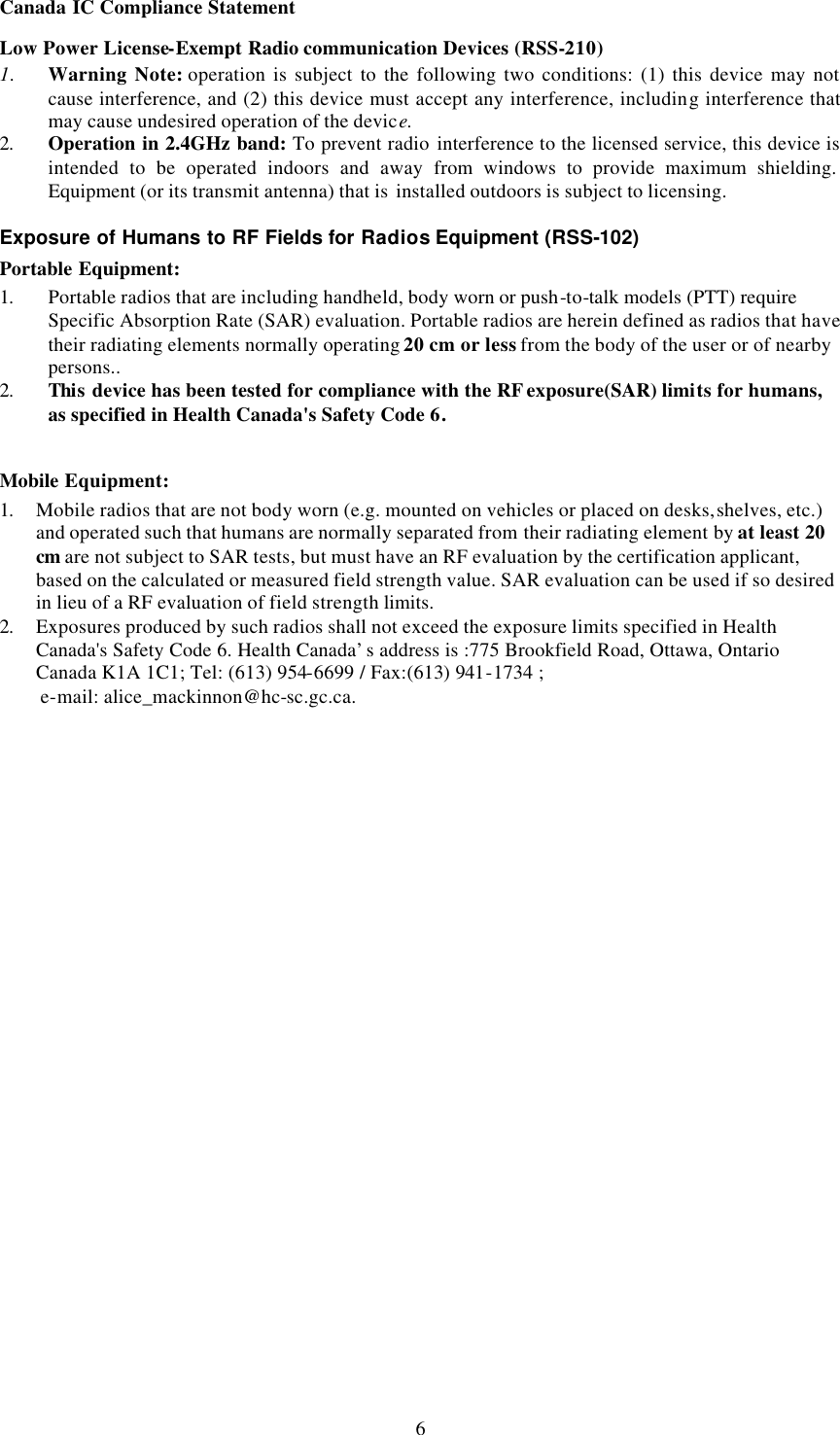
 6Canada IC Compliance Statement Low Power License-Exempt Radio communication Devices (RSS-210) 1. Warning Note: operation is subject to the following two conditions: (1) this device may not cause interference, and (2) this device must accept any interference, including interference that may cause undesired operation of the device. 2. Operation in 2.4GHz band: To prevent radio interference to the licensed service, this device is intended to be operated indoors and away from windows to provide maximum shielding. Equipment (or its transmit antenna) that is  installed outdoors is subject to licensing.  Exposure of Humans to RF Fields for Radios Equipment (RSS-102) Portable Equipment: 1. Portable radios that are including handheld, body worn or push-to-talk models (PTT) require Specific Absorption Rate (SAR) evaluation. Portable radios are herein defined as radios that have their radiating elements normally operating 20 cm or less from the body of the user or of nearby persons.. 2. This device has been tested for compliance with the RF exposure(SAR) limits for humans, as specified in Health Canada's Safety Code 6.  Mobile Equipment: 1. Mobile radios that are not body worn (e.g. mounted on vehicles or placed on desks, shelves, etc.) and operated such that humans are normally separated from their radiating element by at least 20 cm are not subject to SAR tests, but must have an RF evaluation by the certification applicant, based on the calculated or measured field strength value. SAR evaluation can be used if so desired in lieu of a RF evaluation of field strength limits. 2. Exposures produced by such radios shall not exceed the exposure limits specified in Health Canada's Safety Code 6. Health Canada’s address is :775 Brookfield Road, Ottawa, Ontario Canada K1A 1C1; Tel: (613) 954-6699 / Fax:(613) 941-1734 ;   e-mail: alice_mackinnon@hc-sc.gc.ca.
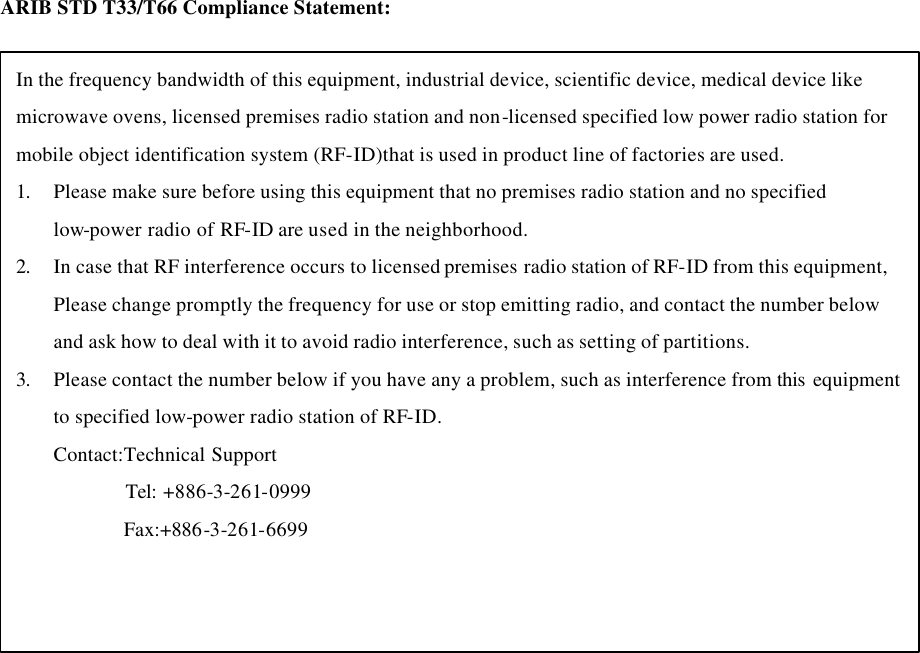
ARIB STD T33/T66 Compliance Statement:  In the frequency bandwidth of this equipment, industrial device, scientific device, medical device like microwave ovens, licensed premises radio station and non-licensed specified low power radio station for mobile object identification system (RF-ID)that is used in product line of factories are used. 1. Please make sure before using this equipment that no premises radio station and no specified low-power radio of RF-ID are used in the neighborhood. 2. In case that RF interference occurs to licensed premises radio station of RF-ID from this equipment, Please change promptly the frequency for use or stop emitting radio, and contact the number below and ask how to deal with it to avoid radio interference, such as setting of partitions. 3. Please contact the number below if you have any a problem, such as interference from this  equipment to specified low-power radio station of RF-ID. Contact:Technical Support          Tel: +886-3-261-0999 Fax:+886-3-261-6699
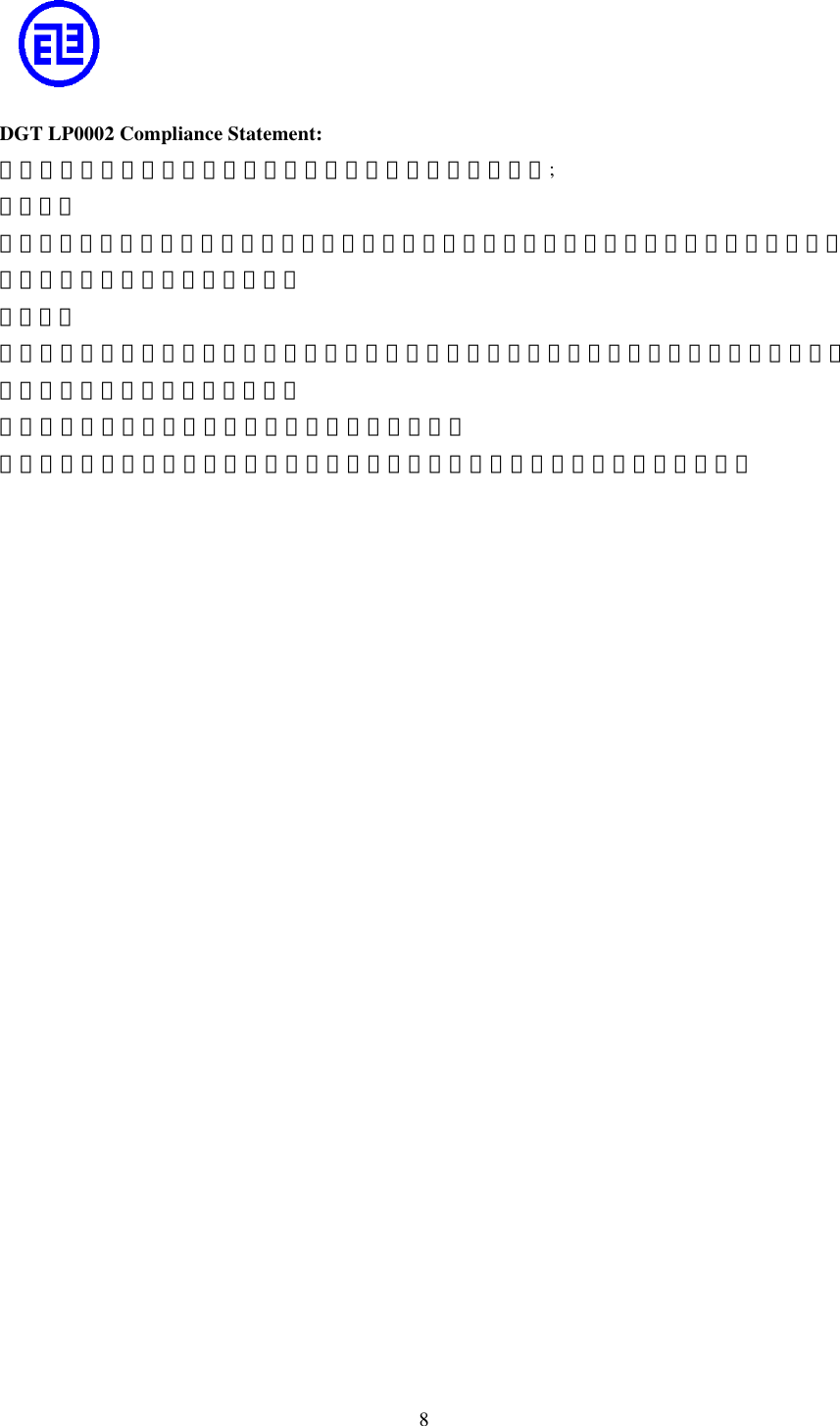
 8     DGT LP0002 Compliance Statement: 依據中華民國交通部電信總局低功率電波輻射性電機管理辦法; 第十四條 經型式認證合格之低功率射頻電機,非經許可,公司、商號或使用者均不得擅自變更頻率、加大功率或變更原設計之特性及功能。 第十七條 低功率射頻電機之使用不得影響飛航安全及干擾合法通信;經發現有干擾現象時,應立即停用,並改善至無干擾時方得繼續使用。 前項合法通信,指依電信法規定作業之無線電通信。 低功率射頻電機須忍受合法通信或工業、科學及醫療用電波輻射性電機設備之干擾。
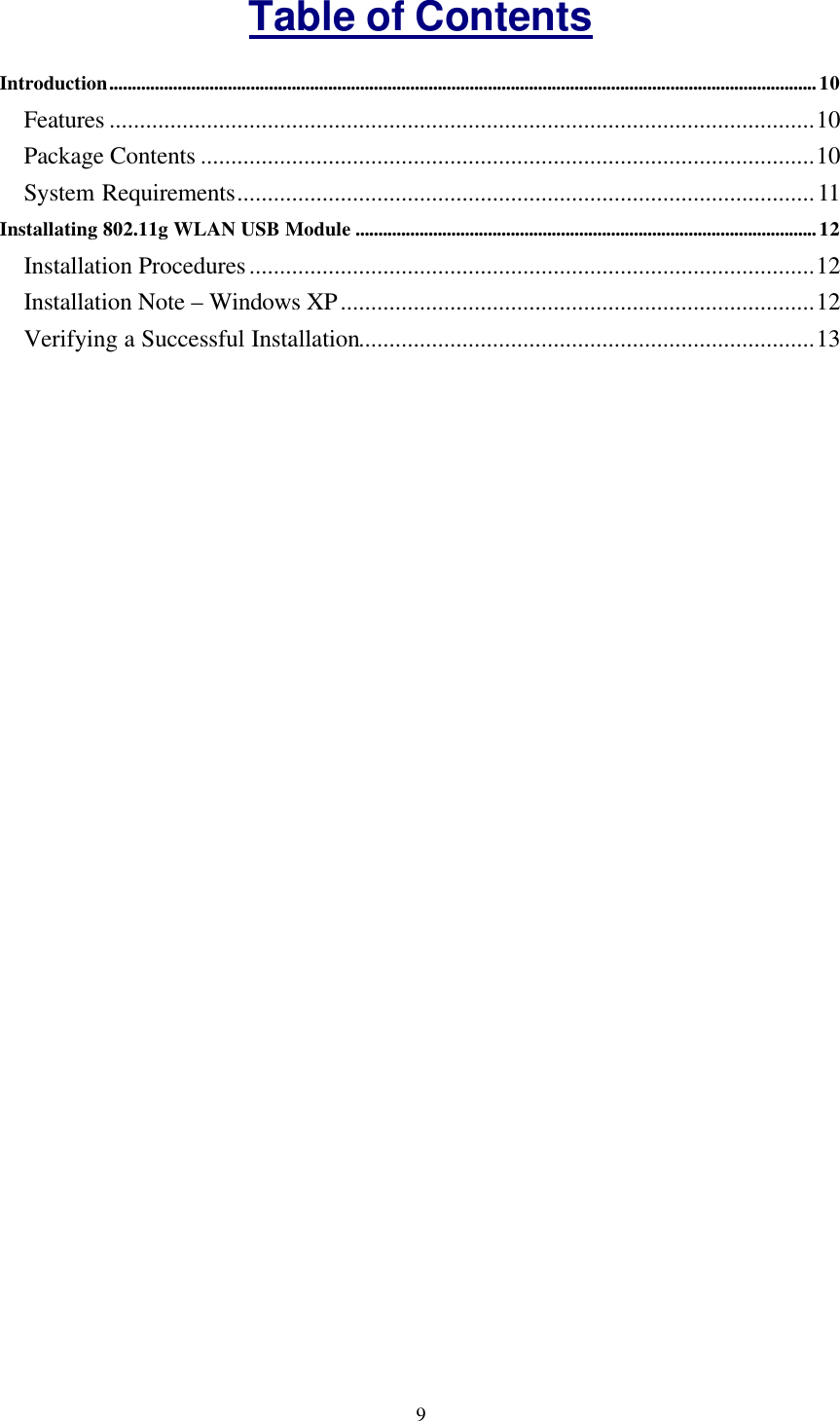
 9Table of Contents Introduction...........................................................................................................................................................10 Features ....................................................................................................................10 Package Contents .....................................................................................................10 System Requirements...............................................................................................11 Installating 802.11g WLAN USB Module .....................................................................................................12 Installation Procedures.............................................................................................12 Installation Note – Windows XP..............................................................................12 Verifying a Successful Installation...........................................................................13
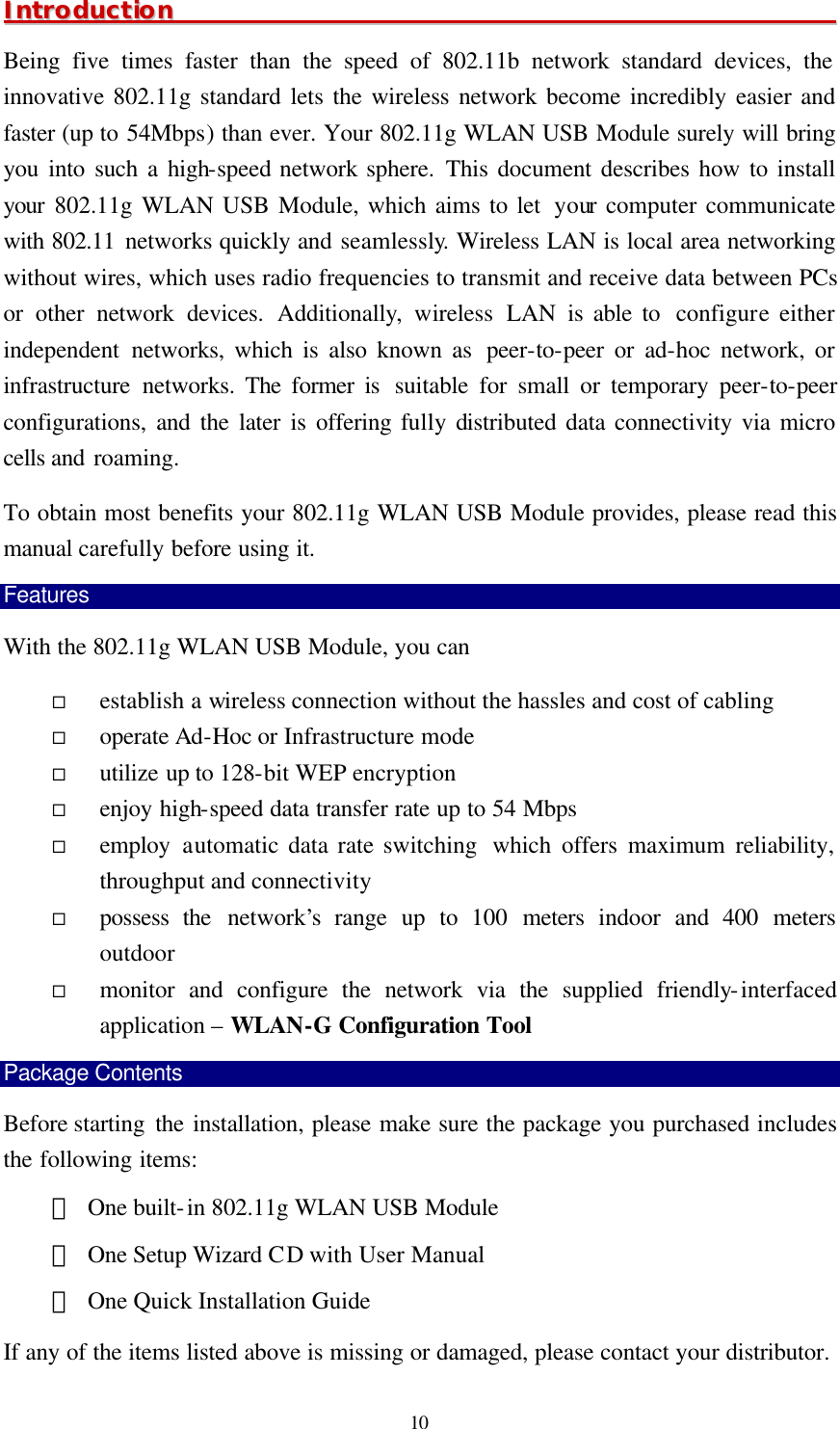
 10 IInnttrroodduuccttiioonn                                                                                                                Being five times faster than the speed of 802.11b network standard devices, the innovative 802.11g standard lets the wireless network become incredibly easier and faster (up to 54Mbps) than ever. Your 802.11g WLAN USB Module surely will bring you into such a high-speed network sphere. This document describes how to install your 802.11g WLAN USB Module, which aims to let  your computer communicate with 802.11 networks quickly and seamlessly. Wireless LAN is local area networking without wires, which uses radio frequencies to transmit and receive data between PCs or other network devices. Additionally, wireless LAN is able to  configure either independent networks, which is also known as  peer-to-peer or ad-hoc network, or infrastructure networks. The former is  suitable for small or temporary peer-to-peer configurations, and the later is offering fully distributed data connectivity via micro cells and roaming. To obtain most benefits your 802.11g WLAN USB Module provides, please read this manual carefully before using it. Features With the 802.11g WLAN USB Module, you can ¨ establish a wireless connection without the hassles and cost of cabling ¨ operate Ad-Hoc or Infrastructure mode ¨ utilize up to 128-bit WEP encryption ¨ enjoy high-speed data transfer rate up to 54 Mbps ¨ employ automatic data rate switching  which  offers maximum reliability, throughput and connectivity ¨ possess the network’s  range up to  100  meters indoor and 400 meters outdoor  ¨ monitor and configure the network via the supplied friendly-interfaced application – WLAN-G Configuration Tool Package Contents Before starting  the installation, please make sure the package you purchased includes the following items: * One built-in 802.11g WLAN USB Module * One Setup Wizard CD with User Manual * One Quick Installation Guide If any of the items listed above is missing or damaged, please contact your distributor.
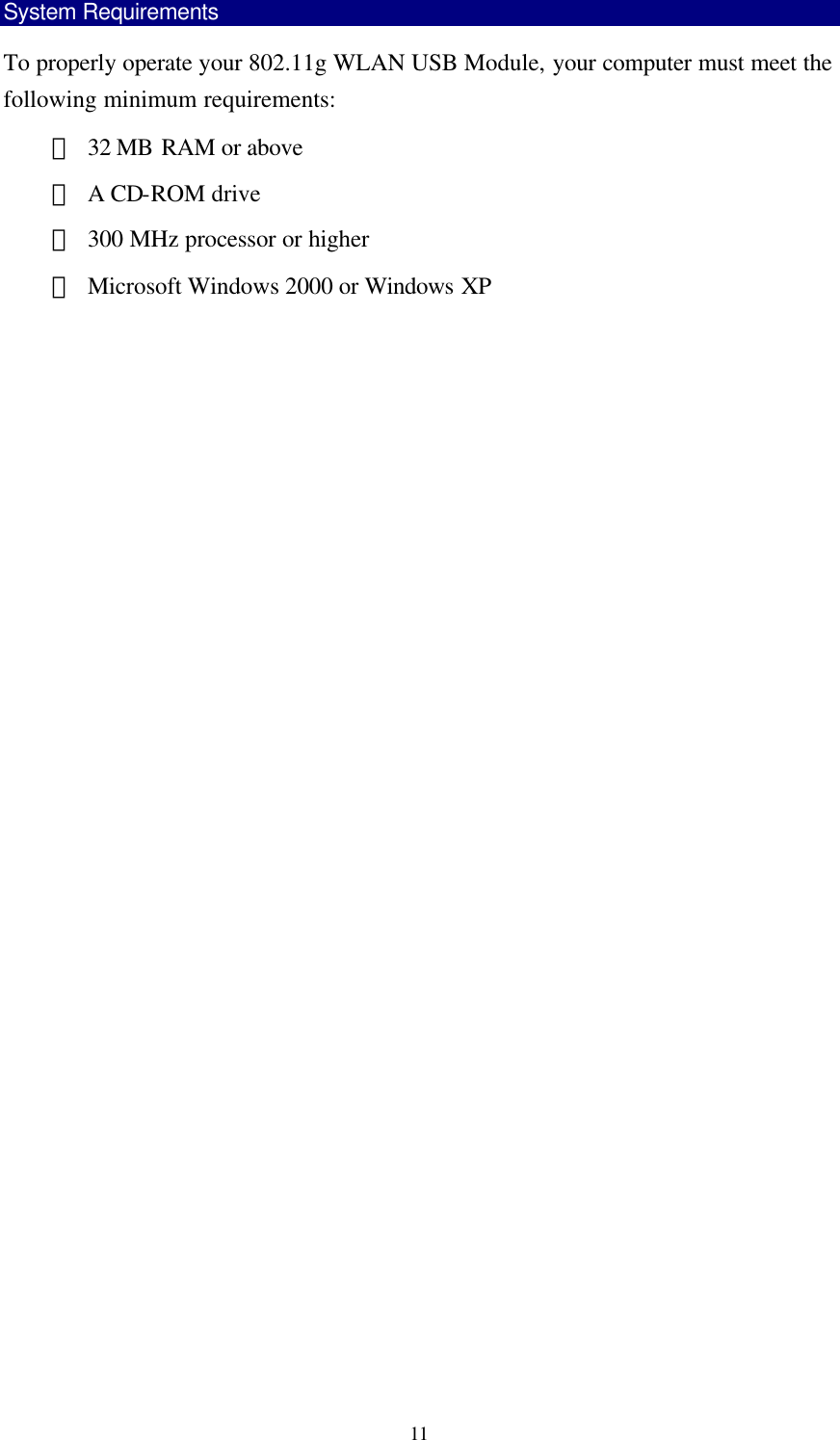
 11 System Requirements To properly operate your 802.11g WLAN USB Module, your computer must meet the following minimum requirements: * 32 MB RAM or above * A CD-ROM drive * 300 MHz processor or higher * Microsoft Windows 2000 or Windows XP
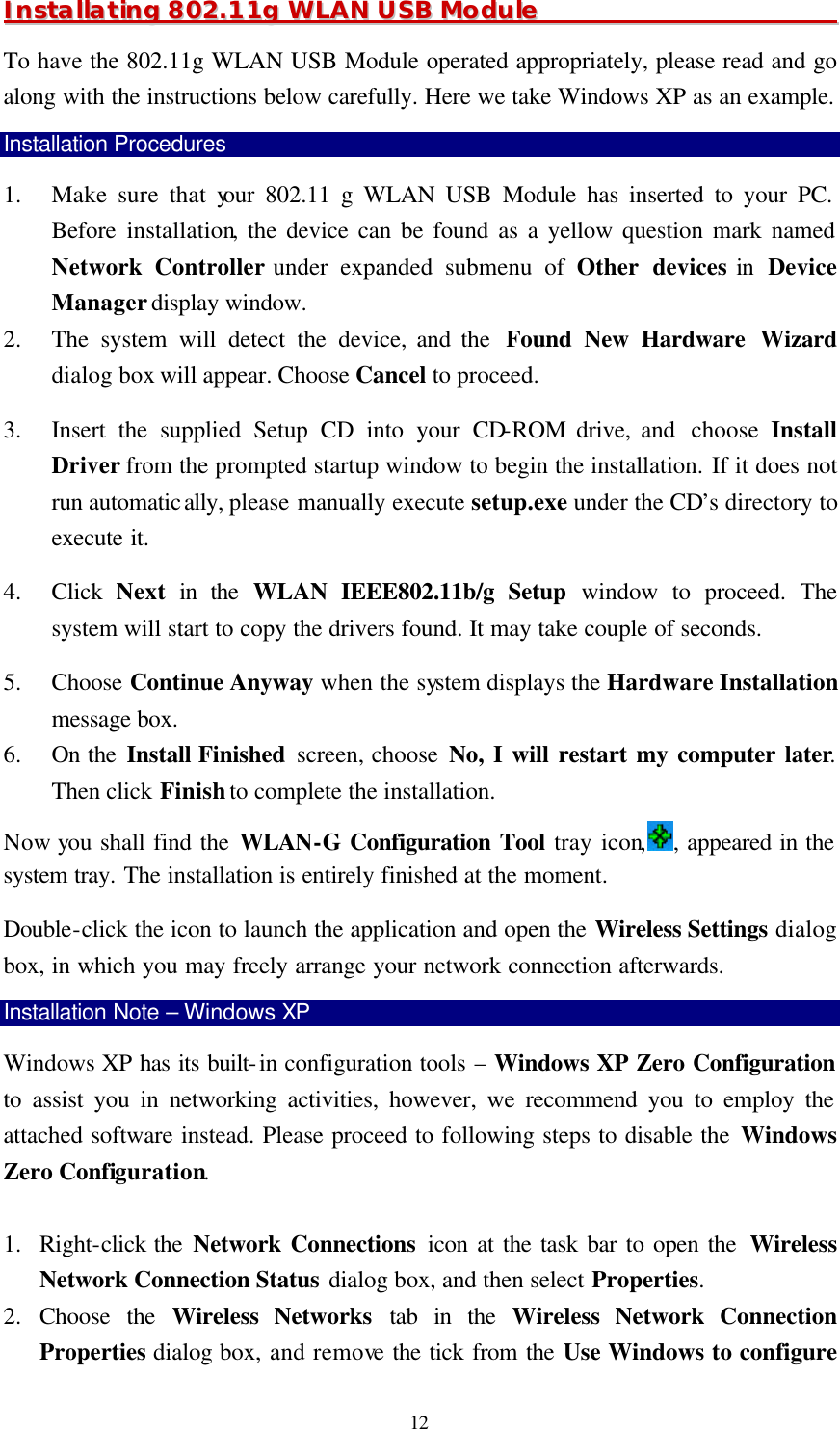
 12 IInnssttaallllaattiinngg  880022..1111gg  WWLLAANN  UUSSBB  MMoodduullee                                                                          To have the 802.11g WLAN USB Module operated appropriately, please read and go along with the instructions below carefully. Here we take Windows XP as an example. Installation Procedures 1.  Make sure that your 802.11 g WLAN USB Module has inserted to your PC. Before  installation, the device can be found as a yellow question mark named Network Controller under expanded submenu of Other devices in  Device Manager display window.   2.  The system will detect the device, and the  Found New Hardware Wizard dialog box will appear. Choose Cancel to proceed.   3.  Insert the supplied Setup CD into your CD-ROM drive, and  choose  Install Driver from the prompted startup window to begin the installation. If it does not run automatically, please manually execute setup.exe under the CD’s directory to execute it. 4.  Click  Next in the WLAN IEEE802.11b/g Setup window to proceed. The system will start to copy the drivers found. It may take couple of seconds. 5.  Choose Continue Anyway when the system displays the Hardware Installation message box. 6.  On the Install Finished  screen, choose No, I will restart my computer later. Then click Finish to complete the installation. Now you shall find the WLAN-G Configuration Tool tray icon, , appeared in the system tray. The installation is entirely finished at the moment.   Double-click the icon to launch the application and open the Wireless Settings dialog box, in which you may freely arrange your network connection afterwards. Installation Note – Windows XP Windows XP has its built-in configuration tools – Windows XP Zero Configuration to assist you in networking activities, however, we recommend you to employ the attached software instead. Please proceed to following steps to disable the Windows Zero Configuration.    1.  Right-click the Network Connections icon at the task bar to open the  Wireless Network Connection Status dialog box, and then select Properties. 2.  Choose the Wireless Networks tab in the Wireless Network Connection Properties dialog box, and remove the tick from the Use Windows to configure
 13 my wireless network settings checkbox.   3.  Click OK to activate the settings and close the dialog box. 4.  Double click the  WLAN-G Configuration Tool tray icon to open the Wireless Settings dialog box. 5.  In the prompted  Wireless Settings dialog box,  you may freely monitor and configure the network via contained tabs. Verifying a Successful Installation                                To confirm that your 802.11 g WLAN USB Module is properly installed, please go along with the procedures below. 1.  Right-click My Computer desktop icon and choose Properties from the opened menu. 2.  In the  System Properties dialog box, click the  Hardware tab, and then choose the Device Manager button. 3.  In the opened window, expand Network adapters to find the USB Module –  WLAN-G Wireless LAN 802.11b/g Adapter. Right-click over the item and choose Properties. 4.  From the opened dialog box, on the General tab, find the descriptions under the Device Status pane to learn if the USB Module is working properly.  However, if there’s an error message shown, please choose Uninstall from the opened menu while right-clicking the USB Adapter item, to which a red or yellow icon is attached beside, in the Device Manager dialog box. Then restart your system and go through the installation procedures again.

Navigation menu