Alesis D4 Users Manual
D4 to the manual 499e6eff-dcfc-4d58-98ae-301bc8f4a796
2015-01-05
: Alesis Alesis-D4-Users-Manual-163289 alesis-d4-users-manual-163289 alesis pdf
Open the PDF directly: View PDF  .
.
Page Count: 11
tTr'
:.!;
HIGH SAMPTE RATE 16
BIT DRUM MODUTE
/ STEREO SAMPTES
External
Trigger
0uick
Set-Up
Guide
;i' "
n
t;
EXIERNAL 7RIOOER.
QUIGK 5EI-UP OUIDE
The D4 has twelve trigger inputs designed to accommodate the
most widely used drum pads and other triggering sources. It's
triggering mechanism is an advanced signal to midi converter
which incorporates five user controllable parameters. Trigger
parameters are independent for each of the twelve inputs, and
the set up is global for all drumsets.
The five types of user controlled parameters are:
1. VCURVE. There are eight separate curve tables, 0 through 7
which represent the velocity curve, or sensitivity of the trigger
input. Curves 1-3 have the least amount of sensitivity; curve 4
has the median, or "average type of play" sensitivity; and
curves 5-7 are the most sensitive. Curve 0 is "Unassigned".
This is a special situation parameter which is fully explained
in section 5.2 of the D4 Reference Manual.
2. XTALK. The crosstalk parameter is the trigger suppression
level adjustment. It is used to control interaction problems
between pads or drums. Crosstalk problems can occur when
two or more pads are mounted on a single stand or rack.
3. DCAY. This represents the signal decay time and threshold
of the D4's trigger inputs. In other words, DCAY controls the
amount of time between once a pad has been struck and
triggers, to when it will trigger again from another hit.
When properly adjusted, this parameter defeats "double
triggering " by allowing the D4 to determine which signals
are actual hits, and which are secondary decay signals.
4. NOISE. The NOISE parameter allows you to control the
noise floor, or the signal level threshold that an exterior
vibration or sound must exceed before it will trigger a drum
sound.
This is used mostly in situations where the stage
volume and vibrations are strong enough to "rattle" the
drum hardware to such a point that the D4 "thinks" these
vibrations are actual hits.
5. GAIN. This is the signal strength that the transducer
is
sending to the triggers in the D4, It's adjustment is very
similar to that of a tape recorder's
VU meter. With the gain
threshold set too low, soft hits may never be recognized.
With the gain set too high, you may experience false, or
double triggering. A properly adjusted gain setting will allow
the highest dynamic range for the pad being used.
Nofe: For more detailed information and examples, regarding
the functions of these individual parameters, please refer to
Chapter 5 of the D4 Reference
Manual.
When triggering from pads
always follow these 5 basic steps:
1. Plug
io a!! of the triggers you will be using.
. Plug all of the triggers you will be using into the rear panel
jacks. Since the triggers are interactive, the D4 needs to "see"
all of the signals simultaneously.
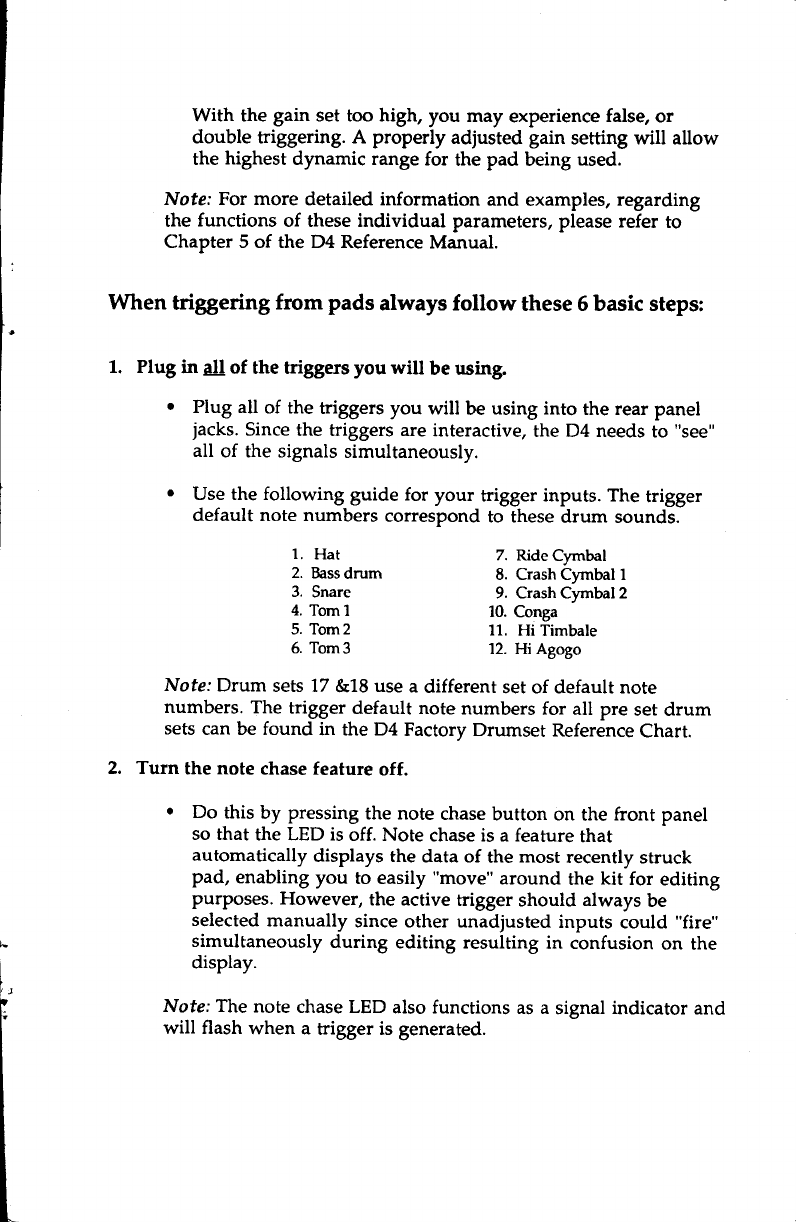
. Use the following guide for your trigger inputs. The trigger
default note numbers correspond to these drum sounds.
1. Hat
2. Bass
drum
3. Snare
4.
Toml
5. Tom2
5. Tom3
7. Ride Cymbal
8. Crash Cymbal 1
9. Crash Cymbal 2
10. Conga
11. Hi Timbale
12. Hi Agogo
Nofe: Drum sets 17 &18 use a different set of default note
numbers. The trigger default note numbers for all pre set drum
sets
can be found in the D4 Factory Drumset Reference
Chart.
Turn the note chase feature off.
o Do this by pressing the note chase
button on the front panel
so that the LED is off. Note chase is a feature that
automatically displays the data of the most recently struck
pad, enabling you to easily "move" around the kit for editing
purposes. Flowever, the active trigger should always be
selected
manually since other unadjusted inputs could "fire"
simultaneously during editing resulting in confusion on the
display.
Note; The note chase LED also functions as a signal indicator and
will flash when a trigger is generated.
l
t
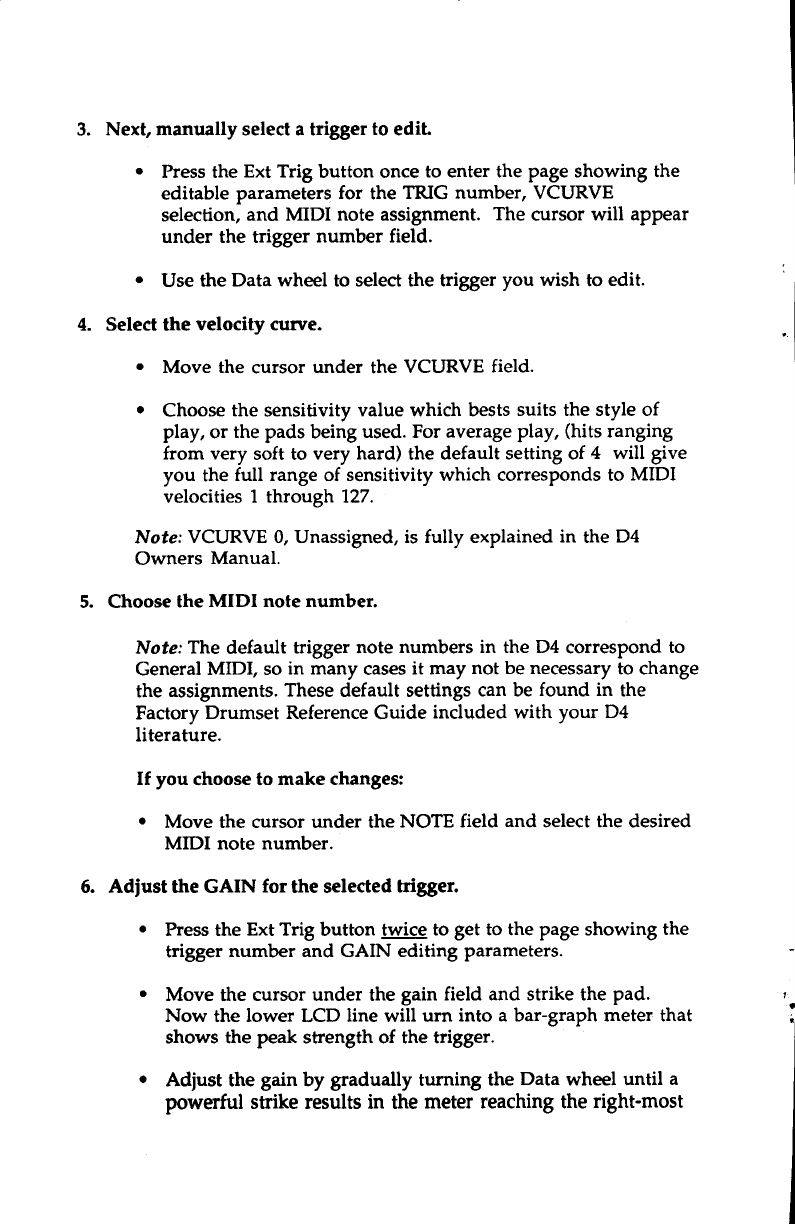
3. Next, manually select a trigger to ediL
. Press the Ext Trig button once to enter the page showing the
editable parameters for the TRIG number, VCURVE
selection, and MIDI note assignment. The cursor will appear
under the trigger number field.
. Use the Data wheel to select the trigger you wish to edit.
4. Select the velocity cunte.
r Move the cursor under the VCURVE field.
o Choose the sensitivity value which bests suits the style of
play, or the pads being used. For average
play, (hits ranging
from very soft to very hard) the default setting of 4 will give
you the full range of sensitivity which corresponds to MIDI
velocities 1 through 127.
Nofe: VCURVE 0, Unassigned, is fully explained in the D4
Owners Manual.
5. Choose the MIDI note number.
Note: The default trigger note numbers in the D4 correspond to
General MIDI, so in many cases
it may not be necessary
to change
the assignments. These default settings can be found in the
Factory Drumset Reference
Guide included with your D4
literature.
If you choose to make changes:
. Move the cursor under the NOTE field and select the desired
MIDI note number.
5. Adiust the GAIN for the selected
higger.
. Press the Ext Trig button twice to get to the page showing the
trigger number and GAIN editing parameters.
. Move the cursor under the gain field and strike the pad.
Now the lower LCD line will urn into a bar-graph meter that
shows the peak strength of the trigger.
o Adjust the gain by gradually turning the Data wheel until a
powerful suike results in the
meter reaching the
right-most
',
i*
side of the display. Be aware that the gain values are
extremely sensitive
even in small increments.
A period will
appear to the right of the gain number signaling that the
trigger level is reaching it's full dynamic range. If a trigger's
gain is adjusted properly, the period will appear only on the
stronsest hits.
Now repeat steps 3 through 6 fot the remaining ttiggers you anill be using.
After completing these steps, you should be able to play on all of
the pads plugged in to the D4 and hear the sounds being
triggered.
Before going on to steps 7 -9, you should be aware that the
amount of adjustment needed for the remaining parameters
will depend on several variables. Since all drum pads do not
utilize the same design and materials, they vary somewhat in
sensitivity and how they respond to "outside" surroundings
The factors that most effect the performance of triggers will be
your hardware configuration, the different types of pads or
drums being used, and the environment in which you will be
using the D4. First we should define the parameters which
enable you to control these various "factors."
7.
CROSSTALK
Nofel In our crosstalk scenario we will use two pads, a snare pad
and the tom 1 pad, both mounted on a single stand.
If you are using a set up which consists of several pads mounted
on one rack or stand, you may be hearing some crosstalk as you
play around the kit. Crosstalk is when you hit the snare pad and
the tom pad also triggers. This is usually the result of stand
vibrations causing the pad (the tom 1 in this case) to trigger. If so,
the XTALK for this pad needs to be re.calibrated.
The important thing to determine is which pad needs the
XTALK adjustment. Remember, the trigger that needs
adjustment is the pad that is false triggering, not the pad being
struck.
So, if you are hitting the snare
pad and the tom 1 pad triggers,
adjust the tom pad, not the snare pad. Now, to correct the
problem...
Set the XTALK value.
1. Press the Ext Trig button twice to enter the page showing the
parameters for XTALK DCAY, and NOISE.
2. After selecting the desired trigger (tom 1), place the cursor
under the XTALK parameter value.
3. Now, gradually increase the XTALK level of the tom 1 trigger
until it stops triggering when you hit the snare pad (00 is
minimum, 99 maximum).
A properly adjusted crosstalk level will stop the pad's
interaction,
and still allow you to play quick hits without loosing
any notes.
8. DECAY
Note: In this scenario we will use only the snare pad.
Depending on the type of pads being used and your mounting
configuration, you may be experiencing some "double
triggering". If shortly after the initial strike to the snare pad it re-
triggers or sounds a second time, the pad is "double triggering".
This can be controlled by altering the DCAY parameter value.
Set the DCAY value.
1. First select the snare trigger.
2. Now place the cursor under the DCAY parameter value.
3. Gradually increase the value until the snare stops double
triggering on hard hits.
A properly adjusted DCAY parameter will end double triggering,
and still allow you to play fast, repetitive hits on the snare pad.
NOISE
Nofe: In this scenario we will be using the tom 1 and the tom 2
pads in a live performance situation. The two tom pads are
mounted together on a single floor stand, and the crosstalk and
other parameters have already been correctly adjusted. When
you play the pads while no other instruments are being
sounded, all of the hits are triggering and tracking properly.
Now as the band begins and the stage volume is very loud, the
stage starts trembling which causes the drum hardware to
vibrate. At times the tom 1 and the tom 2 pad are triggering
when not being played. This is because
the D4 is interpreting the
signals from the stand vibrations as hits. By adjusting the NOISE
parameter the D4 can determine which signals are vibrations
caused by the surrounding noise level, and which signals are
actual hits.
Set the NOISE value.
1. First select the desired trigger to edit, tom 1 in this case.
2. Next place the cursor under the NOISE parameter value.
3. Increase
the value to a level that will stop the pad from false
triggering when the strong vibrations occur. If the triggering
is frequent and strong, try starting with an increase
of 20
or
more. If the triggering is not as often and is softer in volume,
first try adding 10 to the value, then gradually add more if
necessary.
4. Repeat steps 1 through 3 to correct the problem with the tom
2pad.
5. Finally, return to the Drumset mode by pressing the Drum
Set button. This will protect from the possibility of
accidentally
editing your settings.
Nofe: Whenever possible, keep some distance between your
drum kit and the nearest
speaker cabinets (especially bass
cabinets), and make sure they are not facing directly at your set
up. Remember that the closer and louder in volume the cabinets
are, the greater the chances
are that they will cause
false
triggering problems.
J'PS OIU EXTENilAT JnJGGEN'il@
FROTN
ACOUSJTC
DRUMS
When triggering from an acoustic
drum, that is using a contact
pick up (transducer)
mounted to the head
or shell, the same
general
set-up
procedures and parameter
principles of triggering
from pads apply. However, due to extreme
head
vibrations and
resonance
of acoustic
drums, keeping the "factors"
under control
is considerably
more difficult.
These tips should help
you in
eliminating potential problems.
There are several
things to consider when purchasing
transducers
(triggers),
and when mounting them to your drums.
Output Sensitivity
The difference in output levels
between
transducers
is
considerable. While a really
"hot" trigger might work great
on
the snare,
it may not work as well on a bass
drum. For
example,
a high sensitivity trigger
will detect the softer
"grace"
notes
on a
snare drum and
provide the best tracking in a tight pressed
roll.
On a
bass drum however,
because that same
trigger
is
so
sensitive,
it may be over-driven
due to the sheer velocity
of each
impact from the
beater on the
head.
Over-driving
the trigger
can
allow it to detect every
slight vibration as you hit the bass
drum.
This
results in double triggering and
contributes to cross
talk
problems. It can also reduce
the
life of the
trigger
itself.
When considering
trigger output sensitivity towards
applications,
generally
these tips will apply.
1. Use
"hotter"
triggers for shell
mounting.
Sensitive
triggers
can detect
signals through
the shell
more accurately
than
others.
2. For direct head mounting use less
sensitive triggers.
When
possible use a trigger that
contains
a built-in sensitivity
adjustment
There are
several types available.
Mounting
One of the most important
aspects of triggering
is mounting. For
any
trigger to work properly
it must
be correctly mounted
to the
drum. Always use
some type
of a foam
tape,
and
make certain
the trigger is firmly mounted
with little or no movement.
In
addition to forming a solid
foundation for the trigger, the foam
tape
also acts
as a
shock
absorber
which helps
to deter double
triggering. Most of the trigger manufacturers supply several
pieces of mounting tape with their trigger products. It is also
very important to be certain that no part of the trigger wire,
which connects the trigger to the audio jack, is touching or
resting on any part of the drum or rim. This wire is sensitive
enough to trigger signals from the drum vibrations which
would then cause double triggering.
Trigger Placement
Placement is another very important part of triggering
performance, but unfortunately there is no right or wrong set of
rules. It simply takes a lot of experimentation to arrive at the
correct combination for the type and size of drum, and the drum
kit configuration you are using. These tips will help you get
started with a step in the right direction.
BASS DRUM
1. Mount the trigger directly on the impact head.
2. Place the trigger approximately 2-4 inches in from the rim,
and level with the beater.
3. Slightly reduce the sensitivity of the trigger if it has an
adjustment.
SNARE DRUM
If you play with a fairly tight batter head,
try this:
1.. Mount the trigger on the batter head.
2. Place the trigger approximately one inch from the rim, on the
opposite side of the drum from the player.
3. Slightly reduce the sensitivity of the trigger if it has an
adjustment.
If you play with a looser head, try this:
1. Firmly mount the trigger to the shell approximately one-half
inch from the batter rim.
2. Placement of the trigger should be on the players side of the
drum, within a lug or two of where the stick would hit if you
plaved a rimshot.
3. Use a high sensitivity setting if the trigger has an adjustment.
SMALL TOMS 8'L13''
With smaller toms it is possible to get proper tracking using either head
or shell mounting. You will need to experiment with both to determine
which will work best in your situation.
For head mounting:
1. Mount the trigger so that it is within one and one-half inch
from the batter rim.
2. Placement
of the trigger should be on the players side of the
drum, within a lug or two of where the stick would hit if you
played a rimshot. (In some cases the opposite side of the
drum, directly across from the player may work well).
3. Slightly reduce the sensitivity of the trigger if it has an
adiustment.
For shell nounting:
1. Firmly mount the trigger to the shell so that it is
approximately one inch from the batter rim.
2. Placement
of the trigger should be on the players side of the
drum, within a lug or two of where the stick would hit if you
played a rimshot
3. Use a mid to high sensitivity setting if the trigger has an
adjustment.
LARGE TOMS 14''-18''
In most cases shell mounting will work the best. However, you might
experiment with head mounting and find great results.
1. Firmly mount the trigger to the shell so that it is
approximately one inch from the batter rim.
2. Placement of the trigger should be near the side you sit,
within a lug or two of where your stick would hit if you
played a rimshot
3. Use a mid to high sensitivity setting if the trigger has an
adjustment.
Nofe; In most caseg when shell mounting triggers, internal
permanent mounting will provide the best results. This
permanent form of mounting allows the trigger to be more
firmly attached to the shell, which tends to improve the
performance. However, when using this technique it is usually
necessary
to install an audio jack into the drum shell to connect
the audio cable to the trigger.
Muffling
Another important part of triggering from acoustic drums is the
degree of muffling you apply to your drums. The amount a head
vibrates when it is struck is what causes
most of the problems
related to triggering from an acoustic drum. I know most
drummers don't want to put a lot of tape or muffling on their
heads, but the degree of improvement it makes may be well
worth at least a little sacrifice.
A slight amount of muffling can
make a huge improvement in any triggering units ability to
properly track your playing.
Mounting Hardware and Configuration
The quality and sturdiness of your hardware will make a big
difference in eliminating potential problems. When you use
unsteady hardware, it is an open invitation to crosstalk
problems. Toms that are mounted on the bass
drum, and drums
which share a stand with other instruments such as cymbals, are
areas
where you should be sure your hardware and mountings
are solid and sturdy. Always check to be certain that none of your
stands or drums are leaning up against, or touching any other
drums or piece of hardware. To sum it up, the more heavy-duty
your hardware is, the better.
