Avery Dennison Deutschland ALX92X-DPM-PEM RFID Label Printer User Manual AllSafME

Avery Dennison Deutschland GmbH RFID Label Printer AllSafME

Users Manual

11/04 Rev. 3.01-01 OPERATOR / SERVICE MANUALAll PrintersSafe Operation of Thermotransfer Label PrintersInformation and qualifications  ....................... 2Where are warnings given?  ...................... 2Warnings in the text  .................................. 2General safety notes ................................. 3Information must be made available  ......... 3Ensure necessary qualifications ................ 4Machine operating safety  ..............................5Appropriate use  .........................................5Protect against injuries that can result from electrical current  ........................................5Protect against injuries that can result from mechanical actions  ....................................5Disposal measures ........................................6
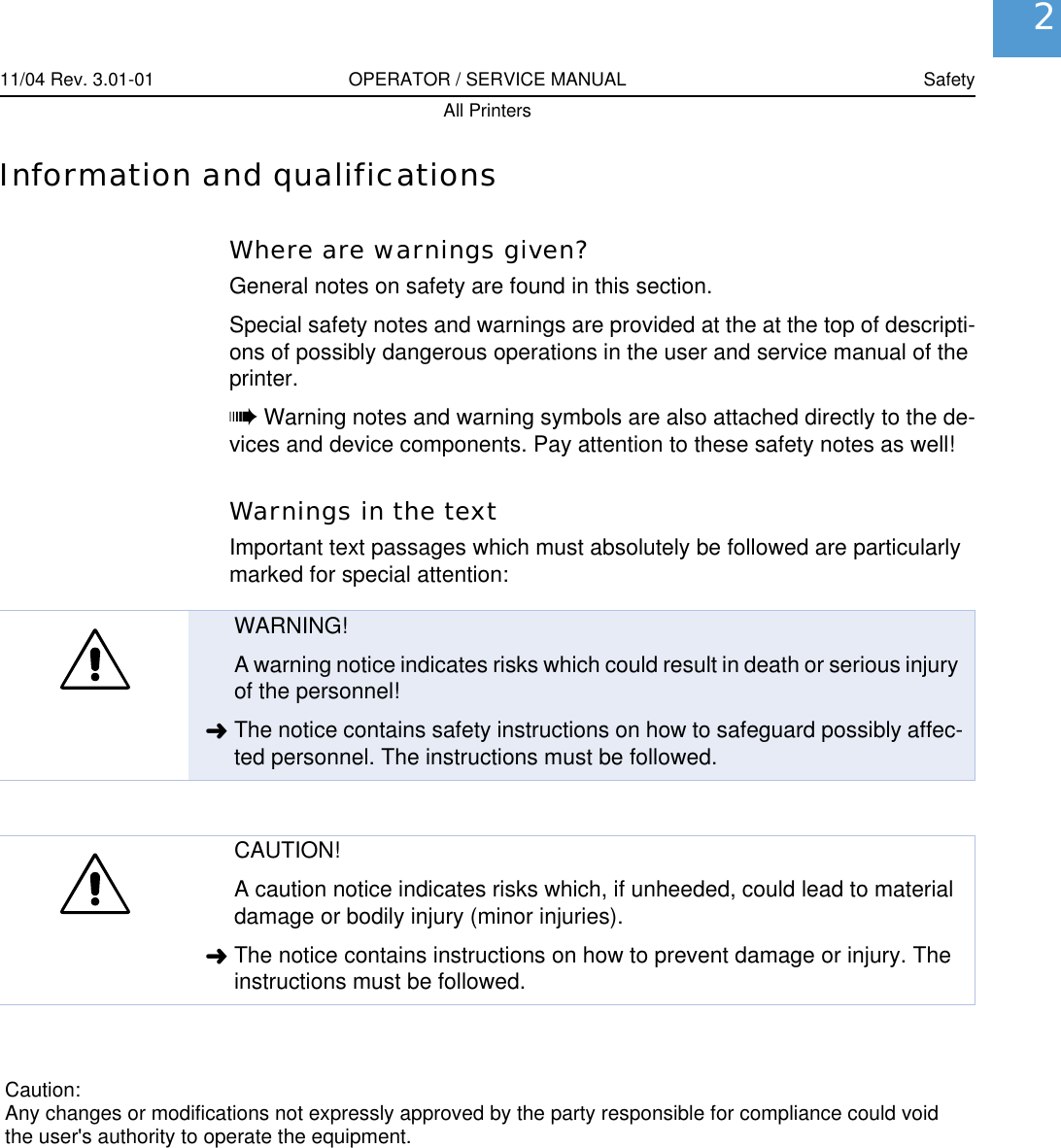
11/04 Rev. 3.01-01 OPERATOR / SERVICE MANUAL SafetyAll Printers2Information and qualificationsWhere are warnings given?General notes on safety are found in this section.Special safety notes and warnings are provided at the at the top of descripti-ons of possibly dangerous operations in the user and service manual of the printer.¯Warning notes and warning symbols are also attached directly to the de-vices and device components. Pay attention to these safety notes as well!Warnings in the textImportant text passages which must absolutely be followed are particularly marked for special attention:WARNING!A warning notice indicates risks which could result in death or serious injury of the personnel!«The notice contains safety instructions on how to safeguard possibly affec-ted personnel. The instructions must be followed.CAUTION!A caution notice indicates risks which, if unheeded, could lead to material damage or bodily injury (minor injuries). «The notice contains instructions on how to prevent damage or injury. The instructions must be followed.Caution:Any changes or modifications not expressly approved by the party responsible for compliance could voidthe user's authority to operate the equipment.
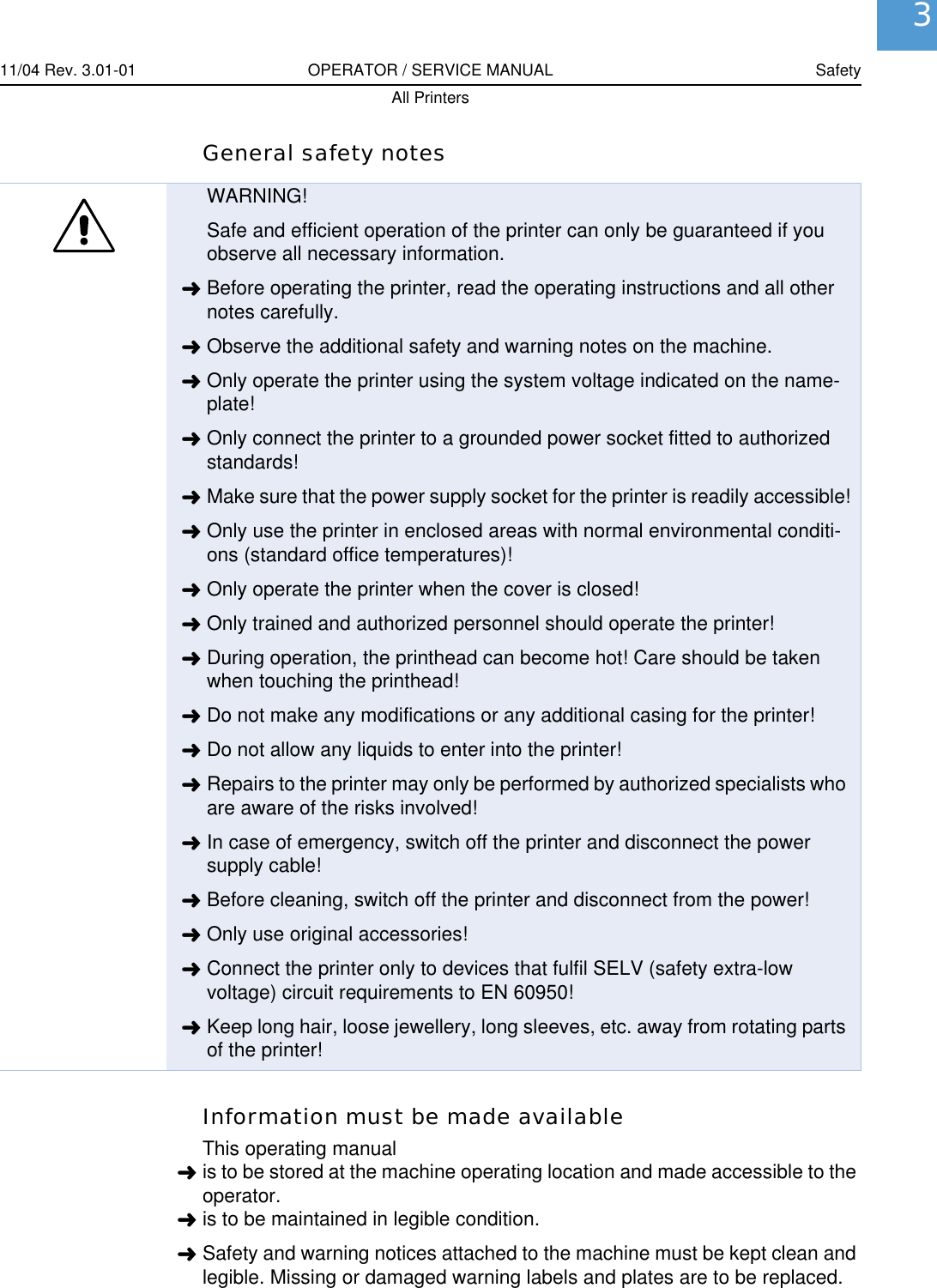
11/04 Rev. 3.01-01 OPERATOR / SERVICE MANUAL SafetyAll Printers3General safety notesInformation must be made availableThis operating manual«is to be stored at the machine operating location and made accessible to the operator.«is to be maintained in legible condition.«Safety and warning notices attached to the machine must be kept clean and legible. Missing or damaged warning labels and plates are to be replaced.WARNING!Safe and efficient operation of the printer can only be guaranteed if you observe all necessary information.«Before operating the printer, read the operating instructions and all other notes carefully.«Observe the additional safety and warning notes on the machine.«Only operate the printer using the system voltage indicated on the name-plate!«Only connect the printer to a grounded power socket fitted to authorized standards!«Make sure that the power supply socket for the printer is readily accessible!«Only use the printer in enclosed areas with normal environmental conditi-ons (standard office temperatures)!«Only operate the printer when the cover is closed!«Only trained and authorized personnel should operate the printer!«During operation, the printhead can become hot! Care should be taken when touching the printhead!«Do not make any modifications or any additional casing for the printer!«Do not allow any liquids to enter into the printer!«Repairs to the printer may only be performed by authorized specialists who are aware of the risks involved!«In case of emergency, switch off the printer and disconnect the power supply cable!«Before cleaning, switch off the printer and disconnect from the power!«Only use original accessories!«Connect the printer only to devices that fulfil SELV (safety extra-low voltage) circuit requirements to EN 60950!«Keep long hair, loose jewellery, long sleeves, etc. away from rotating parts of the printer!
11/04 Rev. 3.01-01 OPERATOR / SERVICE MANUAL SafetyAll Printers4Ensure necessary qualifications«Only allow the machine to be operated, adjusted and serviced by instructed and authorised personnel.«Train at least 2 persons to operate the machine. Instruction of the operating personnel must ensure– that operating personnel can use the machine independently and without posing a danger.– that operating personnel can remedy minor operational malfunctions them-selves.«Make label materials for test purposes available in sufficient quantities.«Moreover, personnel are to be regularly instructed about work safety and en-vironmental protection issues.«The responsibilities for operation, adjustment and servicing of the machine must be clearly defined and consistently maintained.«Only make adjustments to the machine in accordance with this manual and with all due care.Service Special servicing, fault searching and fault correction are to be carried out by the manufacturer, his appointees or other authorised service agents. This also includes the optional installation and refitting of components.
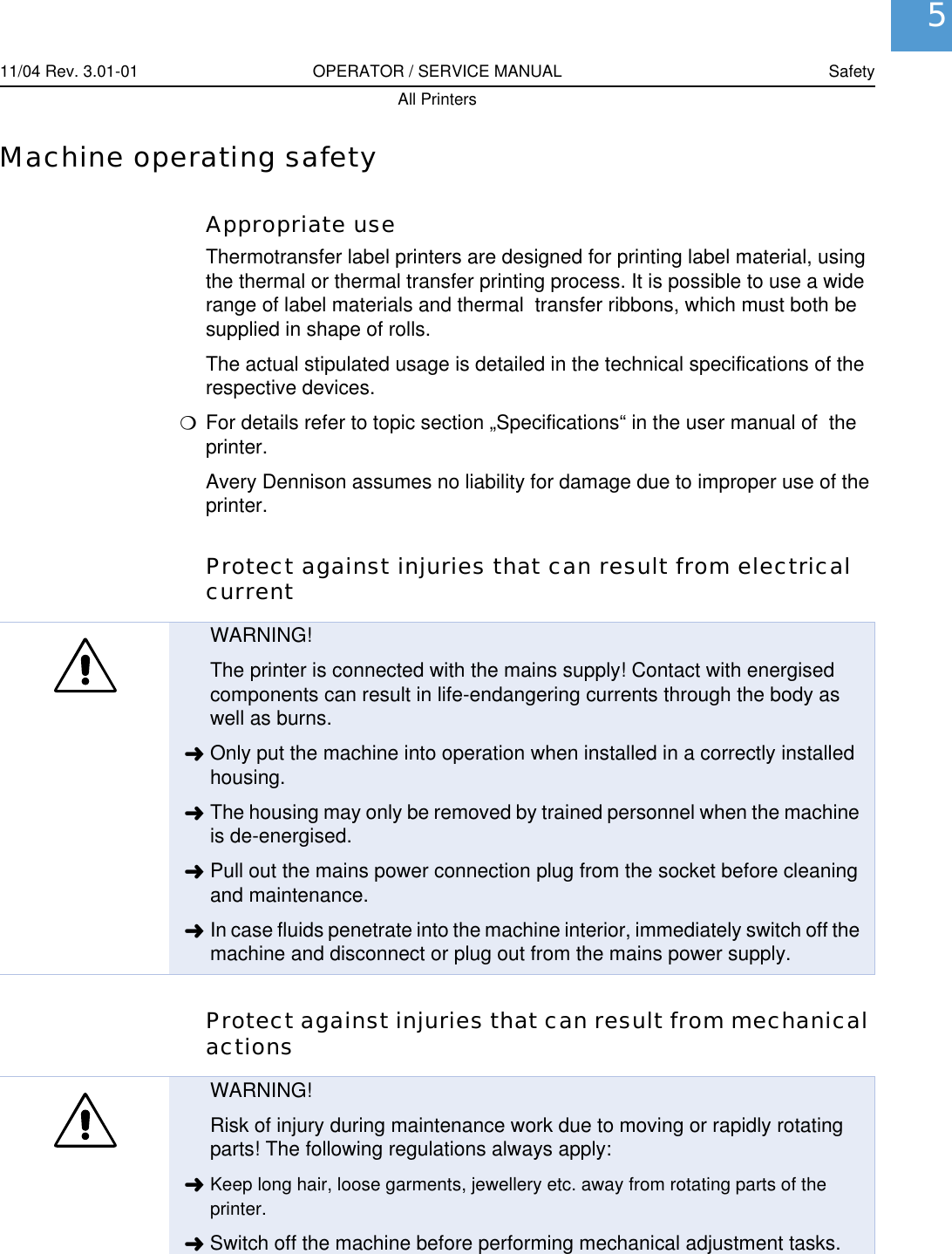
11/04 Rev. 3.01-01 OPERATOR / SERVICE MANUAL SafetyAll Printers5Machine operating safetyAppropriate useThermotransfer label printers are designed for printing label material, using the thermal or thermal transfer printing process. It is possible to use a wide range of label materials and thermal  transfer ribbons, which must both be supplied in shape of rolls.The actual stipulated usage is detailed in the technical specifications of the respective devices.PFor details refer to topic section „Specifications“ in the user manual of  the printer.Avery Dennison assumes no liability for damage due to improper use of the printer.Protect against injuries that can result from electrical currentProtect against injuries that can result from mechanical actionsWARNING!The printer is connected with the mains supply! Contact with energised components can result in life-endangering currents through the body as well as burns.«Only put the machine into operation when installed in a correctly installed housing.«The housing may only be removed by trained personnel when the machine is de-energised.«Pull out the mains power connection plug from the socket before cleaning and maintenance.«In case fluids penetrate into the machine interior, immediately switch off the machine and disconnect or plug out from the mains power supply.WARNING!Risk of injury during maintenance work due to moving or rapidly rotating parts! The following regulations always apply:«Keep long hair, loose garments, jewellery etc. away from rotating parts of the printer.«Switch off the machine before performing mechanical adjustment tasks.
11/04 Rev. 3.01-01 OPERATOR / SERVICE MANUAL SafetyAll Printers6Disposal measuresDuring the production of the individual components, the manufacturer ensu-res that as little an impact is made on the environmental as possible. When it comes to disposal, you as the user have a considerable influence in helping to reduce the strain on the environment.For details about the disposal of material (e. g. ribbon) please consult the re-spective manufacturer. Please heed the following notes regarding the dispo-sal of packaging, defect components after maintenance or repair work, or even the disposal of the printer after the end of the product's service life:«Dispose of waste properly, i.e. sorted according to the material groups of the parts to be disposed of. The aim should always be to achieve a maximum possible reutilisation of the basic materials combined with the minimum pos-sible environmental impact.Therefore, pay attention to the following:•First of all, remove problem materials from the device and dispose of them separately. Problem materials are e.g. batteries, LCD displays and parts con-taining mercury.•Then separate the remaining parts as much as possible according to material for recycling.«Pay attention to the material and disposal instructions which may be included on certain individual parts.«Under no circumstances should you simply throw electrical or electronic scrap into the rubbish bin.«Use environmentally compatible alternatives such as returning waste to the suppliers or the manufacturer, disposal by specialised waste disposal firms, exchange services, etc. «Fundamentally dispose of waste in as environmentally compatible a manner as today's environmental protection, reprocessing and disposal systems al-low.«Refer to your supplier, the appropriate disposal firms or directly to the manu-facturer if you have any disposal problems. The manufacturer can provide you with information and help you to dispose of components from the printer range in a modern and environmentally compatible manner.

Navigation menu