Beltronics USA G4M2RS Radar Detector User Manual 17262 795 Manual

Beltronics USA Inc Radar Detector 17262 795 Manual

Manual

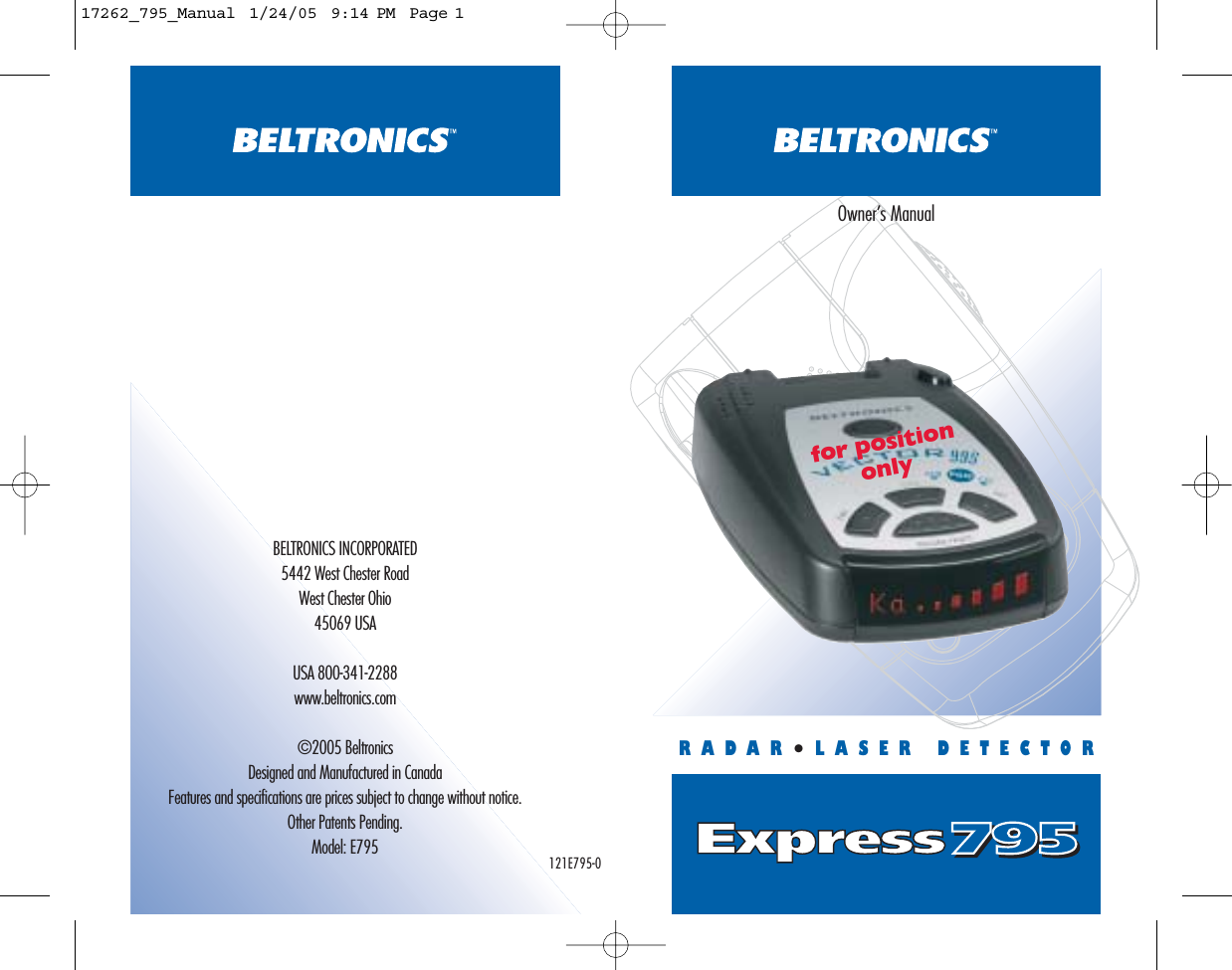
Express795795BELTRONICS INCORPORATED5442 West Chester RoadWest Chester Ohio45069 USAUSA 800-341-2288www.beltronics.com©2005 BeltronicsDesigned and Manufactured in CanadaFeatures and specifications are prices subject to change without notice.Other Patents Pending.Model: E795RADAR•LASER DETECTOROwner’s Manualfor positiononly121E795-017262_795_Manual  1/24/05  9:14 PM  Page 1
32CONGRATULATIONS!The BEL Express 795 is a value-priced radar and laserdetector, with all the performance you’d expect from BELTRONICS - the technology leader. The Express 795 includes outstanding performanceagainst all X, K, SuperWide Ka, radar and laser guns,Digital Signal Processing (DSP) for increased range andreduced false alarms, and is packed with these user-friendly features:•Digital Power On/Off•Power-On Indicator•City Mode Indicator•Separate X/K/Ka  LED band indicators•4-LED Signal Strength Meter•Unique audible tones for each band •Digital Brightness Control•Auto and Manual Mute•Modular Power CordIn order to get the most out of your Express 795, pleaseread the entire owner’s manual. Please drive safely.TABLE OF CONTENTSListing of Features ➤page 4Operation Start-Up Sequence ➤page 6Memory Retention for Preferred Settings ➤page 7Setting the Audio Level ➤page 7Mute and AutoMute Modes  ➤page 8Confirming Volume Level ➤page 8Audio Alerts ➤page 8“Instant On” Audio/Visual Alerts ➤page 9Brightness Control ➤page 9City Button ➤page 9InstallationImportant Information ➤page 10Windshield Mount ➤page 10Care of Your Detector ➤page 12Power Connection ➤page 12Troubleshooting Guide ➤page 13Service Procedure ➤page 13Modifications not expressly approved by the manufacturercould void the user’s FCC granted authority to operate theequipment.17262_795_Manual  1/24/05  9:14 PM  Page 2
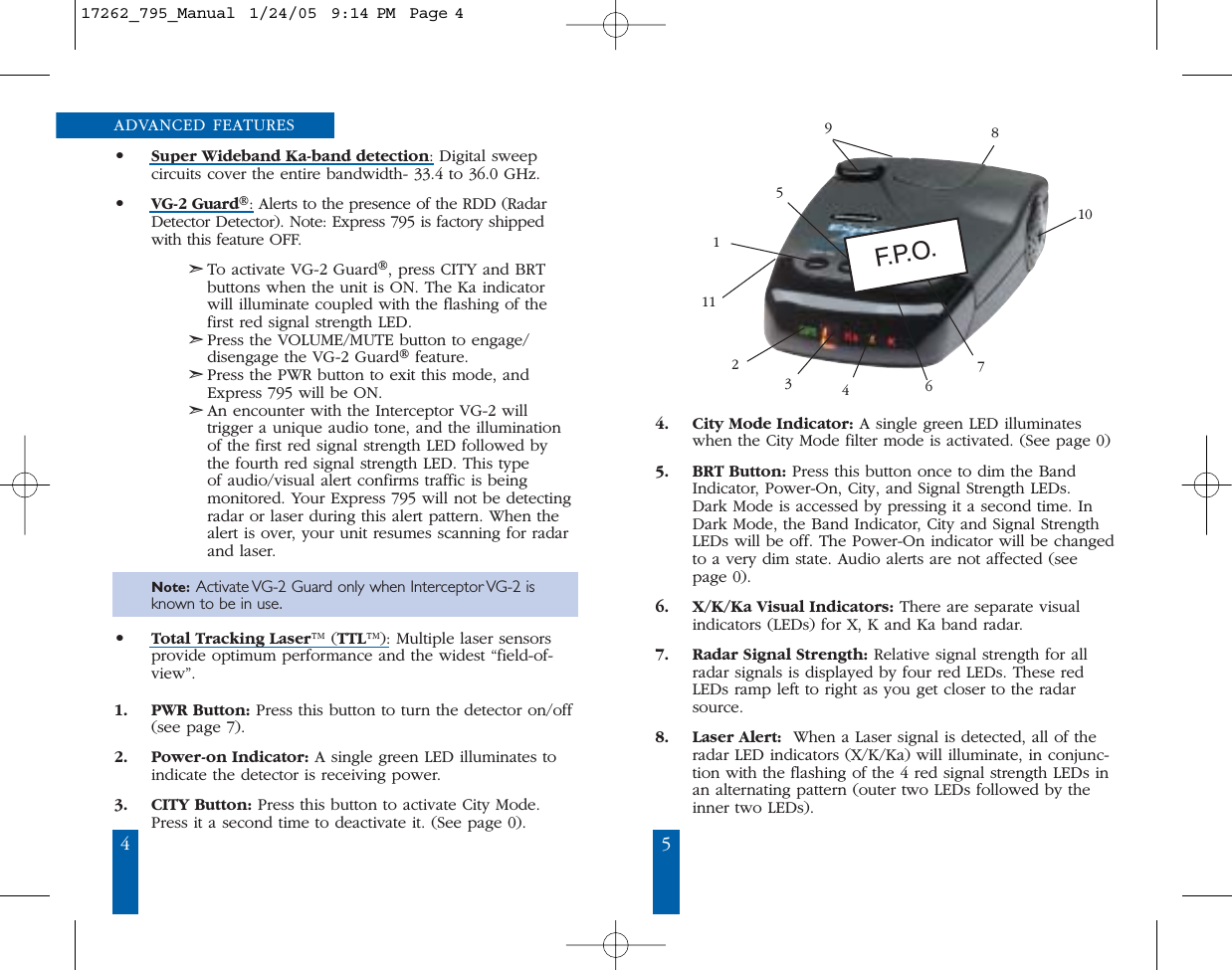
4 5ADVANCED FEATURES•Super Wideband Ka-band detection: Digital sweep circuits cover the entire bandwidth- 33.4 to 36.0 GHz.•VG-2 Guard®: Alerts to the presence of the RDD (RadarDetector Detector). Note: Express 795 is factory shippedwith this feature OFF.➣To activate VG-2 Guard®, press CITY and BRTbuttons when the unit is ON. The Ka indicatorwill illuminate coupled with the flashing of thefirst red signal strength LED. ➣Press the VOLUME/MUTE button to engage/disengage the VG-2 Guard®feature.➣Press the PWR button to exit this mode, andExpress 795 will be ON.➣An encounter with the Interceptor VG-2 will trigger a unique audio tone, and the illuminationof the first red signal strength LED followed by the fourth red signal strength LED. This type of audio/visual alert confirms traffic is being monitored. Your Express 795 will not be detectingradar or laser during this alert pattern. When thealert is over, your unit resumes scanning for radarand laser.   Note: Activate VG-2 Guard only when Interceptor VG-2 is known to be in use.•Total Tracking Laser™ (TTL™): Multiple laser sensorsprovide optimum performance and the widest “field-of-view”.1. PWR Button: Press this button to turn the detector on/off(see page 7).2. Power-on Indicator: A single green LED illuminates toindicate the detector is receiving power.3. CITY Button: Press this button to activate City Mode.Press it a second time to deactivate it. (See page 0).4. City Mode Indicator: A single green LED illuminateswhen the City Mode filter mode is activated. (See page 0) 5. BRT Button: Press this button once to dim the BandIndicator, Power-On, City, and Signal Strength LEDs. Dark Mode is accessed by pressing it a second time. InDark Mode, the Band Indicator, City and Signal StrengthLEDs will be off. The Power-On indicator will be changedto a very dim state. Audio alerts are not affected (seepage 0).6. X/K/Ka Visual Indicators: There are separate visualindicators (LEDs) for X, K and Ka band radar.  7. Radar Signal Strength: Relative signal strength for allradar signals is displayed by four red LEDs. These redLEDs ramp left to right as you get closer to the radarsource. 8. Laser Alert: When a Laser signal is detected, all of theradar LED indicators (X/K/Ka) will illuminate, in conjunc-tion with the flashing of the 4 red signal strength LEDs inan alternating pattern (outer two LEDs followed by theinner two LEDs). 5981076431121F. P. O .17262_795_Manual  1/24/05  9:14 PM  Page 4
6 79. VOLUME/MUTE Button: Press and hold this button toadjust the audio alert level. During an alert, press this but-ton to Mute the audio for that specific signal.  (see page0).10. Power Jack: Plug the modular end of the power cordinto this jack. The detector operates on 12v DC (negativeground only).11. Radar Antenna and Laser Lens: The rear panel of yourdetector should have a clear view of the road ahead. Forbest results, do not mount Express 795 behind the wind-shield wipers or tinted areas. 12. Rear Laser Port: Receives laser signals from behind the vehicle.13. Audio Alert Speaker: Emits separate audio tones for X,K, Ka, Instant-On/ Pulsed radar and laser.OPERATION A start-up sequence occurs each time you turn on Express795 and consists of: 1. The power-on LED indicator will illuminate.2. The laser band indicators illuminate, coupled with thealternate flashing of the 4 red signal strength LEDs (outertwo LEDs followed by inner two LEDs). A distinct audiotone (high-pitched beeping) will also be heard.3. The Ka band LED indicator illuminates and the Ka bandaudible alert tone (double chirp) is heard.4. The K band LED indicator illuminates and the K bandaudible alert tone (buzz) is heard.5. The X-band LED indicator illuminates and the X-bandaudible alert tone (chirp) is heard. RESET TO FACTORY SETTINGSYou can reset the detector to its factory default settings forVolume, Brightness, Mute, City and selectable features byfollowing these steps:1. Plug the cord into the vehicles lighter socket.2. Turn the detector off (if on) using the PWR button3. Press and hold the CITY and BRT buttons.4. While holding the CITY and BRT buttons down, press thePWR button to turn the detector back on.5. If done correctly, the detector will power-on, and two“beeps” will be heard, confirming that the factory defaultsettings are now reset.MEMORY RETENTION FOR PREFERRED SETTINGSThere is no need to reset your preferred settings everytime you turn the detector on. Your settings for volumelevel, brightness, and city mode will be stored in thedetectors’ memory. Note: Regardless of the brightness setting, all LEDs will fully illuminateduring the start-up test sequence. This provides a visual confirmation thatthe display is working.SETTING THE AUDIO LEVELVOLUME/MUTE ButtonPress and hold the VOLUME/MUTE button to change theaudio level. An initial “beep” will sound, followed by thedecreasing audio. Release the button and press and holda second time to increase the volume level. Whenever theaudio level is changed, the 4 red LEDs on the signalmeter will provide a visual reference. 17262_795_Manual  1/24/05  9:14 PM  Page 6
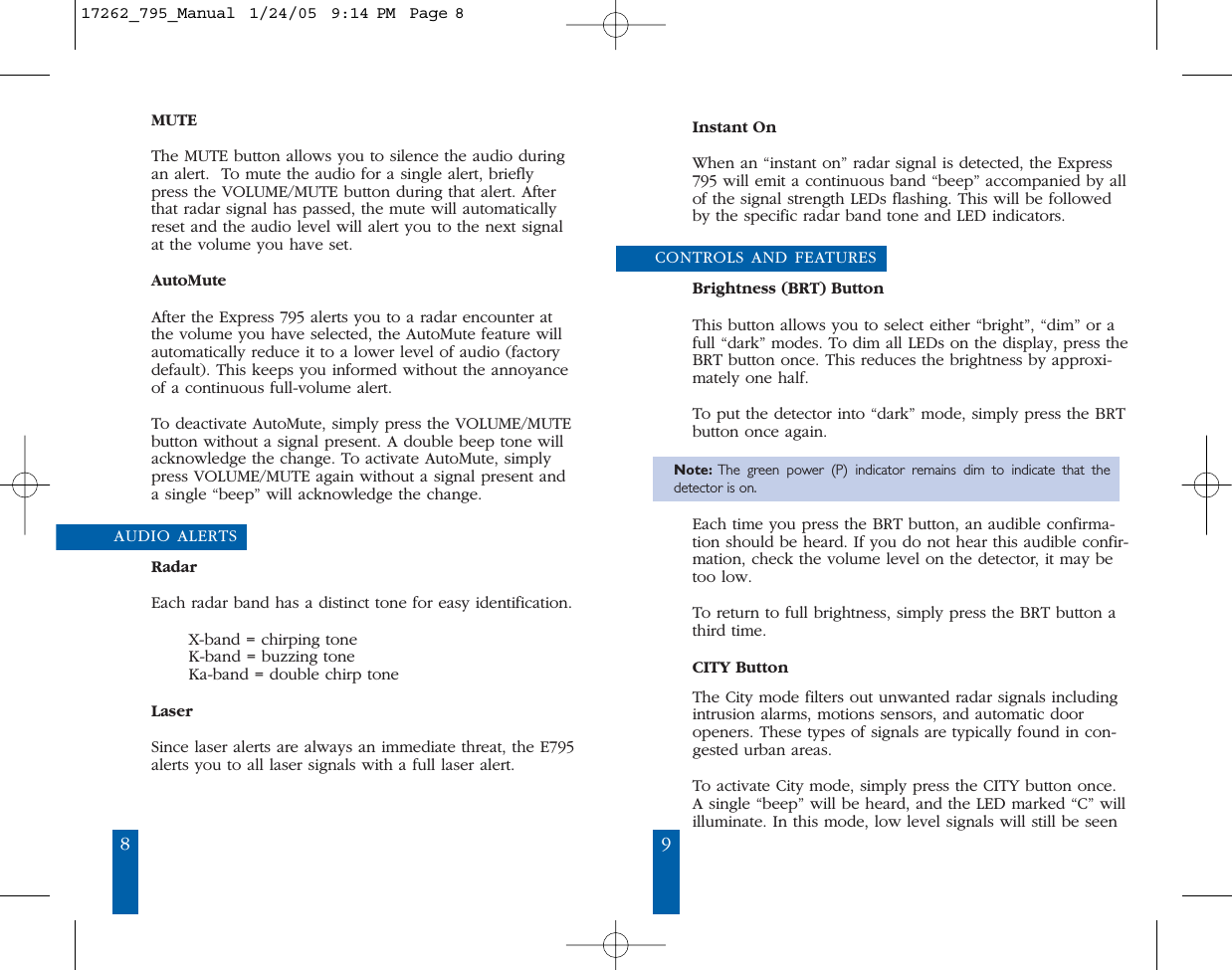
98Instant OnWhen an “instant on” radar signal is detected, the Express795 will emit a continuous band “beep” accompanied by allof the signal strength LEDs flashing. This will be followedby the specific radar band tone and LED indicators.CONTROLS AND FEATURESBrightness (BRT) ButtonThis button allows you to select either “bright”, “dim” or afull “dark” modes. To dim all LEDs on the display, press theBRT button once. This reduces the brightness by approxi-mately one half. To put the detector into “dark” mode, simply press the BRTbutton once again.Note: The green power (P) indicator remains dim to indicate that thedetector is on.Each time you press the BRT button, an audible confirma-tion should be heard. If you do not hear this audible confir-mation, check the volume level on the detector, it may betoo low. To return to full brightness, simply press the BRT button athird time. CITY ButtonThe City mode filters out unwanted radar signals includingintrusion alarms, motions sensors, and automatic dooropeners. These types of signals are typically found in con-gested urban areas.To activate City mode, simply press the CITY button once.A single “beep” will be heard, and the LED marked “C” willilluminate. In this mode, low level signals will still be seenMUTEThe MUTE button allows you to silence the audio duringan alert.  To mute the audio for a single alert, brieflypress the VOLUME/MUTE button during that alert. Afterthat radar signal has passed, the mute will automaticallyreset and the audio level will alert you to the next signalat the volume you have set.AutoMuteAfter the Express 795 alerts you to a radar encounter atthe volume you have selected, the AutoMute feature willautomatically reduce it to a lower level of audio (factorydefault). This keeps you informed without the annoyanceof a continuous full-volume alert.To deactivate AutoMute, simply press the VOLUME/MUTEbutton without a signal present. A double beep tone willacknowledge the change. To activate AutoMute, simplypress VOLUME/MUTE again without a signal present anda single “beep” will acknowledge the change.AUDIO ALERTSRadarEach radar band has a distinct tone for easy identification. X-band = chirping toneK-band = buzzing toneKa-band = double chirp toneLaserSince laser alerts are always an immediate threat, the E795alerts you to all laser signals with a full laser alert.17262_795_Manual  1/24/05  9:14 PM  Page 8
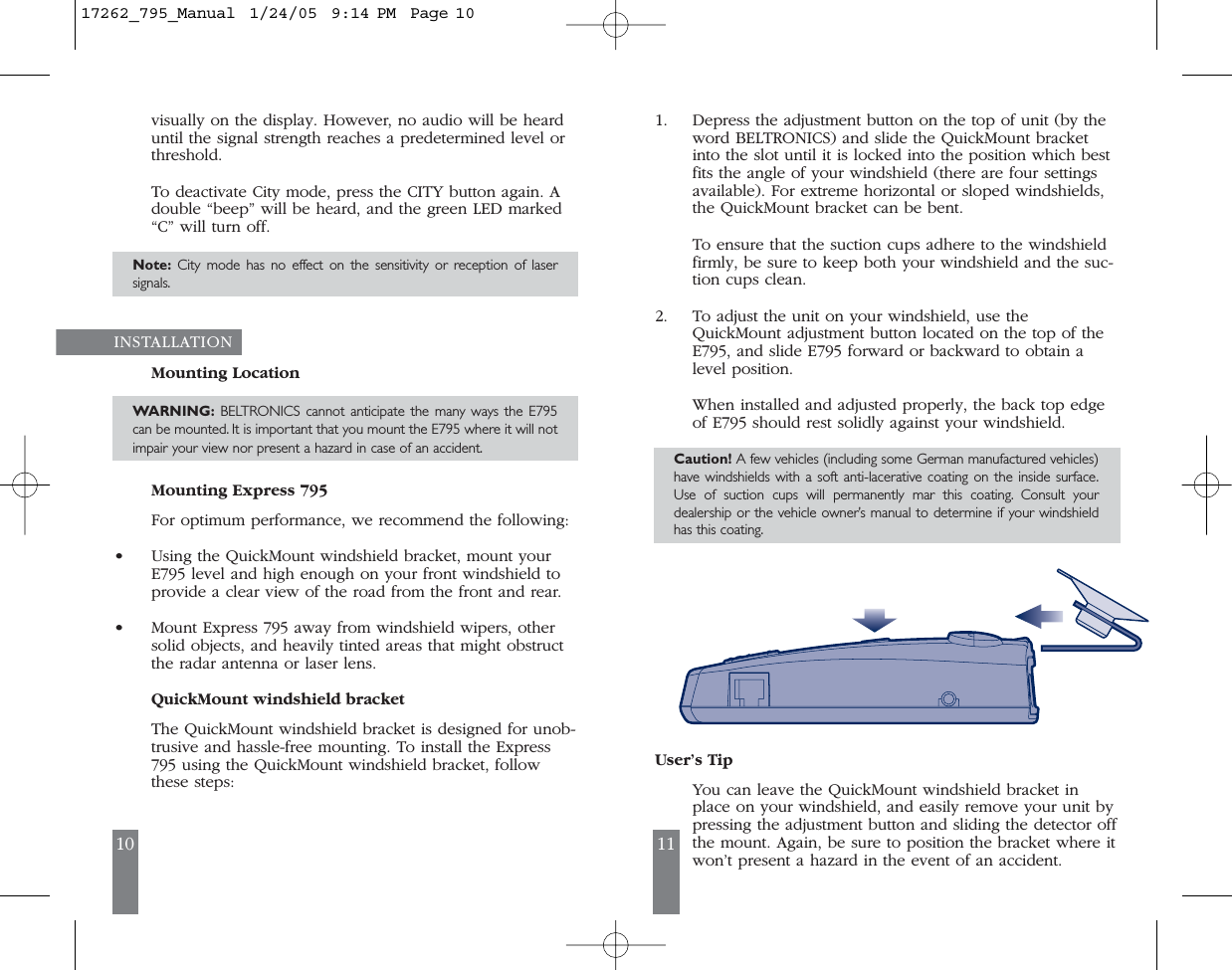
10 11visually on the display. However, no audio will be hearduntil the signal strength reaches a predetermined level orthreshold.To deactivate City mode, press the CITY button again. Adouble “beep” will be heard, and the green LED marked“C” will turn off.Note: City mode has no effect on the sensitivity or reception of lasersignals.INSTALLATION Mounting LocationWARNING: BELTRONICS cannot anticipate the many ways the E795can be mounted. It is important that you mount the E795 where it will notimpair your view nor present a hazard in case of an accident.Mounting Express 795 For optimum performance, we recommend the following:•Using the QuickMount windshield bracket, mount yourE795 level and high enough on your front windshield toprovide a clear view of the road from the front and rear.•Mount Express 795 away from windshield wipers, othersolid objects, and heavily tinted areas that might obstructthe radar antenna or laser lens.QuickMount windshield bracketThe QuickMount windshield bracket is designed for unob-trusive and hassle-free mounting. To install the Express795 using the QuickMount windshield bracket, followthese steps:1. Depress the adjustment button on the top of unit (by theword BELTRONICS) and slide the QuickMount bracketinto the slot until it is locked into the position which bestfits the angle of your windshield (there are four settingsavailable). For extreme horizontal or sloped windshields,the QuickMount bracket can be bent.To ensure that the suction cups adhere to the windshieldfirmly, be sure to keep both your windshield and the suc-tion cups clean.2. To adjust the unit on your windshield, use theQuickMount adjustment button located on the top of theE795, and slide E795 forward or backward to obtain alevel position.When installed and adjusted properly, the back top edgeof E795 should rest solidly against your windshield.Caution! A few vehicles (including some German manufactured vehicles)have windshields with a soft anti-lacerative coating on the inside surface.Use of suction cups will permanently mar this coating. Consult yourdealership or the vehicle owner’s manual to determine if your windshieldhas this coating.User’s TipYou can leave the QuickMount windshield bracket inplace on your windshield, and easily remove your unit bypressing the adjustment button and sliding the detector offthe mount. Again, be sure to position the bracket where itwon’t present a hazard in the event of an accident.17262_795_Manual  1/24/05  9:14 PM  Page 10
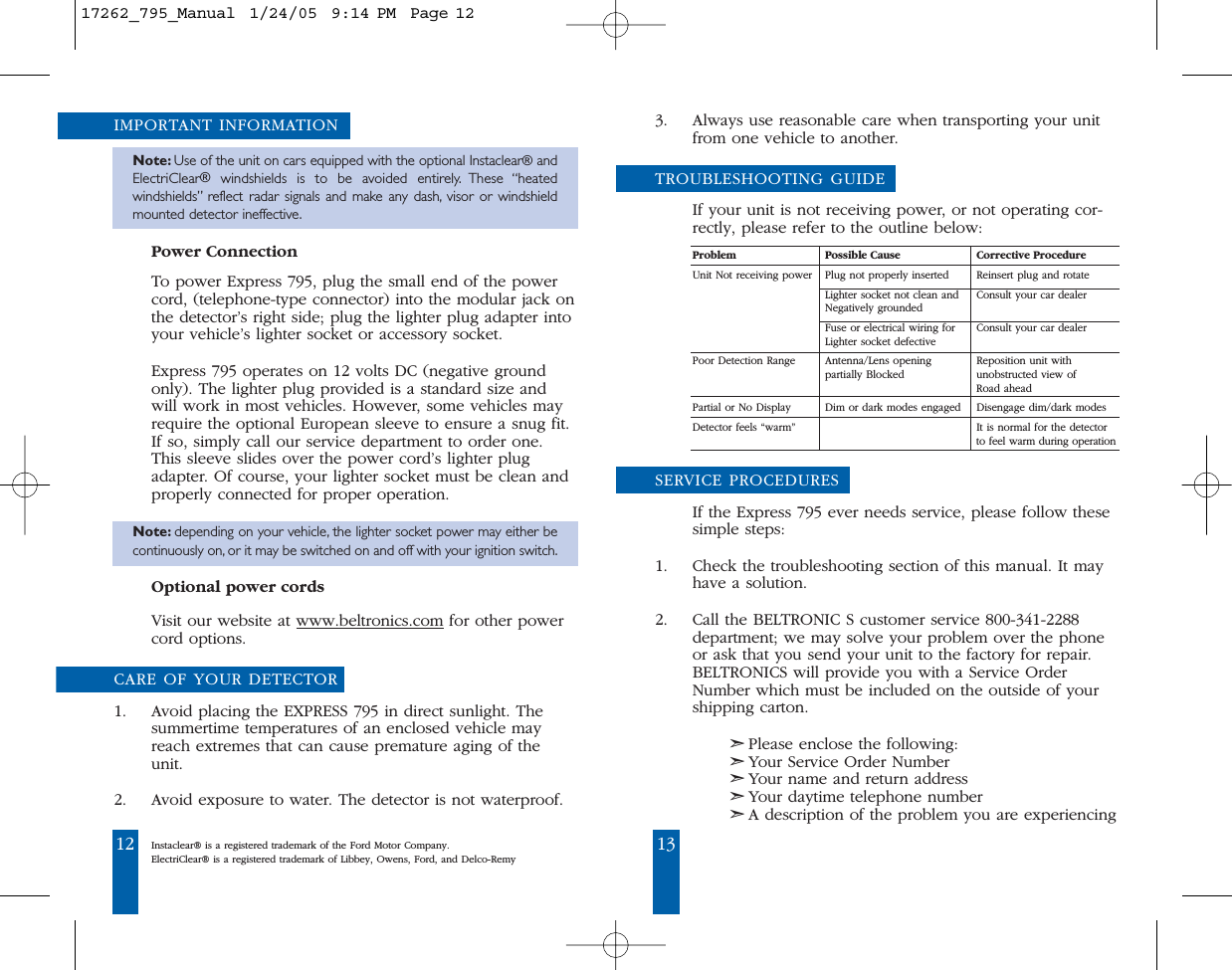
12 13IMPORTANT INFORMATIONNote: Use of the unit on cars equipped with the optional Instaclear®andElectriClear®windshields is to be avoided entirely. These “heatedwindshields” reflect radar signals and make any dash, visor or windshieldmounted detector ineffective.Power ConnectionTo power Express 795, plug the small end of the powercord, (telephone-type connector) into the modular jack onthe detector’s right side; plug the lighter plug adapter intoyour vehicle’s lighter socket or accessory socket.Express 795 operates on 12 volts DC (negative groundonly). The lighter plug provided is a standard size andwill work in most vehicles. However, some vehicles mayrequire the optional European sleeve to ensure a snug fit.If so, simply call our service department to order one.This sleeve slides over the power cord’s lighter plugadapter. Of course, your lighter socket must be clean andproperly connected for proper operation.Note: depending on your vehicle, the lighter socket power may either becontinuously on, or it may be switched on and off with your ignition switch.Optional power cordsVisit our website at www.beltronics.com for other powercord options.CARE OF YOUR DETECTOR1. Avoid placing the EXPRESS 795 in direct sunlight. Thesummertime temperatures of an enclosed vehicle mayreach extremes that can cause premature aging of theunit.2. Avoid exposure to water. The detector is not waterproof.3. Always use reasonable care when transporting your unitfrom one vehicle to another.TROUBLESHOOTING GUIDEIf your unit is not receiving power, or not operating cor-rectly, please refer to the outline below: Problem Possible Cause Corrective ProcedureUnit Not receiving power Plug not properly inserted Reinsert plug and rotateLighter socket not clean and Consult your car dealer Negatively grounded Fuse or electrical wiring for Consult your car dealerLighter socket defectivePoor Detection Range  Antenna/Lens opening  Reposition unit withpartially Blocked unobstructed view of Road ahead Partial or No Display Dim or dark modes engaged Disengage dim/dark modes Detector feels “warm” It is normal for the detector to feel warm during operationSERVICE PROCEDURESIf the Express 795 ever needs service, please follow thesesimple steps: 1. Check the troubleshooting section of this manual. It mayhave a solution. 2. Call the BELTRONIC S customer service 800-341-2288department; we may solve your problem over the phoneor ask that you send your unit to the factory for repair.BELTRONICS will provide you with a Service OrderNumber which must be included on the outside of yourshipping carton. ➣Please enclose the following: ➣Your Service Order Number➣Your name and return address➣Your daytime telephone number➣A description of the problem you are experiencingInstaclear® is a registered trademark of the Ford Motor Company.ElectriClear® is a registered trademark of Libbey, Owens, Ford, and Delco-Remy17262_795_Manual  1/24/05  9:14 PM  Page 12
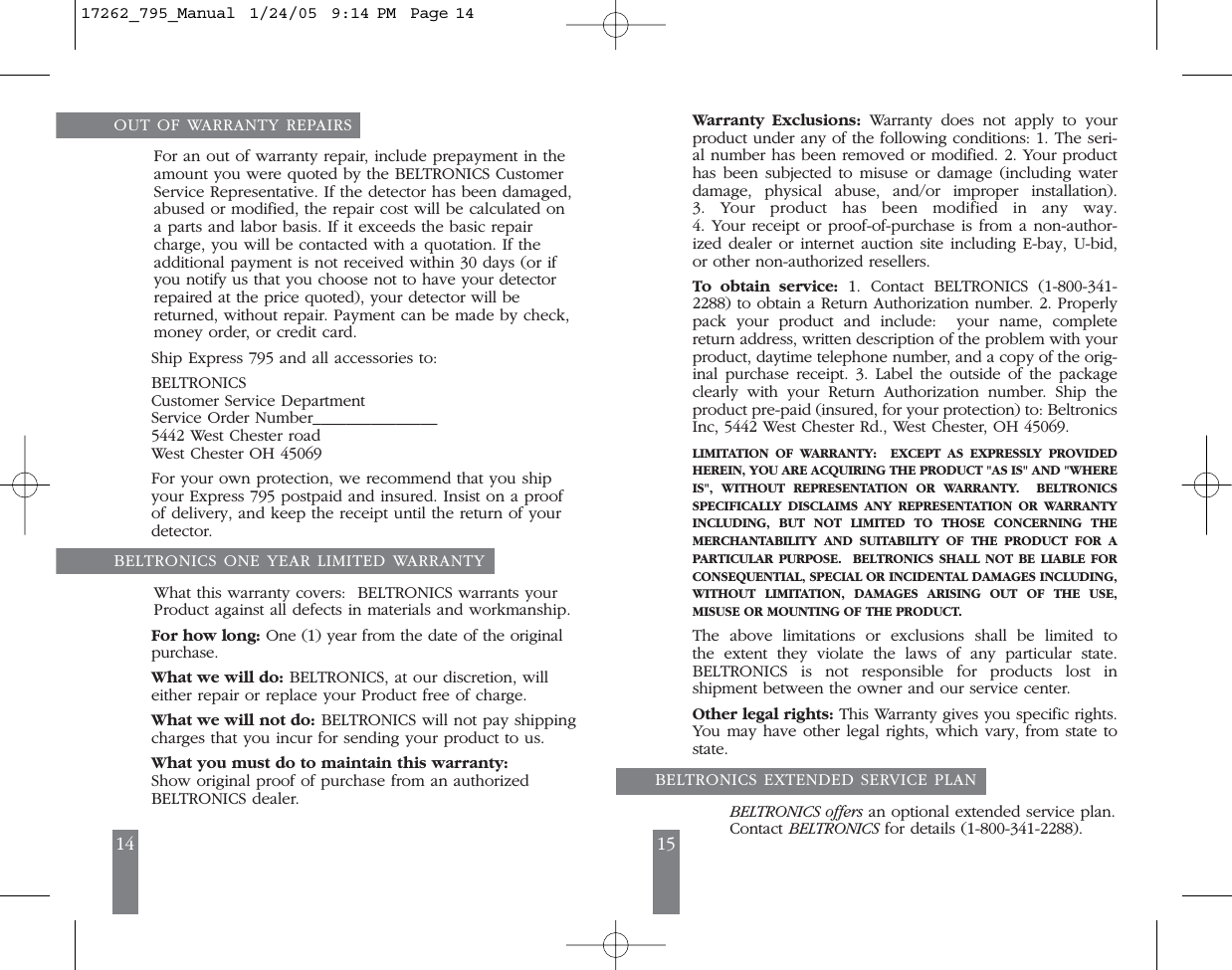
14 15OUT OF WARRANTY REPAIRSFor an out of warranty repair, include prepayment in theamount you were quoted by the BELTRONICS CustomerService Representative. If the detector has been damaged,abused or modified, the repair cost will be calculated ona parts and labor basis. If it exceeds the basic repaircharge, you will be contacted with a quotation. If theadditional payment is not received within 30 days (or ifyou notify us that you choose not to have your detectorrepaired at the price quoted), your detector will bereturned, without repair. Payment can be made by check,money order, or credit card. Ship Express 795 and all accessories to: BELTRONICSCustomer Service Department Service Order Number_______________5442 West Chester road West Chester OH 45069For your own protection, we recommend that you shipyour Express 795 postpaid and insured. Insist on a proofof delivery, and keep the receipt until the return of yourdetector. BELTRONICS ONE YEAR LIMITED WARRANTYWhat this warranty covers:  BELTRONICS warrants your Product against all defects in materials and workmanship.For how long: One (1) year from the date of the originalpurchase.What we will do: BELTRONICS, at our discretion, willeither repair or replace your Product free of charge. What we will not do: BELTRONICS will not pay shippingcharges that you incur for sending your product to us.What you must do to maintain this warranty:Show original proof of purchase from an authorized BELTRONICS dealer.  Warranty Exclusions: Warranty does not apply to yourproduct under any of the following conditions: 1. The seri-al number has been removed or modified. 2. Your producthas been subjected to misuse or damage (including waterdamage, physical abuse, and/or improper installation). 3. Your product has been modified in any way. 4. Your receipt or proof-of-purchase is from a non-author-ized dealer or internet auction site including E-bay, U-bid,or other non-authorized resellers.To  obtain service: 1. Contact BELTRONICS (1-800-341-2288) to obtain a Return Authorization number. 2. Properlypack your product and include:  your name, completereturn address, written description of the problem with yourproduct, daytime telephone number, and a copy of the orig-inal purchase receipt. 3. Label the outside of the packageclearly with your Return Authorization number. Ship theproduct pre-paid (insured, for your protection) to: BeltronicsInc, 5442 West Chester Rd., West Chester, OH 45069.LIMITATION OF WARRANTY:  EXCEPT AS EXPRESSLY PROVIDEDHEREIN, YOU ARE ACQUIRING THE PRODUCT "AS IS" AND "WHEREIS", WITHOUT REPRESENTATION OR WARRANTY.  BELTRONICSSPECIFICALLY DISCLAIMS ANY REPRESENTATION OR WARRANTYINCLUDING, BUT NOT LIMITED TO THOSE CONCERNING THE MERCHANTABILITY AND SUITABILITY OF THE PRODUCT FOR APARTICULAR PURPOSE.  BELTRONICS SHALL NOT BE LIABLE FORCONSEQUENTIAL, SPECIAL OR INCIDENTAL DAMAGES INCLUDING,WITHOUT LIMITATION, DAMAGES ARISING OUT OF THE USE, MISUSE OR MOUNTING OF THE PRODUCT.  The above limitations or exclusions shall be limited to the extent they violate the laws of any particular state. BELTRONICS is not responsible for products lost in shipment between the owner and our service center.Other legal rights: This Warranty gives you specific rights.You may have other legal rights, which vary, from state tostate.  BELTRONICS EXTENDED SERVICE PLANBELTRONICS offers an optional extended service plan.Contact BELTRONICS for details (1-800-341-2288).17262_795_Manual  1/24/05  9:14 PM  Page 14

Navigation menu