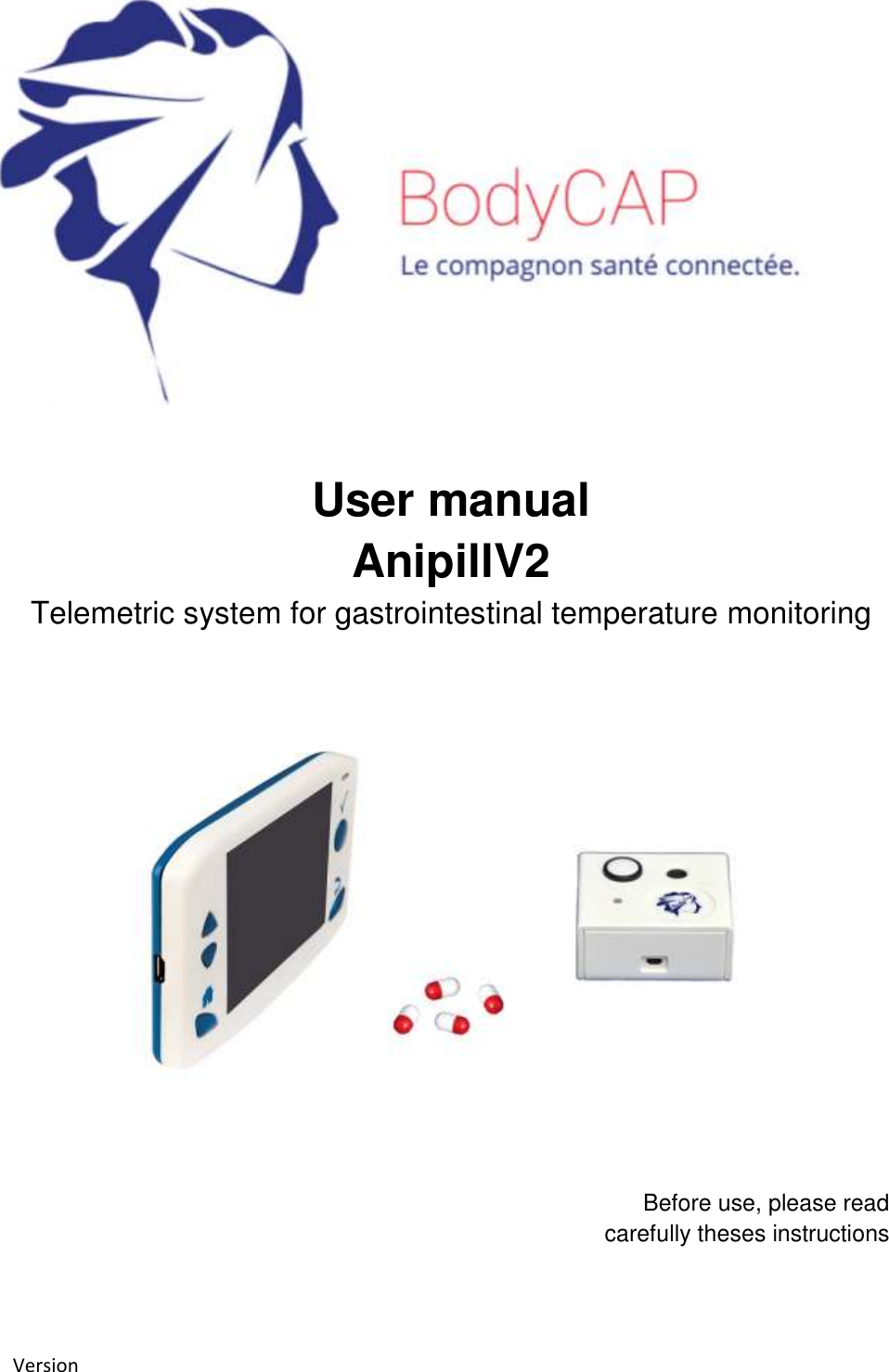
Bodycap 033 The monitor is intended to communicate in RF with the capsule to recover and store temperature data User Manual User guide
Bodycap The monitor is intended to communicate in RF with the capsule to recover and store temperature data User guide
Bodycap >
User_guide.pdf
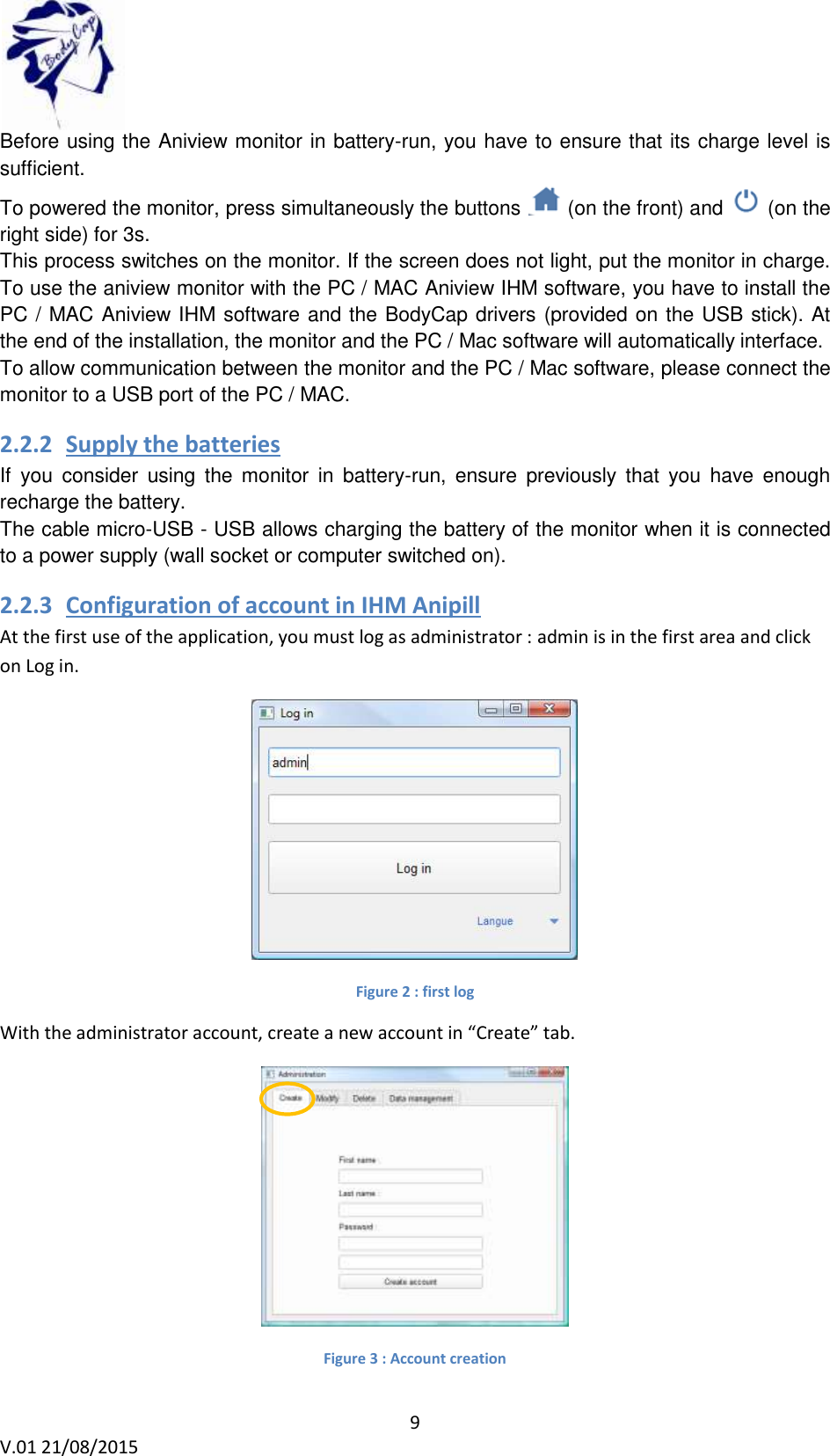
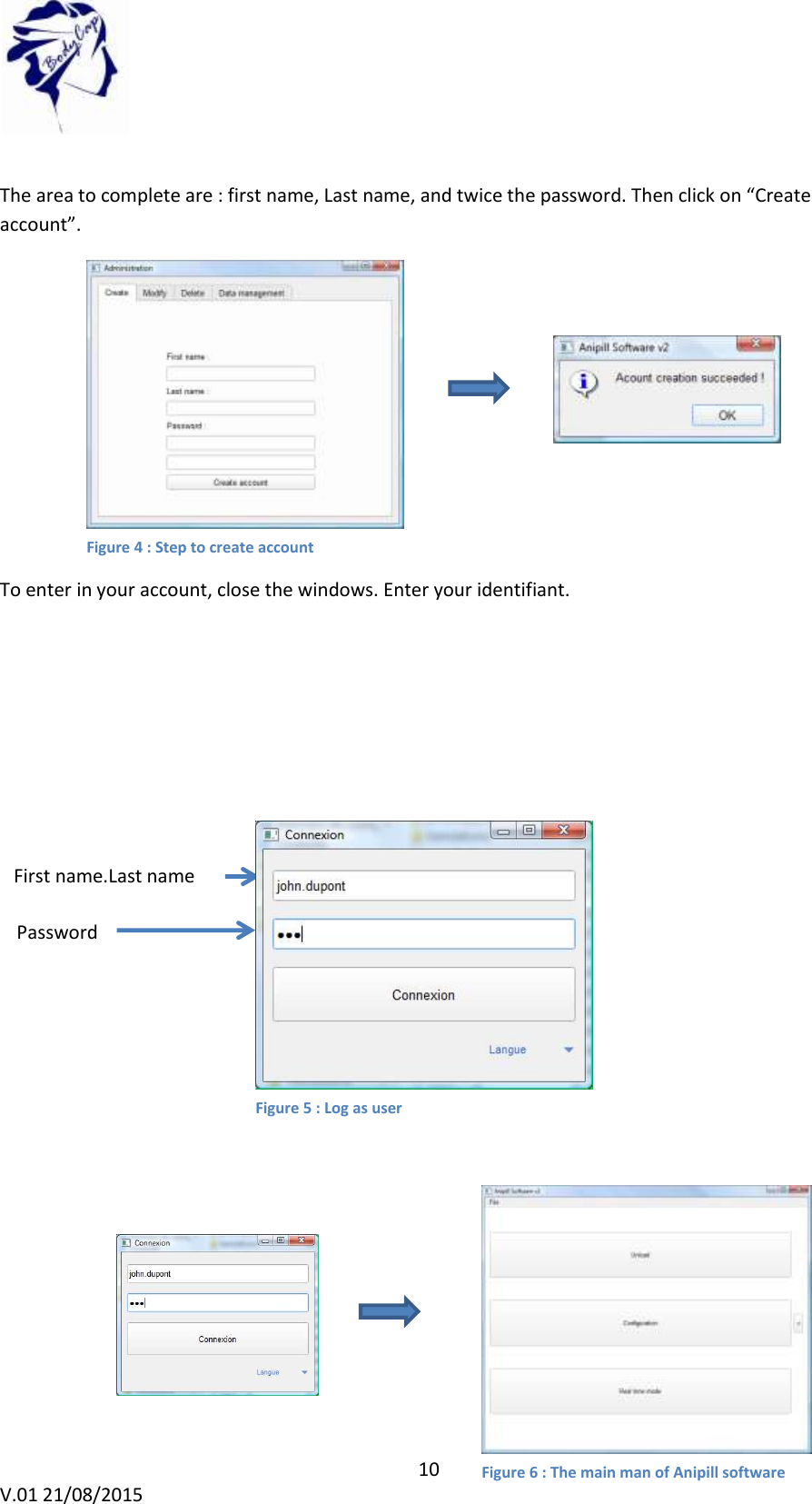
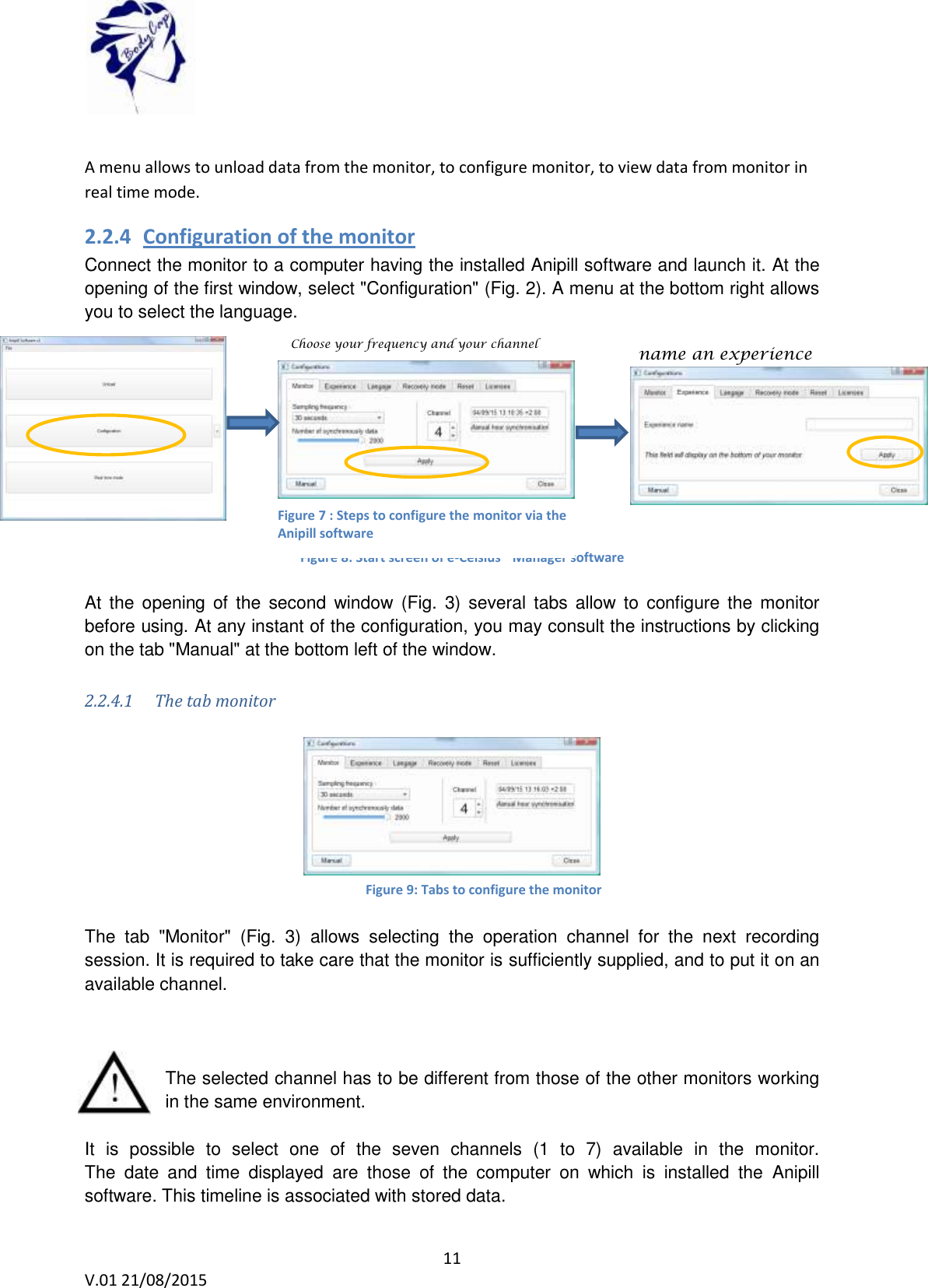
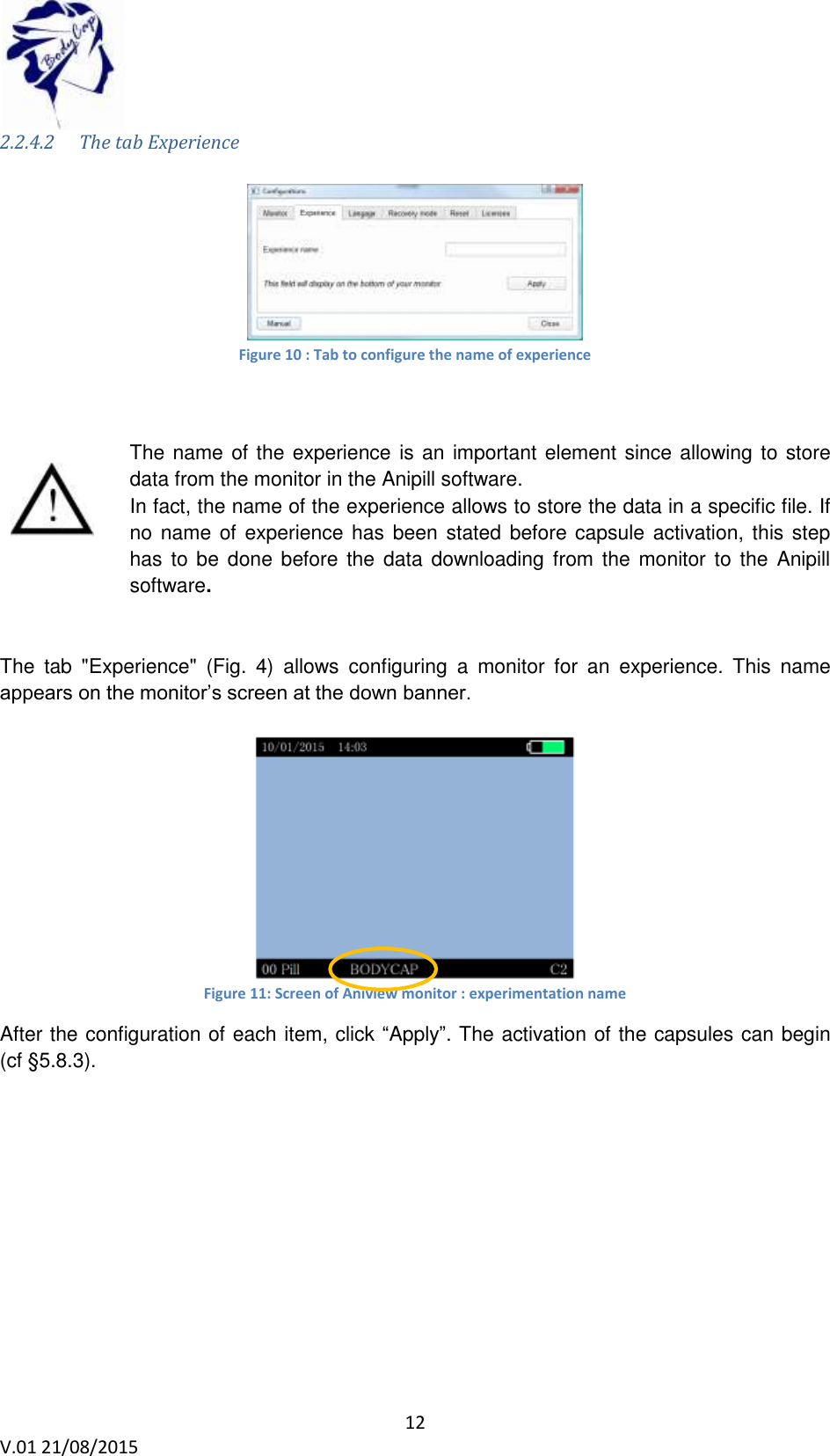
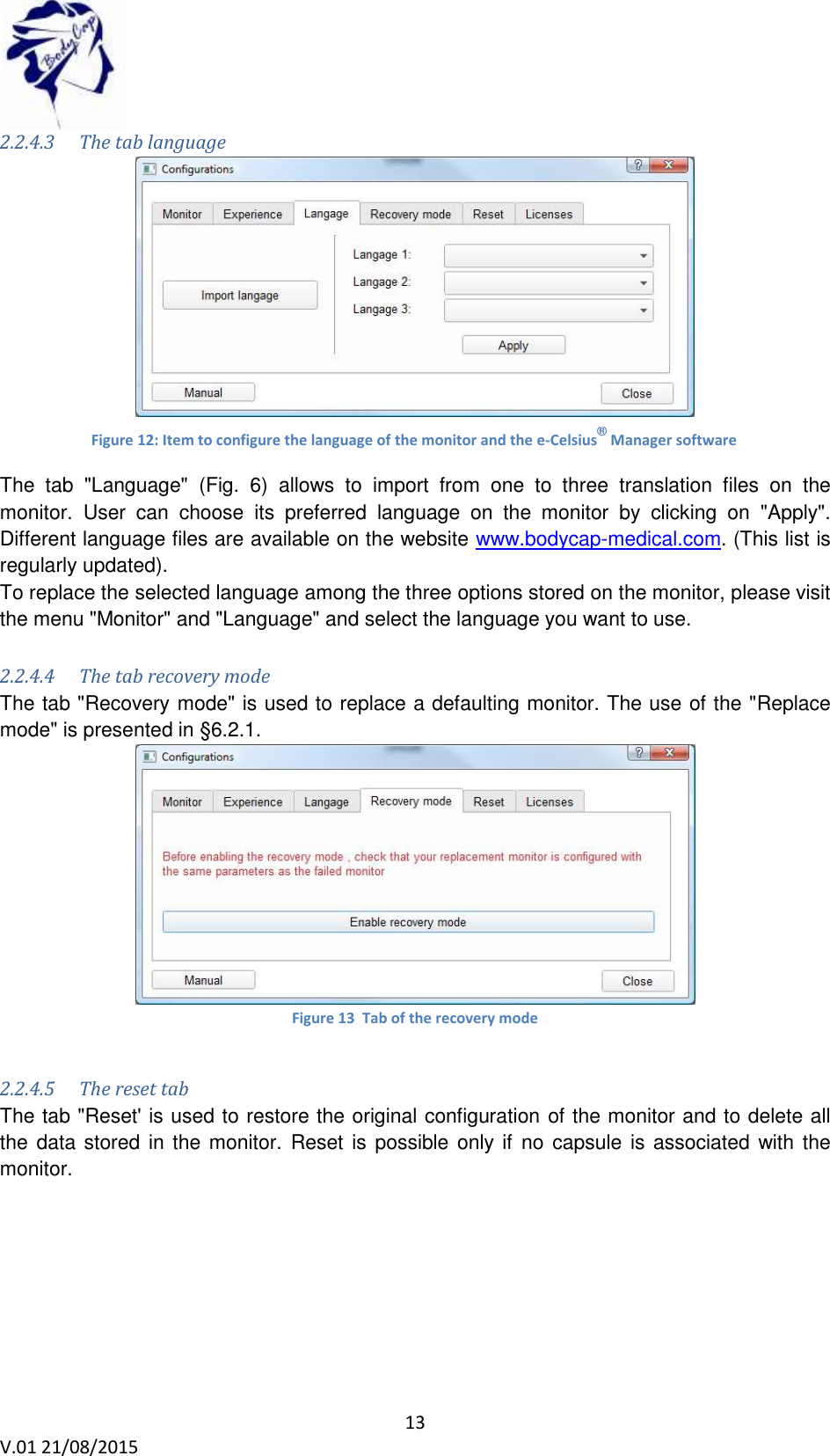
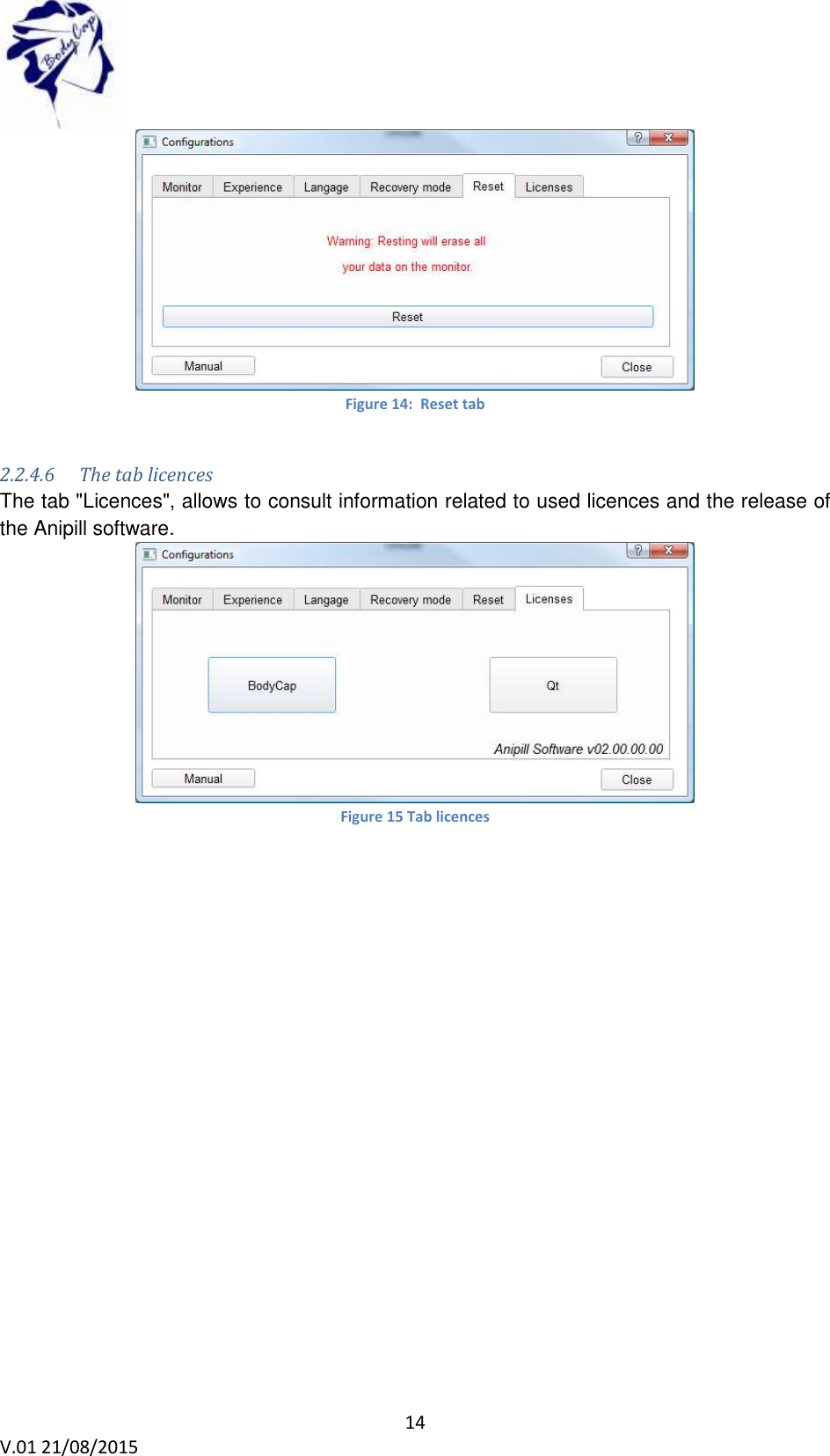
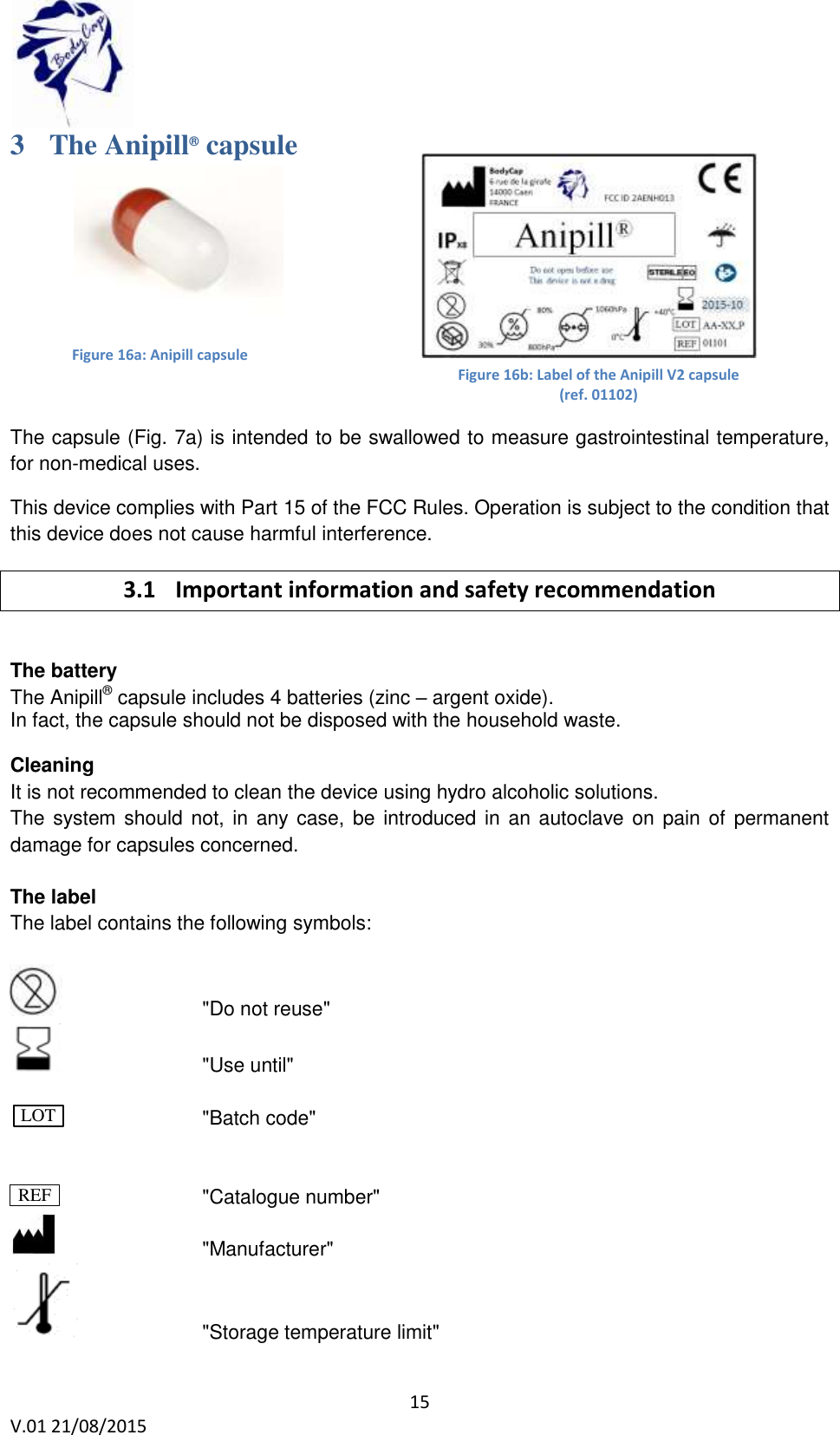
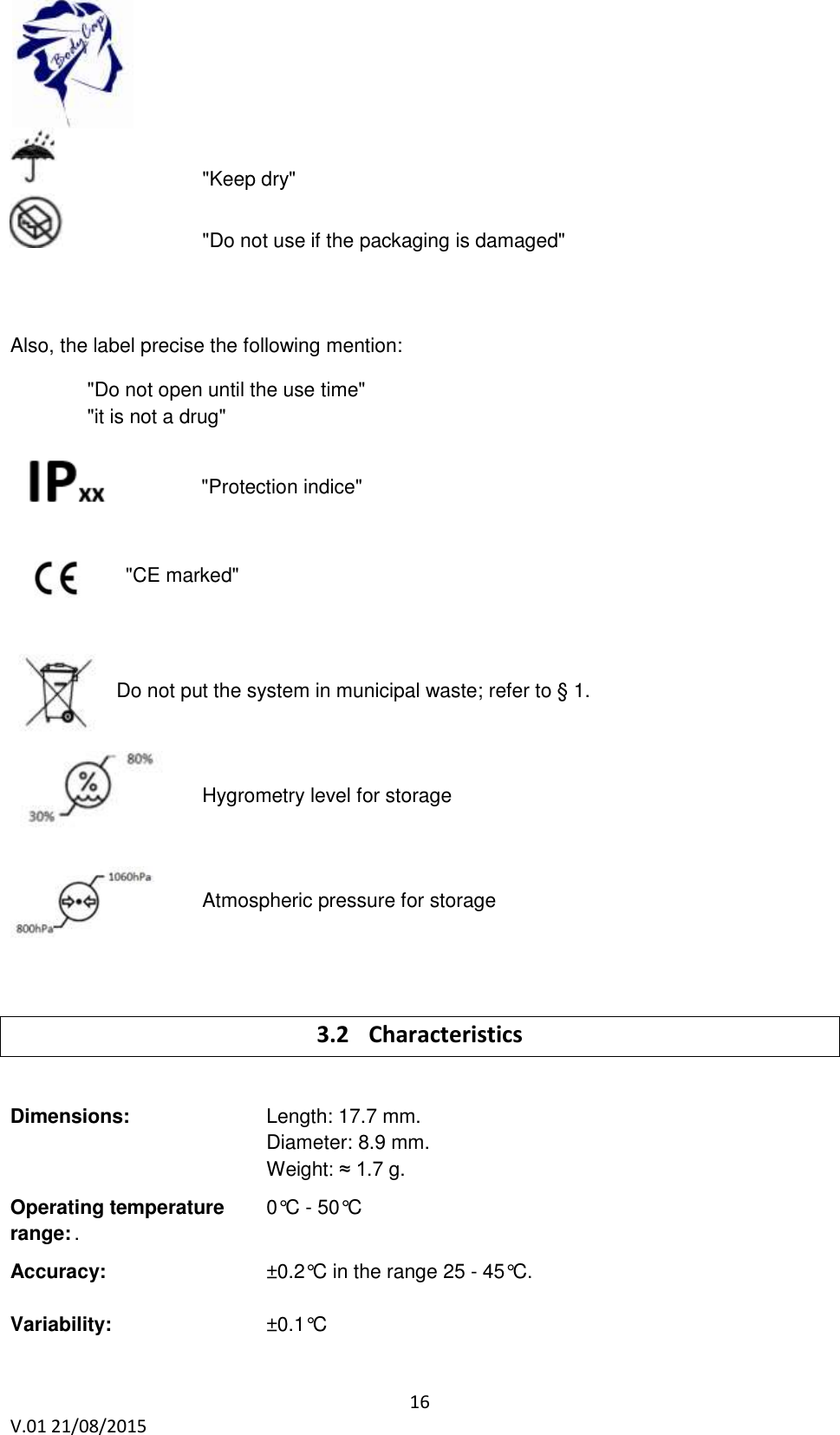
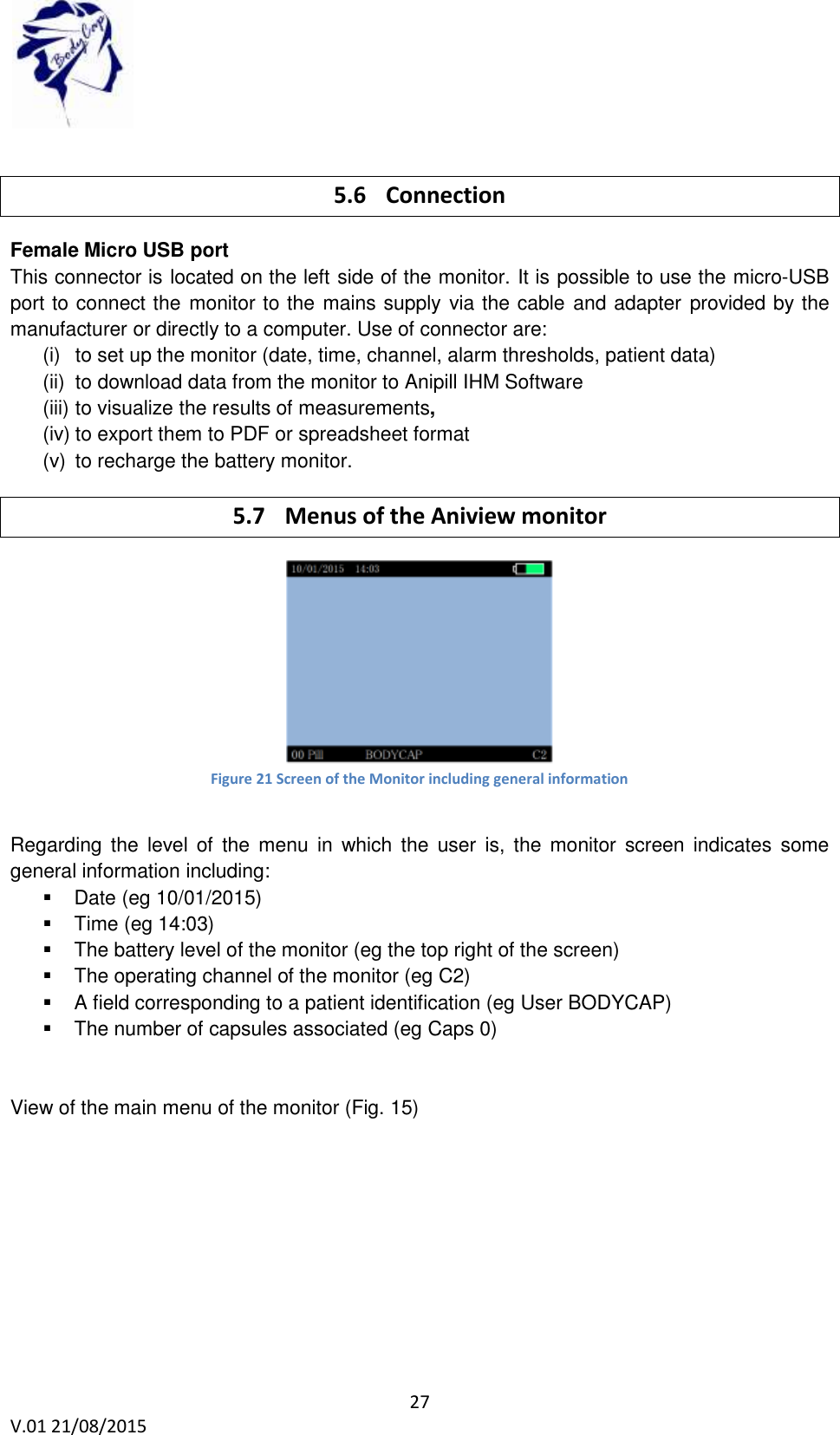
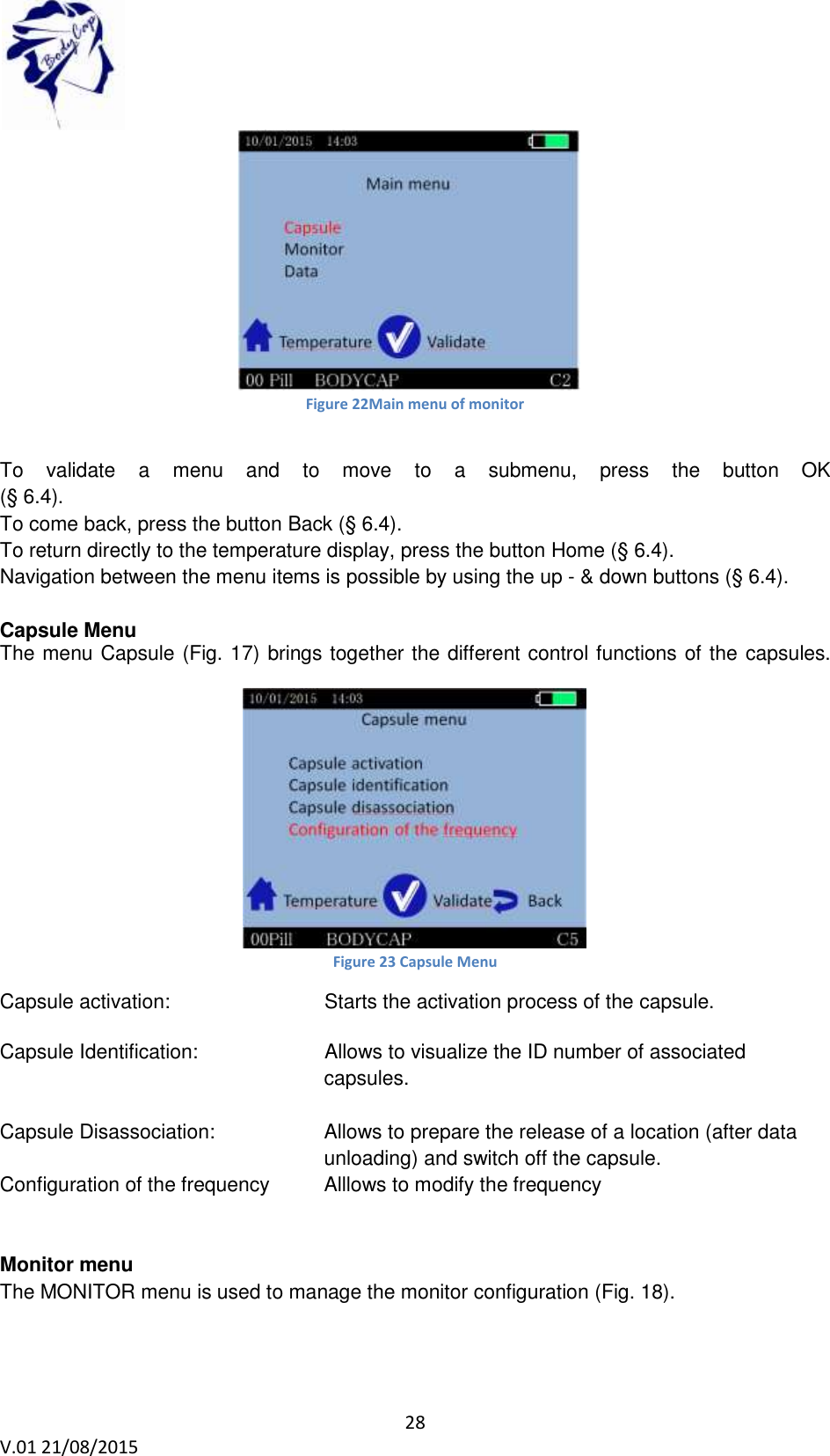
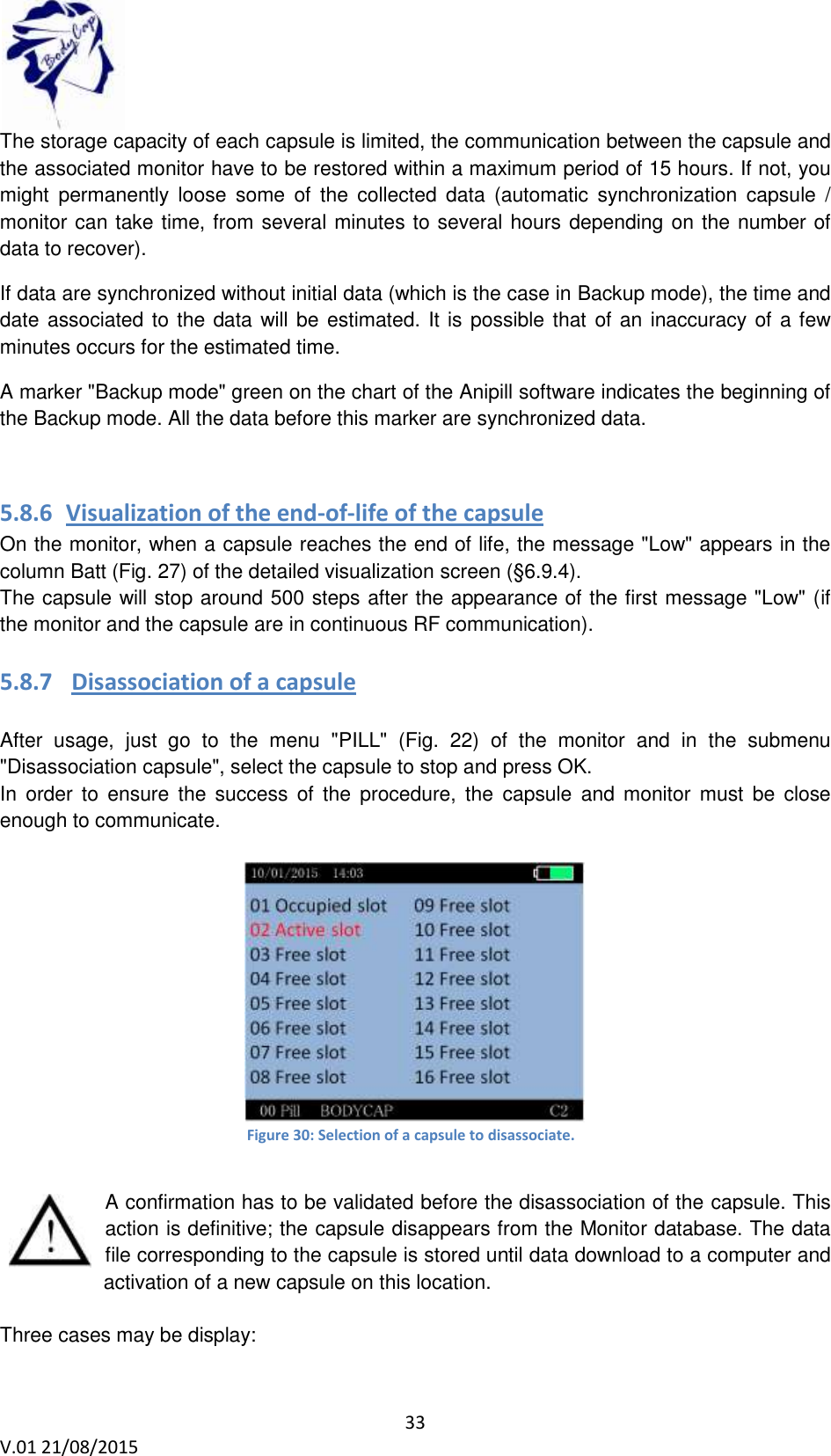
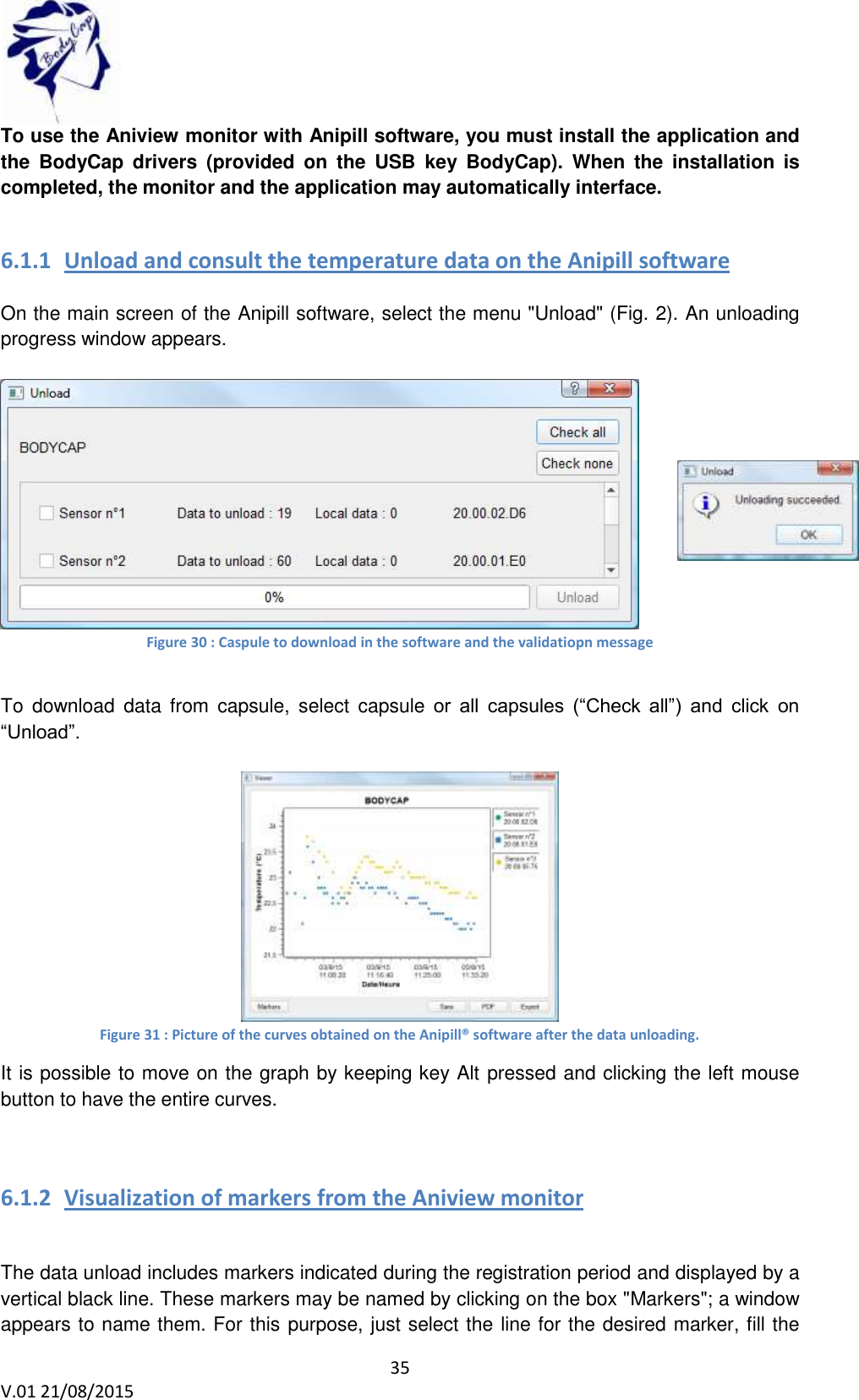
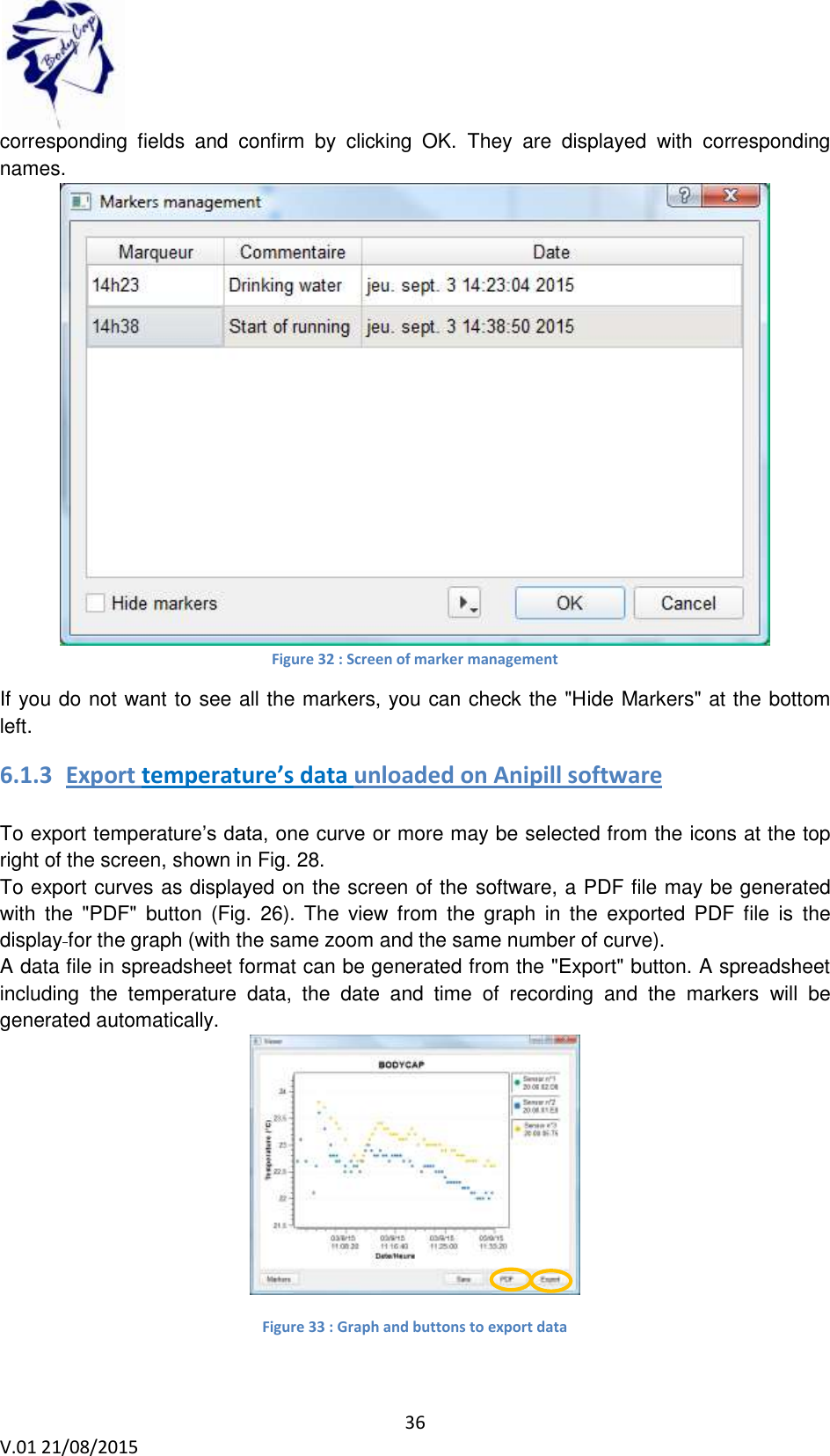
![38 V.01 21/08/2015 6.2 Secondary functions 6.2.1 Recovery mode When the operation of the monitor is disturbed (failure, broken, …), it is possible to recover the communication with capsule which was associated first; via an another monitor. This allow to ensure the continuity of the cycle of measurement It is necessary to start the replace operation with an operational monitor. This mode will allow to retrieve data from all the Anipill capsules communicating on the selected channel, in the communication frequency of the monitor and whose ID number is known. First, it is necessary to bring a functional and charged monitor. Then, check that no capsule is associated with this monitor. Connect it to the Anipill® software and configure the operating channel of the monitor to the same channel as the failed monitor. In fact on the operating channel of the capsules you want to recover [follow the procedure in § 5.8.2]. After you have started the Anipill® software, connect the monitor to a functional PC/Mac with the cables provided by the manufacturer. Select "Recovery mode" on the Anipill® software. Figure 37 Tab "Replace mode" Validate the start of the mode by clicking "Enable recoveryFrecover mode". The following window appears: Figure 38 Id of capsules in recovery mode Enter the ID number of the capsules you want to recover. (§ 6.9.12) The order of capsules does not matter.](https://usermanual.wiki/Bodycap/033/User-Guide-2779299-Page-38.png)