CCA Electronic Factory 0718A ALL-KIT User Manual

CCA Electronic Factory ALL-KIT

USERS MANUAL

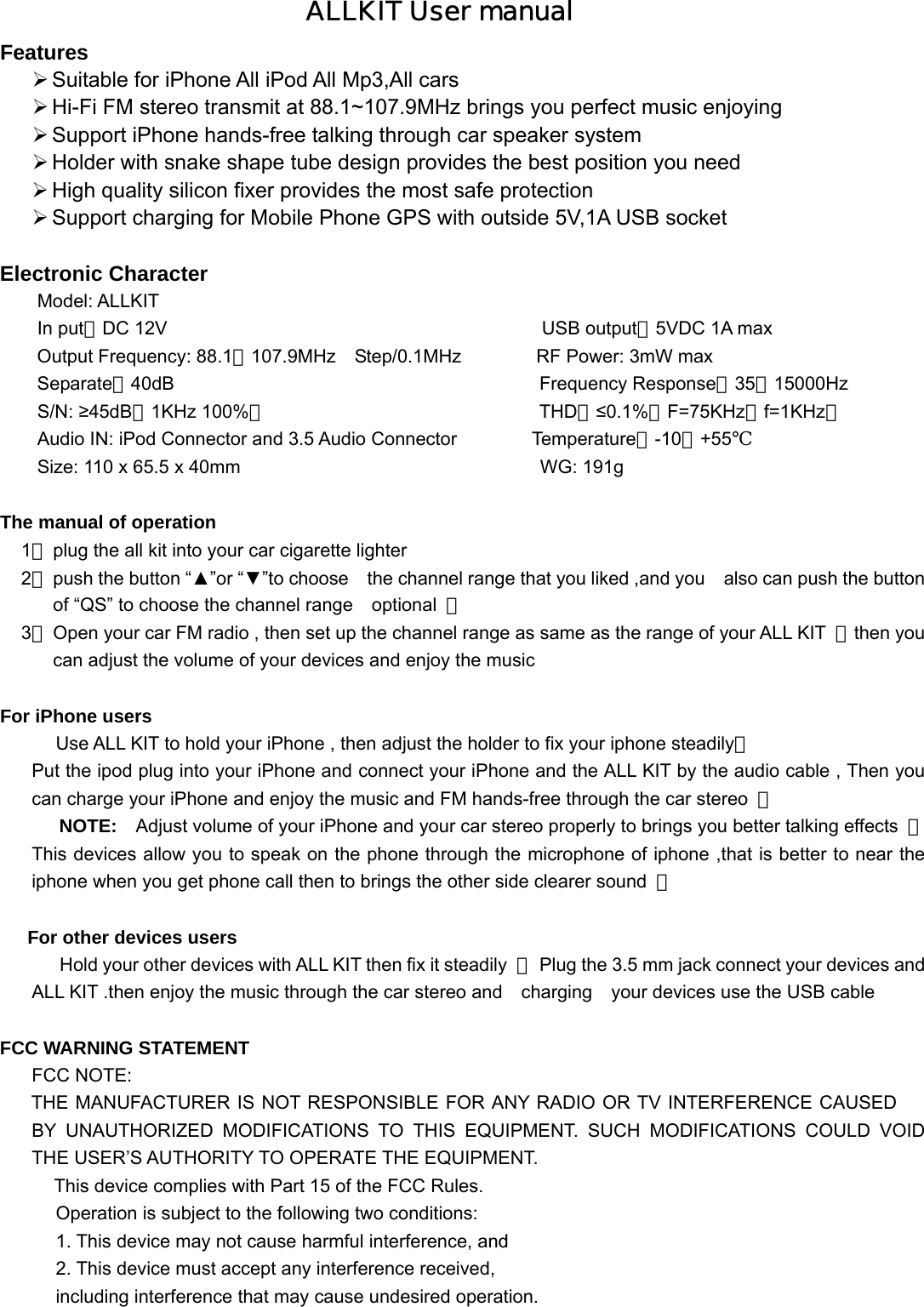
ALLKIT User manual Features  Suitable for iPhone All iPod All Mp3,All cars  Hi-Fi FM stereo transmit at 88.1~107.9MHz brings you perfect music enjoying    Support iPhone hands-free talking through car speaker system  Holder with snake shape tube design provides the best position you need  High quality silicon fixer provides the most safe protection  Support charging for Mobile Phone GPS with outside 5V,1A USB socket    Electronic Character   Model: ALLKIT In put:DC 12V                                        USB output:5VDC 1A max Output Frequency: 88.1~107.9MHz  Step/0.1MHz        RF Power: 3mW max Separate:40dB                                       Frequency Response:35~15000Hz S/N: ≥45dB(1KHz 100%)                             THD:≤0.1%(F=75KHz,f=1KHz)               Audio IN: iPod Connector and 3.5 Audio Connector        Temperature:-10~+55℃ Size: 110 x 65.5 x 40mm                                WG: 191g  The manual of operation 1、 plug the all kit into your car cigarette lighter 2、 push the button “▲”or “▼”to choose    the channel range that you liked ,and you    also can push the button of “QS” to choose the channel range    optional  ; 3、 Open your car FM radio , then set up the channel range as same as the range of your ALL KIT  ,then you can adjust the volume of your devices and enjoy the music    For iPhone users Use ALL KIT to hold your iPhone , then adjust the holder to fix your iphone steadily; Put the ipod plug into your iPhone and connect your iPhone and the ALL KIT by the audio cable , Then you can charge your iPhone and enjoy the music and FM hands-free through the car stereo  ; NOTE:    Adjust volume of your iPhone and your car stereo properly to brings you better talking effects  ;This devices allow you to speak on the phone through the microphone of iphone ,that is better to near the iphone when you get phone call then to brings the other side clearer sound  ;   For other devices users Hold your other devices with ALL KIT then fix it steadily  ,  Plug the 3.5 mm jack connect your devices and   ALL KIT .then enjoy the music through the car stereo and  charging  your devices use the USB cable    FCC WARNING STATEMENT FCC NOTE: THE MANUFACTURER IS NOT RESPONSIBLE FOR ANY RADIO OR TV INTERFERENCE CAUSED BY UNAUTHORIZED MODIFICATIONS TO THIS EQUIPMENT. SUCH MODIFICATIONS COULD VOID     THE USER’S AUTHORITY TO OPERATE THE EQUIPMENT.      This device complies with Part 15 of the FCC Rules. Operation is subject to the following two conditions: 1. This device may not cause harmful interference, and  2. This device must accept any interference received, including interference that may cause undesired operation.

Navigation menu