COVALUE COMMUNICATIONS CU560-1 Two Way Radio User Manual CU560 manual1

SHENZHEN COVALUE COMMUNICATIONS CO., LTD. Two Way Radio CU560 manual1

Users Manual

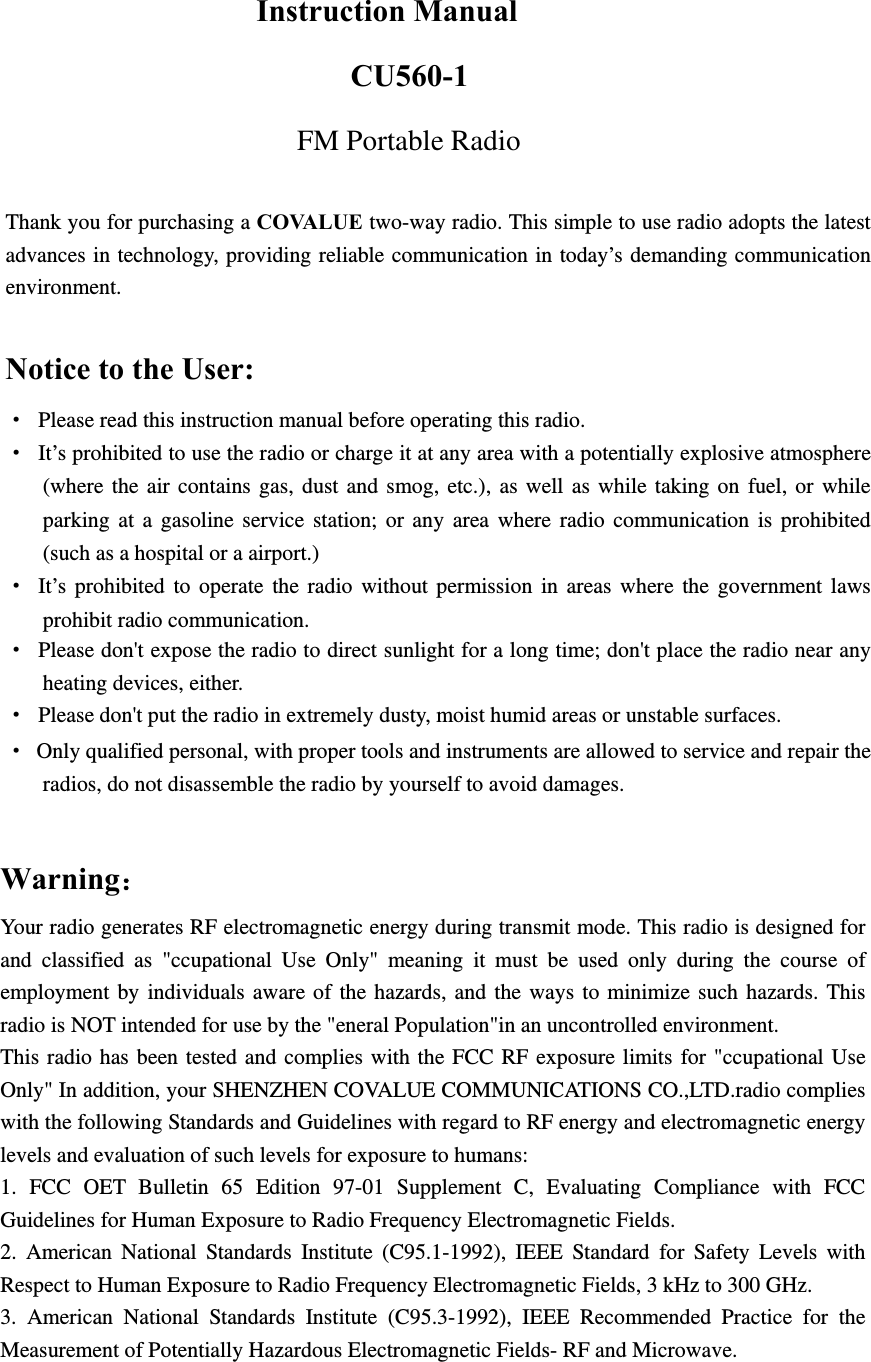
  Instruction Manual CU560-1 FM Portable Radio  Thank you for purchasing a COVALUE two-way radio. This simple to use radio adopts the latest advances in technology, providing reliable communication in today’s demanding communication environment.   Notice to the User: · Please read this instruction manual before operating this radio.   ·  It’s prohibited to use the radio or charge it at any area with a potentially explosive atmosphere (where the air contains gas, dust and smog, etc.), as well as while taking on fuel, or while parking at a gasoline service station; or any area where radio communication is prohibited (such as a hospital or a airport.) · It’s prohibited to operate the radio without permission in areas where the government laws prohibit radio communication. ·  Please don't expose the radio to direct sunlight for a long time; don't place the radio near any heating devices, either. ·  Please don't put the radio in extremely dusty, moist humid areas or unstable surfaces. ·  Only qualified personal, with proper tools and instruments are allowed to service and repair the radios, do not disassemble the radio by yourself to avoid damages.                  Warning:Your radio generates RF electromagnetic energy during transmit mode. This radio is designed for and classified as "ccupational Use Only" meaning it must be used only during the course of employment by individuals aware of the hazards, and the ways to minimize such hazards. This radio is NOT intended for use by the "eneral Population"in an uncontrolled environment. This radio has been tested and complies with the FCC RF exposure limits for "ccupational Use Only" In addition, your SHENZHEN COVALUE COMMUNICATIONS CO.,LTD.radio complies with the following Standards and Guidelines with regard to RF energy and electromagnetic energy levels and evaluation of such levels for exposure to humans:   1. FCC OET Bulletin 65 Edition 97-01 Supplement C, Evaluating Compliance with FCC Guidelines for Human Exposure to Radio Frequency Electromagnetic Fields.   2. American National Standards Institute (C95.1-1992), IEEE Standard for Safety Levels with Respect to Human Exposure to Radio Frequency Electromagnetic Fields, 3 kHz to 300 GHz.   3. American National Standards Institute (C95.3-1992), IEEE Recommended Practice for the Measurement of Potentially Hazardous Electromagnetic Fields- RF and Microwave.
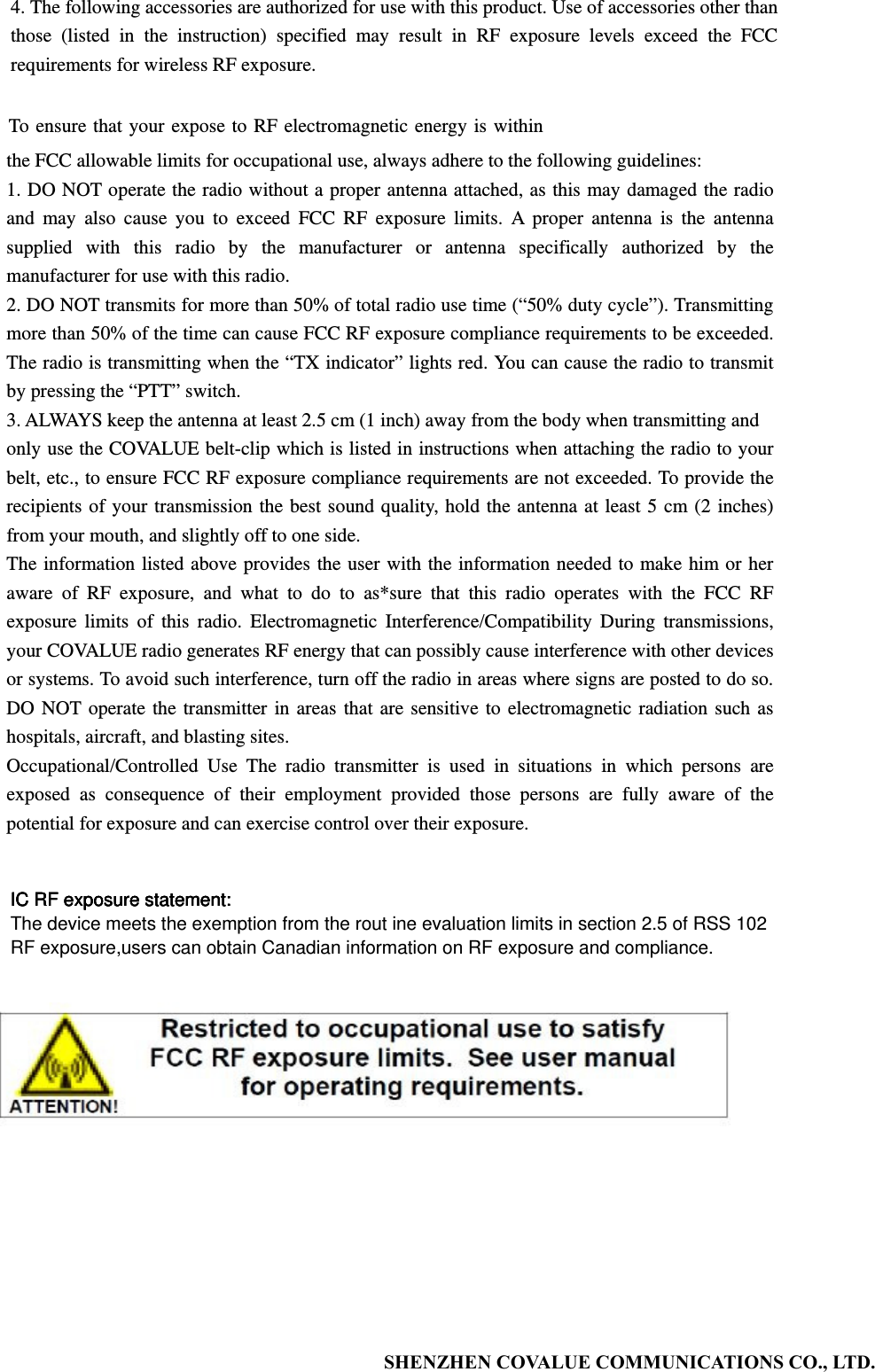
          SHENZHEN COVALUE COMMUNICATIONS CO., LTD.                                  4. The following accessories are authorized for use with this product. Use of accessories other than those (listed in the instruction) specified may result in RF exposure levels exceed the FCC requirements for wireless RF exposure. To ensure that your expose to RF electromagnetic energy is within the FCC allowable limits for occupational use, always adhere to the following guidelines: 1. DO NOT operate the radio without a proper antenna attached, as this may damaged the radio and may also cause you to exceed FCC RF exposure limits. A proper antenna is the antenna supplied with this radio by the manufacturer or antenna specifically authorized by the manufacturer for use with this radio. 2. DO NOT transmits for more than 50% of total radio use time (“50% duty cycle”). Transmitting more than 50% of the time can cause FCC RF exposure compliance requirements to be exceeded. The radio is transmitting when the “TX indicator” lights red. You can cause the radio to transmit by pressing the “PTT” switch. 3. ALWAYS keep the antenna at least 2.5 cm (1 inch) away from the body when transmitting and only use the COVALUE belt-clip which is listed in instructions when attaching the radio to your belt, etc., to ensure FCC RF exposure compliance requirements are not exceeded. To provide the recipients of your transmission the best sound quality, hold the antenna at least 5 cm (2 inches) from your mouth, and slightly off to one side.   The information listed above provides the user with the information needed to make him or her aware of RF exposure, and what to do to as*sure that this radio operates with the FCC RF exposure limits of this radio. Electromagnetic Interference/Compatibility During transmissions, your COVALUE radio generates RF energy that can possibly cause interference with other devices or systems. To avoid such interference, turn off the radio in areas where signs are posted to do so. DO NOT operate the transmitter in areas that are sensitive to electromagnetic radiation such as hospitals, aircraft, and blasting sites. Occupational/Controlled Use The radio transmitter is used in situations in which persons are exposed as consequence of their employment provided those persons are fully aware of the potential for exposure and can exercise control over their exposure. IC RF exposure statement:The device meets the exemption from the rout ine evaluation limits in section 2.5 of RSS 102RF exposure,users can obtain Canadian information on RF exposure and compliance.IC RF exposure statement:IC RF exposure statement:IC RF exposure statement:
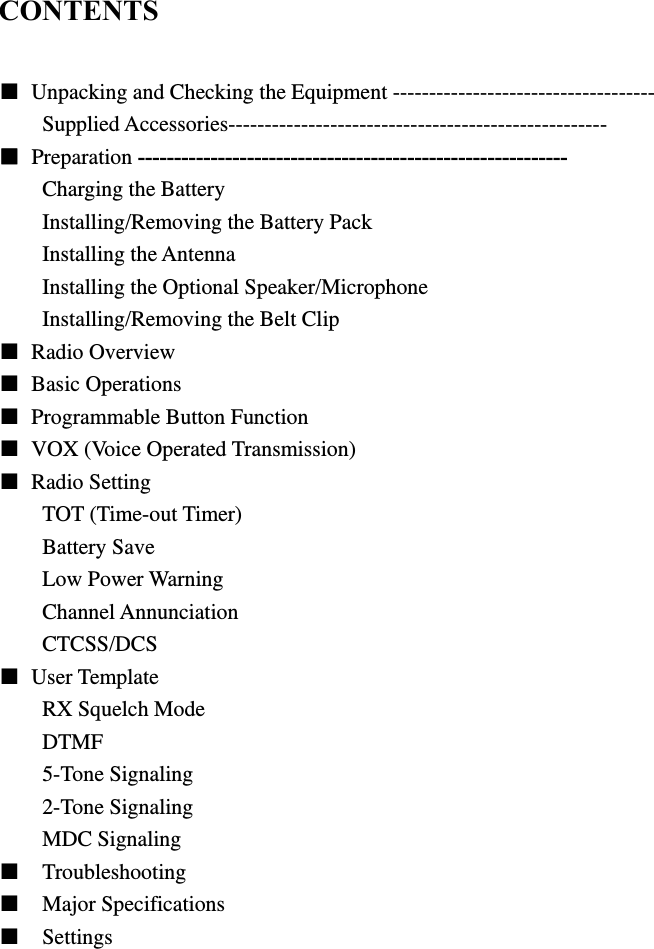
  CONTENTS  ■  Unpacking and Checking the Equipment ------------------------------------ Supplied Accessories---------------------------------------------------- ■ Preparation ----------------------------------------------------------- Charging the Battery Installing/Removing the Battery Pack Installing the Antenna Installing the Optional Speaker/Microphone Installing/Removing the Belt Clip ■ Radio Overview  ■ Basic Operations ■  Programmable Button Function ■  VOX (Voice Operated Transmission) ■ Radio Setting TOT (Time-out Timer) Battery Save Low Power Warning Channel Annunciation CTCSS/DCS ■ User Template RX Squelch Mode DTMF 5-Tone Signaling 2-Tone Signaling MDC Signaling ■  Troubleshooting ■  Major Specifications ■  Settings
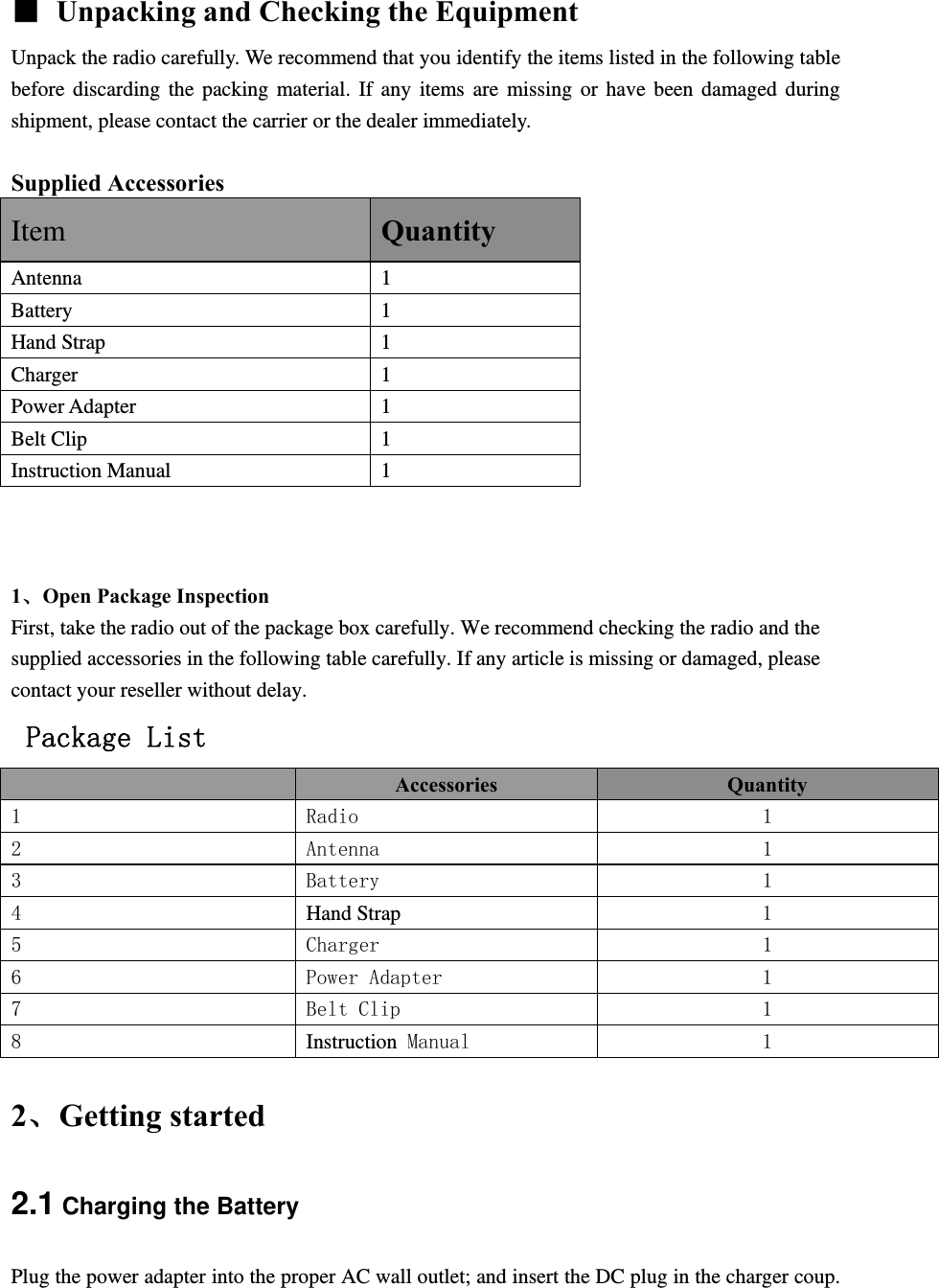
  ■  Unpacking and Checking the Equipment Unpack the radio carefully. We recommend that you identify the items listed in the following table before discarding the packing material. If any items are missing or have been damaged during shipment, please contact the carrier or the dealer immediately.   Supplied Accessories Item Quantity Antenna 1 Battery 1 Hand Strap  1 Charger 1 Power Adapter  1 Belt Clip  1 Instruction Manual  1    1、Open Package Inspection First, take the radio out of the package box carefully. We recommend checking the radio and the supplied accessories in the following table carefully. If any article is missing or damaged, please contact your reseller without delay.  Package List  Accessories  Quantity 1  Radio  1 2  Antenna  1 3  Battery  1 4  Hand Strap 1 5  Charger  1 6  Power Adapter  1 7  Belt Clip  1 8  Instruction Manual  1 2、Getting started 2.1 Charging the Battery Plug the power adapter into the proper AC wall outlet; and insert the DC plug in the charger coup.
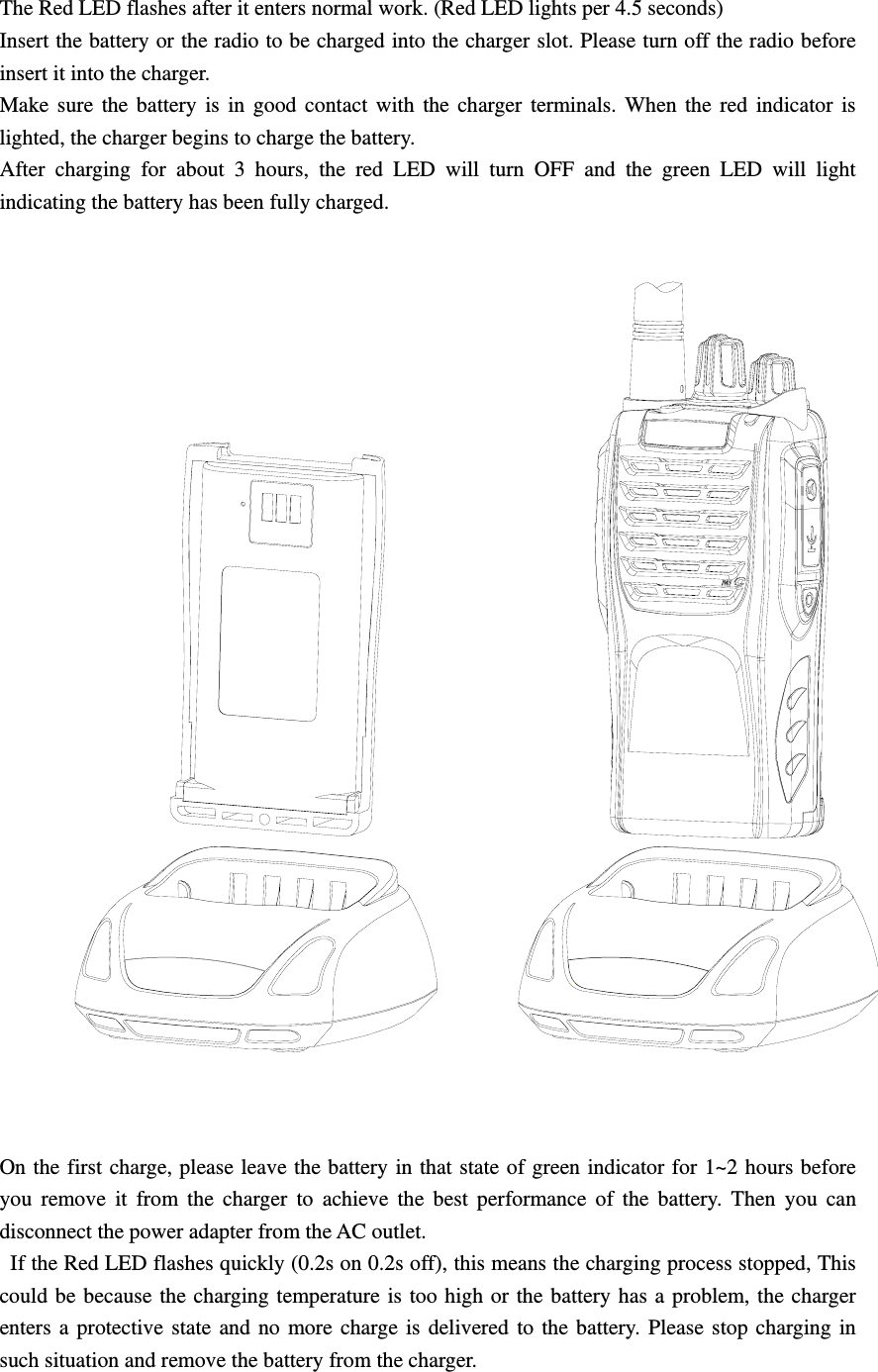
The Red LED flashes after it enters normal work. (Red LED lights per 4.5 seconds) Insert the battery or the radio to be charged into the charger slot. Please turn off the radio before insert it into the charger. Make sure the battery is in good contact with the charger terminals. When the red indicator is lighted, the charger begins to charge the battery. After charging for about 3 hours, the red LED will turn OFF and the green LED will light indicating the battery has been fully charged.    On the first charge, please leave the battery in that state of green indicator for 1~2 hours before you remove it from the charger to achieve the best performance of the battery. Then you can disconnect the power adapter from the AC outlet.   If the Red LED flashes quickly (0.2s on 0.2s off), this means the charging process stopped, This could be because the charging temperature is too high or the battery has a problem, the charger enters a protective state and no more charge is delivered to the battery. Please stop charging in such situation and remove the battery from the charger.
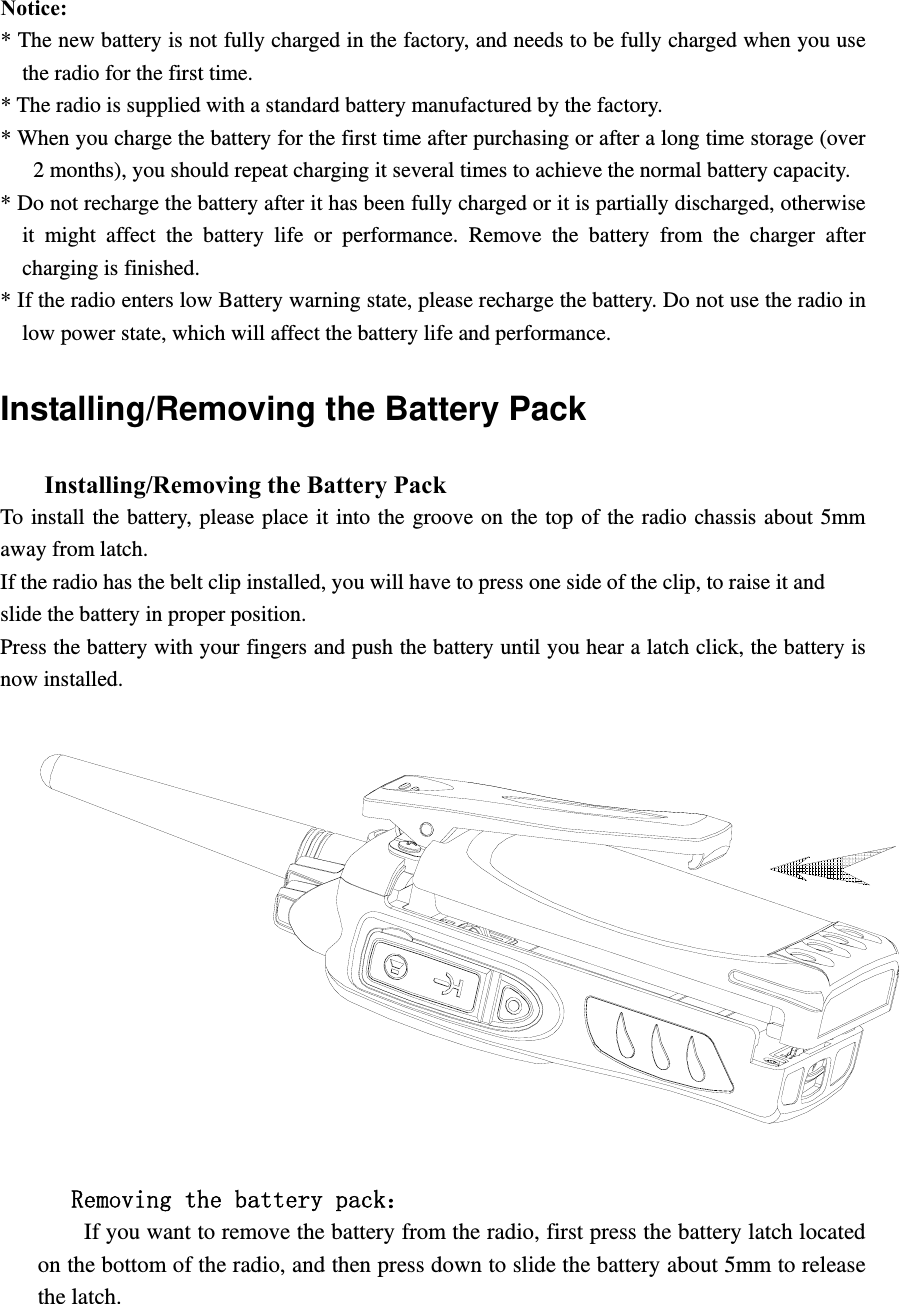
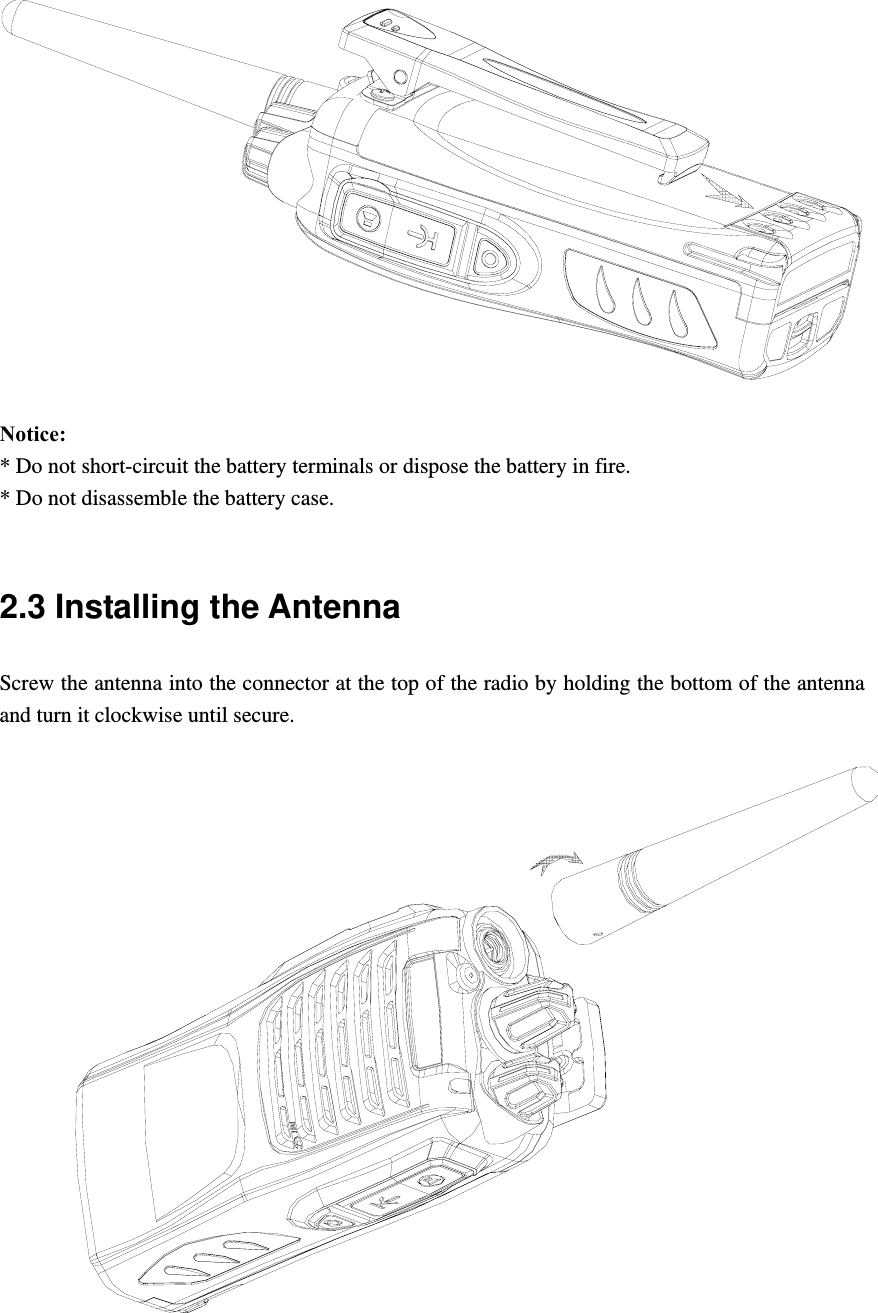
  Notice:  * The new battery is not fully charged in the factory, and needs to be fully charged when you use the radio for the first time.   * The radio is supplied with a standard battery manufactured by the factory. * When you charge the battery for the first time after purchasing or after a long time storage (over 2 months), you should repeat charging it several times to achieve the normal battery capacity.   * Do not recharge the battery after it has been fully charged or it is partially discharged, otherwise it might affect the battery life or performance. Remove the battery from the charger after charging is finished.   * If the radio enters low Battery warning state, please recharge the battery. Do not use the radio in low power state, which will affect the battery life and performance.   Installing/Removing the Battery Pack       Installing/Removing the Battery Pack   To install the battery, please place it into the groove on the top of the radio chassis about 5mm away from latch.   If the radio has the belt clip installed, you will have to press one side of the clip, to raise it and   slide the battery in proper position. Press the battery with your fingers and push the battery until you hear a latch click, the battery is now installed.           Removing the battery pack:         If you want to remove the battery from the radio, first press the battery latch located on the bottom of the radio, and then press down to slide the battery about 5mm to release the latch.
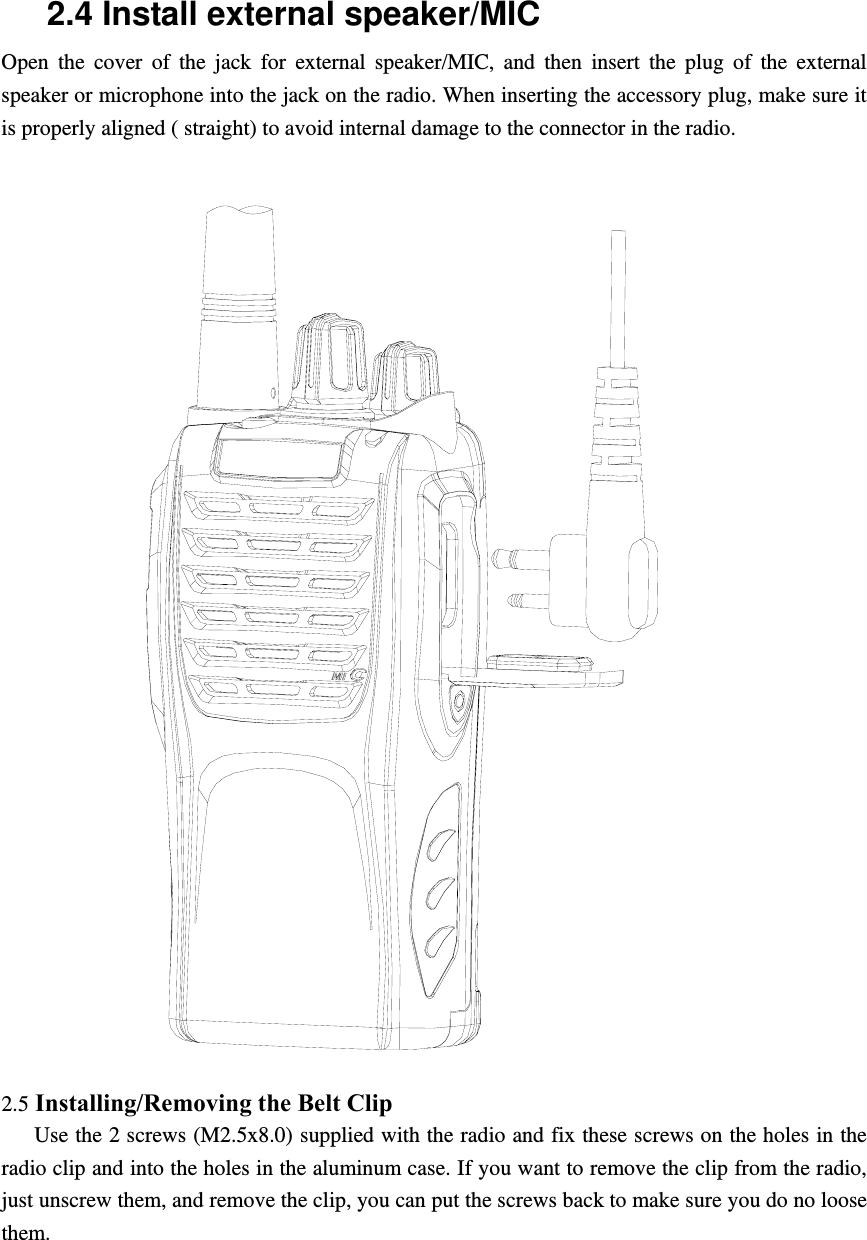
 Notice:  * Do not short-circuit the battery terminals or dispose the battery in fire. * Do not disassemble the battery case.    2.3 Installing the Antenna   Screw the antenna into the connector at the top of the radio by holding the bottom of the antenna and turn it clockwise until secure.
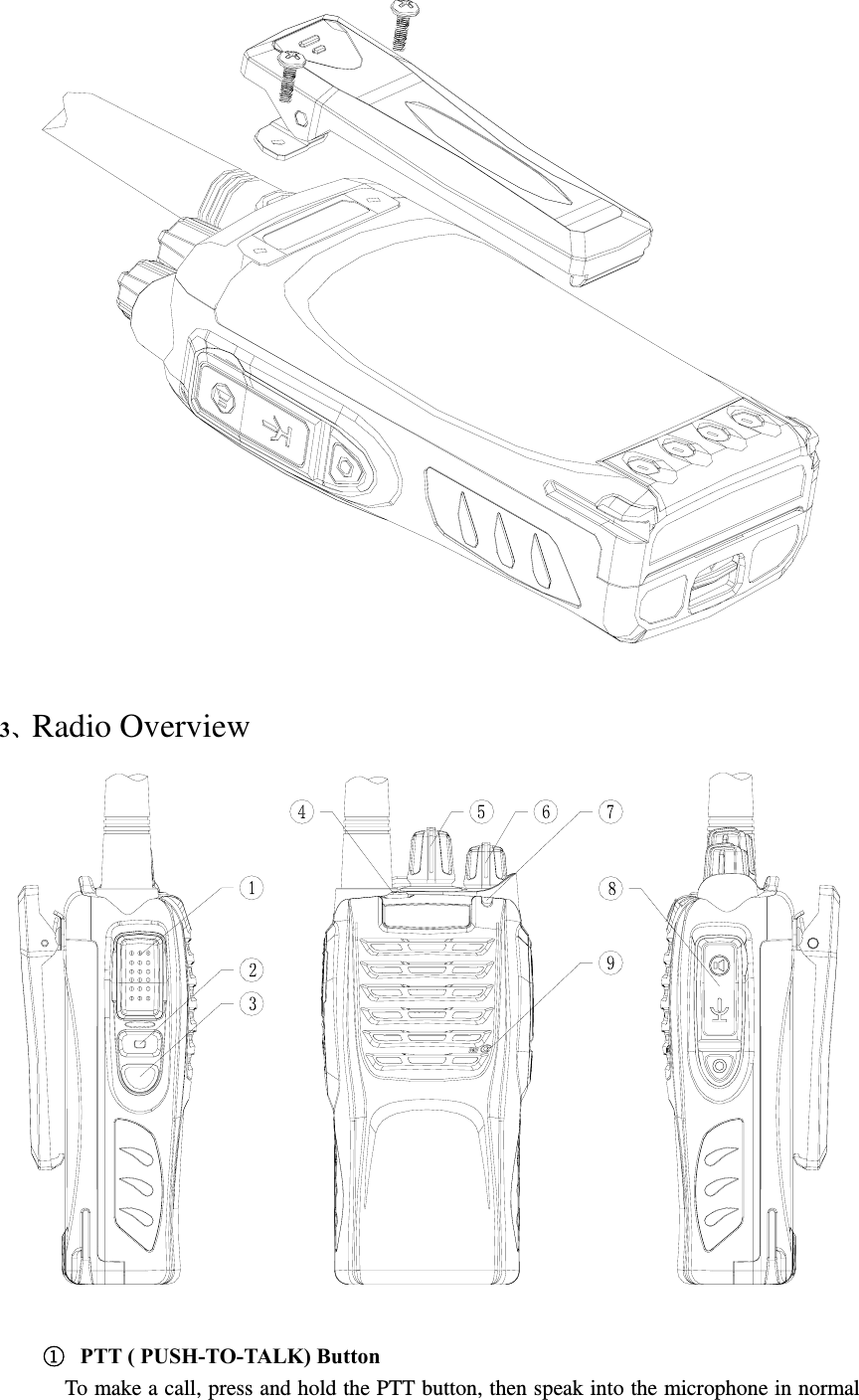
2.4 Install external speaker/MIC Open the cover of the jack for external speaker/MIC, and then insert the plug of the external speaker or microphone into the jack on the radio. When inserting the accessory plug, make sure it is properly aligned ( straight) to avoid internal damage to the connector in the radio.    2.5 Installing/Removing the Belt Clip      Use the 2 screws (M2.5x8.0) supplied with the radio and fix these screws on the holes in the radio clip and into the holes in the aluminum case. If you want to remove the clip from the radio, just unscrew them, and remove the clip, you can put the screws back to make sure you do no loose them.
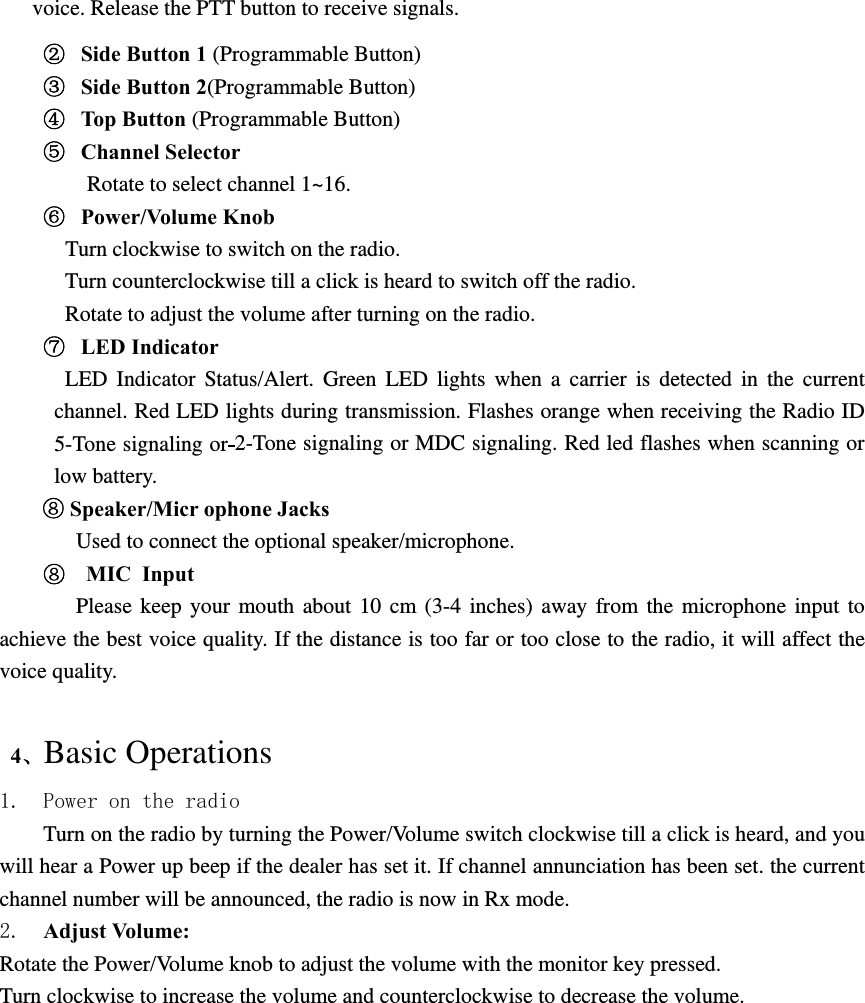
  3、Radio Overview    ①  PTT ( PUSH-TO-TALK) Button    To make a call, press and hold the PTT button, then speak into the microphone in normal
voice. Release the PTT button to receive signals. ②  Side Button 1 (Programmable Button) ③  Side Button 2(Programmable Button) ④  Top Button (Programmable Button) ⑤  Channel Selector Rotate to select channel 1~16. ⑥  Power/Volume Knob    Turn clockwise to switch on the radio.   Turn counterclockwise till a click is heard to switch off the radio. Rotate to adjust the volume after turning on the radio. ⑦  LED Indicator LED Indicator Status/Alert. Green LED lights when a carrier is detected in the current channel. Red LED lights during transmission. Flashes orange when receiving the Radio ID 5-Tone signaling or 2-Tone signaling or MDC signaling. Red led flashes when scanning or low battery. ⑧ Speaker/Micr ophone Jacks Used to connect the optional speaker/microphone.   ⑧   MIC Input    Please keep your mouth about 10 cm (3-4 inches) away from the microphone input to achieve the best voice quality. If the distance is too far or too close to the radio, it will affect the voice quality.   4、Basic Operations 1. Power on the radio Turn on the radio by turning the Power/Volume switch clockwise till a click is heard, and you will hear a Power up beep if the dealer has set it. If channel annunciation has been set. the current channel number will be announced, the radio is now in Rx mode. 2.  Adjust Volume:   Rotate the Power/Volume knob to adjust the volume with the monitor key pressed. Turn clockwise to increase the volume and counterclockwise to decrease the volume.
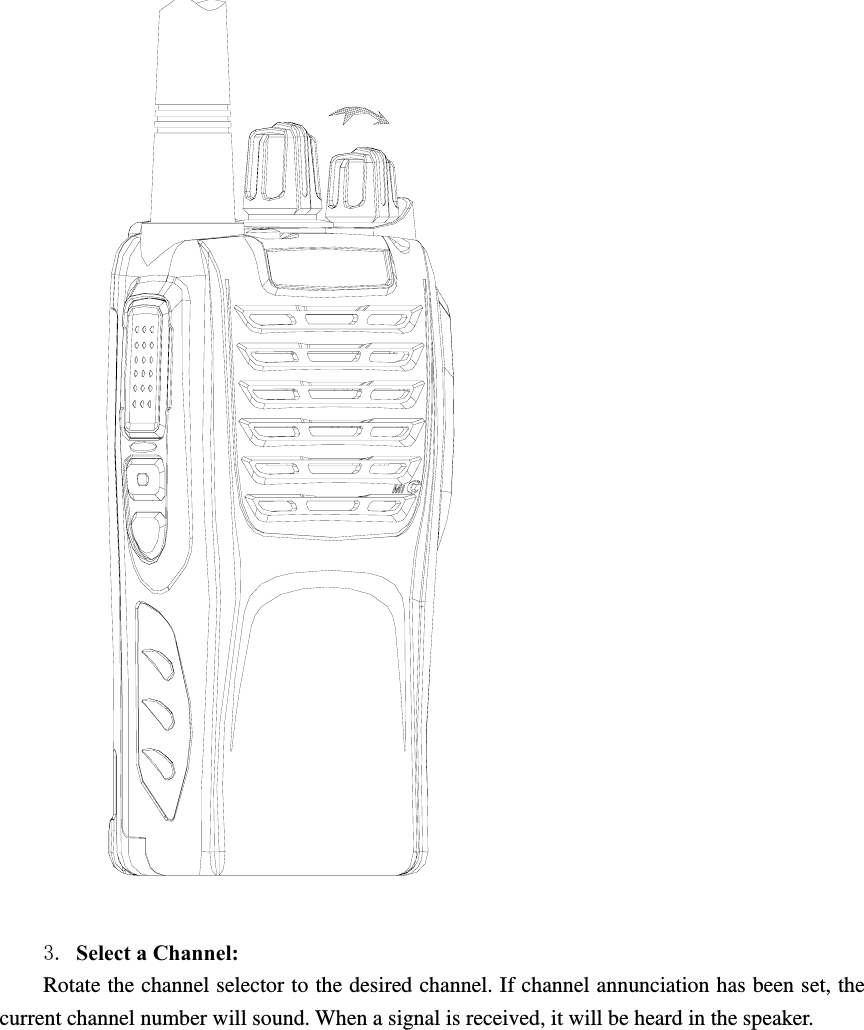
  3. Select a Channel:   Rotate the channel selector to the desired channel. If channel annunciation has been set, the current channel number will sound. When a signal is received, it will be heard in the speaker.
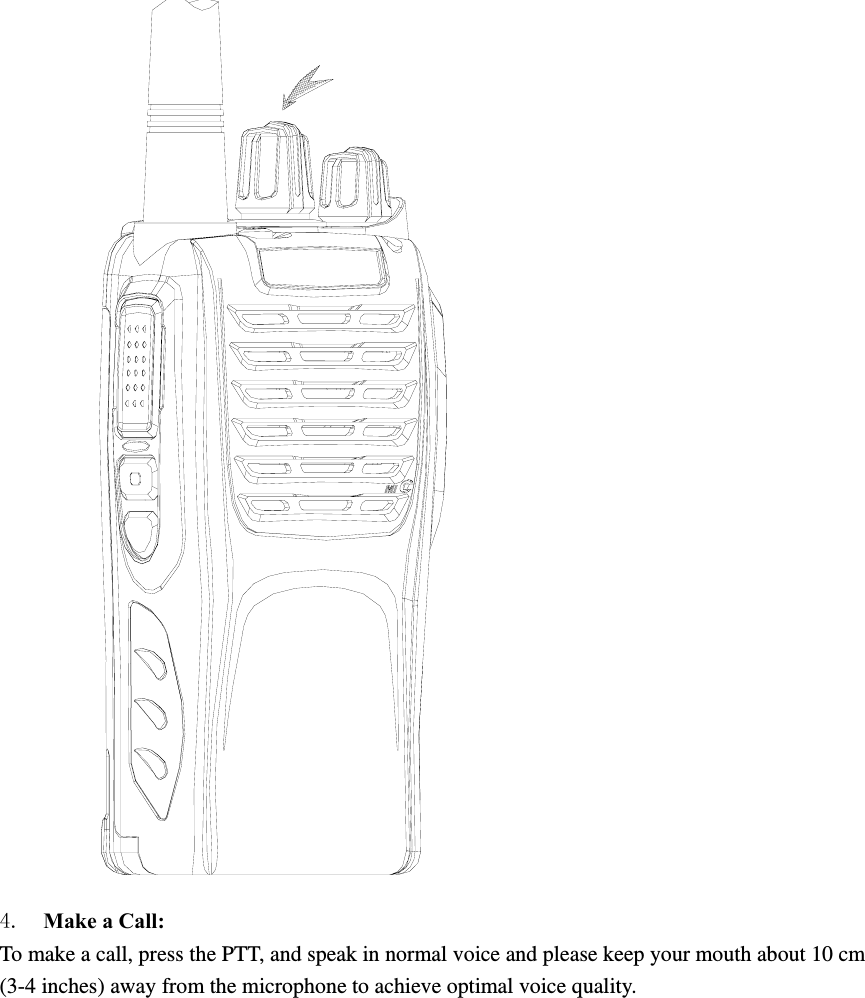
 4.  Make a Call:   To make a call, press the PTT, and speak in normal voice and please keep your mouth about 10 cm (3-4 inches) away from the microphone to achieve optimal voice quality.
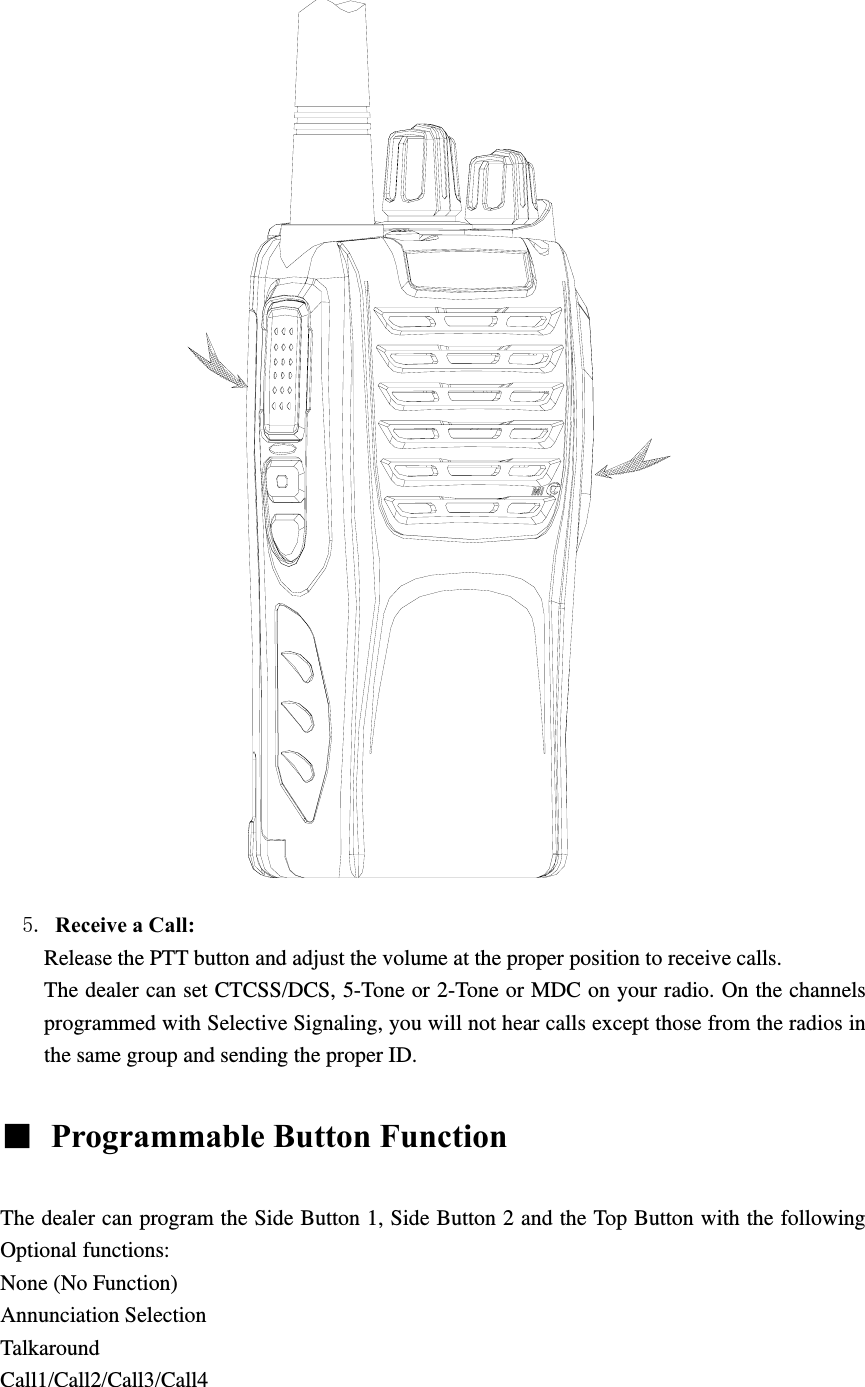
               5. Receive a Call:   Release the PTT button and adjust the volume at the proper position to receive calls. The dealer can set CTCSS/DCS, 5-Tone or 2-Tone or MDC on your radio. On the channels programmed with Selective Signaling, you will not hear calls except those from the radios in the same group and sending the proper ID.  ■  Programmable Button Function    The dealer can program the Side Button 1, Side Button 2 and the Top Button with the following Optional functions: None (No Function) Annunciation Selection Talkaround Call1/Call2/Call3/Call4

Navigation menu