CRE Technology Co CM108RF RF Mouse User Manual users manual

CRE Technology Co Ltd RF Mouse users manual

users manual

    
                       !"  #$            $    $ %       $ &                         '((  #$((  &$((  $((  )*+$,'  -($&$.&*/$0)$
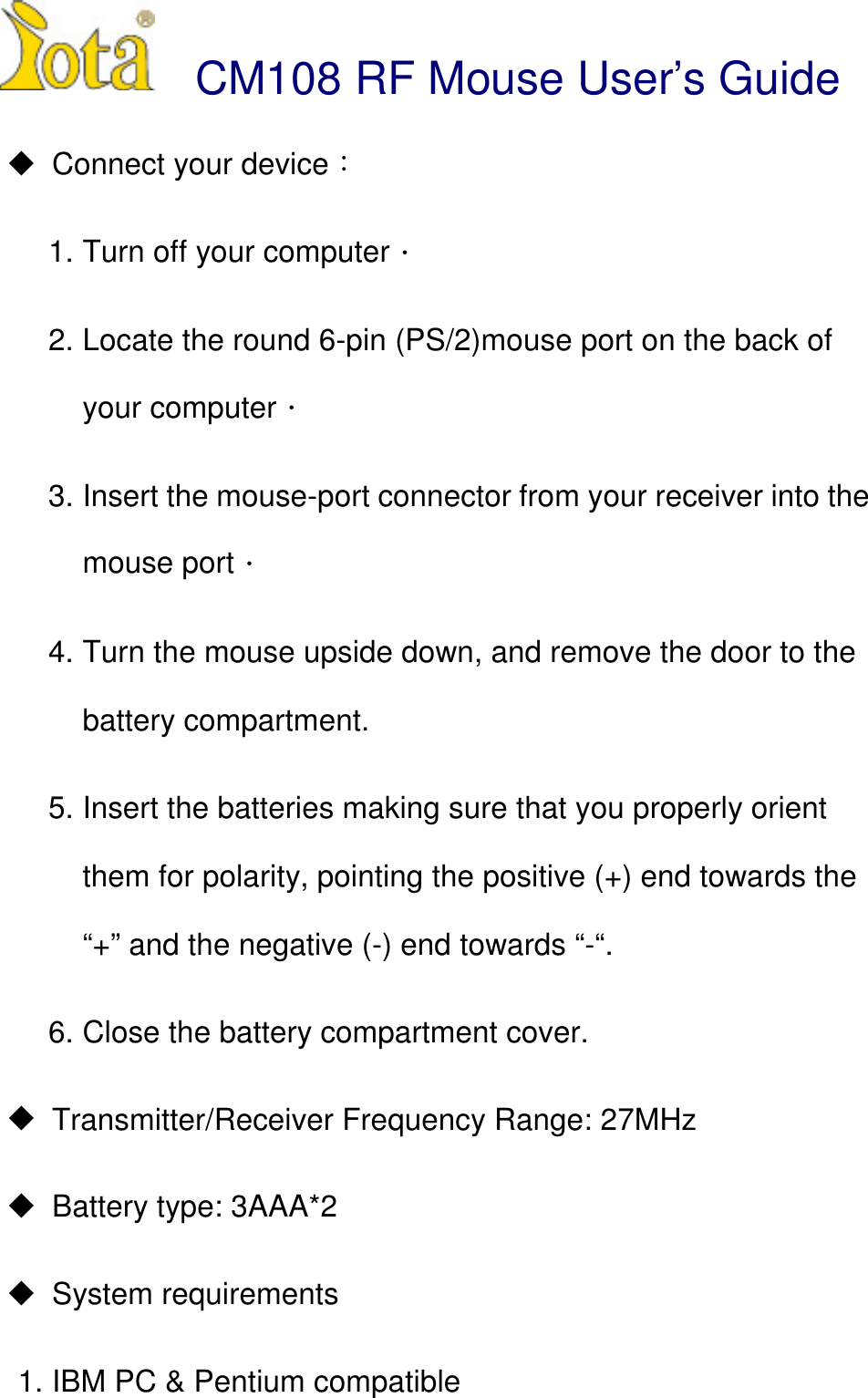
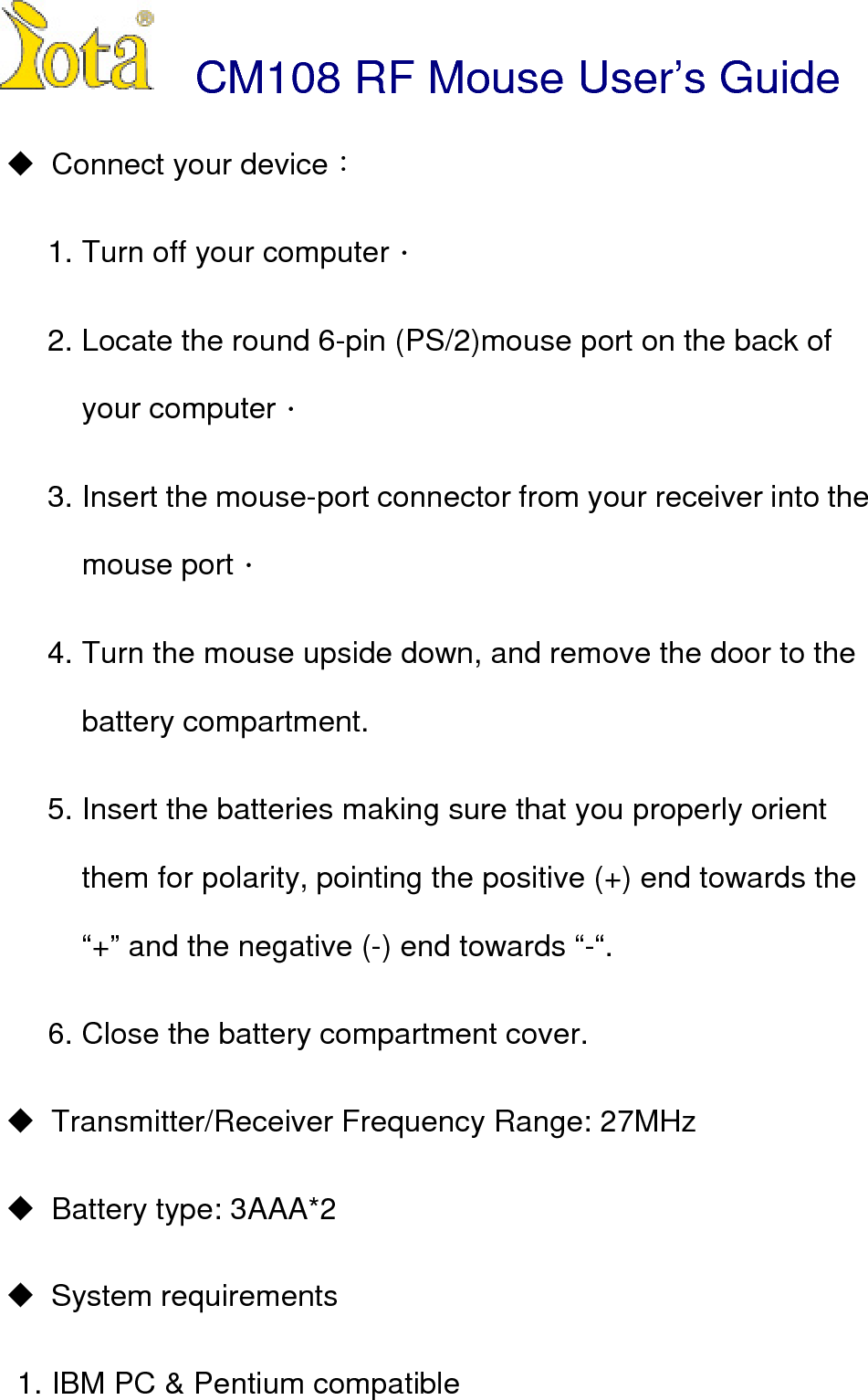
 CM108 RF Mouse User’s Guide! Connect your device1. Turn off your computer2. Locate the round 6-pin (PS/2)mouse port on the back ofyour computer3. Insert the mouse-port connector from your receiver into themouse port4. Turn the mouse upside down, and remove the door to thebattery compartment.5. Insert the batteries making sure that you properly orientthem for polarity, pointing the positive (+) end towards the“+” and the negative (-) end towards “-“.6. Close the battery compartment cover.!  Transmitter/Receiver Frequency Range: 27MHz!  Battery type: 3AAA*2! System requirements1. IBM PC & Pentium compatible
2. ConnectorPS/2 ,3. Support OS : WinNT,Win98, Win95, Win Me,Win2000

Navigation menu