Carl Zeiss Microscopy STEMI305 Stereo Microscope with integrated WIFI Camera User Manual Stemi 305 BA

Carl Zeiss Microscopy GmbH Stereo Microscope with integrated WIFI Camera Stemi 305 BA

User manual

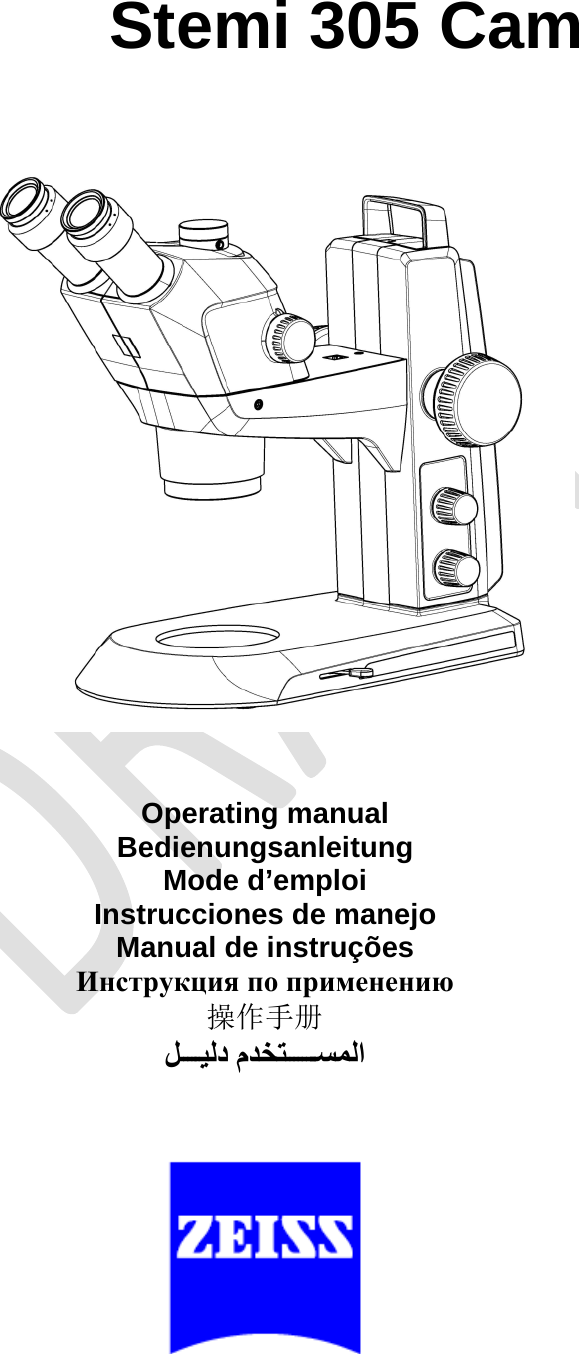
 Stemi 305 Cam             Operating manual Bedienungsanleitung Mode d’emploi Instrucciones de manejo Manual de instruções    操作手册  
CarlZeissNotesonInstrumentSafety Stemi305camBody
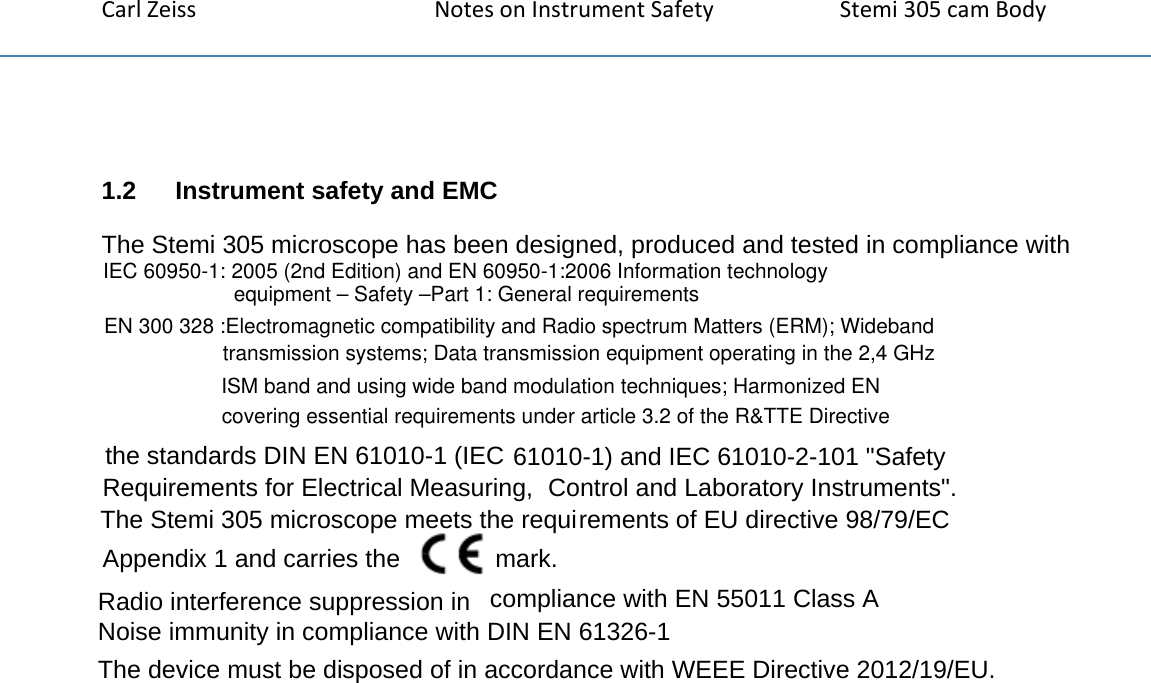
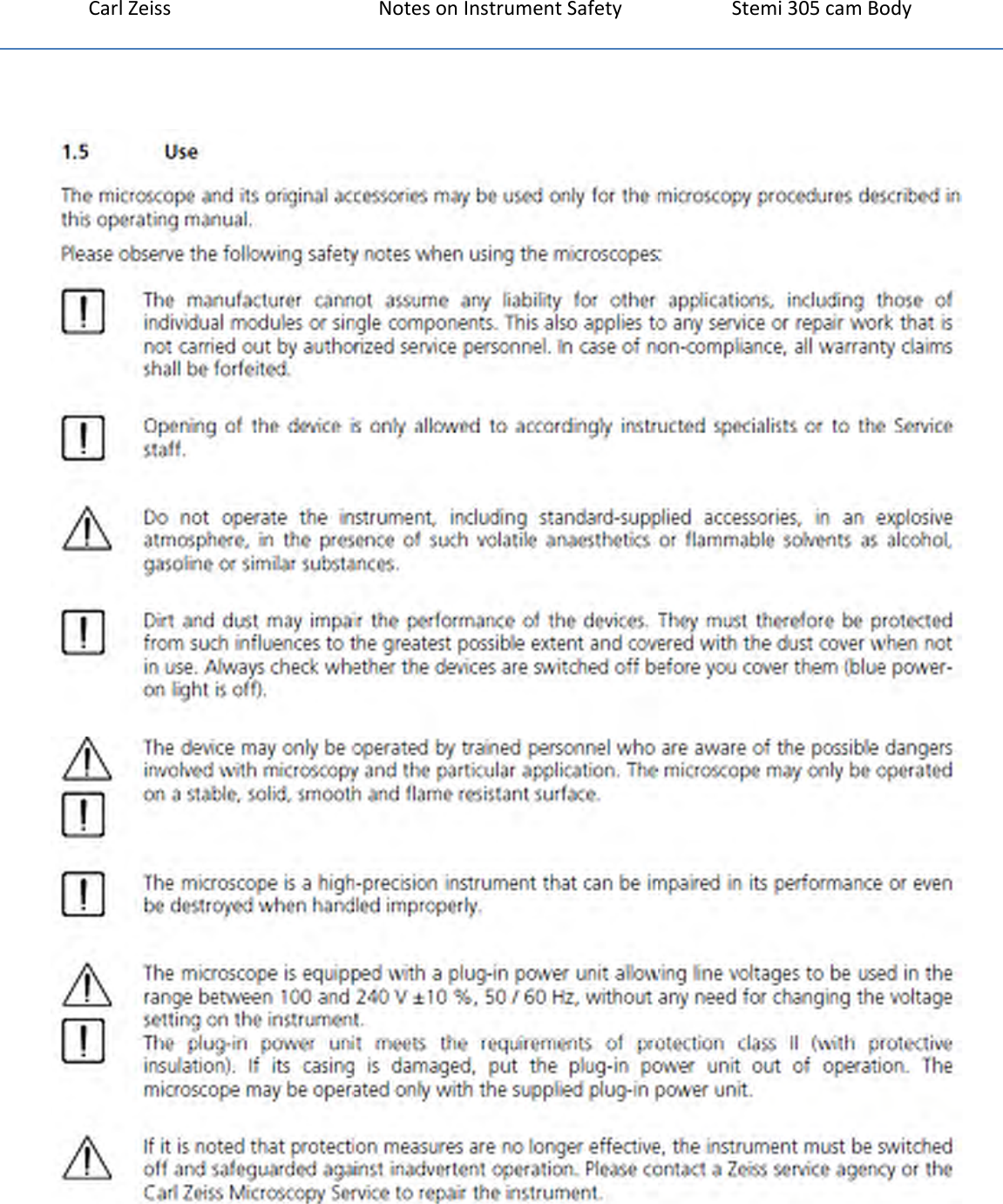
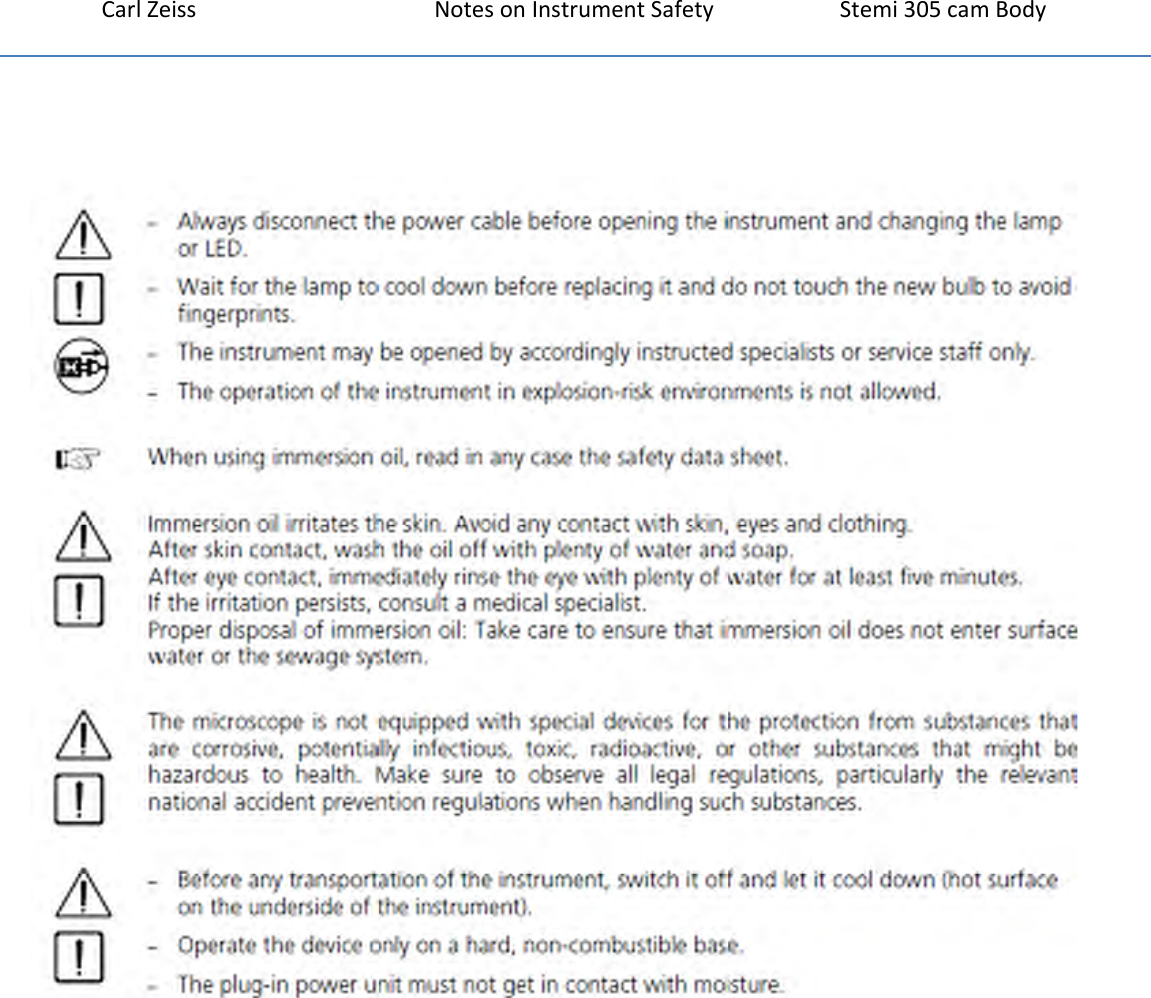
CarlZeissNotesonInstrumentSafety Stemi305camBody1.2   Instrument safety and EMCThe Stemi 305 microscope has been designed, produced and tested in compliance with the standards DIN EN 61010-1 (IEC 61010-1) and IEC 61010-2-101 "Safety Requirements for Electrical Measuring,  Control and Laboratory Instruments".  The Stemi 305 microscope meets the requirements of EU directive 98/79/EC Appendix 1 and carries the   mark.  Radio interference suppression in  compliance with EN 55011 Class A  Noise immunity in compliance with DIN EN 61326-1  The device must be disposed of in accordance with WEEE Directive 2012/19/EU.EN 300 328 :Electromagnetic compatibility and Radio spectrum Matters (ERM); Wideband transmission systems; Data transmission equipment operating in the 2,4 GHz ISM band and using wide band modulation techniques; Harmonized EN covering essential requirements under article 3.2 of the R&TTE DirectiveIEC 60950-1: 2005 (2nd Edition) and EN 60950-1:2006 Information technology equipment – Safety –Part 1: General requirements
CarlZeissNotesonInstrumentSafety Stemi305camBody
CarlZeissNotesonInstrumentSafety Stemi305camBody
CarlZeissNotesonInstrumentSafety Stemi305camBody
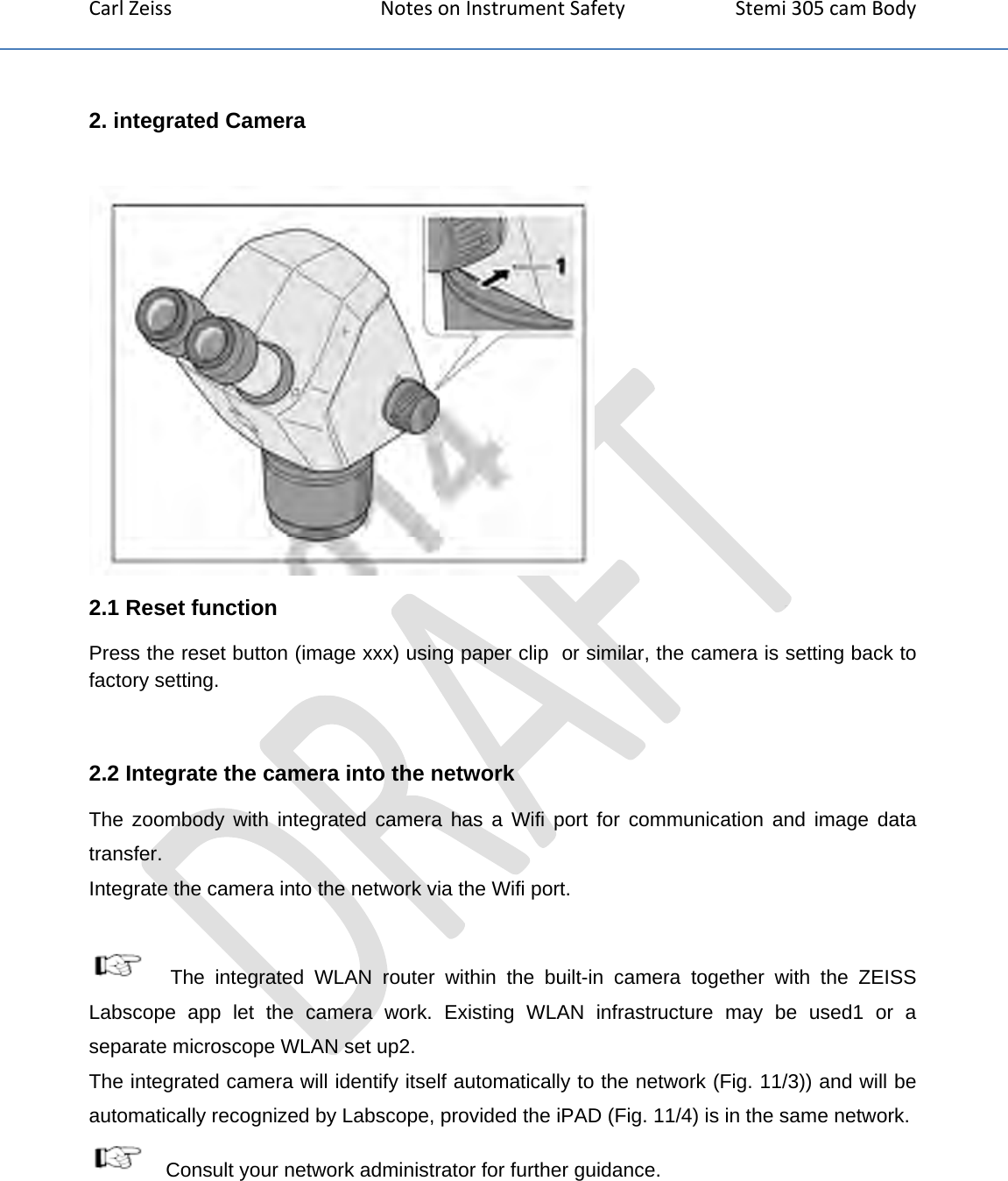
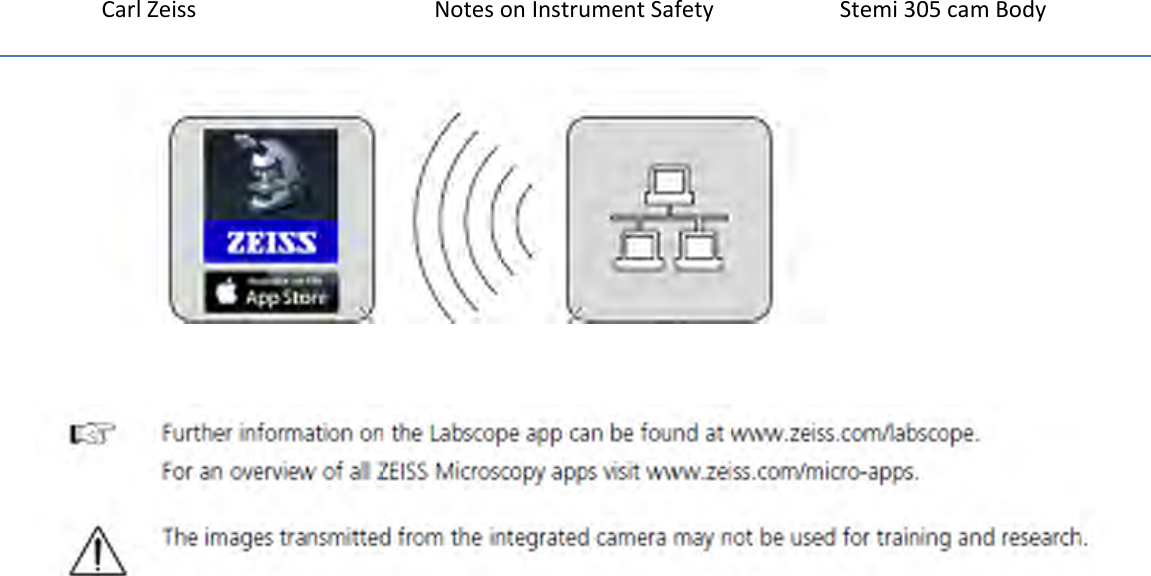
CarlZeissNotesonInstrumentSafety Stemi305camBody2. integrated Camera  2.1 Reset function Press the reset button (image xxx) using paper clip  or similar, the camera is setting back to factory setting.  2.2 Integrate the camera into the network The zoombody with integrated camera has a Wifi port for communication and image data transfer. Integrate the camera into the network via the Wifi port.    The integrated WLAN router within the built-in camera together with the ZEISS Labscope app let the camera work. Existing WLAN infrastructure may be used1 or a separate microscope WLAN set up2. The integrated camera will identify itself automatically to the network (Fig. 11/3)) and will be automatically recognized by Labscope, provided the iPAD (Fig. 11/4) is in the same network.  Consult your network administrator for further guidance.
CarlZeissNotesonInstrumentSafety Stemi305camBody 
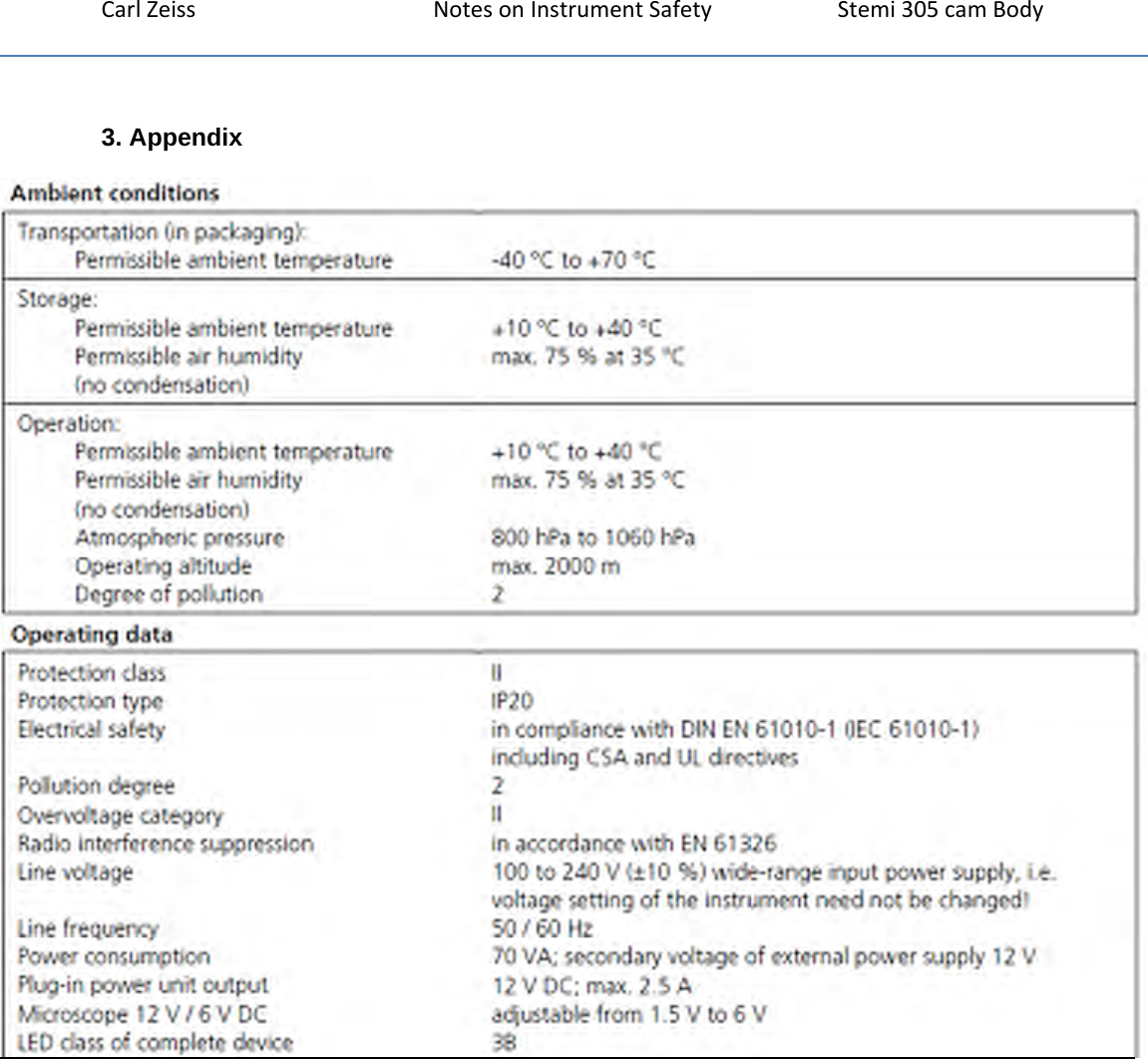
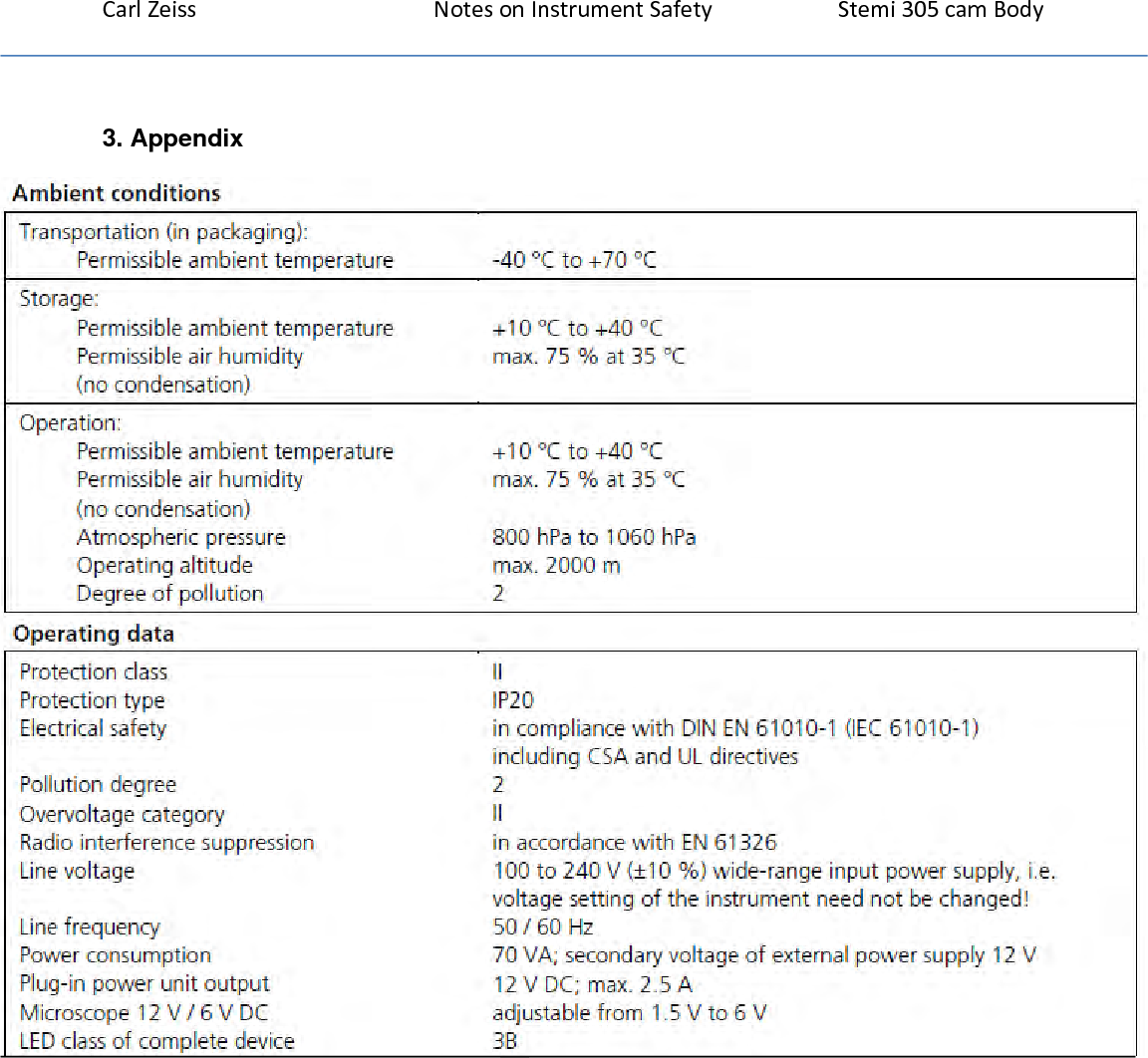
CarlZeissNotesonInstrumentSafety Stemi305camBody3. Appendix
                                         Motic China Group Co., Ltd  MOTIC BLDG, TORCH HI-TECH INDUSTRIAL DEV ZONE     XIAMEN FUJIAN,361006,CN
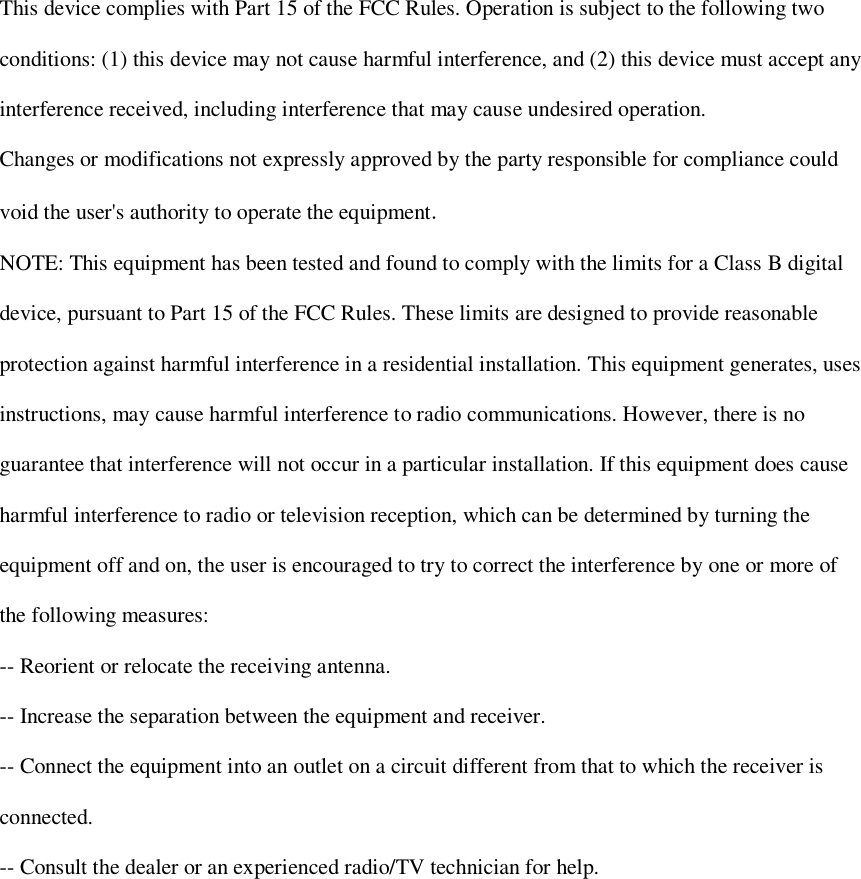
  This device complies with Part 15 of the FCC Rules. Operation is subject to the following two  conditions: (1) this device may not cause harmful interference, and (2) this device must accept any  interference received, including interference that may cause undesired operation.  Changes or modifications not expressly approved by the party responsible for compliance could  void the user's authority to operate the equipment.  NOTE: This equipment has been tested and found to comply with the limits for a Class B digital  device, pursuant to Part 15 of the FCC Rules. These limits are designed to provide reasonable  protection against harmful interference in a residential installation. This equipment generates, uses  instructions, may cause harmful interference to radio communications. However, there is no  guarantee that interference will not occur in a particular installation. If this equipment does cause  harmful interference to radio or television reception, which can be determined by turning the  equipment off and on, the user is encouraged to try to correct the interference by one or more of  the following measures:  -- Reorient or relocate the receiving antenna.  -- Increase the separation between the equipment and receiver.  -- Connect the equipment into an outlet on a circuit different from that to which the receiver is  connected.  -- Consult the dealer or an experienced radio/TV technician for help.

Navigation menu