Chatsworth Data CSCAN6000C SCANNER User Manual cSCAN6000 C DS 030211 pub
Chatsworth Data SCANNER cSCAN6000 C DS 030211 pub
Users Manual
Our API has advanced features
like, Deskew, Crop, B/W, Feed/
Exit Control, Branding, Barcode
Recognition and can contain up
to 99 variants of OMR formats in
1 configuration for FAST data
processing. This API is available
for Linux and Windows OS’s,
written in C++ and .NET .
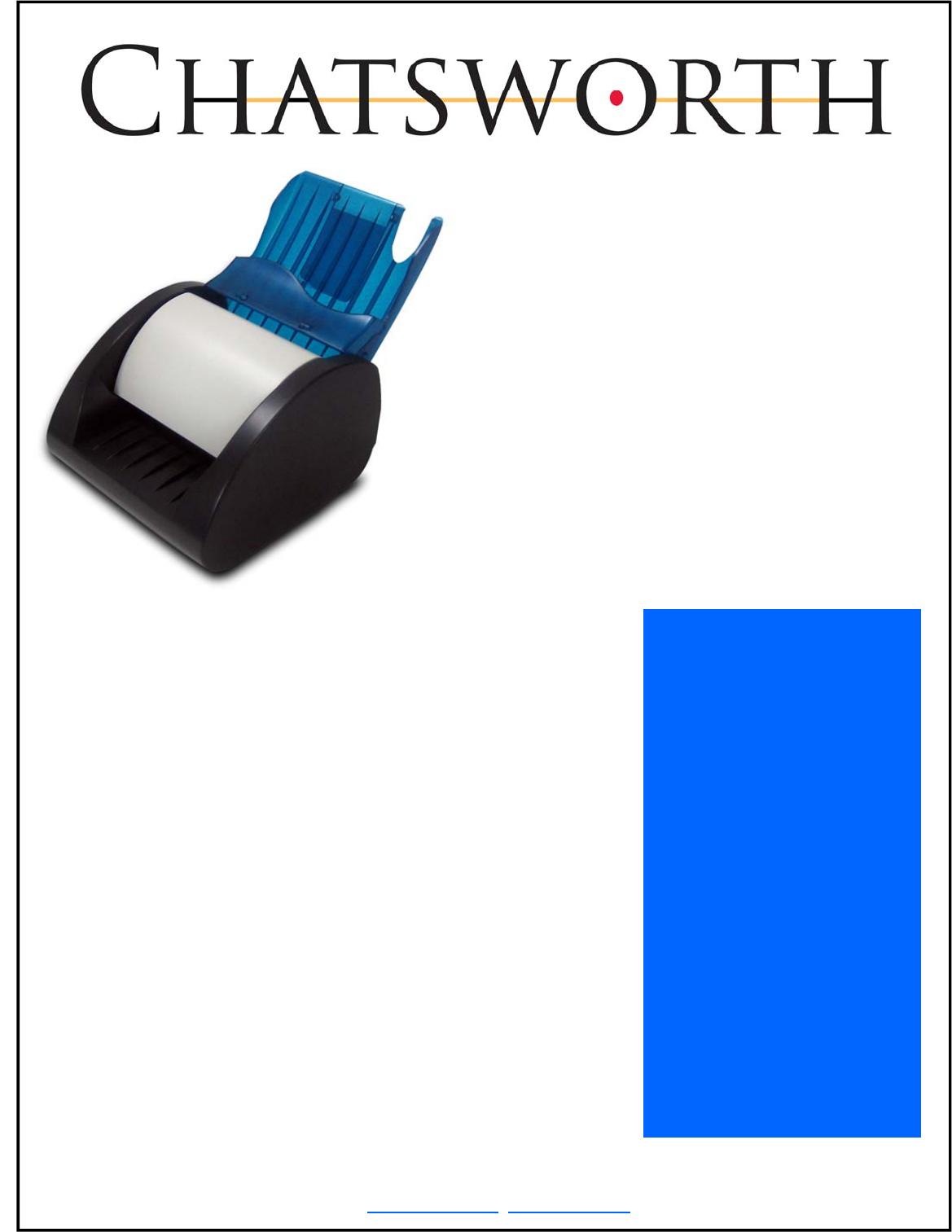
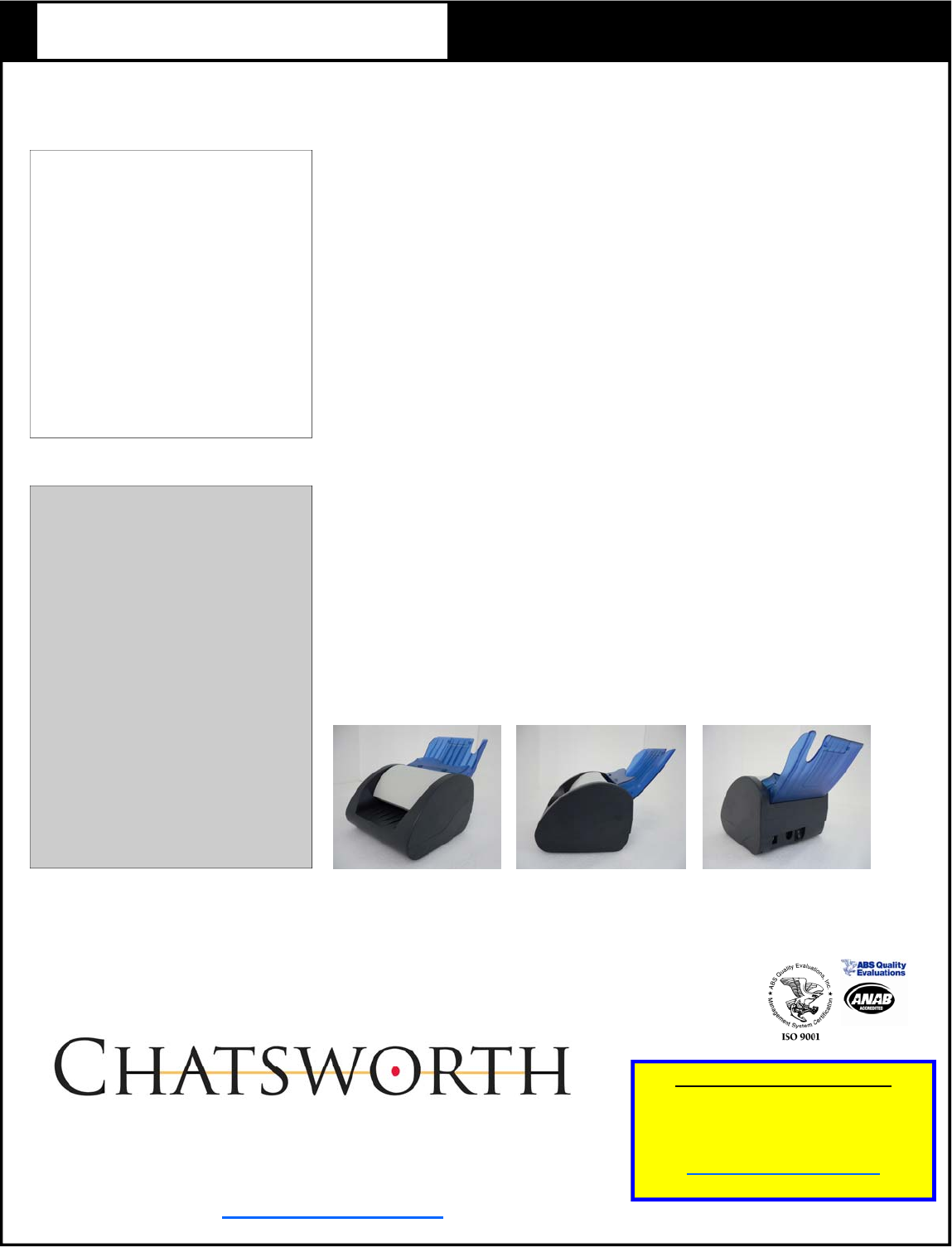
The cSCAN 6000-C has an A6
size form path. User service
accessibility is simplified via a
hinged transport design which
allows total access to the rollers
and lenses for cleaning and other
preventative maintenance
operations.
The cSCAN 6000-C comes
standard with a simplex read-
head. Options include either a
2nd read head to scan both sides
of a form in 1 pass or a 1”
thermal brander.
Chatsworth Data has designed
and manufactured data capture
equipment since 1971.
The company currently supplies
equipment to a number of diverse
vertical markets that include
education, gaming/lottery,
government, healthcare, survey,
vote tabulation, and many more.
The cSCAN 6000-C image scanner
was specifically developed to
support Point Of Sale (POS),
gaming, lottery and other
commercial data capture
applications that require a robust
design to handle the rigors of
every day use. The small
footprint, and lightweight/
portability of this scanner lends
itself well for use at retail
counters, betting shops,
workstation desktops, and general
forms data capture on-the-go.
The interface options are TWAIN,
or our proprietary API.
cSCAN 6000-C Applications
The design of the cSCAN 6000-C does
well to support data capture
requirements for:
• Lotteries
• Totalisator Systems
• Promotional Games
• Bingo/Keno
• Medical Data Management
• Educational & Commercial
Testing
• Election Systems
• Surveys
• Customer Satisfaction
• Registration Systems
• General Data Input
• Bank Check Processing
cSCAN 6000-C
High Speed Desktop
Image & OMR Scanner
Chatsworth Data/CDC Data LLC, 9735 Lurline Avenue • Chatsworth, CA 91311 USA• Phone: +1 818-350-5070 • Toll-free: 877-380-6855 • Fax: +1 818-350-5090
sales@chatsworthdata.com • www.chatsworthdata.com
• Scan forms from 3.25 - 4.1 inches wide (82.55 - 104 mm)
• USB 1.1, 2.0 compatible
• Simplex or Duplex CIS head option
• Optional 1” thermal brander
• Reads many variations of OMR form types and barcodes
• 200, 100 DPI bitmap image output in about a second
• Fast 17 inches per second scan
• Rugged design
• User serviceable
• CE, FCC approved
Scanner API:
Available for both Windows and Linux
operating systems, our API provides the
various tools necessary to process forms for
Optical Mark/Barcode Recognition and
general Image Data Capture making it ideally
suited for:
1. Education
2. Vote Tabulation
3. Medical Records
4. Gaming and Lottery
5. Document Management for
Businesses and Government
Available in both Windows and
Linux. Our API provides the
Scanning Speed:
Max 450mm (17.70”/sec)
Normal 350mm (13.78”/sec)
Throughput:
Approx. 22-30 cards per minute
Form Size:
Max width -104mm (4.1”), Min 82.55mm (3.25”)
Max Length - 290mm (11.42”)
Feed Method:
Manual insertion with powered transport feed
through, software controlled, eject front or eject
rear
Paper Path:
The cSCAN 6000-C scanner has a paper path that
is easily accessible for clearing jams and cleaning
the CIS head. A simple hinged connection allows
the upper assembly to open for complete access to
the paper path
Communication Interface:
USB 2.0, USB 1.1
Scan Technique:
Single red drop high speed CIS (Contact Image
Sensor)
Form Marking:
#2 Pencil
Blue or black ball point pen
Blue or black felt-tip pen
Pre-printed marks
Dimensions:
(w/stacker) 169mm x 244mm x 170mm
6.65” x 9.60” x 6.69”
(w/o stacker) 112mm x 164mm x 170mm
4.41” x 6.46” x 6.69”
Weight:
1.6 kg, (3.53 lb)
Operating Conditions:
0° C to +50° C (+32°F to 122°F)
10 to 85% relative humidity, non-condensing
Power:
DC input: +24 volts @ 1.2 Amps (motor running)
2.4 Amps (Surge)
Commercial Grade Reliability
and Support
All Chatsworth Data scanners are built with
commercial use in mind. Our 39+ years in the
data capture business has enabled us to
design and build the scanner that is ideally
suited for long term use in a rigorous
environment with minimal downtime. Our new
cSCAN series image scanners bring value
and competence to any system that will be
required to operate in such conditions.
All of our products are backed by a company
that prides itself on customer support and
whose reputation for doing so is
internationally recognized throughout the data
capture industry.
When you require support or if you have any
questions regarding our products, please
contact us at anytime and we will be glad to
assist you.
cSCAN6000-C DS 030211
General Specifications
cSCAN 6000-C High Speed Desktop Image & OMR Scanner
Certificate# 43619
Scan Resolution:
200 DPI , 256 gray scale
MTBF:
50,000 Hours (CIS only)
Supported OS:
Windows 98,2000,XP
Linux (Redhat, Suse, Gentoo)
Storage:
-25° C to +60° C (-13° F to 140° F)
5 to 95% relative humidity, non-condensing
Output Format:
1 Bit (B/W), 8 Bit (256 Grayscale)
bmp image file (jpg, tiff, etc)
Optional features:
Duplex CIS Heads
Integrated Thermal Printer
CDC Data LLC
9735 Lurline Avenue • Chatsworth CA 91311
1 877-380-6855 (in the US) • • 1 818-350-5070 (Worldwide)
Fax 1 818-350-5090
www.chatsworthdata.com
For more information contact:
Chatsworth Data—Sales
Ph: +1 (818) 350-5072
Fax: +1 (818) 350-5090
sales@chatsworthdata.com
Note: This equipment has been tested and found to comply with the limits for a Class B digital device, pursuant to part 15 of the FCC Rules.
These limits are designed to provide reasonable protection against harmful interference in a residential installation. This equipment
generates, uses and can radiate radio frequency energy and, if not installed and used in accordance with the instructions, may cause
harmful interference to radio communications. However, there is no guarantee that interference will not occur in a particular installation.
If this equipment does cause harmful interference to radio or television reception, which can be determined by turning the equipment off
and on, the user is encouraged to try to correct the interference by one or more of the following measures:
ㆍReorient or relocate the receiving antenna.
ㆍIncrease the separation between the equipment and receiver.
ㆍConnect the equipment into an outlet on a circuit different from that to which the receiver is connected.
ㆍConsult the dealer or an experienced radio/TV technician for help.
Modifications not expressly approved by the manufacturer could void the user's authority to operated the equipment under FCC rules.