DEI Sales BOOM Movement SWIMMER Bluetooth Speaker User Manual Bluetooth Speaker

DEI Sales dba BOOM Movement Bluetooth Speaker Bluetooth Speaker

user manual

           Bluetooth Speaker Brand Name: BOOM  Model Name: Swimmer  FCC ID: RGHSWIMMER
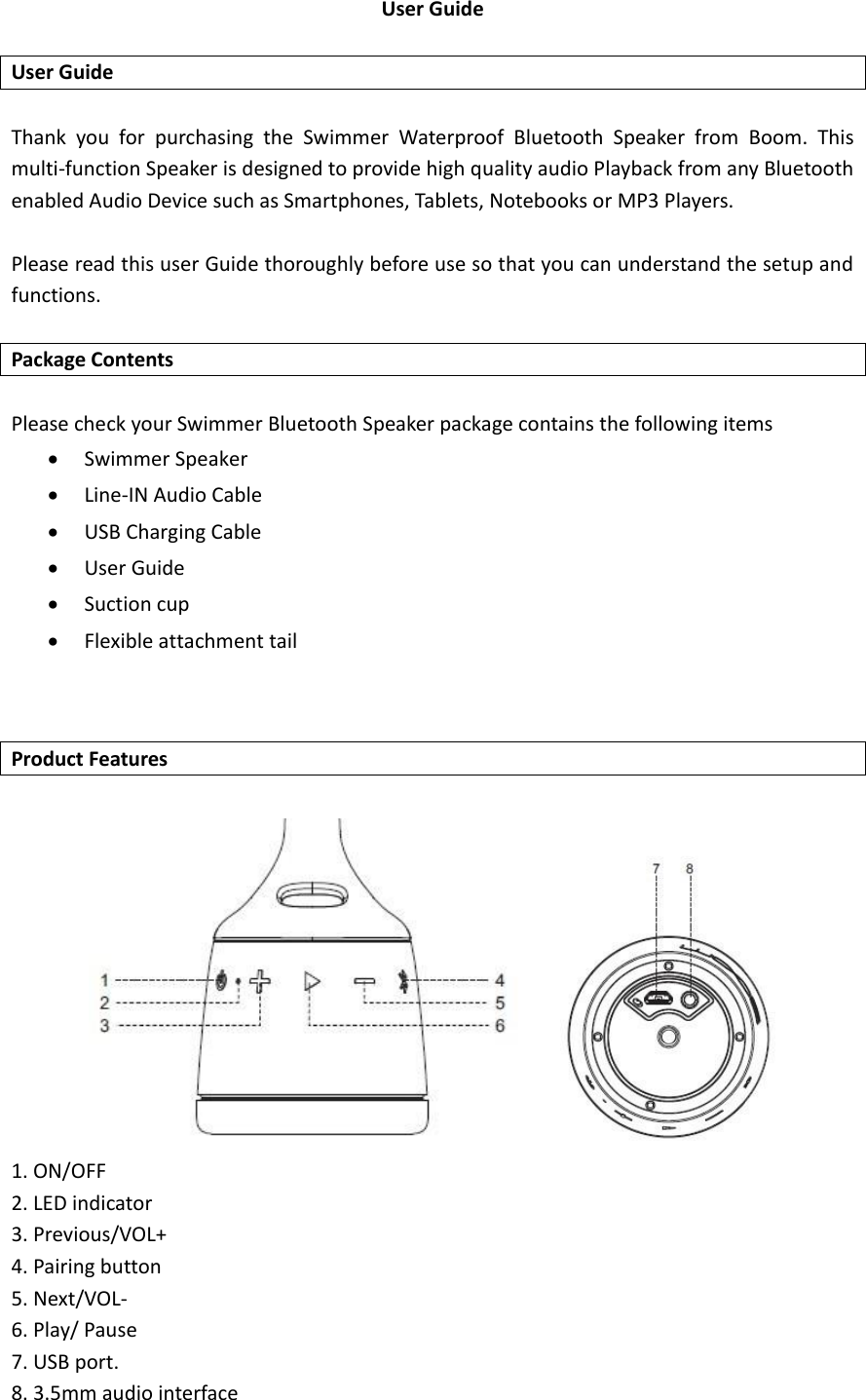
User Guide    User Guide  Thank  you  for  purchasing  the  Swimmer  Waterproof  Bluetooth  Speaker  from  Boom.  This multi-function Speaker is designed to provide high quality audio Playback from any Bluetooth enabled Audio Device such as Smartphones, Tablets, Notebooks or MP3 Players.    Please read this user Guide thoroughly before use so that you can understand the setup and functions.  Package Contents  Please check your Swimmer Bluetooth Speaker package contains the following items  Swimmer Speaker  Line-IN Audio Cable  USB Charging Cable  User Guide  Suction cup  Flexible attachment tail   Product Features         1. ON/OFF 2. LED indicator 3. Previous/VOL+ 4. Pairing button   5. Next/VOL- 6. Play/ Pause 7. USB port. 8. 3.5mm audio interface
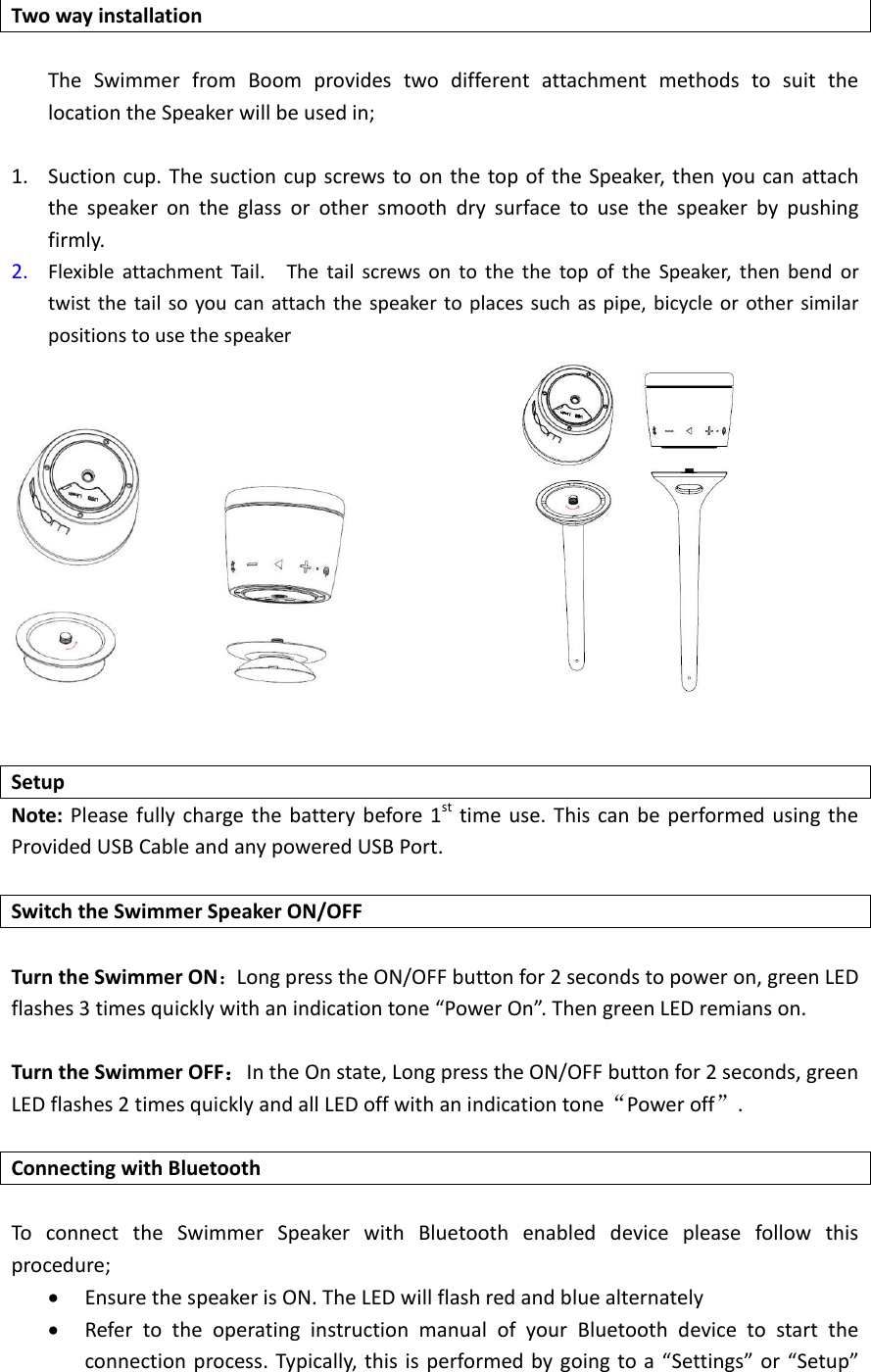
 Two way installation  The  Swimmer  from  Boom  provides  two  different  attachment  methods  to  suit  the location the Speaker will be used in;  1. Suction cup. The suction cup screws to on the top of the Speaker, then you can attach the  speaker  on  the  glass  or  other  smooth  dry  surface  to  use  the  speaker  by  pushing firmly. 2. Flexible  attachment  Tail.    The  tail  screws  on  to  the  the  top  of  the  Speaker,  then  bend  or twist the tail so you can attach the speaker  to places such  as pipe, bicycle or other similar positions to use the speaker                    Setup Note: Please fully charge the battery before 1st  time use.  This can be performed using the Provided USB Cable and any powered USB Port.  Switch the Swimmer Speaker ON/OFF              Turn the Swimmer ON:Long press the ON/OFF button for 2 seconds to power on, green LED flashes 3 times quickly with an indication tone “Power On”. Then green LED remians on.  Turn the Swimmer OFF:In the On state, Long press the ON/OFF button for 2 seconds, green LED flashes 2 times quickly and all LED off with an indication tone“Power off”.    Connecting with Bluetooth  To  connect  the  Swimmer  Speaker  with  Bluetooth  enabled  device  please  follow  this procedure;      Ensure the speaker is ON. The LED will flash red and blue alternately  Refer  to  the  operating  instruction  manual  of  your  Bluetooth  device  to  start  the connection process. Typically, this is performed by going  to a “Settings” or “Setup”
Menu and then choosing the option  to select BOOM Swimmer that will be looking for a device to connect with.  The device will find the Bluetooth speaker, and ask if you are ready to connect , press the OK or Confirm to connect.    Note: Some Bluetooth devices may ask for a password or PIN.  Enter 0000 and  the Speaker    will be connected    Note: If the pairing is unsuccessful, please turn OFF the Swimmer Speaker and then ON again and repeat the connection procedure.  Description of Swimmer Functions  Music Playback controls   Short press Play/Pause Button to start/pause music  Long press “VOL-” for 3 seconds to skip to the previous song.  Long press “VOL+” for 3 seconds to skip to the next song.  Short press “VOL+” button to increase the volume.  Short press “VOL-” button to decrease the volume   Using the line-IN Function 1. Turn on the power. 2.  Plug  one  end  of  the  Line  in  cable  into  the  3.5mm  jack,  the  other  end  into  your  audio equipment. 3. Play and control the music from your audio equipment. 4. Bluetooth priority line in, it will play the line in audio if no bluetooth input   LED Indicator status information Status Indicator Description Turn on Green light flashes 3 times quickly Long press the ON/OFF button for 2 seconds Turn off Green light flashes 2 times quickly Long press the ON/OFF button for 2 seconds Bluetooth pairing Blue  lights  flashes quickly Enters  into  pairing  mode  with  an  indication tone “Pairing” Bluetooth connectivity/playback Blue  light  flashes every 7 seconds  Bluetooth  not connected Blue  light  flashes every 5 seconds  Low voltage alert Red  light  flashes with  indication tone
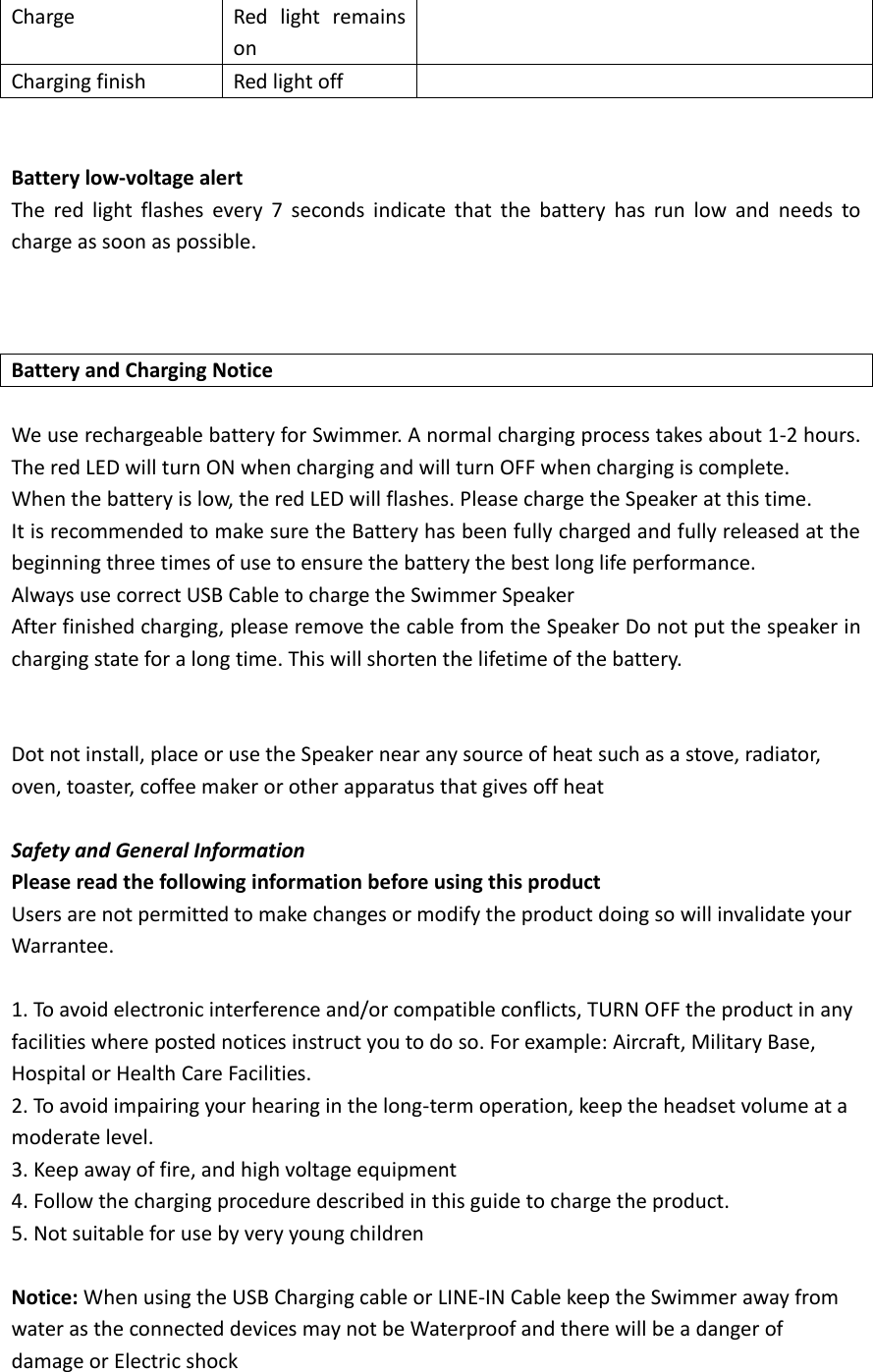
Charge Red  light  remains on  Charging finish Red light off    Battery low-voltage alert The  red  light  flashes  every  7  seconds  indicate  that  the  battery  has  run  low  and  needs  to charge as soon as possible.    Battery and Charging Notice  We use rechargeable battery for Swimmer. A normal charging process takes about 1-2 hours. The red LED will turn ON when charging and will turn OFF when charging is complete. When the battery is low, the red LED will flashes. Please charge the Speaker at this time. It is recommended to make sure the Battery has been fully charged and fully released at the beginning three times of use to ensure the battery the best long life performance. Always use correct USB Cable to charge the Swimmer Speaker After finished charging, please remove the cable from the Speaker Do not put the speaker in charging state for a long time. This will shorten the lifetime of the battery.   Dot not install, place or use the Speaker near any source of heat such as a stove, radiator, oven, toaster, coffee maker or other apparatus that gives off heat    Safety and General Information Please read the following information before using this product Users are not permitted to make changes or modify the product doing so will invalidate your Warrantee.    1. To avoid electronic interference and/or compatible conflicts, TURN OFF the product in any facilities where posted notices instruct you to do so. For example: Aircraft, Military Base, Hospital or Health Care Facilities. 2. To avoid impairing your hearing in the long-term operation, keep the headset volume at a moderate level. 3. Keep away of fire, and high voltage equipment 4. Follow the charging procedure described in this guide to charge the product. 5. Not suitable for use by very young children  Notice: When using the USB Charging cable or LINE-IN Cable keep the Swimmer away from water as the connected devices may not be Waterproof and there will be a danger of damage or Electric shock
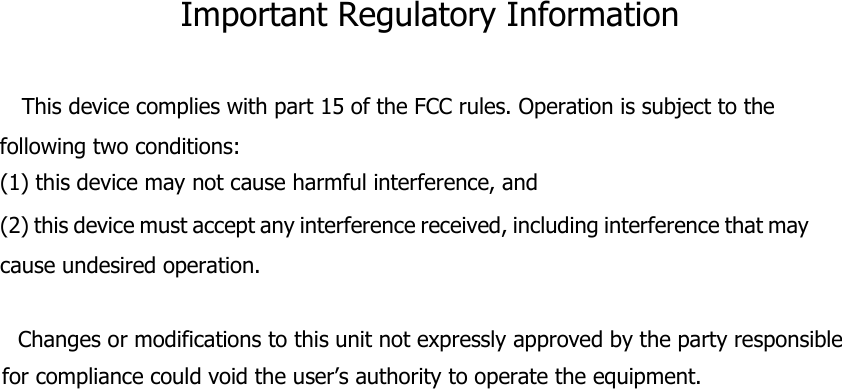
Important Regulatory Information  This device complies with part 15 of the FCC rules. Operation is subject to the following two conditions: (1) this device may not cause harmful interference, and (2) this device must accept any interference received, including interference that may cause undesired operation.       Changes or modifications to this unit not expressly approved by the party responsible for compliance could void the user’s authority to operate the equipment.

Navigation menu