Delta Tau Brick Controller Users Manual HRM
2015-07-14
: Delta-Tau Delta-Tau-Brick-Controller-Users-Manual-773838 delta-tau-brick-controller-users-manual-773838 delta-tau pdf
Open the PDF directly: View PDF  .
.
Page Count: 204 [warning: Documents this large are best viewed by clicking the View PDF Link!]
- Introduction
- SPECIFICATIONS
- Receiving and Unpacking
- Mounting
- PinOuts and Software Setup
- TB1: 24 VDC Logic Power
- +5V ENC PWR (Alternate Encoder Power)
- X1-X8: Encoder Feedback, Digital A Quad B
- X1-X8: Encoder Feedback, Sinusoidal
- X1-X8: Encoder Feedback, Resolver
- X1-X8: Encoder Feedback, HiperFace
- X1-X8: Encoder Feedback, SSI
- X1-X8: Encoder Feedback, EnDat 2.1/2.2
- X1-X8: Encoder Feedback, BiSS C/B
- Setting up SSI | EnDat | BiSS
- X1-X8: Encoder Feedback, Yaskawa Sigma II & III
- Global Control Registers
- Channel Control Registers
- Yaskawa Feedback Channel Control Power-On Example PLC (Motors 1-8)
- Yaskawa Data Registers
- Yaskawa Sigma II 16-Bit Absolute Encoder
- Yaskawa Sigma II 17-Bit Absolute Encoder
- Yaskawa Sigma III 20-Bit Absolute Encoder
- Yaskawa Sigma II 13-Bit Incremental Encoder
- Yaskawa Sigma II 17-Bit Incremental Encoder
- Yaskawa Incremental Encoder Alarm Codes
- Homing with Yaskawa Incremental Encoders
- X9-X10: Analog Inputs/Outputs
- X11-X12: Analog Inputs/Outputs
- X13: USB 2.0 Connector
- X14: RJ45, Ethernet Connector
- X15: Watchdog & ABORT (TB2)
- J4: Limits, Flags, EQU [Axis 1- 4]
- J5: Limits, Flags, EQU [Axis 5- 8]
- J6: General Purpose Inputs/Outputs
- J7: Additional General Purpose Inputs/Outputs
- J8: Additional General Purpose Inputs/Outputs
- J9: Handwheel Analog I/O
- Serial Port (RS232)
- AMP1-AMP8: Amplifier Connection
- Drive-Motor Setup
- MACRO Connectivity
- Troubleshooting
- Appendix A
- Appendix B
- Appendix C

Single Source Machine Control ……………………………………………..…...………………. Power // Flexibility // Ease of Use
21314 Lassen St. Chatsworth, CA 91311 // Tel. (818) 998-2095 Fax. (818) 998-7807 // www.deltatau.com
^3 Programmable Multi-Axis Controller
^4 5XX-603869-XUXX
^5 February 14, 2015
^1 USER MANUAL
^2 Brick Controller
DELTA TAU
Data Systems, Inc.
NEW IDEAS IN MOTION …

Brick Controller User Manual
Copyright Information
© 2015 Delta Tau Data Systems, Inc. All rights reserved.
This document is furnished for the customers of Delta Tau Data Systems, Inc. Other uses are
unauthorized without written permission of Delta Tau Data Systems, Inc. Information contained in this
manual may be updated from time-to-time due to product improvements, etc., and may not conform in
every respect to former issues.
To report errors or inconsistencies, call or email:
Delta Tau Data Systems, Inc. Technical Support
Phone: (818) 717-5656
Fax: (818) 998-7807
Email: support@deltatau.com
Web: www.deltatau.com
Operating Conditions
All Delta Tau Data Systems, Inc. motion controller, accessory, and amplifier products contain static
sensitive components that can be damaged by incorrect handling. When installing or handling Delta Tau
Data Systems, Inc. products, avoid contact with highly insulated materials. Only qualified personnel
should be allowed to handle this equipment.
In the case of industrial applications, we expect our products to be protected from hazardous or
conductive materials and/or environments that could cause harm to the controller by damaging
components or causing electrical shorts. When our products are used in an industrial environment, install
them into an industrial electrical cabinet to protect them from excessive or corrosive moisture, abnormal
ambient temperatures, and conductive materials. If Delta Tau Data Systems, Inc. products are directly
exposed to hazardous or conductive materials and/or environments, we cannot guarantee their operation.
Brick Controller User Manual
Safety Instructions
Qualified personnel must transport, assemble, install, and maintain this equipment. Properly qualified
personnel are persons who are familiar with the transport, assembly, installation, and operation of
equipment. The qualified personnel must know and observe the following standards and regulations:
IEC364resp.CENELEC HD 384 or DIN VDE 0100
IEC report 664 or DIN VDE 0110
National regulations for safety and accident prevention or VBG 4
Incorrect handling of products can result in injury and damage to persons and machinery. Strictly adhere
to the installation instructions. Electrical safety is provided through a low-resistance earth connection. It
is vital to ensure that all system components are connected to earth ground.
This product contains components that are sensitive to static electricity and can be damaged by incorrect
handling. Avoid contact with high insulating materials (artificial fabrics, plastic film, etc.). Place the
product on a conductive surface. Discharge any possible static electricity build-up by touching an
unpainted, metal, grounded surface before touching the equipment.
Keep all covers and cabinet doors shut during operation. Be aware that during operation, the product has
electrically charged components and hot surfaces. Control and power cables can carry a high voltage,
even when the motor is not rotating. Never disconnect or connect the product while the power source is
energized to avoid electric arcing.
WARNING
A Warning identifies hazards that could result in personal injury
or death. It precedes the discussion of interest.
Caution
A Caution identifies hazards that could result in equipment damage. It
precedes the discussion of interest.
Note
A Note identifies information critical to the user’s understanding or
use of the equipment. It follows the discussion of interest.

Brick Controller User Manual
REVISION HISTORY
REVISION
DESCRIPTION
DATE
CHANGE
APPROVED
1
MANUAL CREATION
05/02/07
C.P
S.M
2
X15 WATCHDOG DESCRIPTION, P. 10
TB1 CURRENT REQUIREMENTS, P. 11
10/31/08
C.P
S.M
3
ADDED AUXILIARY BOARD INFO IN APPENDIX A
07/24/09
C.P
S.S
4
CORRECTED M5061 ENTRY, P. 27
09/29/09
C.P
M.Y
5
MANUAL REFORMATTING. ADDED MORE TECHNICAL INFO.
E.G. WIRING DIAGRAMS, SPECIAL FEEDBACK ECT…
11/7/11
M.Y
R.N
6
AMPLIFIER CONNECTION WIRING
12/27/11
R.N
R.N
7
GENERAL UPFATES, CORRECTIONS
11/13/12
R.N
R.N
8
- UPDATED PART NUMBER TREE
- UPDATED X9-X12 SECTION
- UPDATED MACRO CONNECTIVITY SECTION
- ADDED SERIAL N0 AND BOARD IDENTIFICATION
- GENERAL FORMATTING, CORRECTIONS, AND UPDATES
12/14/12
R.N
R.N
9
MISCELLANEOUS CORRECTIONS.
02/24/14
R.N
R.N
10
- UPDATED LOGIC POWER SECTION/NEW CONNECTOR
- ADDED FLT RET JUMPERS DESCRIPTION
- ADDED NOTE ABOUT DIGITAL OUTPUTS
- FIXED EQU OUTPUT WIRING DIAGRAM
04/15/14
R.N
R.N
11
- CORRECTED ENCODER LOSS FOR SINUSOIDAL ENC.
- UPDATED GP IO, LIMITS EQU SECTIONS
02/04/15
R.N
R.N


Brick Controller User Manual
Table of Contents vi
Table of Contents
INTRODUCTION ................................................................................................................... 10
Documentation ..........................................................................................................................10
Downloadable Turbo PMAC Script ............................................................................................11
SPECIFICATIONS ................................................................................................................. 12
Part Number .............................................................................................................................12
Options .....................................................................................................................................13
Environmental Specifications ....................................................................................................14
RECEIVING AND UNPACKING ......................................................................................... 15
Use of Equipment .....................................................................................................................15
MOUNTING ........................................................................................................................... 16
Connector Locations .................................................................................................................17
Mounting Dimensions................................................................................................................18
PINOUTS AND SOFTWARE SETUP ................................................................................... 19
TB1: 24 VDC Logic Power ........................................................................................................19
+5V ENC PWR (Alternate Encoder Power) ...............................................................................21
Wiring the Alternate (+5V) Encoder Power ...................................................................................... 22
Functionality, Safety Measures ......................................................................................................... 23
X1-X8: Encoder Feedback, Digital A Quad B ............................................................................24
Setting up Quadrature Encoders ....................................................................................................... 26
Encoder Count Error (Mxx18) .......................................................................................................... 26
Encoder Loss Detection, Quadrature ................................................................................................ 27
Step and Direction PFM Output (To External Stepper Amplifier) ...................................................... 29
X1-X8: Encoder Feedback, Sinusoidal ......................................................................................30
Setting up Sinusoidal Encoders ......................................................................................................... 31
Counts per User Units ...................................................................................................................... 32
Encoder Count Error (Mxx18) .......................................................................................................... 33
Encoder Loss Detection, Sinusoidal .................................................................................................. 34
X1-X8: Encoder Feedback, Resolver ........................................................................................35
Setting up Resolvers ......................................................................................................................... 35
Resolver Excitation Magnitude ......................................................................................................... 36
Resolver Excitation Frequency ......................................................................................................... 36
X1-X8: Encoder Feedback, HiperFace ......................................................................................41
Setting up HiperFace On-Going Position.......................................................................................... 42
Setting up HiperFace Absolute Power-On Position ........................................................................... 44
Setting up HiperFace Encoders Example .......................................................................................... 48
Encoder Count Error (Mxx18), HiperFace ....................................................................................... 53
Encoder Loss Detection, Hiperface ................................................................................................... 54
X1-X8: Encoder Feedback, SSI ................................................................................................55
Configuring SSI ................................................................................................................................ 55
SSI Control Registers Setup Example ................................................................................................ 59

Brick Controller User Manual
Table of Contents vii
X1-X8: Encoder Feedback, EnDat 2.1/2.2 .................................................................................61
Configuring EnDat ........................................................................................................................... 61
EnDat Control Registers Setup Example ........................................................................................... 65
X1-X8: Encoder Feedback, BiSS C/B .......................................................................................67
Configuring BiSS .............................................................................................................................. 67
BiSS Control Registers Setup Example.............................................................................................. 71
Setting up SSI | EnDat | BiSS....................................................................................................73
Setup Summary ................................................................................................................................. 74
Technique 1 Example ....................................................................................................................... 75
Technique 2 Example ....................................................................................................................... 78
Technique 3 Example ....................................................................................................................... 82
X1-X8: Encoder Feedback, Yaskawa Sigma II & III ..................................................................86
Yaskawa Sigma II 16-Bit Absolute Encoder ...................................................................................... 91
Yaskawa Sigma II 17-Bit Absolute Encoder ...................................................................................... 94
Yaskawa Sigma III 20-Bit Absolute Encoder ..................................................................................... 97
Yaskawa Sigma II 13-Bit Incremental Encoder ............................................................................... 100
Yaskawa Sigma II 17-Bit Incremental Encoder ............................................................................... 102
Yaskawa Incremental Encoder Alarm Codes ................................................................................... 104
Homing with Yaskawa Incremental Encoders ................................................................................. 105
X9-X10: Analog Inputs/Outputs ............................................................................................... 106
X11-X12: Analog Inputs/Outputs ............................................................................................. 106
Setting up the Analog (ADC) Inputs ................................................................................................ 107
Setting up the DAC Outputs ............................................................................................................ 108
Setting up the General Purpose Relay, Brake .................................................................................. 110
Setting up the External Amplifier Fault Input .................................................................................. 112
X13: USB 2.0 Connector ........................................................................................................ 113
X14: RJ45, Ethernet Connector .............................................................................................. 113
X15: Watchdog & ABORT (TB2) ............................................................................................. 114
Wiring the Abort Input .................................................................................................................... 114
Wiring the WatchDog (WD) Output ................................................................................................ 115
J4: Limits, Flags, EQU [Axis 1- 4] ............................................................................................ 116
J5: Limits, Flags, EQU [Axis 5- 8] ............................................................................................ 117
Wiring the Limits and Flags ........................................................................................................... 118
Limits and Flags [Axis 1- 4] Suggested M-Variables ...................................................................... 119
Limits and Flags [Axis 5- 8] Suggested M-Variables ...................................................................... 119
J6: General Purpose Inputs/Outputs ....................................................................................... 120
J7: Additional General Purpose Inputs/Outputs ....................................................................... 121
J8: Additional General Purpose Inputs/Outputs ....................................................................... 122
About the Digital Inputs and Outputs .............................................................................................. 123
Wiring the Digital Inputs and Outputs ............................................................................................ 124
General Purpose I/Os (J6) Suggested M-Variables ......................................................................... 125
General Purpose I/Os Additional (J7) Suggested M-Variables ........................................................ 125
General Purpose I/Os Additional (J8) Suggested M-Variables ........................................................ 126
J9: Handwheel Analog I/O....................................................................................................... 127
Setting up the Analog Inputs (J9) .................................................................................................... 128

Brick Controller User Manual
Table of Contents viii
Setting up the Analog Output (J9) ................................................................................................... 130
Setting up Pulse and Direction Output PFM (J9) ............................................................................ 132
Setting up the Handwheel Port (J9) ................................................................................................ 134
Serial Port (RS232) ................................................................................................................. 135
AMP1-AMP8: Amplifier Connection ......................................................................................... 136
Wiring the DAC Output .................................................................................................................. 137
Wiring the Amplifier Enable and Fault Signals ............................................................................... 138
DRIVE-MOTOR SETUP ..................................................................................................... 141
Filtered PWM Output (Analog ±10V) ....................................................................................... 142
Clock Settings, Output Mode, Command Limit ................................................................................ 143
Flag Control, Ixx24 ........................................................................................................................ 143
I2T Protection: Ixx57, Ixx58 ........................................................................................................... 144
Open Loop Test: Encoder/Decode .................................................................................................. 144
Position-Loop PID Gains: Ixx30…Ixx39 ......................................................................................... 146
True DAC Output (±10V) ......................................................................................................... 147
Clock Settings, Output Mode .......................................................................................................... 147
Flag Control, Ixx24 ........................................................................................................................ 147
I2T Protection: Ixx57, Ixx58 ........................................................................................................... 148
Open Loop Test: Encoder/Decode .................................................................................................. 148
Position-Loop PID Gains: Ixx30…Ixx39 ......................................................................................... 150
Pulse and Direction Output (PFM)........................................................................................... 151
PFM Clock Settings Example ......................................................................................................... 151
PFM Setup Example ....................................................................................................................... 152
Writing directly to the PFM register ............................................................................................... 152
Issuing Open-Loop Commands ....................................................................................................... 153
Issuing Closed-Loop Commands ..................................................................................................... 153
MACRO CONNECTIVITY ................................................................................................. 155
Introduction to MACRO ........................................................................................................... 155
MACRO Configuration Examples ............................................................................................ 156
Review: MACRO Nodes and Addressing ......................................................................................... 157
Review: MACRO Auxiliary Commands ........................................................................................... 158
Configuration Example 1: Brick - Brick .................................................................................... 159
Setting up the Slave ........................................................................................................................ 159
Setting up the Master ...................................................................................................................... 162
Configuration Example 2: Brick - Geo MACRO Drive .............................................................. 165
Brick – Brick MACRO I/O Data Transfer.................................................................................. 173
Transferring the Digital (Discrete) Input and Outputs .................................................................... 174
Transferring the X9-X12 Analog Inputs/Outputs ............................................................................. 180
Transferring the J9 Analog Inputs .................................................................................................. 182
MACRO Limits and Flags, Homing .......................................................................................... 183
Limits and Flags ............................................................................................................................. 183
Homing from Master ...................................................................................................................... 183
Homing from Slave ......................................................................................................................... 183
MACRO Suggested M-Variables ..................................................................................................... 184

Brick Controller User Manual
Table of Contents ix
Absolute Position Reporting over MACRO .............................................................................. 186
MACRO Configuration Power-Up Sequence ........................................................................... 187
TROUBLESHOOTING ........................................................................................................ 188
Serial Number and Board Revisions Identification ................................................................... 188
Boot Switch SW (Firmware Reload) – Write-Protect Disable ................................................... 189
Reloading PMAC firmware............................................................................................................. 190
Changing IP Address, Gateway IP, Gateway Mask ......................................................................... 192
Enabling ModBus ........................................................................................................................... 193
Reloading Boot and Communication Firmware .............................................................................. 194
Reset Switch SW (Factory Reset) ........................................................................................... 195
Watchdog Timer ...................................................................................................................... 195
APPENDIX A ........................................................................................................................ 196
DB- Connector Spacing Specifications .................................................................................... 196
X1-8: DB-15 Connectors for encoder feedback ............................................................................... 196
X9-12: DB-9 Connectors for Analog I/O ......................................................................................... 196
Screw Lock Size for all DB-connectors ........................................................................................... 196
APPENDIX B ........................................................................................................................ 197
Schematics ............................................................................................................................. 197
AMP1-AMP8: Amplifier Fault / Amplifier Enable diagrams ........................................................... 197
FLT RET Jumpers .......................................................................................................................... 197
J6 and J7: General Purpose I/O .................................................................................................... 198
J4: Limit Inputs for Axis 1-4 .......................................................................................................... 200
J5: Limit Inputs for Axis 5-8 .......................................................................................................... 201
APPENDIX C ........................................................................................................................ 202
Absolute Serial Encoders Limitation with Turbo PMAC ........................................................... 202
Brick Controller User Manual
Introduction 10
INTRODUCTION
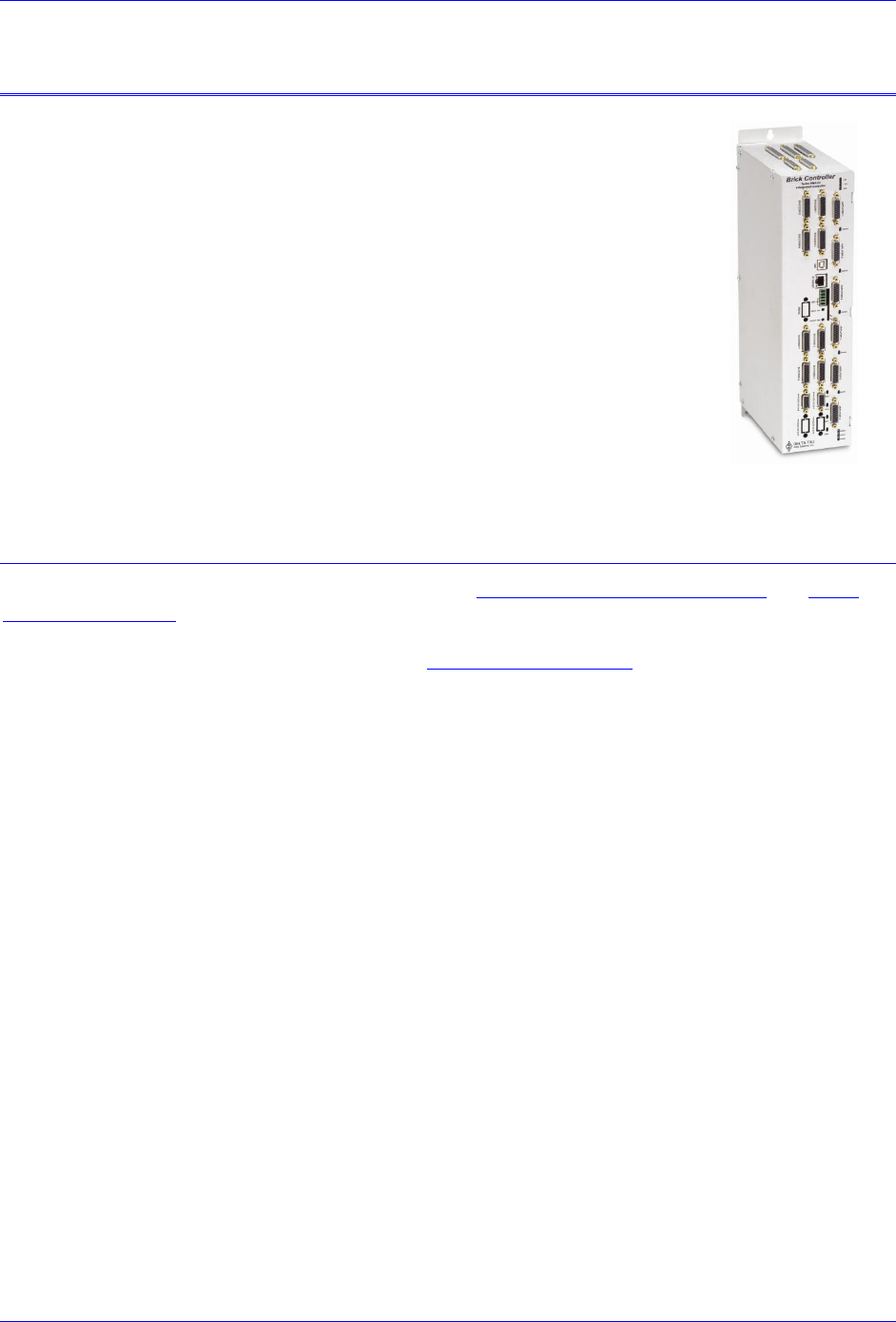
The Brick Motion Controller is a fully scalable automation controller utilizing
the intelligence and capability of its embedded Turbo PMAC2. With the ability
to store motion programs locally and built-in PLC execution, it is
programmable for virtually any kind of automation application. This allows for
complete machine motion and logic control.
The Brick Controller provides 4- or 8- axis of analog ±10V filtered-PWM (12-
bit), dual true-DAC (18-bit), or pulse and direction PFM outputs:
Analog ±10V (12-bit Filtered PWM)
Analog ±10V (18-bit True DAC)
PFM, Pulse and Direction Frequency Modulation
Documentation
In conjunction with this hardware reference manual, the Turbo Software Reference Manual and Turbo
PMAC User Manual are essential for proper use, motor setup, and configuration of the Brick Controller.
It is highly recommended to always refer to the latest revision of the manuals found on Delta Tau’s
website, under Support>documentation>Manuals: Delta Tau Manuals Link
Brick Controller User Manual
Introduction 11
Downloadable Turbo PMAC Script
Caution
Some code examples require the user to input specific information
pertaining to their system hardware. When user information is
required, a commentary ending with –User Input is inserted.
This manual contains downloadable code samples in Turbo PMAC script. These examples can be copied
and pasted into the editor area in the Pewin32pro2. Care must be taken when using pre-configured Turbo
PMAC code, some information may need to be updated to match hardware and system specific
configurations. Downloadable Turbo PMAC Scripts are enclosed in the following format:
// TURBO PMAC SCRIPT EXAMPLE
P1=0 ; Set P1=0 at download
Open PLC 1 Clear ; Open PLC Buffer 1, clear contents
CMDP"Brick controller Test PLC" ; Send unsolicited response to host port
P1=P1+1 ; Counter using variable P1
Disable PLC 1 ; Disable plc 1
Close ; Close open buffer
Caution
All PLC examples are stated in PLC number 1. It is the user’s
responsibility to arrange their application PLCs’ properly and handle
power-on sequencing for various tasks.
It is the user’s responsibility to use the PLC examples presented in this manual properly. That is,
incorporating the statement code in the application configuration, and handling tasks in a sequential
manner. For example, with serial absolute encoders, setting up the global control registers should be
executed before trying to read absolute position, and absolute phase referencing. Furthermore, other PLC
programs (which would be trying to move motors) should be disabled until these functions are executed.
Caution
Often times, downloadable example codes use suggested M-variables,
it is the user’s responsibility to make sure they are downloaded, or
perform necessary changes to use the intended registers.
Brick Controller User Manual
SPECIFICATIONS 12
SPECIFICATIONS
Part Number
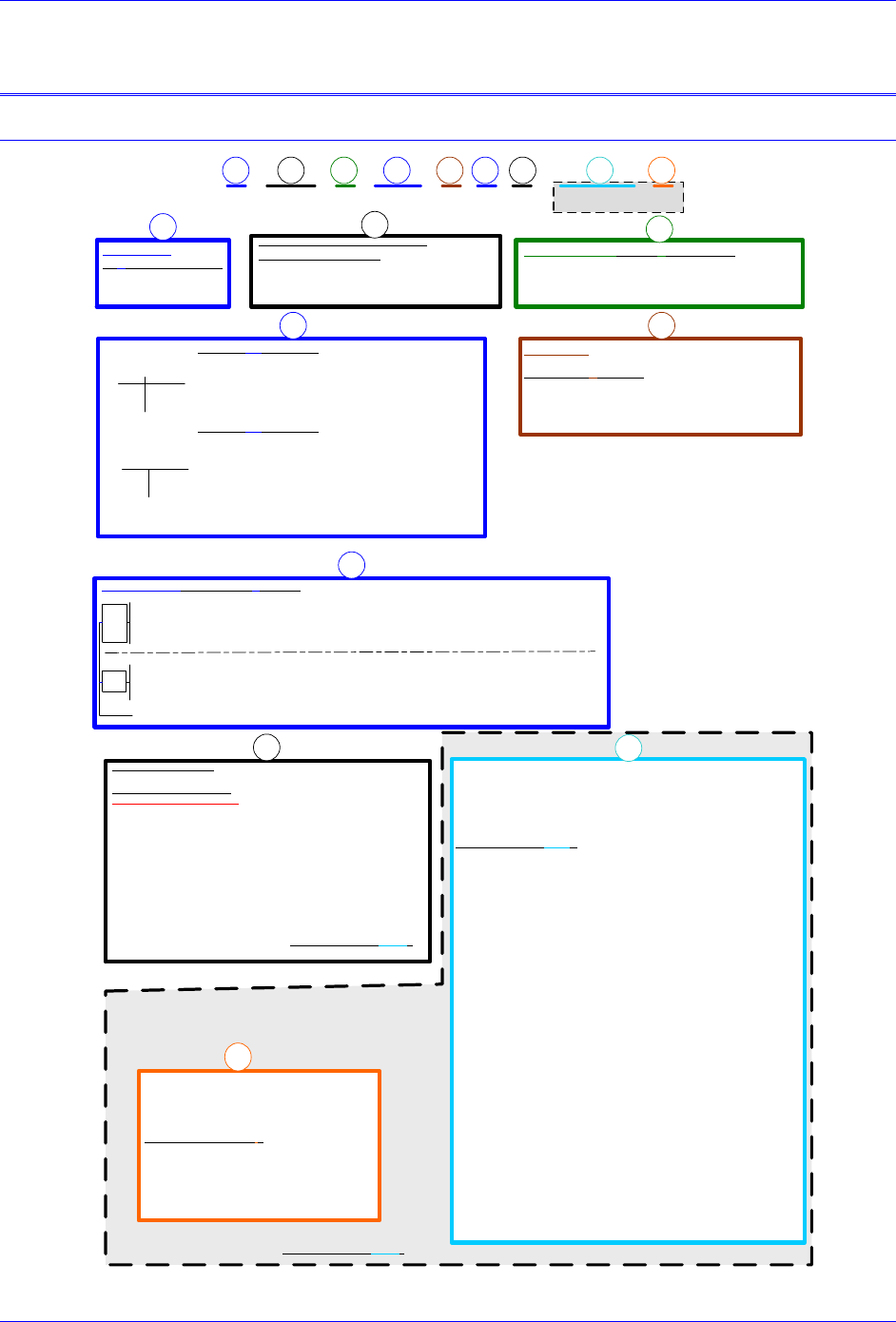
BC 0 0000CF
-- - 04 00000
** ** ** **
CPU Options - Turbo PMAC 2 Processor
BCA-BB-CDD-EFG-HHHI0
C0: 80Mhz, 8Kx24 Internal, 256Kx24SRAM, 1MB Flash
(Default)
C3: 80Mhz, 8Kx24 Internal, 1Mx24SRAM, 4MB Flash
F3: 240Mhz, 192Kx24 Internal, 1Mx24SRAM, 4MB Flash
0: No options (Default)
2: Four GPIO Relays (On connectors X9-X12)
3: Two Analog In, two analog Out (On conn. X11-X12) & 4 GPIO Relays (On connectors X9-X12)
4: Four Analog In, four analog Out (On conn. X9-X12) & 4 GPIO Relays (On connectors X9-X12)
7: Two Analog In, 2 analog Out (Conn.X9-X10) & 4 GPIO Relays (On connectors X9-X12)
4
axes
Note: Analog outputs are 12-bit filtered PWM and Analog Inputs are 16-bit.
Analog I/O Options BCA-BB-CDD-EFG-HHHI0
8
axes
ABCDEFGHI
ABC
DE
F
Brick Controller Model Number Definition
Number of Axes
BCA-BB-CDD-EFG-HHHI0
4 : Four Axes (Default)
8 : Eight Axes
Axes 1 to 4 Options BCA-BB-CDD-EFG-HHHI0
F: Filtered-PWM analog output on Channels 1-4, 12-bit resolution
(default)
D: Dual true-DAC analog outputs on Channels 1-4, 18-bit resolution
Four primary encoder inputs. No secondary encoders, 4-axis system
Four secondary encoders for a total of 8 encoder inputs
4 Axes (Apply only to BC4-BB-CDD-EFG-HHHI0 controller)
Axis 5-8 Feedback Options
Note: For Other Feedback Options See “Special Feedback Options”
12-24V 5V Flags
00 05
02 07
F2 F7
12-24V 5V Flags
-
D2 D7 Filtered-PWM analog output on Channels 5-8, 12-bit resolution
Dual true-DAC analog outputs on Channels 5-8, 18-bit resolution
8 Axes (Apply only to BC8-BB-CDD-EFG-HHHI0 controller)
Axis 5-8 Options
Note: Letter must be same as previous letter
Digital I/O Option
BCA-BB-CDD-EFG-HHHI0
0: Digital I/O 16 inputs and 8 outputs, 0.5A, 24VDC (default)
1: Expanded digital I/O additional 16 inputs and 8 outputs, 0.5A, 24VDC
(Total of 32 IN / 16 OUT)
2: Expanded digital I/O additional 32 inputs and 16 outputs, 0.5A, 24VDC
(Total of 48 IN / 24 OUT)
0: No Analog Options available, for this configurations
2: Four GPIO Relays (On connectors X9-X12)
3: Two analog Inputs (On conn. X11-X12) & 4 GPIO Relays (On connectors X9-X12)
4: Four analog Inputs (On conn. X9-X12) & 4 GPIO Relays (On connectors X9-X12)
7: Two analog Inputs (Conn.X9-X10) & Four GPIO Relays (On connectors X9-X12)
Note: For Other Feedback Options See “Special Feedback Options”
Communication Options
BCA-BB-CDD-EFG-HHHI0
USB2 and Eth100 are included
Note: To use PMAC-NC software, DPRAM is required
0xxxxx: No Options, Default
Dxxxxx: DPRAM option, size 8K x 16-bit wide
Mxxxxx: ModBus Ethernet Communication Protocol (Software) option
Sxxxxx: DPRAM and Modbus Options Combined
R00000: RS232 port on 9-pin D-sub Connector*
E00000: DPRAM & RS232 Options Combined*
N00000: RS232 & ModBus Options Combined*
T00000: Modbus, DPRAM & RS232 Combined*
* If any of the “H” or “I” digits is non zero (BCA-BB-CDD-EFG-HHHI0)
then RS232 is included as default. Options R, E, N and T are Incompatible
G
MACRO and Special Feedback Options
MACRO Ring Interface and
8 Single or 4 Differential channel 12-bit
10v range MUXED ADC
BCA-BB-CDD-EFG-HHHI0
-xxx-xxx0x: No MACRO or ADC
-xxx-xxx1x: RJ45 MACRO
-xxx-xxx2x: Fiber Optic MACRO
-xxx-xxx3x: MUXED ADC
-xxx-xxx4x: RJ45 MACRO and MUXED ADC
-xxx-xxx5x: Fiber Optic MACRO and MUXED ADC
I
Special Feedback Number and Type of Channels
BCA-BB-CDD-EFG-HHHI0
000: No Special Feedback Channels
4A0: 4 Sinusoidal Encoder Feedback Channels
4B0: 4 Resolver Feedback Channels
4C1: 4 Serial Encoder Feedback Channels (SSI Protocol)
4C2: 4 Serial Encoder Feedback Channels (Yaskawa Sigma II & III Protocol)
4C3: 4 Serial Encoder Feedback Channels (EnDat 2.2 Protocol)
4C6: 4 Serial Encoder Feedback Channels (BISS-C Protocol)
4D1: 4 Sinusoidal Encoder and Serial Enc. (SSI Protocol)
4D2: 4 Sinusoidal Encoder and Serial Enc. (Yaskawa Sigma II & III Protocol)
4D3: 4 Sinusoidal Encoder and Serial Enc. (EnDat 2.1 / 2.2 Protocol)
4D4: 4 Sinusoidal Encoder and Serial Enc. (HiperFace Protocol)
4D6: 4 Sinusoidal Encoder and Serial Enc. (BISS-C Protocol)
4E1: 4 Resolver Feedback Channels and Serial Enc. (SSI Protocol)
4E2: 4 Resolver Feedback Ch. and Serial Enc. (Yaskawa Sigma II & III Prot.)
4E3: 4 Resolver Feedback Channels and Serial Enc. (EnDat 2.2 Protocol)
4E6: 4 Resolver Feedback Channels and Serial Enc. (BISS-C Protocol)
8A0: 8 Sinusoidal Encoder Feedback Channels
8B0: 8 Resolver Feedback Channels
8C1: 8 Serial Encoder Feedback Channels (SSI Protocol)
8C2: 8 Serial Encoder Feedback Channels (Yaskawa Sigma II & III Protocol)
8C3: 8 Serial Encoder Feedback Channels (EnDat 2.2 Protocol)
8C6: 8 Serial Encoder Feedback Channels (BISS-C Protocol)
8D1: 8 Sinusoidal Encoder and Serial Enc. (SSI Protocol)
8D2: 8 Sinusoidal Encoder and Serial Enc. (Yaskawa Sigma II & III Protocol)
8D3: 8 Sinusoidal Encoder and Serial Enc. (EnDat 2.1 / 2.2 Protocol)
8D4: 8 Sinusoidal Encoder and Serial Enc. (HiperFace Protocol)
8D6: 8 Sinusoidal Encoder and Serial Enc. (BISS-C Protocol)
8E1: 8 Resolver Feedback Channels and Serial Enc. (SSI Protocol)
8E2: 8 Resolver Feedback Ch. and Serial Enc. (Yaskawa Sigma II & III Prot.)
8E3: 8 Resolver Feedback Channels and Serial Enc. (EnDat 2.2 Protocol)
8E6: 8 Resolver Feedback Channels and Serial Enc. (BISS-C Protocol)
H
Note: If any of the “H” or “I” digits (BCA-BB-CDD-EFG-HHHI0) are ordered, you will also receive RS-232 comms port, 2 channel "handwheel" port.
Brick Controller User Manual
SPECIFICATIONS 13
Options
CPU Options
C0: 80MHz Turbo PMAC2 CPU (standard)
8Kx24 internal memory, 256Kx24 SRAM , 1MB flash memory
C3: 80MHz Turbo PMAC2 CPU
8Kx24 internal memory, 1Mx24 SRAM, 4M flash memory
F3: 240MHz Turbo PMAC2 CPU
192Kx24 internal memory, 1Mx24 SRAM, 4M flash memory
Encoder Feedback
Digital Quadrature
Sinusoidal
HiperFace
Resolver
SSI
EnDat 2.1 / 2.2
Yaskawa Sigma II / III
BiSS B / C
Panasonic
Tamagawa
Note
Regardless of the encoder feedback option(s) fitted, digital quadrature
encoders can always be utilized. However, Hall sensors cannot be
used with a channel which has been programmed for serial encoding.
Axis Output
18-bit true DAC or 12-bit filtered PWM (default) ±10V analog output
Pulse And Direction (PFM)
Encoder Input
Up to eight encoder inputs, and one handwheel quadrature input
Additional encoder inputs can be obtained through MACRO connectivity
Digital Inputs/Outputs
Up to 48 inputs and 24 outputs (Sinking or Sourcing)
Additional digital I/Os can be obtained through Fieldbus connectivity
Analog Inputs, DAC Outputs, Brakes, and Relays
Up to 4 x 16-bit analog inputs, 8 x 12-bit analog inputs, 4 x brake/ relay outputs , and 5 x 12-bit
filtered PWM (±10V) outputs
Communication
USB 2.0, Ethernet 100 Base T, RS232, DPRAM (required for NC software/applications)
FieldBus Connectivity
MACRO
ModBus

Brick Controller User Manual
SPECIFICATIONS 14
Environmental Specifications
Description
Specifications
Operating Temperature
0 to 45°C
Storage Temperature
-25°C to +70°C
Humidity
10% to 90% non-condensing
Operating Altitude
~3300 Feet (1000 m)
Air Flow Clearances
~3 inches (76.2mm) above and below unit for air flow
Operating Environment
Pollution Degree 2 or equivalent

Brick Controller User Manual
Receiving and Unpacking 15
RECEIVING AND UNPACKING
Delta Tau products are thoroughly tested at the factory and carefully packaged for shipment. When the
Brick Controller is received, there are several things to be done immediately:
Observe the condition of the shipping container and report any damage immediately to the
commercial carrier that delivered the drive.
Remove the Brick Controller from the shipping container and remove all packing materials. Check
all shipping material for connector kits, documentation, or other small pieces of equipment. Be aware
that some connector kits and other equipment pieces may be quite small and can be accidentally
discarded if care is not used when unpacking the equipment. The container and packing materials
may be retained for future shipment.
Verify that the part number of the Brick Controller received is the same as the part number listed on
the purchase order.
Inspect for external physical damage that may have been sustained during shipment and report any
damage immediately to the commercial carrier that delivered the drive.
Electronic components in this product are design-hardened to reduce static sensitivity. However, use
proper procedures when handling the equipment.
If the Brick Controller is to be stored for several weeks before use, be sure that it is stored in a
location that conforms to published storage humidity and temperature specifications.
Use of Equipment
The following restrictions will ensure the proper use of the Brick Controller:
The components built into electrical equipment or machines can be used only as integral components
of such equipment.
The Brick Controller must not be operated on power supply networks without a ground or with an
asymmetrical ground.
If the Brick Controller is used in residential areas, or in business or commercial premises, implement
additional filtering measures.
The Brick Controller may be operated only in a closed switchgear cabinet, taking into account the
ambient conditions defined in the environmental specifications.
Delta Tau guarantees the conformance of the Brick Controllers with the standards for industrial areas
stated in this manual, only if Delta Tau components (cables, controllers, etc.) are used.

Brick Controller User Manual
Mounting 16
MOUNTING
The location of the Brick Controller is important. Installation should be in an area that is protected from
direct sunlight, corrosives, harmful gases or liquids, dust, metallic particles, and other contaminants.
Exposure to these can reduce the operating life and degrade performance of the drive.
Several other factors should be carefully evaluated when selecting a location for installation:
For effective cooling and maintenance, the Brick Controller should be mounted on a smooth, non-
flammable vertical surface.
At least 76 mm (3 inches) top and bottom clearance must be provided for air flow. At least 10
mm (0.4 inches) clearance is required between units (each side).
Temperature, humidity and Vibration specifications should also be taken in account.
Caution
Unit must be installed in an enclosure that meets the environmental IP
rating of the end product (ventilation or cooling may be necessary to
prevent enclosure ambient from exceeding 45° C [113° F]).
The Brick Controller can be mounted with a 3-hole panel mount, two U shape/notches on the bottom and
one pear shaped holes on top.
If multiple Brick Controllers are used, they can be mounted side-by-side, leaving at least a 10 – 20 mm
clearance between them. It is important that the airflow is not obstructed by the placement of conduit
tracks or other devices in the enclosure.
If the Brick Controller is mounted to a back panel, the back panel should be unpainted and electrically
conductive to allow for reduced electrical noise interference. The back panel should be machined to
accept the mounting bolt pattern.
Brick Controller User Manual
Mounting 17
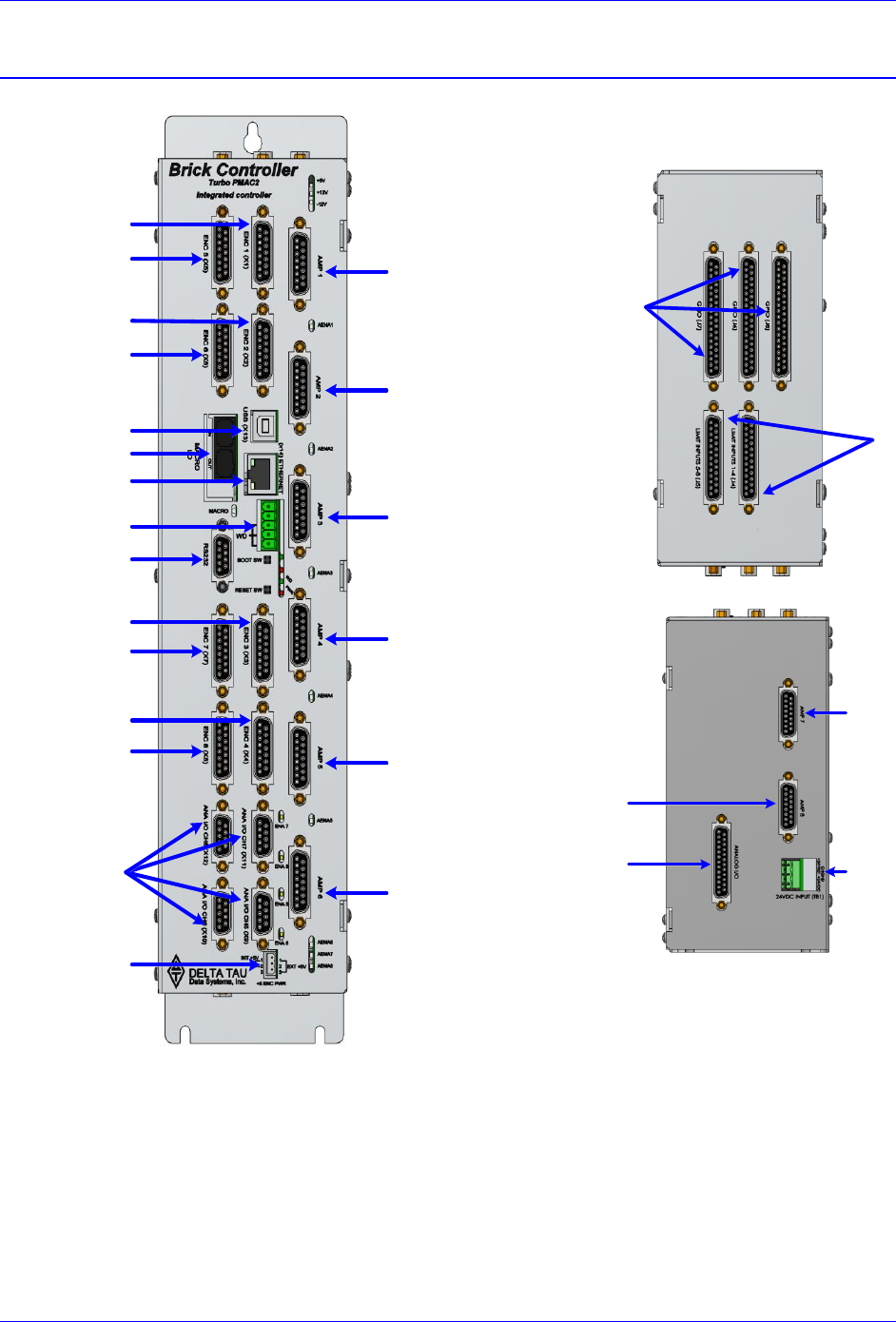
Connector Locations
AMP 7
AMP 8
Analog I/O
Bottom View
24VDC
Logic Power
AMP 1
AMP 2
AMP 5
AMP 6
AMP 3
Alt. Enc. Pwr
Encoder #4
Encoder #3
Encoder #2
Encoder #1
USB
Ethernet
MACRO
Abort & WD
RS232
Analog I/O
Front View
AMP 4
Encoder #5
Encoder #6
Encoder #7
Encoder #8
General
Purpose I/O
Limits
& Flags
Top View

Brick Controller User Manual
Mounting 18
Mounting Dimensions
For both BC4-xx-xxx-xxx-xxxxx and BC8-xx-xxx-xxx-xxxxx:
Width
Depth
Height
3.50 inches (88.90 mm)
7.20 inches (182.88 mm)
15.00 inches (381 mm)
15.00"
(381.00 mm)
2.50"
(63.50 mm)
14.65"
(372.11 mm)
3.50"
(88.90 mm)
13.5"
(342.90 mm)
7.20"
(182.88 mm)
3x M4
Brick Controller User Manual
PinOuts and Software Setup 19
PINOUTS AND SOFTWARE SETUP
WARNING
Installation of electrical control equipment is subject to many
regulations including national, state, local, and industry guidelines
and rules. General recommendations can be stated but it is
important that the installation be carried out in accordance with
all regulations pertaining to the installation.
TB1: 24 VDC Logic Power
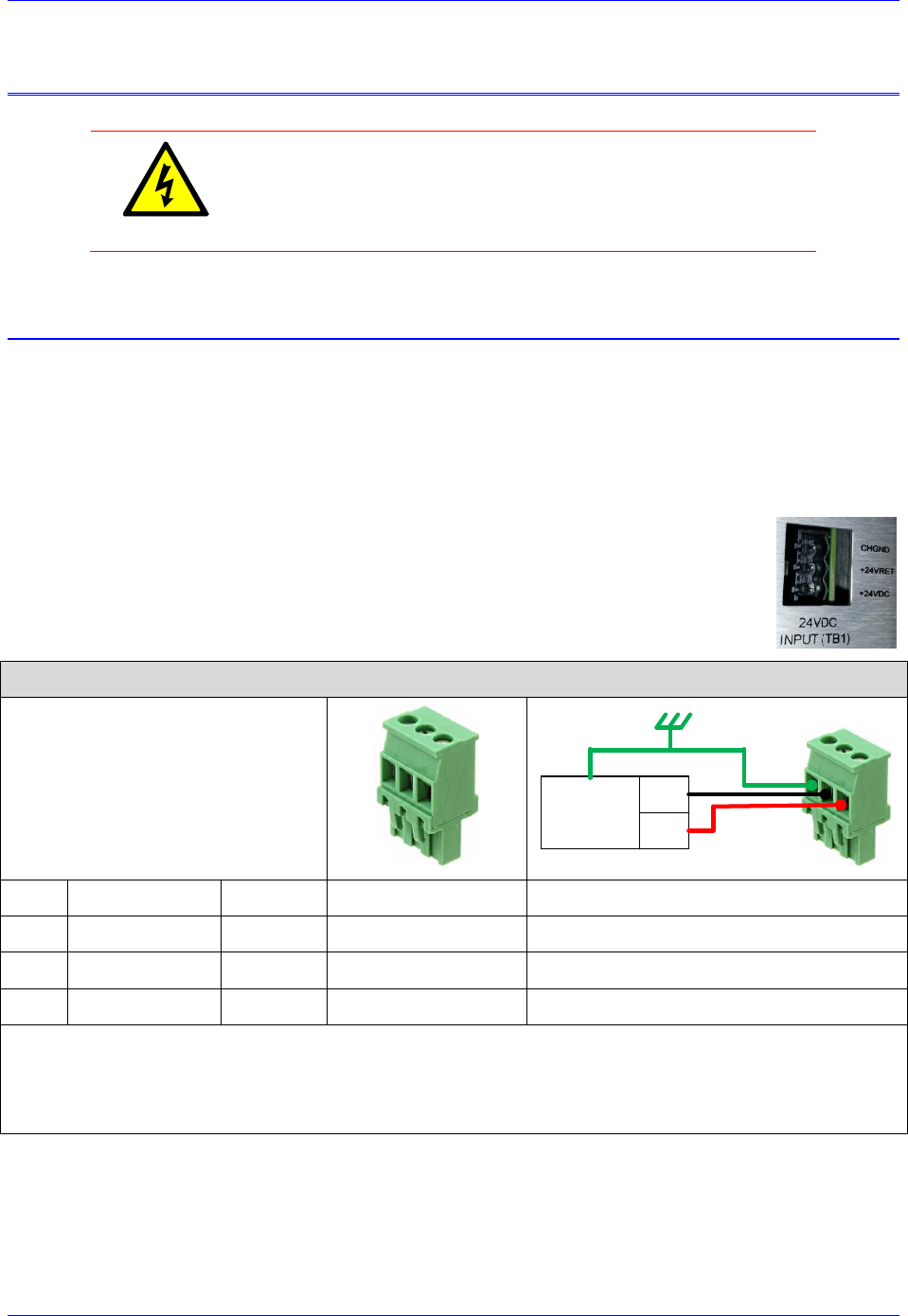
This 3-pin Phoenix Terminal Block is used to bring in the 24-Volt (±5%) DC supply to power up the
logic portion of the Brick Controller.
The 24Volts power supply must be capable of providing 4 amperes (RMS) per Brick Controller. If
multiple Brick Controllers are sharing the same 24-Volt power supply, it is highly recommended to wire
each one back to the power supply terminals separately.
This connection can be made using 22 AWG wire directly from a protected power supply.
In newer models of the Brick Controller (December 2013), this connector is a PCB
terminal type (picture to the right). In older models, it is a PCB edge type.
Newer Models
TB1: 3-pin Female
Mating: 3-pin Male
321
DC Power
Supply +24V
COM
Pin #
Symbol
Function
Description
Notes
1
+24VDC
Input
Logic power input +
±5%
2
+24VDC RET
Common
Logic power return -
Connect to Power Supply Return
3
CHGND
Ground
Chassis ground
Connect to Protection Earth
Phoenix Contact mating connector part# 1792252
Delta Tau mating connector part# 016-090A03-08P
Brick Controller User Manual
PinOuts and Software Setup 20
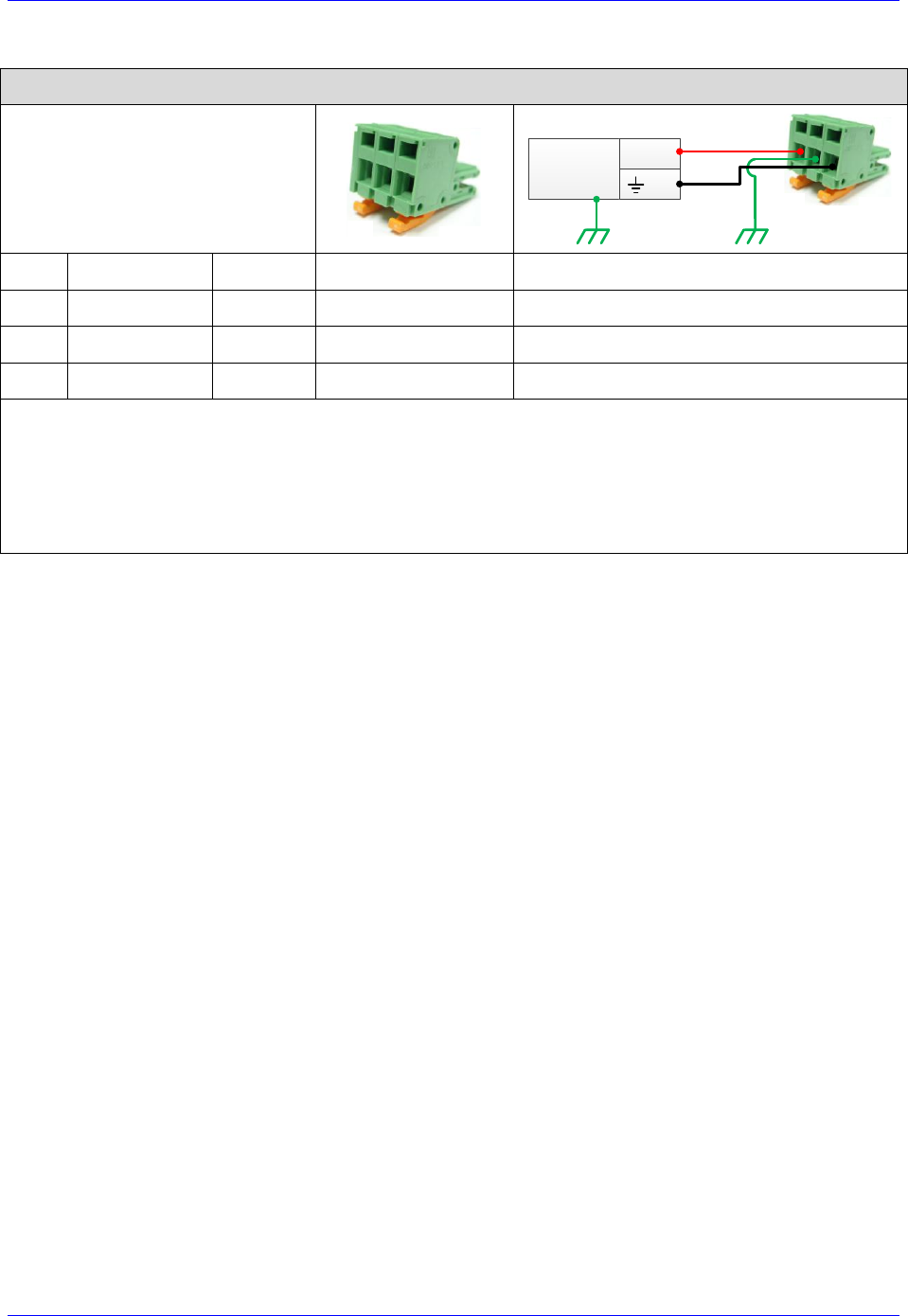
Older Models
TB1: 3-pin Female
Mating: 3-pin Male
123
DC Power
Supply
+24VDC
COM
Pin #
Symbol
Function
Description
Notes
1
+24VDC
Input
Logic power input +
±5%
2
CHGND
Ground
Chassis ground
Machine Chassis
3
+24VDC RET
Common
Logic power return -
Power Supply Return
Phoenix PCB Edge Connector
Phoenix part #: ZEC 1,5/ 3-ST-5,0 C2 R1,3 (18883051)
Delta Tau part #: 014-188305-001 (For Internal Use)
Brick Controller User Manual
PinOuts and Software Setup 21
+5V ENC PWR (Alternate Encoder Power)
Typically, feedback devices are powered up through the X1-X8 connectors on the Brick Controller using
the internal +5VDC power supply. In some cases, feedback devices consume power excessively and risk
of surpassing the internal power supply limitation.
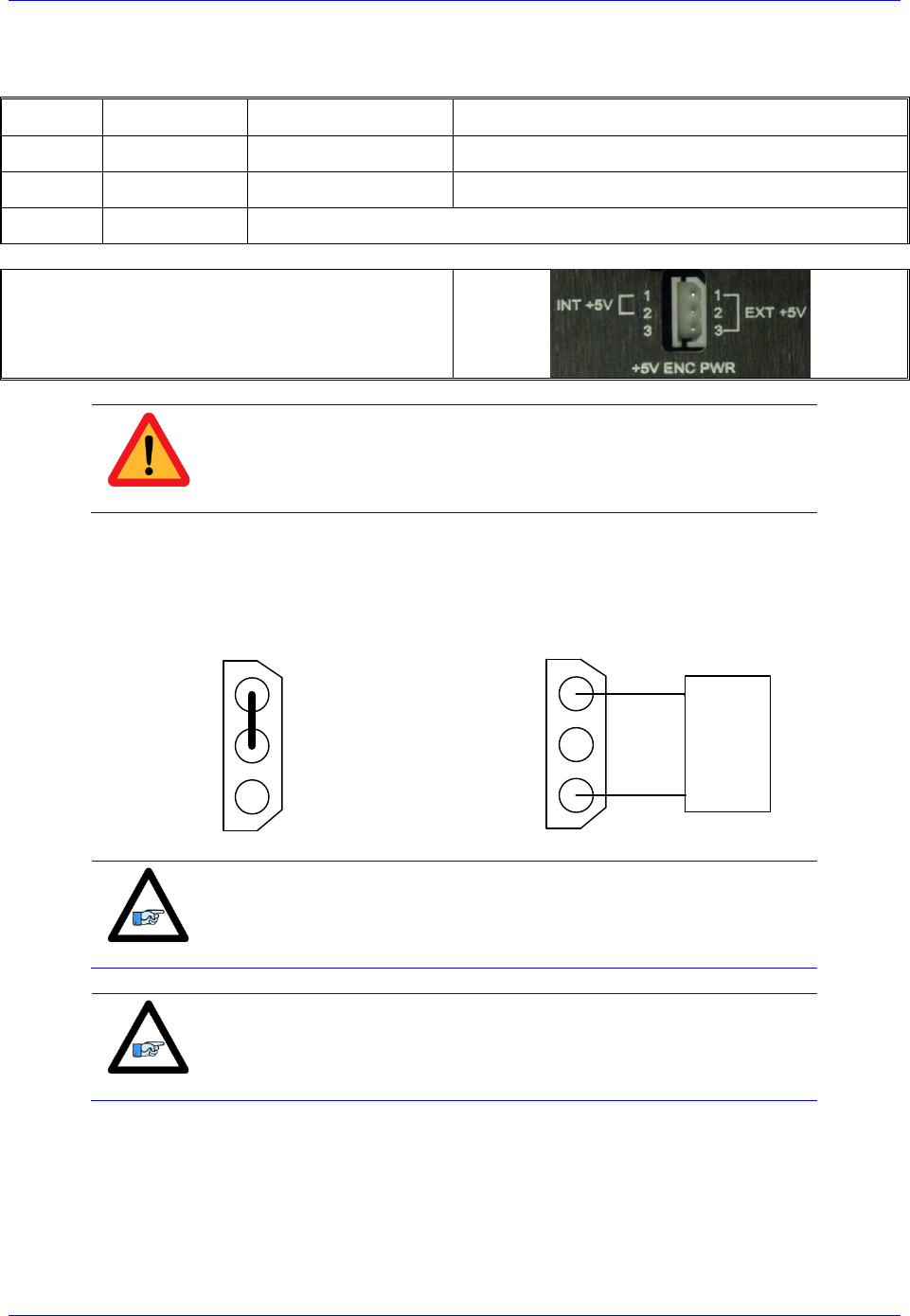
This connector provides an alternate mean to power-up the feedback devices (+5V only) if the total
encoder budget exceeds the specified thresholds.
Note
Encoders requiring greater than +5VDC power must be supplied
externally, and NOT through the X1-X8 connectors NOR through this
connector.
B C x - x x - x x x - x x x xxxxx
Add-in Board Options
-
If the Brick Controller is equipped with the add-in board, meaning any of the highlighted part number
digits is a non-zero, then the total +5V encoder power available at X1-X8 is about 1.5 amperes.
If the Brick Controller is not equipped with the add-in board, meaning all the highlighted part number
digits are zeros, then the total +5V encoder power available at X1-X8 is about 2 amperes.
Brick Controller
Total Encoder Power
Available [amps]
Power Per Encoder
(4 Encoders) [mA]
Power Per Encoder
(8 Encoders) [mA]
Without add-in board
1.5
375
188
with add-in board
2
500
250
Caution
The maximum current draw out of a single encoder channel must not
exceed 750 mA.
Brick Controller User Manual
PinOuts and Software Setup 22
Wiring the Alternate (+5V) Encoder Power
Pin#
Symbol
Description
Note
1
5VEXT
Input
5V from external power supply
2
5VINT
Output
Tie to pin#1 to use internal power supply
3
GND
Common
Mating Connector:
Adam-Tech part number 25CH-E-03
Pins part number 25CTE-R
Crimping tool: Molex EDP #11-01-0208
Caution
Only two of the three available pins should be used at one time. Do
not daisy-chain the internal 5V power supply with an external one.
By default, pins 1-2 are tied together to use the internal power supply. To wire an external power supply,
remove the jumper tying pins 1-2 and connect the external +5V to pin #1, and ground/common to pin#3:
Internal Power Supply
Wiring (Default)
External Power Supply
Wiring
1
2
3
1
2
3
+5V
Gnd
External
Power
Supply
Note
A jumper tying pins 1 and 2 is the default configuration. This is the
configuration with which the Brick Controller is shipped to a
customer.
Note
The controller (PMAC) 5V logic is independent of this scheme, so if
no encoder power is provided the PMAC will remain powered-up
(provided the standard 24 volts is brought in).
Brick Controller User Manual
PinOuts and Software Setup 23
Functionality, Safety Measures
There are a couple of safety and functionality measures to take into account when an external encoder
power supply is utilized:
Power sequence: encoders versus controller/drive
It is highly recommended to power up the encoders before applying power to the Brick Controller
Encoder Power Loss (i.e. power supply failure, loose wire/connector)
The Brick Controller, with certain feedback devices, can be setup to read absolute position or perform
phasing on power-up (either automatic firmware functions, or user PLCs). If the encoder power is not
available, these functions will not be performed properly. Moreover, trying to close the loop on a motor
without encoder feedback can be dangerous.
Caution
Make sure that the encoders are powered-up before executing any
motor/motion commands.
Losing encoder power can lead to dangerous runaway conditions, setting the fatal following error limit
and I2T protection in PMAC is highly advised.
Caution
Make sure that the fatal following error limit and I2T protection are
configured properly in PMAC.
With Commutated motors (i.e. DC brushless), a loss of encoder generally breaks the commutation cycle
causing a fatal following error or I2T fault either in PMAC or Amplifier side. However, with non-
commutated motors (i.e. DC brush), losing encoder signal can more likely cause dangerous runway
conditions.
Note
Setting up encoder loss detection for quadrature encoders is highly
recommended. Serial Encoders normally provide a flag or timeout
error bit that can be used for that function.
Brick Controller User Manual
PinOuts and Software Setup 24
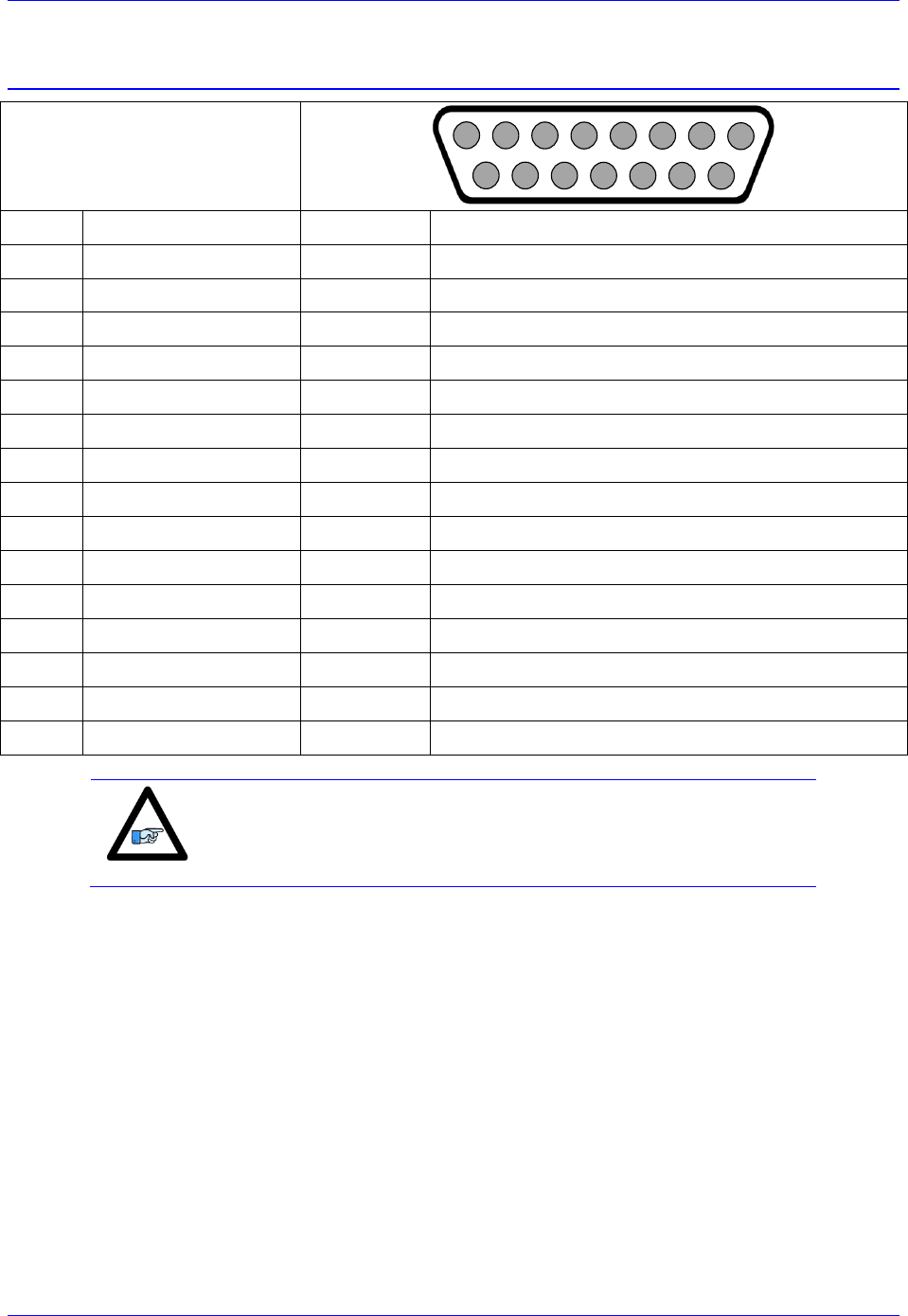
X1-X8: Encoder Feedback, Digital A Quad B
X1-X8: D-sub DA-15F
Mating: D-sub DA-15M
2
3
4
5
6
7
8
9
10
11
12
13
14
15
1
Pin#
Symbol
Function
Description
1
CHA+
Input
Encoder A+
2
CHB+
Input
Encoder B+
3
CHC+ / AENA+
Input
Encoder Index+ / Stepper amp enable +
4
ENCPWR
Output
Encoder Power 5V
5
CHU+ / DIR+
In/Out
Halls U+ / Direction Output + for Stepper
6
CHW+/ PUL+
In/Out
Halls W+ / Pulse Output + for Stepper
7
2.5V
Output
2.5V Reference power
8
Stepper Enable
Input
Tie to pin#4 (5V) to enable PFM output
9
CHA-
Input
Encoder A-
10
CHB-
Input
Encoder B-
11
CHC- / AENA-
Input
Encoder Index- / Stepper amp enable -
12
GND
Common
Common ground
13
CHV+ / DIR-
In/Out
Halls V+ / Direction Output- for Stepper
14
CHT+ / PUL-
In/Out
Halls T+ / Pulse Output- for Stepper
15
-
-
Unused
Note
Use an encoder cable with high quality shield. Connect the shield to
connector shell, and use ferrite core in noise sensitive environments.
The standard encoder inputs on the Brick Controller are designed for differential quadrature type signals.
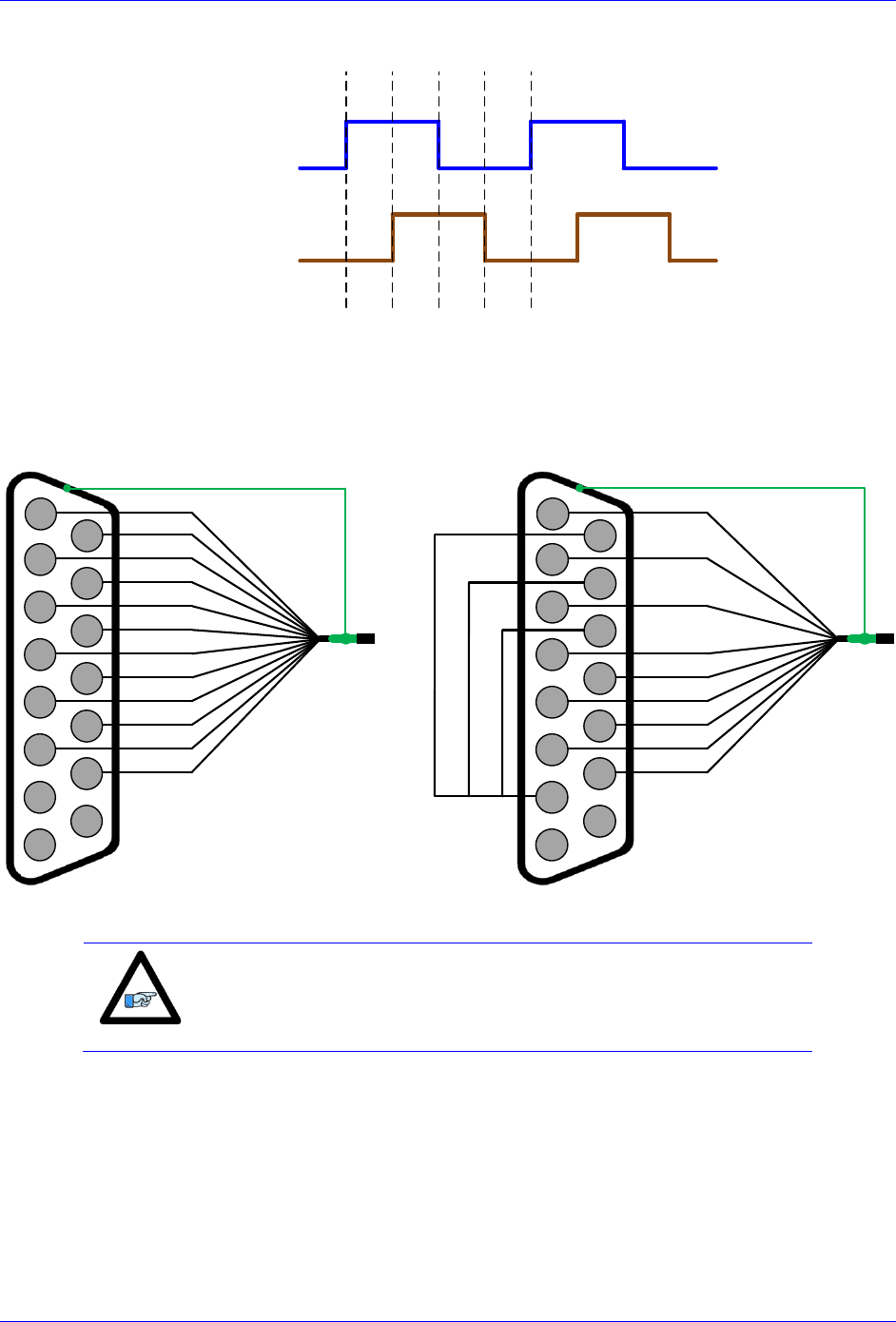
Quadrature encoders provide two digital signals to determine the position of the motor. Each nominally
with 50% duty cycle, and nominally 1/4 cycle apart. This format provides four distinct states per cycle of
the signal, or per line of the encoder. The phase difference of the two signals permits the decoding
electronics to discern the direction of travel, which would not be possible with a single signal.
Brick Controller User Manual
PinOuts and Software Setup 25
Channel A
Channel B
Typically, these signals are 5V TTL/CMOS level whether they are single-ended or differential.
Differential signals can enhance noise immunity by providing common mode noise rejection. Modern
design standards virtually mandate their use in industrial systems.
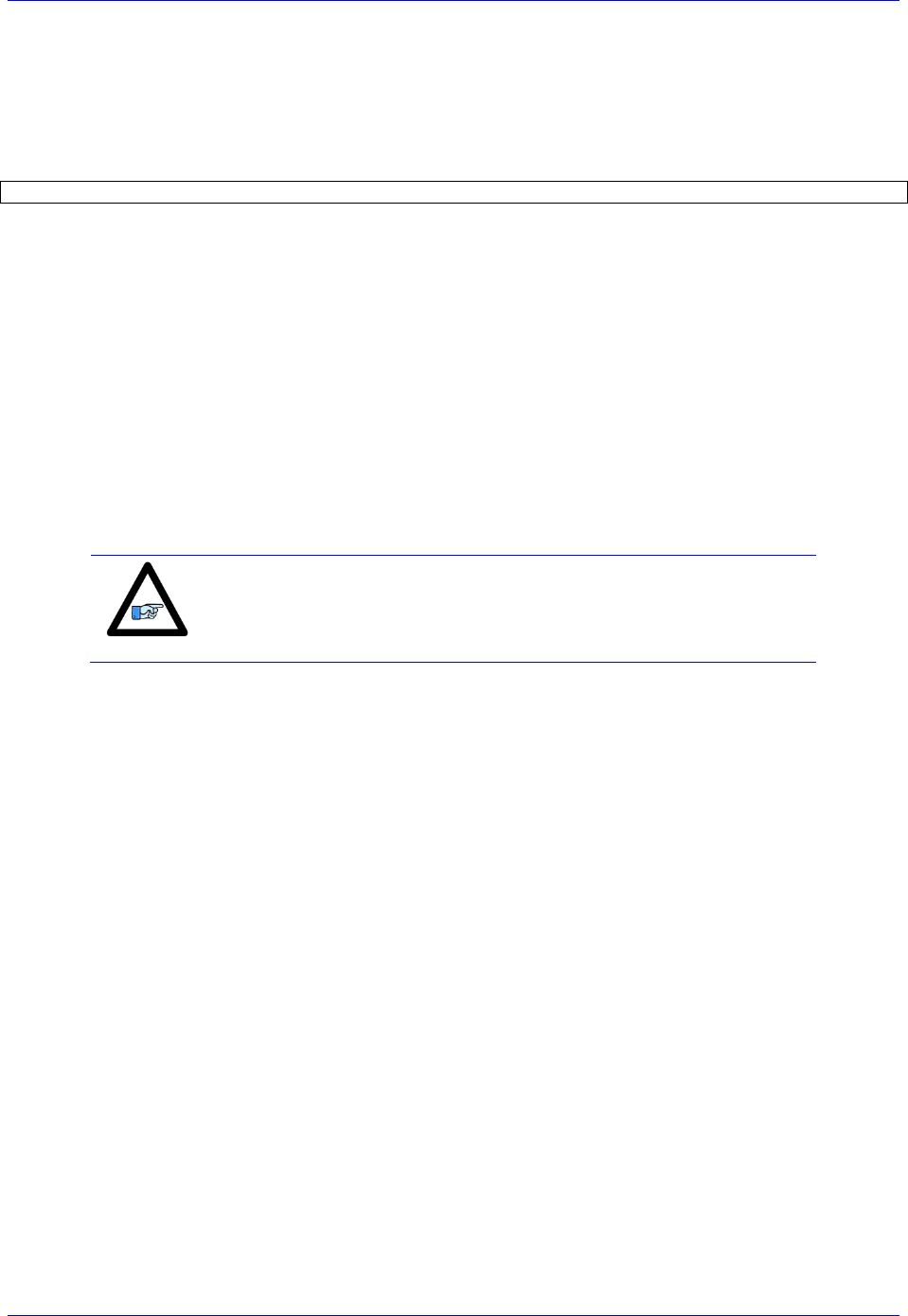
Differential Quadrature Encoder Wiring
Single-Ended Quadrature Encoder Wiring
2
3
4
5
6
7
8
9
10
11
12
13
14
15
1
A+
A-
B-
B+
C+
C-
+ 5VDC
GND
Encoder shield (solder to shell)
U+
V+
W+
T+
Differential Quadrature Encoder
with hall sensors (optional)
2
3
4
5
6
7
8
9
10
11
12
13
14
15
1
A+
B+
C+
+ 5VDC
GND
Encoder shield (solder to shell)
U+
V+
W+
T+
Single-Ended Quadrature Encoder
with hall sensors (optional)
Note
For single-ended encoders, tie the negative pins to power reference
(Pin#7). Alternately, some open collector single ended encoders may
require tying the negative pins to ground in series with a 1-2 KOhm
resistors.
Brick Controller User Manual
PinOuts and Software Setup 26
Setting up Quadrature Encoders
Digital Quadrature Encoders use the 1/T incremental entry in the encoder conversion table. Position and
velocity pointers should, by default, be valid and in most cases no software setup is required, activating
(Ixx00=1) the corresponding channel is sufficient to see encoder counts in the position window when the
motor/encoder shaft is moved by hand.
I100,8,100=1 ; Channels 1-8 activated
Encoder Count Error (Mxx18)
The Brick Controller has an encoder count error detection feature. If both the A and B channels of the
quadrature encoder change state at the decode circuitry (post-filter) in the same hardware sampling clock
(SCLK) cycle, an unrecoverable error to the counter value will result (lost counts). Suggested M-Variable
Mxx18 for this channel is then set and latched to 1 (until reset or cleared). The three most common root
causes of this error:
- Real encoder hardware problem
- Trying to move the encoder (motor) faster than it’s specification
- Using an extremely high resolution/speed encoder. This may require increasing the SCLK
The default sampling clock in the Brick Controller is ~ 10MHz, which is acceptable for virtually all
applications. A setting of I7m03 of 2257 (from default of 2258) sets the sampling clock SCLK at about
~20MHz. It can be increased to up to ~40 MHz.
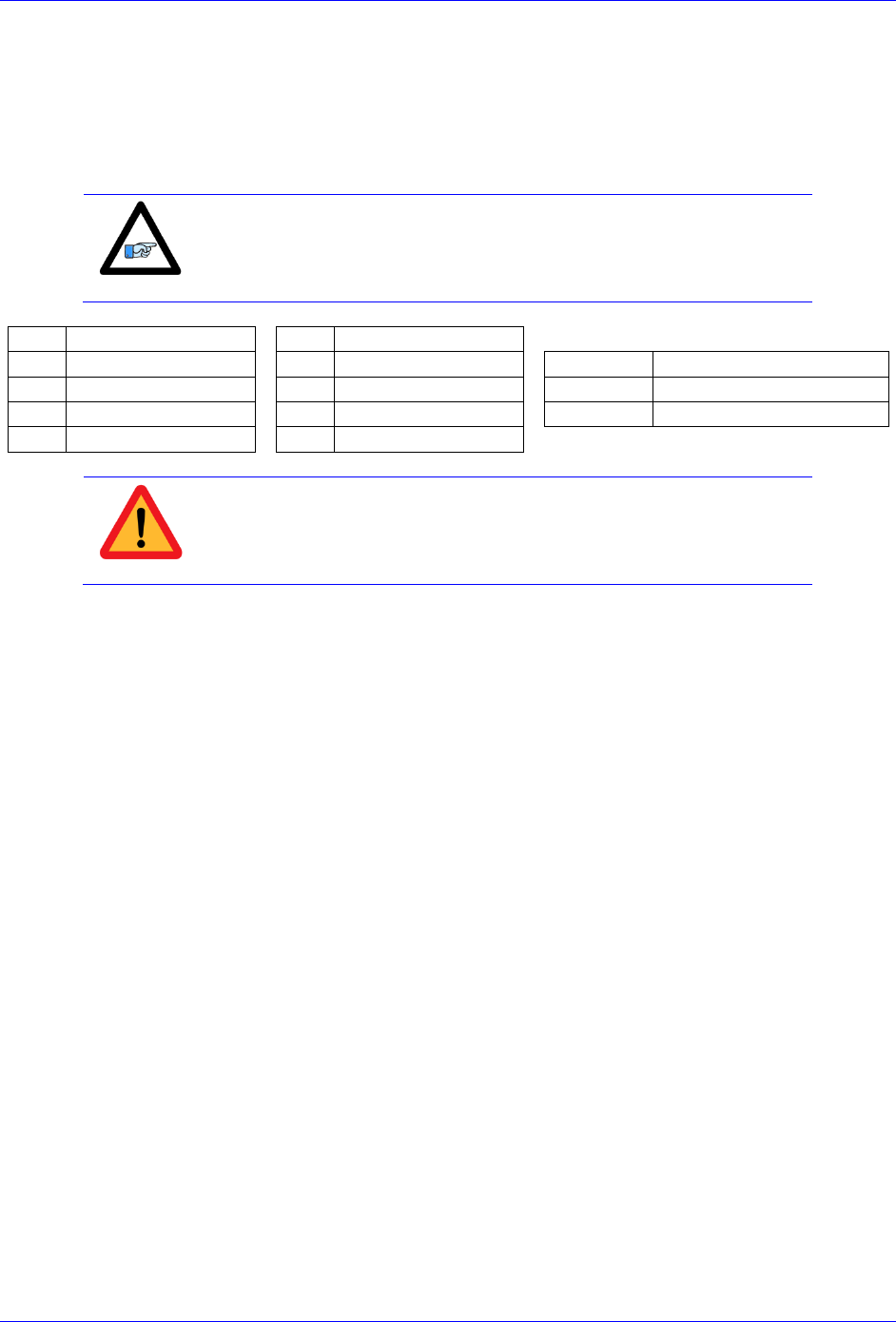
Note
No automatic action is taken by the Brick Controller if the encoder
count error bit is set.
Brick Controller User Manual
PinOuts and Software Setup 27
Encoder Loss Detection, Quadrature
Designed for use with differential line-driver outputs (encoders), the encoder loss circuitry monitors each
quadrature input pair with an exclusive-or XOR gate. In normal operation mode, the two quadrature
inputs should be in opposite logical states – that is one high and one low – yielding a true output from the
XOR gate.
Note
Single-Ended Quadrature Encoders are not supported for encoder loss.
Ch#
Address/Definition
Ch#
Address/Definition
1
Y:$78807,0,1
5
Y:$78807,4,1
Status Bit
Definition
2
Y:$78807,1,1
6
Y:$78807,5,1
=0
Encoder lost, Fault
3
Y:$78807,2,1
7
Y:$78807,6,1
=1
Encoder present, no Fault
4
Y:$78807,3,1
8
Y:$78807,7,1
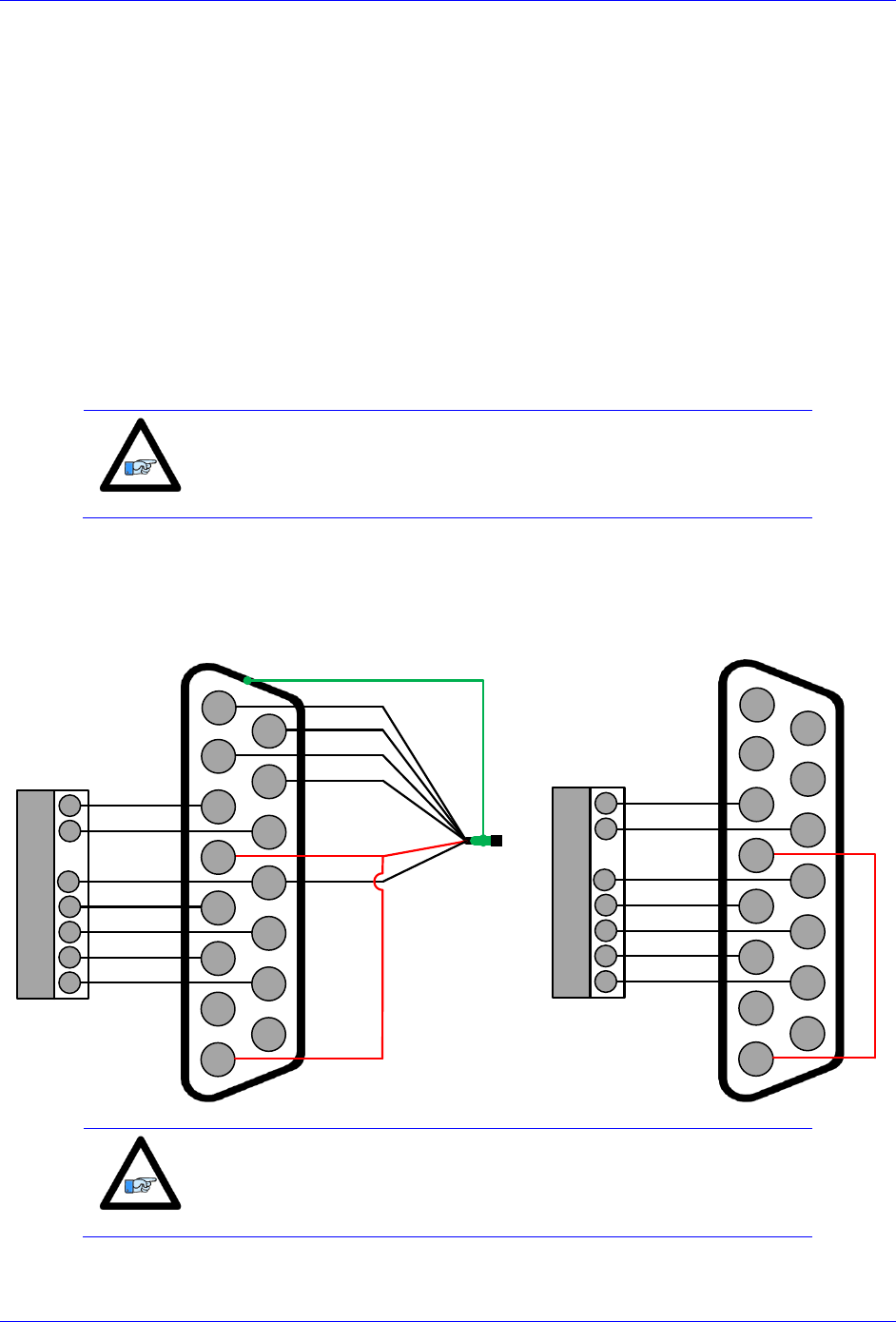
Caution
Appropriate action (user-written plc) needs to be implemented when
an encoder loss is encountered. To avoid a runaway, an immediate
Kill of the motor/encoder in question is strongly advised.
No automatic firmware action is taken by the Brick Controller upon detection of encoder(s) loss; it is the
user’s responsibility to perform the necessary action to make the application safe under these conditions,
see example PLC below. Killing the motor/encoder in question is the safest action possible, and strongly
recommended to avoid a runaway, and machine damage. Also, the user should decide the action to be
taken (if any) for the other motors in the system. The Encoder Loss Status bit is a low true logic. It is set
to 1 under normal conditions, and set to 0 when a fault (encoder loss) is encountered.

Brick Controller User Manual
PinOuts and Software Setup 28
Encoder Loss Example PLC:
A 4-axis Brick Controller is setup to kill all motors upon the detection of one or more encoder loss. In
addition, it does not allow enabling any of the motors when an encoder loss condition has been
encountered:
#define Mtr1AmpEna M139 ; Motor#1 Amplifier Enable Status Bit
Mtr1AmpEna->X:$B0,19 ; Suggested M-Variable
#define Mtr2AmpEna M239 ; Motor#2 Amplifier Enable Status Bit
Mtr2AmpEna->X:$130,19 ; Suggested M-Variable
#define Mtr3AmpEna M339 ; Motor#3 Amplifier Enable Status Bit
Mtr3AmpEna->X:$1B0,19 ; Suggested M-Variable
#define Mtr4AmpEna M439 ; Motor#4 Amplifier Enable Status Bit
Mtr4AmpEna->X:$230,19 ; Suggested M-Variable
#define Mtr1EncLoss M180 ; Motor#1 Encoder Loss Status Bit
Mtr1EncLoss->Y:$078807,0,1 ;
#define Mtr2EncLoss M280 ; Motor#2 Encoder Loss Status Bit
Mtr2EncLoss->Y:$078807,1,1 ;
#define Mtr3EncLoss M380 ; Motor#3 Encoder Loss Status Bit
Mtr3EncLoss->Y:$078807,2,1 ;
#define Mtr4EncLoss M480 ; Motor#4 Encoder Loss Status Bit
Mtr4EncLoss->Y:$078807,3,1 ;
#define SysEncLoss P1080 ; System Global Encoder Loss Status (user defined)
SysEncLoss=0 ; Save and Set to 0 at download, normal operation
; =1 System Encoder Loss Occurred
OPEN PLC 1 CLEAR
If (SysEncLoss=0) ; No Loss yet, normal mode
If (Mtr1EncLoss=0 or Mtr2EncLoss=0 or Mtr4EncLoss=0 or Mtr4EncLoss=0)
CMD^K ; One or more Encoder Loss(es) detected, kill all motors
SysEncLoss=1 ; Set Global Encoder Loss Status to Fault
EndIf
EndIF
If (SysEncLoss=1) ; Global Encoder Loss Status At Fault?
If (Mtr1AmpEna=1 or Mtr2AmpEna=1 or Mtr4AmpEna=1 or Mtr4AmpEna=1) ; Trying to Enable Motors?
CMD^K ; Do not allow Enabling Motors, Kill all
EndIF
EndIF
CLOSE
Brick Controller User Manual
PinOuts and Software Setup 29
Step and Direction PFM Output (To External Stepper Amplifier)
The Brick Controller has the capability of generating step and direction (Pulse Frequency Modulation)
output signals to external stepper amplifiers. These signals are accessible at the encoder connectors. The
step and direction outputs are RS422 compatible and could be connected in either differential or single-
ended configuration for 5V (input signal) amplifiers.
Tying pin #8 to pin #4 (+5V) enables the PFM signal output.
Digital A quad B encoders can still be used alongside PFM output, but hall sensors can NOT be brought
into this connector, they conflict with the PFM circuitry.
The PFM amplifier enable output signal is not available by default. Jumpers E25, E26, E27, and E28
should be installed to activate the amp enable functions of channels 1 through 4 respectively. Similarly
jumpers E35, E36, E37, and E38 should be installed to activate the amp enable functions of channels 5
through 8 respectively.
Note
We strongly recommend requesting that these jumpers be installed
upon shipping to avoid opening the unit and losing warranty.
The index channel (C-channel) can NOT be wired into this connector when the amplifier enable output
signal is configured.
PFM output
with encoder feedback
PFM output without
encoder feedback
2
3
4
5
6
7
8
9
10
11
12
13
14
15
1
A+
A-
B-
B+
+ 5VDC
GND
Encoder shield (solder to shell)
DIR+
DIR-
PULSE+
PULSE-
AENA+
AENA-
PFM enable
External Stepper
Amplifier
AENA-
AENA+
DIR+
DIR-
PUL+
PUL-
GND DIGITAL GND
2
3
4
5
6
7
8
9
10
11
12
13
14
15
1
DIR+
DIR-
PULSE+
PULSE-
AENA+
AENA-
PFM enable
External Stepper
Amplifier
AENA-
AENA+
DIR+
DIR-
PUL+
PUL-
GND DIGITAL GND
+5V
Note
Software setup for PFM output can be found in the Drive-Motor setup
section.
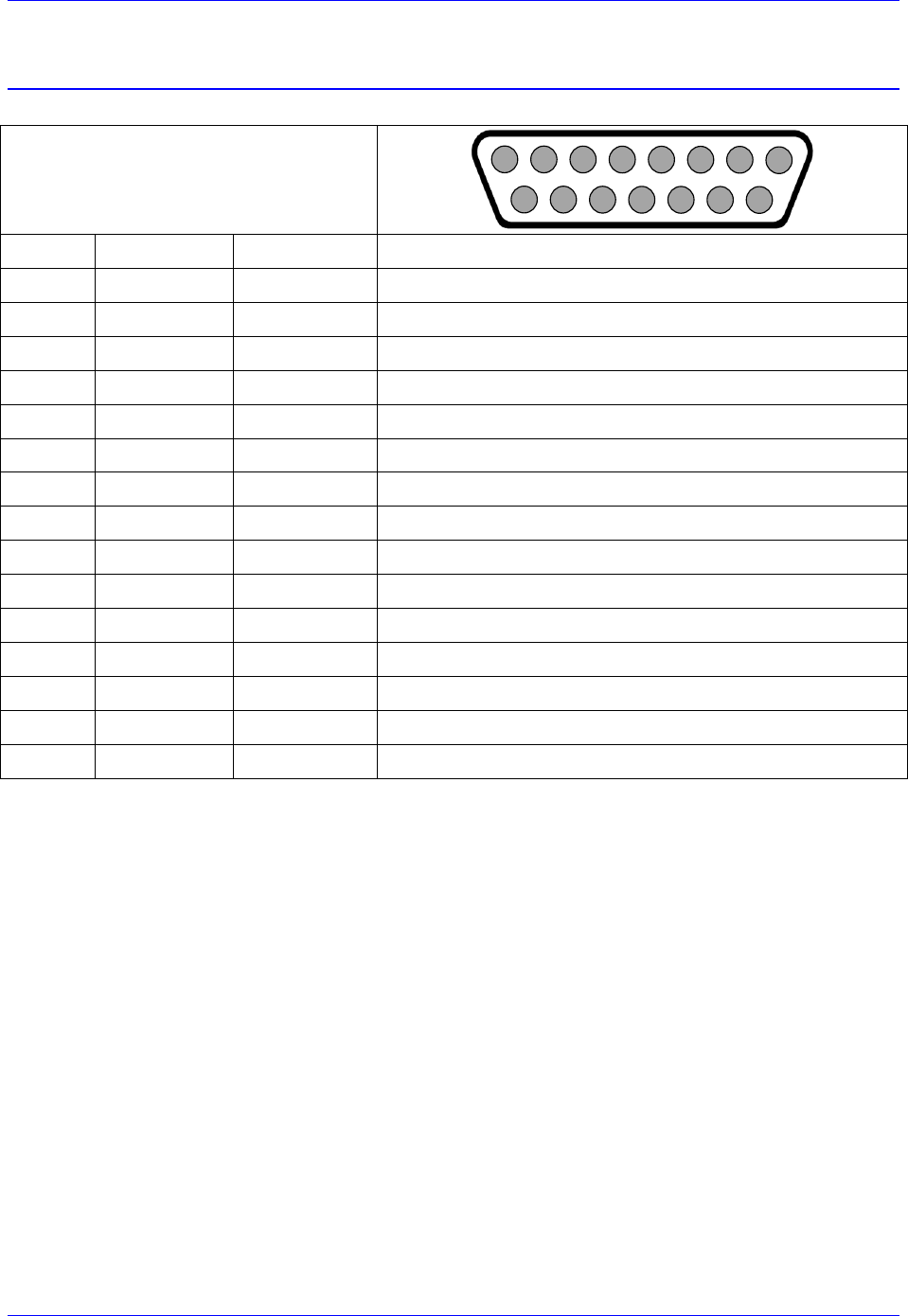
Brick Controller User Manual
PinOuts and Software Setup 30
X1-X8: Encoder Feedback, Sinusoidal
X1-X8: D-sub DA-15F
Mating: D-sub DA-15M
2
3
4
5
6
7
8
9
10
11
12
13
14
15
1
Pin #
Symbol
Function
Notes
1
Sin+
Input
Sine+
2
Cos+
Input
Cosine+
3
CHC+
Input
Index+
4
EncPwr
Output
Encoder Power 5 Volts
5
CHU+
In/Out
U Hall
6
CHW+
In/Out
W Hall
7
2.5 Volts
Output
Reference Power 2.5 volts
8
Unused
9
Sin-
Input
Sine-
10
Cos-
Input
Cosine-
11
CHC-
Input
Index-
12
GND
Common
Common Ground
13
CHV+
In/Out
V Hall
14
CHT+
In/Out
T Hall
15
Unused
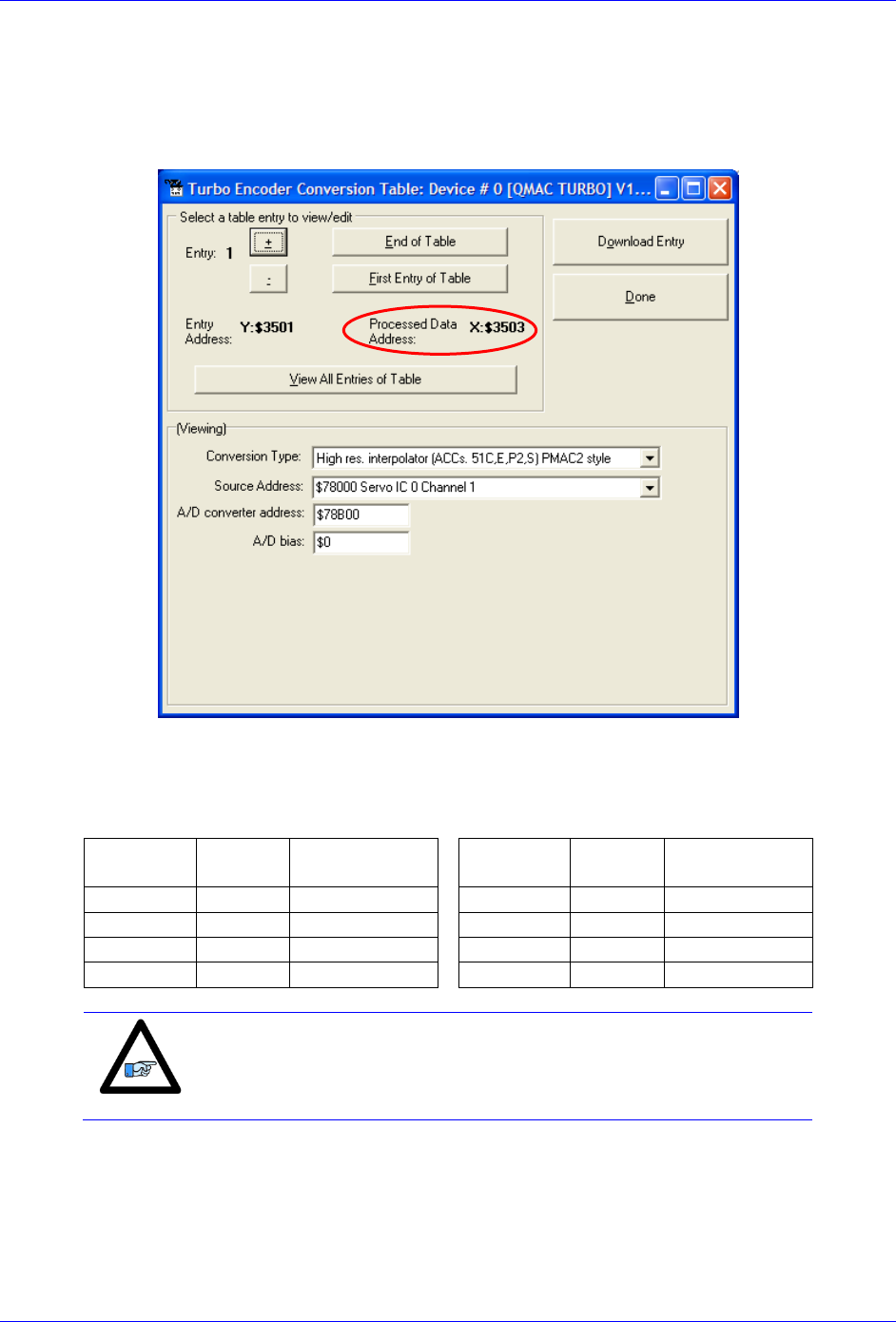
This option allows the Brick Controller to interface directly to up to eight sinusoidal feedback devices.
The high resolution interpolator circuitry accepts inputs from sinusoidal or quasi-sinusoidal encoders (1-
Volt peak to peak) and provides encoder position data. It creates 4,096 steps per sine-wave cycle.
Brick Controller User Manual
PinOuts and Software Setup 31
Setting up Sinusoidal Encoders
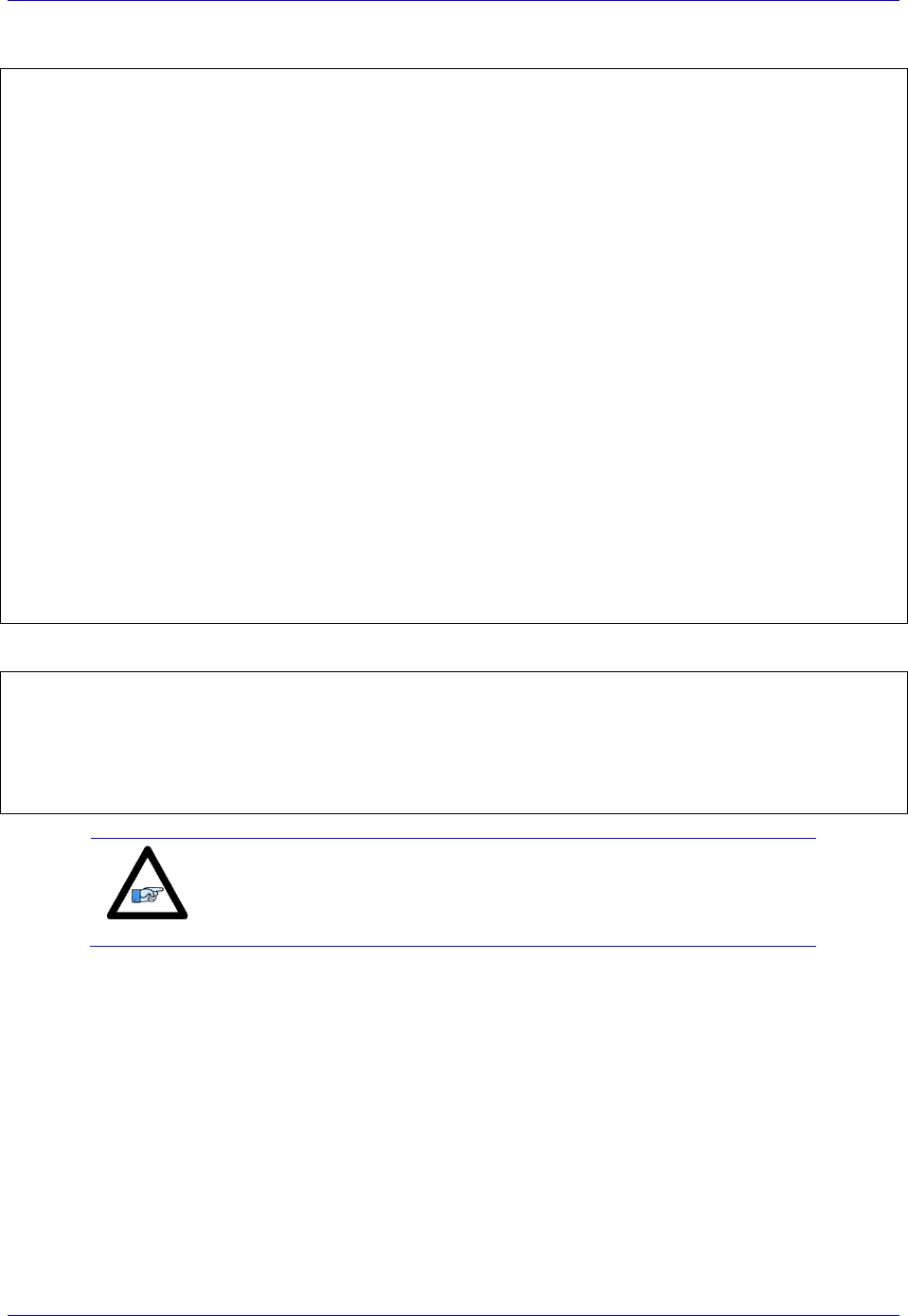
The Sinusoidal position feedback is set up through the Encoder Conversion Table (ECT) as a high
resolution interpolation entry.
Encoder Conversion Table Setup Example, Channel 1
1. Conversion Type: High res. interpolator, PMAC2 Style
2. Enter Source Address (see table below)
3. Enter A/D Converter Address (see table below)
4. A/D Bias: always zero
Channel #
Source
Address
A/D converter
Address
Channel #
Source
Address
A/D converter
Address
1
$78000
$78B00
5
$78100
$78B08
2
$78008
$78B02
6
$78108
$78B0A
3
$78010
$78B04
7
$78110
$78B0C
4
$78018
$78B06
8
$78118
$78B0E
Note
Results are found in the processed data address, which the position
and velocity feedback pointers (Ixx03, Ixx04) are usually assigned to.
Brick Controller User Manual
PinOuts and Software Setup 32
The equivalent Turbo PMAC script code for 8-channel entries
// Channel 1
I8000=$FF8000 ; High resolution interpolator
I8001=$078B00 ; A/D converter address
I8002=$000000 ; Bias Term and Entry result
// Channel 2
I8003=$FF8008 ; High resolution interpolator
I8004=$078B02 ; A/D converter address
I8005=$000000 ; Bias Term and Entry result
// Channel 3
I8006=$FF8010 ; High resolution interpolator
I8007=$078B04 ; A/D converter address
I8008=$000000 ; Bias Term and Entry result
// Channel 4
I8009=$FF8018 ; High resolution interpolator
I8010=$078B06 ; A/D converter address
I8011=$000000 ; Bias Term and Entry result
// Channel 5
I8012=$FF8100 ; High resolution interpolator
I8013=$078B08 ; A/D converter address
I8014=$000000 ; Bias Term and Entry result
// Channel 6
I8015=$FF8108 ; High resolution interpolator
I8016=$078B0A ; A/D converter address
I8017=$000000 ; Bias Term and Entry result
// Channel 7
I8018=$FF8110 ; High resolution interpolator
I8019=$078B0C ; A/D converter address
I8020=$000000 ; Bias Term and Entry result
// Channel 8
I8021=$FF8118 ; High resolution interpolator
I8022=$078B0E ; A/D converter address
I8023=$000000 ; Bias Term and Entry result
Position and Velocity feedback pointers should now be set to the corresponding ECT result:
I103=$3503 I104=$3503
I203=$3506 I204=$3506
I303=$3509 I304=$3509
I403=$350C I404=$350C
I503=$350F I504=$350F
I603=$3512 I604=$3512
I703=$3515 I704=$3515
I803=$3518 I804=$3518
Note
At this point of the setup, you should be able to move the
motor/encoder shaft by hand and see ‘motor’ counts in the position
window.
Counts per User Units
With the interpolation of x 4096 in Turbo PMAC, there are 128 (4096/32) motor counts per sine/cosine
cycles. Motor counts can be monitored in the motor position window upon moving the motor by hand.
Examples:
A 1024 Sine/Cosine periods per revolution of a rotary encoder produces 1024 x 128 = 131,072 cts/rev.
A 20 μm linear encoder resolution produces 128/0.02 = 6400 cts/mm.

Brick Controller User Manual
PinOuts and Software Setup 33
Encoder Count Error (Mxx18)
The Brick Controller has an encoder count error detection feature. If both the A and B channels of the
quadrature encoder change state at the decode circuitry (post-filter) in the same hardware sampling clock
(SCLK) cycle, an unrecoverable error to the counter value will result (lost counts). Suggested M-Variable
Mxx18 for this channel is then set and latched to 1 (until reset or cleared). The three most common root
causes of this error:
- Real encoder hardware problem
- Trying to move the encoder (motor) faster than it’s specification
- Using an extremely high resolution/speed encoder. This may require increasing the SCLK
The default sampling clock in the Brick Controller is ~ 10MHz, which is acceptable for virtually all
applications. A setting of I7m03 of 2257 (from default of 2258) sets the sampling clock SCLK at about
~20MHz. It can be increased to up to ~40 MHz.
Note
No automatic action is taken by the Brick Controller if the encoder
count error bit is set.
Brick Controller User Manual
PinOuts and Software Setup 34
Encoder Loss Detection, Sinusoidal
Encoder loss detection with Sinusoidal encoders can be performed using the encoder conversion table.
The ECT can be set up to compute the sum of the squares of the sine and cosine terms (including user
introduced biases). Using channel #1, the encoder conversion table (5-line entry) for computing the sum
of the squares would look like:
I8024 = $F78B00 ; Diagnostic entry for sinusoidal encoder(s)
I8025 = $100000 ; Bit 0 is 0 to compute sum of the squares
I8026 = $0 ; Active Sine/Cosine Bias Corrections
I8027 = $0 ;
I8028 = $0 ; Sum of the squares result
The result (@ $351D for example) corresponds to:
(SineADC + SineBias)2 + (CosineADC + CosineBias)2
This term can be monitored to check for loss of the encoder. If the inputs are no longer driven externally,
for example because the cable has come undone, the positive and negative input pair to the ADC will pull
to substantially the same voltage, and the output of the ADC will be a very small number, resulting in a
small magnitude of the sum of squares in at least part of the cycle. (If both signals cease to be driven
externally, the sum of squares will be small over the entire cycle). The high four bits (bits 20 – 23) of the
sum-of-squares result can be monitored, and if the four-bit value goes to 0, it can be concluded that the
encoder has been “lost”, and the motor should be “killed”.
The 4-bit value can be obtained as follows:
#define Mtr1EncLoss M180 ; Motor#1 Encoder Loss Status
Mtr1EncLoss->X:$351D,20,4 ; Upper 4 bits of the sum of the squares
Caution
Appropriate action (user-written plc) needs to be implemented when
an encoder loss is encountered. To avoid a runaway, an immediate
Kill of the motor/encoder in question is strongly advised.
No automatic firmware (Geo Brick) action is taken upon detection of encoder(s) loss; it is the user’s
responsibility to perform the necessary action to make the application safe under these conditions. Killing
the motor/encoder in question is the safest action possible, and strongly recommended to avoid a
runaway, and machine damage. Also, the user should decide the action to be taken (if any) for the other
motors in the system.
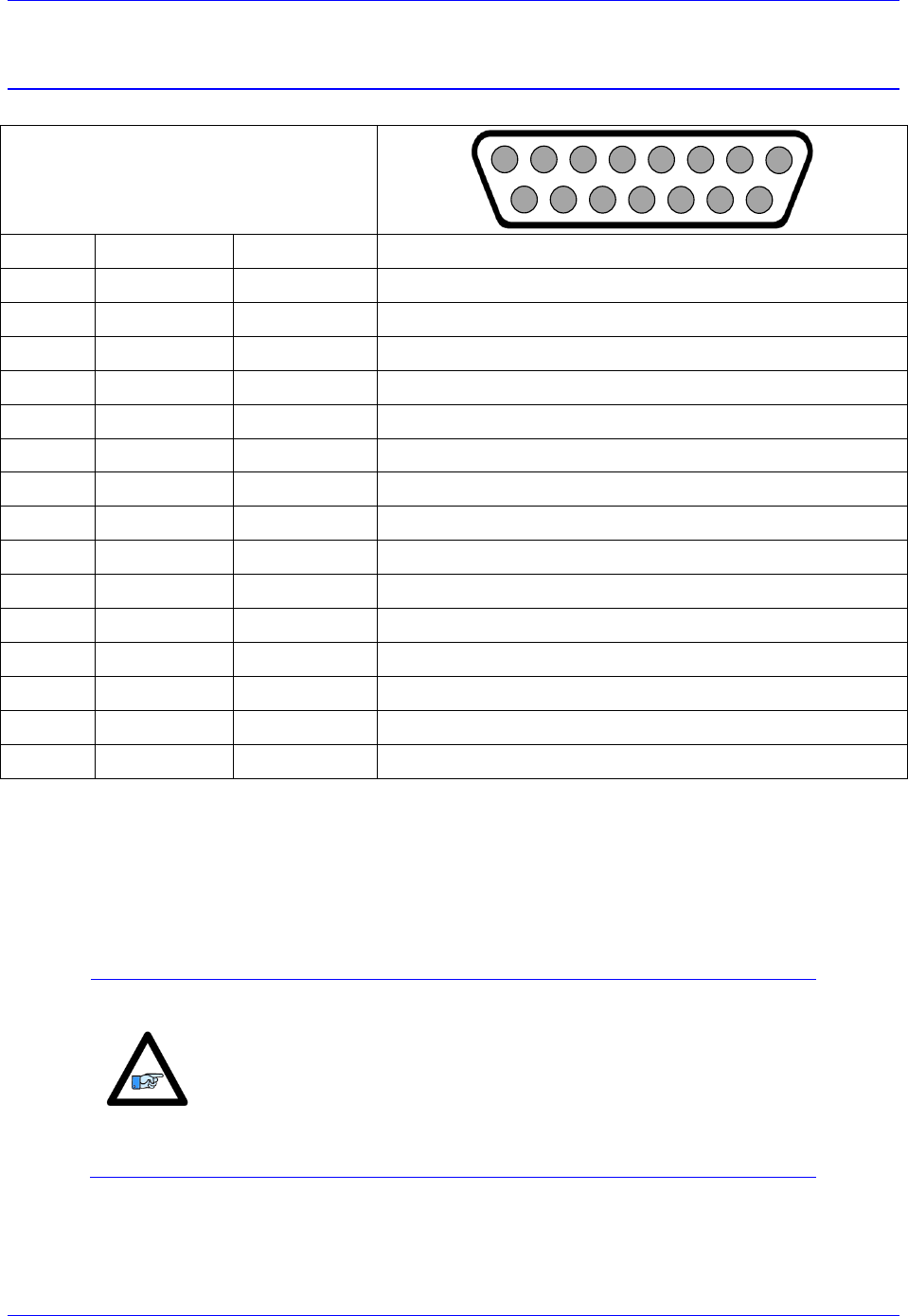
Brick Controller User Manual
PinOuts and Software Setup 35
X1-X8: Encoder Feedback, Resolver
X1-X8: D-sub DA-15F
Mating: D-sub DA-15M
2
3
4
5
6
7
8
9
10
11
12
13
14
15
1
Pin #
Symbol
Function
Notes
1
Sin+
Input
Sine+
2
Cos+
Input
Cosine+
3
CHC+
Input
Index+
4
EncPwr
Output
Encoder Power 5 Volts
5
6
7
2.5 Volts
Output
Reference Power 2.5 volts
8
9
Sin-
Input
Sine-
10
Cos-
Input
Cosine-
11
CHC-
Input
Index-
12
GND
Common
Common Ground
13
14
15
ResOut
Output
Resolver Excitation Output
This option allows the Brick to connect to up to eight Resolver feedback devices.
Setting up Resolvers
The Resolver data sampling is done at phase rate, and processed in the encoder conversion table. The
commutation (occurring at phase rate) position is retrieved from the Encoder Conversion Table which is
normally read at Servo rate. Thus, the Servo and Phase cycles have to be at the same rate.
Note
Use an encoder cable with high quality shield. Connect the
shield to chassis ground, and use ferrite core in noise sensitive
environment if deemed necessary.
It is essential to set the Servo clock the same as the Phase
Clock in Resolver applications. This will greatly reduce noise.
The Servo Cycle Extension Period (Ixx60) can be used to
lower the CPU load and avoid quantization errors through the
PID loop at high Servo rates.
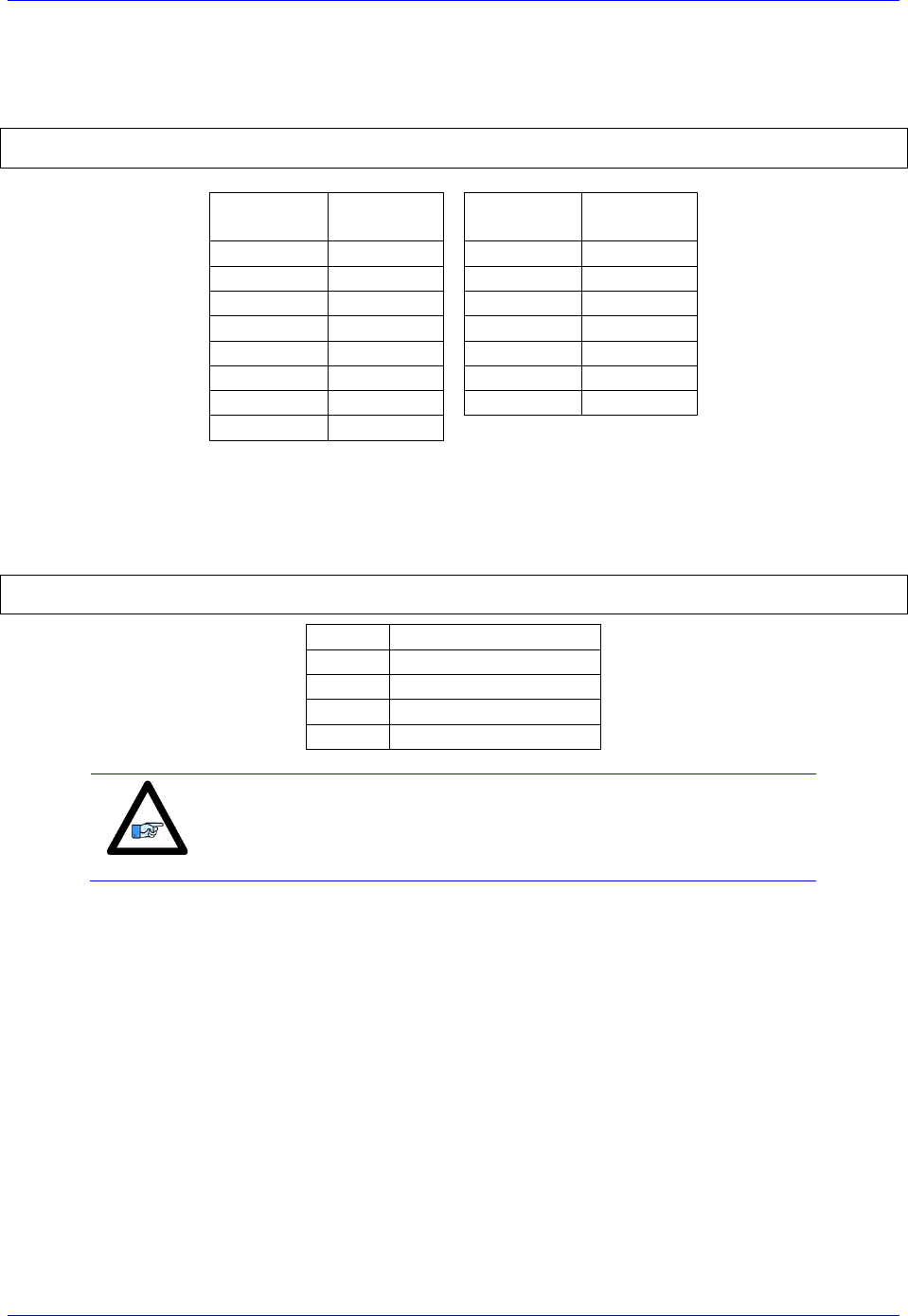
Brick Controller User Manual
PinOuts and Software Setup 36
Resolver Excitation Magnitude
Revolvers’ excitation magnitude is a global setting used for all available Resolver channels. It has 15
possible settings:
#define ResExcMag M8000 ; Resolver Excitation Magnitude MACRO definition
ResExcMag->Y:$78B11,0,4 ; Resolver Excitation Magnitude register
Excitation
Magnitude
Peak-Peak
[Volts]
Excitation
Magnitude
Peak-Peak
[Volts]
1
1.6
9
8.5
2
2.5
10
9.5
3
3.3
11
10.4
4
4.2
12
11.3
5
5.0
13
12
6
6.0
14
13
7
6.9
15
14
8
7.7
Resolver Excitation Frequency
The Resolvers’ excitation frequency is divided from the Phase clock and is setup to be the same as but not
greater than the Resolvers’ excitation frequency specification. The Resolver excitation frequency is a
global setting used for all available Resolver channels, it has 4 possible settings:
#define ResExcFreq M8001 ; Resolver Excitation Frequency MACRO definition
ResExcFreq->Y:$78B13,0,4 ; Resolver Excitation Frequency register
Setting
Excitation Frequency
0
Phase Clock/1
1
Phase Clock/2
2
Phase Clock/4
3
Phase Clock/6
Note
The Resolver Excitation Magnitude and Frequency need to be
executed once on power-up.
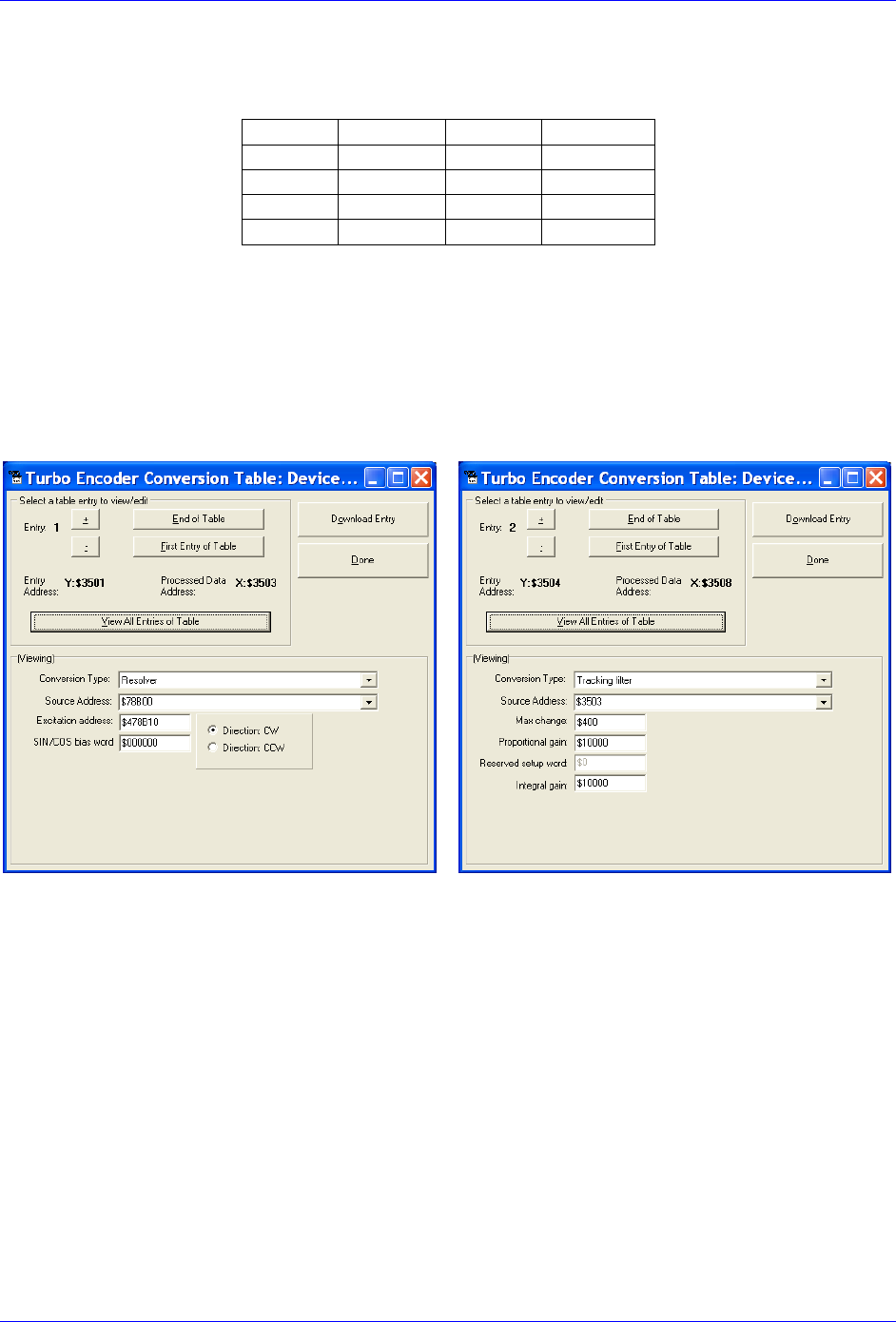
Brick Controller User Manual
PinOuts and Software Setup 37
Resolver Data Registers
The Resolver raw data is found in the Resolver Data registers
Channel
Register
Channel
Register
1
Y:$78B00
5
Y:$78B08
2
Y:$78B02
6
Y:$78B0A
3
Y:$78B04
7
Y:$78B0C
4
Y:$78B06
8
Y:$78B0E
Encoder Conversion Table Processing
A dedicated 3-line Encoder Conversion Table entry is used for Resolver feedback.
Due to the noisy nature of Resolvers, implementing a tracking filter to the result is highly recommended.
The Pewin32Pro2 software provides with an automatic encoder conversion table utility that can be used
to implement both the Resolver entry and Tracking Filter. Under Configure>Encoder Conversion Table:
Channel 1 Resolver Setup Example
Resolver Entry
Tracking Filter
Steps:
1. Choose Resolver from Conversion
Type pull-down menu.
2. Enter Source Address. See Resolver Data
Registers table above.
3. Enter Excitation Address
$4 Source address+$10
4. Download Entry.
5. Record Processed Data Address
$3503 for channel 1.
6. Move up to the next Entry
7. Choose Tracking from Conversion Type
pull-down menu.
8. Enter Source address. This is the result
recorded in step5.
9. Download Entry
10. Record Processed Data Address. This is the
source for position Ixx03 and velocity
Ixx04 feedback pointers.

Brick Controller User Manual
PinOuts and Software Setup 38
Calculating The Tracking Filter Gains
The tracking filter gains are system dependent, and need to be fine-tuned. This can be done by gathering
and plotting filtered versus unfiltered data while moving the motor shaft manually. Best case scenario is
super-imposing the filtered data on top of the unfiltered with minimum ripple and overshoot.
The empirical equations for the filter’s proportional and integral gains (usually acceptable most
applications) present a good starting point: Ff: Filter Frequency (Hz)
Sf: Servo Frequency (Hz)
Motors 1-8 Resolver Encoder Conversion Table Setup Example
// Channel 1
I8000= $F78B00 ; Resolver Counter Clockwise
I8001= $478B10 ; Excitation address
I8002= $000000 ; SIN/COS Bias word
I8003=$D83503 ; Tracking filter from conversion location $3503
I8004=$400 ; Maximum change in counts/cycle
I8005=$80000 ; Proportional gain
I8006=$0 ; Reserved setup word
I8007=$1 ; Integral gain
// Channel 2
I8008=$F78B02 ; Resolver Counter Clockwise
I8009=$478B10 ; Excitation address
I8010=$000000 ; SIN/COS Bias word
I8011=$D8350B ; Tracking filter from conversion location $350B
I8012=$400 ; Maximum change in counts/cycle
I8013=$80000 ; Proportional gain
I8014=$0 ; Reserved setup word
I8015=$1 ; Integral gain
// Channel 3
I8016=$F78B04 ; Resolver Counter Clockwise
I8017=$478B10 ; Excitation address
I8018=$000000 ; SIN/COS Bias word
I8019=$D83513 ; Tracking filter from conversion location $3513
I8020=$400 ; Maximum change in counts/cycle
I8021=$80000 ; Proportional gain
I8022=$0 ; Reserved setup word
I8023=$1 ; Integral gain
// Channel 4
I8024=$F78B06 ; Resolver Counter Clockwise
I8025=$478B10 ; Excitation address
I8026=$000000 ; SIN/COS Bias word
I8027=$D8351B ; Tracking filter from conversion location $351B
I8028=$400 ; Maximum change in counts/cycle
I8029=$80000 ; Proportional gain
I8030=$0 ; Reserved setup word
I8031=$1 ; Integral gain
// Channel 5
I8032=$F78B08 ; Resolver Counter Clockwise
I8033=$478B10 ; Excitation address
I8034=$000000 ; SIN/COS Bias word
I8035=$D83523 ; Tracking filter from conversion location $3523
I8036=$400 ; Maximum change in counts/cycle
I8037=$80000 ; Proportional gain
I8038=$0 ; Reserved setup word
I8039=$1 ; Integral gain
// Channel 6
I8040=$F78B0A ; Resolver Counter Clockwise
I8041=$478B10 ; Excitation address
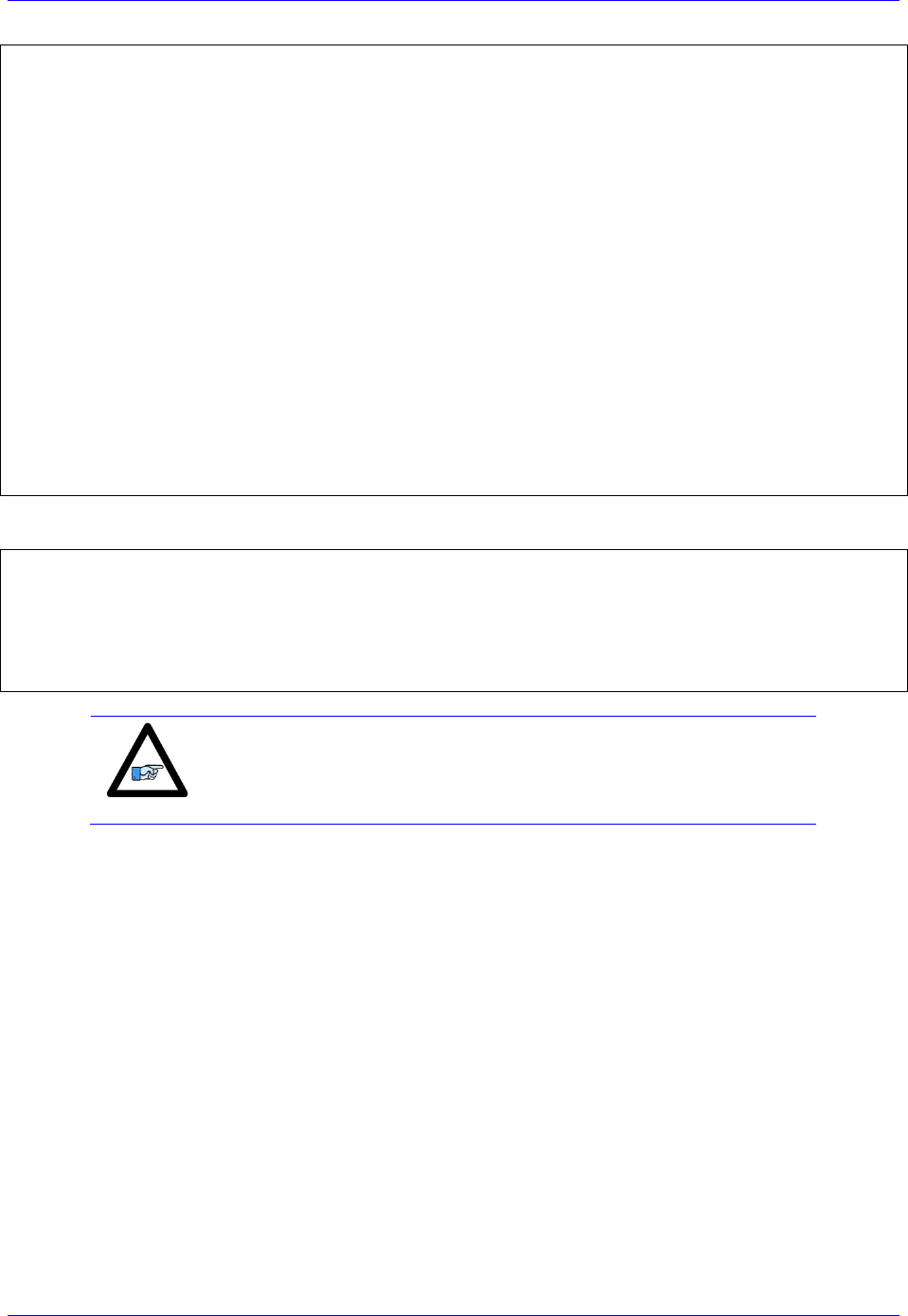
Brick Controller User Manual
PinOuts and Software Setup 39
I8042=$000000 ; SIN/COS Bias word
I8043=$D8352B ; Tracking filter from conversion location $352B
I8044=$400 ; Maximum change in counts/cycle
I8045=$80000 ; Proportional gain
I8046=$0 ; Reserved setup word
I8047=$1 ; Integral gain
// Channel 7
I8048=$F78B0C ; Resolver Counter Clockwise
I8049=$478B10 ; Excitation address
I8050=$000000 ; SIN/COS Bias word
I8051=$D83533 ; Tracking filter from conversion location $3533
I8052=$400 ; Maximum change in counts/cycle
I8053=$80000 ; Proportional gain
I8054=$0 ; Reserved setup word
I8055=$1 ; Integral gain
// Channel 8
I8056=$F78B0E ; Resolver Counter Clockwise
I8057=$478B10 ; Excitation address
I8058=$000000 ; SIN/COS Bias word
I8059=$D8353B ; Tracking filter from conversion location $353B
I8060=$400 ; Maximum change in counts/cycle
I8061=$80000 ; Proportional gain
I8062=$0 ; Reserved setup word
I8063=$1 ; Integral gain
// End Of Table
I8064=$000000 ; End Of Table
Position, Velocity Feedback Pointers
I103=$3508 I104=$3508
I203=$3510 I204=$3510
I303=$3518 I304=$3518
I403=$3520 I404=$3520
I503=$3528 I504=$3528
I603=$3530 I604=$3530
I703=$3538 I704=$3538
I803=$3540 I804=$3540
Note
At this point of the setup process, you should be able to move the
motor/encoder shaft by hand and see encoder counts in the position
window.

Brick Controller User Manual
PinOuts and Software Setup 40
Resolver Power-On PLC Example
Setting up a resolver with 10V excitation magnitude and 10 KHz excitation frequency:
// Clock Settings: 10KHz Phase & Servo
I7100=5895 ; Servo IC1
I7101=0
I7102=0
I6800=5895 ; MACRO IC0
I6801=0
I6802=0
I7000=5895 ; Servo IC0
I7001=0
I7002=0
I10=838613 ; Servo Time Interrupt
#define ResExcMag M8000 ; Excitation Magnitude
#define ResExcFreq M8001 ; Excitation Frequency
ResExcMag->Y:$78B11,0,4 ; Excitation Magnitude register
ResExcFreq->Y:$78B13,0,4 ; Excitation Frequency register
ResExcMag=11 ;~10 Volts –User Input
ResExcFreq=0 ; = Phase Clock/1 =10 KHz –User Input
// PLC to establish Resolver Magnitude & Frequency on power-up
Open plc 1 clear
ResExcMag=11
ResExcFreq=0
Disable plc 1
Close
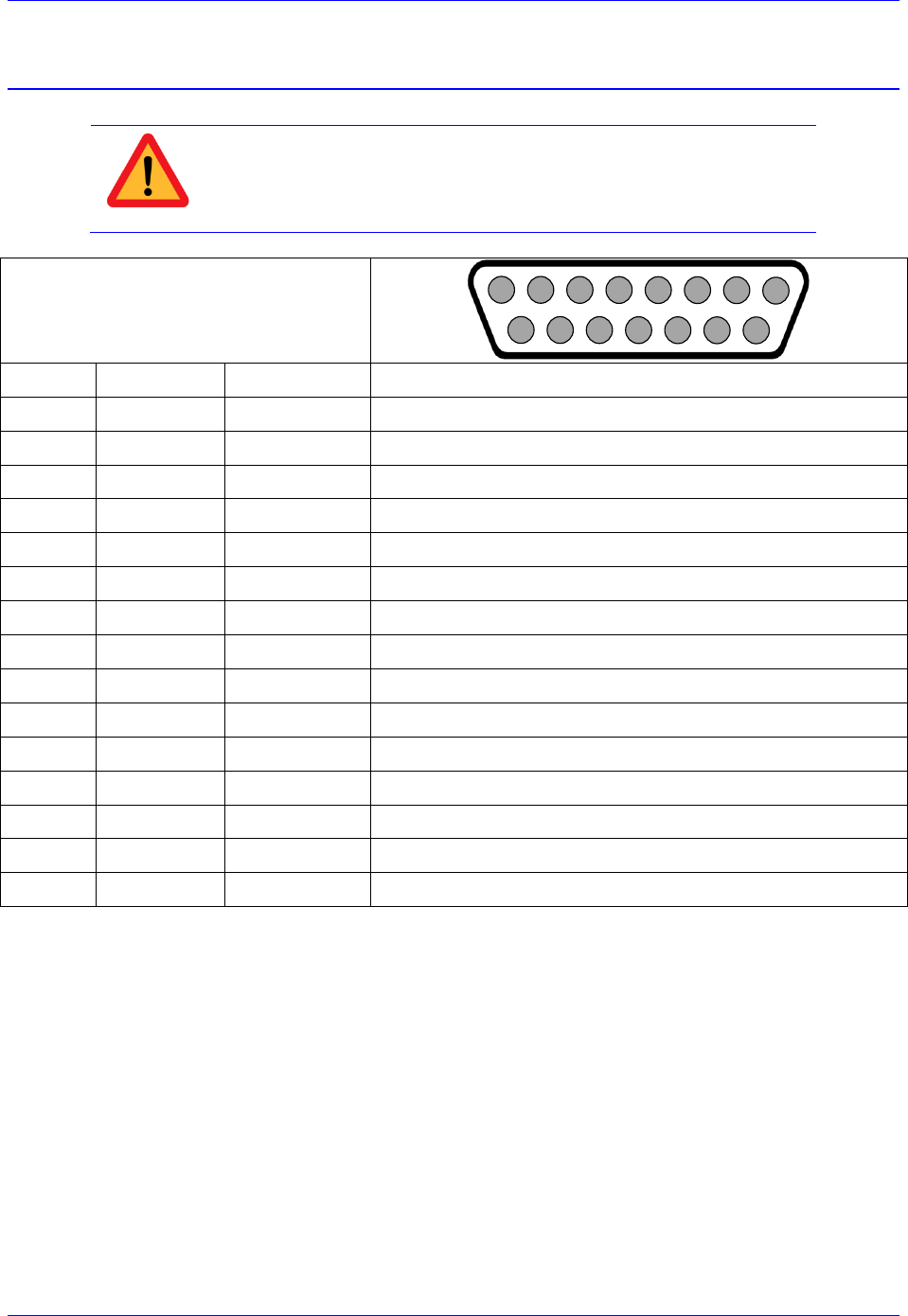
Brick Controller User Manual
PinOuts and Software Setup 41
X1-X8: Encoder Feedback, HiperFace
Caution
The majority of HiperFace devices requires 7-12VDC power. This has
to be supplied externally and NOT wired into the brick unit. Pins#4
and #12 are unused in this case, leave floating.
X1-X8: D-sub DA-15F
Mating: D-Sub DA-15M
2
3
4
5
6
7
8
9
10
11
12
13
14
15
1
Pin #
Symbol
Function
Notes
1
Sin+
Input
Sine+ signal input
2
Cos+
Input
Cosine+ signal input
3
4
EncPwr
Output
+5V encoder power
5
RS485-
Input
Data- Packet
6
7
8
9
SIN-
Sine- signal input
10
COS-
Cosine- signal input
11
12
GND
Common
Common ground
13
14
RS485+
Input
Data+ Packet
15
This option allows the Brick to connect to up to eight HiperFace type feedback devices.
The HiperFace on-going position (sinusoidal data) is processed by the x 4096 interpolator. The encoder
conversion table is setup as a high resolution interpolator 3-line entry similarly to setting up a sinusoidal
encoder. The absolute power-on position (serial data) is computed directly from the raw HiperFace serial
data registers.
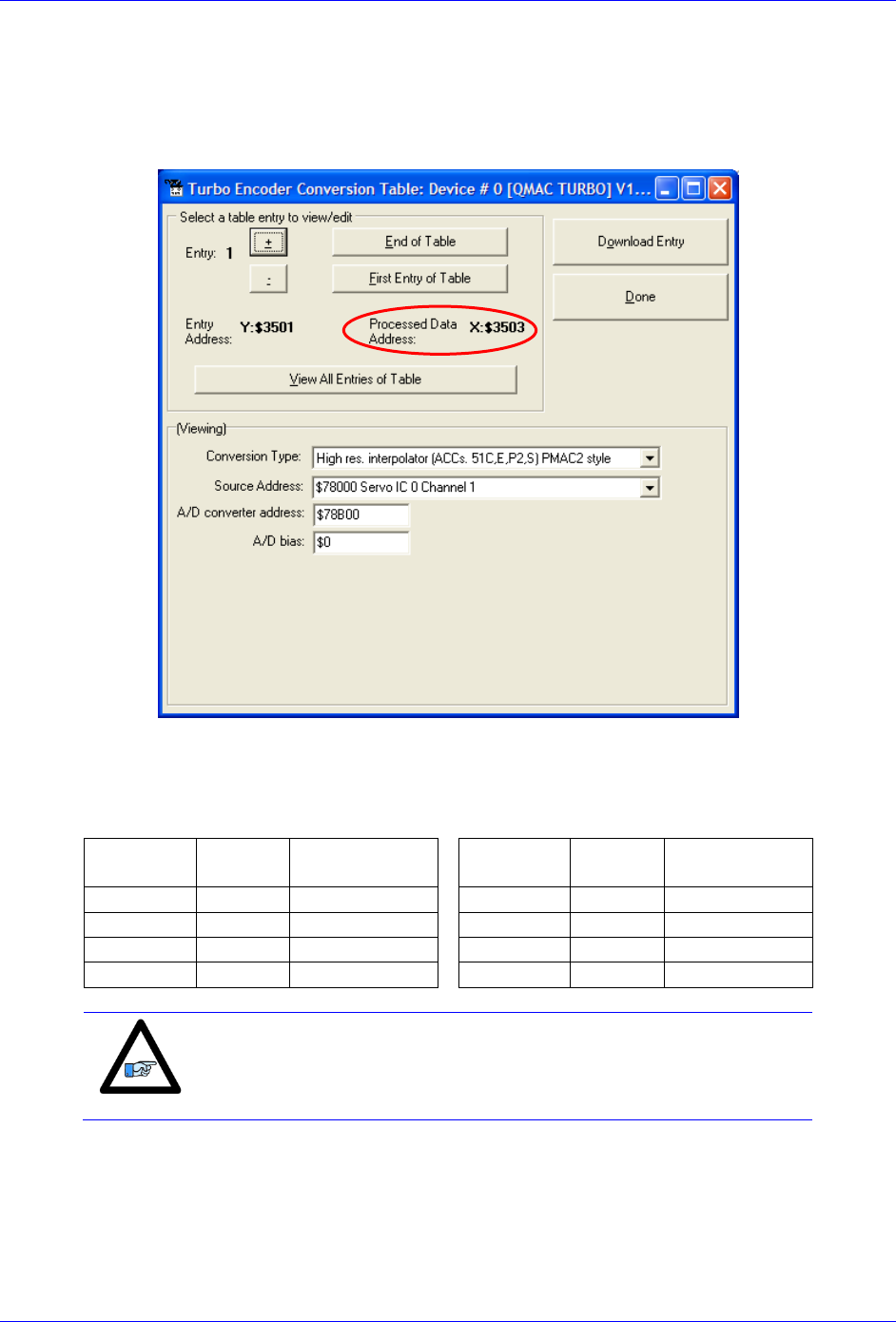
Brick Controller User Manual
PinOuts and Software Setup 42
Setting up HiperFace On-Going Position
The HiperFace on-going position is set up through the Encoder Conversion Table as a high resolution
interpolation entry
Encoder Conversion Table Setup Example, Channel 1
1. Conversion Type: High res. interpolator, PMAC2 Style
2. Enter Source Address (see table below)
3. Enter A/D Converter Address (see table below)
4. A/D Bias: typically =0
Channel #
Source
Address
A/D converter
Address
Channel #
Source
Address
A/D converter
Address
1
$78000
$78B00
5
$78100
$78B08
2
$78008
$78B02
6
$78108
$78B0A
3
$78010
$78B04
7
$78110
$78B0C
4
$78018
$78B06
8
$78118
$78B0E
Note
Results are found in the processed data address, which the position
and velocity feedback pointers (Ixx03, Ixx04) are usually pointed to.
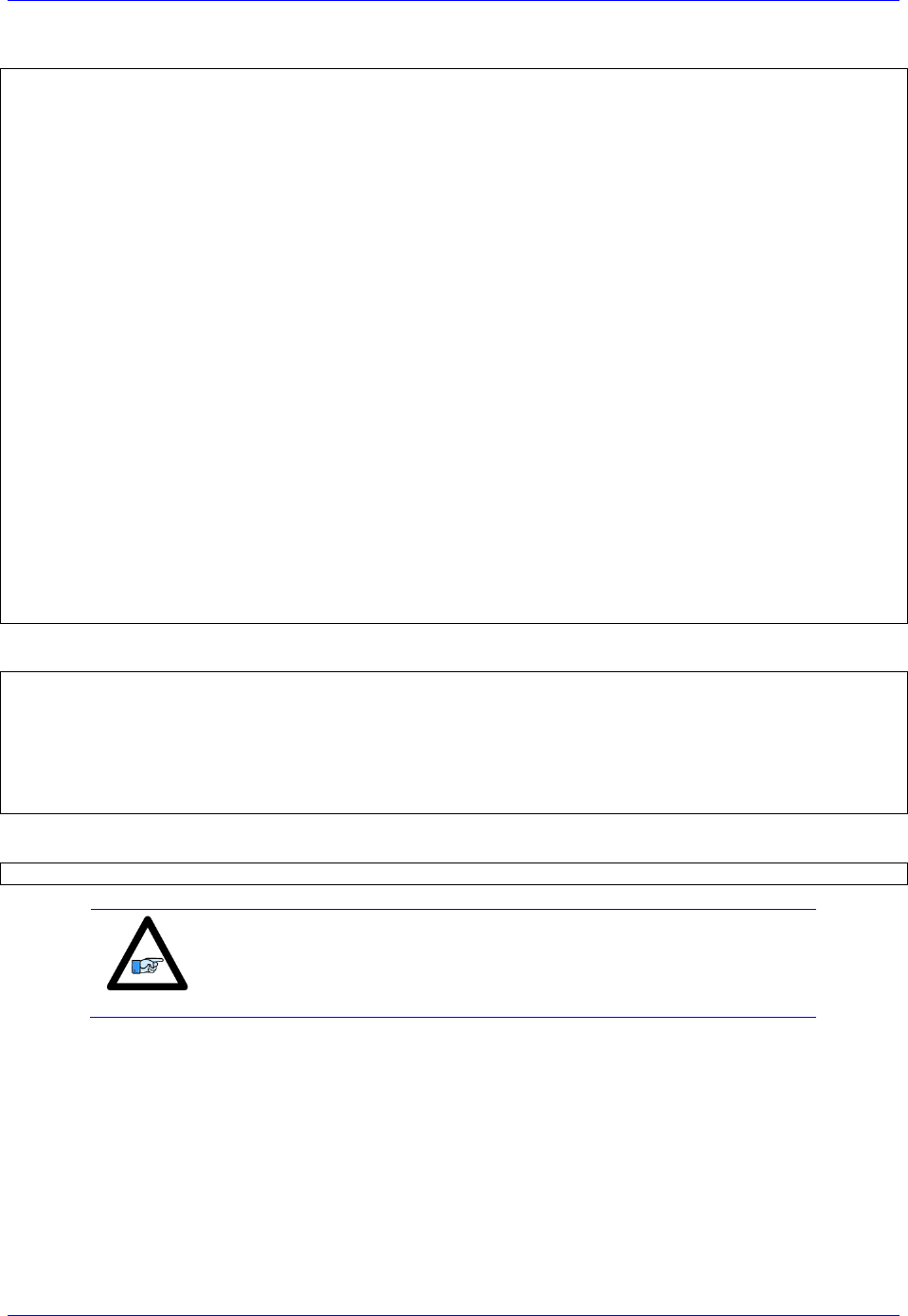
Brick Controller User Manual
PinOuts and Software Setup 43
And the equivalent Turbo PMAC code for setting up all 8 channels:
// Channel 1
I8000=$FF8000 ; High resolution interpolator entry, $78000
I8001=$078B00 ; A/D converter address, $78B00
I8002=$000000 ; Bias Term and Entry result at $3503
// Channel 2
I8003=$FF8008 ; High resolution interpolator entry, $78008
I8004=$078B02 ; A/D converter address, $78B02
I8005=$000000 ; Bias Term and Entry result at $3506
// Channel 3
I8006=$FF8010 ; High resolution interpolator entry, $78010
I8007=$078B04 ; A/D converter address, $78B04
I8008=$000000 ; Bias Term and Entry result at $3509
// Channel 4
I8009=$FF8018 ; High resolution interpolator entry, $78018
I8010=$078B06 ; A/D converter address, $78B06
I8011=$000000 ; Bias Term and Entry result at $350C
// Channel 5
I8012=$FF8100 ; High resolution interpolator entry, $78100
I8013=$078B08 ; A/D converter address, $78B08
I8014=$000000 ; Bias Term and Entry result at $350F
// Channel 6
I8015=$FF8108 ; High resolution interpolator entry, $78108
I8016=$078B0A ; A/D converter address, $78B0A
I8017=$000000 ; Bias Term and Entry result at $3512
// Channel 7
I8018=$FF8110 ; High resolution interpolator entry, $78110
I8019=$078B0C ; A/D converter address, $78B0C
I8020=$000000 ; Bias Term and Entry result at $3515
// Channel 8
I8021=$FF8118 ; High resolution interpolator entry, $78118
I8022=$078B0E ; A/D converter address, $78B0E
I8023=$000000 ; Bias Term and Entry result at $3518
Now, the position and velocity pointers are assigned to the corresponding processed data register:
I103=$3503 I104=$3503 ; Motor #1 Position and Velocity feedback address
I203=$3506 I204=$3506 ; Motor #2 Position and Velocity feedback address
I303=$3509 I304=$3509 ; Motor #3 Position and Velocity feedback address
I403=$350C I404=$350C ; Motor #4 Position and Velocity feedback address
I503=$350F I504=$350F ; Motor #5 Position and Velocity feedback address
I603=$3512 I604=$3512 ; Motor #6 Position and Velocity feedback address
I703=$3515 I704=$3515 ; Motor #7 Position and Velocity feedback address
I803=$3518 I804=$3518 ; Motor #8 Position and Velocity feedback address
Channel Activation
I100,8,100=1 ; Motors 1-8 activated
Note
At this point of the setup process, you should be able to move the
motor/encoder shaft by hand and see encoder counts in the position
window.
Counts Per Revolution:
With the interpolation of x 4096 in Turbo PMAC, there are 128 (4096/32) motor counts per sine/cosine
cycles. Motor counts can be monitored in the motor position window upon moving the motor by hand.
Examples:
A 1024 Sine/Cosine periods per revolution rotary encoder produces 1024 x 128 = 131,072 cts/rev.
A 20 μm resolution linear encoder produces 128/0.02 = 6400 cts/mm.

Brick Controller User Manual
PinOuts and Software Setup 44
Setting up HiperFace Absolute Power-On Position
Setting up the absolute position read with HiperFace requires the programming of two essential control
registers:
Global Control Registers
Channel Control Registers
The resulting data is found in:
HiperFace Data Registers
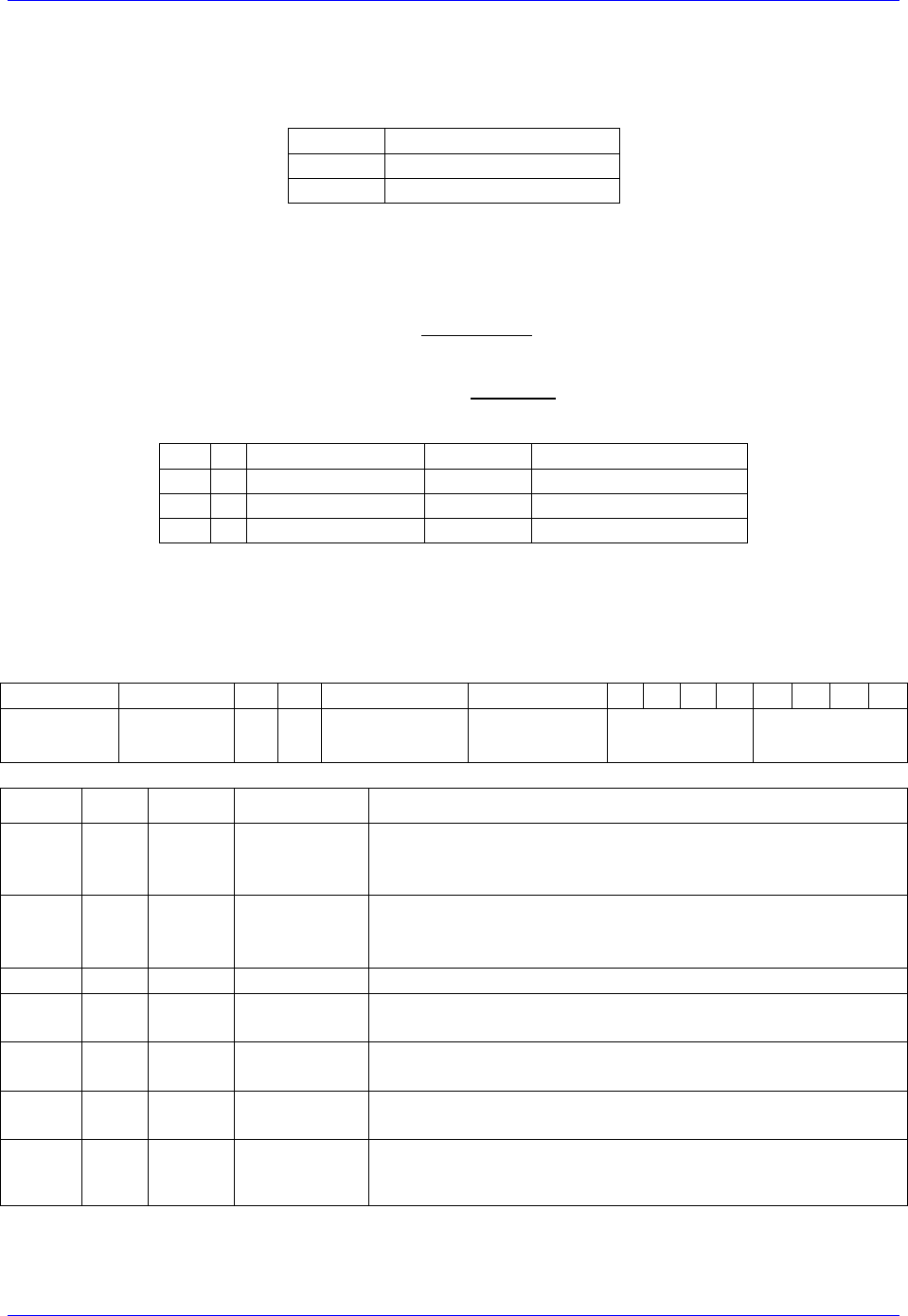
Brick Controller User Manual
PinOuts and Software Setup 45
Global Control Registers
X:$78BnF (default value: $812004) where n=2 for axes 1-4
n=3 for axes 5-8
Global Control Register
Axes 1-4
X:$78B2F
Axes 5-8
X:$78B3F
The Global Control register is used to program the serial encoder interface clock frequency SER_Clock
and configure the serial encoder interface trigger clock. SER_Clock is generated from a two-stage divider
clocked at 100 MHz as follows:
M
N
SER_Clock [KHz]
Baud Rate
Global Register Setting
129
2
192.30
9600
$812004
129
3
96.15
4800
$813004
129
1
394.61
19200
$812004
Default Settings: M=129, N=2
There are two external trigger sources; phase and servo. Bits [9:8] in the Global Control register are used
to select the source and active edge to use as the internal serial encoder trigger. The internal trigger is
used by all four channels to initiate communication with the encoder. To compensate for external system
delays, this trigger has a programmable 4-bit delay setting in 20 μsec increments.
23--16
15--12
11
10
9
8
7
6
5
4
3
2
1
0
M_Divisor
N_Divisor
Trigger Clock
Trigger Edge
Trigger Delay
Protocol Code
Bit
Type
Default
Name
Description
[23:16]
R/W
0x81
M_Divisor
Intermediate clock frequency for SER_Clock. The
intermediate clock is generated from a (M+1) divider clocked
at 100 MHz.
[15:12]
R/W
0x2
N_Divisor
Final clock frequency for SER_Clock. The final clock is
generated from a
N
2
divider clocked by the intermediate
clock.
[11:10]
R
00
Reserved
Reserved and always reads zero.
[09]
R/W
0
TriggerClock
Trigger clock select
= 0 Phase Clock
= 1 Servo Clock
[08]
R/W
0
TriggerEdge
Active clock edge select
= 0 Rising edge
= 1 Falling edge
[07:04]
R/W
0x0
TriggerDelay
Trigger delay program relative to the active edge of the
trigger clock. Units are in increments of 20 usec.
[03:00]
R
0x4
ProtocolCode
This read-only bit field is used to read the serial encoder interface
protocol supported by the FPGA. A value of $4 defines this
protocol as HiperFace.
Brick Controller User Manual
PinOuts and Software Setup 46
Channel Control Registers
X:$78Bn0, X:$78Bn4, X:$78Bn8, X:$78BnC where: n=2 for axes 1-4
n=3 for axes 5-8
Channel 1
X:$78B20
Channel 5
X:$78B30
Channel 2
X:$78B24
Channel 6
X:$78B34
Channel 3
X:$78B28
Channel 7
X:$78B38
Channel 4
X:$78B2C
Channel 8
X:$78B3C
Each channel has its own Serial Encoder Command Control Register defining functionality parameters.
Parameters such as setting the number of position bits in the serial bit stream, enabling/disabling channels
through the SENC_MODE (when this bit is cleared, the serial encoder pins of that channel are tri-stated),
enabling/disabling communication with the encoder using the trigger control bit. An 8-bit mode command
is required for encoder communication. Currently, three HiperFace commands are supported; read
encoder position ($42), read encoder status ($50) and Reset encoder($53).
[23:16]
[15:14]
13
12
11
10
[9:8]
[7:0]
Command
Code
Trigger
Mode
Trigger
Enable
Rxdataready
SencMode
Encoder
Address
Bit
Type
Default
Name
Description
[23:16]
W
0x42
Command
Code
$42 – Read Encoder Position
$50 – Read Encoder Status
$53 – Reset Encoder
[15:14]
0
Reserved
Reserved and always reads zero.
[13]
R/W
0
Trigger Mode
Trigger Mode to initiate communication:
0= continuous trigger
1= one-shot trigger - for HiperFace
All triggers occur at the defined Phase/Servo clock edge and
delay setting. Due to HiperFace protocol speed limitation,
only one-shot trigger mode is used.
[12]
R/W
1
Trigger Enable
0= disabled
1= enabled
This bit must be set for either trigger mode. If the Trigger
Mode bit is set for one-shot mode, the hardware will
automatically clear this bit after the trigger occurs.
[11]
0
Reserved
Reserved and always reads zero.
[10]
R
0
RxData Ready
This read-only bit provides the received data status. It is low
while the interface logic is communicating (busy) with the
serial encoder. It is high when all the data has been received
and processed.
W
1
SENC_MODE
This write-only bit is used to enable the output drivers for
the SENC_SDO, SENC_CLK, SENC_ENA pins for each
respective channel.
[09:08]
0x00
Reserved
Reserved and always reads zero.
[07:00]
R/W
0xFF
Encoder
address
This bit field is normally used to define the encoder address
transmitted with each command. Delta Tau does not support
multiple encoders per channel; a value of $FF sends a
general broadcast.
Brick Controller User Manual
PinOuts and Software Setup 47
HiperFace Data Registers
The HiperFace absolute power-on data is conveyed into 4 memory locations; Serial Encoder Data A, B,
C, and D.
The Serial Encoder Data A register holds the 24 bits of the encoder position data. If the data exceeds the
24 available bits in this register, the upper overflow bits are LSB justified and readable in the Serial
Encoder Data B, which also holds status and error bits. Serial Encoder Data C, and D registers are
reserved and always read zero.
HiperFace Data B
HiperFace Data A
23
22
21
20
[19:16]
[07:0]
[23:0]
TimeOut
Error
CheckSum
Error
Parity
Error
Error
Bit
Position Data [31:24]
Position Data [23:0]
HiperFace Serial Data A
HiperFace Serial Data B
Channel 1
Y:$78B20
Y:$78B21
Channel 2
Y:$78B24
Y:$78B25
Channel 3
Y:$78B28
Y:$78B29
Channel 4
Y:$78B2C
Y:$78B2D
Channel 5
Y:$78B30
Y:$78B31
Channel 6
Y:$78B34
Y:$78B35
Channel 7
Y:$78B38
Y:$78B39
Channel 8
Y:$78B3C
Y:$78B3D
Data Registers C and D are listed here for future use and documentation purposes only. They do not
pertain to the HiperFace setup and always read zero.
HiperFace Serial Data C
HiperFace Serial Data D
Channel 1
Y:$78B22
Y:$78B23
Channel 2
Y:$78B26
Y:$78B27
Channel 3
Y:$78B2A
Y:$78B28
Channel 4
Y:$78B2E
Y:$78B2F
Channel 5
Y:$78B32
Y:$78B33
Channel 6
Y:$78B36
Y:$78B37
Channel 7
Y:$78B3A
Y:$78B38
Channel 8
Y:$78B3E
Y:$78B3F
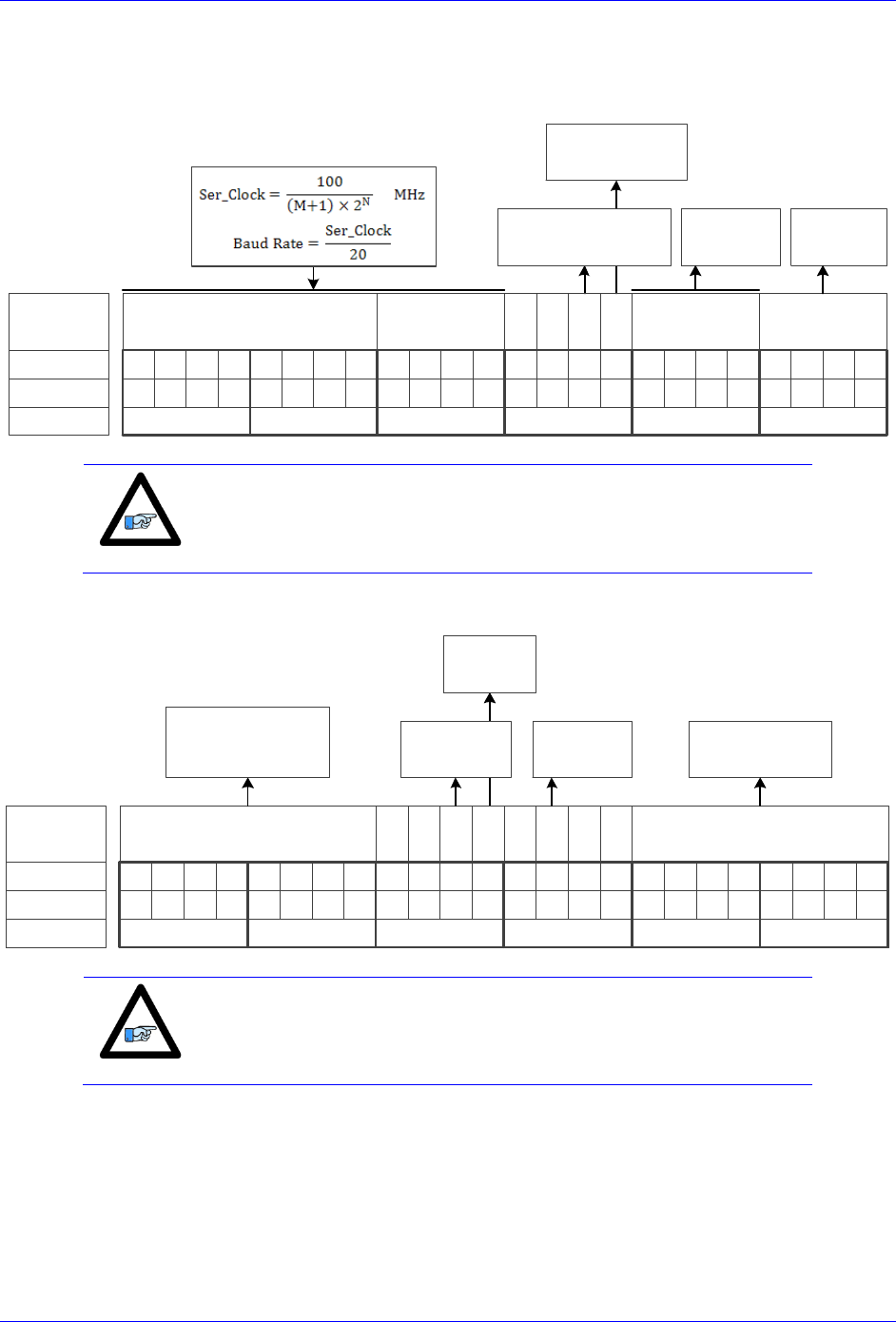
Brick Controller User Manual
PinOuts and Software Setup 48
Setting up HiperFace Encoders Example
An 8-axis Brick Controller is connected to eight HiperFace encoders, serial data is programmed to 9600
(M=129, N=2) baud rate for all eight channels:
M Divisor
Bit #:
Description:
Binary:
23 22 21 20 19 18 17 16 15 14 13 12 11 10 9 8 7 6 5 4 3 2 1 0
N Divisor Trigger Delay Protocol
=0 Rising Edge
=1 Falling Edge
Typically =0
=0 Trigger on Phase
=1 Trigger on Servo
$4 for
HiperFace
0 0
Hex ($):
100000010010000000000100
812004
clock
Edge
Note
The only user configurable HiperFace Global Control field is the baud
rate (M and N divisors).
The channel control registers are programmed to read position ($42):
Bit #:
Description:
Binary:
23 22 21 20 19 18 17 16 15 14 13 12 11 10 9 8 7 6 5 4 3 2 1 0
Encoder Address
Hex ($):
010000100011010011111111
423 4 F F
Command code 0 0
Trigger
Mode
Trigger
Enable
0
Senc
Mode
0 0
= $42 Read position
= $50 Encoder Status
= $53 Reset Encoder
=0 Continuous
=1 One shot
=0 Disabled
=1 Enabled
=0 Disabled
=1 Enabled
Always $FF for
General Broadcast
Note
The only user configurable HiperFace Channel Control field is
the command code: $42 to read position
$50 to read encoder status
$53 to reset encoder

Brick Controller User Manual
PinOuts and Software Setup 49
The Global and Channel Control registers have to be initialized on power-up. Following, is an example
PLC showing the initialization of all eight channels:
//=========================== NOTES ABOUT THIS PLC EXAMPLE ================================//
// This PLC example utilizes: - M5990 through M5999
// - Coordinate system 1 Timer 1
// Make sure that current and/or future configurations do not create conflicts with
// these parameters.
//=========================================================================================//
M5990..5999->* ; Self-referenced M-Variables
M5990..5999=0 ; Reset at download
//========================= GLOBAL CONTROL REGISTERS ======================================//
#define HFGlobalCtrl1_4 M5990 ; Channels 1-4 HiperFace global control register
#define HFGlobalCtrl5_8 M5991 ; Channels 5-8 HiperFace global control register
HFGlobalCtrl1_4->X:$78B2F,0,24,U ; Channels 1-4 HiperFace global control register address
HFGlobalCtrl5_8->X:$78B3F,0,24,U ; Channels 5-8 HiperFace global control register address
//======================== CHANNEL CONTROL REGISTERS ======================================//
#define Ch1HFCtrl M5992 ; Channel 1 HiperFace control register
#define Ch2HFCtrl M5993 ; Channel 2 HiperFace control register
#define Ch3HFCtrl M5994 ; Channel 3 HiperFace control register
#define Ch4HFCtrl M5995 ; Channel 4 HiperFace control register
#define Ch5HFCtrl M5996 ; Channel 5 HiperFace control register
#define Ch6HFCtrl M5997 ; Channel 6 HiperFace control register
#define Ch7HFCtrl M5998 ; Channel 7 HiperFace control register
#define Ch8HFCtrl M5999 ; Channel 8 HiperFace control register
Ch1HFCtrl->X:$78B20,0,24,U ; Channel 1 HiperFace control register Address
Ch2HFCtrl->X:$78B24,0,24,U ; Channel 2 HiperFace control register Address
Ch3HFCtrl->X:$78B28,0,24,U ; Channel 3 HiperFace control register Address
Ch4HFCtrl->X:$78B2C,0,24,U ; Channel 4 HiperFace control register Address
Ch5HFCtrl->X:$78B30,0,24,U ; Channel 5 HiperFace control register Address
Ch6HFCtrl->X:$78B34,0,24,U ; Channel 6 HiperFace control register Address
Ch7HFCtrl->X:$78B38,0,24,U ; Channel 7 HiperFace control register Address
Ch8HFCtrl->X:$78B3C,0,24,U ; Channel 8 HiperFace control register Address
//========= POWER-ON PLC EXAMPLE, GLOBAL & CHANNEL CONTROL REGISTERS ======================//
Open PLC 1 Clear
HFGlobalCtrl1_4=$812004 ; Channels 1-4 HiperFace, 9600 baud rate (M=129 N=2) –User Input
HFGlobalCtrl5_8=$812004 ; Channels 5-8 HiperFace, 9600 baud rate (M=129 N=2) –User Input
Ch1HFCtrl=$4234FF ; Channel 1 HiperFace control register (read position) –User Input
Ch2HFCtrl=$4234FF ; Channel 2 HiperFace control register (read position) –User Input
Ch3HFCtrl=$4234FF ; Channel 3 HiperFace control register (read position) –User Input
Ch4HFCtrl=$4234FF ; Channel 4 HiperFace control register (read position) –User Input
Ch5HFCtrl=$4234FF ; Channel 5 HiperFace control register (read position) –User Input
Ch6HFCtrl=$4234FF ; Channel 6 HiperFace control register (read position) –User Input
Ch7HFCtrl=$4234FF ; Channel 7 HiperFace control register (read position) –User Input
Ch8HFCtrl=$4234FF ; Channel 8 HiperFace control register (read position) –User Input
I5111=500*8388608/I10 while(I5111>0) endw ; ½ sec delay
Dis plc 1 ; Execute once on power-up or reset
Close
//=========================================================================================//
Brick Controller User Manual
PinOuts and Software Setup 50
Channels 1 through 4 are driving HiperFace encoders with 12-bit (4096) single-turn resolution and 12-
bit (4096) multi-turn resolution for a total number of data bits of 24 (12+12). The entire data stream is
held in the HiperFace serial data A register:
HiperFace Data A Register
HiperFace Data A Register
[23:0]
[23:0]
[11:0]
Multi-Turn Data
Single-Turn Data
Channels 5 through 8 are driving HiperFace encoders with 16-bit (65536) single-turn resolution and 12-
bit (4096) multi-turn resolution for a total number of data bits of 28 (16+12). The HiperFace serial Data
A register holds the 16-bit single-turn data and the first 8 bits of multi-turn data. The Hiperface serial
Data B register holds the 4 bits overflow of multi-turn data:
HiperFace Data B Register
HiperFace Data A Register
[23:4]
[3:0]
[23:15]
[15:0]
Multi-Turn Data1
Multi-Turn Data
Single-Turn Data
The automatic absolute position read in PMAC, using Ixx10 and Ixx95, expects the data to be left shifted
(5-bits) in the Encoder Conversion Table. Reading raw data and constructing position directly out of the
serial encoder registers requires a custom procedure.
The following example PLC reads and constructs the absolute position for channels 1 through 8. It is pre-
configured for the user to input their encoder information, and specify which channels are being used.
Using The Absolute Position Read Example PLC
Under User Input section:
1. Enter single turn (ChxSTRes) and multi turn (ChxMTRes) resolutions in bits for each encoder.
For strictly absolute single turn encoders, multi turn resolution is set to zero.
2. In ChAbsSel, specify which channels are desired to perform an absolute position read. This value
is in hexadecimal. A value of 1 specifies that this channel is connected, 0 specifies that it is not
connected and should not perform and absolute read. Examples:
Reading Absolute
Position, channels
1 through 4
Channel#
8
7
6
5
4
3
2
1
ChAbsSel (Binary)
0
0
0
0
1
1
1
1
=> ChAbsSel=$0F
ChAbsSel (Hex)
0
F
Reading Absolute
Position, channels
1,3,5,7
Channel#
8
7
6
5
4
3
2
1
ChAbsSel (Binary)
0
1
0
1
0
1
0
1
=> ChAbsSel=$55
ChAbsSel (Hex)
5
5
//=========================== NOTES ABOUT THIS PLC EXAMPLE ================================//
// This PLC example utilizes: - M6000 through M6035
// - P7000 through P7032
// Make sure that current and/or future configurations do not create conflicts with
// these parameters.
//=========================================================================================//
M6000..6035->* ; Self-referenced M-Variables
M6000..6035=0 ; Reset M-Variables at download
P7000..7032=0 ; Reset P-Variables at download
//==================================== USER INPUT =========================================//
#define Ch1STRes P7000 #define Ch1MTRes P7001
#define Ch2STRes P7002 #define Ch2MTRes P7003
#define Ch3STRes P7004 #define Ch3MTRes P7005

Brick Controller User Manual
PinOuts and Software Setup 51
#define Ch4STRes P7006 #define Ch4MTRes P7007
#define Ch5STRes P7008 #define Ch5MTRes P7009
#define Ch6STRes P7010 #define Ch6MTRes P7011
#define Ch7STRes P7012 #define Ch7MTRes P7013
#define Ch8STRes P7014 #define Ch8MTRes P7015
Ch1STRes=12 Ch1MTRes=12 ; Ch1 Multi Turn and Single Turn Resolutions --User Input
Ch2STRes=12 Ch2MTRes=12 ; Ch2 Multi Turn and Single Turn Resolutions --User Input
Ch3STRes=12 Ch3MTRes=12 ; Ch3 Multi Turn and Single Turn Resolutions --User Input
Ch4STRes=12 Ch4MTRes=12 ; Ch4 Multi Turn and Single Turn Resolutions --User Input
Ch5STRes=16 Ch5MTRes=12 ; Ch5 Multi Turn and Single Turn Resolutions --User Input
Ch6STRes=16 Ch6MTRes=12 ; Ch6 Multi Turn and Single Turn Resolutions --User Input
Ch7STRes=16 Ch7MTRes=12 ; Ch7 Multi Turn and Single Turn Resolutions --User Input
Ch8STRes=16 Ch8MTRes=12 ; Ch8 Multi Turn and Single Turn Resolutions --User Input
#define ChAbsSel P7016 ; Select Channels using absolute read (in Hexadecimal)
ChAbsSel=$FF ; Channels selected for absolute position read –User Input
//=============================== DEFINITIONS & SUBSTITUTIONS =============================//
#define SerialRegA M6000 ; HiperFace Serial Data Register A
#define SerialRegB M6001 ; HiperFace Serial Data Register B
#define Two2STDec M6002 ; 2^STRes in decimal, for shifting operations
#define Two2STHex M6003 ; 2^STRes in Hexadecimal, for bitwise operations
#define Two2MTDec M6004 ; 2^MTRes in decimal, for shifting operations
#define Two2MTHex M6005 ; 2^MTRes in Hexadecimal, for bitwise operations
#define MTTemp1 M6006 ; Multi Turn Data temporary holding register 1
#define MTTemp2 M6007 ; Multi Turn Data temporary holding register 2
#define STTemp1 M6008 ; Single Turn Data temporary holding register 1
#define STTemp2 M6009 ; Single Turn Data temporary holding register 2
#define ChNoHex M6010 ; Channel Number in Hex
#define ChAbsCalc M6011 ; Abs. calc. flag (=1 true do read, =0 false do not do read)
#define LowerSTBits P7017 ; Lower Single Turn Bits, RegA
#define UpperSTBits P7018 ; Upper Single Turn Bits, RegB (where applicable)
#define LowerMTBits P7019 ; Lower Multi Turn Bits, RegA (where applicable)
#define UpperMTBits P7020 ; Upper Multi Turn Bits, RegB (where applicable)
#define STData P7021 ; Single Turn Data Word
#define MTData P7022 ; Multi Turn Data Word
#define NegTh P7023 ; Negative Threshold
#define Temp1 P7024 ; General Temporary holding register 1
#define Temp2 P7025 ; General Temporary holding register 2
#define SerialBase P7026 ; Indirect addressing index for serial registers, 6020
#define ChBase P7027 ; Indirect addressing index for channel No, 162
#define ChNo P7028 ; Current Channel Number
#define ResBase P7029 ; Indirect Addressing index for resolution input, 6000
#define STRes P7030 ; Single Turn Resolution of currently addressed channel
#define MTRes P7031 ; Multi Turn Resoltuion of currently addressed channel
#define PsfBase P7032 ; Indirect addressing for position scale factor Ixx08, 108
// HiperFace Serial Data Registers A and B
M6020->Y:$78B20,0,24,U M6021->Y:$78B21,0,24,U ; Channel 1
M6022->Y:$78B24,0,24,U M6023->Y:$78B25,0,24,U ; Channel 2
M6024->Y:$78B28,0,24,U M6025->Y:$78B29,0,24,U ; Channel 3
M6026->Y:$78B2C,0,24,U M6027->Y:$78B2D,0,24,U ; Channel 4
M6028->Y:$78B30,0,24,U M6029->Y:$78B31,0,24,U ; Channel 5
M6030->Y:$78B34,0,24,U M6031->Y:$78B35,0,24,U ; Channel 6
M6032->Y:$78B38,0,24,U M6033->Y:$78B39,0,24,U ; Channel 7
M6034->Y:$78B3C,0,24,U M6035->Y:$78B3D,0,24,U ; Channel 8
//===================================== PLC SCRIPT ========================================//
Open PLC 1 Clear
ChNo=0
While(ChNo!>7) ; Loop for 8 Channels
ChNo=ChNo+1
ChNoHex=exp((ChNo-1)*ln(2))
ChAbsCalc=(ChAbsSel&ChNoHex)/ChNoHex
If (ChAbsCalc!=0) ; Absolute read on this channel?
SerialBase=6020+(ChNo-1)*2
SerialRegA=M(SerialBase)
SerialRegB=M(SerialBase+1)
ResBase=7000+(ChNo-1)*2
STRes=P(ResBase)
MTRes=P(ResBase+1)

Brick Controller User Manual
PinOuts and Software Setup 52
STData=0
MTData=0
If (STRes!>24) ; Single Turn Res<=24
//===========SINGLE TURN DATA===========//
Two2STDec=exp(STRes*ln(2))
Two2STHex=Two2STDec-1
STData=SerialRegA&Two2STHex
//===========MULTI TURN DATA============//
Two2MTDec=exp(MTRes*ln(2))
Two2MTHex=Two2MTDec-1
If (MTRes=0)
LowerMTBits=0
UpperMTBits=0
Two2MTDec=0
Two2MTHex=0
MTData=0
Else
LowerMTBits=24-STRes
STTemp1=exp(LowerMTBits*ln(2))
STTemp2=0
UpperMTBits=MTRes-LowerMTBits
MTTemp1=exp(LowerMTBits*ln(2))
MTTemp2=exp(UpperMTBits*ln(2))
Temp1=(SerialRegA/Two2STDec)&(MTTemp1-1)
Temp2=SerialRegB&(MTTemp2-1)
MTData=Temp2*STTemp1+Temp1
EndIf
Else ; Single Turn Res>24
//===========SINGLE TURN DATA===========//
LowerSTBits=24
UpperSTBits=STRes-24
STTemp1=exp(UpperSTBits*ln(2))
STTemp2=STTemp1-1
Two2STDec=16777216*STTemp1
Two2STHex=Two2STDec-1
STData=(SerialRegB&STTemp2)*16777216+SerialRegA
//===========MULTI TURN DATA============//
If (MTRes=0)
LowerMTBits=0
UpperMTBits=0
Two2MTDec=0
Two2MTHex=0
MTData=0
Else
Two2MTDec=exp(MTRes*ln(2))
Two2MTHex=Two2MTDec-1
LowerMTBits=0
UpperMTBits=MTRes
MTTemp1=exp(UpperMTBits*ln(2))
MTTemp2=MTTemp1-1
MTData=(SerialRegB/STTemp1)&MTTemp2
EndIf
EndIf
//======ASSEMBLING ACTUAL POSITION======//
ChBase=162+(ChNo-1)*100
PsfBase=108+(ChNo-1)*100
NegTh=Two2MTDec/2
If (MTData!>NegTh)
M(ChBase)=(MTData*Two2STDec+STData)*32*I(PsfBase)
Else
M(ChBase)=-(((Two2MTHex-MTData)*Two2STDec)+(Two2STDec-STData))*32*I(PsfBase)
EndIf
EndIf
EndW
ChNo=0
Dis plc 1
Close

Brick Controller User Manual
PinOuts and Software Setup 53
Encoder Count Error (Mxx18), HiperFace
The Brick Controller has an encoder count error detection feature. If both the A and B channels of the
quadrature encoder change state at the decode circuitry (post-filter) in the same hardware sampling clock
(SCLK) cycle, an unrecoverable error to the counter value will result (lost counts). Suggested M-Variable
Mxx18 for this channel is then set and latched to 1 (until reset or cleared). The three most common root
causes of this error:
- Real encoder hardware problem
- Trying to move the encoder (motor) faster than it’s specification
- Using an extremely high resolution/speed encoder. This may require increasing the SCLK
The default sampling clock in the Brick Controller is ~ 10MHz, which is acceptable for virtually all
applications. A setting of I7m03 of 2257 (from default of 2258) sets the sampling clock SCLK at about
~20MHz. It can be increased to up to ~40 MHz.
Note
No automatic action is taken by the Brick Controller if the encoder
count error bit is set.
Brick Controller User Manual
PinOuts and Software Setup 54
Encoder Loss Detection, Hiperface
Encoder loss detection with HiperFace encoders can be performed using the encoder conversion table.
The ECT can be set up to compute the sum of the squares of the sine and cosine terms (including user
introduced biases). Using channel #1, the encoder conversion table (5-line entry) for computing the sum
of the squares would look like:
I8024 = $F78B00 ; Diagnostic entry for sinusoidal encoder(s)
I8025 = $100000 ; Bit 0 is 0 to compute sum of the squares
I8026 = $0 ; Active Sine/Cosine Bias Corrections
I8027 = $0 ;
I8028 = $0 ; Sum of the squares result
The result (@ $351D for example) corresponds to:
(SineADC + SineBias)2 + (CosineADC + CosineBias)2
This term can be monitored to check for loss of the encoder. If the inputs are no longer driven externally,
for example because the cable has come undone, the positive and negative input pair to the ADC will pull
to substantially the same voltage, and the output of the ADC will be a very small number, resulting in a
small magnitude of the sum of squares in at least part of the cycle. (If both signals cease to be driven
externally, the sum of squares will be small over the entire cycle). The high four bits (bits 20 – 23) of the
sum-of-squares result can be monitored, and if the four-bit value goes to 0, it can be concluded that the
encoder has been “lost”, and the motor should be “killed”.
The 4-bit value can be obtained as follows:
#define Mtr1EncLoss M180 ; Motor#1 Encoder Loss Status
Mtr1EncLoss->X:$351D,20,4 ; Upper 4 bits of the sum of the squares
Caution
Appropriate action (user-written plc) needs to be implemented when
an encoder loss is encountered. To avoid a runaway, an immediate
Kill of the motor/encoder in question is strongly advised.
No automatic firmware (Geo Brick) action is taken upon detection of encoder(s) loss; it is the user’s
responsibility to perform the necessary action to make the application safe under these conditions. Killing
the motor/encoder in question is the safest action possible, and strongly recommended to avoid a
runaway, and machine damage. Also, the user should decide the action to be taken (if any) for the other
motors in the system.

Brick Controller User Manual
PinOuts and Software Setup 55
X1-X8: Encoder Feedback, SSI
X1-X8: D-sub DA-15F
Mating: D-sub DA-15M
2
3
4
5
6
7
8
9
10
11
12
13
14
15
1
Pin #
Symbol
Function
Notes
1
2
3
4
EncPwr
Output
Encoder Power 5 Volts only
5
Data-
Input
Data- packet
6
Clock-
Output
Serial Encoder Clock-
7
8
9
10
11
12
GND
Common
Common Ground
13
Clock+
Output
Serial Encoder Clock+
14
Data+
Input
Data+ Packet
15
Note
Some SSI devices require 24V power which has to be brought in
externally. Pins #4, and #12 are unused in this case, leave floating.
Hardware capture is not available with Serial Data encoders
Configuring SSI
Configuring the SSI protocol requires the programming of two essential control registers:
Global Control Registers
Channel Control Registers
The resulting data is found in:
SSI Data Registers
Brick Controller User Manual
PinOuts and Software Setup 56
Global Control Registers
X:$78BnF (Default value: $630002) where: n=2 for axes 1-4
n=3 for axes 5-8
Global Control Register
Axes 1-4
X:$78B2F
Axes 5-8
X:$78B3F
The Global Control register is used to program the serial encoder interface clock frequency SER_Clock
and configure the serial encoder interface trigger clock. SER_Clock is generated from a two-stage divider
clocked at 100 MHz:
M
N
Clock Frequency
49
0
2.0 MHz
99
0
1.0 MHz
99
1
500.0 KHz
99
2
250.0 KHz
…
…
Default Settings: M=99, N=0 => 1 MHz transfer rates
There are two external trigger sources; phase and servo. Bits [9:8] in the Global Control register are used
to select the source and active edge to use as the internal serial encoder trigger. The internal trigger is
used by all four channels to initiate communication with the encoder. To compensate for external system
delays, this trigger has a programmable 4-bit delay setting in 20 μsec increments.
23--16
15--12
11
10
9
8
7
6
5
4
3
2
1
0
M_Divisor
N_Divisor
Trigger Clock
Trigger Edge
Trigger Delay
Protocol Code
Bit
Type
Default
Name
Description
[23:16]
R/W
0x63
M_Divisor
Intermediate clock frequency for SER_Clock. The
intermediate clock is generated from a (M+1) divider clocked
at 100 MHz.
[15:12]
R/W
0x0
N_Divisor
Final clock frequency for SER_Clock. The final clock is
generated from a
N
2
divider clocked by the intermediate
clock.
[11:10]
R
00
Reserved
Reserved and always reads zero.
[09]
R/W
0
TriggerClock
Trigger clock select:
=0, trigger on Phase Clock
=1, trigger on Servo Clock
[08]
R/W
0
TriggerEdge
Active clock edge select:
=0, select rising edge
=1, select falling edge
[07:04]
R/W
0x0
TriggerDelay
Trigger delay program relative to the active edge of the
trigger clock. Units are in increments of 20 usec.
[03:00]
R
0x2
ProtocolCode
This read-only bit field is used to read the serial encoder
interface protocol supported by the FPGA. A value of $2
defines this as SSI protocol.
Brick Controller User Manual
PinOuts and Software Setup 57
Channel Control Registers
X:$78Bn0, X:$78Bn4, X:$78Bn8, X:$78BnC where: n=2 for axes 1-4
n=3 for axes 5-8
Channel 1
X:$78B20
Channel 5
X:$78B30
Channel 2
X:$78B24
Channel 6
X:$78B34
Channel 3
X:$78B28
Channel 7
X:$78B38
Channel 4
X:$78B2C
Channel 8
X:$78B3C
Each channel has its own Serial Encoder Command Control Register defining functionality parameters.
Parameters such as setting the number of position bits in the serial bit stream, enabling/disabling channels
through the SENC_MODE (when this bit is cleared, the serial encoder pins of that channel are tri-stated),
enabling/disabling communication with the encoder using the trigger control bit.
[23:16]
15
14
13
12
11
10
[9:6]
[5:0]
Parity
Type
Trigger
Mode
Trigger
Enable
GtoB
Rx data ready
/Senc Mode
PositionBits/
Resolution
Bit
Type
Default
Name
Description
[23:16]
R
0x00
Reserved
Reserved and always reads zero.
[15:14]
R/W
0x00
Parity Type
Parity Type of the received data:
00=None 10=Even
01=Odd 11=Reserved
[13]
R/W
0
Trigger Mode
Trigger Mode to initiate communication:
0= continuous trigger
1= one-shot trigger
All triggers occur at the defined Phase/Servo clock edge and
delay setting.
[12]
R/W
0
Trigger Enable
0= disabled
1= enabled
This bit must be set for either trigger mode. If the Trigger
Mode bit is set for one-shot mode, the hardware will
automatically clear this bit after the trigger occurs.
[11]
R/W
0
Convert G to
B
Gray code to Binary conversion: 0=Binary
1=Gray
[10]
R
0
RxData Ready
This read-only bit provides the received data status. It is low
while the interface logic is communicating (busy) with the
serial encoder. It is high when all the data has been received
and processed.
W
0
SENC_MODE
This write-only bit is used to enable the output drivers for
the SENC_SDO, SENC_CLK, SENC_ENA pins for each
respective channel.
[09:06]
R
0x0
Reserved
Reserved and always reads zero.
[05:00]
W
0x00
Position Bits
This bit field is used to define the number of position data
bits or encoder resolution:
Range is 12 – 32 (001100 –100000)
Brick Controller User Manual
PinOuts and Software Setup 58
SSI Data Registers
The SSI data is conveyed into 4 memory locations; Serial Encoder Data A, B, C, and D.
The Serial Encoder Data A register holds the 24 bits of the encoder position data. If the data exceeds the
24 available bits in this register, the upper overflow bits are LSB justified and readable in the Serial
Encoder Data B, which also holds the parity error flag.
Serial Encoder Data C, and D registers are reserved and always read zero.
Serial Encoder Data B
Serial Encoder Data A
23
[22:08]
[07:0]
[23:0]
Parity Err
Position Data [31:24]
Position Data [23:0]
SSI Encoder Data A
SSI Encoder Data B
Channel 1
Y:$78B20
Y:$78B21
Channel 2
Y:$78B24
Y:$78B25
Channel 3
Y:$78B28
Y:$78B29
Channel 4
Y:$78B2C
Y:$78B2D
Channel 5
Y:$78B30
Y:$78B31
Channel 6
Y:$78B34
Y:$78B35
Channel 7
Y:$78B38
Y:$78B39
Channel 8
Y:$78B3C
Y:$78B3D
Data Registers C and D are listed here for future use and documentation purposes only. They do not
pertain to the SSI setup and always read zero.
SSI Encoder Data C
SSI Encoder Data D
Channel 1
Y:$78B22
Y:$78B23
Channel 2
Y:$78B26
Y:$78B27
Channel 3
Y:$78B2A
Y:$78B28
Channel 4
Y:$78B2E
Y:$78B2F
Channel 5
Y:$78B32
Y:$78B33
Channel 6
Y:$78B36
Y:$78B37
Channel 7
Y:$78B3A
Y:$78B38
Channel 8
Y:$78B3E
Y:$78B3F
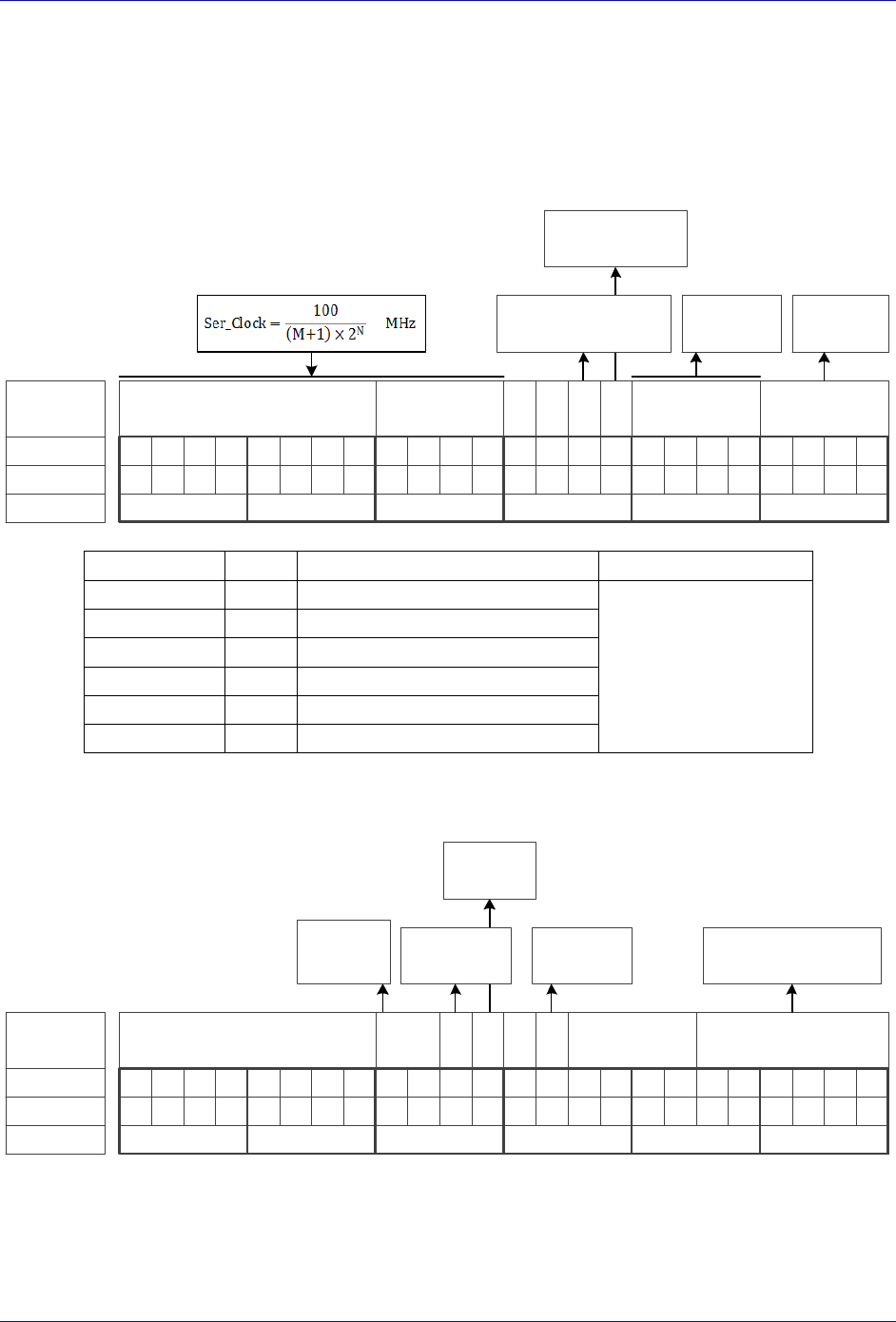
Brick Controller User Manual
PinOuts and Software Setup 59
SSI Control Registers Setup Example
Channel 1 is driving a 25-bit (13-bit Singleturn, 12-bit Multiturn) SSI encoder. The encoder outputs
binary data with no parity, and requires a 1 MHz serial clock.
Global Control Register
The Global Control register is a 24-bit hexadecimal word which is set up as follows:
M Divisor
Bit #:
Description:
Binary:
23 22 21 20 19 18 17 16 15 14 13 12 11 10 9 8 7 6 5 4 3 2 1 0
N Divisor Trigger Delay Protocol
=0 Rising Edge
=1 Falling Edge
Typically =0
=0 Trigger on Phase
=1 Trigger on Servo
$2 for
SSI
0 0
Hex ($):
011000110000000000000010
630002
clock
Edge
Field
Value
Notes
Global Control Word
M divisor
=99
Hex 0x63
$630002
N divisor
=0
Hex 0x0
Trigger clock
=0
Trigger on Phase (recommended)
Trigger Edge
=0
Rising edge (recommended)
Trigger Delay
=0
No delay (typical)
Protocol Code
=2
Hex 0x2, SSI protocol
Channel Control Register
The Channel Control register is a 24-bit hexadecimal word which is set up as follows:
Bit #:
Description:
Binary:
23 22 21 20 19 18 17 16 15 14 13 12 11 10 9 8 7 6 5 4 3 2 1 0
Bit Length
Hex ($):
000000000001010000011001
001419
Reserved
(always 0)
Trigger
Mode
Trigger
Enable
0
Senc
Mode
Reserved
(always 0)
=0 Continuous
=1 One shot
=0 Disabled
=1 Enabled
=0 Disabled
=1 Enabled
Encoder Resolution
(ST+MT)
Parity
Type
=00 None
=01 Odd
=10 Even

Brick Controller User Manual
PinOuts and Software Setup 60
Field
Value
Notes
Channel Control Word
Parity Type
=0
Hex 0x00
$001419
Trigger Mode
=0
Continuous trigger (typical)
Trigger Enable
=1
Enable
Gray / Binary
=0
Binary
Data Ready / Senc Mode
=1
Enable serial driver
Protocol Bits
=25
Hex 0x19
Control Registers Power-On PLC
The global and channel control words have to be executed once on power-up:
//=========================== NOTES ABOUT THIS PLC EXAMPLE ================================//
// This PLC example utilizes: - M5990 through M5991
// - Coordinate system 1 Timer 1
// Make sure that current and/or future configurations do not create conflicts with
// these parameters.
//=========================================================================================//
M5990..5991->* ; Self-referenced M-Variables
M5990..5991=0 ; Reset at download
//========================= GLOBAL CONTROL REGISTERS ======================================//
#define SSIGlobalCtrl1_4 M5990 ; Channels 1-4 SSI global control register
SSIGlobalCtrl1_4->X:$78B2F,0,24,U ; Channels 1-4 SSI global control register address
//======================== CHANNEL CONTROL REGISTERS ======================================//
#define Ch1SSICtrl M5991 ; Channel 1 SSI control register
Ch1SSICtrl->X:$78B20,0,24,U ; Channel 1 SSI control register Address
//========= POWER-ON PLC EXAMPLE, GLOBAL & CHANNEL CONTROL REGISTERS ======================//
Open PLC 1 Clear
SSIGlobalCtrl1_4=$630002 ; Trigger at Phase, 1 MHz serial Clock (M=99, N=0)–User Input
Ch1SSICtrl=$001419 ; Channel 1 SSI control register –User Input
I5111=500*8388608/I10 while(I5111>0) endw ; ½ sec delay
Dis plc 1 ; Execute once on power-up or reset
Close
//=========================================================================================//
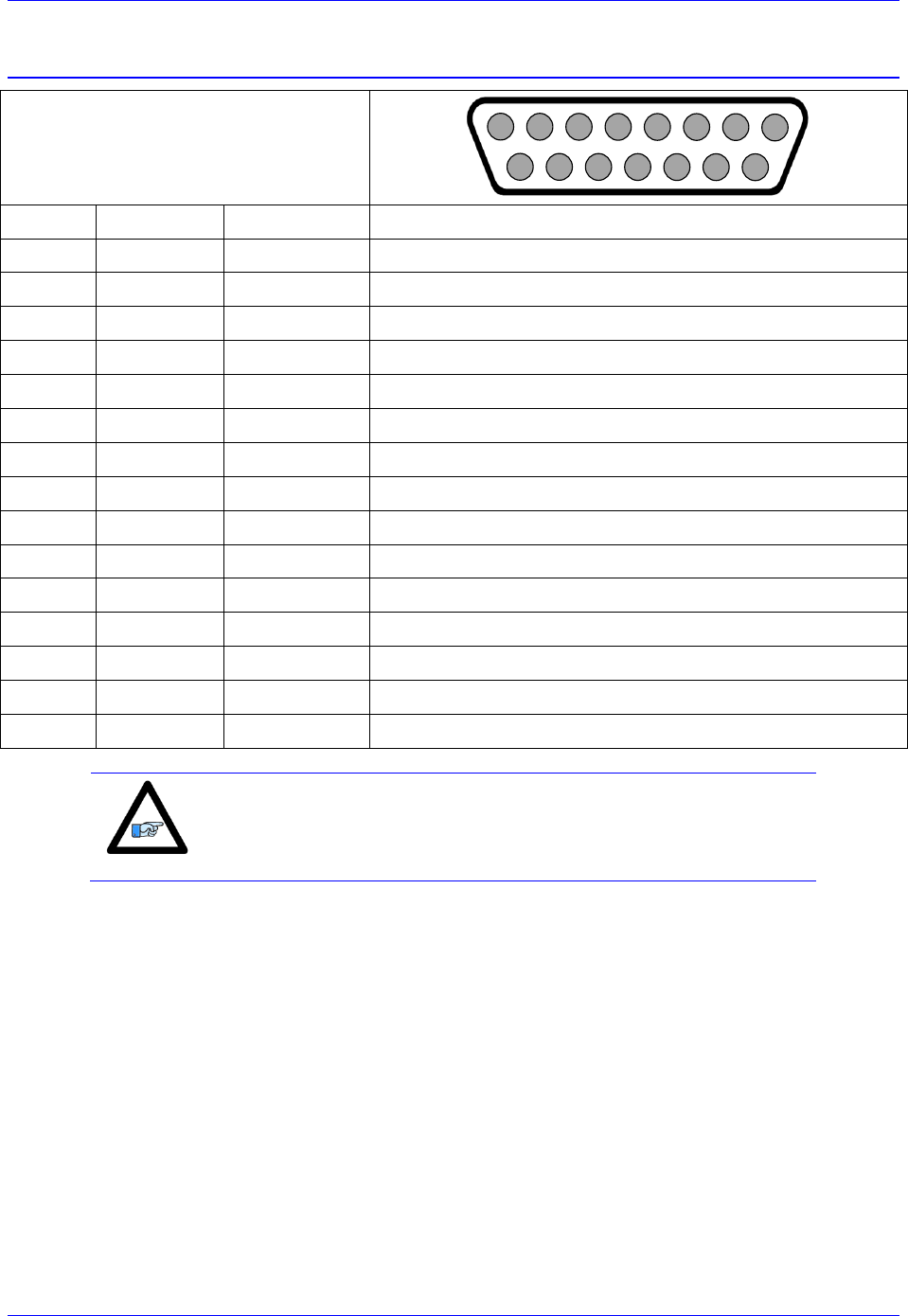
Brick Controller User Manual
PinOuts and Software Setup 61
X1-X8: Encoder Feedback, EnDat 2.1/2.2
X1-X8: D-sub DA-15F
Mating: D-Sub DA-15M
2
3
4
5
6
7
8
9
10
11
12
13
14
15
1
Pin #
Symbol
Function
Notes
1
2
3
4
EncPwr
Output
Encoder Power 5 Volts
5
Data-
Input
Data- packet
6
Clock-
Output
Serial Encoder Clock-
7
8
9
10
11
12
GND
Common
Common Ground
13
Clock+
Output
Serial Encoder Clock+
14
Data+
Input
Data+ Packet
15
Note
Some EnDat devices require 24V power which has to be brought
in externally. Pins 4, and 12 are unused in this case, leave floating.
Hardware capture is not available with Serial encoders
Configuring EnDat
Configuring the EnDat protocol requires the programming of two essential control registers:
Global Control Registers
Channel Control Registers
The resulting data is found in:
EnDat Data Registers
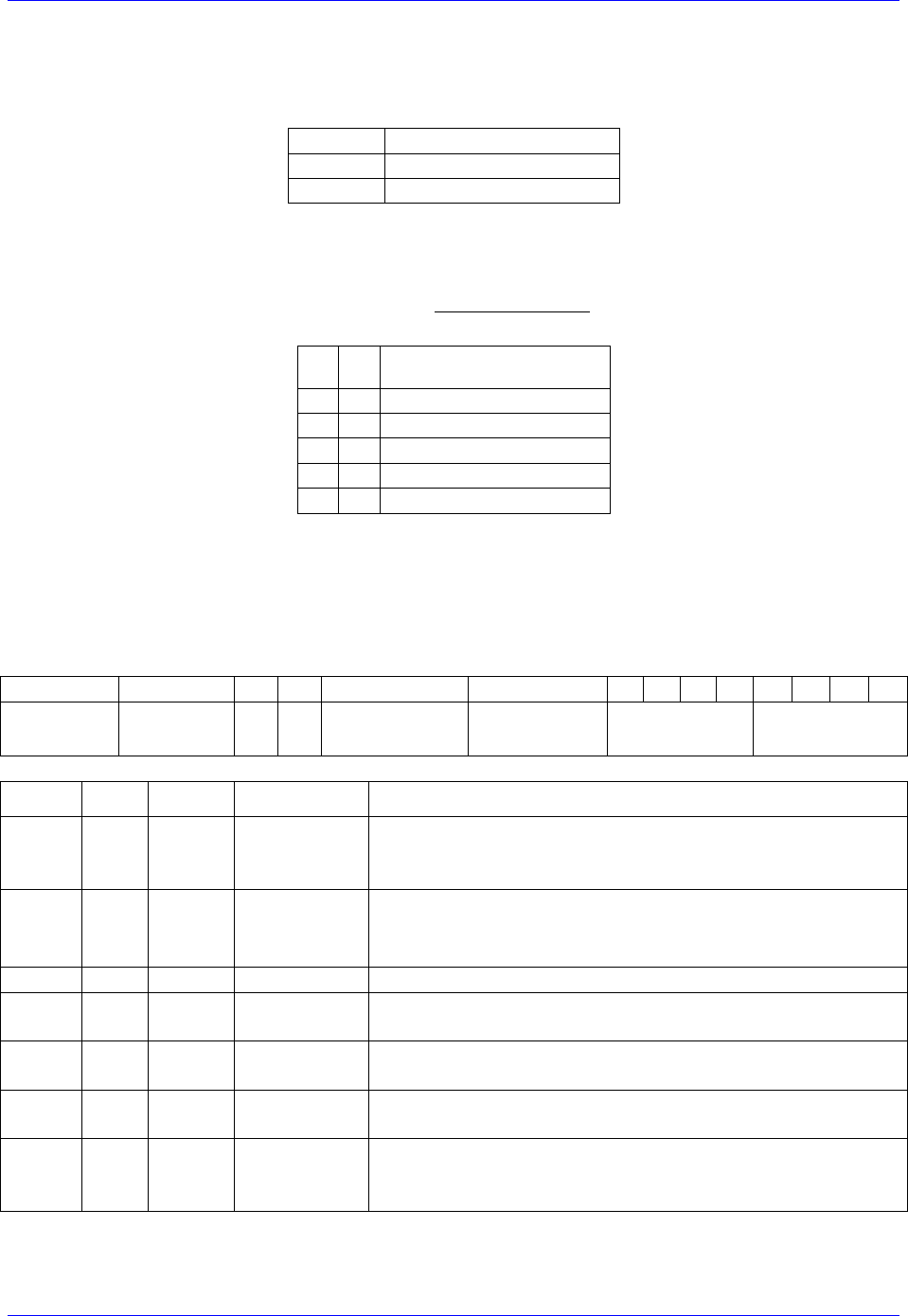
Brick Controller User Manual
PinOuts and Software Setup 62
Global Control Registers
X:$78BnF (default value: $002003) where n=2 for axes 1-4
n=3 for axes 5-8
Global Control Register
Axes 1-4
X:$78B2F
Axes 5-8
X:$78B3F
The Global Control register is used to program the serial encoder interface clock frequency. SENC_CLK
is the serial data clock transmitted from the Brick to the encoder. It is used by the encoder to clock in data
transmitted from the Brick, and clock out data from the encoder:
M
N
Serial Clock Frequency
0
0
4.0 MHz
0
2
1.0 MHz
0
3
500 KHz
0
4
250 KHz
…
…
…
Default Settings M=0, N=2 => 1 MHz transfer rate
There are two external trigger sources; phase and servo. Bits [9:8] in the Global Control register are used
to select the source and active edge to use as the internal serial encoder trigger. The internal trigger is
used by all four channels to initiate communication with the encoder. To compensate for external system
delays, this trigger has a programmable 4-bit delay setting in 20 μsec increments.
23--16
15--12
11
10
9
8
7
6
5
4
3
2
1
0
M_Divisor
N_Divisor
Trigger Clock
Trigger Edge
Trigger Delay
Protocol Code
Bit
Type
Default
Name
Description
[23:16]
R/W
0x00
M_Divisor
Intermediate clock frequency for SER_Clock. The
intermediate clock is generated from a (M+1) divider clocked
at 100 MHz.
[15:12]
R/W
0x2
N_Divisor
Final clock frequency for SER_Clock. The final clock is
generated from a
N
2
divider clocked by the intermediate
clock.
[11:10]
R
00
Reserved
Reserved and always reads zero.
[09]
R/W
0
TriggerClock
Trigger clock select: 0= PhaseClock
1= ServoClock
[08]
R/W
0
TriggerEdge
Active clock edge select: 0= rising edge
1= falling edge
[07:04]
R/W
0x0
TriggerDelay
Trigger delay program relative to the active edge of the
trigger clock. Units are in increments of 20 usec.
[03:00]
R
0x3
ProtocolCode
This read-only bit field is used to read the serial encoder
interface protocol supported by the FPGA. A value of 0x3
defines this protocol as EnDat.
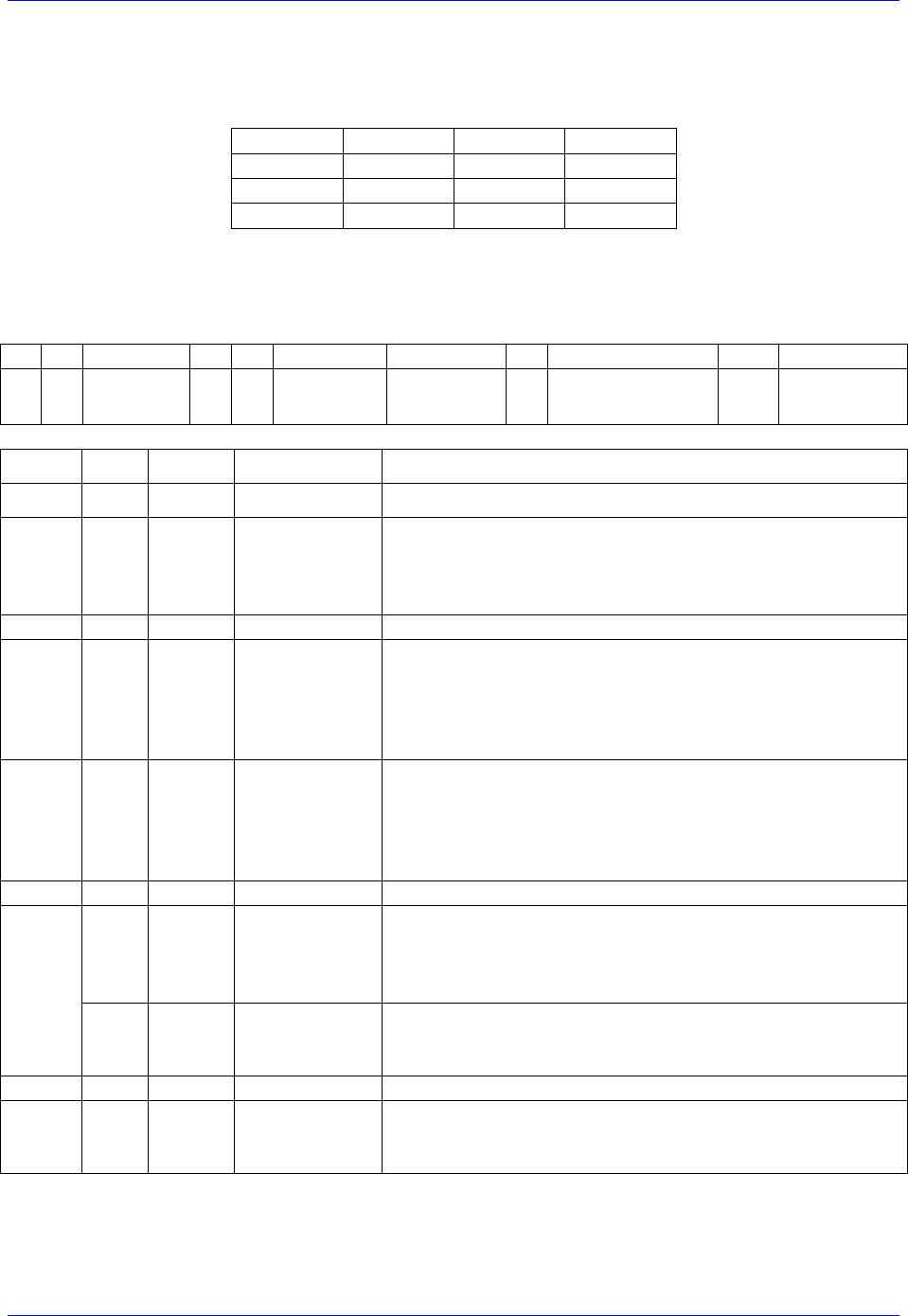
Brick Controller User Manual
PinOuts and Software Setup 63
Channel Control Registers
X:$78Bn0, X:$78Bn4, X:$78Bn8, X:$78BnC where: n=2 for axes 1-4
n=3 for axes 5-8
Channel 1
X:$78B20
Channel 5
X:$78B30
Channel 2
X:$78B24
Channel 6
X:$78B34
Channel 3
X:$78B28
Channel 7
X:$78B38
Channel 4
X:$78B2C
Channel 8
X:$78B3C
Each channel has its own Serial Encoder Command Control Register defining functionality parameters.
Parameters such as setting the number of position bits in the serial bit stream, enabling/disabling channels
through the SENC_MODE (when this bit is cleared, the serial encoder pins of that channel are tri-stated),
enabling/disabling communication with the encoder using the trigger control bit.
23
22
[21:16]
15
14
13
12
11
10
[9:6]
[5:0]
Command
Code
Trigger
Mode
Trigger
Enable
Rxdata ready
/Senc Mode
PositionBits/
Resolution
Bit
Type
Default
Name
Description
[23:22]
R
0x000
Reserved
Reserved and always reads zero.
[21:16]
R
0x00
Command
Code
($38) 111000 – Encoder to Send Position (EnDat2.2 only)
($15) 010101 – Encoder to Receive Reset (EnDat2.2 only)
($07) 000111 – Encoder to Send Position (EnDat 2.1 & 2.2)
($2A)101010 – Encoder to Receive Reset (EnDat 2.1 & 2.2)
[15:14]
R
00
Reserved
Reserved and always reads zero.
[13]
R/W
0
Trigger Mode
Trigger Mode: 0= continuous trigger
1= one-shot trigger
All triggers occur at the defined Phase/Servo clock edge and
delay setting. See Global Control register for these
settings.
[12]
R/W
0
Trigger Enable
Enable trigger: 0= disabled
1= enabled
This bit must be set for either trigger mode. If the Trigger
Mode bit is set for one-shot mode, the hardware will
automatically clear this bit after the trigger occurs.
[11]
R/W
0
Reserved
Reserved and always reads zero.
[10]
R
0
RxData Ready
This read-only bit provides the received data status. It is low
while the interface logic is communicating (busy) with the
serial encoder. It is high when all the data has been received
and processed.
W
0
SENC_MODE
This write-only bit is used to enable the output drivers for
the SENC_SDO, SENC_CLK, SENC_ENA pins for each
respective channel.
[09:06]
R
0x0
Reserved
Reserved and always reads zero.
[05:00]
W
0x00
Position Bits
This bit field is used to define the number of position data
bits or encoder resolution:
Range is 12 – 40 (001100 –101000)
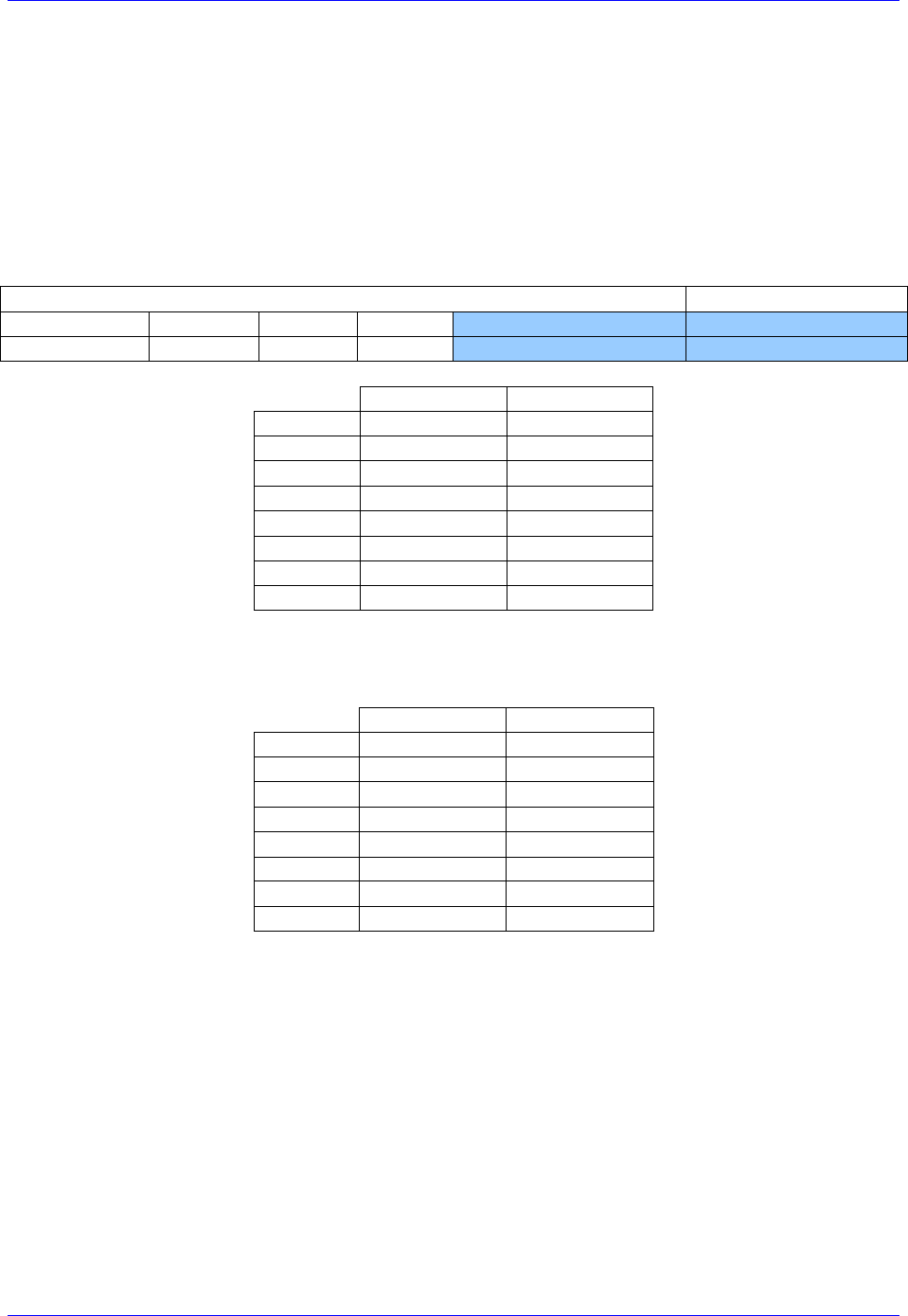
Brick Controller User Manual
PinOuts and Software Setup 64
EnDat Data Registers
The EnDat data is conveyed into 4 memory locations; EnDat Data A, B, C, and D.
The EnDat Data A register holds the 24 bits of the encoder position data. If the data exceeds the 24
available bits in this register, the upper overflow bits are LSB justified and readable in the EnDat Data B
register, which also holds error flags. The error bit flag is always returned by the encoder, except for a
Reset command. The CRC error bit is set if the return data fails the CRC verification. The timeout error
flag is set if the SEIGATE3 does not receive a response from the encoder.
EnDat Data C, and D registers are reserved and always read zero.
EnDat Data B
EnDat Data A
23
22
21
[20:16]
[15:0]
[23:0]
TimeOut Err
CRC Err
Err flag
Position Data [39:24]
Position Data [23:0]
EnDat Data A
EnDat Data B
Channel 1
Y:$78B20
Y:$78B21
Channel 2
Y:$78B24
Y:$78B25
Channel 3
Y:$78B28
Y:$78B29
Channel 4
Y:$78B2C
Y:$78B2D
Channel 5
Y:$78B30
Y:$78B31
Channel 6
Y:$78B34
Y:$78B35
Channel 7
Y:$78B38
Y:$78B39
Channel 8
Y:$78B3C
Y:$78B3D
EnDat Registers C and D are listed here for future use and documentation purposes only. They do not
pertain to the EnDat setup and always read zero.
EnDat Data C
EnDat Data D
Channel 1
Y:$78B22
Y:$78B23
Channel 2
Y:$78B26
Y:$78B27
Channel 3
Y:$78B2A
Y:$78B28
Channel 4
Y:$78B2E
Y:$78B2F
Channel 5
Y:$78B32
Y:$78B33
Channel 6
Y:$78B36
Y:$78B37
Channel 7
Y:$78B3A
Y:$78B38
Channel 8
Y:$78B3E
Y:$78B3F
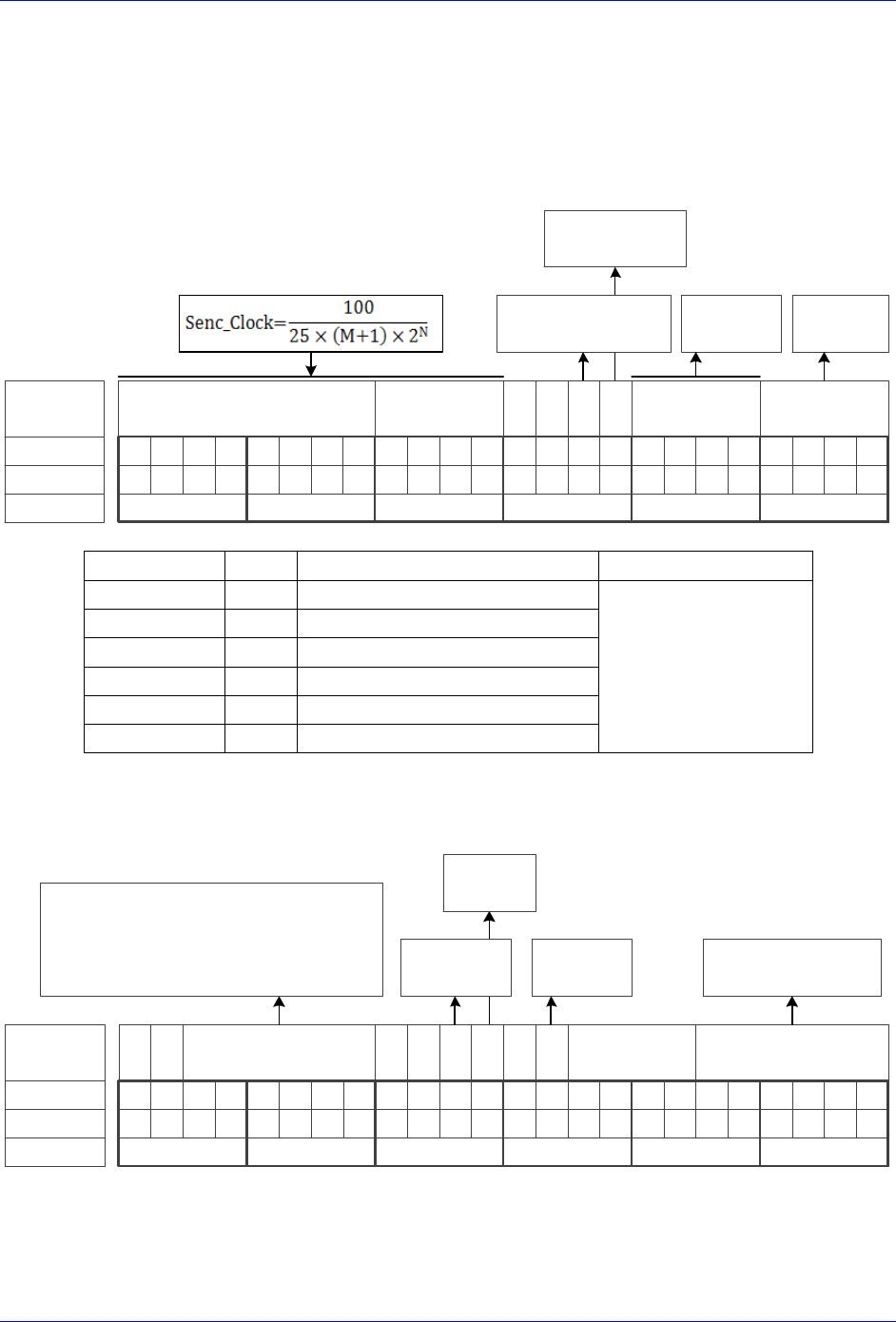
Brick Controller User Manual
PinOuts and Software Setup 65
EnDat Control Registers Setup Example
Channel 1 is driving a 37-bit (25-bit Singleturn, 12-bit Multiturn) EnDat 2.2 encoder. The encoder
requires a 4 MHz serial clock.
Global Control Register
The Global Control register is a 24-bit hexadecimal word which is set up as follows:
M Divisor
Bit #:
Description:
Binary:
23 22 21 20 19 18 17 16 15 14 13 12 11 10 9 8 7 6 5 4 3 2 1 0
N Divisor Trigger Delay Protocol
=0 Rising Edge
=1 Falling Edge
Typically =0
=0 Trigger on Phase
=1 Trigger on Servo
$3 for
EnDat
0 0
Hex ($):
000000000000000000000011
000003
clock
Edge
Field
Value
Notes
Global Control Word
M divisor
=0
Hex 0x00
$000003
N divisor
=0
Hex 0x0
Trigger clock
=0
Trigger on Phase (recommended)
Trigger Edge
=0
Rising edge (recommended)
Trigger Delay
=0
No delay (typical)
Protocol Code
=3
Hex 0x3, EnDat
Channel Control Register
The Channel Control register is a 24-bit hexadecimal word which is set up as follows:
Bit #:
Description:
Binary:
23 22 21 20 19 18 17 16 15 14 13 12 11 10 9 8 7 6 5 4 3 2 1 0
Bit Length
(Resolution)
Hex ($):
001110000001010000100101
381425
Command Code
Trigger
Mode
Trigger
Enable
0
Senc
Mode
Reserved
(always 0)
=0 Continuous
=1 One shot
=0 Disabled
=1 Enabled
=0 Disabled
=1 Enabled
Encoder Resolution
(ST+MT)
0 0 0 0
=111000 ($38) Send Position (EnDat 2.2 only)
=010101 ($15) Reset (EnDat 2.2 only)
=000111 ($07) Send Position (EnDat 2.1 / 2.2)
=101010 ($2A) Reset (EnDat 2.1 / 2.2)
Brick Controller User Manual
PinOuts and Software Setup 66
Field
Value
Notes
Channel Control Word
Command code
=$38
Hex 0x38 for EnDat 2.2 only
$381425
Trigger Mode
=0
Continuous trigger (typical)
Trigger Enable
=1
Enable
Data Ready / Senc Mode
=1
Enable serial driver
Protocol Bits
=37
Hex 0x25
Control Registers Power-On PLC
The Global and Channel Control words have to be executed once on power-up
//=========================== NOTES ABOUT THIS PLC EXAMPLE ================================//
// This PLC example utilizes: - M5990 through M5991
// - Coordinate system 1 Timer 1
// Make sure that current and/or future configurations do not create conflicts with
// these parameters.
//=========================================================================================//
M5990..5991->* ; Self-referenced M-Variables
M5990..5991=0 ; Reset at download
//========================= GLOBAL CONTROL REGISTERS ======================================//
#define EnDatGlobalCtrl1_4 M5990 ; Channels 1-4 EnDat global control register
EnDatGlobalCtrl1_4->X:$78B2F,0,24,U ; Channels 1-4 EnDat global control register address
//======================== CHANNEL CONTROL REGISTERS ======================================//
#define Ch1EnDatCtrl M5991 ; Channel 1 EnDat control register
Ch1EnDatCtrl->X:$78B20,0,24,U ; Channel 1 EnDat control register Address
//========= POWER-ON PLC EXAMPLE, GLOBAL & CHANNEL CONTROL REGISTERS ======================//
Open PLC 1 Clear
EnDatGlobalCtrl1_4=$3 ; Trigger at Phase, 4MHz serial Clock –User Input
Ch1EnDatCtrl=$381425 ; Channel 1 EnDat control register –User Input
I5111=500*8388608/I10 while(I5111>0) endw ; ½ sec delay
Dis plc 1 ; Execute once on power-up or reset
Close
//=========================================================================================//
Note
Some EnDat2.2 Encoders do not support additional information with
the $38 (111000) command code. Try using $07 (000111) command
code if you cannot see data in the Serial Data Register A, or in the
position window (after setting up the Encoder Conversion Table).
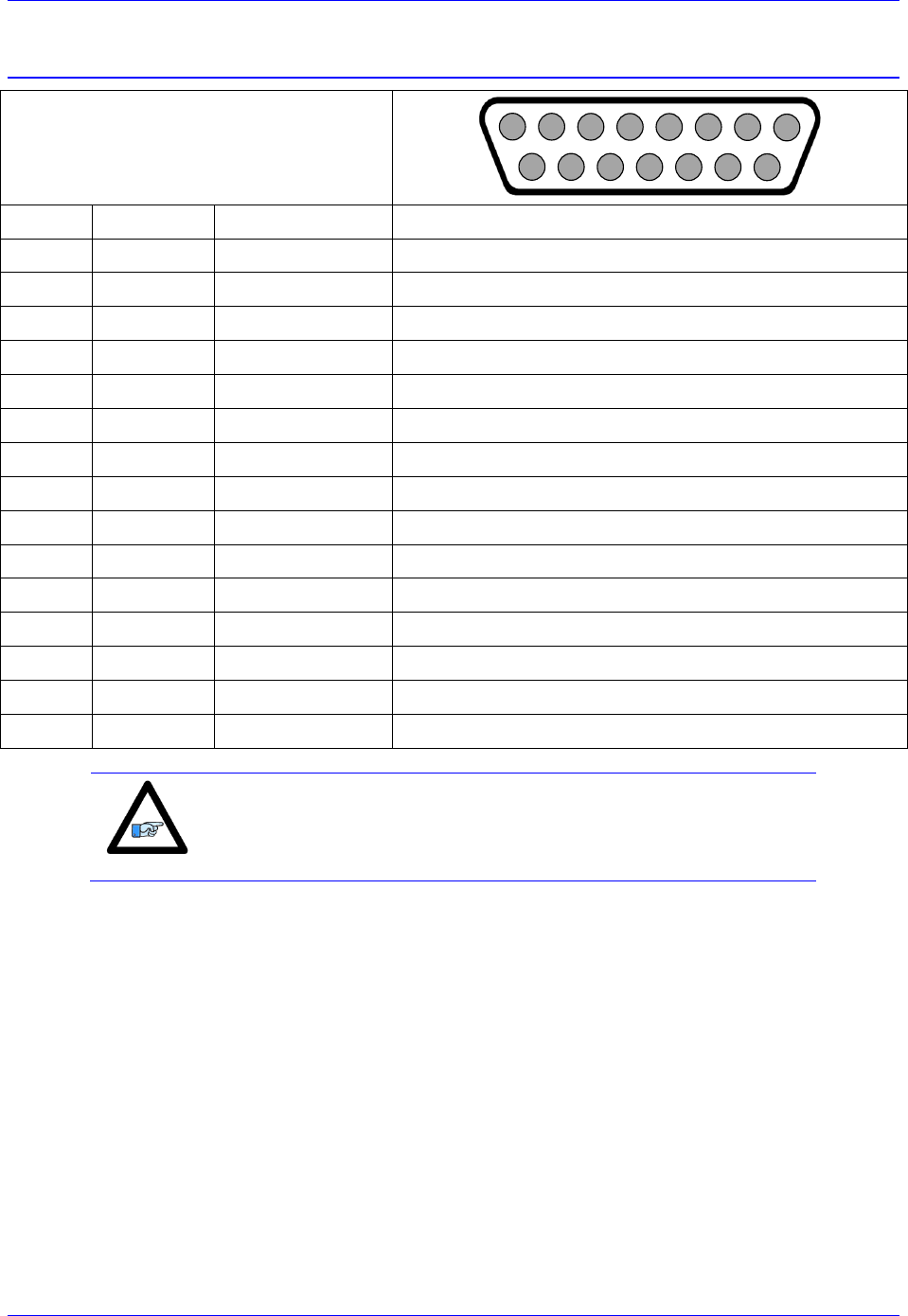
Brick Controller User Manual
PinOuts and Software Setup 67
X1-X8: Encoder Feedback, BiSS C/B
X1-X8: D-sub DA-15F
Mating: D-Sub DA-15M
2
3
4
5
6
7
8
9
10
11
12
13
14
15
1
Pin #
Symbol
Function
Notes
1
2
3
4
EncPwr
Output
Encoder Power 5 Volts
5
Data-
Input/Output
Data- packet, SLO-
6
Clock-
Output
Serial Encoder Clock-, MO-
7
8
9
10
11
12
GND
Common
Common Ground
13
Clock+
Output
Serial Encoder Clock+ , MO+
14
Data+
Input/Output
Data+ Packet, SLO+
15
Note
Some BiSS devices require 24V power which has to be brought in
externally. Pins 4, and 12 are unused in this case, leave floating.
Hardware capture is not available with Serial encoders
Configuring BiSS
Configuring the BiSS protocol requires the programming of two essential control registers:
Global Control Registers
Channel Control Registers
The resulting data is found in:
BiSS-C/BiSS-B Data Registers
Brick Controller User Manual
PinOuts and Software Setup 68
Global Control Registers
X:$78BnF (default value: $18000B) where n=2 for axes 1-4
n=3 for axes 5-8
Global Control Register
Axes 1-4
X:$78B2F
Axes 5-8
X:$78B3F
The Global Control register is used to program the serial encoder interface clock frequency SER_Clock
and configure the serial encoder interface trigger clock. SER_Clock is generated from a two-stage divider
clocked at 100 MHz as follows:
M
N
Clock Frequency
49
0
2.0 MHz
99
0
1.0 MHz
99
1
500.0 KHz
99
2
250.0 KHz
…
…
Default Settings: M=24, N=0 => 4 MHz transfer rates
There are two external trigger sources; phase and servo. Bits [9:8] in the Global Control register are used
to select the source and active edge to use as the internal serial encoder trigger. The internal trigger is
used by all four channels to initiate communication with the encoder. To compensate for external system
delays, this trigger has a programmable 4-bit delay setting in 20 μsec increments.
23--16
15--12
11
10
9
8
7
6
5
4
3
2
1
0
M_Divisor
N_Divisor
Trigger Clock
Trigger Edge
Trigger Delay
Protocol Code
Bit
Type
Default
Name
Description
[23:16]
R/W
0x18
M_Divisor
Intermediate clock frequency for SER_Clock. The
intermediate clock is generated from a (M+1) divider clocked
at 100 MHz.
[15:12]
R/W
0x0
N_Divisor
Final clock frequency for SER_Clock. The final clock is
generated from a
N
2
divider clocked by the intermediate
clock.
[11:10]
R
00
Reserved
Reserved and always reads zero.
[09]
R/W
0
TriggerClock
Trigger clock select: 0= PhaseClock
1= ServoClock
[08]
R/W
0
TriggerEdge
Active clock edge select: 0= rising edge
1= falling edge
[07:04]
R/W
0x0
TriggerDelay
Trigger delay program relative to the active edge of the
trigger clock. Units are in increments of 20 usec.
[03:00]
R
0xB
ProtocolCode
This read-only bit field is used to read the serial encoder interface
protocol supported by the FPGA. A value of $B defines this
protocol as BiSS.
Brick Controller User Manual
PinOuts and Software Setup 69
Channel Control Registers
X:$78Bn0, X:$78Bn4, X:$78Bn8, X:$78BnC where: n=2 for axes 1-4
n=3 for axes 5-8
Channel 1
X:$78B20
Channel 5
X:$78B30
Channel 2
X:$78B24
Channel 6
X:$78B34
Channel 3
X:$78B28
Channel 7
X:$78B38
Channel 4
X:$78B2C
Channel 8
X:$78B3C
Each channel has its own Serial Encoder Command Control Register defining functionality parameters.
Parameters such as setting the number of position bits in the serial bit stream, enabling/disabling channels
through the SENC_MODE (when this bit is cleared, the serial encoder pins of that channel are tri-stated),
enabling/disabling communication with the encoder using the trigger control bit.
[23:16]
15
14
13
12
11
10
9
[8:6]
[5:0]
CRC
Mask
=0 BiSS-C
=1 BiSS-B
MCD
Trigger
Mode
Trigger
Enable
Rxdataready
SencMode
Status
Bits
PositionBits/
Resolution
Bit
Type
Default
Name
Description
[23:16]
R/W
0x21
CRC_Mask
This bit field is used to define the CRC polynomial used for the
position and status data. The 8-bit mask is to define any 4-bit to 8-
bit CRC polynomial. The mask bits M[7:0] represent the
coefficients [8:1], respectively, in the polynomial: M7x8 +M6x7 +
M5x6 + M4x5 + M3x4 + M2x3 + M1x2 + M0x1 + 1. The coefficient for
x0 is always 1 and therefore not included in the mask. An all zero
mask indicates no CRC bits in the encoder data. Most common
setting:
($21) 00100001 = x6 + x1 + 1 (typical for Renishaw)
($09) 00001001 = x4 + x1 + 1
[15]
R/W
0
BiSS B/C
This bit is used to select the BiSS protocol mode
(=0 BiSS-C, =1 BiSS-B)
[14]
R/W
0
MCD
This bit is used to enable support for the optional MCD bit
in BiSS-B mode. Setting this bit has no effect if the BiSS-B
mode is not selected.
[13]
R/W
0
Trigger Mode
Trigger Mode to initiate communication:
0= continuous trigger
1= one-shot trigger
All triggers occur at the defined Phase/Servo clock edge and
delay setting.
[12]
R/W
0
Trigger
Enable
0= disabled
1= enabled
This bit must be set for either trigger mode. If the Trigger
Mode bit is set for one-shot mode, the hardware will
automatically clear this bit after the trigger occurs.
[11]
0
Reserved
Reserved and always reads zero.
[10]
R
0
RxData Ready
This read-only bit provides the received data status. It is low
while the interface logic is communicating (busy) with the
serial encoder. It is high when all the data has been received
and processed.
Brick Controller User Manual
PinOuts and Software Setup 70
W
0
SENC_MODE
This write-only bit is used to enable the output drivers for
the SENC_SDO, SENC_CLK, SENC_ENA pins for each
respective channel.
[09]
0x0
Reserved
Reserved and always reads zero.
[08:06]
R/W
000
Status
Bits
This bit field is used to define the number of status bits in the
encoder data. The valid range of settings is 0 – 6 (000 – 110). The
status bits are assumed to always follow after the position data and
before the CRC.
[05:00]
W
0x00
Position Bits
This bit field is used to define the number of position data
bits or encoder resolution:
Range is 12 – 40 (001100 –101000)
The position bits are assumed to be in binary MSB-first format:
$12 for 18-bit | $1A for 26-bit | $20 for 32-bit
BiSS Data Registers
The BiSS data is conveyed into 4 memory locations; Serial Encoder Data A, B, C, and D.
The Serial Encoder Data A register holds the 24 bits of the encoder position data. If the data exceeds the
24 available bits in this register, the upper overflow bits are LSB justified and readable in the Serial
Encoder Data B, which also holds status and error bits. Serial Encoder Data C, and D registers are
reserved and always read zero.
BiSS Data B
BiSS Data A
23
22
[21:16]
[15:0]
[23:0]
TimeOut Err
CRC Err
Status Data
Position Data [39:24]
Position Data [23:0]
BiSS Encoder Data A
BiSS Encoder Data B
Channel 1
Y:$78B20
Y:$78B21
Channel 2
Y:$78B24
Y:$78B25
Channel 3
Y:$78B28
Y:$78B29
Channel 4
Y:$78B2C
Y:$78B2D
Channel 5
Y:$78B30
Y:$78B31
Channel 6
Y:$78B34
Y:$78B35
Channel 7
Y:$78B38
Y:$78B39
Channel 8
Y:$78B3C
Y:$78B3D
Data Registers C and D are listed here for future use and documentation purposes only. They do not
pertain to the BiSS setup and always read zero.
BiSS Encoder Data C
BiSS Encoder Data D
Channel 1
Y:$78B22
Y:$78B23
Channel 2
Y:$78B26
Y:$78B27
Channel 3
Y:$78B2A
Y:$78B28
Channel 4
Y:$78B2E
Y:$78B2F
Channel 5
Y:$78B32
Y:$78B33
Channel 6
Y:$78B36
Y:$78B37
Channel 7
Y:$78B3A
Y:$78B38
Channel 8
Y:$78B3E
Y:$78B3F
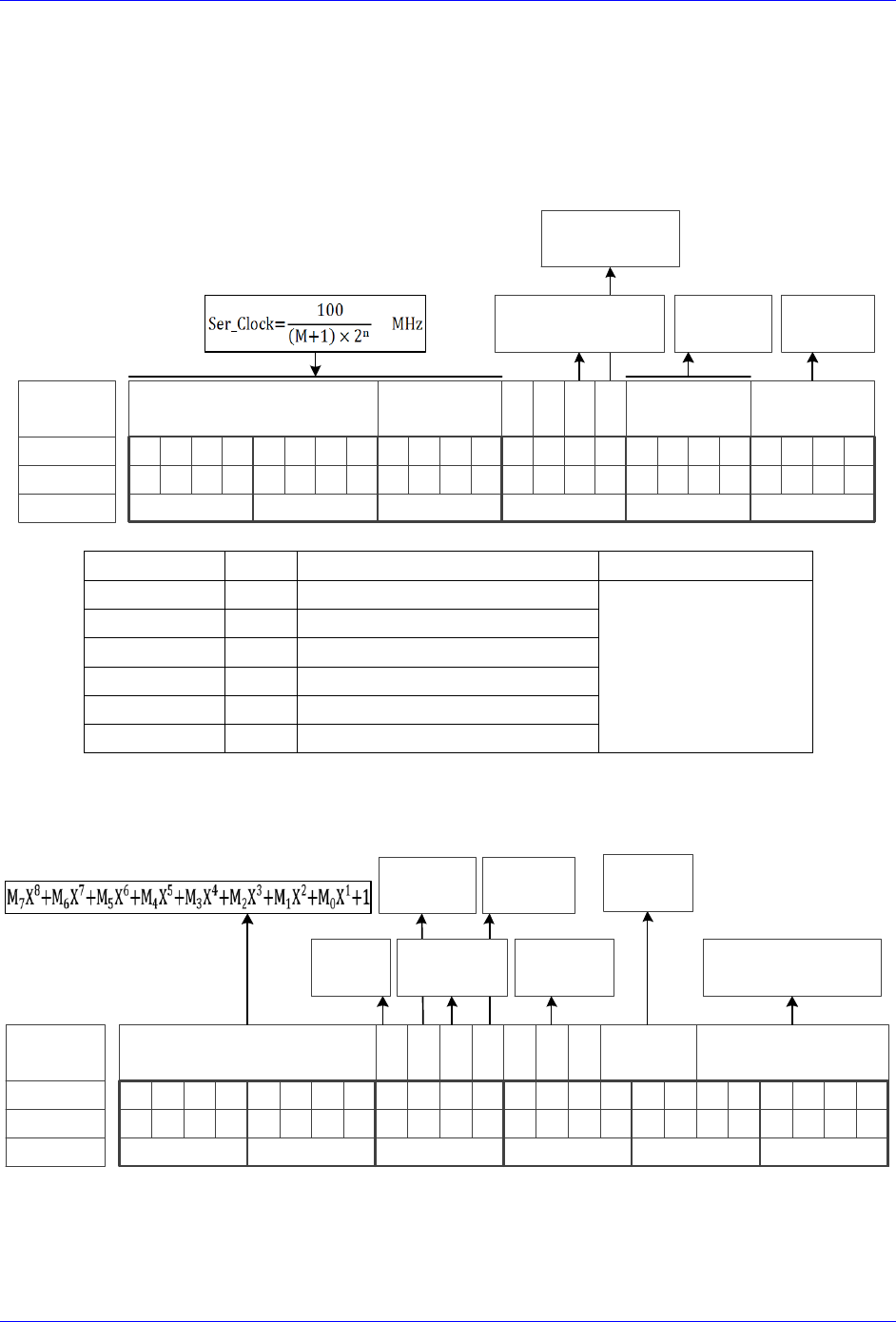
Brick Controller User Manual
PinOuts and Software Setup 71
BiSS Control Registers Setup Example
Channel 1 is driving an 18-bit Renishaw resolute BiSS-C encoder. The encoder requires a 1 MHz serial
clock, and has 2 status bits.
Global Control Register
The Global Control register is a 24-bit hexadecimal word which is set up as follows:
M Divisor
Bit #:
Description:
Binary:
23 22 21 20 19 18 17 16 15 14 13 12 11 10 9 8 7 6 5 4 3 2 1 0
N Divisor Trigger Delay Protocol
=0 Rising Edge
=1 Falling Edge
Typically =0
=0 Trigger on Phase
=1 Trigger on Servo
$B for
BiSS
0 0
Hex:
011000100000000000001011
63000B
clock
Edge
Field
Value
Notes
Global Control Word
M divisor
=99
Hex 0x63
$63000B
N divisor
=0
Hex 0x0
Trigger clock
=0
Trigger on Phase (recommended)
Trigger Edge
=0
Rising edge (recommended)
Trigger Delay
=0
No delay (typical)
Protocol Code
=11
Hex 0xB, BiSS protocol
Channel Control Register
The Channel Control register is a 24-bit hexadecimal word set up as follows:
Bit #:
Description:
Binary:
23 22 21 20 19 18 17 16 15 14 13 12 11 10 9 8 7 6 5 4 3 2 1 0
Bit Length
(Resolution)
Hex ($):
001000010001010010010010
211492
CRC Mask
Trigger
Mode
Trigger
Enable
0
Senc
Mode
=0 Continuous
=1 One shot
=0 Disabled
=1 Enabled
=0 Disabled
=1 Enabled
Encoder Resolution
(ST+MT)
BiSS
Type
=0 BiSS-C
=1 BiSS-B
MCD
0 Status
MCD
(BiSS-B only)
Number Of
Status Bits

Brick Controller User Manual
PinOuts and Software Setup 72
Field
Value
Notes
Channel Control Word
CRC Mask
=33
Hex 0x21 typical for Renishaw
$211492
BiSS Type
=0
for BiSS-C
Trigger Mode
=0
Continuous trigger (typical)
Trigger Enable
=1
Enable
Data Ready / Senc Mode
=1
Enable serial driver
Status Bits
=2
Binary 010
Protocol Bits
=18
Binary 010010
Control Registers Power-On PLC
The Global and Channel Control words have to be executed once on power-up
//=========================== NOTES ABOUT THIS PLC EXAMPLE ================================//
// This PLC example utilizes: - M5990 through M5991
// - Coordinate system 1 Timer 1
// Make sure that current and/or future configurations do not create conflicts with
// these parameters.
//=========================================================================================//
M5990..5991->* ; Self-referenced M-Variables
M5990..5991=0 ; Reset at download
//========================= GLOBAL CONTROL REGISTERS ======================================//
#define SSIGlobalCtrl1_4 M5990 ; Channels 1-4 BiSS global control register
SSIGlobalCtrl1_4->X:$78B2F,0,24,U ; Channels 1-4 BiSS global control register address
//======================== CHANNEL CONTROL REGISTERS ======================================//
#define Ch1SSICtrl M5991 ; Channel 1 BiSS control register
Ch1SSICtrl->X:$78B20,0,24,U ; Channel 1 BiSS control register Address
//========= POWER-ON PLC EXAMPLE, GLOBAL & CHANNEL CONTROL REGISTERS ======================//
Open PLC 1 Clear
SSIGlobalCtrl1_4=$63000B ; Trigger at Phase, 1 MHz serial Clock (M=99, N=0) –User Input
Ch1SSICtrl=$211492 ; Channel 1, BiSS-C protocol, 18-bit resolution –User Input
I5111=500*8388608/I10 while(I5111>0) endw ; ½ sec delay
Dis plc 1 ; Execute once on power-up or reset
Close
//=========================================================================================//
Brick Controller User Manual
PinOuts and Software Setup 73
Setting up SSI | EnDat | BiSS
With the Brick Controller, the absolute serial encoder data is brought in as an unfiltered parallel Y-word
into the Encoder Conversion Table (ECT) where it is processed for the PMAC to use for on-going
position in the motor servo-loop, and power-on absolute position.
In general, encoder data is left-shifted 5 bits in the ECT to provide fractional data. This process can cause
saturation of certain registers with higher resolution absolute serial encoders, thus for this type of
encoders, it is recommended to process the data as unshifted.
Note
Details about registers’ overflow and examples can be found in the
appendix section.
The following flowchart summarizes the recommended method to use, regardless of the Multiturn (MT)
data specification. It is only dependent on the Singleturn (ST) resolution (for rotary encoders) or protocol
resolution (for linear scales).
ST
Encoder Resolution
≥ 24 bits
NO YES
ST
Encoder Resolution
≥ 19 bits
NO
YES
Technique 2
Technique 1
Technique 3
Start Here
Technique 1
This technique places the Least Significant Bit (LSB) of the serial data in bit 5 of the result register
providing the 5 bits of “non-existent” fraction.
Technique 2
This technique places the LSB of the serial data in bit 0 of the result register, creating no fractional bits.
Technique 3
This technique processes the data for position similarly to Technique 1.
Note
Some applications may require deviating from the suggested setup
methods (e.g. extremely high resolution and speed requirements).
Contact Delta Tau for assistance with these special cases.
Brick Controller User Manual
PinOuts and Software Setup 74
Setup Summary
Encoder Conversion Table Processing:
Process
Technique 1
Technique 2
Technique 3
ECT for
Position
From serial register A,
5-bit shift
From serial register A,
no shift
From serial register A,
5-bit shift
Note
ST is the Singleturn resolution (in bits) for rotary encoders. Similarly,
this would be the protocol resolution (in bits) for linear scales.
The position and velocity pointers are then assigned to the “ECT for position” result:
Parameter
Technique 1/2/3
Position (Ixx03)
@ ECT position result
Velocity (Ixx04)
@ ECT position result (typically, with single source feedback)
Resolution Scale Factor (SF)
Parameter
Encoder Type
Technique 1/3
Technique 2
Resolution
Scale Factor SF
Rotary
[counts/rev]
= 2ST
= 2ST-5 = 2ST/32
Linear
[counts/user units]
= 1/RES
= 1/(32*RES)
Where ST: is the rotary encoder Singleturn resolution in bits
RES: is the linear scale resolution, in user units (e.g. mm)
Position And Velocity Scale Factors, Position Error Limit
With technique 2, and technique 3 (encoder resolutions greater than 20 bits), it is recommended to set the
position and velocity scale factors to equal 1 and increase the position error limit. Otherwise, default
values should be ok for all other cases. This alleviates register saturation(s), allows for higher commanded
speed settings and easier PID (position-loop) tuning:
Parameter(s)
Technique 1
Technique 2
Technique 3
Ixx08, Ixx09
= 96
= 1
= 96
= 1
for ST < 20
for ST ≥ 20
Ixx67
Default
= 8388607
= Default
= 8388607
for ST < 20
for ST ≥ 20
Absolute Power-On Position
Process
Technique 1
Technique 2
Technique 3
Absolute Position Read
From serial register A,
automatic settings
From serial register A,
scaling required
From serial register A,
automatic settings
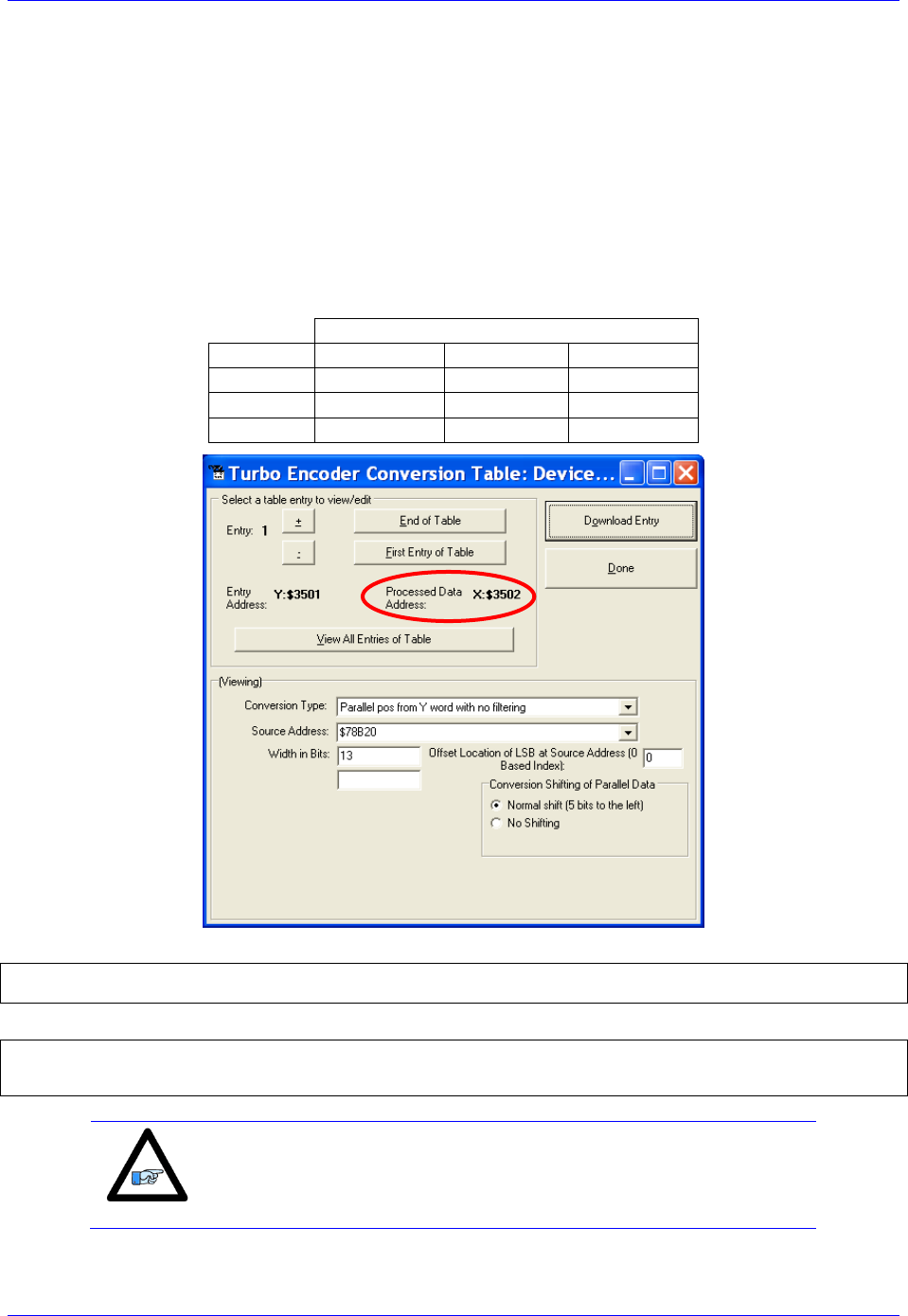
Brick Controller User Manual
PinOuts and Software Setup 75
Technique 1 Example
Channel 1 is driving a 25-bit (13-bit Singleturn, 12-bit Multiturn) rotary serial encoder, or a linear scale
with similar protocol resolution (13 bits, 1 micron).
Encoder Conversion Table - for position (Technique 1)
Conversion Type: Parallel pos from Y word with no filtering
Width in Bits: Singleturn/absolute resolution in bits (e.g. 13 bits)
Offset Location of LSB: leave at zero
Normal Shift (5 bits to the left)
Source Address: serial data register A (see table below)
Remember to click on Download Entry for the changes to take effect.
Source Address ( Serial Data Register A)
Channel 1
Y:$78B20
Channel 5
Y:$78B30
Channel 2
Y:$78B24
Channel 6
Y:$78B34
Channel 3
Y:$78B28
Channel 7
Y:$78B38
Channel 4
Y:$78B2C
Channel 8
Y:$78B3C
This is a 2-line ECT entry, its equivalent script code:
I8000=$278B20 ; Unfiltered parallel pos of location Y:$78B20
I8001=$00D000 ; Width and Offset. Processed result at $3502
Typically, the position and velocity pointers are set to the processed data address (e.g. $3502):
I100=1 ; Mtr#1 Active. Remember to activate the channel to see feedback
I103=$3502 ; Mtr#1 position loop feedback address
I104=$3502 ; Mtr#1 velocity loop feedback address
Note
At this point, you should be able to move the motor/encoder shaft by
hand and see ‘motor’ counts in the position window.
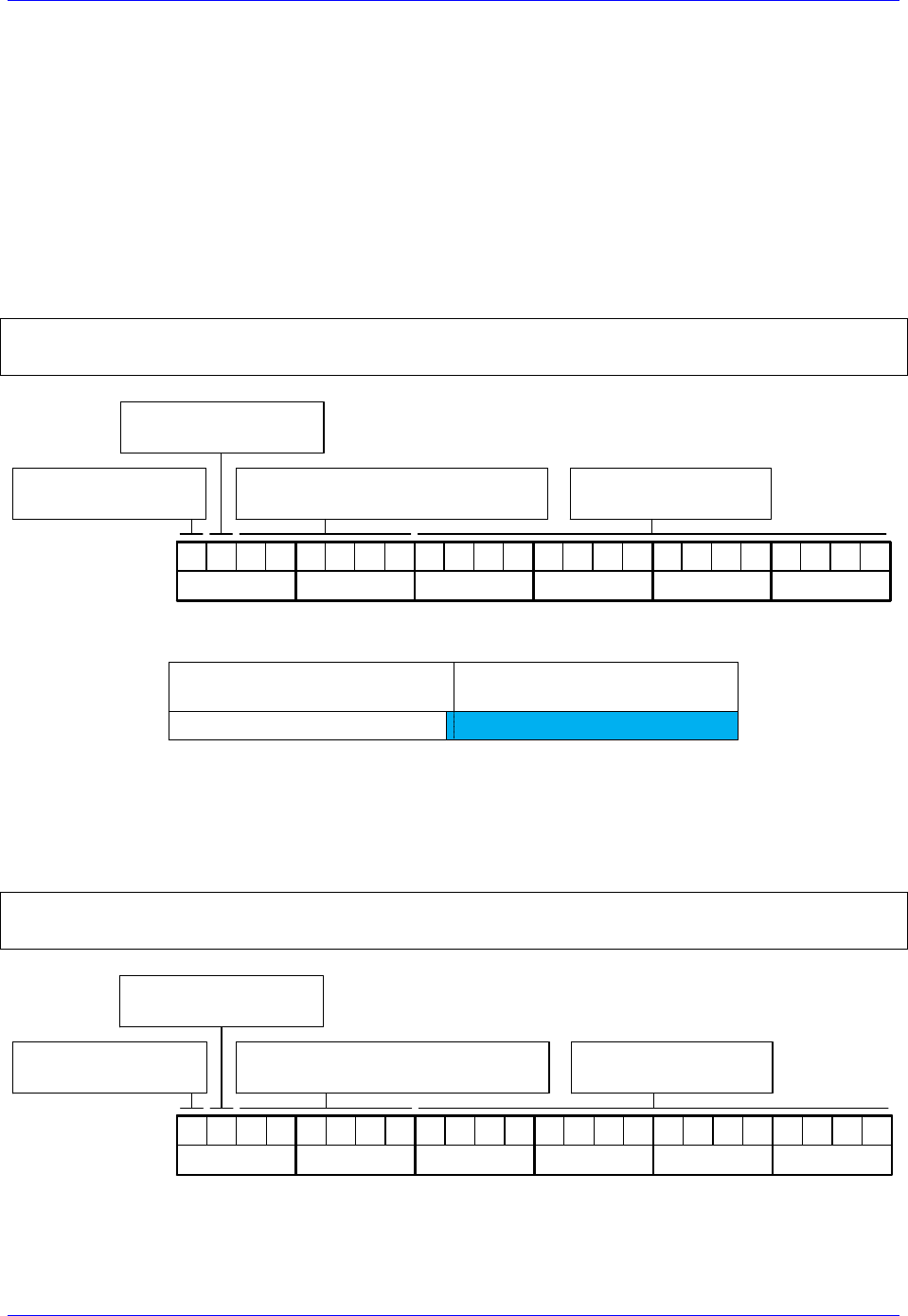
Brick Controller User Manual
PinOuts and Software Setup 76
Counts Per User Units (Technique 1)
With technique 1, the user should expect to see 2ST counts per revolution for rotary encoders, and
1/Resolution counts per user unit for linear scales in the motor position window.
Examples: 25-bit rotary encoder (13-bit Singleturn): 213= 8,192 cts/rev
1-micron linear scale: 1/0.001= 1,000 cts/mm
Absolute Power-On Position Read (Technique 1)
With Technique 1, the absolute power-on read can be performed using PMAC’s automatic settings
(Ixx80, Ixx10 and Ixx95).
Example 1: Channel 1 driving a 25-bit (13-bit single turn, 12-bit multi-turn) rotary serial encoder:
I180=2 ; Absolute power-on read enabled
I110=$78B20 ; Absolute power-on position address (ch1 serial data register A)
I195=$990000 ; Parallel Read, 25 bits, Signed, from Y-Register –User Input
Bit 23: =1 Signed
=0 Unsigned
10011001
Bit 22: =1 X-Register
=0 Y-Register
Bits16-21: Number of Bits to read
(Resolution 25 bits or 011001 )
Ixx95 Binary:
Hex($): 9 9
00000000
0 0
00000000
0 0
Bits 0-15: reserved
(always 0)
In this mode, PMAC reads and reports 25 bits from the consecutive serial data registers:
Serial Register A
(Ch1 Y:$78B20)
Serial Register B
(Ch1 Y:$78B21)
25 bits
02347
With the setting of Ixx80=2, the actual position is reported automatically on Power-up. Otherwise, a #1$*
command is necessary to read and report the absolute position.
Example 2: Channel 1 driving an 18-bit (18-bit Singleturn, No Multiturn) absolute rotary serial encoder,
or a similar protocol resolution (18 bits) linear scale:
I180=2 ; Absolute power-on read enabled
I110=$78B20 ; Absolute power-on position address (ch1 serial data register A)
I195=$120000 ; Parallel Read, 18 bits, Unsigned, from Y-Register –User Input
Bit 23: =1 Signed
=0 Unsigned
00010010
Bit 22: =1 X-Register
=0 Y-Register
Bits16-21: Number of Bits to read
(Resolution 18 bits or 010010 )
Ixx95 Binary:
Hex($): 1 2
00000000
0 0
00000000
0 0
Bits 0-15: reserved
(always 0)
Brick Controller User Manual
PinOuts and Software Setup 77
In this mode, PMAC reads and reports 18 bits from the first serial data register:
Serial Data Register A
(Ch1 Y:$78B20)
Serial Data Register B
(Ch1 Y:$78B21)
18 bits
02347
With this setting of Ixx80=2, the actual position is reported automatically on Power-up. Otherwise, a
#1$* command is necessary to read and report the absolute position.
Note
With absolute serial encoders (no multi-turn data), the power-on
position format is set up for unsigned operation.
Note
The upper two fields in Ixx95 are the only relevant ones. Bits 0
through 15 are reserved and should always be set to 0.
Note
Some serial encoders use an external (not from the Brick) source for
power. Make sure that this power is applied prior to performing an
absolute read on power-up.
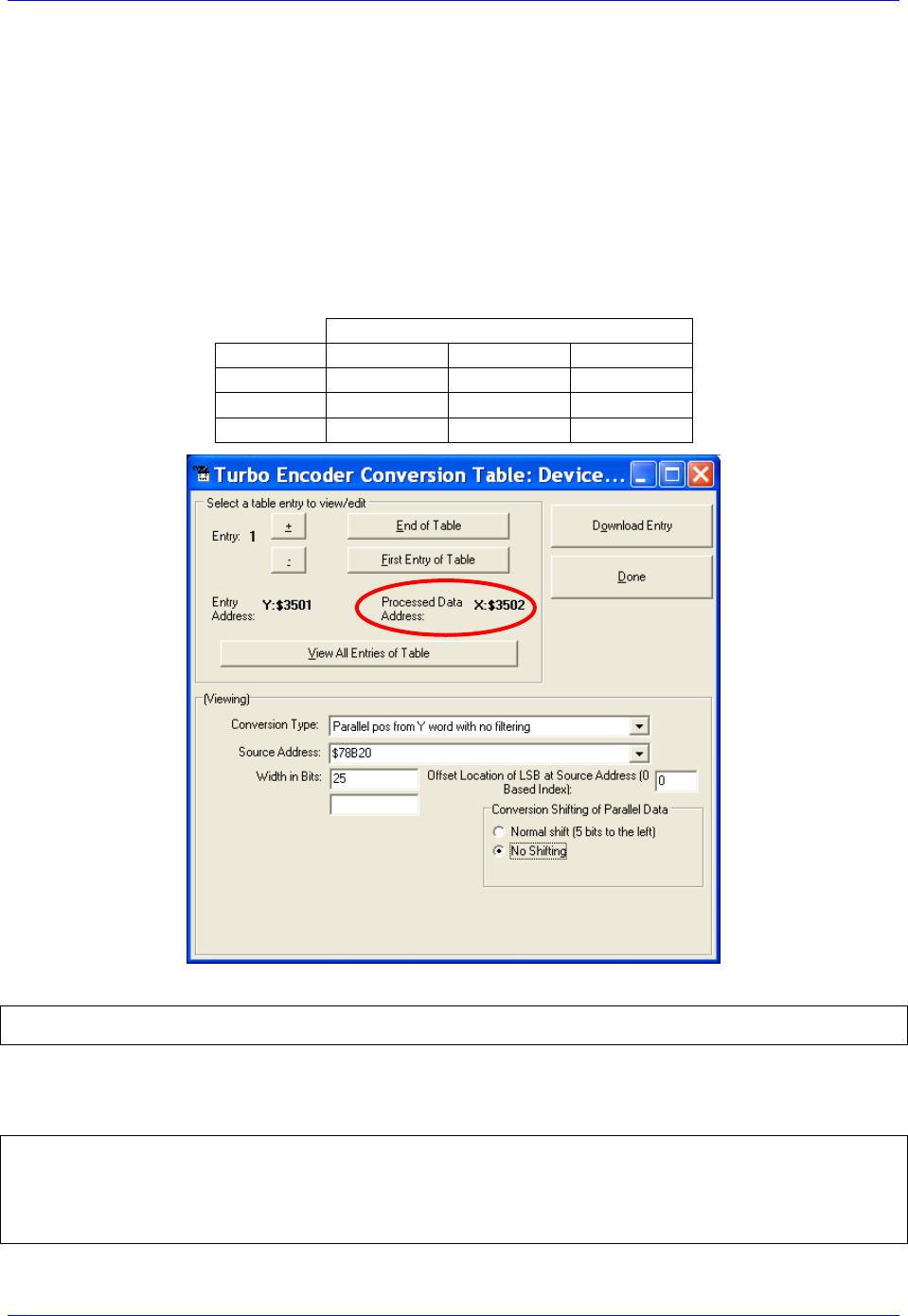
Brick Controller User Manual
PinOuts and Software Setup 78
Technique 2 Example
Channel 1 is driving a 37-bit (25-bit Singleturn, 12-bit Multiturn) rotary serial encoder, or a linear scale
with similar protocol resolution (25 bits, 10 nanometer).
Encoder Conversion Table – for position (Technique 2)
Conversion Type: Parallel pos from Y word with no filtering
Width in Bits: Singleturn/absolute resolution in bits (e.g. 25 bits)
Offset Location of LSB: leave at zero
No shifting
Source Address: serial data register A (see table below)
Remember to click on Download Entry for the changes to take effect.
Source Address (serial data register A)
Channel 1
Y:$78B20
Channel 5
Y:$78B30
Channel 2
Y:$78B24
Channel 6
Y:$78B34
Channel 3
Y:$78B28
Channel 7
Y:$78B38
Channel 4
Y:$78B2C
Channel 8
Y:$78B3C
This is a 2-line ECT entry, its equivalent script code:
I8000=$2F8B20 ; Unfiltered parallel pos of location Y:$78B20
I8001=$19000 ; Width and Offset. Processed result at $3502
Typically, the position and velocity pointers are set to the processed data address (e.g. $3502). Also, with
technique 2, it is recommended to set the position and velocity scale factors to 1 and the position error
limit to its maximum value:
I100=1 ; Mtr#1 Active. Remember to activate the channel to see feedback
I103=$3502 ; Mtr#1 position loop feedback address
I104=$3502 ; Mtr#1 velocity loop feedback address
I108=1 ; Mtr#1 position-loop scale factor
I109=1 ; Mtr#1 velocity-loop scale factor
I167=8388607 ; Mtr#1 Position Error Limit

Brick Controller User Manual
PinOuts and Software Setup 79
Note
At this point, you should be able to move the motor/encoder shaft by
hand and see ‘motor’ counts in the position window
Counts Per User Units (Technique 2)
With technique 2, the user should expect to see 2ST-5= 2ST/32 counts per revolution for rotary encoders,
and 1/(32*Resolution) counts per user unit for linear scales in the motor position window.
Examples: 37-bit rotary encoder (25-bit Singleturn): 225/32= 1,048,576 cts/rev
10-nanometer linear scale: 1/(32*0.000010)= 3,125 cts/mm
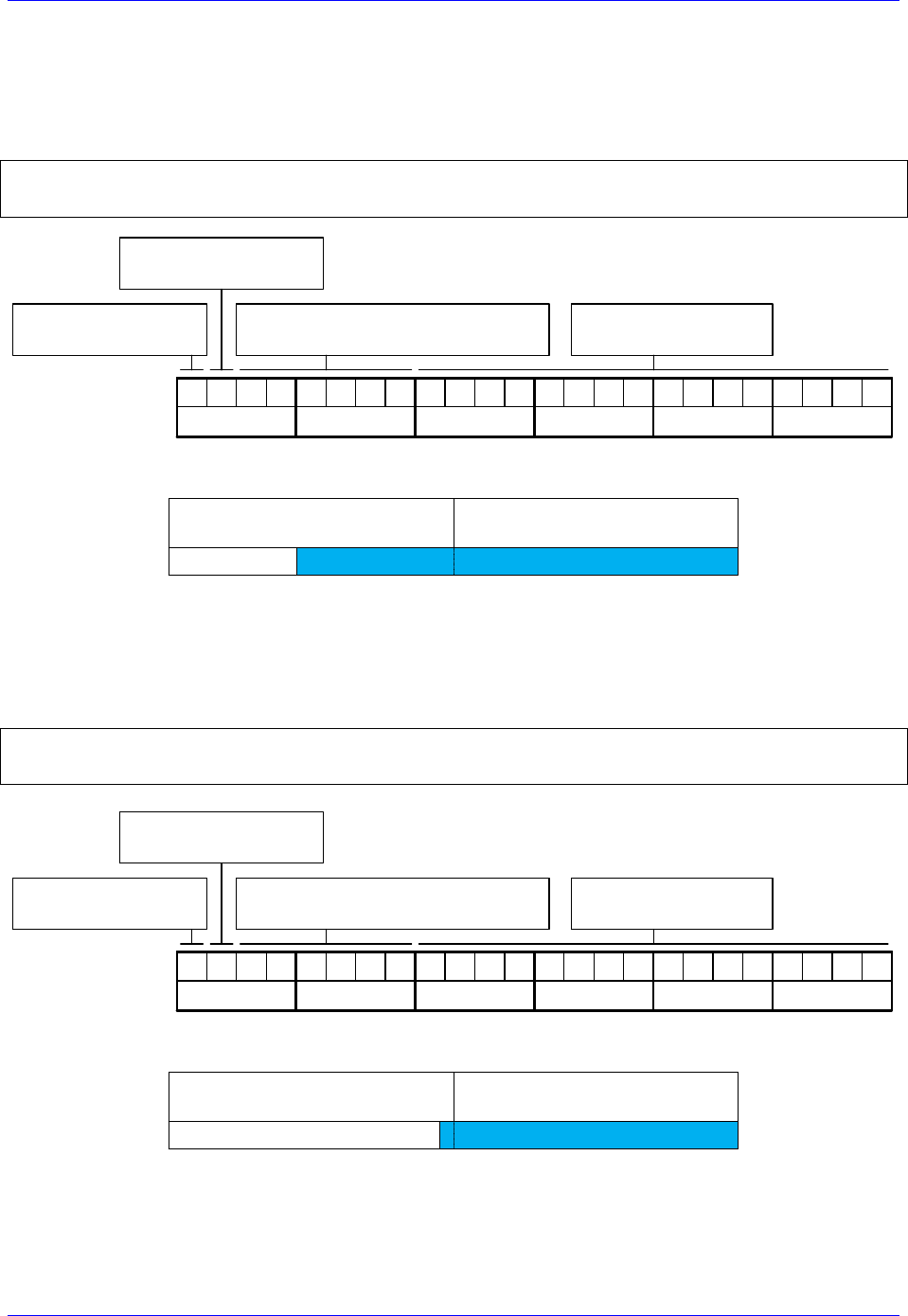
Brick Controller User Manual
PinOuts and Software Setup 80
Absolute Power-On Position Read (Technique 2)
With technique 2, the absolute power-on position can be read directly from the serial data registers. But,
proper scaling (5-bit right shift, in a PLC) is required to conform to the unshifted on-going position.
Example 1: Channel 1 driving a 37-bit (25-bit single turn, 12-bit multi-turn) rotary serial encoder:
I180=0 ; Absolute power-on read disabled
I110=$78B20 ; Absolute power-on position address (ch1 serial data register A)
I195=$A50000 ; Parallel Read, 37 bits, Signed, from Y-Register –User Input
Bit 23: =1 Signed
=0 Unsigned
10100101
Bit 22: =1 X-Register
=0 Y-Register
Bits16-21: Number of Bits to read
(Resolution 37 bits or 100101 )
Ixx95 Binary:
Hex($): A 5
00000000
0 0
00000000
0 0
Bits 0-15: reserved
(always 0)
In this mode, PMAC reads 37 bits from the consecutive serial data registers:
Serial Register A
(Ch1 Y:$78B20)
Serial Register B
(Ch1 Y:$78B21)
37 bits
02347
With the setting of Ixx80=0, the actual position is not reported automatically on power-up. It will be
reported after scaling (i.e. in PLC, below).
Example 2: Channel 1 driving a 25-bit (25-bit Singleturn, No Multiturn) absolute rotary serial encoder,
or a similar protocol resolution (25 bits) linear scale:
I180=0 ; Absolute power-on read disabled
I110=$78B20 ; Absolute power-on position address (ch1 serial data register A)
I195=$190000 ; Parallel Read, 25 bits, Unsigned, from Y-Register –User Input
Bit 23: =1 Signed
=0 Unsigned
00011001
Bit 22: =1 X-Register
=0 Y-Register
Bits16-21: Number of Bits to read
(Resolution 25 bits or 011001 )
Ixx95 Binary:
Hex($): 1 9
00000000
0 0
00000000
0 0
Bits 0-15: reserved
(always 0)
In this mode, PMAC reads 25 bits from the first serial data register:
Serial Data Register A
(Ch1 Y:$78B20)
Serial Data Register B
(Ch1 Y:$78B21)
25 bits
02347
With the setting of Ixx80=0, the actual position is not reported automatically on power-up. It will be
reported after scaling (i.e. in PLC, below).
Brick Controller User Manual
PinOuts and Software Setup 81
Note
With absolute serial encoders (no multi-turn data), the power-on
position format is set up for unsigned operation.
Note
The upper two fields in Ixx95 are the only relevant ones. Bits 0
through 15 are reserved and should always be set to 0.
Power-On Position scaling PLC example (for technique 2)
M162->D:$00008B ; #1 Actual position (Suggested M-Variable)
Open PLC 1 clear
I5111=100*8388608/I10 while(I5111>0) endw ; 100 msec delay
CMD“#1K“ ; Make sure motor(s) killed
I5111=100*8388608/I10 while(I5111>0) endw ; 100 msec delay
CMD“#1$*“ ; Read un-scaled absolute position
I5111=100*8388608/I10 while(I5111>0) endw ; 100 msec delay
M162=M162/32 ; Scale absolute position (shift right 5 bits)
I5111=100*8388608/I10 while(I5111>0) endw ; 100 msec delay
Dis PLC 1 ; Run once on power-up or reset
Close
Note
Some serial encoders use an external (not from the Brick) source for
power. Make sure that this power is applied prior to performing an
absolute read on power-up.
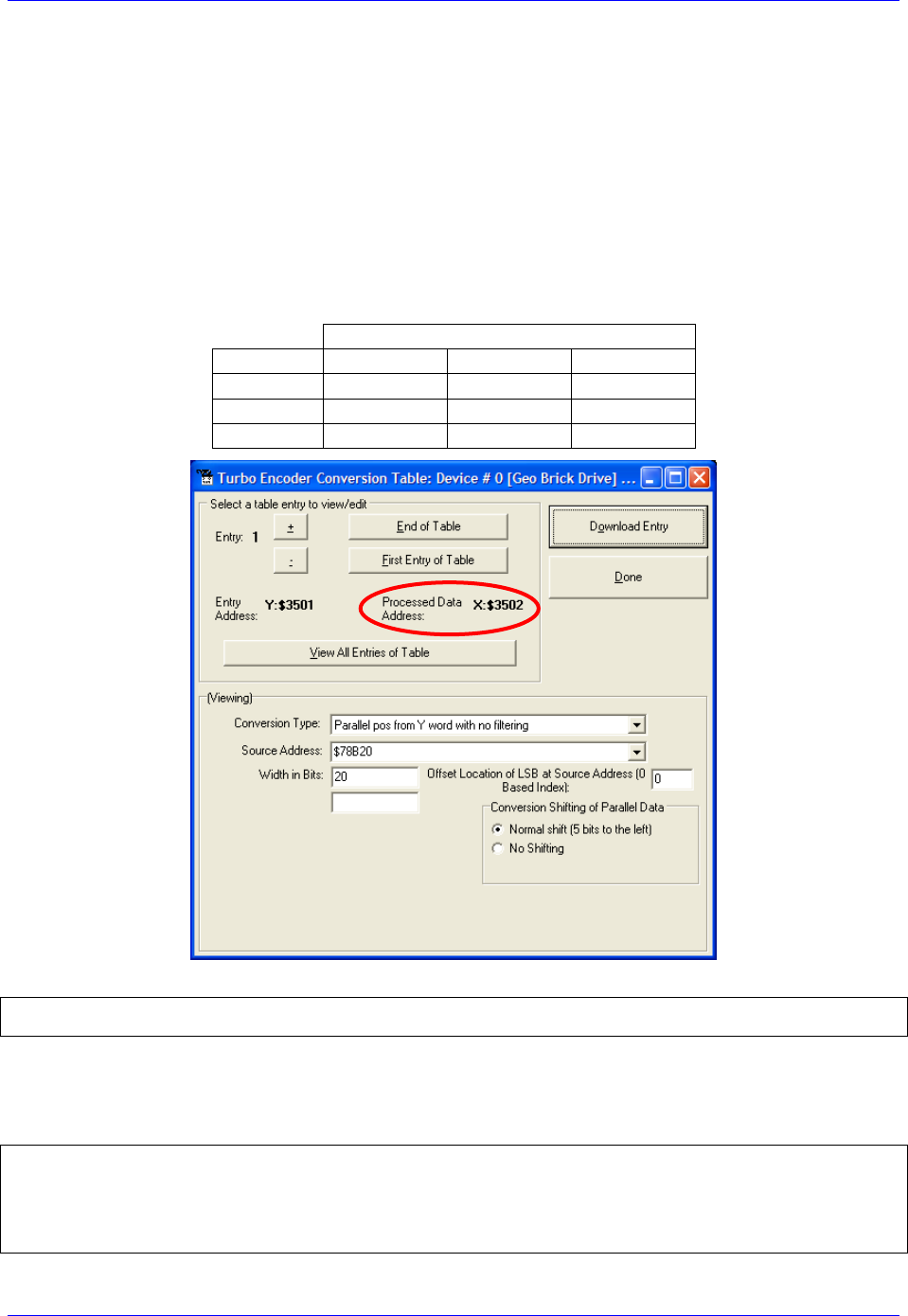
Brick Controller User Manual
PinOuts and Software Setup 82
Technique 3 Example
Channel 1 is driving a 32-bit (20-bit Singleturn, 12-bit Multiturn) rotary serial encoder, or a linear scale
with similar protocol resolution (20 bits, 0.1 micron).
Encoder Conversion Table - for position (Technique 3)
Conversion Type: Parallel pos from Y word with no filtering
Width in Bits: Singleturn/absolute resolution in bits (e.g. 20 bits)
Offset Location of LSB: leave at zero
Normal Shift (5 bits to the left)
Source Address : serial data register A (see table below)
Remember to click on Download Entry for the changes to take effect.
Source Address ( serial data register A)
Channel 1
Y:$78B20
Channel 5
Y:$78B30
Channel 2
Y:$78B24
Channel 6
Y:$78B34
Channel 3
Y:$78B28
Channel 7
Y:$78B38
Channel 4
Y:$78B2C
Channel 8
Y:$78B3C
This is a 2-line ECT entry, its equivalent script code:
I8000=$278B20 ; Unfiltered parallel pos of location Y:$78B20
I8001=$014000 ; Width and Offset. Processed result at $3502
Typically, the position and velocity pointers are set to the processed data address (e.g. $3502). With
Singleturn or linear resolutions less than 20 bits, the position/velocity scale factors, and position error
limit can be left at default values. But with resolutions of 20 bits or greater, it is recommended to set the
scale factors to 1 and the position error limit to its maximum value:
I100=1 ; Mtr#1 Active. Remember to activate the channel to see feedback
I103=$3502 ; Mtr#1 position loop feedback address
I104=$3502 ; Mtr#1 velocity loop feedback address
I108=1 ; Mtr#1 position-loop scale factor
I109=1 ; Mtr#1 velocity-loop scale factor
I167=8388607 ; Mtr#1 Position Error Limit

Brick Controller User Manual
PinOuts and Software Setup 83
Note
At this point, you should be able to move the motor/encoder shaft by
hand and see ‘motor’ counts in the position window.
Counts Per User Units (Technique 3)
With technique 3, the user should expect to see 2ST counts per revolution for rotary encoders, and
1/Resolution counts per user unit for linear scales in the motor position window.
Examples: 32-bit rotary encoder (20-bit Singleturn): 220= 1,048,576 cts/rev
0.1-micron linear scale: 1/0.0001= 10,000 cts/mm
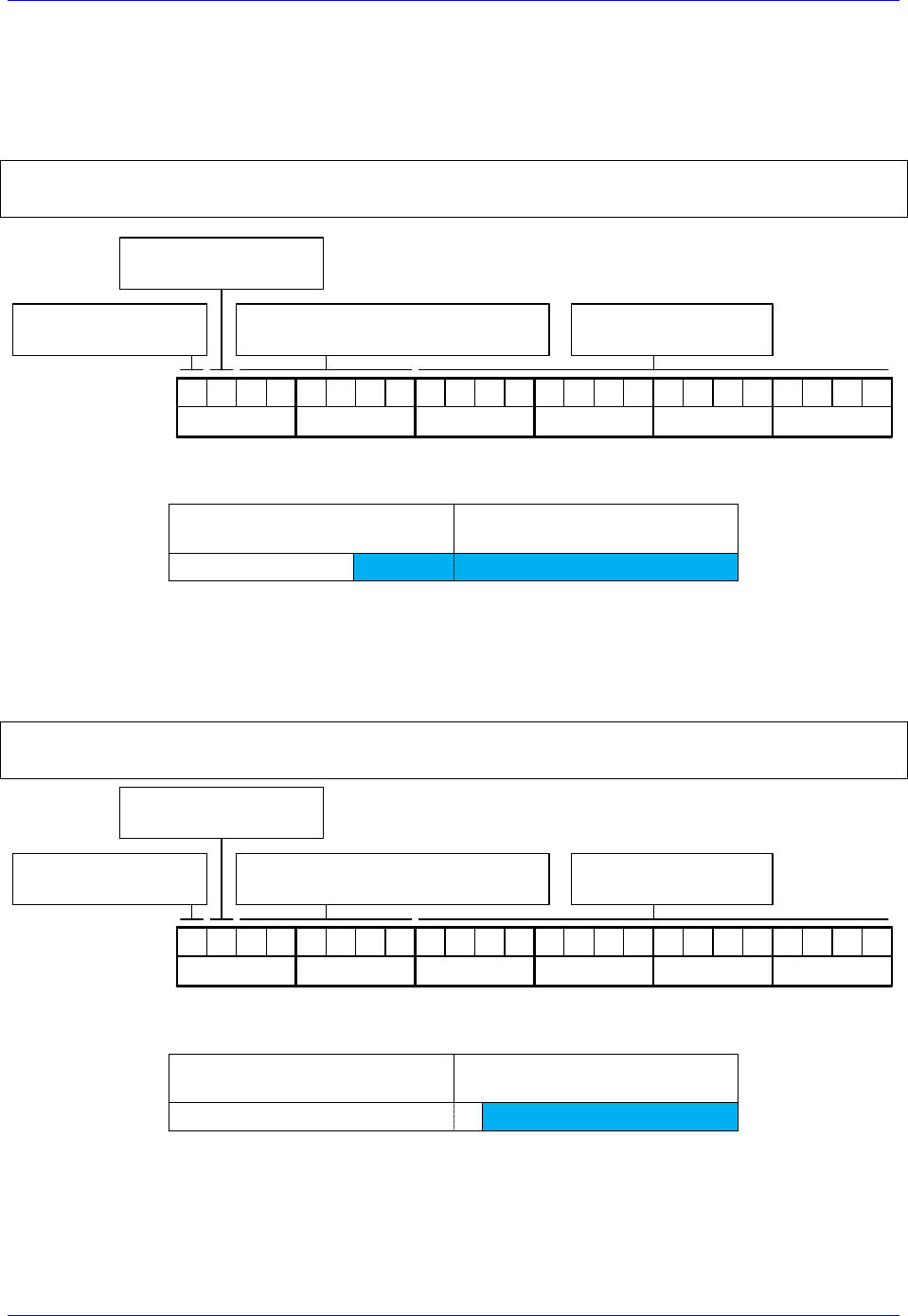
Brick Controller User Manual
PinOuts and Software Setup 84
Absolute Power-On Position Read (Technique 3)
With Technique 3, the absolute power-on read can be performed using PMAC’s automatic settings
(Ixx80, Ixx10 and Ixx95).
Example 1: Channel 1 driving a 32-bit (20-bit single turn, 12-bit multi-turn) rotary serial encoder:
I180=2 ; Absolute power-on read enabled
I110=$78B20 ; Absolute power-on position address (ch1 serial data register A)
I195=$A00000 ; Parallel Read, 32 bits, Signed, from Y-Register –User Input
Bit 23: =1 Signed
=0 Unsigned
10100000
Bit 22: =1 X-Register
=0 Y-Register
Bits16-21: Number of Bits to read
(Resolution 32 bits or 100000 )
Ixx95 Binary:
Hex($): A 0
00000000
0 0
00000000
0 0
Bits 0-15: reserved
(always 0)
In this mode, PMAC reads and reports 32 bits from the consecutive serial data registers:
Serial Data Register A
(Ch1 Y:$78B20)
Serial Data Register B
(Ch1 Y:$78B21)
32 bits
02347
With the setting of Ixx80=2, the actual position is reported automatically on Power-up. Otherwise, a #1$*
command is necessary to read and report the absolute position.
Example 2: Channel 1 driving a 20-bit (20-bit Singleturn, No Multiturn) absolute rotary serial encoder,
or a similar protocol resolution (20 bits) linear scale:
I180=2 ; Absolute power-on read enabled
I110=$78B20 ; Absolute power-on position address (ch1 serial data register A)
I195=$140000 ; Parallel Read, 20 bits, Unsigned, from Y-Register –User Input
Bit 23: =1 Signed
=0 Unsigned
00010100
Bit 22: =1 X-Register
=0 Y-Register
Bits16-21: Number of Bits to read
(Resolution 20 bits or 010100 )
Ixx95 Binary:
Hex($): 1 4
00000000
0 0
00000000
0 0
Bits 0-15: reserved
(always 0)
In this mode, PMAC reads and reports 20 bits from the first serial data register:
Serial Data Register A
(Ch1 Y:$78B20)
Serial Data Register B
(Ch1 Y:$78B21)
20 bits
02347
With the setting of Ixx80=2, the actual position is reported automatically on Power-up. Otherwise, a #1$*
command is necessary to read and report the absolute position.

Brick Controller User Manual
PinOuts and Software Setup 85
Note
With absolute serial encoders (no multi-turn data), the power-on
position format is set up for unsigned operation.
Note
The upper two fields in Ixx95 are the only relevant ones. Bits 0
through 15 are reserved and should always be set to 0.
Note
Some serial encoders use an external (not from the Brick) source for
power. Make sure that this power is applied prior to performing an
absolute read on power-up.
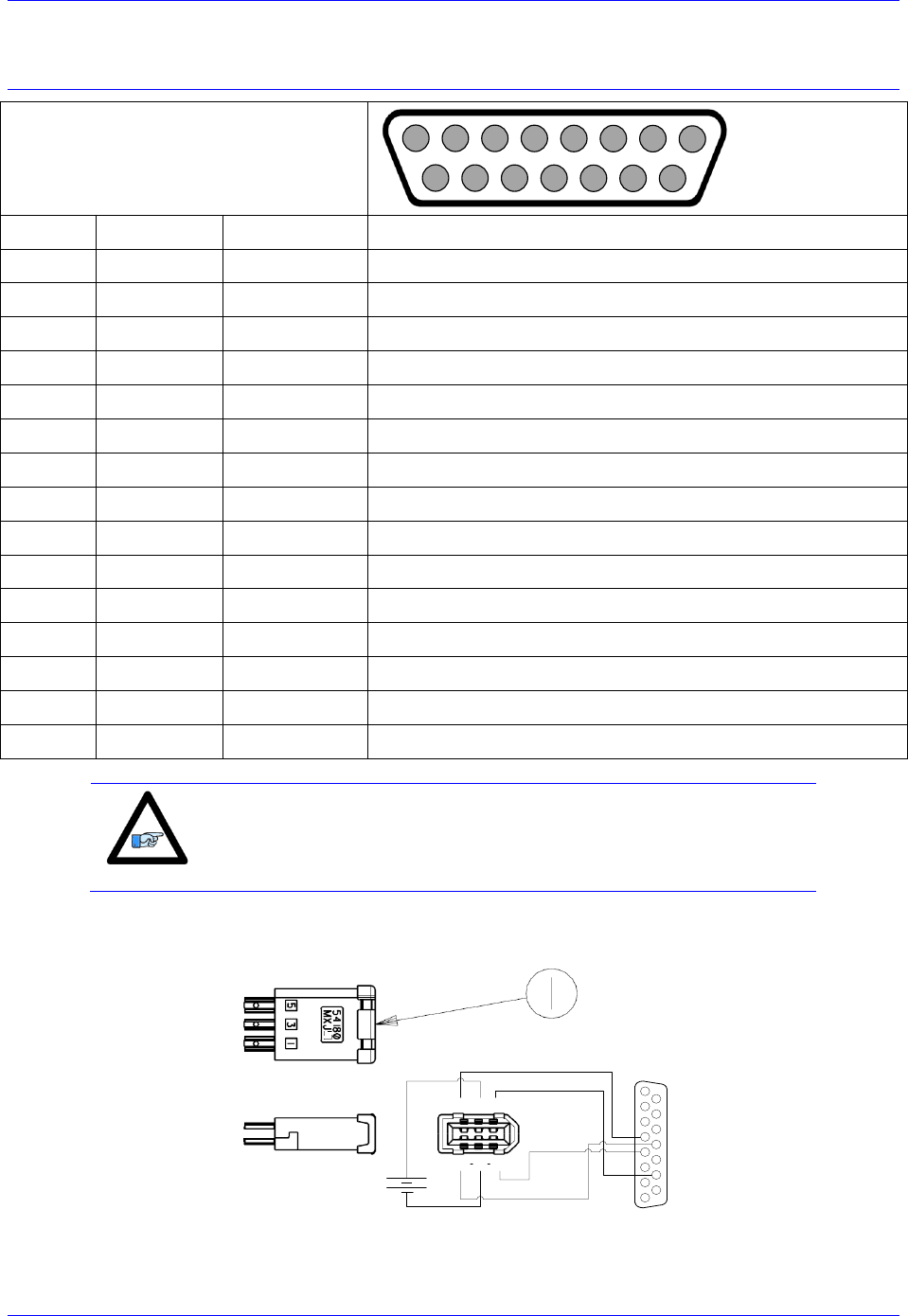
Brick Controller User Manual
PinOuts and Software Setup 86
X1-X8: Encoder Feedback, Yaskawa Sigma II & III
X1-X8: D-sub DA-15F
Mating: D-sub DA-15M
2
3
4
5
6
7
8
9
10
11
12
13
14
15
1
Pin #
Symbol
Function
Notes
1
2
3
4
EncPwr
Output
Encoder Power 5 Volts
5
SDI
Input
Serial Data In
6
7
8
9
10
11
12
GND
Common
Common Ground
13
14
SDO
Output
Serial Data Out
15
Note
Use an encoder cable with high quality shield. Connect the shield
to chassis ground, and use ferrite core in noise sensitive
environment.
If you prefer to keep the original Molex connector on the Yaskawa encoder cable, the following converter
can be used to attach to the Brick D-sub DA-15F:
135
246
12345678
9101112131415
Yaskawa Encoder Cable has FEMALE Connector by defalut
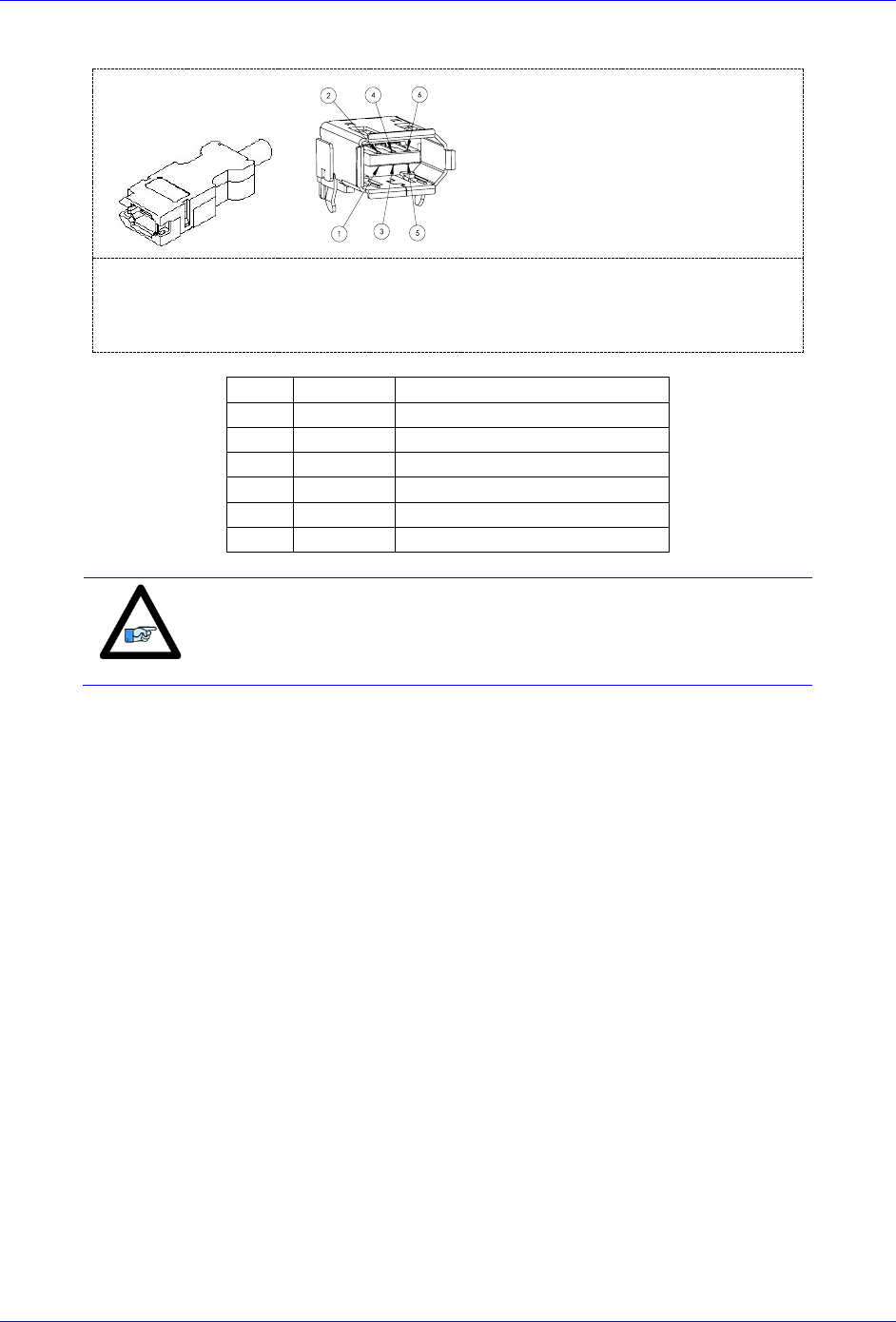
Brick Controller User Manual
PinOuts and Software Setup 87
Molex 2.00 mm (.079") Pitch Serial I/O Connector, Receptacle Kit, Wire-to-Wire.
Part Number: 0542800609
Pin #
Function
Wire Color code
1
+5VDC
RED
2
GND
BLACK
3
BAT+
Orange
4
BAT-
Orange/Black (Orange/White)
5
SDO
Blue
6
SDI
Blue/Black (Blue/White)
Note
All Yaskawa Sigma II & Sigma III protocols, whether incremental or
absolute and regardless of the resolution, are supported.
This option allows the Brick to connect to up to eight Yaskawa devices. Setting up the Yaskawa Sigma
interface correctly requires the programming of two essential control registers:
Global Control Registers
Channel Control Registers
The resulting data is found in:
Yaskawa Data Registers
Brick Controller User Manual
PinOuts and Software Setup 88
Global Control Registers
X:$78BnF (default value: $002003) where n=2 for axes 1-4
n=3 for axes 5-8
Global Control Register
Axes 1-4
X:$78B2F
Axes 5-8
X:$78B3F
Note
With the Yaskawa option, the Global Control Register is pre-set and
need not be changed.
[23-16]
[15-12]
11
10
9
8
7
6
5
4
3
2
1
0
M Divisor
N Divisor
Reserved
Trig.
Clock
Trig.
Edge
Trigger
Delay
Protocol
Code
0
0
0
0
0
0
0
0
0
0
0
0
0
0
0
0
0
0
0
0
0
1
1
0
0
0
0
0
0
6
Bit
Type
Default
Name
Description
[23:16]
R/W
0x00
M_Divisor
Intermediate clock frequency for SER_Clock. The
intermediate clock is generated from a (M+1) divider clocked
at 100 MHz.
[15:12]
R/W
0x0
N_Divisor
Final clock frequency for SER_Clock. The final clock is
generated from a
N
2
divider clocked by the intermediate
clock.
[11:10]
R
00
Reserved
Reserved and always reads zero.
[09]
R/W
0
TriggerClock
Trigger clock select for initiating serial encoder
communications:
0= PhaseClock
1= ServoClock
[08]
R/W
0
TriggerEdge
Active clock edge select for the trigger clock:
0= rising edge
1= falling edge
[07:04]
R/W
0x0
TriggerDelay
Trigger delay program relative to the active edge of the
trigger clock. Units are in increments of 20 usec.
[03:00]
R
ProtocolCode
This read-only bit field is used to read the serial interface
protocol supported by the FPGA.
A value of $5 defines this protocol as Yaskawa Sigma I.
A value of $6 defines this protocol as Yaskawa Sigma II.
Brick Controller User Manual
PinOuts and Software Setup 89
Channel Control Registers
X:$78Bn0, X:$78Bn4, X:$78Bn8, X:$78BnC where: n=2 for axes 1-4
n=3 for axes 5-8
Channel 1
X:$78B20
Channel 5
X:$78B20
Channel 2
X:$78B24
Channel 6
X:$78B34
Channel 3
X:$78B28
Channel 7
X:$78B38
Channel 4
X:$78B2C
Channel 8
X:$78B3C
Bits 10, 12, and 13 are the only fields to be configured in the Channel Control Registers with the
Yaskawa option. The rest is protocol information. This has to be done in a startup PLC to execute once on
power up.
[23:14]
13
12
11
10
[9:0]
Reserved
Trig.
Mode
Trig.
Enable
RxData Ready/
SENC
Reserved
Bit
Type
Default
Name
Description
[23:14]
R
0x000
Reserved
Reserved and always reads zero.
[13]
R/W
0
Trigger Mode
Trigger Mode to initiate communication:
0= continuous trigger
1= one-shot trigger
All triggers occur at the defined Phase/Servo clock edge and
delay setting. See Global Control register for these settings.
[12]
R/W
0
Trigger
Enable
Enable trigger for serial encoder communications:
0= disabled
1= enabled
This bit must be set for either trigger mode. If the Trigger
Mode bit is set for one-shot mode, the hardware will
automatically clear this bit after the trigger occurs.
[11]
R/W
0
Reserved
Reserved and always reads zero.
[10]
R
0
RxData Ready
This read-only bit provides the received data status. It is low
while the interface logic is communicating (busy) with the
serial encoder. It is high when all the data has been received
and processed.
W
0
SENC_MODE
This write-only bit is used to enable the output drivers for
the SENC_SDO, SENC_CLK, SENC_ENA pins for each
respective channel. It also directly drives the respective
SENC_MODE pin for each channel.
[09:00]
R
0x0
Reserved
Reserved and always reads zero.
Brick Controller User Manual
PinOuts and Software Setup 90
Yaskawa Feedback Channel Control Power-On Example PLC (Motors 1-8)
This code statement can be added to your existing initialization PLC.
End Gat
Del Gat
Close
Open PLC 1 clear
CMD"WX:$78B20,$1400"
CMD"WX:$78B24,$1400"
CMD"WX:$78B28,$1400"
CMD"WX:$78B2C,$1400"
CMD"WX:$78B30,$1400"
CMD"WX:$78B34,$1400"
CMD"WX:$78B38,$1400"
CMD"WX:$78B3C,$1400"
Disable plc 1
Close
Yaskawa Data Registers
Yaskawa Data Registers
Channel 1
Y:$78B20
Channel 5
Y:$78B20
Channel 2
Y:$78B24
Channel 6
Y:$78B34
Channel 3
Y:$78B28
Channel 7
Y:$78B38
Channel 4
Y:$78B2C
Channel 8
Y:$78B3C
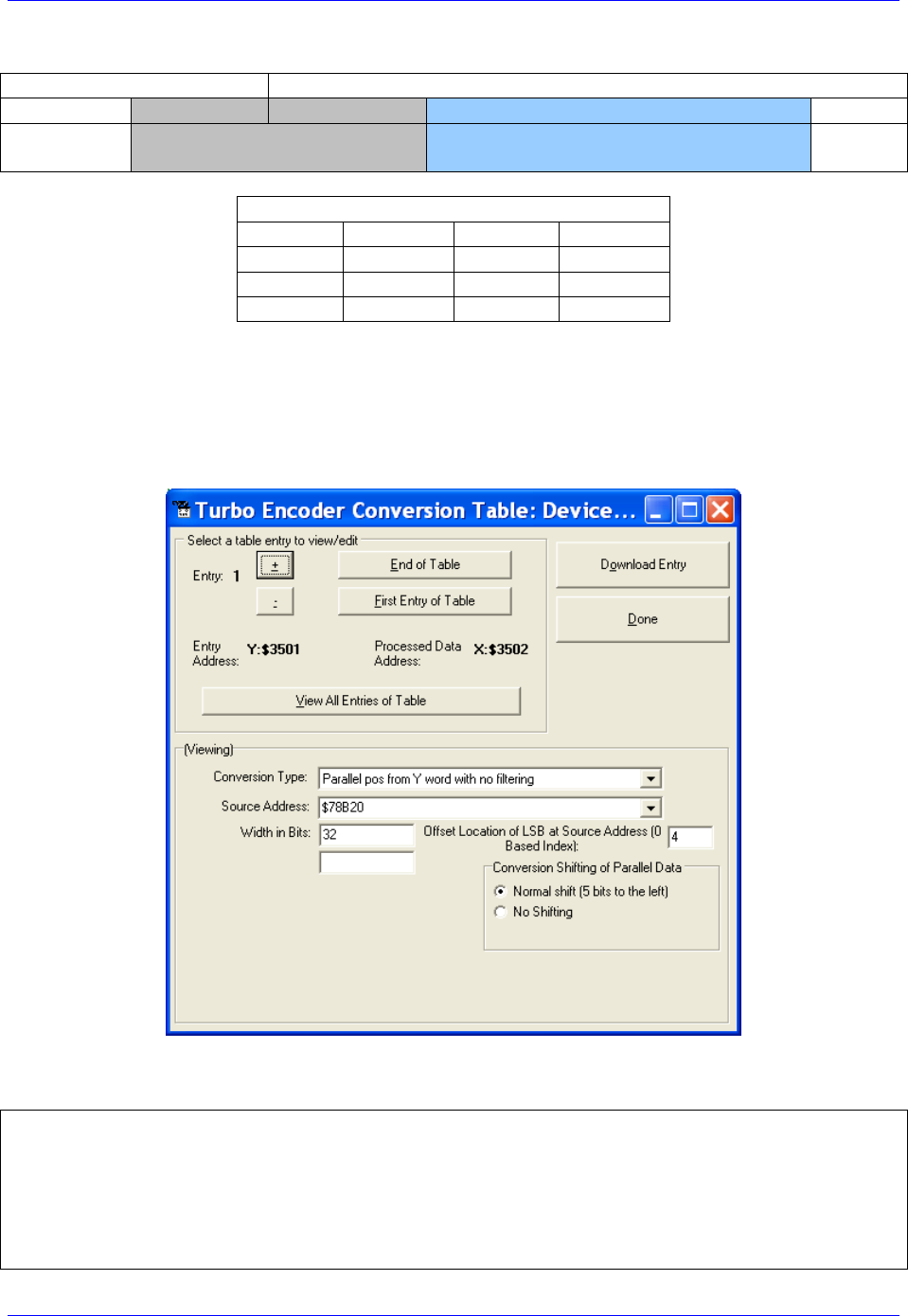
Brick Controller User Manual
PinOuts and Software Setup 91
Yaskawa Sigma II 16-Bit Absolute Encoder
Y:$78B21
Y:$78B20
[23-12]
[11-0]
[23-20]
[19-4]
[3:0]
Multi-Turn Position
(16-bits)
Absolute Single Turn Data
(16-bits)
Yaskawa Data Registers
Channel 1
Y:$78B20
Channel 5
Y:$78B30
Channel 2
Y:$78B24
Channel 6
Y:$78B34
Channel 3
Y:$78B28
Channel 7
Y:$78B38
Channel 4
Y:$78B2C
Channel 8
Y:$78B3C
The on-going servo and commutation position data is setup using a 2-line Entry in the Encoder
Conversion Table. The first line represents a Parallel Y-Word with no filtering ($2) from the
corresponding Yaskawa data register/channel. The second line represents the width of the data to be read
and bit location of the LSB of the data in the source word.
Channel 1, Yaskawa Sigma II 16-bit Absolute Encoder Setup Example
Encoder Conversion Table Setup (Motors 1-8)
The ECT automatic entry is equivalent to:
I8000=$278B20 ; Entry 1 Unfiltered parallel pos of location Y:$78B20
I8001=$020004 ; Width and Bias, total of 32-bits LSB starting at bit#4
I8002=$278B24 ; Entry 2 Unfiltered parallel pos of location Y:$78B24
I8003=$020004 ; Width and Bias, total of 32-bits LSB starting at bit#4
I8004=$278B28 ; Entry 3 Unfiltered parallel pos of location Y:$78B28
I8005=$020004 ; Width and Bias, total of 32-bits LSB starting at bit#4
I8006=$278B2C ; Entry 4 Unfiltered parallel pos of location Y:$78B2C
Brick Controller User Manual
PinOuts and Software Setup 92
I8007=$020004 ; Width and Bias, total of 32-bits LSB starting at bit#4
I8008=$278B30 ; Entry 5 Unfiltered parallel pos of location Y:$78B30
I8009=$020004 ; Width and Bias, total of 32-bits LSB starting at bit#4
I8010=$278B34 ; Entry 6 Unfiltered parallel pos of location Y:$78B34
I8011=$020004 ; Width and Bias, total of 32-bits LSB starting at bit#4
I8012=$278B38 ; Entry 7 Unfiltered parallel pos of location Y:$78B38
I8013=$020004 ; Width and Bias, total of 32-bits LSB starting at bit#4
I8014=$278B3C ; Entry 8 Unfiltered parallel pos of location Y:$78B3C
I8015=$020004 ; Width and Bias, total of 32-bits LSB starting at bit#4
Position (Ixx03) and Velocity (Ixx04) Pointers
I103=$3502 ; Motor 1 Position feedback address, ECT processed data
I104=$3502 ; Motor 1 Velocity feedback address, ECT processed data
I203=$3504 ; Motor 2 Position feedback address, ECT processed data
I204=$3504 ; Motor 2 Velocity feedback address, ECT processed data
I303=$3506 ; Motor 3 Position feedback address, ECT processed data
I304=$3506 ; Motor 3 Velocity feedback address, ECT processed data
I403=$3508 ; Motor 4 Position feedback address, ECT processed data
I404=$3508 ; Motor 4 Velocity feedback address, ECT processed data
I503=$350A ; Motor 5 Position feedback address, ECT processed data
I504=$350A ; Motor 5 Velocity feedback address, ECT processed data
I603=$350C ; Motor 6 Position feedback address, ECT processed data
I604=$350C ; Motor 6 Velocity feedback address, ECT processed data
I703=$350E ; Motor 7 Position feedback address, ECT processed data
I704=$350E ; Motor 7 Velocity feedback address, ECT processed data
I803=$3510 ; Motor 8 Position feedback address, ECT processed data
I804=$3510 ; Motor 8 Velocity feedback address, ECT processed data
Motor Activation
I100,8,100=1 ; Motors 1-8 Activated
Note
At this point of the setup process, you should be able to move the
motor/encoder shaft by hand and see encoder counts in the position
window.

Brick Controller User Manual
PinOuts and Software Setup 93
Absolute Power-On Position Read (Yaskawa 16-bit)
Channel 1 example PLC, 16-bit Absolute Sigma II Encoder
End Gat
Del Gat
Close
#define STD0_15 M7000 ; Single-turn Data 0-15 (16-bits)
#define MTD0_3 M7001 ; Multi-Turn Data 0-3 (4-bits)
#define MTD4_15 M7002 ; Multi-Turn Data 4-15 (12-bits)
#define MTD0_15 M7003 ; Multi-Turn Data 0-15 (16-bits)
STD0_15->Y:$78B20,4,16
MTD0_3->Y:$78B20,20,4
MTD4_15->Y:$78B21,0,12
MTD0_15->*
#define Mtr1ActPos M162
Mtr1ActPos->D:$00008B ; #1 Actual position (1/[Ixx08*32] cts)
Open plc 1 clear
MTD0_15 = MTD4_15 * $10 + MTD0_3
If (MTD0_15>$7FFF)
MTD0_15 = (MTD0_15^$FFFF + 1)*-1
If (STD0_15 !=0)
STD0_15 = (STD0_15^$FFFF + 1)*-1
Endif
Endif
Mtr1ActPos = ((MTD0_15 * $10000)+ STD0_15) * I108 * 32
disable plc 1
close
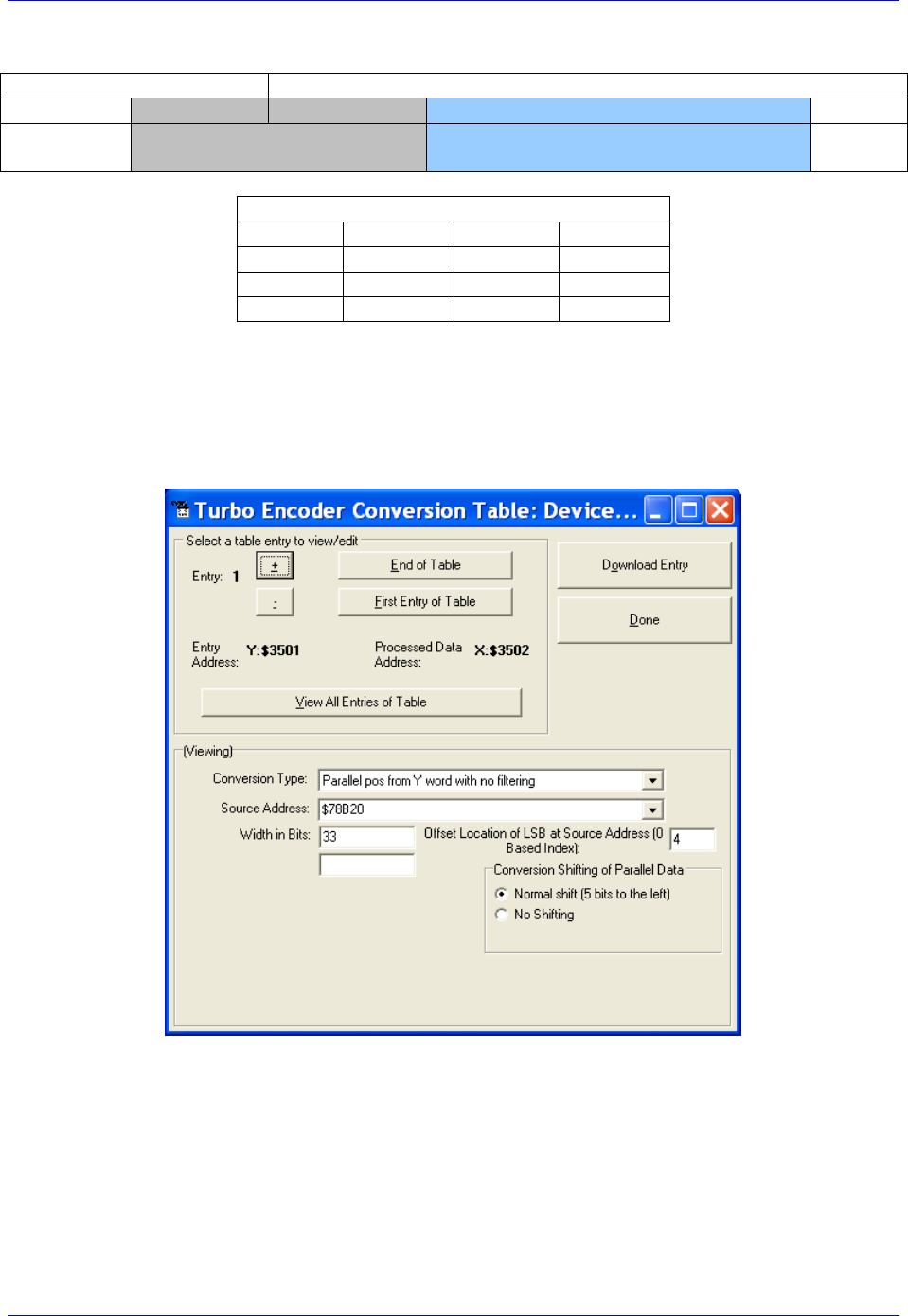
Brick Controller User Manual
PinOuts and Software Setup 94
Yaskawa Sigma II 17-Bit Absolute Encoder
Y:$78B21
Y:$78B20
[23-13]
[12-0]
[23-21]
[20-4]
[3:0]
Multi-Turn Position
(16-bits)
Absolute Single Turn Data
(17-bits)
Yaskawa Data Registers
Channel 1
Y:$78B20
Channel 5
Y:$78B30
Channel 2
Y:$78B24
Channel 6
Y:$78B34
Channel 3
Y:$78B28
Channel 7
Y:$78B38
Channel 4
Y:$78B2C
Channel 8
Y:$78B3C
The on-going servo and commutation position data is setup using a 2-line Entry in the Encoder
Conversion Table. The first line represents a Parallel Y-Word with no filtering ($2) from the
corresponding Yaskawa data register/channel. The second line represents the width of the data to be read
and bit location of the LSB of the data in the source word.
Channel 1, Yaskawa Sigma II 17-bit Absolute Encoder Setup Example
Brick Controller User Manual
PinOuts and Software Setup 95
Encoder Conversion Table Setup (Motors 1-8)
The ECT automatic entry is equivalent to:
I8000=$278B20 ; Entry 1 Unfiltered parallel pos of location Y:$78B20
I8001=$021004 ; Width and Bias, total of 33-bits LSB starting at bit#4
I8002=$278B24 ; Entry 2 Unfiltered parallel pos of location Y:$78B24
I8003=$021004 ; Width and Bias, total of 33-bits LSB starting at bit#4
I8004=$278B28 ; Entry 3 Unfiltered parallel pos of location Y:$78B28
I8005=$021004 ; Width and Bias, total of 33-bits LSB starting at bit#4
I8006=$278B2C ; Entry 4 Unfiltered parallel pos of location Y:$78B2C
I8007=$021004 ; Width and Bias, total of 33-bits LSB starting at bit#4
I8008=$278B30 ; Entry 5 Unfiltered parallel pos of location Y:$78B30
I8009=$021004 ; Width and Bias, total of 33-bits LSB starting at bit#4
I8010=$278B34 ; Entry 6 Unfiltered parallel pos of location Y:$78B34
I8011=$021004 ; Width and Bias, total of 33-bits LSB starting at bit#4
I8012=$278B38 ; Entry 7 Unfiltered parallel pos of location Y:$78B38
I8013=$021004 ; Width and Bias, total of 33-bits LSB starting at bit#4
I8014=$278B3C ; Entry 8 Unfiltered parallel pos of location Y:$78B3C
I8015=$021004 ; Width and Bias, total of 33-bits LSB starting at bit#4
Position (Ixx03) and Velocity (Ixx04) Pointers
I103=$3502 ; Motor 1 Position feedback address, ECT processed data
I104=$3502 ; Motor 1 Velocity feedback address, ECT processed data
I203=$3504 ; Motor 2 Position feedback address, ECT processed data
I204=$3504 ; Motor 2 Velocity feedback address, ECT processed data
I303=$3506 ; Motor 3 Position feedback address, ECT processed data
I304=$3506 ; Motor 3 Velocity feedback address, ECT processed data
I403=$3508 ; Motor 4 Position feedback address, ECT processed data
I404=$3508 ; Motor 4 Velocity feedback address, ECT processed data
I503=$350A ; Motor 5 Position feedback address, ECT processed data
I504=$350A ; Motor 5 Velocity feedback address, ECT processed data
I603=$350C ; Motor 6 Position feedback address, ECT processed data
I604=$350C ; Motor 6 Velocity feedback address, ECT processed data
I703=$350E ; Motor 7 Position feedback address, ECT processed data
I704=$350E ; Motor 7 Velocity feedback address, ECT processed data
I803=$3510 ; Motor 8 Position feedback address, ECT processed data
I804=$3510 ; Motor 8 Velocity feedback address, ECT processed data
Motor Activation
I100,8,100=1 ; Motors 1-8 Activated
Note
At this point of the setup process, you should be able to move the
motor/encoder shaft by hand and see encoder counts in the position
window.

Brick Controller User Manual
PinOuts and Software Setup 96
Absolute Power-On Position Read (Yaskawa 17-bit)
Channel 1 example PLC, 17-bit Absolute Sigma II Encoder
End Gat
Del Gat
Close
#define FirstWord M7000 ; Yaskawa Data Register1, 1st word
#define SecondWord M7001 ; Yaskawa Data Register1, 2nd word
#define STD0_16 M7002 ; Single-Turn Data 0-16 (17-bits)
#define MTD0_15 M7003 ; Multi-Turn Data 0-15 (16-bits)
FirstWord->Y:$78B20,0,24
SecondWord->Y:$78B21,0,4
STD0_16->*
MTD0_15->*
#define Mtr1ActPos M162
Mtr1ActPos->D:$00008B ; #1 Actual position (1/[Ixx08*32] cts)
open plc 1 clear
MTD0_15 = (SecondWord & $1FFF) * $8 + int (FirstWord / 2097152)
STD0_16 = int ((FirstWord & $1FFFF0) / 16)
If (MTD0_15>$7FFF)
MTD0_15 = (MTD0_15^$FFFF + 1)*-1
If (STD0_16 !=0)
STD0_16 = (STD0_16^$1FFFF + 1)*-1
Endif
Endif
Mtr1ActPos = ((MTD0_15 * $20000)+ STD0_16) * I108 * 32
disable plc 1
close
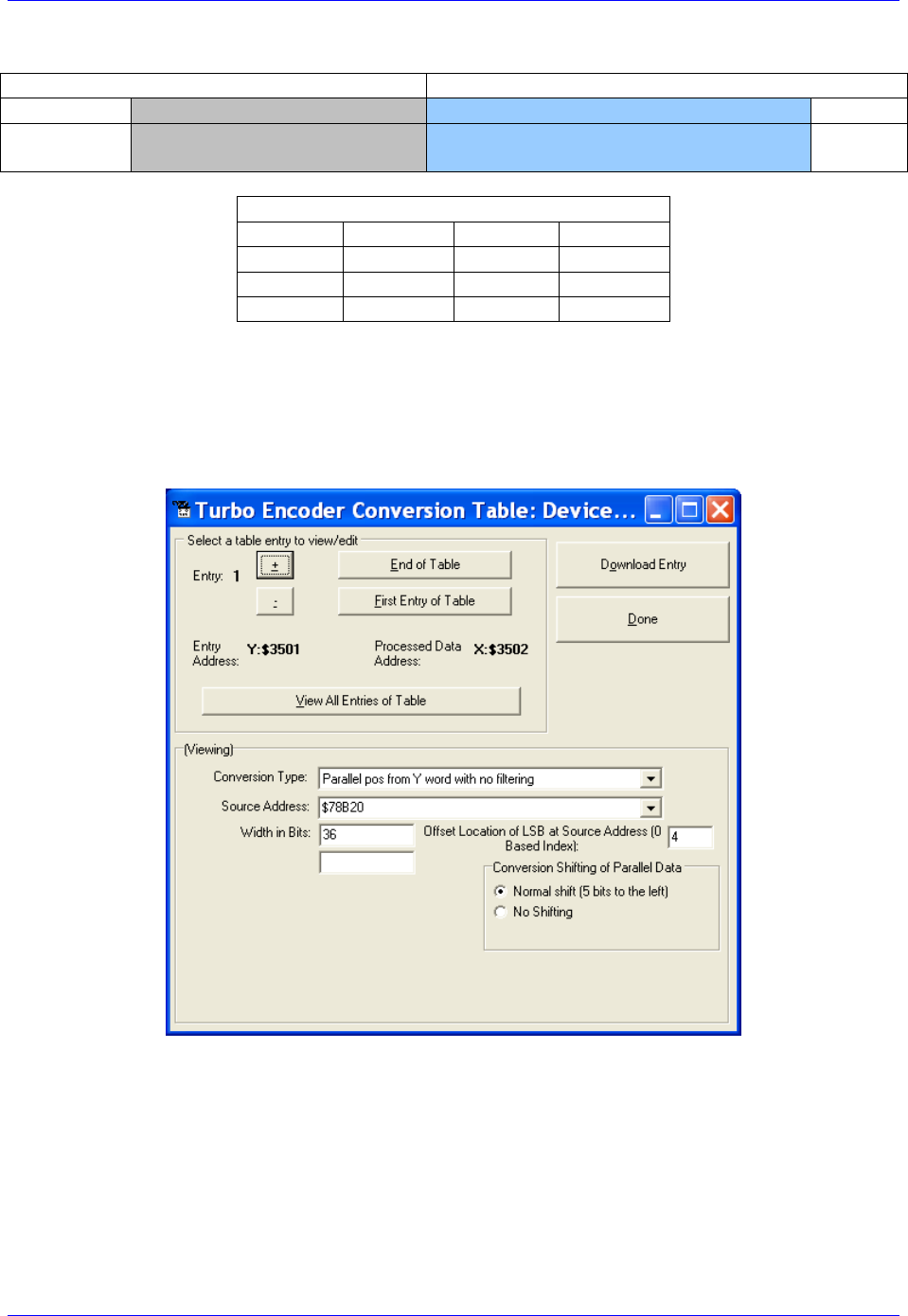
Brick Controller User Manual
PinOuts and Software Setup 97
Yaskawa Sigma III 20-Bit Absolute Encoder
Y:$78B21
Y:$78B20
[23-16]
[15-0]
[23-4]
[3:0]
Multi-Turn Position
(16-bits)
Absolute Single Turn Data
(20-bits)
Yaskawa Data Registers
Channel 1
Y:$78B20
Channel 5
Y:$78B30
Channel 2
Y:$78B24
Channel 6
Y:$78B34
Channel 3
Y:$78B28
Channel 7
Y:$78B38
Channel 4
Y:$78B2C
Channel 8
Y:$78B3C
The on-going servo and commutation position data is setup using a 2-line Entry in the Encoder
Conversion Table. The first line represents a Parallel Y-Word with no filtering ($2) from the
corresponding Yaskawa data register/channel. The second line represents the width of the data to be read
and bit location of the LSB of the data in the source word.
Channel 1, Yaskawa Sigma III 20-bit Absolute Encoder Setup Example
Brick Controller User Manual
PinOuts and Software Setup 98
Encoder Conversion Table Setup (Motors 1-8)
The ECT automatic entry is equivalent to:
I8000=$278B20 ; Entry 1 Unfiltered parallel pos of location Y:$78B20
I8001=$024004 ; Width and Bias, total of 36-bits LSB starting at bit#4
I8002=$278B24 ; Entry 2 Unfiltered parallel pos of location Y:$78B24
I8003=$024004 ; Width and Bias, total of 36-bits LSB starting at bit#4
I8004=$278B28 ; Entry 3 Unfiltered parallel pos of location Y:$78B28
I8005=$024004 ; Width and Bias, total of 36-bits LSB starting at bit#4
I8006=$278B2C ; Entry 4 Unfiltered parallel pos of location Y:$78B2C
I8007=$024004 ; Width and Bias, total of 36-bits LSB starting at bit#4
I8008=$278B30 ; Entry 5 Unfiltered parallel pos of location Y:$78B30
I8009=$024004 ; Width and Bias, total of 36-bits LSB starting at bit#4
I8010=$278B34 ; Entry 6 Unfiltered parallel pos of location Y:$78B34
I8011=$024004 ; Width and Bias, total of 36-bits LSB starting at bit#4
I8012=$278B38 ; Entry 7 Unfiltered parallel pos of location Y:$78B38
I8013=$024004 ; Width and Bias, total of 36-bits LSB starting at bit#4
I8014=$278B3C ; Entry 8 Unfiltered parallel pos of location Y:$78B3C
I8015=$024004 ; Width and Bias, total of 36-bits LSB starting at bit#4
Position (Ixx03) and Velocity (Ixx04) Pointers
I103=$3502 ; Motor 1 Position feedback address, ECT processed data
I104=$3502 ; Motor 1 Velocity feedback address, ECT processed data
I203=$3504 ; Motor 2 Position feedback address, ECT processed data
I204=$3504 ; Motor 2 Velocity feedback address, ECT processed data
I303=$3506 ; Motor 3 Position feedback address, ECT processed data
I304=$3506 ; Motor 3 Velocity feedback address, ECT processed data
I403=$3508 ; Motor 4 Position feedback address, ECT processed data
I404=$3508 ; Motor 4 Velocity feedback address, ECT processed data
I503=$350A ; Motor 5 Position feedback address, ECT processed data
I504=$350A ; Motor 5 Velocity feedback address, ECT processed data
I603=$350C ; Motor 6 Position feedback address, ECT processed data
I604=$350C ; Motor 6 Velocity feedback address, ECT processed data
I703=$350E ; Motor 7 Position feedback address, ECT processed data
I704=$350E ; Motor 7 Velocity feedback address, ECT processed data
I803=$3510 ; Motor 8 Position feedback address, ECT processed data
I804=$3510 ; Motor 8 Velocity feedback address, ECT processed data
Motor Activation
I100,8,100=1 ; Motors 1-8 Activated
Note
At this point of the setup process, you should be able to move the
motor/encoder shaft by hand and see encoder counts in the position
window.

Brick Controller User Manual
PinOuts and Software Setup 99
Absolute Power-On Position Read (Yaskawa 20-bit)
Channel 1 example PLC, 20-bit Absolute Sigma III Encoder
End Gat
Del Gat
Close
#define FirstWord M1000 ; Yaskawa Data Register1, 1st word
#define SecondWord M1001 ; Yaskawa Data Register1, 2nd word
#define STD0_19 M1002 ; Single-Turn Data 0-19 (20-bits)
#define MTD0_15 M1003 ; Multi-Turn Data 0-15 (16-bits)
FirstWord->Y:$78B20,0,24
SecondWord->Y:$78B21,0,4
STD0_19->*
MTD0_15->*
#define Mtr1ActPos M162
Mtr1ActPos->D:$00008B ; #1 Actual position (1/[Ixx08*32] cts)
open plc 1 clear
MTD0_15 = (SecondWord & $FFFF)
STD0_19 = int ((FirstWord & $FFFFF0) / 16)
If (MTD0_15>$7FFF)
MTD0_15 = (MTD0_15^$FFFF + 1)*-1
If (STD0_19 !=0)
STD0_19 = (STD0_19^$FFFFF + 1)*-1
Endif
Endif
Mtr1ActPos = ((MTD0_15 * $100000)+ STD0_19) * I108 * 32
disable plc 1
close

Brick Controller User Manual
PinOuts and Software Setup 100
Yaskawa Sigma II 13-Bit Incremental Encoder
Y:$78B21
Y:$78B20
[23-11]
[10-0]
23
[22-11]
[10:4]
3
2
1
0
Incremental Compensation
(11-bits)
Incremental Position in
Single Turn
(13-bits)
U
V
W
Z
Yaskawa Data Registers
Channel 1
Y:$78B20
Channel 5
Y:$78B30
Channel 2
Y:$78B24
Channel 6
Y:$78B34
Channel 3
Y:$78B28
Channel 7
Y:$78B38
Channel 4
Y:$78B2C
Channel 8
Y:$78B3C
The on-going servo and commutation position data is setup using a 2-line Entry in the Encoder
Conversion Table. The first line represents a Parallel Y-Word with no filtering ($2) from the
corresponding Yaskawa data register/channel. The second line represents the width of the data to be read
and bit location of the LSB of the data in the source word.
Channel 1, Yaskawa Sigma II 13-bit Incremental Encoder Setup Example
Brick Controller User Manual
PinOuts and Software Setup 101
Encoder Conversion Table Setup (Motors 1-8)
The ECT automatic entry is equivalent to:
I8000=$278B20 ; Entry 1 Unfiltered parallel pos of location Y:$78B20
I8001=$00D006 ; Width and Bias, total of 13-bits LSB starting at bit#6
I8002=$278B24 ; Entry 2 Unfiltered parallel pos of location Y:$78B24
I8003=$00D006 ; Width and Bias, total of 13-bits LSB starting at bit#6
I8004=$278B28 ; Entry 3 Unfiltered parallel pos of location Y:$78B28
I8005=$00D006 ; Width and Bias, total of 13-bits LSB starting at bit#6
I8006=$278B2C ; Entry 4 Unfiltered parallel pos of location Y:$78B2C
I8007=$00D006 ; Width and Bias, total of 13-bits LSB starting at bit#6
I8008=$278B30 ; Entry 5 Unfiltered parallel pos of location Y:$78B30
I8009=$00D006 ; Width and Bias, total of 13-bits LSB starting at bit#6
I8010=$278B34 ; Entry 6 Unfiltered parallel pos of location Y:$78B34
I8011=$00D006 ; Width and Bias, total of 13-bits LSB starting at bit#6
I8012=$278B38 ; Entry 7 Unfiltered parallel pos of location Y:$78B38
I8013=$00D006 ; Width and Bias, total of 13-bits LSB starting at bit#6
I8014=$278B3C ; Entry 8 Unfiltered parallel pos of location Y:$78B3C
I8015=$00D006 ; Width and Bias, total of 13-bits LSB starting at bit#6
Position (Ixx03) and Velocity (Ixx04) Pointers
I103=$3502 ; Motor 1 Position feedback address, ECT processed data
I104=$3502 ; Motor 1 Velocity feedback address, ECT processed data
I203=$3504 ; Motor 2 Position feedback address, ECT processed data
I204=$3504 ; Motor 2 Velocity feedback address, ECT processed data
I303=$3506 ; Motor 3 Position feedback address, ECT processed data
I304=$3506 ; Motor 3 Velocity feedback address, ECT processed data
I403=$3508 ; Motor 4 Position feedback address, ECT processed data
I404=$3508 ; Motor 4 Velocity feedback address, ECT processed data
I503=$350A ; Motor 5 Position feedback address, ECT processed data
I504=$350A ; Motor 5 Velocity feedback address, ECT processed data
I603=$350C ; Motor 6 Position feedback address, ECT processed data
I604=$350C ; Motor 6 Velocity feedback address, ECT processed data
I703=$350E ; Motor 7 Position feedback address, ECT processed data
I704=$350E ; Motor 7 Velocity feedback address, ECT processed data
I803=$3510 ; Motor 8 Position feedback address, ECT processed data
I804=$3510 ; Motor 8 Velocity feedback address, ECT processed data
Motor Activation
I100,8,100=1 ; Motors 1-8 Activated
Note
At this point of the setup process, you should be able to move the
motor/encoder shaft by hand and see encoder counts in the position
window.
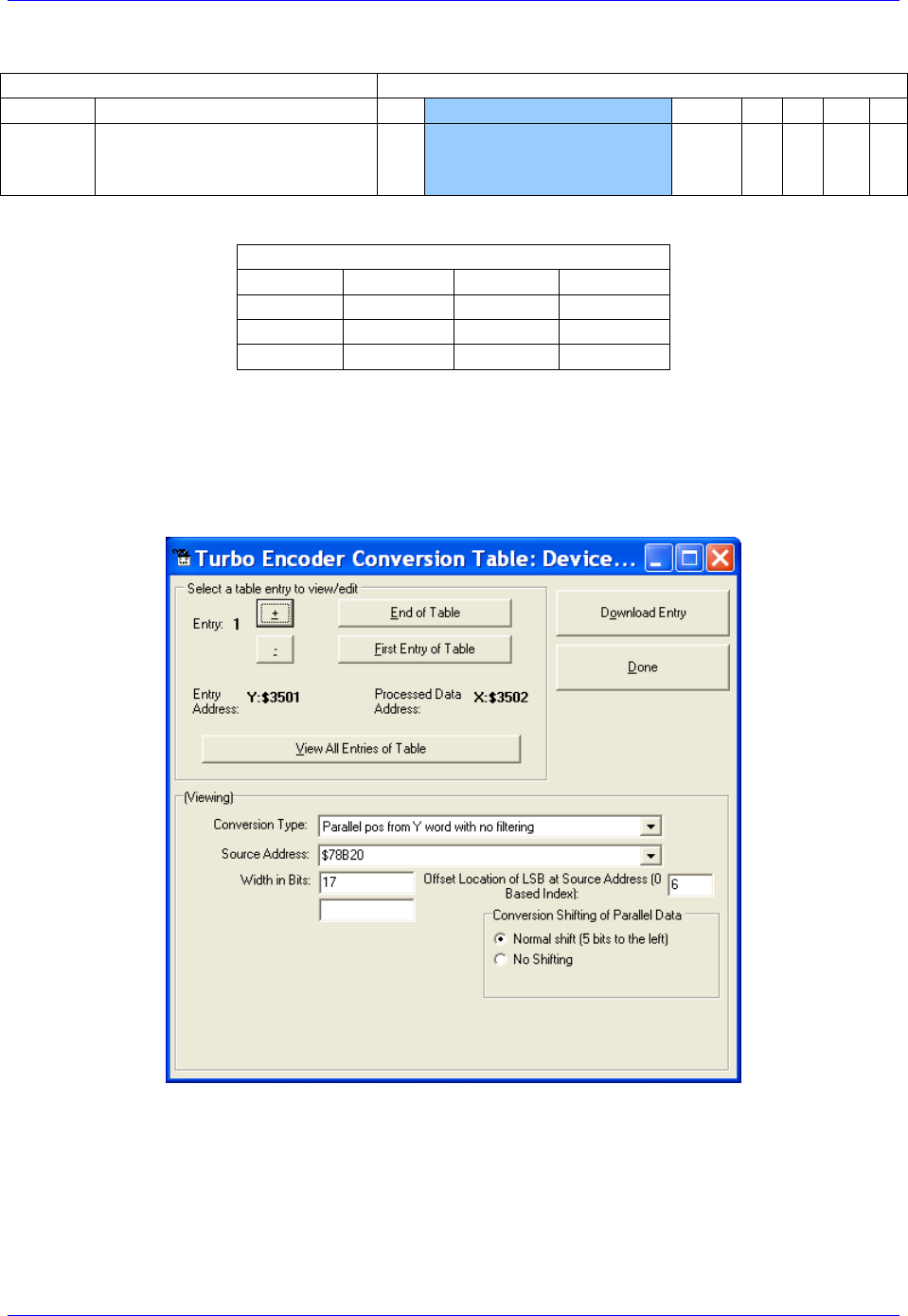
Brick Controller User Manual
PinOuts and Software Setup 102
Yaskawa Sigma II 17-Bit Incremental Encoder
Y:$78B21
Y:$78B20
[23-11]
[10-0]
23
[22-6]
[5:4]
3
2
1
0
Incremental Compensation
(11-bits)
Incremental Position in
Single Turn
(17-bits)
U
V
W
Z
Yaskawa Data Registers
Channel 1
Y:$78B20
Channel 5
Y:$78B30
Channel 2
Y:$78B24
Channel 6
Y:$78B34
Channel 3
Y:$78B28
Channel 7
Y:$78B38
Channel 4
Y:$78B2C
Channel 8
Y:$78B3C
The on-going servo and commutation position data is setup using a 2-line Entry in the Encoder
Conversion Table. The first line represents a Parallel Y-Word with no filtering ($2) from the
corresponding Yaskawa data register/channel. The second line represents the width of the data to be read
and bit location of the LSB of the data in the source word.
Channel 1, Yaskawa Sigma II 17-bit Incremental Encoder Setup Example
Brick Controller User Manual
PinOuts and Software Setup 103
Encoder Conversion Table Setup (Motors 1-8)
The ECT automatic entry is equivalent to:
I8000=$278B20 ; Entry 1 Unfiltered parallel pos of location Y:$78B20
I8001=$011006 ; Width and Bias, total of 17-bits LSB starting at bit#6
I8002=$278B24 ; Entry 2 Unfiltered parallel pos of location Y:$78B24
I8003=$011006 ; Width and Bias, total of 17-bits LSB starting at bit#6
I8004=$278B28 ; Entry 3 Unfiltered parallel pos of location Y:$78B28
I8005=$011006 ; Width and Bias, total of 17-bits LSB starting at bit#6
I8006=$278B2C ; Entry 4 Unfiltered parallel pos of location Y:$78B2C
I8007=$011006 ; Width and Bias, total of 17-bits LSB starting at bit#6
I8008=$278B30 ; Entry 5 Unfiltered parallel pos of location Y:$78B30
I8009=$011006 ; Width and Bias, total of 17-bits LSB starting at bit#6
I8010=$278B34 ; Entry 6 Unfiltered parallel pos of location Y:$78B34
I8011=$011006 ; Width and Bias, total of 17-bits LSB starting at bit#6
I8012=$278B38 ; Entry 7 Unfiltered parallel pos of location Y:$78B38
I8013=$011006 ; Width and Bias, total of 17-bits LSB starting at bit#6
I8014=$278B3C ; Entry 8 Unfiltered parallel pos of location Y:$78B3C
I8015=$011006 ; Width and Bias, total of 17-bits LSB starting at bit#6
Position (Ixx03) and Velocity (Ixx04) Pointers
I103=$3502 ; Motor 1 Position feedback address, ECT processed data
I104=$3502 ; Motor 1 Velocity feedback address, ECT processed data
I203=$3504 ; Motor 2 Position feedback address, ECT processed data
I204=$3504 ; Motor 2 Velocity feedback address, ECT processed data
I303=$3506 ; Motor 3 Position feedback address, ECT processed data
I304=$3506 ; Motor 3 Velocity feedback address, ECT processed data
I403=$3508 ; Motor 4 Position feedback address, ECT processed data
I404=$3508 ; Motor 4 Velocity feedback address, ECT processed data
I503=$350A ; Motor 5 Position feedback address, ECT processed data
I504=$350A ; Motor 5 Velocity feedback address, ECT processed data
I603=$350C ; Motor 6 Position feedback address, ECT processed data
I604=$350C ; Motor 6 Velocity feedback address, ECT processed data
I703=$350E ; Motor 7 Position feedback address, ECT processed data
I704=$350E ; Motor 7 Velocity feedback address, ECT processed data
I803=$3510 ; Motor 8 Position feedback address, ECT processed data
I804=$3510 ; Motor 8 Velocity feedback address, ECT processed data
Motor Activation
I100,8,100=1 ; Motors 1-8 Activated
Note
At this point of the setup process, you should be able to move the
motor/encoder shaft by hand and see encoder counts in the position
window.
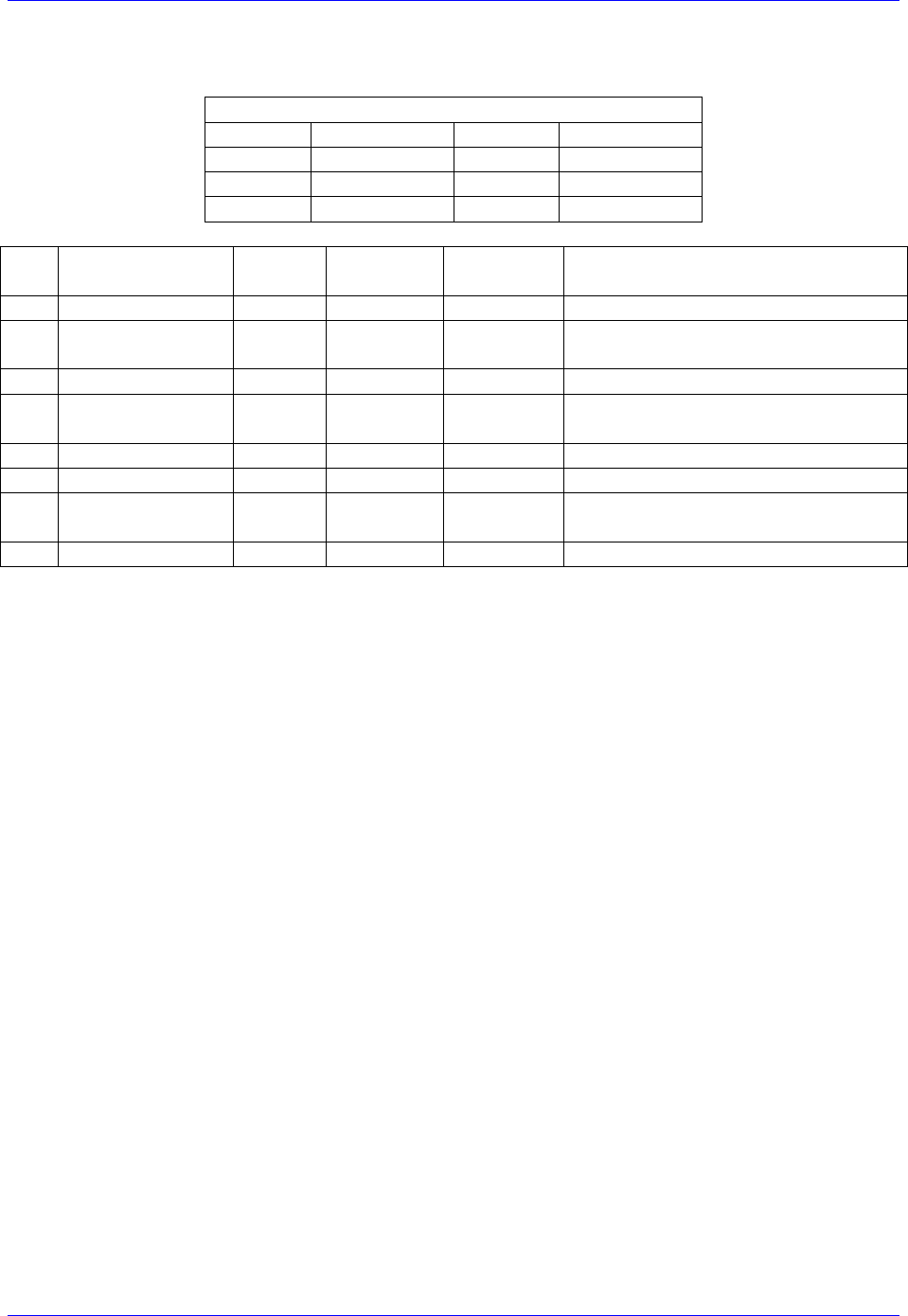
Brick Controller User Manual
PinOuts and Software Setup 104
Yaskawa Incremental Encoder Alarm Codes
Yaskawa Incremental encoder Alarm Registers
Channel 1
Y:$78B22,8,8
Channel 5
Y:$78B32,8,8
Channel 2
Y:$78B26,8,8
Channel 6
Y:$78B36,8,8
Channel 3
Y:$78B2A,8,8
Channel 7
Y:$78B3A,8,8
Channel 4
Y:$78B2E,8,8
Channel 8
Y:$78B3E,8,8
Bit#
Error Name
Type
Alarm
Type
Clear
Action
Notes
8
Fixed at “1”
-
-
-
9
Encoder Error
Alarm
Session
Flag
Power
cycle
Encoder Error
10
Fixed at “0”
-
-
-
11
Position Error
Alarm
Session
Flag
Power
cycle
Possible error in position or Hall
sensor
12
Fixed at “0”
-
-
-
13
Fixed at “0”
-
-
-
14
Origin not passed
flag
Warning
-
-
The origin has not been passed in this
session yet
15
Fixed at “0”
Set at zero

Brick Controller User Manual
PinOuts and Software Setup 105
Homing with Yaskawa Incremental Encoders
Hardware capture is not available with serial data encoders, software capture (Ixx97=1) is required.
Setting Ixx97 to 1 tells Turbo PMAC to use the register whose address is specified by Ixx03 for the
trigger position. The disadvantage is that the software capture can have up to 1 background cycle delay
(typically 2-3 msec), which limits the accuracy of the capture. To alleviate homing inaccuracies with
serial encoders, it is recommended to perform home search moves at low speeds.
Homing to a flag (i.e. Home, Overtravel Limit, and User) is done using the traditional capture parameters
I7mn2, and I7mn3. Remember to (temporarily) disable the end of travel limit use (bit#17 of Ixx24) when
homing to one of the hardware limit flags, and re-enabling it when homing is finished. Example:
Homing channel 1 to the negative limit (high true)
I124=I124|$20001 ; Flag Mode, Disable hardware over travel limits
I197=1 ; channel 1 position capture, software
I7012=2 ; Channel 1 capture control, capture on flag high
I7012=2 ; Channel 1 capture flag select, minus or negative end limit
Homing to the index pulse, normally performed after referencing to a hardware flag, is an internal
function of the Yaskawa encoder. Bit 14 of the alarm code indicates whether the index has been detected
since last power-up. The motor should be jogged until bit 14 is low, the encoder will then place the
“incremental compensation” value in the lower 11 bits of the second data word. Subtracting the
“incremental compensation” from the “incremental position” results into the true position of the index.
Motor 1 index detection example plc:
#define FirstWord M7025
#define SecondWord M7026
#define OriginNotPassed M7027
FirstWord->Y:$78B20,0,24
SecondWord->Y:$78B21,0,24
OriginNotPassed->Y:$78B22,14
#define Mtr1ActPos M162 ; Suggested M-Variable Definition, Motor 1 Actual Position
Mtr1ActPos->D:$00008B ; #1 Actual position (1/[Ixx08*32] cts)
open plc 1 clear
if (OriginNotPassed = 1)
cmd "#1j+" ; Jog in positive direction looking for index
while (OriginNotPassed = 1); wait until index is detected
endwhile
cmd "#1k" ; Kill Motor
endif
while (SecondWord & $8FF = 0) ; Incremental Compensation takes up to 2 msec to execute
endwhile
Mtr1ActPos = int (((FirstWord & $8FFFC0) / $40)-((SecondWord & $8FF) * $40))* I108 * 32
disable plc 1
close
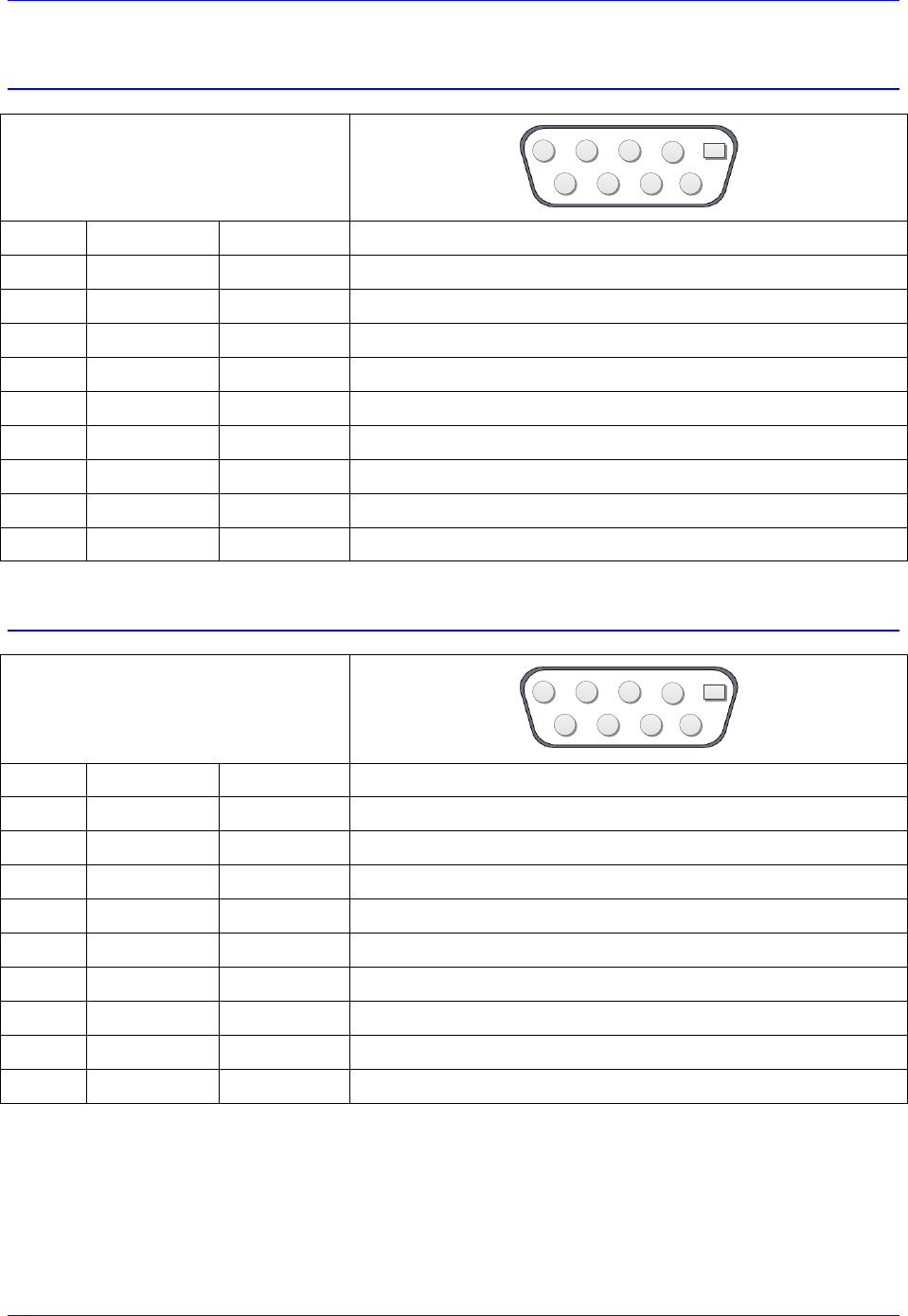
Brick Controller User Manual
PinOuts and Software Setup 106
X9-X10: Analog Inputs/Outputs
X9-X10: D-Sub DE-9F
Mating: D-Sub DE-9M
2
345
9 8 7 6
1
Pin #
Symbol
Function
Notes
1
AGND
Ground
Analog Ground
2
ADC+
Input
16-bit Analog Input, channel 5/6+
3
DAC+
Output
12-bit filtered PWM analog output, channel 5/6+
4
BR-NC
Output
Brake 5-6 / Relay Normally Closed
5
AMPFLT
Input
Amplifier fault Input 5/6
6
ADC-
Input
16-bit Analog Input, channel 5/6-
7
DAC-
Output
12-bit filtered PWM analog output, channel 5/6-
8
BRCOM
Common
Brake 5-6 / Relay Common
9
BR-NO
Output
Brake 5-6 / Relay Normally Open
X11-X12: Analog Inputs/Outputs
X11-X12: D-Sub DE-9F
Mating: D-Sub DE-9M
2
345
9 8 7 6
1
Pin #
Symbol
Function
Notes
1
AGND
Ground
Analog Ground
2
ADC+
Input
16-bit Analog Input, channel 7/8+
3
DAC+
Output
12-bit filtered PWM analog output, channel 7/8+
4
BR-NC
Output
Brake 3-4 / Relay Normally Closed
5
AMPFLT
Input
Amplifier fault Input 7/8
6
ADC-
Input
16-bit Analog Input, channel 7/8-
7
DAC-
Output
12-bit filtered PWM analog output, channel 7/8-
8
BRCOM
Common
Brake 3-4/ Relay Common
9
BR-NO
Output
Brake 3-4 / Relay Normally Open
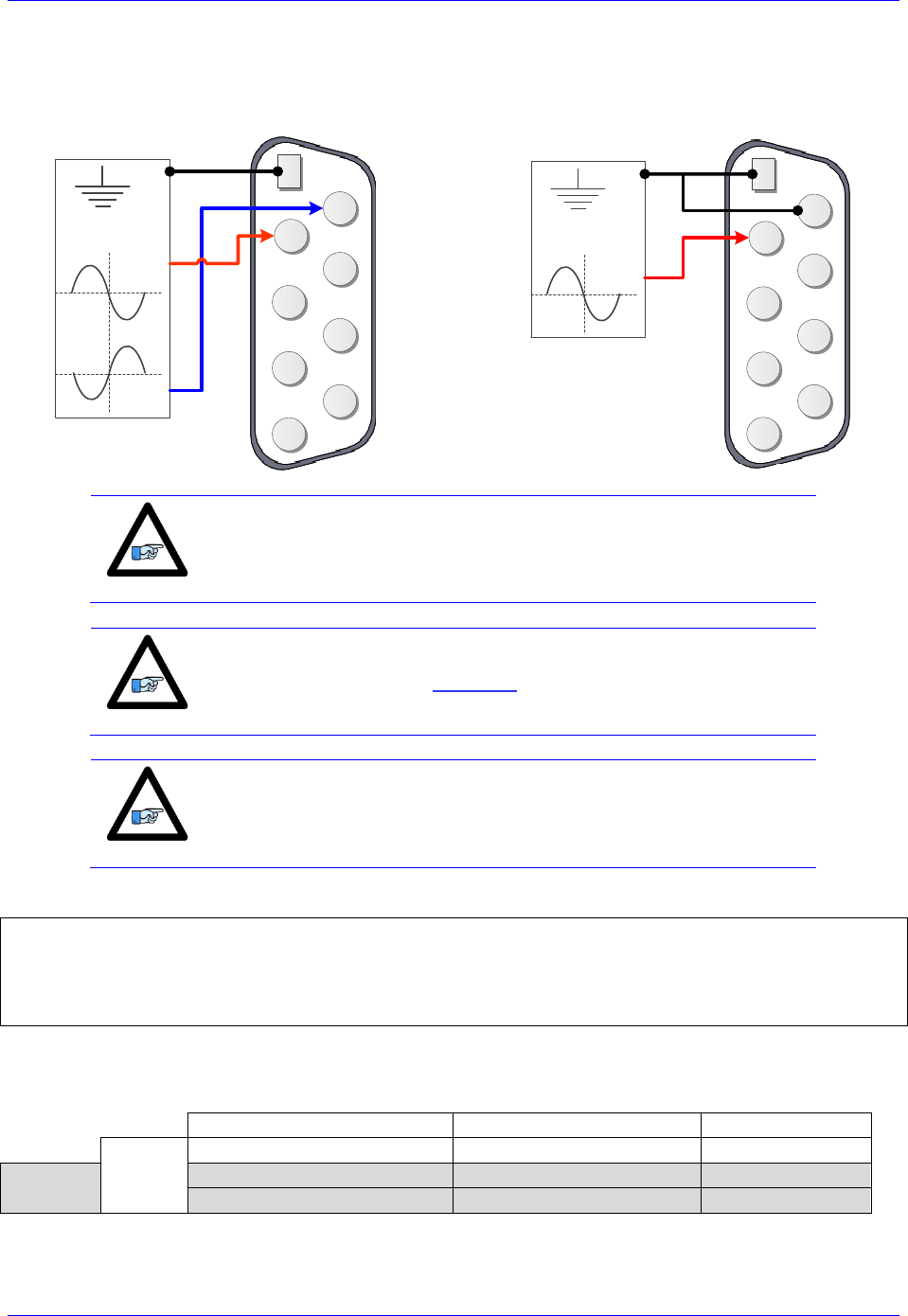
Brick Controller User Manual
PinOuts and Software Setup 107
Setting up the Analog (ADC) Inputs
Differential Analog Input Signal
Single Ended Analog Input Signal
2
345
9 8 7 6
1
ADC+
ADC-
AGND
±10VDC
Input Signal
2
345
9 8 7 6
1
ADC+
AGND
±10VDC
Input Signal
Note
For single-ended connections, tie the negative ADC pin to ground.
Note
The analog inputs use the ADS8321 Converter device
Note
Full (16-bit) resolution is available for bipolar signals only. Half of the
range of the full resolution is used for unipolar (0-5V or 0-10V)
signals.
Analog Inputs Suggested M-Variables
I7106=$1FFFFF ; Servo IC1 ADC Strobe Word
M505->Y:$078105,8,16,S ; ADC Input reading (ADC5A), connector X9
M605->Y:$07810D,8,16,S ; ADC Input reading (ADC6A), connector X10
M705->Y:$078115,8,16,S ; ADC Input reading (ADC7A), connector X11
M805->Y:$07811D,8,16,S ; ADC Input reading (ADC8A), connector X12
Testing the Analog Inputs
The software counts range (reading) is -216/2 to 216/2, so that:
Single-Ended Signal [VDC]
Differential Signal [VDC]
Software Counts
Bipolar
-10
-5
-32768
Unipolar
0
0
0
10
5
+32768
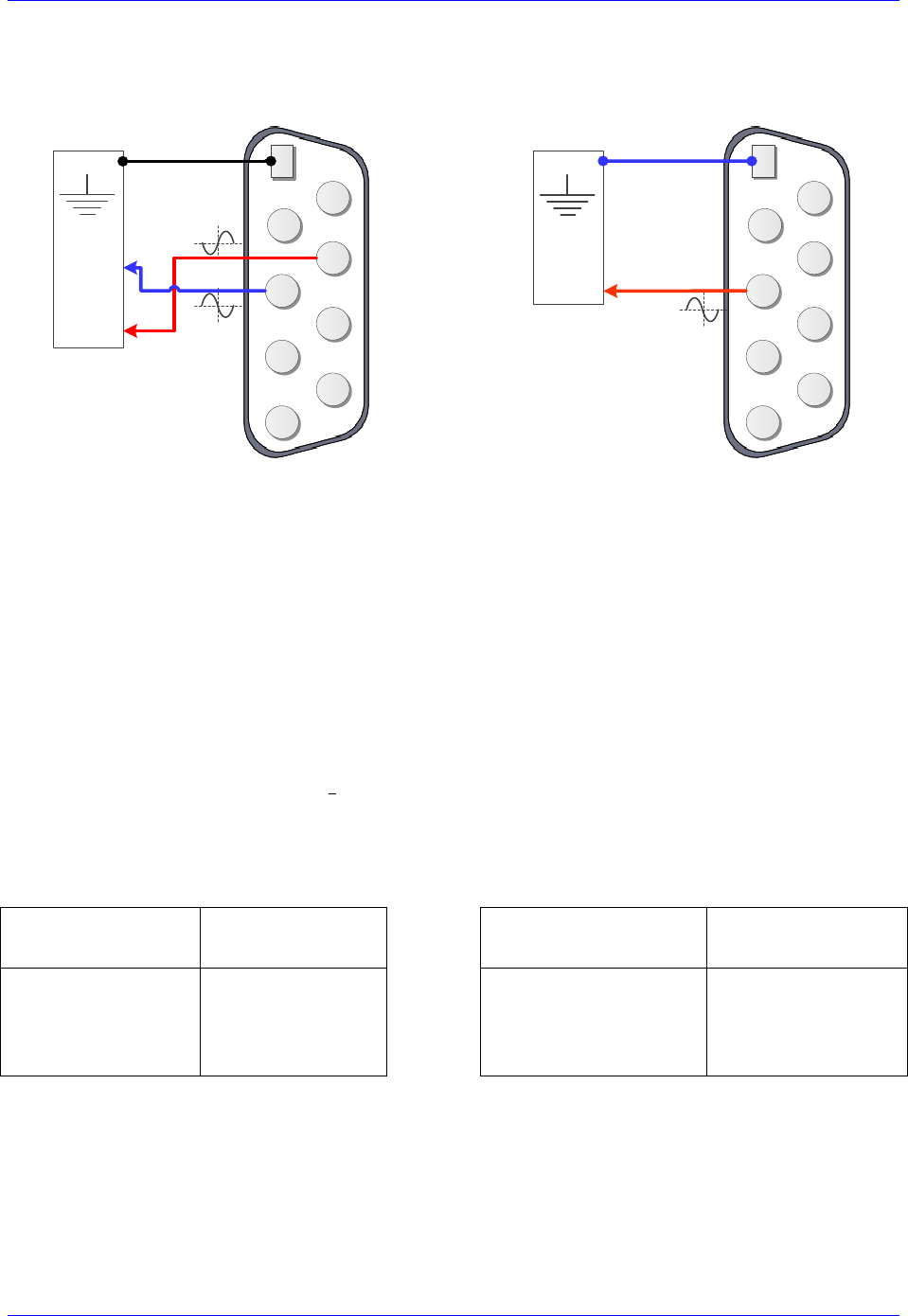
Brick Controller User Manual
PinOuts and Software Setup 108
Setting up the DAC Outputs
Differential DAC Output Signal
Single Ended DAC Output Signal
2
345
9 8 7 6
1
AGND
Analog
Device
DAC+
DAC-
2
345
9 8 7 6
1
AGND
Analog
Device
DAC+
The analog outputs on X9 through X12 are (12-bit) filtered PWM signals, therefore a PWM frequency in
the range of 30-36 KHz and a PWM deadtime of zero are suggested for a good quality analog output
signal (minimized ripple). A fully populated Brick can have one of three gates generating the clocks:
Servo IC 0 (I7000’s)
Servo IC 1 (I7100’s)
MACRO IC 0 (I6800’s)
I19 specifies which gate is the clock source master. I19 is equal to 7007 by default indicating that Servo
IC 0 is the master gate. However, the analog outputs on X9 through X12 are generated out of Servo IC1.
The relationship between the PWM clock frequency of Servo IC 1 (recipient) and the master gate
(generator), typically Servo IC 0, should always be respected in such a way that:
Where n is an integer
Examples:
With Servo IC 0 being the clock master and at default clock settings, the following are suggested
Servo IC 1 clock settings which provide good analog output signals:
Default Servo IC 0
Clock Settings
Resulting
Frequencies KHz
Suggested Servo IC 1
Clock Settings
Resulting
Frequencies KHz
I7000=6527
I7001=0
I7002=3
I10=3713991
PWM
PHASE
SERVO
4.5
9
2.25
I7100=816
I7101=7
I7102=3
I7104=0
PWM
PHASE
SERVO
PWMDeadtime
36
9
2.25
0
Note that n=8 in this case
Brick Controller User Manual
PinOuts and Software Setup 109
With Servo IC 0 being the clock master and using enhanced clock settings, the following are
suggested Servo IC 1 clock settings which provide good analog output signals:
Enhanced Servo IC 0
Clock Settings
Resulting
Frequencies KHz
Suggested Servo IC 1
Clock Settings
Resulting
Frequencies KHz
I7000=3275
I7001=0
I7002=3
I10=1863964
PWM
PHASE
SERVO
9
18
4.5
I7100=816
I7101=3
I7102=3
I7104=0
PWM
PHASE
SERVO
PWMDeadtime
36
18
4.5
0
Note that n=4 in this case
For Help with clock settings, use the Delta Tau Calculator: DT Calculator Forum Link
Analog Outputs Suggested M-Variables:
// De-activate Motors 5-8 to write directly to the analog outputs
I500,4,100=0 ; De-activate channels 5-8 to use direct write
I569,4,100=816 ; Set Output Limit --User Input
// Analog Outputs:
M502->Y:$078102,8,16,S ; Analog DAC Output (DAC5), Connector X9
M602->Y:$07810A,8,16,S ; Analog DAC Output (DAC6), Connector X10
M702->Y:$078112,8,16,S ; Analog DAC Output (DAC7), Connector X11
M802->Y:$07811A,8,16,S ; Analog DAC Output (DAC8), Connector X12
Testing the Analog Outputs
With the setting of I7100=816 (per the above example), writing directly to the assigned M-variable (i.e.
Mxx02) should produce the following voltage output:
Mxx02
Single Ended [VDC]
Differential [VDC]
-816
-10
-20
-408
-5
-10
0
0
0
408
+5
+10
816
+10
+20
The output voltage is measured between AGND and DAC+ for single-ended operation and between
DAC- and DAC+ for differential operation.
Note
Writing values greater than I7100 (i.e. 816) in Mx02 will saturate the
output to 10, or 20 volts in single-ended or differential mode
respectively.
Brick Controller User Manual
PinOuts and Software Setup 110
Setting up the General Purpose Relay, Brake
This option provides either a general purpose relay (which can be toggled in software) OR a dedicated
brake relay output tied to its’ corresponding channel amplifier-enable line. This option is built to order
and is jumper configurable at the factory (E6, E7, E8 and E9).
The brake relay is commonly used in synchronizing (in hardware) external events such as automatically
releasing a motor brake upon enabling it (i.e. vertical axis). In this mode, the general purpose relay has no
use, and the related registers (suggested M-variables) are meaningless.
Caution
This option utilizes the Omron G6S-2F relay, which is rated to up to
220VAC. However, it is advised to use an external relay for AC
operations, and limit the usage for this connection to up to 30VDC at
2 amperes.
The brake output can be either:
High true using the normally open contact (pin #9)
Low true using the normally closed contact (pin #4)
Also, it can be either sourcing or sinking depending on the wiring scheme.
The following table summarizes the logic of operation:
Operation
Command From
Brick Controller
Contact between pins
#8 and #9
Contact between pins
#8 and #4
Brake
Amp. disabled (killed)
Open
Closed
Amp. Enabled (open/closed loop)
Closed
Open
GP Relay
M-variable = 0
Open
Closed
M-variable = 1
Closed
Open
Brick Controller User Manual
PinOuts and Software Setup 111
High True Brake Output
Sourcing
Sinking
BRAKE
2
345
9 8 7 6
1
Logic device /
Brake BRAKE RET
DC Power Supply
12-24VDC COM
BRAKE RET
2
345
9 8 7 6
1
Logic device /
Brake BRAKE
DC Power Supply
COM 12-24V
Low True Brake Output
Sourcing
Sinking
BRAKE
2
345
9 8 7 6
1
Logic device /
Brake BRAKE RET
DC Power Supply
12-24VDC COM
BRAKE RET
2
345
9 8 7 6
1
Logic device /
Brake BRAKE
DC Power Supply
COM 12-24V
Note
The brake relays on X9, X10, X11, and X12 are tied to the amplifier
enable signals of axes 5, 6, 3, and 4 respectively.
General Purpose Relay Suggested M-Variables
// General purpose relay Outputs:
M5014->Y:$078800,8,1 ; General purpose relay output, X9
M6014->Y:$078801,8,1 ; General purpose relay output, X10
M7014->Y:$78803,8,1 ; General purpose relay output, X11
M8014->Y:$78804,8,1 ; General purpose relay output, X12
Brick Controller User Manual
PinOuts and Software Setup 112
Setting up the External Amplifier Fault Input
The amplifier fault signal is a bidirectional single-ended input. Its’ minus end is tied internally to the
brake/relay common (pin #8) which dictates how the amplifier fault input should be connected.
Note
If the amplifier fault signal is not used, it can be treated and used as a
general purpose +12~24V input by setting bit 20 of Ixx24 to 1.
Note
The amplifier fault signal polarity can be changed in software with bit
23 of Ixx24; =1 for High True, =0 for Low True.
If the brake/relay option is in use (otherwise, whichever scheme desirable):
If pin#8 is wired to common ground, then use the sourcing scheme
If pin#8 is wired to 24V, then use the sinking scheme
Sourcing
Sinking
AFAULT RET
2
345
9 8 7 6
1
External
Amplifier AFAULT
12-24V
AFAULT RET
2
345
9 8 7 6
1
External
Amplifier AFAULT
12-24V
External Amplifier Fault Input, Suggested M-Variables:
// External Amplifier Fault Inputs:
M523->X:$078100,15,1 ; Amp. Fault Input (CH5), Connector X9
M623->X:$078108,15,1 ; Amp. Fault Input (CH6), Connector X10
M723->X:$078110,15,1 ; Amp. Fault Input (Ch7), Connector X11
M823->X:$078118,15,1 ; Amp. Fault Input (Ch8), Connector X12
This feature is commonly used when an amplifier is commanded through the DAC outputs on X9-X12,
and the need of a fault input signal is required to run the operation safely (i.e. kill in the occurrence of an
amplifier fault).

Brick Controller User Manual
PinOuts and Software Setup 113
X13: USB 2.0 Connector
This connector is used to establish USB (A-B type cable) communication between the host PC and the
Brick Controller. This type of USB cable can be purchased at any local electronics or computer store. It
may be ordered from Delta Tau as well.
Pin #
Symbol
Function
1
VCC
N.C.
2
D-
Data-
3
D+
Data+
4
Gnd
GND
5
Shell
Shield
6
Shell
Shield
Caution
The electrical ground plane of the host PC connected through USB
must be at the same level as the Brick Controller. Ground loops may
result in ESD shocks causing the damage of the communication
processor on the Brick Controller.
Note
Use a shielded USB (category 6 or 7) cable. In noise sensitive
environment, install ferrite cores at both Brick and PC side.
If the electrical ground planes of the host PC and the Brick Controller are not at the same level (e.g.
laptop on battery) then the use of an industrial USB hub is highly advised.
X14: RJ45, Ethernet Connector
This connector is used to establish communication over Ethernet between the PC and the Brick
Controller. A crossover cable is required if you are going directly to the Brick controller from the PC
Ethernet card, and not through a hub.
Delta Tau strongly recommends the use of RJ45 CAT5e or better shielded cable. Newer network cards
have the Auto-MDIX feature that eliminates the need for crossover cabling by performing an internal
crossover when a straight cable is detected during the auto-negotiation process. For older network cards,
one end of the link must perform media dependent interface (MDI) crossover (MDIX), so that the
transmitter on one end of the data link is connected to the receiver on the other end of the data link (a
crossover/patch cable is typically used). If an RJ45 hub is used, then a regular straight cable must be
implemented. Maximum length for Ethernet cable should not exceed 100m (330ft).
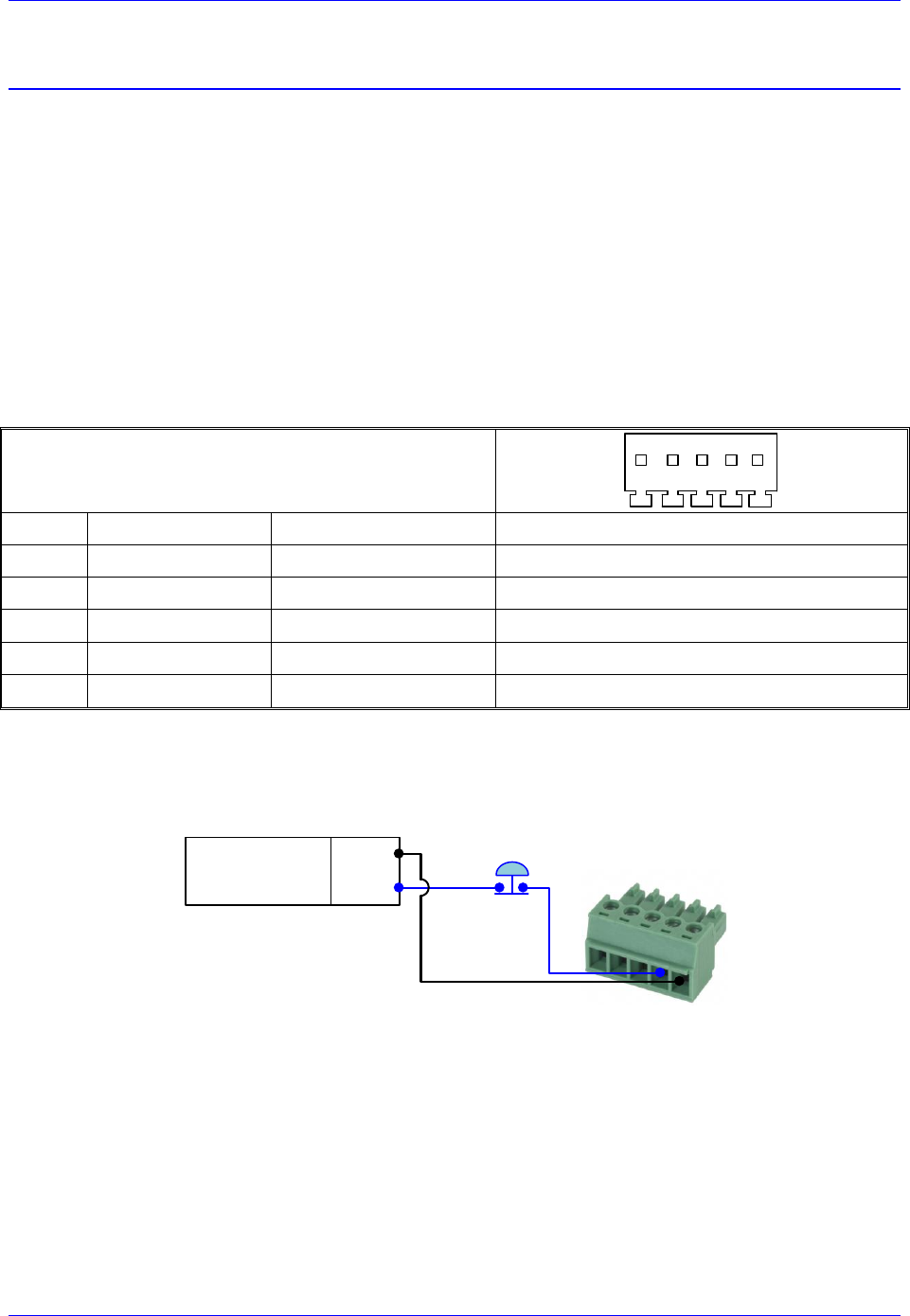
Brick Controller User Manual
PinOuts and Software Setup 114
X15: Watchdog & ABORT (TB2)
X15 has two essential functions:
A 24VDC Abort Input (mandatory for normal operation) which can be used in various
applications to halt motion when necessary (i.e. opening machine door, replacing tool).
A watchdog relay output allowing the user to bring the machine to a stop in a safe manner in the
occurrence of a watchdog.
These functions are disabled on Brick Controllers with Turbo PMAC firmware version 1.946 or earlier.
Brick Controllers with Turbo PMAC firmware version 1.947 or later allow the enabling (using software
parameter I35) of the watchdog and abort functions:
I35=0 Disables the watchdog and abort hardware functions (default setting)
I35=1 Enables the watchdog and abort hardware functions
X15: Phoenix 5-pin TB Female
Mating: Phoenix 5-pin TB Male
1 2 3 4 5
TB-5: 016-PL0F05-38P
Pin #
Symbol
Function
Notes
1
ABORT-
Input
ABORT Return
2
ABORT+
Input
ABORT Input 24VDC
3
WD N.O.
Output
Watchdog (normally open contact)
4
WD N.C.
Output
Watchdog (normally closed contact)
5
WD COM
Common
Watchdog common
Wiring the Abort Input
If an Abort input button is used, it must be a normally closed switch.
1
2
3
4
5
24VDC
Power Supply
COM
24VDC
Abort Input
Switch (optional)
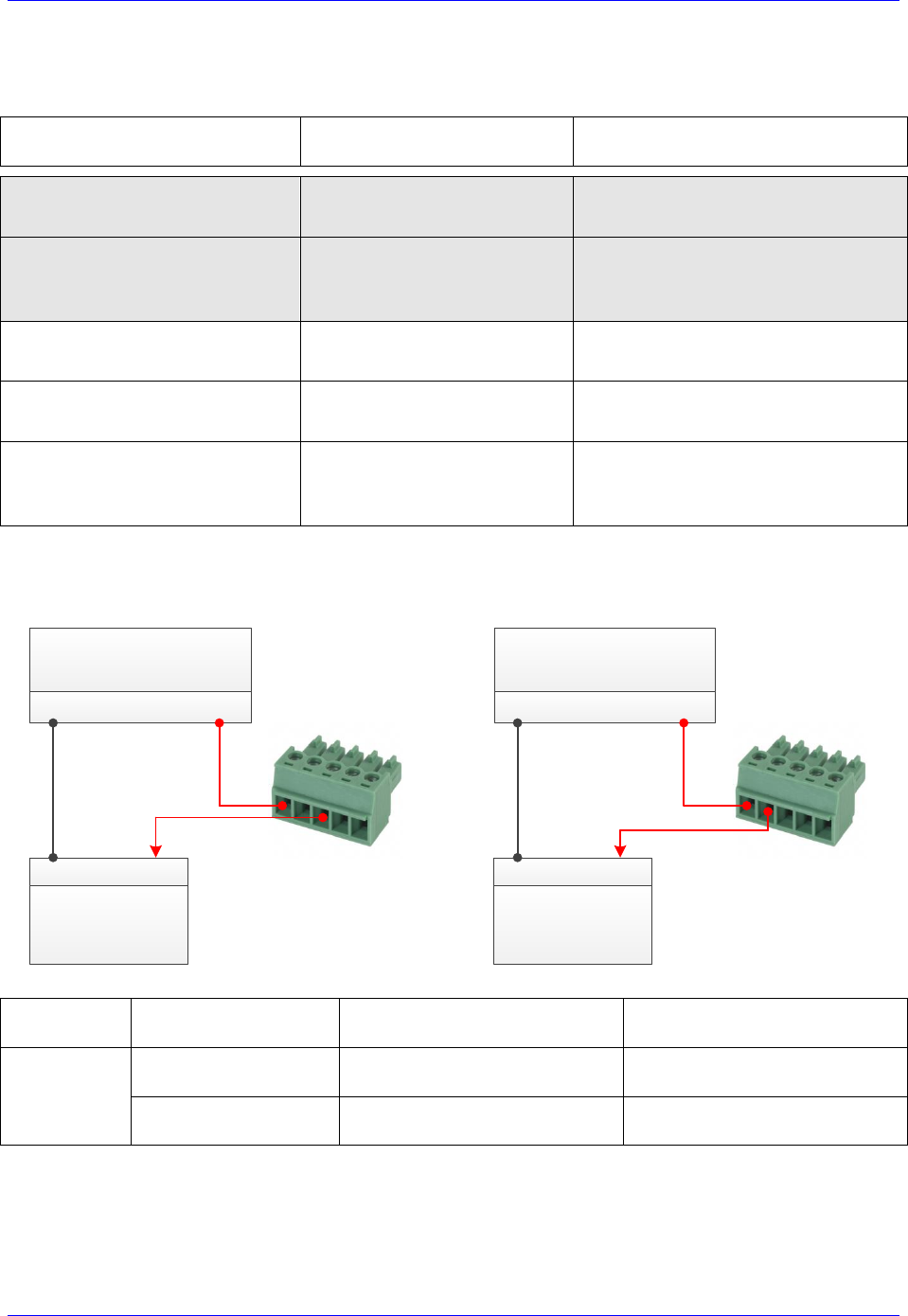
Brick Controller User Manual
PinOuts and Software Setup 115
The hardware Abort input functionality differs slightly from the software global Abort (^A) command.
The following table summarizes the differences:
Motor(s) Status
Before Abort Action
Software Global Abort
^A Action
Hardware Abort Trigger
Action (Removing 24VDC)
Killed
(Open-Loop mode)
Closes the position-loop on
all active (Ixx0=1) motors
No Action is taken.
Motors remain killed
Amplifier Enabled
(i.e. #1o0, Open-Loop mode)
Closes the position-loop
on all active (Ixx0=1) motors
Closes the position-loop on all
‘amplifier enabled’ motors only.
Killed motors are not affected
Servo-ing – in position
(Closed-Loop mode)
Motor(s) remain in
closed-loop at velocity zero
Motor(s) remain in closed-loop
at velocity zero
Servo-ing – Jogging
(Closed-Loop mode)
Motor(s) decelerate to zero
velocity at Ixx15 rate
Motor(s) decelerate to zero
velocity at Ixx15 rate
Servo-ing – Running Program(s)
(Closed-Loop mode)
Aborts motion program(s)
and decelerate to zero
velocity at Ixx15 rate
Aborts motion program(s) and
decelerate to zero velocity
at Ixx15 rate
Wiring the WatchDog (WD) Output
Normally Open WD Output
Normally Closed WD Output
1
2
3
4
5
24 VDC
Power Supply
COM 24VDC
Logic device
(safe shutdown)
COM 24VDC
1
2
3
4
5
24 VDC
Power Supply
COM 24VDC
Logic device
(safe shutdown)
COM 24VDC
Operation
Mode
Connection between pins
#5 and #3
Connection between pins
#5 and #4
Watchdog
Not triggered
(normal operation)
Open
Closed
Triggered
(Faulty operation)
Closed
Open

Brick Controller User Manual
PinOuts and Software Setup 116
J4: Limits, Flags, EQU [Axis 1- 4]
J4 is used to wire axis/channels 1 through 4 over travel limit switches, home and user flags, and EQU
output. The limits and flags can be ordered either 5V or 12-24V. The EQU output is always 5V. Per
axis/channel, there are 2 limit inputs, 2 flag inputs, and 1 EQU output:
- Positive limit. Negative limit
- Home flag. User flag
- EQU
Caution
To avoid machine/equipment damage and before applying power or
connecting any of the flags; make sure that your electrical
design/wiring is in accordance with the Brick Controller part number
option for 5- or 24-volt connection
J4: D-sub DB-25F
Mating: D-sub DB-25M
1
2
3
4
5
6
7
8
9
10
11
12
13
14
15
16
17
18
19
20
21
22
23
24
25
Pin #
Symbol
Function
Description
1
USER1
Input
User Flag 1
2
MLIM1
Input
Negative Limit 1
3
FL_RT1
Input
Flag Return 1
4
USER2
Input
User Flag 2
5
MLIM2
Input
Negative Limit 2
6
FL_RT2
Input
Flag Return 2
7
USER3
Input
User Flag 3
8
MLIM3
Input
Negative Limit 3
9
FL_RT3
Input
Flag Return 3
10
USER4
Input
User Flag 4
11
MLIM4
Input
Negative Limit 4
12
FL_RT4
Input
Flag Return 4
13
GND
Common
14
PLIM1
Input
Positive Limit 1
15
HOME1
Input
Home Flag 1
16
EQU1
Output
Compare Output, EQU 1 TTL (5V) level
17
PLIM2
Input
Positive Limit 2
18
HOME2
Input
Home Flag 2
19
EQU2
Output
Compare Output, EQU 2 TTL (5V) level
20
PLIM3
Input
Positive Limit 3
21
HOME3
Input
Home Flag 3
22
EQU3
Output
Compare Output, EQU 3 TTL (5V) level
23
PLIM4
Input
Positive Limit 4
24
HOME4
Input
Home Flag 4
25
EQU4
Output
Compare Output, EQU 4 TTL (5V) level
Note
For 5V flags (internal use): Install RP39, RP43, RP47 and RP51.
1Kohm Sip, 8-pin, four independent Resistors.
For 12-24Vflags: Empty bank (Default).
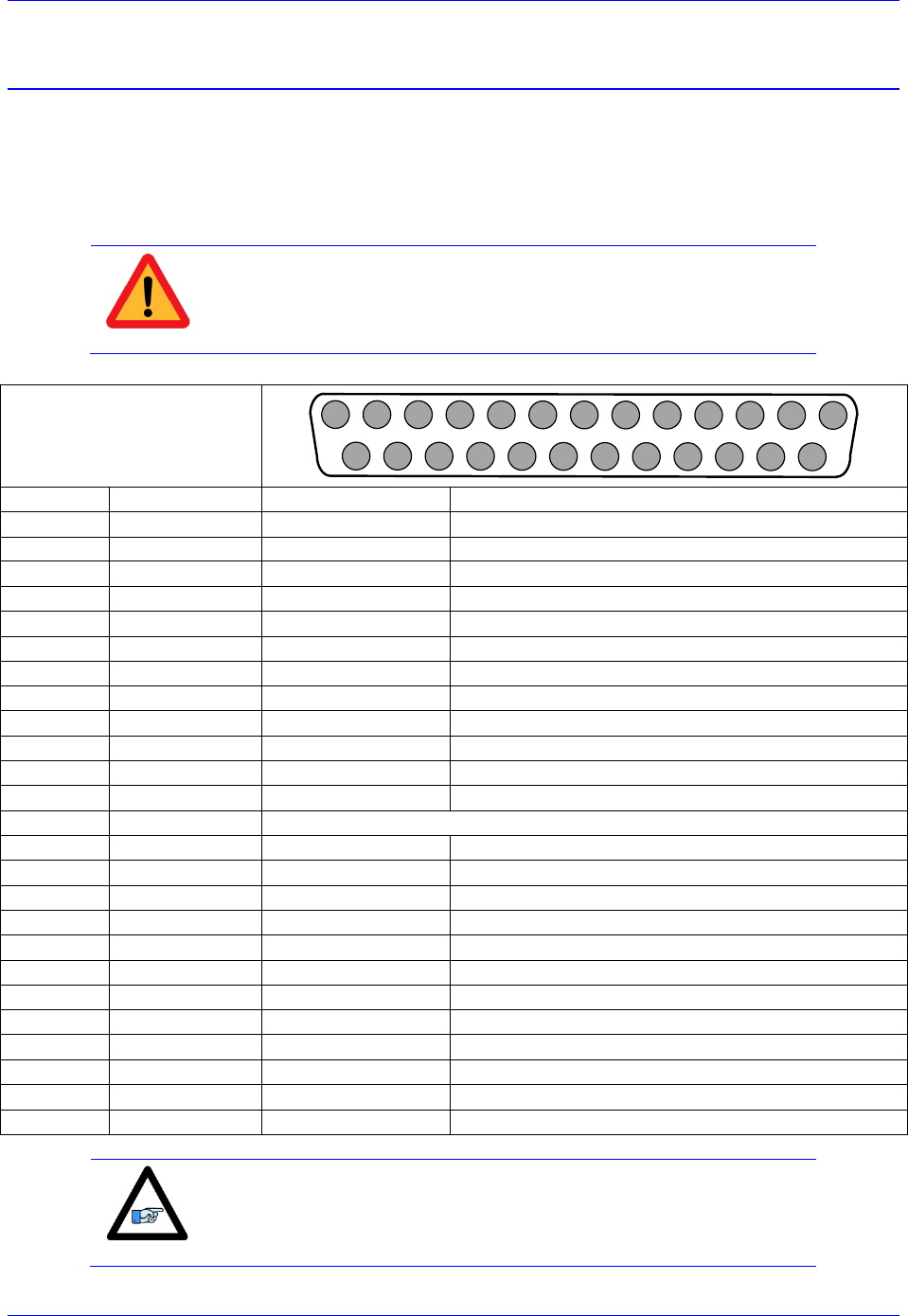
Brick Controller User Manual
PinOuts and Software Setup 117
J5: Limits, Flags, EQU [Axis 5- 8]
J5 is used to bring in axis/channels 5 through 8 over travel limit switches, home and user flags, and EQU
output. The limits and flags can be ordered either 5V or 12-24V. The EQU output is always 5V. Per
axis/channel, there are 2 limit inputs, 2 flag inputs, and 1 EQU output:
- Positive limit. Negative limit
- Home flag. User flag
- EQU
Caution
To avoid machine/equipment damage and before applying power or
connecting any of the flags; make sure that your electrical
design/wiring is in accordance with the Brick Controller’s part number
option (5- or 24-volts)
J5: D-sub DB-25F
Mating: D-sub DB-25M
1
2
3
4
5
6
7
8
9
10
11
12
13
14
15
16
17
18
19
20
21
22
23
24
25
Pin #
Symbol
Function
Description
1
USER5
Input
User Flag 5
2
MLIM5
Input
Negative Limit 5
3
FL_RT5
Input
Flag Return 5
4
USER6
Input
User Flag 6
5
MLIM6
Input
Negative Limit 6
6
FL_RT6
Input
Flag Return 6
7
USER7
Input
User Flag 7
8
MLIM7
Input
Negative Limit 7
9
FL_RT7
Input
Flag Return 7
10
USER8
Input
User Flag 8
11
MLIM8
Input
Negative Limit 8
12
FL_RT8
Input
Flag Return 8
13
GND
Common
14
PLIM5
Input
Positive Limit 5
15
HOME5
Input
Home Flag 5
16
BEQU5
Output
Compare Output EQU 5, TTL (5V) level
17
PLIM6
Input
Positive Limit 6
18
HOME6
Input
Home Flag 6
19
BEQU6
Output
Compare Output EQU 6, TTL (5V) level
20
PLIM7
Input
Positive Limit 7
21
HOME7
Input
Home Flag 7
22
BEQU7
Output
Compare Output EQU 7, TTL (5V) level
23
PLIM8
Input
Positive Limit 8
24
HOME8
Input
Home Flag 8
25
BEQU8
Output
Compare Output EQU 8, TTL (5V) level
Note
For Delta Tau’s internal use:
For 5V flags: Install RP89, RP93, RP97 and RP101
1Kohm Sip, 8-pin, four independent Resistors.
For 12-24Vflags: Empty bank (Default).

Brick Controller User Manual
PinOuts and Software Setup 118
Wiring the Limits and Flags
The Brick Controller allows the use of sinking or sourcing limits and flags. The opto-isolator IC used is a
PS2705-4NEC-ND quad phototransistor output type. This IC allows the current to flow from return to
flag or from flag to return. Sinking into or sourcing out of the Brick Controller:
Sourcing Limits And Flags
Sinking Limits And Flags
12345678910111213
141516171819202122232425
5 or 24 VDC
Power supply
USER 1/5
NC POS. LIMIT 1/5
NC NEG. LIMIT 1/5
HOME 1/5
USER 2/6
NC POS. LIMIT 2/6
NC NEG. LIMIT 2/6
HOME 2/6
USER 3/7
NC POS. LIMIT 3/7
NC NEG. LIMIT 3/7
HOME 3/7
USER 4/8
NC POS. LIMIT 4/8
NC NEG. LIMIT 4/8
HOME 4/8
EQU 1/5
EQU 2/6
EQU 3/7
EQU 4/8
COM
+5VDC /
+24VDC
FLAG RETURN 1/5
FLAG RETURN 2/6
FLAG RETURN 3/7
FLAG RETURN 4/8
12345678910111213
141516171819202122232425
5 or 24 VDC
Power supply
USER 1/5
NC POS. LIMIT 1/5
NC NEG. LIMIT 1/5
HOME 1/5
USER 2/6
NC POS. LIMIT 2/6
NC NEG. LIMIT 2/6
HOME 2/6
USER 3/7
NC POS. LIMIT 3/7
NC NEG. LIMIT 3/7
HOME 3/7
USER 4/8
NC POS. LIMIT 4/8
NC NEG. LIMIT 4/8
HOME 4/8
EQU 1/5
EQU 2/6
EQU 3/7
EQU 4/8
COM
+5VDC /
+24VDC
FLAG RETURN 1/5
FLAG RETURN 2/6
FLAG RETURN 3/7
FLAG RETURN 4/8
Note
Per channel, the flags can be either sinking or sourcing depending on
the flag return wiring. The over travel limits must be normally closed
switches. They can be disabled (Ixx24) but they are not software
configurable.

Brick Controller User Manual
PinOuts and Software Setup 119
Limits and Flags [Axis 1- 4] Suggested M-Variables
M115->X:$078000,19 ; User 1 flag input status
M116->X:$078000,9 ; EQU1, ENC1 compare output value
M120->X:$078000,16 ; Home flag 1 input status
M121->X:$078000,17 ; Positive Limit 1 flag input status
M122->X:$078000,18 ; Negative Limit 1 flag input status
M215->X:$078008,19 ; User 2 flag input status
M216->X:$078008,9 ; EQU2, ENC2 compare output value
M220->X:$078008,16 ; Home flag 2 input status
M221->X:$078008,17 ; Positive Limit 2 flag input status
M222->X:$078008,18 ; Negative Limit 2 flag input status
M315->X:$078010,19 ; User 3 flag input status
M316->X:$078010,9 ; EQU3, ENC3 compare output value
M320->X:$078010,16 ; Home flag 3 input status
M321->X:$078010,17 ; Positive Limit 3 flag input status
M322->X:$078010,18 ; Negative Limit 3 flag input status
M415->X:$078018,19 ; User 4 flag input status
M416->X:$078018,9 ; EQU4, ENC4 compare output value
M420->X:$078018,16 ; Home flag 4 input status
M421->X:$078018,17 ; Positive Limit 4 flag input status
M422->X:$078018,18 ; Negative Limit 4 flag input status
Limits and Flags [Axis 5- 8] Suggested M-Variables
M515->X:$078100,19 ; User 5 flag input status
M516->X:$078100,9 ; EQU5, ENC5 compare output value
M520->X:$078100,16 ; Home flag 5 input status
M521->X:$078100,17 ; Positive Limit 5 flag input status
M522->X:$078100,18 ; Negative Limit 5 flag input status
M615->X:$078108,19 ; User 6 flag input status
M616->X:$078108,9 ; EQU6, ENC6 compare output value
M620->X:$078108,16 ; Home flag 6 input status
M621->X:$078108,17 ; Positive Limit 6 flag input status
M622->X:$078108,18 ; Negative Limit 6 flag input status
M715->X:$078110,19 ; User 7 flag input status
M716->X:$078110,9 ; EQU7, ENC7 compare output value
M720->X:$078110,16 ; Home flag 7 input status
M721->X:$078110,17 ; Positive Limit 7 flag input status
M722->X:$078110,18 ; Negative Limit 7 flag input status
M815->X:$078118,19 ; User 8 flag input status
M816->X:$078118,9 ; EQU8, ENC4 compare output value
M820->X:$078118,16 ; Home flag 8 input status
M821->X:$078118,17 ; Positive Limit 8 flag input status
M822->X:$078118,18 ; Negative Limit 8 flag input status
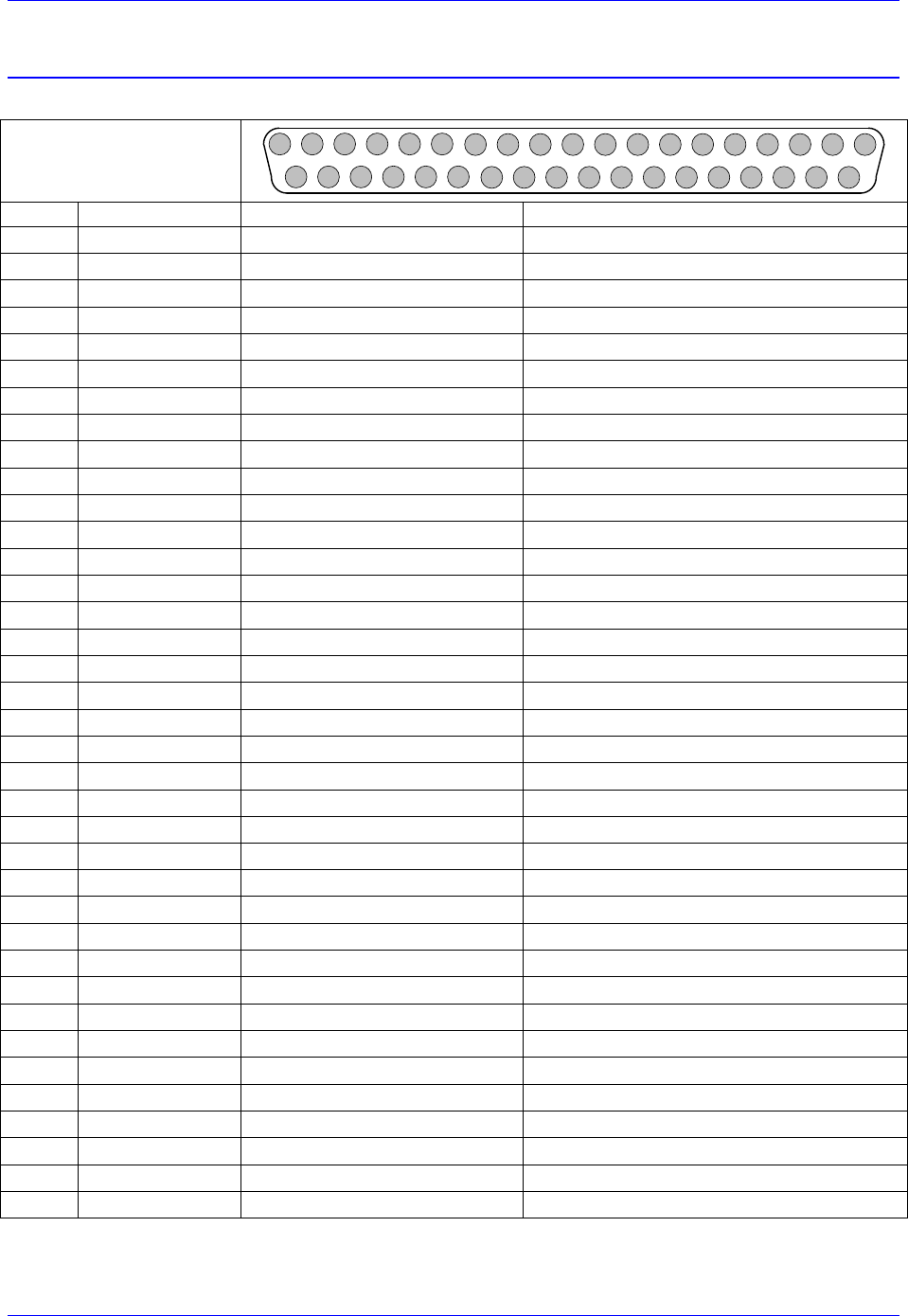
Brick Controller User Manual
PinOuts and Software Setup 120
J6: General Purpose Inputs/Outputs
J6 is used to wire general purpose digital Inputs (1-16) and Outputs (1-8) to the Brick Controller.
J6: D-sub DC-37F
Mating: D-sub DC-37M
12345678910111213
202122232425262728293031
141516171819
323334353637
Pin #
Symbol
Function
Description
1
GPI1
Input
Input 1
2
GPI3
Input
Input 3
3
GPI5
Input
Input 5
4
GPI7
Input
Input 7
5
GPI9
Input
Input 9
6
GPI11
Input
Input 11
7
GPI13
Input
Input 13
8
GPI15
Input
Input 15
9
IN_COM1-8
Common 01-08
Input 01 to 08 Common
10
OUT-RET
Input
Outputs Return
11
OUT_COM
Input
Outputs Common
12
GP01-
Output
Sourcing Output 1
13
GP02-
Output
Sourcing Output 2
14
GP03-
Output
Sourcing Output 3
15
GP04-
Output
Sourcing Output 4
16
GP05-
Output
Sourcing Output 5
17
GP06-
Output
Sourcing Output 6
18
GP07-
Output
Sourcing Output 7
19
GP08-
Output
Sourcing Output 8
20
GPI2
Input
Input 2
21
GPI4
Input
Input 4
22
GPI6
Input
Input 6
23
GPI8
Input
Input 8
24
GPI10
Input
Input 10
25
GPI12
Input
Input 12
26
GPI14
Input
Input 14
27
GPI16
Input
Input 16
28
IN_COM9-16
Common 09-16
Input 09 to 16 Common
29
OUT_COM
Input
Outputs Common
30
GP01+
Output
Sinking Output 1
31
GP02+
Output
Sinking Output 2
32
GP03+
Output
Sinking Output 3
33
GP04+
Output
Sinking Output 4
34
GP05+
Output
Sinking Output 5
35
GP06+
Output
Sinking Output 6
36
GP07+
Output
Sinking Output 7
37
GP08+
Output
Sinking Output 8
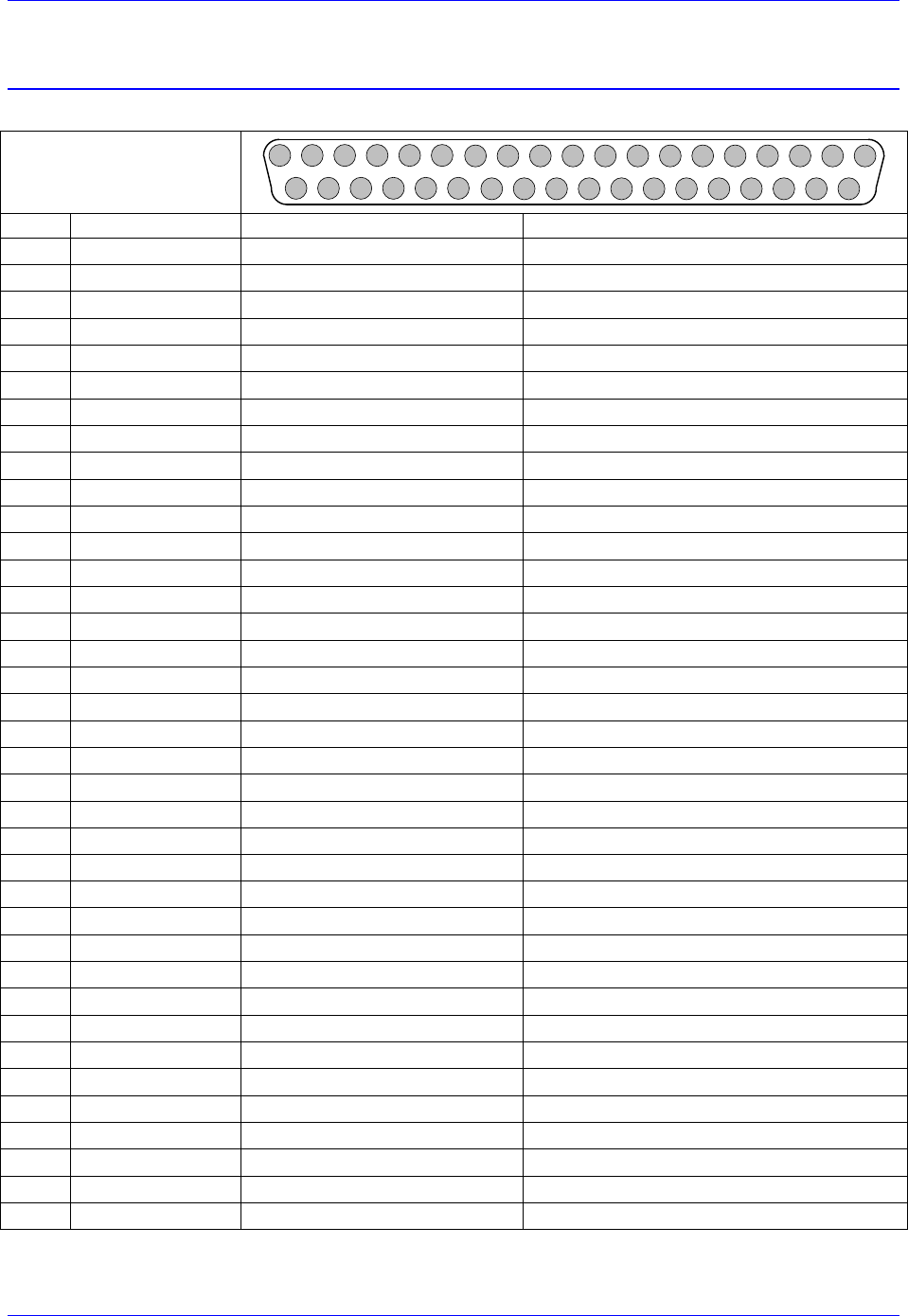
Brick Controller User Manual
PinOuts and Software Setup 121
J7: Additional General Purpose Inputs/Outputs
J7 is used to wire general purpose digital Inputs (17-32) and Outputs (9-16) to the Brick Controller.
J7: D-sub DC-37F
Mating: D-sub DC-37M
12345678910111213
202122232425262728293031
141516171819
323334353637
Pin #
Symbol
Function
Description
1
GPI17
Input
Input 17
2
GPI19
Input
Input 19
3
GPI21
Input
Input 21
4
GPI23
Input
Input 23
5
GPI25
Input
Input 25
6
GPI27
Input
Input 27
7
GPI29
Input
Input 29
8
GPI31
Input
Input 31
9
IN_COM 17-24
Common 17-24
Input 17 to 24 Common
10
OUT-RET
Input
Outputs Return
11
OUT_COM
Input
Outputs Common
12
GPO9-
Output
Sourcing Output 9
13
GPO10-
Output
Sourcing Output 10
14
GPO11-
Output
Sourcing Output 11
15
GPO12-
Output
Sourcing Output 12
16
GPO13-
Output
Sourcing Output 13
17
GPO14-
Output
Sourcing Output 14
18
GPO15-
Output
Sourcing Output 15
19
GPO16-
Output
Sourcing Output 16
20
GPI18
Input
Input 18
21
GPI20
Input
Input 20
22
GPI22
Input
Input 22
23
GPI24
Input
Input 24
24
GPI26
Input
Input 26
25
GPI28
Input
Input 28
26
GPI30
Input
Input 30
27
GPI32
Input
Input 32
28
IN_COM_25-32
Common 25-32
Input 25 to 32 Common
29
OUT_COM
Input
Outputs Common
30
GPO9+
Output
Sinking Output 9
31
GPO10+
Output
Sinking Output 10
32
GPO11+
Output
Sinking Output 11
33
GPO12+
Output
Sinking Output 12
34
GPO13+
Output
Sinking Output 13
35
GPO14+
Output
Sinking Output 14
36
GPO15+
Output
Sinking Output 15
37
GPO16+
Output
Sinking Output 16
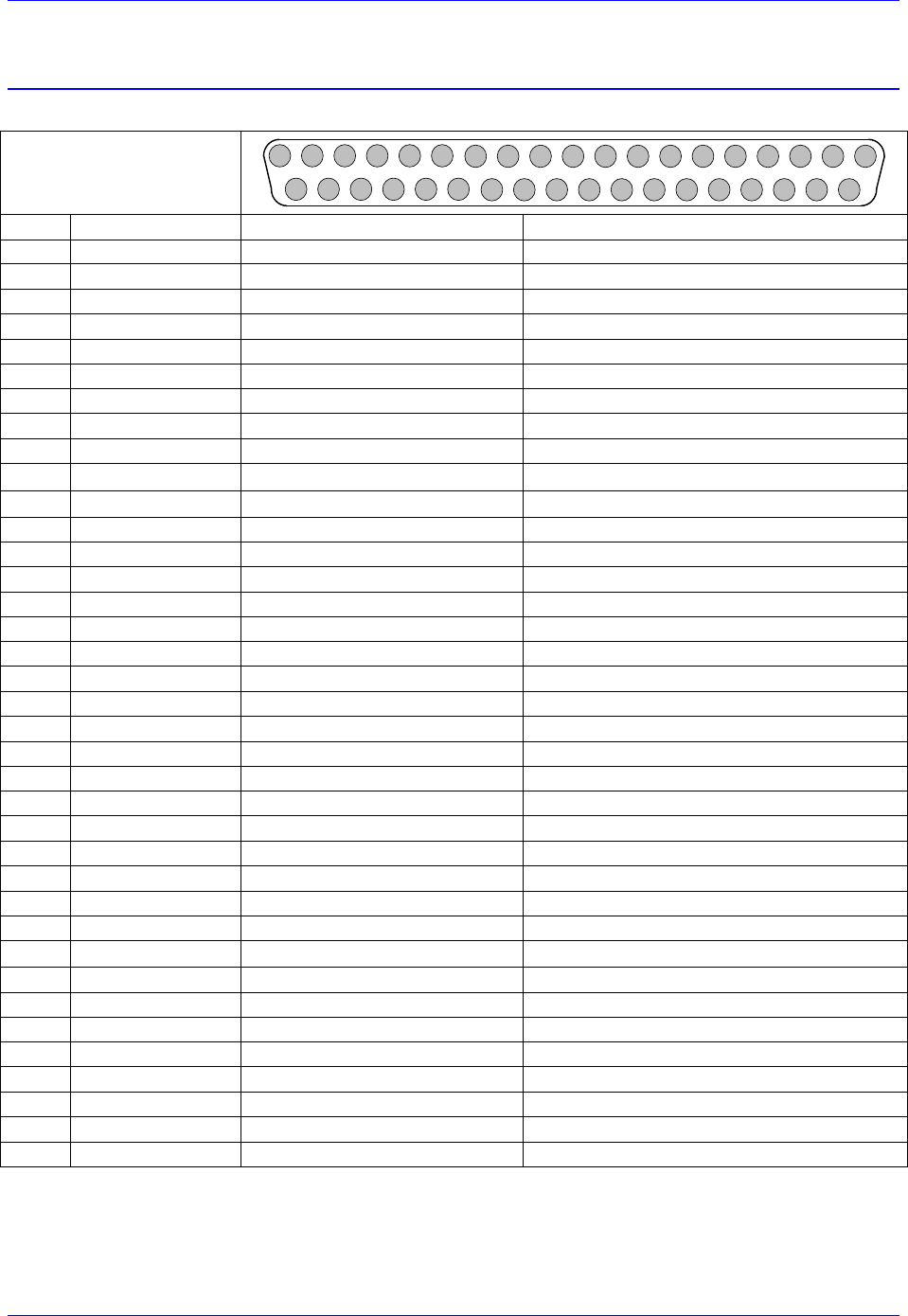
Brick Controller User Manual
PinOuts and Software Setup 122
J8: Additional General Purpose Inputs/Outputs
J8 is used to wire general purpose digital Inputs (33-48) and Outputs (17-24) to the Brick Controller.
J7: D-sub DC-37F
Mating: D-sub DC-37M
12345678910111213
202122232425262728293031
141516171819
323334353637
Pin #
Symbol
Function
Description
1
GPI33
Input
Input 33
2
GPI35
Input
Input 35
3
GPI37
Input
Input 37
4
GPI39
Input
Input 39
5
GPI41
Input
Input 41
6
GPI43
Input
Input 43
7
GPI45
Input
Input 45
8
GPI47
Input
Input 47
9
IN_COM 33-40
Common 33-40
Input 33 to 40 Common
10
OUT-RET
Input
Outputs Return
11
OUT_COM
Input
Outputs Common
12
GPO17-
Output
Sourcing Output 17
13
GPO18-
Output
Sourcing Output 18
14
GPO19-
Output
Sourcing Output 19
15
GPO20-
Output
Sourcing Output 20
16
GPO21-
Output
Sourcing Output 21
17
GPO22-
Output
Sourcing Output 22
18
GPO23-
Output
Sourcing Output 23
19
GPO24-
Output
Sourcing Output 24
20
GPI34
Input
Input 34
21
GPI36
Input
Input 36
22
GPI38
Input
Input 38
23
GPI40
Input
Input 40
24
GPI42
Input
Input 42
25
GPI44
Input
Input 44
26
GPI46
Input
Input 46
27
GPI48
Input
Input 48
28
IN_COM_41-48
Common 41-48
Input 41 to 48 Common
29
OUT_COM
Input
Outputs Common
30
GPO17+
Output
Sinking Output 17
31
GPO18+
Output
Sinking Output 18
32
GPO19+
Output
Sinking Output 19
33
GPO20+
Output
Sinking Output 20
34
GPO21+
Output
Sinking Output 21
35
GPO22+
Output
Sinking Output 22
36
GPO23+
Output
Sinking Output 23
37
GPO24+
Output
Sinking Output 24
Brick Controller User Manual
PinOuts and Software Setup 123
About the Digital Inputs and Outputs
All general purpose inputs and outputs are optically isolated. They operate in the 12–24 VDC range, and
can be wired to be either sinking or sourcing.
Inputs
The inputs use the PS2505L-1NEC photocoupler.
For sourcing inputs, connect the input common pin(s) to the 12–24V line of the power supply. The input
devices are then connected to the common ground line of the power supply at one end, and individual
input pins at the other.
For sinking inputs, connect the input common pin(s) to the common ground line of the power supply. The
input devices are then connected to the 12–24V line of the power supply at one end, and individual input
pins at the other.
Note
The inputs can be wired either sourcing or sinking in sets of eight,
with each set possessing its own common.
Outputs
The outputs, in the older models of the Brick Controller (control board 603793-109 and earlier), use the
PS2501L-1NEC photocoupler. They are rated to a maximum current of 500 mA, and are overload
protected.
The outputs, in the newer models (October 2012) of the Brick Controller (control board 603793-10A and
later), use the PS2701-1NEC photocoupler. They are protected with a ZXMS6006DG; an enhancement
mode MOSFET - diode incorporated. The protection involves over-voltage, over-current, I2T and short
circuit.
For sourcing outputs, connect the common collector (pin #29) to the 12–24V line of the power supply.
The output devices are then connected to the common ground line of the power supply at one end, and
individual sourcing output pins at the other.
For sinking outputs, connect the common emitter (pin #11) to the common ground line of the power
supply. The output devices are then connected to the 12–24V line of the power supply at one end, and
individual sinking output pins at the other.
Note
Do not mix topologies for outputs. They are all either sinking or
sourcing. If the common emitter is used, the common collector should
not be connected and vice versa.
Note
In the newer models, and with no load attached to them, the outputs
are floating due to the protection circuitry. Measuring the outputs’
level (i.e. with a digital multi-meter) for diagnostics requires either
adding a dummy load or tying the output return pin #10 to ground in
sourcing mode, or to 12-24V in sinking mode.
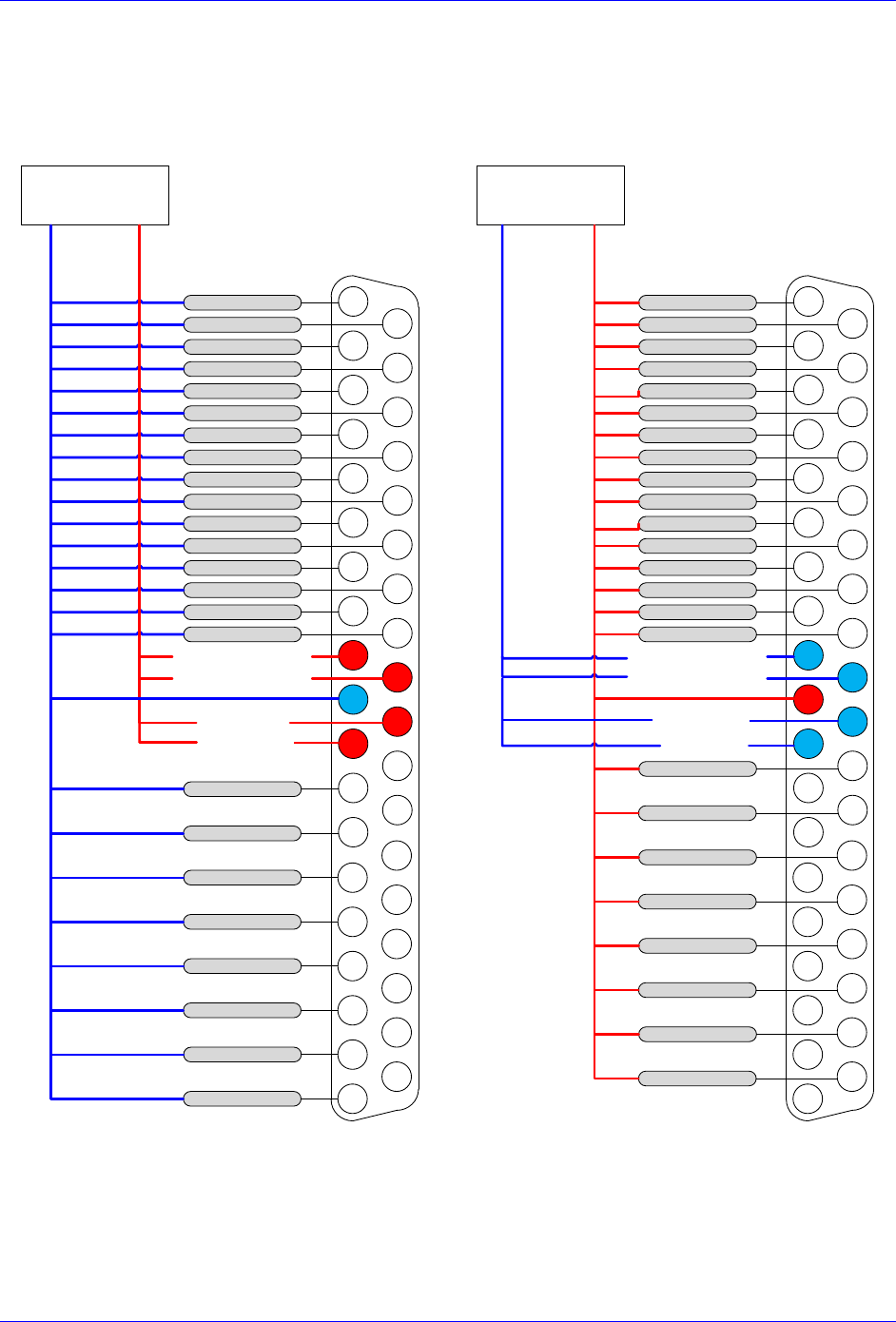
Brick Controller User Manual
PinOuts and Software Setup 124
Wiring the Digital Inputs and Outputs
The inputs and outputs can be wired to be either sourcing out of or sinking into the Brick Controller:
Sourcing Inputs / Outputs
Sinking Inputs / Outputs
12345678910111213
202122232425262728293031
12 - 24 VDC
Power supply
INPUT 1 / 17
INPUT 2 / 18
INPUT 3 / 19
INPUT 4 / 20
INPUT 7 / 23
INPUT 8 / 24
INPUT 9 / 25
INPUT 10 / 26
INPUT 13 / 29
INPUT 14 / 30
INPUT 15 / 31
INPUT 16 / 32
INPUT 6 / 22
INPUT 12 / 28
OUTPUT 1 / 9
COM
+12VDC /
+24VDC
141516171819
323334353637
COM. COLLECT
INPUT 5 / 21
INPUT 11 / 27
OUTPUT 2 / 10
OUTPUT 3 / 11
OUTPUT 4 / 12
OUTPUT 5 / 13
OUTPUT 6 / 14
OUTPUT 7 / 15
OUTPUT 8 / 16
IN COM 09-16 / 25-32
IN COM 01-08 / 17-24
COM. COLLECT
12345678910111213
202122232425262728293031
12 - 24 VDC
Power supply
INPUT 1 / 17
INPUT 2 / 18
INPUT 3 / 19
INPUT 4 / 20
INPUT 7 / 23
INPUT 8 / 24
INPUT 9 / 25
INPUT 10 / 26
INPUT 13 / 29
INPUT 14 / 30
INPUT 15 / 31
INPUT 16 / 32
INPUT 6 / 22
INPUT 12 / 28
OUTPUT 1 / 9
COM
+12VDC /
+24VDC
141516171819
323334353637
COM. EMIT
INPUT 5 / 21
INPUT 11 / 27
OUTPUT 2 / 10
OUTPUT 3 / 11
OUTPUT 4 / 12
OUTPUT 5 / 13
OUTPUT 6 / 14
OUTPUT 7 / 15
OUTPUT 8 / 16
IN COM 09-16 / 25-32
IN COM 01-08 / 17-24
COM. EMIT

Brick Controller User Manual
PinOuts and Software Setup 125
General Purpose I/Os (J6) Suggested M-Variables
// Inputs:
M1->Y:$78800,0,1 ; Input 01 J6 Pin#1
M2->Y:$78800,1,1 ; Input 02 J6 Pin#20
M3->Y:$78800,2,1 ; Input 03 J6 Pin#2
M4->Y:$78800,3,1 ; Input 04 J6 Pin#21
M5->Y:$78800,4,1 ; Input 05 J6 Pin#3
M6->Y:$78800,5,1 ; Input 06 J6 Pin#22
M7->Y:$78800,6,1 ; Input 07 J6 Pin#4
M8->Y:$78800,7,1 ; Input 08 J6 Pin#23
M9->Y:$78801,0,1 ; Input 09 J6 Pin#5
M10->Y:$78801,1,1 ; Input 10 J6 Pin#24
M11->Y:$78801,2,1 ; Input 11 J6 Pin#6
M12->Y:$78801,3,1 ; Input 12 J6 Pin#25
M13->Y:$78801,4,1 ; Input 13 J6 Pin#7
M14->Y:$78801,5,1 ; Input 14 J6 Pin#26
M15->Y:$78801,6,1 ; Input 15 J6 Pin#8
M16->Y:$78801,7,1 ; Input 16 J6 Pin#27
//Outputs: Output# Sourcing Sinking
M33->Y:$078802,0,1 ; Output 1 J6 Pin#12 Pin#30
M34->Y:$078802,1,1 ; Output 2 J6 Pin#13 Pin#31
M35->Y:$078802,2,1 ; Output 3 J6 Pin#14 Pin#32
M36->Y:$078802,3,1 ; Output 4 J6 Pin#15 Pin#33
M37->Y:$078802,4,1 ; Output 5 J6 Pin#16 Pin#34
M38->Y:$078802,5,1 ; Output 6 J6 Pin#17 Pin#35
M39->Y:$078802,6,1 ; Output 7 J6 Pin#18 Pin#36
M40->Y:$078802,7,1 ; Output 8 J6 Pin#19 Pin#37
General Purpose I/Os Additional (J7) Suggested M-Variables
// Inputs:
M17->Y:$78803,0,1 ; Input 17 J7 Pin#1
M18->Y:$78803,1,1 ; Input 18 J7 Pin#20
M19->Y:$78803,2,1 ; Input 19 J7 Pint#2
M20->Y:$78803,3,1 ; Input 20 J7 Pin#21
M21->Y:$78803,4,1 ; Input 21 J7 Pin#3
M22->Y:$78803,5,1 ; Input 22 J7 Pin#22
M23->Y:$78803,6,1 ; Input 23 J7 Pin#4
M24->Y:$78803,7,1 ; Input 24 J7 Pin#23
M25->Y:$78804,0,1 ; Input 25 J7 Pin#5
M26->Y:$78804,1,1 ; Input 26 J7 Pin#24
M27->Y:$78804,2,1 ; Input 27 J7 Pin#6
M28->Y:$78804,3,1 ; Input 28 J7 Pin#25
M29->Y:$78804,4,1 ; Input 29 J7 Pin#7
M30->Y:$78804,5,1 ; Input 30 J7 Pin#26
M31->Y:$78804,6,1 ; Input 31 J7 Pin#8
M32->Y:$78804,7,1 ; Input 32 J7 Pin#27
//Outputs: Output# Sourcing Sinking
M41->Y:$078805,0,1 ; Output 09 J7 Pin#12 Pin#30
M42->Y:$078805,1,1 ; Output 10 J7 Pin#13 Pin#31
M43->Y:$078805,2,1 ; Output 11 J7 Pin#14 Pin#32
M44->Y:$078805,3,1 ; Output 12 J7 Pin#15 Pin#33
M45->Y:$078805,4,1 ; Output 13 J7 Pin#16 Pin#34
M46->Y:$078805,5,1 ; Output 14 J7 Pin#17 Pin#35
M47->Y:$078805,6,1 ; Output 15 J7 Pin#18 Pin#36
M48->Y:$078805,7,1 ; Output 16 J7 Pin#19 Pin#37

Brick Controller User Manual
PinOuts and Software Setup 126
General Purpose I/Os Additional (J8) Suggested M-Variables
// Inputs:
M49->Y:$78A00,0,1 ; Input 33 J8 Pin#1
M50->Y:$78A00,1,1 ; Input 34 J8 Pin#20
M51->Y:$78A00,2,1 ; Input 35 J8 Pint#2
M52->Y:$78A00,3,1 ; Input 36 J8 Pin#21
M53->Y:$78A00,4,1 ; Input 37 J8 Pin#3
M54->Y:$78A00,5,1 ; Input 38 J8 Pin#22
M55->Y:$78A00,6,1 ; Input 39 J8 Pin#4
M56->Y:$78A00,7,1 ; Input 40 J8 Pin#23
M57->Y:$78A01,0,1 ; Input 41 J8 Pin#5
M58->Y:$78A01,1,1 ; Input 42 J8 Pin#24
M59->Y:$78A01,2,1 ; Input 43 J8 Pin#6
M60->Y:$78A01,3,1 ; Input 44 J8 Pin#25
M61->Y:$78A01,4,1 ; Input 45 J8 Pin#7
M62->Y:$78A01,5,1 ; Input 46 J8 Pin#26
M63->Y:$78A01,6,1 ; Input 47 J8 Pin#8
M64->Y:$78A01,7,1 ; Input 48 J8 Pin#27
//Outputs: Output# Sourcing Sinking
M65->Y:$078A02,0,1 ; Output 17 J8 Pin#12 Pin#30
M66->Y:$078A02,1,1 ; Output 18 J8 Pin#13 Pin#31
M67->Y:$078A02,2,1 ; Output 19 J8 Pin#14 Pin#32
M68->Y:$078A02,3,1 ; Output 20 J8 Pin#15 Pin#33
M69->Y:$078A02,4,1 ; Output 21 J8 Pin#16 Pin#34
M70->Y:$078A02,5,1 ; Output 22 J8 Pin#17 Pin#35
M71->Y:$078A02,6,1 ; Output 23 J8 Pin#18 Pin#36
M72->Y:$078A02,7,1 ; Output 24 J8 Pin#19 Pin#37
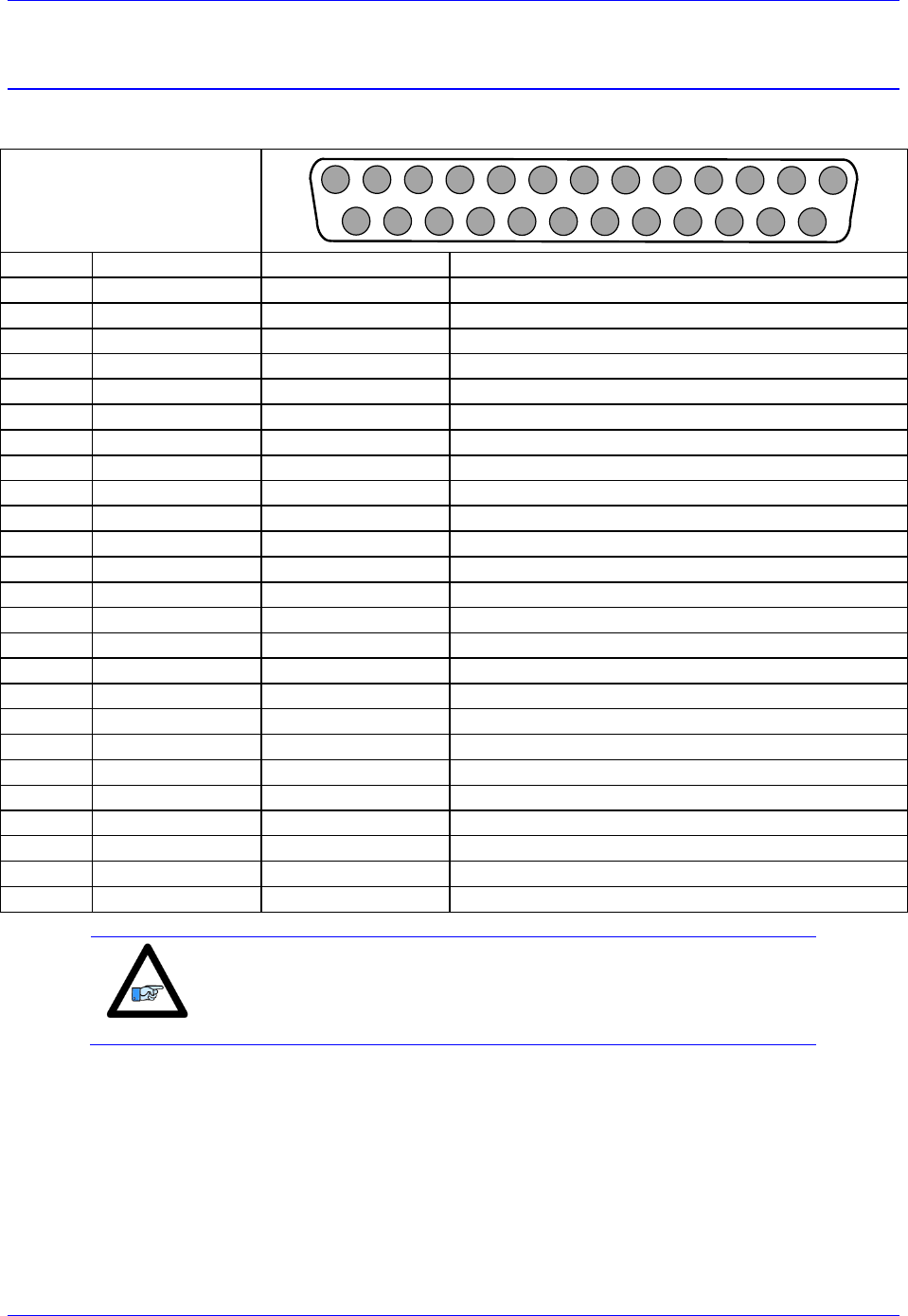
Brick Controller User Manual
PinOuts and Software Setup 127
J9: Handwheel Analog I/O
J9 is used to wire the additional analog inputs, Handwheel encoder, analog output, and PFM output.
J9: D-sub DB-25F
Mating: D-sub DB-25M
1
2
3
4
5
6
7
8
9
10
11
12
13
14
15
16
17
18
19
20
21
22
23
24
25
Pin #
Symbol
Function
Notes
1
AIN1
Input
Analog Input #1
2
AIN3
Input
Analog Input #3
3
AIN5
Input
Analog Input #5
4
AIN7
Input
Analog Input #7
5
+12V
Output
For troubleshooting (no practical use)
6
GND
Common
Common Ground
7
ANAOUT-
Output
Analog Output -
8
PULSE-
Output
Pulse Output -
9
DIR-
Output
Direction Output -
10
HWA+
Input
Handwheel Quadrature A
11
HWB+
Input
Handwheel Quadrature B
12
HWC+
Input
Handwheel Quadrature C
13
+5V
Output
For troubleshooting (no practical use)
14
AIN2
Input
Analog Input #2
15
AIN4
Input
Analog Input #4
16
AIN6
Input
Analog Input #6
17
AIN8
Input
Analog Input #8
18
-12V
Output
For troubleshooting (no practical use)
19
ANAOUT+
Output
Analog Output +
20
PULSE+
Output
Pulse Output +
21
DIR+
Output
Direction Output +
22
GND
Common
Common Ground
23
HWA-
Input
Handwheel Quadrature A/
24
HWB-
Input
Handwheel Quadrature B/
25
HWC-
Input
Handwheel Quadrature C/
Note
Analog Inputs at Y:$784B0 using PMAC option12.
Analog Output at Y:$78412,8,16,S using Supp. Ch1* Output A.
Pulse and Direction at Y:$7841C,8,16,S using Supp. Ch2* Output C.
Handwheel Input at Y:$78410 using Supp. Ch1* Handwheel.
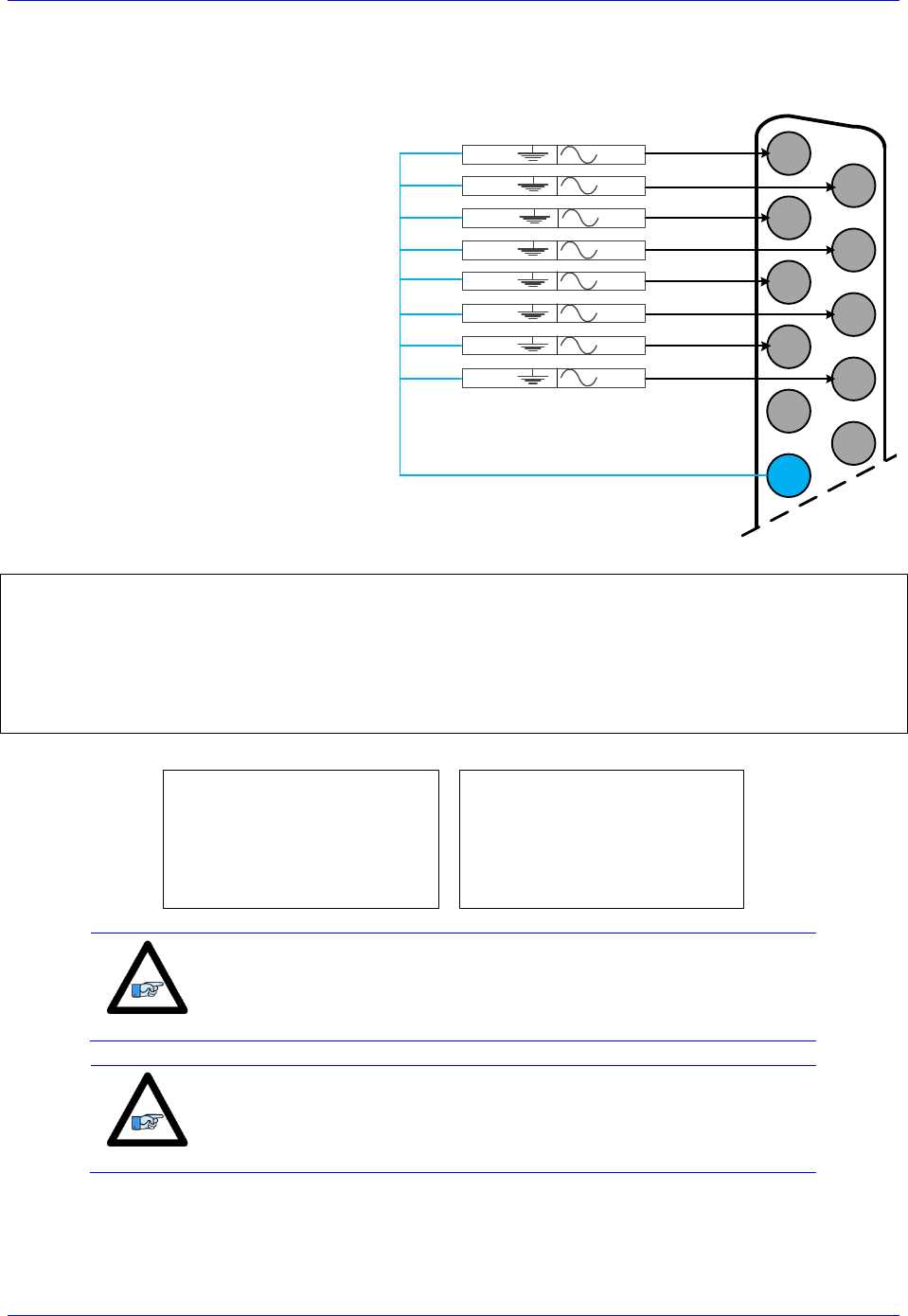
Brick Controller User Manual
PinOuts and Software Setup 128
Setting up the Analog Inputs (J9)
The ANA (J9) port provides eight
multiplexed 12-bit single-ended analog
inputs (AIN1-AIN8) using the traditional
PMAC Option 12.
These analog inputs can be used either in
unipolar mode in the 0V to +10V range, or
bipolar mode in the -10V to +10V range.
Each input has a 470Ω input resistor in-
line, and a 0.01 μF resistor to ground
ensuing a 4.7 μsec time constant per input
line.
±10VDC
Input Signals
12345678910111213
141516171819202122232425
ADC3
ADC1AGND
ADC2AGND
AGND
ADC4AGND
ADC5AGND
ADC6AGND
ADC7AGND
ADC8AGND
I5060=8 ; Copy 8 ADC pairs
I5061=$000340 ; ADC0 is referenced to $078800+$000340= $78B40
I5062=$000340 ; ADC1 is referenced to $078800+$000340= $78B40
I5063=$000340 ; ADC2 is referenced to $078800+$000340= $78B40
I5064=$000340 ; ADC3 is referenced to $078800+$000340= $78B40
I5065=$000340 ; ADC4 is referenced to $078800+$000340= $78B40
I5066=$000340 ; ADC5 is referenced to $078800+$000340= $78B40
I5067=$000340 ; ADC6 is referenced to $078800+$000340= $78B40
I5068=$000340 ; ADC7 is referenced to $078800+$000340= $78B40
Bipolar Mode
Unipolar Mode
I5081=$000008 ; ADC0 Bipolar
I5082=$000009 ; ADC1 Bipolar
I5083=$00000A ; ADC2 Bipolar
I5084=$00000B ; ADC3 Bipolar
I5085=$00000C ; ADC4 Bipolar
I5086=$00000D ; ADC5 Bipolar
I5087=$00000E ; ADC6 Bipolar
I5088=$00000F ; ADC7 Bipolar
I5081=$000000 ; ADC0 Unipolar
I5082=$000001 ; ADC1 Unipolar
I5083=$000002 ; ADC2 Unipolar
I5084=$000003 ; ADC3 Unipolar
I5085=$000004 ; ADC4 Unipolar
I5086=$000005 ; ADC5 Unipolar
I5087=$000006 ; ADC6 Unipolar
I5088=$000007 ; ADC7 Unipolar
Note
A SAVE and a reset ($$$) is required to initialize this function
properly after download.
Note
In Unipolar mode, the ADCs can measure up to 12V since the op-
amps are powered with 12VDC.

Brick Controller User Manual
PinOuts and Software Setup 129
J9 Analog Inputs Suggested M-Variables
Bipolar Mode (Signed)
Unipolar Mode (Unsigned)
M6991->Y:$003400,12,12,S ; ADC1
M6992->Y:$003402,12,12,S ; ADC2
M6993->Y:$003404,12,12,S ; ADC3
M6994->Y:$003406,12,12,S ; ADC4
M6995->Y:$003408,12,12,S ; ADC5
M6996->Y:$00340A,12,12,S ; ADC6
M6997->Y:$00340C,12,12,S ; ADC7
M6998->Y:$00340E,12,12,S ; ADC8
M6991->Y:$003400,12,12,U ; ADC1
M6992->Y:$003402,12,12,U ; ADC2
M6993->Y:$003404,12,12,U ; ADC3
M6994->Y:$003406,12,12,U ; ADC4
M6995->Y:$003408,12,12,U ; ADC5
M6996->Y:$00340A,12,12,U ; ADC6
M6997->Y:$00340C,12,12,U ; ADC7
M6998->Y:$00340E,12,12,U ; ADC8
Testing the J9 Analog Inputs
Input Voltage
Software Counts
Bipolar
-10
-2048
-5
-1024
Unipolar
0
0
+10
+2048
+5
+1024
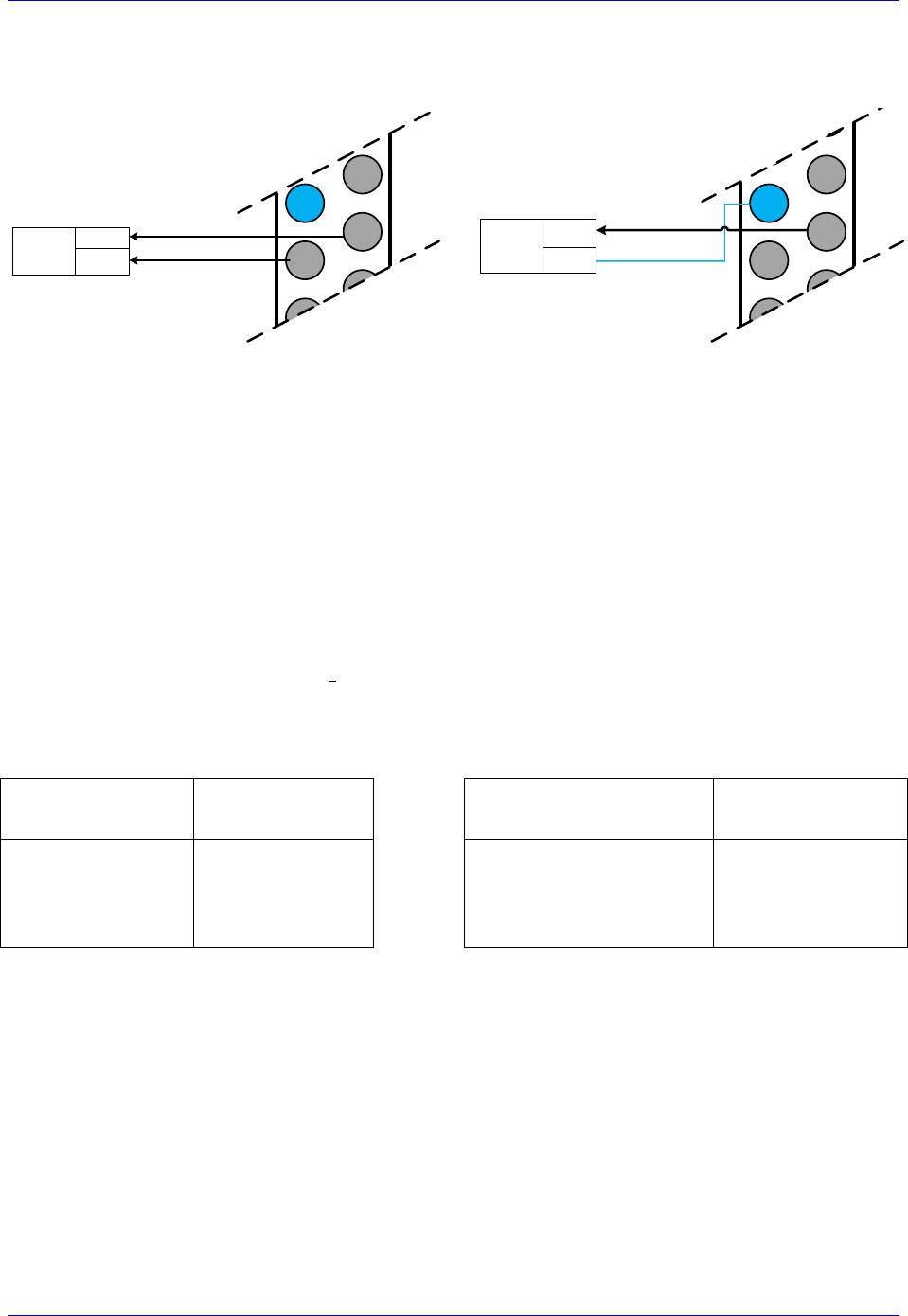
Brick Controller User Manual
PinOuts and Software Setup 130
Setting up the Analog Output (J9)
Differential Output
Single-Ended Output
12345678910111213
141516171819202122232425
Analog
Device DAC-
DAC+
12345678910111213
141516171819202122232425
Analog
Device
DAC
COM
The analog output out of J9 is a (12-bit) filtered PWM signal, therefore a PWM frequency in the range of
30-36 KHz and a PWM deadtime of zero are suggested for a good quality analog output signal (minimum
ripple). A fully populated Brick can have one of three gates generating the clocks:
Servo IC 0
Servo IC 1
MACRO IC 0
I19 specifies which gate is the clock source master. I19 is equal to 7007 by default indicating that Servo
IC 0 is the master gate. However, the analog output on J9 is generated from MACRO IC 0.
The relationship between the PWM clock frequency of the clock-receiving gate and the clock-generating
gate should always be respected in such a way that:
Where n is an integer
Example:
With Servo IC 0 being the clock master and at default clock settings, the following are suggested
MACRO IC 0 clock settings which would provide a good analog output signal:
Default Servo IC 0
Clock Settings
Resulting
Frequencies KHz
Suggested MACRO IC 0
Clock Settings
Resulting
Frequencies KHz
I7000=6527
I7001=0
I7002=3
I10=3713991
PWM
PHASE
SERVO
4.5
9
2.25
I6800=816
I6801=7
I6802=3
I6804=0
PWM
PHASE
SERVO
PWMDeadtime
36
9
2.25
0
Note that n=8 in this case
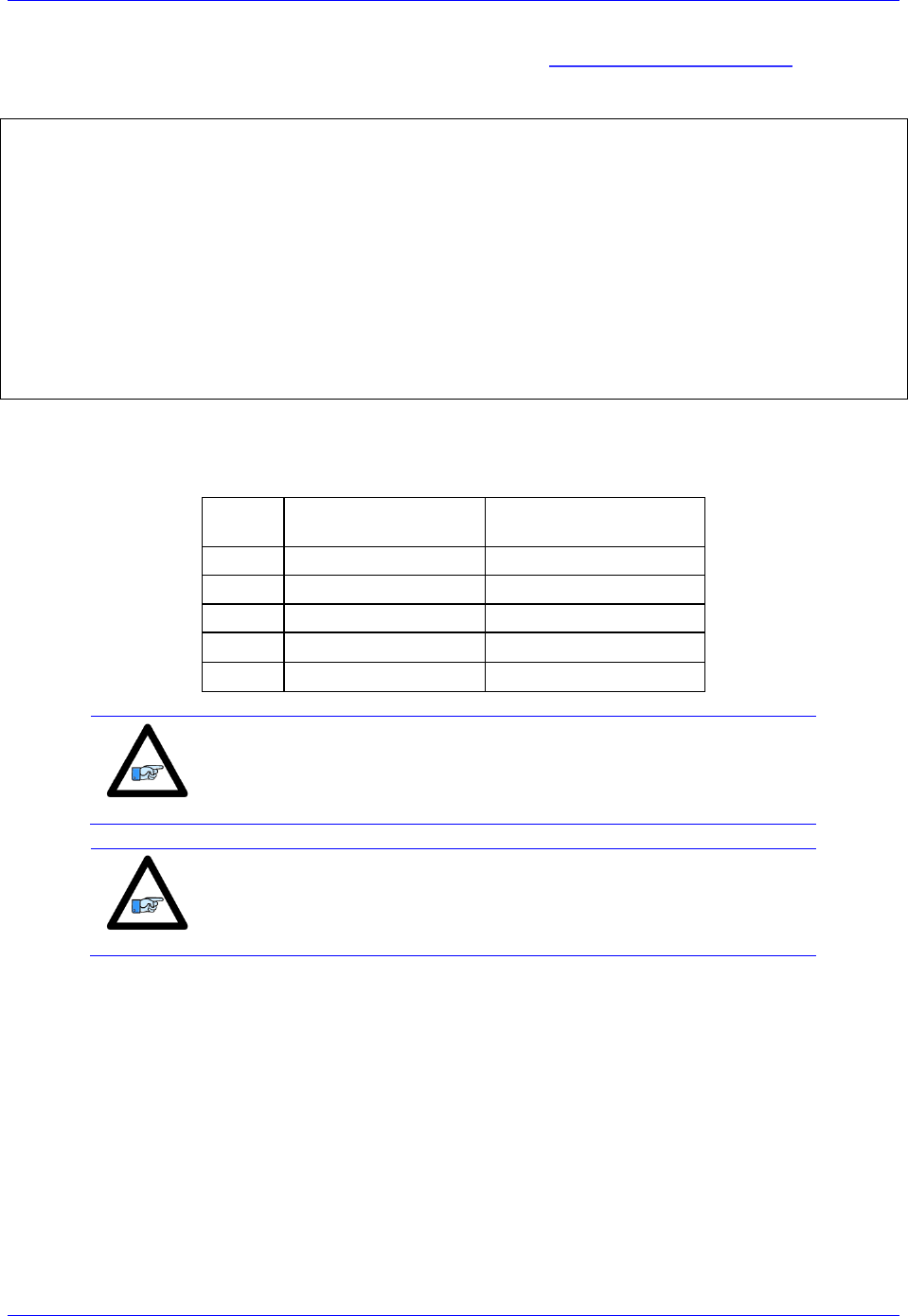
Brick Controller User Manual
PinOuts and Software Setup 131
For assistance with clock settings, use the Delta Tau Calculator: DT Calculator Forum Link
J9 Analog Output Suggested M-Variable
// I/O 10 & 11 Mode (PWM)
M7001->Y:$78404,10,1
M7002->Y:$78404,11,1
M7001=0 ; =0 PWM, =1 PFM
M7002=0 ; =0 PWM, =1 PFM
// Analog Output M-variable
M7000->Y:$78412,8,16,S
// These I/O nodes have to be setup once on power-up.
Open PLC 1 clear
I6612=100*8388608/I10 While(I6612>0) Endw
M7001=0 ; PWM mode
M7002=0 ; PWM mode
Disable PLC 1
Close
Testing the J9 Analog Output
With I6800=816, writing directly to the assigned M-variable (i.e. M7000) should produce the following:
M7000
Single-Ended:
Gnd Output+
Differential:
Output+ Output-
-816
-10V
-20V
-408
-5V
-10V
0
0V
0V
408
+5V
+10V
816
+10V
+20V
Note
Writing values greater than I6800 (i.e. 816) in M7000 will saturate the
output to 10, or 20 volts in single-ended or differential mode
respectively
Note
MACRO connectivity can provide a cleaner solution for analog
outputs, e.g. using ACC-24M2A.

Brick Controller User Manual
PinOuts and Software Setup 132
Setting up Pulse and Direction Output PFM (J9)
Differential Pulse And Direction
Single Ended Pulse And Direction
12345678910111213
141516171819202122232425
PULSE+
PULSE-
DIR+
DIR-
COM
PULSE
FREQUENCY
DEVICE/
AMPLIFIER
12345678910111213
1415161718192021232425
PULSE+
PULSE-
DIR+
DIR-
COM
PULSE
FREQUENCY
DEVICE/
AMPLIFIER
22
Using the Delta Tau Calculator or referring to the Turbo Software Reference Manual, the desired
maximum PFM Frequency and pulse width can be chosen. DT Calculator Forum Link
Step1
Step2
Results
Step 1: Choose Max PFM clock by changing the PFM clock divider. Click on calculate to see results.
Step 2: Choose PFM Pulse width by changing I6804. Click on calculate to see results.
For a PFM clock range 0-20 KHz, and a pulse width of ~20 μsec:
I6803=2290 ; PFM Clock divider equal to 6
I6804=13 ; PFM Pulse Width Control equal to 13

Brick Controller User Manual
PinOuts and Software Setup 133
The calculated Ixx69 specifies the maximum command output value which corresponds to the maximum
PFM Frequency:
I6826=3 ; MACRO IC Channel 2 Output Mode Select. C PFM
M8000->Y:$7841C,8,16,S ; Supplementary Channel 2* Output C Command Value
; Min=0, Max= Calculated Ixx69
M8001->X:$7841D,21 ; Invert C Output Control. 0=no inversion, 1=invert
M8001=0 ;
Testing the J9 PFM Output
Writing directly to the suggested M-variable (i.e. M8000) values proportional to the calculated Ixx69,
produces corresponding frequencies:
M8000
PFM [KHz]
0
0
1213
11
2427
22
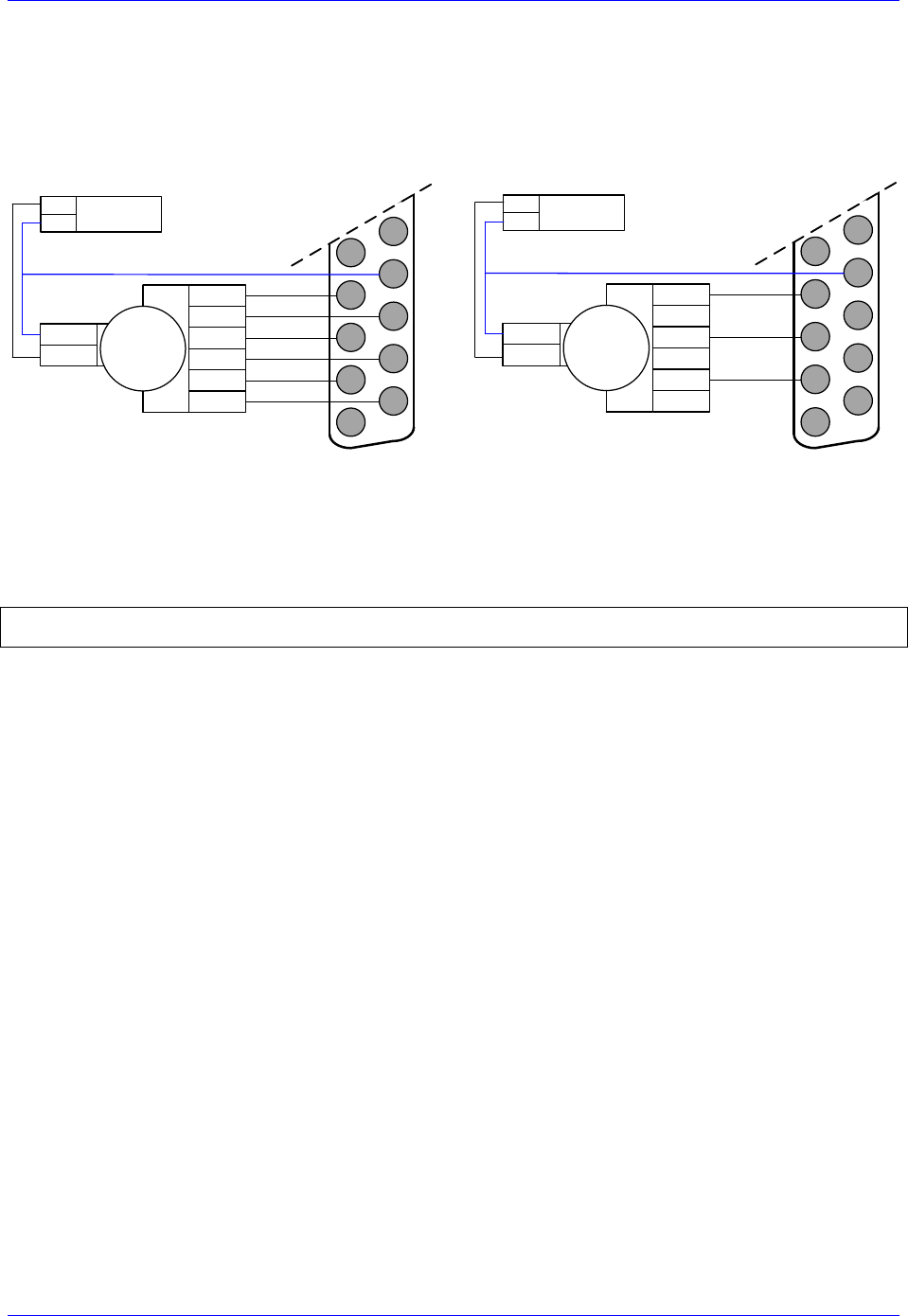
Brick Controller User Manual
PinOuts and Software Setup 134
Setting up the Handwheel Port (J9)
A quadrature encoder type device is normally brought into the handwheel port; it can be wired and used
in either single-ended or differential mode. The encoder power is not provided for this device, it must be
brought in externally.
Differential Handwheel
Single ended Handwheel
12345678910111213
141516171819202122232425
Quadrature
Encoder
CHA+
CHA-
+5V PWR
GND CHB+
CHB-
CHC+
CHC-
External +5V
Power Supply
+5V
COM
12345678910111213
141516171819202122232425
Quadrature
Encoder
CHA+
+5V PWR
GND CHB+
CHC+
External +5V
Power Supply
+5V
COM
The encoder data can be brought into the Encoder Conversion Table allowing direct access with an M-
variable or used as a master position for a specific motor (Ixx05).
Example:
I8000=$78410 ; Entry 1: 1/T extension of location $78410
M8002->X:$3501,0,24,S ; ECT 1st entry result
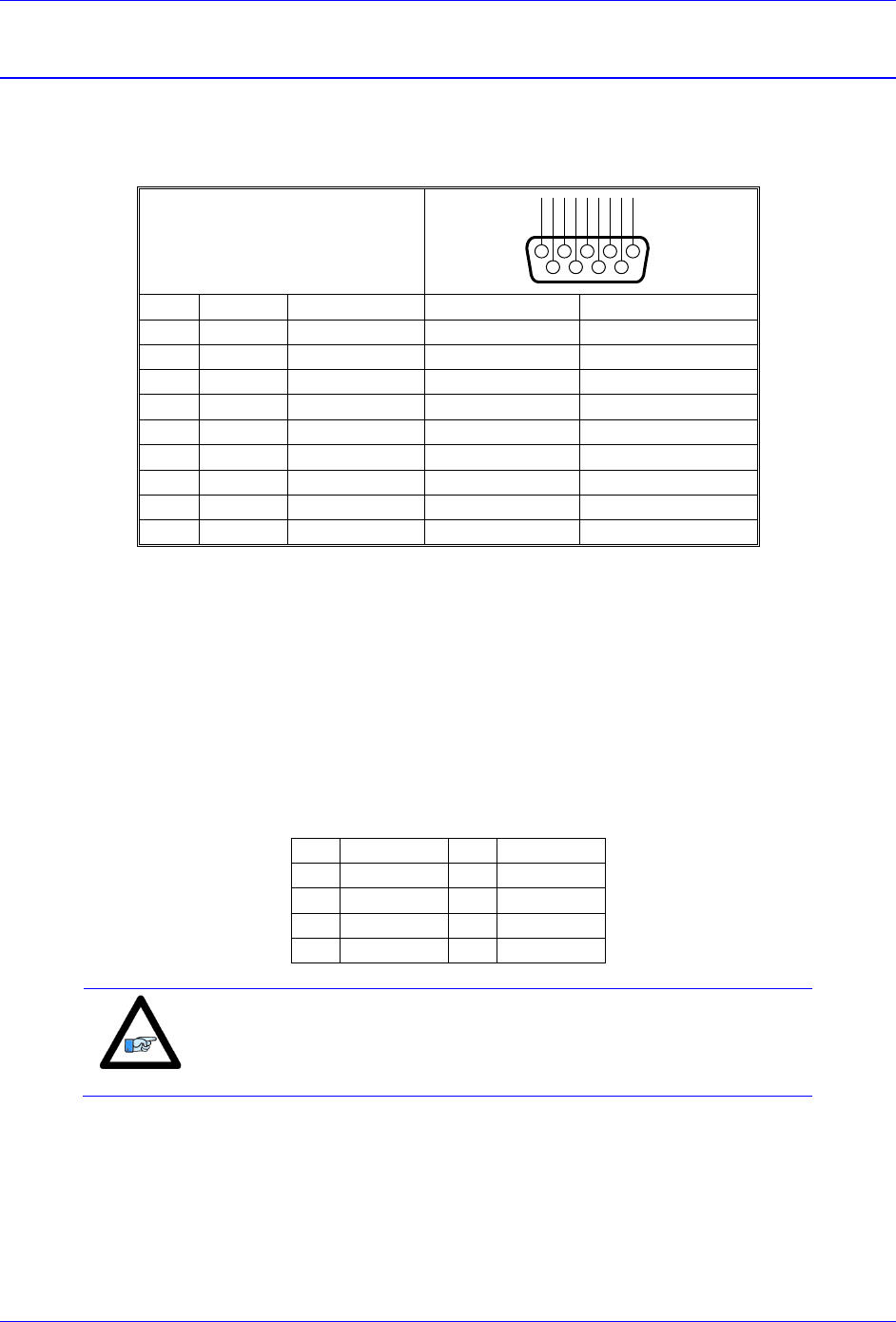
Brick Controller User Manual
PinOuts and Software Setup 135
Serial Port (RS232)
An optional serial RS-232 communication port is available on the Brick Controllers. This port can be
used as a primary communication mean or employed as a secondary port that allows simultaneous
communication.
RS-232: D-Sub DE-9F
Mating: D-Sub DE-9M
12345
6789
N.C.
DTR
TXD
CTS
RXD
RTS
DSR
N.C.
GND
Pin#
Symbol
Function
Description
Notes
1
N.C.
NC
2
TXD
Output
Receive data
Host transmit Data
3
RXD
Input
Send data
Host receive Data
4
DSR
Bi-directional
Data set ready
Tied to “DTR”
5
GND
Common
Common GND
6
DTR
Bi-directional
Data term ready
Tied to “DSR”
7
CTS
Input
Clear to send
Host ready bit
8
RTS
Output
Req. to send
PMAC ready bit
9
N.C
NC
The baud rate for the RS-232 serial port is set by variable I54. At power-up reset, The Brick Controller
sets the active baud based on the setting of I54 and the CPU speed I52. Note that the baud rate frequency
is divided down from the CPU’s operational frequency. The factory default baud rate is 38400. This baud
rate will be selected automatically on re-initialization of the Brick Controller, either in hardware using the
re-initialization (RESET SW) button or in software using the $$$*** command.
To change the baud rate setting on the Brick Controller, set I54 to the corresponding value of desired
frequency. Restart the software (Pewin32Pro2), and adjust to the correct baud rate in the communication
setup window. Then issue a SAVE and a reset ($$$), or recycle power on the Brick Controller. For odd
baud rate settings, refer to the Turbo Software Reference Manual.
I54
Baud Rate
I54
Baud Rate
8
9600
12
38,400
9
14,400
13
57,600
10
19,200
14
76,800
11
28,800
15
115,200
Note
I54=12 (38400 baud) is the factory default setting
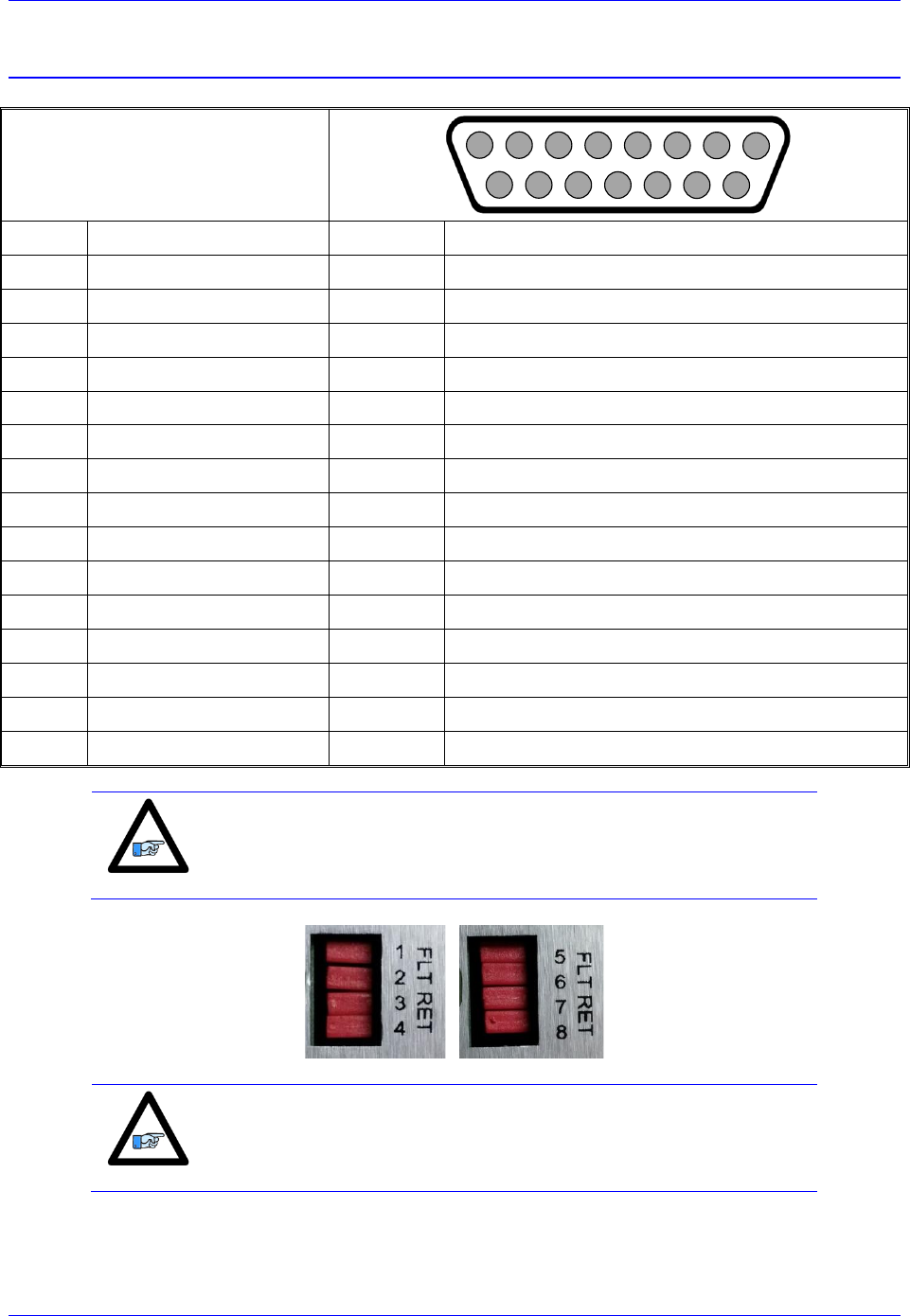
Brick Controller User Manual
PinOuts and Software Setup 136
AMP1-AMP8: Amplifier Connection
AMP1-AMP8: D-sub DA-15F
Mating: D-Sub DA-15M
2
3
4
5
6
7
8
9
10
11
12
13
14
15
1
Pin #
Schematic Symbol
Function
Notes
1
DACA+
Output
DAC A output +
2
DACB+
Output
DAC B output +
3
AE_NC+
Output
Amplifier Enable Relay Normally Close
4
AE_NO+
Output
Amplifier Enable Relay Normally Open
5
AFAULT- (COM)
Common
Amplifier Fault Common (Tied to AE_COM)
6
N.C.
Not connected
7
N.C.
Not connected
8
AGND
Common
Analog Ground
9
DACA -
Output
DAC A output -
10
DACB -
Output
DAC B output -
11
AE_COM
Common
Amplifier Enable Relay Common
12
AFAULT+
Input
Amplifier Fault +
13
N.C.
Not connected
14
AGND
Common
Analog Ground
15
N.C.
Not connected
Note
Newer models of the Brick Controller (December 2013) introduced
jumpers (FLT RET) which allow the isolation of the amplifier fault
input from the amplifier enable common. Hence allowing true
differential amplifier fault input signals.
Note
With these jumpers installed, as shipped from the factory, the Brick
Controller is backwards compatible and no changes need to be done to
existing systems.
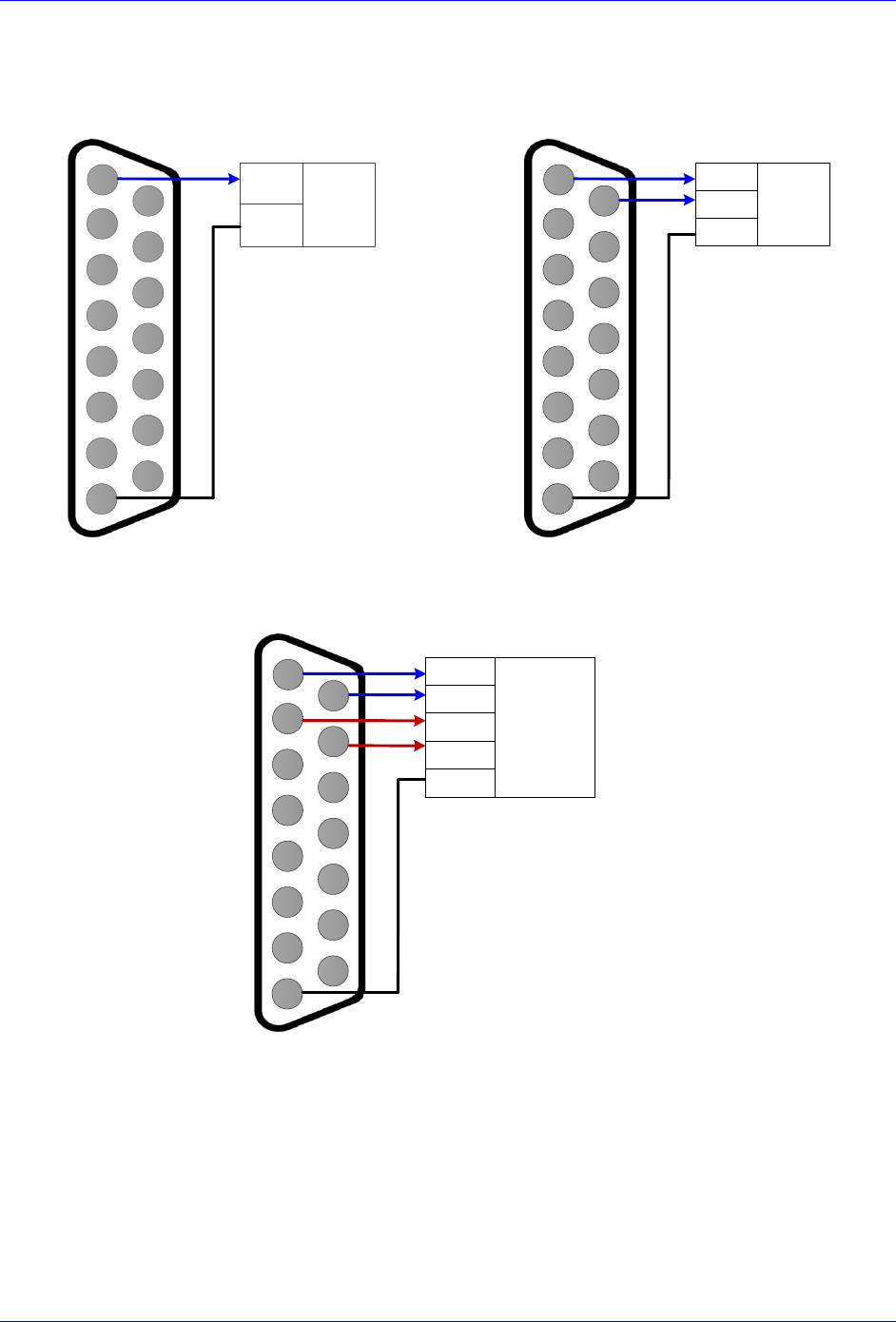
Brick Controller User Manual
PinOuts and Software Setup 137
Wiring the DAC Output
Single Ended DAC Output
2345678
910111213
1415
1
Analog
Device
DAC+
COM
Differential DAC Output
2345678
910111213
1415
1
Analog
Device
DAC+
DAC-
COM
Sinusoidal DAC Output
2345678
910111213
1415
1
Sine-Wave
Amplifier
DACA+
DACA-
DACB+
DACB-
COM
Brick Controller User Manual
PinOuts and Software Setup 138
Wiring the Amplifier Enable and Fault Signals
The amplifier enable output signal can be either:
High true using the normally open contact (pin #4)
Low true using the normally closed contact (pin #3)
Also, it can be either sourcing or sinking depending on the wiring scheme.
The following table summarizes the amplifier enable contact relays’ logic of operation:
Channel Command
Connection between
pins #11 and #4
Connection between
pins #11 and #3
Disabled (Killed)
Open
Closed
Enabled (open/closed loop)
Closed
Open
The amplifier fault signal:
In newer models of the Brick Controller (December 2013), additional jumpers (FLT RET) were
introduced to allow the isolation of the amplifier fault minus from the amplifier enable common.
This allows connecting true differential amplifier fault signals (by removing the jumpers).
With the older models, the amplifier fault signal is single-ended. Its’ minus end (pin #5) is tied
internally to the amplifier enable common (pin #11), which dictates how the amplifier fault input
should be connected.
Caution
With the older units or newer units with FLT RET jumper(s) installed,
the amplifier fault minus signal (pin #5) is internally tied to the
amplifier enable common signal (pin #11).
Caution
With newer units, removing the FLT RET jumper(s) allows the
connection of differential amplifier fault inputs.
Note
If the amplifier fault signal is not used, it can be treated and used as a
general purpose +12~24V input by disabling the amplifier fault input
(setting bit 20 of Ixx24 to 1).
Note
The amplifier fault signal polarity can be changed with bit 23 of
Ixx24; =1 for high true, =0 for low true.
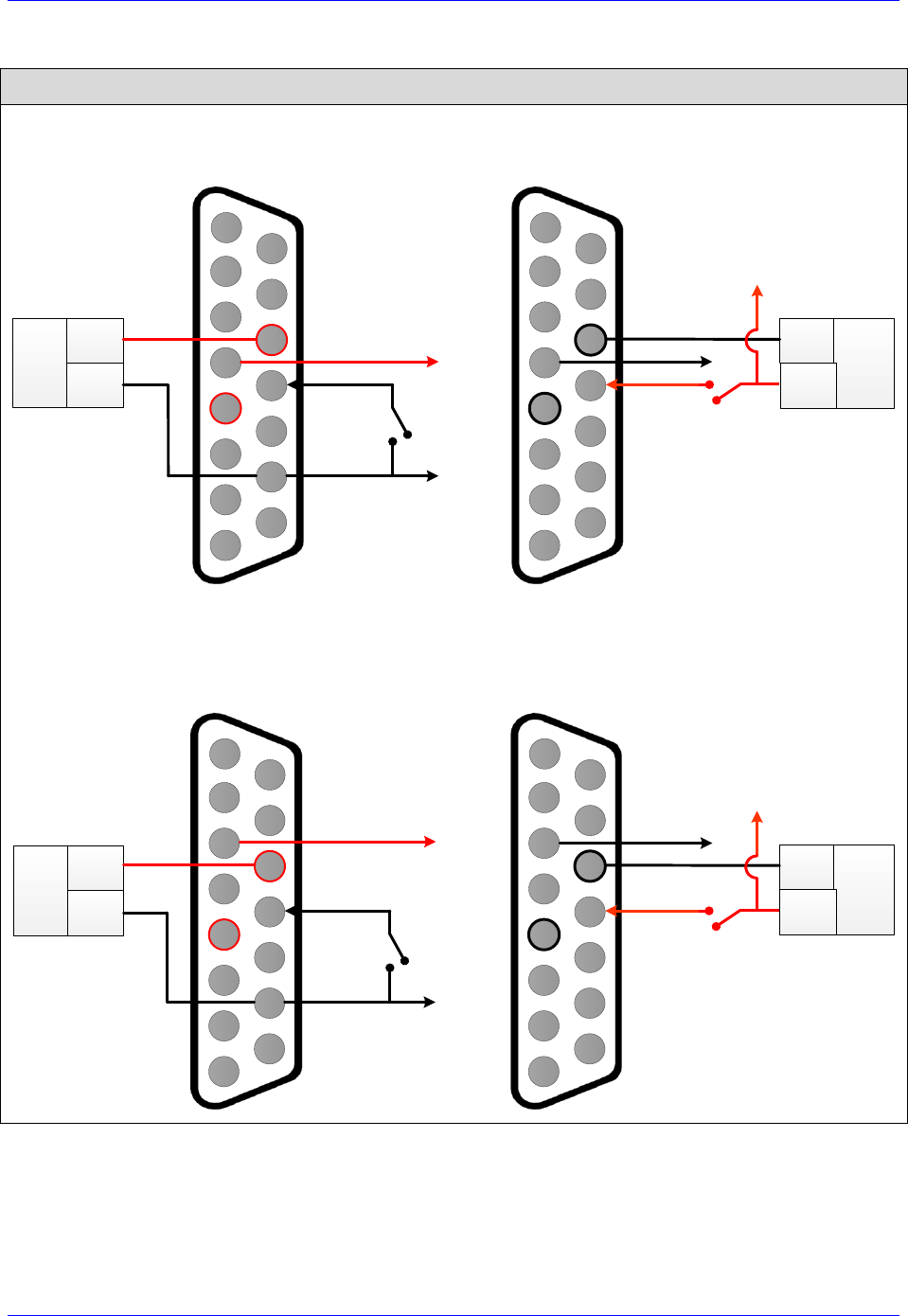
Brick Controller User Manual
PinOuts and Software Setup 139
Older Models / Newer Models (FLT RET jumper installed)
High True Amplifier Enable Output
Sourcing
Sinking
DC
Power
Supply COM
12-24V
2
3
4
5
6
7
8
9
10
11
12
13
14
15
1
AMP ENA
AMP FLT
AE COM
COM
2345678
910111213
1415
1
AMP ENA
AE COM DC
Power
Supply
12-24V
AMP FLT
Low True Amplifier Enable Output
Sourcing
Sinking
DC
Power
Supply COM
12-24V
2
3
4
5
6
7
8
9
10
11
12
13
14
15
1
AMP ENA
AMP FLT
AE COM
COM
2345678
910111213
1415
1
AMP ENA
AE COM
DC
Power
Supply
12-24V
AMP FLT
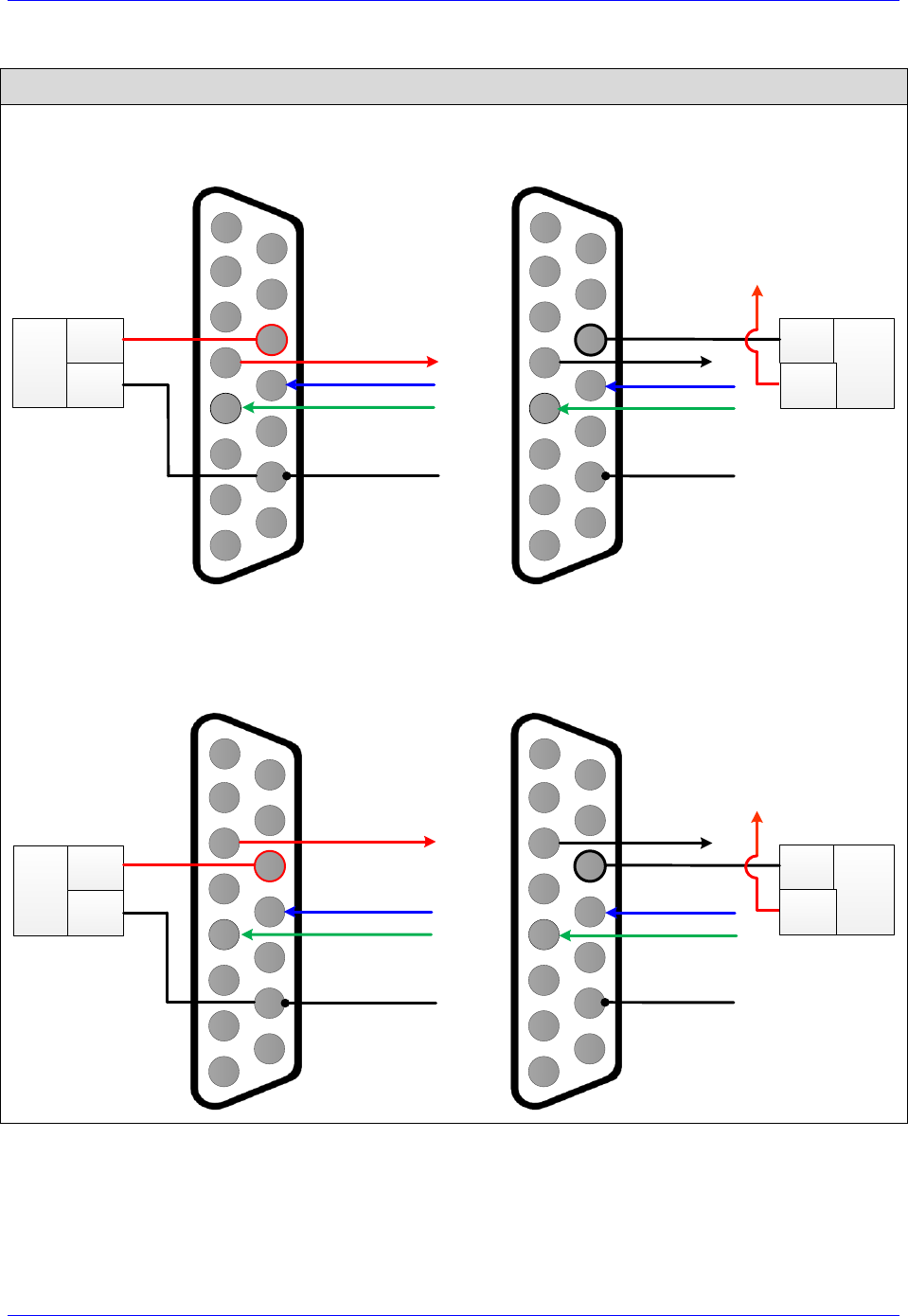
Brick Controller User Manual
PinOuts and Software Setup 140
Newer Models (FLT RET jumper removed)
High True Amplifier Enable Output
Sourcing
Sinking
DC
Power
Supply COM
12-24V
2
3
4
5
6
7
8
9
10
11
12
13
14
15
1
AMP ENA
AMP FLT+
AMP ENA COM
AMP FLT-
AMP FLT COM
COM
2345678
910111213
1415
1
AMP ENA
AE COM DC
Power
Supply
12-24V
AMP FLT+
AMP FLT-
AMP FLT COM
Low True Amplifier Enable Output
Sourcing
Sinking
DC
Power
Supply COM
12-24V
2
3
4
5
6
7
8
9
10
11
12
13
14
15
1
AMP ENA
AMP FLT+
AMP ENA COM
AMP FLT-
AMP FLT COM
COM
2345678
910111213
1415
1
AMP ENA
AE COM
DC
Power
Supply
12-24V
AMP FLT+
AMP FLT-
AMP FLT COM
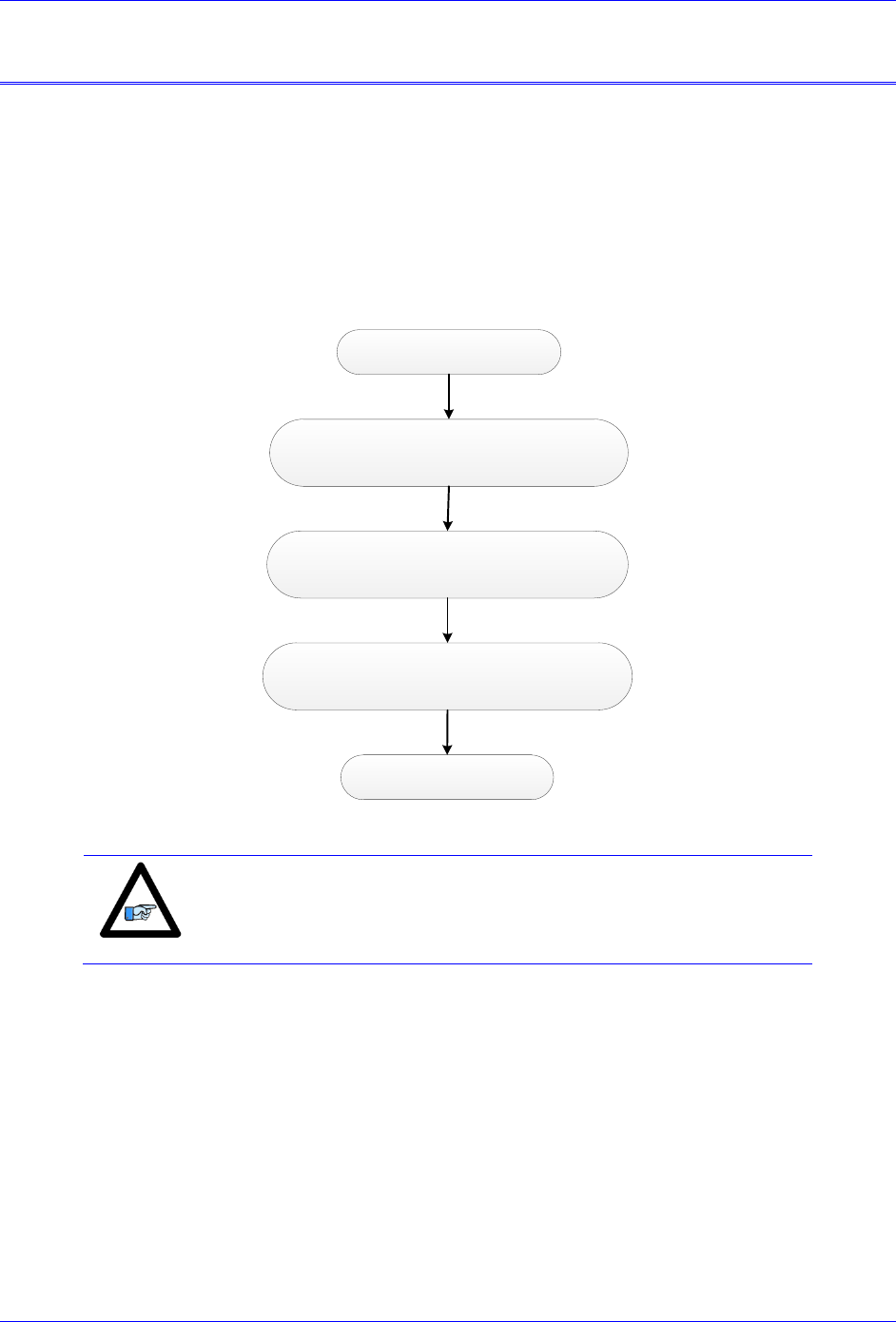
Brick Controller User Manual
Drive-Motor Setup 141
DRIVE-MOTOR SETUP
The Brick Controller supports three types of outputs:
Analog ±10V 12-bit Filtered PWM
Analog ±10V 18-bit True DAC
Pulse Frequency Modulation (PFM)
The following chart summarizes the steps to implement for setting up a motor properly with the Brick
Controller:
Factory Default Reset $$$***, Save, $$$
(recommended)
Encoder Software Setup. Verify Feedback.
(rotate shaft by hand)
Position PID Tuning
Output Type i.e. ±10V, PFM
(Dominant Clock Settings)
Encoder / Motor wiring
Note
The following section assumes that feedback devices have been setup
properly, and that moving the motor/encoder shaft by hand shows
correct data in the position window.
Brick Controller User Manual
Drive-Motor Setup 142
Filtered PWM Output (Analog ±10V)
In this mode, the ±10V analog output is obtained by passing the digital PWM signal through a 10 KHz
low pass filter. This technique, although not as performing as a true digital to analog converter, is more
than adequate for most servo applications.
The duty cycle of the PWM signal controls the magnitude of the voltage output. This is handled internally
by the PMAC, the user needs not to change any settings.
However, the frequency of the PWM signal determines the output resolution and ripple magnitude
(disturbance). The trade-off is as follows:
The higher the PWM frequency, the lower is the resolution with a low-ripple signal output.
The lower the PWM frequency, the higher is the resolution with a high-ripple signal output.
Note
Some amplifiers operate in the ±5V range; this can be regulated using
the motor command output limit, parameter Ixx69.
PWM Frequency
Resolution
Ripple
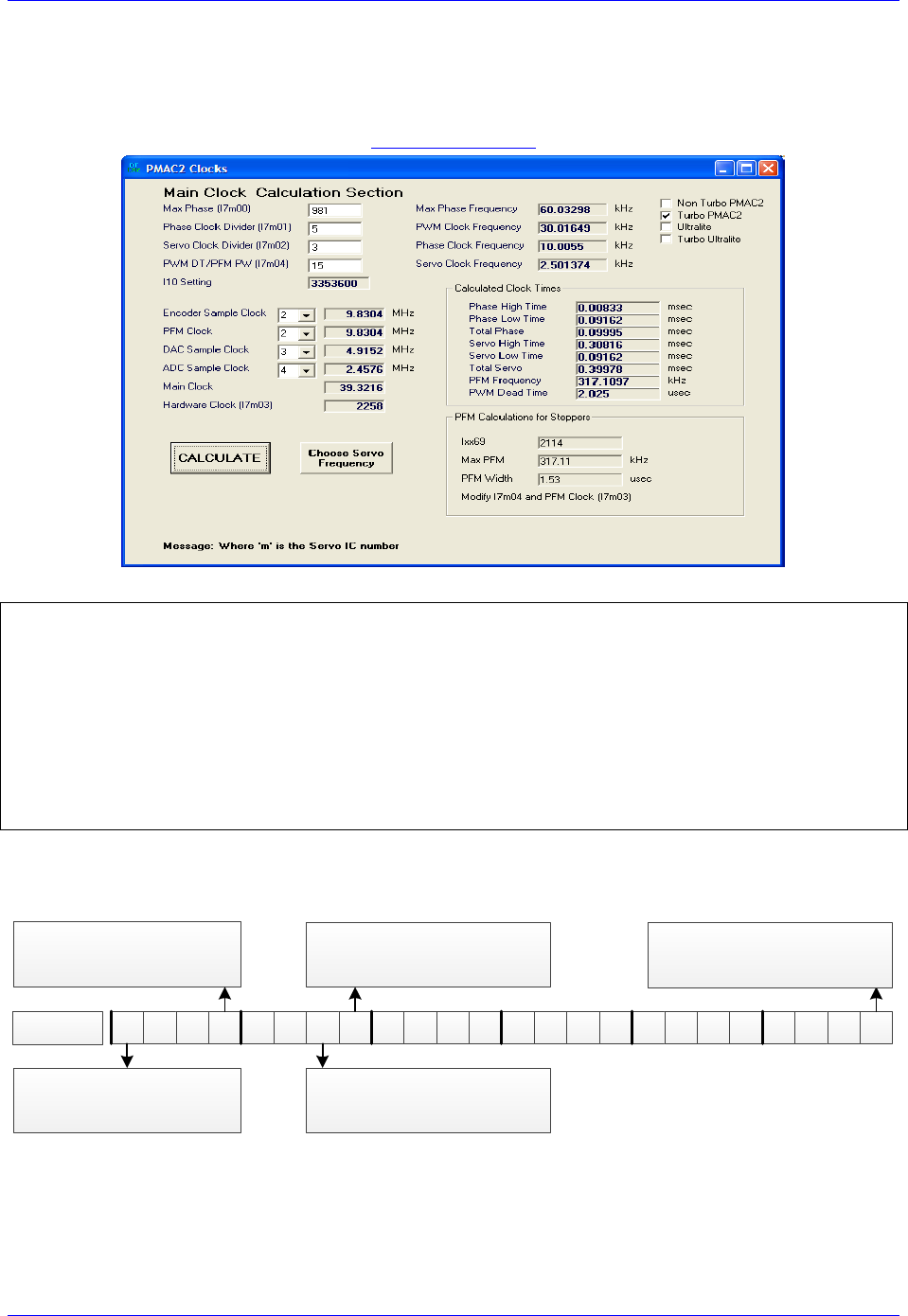
Brick Controller User Manual
Drive-Motor Setup 143
Clock Settings, Output Mode, Command Limit
Most commonly used and suggested clock settings in this mode allowing a good compromise are a 30
KHz PWM Frequency, 10 KHz Phase, and 2.5 KHZ Servo.
DT Calculator Link
I7100 = 981 ; PWM Frequency 30 KHz, PWM 1-4
I7101 = 5 ; Phase Clock 10 KHz, Servo IC 1
I7102 = 3 ; Servo Clock 2.5 KHz, Servo IC 1
I7000 = 981 ; PWM Frequency 30 KHz, PWM 5-8
I7001 = 5 ; Phase Clock 10 KHz, Servo IC 0
I7002 = 3 ; Servo Clock 2.5 KHz, Servo IC 0
I10 = 3353600 ; Servo Interrupt Time
I169,8,100 = 981 ; DAC Limit 10 VDC
I7016,4,10 = 0 ; Output Mode, PWM axis 1-4 (Default)
I7116,4,10 = 0 ; Output Mode, PWM axis 5-8 (Default)
Flag Control, Ixx24
The following diagram showcases important bit settings pertaining to flags, and amplifier information:
23 22 21 20 19 18 17 16 15 14 13 12 11 10 9 8 7 6 5 4 3 2 1 0
Amplifier Enable Use Bit
= 0 Use amp enable output
= 1 Don’t use amp enable
Amplifier Fault Use Bit
= 0 Enable amp fault input
= 1 Disable amp fault input
Overtravel Limit Use Bit
= 0 Enable hardware over-travel limits
= 1 Disable hardware over-travel limits
Amplifier Fault Polarity Bit
= 0 For low true amp
= 1 For high true amp
Bit #:
Flag Register Type
Always =1 for Brick Controller
(Turbo PMAC)
Example:
Setting Ixx24 for a low true amplifier and disabling the over-travel limit switches yields $20001.
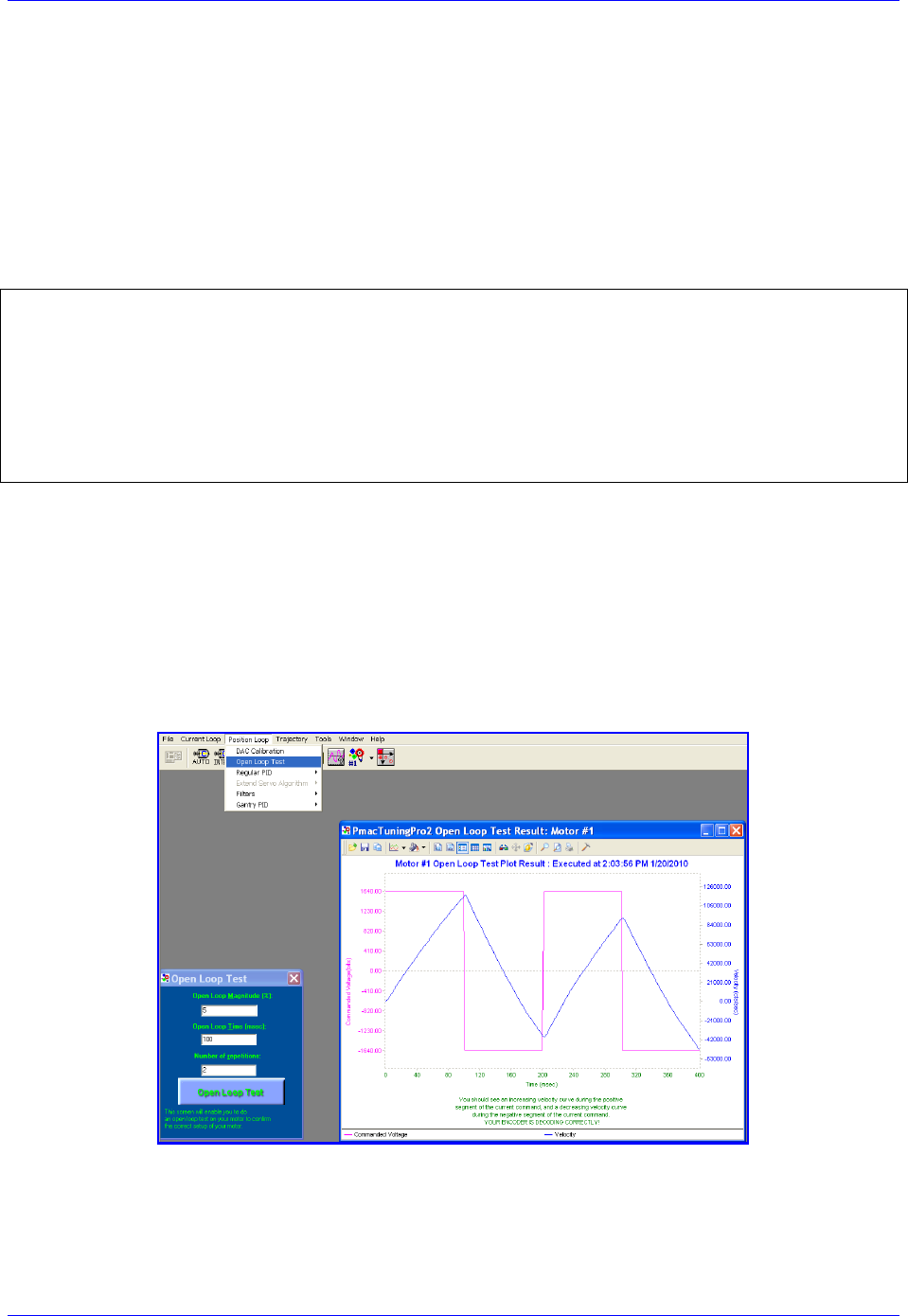
Brick Controller User Manual
Drive-Motor Setup 144
I2T Protection: Ixx57, Ixx58
I2T is a software thermal model (PMAC internal calculation) used to protect motor and drive from
exceeding current specifications. For a safe setup, the lower limit of continuous and peak current
specifications between the motor and drive should be selected.
Example:
A Brick Controller driving a torque-mode amplifier that has a gain of 3 amperes/volt and a continuous
current rating of 10 amperes, with a motor rated to 12 amperes continuous.
Using the amplifier’s continuous current rating of 10 Amps:
#define ContCurrent 10 ; Continuous Current Limit [Amps] –User Input
#define MaxADC 30 ; full range ADC reading, Amplifier Spec. –User Input
#define I2TOnTime 2 ; Time allowed at peak Current, Amp/motor spec [sec] –User Input
#define ServoClk 2.5 ; Servo Clock, pre-defined in suggested clocks [Khz]
I157 = INT(I7000*ContCurrent/MaxADC)
I158 = INT((I7000*I7000-I157*I157)*ServoClk*1000*I2TOnTime/(I7000*I7000))
I257=I157 I357=I157 I457=I157 I557=I157
I657=I157 I757=I157 I857=I157
I258=I158 I358=I158 I458=I158 I558=I158
I657=I158 I757=I158 I857=I158
Open Loop Test: Encoder/Decode
The open-loop test is critical to verify the direction sense of the encoder counting versus the command
output. A positive command should create a positive velocity and a position counting in the positive
direction; a negative command should create a negative velocity and a position counting in the negative
direction. The Open Loop test utility in the PMACTuningPro2 Software can be used to execute and open
loop test. It can also be carried manually from the terminal window while gathering position, velocity data
or simply monitoring the motor velocity in the position window.
Satisfactory Open-Loop Test Result

Brick Controller User Manual
Drive-Motor Setup 145
The open-loop test is usually
performed on an unloaded motor.
The open loop command output is
adjustable, start off with a
conservative 1 to 2 percent
command output (i.e. #nO2) value
and increment gradually until you
see a satisfactory result.
If the failure persists (inverted saw
tooth, as shown in the plot), or you
observe oscillations in the response
instead of a saw tooth, then most
likely the direction sense of the
encoder is opposite to the command
output.
Unsatisfactory Open Loop Test Result
General recommendation for troubleshooting an unsuccessful open loop test
An inverted saw tooth response, most times, indicates that the direction sense of the encoder is opposite to
that of the command output.
Quadrature | Sinusoidal:
Change I7mn0 to 3 from 7 (default) or vice-versa.
HiperFace:
HiperFace encoders send absolute encoder data on power-up. If the on-going position direction is
reversed, one needs to make sure that the absolute data sent on power-up agrees with the new
direction of the encoder.
Resolver:
Change the direction from clock wise to counter clock wise in the first encoder conversion table
entry (see resolver feedback setup section).
Absolute Serial Encoders (EnDat, SSI, BiSS, Yaskawa, Panasonic, Tamagawa):
The Brick Controller has no control on the direction sense of the serial data stream (packets).
There are no software parameters that allow changing the direction sense of absolute serial
encoders. Normally, it is set by jumpers or software at the encoder side.
Some amplifiers allow swapping the DAC+ and DAC- signal to invert the direction travel of the
motor. Otherwise, two of the motor leads have to be swapped.
If the motor/axis direction does not comply now with the machine design then negative jog
commands can be issued for positive motion, and vice versa. Similarly, for motion programs, the
motor can then assigned to a negative axis definition.
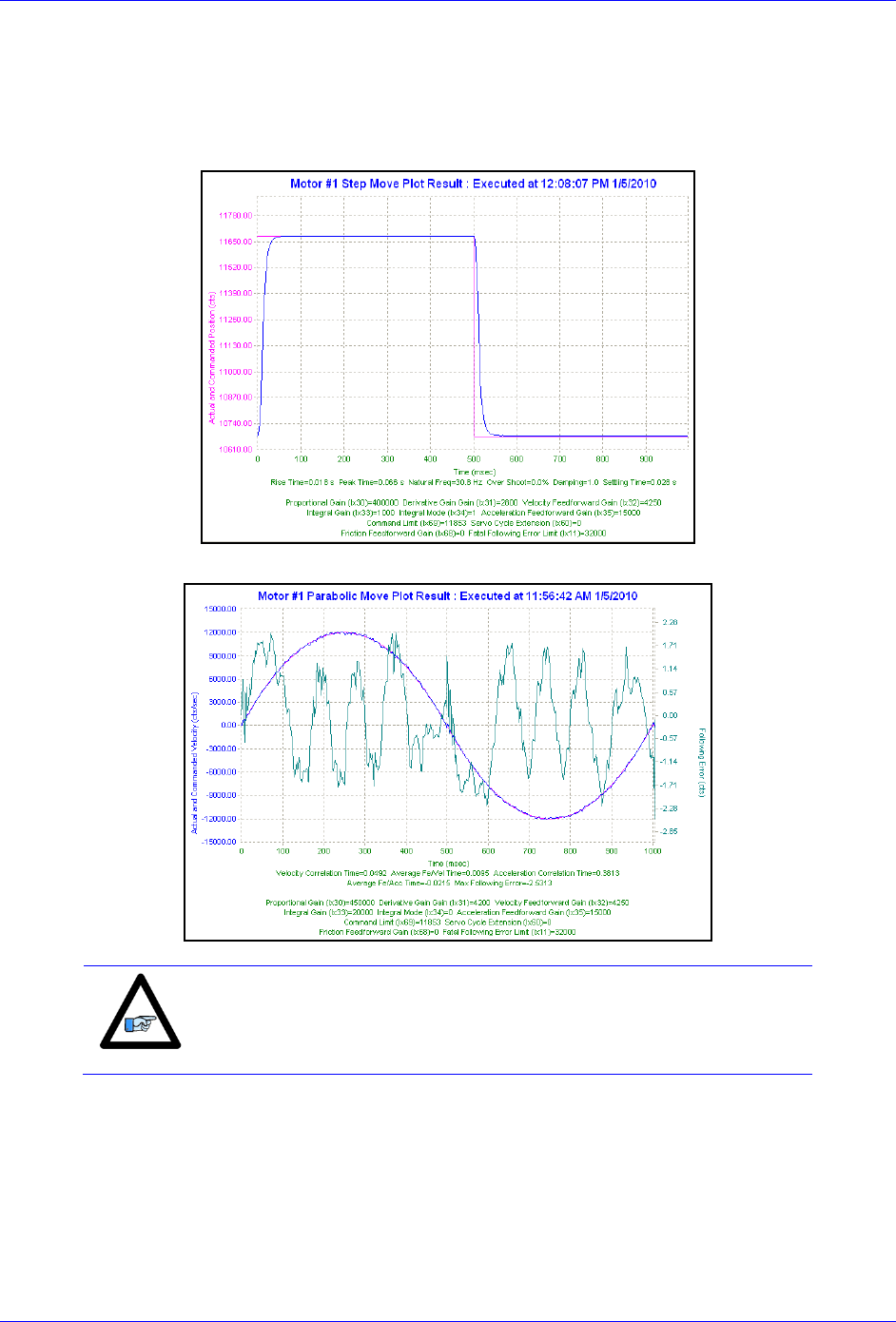
Brick Controller User Manual
Drive-Motor Setup 146
Position-Loop PID Gains: Ixx30…Ixx39
The position-loop tuning is done as in any Turbo PMAC PID-Loop setup. The PMACTuningPro2
automatic or interactive utility can be used to fine-tune the PID-Loop. Satisfactory Step and Parabolic
move responses would look like: Position Step Move
Position Parabolic Move
Note
At this point of the setup, the motor(s) is ready to accept Jog
commands.
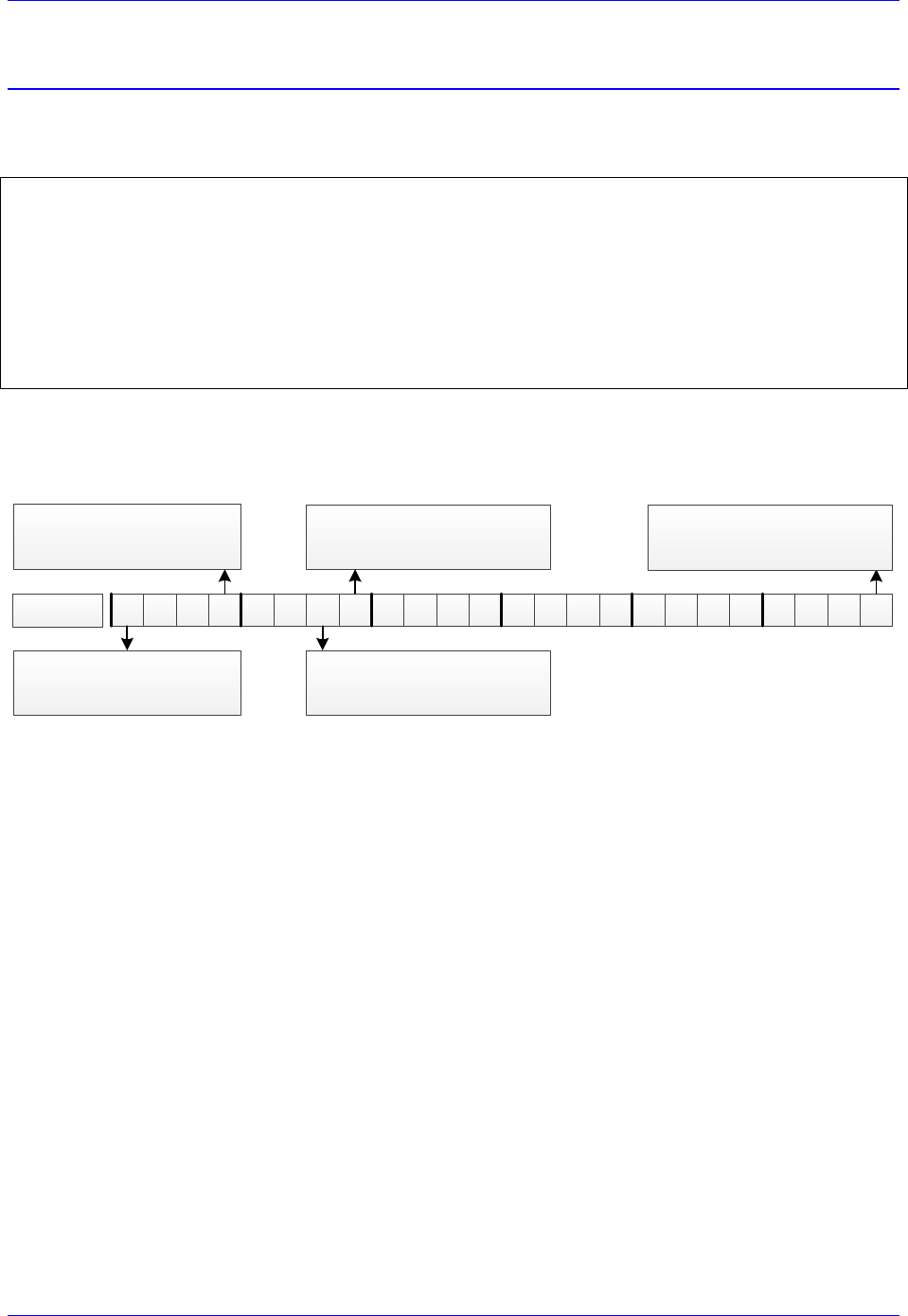
Brick Controller User Manual
Drive-Motor Setup 147
True DAC Output (±10V)
Clock Settings, Output Mode
Default Clock settings are suitable for most applications. Output mode is set to DAC.
I7100 = 6527 ; Servo IC 1 PWM Frequency 4.5 KHz, Max Phase Frequency 9 KHz
I7101 = 0 ; Servo IC 1 Phase Clock 9 Khz
I7102 = 3 ; Servo IC 1 Servo Clock 2.25
I7000 = 6527 ; Servo IC 0 PWM Frequency 4.5 KHz, Max Phase Frequency 9 KHz
I7001 = 0 ; Servo IC 0 Phase Clock 9 Khz
I7002 = 3 ; Servo IC 0 Servo Clock 2.25
I10 = 3713991 ; Servo Interrupt Time
I7016,4,10 = 3 ; Output Mode, DAC axis 1-4
I7116,4,10 = 3 ; Output Mode, DAC axis 5-8
Flag Control, Ixx24
The following diagram showcases important bit settings pertaining to flags, and amplifier information:
23 22 21 20 19 18 17 16 15 14 13 12 11 10 9 8 7 6 5 4 3 2 1 0
Amplifier Enable Use Bit
= 0 Use amp enable output
= 1 Don’t use amp enable
Amplifier Fault Use Bit
= 0 Enable amp fault input
= 1 Disable amp fault input
Overtravel Limit Use Bit
= 0 Enable hardware over-travel limits
= 1 Disable hardware over-travel limits
Amplifier Fault Polarity Bit
= 0 For low true amp
= 1 For high true amp
Bit #:
Flag Register Type
Always =1 for Brick Controller
(Turbo PMAC)
Example:
Setting Ixx24 for a low true amplifier and disabling the over-travel limit switches yields $20001.
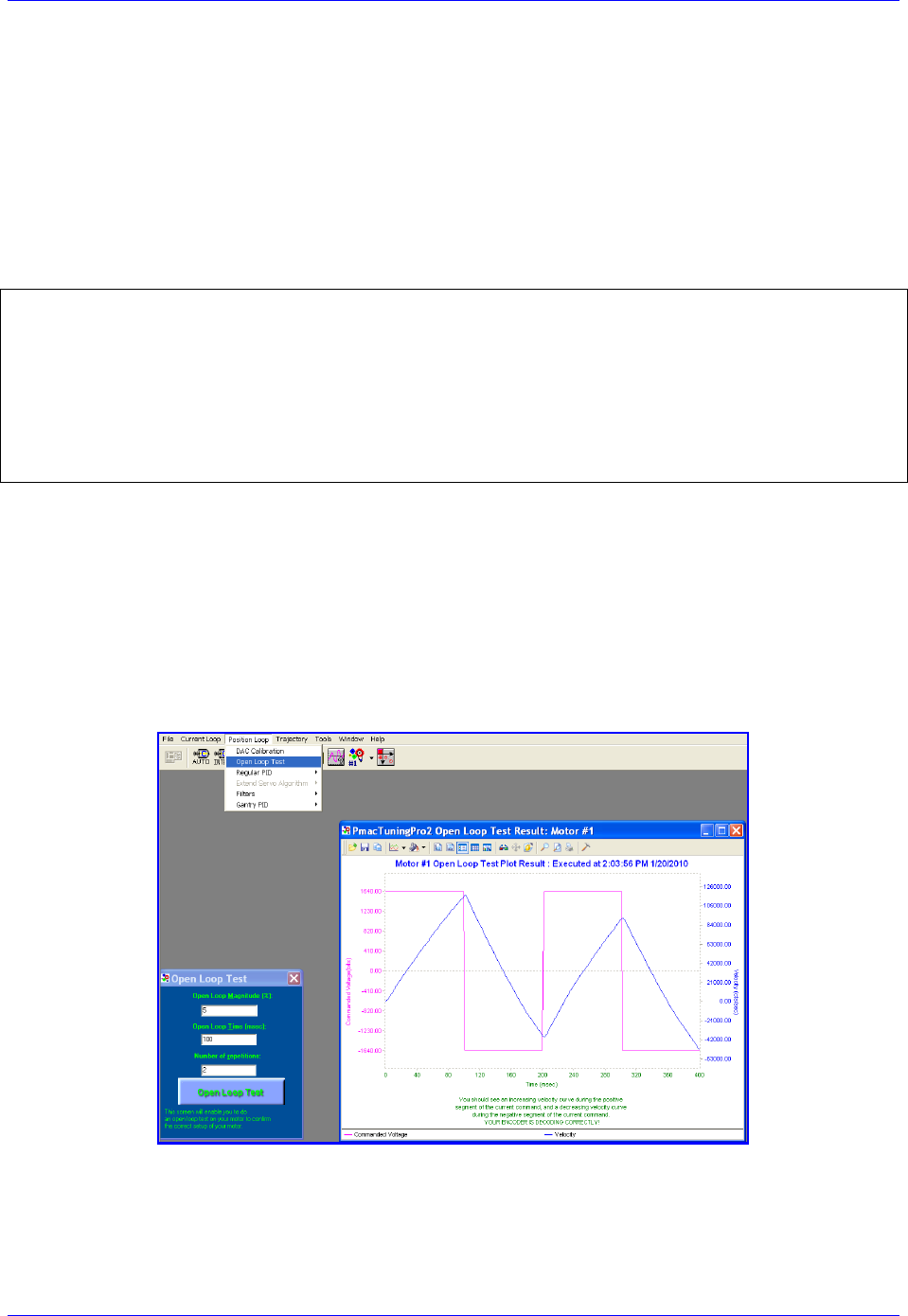
Brick Controller User Manual
Drive-Motor Setup 148
I2T Protection: Ixx57, Ixx58
I2T is a software thermal model (PMAC internal calculation) used to protect motor and drive from
exceeding current specifications. For a safe setup, the lower limit of continuous and peak current
specifications between the motor and drive should be selected.
Example:
A Brick Controller driving a torque-mode amplifier that has a gain of 3 amperes/volt and a continuous
current rating of 10 amperes, with a motor rated to 12 amperes continuous.
Using the amplifier’s continuous current rating of 10 Amps:
#define ContCurrent 10 ; Continuous Current Limit [Amps] –User Input
#define MaxADC 30 ; full range ADC reading, Amplifier Spec. –User Input
#define I2TOnTime 2 ; Time allowed at peak Current, Amp/motor spec [sec] –User Input
#define ServoClk 2.25 ; Servo Clock [Khz]
I157 = INT(I7000*ContCurrent/MaxADC)
I158 = INT((I7000*I7000-I157*I157)*ServoClk*1000*I2TOnTime/(I7000*I7000))
I257=I157 I357=I157 I457=I157 I557=I157
I657=I157 I757=I157 I857=I157
I258=I158 I358=I158 I458=I158 I558=I158
I657=I158 I757=I158 I857=I158
Open Loop Test: Encoder/Decode
The open-loop test is critical to verify the direction sense of the encoder counting versus the command
output. A positive command should create a positive velocity and a position counting in the positive
direction; a negative command should create a negative velocity and a position counting in the negative
direction. The Open Loop test utility in the PMACTuningPro2 Software can be used to execute and open
loop test. It can also be carried manually from the terminal window while gathering position, velocity data
or simply monitoring the motor velocity in the position window.
Satisfactory Open-Loop Test Result
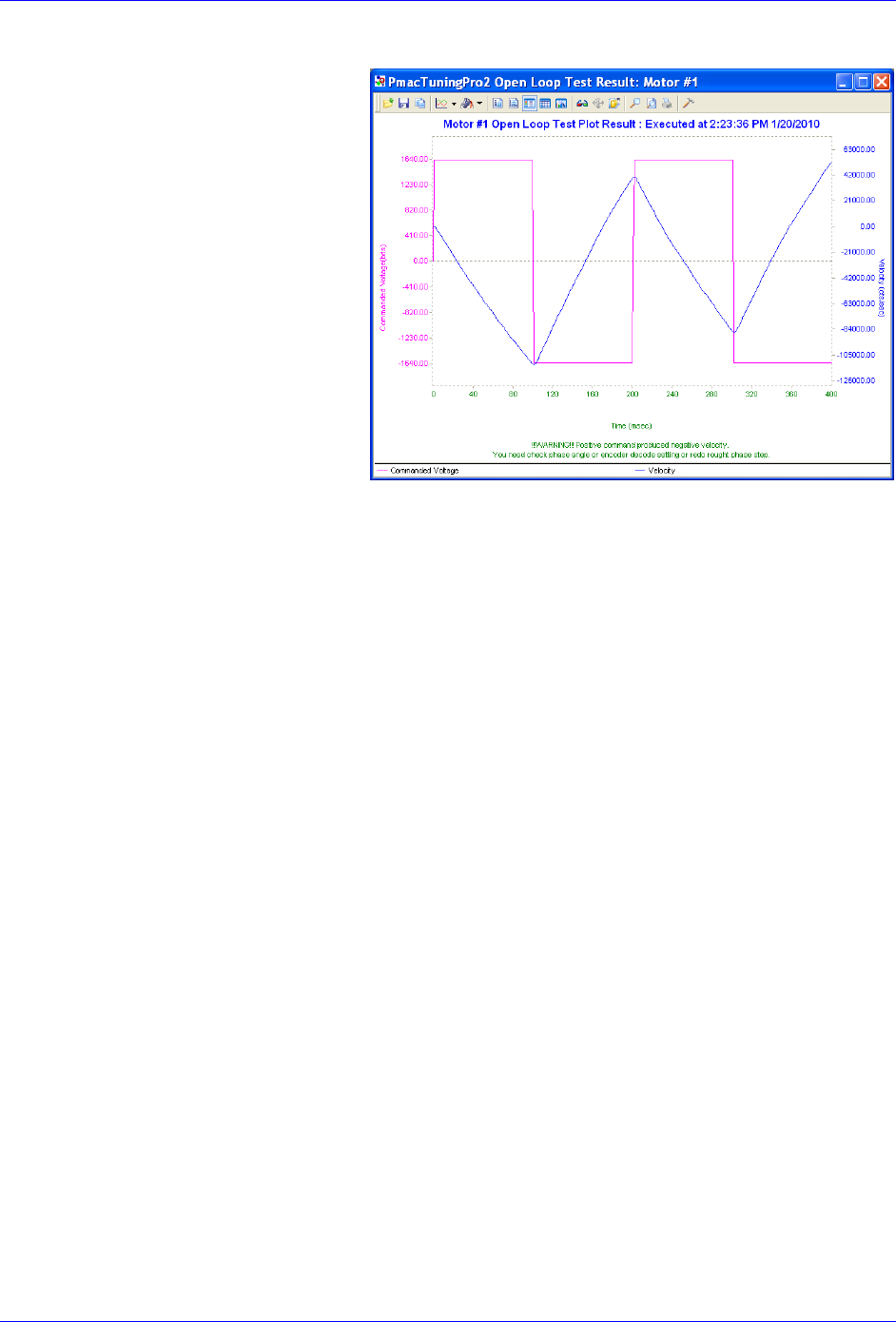
Brick Controller User Manual
Drive-Motor Setup 149
The open-loop test is usually performed
on an unloaded motor. The open loop
command output is adjustable, start off
with a conservative 1 to 2 percent
command output (i.e. #nO2) value and
increment gradually until you see a
satisfactory result.
If the failure persists (inverted saw tooth,
as shown in the plot), or you observe
oscillations in the response instead of a
saw tooth, then most likely the direction
sense of the encoder is opposite to the
command output.
Unsatisfactory Open Loop Test Result
General recommendation for troubleshooting an unsuccessful open loop test
An inverted saw tooth response, most times, indicates that the direction sense of the encoder is opposite to
that of the command output.
Quadrature | Sinusoidal:
Change I7mn0 to 3 from 7 (default) or vice-versa.
HiperFace:
HiperFace encoders send absolute encoder data on power-up. If the on-going position direction is
reversed, one needs to make sure that the absolute data sent on power-up agrees with the new
direction of the encoder.
Resolver:
Change the direction from clock wise to counter clock wise in the first encoder conversion table
entry (see resolver feedback setup section).
Absolute Serial Encoders (EnDat, SSI, BiSS, Yaskawa, Panasonic, Tamagawa):
The Brick Controller has no control on the direction sense of the serial data stream (packets).
There are no software parameters that allow changing the direction sense of absolute serial
encoders. Normally, it is set by jumpers or software at the encoder side.
Some amplifiers allow swapping the DAC+ and DAC- signal to invert the direction travel of the
motor. Otherwise, two of the motor leads have to be swapped.
If the motor/axis direction does not comply now with the machine design then negative jog
commands can be issued for positive motion, and vice versa. Similarly, for motion programs, the
motor can then assigned to a negative axis definition.
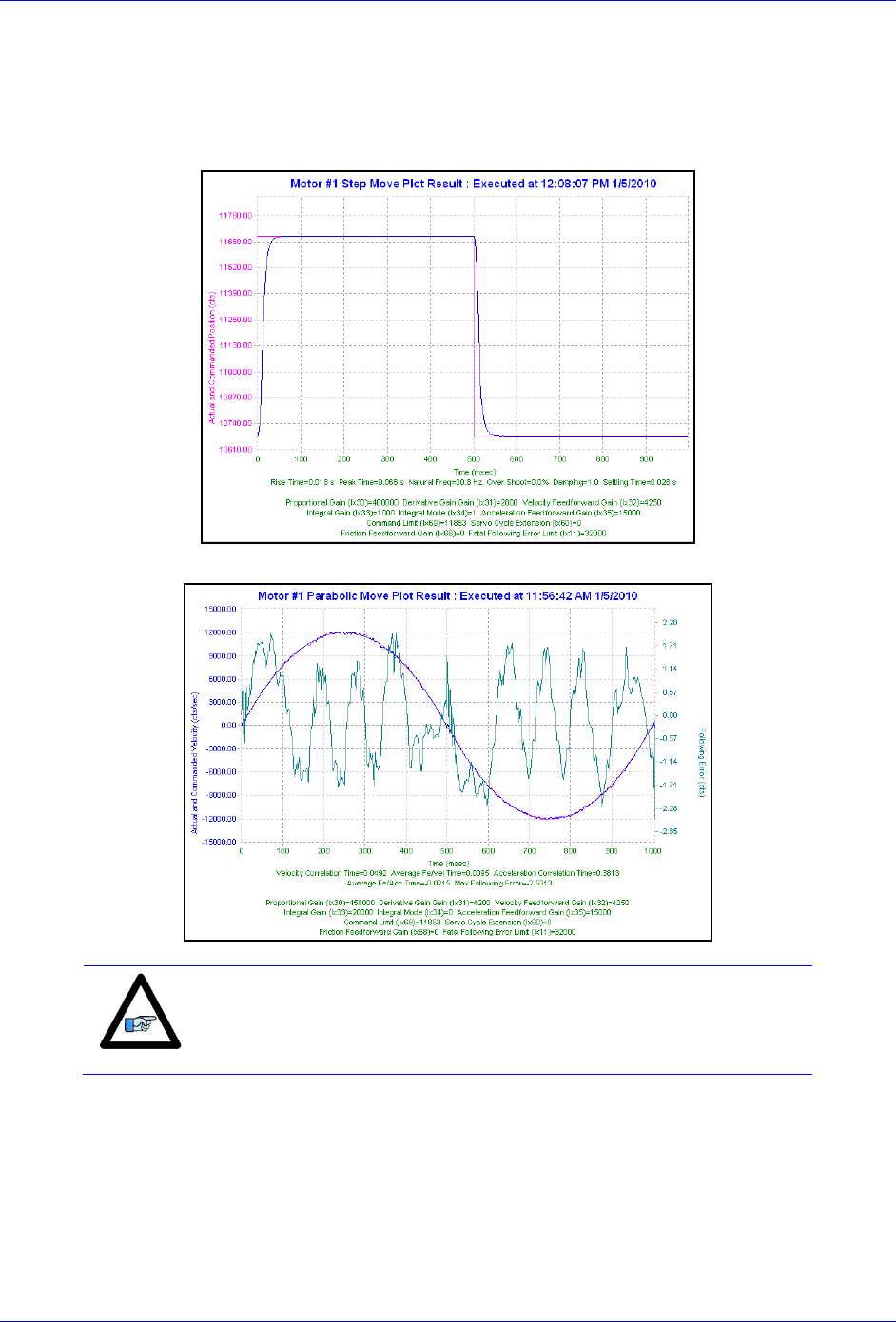
Brick Controller User Manual
Drive-Motor Setup 150
Position-Loop PID Gains: Ixx30…Ixx39
The position-loop tuning is done as in any Turbo PMAC PID-Loop setup. The PMACTuningPro2
automatic or interactive utility can be used to fine-tune the PID-Loop. Satisfactory Step and Parabolic
move responses would look like: Position Step Move
Position Parabolic Move
Note
At this point of the setup, the motor(s) is ready to accept Jog
commands.
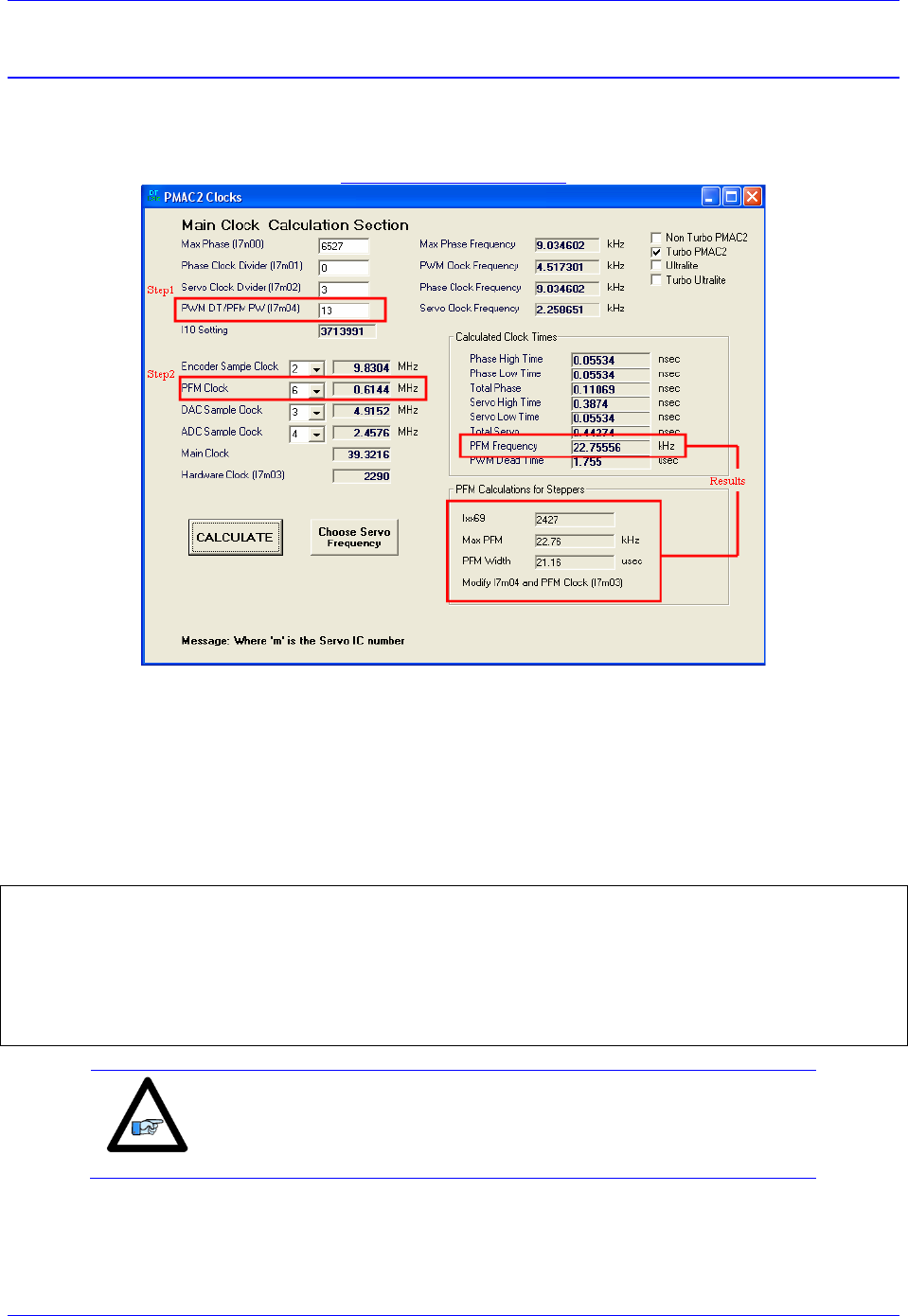
Brick Controller User Manual
Drive-Motor Setup 151
Pulse and Direction Output (PFM)
The Pulse and direction (Pulse Frequency Modulation) output pins are located on the encoder (X1-X8)
connectors. The stepper drive specifications dictate the choice of the maximum PFM clock frequency, and
pulse width. DT Calculator Forum Link
Step 1: Choose Max PFM clock by changing the PFM clock divider. Click on calculate to see results.
Step 2: Choose PFM Pulse width by changing I7m04. Click on calculate to see results.
The output frequency control Ixx69 specifies the maximum command output value which corresponds to
the maximum PFM Frequency.
PFM Clock Settings Example
Take a desired PFM clock frequency of 0-20 KHz, and a pulse width of ~20 μsec:
// Channels 1-4 PFM Clock Settings
I7003=2290 ; Servo IC 0 PFM Clock divider equal to 6
I7004=13 ; Servo IC 0 PFM Pulse Width Control equal to 13
I169,4,100=2427 ; Channels 1-4 Output Command Limit
// Channels 5-8 PFM Clock Settings
I7103=2290 ; Servo IC 1 PFM Clock divider equal to 6
I7104=13 ; Servo IC 1 PFM Pulse Width Control equal to 13
I569,4,100=2427 ; Output Command Limit
Note
The following example assumes that there is no encoder attached to
the motor, and the feedback is internally generated.

Brick Controller User Manual
Drive-Motor Setup 152
PFM Setup Example
// Encoder Conversion Table, for channels 1-4
I8000=$C78000 ; Entry 1 incremental encoder, no extension
I8001=$C78008 ; Entry 2 incremental encoder, no extension
I8002=$C78010 ; Entry 3 incremental encoder, no extension
I8003=$C78018 ; Entry 4 incremental encoder, no extension
// Encoder Conversion Table, for channels 5-8
I8004=$C78100 ; Entry 5 incremental encoder, no extension
I8005=$C78108 ; Entry 6 incremental encoder, no extension
I8006=$C78110 ; Entry 7 incremental encoder, no extension
I8007=$C78118 ; Entry 8 incremental encoder, no extension
// Channels 1-4 Output Mode Select, Encoder/Decode
I7016,4,10=3 ; Servo IC 0, Channels 1-4 Output Mode Select to PFM
I7010,4,10=8 ; Servo IC 0, Channels 1-4 Encoder Decode, Internal Pulse and Direction
// Channels 5-8 Output Mode Select, Encoder/Decode
I7116,4,10=3 ; Servo IC 1, Channels 5-8 Output Mode Select to PFM
I7110,4,10=8 ; Servo IC 1, Channels 5-8 Encoder Decode, Internal Pulse and Direction
// Channels 1-4 Command Output Register
I102=$78004 ; Channel 1, PFM
I202=$7800c ; Channel 2, PFM
I302=$78014 ; Channel 3, PFM
I402=$7801C ; Channel 4, PFM
// Channels 5-8 Command Output Register
I502=$78104 ; Channel 5, PFM
I602=$7810C ; Channel 6, PFM
I702=$78114 ; Channel 7, PFM
I802=$7811C ; Channel 8, PFM
In PFM mode, it is possible to:
Write directly to the PFM output register using the suggested M-Variable definition (Mxx07)
The corresponding channel has to be deactivated in this mode (Ixx00=0)
Issue open loop commands to a channel/motor, e.g.:#1O5
The corresponding channel has to be activated in this mode (Ixx00=1)
Issue closed loop commands to a channel/motor, e.g.: #1J=1000
The corresponding channel has to be activated (Ixx00=1) and the position loop PID gains have to
be implemented.
Writing directly to the PFM register
// Channels 1-4 Suggested M-Variables, PFM command output
M107->Y:$78004,8,16,S ; Channel 1, Min=0, Max= Calculated I169
M207->Y:$7800C,8,16,S ; Channel 2, Min=0, Max= Calculated I269
M307->Y:$78014,8,16,S ; Channel 3, Min=0, Max= Calculated I369
M407->Y:$7801C,8,16,S ; Channel 4, Min=0, Max= Calculated I469
// Channels 5-7 Suggested M-Variables, PFM command output
M507->Y:$78104,8,16,S ; Channel 5, Min=0, Max= Calculated I569
M607->Y:$7810C,8,16,S ; Channel 6, Min=0, Max= Calculated I669
M707->Y:$78114,8,16,S ; Channel 7, Min=0, Max= Calculated I769
M807->Y:$7811C,8,16,S ; Channel 8, Min=0, Max= Calculated I869
Writing directly to the suggested M-variable(s) values proportional to Ixx69 produces corresponding
frequencies:
Suggested
M-Variable
Output Frequency
PFM [KHz]
0
0
1213
11
2427
22
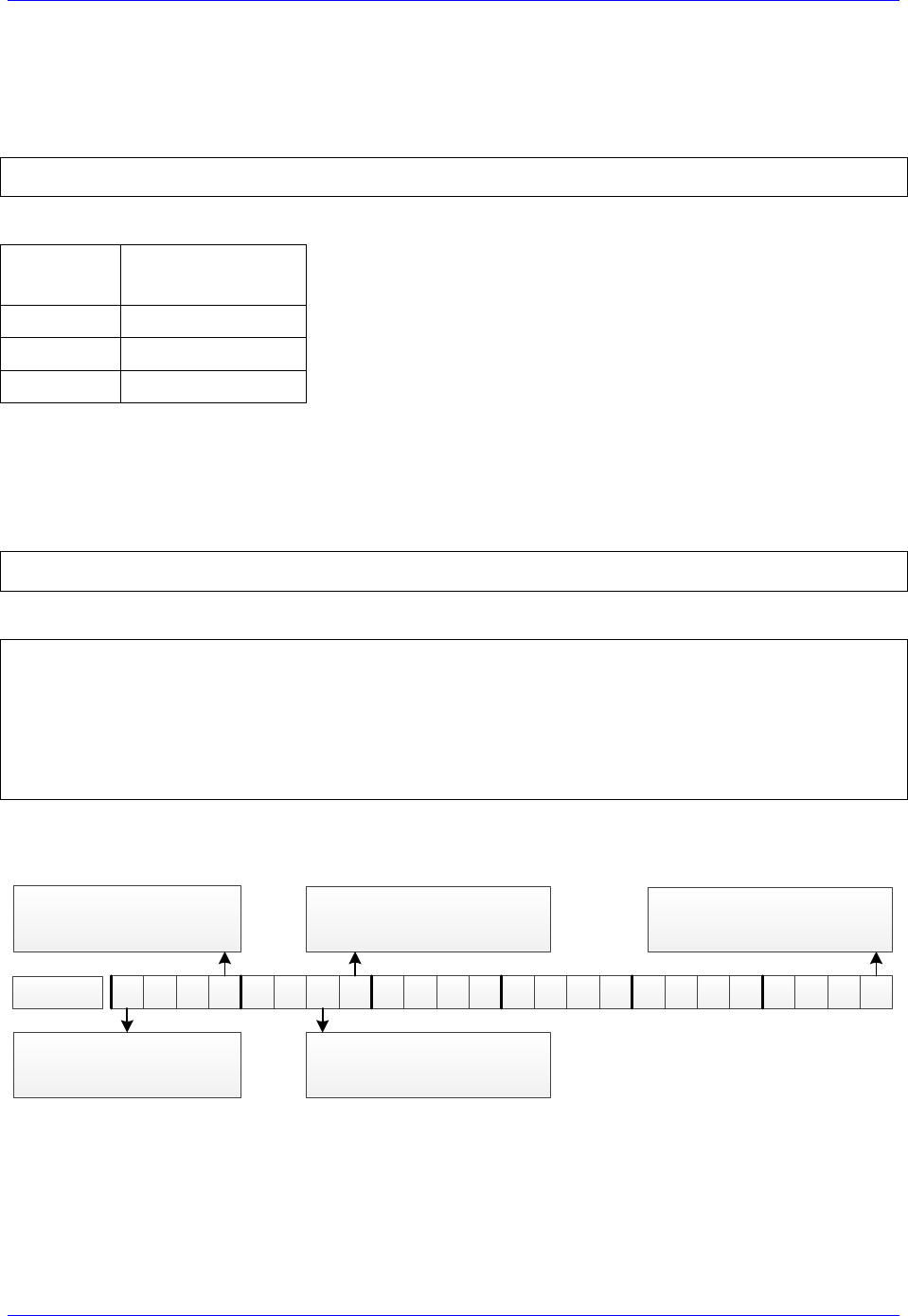
Brick Controller User Manual
Drive-Motor Setup 153
Issuing Open-Loop Commands
Activating the motor channel should be sufficient at this point to allow open loop commands. Note that an
open loop command of zero magnitude (#nO0) will result in a zero frequency output, and an open loop
command of 100 (#nO100) will result in the maximum calculated frequency output.
I100,4,100=1 ; Channels 1-4 active
I500,4,100=1 ; Channels 5-8 active
Going back to the setup example, these are some open loop commands resulting frequencies:
Open Loop
Command
Output Frequency
PFM [KHz]
0
0
50
11
100
22
Issuing Closed-Loop Commands
Issuing closed-loop commands requires activating the channel, setting the flag control, assigning the
position and velocity pointers, and implementing PID gains.
Activating channels, Ixx00
I100,4,100=1 ; Channels 1-4 active
I500,4,100=1 ; Channels 5-8 active
Assigning position and velocity pointers, Ixx03 and Ixx04
I103=$3501 I104=$3501 ; Channel 1 position and velocity pointers
I203=$3502 I204=$3502 ; Channel 2 position and velocity pointers
I303=$3503 I304=$3503 ; Channel 3 position and velocity pointers
I403=$3504 I404=$3504 ; Channel 4 position and velocity pointers
I503=$3505 I504=$3505 ; Channel 5 position and velocity pointers
I603=$3506 I604=$3506 ; Channel 6 position and velocity pointers
I703=$3507 I704=$3507 ; Channel 7 position and velocity pointers
I803=$3508 I804=$3508 ; Channel 8 position and velocity pointers
Flag Control, Ixx24
The following diagram showcases important bit settings pertaining to flags, and amplifier information:
23 22 21 20 19 18 17 16 15 14 13 12 11 10 9 8 7 6 5 4 3 2 1 0
Amplifier Enable Use Bit
= 0 Use amp enable output
= 1 Don’t use amp enable
Amplifier Fault Use Bit
= 0 Enable amp fault input
= 1 Disable amp fault input
Overtravel Limit Use Bit
= 0 Enable hardware over-travel limits
= 1 Disable hardware over-travel limits
Amplifier Fault Polarity Bit
= 0 For low true amp
= 1 For high true amp
Bit #:
Flag Register Type
Always =1 for Brick Controller
(Turbo PMAC)
Example:
Setting Ixx24 for a low true amplifier, disabling the over-travel limits and amplifier fault input yields
$120001.
Brick Controller User Manual
Drive-Motor Setup 154
Implementing PID gains, Ixx30..Ixx35
In PFM mode, the PID Gains can be determined using the following empirical equations:
[MHz]CLock PFMIxx08
660000
Ixx30
// Channels 1-4 PID Gains (with default clock settings):
I130,4,100=11190 ; Motors 5-8 Proportional Gain
I131,4,100=0 ; Motors 5-8 Derivative Gain
I132,4,100=15038 ; Motors 5-8 Velocity FeedForward Gain
I133,4,100=0 ; Motors 5-8 Integral Gain
I134,4,100=0 ; Motors 5-8 Integral Mode
I135,4,100=0 ; Motors 5-8 Acceleration FeedForward Gain
// Channels 5-8 PID Gains (with default clock settings):
I530,4,100=11190 ; Motors 5-8 Proportional Gain
I531,4,100=0 ; Motors 5-8 Derivative Gain
I532,4,100=15038 ; Motors 5-8 Velocity FeedForward Gain
I533,4,100=0 ; Motors 5-8 Integral Gain
I534,4,100=0 ; Motors 5-8 Integral Mode
I535,4,100=0 ; Motors 5-8 Acceleration FeedForward Gain
Note
At this point of the setup, the drive-motor(s) is ready to accept Jog
commands.
0 Ixx31
[KHz] Freq. Servo 6660 Ixx32
0..Ixx353Ixx3
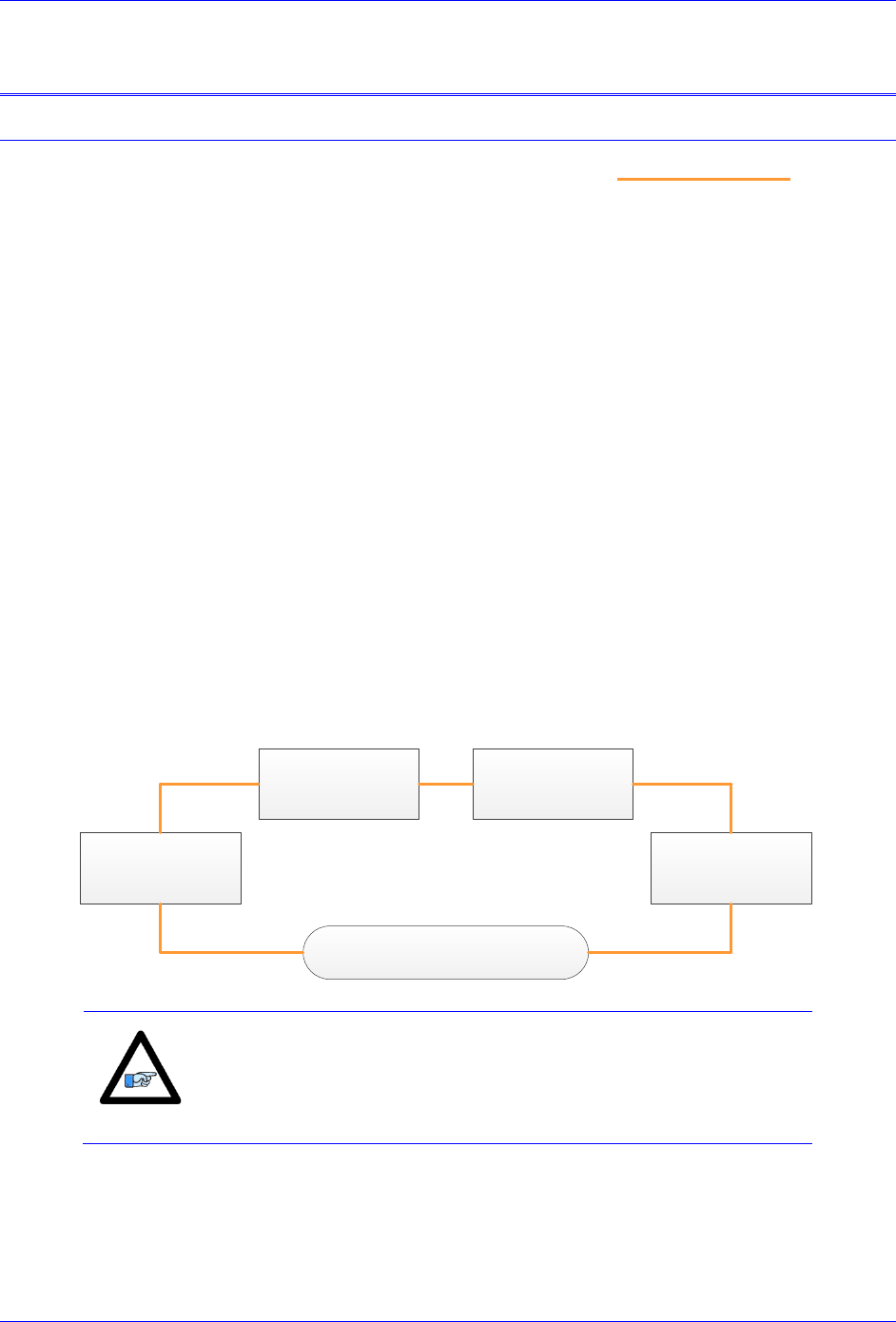
Brick Controller User Manual
MACRO Connectivity 155
MACRO CONNECTIVITY
Introduction to MACRO
MACRO Ring for Distributed Motion Control - www.macro.org -
MACRO stands for Motion and Control Ring Optical. It is a high bandwidth non-proprietary digital
interface industrialized by Delta Tau Data Systems for distributed multi-axis systems.
MACRO can be connected using either fiber optic or twisted copper pair RJ45 cables. The RJ45
electrical interface can extend to up to 30 meters (or about 100 feet), and the fiber optic interface can
extend to up to 3 kilometers (or about 2 miles). The following are some of the many advantages
which MACRO offers:
Noise Immunity: MACRO transfers data using light rather than electricity which renders it
immune to electromagnetic noise and capacitive coupling.
Wiring Simplicity: Single-plug connection between controllers, amplifiers, and I/O modules
minimizing wiring complexity in large systems.
High Speed: data transfer rate at 125 Megabits per second, and servo update rates as high as
65 KHz.
Centralized, Synchronized Control: No software intervention is required on the MACRO
stations. One or multiple rings can be controlled, synchronized, and accessed using a single
ring controller.
The following diagram depicts the general formation of a simple MACRO ring.
Ring Controller
Station # n
(Motors, I/Os)
Station # …
(Motors, I/Os)
Station # 2
(Motors, I/Os)
Station # 1
(Motors, I/Os)
Note
It is possible to have multiple/redundant rings and master/controllers
in one system. For simplicity, we will limit the discussion in the
following section(s) to the basic setting parameters of a single
MACRO ring and controller. Also, we will address the stations as
slaves and the ring controller as master.
Brick Controller User Manual
MACRO Connectivity 156
MACRO Configuration Examples
The Brick Controller with its’ MACRO interface supports a wide variety of MACRO ring formations.
The following common MACRO configurations are described in detail:
Configuration
Example
MACRO Ring Controller
(Master)
MACRO Ring
Slave(s)
Configuration
Type
1
Brick Controller
Brick Controller(s)
MACRO Auxiliary
2
Brick Controller
Geo MACRO Drive(s)
MACRO Slave
Notice that the Brick Controller can be either a Master or a Slave in a MACRO Ring.
Whenever the Brick Controller is a slave, the MACRO configuration is called MACRO auxiliary. This is
a designation which was implemented in the firmware for the Brick family of controllers.
If the Brick Controller is a master and the station(s) consist of traditional MACRO hardware (e.g. Geo
MACRO Drive, ACC-65M etc.) then the MACRO configuration is called MACRO Slave. This is the
typical designation which supports the majority of MACRO compatible amplifiers and peripherals.
Note
The Brick Controller MACRO option is populated with 1 MACRO
IC, which consists of 8 servo nodes (motors/encoders) and 6 I/O nodes
(432 I/O points)
Note
Configuring a MACRO Auxiliary ring requires communicating (via
USB, Ethernet, or serial) separately to both the master and slave.
Brick Controller User Manual
MACRO Connectivity 157
Review: MACRO Nodes and Addressing
Each MACRO IC consists of 16 nodes: 2 auxiliary, 8 servo and 6 I/O nodes:
Auxiliary nodes are reserved for master/slave setting and internal firmware use
Servo nodes are used for motor control carrying feedback, commands, and flag information
I/O nodes are user configurable for transferring general purpose data
15 14 13 12 11 10 9 8 7 6 5 4 3 2 1 0Node
Auxiliary
Nodes
I/ O Nodes
Servo Nodes
Each I/O node consists of 4 registers; 1 x 24-bit and 3 x16-bit registers (upper):
Brick Controller MACRO IC #0 Servo Node Registers
Node
0
1
4
5
8
9
12
13
24-bit
Y:$78420
Y:$78424
Y:$78428
Y:$7842C
Y:$78430
Y:$78434
Y:$78438
Y:$7843C
16-bit
Y:$78421
Y:$78425
Y:$78429
Y:$7842D
Y:$78431
Y:$78435
Y:$78439
Y:$7843D
16-bit
Y:$78422
Y:$78426
Y:$7842A
Y:$7842E
Y:$78432
Y:$78436
Y:$7843A
Y:$7843E
16-bit
Y:$78423
Y:$78427
Y:$7842B
Y:$7842F
Y:$78433
Y:$78437
Y:$7843B
Y:$7843F
Brick Controller MACRO IC #0 I/O Node Registers
Node
2
3
6
7
10
11
24-bit
X:$78420
X:$78424
X:$78428
X:$7842C
X:$78430
X:$78434
16-bit
X:$78421
X:$78425
X:$78429
X:$7842D
X:$78431
X:$78435
16-bit
X:$78422
X:$78426
X:$7842A
X:$7842E
X:$78432
X:$78436
16-bit
X:$78423
X:$78427
X:$7842B
X:$7842F
X:$78433
X:$78437
Brick Controller User Manual
MACRO Connectivity 158
Review: MACRO Auxiliary Commands
In MACRO Auxiliary mode (Brick - Brick), master and slave data exchange (i.e. reads, writes) can be
done using Macro Auxiliary MX commands.
For simplicity, the following examples describe syntax commands intended to communicate with a slave
unit associated with node 0. But ultimately, these commands can be used with any enabled node on the
addressed slave.
Note
MACRO auxiliary commands are only valid from the master side.
Online Commands:
Syntax
Example
Description
MX{anynode},{slave variable}
MX0,P1
Read and report slave variable P1
MX{anynode},{slave variable}={constant}
MX0,P1=1
Write a 1 to slave variable P1
Program “Buffer” Commands:
Syntax
Example
Description
MXR{anynode},{slave variable},{master variable}
MXR0,P2,P1
Copy slave P2 into master P1
MXW{anynode},{slave variable},{master variable}
MXW0,P2,P1
Copy master P1 into slave P2
Where:
{anynode} is a constant (0 to 63) representing the number of any node activated on the slave.
{slave variable} is the name of the variable at the slave side. It can be I, P, Q, or M-variable with a
number from 0 to 8191.
{master variable} is the name of the variable at the master side. It can be I, P, Q, or M-variable with a
number from 0 to 4095 (firmware limited).
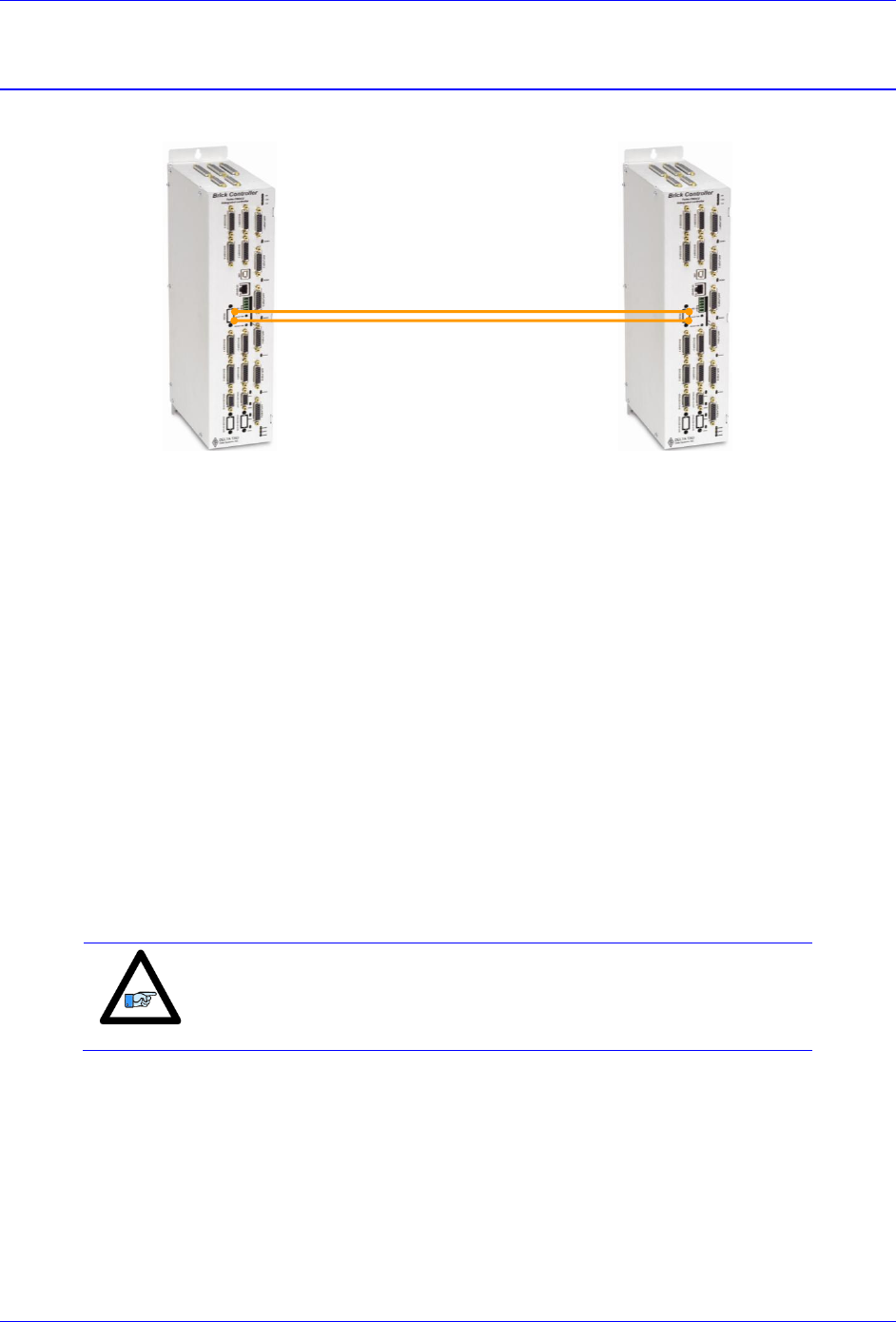
Brick Controller User Manual
MACRO Connectivity 159
Configuration Example 1: Brick - Brick
MACRO Ring Master
MACRO Ring Slave
The following example describes the necessary steps for setting up a MACRO ring comprised of an 8-
axis Brick Controller as a master and another 8-axis Brick Controller as a slave. Alternately, it is possible
to have 2 x 4-axis Brick Controllers as slaves. Their settings would be similar except for the activated
nodes. And I85, in this case, can be used to assign a station number to each of the slaves.
Setting up the Slave
1. Establish communication to the slave unit using USB, Ethernet, or Serial.
2. Consider starting from factory default settings.
This can be done by issuing a $$$*** followed by a Save, and a $$$.
3. Consider downloading the suggested M-Variables in the Pewin32Pro2 software.
4. Set up motors per the motor setup section described in this manual.
I2T settings (Ixx57, and Ixx58) should be set for these motors on the master side.
Is it ok to have them enabled temporarily while configuring the motors locally, but ultimately in
normal mode operation (MACRO master-slave), I2T settings should be configured on the master side
and set to zero (Ixx57 = 0, Ixx58 = 0) on the slave side. Ixx69 may remain as computed.
Note
In normal operation of MACRO master-slave, I2T settings (Ixx57 and
Ixx58) should be configured on the master side and set to zero on the
slave side.
Brick Controller User Manual
MACRO Connectivity 160
5. Clock settings considerations
The MACRO ring is synchronized at phase rate. Keep in mind that the phase clock frequency
must be the same on both the master and the slave.
The MACRO IC must be sourcing the clock (parameter I19). A Save followed by a $$$ are
required whenever I19 is changed.
It is advised to have both the MACRO and servo ICs set at the same phase frequency.
I19 = 6807 ; Clock source, MACRO IC 0
I6800 = I7000 ; Macro IC 0 MaxPhase/PWM Frequency Control
I6801 = I7001 ; Macro IC 0 Phase Clock Frequency Control
I6802 = I7002 ; Macro IC 0 Servo Clock Frequency Control
6. Make sure that the motors are fully operational and can be controlled in closed loop (e.g. jog
commands). Position PID tuning is not critical at this point. Fine tuning of the slave motors should be
eventually performed from the master side.
7. Kill all motors
8. MACRO ring settings
I80, I81 and I82 enable the ring error check function.
I85 specifies a station number which the slave unit is assigned to (e.g. multiple slave stations).
I6840 specifies whether this is a master or a slave.
I6841 specifies which MACRO nodes are enabled. Note, that it is not advised to enable nodes
which will not be used.
I85=1 ; Station number #1 – User Input
I6840=$4080 ; Macro IC0 Ring Configuration/Status, typical slave setting
I6841=$0FF333 ; Macro IC0 Node Activate Ctrl (Servo nodes 0, 1, 4, 5, 8, 9, 12, 13) – User Input
#define RingCheckPeriod 20 ; Suggested Ring Check Period [msec]
#define FatalPackErr 15 ; Suggested Fatal Packet Error Percentage [%]
I80=INT(RingCheckPeriod *8388608/I10/(I8+1)+1) ; Macro Ring Check Period [Servo Cycles]
I81=INT(I80* FatalPackErr /100+1) ; Macro Maximum Ring Error Count
I82=I80-I81*4 ; Macro Minimum Sync Packet Count
9. MACRO slave command address
Ixx44 specifies the MACRO command address and mode for slave motors.
I144=$178423 ; Macro IC0 Node 0 Command Address. Torque Mode
I244=$178427 ; Macro IC0 Node 1 Command Address. Torque Mode
I344=$17842B ; Macro IC0 Node 4 Command Address. Torque Mode
I444=$17842F ; Macro IC0 Node 5 Command Address. Torque Mode
I544=$178433 ; Macro IC0 Node 8 Command Address. Torque Mode
I644=$178437 ; Macro IC0 Node 9 Command Address. Torque Mode
I744=$17843B ; Macro IC0 Node 12 Command Address. Torque Mode
I844=$17843F ; Macro IC0 Node 13 Command Address. Torque Mode
Setting Ixx44 to the MACRO command register hands control of the motors to the master. To allow
motor commands from the slave again, Ixx44 needs to be set back to default of zero.
Note
Ixx44 must be set for at least one channel to allow MACRO auxiliary
mode, thus enabling MX commands.
10. Issue a Save followed by a reset $$$ to maintain changes.

Brick Controller User Manual
MACRO Connectivity 161
Note about Slave Motors’ I2T
I2T setting parameters, Ixx69, Ixx57 and Ixx58, should be configured properly, for complete protection,
when the motor is controlled locally.
I2T setting parameters, Ixx57 and Ixx58, should be set to zero on the slave side when it is in auxiliary
mode, and configured for the corresponding channel over MACRO (on the master side).
As a rule of thumb, and for a given channel:
If Ixx44
Slave
Master
= 0
Ixx57 as computed
Ixx58 as computed
Ixx69 as computed
Ixx57 as computed
Ixx58 as computed
Ixx69 as computed
!= 0
Ixx57 = 0
Ixx58 = 0
Ixx69 as computed
On the master side, the computed values from the slave can be copied into the corresponding motor
MACRO channel.

Brick Controller User Manual
MACRO Connectivity 162
Setting up the Master
1. Establish communication to the master using USB, Ethernet, or Serial.
2. Consider starting from factory default settings.
This can be done by issuing a $$$*** followed by a Save, and a reset $$$.
3. Consider downloading the suggested M-Variables in the Pewin32Pro2 software.
4. The master’s motors can now be set up as described in the motor setup section of this manual.
Typically, these are motors #1 through #8.
5. Clock settings considerations
The MACRO ring is synchronized at phase rate. The phase clock frequency must be the same on
the master and each of the slaves.
It is advised that the MACRO and servo ICs be set to the same phase frequency.
I6800 = I7000 ; Macro IC0 MaxPhase/PWM Frequency Control
I6801 = I7001 ; Macro IC0 Phase Clock Frequency Control
I6802 = I7002 ; Macro IC0 Servo Clock Frequency Control
6. MACRO ring settings
I80, I81 and I82 enable the ring error check function.
I6840 specifies whether this is a master or a slave.
I6841 specifies which MACRO nodes are enabled. Note, that it is not advised to enable nodes
which will not be used.
I6840=$4030 ; Macro IC0 Ring Configuration/Status, typical master IC setting
I6841=$0FF333 ; Macro IC0 Node Activate Ctrl (Servo nodes 0, 1, 4, 5, 8, 9, 12, 13) – User Input
I78=32 ; Macro Type 1 Master/Slave Communications Timeout
I70=$3333 ; Macro IC 0 Node Auxiliary Register Enable (for 8 macro motors)
I71=0 ; Type 0 MX Mode
#define RingCheckPeriod 20 ; Suggested Ring Check Period [msec]
#define FatalPackErr 15 ; Suggested Fatal Packet Error Percentage [%]
I80=INT(RingCheckPeriod *8388608/I10/(I8+1)+1) ; Macro Ring Check Period [Servo Cycles]
I81=INT(I80* FatalPackErr /100+1) ; Macro Maximum Ring Error Count
I82=I80-I81*4 ; Macro Minimum Sync Packet Count
7. Issue a Save, followed by a reset ($$$) to maintain changes.
8. Activating MACRO motors, Flag Control
The master Brick Controller can be fitted with 1 or 2 servo ICs to service local channels (4 or 8). The
next available channel will be the first macro/slave motor. This allows taking advantage of some of
the default MACRO settings set by the firmware upon detecting a MACRO IC.
If I4900 = $1, then only Servo IC 0 is present, and the first macro motor is #5
I500,8,100=1 ; Activate channels 5-12
I524,8,100=$40001 ; Channels 5-12 flag control
If I4900 = $3, then Servo ICs 0 and 1 are present, and the first macro motor is #9
I900,8,100=1 ; Activate channels 9-16
I924,8,100=$40001 ; Channels 9-16 flag control
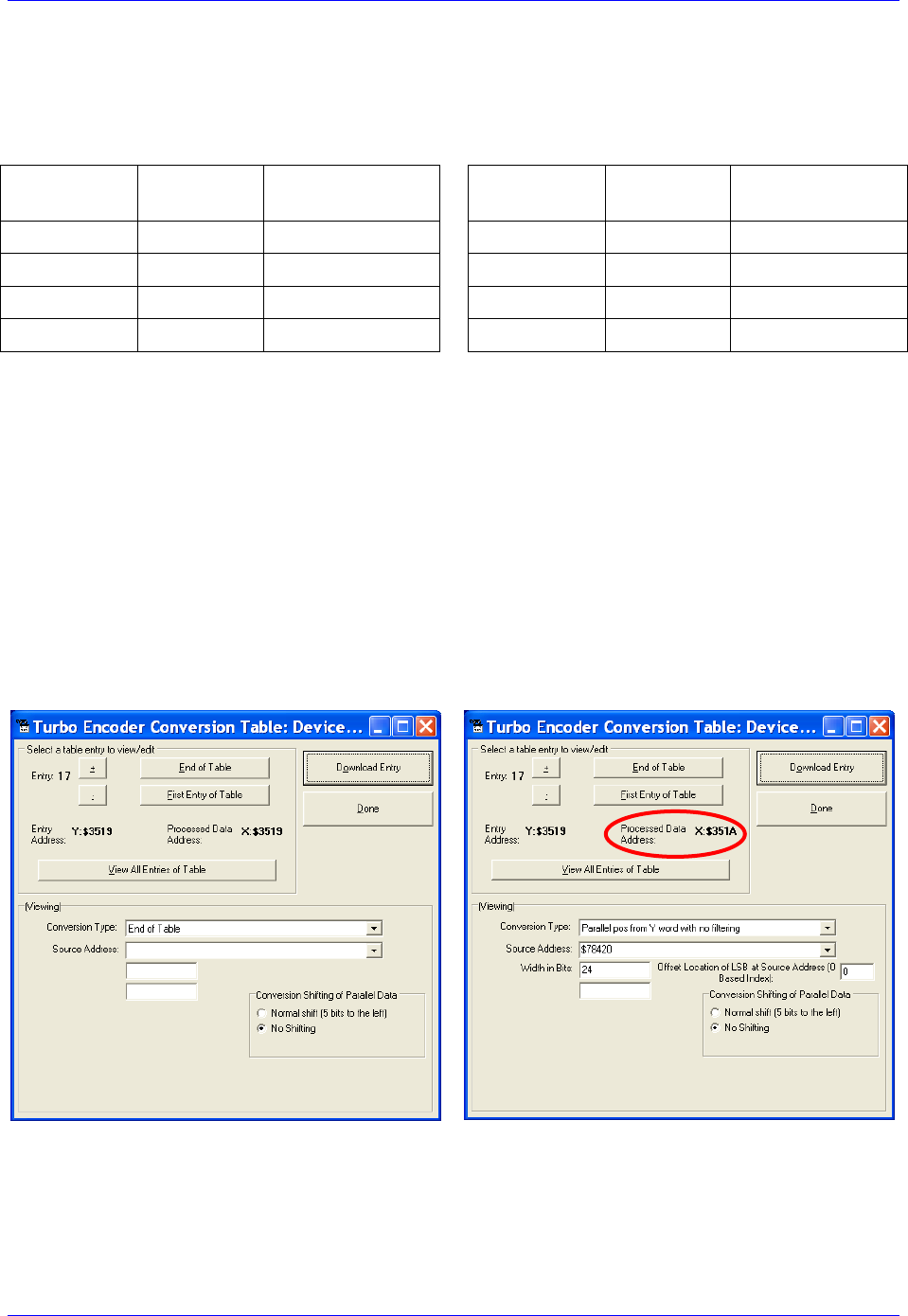
Brick Controller User Manual
MACRO Connectivity 163
9. Position And Velocity Pointers
If all local motors have digital quadrature encoders (1-line ECT entries), and no other entries are used
in the Encoder Conversion Table then the position (Ixx03) and Velocity (Ixx04) pointers of the
MACRO motors are valid by default (set by firmware) and need not be changed:
MACRO
motor
Motor #
Ixx03, Ixx04
MACRO
motor
Motor #
Ixx03, Ixx04
1st
5 or 9
$350A
5th
9 or 13
$3512
2nd
6 or 10
$350C
6th
10 or 14
$3514
3rd
7 or 11
$350E
7th
11 or 15
$3516
4th
8 or 12
$3510
8th
12 or 16
$3518
However, if the Encoder Conversion Table has been modified then the MACRO motors/nodes entries
need to be configured properly. This can be done using the Encoder Conversion Table utility in the
PewinPro2 under Configure>Encoder Conversion Table:
Click on End of Table to access the next available entry
Conversion Type: Parallel position from Y word with no filtering
No Shifting
Width in Bits: 24
Source Address: Servo node Address (See table below)
Record the processed data address.
This is where the position and velocity pointers will be set to for a specific node/motor number.
E.g. I903,2=$351A
Repeat steps for additional motors/servo nodes
Brick Controller User Manual
MACRO Connectivity 164
Servo Node Addresses
MACRO
motor
Motor #
Address
Register
MACRO
motor
Motor #
Address
Register
1st
5 or 9
$78420
Servo Node 0
5th
9 or 13
$78430
Servo Node 8
2nd
6 or 10
$78424
Servo Node 1
6th
10 or 14
$78434
Servo Node 9
3rd
7 or 11
$78428
Servo Node 4
7th
11 or 15
$78438
Servo Node 12
4th
8 or 12
$7842C
Servo Node 5
8th
12 or 16
$7843C
Servo Node 13
Note
At this point of the setup, you should be able to move the
motor/encoder shaft by hand and see encoder counts in the position
window
10. Flag Address (Ixx25)
The flag addresses for MACRO motors are initiated by default in the firmware. No need to make any
changes. The following table is displayed for reference:
MACRO
motor
Motor #
Ixx25
Register
MACRO
motor
Motor #
Ixx25
Register
1st
5 or 9
$3440
Servo Node 0
5th
9 or 13
$3448
Servo Node 8
2nd
6 or 10
$3441
Servo Node 1
6th
10 or 14
$3449
Servo Node 9
3rd
7 or 11
$3444
Servo Node 4
7th
11 or 15
$344C
Servo Node 12
4th
8 or 12
$3445
Servo Node 5
8th
12 or 16
$344D
Servo Node 13
11. Tuning the PID-Loop
The PID gains saved on the slave initially can be a good starting point. Otherwise, tuning (from the
master) can be carried on in the traditional manner - see motor setup section in this manual- there are
no special instructions for tuning the MACRO/slave motors.
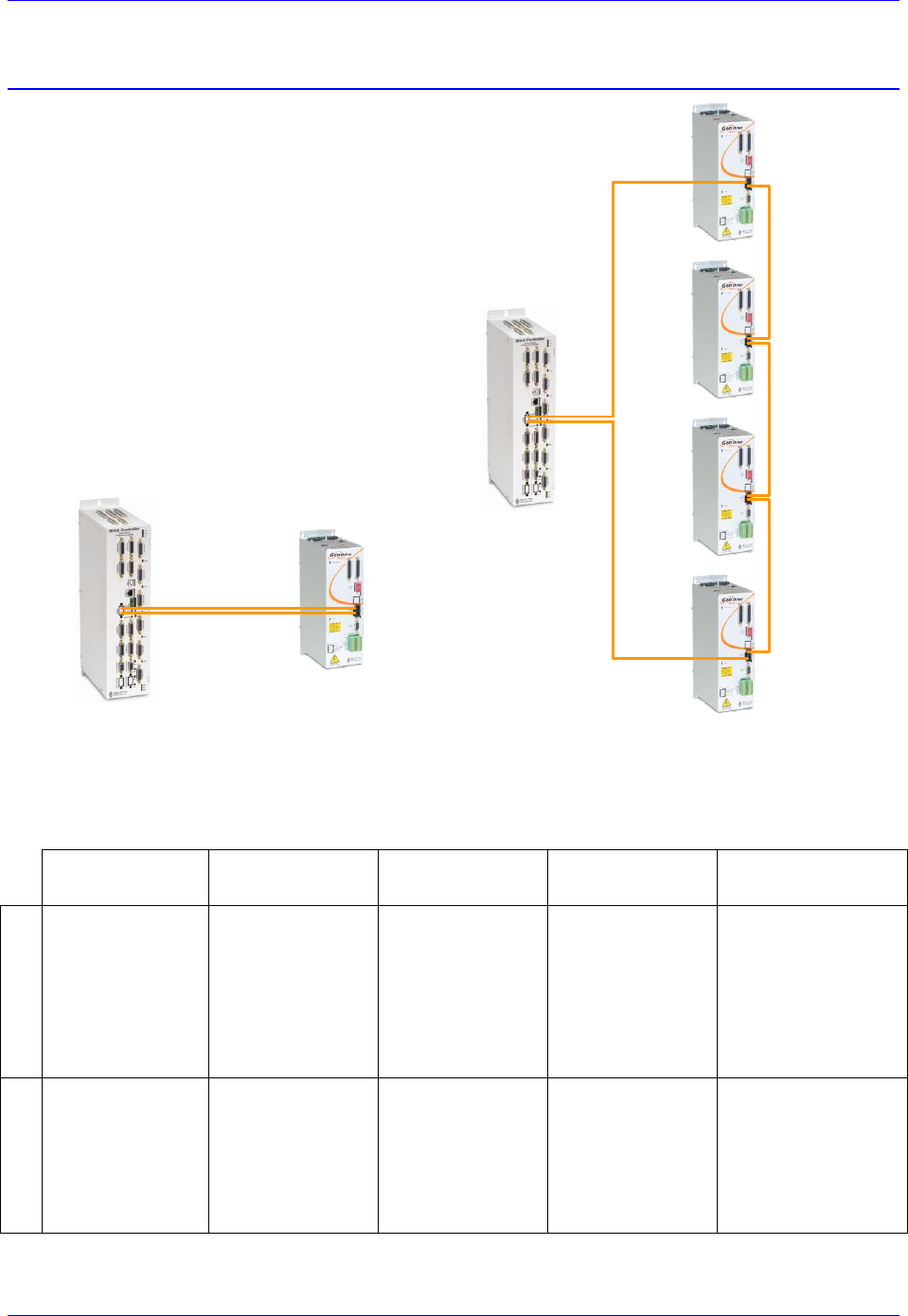
Brick Controller User Manual
MACRO Connectivity 165
Configuration Example 2: Brick - Geo MACRO Drive
This configuration example discusses the
necessary steps for setting up a MACRO ring with
an 8-axis Brick Controller as a master and up to 4
x dual axes Geo MACRO drives as slaves.
For simplicity, we will cover guidelines for setting
up one Geo MACRO drive in detail. The others
can be configured similarly.
Note that, for non-MACRO experienced users, it
may be practical to configure one Geo MACRO
drive at a time (as shown below). That is by
connecting it to the Brick Controller via two fiber
optic cables while leaving the other drives outside
of the ring.
Brick Controller
(Master)
Geo MACRO Drive
(slave #4)
Geo MACRO Drive
(slave #3)
Geo MACRO Drive
(slave #2)
Geo MACRO Drive
(slave #1)
Out
In
Brick Controller
(Master)
Geo MACRO Drive
(Slave)
The following table summarizes the basic clock (default) and MACRO communication settings for the
ring in the diagram above. MS commands are allowed once the clocks are synchronized and nodes are
enabled properly on the master and each of the slaves. The slaves’ settings can be implemented via
MACRO ASCII communication.
Master
Slave #1
(Servo nodes 0,1)
Slave #2
(Servo nodes 4,5)
Slave #3
(Servo nodes 8,9)
Slave #4
(Servo nodes 12,13)
Clock Settings
I6800=6527
I6801=0
I6802=3
I7100=6527
I7101=0
I7102=3
I7000=6527
I7001=0
I7002=3
I10=3713991
MS0,I992=6527
MS0,I997=0
MS4,I992=6527
MS4,I997=0
MS8,I992=6527
MS8,I997=0
MS12,I992=6527
MS12,I997=0
MACRO Settings
I6840=$4030
I6841=$0FF333
I78=32
I70=$3333
I71=$3333
I80=16
I81=3
I82=4
MS0,I995=$4080
MS0,I996=$F4003
MS0,I11=1
MS0,I8=64
MS0,I9=36
MS0,I10=48
MS4,I995=$4080
MS4,I996=$F4030
MS4,I11=2
MS4,I8=64
MS4,I9=36
MS4,I10=46
MS8,I995=$4080
MS8,I996=$F4300
MS8,I11=3
MS8,I8=64
MS8,I9=36
MS8,I10=48
MS12,I995=$4080
MS12,I996=$F7000
MS12,I11=4
MS12,I8=64
MS12,I9=36
MS12,I10=48
Brick Controller User Manual
MACRO Connectivity 166
The following steps are guidelines for setting up one Geo Macro Drive slave:
1. Establish communication to the Brick Controller using USB, Ethernet, or Serial.
2. Consider starting from factory default settings.
This can be done by issuing a $$$*** followed by a Save, and a reset ($$$).
3. Consider downloading the suggested M-Variables in the Pewin32Pro2 software.
4. The master’s motors can now be set up as described in the motor setup section of this manual. These
are motors #1 through #8 (or #4 if it is a 4-axis Brick Controller).
5. Clock settings considerations
The MACRO ring is synchronized at phase rate. The phase clock frequency must be the same on
the master and each of the slaves (Geo MACRO Drives).
It is also advised that the MACRO and servo ICs be set to the same phase frequency.
I6800 = I7000 ; Macro IC0 MaxPhase/PWM Frequency Control
I6801 = I7001 ; Macro IC0 Phase Clock Frequency Control
I6802 = I7002 ; Macro IC0 Servo Clock Frequency Control
Note
It is not necessary for the master to have the MACRO IC sourcing the
clock. But if it is desired, I19 can be simply set to 6807 followed by a
save and a reset ($$$).
6. MACRO ring settings
I80, I81 and I82 enable the ring error check function.
I6840 specifies whether this is a master or a slave.
I6841 specifies which MACRO nodes are enabled. Note, that it is not advised to enable nodes
which will not be used.
I6840=$4030 ; Macro IC0 Ring Configuration/Status, typical master IC setting
I6841=$0FC003 ; Macro IC0 Node Activate Ctrl (Servo nodes 0, 1) – User Input
I78=32 ; Macro Type 1 Master/Slave Communications Timeout
I70=$3 ; Macro IC 0 Node Auxiliary Register Enable (for 2 macro motors)
I71=$3 ; Type 1 MX Mode
#define RingCheckPeriod 20 ; Suggested Ring Check Period [msec]
#define FatalPackErr 15 ; Suggested Fatal Packet Error Percentage [%]
I80=INT(RingCheckPeriod *8388608/I10/(I8+1)+1) ; Macro Ring Check Period [Servo Cycles]
I81=INT(I80* FatalPackErr /100+1) ; Macro Maximum Ring Error Count
I82=I80-I81*4 ; Macro Minimum Sync Packet Count
7. Issue a Save, followed by a reset ($$$) to maintain changes.

Brick Controller User Manual
MACRO Connectivity 167
8. If the Geo MACRO Drive has been configured prior to this setup, then it may have been assigned a
station number and/or may have some enabled nodes. You would need to know what the station
number is in order to perform ASCII communication, or which nodes are enabled in order to issue
MS commands.
The following commands can then be issued to reset the Geo MACRO Drive(s) back to its factory
default settings:
MS$$$***15 will broadcast a global reset to stations associated with all enabled nodes
MSSAV15 will broadcast a Save to stations associated with all enabled nodes
MS$$$15 will broadcast a reset ($$$) to stations associated with all enabled nodes
9. Assuming that the Geo MACRO Drive(s) is or has been reset to factory default settings, we will now
try to establish MACRO ASCII communication by issuing:
MACSTA255
This command will establish MACRO ASCII (direct) communication with the first unassigned Geo
MACRO Drive (if more than one is in the ring) starting from the OUT/Transmit fiber or RJ45 out of
the Brick Controller.
10. When in ASCII mode, download from the editor or issue the following commands in the terminal
window:
I995 = $4080 ; MACRO IC ring configuration, typical slave setting
I996 = $0F4003 ; Node activation (servo nodes 0, 1) –User Input
11. Issue a Control^T in the terminal window to exit ASCII mode communication
Master Slave (MS) commands should now be available for nodes 0 and 1 (per this example).
12. Clock Settings
The phase frequency should be set the same as the master’s. Set the following:
MS0, I992 = Value of I7000 (or I6800) ; Max Phase Clock
MS0, I997 = Value of I7001 (or I6801) ; Phase Clock Divider
13. Ring Check Error
Enabling the ring check error function on the Geo MACRO drive requires computing and setting the
following parameters:
MS0,I8 -> I80*(I6802+1)
MS0,I9 -> I81*(I6802+1)*(I8+1)
MS0,I10 -> I82*(I6802+1)*(I8+1)
Where I8, I80, I81, I82, and I6802 are masters’ parameters.
14. Station Number
The station number is used for ASCII communication.
MS0, I11 = 1 ; Assign Station Number #1 –User Input
15. Issue MSSAV0 followed by MS$$$0 to maintain changes on the Geo MACRO Drive..
Brick Controller User Manual
MACRO Connectivity 168
16. Activating MACRO Motors
Variable I4900 reports how many servo ICs is the Brick Controller populated with. Knowing that
each Servo IC services 4 axes, querying I4900 will reveal how many local channels are occupied and
thus the number of the 1st available motor on the Macro Ring:
If I4900
returns
Servo ICs
present
Local
Motors
First Motor#
On The Ring
Activation
2-axis Slave
$1
IC0 only (4-axis)
1 - 4
5
I500,2,100=1
$3
IC0, and IC1(8-axis)
1 – 8
9
I900,2,100=1
17. Position, Velocity pointers
If all local motors have digital quadrature encoders (1-line ECT entries), and no other entries are used
in the Encoder Conversion Table then the position (Ixx03) and Velocity (Ixx04) pointers of the
MACRO motors are valid by default (set by firmware) and need not be changed:
MACRO
motor
Motor #
Ixx03, Ixx04
MACRO
motor
Motor #
Ixx03, Ixx04
1st
5 or 9
$350A
5th
9 or 13
$3512
2nd
6 or 10
$350C
6th
10 or 14
$3514
3rd
7 or 11
$350E
7th
11 or 15
$3516
4th
8 or 12
$3510
8th
12 or 16
$3518
However, if the Encoder Conversion Table has been modified then the MACRO motors/nodes entries
need to be configured properly. This can be done using the Encoder Conversion Table utility in the
PewinPro2 under Configure>Encoder Conversion Table:
Click on End of Table to access the next available entry
Conversion Type: Parallel position from Y word with no filtering
No Shifting
Width in Bits: 24
Source Address: Servo node Address (See table below)
Record the processed data address.
This is where the position and velocity pointers will be set to for a specific node/motor number.
E.g. I903,2=$351A
Repeat steps for additional motors/servo nodes
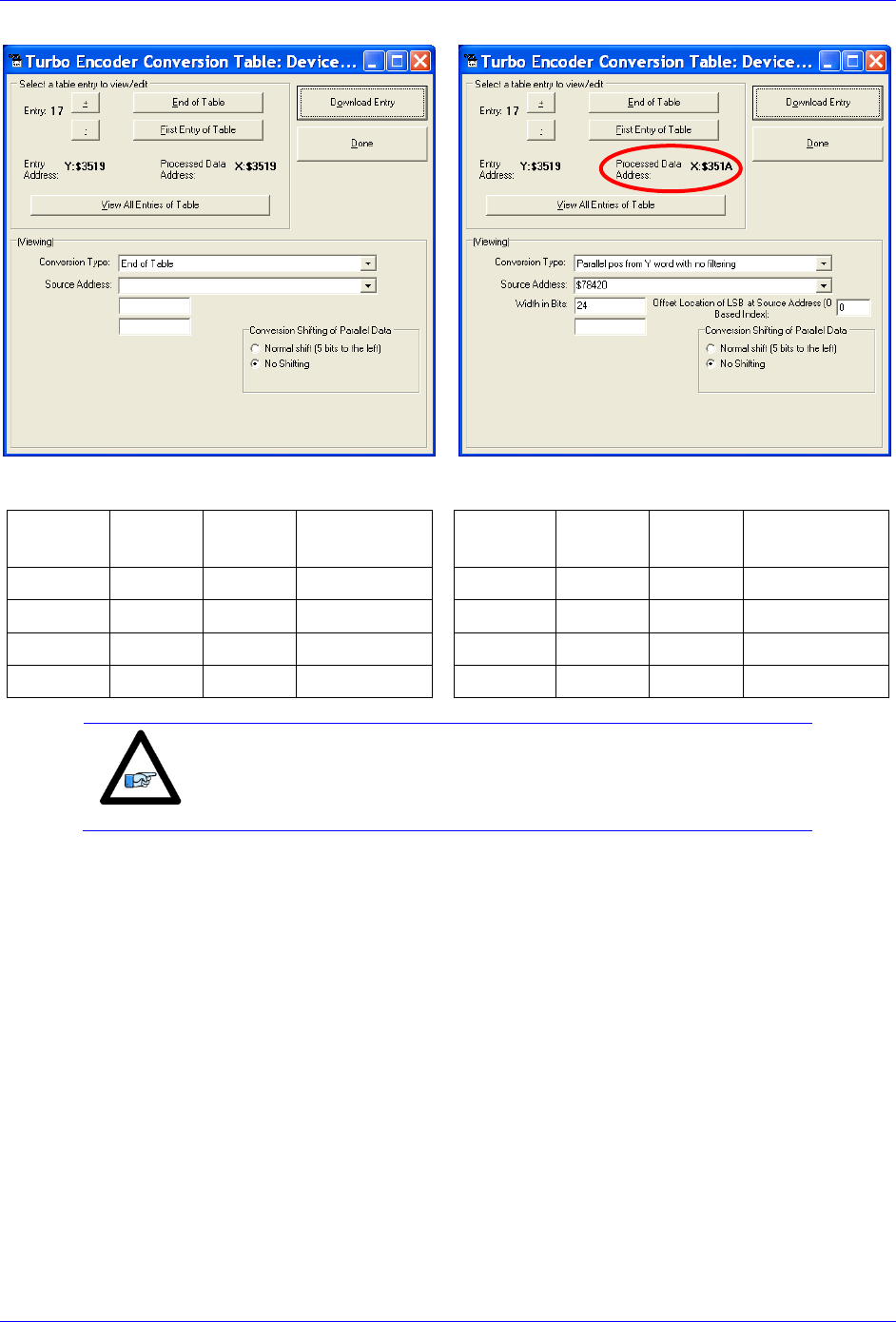
Brick Controller User Manual
MACRO Connectivity 169
Servo Node Addresses
MACRO
motor
Motor #
Address
Register
MACRO
motor
Motor #
Address
Register
1st
5 or 9
$78420
Servo Node 0
5th
9 or 13
$78430
Servo Node 8
2nd
6 or 10
$78424
Servo Node 1
6th
10 or 14
$78434
Servo Node 9
3rd
7 or 11
$78428
Servo Node 4
7th
11 or 15
$78438
Servo Node 12
4th
8 or 12
$7842C
Servo Node 5
8th
12 or 16
$7843C
Servo Node 13
Note
At this point of the setup, you should be able to move the
motor/encoder shaft by hand and see encoder counts in the position
window
Brick Controller User Manual
MACRO Connectivity 170
18. Typical MACRO motor settings
The motor command output address Ixx02 is initiated by default in the firmware
MACRO
motor
Motor #
Ixx02
Register
MACRO
motor
Motor #
Ixx02
Register
1st
5 or 9
$078420
Servo Node 0
5th
9 or 13
$078430
Servo Node 8
2nd
6 or 10
$078424
Servo Node 1
6th
10 or 14
$078434
Servo Node 9
3rd
7 or 11
$078428
Servo Node 4
7th
11 or 15
$078438
Servo Node 12
4th
8 or 12
$07842C
Servo Node 5
8th
12 or 16
$07843C
Servo Node 13
The flag address Ixx25 is initiated by default in the firmware.
MACRO
motor
Motor #
Ixx25
Register
MACRO
motor
Motor #
Ixx25
Register
1st
5 or 9
$3440
Servo Node 0
5th
9 or 13
$3448
Servo Node 8
2nd
6 or 10
$3441
Servo Node 1
6th
10 or 14
$3449
Servo Node 9
3rd
7 or 11
$3444
Servo Node 4
7th
11 or 15
$344C
Servo Node 12
4th
8 or 12
$3445
Servo Node 5
8th
12 or 16
$344D
Servo Node 13
The Flag Control Ixx24 is typically set to $40001 ($60001 to disable hardware over-travel limits).
The commutation position addresses Ixx83 is initiated by default in the firmware.
MACRO
motor
Motor #
Ixx83
Register
MACRO
motor
Motor #
Ixx83
Register
1st
5 or 9
$078420
Servo Node 0
5th
9 or 13
$078430
Servo Node 8
2nd
6 or 10
$078424
Servo Node 1
6th
10 or 14
$078434
Servo Node 9
3rd
7 or 11
$078428
Servo Node 4
7th
11 or 15
$078438
Servo Node 12
4th
8 or 12
$07842C
Servo Node 5
8th
12 or 16
$07843C
Servo Node 13
The commutation enable Ixx01 should be set to 3, indicating that commutation is performed from
Y registers (specified in Ixx83).
The PWM Scale Factor Ixx66 is set up as follows:
If Motor Voltage > Bus Voltage: Ixx66 = 1.1 * 16384
If Motor Voltage < Bus Voltage: Ixx66 = 1.1 * 16384 * MtrVolt / BusVolt
The commutation angle Ixx72 should be set to 1365.
The current feedback mask Ixx84 should be set to $FFF000.
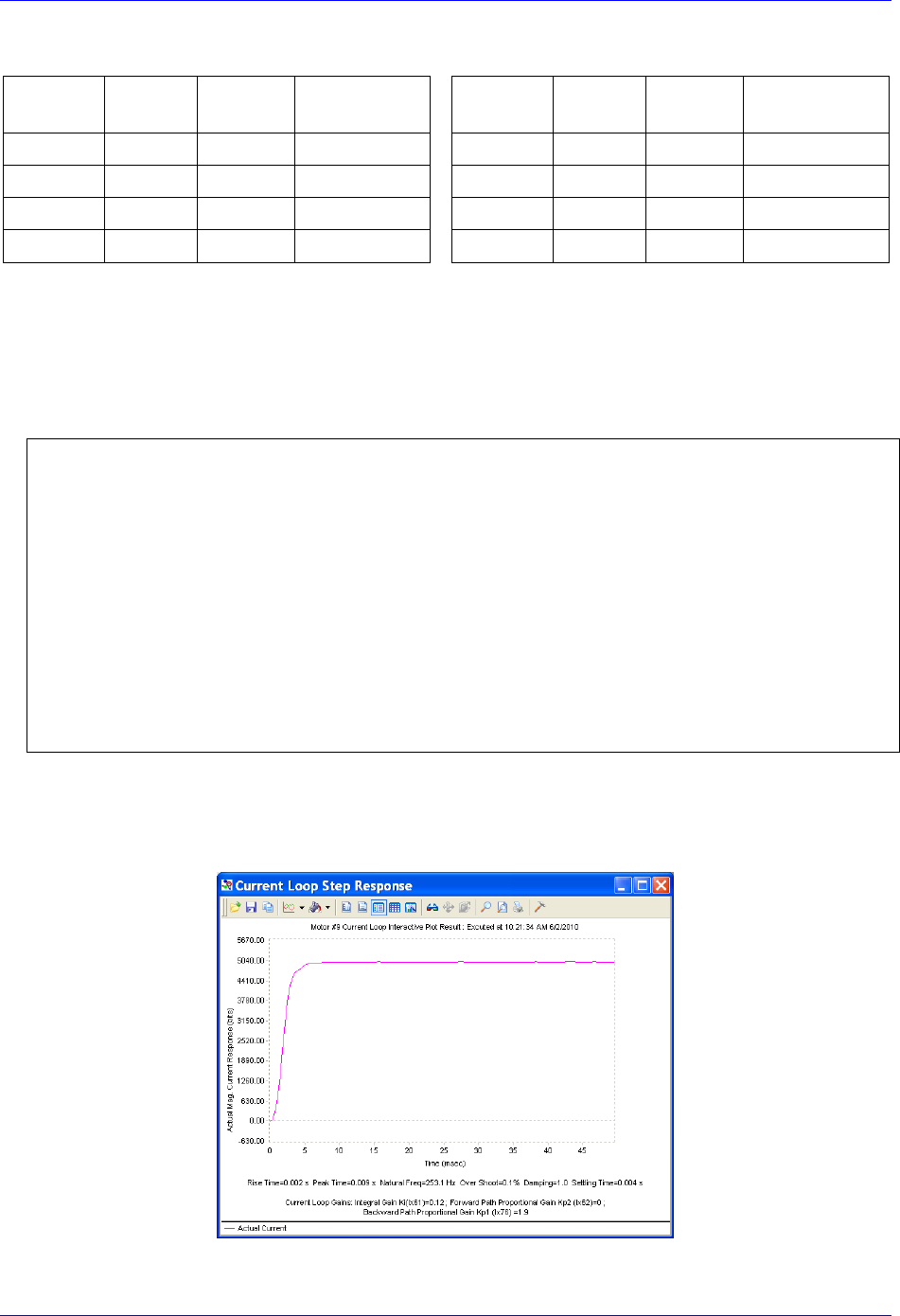
Brick Controller User Manual
MACRO Connectivity 171
The current loop feedback address Ixx82 should be set per the following table:
MACRO
motor
Motor #
Ixx82
Register
MACRO
motor
Motor #
Ixx82
Register
1st
5 or 9
$078422
Servo Node 0
5th
9 or 13
$078432
Servo Node 8
2nd
6 or 10
$078426
Servo Node 1
6th
10 or 14
$078436
Servo Node 9
3rd
7 or 11
$07842A
Servo Node 4
7th
11 or 15
$07843A
Servo Node 12
4th
8 or 12
$07842E
Servo Node 5
8th
12 or 16
$07843E
Servo Node 13
Commutation Cycle Size
Ixx70 = {Number of pair poles}
Ixx71 = {Number of counts per revolution * 32}
I2T Settings (example for motor #9):
I15=0 ; Trigonometric calculation in degrees
#define MaxPhaseFreq P7000 ; Max Phase Clock [KHz]
#define PWMClk P7001 ; PWM Clock [KHz]
#define PhaseClk P7002 ; Phase Clock [KHz]
#define ServoClk P7003 ; Servo Clock [KHz]
MaxPhaseFreq=117964.8/(2*I6800+3)
PWMClk=117964.8/(4*I6800+6)
PhaseClk=MaxPhaseFreq/(I6801+1)
ServoClk=PhaseClk/(I6802+1)
#define Mtr9ContCurrent 3 ; Continuous Current Limit [Amps] –User Input
#define Mtr9PeakCurrent 9 ; Instantaneous Current Limit [Amps] –User Input
#define MaxADC 16.3 ; See Geo MACRO electrical specifications –User Input
#define Mtr9I2TOnTime 2 ; Time allowed at peak Current [sec]
I957=INT(32767*(Mtr9ContCurrent*1.414/MaxADC)*cos(30))
I969=INT(32767*(Mtr9PeakCurrent*1.414/MaxADC)*cos(30))
I958=INT((I969*I969-I957*I957)*ServoClk*1000*Mtr9I2TOnTime/(32767*32767))
19. Current-Loop Tuning (Ixx61, Ixx62, Ixx76)
Current loop tuning is performed in the same manner as it would be for any digitally commuted
amplifier. A satisfactory current loop response (PmacTuningPro2 screen shot) would look like:
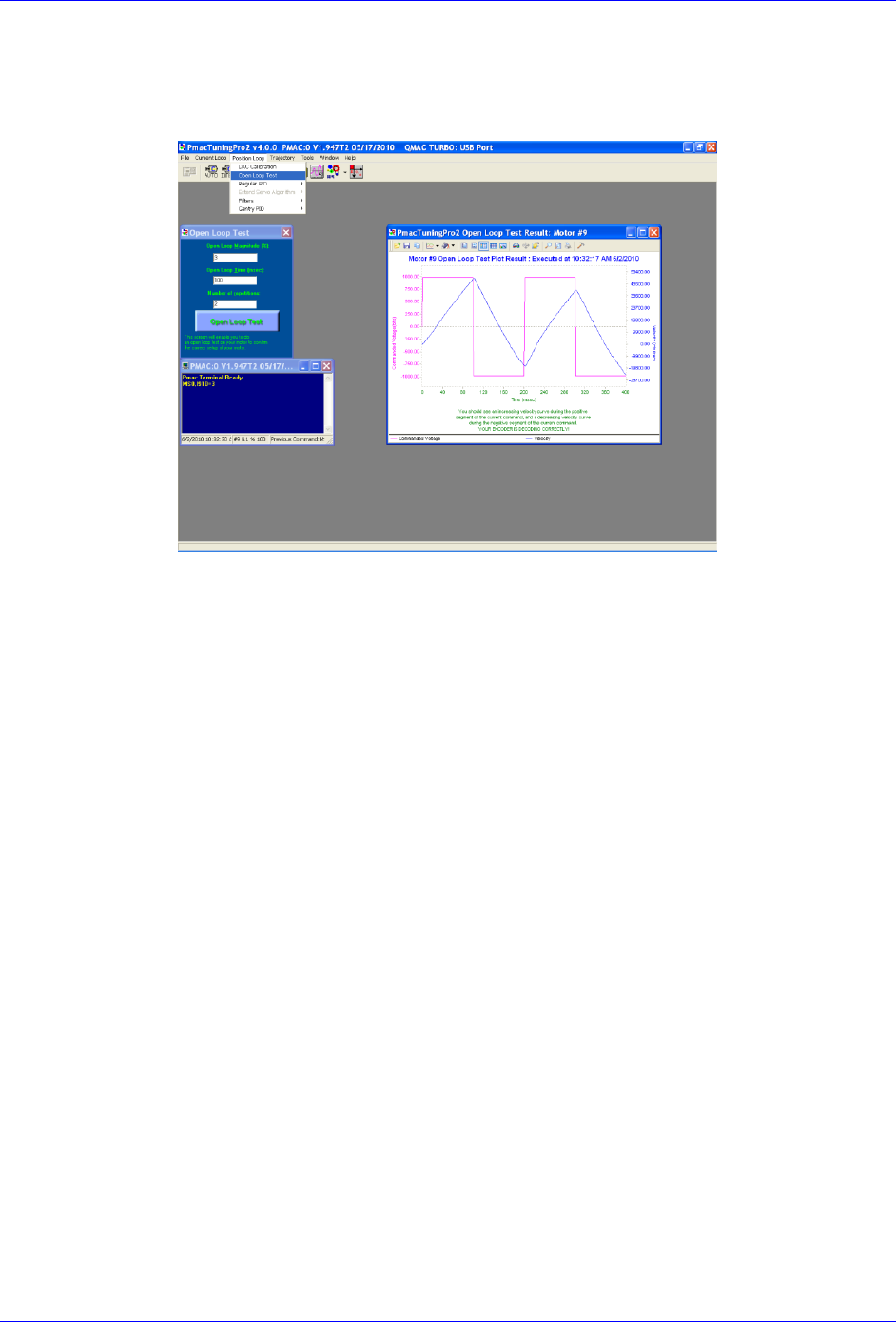
Brick Controller User Manual
MACRO Connectivity 172
20. Motor Phasing, Open-Loop Test
Motor phasing is performed in the same manner as it would be for any digitally commutated motor.
The following is a satisfactory open loop test:
An erratic or inverted saw tooth response is typically (with quadrature, or sinusoidal encoders) an
indication of reversed encoder direction –with respect to the output command- The encoder decode
parameter MS{node},I910 can then be changed from 7 to 3 or vice versa. Phasing has to be
performed again after this parameter has been changed.
21. Tuning the Position-Loop
Tuning the position loop PID gains can be carried on in the traditional manner - see motor setup
section in this manual- there are no special instructions for tuning MACRO motors.

Brick Controller User Manual
MACRO Connectivity 173
Brick – Brick MACRO I/O Data Transfer
This section describes the handling of inputs and outputs data transfer over the MACRO ring. That is
transferring I/O data from the Brick slave to the Brick master.
A Brick Controller, used as a MACRO slave, can be populated with up to:
48 digital inputs / 24 digital outputs (connectors J6, J7, J8)
4 x 12-bit filtered PWM DAC outputs (connectors X9, X10, X11, X 12)
4 x 16-bit analog inputs (connectors X9, X10, X11, X 12)
8 x 12-bit analog inputs (connector J9)
There is a variety of ways to transfer I/O data over MACRO:
Using I/O nodes.
This method consists of assembling the data in a PLC code at the slave side, and conveying it
over to MACRO I/O nodes. These I/O nodes are then extracted in a PLC code on the master side
and placed into open memory registers. This technique is suitable for digital inputs and outputs.
Using servo nodes
This method is primarily used for the X9-X12 analog inputs and outputs which, in some
applications, may require being processed at servo or phase rate (e.g. servo feedback, cascaded
loop or output to a spindle drive). This is the fastest transfer method possible. Note that in this
mode, axes 5-8 on the slave cannot be configured to drive motors. The corresponding servo nodes
will be occupied.
Using MACRO Auxiliary MX reads and writes in a background PLC
This method is ideal for transferring a large amount of data without much coding and complexity.
It is suitable for monitoring and toggling inputs and outputs. But it is not deterministic (relies on
background PLCs, and phase cycle delays with MX commands) or as fast as other methods.
Brick Controller User Manual
MACRO Connectivity 174
Transferring the Digital (Discrete) Input and Outputs
A Brick Controller can be populated with up to 48 digital inputs and 24 digital outputs (connectors J6, J7,
and J8) for a total of 72 I/O points (bits) mapped as follows:
Inputs
Address
Connector
Outputs
Address
Connector
1st byte
Y:$78800,0,8
J6
1st byte
Y:$78802,0,8
J6
2nd byte
Y:$78801,0,8
2nd byte
Y:$78805,0,8
J7
3rd Byte
Y:$78803,0,8
J7
3rd Byte
Y:$78A02,0,8
J8
4th Byte
Y:$78804,0,8
5th Byte
Y:$78A00,0,8
J8
6th Byte
Y:$78A01,0,8
For the digital inputs and outputs, we will use the I/O node data transfer method. MACRO I/O node 2 will
be used to carry all 72 points of data (where applicable):
I/O Node
Address
Register-Description
2
X:$78420
24-bit register
X:$78421
1st 16-bit register (Upper)
X:$78422
2nd16-bit register (Upper)
X:$78423
3rd 16-bit register (Upper)
Note
Some Brick Controllers may not be fully populated with all the
inputs/outputs bytes shown above. The non-existent bytes can be
simply deleted from the example codes below.
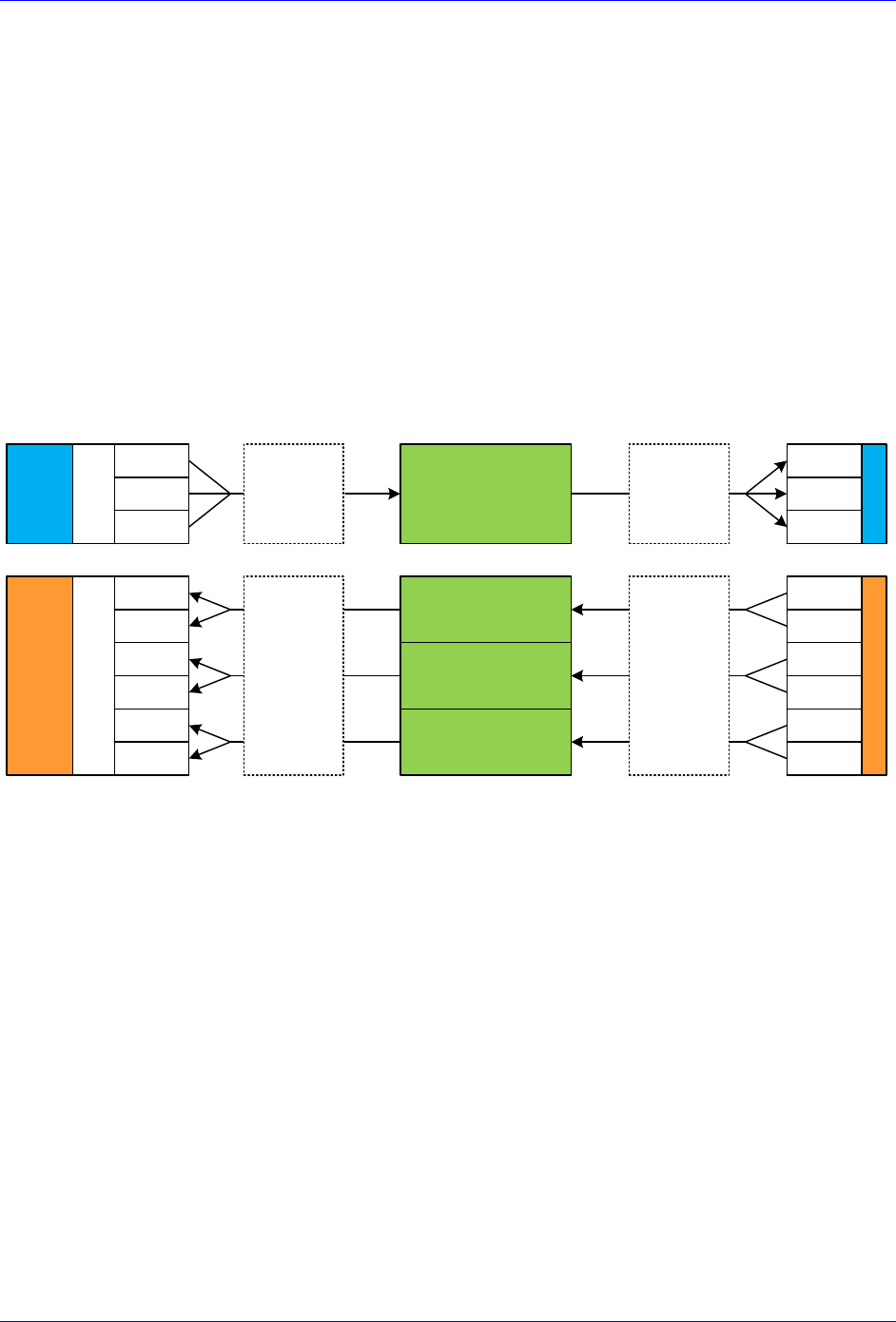
Brick Controller User Manual
MACRO Connectivity 175
The proposed transfer mechanism establishes the reading of inputs and writing to outputs through bitwise
assignments (single-bit definitions) from the master side.
Outputs: At the master side, the user would write the desired outputs’ state (using the bitwise definitions)
to pre-defined open memory registers which are copied, using a PLC code, into the 24-bit register of
MACRO I/O node 2. At the Slave side, this MACRO I/O node register is copied, using a PLC code, into
the local outputs’ registers which will reflect the user’s outputs’ desired state.
Inputs: At the slave side, the machine’s inputs’ state is copied into the 3 x 16-bit registers of MACRO
I/O node 2. At the master side, these MACRO I/O node registers are copied, using a PLC code, into pre-
defined open memory registers (bitwise definitions) where the user can monitor the machine’s inputs’
state.
The following diagram summarizes the abovementioned transfer technique:
MACRO I/O Node 2
24-bit register
1st 16-bit register
(upper 16 bits)
2nd 16-bit register
(upper 16 bits)
3rd 16-bit register
(upper 16 bits)
Brick SlaveBrick Master
1st Byte
2nd Byte
3rd Byte
OUTPUTS
User Write
1st Byte
2nd Byte
3rd Byte
INPUTS
User Read
4th Byte
5th Byte
6th Byte
1st Byte
2nd Byte
3rd Byte
1st Byte
2nd Byte
3rd Byte
4th Byte
5th Byte
6th Byte
Master
PLC Operations
Slave
PLC Operations
Outputs Inputs
Open
Memory
Open Memory
Copy
Outputs to
IO node
Write
Inputs to
Master
Write
outputs to
Slave
Copy
Inputs to
IO node

Brick Controller User Manual
MACRO Connectivity 176
Slave Digital I/Os Transfer Example
I6841=I6841|$000004 ; Make sure that I/O node 2 is active
// Digital Outputs
#define OutByte1 M7000 ; 1st Byte of Outputs J6
#define OutByte2 M7001 ; 2nd Byte of Outputs J7
#define OutByte3 M7002 ; 3rd Byte of Outputs J8
OutByte1->Y:$078802,0,8,U
OutByte2->Y:$078805,0,8,U
OutByte3->Y:$078A02,0,8,U
// Digital Inputs
#define InByte1 M7003 ; 1st Byte of Inputs
#define InByte2 M7004 ; 2nd Byte of Inputs
#define InByte3 M7005 ; 3rd Byte of Inputs
#define InByte4 M7006 ; 4th Byte of Inputs
#define InByte5 M7007 ; 5th Byte of Inputs
#define InByte6 M7008 ; 6th Byte of Inputs
InByte1->Y:$078800,0,8,U
InByte2->Y:$078801,0,8,U
InByte3->Y:$078803,0,8,U
InByte4->Y:$078804,0,8,U
InByte5->Y:$078A00,0,8,U
InByte6->Y:$078A01,0,8,U
// Digital Inputs/Outputs Latch Registers
M7009..7015->*
M7009..7015=0
#define LatchOut M7009
#define LatchIn1 M7010
#define LatchIn2 M7011
#define LatchIn3 M7012
#define LatchIn4 M7013
#define LatchIn5 M7014
#define LatchIn6 M7015
// MACRO I/O Node Registers
#define N2Twenty4 M7016 ; 24-bit register, node 2
#define N2First16 M7017 ; 1st 16-bit register, node 2
#define N2Second16 M7018 ; 2nd 16-bit register, node 2
#define N2Third16 M7019 ; 3rd 16-bit register, node 2
N2Twenty4->X:$78420,0,24,U
N2First16->X:$78421,8,16,U
N2Second16->X:$78422,8,16,U
N2Third16->X:$78423,8,16,U
// Digital I/O Data Transfer PLC
Open plc 1 clear
If (LatchOut!=N2Twenty4) ; Change in state?
LatchOut=N2Twenty4 ; Latch data
OutByte1= LatchOut&$0000FF ; Update Outputs 1-8, J6
OutByte2=(LatchOut&$00FF00)/256 ; Update Outputs 9-15, J7
OutByte3=(LatchOut&$FF0000)/65536 ; Update Outputs 16-24, J8
EndIf
If (LatchIn1!=InByte1 Or LatchIn2!=InByte2 Or LatchIn3!=InByte3 Or LatchIn4!=InByte4 Or
LatchIn5!=InByte5 Or LatchIn6!=InByte6)
LatchIn1=InByte1 ; Latch data
LatchIn2=InByte2 ; Latch data
LatchIn3=InByte3 ; Latch data
LatchIn4=InByte4 ; Latch data
LatchIn5=InByte5 ; Latch data
LatchIn6=InByte6 ; Latch data
N2First16= LatchIn1+LatchIn2*256 ; Assemble Input bytes 1-2 in 1st 16-bit register node 2
N2Second16=LatchIn3+LatchIn4*256 ; Assemble Input bytes 3-4 in 2nd 16-bit register node 2
N2Third16= LatchIn5+LatchIn6*256 ; Assemble Input bytes 5-6 in 3rd 16-bit register node 2
EndIf
Close

Brick Controller User Manual
MACRO Connectivity 177
Master Digital I/Os Transfer Example
I6841=I6841|$000004 ; Make sure that I/O node 2 is active
// Open Memory Registers
#define OpenReg16Y M7000 ; Open memory register 16, Y-word
#define OpenReg16X M7001 ; Open memory register 16, X-word
#define OpenReg15Y M7002 ; Open memory register 15, Y-word
#define OpenReg15X M7003 ; Open memory register 15, X-word
OpenReg16Y->Y:$10FF,0,24,U ; Holding 24 digital Outputs
OpenReg16X->X:$10FF,8,16,U ; Holding 1st 16-bit digital Inputs
OpenReg15Y->Y:$10FE,8,16,U ; Holding 2nd 16-bit digital Inputs
OpenReg15X->X:$10FE,8,16,U ; Holding 3rd 16-bit digital Inputs
M7000..7003=0 ; Initialization
// Latching Words
M7004..7007->* ; Self referenced
M7004..7007=0 ; Initialization
#define LatchOut M7004 ; Digital Outputs Latch
#define LatchIn1 M7005 ; Digital Inputs Latch 1
#define LatchIn2 M7006 ; Digital Inputs Latch 2
#define LatchIn3 M7007 ; Digital Inputs Latch 3
// MACRO I/O Node Registers
#define N2Twenty4 M7008 ; Node 2, 24-bit register
#define N2First16 M7009 ; Node 2, 1st 16-bit register
#define N2Second16 M7010 ; Node 2, 2nd 16-bit register
#define N2Third16 M7011 ; Node 2, 3rd 16-bit register
N2Twenty4->X:$78420,0,24,U
N2First16->X:$78421,8,16,U
N2Second16->X:$78422,8,16,U
N2Third16->X:$78423,8,16,U
// Digital I/O Data Transfer PLC
Open plc 1 clear
If (LatchOut!=OpenReg16Y) ; Output Open Register Changed?
LatchOut=OpenReg16Y ; Latch data
N2Twenty4=LatchOut ; Update Output Word
EndIf
If (LatchIn1!=N2First16) ; Input Node word changed?
LatchIn1=N2First16 ; Latch data
OpenReg16X=LatchIn1 ; Update Input Open Register word
EndIf
If (LatchIn2!=N2Second16) ; Input Node word changed?
LatchIn2=N2Second16 ; Latch data
OpenReg15Y=LatchIn2 ; Update Input Open Register word
EndIf
If (LatchIn3!=N2Third16) ; Input Node word changed?
LatchIn3=N2Third16 ; Latch data
OpenReg15X=LatchIn3 ; Update Input Open Register word
EndIf
Close

Brick Controller User Manual
MACRO Connectivity 178
Bitwise Assignments (downloaded onto the master)
// J6 Outputs
#define Output1 M7101
#define Output2 M7102
#define Output3 M7103
#define Output4 M7104
#define Output5 M7105
#define Output6 M7106
#define Output7 M7107
#define Output8 M7108
Output1->Y:$10FF,0,1 ; Output 1
Output2->Y:$10FF,1,1 ; Output 2
Output3->Y:$10FF,2,1 ; Output 3
Output4->Y:$10FF,3,1 ; Output 4
Output5->Y:$10FF,4,1 ; Output 5
Output6->Y:$10FF,5,1 ; Output 6
Output7->Y:$10FF,6,1 ; Output 7
Output8->Y:$10FF,7,1 ; Output 8
// J6 Inputs
#define Input1 M7131
#define Input2 M7132
#define Input3 M7133
#define Input4 M7134
#define Input5 M7135
#define Input6 M7136
#define Input7 M7137
#define Input8 M7138
#define Input9 M7139
#define Input10 M7140
#define Input11 M7141
#define Input12 M7142
#define Input13 M7143
#define Input14 M7144
#define Input15 M7145
#define Input16 M7146
Input1->X:$10FF,8,1 ; Input 1
Input2->X:$10FF,9,1 ; Input 2
Input3->X:$10FF,10,1 ; Input 3
Input4->X:$10FF,11,1 ; Input 4
Input5->X:$10FF,12,1 ; Input 5
Input6->X:$10FF,13,1 ; Input 6
Input7->X:$10FF,14,1 ; Input 7
Input8->X:$10FF,15,1 ; Input 8
Input9->X:$10FF,16,1 ; Input 9
Input10->X:$10FF,17,1 ; Input 10
Input11->X:$10FF,18,1 ; Input 11
Input12->X:$10FF,19,1 ; Input 12
Input13->X:$10FF,20,1 ; Input 13
Input14->X:$10FF,21,1 ; Input 14
Input15->X:$10FF,22,1 ; Input 15
Input16->X:$10FF,23,1 ; Input 16
// J7 Outputs
#define Output9 M7109
#define Output10 M7110
#define Output11 M7111
#define Output12 M7112
#define Output13 M7113
#define Output14 M7114
#define Output15 M7115
#define Output16 M7116
Output9 ->Y:$10FF,8,1 ; Output 9
Output10->Y:$10FF,9,1 ; Output 10
Output11->Y:$10FF,10,1 ; Output 11
Output12->Y:$10FF,11,1 ; Output 12
Output13->Y:$10FF,12,1 ; Output 13
Output14->Y:$10FF,13,1 ; Output 14
Output15->Y:$10FF,14,1 ; Output 15
Output16->Y:$10FF,15,1 ; Output 16
// J7 Inputs
#define Input17 M7147
#define Input18 M7148
#define Input19 M7149
#define Input20 M7150
#define Input21 M7151
#define Input22 M7152
#define Input23 M7153
#define Input24 M7154
#define Input25 M7155
#define Input26 M7156
#define Input27 M7157
#define Input28 M7158
#define Input29 M7159
#define Input30 M7160
#define Input31 M7161
#define Input32 M7162
Input17->Y:$10FE,8,1 ; Input 17
Input18->Y:$10FE,9,1 ; Input 18
Input19->Y:$10FE,10,1 ; Input 19
Input20->Y:$10FE,11,1 ; Input 20
Input21->Y:$10FE,12,1 ; Input 21
Input22->Y:$10FE,13,1 ; Input 22
Input23->Y:$10FE,14,1 ; Input 23
Input24->Y:$10FE,15,1 ; Input 24
Input25->Y:$10FE,16,1 ; Input 25
Input26->Y:$10FE,17,1 ; Input 26
Input27->Y:$10FE,18,1 ; Input 27
Input28->Y:$10FE,19,1 ; Input 28
Input29->Y:$10FE,20,1 ; Input 29
Input30->Y:$10FE,21,1 ; Input 30
Input31->Y:$10FE,22,1 ; Input 31
Input32->Y:$10FE,23,1 ; Input 32

Brick Controller User Manual
MACRO Connectivity 179
// J8 Outputs
#define Output17 M7117
#define Output18 M7118
#define Output19 M7119
#define Output20 M7120
#define Output21 M7121
#define Output22 M7122
#define Output23 M7123
#define Output24 M7124
Output17->Y:$10FF,16,1 ; Output 17
Output18->Y:$10FF,17,1 ; Output 18
Output19->Y:$10FF,18,1 ; Output 19
Output20->Y:$10FF,19,1 ; Output 20
Output21->Y:$10FF,20,1 ; Output 21
Output22->Y:$10FF,21,1 ; Output 22
Output23->Y:$10FF,22,1 ; Output 23
Output24->Y:$10FF,23,1 ; Output 24
// J8 Inputs
#define Input33 M7163
#define Input34 M7164
#define Input35 M7165
#define Input36 M7166
#define Input37 M7167
#define Input38 M7168
#define Input39 M7169
#define Input40 M7170
#define Input41 M7171
#define Input42 M7172
#define Input43 M7173
#define Input44 M7174
#define Input45 M7175
#define Input46 M7176
#define Input47 M7177
#define Input48 M7178
Input33->X:$10FE,8,1 ; Input 33
Input34->X:$10FE,9,1 ; Input 34
Input35->X:$10FE,10,1 ; Input 35
Input36->X:$10FE,11,1 ; Input 36
Input37->X:$10FE,12,1 ; Input 37
Input38->X:$10FE,13,1 ; Input 38
Input39->X:$10FE,14,1 ; Input 39
Input40->X:$10FE,15,1 ; Input 40
Input41->X:$10FE,16,1 ; Input 41
Input42->X:$10FE,17,1 ; Input 42
Input43->X:$10FE,18,1 ; Input 43
Input44->X:$10FE,19,1 ; Input 44
Input45->X:$10FE,20,1 ; Input 45
Input46->X:$10FE,21,1 ; Input 46
Input47->X:$10FE,22,1 ; Input 47
Input48->X:$10FE,23,1 ; Input 48

Brick Controller User Manual
MACRO Connectivity 180
Transferring the X9-X12 Analog Inputs/Outputs
A Brick Controller MACRO slave can be populated with up to:
4 x 16-bit analog inputs (connectors X9 through X12)
4 x 12-bit filtered PWM ±10V analog outputs (connectors X9 through X12)
These inputs and outputs are typically mapped using suggested or pre-defined M-Variables at the
following addresses:
Analog Inputs, connectors X9-X12
Analog Outputs, connectors X9-X12
M505->Y:$078105,8,16,S ; ADC Input 1
M605->Y:$07810D,8,16,S ; ADC Input 2
M705->Y:$078115,8,16,S ; ADC Input 3
M805->Y:$07811D,8,16,S ; ADC Input 4
M502->Y:$078102,8,16,S ; Analog DAC 1
M602->Y:$07810A,8,16,S ; Analog DAC 2
M702->Y:$078112,8,16,S ; Analog DAC 3
M802->Y:$07811A,8,16,S ; Analog DAC 4
Note
Some Brick Controllers may not be fully populated with all the analog
inputs and outputs. The non-existent ones can be simply deleted from
the example codes.
We will use the Servo Node method to transfer the X9-X12 analog data. Servo nodes 8, 9, 12, and 13 will
carry the analog output data in the 24-bit register, and the analog input data in the first 16-bit register.
The auxiliary mode Ixx44 is set to PWM mode to allow automatic transferring of ADCs.
Note
This method cannot be used if servo nodes 8, 9, 12, and 13 are in use,
or if motors 5-8 on the slave are configured.
Servo Node
8
9
12
13
24-bit
Y:$78430
Y:$78434
Y:$78438
Y:$7843C
DAC Output Data
16-bit
Y:$78431
Y:$78435
Y:$78439
Y:$7843D
ADC Input Data
16-bit
Y:$78432
Y:$78436
Y:$7843A
Y:$7843E
16-bit
Y:$78433
Y:$78437
Y:$7843B
Y:$7843F
Brick Controller User Manual
MACRO Connectivity 181
Slave Settings
I6841=I6841|$3300 ; Enable servo nodes 8,9,12,13
I544=$078433 ; MacroIC0 Node 8 Command Address. PWM Mode For ADC Transfer
I644=$078437 ; MacroIC0 Node 9 Command Address. PWM Mode For ADC Transfer
I744=$07843B ; MacroIC0 Node12 Command Address. PWM Mode For ADC Transfer
I844=$07843F ; MacroIC0 Node13 Command Address. PWM Mode For ADC Transfer
I500,4,100=0 ; De-activate channels to allow direct DAC writes
Master Settings
I6841=I6841|$3300 ; Enable servo nodes 8,9,12,13
M1302->Y:$78430,8,16,S ; Analog DAC 1
M1402->Y:$78434,8,16,S ; Analog DAC 2
M1502->Y:$78438,8,16,S ; Analog DAC 3
M1602->Y:$7843C,8,16,S ; Analog DAC 4
M1305->Y:$78431,8,16,S ; Analog ADC 1
M1405->Y:$78435,8,16,S ; Analog ADC 1
M1505->Y:$78439,8,16,S ; Analog ADC 1
M1605->Y:$7843D,8,16,S ; Analog ADC 1
At the master side:
The analog DAC (filtered PWM) outputs can now be written to using Mxx02 variables.
The analog ADC inputs can now be read using Mxx05 variables.
Note
This setup example assumes that the DAC (filtered PWM) outputs at
the slave side have been set up properly. See X9-X12 connector setup
section.
Brick Controller User Manual
MACRO Connectivity 182
Transferring the J9 Analog Inputs
A Brick Controller MACRO slave with option 12 offers 8 x 12-bit analog inputs on connector J9.
These inputs and outputs are typically mapped using suggested or pre-defined M-Variables at the
following addresses:
Analog Inputs, connector J9
M6991->Y:$003400,12,12,S ; ADC1 Bipolar
M6992->Y:$003402,12,12,S ; ADC2 Bipolar
M6993->Y:$003404,12,12,S ; ADC3 Bipolar
M6994->Y:$003406,12,12,S ; ADC4 Bipolar
M6995->Y:$003408,12,12,S ; ADC5 Bipolar
M6996->Y:$00340A,12,12,S ; ADC6 Bipolar
M6997->Y:$00340C,12,12,S ; ADC7 Bipolar
M6998->Y:$00340E,12,12,S ; ADC8 Bipolar
M6991->Y:$003400,12,12,U ; ADC1 Unipolar
M6992->Y:$003402,12,12,U ; ADC2 Unipolar
M6993->Y:$003404,12,12,U ; ADC3 Unipolar
M6994->Y:$003406,12,12,U ; ADC4 Unipolar
M6995->Y:$003408,12,12,U ; ADC5 Unipolar
M6996->Y:$00340A,12,12,U ; ADC6 Unipolar
M6997->Y:$00340C,12,12,U ; ADC7 Unipolar
M6998->Y:$00340E,12,12,U ; ADC8 Unipolar
Note
Refer to the J9 analog inputs setup section for complete settings of
these inputs.
We will use the MACRO auxiliary MX read commands to transfer the J9 analog inputs. This is done in a
background PLC which copies M6991-M6998 from the slave into eight consecutive self-referenced
Mxx05 variables at the master.
Master Settings
M1705,8,100->*
Open PLC 1 Clear
// Analog Inputs (J9)
MXR0,M6991,M1705 ; J9 Analog Input 1
MXR0,M6992,M1805 ; J9 Analog Input 2
MXR0,M6993,M1905 ; J9 Analog Input 3
MXR0,M6994,M2005 ; J9 Analog Input 4
MXR0,M6995,M2105 ; J9 Analog Input 5
MXR0,M6996,M2205 ; J9 Analog Input 6
MXR0,M6997,M2305 ; J9 Analog Input 7
MXR0,M6998,M2405 ; J9 Analog Input 8
I5111=1*8388608/I10 while(I5111>0) Endw ; 1 msec delay
close
Reading these analog inputs at the master side with Mxx05 variables is now enabled.
Brick Controller User Manual
MACRO Connectivity 183
MACRO Limits and Flags, Homing
Limits and Flags
MACRO Motors’ Limits and Flags are automatically copied by the Firmware. They can be accessed from
the Ring Controller using the MACRO Suggested M-Variables.
Note
In a Brick – Brick MACRO configuration, the over-travel limits
should be disabled on the slave side (Ixx24=Ixx24|$20001). They are
only enabled on the master side.
Homing from Master
If it is desired to home from the master (centralized control) then the position capture should be set to
software capture with Ixx97 = 1.
In this mode, the slave’s Servo IC m Channel n capture control (I7mn2) and flag select control (I7mn3)
have to be configured. This can be achieved from the master side using MX commands:
In a two 8-axis Brick Macro ring, configure Motor #9 to home to User Flag High. Motor #9 corresponds
to Motor#1 on the Slave Station or Servo IC 0 channel 1:
MX0, I7012= 2 ; Servo IC 0 Channel 1Capture Control (flag high)
MX0, I7013= 3 ; Servo IC 0 Channel 1Capture Flag Select Control (user flag)
In a two 8-axis Brick Macro ring, configure Motor #14 to home to User Flag High. Motor #14
corresponds to Motor#6 on the Slave Station or Servo IC 1 channel 2:
MX0, I7122= 2 ; Servo IC 1 Channel 2 Capture Control (flag high)
MX0, I7123= 3 ; Servo IC 1 Channel 2 Capture Flag Select Control (user flag)
Note
In this mode, issuing a #nHome from the Master will initiate the home
move search for the corresponding motor #n
Homing from Slave
If the full accuracy of the position capture is desired, then the MACRO motor’s homing routine can be
pre-programmed on the slave in a PLC routine and triggered upon demand with a handshaking flag using
MX commands.
Note
Software capture with Ixx97 introduces up to 1 background cycle
delay which limits the accuracy of the capture.
In this mode, the slave’s Servo IC m Channel n capture control (I7mn2) and flag select control (I7mn3)
have to be configured.

Brick Controller User Manual
MACRO Connectivity 184
MACRO Suggested M-Variables
// Macro IC 0 Node 0 Flag Registers
M150->X:$003440,0,24 ; Macro IC 0 Node 0 flag status
M151->Y:$003440,0,24 ; Macro IC 0 Node 0 flag command
M153->X:$003440,20,4 ; Macro IC 0 Node 0 TUVW flags
M154->Y:$003440,14,1 ; Macro IC 0 Node 0 amplifier enable
M155->X:$003440,15,1 ; Macro IC 0 Node 0 node/amplifier
M156->X:$003440,16,1 ; Macro IC 0 Node 0 home flag
M157->X:$003440,17,1 ; Macro IC 0 Node 0 positive limit
M158->X:$003440,18,1 ; Macro IC 0 Node 0 negative limit
M159->X:$003440,19,1 ; Macro IC 0 Node 0 user flag
// Macro IC 0 Node 1 Flag Registers
M250->X:$003441,0,24 ; Macro IC 0 Node 1 flag status register
M251->Y:$003441,0,24 ; Macro IC 0 Node 1 flag command register
M253->X:$003441,20,4 ; Macro IC 0 Node 1 TUVW flags
M254->Y:$003441,14,1 ; Macro IC 0 Node 1 amplifier enable flag
M255->X:$003441,15,1 ; Macro IC 0 Node 1 node/amplifier fault flag
M256->X:$003441,16,1 ; Macro IC 0 Node 1 home flag
M257->X:$003441,17,1 ; Macro IC 0 Node 1 positive limit flag
M258->X:$003441,18,1 ; Macro IC 0 Node 1 negative limit flag
M259->X:$003441,19,1 ; Macro IC 0 Node 1 user flag
// Macro IC 0 Node 4 Flag Registers
M350->X:$003444,0,24 ; Macro IC 0 Node 4 flag status register
M351->Y:$003444,0,24 ; Macro IC 0 Node 4 flag command register
M353->X:$003444,20,4 ; Macro IC 0 Node 4 TUVW flags
M354->Y:$003444,14,1 ; Macro IC 0 Node 4 amplifier enable flag
M355->X:$003444,15,1 ; Macro IC 0 Node 4 node/amplifier fault flag
M356->X:$003444,16,1 ; Macro IC 0 Node 4 home flag
M357->X:$003444,17,1 ; Macro IC 0 Node 4 positive limit flag
M358->X:$003444,18,1 ; Macro IC 0 Node 4 negative limit flag
M359->X:$003444,19,1 ; Macro IC 0 Node 4 user flag
// Macro IC 0 Node 5 Flag Registers
M450->X:$003445,0,24 ; Macro IC 0 Node 5 flag status register
M451->Y:$003445,0,24 ; Macro IC 0 Node 5 flag command register
M453->X:$003445,20,4 ; Macro IC 0 Node 5 TUVW flags
M454->Y:$003445,14,1 ; Macro IC 0 Node 5 amplifier enable flag
M455->X:$003445,15,1 ; Macro IC 0 Node 5 node/amplifier fault flag
M456->X:$003445,16,1 ; Macro IC 0 Node 5 home flag
M457->X:$003445,17,1 ; Macro IC 0 Node 5 positive limit flag
M458->X:$003445,18,1 ; Macro IC 0 Node 5 negative limit flag
M459->X:$003445,19,1 ; Macro IC 0 Node 5 user flag
// Macro IC 0 Node 8 Flag Registers
M550->X:$003448,0,24 ; Macro IC 0 Node 8 flag status register
M551->Y:$003448,0,24 ; Macro IC 0 Node 8 flag command register
M553->X:$003448,20,4 ; Macro IC 0 Node 8 TUVW flags
M554->Y:$003448,14,1 ; Macro IC 0 Node 8 amplifier enable flag
M555->X:$003448,15,1 ; Macro IC 0 Node 8 node/amplifier fault flag
M556->X:$003448,16,1 ; Macro IC 0 Node 8 home flag
M557->X:$003448,17,1 ; Macro IC 0 Node 8 positive limit flag
M558->X:$003448,18,1 ; Macro IC 0 Node 8 negative limit flag
M559->X:$003448,19,1 ; Macro IC 0 Node 8 user flag

Brick Controller User Manual
MACRO Connectivity 185
// Macro IC 0 Node 9 Flag Registers
M650->X:$003449,0,24 ; Macro IC 0 Node 9 flag status register
M651->Y:$003449,0,24 ; Macro IC 0 Node 9 flag command register
M653->X:$003449,20,4 ; Macro IC 0 Node 9 TUVW flags
M654->Y:$003449,14,1 ; Macro IC 0 Node 9 amplifier enable flag
M655->X:$003449,15,1 ; Macro IC 0 Node 9 node/amplifier fault flag
M656->X:$003449,16,1 ; Macro IC 0 Node 9 home flag
M657->X:$003449,17,1 ; Macro IC 0 Node 9 positive limit flag
M658->X:$003449,18,1 ; Macro IC 0 Node 9 negative limit flag
M659->X:$003449,19,1 ; Macro IC 0 Node 9 user flag
// Macro IC 0 Node 12 Flag Registers
M750->X:$00344C,0,24 ; Macro IC 0 Node 12 flag status register
M751->Y:$00344C,0,24 ; Macro IC 0 Node 12 flag command register
M753->X:$00344C,20,4 ; Macro IC 0 Node 12 TUVW flags
M754->Y:$00344C,14,1 ; Macro IC 0 Node 12 amplifier enable flag
M755->X:$00344C,15,1 ; Macro IC 0 Node 12 node/amplifier fault flag
M756->X:$00344C,16,1 ; Macro IC 0 Node 12 home flag
M757->X:$00344C,17,1 ; Macro IC 0 Node 12 positive limit flag
M758->X:$00344C,18,1 ; Macro IC 0 Node 12 negative limit flag
M759->X:$00344C,19,1 ; Macro IC 0 Node 12 user flag
// Macro IC 0 Node 13 Flag Registers
M850->X:$00344D,0,24 ; Macro IC 0 Node 13 flag status register
M851->Y:$00344D,0,24 ; Macro IC 0 Node 13 flag command register
M853->X:$00344D,20,4 ; Macro IC 0 Node 13 TUVW flags
M854->Y:$00344D,14,1 ; Macro IC 0 Node 13 amplifier enable flag
M855->X:$00344D,15,1 ; Macro IC 0 Node 13 node/amplifier fault flag
M856->X:$00344D,16,1 ; Macro IC 0 Node 13 home flag
M857->X:$00344D,17,1 ; Macro IC 0 Node 13 positive limit flag
M858->X:$00344D,18,1 ; Macro IC 0 Node 13 negative limit flag
M859->X:$00344D,19,1 ; Macro IC 0 Node 13 user flag

Brick Controller User Manual
MACRO Connectivity 186
Absolute Position Reporting over MACRO
Caution
Writing to the motor actual position (Mxx62) should only be done
when the motor is killed.
The Brick Controller supports a wide variety of absolute encoders. When used as a MACRO slave, the
simplest way to report the absolute position to the master (ring controller) is to use the MACRO auxiliary
communication (read/write).
Example: Retrieving motor #9’s absolute position from motor #1 on a slave Brick yields the online
command (using suggested M-Variables Mxx62): MXR0,M162,M962 which could be ultimately
inserted in the initialization PLC.

Brick Controller User Manual
MACRO Connectivity 187
MACRO Configuration Power-Up Sequence
Typically, in a MACRO master-slave configuration, it is desirable to power up the slave first and then the
master. This ensures proper establishment of MACRO communication. If this is not desirable or possible,
the following procedure should ensure that MACRO communication is properly initiated. But either way,
clearing MACRO ring faults is always recommended on power up in the following order:
1. Power up slave (logic power).
2. Issue a local clear fault command – in an initialization PLC.
CMD"CLRF"
3. Power-up master (logic power).
4. Insert a 1 second delay in an initialization PLC
This allows the slave to clear its own fault locally first.
5. Issue a local clear fault command – in the initialization PLC.
CMD"CLRF"
6. Insert a 250 millisecond delay
7. Broadcast a MACRO clear fault command – in the same PLC
CMD"MSCLRF15"
8. Insert a 250 millisecond delay
Caution
Make sure that the PLC logic is latched properly (scan initialization
PLCs once), sending CLRF and MSCLRF commands repeatedly locks
up MACRO communication.

Brick Controller User Manual
Troubleshooting 188
TROUBLESHOOTING
Serial Number and Board Revisions Identification
The following Serial Number Page provides the users with information about their Brick Controller
without having to open the enclosure by simply inserting the serial number and pressing the enter key:
This page will display:
Description and part number of the top assembly (Brick Controller)
Part numbers and revision numbers of the sub-assembly boards
Top assembly original ship date
Top assembly last ship date (e.g. if it has ever been back for repair)
Note
This page is strictly for identification purposes. Some information
may not be meaningful to the user and pertains to Delta Tau’s internal
use only.
Brick Controller User Manual
Troubleshooting 189
Boot Switch SW (Firmware Reload) – Write-Protect Disable
This momentary button switch has two essential functions:
1. Putting the Brick Controller in Boostrap Mode for reloading PMAC firmware.
2. Disabling the USB/Ethernet communication write-protection for
Changing IP address, Gateway IP or MASK
Enabling ModBus
Reloading communication boot and firmware
These functions are accessible through the Configure Ethernet 100 BaseT utility found in the
Windows Start menu under PMAC Executive Pro2 Suite > Delta Tau Common > Configure
Ethernet 100 BaseT:
Note
This utility only works with USB communication.
The Pewin32Pro2 or any other software communicating to the
Brick must be closed before launching this utility.
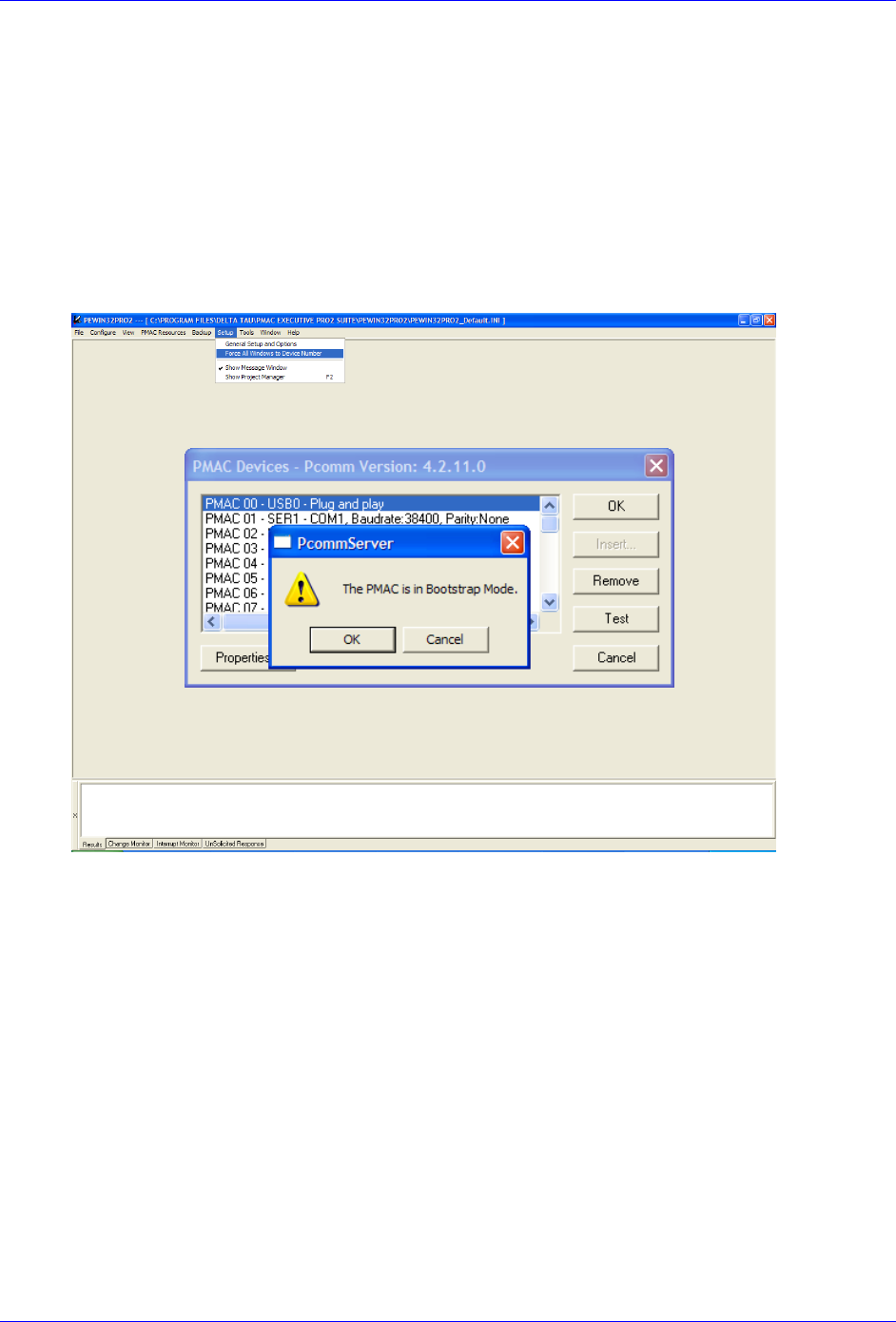
Brick Controller User Manual
Troubleshooting 190
Reloading PMAC firmware
The following steps ensure proper firmware reload/upgrade.
Step1: Power up the unit while holding the BOOT SW switch down.
Step2: Release the BOOT SW switch approximately 2-3 seconds after power-up.
Step3: Launch the Pewin32Pro2.
Run the PMAC Devices window under Setup > Force All Windows To Device Number.
Click Test for the corresponding communication method.
Click ok for message “The PMAC is in Boostrap Mode”
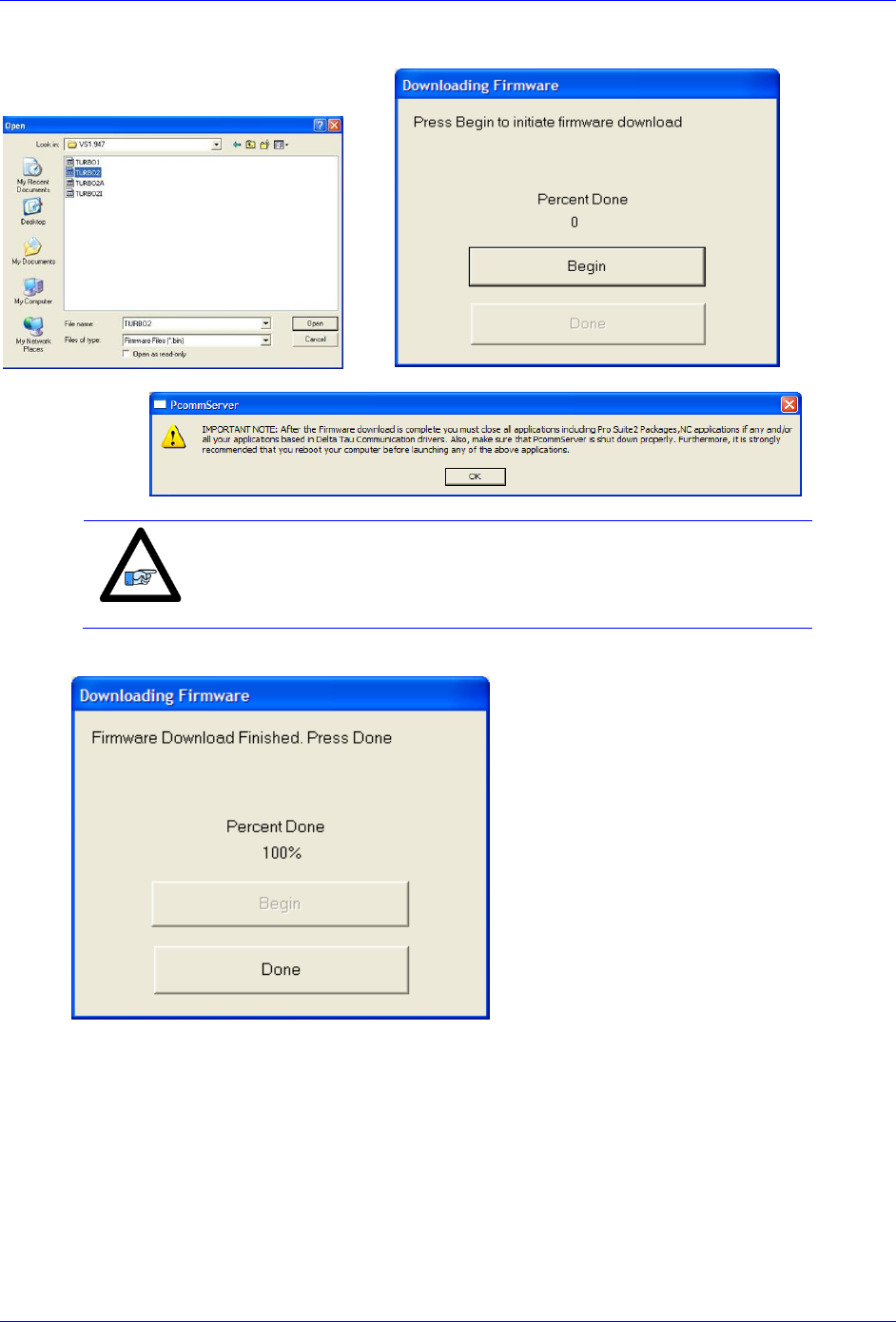
Brick Controller User Manual
Troubleshooting 191
Step4: The download utility will prompt for a .BIN file. MAKE SURE you open the correct file.
Note
The PMAC firmware file for Brick Controller MUST ALWAYS be
TURBO2.BIN.
Step4: Wait until download is finished, and click done.
Step5: Close all PMAC applications (i.e. Pewin32Pro2), and recycle power.
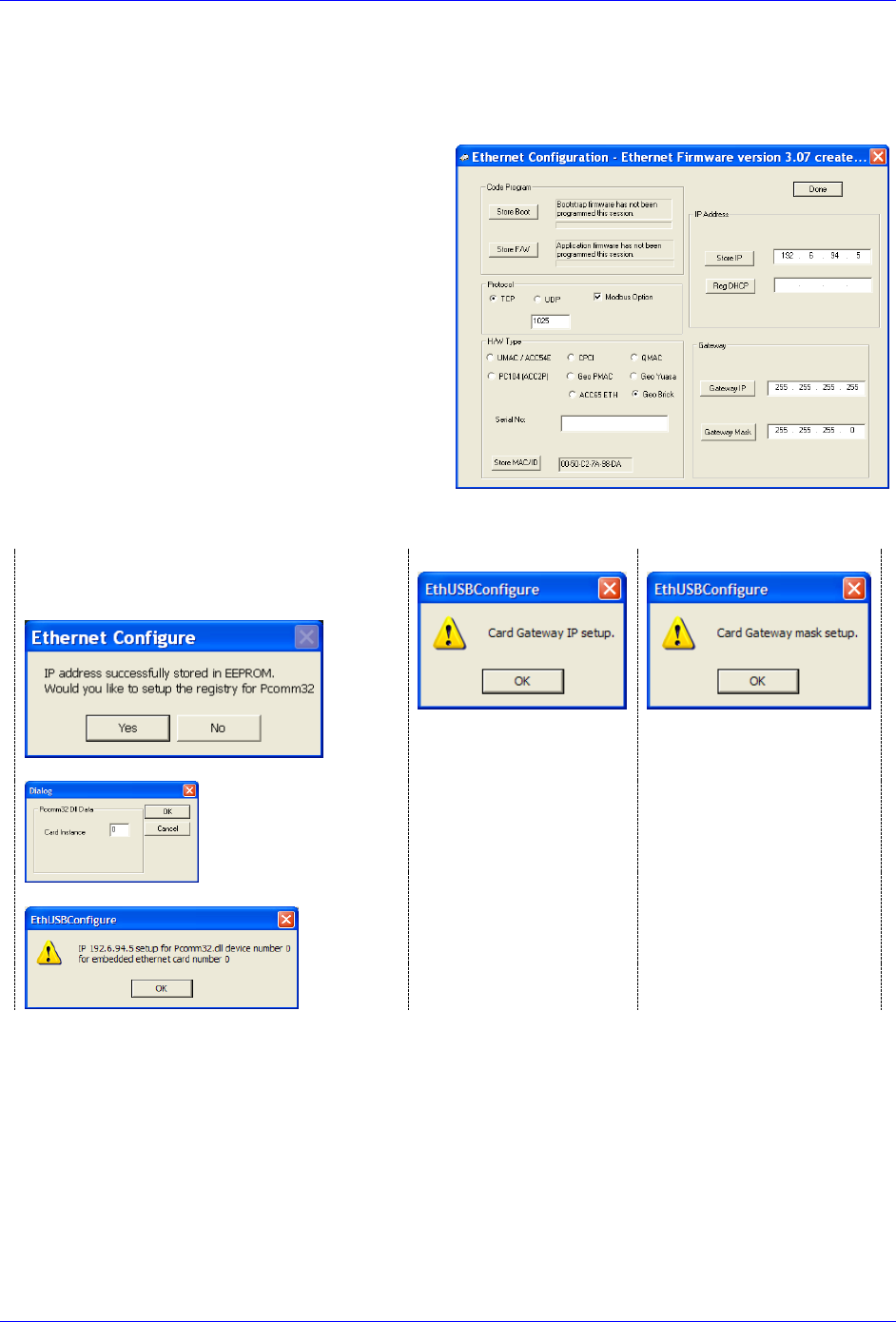
Brick Controller User Manual
Troubleshooting 192
Changing IP Address, Gateway IP, Gateway Mask
In order to change any of these addresses, the BOOT SW switch has to be held down prior to pressing the
corresponding Store button. The following steps ensure proper configuration:
Step1: Change the desired address field
Step2: Hold the BOOT SW switch down
Step3: Press on the corresponding Store button
Store IP for changing IP address
Gateway IP for changing Gateway IP
Gateway Mask for changing Gateway Mask
Step4: Release the BOOT SW switch after the corresponding confirmation message is received:
For changing the IP address, follow
through the subsequent messages for setting
up windows registry for Pcomm32.
Gateway IP
Gateway Mask
Step5: Click Done, and recycle logic power (24V) on the Brick
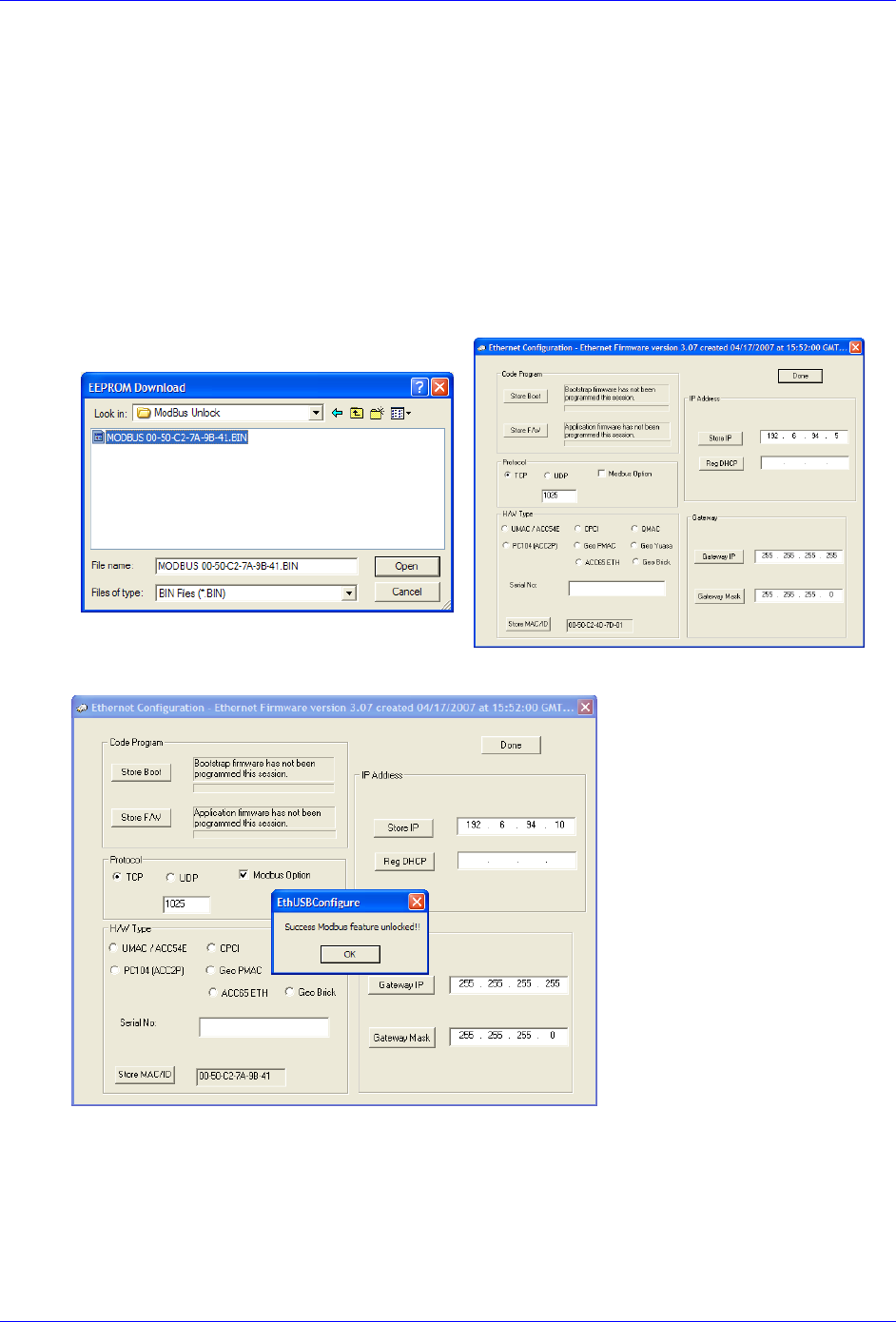
Brick Controller User Manual
Troubleshooting 193
Enabling ModBus
A Brick unit ordered initially with the ModBus option is normally enabled by factory.
However, ModBus is a field upgradeable option. The user needs to provide Delta Tau (or their local
distributor) with the MAC ID of the Brick unit. This is found in the lower left hand side of the Ethernet
100 Base T utility. Upon purchase of the ModBus Option, a .BIN file is obtained from Delta Tau for this
purpose. Installing this feature successfully requires the following procedure:
Step1: Hold the BOOT SW switch button down
Step2: Click on ModBus Option. The utility will prompt for the .bin file.
MAKE SURE you open the correct file.
Step3: Release the BOOT SW switch button after the ModBus unlocked message is generated.
Step4: Click Done, and recycle logic power (24V) on the Brick
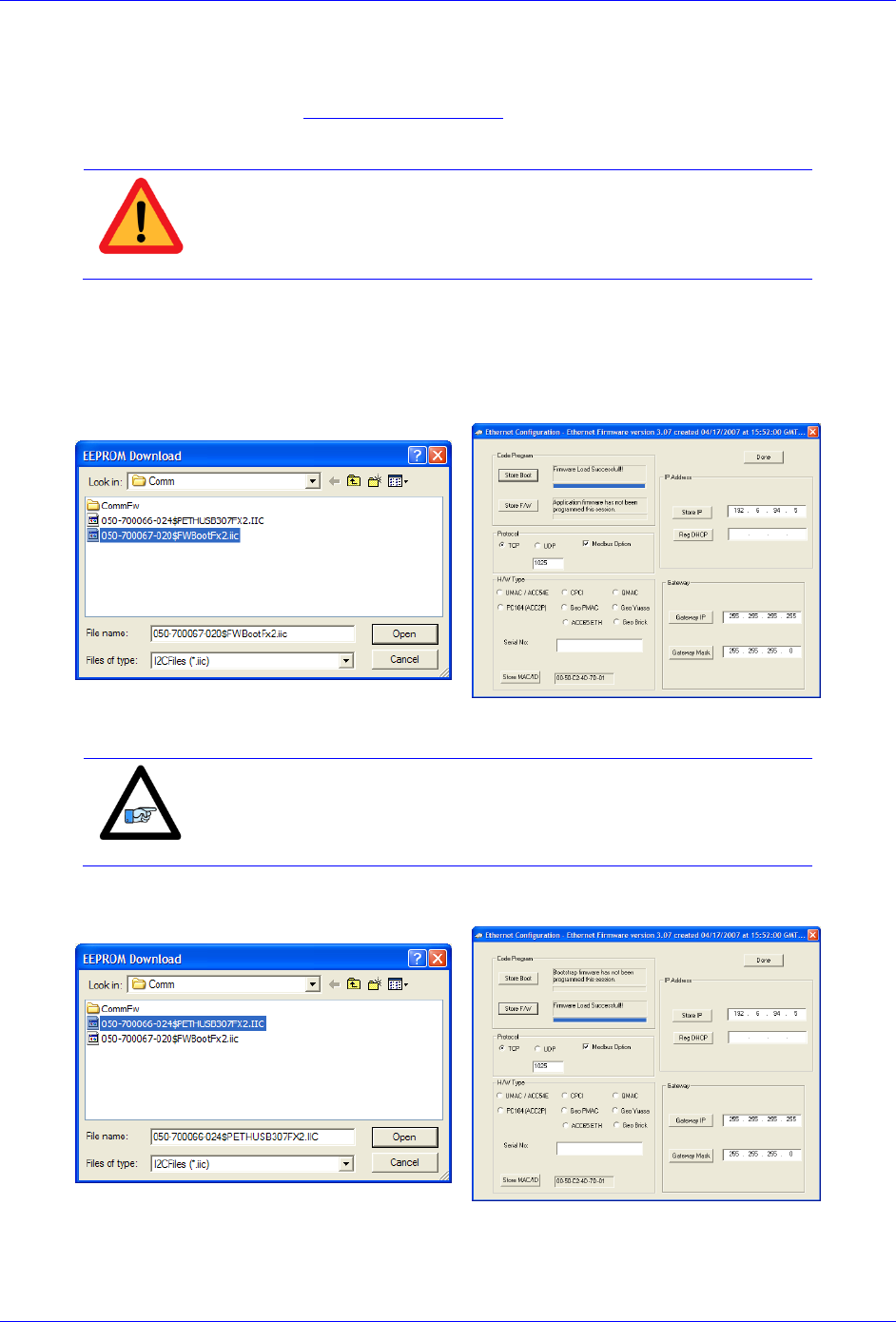
Brick Controller User Manual
Troubleshooting 194
Reloading Boot and Communication Firmware
The boot and firmware .IIC files are required for this procedure. They are normally obtained directly from
Delta Tau, or downloaded from the PMAC forum Webpage. The following steps ensure proper
configuration:
Caution
Downloading the wrong boot or communication files will severely
corrupt the functionality of the communication processor.
Step1: Hold the BOOT SW switch down
Step2: Click on Store Boot
Step3: The utility will prompt for the boot file. MAKE SURE you open the correct .IIC file (ending with
BootFx2.iic) and wait for “firmware load successful” message
Step4: Click on Store F/W
Note
The BOOT SW switch button can be released temporarily (between
file downloads). But it MUST to be held down the entire time the boot
or firmware files are being written.
Step5: The utility will prompt for the Firmware file. MAKE SURE you open the correct .IIC file (ending
with ETHUSB307FX2.iic) and wait for “firmware load successful” message
Step6: Release the BOOT SW switch. Click Done, and recycle logic power (24V) on the Brick.

Brick Controller User Manual
Troubleshooting 195
Reset Switch SW (Factory Reset)
This momentary switch button is used to reset the Brick Controller back to factory default settings, global
reset.
Caution
Issuing a SAVE after power up (with the reset switch held down) will
permanently erase any user configured parameters.
Reset SW instructions: Power down the unit then power back up while holding the Reset SW switch
down. Release the Reset SW once the unit is powered up. The factory default parameters are now restored
from the firmware EEPROM into the active memory. Issue a SAVE and a $$$ to maintain this
configuration.
For traditional PMAC users, this switch is the equivalent of Jumper E51 on PC or standalone boards.
Watchdog Timer
On a Brick Controller, the watchdog timer trigger illuminates the red WD LED and interrupts
communication. It occurs if any of the following applies:
PMAC CPU over-clocked:
In this mode, the CPU signals that is has been overloaded with computation and cannot
accomplish tasks in a timely manner. e.g. bad programming such as an infinite loop, or too much
computation (Kinematics) requiring faster CPU option.
Wrong clock settings:
In this mode, the user has downloaded or written bad values to clock setting parameters.
Hardware +5V failure (internal):
In this mode, the internal 5V logic circuitry has failed. Check 5V Led Status.
Downloading wrong configuration file (I4900):
In this mode, the user has reloaded a configuration file uploaded from a 4-axis unit (Servo IC 1
parameters set to zero) into an 8-axis unit, thus writing zero to the second Servo IC clock
parameters. Commenting out variables I7100…7106 (or forcing them to hold the same values as
I7000…I7106) eliminates the watchdog problem.
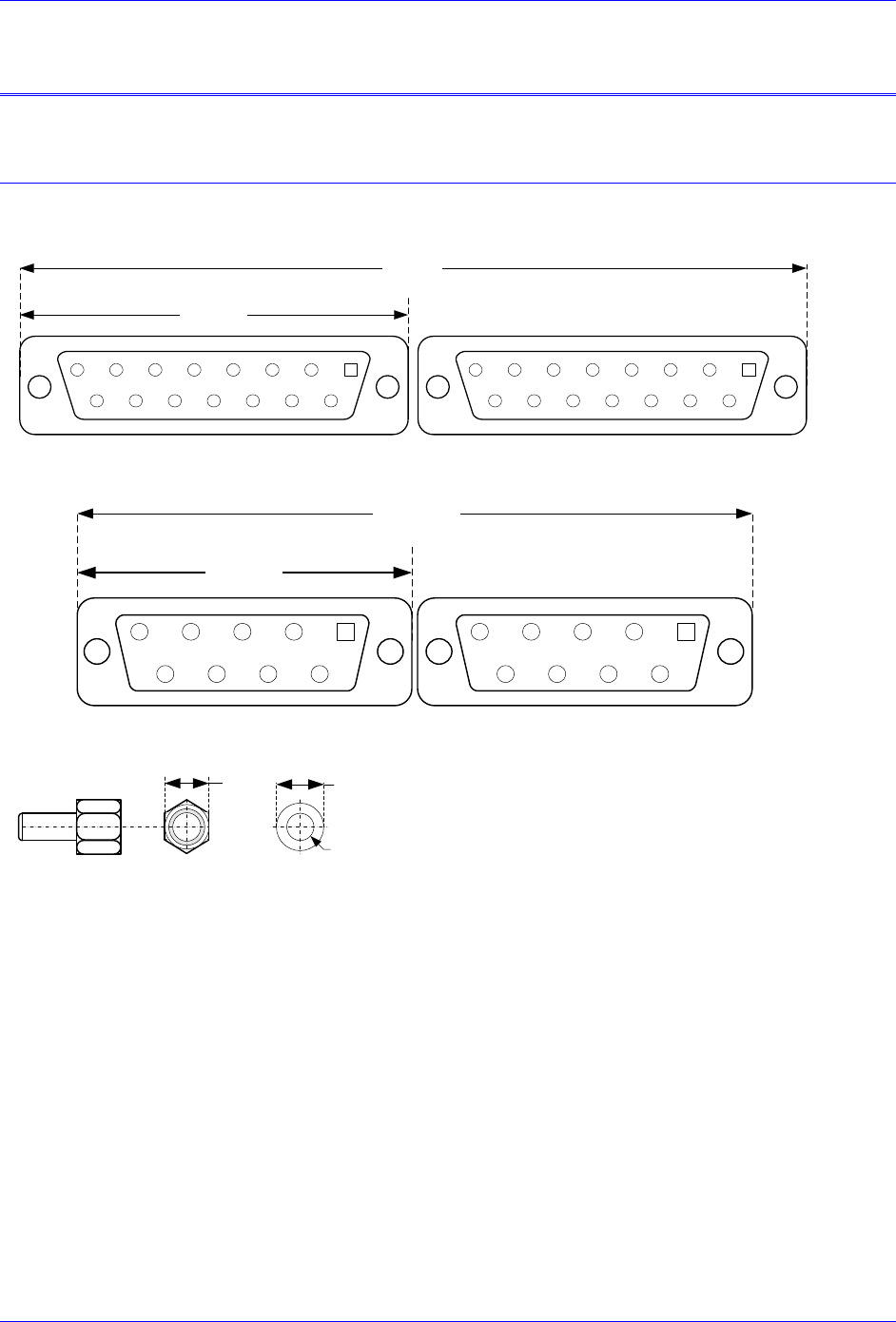
Brick Controller User Manual
Appendix A 196
APPENDIX A
DB- Connector Spacing Specifications
X1-8: DB-15 Connectors for encoder feedback
2345
9101112
67
1314
8
15
12345
9101112
67
1314
8
15
1
1.541±.015
3.115±.05
X9-12: DB-9 Connectors for Analog I/O
2345
6789
1 2345
6789
1
1.213+.015
2.45±.05
Screw Lock Size for all DB-connectors
.18
7
#4-40 FEMALE SCREWLOCK
QTY 2 per connector
Steel, Zinc Plated
.126
DIA
.235
DIA
LOCKWASHER
QTY 2 per connector
Clear Chromate
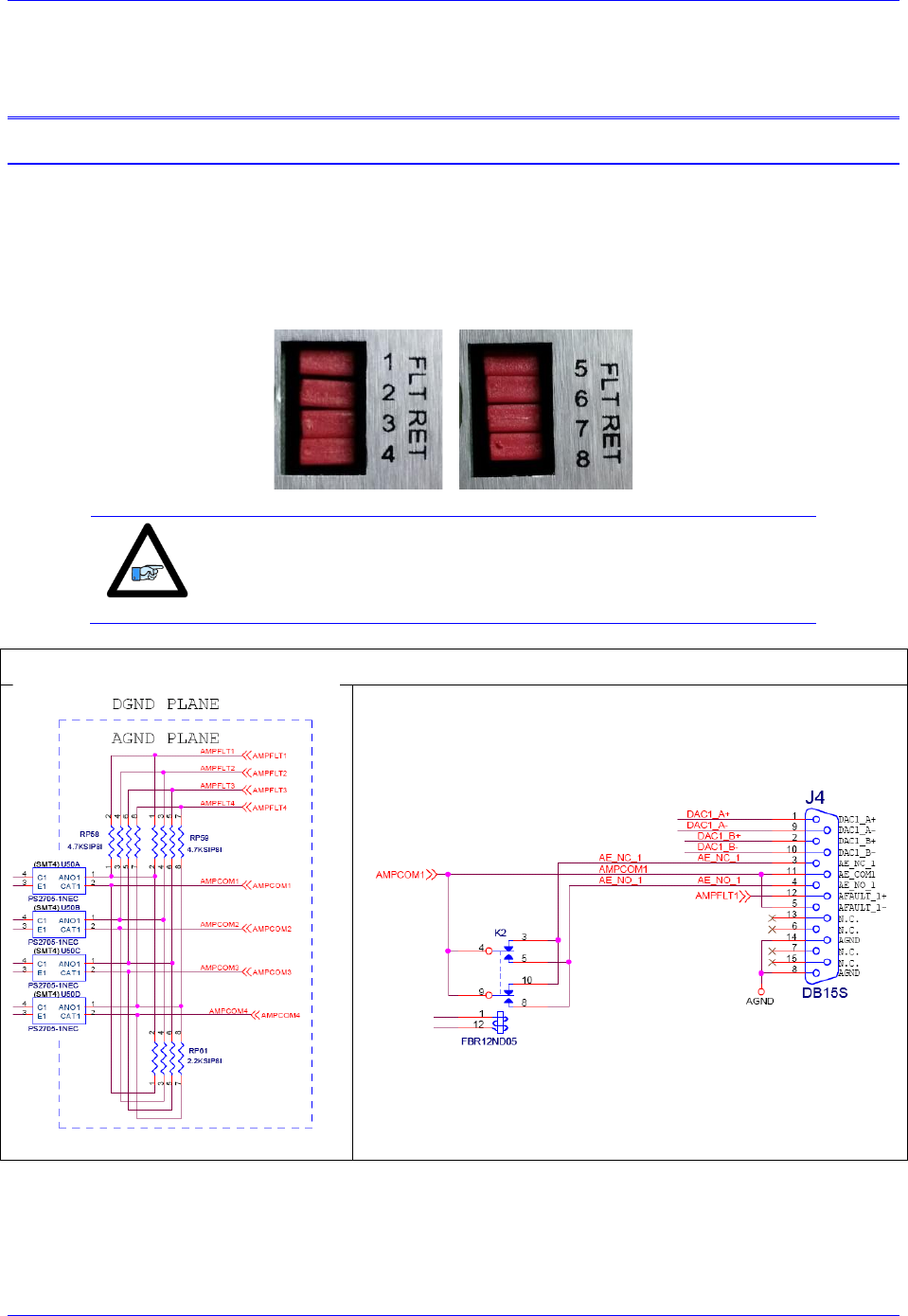
Brick Controller User Manual
Appendix B 197
APPENDIX B
Schematics
AMP1-AMP8: Amplifier Fault / Amplifier Enable diagrams
FLT RET Jumpers
Newer models of the Brick Controller (December 2013) introduced jumpers (FLT RET) which allow the
isolation of the amplifier fault input from the amplifier enable common. Hence allowing true differential
amplifier fault input signals.
Note
With these jumpers installed, as shipped from the factory, the Brick
Controller is backwards compatible and no changes need to be done to
existing systems.
Older Models

Brick Controller User Manual
Appendix B 198
Newer Models (December 2013)
J6 and J7: General Purpose I/O
Inputs
GPIN04
C243
.1uf
RP160
2.2KSIP8I
21
3 4
5 6
7 8
RP158
1.2KSIP8I
21
3 4
5 6
7 8
D54
MMBZ5V6ALT1
1
2
3
GPIN02
GPIN07
D57
MMBZ5V6ALT1
1
2
3
RP154
2.2KSIP8I
21
3 4
5 6
7 8
D35
MMBZ33VALT1
1
2
3D37
MMBZ33VALT1
1
2
3
D51
MMBZ5V6ALT1
1
2
3
RP152
1.2KSIP8I
21
3 4
5 6
7 8
D34
MMBZ33VALT1
1
2
3D32
MMBZ33VALT1
1
2
3
GPIN05
IN_COM_01--08
D58
MMBZ5V6ALT1
1
2
3
RP153
1.2KSIP8I
21
3 4
5 6
7 8
D33
MMBZ33VALT1
1
2
3
D38
MMBZ33VALT1
1
2
3
D53
MMBZ5V6ALT1
1
2
3
RP159
1.2KSIP8I
21
3 4
5 6
7 8GPIN08
U72
PS2705-4
1
215
16
4
5
7
8 9
10
12
13
3
6
14
11
ACI1A
ACI1B E1
C1
ACI2B
ACI3A
ACI4A
ACI4B E4
C4
C3
E2
ACI2A
ACI3B
C2
E3
U70
PS2705-4
1
215
16
4
5
7
8 9
10
12
13
3
6
14
11
ACI1A
ACI1B E1
C1
ACI2B
ACI3A
ACI4A
ACI4B E4
C4
C3
E2
ACI2A
ACI3B
C2
E3
Opto Gnd Plane
D31
MMBZ33VALT1
1
2
3
GPIN03
D55
MMBZ5V6ALT1
1
2
3
C230
.1uf
D52
MMBZ5V6ALT1
1
2
3
C233
.1uf
Input Section
GPIN01
C240
.1uf
D36
MMBZ33VALT1
1
2
3
GPIN06
D56
MMBZ5V6ALT1
1
2
3
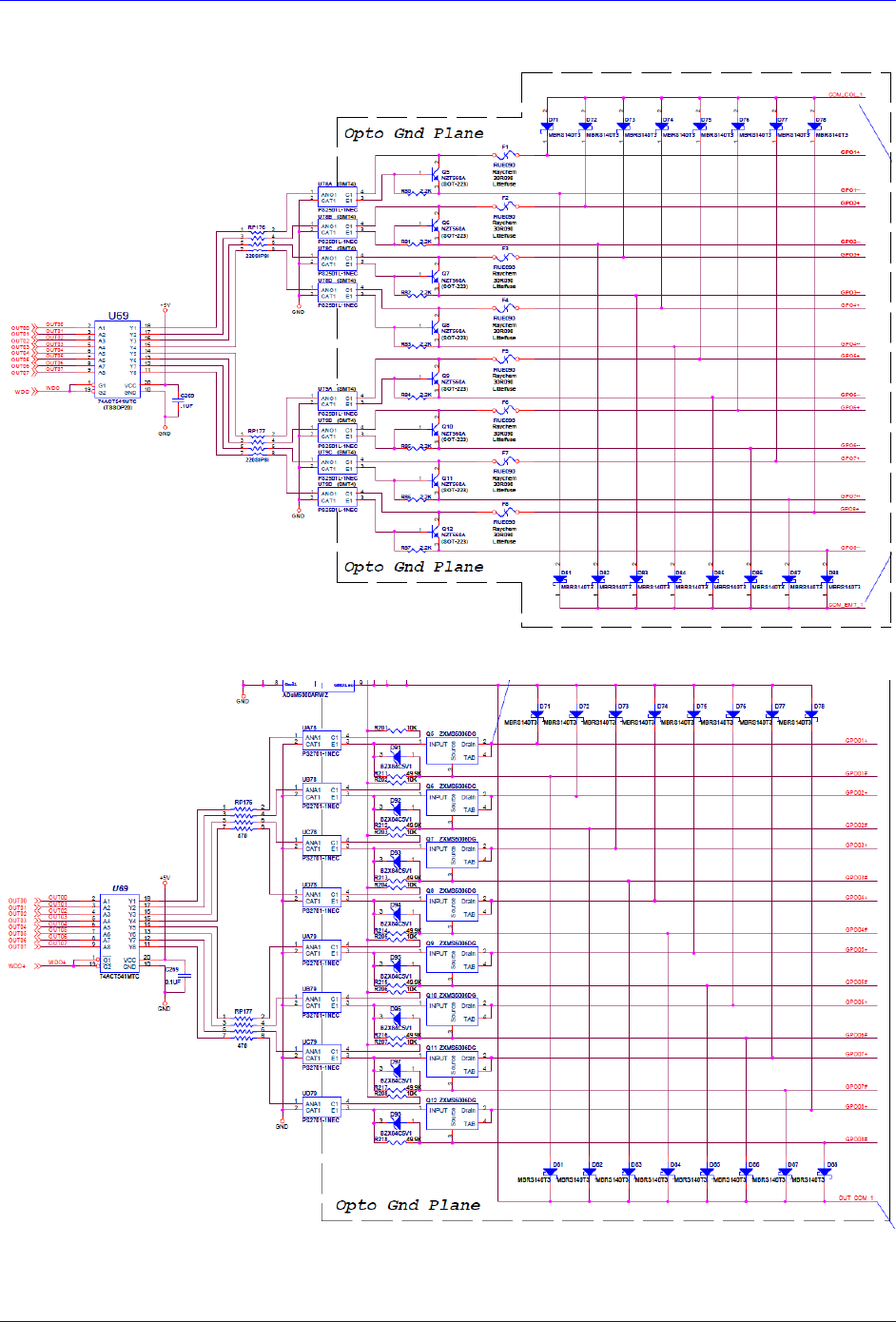
Brick Controller User Manual
Appendix B 199
Outputs: J6 & J7 (603793 – 109 and earlier)
Outputs: J6 & J7 (603793 – 10A and later)
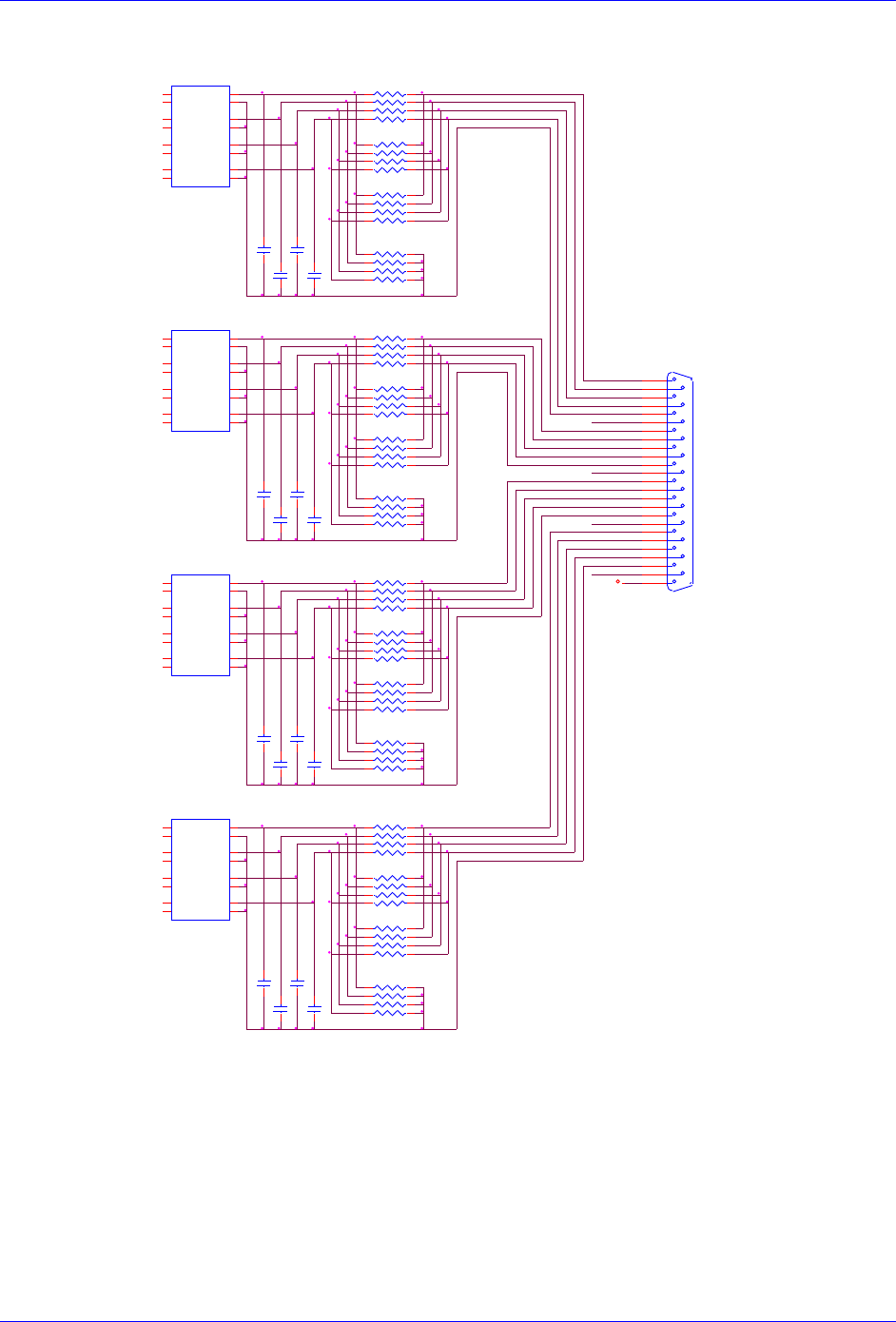
Brick Controller User Manual
Appendix B 200
J4: Limit Inputs for Axis 1-4
PLIM2
J10
DB25S
1
14
2
15
3
16
4
17
5
18
6
19
7
20
8
21
9
22
10
23
11
24
12
25
13
PLIM3
BEQU3
H OME2
R P4 2
4.7KSIP8I
12 34 56 78
U SER3 BEQU4
FL_ RT3
FL_ RT2
MLIM1
USER3
MLIM3
C 16 2
.1
C 17 4
.1
U 42
PS2705 -4
1
2
3
4
5
6
7
89
10
11
12
13
14
15
16 AC1
AC1
AC2
AC2
AC3
AC3
AC4
AC4E4
C4
E3
C3
E2
C2
E1
C1
C 17 1
.1
R P4 0
1KSIP8I
1 2
3 4
5 6
7 8
PLIM4
U SER4
U SER1
H OME1
H OME2
MLIM4
MLIM4
U 41
PS2705 -4
1
2
3
4
5
6
7
89
10
11
12
13
14
15
16 AC1
AC1
AC2
AC2
AC3
AC3
AC4
AC4E4
C4
E3
C3
E2
C2
E1
C1
R P4 9
4.7KSIP8I
1 2
3 4
5 6
7 8
C 16 3
.1
R P4 4
1KSIP8I
1 2
3 4
5 6
7 8
BEQU2
LIMITS 1,2,3,4
FL_RT4
R P4 6
4.7KSIP8I
12 34 56 78
U SER3
R P5 2
1KSIP8I
1 2
3 4
5 6
7 8
GND
R P3 8
4.7KSIP8I
12 34 56 78
HOME2
BEQU4
R P3 9
x 1KSIP8 I
(IN SOCKET)
1 2
3 4
5 6
7 8
C 16 9
.1
FL_ RT1
PLIM1
FL_ RT3
R P4 5
4.7KSIP8I
1 2
3 4
5 6
7 8 H OME3
R P5 0
4.7KSIP8I
12 34 56 78
HOME4
USER4
R P4 1
4.7KSIP8I
1 2
3 4
5 6
7 8
MLIM3
GND
R P5 1
x 1KSIP8 I
(IN SOCKET)
1 2
3 4
5 6
7 8
FL_RT2
BEQU2
C 16 4
.1
HOME1
BEQU1
C 16 7
.1
R P3 7
4.7KSIP8I
1 2
3 4
5 6
7 8
MLIM4
U 40
PS2705 -4
1
2
3
4
5
6
7
89
10
11
12
13
14
15
16 AC1
AC1
AC2
AC2
AC3
AC3
AC4
AC4E4
C4
E3
C3
E2
C2
E1
C1
PLIM2
PLIM1
MLIM2
PLIM3
PLIM4
C 17 2
.1
R P4 8
1KSIP8I
1 2
3 4
5 6
7 8
BEQU3
FL_ RT4
USER2
U 39
PS2705 -4
1
2
3
4
5
6
7
89
10
11
12
13
14
15
16 AC1
AC1
AC2
AC2
AC3
AC3
AC4
AC4E4
C4
E3
C3
E2
C2
E1
C1
U SER1
MLIM2
PLIM2
FL_ RT2
HOME3
PLIM1
MLIM3
C 16 0
.1
MLIM2
PLIM4
BEQU1
H OME4
MLIM1
H OME3
U SER4
C 17 3
.1
R P4 3
x 1KSIP8 I
(IN SOCKET)
1 2
3 4
5 6
7 8
PLIM3
C 16 8
.1
R P4 7
x 1KSIP8 I
(IN SOCKET)
1 2
3 4
5 6
7 8
U SER2
C 16 6
.1
C 16 1
.1
USER1
U SER2
MLIM1
FL_ RT1
FL_RT3
H OME1
C 17 5
.1
C 17 0
.1
H OME4
FL_RT1
FL_ RT4
C 16 5
.1
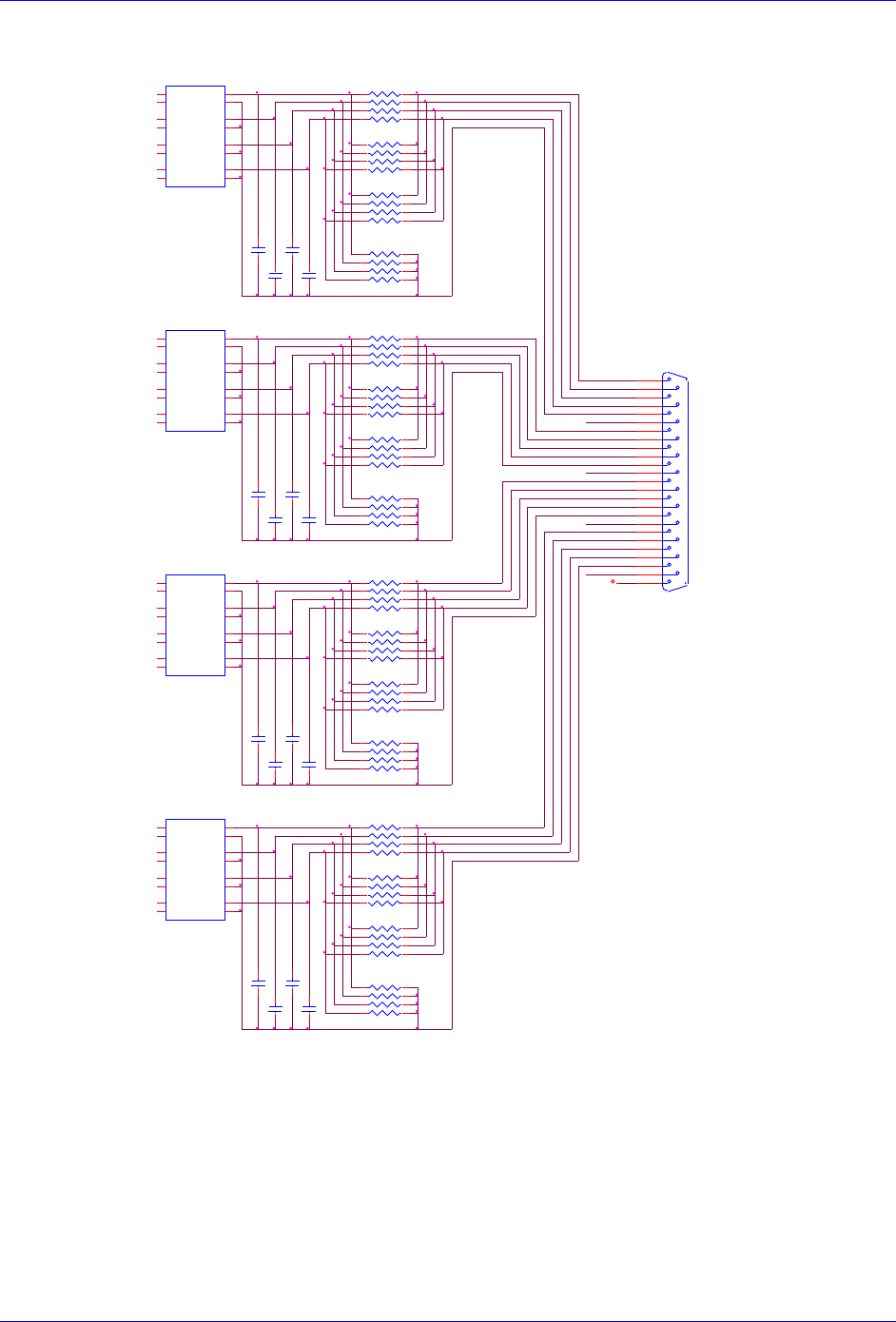
Brick Controller User Manual
Appendix B 201
J5: Limit Inputs for Axis 5-8
FL_ RT5
R P1 02
1KSIP8I
1 2
3 4
5 6
7 8
HOME7
U SER7
MLIM6
C 21 4
.1
J20
DB25S
1
14
2
15
3
16
4
17
5
18
6
19
7
20
8
21
9
22
10
23
11
24
12
25
13
MLIM5
H OME6
U 60
PS2705 -4
1
2
3
4
5
6
7
89
10
11
12
13
14
15
16 AC1
AC1
AC2
AC2
AC3
AC3
AC4
AC4E4
C4
E3
C3
E2
C2
E1
C1
FL_RT5
PLIM8
R P9 4
1KSIP8I
1 2
3 4
5 6
7 8
R P9 2
4.7KSIP8I
12 34 56 78
FL_ RT6
BEQU7
FL_ RT7
C 21 0
.1
FL_ RT8
FL_ RT8
C 21 2
.1
C 20 8
.1
MLIM7
H OME6
C 20 6
.1
R P8 7
4.7KSIP8I
1 2
3 4
5 6
7 8
C 21 5
.1
BEQU8
BEQU6
C 21 1
.1
R P1 01
x 1KSIP8 I
(IN SOCKET)
1 2
3 4
5 6
7 8
R P9 8
1KSIP8I
1 2
3 4
5 6
7 8
C 21 3
.1
FL_RT7
PLIM7
MLIM5
FL_ RT6
PLIM6
PLIM6
LIMITS 5,6,7,8
PLIM8
H OME5
U 62
PS2705 -4
1
2
3
4
5
6
7
89
10
11
12
13
14
15
16 AC1
AC1
AC2
AC2
AC3
AC3
AC4
AC4E4
C4
E3
C3
E2
C2
E1
C1
C 20 9
.1
R P9 6
4.7KSIP8I
12 34 56 78
R P1 00
4.7KSIP8I
12 34 56 78
USER8
H OME7
R P9 7
x 1KSIP8 I
(IN SOCKET)
1 2
3 4
5 6
7 8
U SER5
H OME7
C 20 1
.1
PLIM7
MLIM8
BEQU6
PLIM5
MLIM6
U SER8
HOME6
R P8 8
4.7KSIP8I
12 34 56 78
R P8 9
x 1KSIP8 I
(IN SOCKET)
1 2
3 4
5 6
7 8
GND
HOME8
FL_ RT5
C 20 7
.1
USER6
U SER5
R P9 5
4.7KSIP8I
1 2
3 4
5 6
7 8
HOME5
H OME8
PLIM8
FL_RT8
MLIM6
H OME5
USER7
MLIM7
GND
PLIM5
USER5
BEQU8
PLIM6
U SER6
U 61
PS2705 -4
1
2
3
4
5
6
7
89
10
11
12
13
14
15
16 AC1
AC1
AC2
AC2
AC3
AC3
AC4
AC4E4
C4
E3
C3
E2
C2
E1
C1
U 59
PS2705 -4
1
2
3
4
5
6
7
89
10
11
12
13
14
15
16 AC1
AC1
AC2
AC2
AC3
AC3
AC4
AC4E4
C4
E3
C3
E2
C2
E1
C1
C 20 2
.1
C 20 3
.1
BEQU5
FL_RT6
BEQU7
C 20 5
.1
U SER6
MLIM7
MLIM8
BEQU5
R P9 0
1KSIP8I
1 2
3 4
5 6
7 8
U SER7
R P9 1
4.7KSIP8I
1 2
3 4
5 6
7 8
PLIM5
H OME8
R P9 3
x 1KSIP8 I
(IN SOCKET)
1 2
3 4
5 6
7 8
MLIM5
R P9 9
4.7KSIP8I
1 2
3 4
5 6
7 8
U SER8
C 20 0
.1
FL_ RT7
PLIM7
C 20 4
.1
MLIM8
Brick Controller User Manual
Appendix C 202
APPENDIX C
Absolute Serial Encoders Limitation with Turbo PMAC
The following is a summary of certain limitations which could be encountered with higher resolution
absolute serial encoders, and a description of related registers with respect to the proposed setup
techniques. Note that techniques 1 and 3 are processed in the Encoder Conversion Table (ECT) using the
standard 5-bit shift, whereas technique 2 is processed with no shift.
Quick Comparison
Parameter/Description
Technique 1/3
Technique 2
Units
Resolution
Scale Factor (SF)
Rotary
SF =2ST
SF =2ST-5
counts/revolution
Linear
SF =1/RES
SF =1/(32*RES)
counts/user unit
Maximum open-loop velocity
218*ServoClk
counts/msec
Maximum closed-loop velocity
223*3/(Ixx08*32)
counts/msec
Maximum travel
before rollover
Rotary
247/SF =247-ST
247/SF =247-(ST-5)
revolutions
Linear
247/SF
user units
Where ST: is the rotary encoder Singleturn resolution in bits
RES: is the linear encoder resolution in user units (e.g. mm)
ServoClk: is the PMAC servo update rate in KHz
Ixx08: is Motor xx’s position scale factor
Resolution Scale Factor (SF)
Turbo PMAC expects the motor count Least Significant Bit LSB to be left-shifted (5 bits), per techniques
1 or 3. The only difference then with technique 2, when unshifted, is that the motor position loop will
now consider 1 LSB of the source to be 1/32 of a motor count, instead of 1.
Example: Take a 37-bit absolute serial rotary encoder (25-bit single turn, 12-bit multi-turn) and its
equivalent linear scale (e.g.10 nm resolution):
Technique 1/3
(5-bit shift)
Rotary
2ST
225= 33,554,432
counts/revolution
Linear
1/RES
1/0.00001= 100,000
counts/mm
Technique 2
(no shift)
Rotary
2ST-5
220= 1,048,576
counts/revolution
Linear
1/(32*RES)
1/32*0.00001= 3,125
counts/mm
Note
Regardless of the processing technique, the servo algorithm utilizes
“internally” the entire data bits stream (i.e. 25 bits) for its calculation.
The performance is not compromised.
Brick Controller User Manual
Appendix C 203
Maximum “Actual” Open-Loop Velocity
In open-loop mode, the actual velocity register is limited by the Encoder Conversion Table to 24 bits.
Furthermore, it requires two samples (servo cycles) to compute the velocity. Therefore, the maximum
value which the actual velocity register can withhold is:
When performing an open-loop move/test with higher resolution serial encoders, care must be taken not
to exceed this threshold. You will see saturation plateau lines in the position data if it is plotted during the
move. At this point, re-establishing an absolute position read (using custom plc, or automatic settings) is
necessary to avoid fatal following errors in closed loop and or to be able to perform proper motor phasing.
Example: Take a 37-bit absolute serial rotary encoder (25-bit single turn, 12-bit multi-turn) and its
equivalent linear scale (e.g.10 nm resolution), and compare for two different clock settings:
With the default servo clock of 2.258 KHz, the maximum actual open-loop velocity is
MaxActVel=218*2.258= 591,921 [counts/msec] yielding:
Rotary [rpm]
Linear [mm/sec]
=MaxActVel*60000/SF
=MaxActVel*1000/SF
Technique 1/3 (5-bit shift)
1,058
5,919
Technique 2 (no shift)
33,870
189,414
With a servo clock setting of 4.500 KHz, the maximum actual open-loop velocity is
MaxActVel=218*4.500= 1,179,648 [counts/msec] yielding:
Rotary [rpm]
Linear [mm/sec]
=MaxActVel*60000/SF
=MaxActVel*1000/SF
Technique 1/3 (5-bit shift)
2,109
11,796
Technique 2 (no shift)
67,500
377,487
Note
The maximum actual velocity attainable is directly proportional to the
servo clock frequency. The faster the servo update, the higher is the
actual velocity threshold.
Brick Controller User Manual
Appendix C 204
Maximum “Commanded” Closed-Loop Velocity
In closed-loop mode, the commanded (desired) velocity register is limited to:
In terms of motor counts per millisecond, the maximum commanded velocity will be the same with or
without shifting but since the number of counts per revolution “unshifted” is 32 times less, then the
maximum programmable velocity is 32 times greater.
Example: Take a 37-bit absolute serial rotary encoder (25-bit Singleturn, 12-bit Multiturn) and its
equivalent linear scale (e.g.10 nm resolution). The maximum ‘commanded” closed-loop velocity (Ixx16,
Ixx22) setting programmable in Turbo PMAC is: 786,432 [counts/msec] with Ixx08=1
8,192 [counts/msec] with Ixx08=96
With Ixx08=1
Rotary [rpm]
Linear [mm/sec]
=MaxCmdVel*60000/SF
=MaxCmdVel*1000/SF
Technique 1/3 (5-bit Shift)
1,406
7,864
Technique 2 (no Shift)
45,000
251,658
With Ixx08=96
Rotary [rpm]
Linear [mm/sec]
=MaxCmdVel*60000/SF
=MaxCmdVel*1000/SF
Technique 1/3 (5-bit Shift)
14.645
81.916
Technique 2 (no Shift)
468.667
2621.334
Note
Notice the lower programmable closed-loop velocity settings with
techniques 1 and 3 (5-bit shift), associated with the default position
scale factor Ixx08 of 96.
Maximum Motor Travel
In Jog mode, the rollover is handled gracefully by PMAC and jogging can be virtually performed forever.
However, this can be problematic when running a motion program indefinitely in incremental mode
where the 48-bit fixed motor register can roll over much sooner than the 48-bit floating axis register.
Note
Absolute Serial Encoders with limited multi-turn range normally do
roll over way before the motor position register in Turbo PMAC does
(i.e. 12-bit multi-turn is 2048 revolutions in each direction)
Example: Take a 37-bit absolute serial rotary encoder (25-bit single turn, 12-bit multi-turn) and its
equivalent linear scale (e.g.10 nm resolution):
Total Travel Span
In each direction = Span/2
Units
Technique 1/3 (5-bit shift)
Rotary
247-25 = 4,194,304
2,097,152
revolutions
Linear
247/SF
1,407,374,883
mm
Technique 2 (no shift)
Rotary
247-20= 134,217,728
67,108,864
revolutions
Linear
247/SF
45,035,996,274
mm
