Digiana DG101A AudiaX wireless audio portable FM linker User Manual MANUAL

Digiana Co., Ltd. AudiaX wireless audio portable FM linker MANUAL

MANUAL

Introduction Audia XDigital & Analog Wireless Tech.
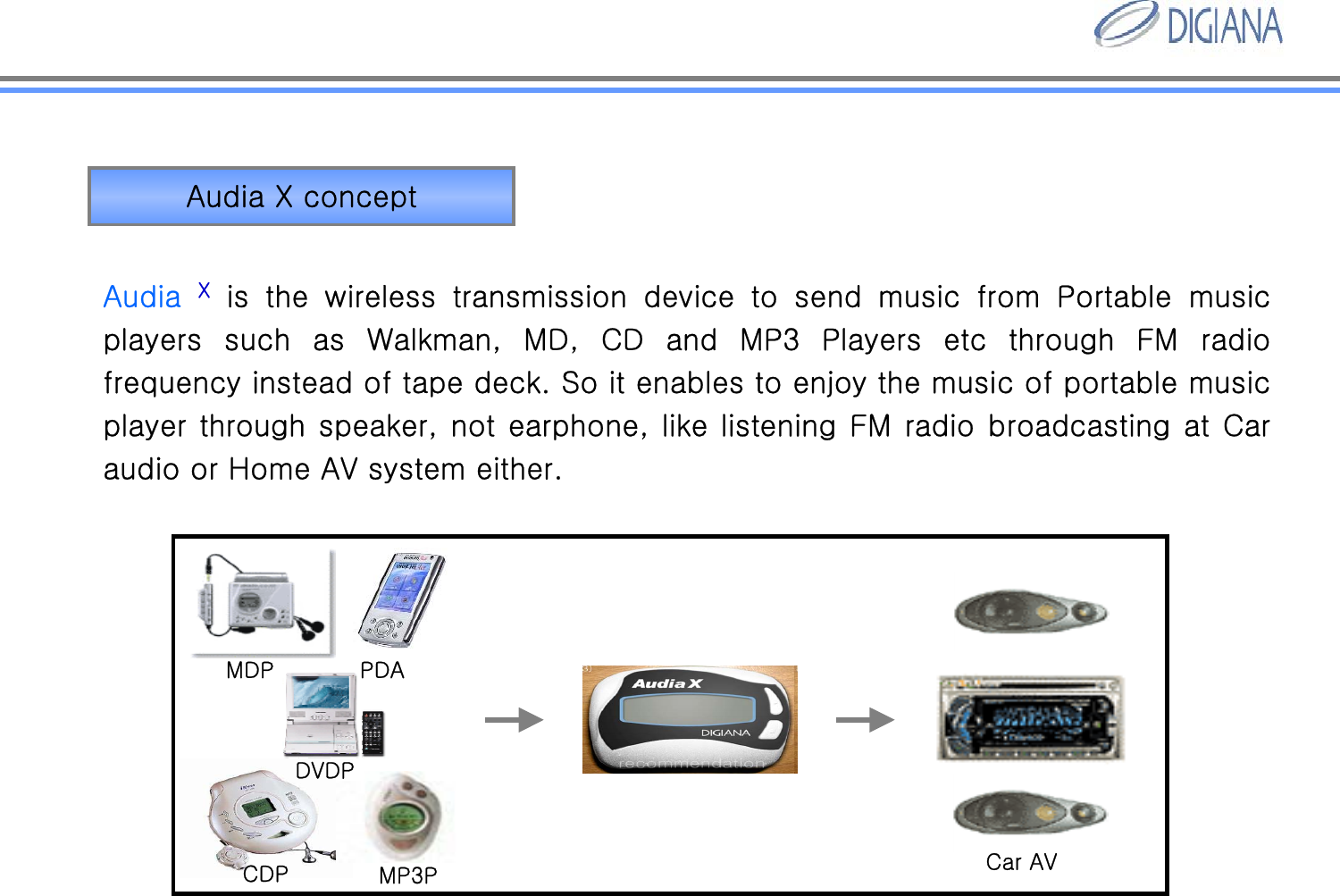
Audia Xis  the  wireless  transmission  device  to  send  music  from  Portable music players  such  as  Walkman,  MD,  CD  and  MP3  Players  etc  through  FM  radio frequency instead of tape deck. So it enables to enjoy the musicof portable music player through speaker, not earphone, like listening FM radio broadcasting at Car audio or Home AV system either.Audia X conceptCar AVMDPCDP MP3PPDADVDP
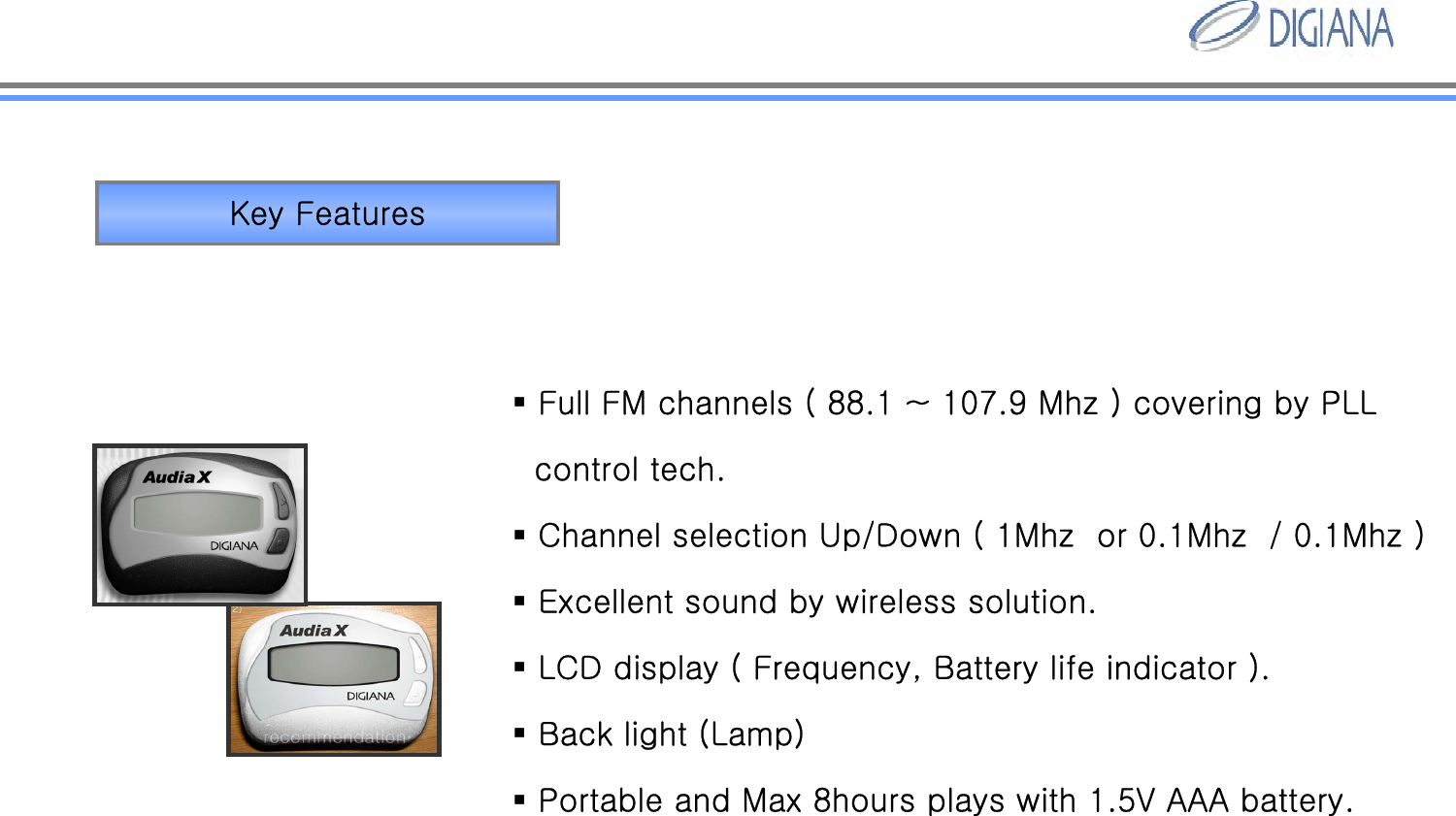
Key FeaturesFull FM channels ( 88.1 ~ 107.9 Mhz ) covering by PLLcontrol tech.Channel selection Up/Down ( 1Mhz  or 0.1Mhz  / 0.1Mhz )Excellent sound by wireless solution. LCD display ( Frequency, Battery life indicator ).Back light (Lamp)Portable and Max 8hours plays with 1.5V AAA battery.
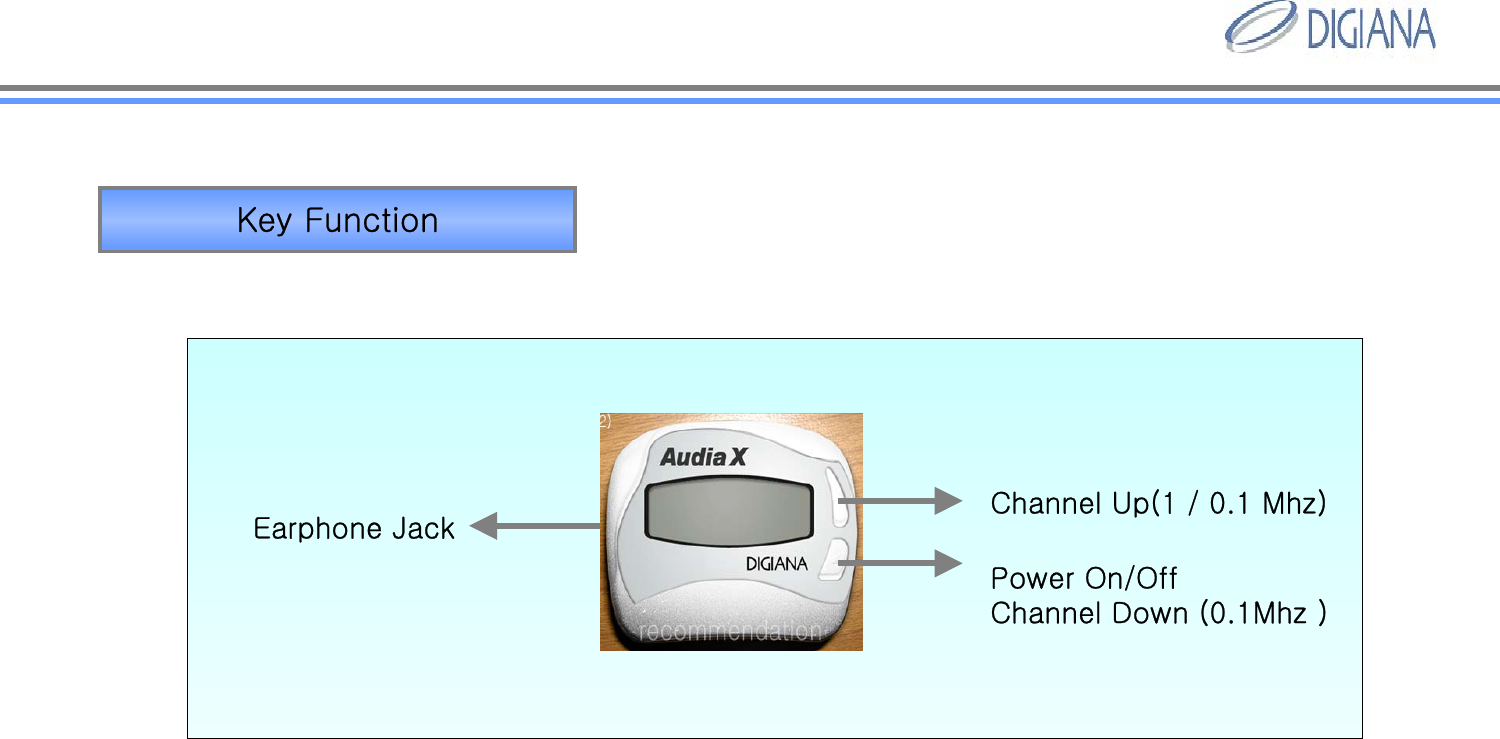
Key FunctionChannel Up(1 / 0.1 Mhz)Power On/OffChannel Down (0.1Mhz )Earphone Jack
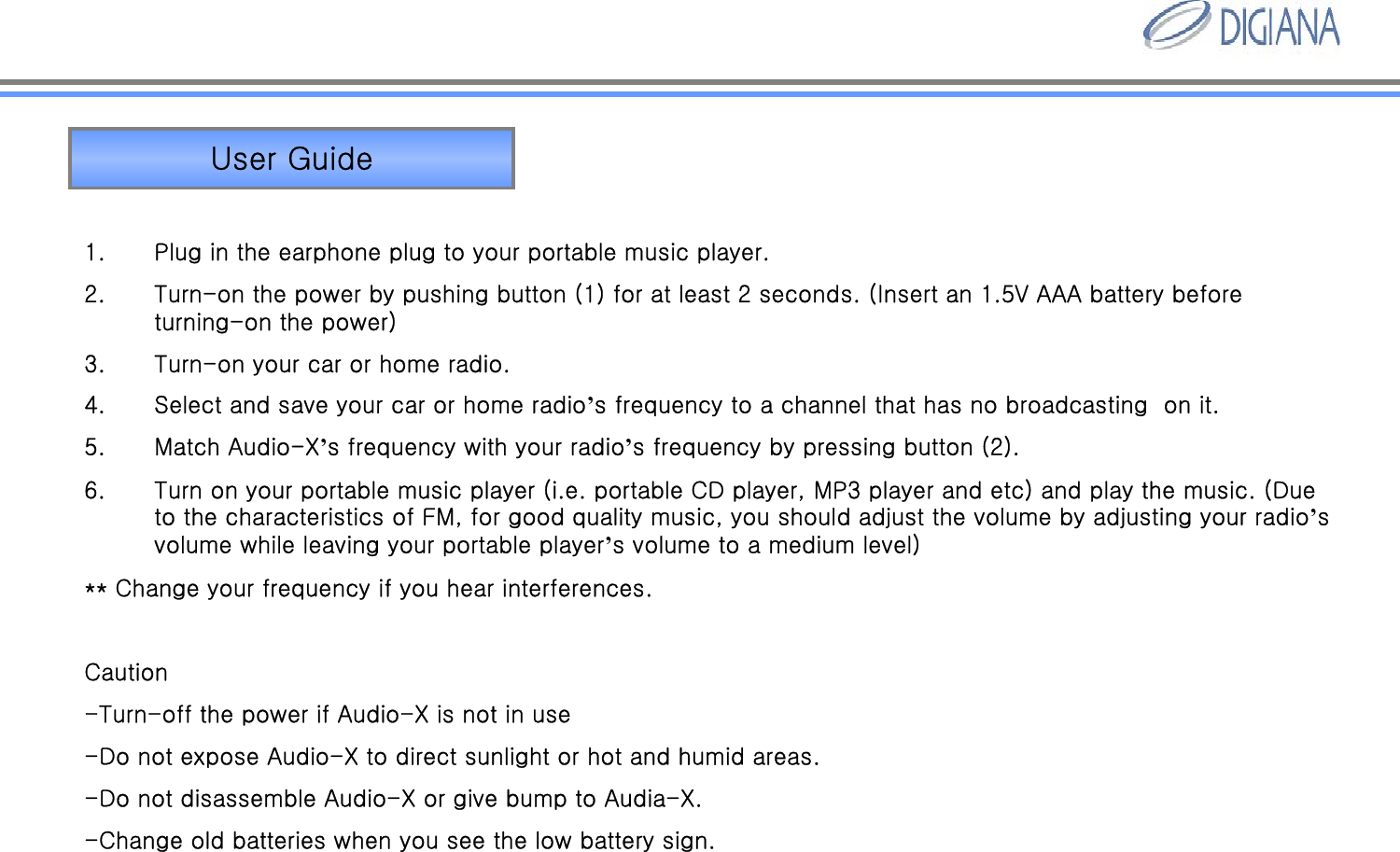
User Guide1. Plug in the earphone plug to your portable music player.2. Turn-on the power by pushing button (1) for at least 2 seconds. (Insert an 1.5V AAA battery before turning-on the power)3. Turn-on your car or home radio.4. Select and save your car or home radio’s frequency to a channel that has no broadcasting  on it.5. Match Audio-X’s frequency with your radio’s frequency by pressing button (2).6. Turn on your portable music player (i.e. portable CD player, MP3 player and etc) and play the music. (Due to the characteristics of FM, for good quality music, you should adjust the volume by adjusting your radio’s volume while leaving your portable player’s volume to a medium level)** Change your frequency if you hear interferences.Caution-Turn-off the power if Audio-X is not in use-Do not expose Audio-X to direct sunlight or hot and humid areas.-Do not disassemble Audio-X or give bump to Audia-X. -Change old batteries when you see the low battery sign.
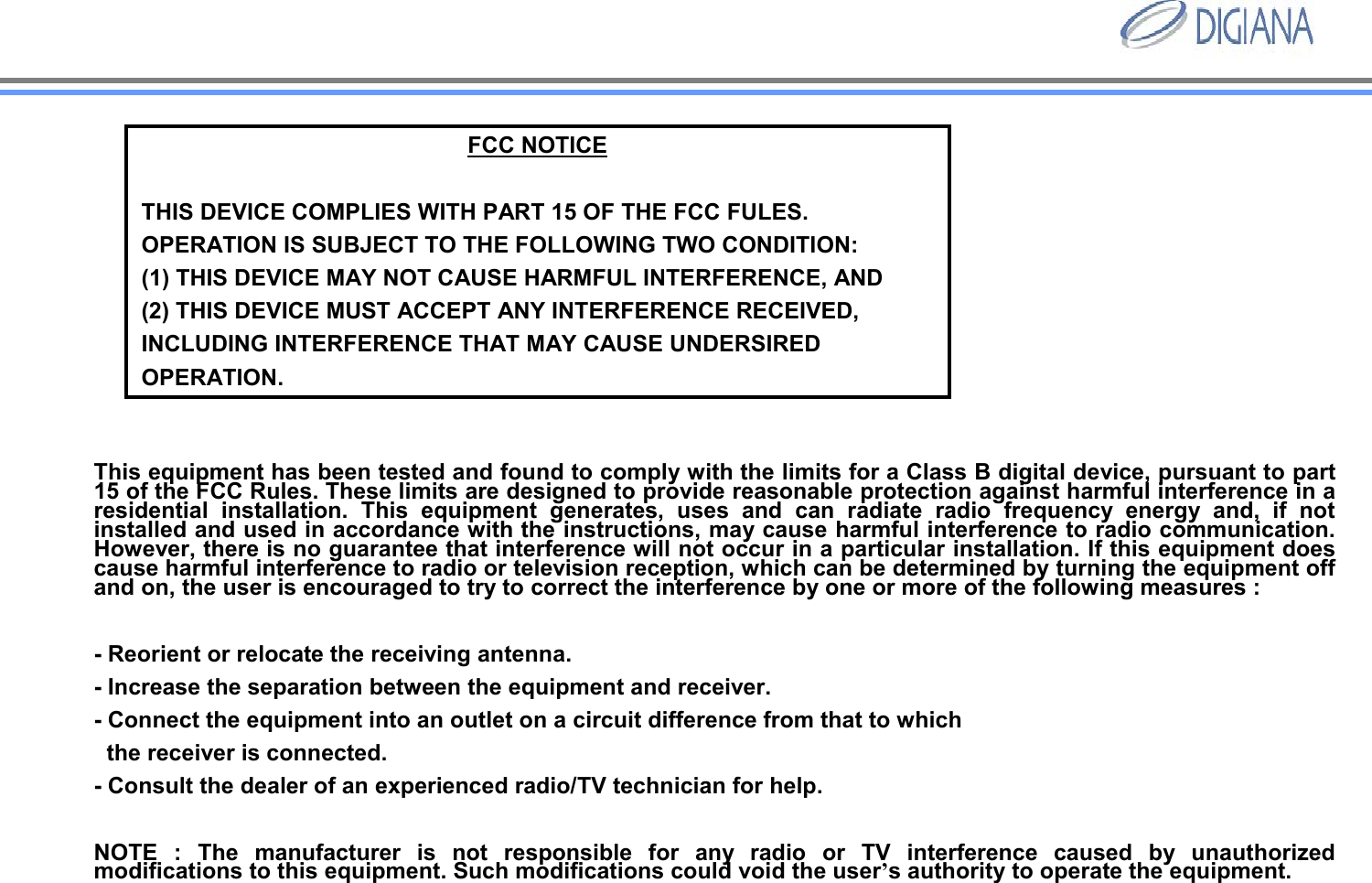
FCC NOTICETHIS DEVICE COMPLIES WITH PART 15 OF THE FCC FULES.OPERATION IS SUBJECT TO THE FOLLOWING TWO CONDITION:(1) THIS DEVICE MAY NOT CAUSE HARMFUL INTERFERENCE, AND(2) THIS DEVICE MUST ACCEPT ANY INTERFERENCE RECEIVED, INCLUDING INTERFERENCE THAT MAY CAUSE UNDERSIRED OPERATION. This equipment has been tested and found to comply with the limits for a Class B digital device, pursuant to part 15 of the FCC Rules. These limits are designed to provide reasonable protection against harmful interference in a residential installation. This equipment generates, uses and can radiate radio frequency energy and, if not installed and used in accordance with the instructions, may cause harmful interference to radio communication. However, there is no guarantee that interference will not occur in a particular installation. If this equipment does cause harmful interference to radio or television reception, which can be determined by turning the equipment off and on, the user is encouraged to try to correct the interference by one or more of the following measures : - Reorient or relocate the receiving antenna. - Increase the separation between the equipment and receiver. - Connect the equipment into an outlet on a circuit difference from that to which the receiver is connected. - Consult the dealer of an experienced radio/TV technician for help. NOTE : The manufacturer is not responsible for any radio or TV interference caused by unauthorized modifications to this equipment. Such modifications could void the user’s authority to operate the equipment.

Navigation menu