AA JB65A TC_RSTS_E_V9.3_Release_Notes_Jan87 TC RSTS E V9.3 Release Notes Jan87
AA-JB65A-TC_RSTS_E_V9.3_Release_Notes_Jan87 AA-JB65A-TC_RSTS_E_V9.3_Release_Notes_Jan87
User Manual: AA-JB65A-TC_RSTS_E_V9.3_Release_Notes_Jan87
Open the PDF directly: View PDF  .
.
Page Count: 66
RSTS/E
Release Notes
Order No. AA-JB65A-
Te
January
1987
These Release Notes describe the new features of the
RSTS/E
system and
explain the differences between this version and previous versions of
RSTS/E.
System managers and system maintainers should read this docu-
ment prior to system installation.
OPERATING
SYSTEM
AND
VERSION:
RSTS/E
V9.3
SOFTWARE
VERSION:
RSTS/E
V9.3
digital
equipment
corporation,
maynard,
massachusetts
The information
in
this document
is
subject to change without notice
and
should not
be
construed as a commitment by Digital Equipment Corpora-
tion. Digital Equipment Corporation assumes
no
responsibility for any errors
that may
appear
in
this document.
The software described in this document
is·
furnished
under
a license
and
may
be
used or copied only
in
accordance with the terms of such license.
No responsibility
is
assumed for the use or reliability of software
on
equip-
ment
that
is
not supplied by DIGITAL or
its
affiliated companies.
Copyright © 1982, 1985,
1987
by Digital Equipment Corporation.
All
rights reselVed.
The postage-paid READER'S COMMENTS form
on
the last page of this
document requests your critical evaluation to assist us
in
preparing future
documentation.
The following are trademarks of Digital Equipment Corporation:
~DmDDmDTM
DECUS Rainbow
DECwriter ReGIS
DATATRIEVE DIBOL RSTS
DEC FMS-11 RSX
DEC mail
LA
RT
DECmate MASSBUS UNIBUS
DECnet PDP
VAX
DECsystem-10
P/OS
VMS
DECSYSTEM-20 Professional
VT
DECtape Q-bus Work Processor
WPS-PLUS
RSTS/E
V9.3
Release
Notes
Page
iii
1
1 . 1
1 . 1 . 1
1 . 1 . 2
1 . 1 . 3
1 . 1 . 4
1 . 1 . 5
1 . 1 . 6
1
.1
. 7
1
.2
1 . 2 . 1
1 • 2 • 2
1 . 2 . 3
1 . 3
1 . 3 . 1
1 • 3 . 2
1 . 3 • 3
1 • 3 . 4
1 . 4
1 . 4 . 1
1 . 4 • 2
1 . 4 . 3
1 • 4 • 4
1 • 4 • 5
1 • 4 • 6
1 . 5
1 .
5.
1
1
.5.
2
1 .
5.
3
1
.5.
4
1 .
5.
5
1.6
1 . 6 • 1
1 . 6 . 2
1 . 6 . 3
2
2 . 1
2 . 1 . 1
CONTENTS
New
Features
of
RSTS/E
V9.
3 . .
..
.....
1
New
Hardware
Support
. . . . . . .
..
.....
1
Ethernet
Device
Drivers
. .
..
.
....
1
LA
7 5
Des
k -
To
P P r
in
t e r . . . . .
..
.....
1
Micro/PDP-ll/53
System.
.
....
2
RD31
and
RD32
Fixed
Disks
.....
2
RD54
Fixed
Disk
. . . . . . . .
..
.
....
2
RX
3 3
Dis
k e t t e . . . . . . . . . . . . 2
TU81-PLUS
Tape
Subsystem
. . .
..
3
Initialization
Code
(INIT.SYS)
. . . . . 3
Expanded
Memory
Utilization
. .
..
.
....
3
Support
for
UNA/QNA
Devices
. .
..
.....
3
Unexpected
Interrupt
Detection
.........
4
Mc)nitor
. . . . . . . . . . . . . .
....
4
New
RSTS/E
Error
Message
. . . . . . . . . . . . 4
New
Null
Job
for
PDP-ll/84
Systems.
.
....
4
Resident
Library
Size
Increased
. 4
Non-File-Structured
Writing
to
Mounted
Disks
..
5
DC
L . . . . . . . . . . . . . . . . . . . 5
BACKUP/RESTORE
Enhancements
. .
..
.....
5
Program
Name
Indicates
Operation
.......
5
/BLOCK_SIZE
Qualifier
accepts
MINIMUM
and
MAXIMUM
Argument
. . . . . . .
..
.....
5
New
/CRC
Qualifier
. . . . . . . . . .
....
5
Improved
DCL
Symbol
Handling
..........
6
Multiple
Targets
in
FORCE
and
BROADCAST
Commands
6
New
/RETAIN_DATES
Qualifier
for
COpy
Command
..
6
New /NOWARNINGS
Qualifier
For
RENAME
Command
..
7
New
/SELECT
Qualifier
..
. . . . . . .
..
7
Commonly
Used
System
Programs
(CUSPs)
...
8
DISPLY.TSK.
..
...
.
........
8
Error
Package
...............
8
PIP.
SA
V .
..
...............
8
New
PIP
Switches
to
Select
Files
by
Size
...
8
New :NO
Argument
Added
to
/RE
(RENAME)
Switch
8
SHUTUP.TSK
..
"
................
9
Improved
Defaul
ts
for
Prompts
. . . . . 9
Shutdown
Message
Includes
Node
Name
.....
9
SYSTAT.TSK
..
" . . . . . . . . .
10
New
Option
to
List
Open
Files
by
Job
. . . .
10
Layered
Products
" . . . .
..
.......
10
Announcing
DECnet/E
V4.0
. . . . . . .
10
Installing
DECnet/E
V4.0
. . . . .
11
Announcing
DECmail-ll
V3.0
. .
..
....
11
Major
New
Features
. . . . . . . . .
11
The
One
Level
Menu
Interface
. . .
11
Remote
VMS
Message
Router
Support
12
Sending
via
Batch
Mail
. . . . . . . . . .
12
Avftilability
.
..
...
12
Announcing
EDT
V3.1
. . . . . . . . . . .
12
Differences
between
V9.3
and
V9.2
....
13
System
Generation
(SYSGEN).
........
13
DECnet/E
Prompt
Removed
. . .
13
RSTS/E
V9.3
Release
Notes
Page
iv
2 . 1
.2
2 . 1 . 3
2 . 1 . 4
2 . 1 . 5
2.2
2 . 2 . I
2 . 2 . 2
2
.2
. 3
2
.2.
4
2 • 2 • 5
2
.2
.6
2.2.7
2 • 2 • 8
2 • 3
2 . 3 . 1
2 • 3 • 2
2 . 3 . 3
2 . 3 . 4
2 . 3 . 5
2.3.6
2.
3 . 7
2 . 3
.8
2.
3 . 9
2.3.10
2 • 4
2.5
2 . 5 . 1
2.5.2
2 • 5 • 3
2.6
2 . 6 . 1
2.6.2
2
.6.
3
2 • 6 • 4
2.6
. 5
2
.6 .6
2 . 6 . 7
No
UNA/QNA
Device
Questions
DMPll/DMVll
Question
Always
Asked
Corrections
.....
Monitor
SIL
File
Size
...
.
..
.
Initialization
Code
(INIT.SYS)
. .
..
.
Changes
to
Default..
....
.
...
Minimum
XBUF
Size
Enforced
..
.
..
Check
for
Missing
TK50
FCO
(Field
Change
Order)
Improved
Memory
List
Suboption
.
Changes
to
Date/Time
Prompt
. . .
Improved
Diagnostic
Messages
..
SAVRES
Option
Correction
Corrections
to
the
START
Option
Monitor
Small
Buffers
Changes
to
the
MSCP
Disk
Driver
Monitor
size
.
UMR
Usage
Reduced
Disk
Autosize
Correction
Monitor
Corrections
Terminal
Service
..
Performance
Improvements
.
Corrections
Set
Terminal
Characteristics
SYS
Call
...
Reading/Setting
Characteristics
on
Owned
Terminals
'
......
.
Planned
Change
for
Handling
Disabled
Terminals
. . .
Corrections
Tape
Driver
Corrections
. . . .
MS/MU
Tape
Driver
MS
Tape
Driver
Correction
to
DB
and
DR
Disk
Drivers
System
Startup
.
Installation
.
Multi-volume
Installation
Kits
.
Caution
-
Target
Disk
Updates
Installation
Corrections
.
DCL
. . .
SET
PROMPT
Command
Accepts
Expression
SHOW
DEVICE Command
Enhancements
SHOW
SYMBOL
Enhancements
. .
INITIALIZE
Command
Supports
/NEW_FILES
Qualifier
...
DCL
Error
Message
Removed
...
Confirmation
of
BROADCAST
and
FORCE
Commands.
DCL
Corrections
BACKUP
.
DCL
Command
Interpreter
INITIALIZE
Command
..
INS±ALL/RUNTIME_SYSTEM
and
INSTALL/LIBRARY
Commands .
INSTALL/ERROR_FILE,
/OVERLAY_FILE,
and
/SWAP_FILE
Commands
MOUNT
Command . . . .
13
13
13
14
14
14
14
14
15
15
15
16
16
16
16
16
17
17
17
18
18
18
19
20
20
20
20
21
21
21
22
22
22
22
23
23
24
24
24
24
24
25
25
25
25
25
26
26
27
27
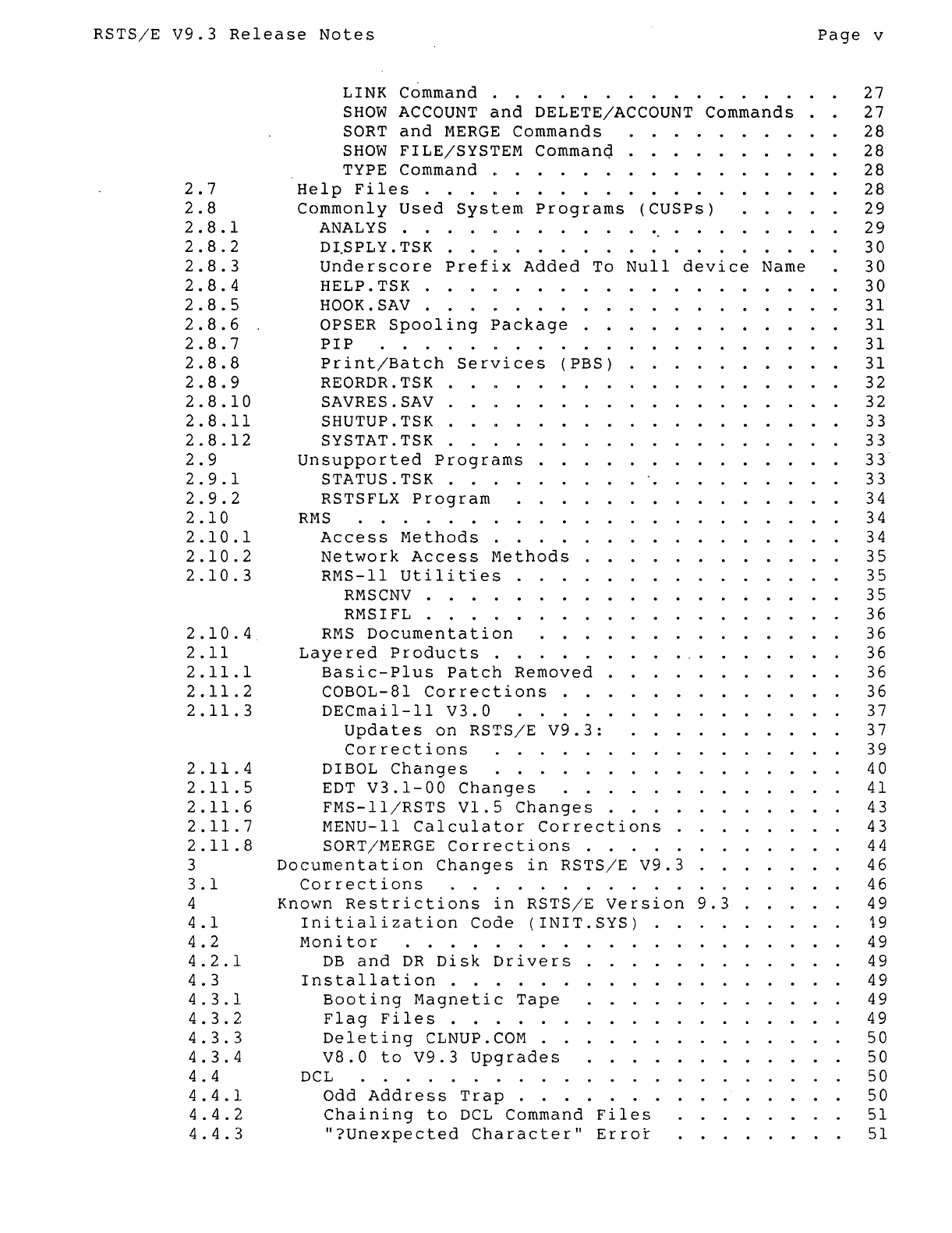
RSTS/E
V9.3
Release
Notes
Page
v
2.7
2.8
2 . 8 . 1
2 • 8 • 2
2
.8
. 3
2.8.4
2
.8
. 5
2
.8 .6
2 • 8 • 7
2
.8 .8
2
.8
. 9
2.8.10
2.8.11
2.8.12
2.9
2 . 9 . 1
2
.9
. 2
2.10
2.10.1
2.10.2
2.10.3
2.10.4
2.11
2.11.1
2.11.2
2.11.3
2.11.4
2.11.5
2.11.6
2.11.7
2.11.8
3
3.1
4
4 . 1
4.2
4 • 2 •
1.
4 • 3
4 • 3 •
1.
4 • 3 • 2
4 • 3 • 3
4 . 3 . 4
4 • 4
4 • 4 •
1.
4 • 4 • 2
4 . 4 . 3
LINK Command . . . . . . . . . . . . . .
SHOW
ACCOUNT
and
DELETE/ACCOUNT Commands
SORT
and
MERGE
Commands . . .
..
...
SHOW
FILE/SYSTEM Commanq . . . . . . . .
TYPE
Command
'0
• • • • • • • • • • • • • • •
Help
Files
...
'0
• • • • • • •
••
•
•••
Commonly
Used
System
Programs
(CUSPs)
.....
ANAL
YS
. . . .
..
. . . . . . . . . . . . . . .
D
I.S
PLY
. T S K . .
..
. . . . . . . .
..
...
Underscore
Prefix
Added
To
Null
device
Name
HELP.
TSK
.
............
.
HOOK.SAV . .
...
OPSER
Spooling
package
.
PIP
. . . . . . . . . .
Print/Batch
Services
(PBS)
..
REORDR.TSK . . .
..
.
...
SAVRES.SAV .
SHUTUP.TSK .
SYSTAT.TSK
Unsupported
Programs
. . . . . . .
S T A
TU
S . T S K . . . . . . . . . . . .
RSTSFLX
Program
RMS
. . . . . .
Access
Methods
.
Network
Access
Methods
.
RMS-ll
Utilities
. .
...
RMS
CNV
. . . . . . . . .
RMSIFL . . . . . .
RMS
Documentation
.
..
.
.....
.
Layered
Products
.
..
...
.....
.
Basic-Plus
Patch
Removed
........
.
COBOL-81
Corrections
. . . . . . . . . . . . .
DECmail-ll
V3.0
......
.
Updates
on
RSTS/E
V9.3:
.........
.
Corrections
. . . .
..
.
......
.
DIBOL
Changes
. . .
..
.
.......
.
EDT
V3.1-00
Changes
..........
.
FMS-ll/RSTS
VI.
5
Changes
. . . . .
..
MENU-II
Calculator
Corrections
.
...
SORT/MERGE
Corrections
. . . . .
..
Documentation
Changes
in
RSTS/E
V9.3
......
.
Corrections
. . . . . . . . . . .
..
.
..
Known
Restrictions
in
RSTS/E
Version
9.3
..
.
Initialization
Code
(INIT.SYS)
........
.
Monitor
. . . . . . . . . . . . .
..
.
DB
and
DR
Disk
Drivers
. . .
..
.
...
.
Installation
. . . . . . . . . .
..
.
..
.
Booting
Magnetic
Tape
. . . . . . . . . . . .
Flag
Files
. . . . .
..
.
..
Deleting
CLNUP.
COM
..
...
.
V8.0
to
V9.3
Upgrades
...........
.
DC
L . . . . . . . . . . . . . . . .
Odd
Address
Trap
. . . . . . .
..
...
.
Chaining
to
DCL
Command
Files
.....
.
"?Unexpected
Character"
Error
...
.
27
27
28
28
28
28
29
29
30
30
30
31
31
31
31
32
32
33
33
33
33
34
34
34
35
35
35
36
36
36
36
36
37
37
39
40
41
43
43
44
46
46
49
19
49
49
49
49
49
50
50
50
50
51
51
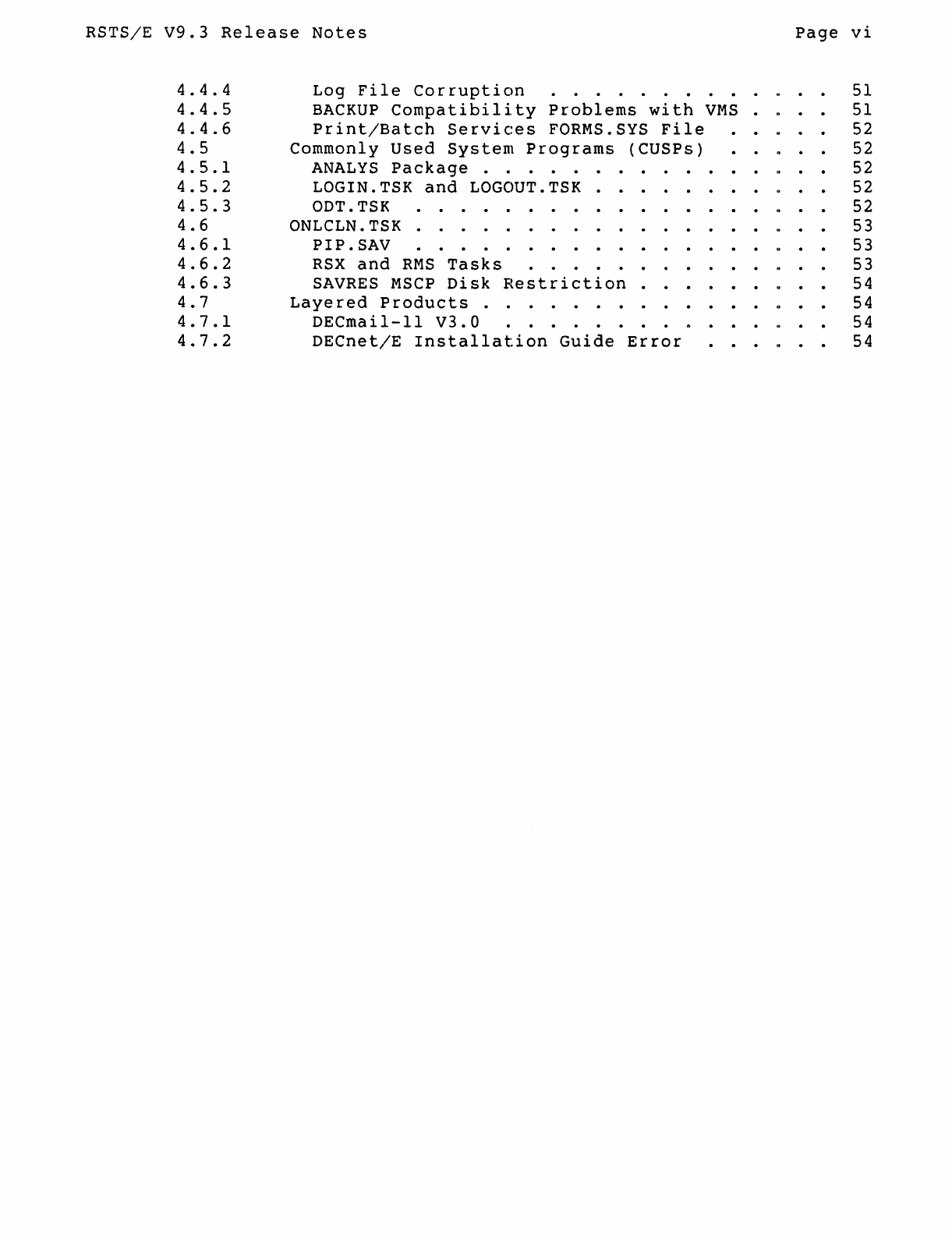
RSTS/E
V9.3
Release
Notes
Page
vi
4 . 4 . 4
4
.4.
5
4.4.6
4.5
4.5.1
4.5.2
4.5.
3
4.6
4.6.1
4.6.2
4.6.3
4.7
4.7.1
4.7.2
Log
File
Corruption
. . . . . . . . . . . . .
BACKUP
Compatibility
Problems
with
VMS
. . . .
Print/Batch
Services
FORMS.SYS
File
.....
Commonly
Used
System
Programs
(CUSPs)
"
..
ANALYS
Package
. . . . . . . . . " . .
LOGIN.
TSK
and
LOGOUT. TSK . .
..
.."..
ODT.TSK . . . . . . . . . . "
ONLCLN.TSK
.....
PIP.
SA
V . . . . . . . . . . . . . . . .
..
RSX
and
RMS
Tasks
. . . . . . . . . . .
..
. .
SAVRES
MSCP
Disk
Restriction
.
..."..
Layered
Products
. . . . . . . . . " . .
DECmail-11
V3.0
........
0
...
..
DECnet/E
Installation
Guide
Error
. . . "
51
51
52
52
52
52
52
53
53
53
54
54
54
54
RSTS/E
V9.3
Release
Notes
Page
vii
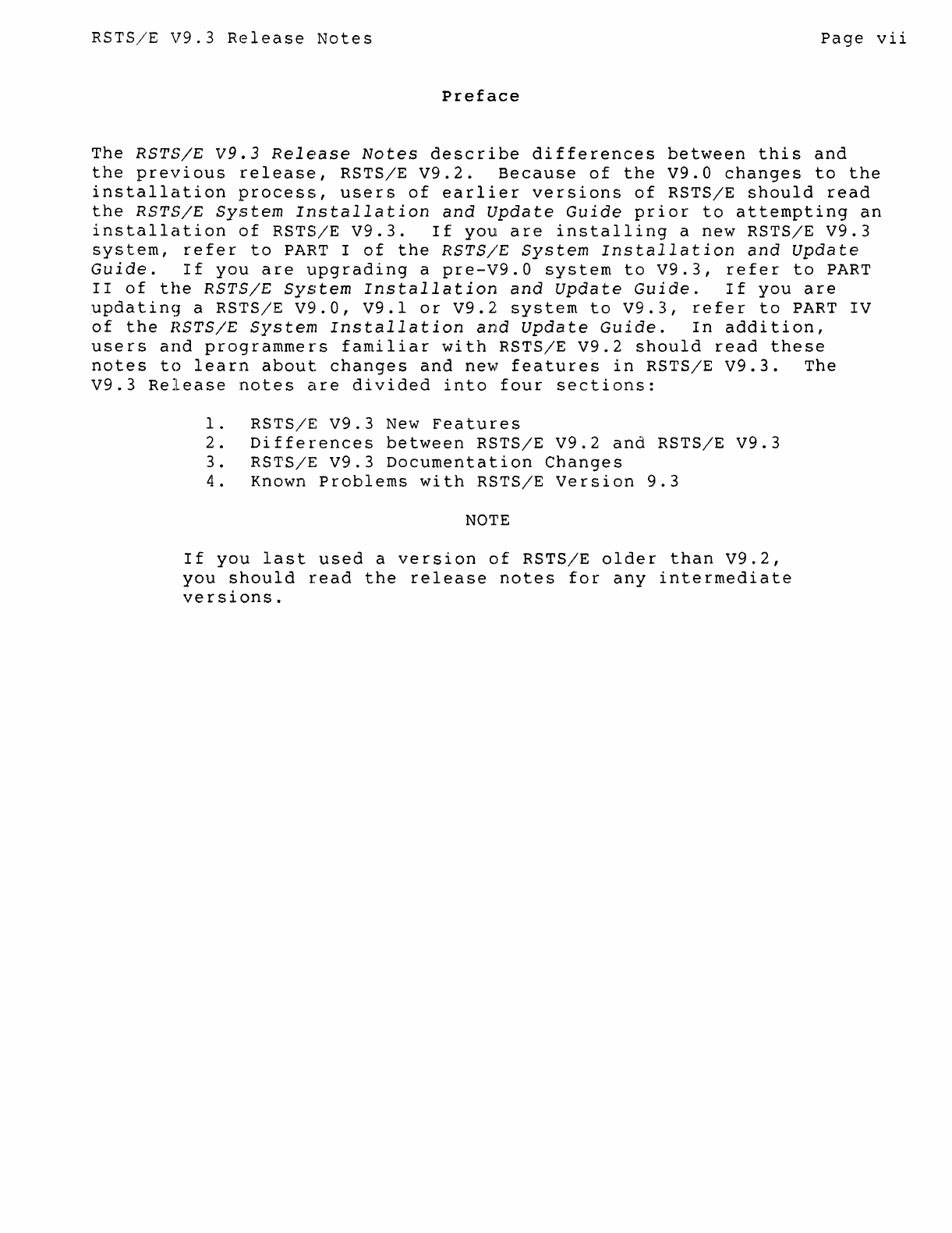
Preface
The
RSTS/E
V9.3
Release
Notes
describe
differences
between
this
and
the
previous
release,
RSTS/E
V9.2.
Because
of
the
V9.0
changes
to
the
installation
process,
users
of
earlier
versions
of
RSTS/E
should
read
the
RSTS/E
System
Installation
and
Update
Guide
prior
to
attempting
an
installation
of
RSTS/E
V9.3.
If
you
are
installing
a
new
RSTS/E
V9.3
system,
refer
to
PART I
of
the
RSTS/E
System
Installation
and
Update
Guide.
If
you
are
upgrading
a
pre-V9.0
system
to
V9.3,
refer
to
PART
II
of
the
RSTS/E
System
Installation
and
Update
Guide.
If
you
are
updatinq
a
RSTS/E
V9.0,
V9.l
or
V9.2
system
to
V9.3,
refer
to
PART
IV
of
the
HSTS/E
System
Installation
and
Update
Guide.
In
addition,
users
and
programmers
familiar
with
RSTS/E
V9.2
should
read
these
notes
to
learn
about
changes
and
new
features
in
RSTS/E
V9.3.
The
V9.3
Release
notes
are
divided
into
four
sections:
1.
RSTS/E
V9.3
New
Features
2.
Differences
between
RSTS/E
V9.2
and
RSTS/E
V9.3
3.
RSTS/E
V9.3
Documentation
Changes
4.
Known
Problems
with
RSTS/E
Version
9.3
NOTE
If
you
last
used
a
version
of
RSTS/E
older
than
V9.2,
you
should
r.ead
the
release
notes
for
any
intermediate
versions.

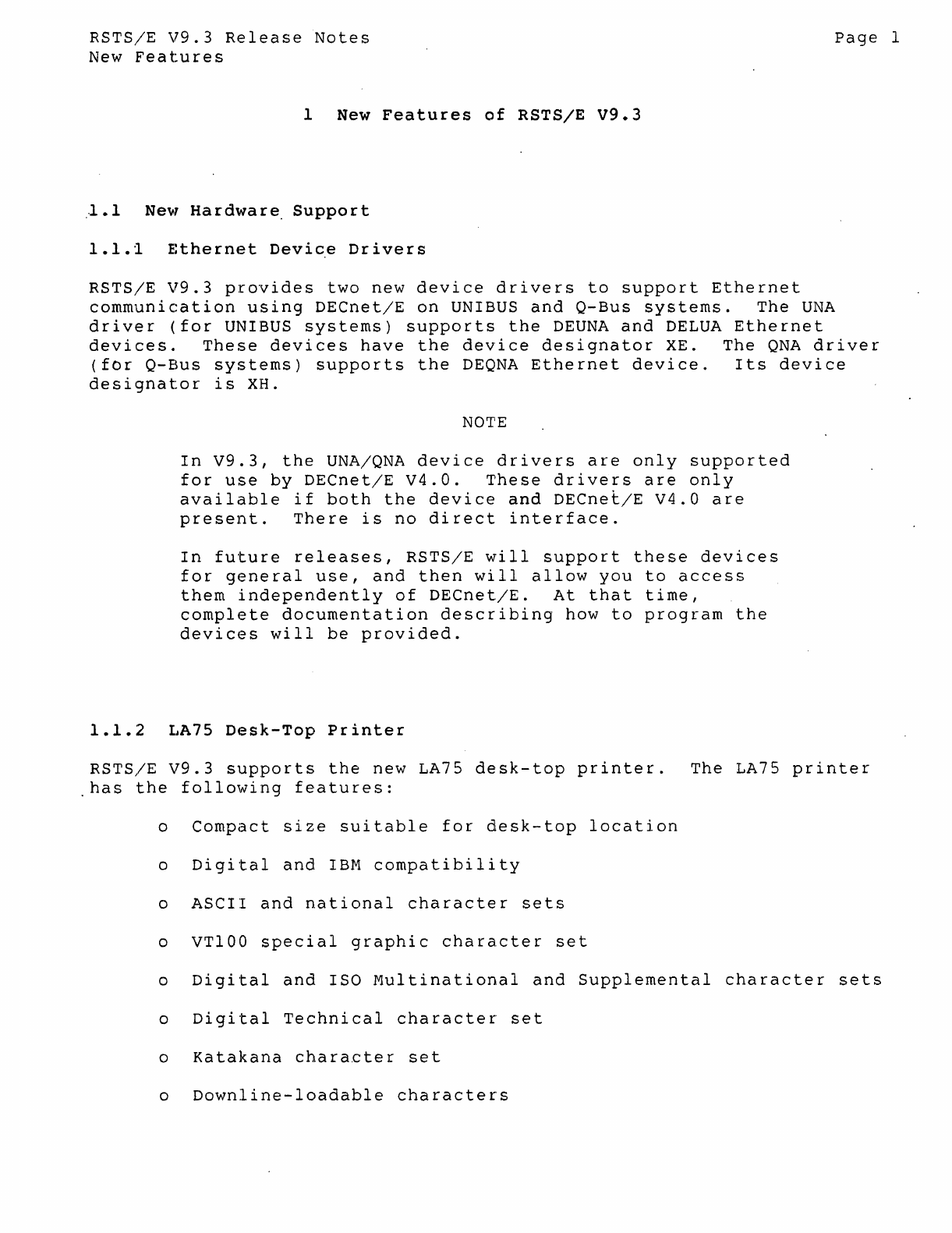
RSTS/E
V9.3
Release
Notes
New
Features
1
New
Features
of
RSTS/E
V9.3
l.1
New
Hardware
Support
1.1.i
Ethernet
Device
Drivers
Page
1
RSTS/E
V9.3
provides
two
new
device
drivers
to
support
Ethernet
communication
using
DECnet/E
on
UNIBUS
and
Q-Bus
systems.
The
UNA
driver
(for
UNIBUS
systems)
supports
the
DEUNA
and
DELUA
Ethernet
devices.
These
devices
have
the
device
designator
XE.
The
QNA
driver
(for
Q-Bus
systems)
supports
the
DEQNA
Ethernet
device.
Its
device
designator
is
XH.
NOTE
In
V9.3,
the
UNA/QNA
device
drivers
are
only
supported
for
use
by
DECnet/E
V4.0.
These
drivers
are
only
available
if
both
the
device
and
DECne~/E
V4.0
are
present.
There
is
no
direct
interface.
In
future
releases,
RSTS/E
will
support
these
devices
for
general
use,
and
then
will
allow
you
to
access
them
independently
of
DECnet/E.
At
that
time,
complete
documentation
describing
how
to
program
the
devices
will
be
provided.
1.1.2
LA75
Desk-Top
Printer
RSTS/E
V9.3
supports
the
new
LA75
desk-top
printer.
The
LA75
printer
has
the
following
features:
o
Compact
size
suitable
for
desk-top
location
o
Digital
and
IBM
compatibility
o
ASCII
and
national
character
sets
o
VT100
special
graphic
character
set
o
Digital
and
ISO
Multinational
and
Supplemental
character
sets
o
Digital
Technical
character
set
o
Katakana
character
set
o
Downline-loadable
characters
RSTS/E
V9.3
Release
Notes
New
Features
o
Graphic
printing
page
2
o
Four
print
densities
--
draft,
memo,
near-letter
quality
and
letter
quality
o
Bold,
italics,
superscript,
and
subscript
printing
o
Bidirectional
printing
o
High
reliability
The
DCL
commands SET TERMINAL/INQUIRE,
SET
TERMINAL/DEVICE_TYPE=LA75
and
SHOW
TERMINAL
now
work
for
the
LA75. The
terminal
type
code
for
the
LA75
is
47.
1.1.3
Micro/PDP-11/53
System
RSTS/E
V9.3
supports
the
Micro/PDP-ll/53,
which
offers
complete
hardware
compatibility
with
the
Micro/PDP-ll/23,
Micro/PDP-ll/73,
and
the
Micro/PDP-ll/83.
RSTS/E
V9.2
also
supports
the
Micro/PDP-ll/53;
however,
no
version
of
RSTS/E
prior
to
V9.2
supports
it.
1.1.4
RD31
and
RD32
Fixed
Disks
RSTS/E
V9.3
supports
the
RD31
and
RD32
fixed
disks,
single
half-height
units
containing
5.25
inch
nonremovable
hard
disks
enclosed
in
sealed
assemblies.
The
RD31
can
store
up
to
20
Mbytes
of
formatted
data;
the
RD32
can
store
up
to
40
Mbytes
of
formatted
data.
1.1.5
RD54
Fixed
Disk
RSTS/E
V9.3
supports
the
RD54
fixed
disk,
a
single
full-height
unit
containing
a
5.25
inch
nonremovable
hard
disk
enclosed
in
a
sealed
assembly.
The
RD54
can
store
159
Mbytes
of
formatted
data.
1.1.6
RX33
Diskette
RSTS/E
V9.3
supports
the
RX33
diskette
drive,
a
single
unit
half-height
drive
that
runs
double-sided
5.25
inch
RX33
diskettes,
capable
of
storing
up
to
1.2
Mbytes
of
formatted
data.
NOTE
please
note
these
differences
between
RX50
and
RX33
diskettes:
RSTS/E
V9.3
Release
Notes
New
Features
DIGITAL
ships
Rx50
diskettes
pre-formatted;
RX33
diskettes
must
be
formatted
before
use.
For
the
RX33
drive,
you
can
use
any
diskette
capable
of
storing
1.2
Mbytes
in
a
double-sided
format,
provided
you
first
format
these
diskettes
on
the
RX33.
You
can
use
an
RX50
diskette
in
an
RX33
drive
(read/write),
but
you
cannot
use
a
formatted
RX33
disk
in
an
Rx50
drive.
1.1.7
TU81-PLUS
Tape
Subsystem
Page
3
RSTS/E
Version
9.3
'supports
the
TU81-E
tape
subsystem
on
UNIBUS
PDP-II
systems.
The
Tu81-PLUS
is
a
dual-density
tape
drive,
supporting
recording
densities
of
1,600
bits
per
inch
(BPI)
in
phase
Encoding
(PE)
mode
and
6,250
BPI
in
Group
Coded
Recording
(GCR)
mode.
Currently,
RSTS/E
permits
the
use
of
a
single
TU81-PLUS
tape
drive
on
a
system,
configured
as
unit
0
(MUO:).
It
can
be
used
with
other
MU-type
tape
subsystems
(such
as
the
TK50),
so
long
as
the
TU81-PLUS
drive
is
configured
as
unit
O.
RSTS/E
makes
use
of
the
TU81-PLUS
device's
cache
buffer
for
data
reading,
but
not
for
data
writing.
The
TU81-PLUS
is
fully
compatible
with
the
TU81
tape
subsystem.
Customers
wishing
to
upgrade
their
existing
TU81
tape
subsystem
to
a
TU81-PLUS
should
contact
their
local
Digital
sales
representative
to
learn
about
the
Tu81
to
TU81-PLUS
upgrade
kit.
1.2
Initialization
Code
(INIT.SYS)
1.2.1
Expanded
Memory
utilization
INIT.SYS
for
RSTS/E
V9.3
has
been
enhanced
to
allow
the
use
of
expanded
memory
space
on
the
PDP-ll/84
and
all
Q-BuS
proc~ssors.
On
these
systems,
HSTS/E
can
now
use
up
to
2044K
words
of
memory,
instead
of
the
previous
limit
of
1920K
words.
On
older
processors,
such
as
the
PDP-II/70,
PDP-ll/44,
and
PDP-ll/24,
the
1920K
limit
is
controlled
by
the
hardware
and
cannot
be
changed.
1.2.2
Support
for
UNA/QNA
Devices
INIT.SYS
has
been
updated
to
support
the
new
UNA/QNA
devices,
RSTS/E
V9.3
Relea&e
Notes
New
Features
Page
4
described
in
the
previous
section.
Use
the
HARDWR
LIST
option
to
display
each
type
of
Ethernet
device
on
your
system,
along
with
the.
default
physical
addres~
of
the
device's
con~roller.
1.2.3
Unexpected
Interrupt
Detection
Defective
hardware
on
a
syste~
can
cause
unexpected
interrupts
durin~
the
device
sizing
phase
of
INIT.
Previously,
this
could
cause
INIT
to
mistakenly
believe
that
the
console
terminal
interface
was
interrupting
at
the
wrong
priority.
INIT
then
disabled
the
console
terminal,
causing
the
system
to
hang
sometime
during
the
startup
procedure.
The
system
had
to
be
rebooted
and
restarted.
INIT.SYS
has
been
enhanced
in
V9.3
to
detect
unexpected
interrupts
and,
if
they
occur,
to
print
a
message
similar
to
the
following;
Unexpected
interrupt
through
the
vector
at
nnnnnn
-
Possible
hardware
problem
1.3
Monitor
1.3.1
New
RSTS/E
Error
Message
Error
code
196
has
been
defined
for
use
by
Basic-Plus-2.
The
error
message
associated
with
this
code
is:
196
?REMAP
string
is
not
static
1.3.2
New
Null
Job
for
PDP-l1/84
Systems
A new
null
job
has
been
added
for
PDP-ll/84
systems.
It
increments
the
two-digit
display
on
the
11/84
front
panel
during
system
idle
time,
showing
the
number
of
clock
ticks
since
the
last
second,
in
octal.
This
display
is
a
fair
indicator
of
system
activity,
since
it
is
only
updated
during
system
idle
time.
The new
null
job
also
increments
the
diagnostic
display
located
on
the
rear
panel
of
Micro
PDP-11/73
and
11/83
systems,
and
the
diagnostic
LEDs
on
the
PDP-I1/23
processor
board.
No
special
action
is
necessary
to
install
or
invoke
the
new
null
job;
it
will
be
selected
Clutomatically
at
system
start-up
on
all
systems
with
the
appropriate
processor
type.
1.3.3
Resident
Library
Size
Increased
RSTS/E
V9.3
supports
resident
libraries
up
to
a maximum
of
255
K-words.
Previously,
the
maximum
resident
library
size
was
127
K-words.
RSTS/E
V9.3
Release
Notes
New
Features
1.3.4
Non-File-Structured
Writing
to
Mounted
Disks
Page
5
Before
RSTS
V9.0,
users
could
not
use
non-file-structured
access
to
write
to
mounted
disks.
In
V9.0,
with
the
introduction
of
multiple
privileges,
they
could.
Users
with
RDNFS
and
WRTNFS
privileges
could
write
to
dismounted
disks.
With
SYSMOD
privilege,
such
users
could
also
use
non-file-structured
write
access
to
mounted
disks.
This
was
potentially
dangerous,
and
was
incompatible
with
previous
versions.
RSTS/E
V9.3
now
requires
you
to
specify
MODE
16384
when
opening
a
mounted
disk
to
request
non-file-structured
write
access
to
it.
This
change
makes
the
handling
of
non-file-structured
write
access
to
mounted
disks
more
compatible
with
pre-V9.0
versions
of
RSTS.
Any
applications
that
have
been
written
since
V9.0
which
require
non-file-structured
write
access
to
mounted
disks
must
to
be
modified
to
specify
this
new
mode
when
opening
the
disk.
For
further
information
about
this,
see
Article
0.1.15
in
the
November
1986
issue
of
The
Software
Dispatch.
1.4
DCL
1.4.1
BACKUP/RESTORE
Enhancements
Program
Name
Indicates
Operation
The
Backup/Restore
utility
now
changes
its
program
name
(as
reported
by
CTRL/T
and
the
SHOW
USERS
command)
to
BACKUP, RSTORE,
or
VERIFY,
to
indicate
which
operation
is
currently
in
progress
(backup,
restore,
or
verify,
respectively).
/BLOCK_SIZE
Qualifier
accepts
MINIMUM
and
MAXIMUM
Argument
The
/BLOCK_SIZE
qualifier
now
accepts
the
keywords
MINIMUM
and
MAXIMUM.
The
keyword
MINIMUM
is
translated
to
2048
characters.
The
keyword
MAXIMUM
is
translated
to
4080
characters
for
a
backup
to
tape,
and
to
7680
characters
for
a
backup
to
disk.
New
JCRe
Qualifier
A
new
qualifier,
JCRC,
has
been
added
to
the
BACKUP
command.
This
qualifier
instructs
BACKUP
to
calculate
and
include
a
cyclic
redundancy
check
(CRC)
value
for
each
block
of
data
written
to
the
backup
file.
RESTORE,
upon
seeing
the
presence
of
this
check,
re-calculates
the
CRC
value
and
ensures
that
the
new
value
matches
the
one
written
to
the
backup
file.
If
the
two
values
do
not
match,
RESTORE
reports
a CRe
error
and
then
attempts
to
recover
the
block
using
standard
XOR
recovery
methods.
CRe
has
a
significantly
higher
probability
of
detecting
errors
than
the
checks
normally
used
on
tapes
and
disks.
Additionally,
eRe
detects
any
corruption
which
may
occur
as
the
data
is
transferred
to
or
from
the
computer's
memory.
There
is
significant
overhead
involved
in
calculating
the
eRe.
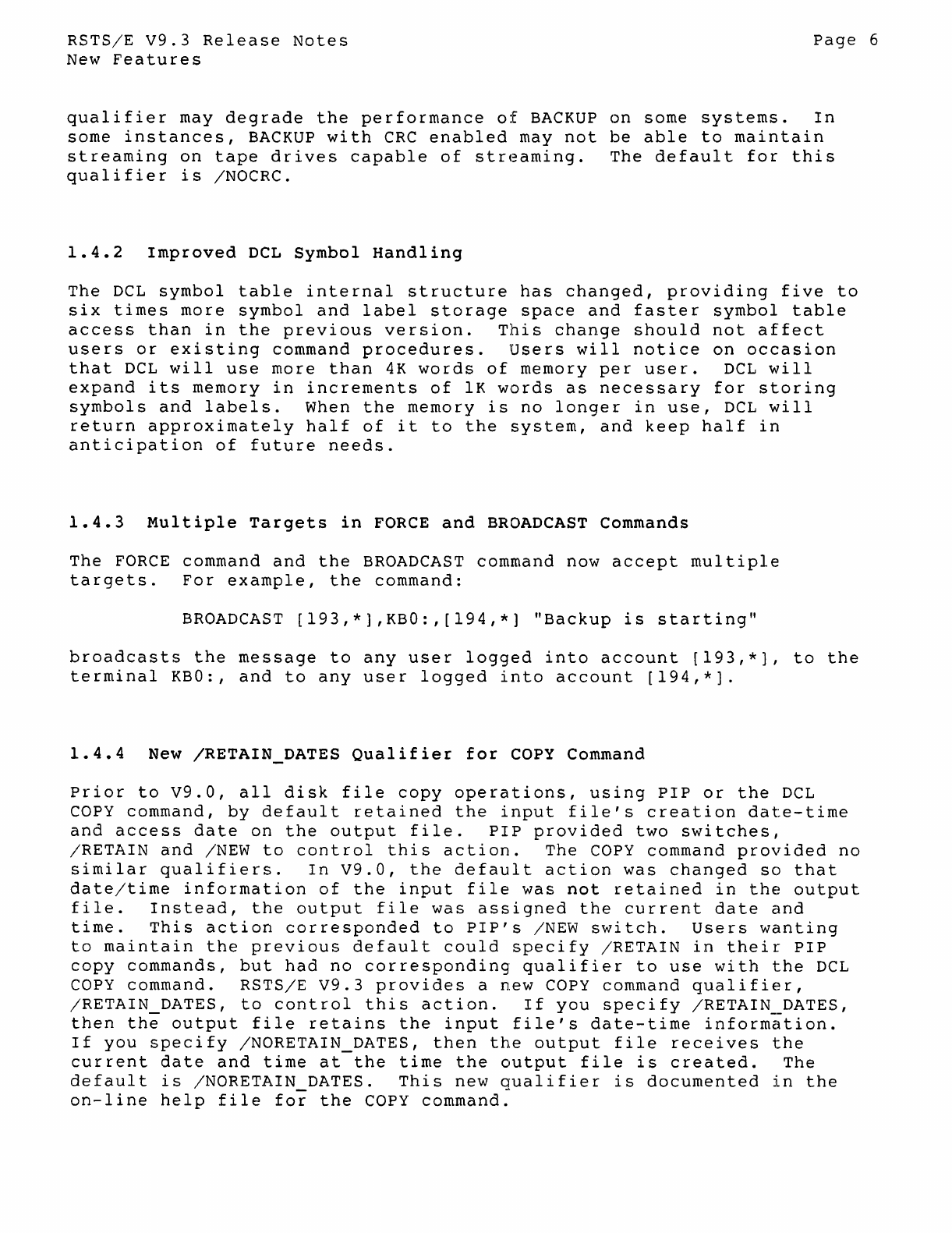
Using
the
jeRe
RSTS/E
V9.3
Release
Notes
New
Features
Page
6
qualifier
may
degrade
the
performance
of
BACKUP
on
some
systems.
In
some
instances,
BACKUP
with
CRC
enabled
may
not
be
able
to
maintain
streaming
on
tape
drives
capable
of
streaming.
The
default
for
this
qualifier
is
/NOCRC.
1.4.2
Improved
DCL
Symbol
Handling
The
DCL
symbol
table
internal
structure
has
changed,
providing
five
to
six
times
more
symbol
and
label
storage
space
and
faster
symbol
table
access
than
in
the
previous
version.
This
change
should
not
affect
users
or
existing
command
procedures.
Users
will
notice
on
occasion
that
DCL
will
use
more
than
4K
words
of
memory
per
user.
DCL
will
expand
its
memory
in
increments
of
lK
words
as
necessary
for
storing
symbols
and
labels.
When
the
memory
is
no
longer
in
use,
DCL
will
return
approximately
half
of
it
to
the
system,
and
keep
half
in
anticipation
of
future
needs.
1.4.3
Multiple
Targets
in
FORCE
and
BROADCAST
Commands
The
FORCE
command
and
the
BROADCAST
command
now
accept
multiple
targets.
For
example,
the
command:
BROADCAST
[193,*],KBO:,[194,*]
"Backup
is
starting"
broadcasts
the
message
to
any
user
logged
into
account
[193,*],
to
the
terminal
KBO:,
and
to
any
user
logged
into
account
[194,*].
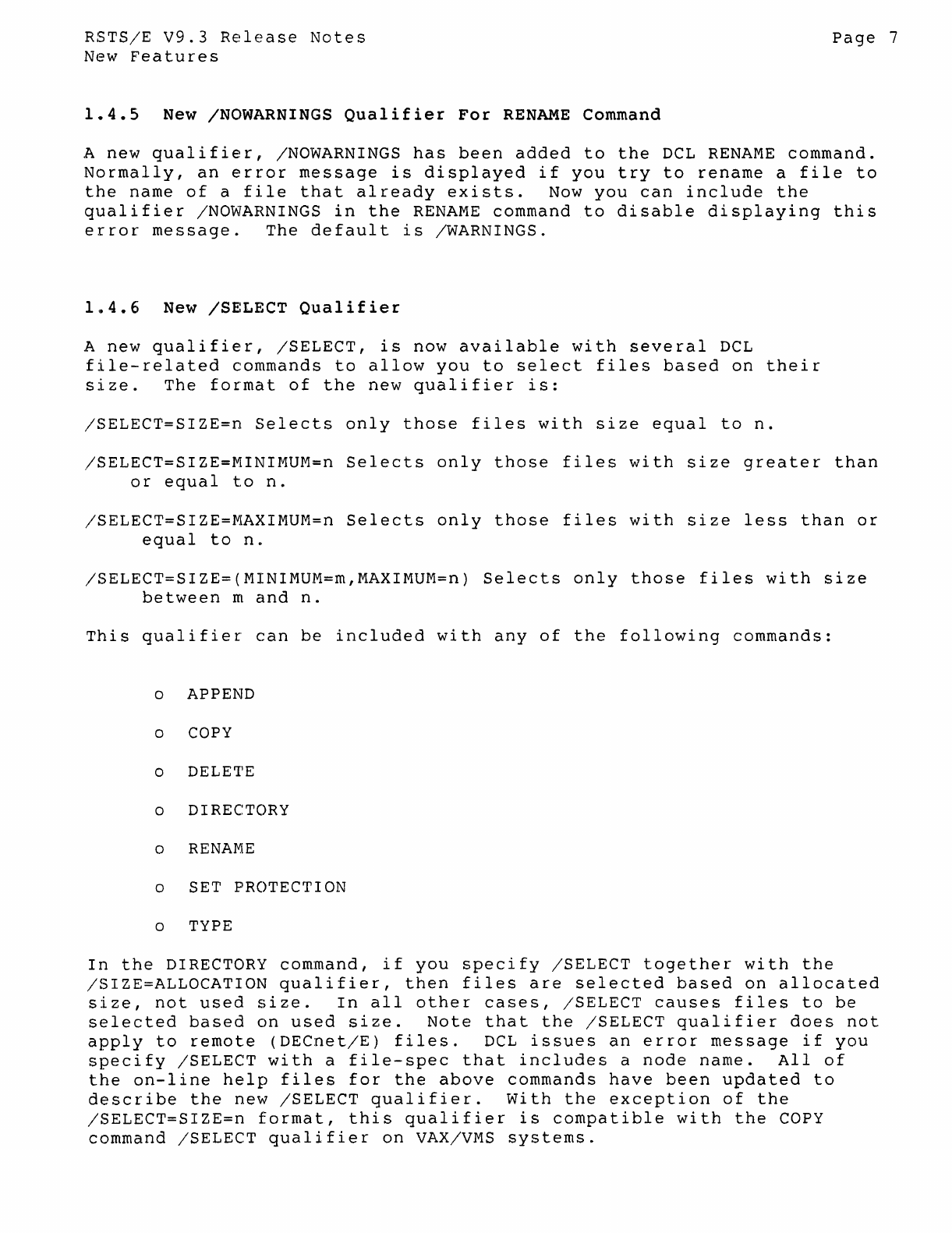
1.4.4
New
/RETAIN_DATES
Qualifier
for
COpy
Command
Prior
to
V9.0,
all
disk
file
copy
operations,
using
PIP
or
the
DCL
COpy
command,
by
default
retained
the
input
file's
creation
date-time
and
access
date
on
the
output
file.
PIP
provided
two
switches,
/RETAIN
and
/NEW
to
control
this
action.
The
COpy
command
provided
no
similar
qualifiers.
In
V9.0,
the
default
action
was
changed
so
that
date/time
information
of
the
input
file
was
not
retained
in
the
output
file.
Instead,
the
output
file
was
assigned
the
current
date
and
time.
This
action
corresponded
to
PIP's
/NEW
switch.
Users
wanting
to
maintain
the
previous
default
could
specify
/RETAIN
in
their
PIP
copy
commands,
but
had
no
corresponding
qualifier
to
use
with
the
DCL
COpy
command.
RSTS/E
v9.3
provides
a
new
COpy
command
qualifier,
/RETAIN
DATES,
to
control
this
action.
If
you
specify
/RETAIN
DATES,
then
the
output
file
retains
the
input
file's
date-time
information.
If
you
specify
/NORETAIN_DATES,
then
the
output
file
receives
the
current
date
and
time
at
the
time
the
output
file
is
created.
The
default
is
/NORETAIN_DATES.
This
new
qualifier
is
documented
in
the
on-line
help
file
for
the
COpy
command.
RSTS/E
V9.3
Release
Notes
New
Features
1.4.5
New
/NOWARNINGS
Qualifier
For
RENAME
Command
Page
7
A
new
qualifier,
/NOWARNINGS
has
been
added
to
the
DCL
RENAME
command.
Normally,
an
error
message
is
displayed
if
you
try
to
rename
a
file
to
the
name
of
a
file
that
already
exists.
Now
you
can
include
the
qualifier
/NOWAHNINGS
in
the
RENAME
command
to
disable
displaying
this
error
message.
The
default
is
/WARNINGS.
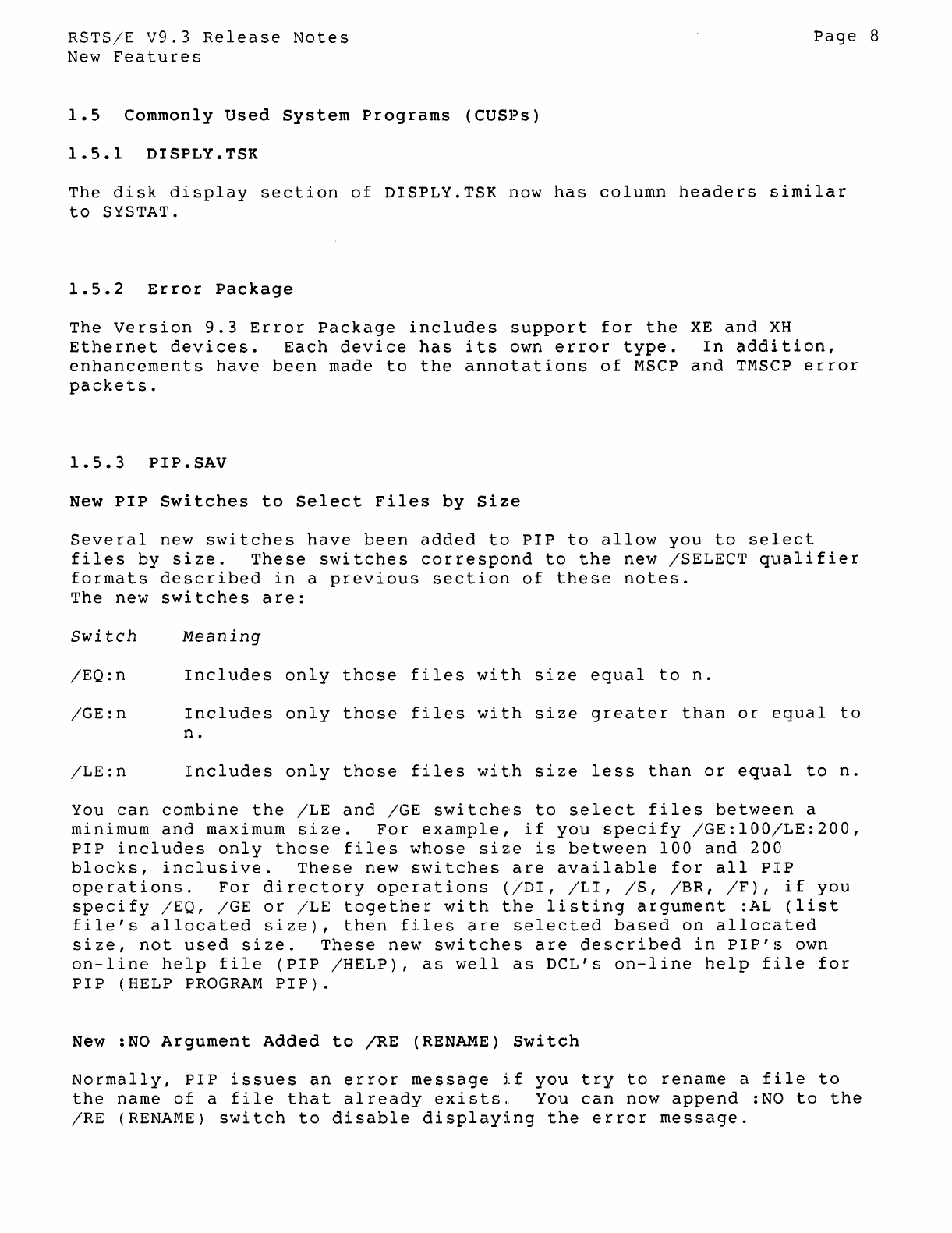
1~4.6
New
/SELECT
Qualifier
A
new
qualifier,
/SELECT,
is
now
available
with
several
DCL
file-related
commands
to
allow
you
to
select
files
based
on
their
size.
The
format
of
the
new
qualifier
is:
/SELECT=SIZE=n
Selects
only
those
files
with
size
equal
to
n.
/SELECT=SIZE=MINIMUM=n
Selects
only
those
files
with
size
greater
than
or
equal
to
n.
/SELECT=SIZE=MAXIMUM=n
Selects
only
those
files
with
size
less
than
or
equal
to
n.
/SELECT=SIZE=(MINIMUM=m,MAXIMUM=n)
Selects
only
those
files
with
size
between
m
and
n.
This
qualifier
can
be
included
with
any
of
the
following
commands:
o APPEND
o COpy
o DELETE
o DIRECTORY
o
RENAME
o SET PROTECTION
o TYPE
In
the
DIRECTORY
command,
if
you
specify
/SELECT
together
with
the
/SIZE=ALLOCATION
qualifier,
then
files
are
selected
based
on
allocated
size,
not
used
size.
In
all
other
cases,
/SELECT
causes
files
to
be
selected
based
on
used
size.
Note
that
the
/SELECT
qualifier
does
not
apply
to
remote
(DECnet/E)
files.
DCL
issues
an
error
message
if
you
specify
/SELECT
with
a
file-spec
that
includes
a
node
name.
All
of
the
on-line
help
files
for
the
above
commands
have
been
updated
to
describe
the
new
/SELECT
qualifier.
with
the
exception
of
the
/SELECT=SIZE=n
format,
this
qualifier
is
compatible
with
the
COpy
command
/SELECT
qualifier
on
VAX/VMS
systems.
RSTS/E
v9.3
Release
Notes
New
Features
1.5
Commonly
Used
System
Programs
(CUS1?s)
1.5.1
DISPLY.TSK
Page
8
The
disk
display
section
of
DISPLY.TSK
now
has
column
headers
similar
to
SYSTAT.
1.5.2
Error
package
The
Version
9.3
Error
Package
includes
support
for
the
XE
and
XH
Ethernet
devices.
Each
device
has
its
own
error
type.
In
addition,
enhancements
have
been
made
to
the
annotations
of
MSCP
and
TMSCP
error
packets.
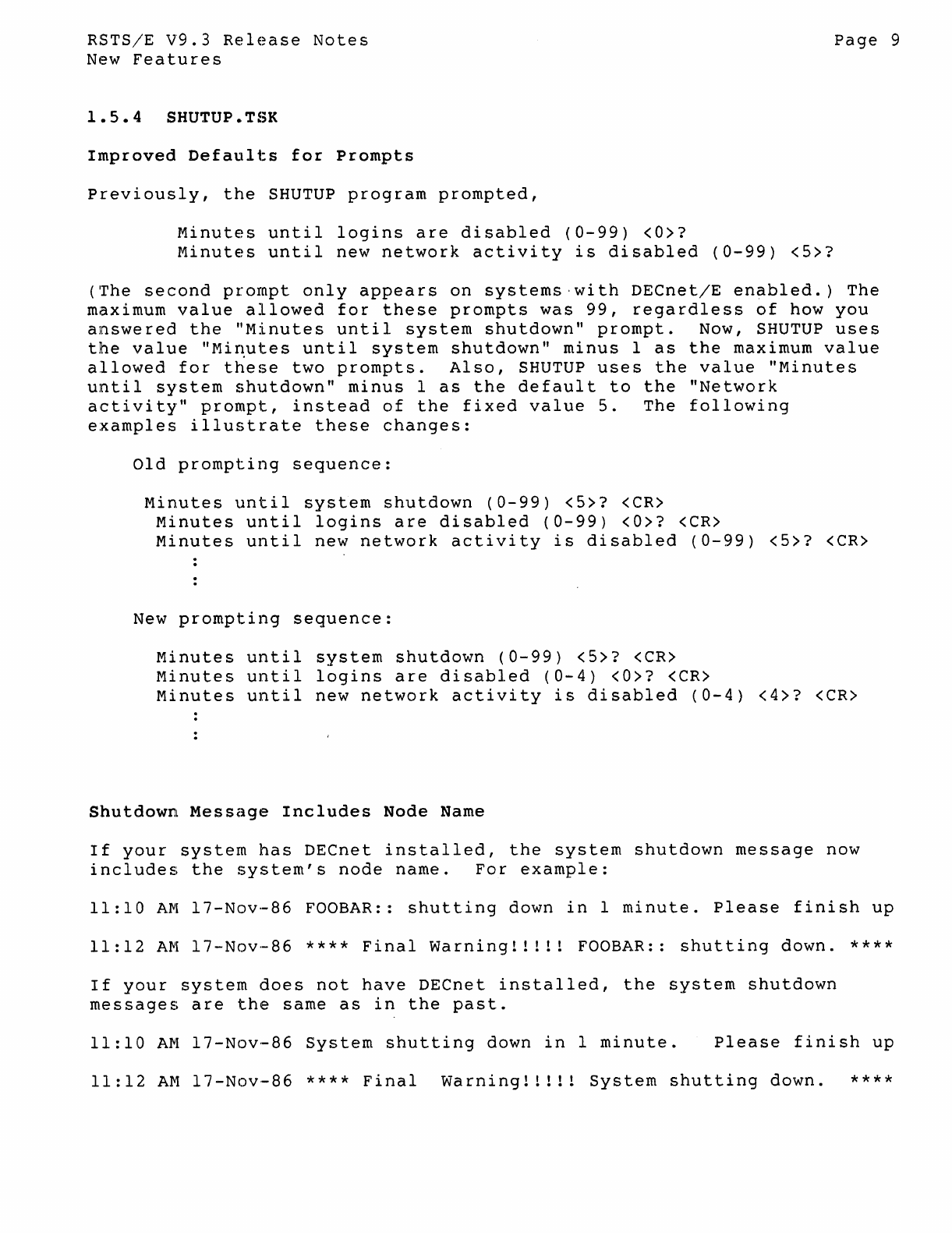
1.5.3
PIP.SAV
New
PIP
Switches
to
Select
Files
by
Size
Several
new
switches
have
been
added
to
PIP
to
allow
you
to
select
files
by
size.
These
switches
correspond
to
the
new
ISELECT
qualifier
formats
described
in
a
previous
section
of
these
notes.
The
new
switches
are:
Switch
Meaning
IEQ:n
Includes
only
those
files
with
size
equal
to
n.
IGE:n
Includes
only
those
files
with
size
greater
than
or
equal
to
n.
ILE:n
Includes
only
those
files
with
size
less
than
or
equal
to
n.
You
can
combine
the
ILE
and
IGE
switches
to
select
files
between
a
minimum
and
maximum
size.
For
example,
if
you
specify
IGE:100/LE:200,
PIP
includes
only
those
files
whose
size
is
between
100
and
200
blocks,
inclusive.
These
new
switches
are
available
for
all
PIP
operations.
For
directory
operations
(/DI,
ILl,
IS,
IBR,
IF),
if
you
specify
/EQ,
IGE
or
ILE
together
with
the
listing
argument
:AL
(list
file's
allocated
size),
then
files
are
selected
based
on
allocated
size,
not
used
size.
These
new
switches
are
described
in
PIP's
own
on-line
help
file
(PIP
IHELP),
as
well
as
DeL's
on-line
help
file
for
PIP
(HELP
PROGRAM
PIP).
New :NO
Argument
Added
to
IRE
(RENAME)
Switch
Normally,
PIP
issues
an
error
message
if
you
try
to
rename
a
file
to
the
name
of
a
file
that
already
exists..
You
can
now
append
:NO
to
the
IRE
(RENAME)
switch
to
disable
displaying
the
error
message.
RSTSjE
V9.3
Release
Notes
New
Features
1.5.4
SHUTUP.TSK
Improved
Defaults
for
Prompts
Previously,
the
SHUTUP
program
prompted,
Minutes
until
logins
are
disabled
(0-99)
<O>?
Minutes
until
new
network
activity
is
disabled
(0-99)
<5>?
Page
9
(The
second
prompt
only
appears
on
systems-with
DECnetjE
enabled.)
The
maximum
value
allowed
for
these
prompts
was
99,
regardless
of
how
you
answered
the
"Minutes
until
system
shutdown"
prompt.
NOw,
SHUTUP
uses
the
value
"Mi~utes
until
system
shutdown"
minus
1
as
the
maximum
value
allowed
for
these
two
prompts.
Also,
SHUTUP
uses
the
value
"Minutes
until
system
shutdown"
minus
1
as
the
default
to
the
"Network
activity"
prompt,
instead
of
the
fixed
value
5.
The
following
examples
illustrate
these
changes:
Old
prompting
sequence:
Minutes
until
system
shutdown
(0-99)
<5>?
<CR>
Minutes
until
logins
are
disabled
(0-99)
<O>?
<CR>
Minutes
until
new
network
activity
is
disabled
(0-99)
<5>?
<CR>
New
prompting
sequence:
Minutes
until
system
shutdown
(0-99)
<5>?
<CR>
Minutes
until
logins
are
disabled
(0-4)
<0>7
<CR>
Minutes
until
new
network
activity
is
disabled
(0-4)
<4>?
<CR>
Shutdown
Message
Includes
Node
Name
If
your
system
has
DECnet
installed,
the
system
shutdown
message
now
includes
the
system's
node
name.
For
example:
11:10
AM
17-Nov-86
FOOBAR::
shutting
down
in
1
minute.
Please
finish
up
11:12
AM
17-Nov-86
****
Final
Warning!!!!!
FOOBAR::
shutting
down.
****
If
your
system
does
not
have
DECnet
installed,
the
system
shutdown
messages
are
the
same
as
in
the
past.
11:10
AM
17-Nov-86
System
shutting
down
in
1
minute.
Please
finish
up
11:12
AM
17-Nov-86
****
Final
Warning!!!!!
System
shutting
down.
****
RSTS/E
V9.3
Release
Notes
New
Features
1.5.5
SYSTAT.TSK
New
Option
to
List
Open
Files
by
Job
Page
10
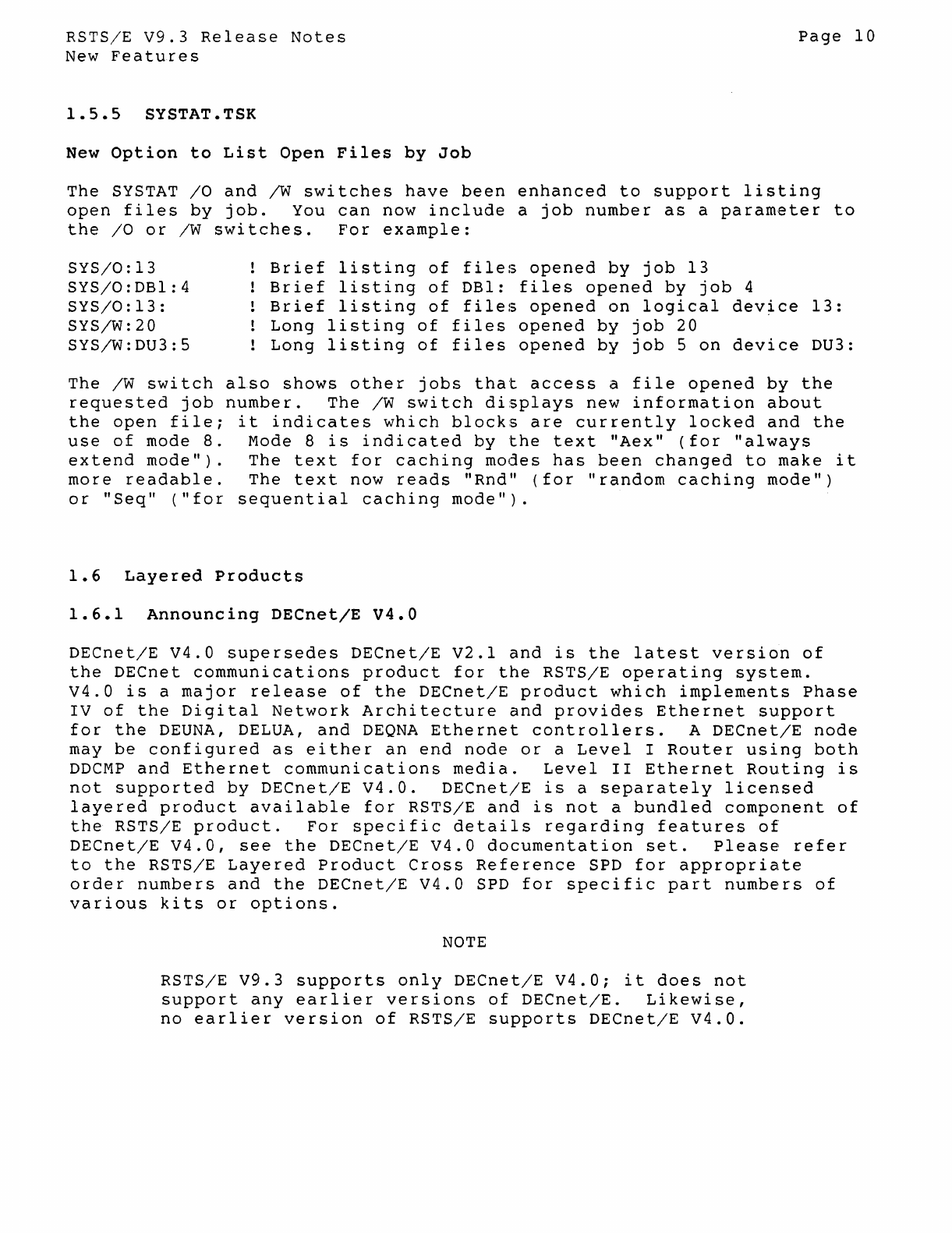
The
SYSTAT
/0
and
/W
switches
have
been
enhanced
to
support
listing
open
files
by
job.
You
can
now
include
a
job
number
as
a
parameter
to
the
/0
or
/W
switches.
For
example:
SYS/0:13
SYS/0:DBl:4
SYS/0:13:
SYS/W:20
SYS/W:DU3:5
Brief
listing
of
files
opened
by
job
13
Brief
listing
of
DBl:
files
opened
by
job
4
Brief
listing
of
files
opened
on
logical
device
13:
Long
listing
of
files
opened
by
job
20
Long
listing
of
files
opened
by
job
5
on
device
DU3:
The
/W
switch
also
shows
other
jobs
that
access
a
file
opened
by
the
requested
job
number.
The
/W
switch
displays
new
information
about
the
open
file;
it
indicates
which
blocks
are
currently
locked
and
the
use
of
mode
8.
Mode 8
is
indicated
by
the
text
"Aex"
(for
"always
extend
mode").
The
text
for
caching
modes
has
been
changed
to
make
it
more
readable.
The
text
now
reads
"Rnd"
(for
"random
caching
mode")
or
"Seq"
("for
sequential
caching
mode").
1.6
Layered
Products
1.6.1
Announcing
DECnet/E
V4.0
DECnet/E
V4.0
supersedes
DECnet/E
V2.1
and
is
the
latest
version
of
the
DECnet
communications
product
for
the
RSTS/E
operating
system.
V4.0
is
a
major
release
of
the
DECnet/E
product
which
implements
Phase
IV
of
the
Digital
Network
Architecture
and
provides
Ethernet
support
for
the
DEUNA, DELUA,
and
DEQNA
Ethernet
controllers.
A
DECnet/E
node
may
be
configured
as
either
an
end
node
or
a
Level
I
Router
using
both
DDCMP
and
Ethernet
communications
media.
Level
II
Ethernet
Routing
is
not
supported
by
DECnet/E
V4.0.
DECnet/E
is
a
separately
licensed
layered
product
available
for
RSTS/E
and
is
not
a
bundled
component
of
the
RSTS/E
product.
For
specific
details
regarding
features
of
DECnet/E
V4.0,
see
the
DECnet/E
V4.0
documentation
set.
Please
refer
to
the
RSTS/E
Layered
Product
Cross
Reference
SPD
for
appropriate
order
numbers
and
the
DECnet/E
V4.0
SPD
for
specific
part
numbers
of
various
kits
or
options.
NOTE
RSTS/E
V9.3
supports
only
DECnet/E
V4.0;
it
does
not
support
any
earlier
versions
of
DECnet/E.
Likewise,
no
earlier
version
of
RSTS/E
supports
DECnet/E
V4.0.
RSTS/E
V9.3
Release
Notes
New
Features
Installing
DECnet/E
V4.0
Page
11
Prior
to
RSTS/E
V9.3,
DECnet/E
installation
was
different
from
most
layered
products,
since
monitor
SILs
had
to
be
configured
to
include
support
for
DECnet/E.
NOW,
the
DECnet/E
monitor
code
is
included
in
all
monitor
SILs,
but
is
only
loaded
into
memory
at
start
up
if
DECnet/E
is
installed
on
your
system.
This
greatly
simplifies
the
DECnet/E
installation
proced~re,
allowing
you
to
install
DECnet/E
as
you
would
any
other
layered
product.
DECnet/E
V4.0
is
installed
during
the
layered
product
phase
of
the
installation
process.
Please
refer
to
the
DECnet
V4.0
Network
Installation
Guide
for
details
on
how
to
install
DECnet/E
V4.0
on
RSTS/E.
1.6.2
Announcing
DECmail-11
V3.0
DECmail-·11
is
a
menu
or
command
driven
electronic
messaging
system
that
operates
on
PDP-1I
computers.
It
provides
facilities
for
creatinsr,
editing,
sending,
reading,
printing,
deleting,
and
filing
messages.
Its
features
include:
o
User
defined
commands
o
User
defined
nicknames
o
System
manager
defined
commands
and
nicknames
(global)
o
The
ability
to
set
auto
answer
o
The
ability
to
have
DECmail-11
act
on
single
messages
or
sequences
of
messages
o
Complete
on
line
help
o
Commands
such
as
"NEXT",
"PREVIOUS",
and
"LAST"
allow
the
user
to
move
through
a
large
number
of
messages
quickly
and
easily.
Major
New
Features
The
One
Level
Menu
Interface
This
feature
gives
each
user
the
choice
of
either
a
menu
or
a
command
mode
interface.
The
menu
contains
the
major
DECmail-11
functions.
The
design
of
the
menu
is'similar
to
ALL-IN-I.
Upon
user
request
the
menu
can
be
turned
off.
The
user
will
then
be
in
command
mode.
The
menu
can
be
turned
back
on
at
the
user's
request.
RSTS/E
V9.3
Release
Notes
New
Features
Remote
VMS
Message
Router
Support
Page
12
DECmail-ll
V3.0
supports
connections
to
a
remote
VMS
Message
Router
(V2.0
or
later)
via
DECnet.
DECmail-ll
users
who
wish
to
use
the
STORE
and
FORWARD
features
of
Message
Router,
or
wish
to
correspond
with
users
of
ALL-IN-l
based
mail
products
(without
using
"MRGATE",
the
Message
Router
VMSmail
gateway),
will
be
able
to
do
so
by
using
a
remote
Message
Router
mailbox
located
on
a
VMS
node.
Sending
via
Batch
Mail
DECmail-ll
V3.0
includes
a
mail
queue
task
to
handle
the
delivery
of
queued
messages.
The
mail
queue
task
automatically
restarts
after
a
system
has
recovered
from
a
crash.
In
addition,
it
returns
error
messages
to
the
user,
and
users
can
query
the
system
for
the
status
of
their
queued
messages
through
the
SHOW
QUEUE
command.
When
sending
messages
via
the
"BA"
send
menu
option,
DECmail-ll
notifies
the
user
of
any
errors
that
prevent
the
message
from
being
delivered
and
returns
the,
enti
re
message
back
to
the
sender.
Availability
DECmail-ll
V3.0
is
now
available
from
DIGITAL.
See
your
DIGITAL
sales
representative
for
information
on
purchasing
DECmail-ll.
1.6.3
Announcing
EDT
V3.1
EDT
V3.1-00
supersedes
EDT
V3.00-l3
and
is
the
latest
version
of
EDT
available
on
RSTS/E.
A
summary
of
the
problems
corrected
by
this
release
of
EDT
is
described
in
Section
2
(Differences).
RSTS/E
v9.3
Release
Notes
Differences
Between
V9.3
and
V9.2
2
Differences
between
V9.3
and
V9.2
2.1
System
Generation
(SYSGEN)
2.1.1
DECnet/E
Prompt
Removed
Page
13
Because
of
the
changes
to
the
installation
of
DECnet/E
V4.0,
you
are
no
longer
asked
if
you
want
to
include
DECnet/E
during
the
monitor
configuration
dialogue.
All
RSTS/E
v9.3
monitor
SILs
include
code
for
DECnet/E
device
drivers,
transport
and
routing
layers.
At
system
start
up,
such
code
is
only
loaded
into
memory
if
DECnet/E
is
present
on
your
system.
2.1.2
No
UNA/QNA
Device
Questions
No
questions
are
asked
during
installation
to
include
drivers
for
the
the
new
UNA
or
QNA
ethernet
devices.
The
drivers
for
these
devices
are
present
in
all
V9.3
SILs
and
are
only
loaded
into
memory
at
system
start
up
if
both
the
device
and
DECnet/E
V4.0
are
present
on
the
system.
NOTE
In
V9.3,
the
UNA/QNA
device
drivers
are
only
supported
for
use
by
DECnet/E
V4.0.
As
such,
these
drivers
are
only
loaded
into
memory
if
both
the
device
and
DECnet/E
V4.0
is
present.
In
future
releases
of
RSTS/E,
these
devices
will
be
supported
for
general
use,
and
will
not
require
DECnet/E
to
be
present
to
load
their
drivers
during
system
start
up.
2.1.3
DMP11/DMV11
Question
Always
Asked
Prior
to
RSTS/E
V9.3,
the
monitor
configuration
dialogue
only
asked
for
the
number
of
DMPll/DMVll's
to
configure
if
you
answered
Yes
to
the
DECnet/E
support
question.
In
V9.3,
with
the
removal
of
the
DECnet/E
prompt
(see
above),
the
monitor
dialogue
always
asks
about
DMPll/DMVll.
2.1.4
Corrections
The
following
SYSGEN
problem
has
been
fixed
in
V9.3:
RSTS/E
V9.3
Release
Notes
Differences
Between
v9.3
and
V9.2
Page
14
1.
The
prompt
for
the
Template
monitor's
name
did
not
accept
a
full
file
specification.
2.1.5
Monitor
SIL
File
Size
All
RSTS/E
V9.3
monitor
SIL
files
include
code
to
support
DECnet/E
and
the
Ethernet
UNA
and
QNA
device
drivers.
To
compensate
for
this
additional
code,
the
symbol
table
from
each
phase
of
the
monitor
has
been
removed
where
possible.
In
some
cases,
this
has
resulted
in
a
decrease
in
size
of
V9.3
monitor
SIL
files
compared
to
equivalent
V9.2
monitor
SIL
files.
2.2
Initialization
Code
(INIT.SYS)
2.2.1
Changes
to
Default
The
ability
to
set
one-time
defaults
(defaults
that
are
in
effect
only
for
the
current
timesharing
session)
has
been
removed
in
RSTS/E
V9.3.
When
timesharing
is
started,
the
defaults
used
are
always
the
last
ones
you
set
using
the
DEFALT
option
of
INIT
(or
ones
automatically
selected
for
you
by
INIT
if
you
are
starting
a
newly
created
monitor).
With
the
removal
of
one-time
defaults,
the
"long
START"
option
now
performs
the
same
steps
as
the
"fast
START"
option
except
that
"long
START"
prints
the
list
of
all
disabled
devices
before
starting
timesharing.
Invoke
the
"long
START"
option
by
typing
"ST"
at
the
Option:
prompt.
Invoke
the
"fast
STAHT"
option
by
typing
<CR>
at
the
Option:
prompt.
The
code
that
updates
the
DEFALT
phase
of
a
monitor
SIL
has
been
enhanced
to
detect
errors
better
during
reading
or
writing
of
the
phase,
and
to
display
a
meaningful
error
message
if
errors
should
occur.
2.2.2
Minimum
XBUF
Size
Enforced
Every
RSTS/E
V9.3
system
must
now
have
a minimum
XBUF
allocation
of
3K
words
to
start
timesharing.
The
DEFALT
and
START
options
of
INIT
have
been
modified
to
enforce
this
requirement.
2.2.3
Check
for
Missing
TK50
FCC
(Field
Change
Order)
Older
TK50
tape
controllers
that
are
missing
a
required
FCO
can
cause
system
crashes
when
used
during
timesharing.
To
prevent
this
from
o~curring,
INIT
now
checks
each
TK50
device
and
will
not
start
RSTS/E
V9.3
Release
Notes
Differences
Between
V9.3
and
V9.2
Page
15
timesharing
if
any
of
them
does
not
have
the
required
FCO
installed.
Since
you
can
safely
use
such
a
device
with
any
of
INIT's
off-line
options,
INIT
does
not
disable
it.
To
start
timesharing
without
the
device,
use
the
HARDWR
option
of
INIT
to
disable
it.
2.2.4
Improved
Memory
List
Suboption
The
LIST
suboption
of
the
Memory
Allocation
section
of
DEFALT
has
been
enhanced
to
show
more
information
about
the
current
system
configuration.
The
memory
table
now
shows
a map
of
the
total
physical
address
space
of
the
processor,
instead
of
just
showing
memory
that
actually
exists.
Memory
that
is
not
currently
addressable
is
shown
as
"NXM".
LIST
also
displays
how much memory
is
available
to
RSTS/E.
For
example,
on
a
PDP-l1/84
system
with
512K
words
of
memory
installed,
the
memory
table
might
appear
as:
Memory
allocation
table:
OK:
00000000
-
00423777
69K)
EXEC
69K:
00424000
-
03377777
379K)
USER
448K:
03400000
-
03717777
( 64K)
XBUF
512K:
03720000
-
10217777
(1532K)
NXM
Memory
available
to
RSTS/E
is
now 512K
words.
2.2.5
Changes
to
Date/Time
Prompt
The
Date
and
Time
prompts
in
INIT.SYS
have
been
shortened
to
make
them
compatible
with
the
ones
displayed
on
Micro/RSTS.
They
now
appear
as:
Today's
date?
Current
time?
The
date/time
help
messages
have
also
been
changed
to
describe
the
proper
format
for
entering
dates
and
times.
If
you
enter
an
invalid
date
or
time,
type
"?"
or
press
RETURN
to
either
prompt,
then
INIT
displays
the
help
text.
2.2.6
Improved
Diagnostic
Messages
Prior
to
version
V9.3,
INIT.SYS
displayed
limited
information
for
diagnostic
failures
that
occurred
on
MSCP
(RU)
and
TMSCP
(MU)
devices.
It
also
did
not
differentiate
between
real
diagnostic
failures
and
errors
that
occurred
while
trying
to
run
the
diagnostics.
INIT.SYS
now
performs
diagnostic
checks
on
UNA
(XE)
and
QNA
(XH)
devices
in
addition
to
the
MSCP
and
TMSCP
devices.
If
a
device
diagnostic
fails,
RSTS/E
v9.3
Release
Notes
Differences
Between
V9.3
and
V9.2
INIT.SYS
prints
a
message
similar
to
the
following:
Page
16
<Device>
micro-diagnostic
failure,
code
nnnnnn
-
device
disabled
where
'nnnnnn'
is
the
diagnostic
error
code
for
the
device.
Refer
to
the
appropriate
hardware
manual
for
a
description
of
the
problem
indicated
by
the
code.
For
XE
and
XH
devices,
INIT.SYS
also
displays
a
message
if
the
probable
cause
of
the
failure
is
that
the
device
is
not
connected
to
an
active
Ethernet
transceiver.
For
all
of
these
devices,
if
the
device
takes
too
long
to
respond,
or
an
error
occurs
while
trying
to
execute
the
device's
diagnostic,
INIT.SYS
prints
a
message
similar
to
the
following;
<Device>
initialization
failure
-
device
disabled
2.2.7
SAVRES
Option
Correction
In
some
cases,
the
off-line
SAVRES
option
incorrectly
handled
multi-volume
magnetic
tape
savesets,
invalidating
all
but
the
last
volume.
This
problem
has
been
corrected
in
V9.3.
2.2.8
Corrections
to
the
START
Option
The
following
problem
in
the
START
option
has
been
fixed
for
V9.3:
o
The
START
option
failed
if
it
tried
to
start
a
monitor
SIL
that
had
a DEFALT
phase
that
was
not
contiguous
on
the
disk.
2.3
Monitor
2.3.1
Small
Buffers
Systems
which
use
the
High
Performance
2780/3780
emulator
should
now
be
able
to
include
approximately
80
more
small
buffers
into
their
system,
depending
on
the
configuration.
2.3.2
Changes
to
the
MSCP
Disk
Driver
Enhancements
have
been
made
to
the
MSCP
disk
driver
to
increase
performance.
Consolidation
of
driver
and
common
code
has
greatly
decreased
CPU
overhead
when
accessing
DU-type
disks.
Also,
the
MSCP
disk
driver
has
been
enhanced
to
handle
removable
media
better.
with
these
changes,
the
following
rules
take
effect:
RSTS/E
V9.3
Release
Notes
Differences
Between
v9.3
and
V9.2
Page
17
o
If
an
MSCP
unit
is
open
in
non-file-structured
mode,
you
can
-take
the
unit
offline
and
bring
it
back
online.
No
errors
will
occur
unless
I/O
is
attempted
on
the
unit
while
it
is
offline.
o
If
an
MSCP
unit
is
mounted,
and
it
is
taken
offline
and
brought
back
online,
all
subsequent
requests
to
the
unit
will
fail
with
n?Device
hung
or
write
locked"
errors.
The
unit
must
be
logically
dismounted
and
remounted
to
continue
using
it.
a
An
exception
to
the
above
rule
is
the
fixed
RC25
drive.
You
can
take
a
fixed
RC25
drive
offline
and
bring
it
back
online,
even
if
it
is
mounted.
(This
allows
for
the
case
in
which
the
RSTS/E
system
disk
is
on
the
fixed
RC25
platter
and
the
unit
must
be
spun
down
in
order
to
remove
the
removable
platter.)
However,
when
the
fixed
RC25
unit
comes
back
online,
the
volume
serial
number
will
be
checked
to
insure
that
the
unit
number
is
still
associated
with
the
same
volume.
o
These
changes
also
correct
a
problem
that
caused
the
dismounting
and
subsequent
remounting
of
RA60
disks
to
fail.
2.3.3
Monitor
size
The
size
of
a
V9.3
monitor
is
about
the
same
as
a
comparable
V9.2
monitor
in
memory.
The
size
on
disk,
however,
will
be
larger
or
smaller
depending
on
your
configuration.
2.3.4
UMR
Usage
Reduced
The
version
9.3
monitor
now
reserves
two
less
Unibus
Mapping
Registers
(UMRs)
for
its
own
use
than
before,
allowing
more
simultaneous
I/O
requests
on
machines
which
have
Unibus
disks
and/or
tapes.
2.3.5
Disk
Autosize
Correction
Disk
units
are
now
autosized
when
the
device
is
allocated
as
well
as
when
it
is
mounted.
Previously,
a
problem
existed
in
the
RSTS/E
monitor
where
opening
a
disk
non-file-structured
failed
to
autosize
the
unit.
RSTS/E
V9.3
Release
Notes
Differences
Between
V9.3
and
V9.2
2.3.6
Monitor
Corrections
Page
18
The
following
monitor
problems
have
been
corrected
for
Version
9.3:
o A
job
could
not
open
a
non-mounted
disk
in
non-file-structured
(NFS) mode
on
more
than
one
channel
simultaneously.
o The
line
printer
(LP)
driver
sometimes
crashed
the
system
if
the
character
designated
as
the
"special
space"
character
caused
a
line
break.
o
Several
problems
dealing
with
access
to
resident
libraries
have
been
corrected.
o The
Add/Remove
Run-Time
System
or
Resident
Library
directive
(UU.RTS)
caused
the
system
to
hang
if
a lK
word
library
was
added
at
certain
addresses.
o
If
the
user
tried
to
set
a
run-time
system
name
of
all
blanks,
the
UU.NAM
directive
sometimes
restricted
the
attempt.
The
monitor
now
properly
allows
this
for
all
non-executable
files
with
a
filesize
less
than
65536
blocks.
o
The
RSX
emulator
incorrectly
calculated
the
initial
job
size
of
overlaid
I & D
space
programs.
This
caused
later
uses
of
the
GTSK$
and
EXTK$
RSX
directives
to
fail
in
unpredictable
ways.
This
problem
was
most
noticable
with
BASIC-PLUS-2,
which
uses
the
GTSK$
directive
on
initial
program
startup.
It
often
noticed
the
GTSK$
failure
and
aborted
with
an
?Odd
address
trap.
In
cases
where
the
GTSK$
failure
or
EXTK$
failures
were
not
detected,
programs
usually
fa{led
with
a
?Memory
management
violation.
This
problem
has
been
corrected.
The
monitor
now
properly
calculates
initial
job
size
for
overlaid
I & D
space
programs.
o The
MSCP
driver
calculated
the
device
size
incorrectly
for
disks
with
device
clustersizes
greater
than
1.
This
problem
has
been
corrected
2.3.7
Terminal
Service
Performance
Improvements
Changes
have
been
made
to
the
terminal
driver
to
help
improve
output
performance.
Terminal
output
performance
in
this
version
of
the
RSTS/E
terminal
driver
has
been
improved
by
7%
to
10%
over
the
V9.2
version.
This
change
may.
or
may
not
be
noticable,
depending
on
the
configuration
and
use
of
terminals
on
your
system.
RSTSjE
V9.3
Release
Notes
Differences
Between
V9.3
and
V9.2
Corrections
Page
19
The
following
terminal
service
problems
have
been
corrected
in
V9.3:
o
The
terminal
driver
failed
to
wake
up
controlling
jobs
when
there
was
output
pending
on
a
pseudo-keyboard.
o When
closing
or
releasin~
a
terminal,
the
terminal
driver
incorrectly
cleared
a
flag
bit
used
to
indicate
that
an
XOFF
had
been
sent
by
the
device.
If
there
was
still
pending
data
to
be
sent
to
the
device,
the
terminal
driver
immediately
proceeded
to
transmit
the
pending
data,
causing
data
overruns.
o
Printers
connected
to
a
terminal
line
could
lose
data
when
the
device
was
closed
if
the
current
and
permanent
characteristics,
such
as
the
speed
of
the
line,
differed.
This
problem
occurred
because
the
terminal
driver
reset
the
line
characteristics
to
their
permanent
settings
before
all
the
output
text
had
been
sent
to
the
printer.
The
terminal
driver
now
delays
the
reset
until
all
output
is
sent.
However,
to
ensure
that
all
the
data
has
been
transmitted
to
the
device
from
the
interface
itself,
the
driver
sends
two
null
characters
before
resetting
the
characteristics.
On
some
interfaces,
if
the
two
null
characters
have
not
been
sent
prior
to
the
reset,
they
may
appear
as
garbage
characters.
This
is
not
a
bug
in
the
driver,
but
a
function
of
how
the
hardware works.
o The
terminal
driver
failed
to
XON
a
dial-up
line
connected
to
a
DHVll/DHUll
multiplexer
when
the
last
character
received
prior
to
losing
the
dial-up
connection
was
an
XOFF.
o
The
terminal
driver
failed
to
treat
Control
C (CTRL/C
or
AC)
as
a
delimiter
when
the
terminal
was
opened
in
echo
control
mode.
o The
default
stop
bit
setting
for
terminals
connected
to
DHII,
DZll,
and
DHV1I/DHUIl
multiplexers
was
incorrectly
defined.
o
Terminal
lines
set
to
AUTOBAUD
could
be
set
to
the
wrong
default
speed.
The
default
speed
settings
for
AUTOBAUD
lines
is
9600
baud.
Under
some
situations
the
default
speed
was
set
to
600
baud.
o
Typing
or
forcing
a
Control_O
(CTRL/O
or
AO)
to
a
terminal
which
is
owned
by
a
user
but
is
not
the
user's
console
terminal
depleted
the
system's
small
buffer
pool.
o The
system
sometimes
crashed
when
opening
a
slave
terminal
in
binary
mode
if
the
terminal
was
connected
to
the
system
by
a
DHVII/DHUIl
multiplexer.
RSTS/E
V9.3
Release
Notes
Differences
Between
v9.3
and
V9.2
Page
20
o
Output
interrupts
could
be
lost
on
devices
connected
to
DHVll/DHUll
multiplexers,
causing
the
terminal
to
temporarily
hang.
2.3.8
Set
Terminal
Characteristics
SYS
Call
Reading/Setting
Characteristics
on
Owned
Terminals
The
Set
Terminal
Characteristics
SYS
call
(UU.TRM
Directive)
has
been
changed
in
V9.3
to
allow
a
job
without
HWCFG
privilege
to
read
and
set
the
characteristics
of
any
terminal
owned
by
the
job.
A
terminal
is
owned
if
it
is
the
job's
console
terminal,
or
if
it
is
opened
or
allocated
by
the
job.
UU.TRM
returns
the
error
"?Protection
Violation"
if
a
job
without
HWCFG
attempts
any
of
the
following:
o
Read
or
change
the
characteristics
of
a
terminal
not
owned
by
the
job
o
Change
the
speed
of
any
terminal
o
Set
the
permanent
characteristics
for
any
terminal
o
Change
the
input
buffer
quota
for
any
terminal
Planned
Change
for
Handling
Disabled
Terminals
The
Set
Terminal
Characteristics
Part
I
and
Part
II
SYS
calls
(UU.TRM
directive)
will
be
changed
in
the
next
release
of
RSTS/E
(not
V9.3)
to
return
the
error
"?Device
not
available"
if
you
attempt
to
set
or
retrieve
information
on
a
terminal
that
has
been
disabled
by
INIT.SYS.
This
change
is
consistent
with
the
manner
in
which
the
terminal
driver
prevents
access
to
such
devices,
and
is
required
for
future
development.
If
you
have
an
application
which
issues
this
calIon
disabled
terminals,
it
must
to
be
modified
to
trap
this
error
and
take
whatever
action
is
appropriate.
Corrections
The
following
problems
have
been
corrected
in
the
Set
Terminal
Characteristics
SYS
Call
(UU.TRM
monitor
directive)
for
V9.3:
o
Issuing
the
Set
Terminal
Characteristics
Part
I
SYS
call
to
set
both
parity
and
speed
of
a
line
connected
to
a
DHVII/DHUll
multiplexer
resulted
in
the
wrong
parity
being
set.
o
Issuing
the
Set
Terminal
Characteristics
Part
I
SYS
call
to
permanently
set
the
line
to
NOLO~AL
ECHO
failed
to
work.
RSTSjE
V9.3
Release
Notes
Differences
Between
V9.3
and
V9.2
Page
21
o
Issuing
the
Set
Terminal
Characteristics
Part
I SYS
call
to
set
or
clear
TTSYNCH
for
a
non-existent
terminal
connected
to
a
DHVII/DHUII
multiplexer
caused
the
monitor
to
become
corrupted
and
subsequently,
the
system
to
crash.
2.3.9
Tape
Driver
Corrections
The
following
problems
associated
with
magnetic
tape
drives
have
been
corrected
in
V9.3:
MS/MU
Talpe
Dr
iver
o
During
an
ANSI
file-structured
magtape
open,
there
was
a
timing
cond~tion
that,
together
with
an
error
logged
by
the
drive,
could
cause
the
system
to
crash.
o
If
asynchronous
I/O
was
outstanding
for
the
drive,
while
a
close
and
re-open
of
the
device
was
performed,
the
system
could
crash.
o
Under
certain
conditions,
using
asynchronous
I/O
to
read
an
ANSI
tape
on
an
MS
or
MU
drive
could
cause
the
system
to
crash
when
it
reached
EOT.
MS
Tape
Driver
o
Long
"skip
forward"
or
"skip
backward"
operations
timed
out
and
caused
unexpected
results.
This
was
seen
mostly
when
using
the
RESTOR
package
to
restore
files
saved
with
the
pre-V9.0
BACKUP
utility.
o A
job
using
the
tape
drive
hung
the
system
for
approximately
45
seconds,
then
either
proceeded
normally
or
aborted
with
a
"?Device
hung
or
write
locked"
error.
o
Skip
operations
returned
a
"?No
room
for
user
on
device"
error
when
beyond
EOT.
No
error
should
have
been
returned.
o
Initial
write
operations
to
a
blank
TK25
tape
cartridge
timed
out,
rendel~ing
the
cartridge
useless
and
possibly
hanging
the
system.
o
During
ANSI
file-structured
processing,
the
n?End
of
file
on
device"
and
"?End
of
volume"
errors
also
returned
a
non-zero
byte
count.
This
caused
some
RMS
utilities
to
produce.
unexpected
results.
RSTS/E
V9.3
Release
Notes
Differences
Between
V9.3
and
V9.2
Page
22
o
Prior
to
V9.3,
if
a
drive
timeout
or
hard
error
occurred
and
the
drive
never
became
ready
to
accept
commands,
the
system
would
hang,
waiting
for
the
drive
to
become
ready.
Should
a
timeout
or
hard
error
occur
under
V9.3,
and
the
recovery
attempt
fails
or
is
impossible,
the
error
"??Fatal
system
I/O
failure"
(ERR =
12)
will
be
returned.
All
further
requests
to
the
drive
will
receive
this
error
until
the
drive
has
been
deallocated
by
the
job.
2.3.10
Correction
to
DB
and
DR
Disk
Drivers
The
following
problem
in
the
DB
and
DR
disk
drivers
has
been
fixed
for
V9.3:
o
The
DB
and
DR
disk
drivers
did
not
count
errors
eligible
for
ECC
correction
in
the
unit
error
count
table
(UNTERR),
even
if
the
error
was
hard
(not
correctable).
Thus
these
errors
did
not
show
in
the
SHOW
DISKS
display.
2.4
System
Startup
The
INSTALL/SWAP_FILE=l
command
in
the
SYSINI.COM
file
has
been
changed
in
RSTS
V9.3
to
include
the
/NOLOG
qualifier
to
disable
the
confirmation
message.
2.5
Installation
2.5.1
Multi-volume
Installation
Kits
The
RSTS/E
installation
procedure
uses
the
DCL
RESTORE
command
to
copy
most
software
components
from
the
installation
and
library
kits
onto
your
system
disk.
Previously,
if
the
RESTORE
process
detected
an
end-of-volume
condition,
it
prompted
you
to
dismount
the
current
volume
and
mount
the
next
volume.
However,
it
allowed
you
to
specify
a
different
device
than
the
current
volume's
device.
For
example,
when
the
RESTORE
process
reached
the
end
of
the
first
volume
of
an
RL02
library
kit,
it
issued
the
prompt:
Please
dismount
present
volume
please
mount
next
volume
Where
can
this
volume
be
located?
< DLO:>
While
this
"change
devices"
feature
was
useful
for
general
BACKUPs
and
RESTOREs,
it
could
not
be
used
during
installation.
If
you
elected
to
RSTS/E
V9.3
Release
Notes
Differences
Between
V9.3
and
V9.2
Page
23
mount
the
next
volume
of
your
installation
or
library
kit
on
a
different
device,
the
installation
process
terminated
with
an
error.
The
RSTS/E
V9.2
Release
Notes
noted
this
problem
as
a
restriction.
In
V9.3,.
the
RESTORE
process
during
installation
no
longer
allows
you
to
specify
a
different
device
for
mounting
the
next
volume.
Instead,
you
must
mount
each
volume
on
the
same
device.
RESTORE
prompts
you
to
dismount
the
current
volume
and
mount
the
next
volume
with
the
(sample)
text:
Please
dismount
the
current
volume
Mount
volume
2
on
device
DLO:
Press
RETURN
when
ready:
After
dismounting
the
current
volume
and
mounting
the
next
volume,
press
RETURN
to
continue
the
installation.
2.5.2
Caution
-
Target
Disk
Updates
Before
updating
a
target
disk
other
than
SY:,
you
should
first
update
your
current
system
disk.
Otherwise,
the
resultant
target
disk
may
contain
a
mix
of
current
and
previous
version
components.
In
particular,
INIT.SYS
and
your
monitor
SIL
file
may
not
be
the
same
version,
resulting
in
an
error
when
you
try
to
start
timesharing
on
that
disk.
The
proper
sequence
is
to
first
update
your
system
disk
to
the
current
version,
then
update
other
target
system
disks.
You
can
update
target
disks
either
offline
by
booting
the
installation
kit,
or
online
by
issuing
the
@[O,I]INSTALL
command.
2.5.3
Installation
Corrections
The
following
installation
problems
have
been
corrected
in
V9.3:
o
The
presence
of
user
defined
logicals
could
cause
an
installation
or
update
to
fail.
The
installation
and
update
command
procedures
now
deassign
all
user
logicals
before
attempting
to
assign
their
own.
o
Under
certain
conditions,
the
installation
procedure
failed
to
rename
the
fil~s
[O,1]START.090
and
[0,1)LOGIN.090
to
[O,l]START.COM
and
[O,l]LOGIN.COM.
The
installation
procedure
now
renames
the
files
correctly.
o
The
installation
procedures
now
allow
double-digit
device
numbers
for
system
disks.
o
The
installation/update
procedure
left
CTRL/C
disabled
(SET
TERMINAL/NOCONTROL=C)
on
exit
when
running
under
the
SYSGEN
monitor.
It
now
properly
re-enables
CTRL/C
before
exiting.
RSTS/E
V9.3
Release
Notes
Differences
Between
V9.3
and
V9.2
2.6
DCL
2.6.1
SET
PROMPT
Command
Accepts
Expression
Page
24
The
SET
PROMPT
command
now
accepts
an
expression
for
the
prompt
string.
previously
it
accepted
only
a
quoted
string.
For
example:
$
!Prompt
before
is
"$
"
$
$ SET
PROMPT
F$LEFT(F$NODE,F$LEN(F$NODE)-2)+">
"
MASTER>
MASTER>
!Prompt
after
is
"MASTER> "
The
maximum
length
of
a
prompt
is
unchanged.
Numeric
expressions
are
permitted
and
are
automatically
converted
to
strings.
2.6.2
SHOW
DEVICE Command
Enhancements
The
SHOW
DEVICE
command
now
displays
the
device
names
TU80,
TUBI,
TS05,
TK25,
TK50,
and
the
Ethernet
devices.
For
the
Ethernet
devices,
the
default
physical
Ethernet
address
will
also
be
displayed.
Also,
the
SHOW
DEVICE
command
now
performs
3-10
times
faster
than
before,
especially
when
a
parameter
is
specified.
2.6.3
SHOW
SYMBOL
Enhancements
The
SHOW
SYMBOL
command
now
displays
symbols
in
alphabetical
order.
The
collating
sequence
is
based
on
the
ASCII
values
of
the
characters
in
the
symbol
names.
As
before,
local
symbol
names
are
displayed
befor~
global
symbol
names.
Also,
the
SHOW
SYMBOL
command
now
accepts
abbreviated
symbol
names.
For
example:
$ FOO-BAR =
"This
is
a
test"
$
SHOW
SYMBOL
FOO
FOO-BAR =
"This
is
a
test"
2.6.4
INITIALIZE
Command
Supports
/NEwr_FILES
Qualifier
The
INITIALIZE
command
for
disks
now
accepts
the
/NEW_FILES={FIRST!LAST}
qualifier.
Use
this
qualifier
to
indicate
whether
files
stored
on
the
disk
should
be
placed
at
the
beginning
of
an
account
(/NEW_FILES=FIRST)
or
at
the
end
of
an
account
(/NEW_FILES=LAST).
The
default
is
/NEW_FILES=LAST.
RSTS/E
V9.3
Release
Notes
Differences
Between
V9.3
and
V9.2
Page
25
2.6.5
DCL
Error
Message
Removed
The
message
"?Symbol
table
almost
full"
has
been
removed.
DCL
now
displays
the
error
message,
"?Symbol
table
full"
if
it
cannot
find
enough
available
memory
to
fulfill
a
request
for
additional
symbol
space.
2.6.6
Confirmation
of
BROADCAST
and
FORCE
Commands
Prior
to
V9.3,
the
FORCE
and
BROADCAST
commands
only
printed
a
confirmation
message
when
the
target
was
a
PPN.
In
RSTS/E
V9.3,
these
commands
always
print
a
confirmation
message,
regardless
of
the
target
specified.
2.6.7
DCL
Corrections
The
following
problems
have
been
corrected
in
DCL
or
its
associated
commands
for
V9.3:
BACKUP
o
Previously,
BACKUP
required
you
to
specify
a
file
name
in
its
input
("From")
parameter.
It
now
defaults
the
file
name
and
type
to
*.*.
o On
multi-disk
public
structures,
if
you
specified
SY:
as
the
input
disk
or
did
not
specify
an
input
device,
BACKUP
only
backed
up
files
from
the
system
disk
(SYO:).
Now,
BACKUP
correctly
interprets
SY:
to
mean
all
disks
in
a
public-disk
structure.
o
BACKUP
did
not
convert
the
/OUT_LABEL
and
lIN_LABEL
argument
names
to
uppercase.
It
now
does
so.
DCL
Command
Interpreter
o
DCL
commands
which
translated
into
PIP
com~ands
(such
as
DIRECTORY,
TYPE,
CREATE, RENAME,
etc)
failed
to
pass
the
command
line
to
PIP
if
the
translated
command
line
was
longer
than
127
characters.
This
problem
was
due
to
a
restriction
in
the
RTll
runtime-system
which
does
not
allow
longer
command
lines.
DCL
now
reports
an
error
if
a
user
types
a
command
that
exceeds
the
maximum
line
length
of
127
characters.
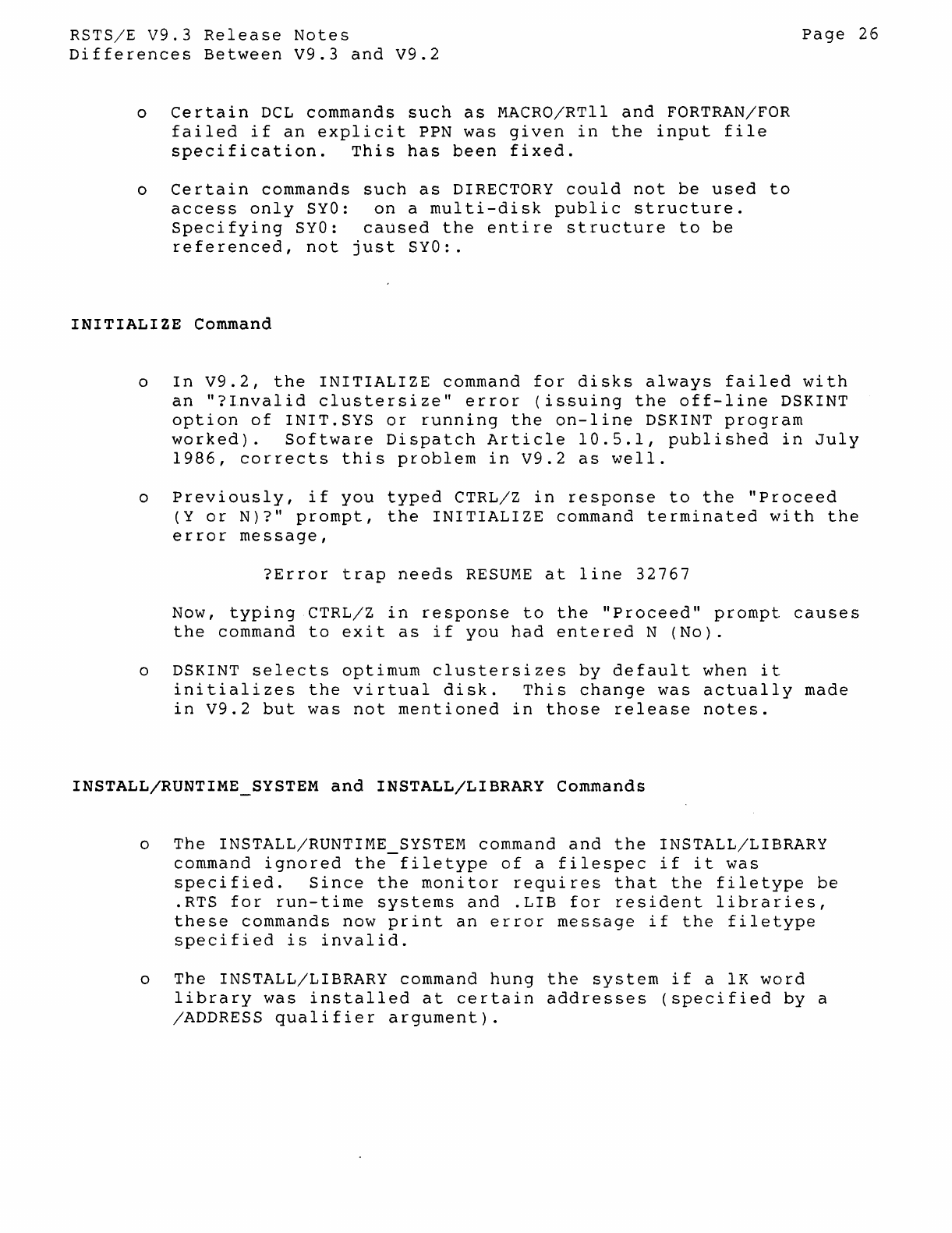
RSTS/E
V9.3
Release
Notes
Differences
Between
V9.3
and
V9.2
o
Certain
DCL
commands
such
as
MACRO/RTll
and
FORTRAN/FOR
failed
if
an
explicit
PPN
was
given
in
the
input
file
specification.
This
has
been
fixed.
o
Certain
commands
such
as
DIRECTORY
could
not
be
used
to
access
only
SYO:
on
a
multi-disk
public
structure.
Specifying
SYO:
caused
the
entire
structure
to
be
referenced,
not
just
SYO:.
INITIALIZE
Command
Page
26
o
In
V9.2,
the
INITIALIZE
command
for
disks
always
failed
with
an
"?Invalid
clustersize"
error
(issuing
the
off-line
DSKINT
option
of
INIT.SYS
or
running
the
on-line
DSKINT
program
worked).
Software
Dispatch
Article
10.5.1,
published
in
July
1986,
corrects
this
problem
in
V9.2
as
well.
o
Previously,
if
you
typed
CTRL/Z
in
response
to
the
"Proceed
(Y
or
N)?"
prompt,
the
INITIALIZE
command
terminated
with
the
error
message,
?Error
trap
needs
RESUME
at
line
32767
Now,
typing
CTRL/Z
in
response
to
the
"Proceed"
prompt
causes
the
command
to
exit
as
if
you
had
entered
N
(No).
o DSKINT
selects
optimum
clustersizes
by
default
when
it
initializes
the
virtual
disk.
This
change
was
actually
made
in
V9.2
but
was
not
mentioned
in
those
release
notes.
INSTALL/RUNTIME_SYSTEM
and
INSTALL/LIBRARY Commands
o
The
INSTALL/RUNTIME_SYSTEM command
and
the
INSTALL/LIBRARY
command
ignored
the
filetype
of
a
filespec
if
it
was
specified.
Since
the
monitor
requires
that
the
filetype
be
.RTS
for
run-time
systems
and
.LIB
for
resident
libraries,
these
commands
now
print
an
error
message
if
the
filetype
specified
is
invalid.
o
The
INSTALL/LIBRARY command
hung
the
system
if
a
lK
word
library
was
installed
at
certain
addresses
(specified
by
a
/ADDRESS
qualifier
argument).
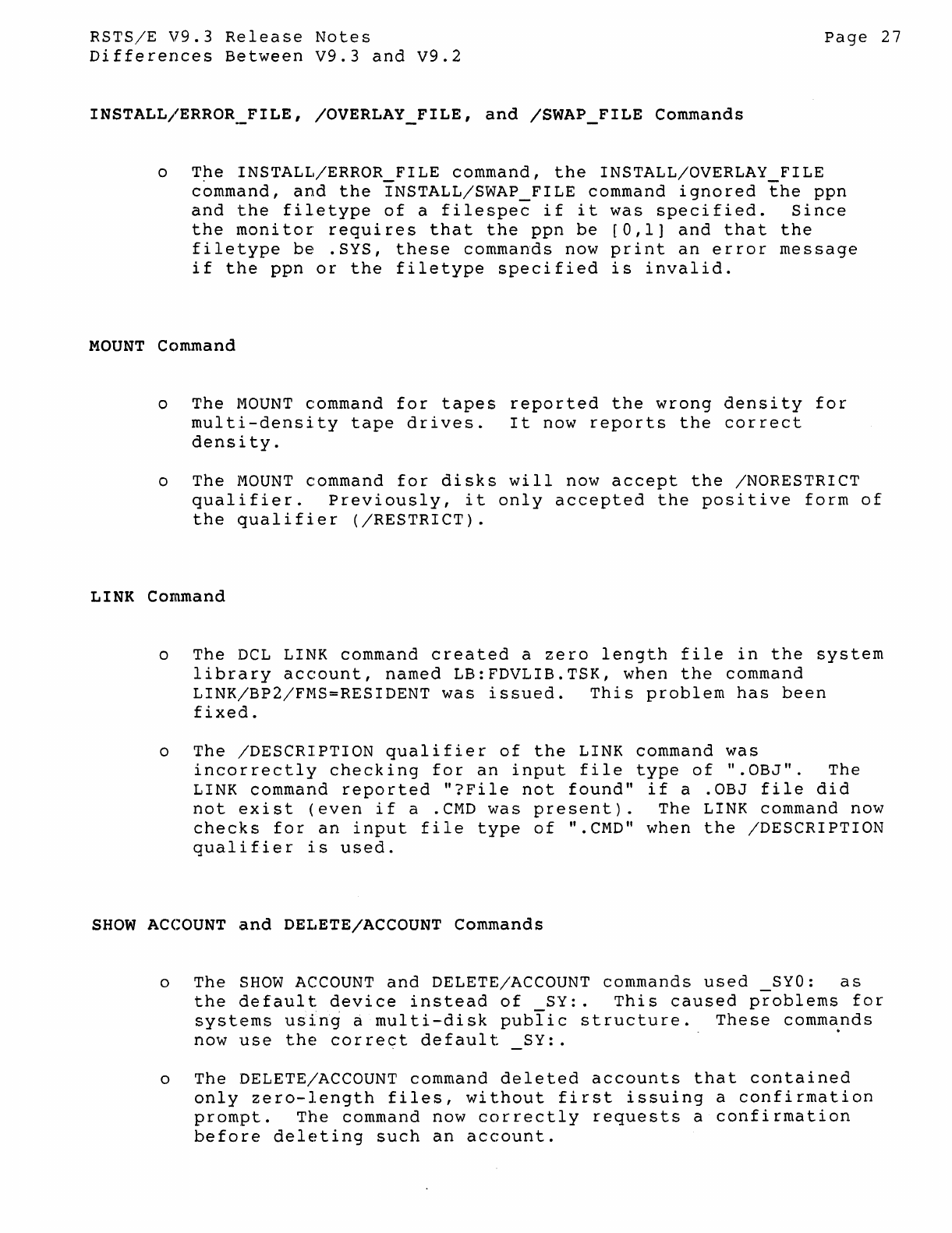
RSTSjE
V9.3
Release
Notes
Differences
Between
V9.3
and
V9.2
INSTALL/ERROR._FILE,
/OVERLAY_FILE,
and
/SWAP
_FILE
Commands
Page
27
o
T~e
INSTALL/ERROR_FILE
command,
the
INSTALL/OVERLAY_FILE
command,
and
the
INSTALL/SWAP_FILE
command
ignored
the
ppn
and
the
filetype
of
a
filespec
if
it
was
specified.
Since
the
monitor
requires
that
the
ppn
be
[0,1]
and
that
the
filetype
be
.SYS,
these
commands
now
print
an
error
message
if
the
ppn
or
the
filetype
specified
is
invalid.
MOUNT
Cc)mmand
o
The
MOUNT
command
for
tapes
reported
the
wrong
density
for
multi-density
tape
drives.
It
now
reports
the
correct
density.
o
The
MOUNT
command
for
disks
will
now
accept
the
/NORESTRICT
qualifier.
Previously,
it
only
accepted
the
positive
form
of
the
qualifier
(/RESTRICT).
LINK
Command
o
The
DCL
LINK
command
created
a
zero
length
file
in
the
system
library
account,
named
LB:FDVLIB.TSK,
when
the
command
LINK/BP2/FMS=RESIDENT
was
issued.
This
problem
has
been
fixed.
o
The
/DESCRIPTION
qualifier
of
the
LINK
command
was
incorrectly
checking
for
an
input
file
type
of
".OBJ".
The
LINK
command
reported
"?File
not
found"
if
a
.OBJ
file
did
not
exist
(even
if
a
.CMD
was
present).
The
LINK
command
now
checks
for
an
input
file
type
of
".CMD"
when
the
/DESCRIPTION
qualifier
is
used.
SHOW
ACCOUNT
and
DELETE/ACCOUNT
Commands
o
The
SHOW
ACCOUNT
and
DELETE/ACCOUNT
commands
used
Syo:
as
the
default
device
instead
of
SY:.
This
caused
problems
for
systems
us{ri~
a
multi-disk
pubIic
structure.
These
commands
now
use
the
correct
default
SY:.
.
o
The
DELETE/ACCOUNT
command
deleted
accounts
that
contained
only
zero-length
files,
without
first
issuing
a
confirmation
prompt.
The
command
now
correctly
requests
a
confirmation
before
deleting
such
an
account.
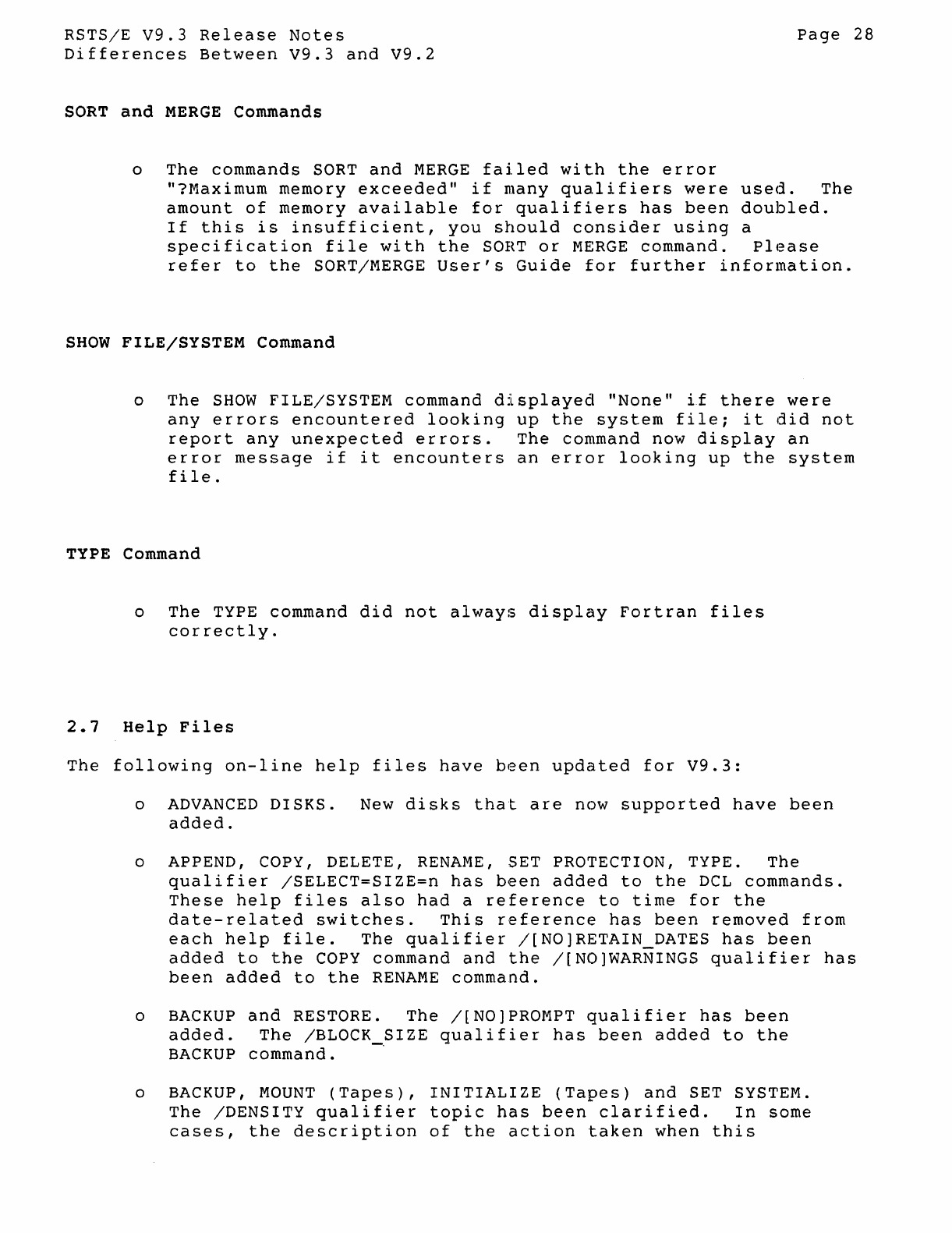
RSTS/E
V9.3
Release
Notes
Differences
Between
V9.3
and
V9.2
SORT
and
MERGE
Commands
o
The
commands
SORT
and
MERGE
failed
with
the
error
Page
28
"?Maximum
memory
exceeded"
if
many
qualifiers
were
used.
The
amount
of
memory
available
for
qualifiers
has
been
doubled.
If
this
is
insufficient,
you
should
consider
using
a
specification
file
with
the
SORT
or
MERGE
command.
Please
refer
to
the
SORT/MERGE
User's
Guide
for
further
information.
SHOW
FILE/SYSTEM
Command
o
The
SHOW
FILE/SYSTEM
command
displayed
"None"
if
there
were
any
errors
encountered
looking
up
the
system
file;
it
did
not
report
any
unexpected
errors.
The
command
now
display
an
error
message
if
it
encounters
an
error
looking
up
the
system
file.
TYPE Command
o
The
TYPE
command
did
not
always
display
Fortran
files
correctly.
2.7
Help
Files
The
following
on-line
help
files
have
been
updated
for
V9.3:
o
ADVANCED
DISKS.
New
disks
that
are
now
supported
have
been
added.
o APPEND, COPY, DELETE,
RENAME,
SET PROTECTION, TYPE.
The
qualifier
/SELECT=SIZE=n
has
been
added
to
the
DCL
commands.
These
help
files
also
had
a
reference
to
time
for
the
date-related
switches.
This
reference
has
been
removed
from
each
help
file.
The
qualifier
/[NO)RETAIN_DATES
has
been
added
to
the
COpy
command
and
the
/[NO)WARNINGS
qualifier
has
been
added
to
the
RENAME
command.
o
BACKUP
and
RESTORE.
The
/[NO]PROMPT
qualifier
has
been
added.
The
/BLOCK
SIZE
qualifier
has
been
added
to
the
BACKUP
command.
-
o BACKUP,
MOUNT
(Tapes),
INITIALIZE
(Tapes)
and
SET SYSTEM.
The
/DENSITY
qualifier
topic
has
been
clarified.
In
some
cases,
the
description
of
the
action
taken
when
this
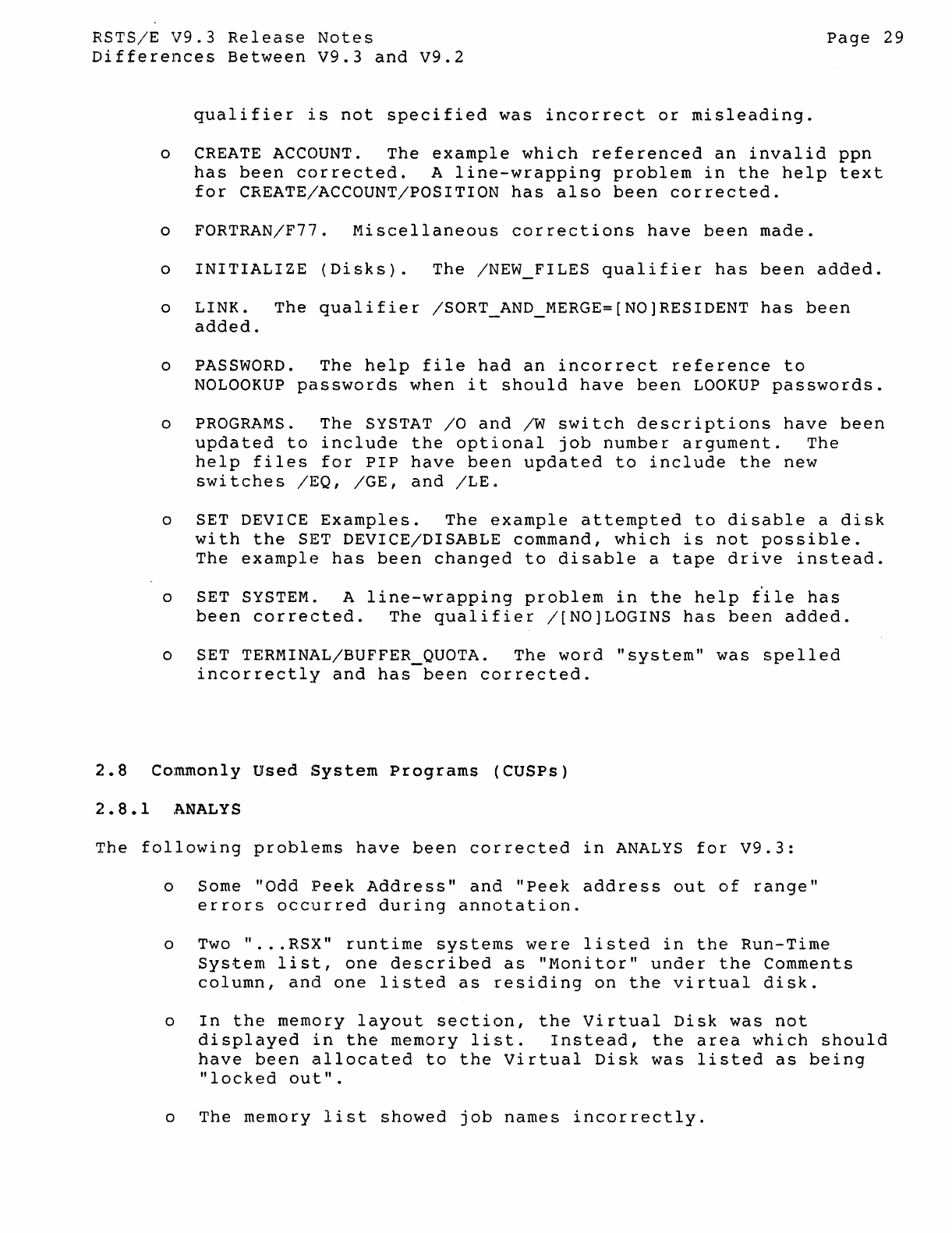
RSTS/E
V9.3
Release
Notes
Differences
Between
V9.3
and
v9.2
qualifier
is
not
specified
was
incorrect
or
misleading.
Page
29
o CREATE ACCOUNT.
The
example
which
referenced
an
invalid
ppn
has
been
corrected.
A
line-wrapping
problem
in
the
help
text
for
CREATE/ACCOUNT/POSITION
has
also
been
corrected.
o
FORTRAN/F77.
Miscellaneous
corrections
have
been
made.
o
INITIALIZE
(Disks).
The
/NEW_FILES
qualifier
has
been
added.
o
LINK.
The
qualifier
/SORT_AND_MERGE=[NO]RESIDENT
has
been
added.
o PASSWORD.
The
help
file
had
an
incorrect
reference
to
NOLOOKUP
passwords
when
it
should
have
been
LOOKUP
passwords.
o PROGRAMS.
The
SYSTAT
/0
and
/W
switch
descriptions
have
been
updated
to
include
the
optional
job
number
argument.
The
help
files
for
PIP
have
been
updated
to
include
the
new
switches
/EQ, /GE,
and
/LE.
o SET DEVICE
Examples.
The
example
attempted
to
disable
a
disk
with
the
SET
DEVICE/DISABLE
command,
which
is
not
possible.
The
example
has
been
changed
to
disable
a
tape
drive
instead.
o SET SYSTEM. A
line-wrapping
problem
in
the
help
t'ile
has
been
corrected.
The
qualifier
/[NO]LOGINS
has
been
added.
o SET TERMINAL/BUFFER QUOTA.
The
word
"system"
was
spelled
incorrectly
and
has-been
corrected.
2.8
Commonly
Used
System
Programs
(CUSPs)
2.8.1
,l\NALYS
The
following
problems
have
been
corrected
in
ANALYS
for
V9.3:
o Some
"Odd
Peek
Address"
and
"Peek
address
out
of
range"
errors
occurred
during
annotation.
o Two "
...
RSX"
runtime
systems
were
listed
in
the
Run-Time
System
list,
one
described
as
"Monitor"
under
the
Comments
column,
and
one
listed
as
residing
on
the
virtual
disk.
o
In
the
memory
layout
section,
the
Virtual
Disk
was
not
displayed
in
the
memory
list.
Instead,
the
area
which
should
have
been
allocated
to
the
Virtual
Disk
was
listed
as
being
"locked
out".
o
The
memory
list
showed
job
names
incorrectly.
RSTS/E
V9.3
Release
Notes
Differences
Between
V9.3
and
V9.2
o
The
UMR
printout
was
incorrect.
Page
30
o
The
disk
display
in
the
SYSTAT
area
did
not
show
any
keyword
for
disks
initialized
for
Date
of
Last
Access.
It
now
shows
DLA.
o
The
message
receiver
display
sometimes
incorrectly
printed
???
under
the
Access
field.
2.8.2
DISPLY.TSK
The
following
problems
in
DISPLY.TSK
have
been
corrected
for
V9.3:
o
The
disk
display
section
reported
an
incorrect
error
count.
o
The
buffer
error
count
display
reported
an
incorrect
error
count.
2.8.3
Underscore
Prefix
Added
To
Null
device
Name
Prior
to
RSTS
V9.3,
several
programs
did
not
include
an
underscore
character
(_)
with
the
null
device
name"
NL:.
This
resulted
in
random
results
if
there
was
a
system
or
user
logical
named
NL:
defined
when
these
programs
were
run.
The
following
programs
have
been
changed
to
include
the
underscore
prefix
character
with
the
null
device
name
to
avoid
any
possible
conflicts:
2.8.4
HELP.TSK
ANALY3.TSK
EMTCPY.TSK
ERRCPY.TSK
ERRINT.TSK
PBSMGR.TSK
SPLRUN.TSK
SHUTUP.TSK
The
following
problem
in
HELP.TSK
has
been
corrected
for
V9.3:
o
Aborting
HELP.TSK
with
CTRL/C
sometimes
caused
the
error
message
"??Program
failure
in
HELP -
??programmable
C
Trap
-
sy:[0,2]HELP.HLP"
to
be
displayed.
RSTS/E
V9.3
Release
Notes
Differences
Between
V9.3
and
V9.2
2.8.5
HOOK.SAV
Page
31
The
HOOlK.SAV
program
has
been
modified
for
RSTS/E
V9.3
to
use
the
new
open
MODE
16384,
so
that
you
can
continue
to
HOOK
mounted
disks.
2.8.6
OPSER
Spooling
package
The
work
files
SPL???WRK
and
BAT???WRK
are
now
located
in
OPSER$:
rather
than
in
[1,2].
The
following
corrections
have
been
made
for
V9.3:
o
When
QU/K
removed
a
queue
entry
with
an
/AFTER
qualifier,
the
/AFTER
entry
in
the
QUEUE.SYS
table
did
not
return
to
the
free
list
along
with
the
queue
entry.
o
In
V9.1,
users
logged
into
accounts
lacking
WWRITE
or
GWRITE
privileges
could
not
delete
files
in
their
own
accounts
by
using
the
/DELETE
qualifier
with
OPSER QUE.
The
Release
Notes
for
V9.2
stated
that
this
problem
had
been
fixed.
Because
of
a
coding
error,
however,
the
problem
still
appears
in
V9.2
in
certain
cases.
It
has
now
been
fixed
for
all
cases
in
V9.3.
o
The
QUMRUN
program
could
go
into
hibernation
(HB
state)
if
the
first
spooler
job
was
unable
to
receive
messages
for
more
than
a
minute.
o
When
the
$JOB
line
in
a
BATCH
command
file
specified
a
non-existent
account
number,
the
batch
job
failed.
BATCH
now
returns
the
error,
"?NO
SUCH
ACCOUNT".
2.8.7
lE>IP
The
following
problems
have
been
fixed
in
PIP.SAV
for
RSTS/E
V9.3:
1.
PIP
did
not
honor
a
file's
EOF
attribute
when
copying
the
file
to
a
terminal.
2.
The
/RMS:FA
switch
did
not
display
any
Fortran
files
correctly.
3.
PIP
did
not
display
fixed-length
Fortran
files
correctly.
2.8.8
Print/Batch
Services
(PBS)
The
following
problems
have
been
corrected
in
Print/Batch
Services
RSTS/E
V9.3
Release
Notes
Differences
Between
V9.3
and
V9.2
(PBS)
in
V9.3:
Page
32
o
Using
a SET
ENTRY/PRIORITY
command
to
lower
an
entry's
priority
by
one
did
not
reposition
the
entry
behind
those
with
the
same
initial
priority.
Also,
using
the
same
command
to
raise
an
entry's
priority
by
one
had
the
same
effect
as
raising
it
by
two.
See
the
January
1987
Software
Dispatch
article
15.1.2
for
further
details.
o
Batch
jobs
submitted
via
a
User
Request
Packet
that
included
an
OWNER
field
(type
3)
by
default
tried
to
create
the
log
file
in
the
submitter's
account,
rather
than
the
owner's
account.
This
often
failed
because
the
user
did
not
have
enough
privilege
(WWRITE
or
GWRITE)
to
create
files
in
other
accounts.
See
the
January
1987
Software
Dispatch
article
15.1.3
for
further
details.
o
If
the
system
or
user
logical
name
NL:
was
defined,
most
PBS
commands
failed
or
produced
unexpected
results.
This
was
caused
by
the
omission
of
an
underscore
( )
prefix
in
a
module's
reference
to
the
null
device.
2.8.9
REORDR.TSK
Prior
to
V9.3,
the
REORDR
utility
required
WRTNFS
(write
non-file-structured)
privilege
to
run.
It
did
not
require
WACNT
or
GACNT
privilege,
as
do
all
other
account
management
commands.
In
V9.3,
REORDR
requires
WACNT
or
GACNT
privilege
to
run.
If
you
attempt
to
run
REORDR
without
either
of
these
privileges,
REORDR
issues
the
error
message:
?REORDR
requires
GACNT
or
WACNT
privilege
and
terminates.
Additionally,
REORDR
requires
you
to
have
WACNT
privilege
to
reorder
any
account
outside
your
own
account
group.
If
you
specify
an
account
outside
your
group,
and
you
do
not
have
WACNT
privilege,
then
REORDR
issues
the
error
message:
?WACNT
privilege
required
-
(account-spec)
and
re-prompts.
2.8.10
SAVRES.SAV
The
SAVRES.SAV
program
now
acts
as
it
did
before
RSTS
V9.0;
it
will
no
longer
allow
users
with
sufficient
privilege
to
perform
SAVE, RESTORE,
or
IMAGE
operations
to
or
from
a
mounted
disk.
RSTS/E
V9.3
Release
Notes
Differences
Between
V9.3
and
V9.2
Page
33
other
programs
like
SYSTAT
will
also
no
longer
allow
users
with
sufficient
privilege
to
write
non-file-structured
to
a
mounted
disk.
2.8.11
SHUTUP.TSK
The
following
problem
in
SHUTUP.TSK
has
been
corrected
for
v9.3:
o
Shutup
aborted
during
the
ERRCPY
shutdown
phase,
even
when
ERRCPY
already
had
shutdown.
2.8.12
SYSTAT.TSK
The
following
problem
in
SYSTAT.TSK
has
been
made
for
V9.3:
o SYSTAT
sometimes
printed
Hi??"
in
the
comments
field
of
the
message
receiver
display
section.
2.9
Unsupported
Programs
2.9.1
STATUS.TSK
The
following
changes
have
been
made
to
the
STATUS.TSK
program
for
V9.3:
o
The
maximum
number
of
disks
that
the
program
can
handle
has
been
increased.
o
you
no
longer
see
the
message
"?Disk
data
cannot
fit
on
the
screen"
when
you
include
the
/VT5x
or
/VTIOO
switch
for
the
output
file.
Instead,
the
program
prints
out
as
much
of
the
disk
data
as
it
can
until
the
screen
is
filled.
The
next
two
changes
allow
you
to
display
the
remainder
of
the
disk
data.
o To
display
a
list
of
mounted
disks
only,
type
'M'<CR>
while
the
program
is
running.
This
allows
you
to
see
a
list
of
all
the
mounted
disks
on
the
system.
To
display
a
list
of
the
non-mounted
disks
as
well
as
the
mounted
disks,
type
'N'<CR>
The
default
is
'M'
(display
mounted
disks
only).
o To
remove
a
list
of
the
first
n
number
of
disks
from
the
display,
type
'Dn'<CR>
while
the
program
is
running.
Type
'0'
or
'DO'
to
display
a
list
of
all
the
disks
again.
RSTS/E
V9.3
Release
Notes
Differences
Between
V9.3
and
V9.2
2.9.2
RSTSFLX
Program
Page
34
The
unsupported
RSTSFLX
program
that
runs
on
VAX/VMS
systems
to
read
data
from
RSTS-stru~tured
disks
has
been
updated
to
support
some
of
the
newer
device
types.
Specifically,
the
RX50
is
now
an
allowable
device.
2.10
RMS
2.10.1
Access
Methods
The
following
access
methods
problems
have
been
corrected
for
RMS
in
RSTS/E
V9.3:
o
The
ORG$, POOL$B
and
GSA$
macros
lost
the
current
psect
and
redirected
the
location
counter
to
the
blank
psect
(.BLK.)
on
exit
from
the
macro.
This
caused
I & 0
space
programs
to
put
data
in
I-space
and
sometimes
caused
programs
to
abort
with
memory
management
violation
errors
when
they
later
referenced
those
locations.
This
problem
is
corrected
by
a
change
to
RMSMAC.MLB.
All
I & D
space
programs
using
RMSMAC.MLB
should
be
reassembled.
Users
should
ensure
that
their
RMS-based
programs
did
not
rely
on
these
particular
RMS-ll
macros
exiting
with
the
location
counter
pointing
to
the
.BLK.
psect.
o
Programs
using
Mass
Insert
in
indexed
files
(including
RMSCNV
with
/MA)
could
abort
with
"Dynamic
Memory
Exhausted"
'when
duplicates
were
encountered.
~rhis
problem
is
corrected
by
a
change
to
R3IUDR
and
R3IUDL
in
RMSLIB.OLB
and
the
RMS
resident
library.
o On
relative
files
opened
READ
access,
WRITE
shared,
a $GET
operation·
requesting
locate
mode
could
fail
to
read
from
disk.
If
the
current
$GET
involved
the
same
bucket
as
the
previous
$GET
then
RMS-II
incorrectly
assumed
it
had
a
valid
cache
and
copied
that
data
to
the
user
buffer.
A $GET
operation
should
always
read
from
the
disk,
since
READERS
do
not
cause
bucket
locks
and
a WRITER
may
have
updated
the
file
since
the
last
$GET.
This
problem
is
corrected
by
a
change
to
module
R2GET
in
RMSLIB.OLB
and
the
RMSLBC.LIB
resident
library.
o
In
write-shared
index
files,
a
high
priority
RMS-II
application
could
lock
out
other
accessors.
In
the
process
of
attempting
to
obtain
the
target
record,
RMS-II
often
had
to
sleep
while
waiting
for
an
intermediate
record
(in
the
index
tree)
to
become
available.
The
amount
of
sleep
requested
was
not
always
great
enough
to
allow
the
lower
priority
job
to
release
the
lock
on
that
intermediate
record.
This
problem
has
been
corrected
in
RORWBF
in
both
RMSLIB.OLB
and
the
resident
library.
RSTS/E
V9.3
Release
Notes
Differences
Between
V9.3
and
V9.2
Page
35
NOTE
If
the
user
aborts
an
application
before
an
RMS-ll
write
operation
($PUT,
$DELETE,
$WRITE
etc.)
is
completed,
the
file
is
left
in
an
indet~rminate
state.
This
is
similar
to
the
effect
of
a
system
crash.
If
the
file
is
an
indexed
file
it
should
be
reloaded
via
RMSIFL
before
any
applications
are
permitted
to
access
it.
2.10.2
Network
Access
Methods
The
following
network
access
problems
have
been
corrected
for
RMS
in
RSTS/E
V9.3:
o A
remote
$CLOSE
did
not
work
correctly
when
a
Protection
XAB
was
linked
into
the
extended
attributes
(XAB)
chain,
and
the
remote
network
partner
was
not
using
v6.0
Data
Access
Protocol
(DAP).
Please
note
that
V5.6
OAP
(supported
by
RSTS/E)
does
not
allow
the
modification
of
the
Protection
XAB
(PRO XAB)
on
the
$CLOSE
operation,
while
V6.0
DAP
(supported
by
RSX
and
VMS)
does.
If
the
remote
node
does
not
use
V6.0
DAP,
the
presence
of
a
PRO
XAB
is
ignored.
Thus,
if
a
user
wishes
to
use
a
PRO
XAB
and
the
possibility
exists
that
the
remote
node
uses
V5.6
DAP,
the
user
should
set
up
protection
XAB
values
on
the
$CREATE
operation
rather
than
on
the
$CLOSE
operation.
This
correction
affects
module
RONFRT
in
the
RMSDAP.OLB
and
the
DAPRES
library.
o
The
protection
XAB
Owner
(PRJ
and
PRG
fields)
was
incorrectly
translated
when
the
remote
system
was
RSX
or
VMS.
The
translation
always
assumed
that
it
was
a
decimal
UIC
when
in
fact
it
was
octal.
This
error
occurred
both
when
files
were
created
and
when
files
were
opened.
This
correction
affects
modules
RONFRL
and
RONFLR
in
the
RMSDAP.OLB
and
the
DAPRES
library.
2.10.3
RMS-11
utilities
RMSCNV
The
following
problems
have
been
corrected
in
the
RMSCNV
utility
in
RSTS/E
V9.3:
o
RMSCNV
did
not
work
correctly
when
the
/MA
switch
was
used.
When
a
sufficiently
large
number
of
duplicates
were
encountered,
it
reported
the
error
ER$DME
(Dynamic
Memory
Exhausted).
RSTS/E
V9.3
Release
Notes
Differences
Between
V9.3
and
V9.2
Page
36
o The /EO
switch
did
not
work
correctly.
Before
version
9.0
it
did
not
work
at
all.
As a
result
of
a
correction
issued
in
version
9.0
it
null
filled
the
last
block
containing
valid
data
in
the
file
(logical
end-af-file
(EOF)).
However
it
did
not
null
fill
to
physical
EOF.
This
problem
was
corrected
in
version
9.2
but
was
not
documented
in
the
V9.2
Release
Notes.
RMSIFL
RMSIFL
does
not
work
correctly
when
the
input
file
is
on
magnetic
tape.
This
is
due
to
the
fact
that
it
does
not
transfer
the
data
to
a
temporary
work
file
as
documented,
and
certain
RMS
operations
fail
if
directed
to
a
magnetic
tape.
In
some
cases
RMSIFL
reports
the
error
"-880"
(illegal
operation
for
file)
..
Where
the
input
file
is
not
a
sequential
file
it
may
not
report
an
error,
however
the
data
may
not
be
handled
correctly.
If
the
input
file
is
a
sorted
sequential
file,
then
you
can
work
around
this
problem
by
using
"/NaSa".
This
problem
will
be
addressed
in
a
future
release
of
RMS-ll
but
is
currently
a
restriction.
2.10.4
RMS
Documentation
Please
add
the
following
text
to
the
RMS-ll
MACRO
Programmer's
Guide,
Appendix
A,
page
A-6:
ER$FUL
Device
or
File
Allocation
Failure
Octal:
176360
Decimal:
-784
The
specified
device
or
directory
does
not
have
enough
room
for
file
creation
or
extension.
In
the
case
of
a
contiguous
request
it
is
also
possible
that
there
is
not
enough
contiguous
space
on
the
device.
2.11
Layered
Products
2.11.1
Basic-Plus
Patch
Removed
Prior
to
RSTS
V9.3,
there
was
a
mandatory
patch
-
installed
automatically
during
installation
-
to
clear
the
I/O
buffer
whenever
a
file
was
opened.
This
change
has
been
incorporated
into
the
.
Basic-Plus
source
code
for
V9.3
and
the
patch
removed.
2.11.2
COBOL-a1
Corrections
For
RSTS/E COBOL-8l
V2.4,
the
following
problems
have
been
corrected:
RSTSjE
V9.3
Release
Notes
Differences
Between
V9.3
and
V9.2
Page
37
o
Several
files
of
the
COBOL-8l
V2.4
kit
have
improper
protection
codes.
These
are
corrected
during
the
update.
o The COBOL-8l
V2.4
compiler
sometimes
generated
illegal
format
object
file
records
when
large
literal
values
were
used.
Module
GPDOUT
has
been
replaced
in
the
compiler
library
to
correct
this
problem.
o A
PERFORM
of
greater
than
65536
iterations
in
an
overlayed
program
sometimes
resulted
in
an
Incorrect
transfer
of
control
when
PERFORM
range
checking
was
turned
off
(the
/-PER
compile
switch).
Module
PERFO
in
the
OTS
libraries
has
been
replaced
to
correct
this
error.
2.11.3
DECmail-ll
V3.0
Updates
on
RSTS/E
V9.3:
RSTS/E
V9.3
contains
updates
for
DECmail-ll
V3.0.
Transfer
the
DECmail-·ll
V3.0
update
components
to
the
PATCH$
account
during
the
system
upgrade
from
V9.2
to
V9.3.
Refer
to
the
RSTS/E
System
Installation
and
Update
Guide,
Part
IV,
Phase:3,
Task:4,
page
178
for
more
information
about
transferring
updates
for
Layered
Products.
If
you
do
not
transfer
DECmail-ll
updates
during
the
system
upgrade,
you
will
need
to
mount
your
RSTS/E
Installation
media
during
the
DECmail-·ll
update.
The RSTS/E
Layered_Product
Update
Procedure
will
transfer
the
DECmail-ll
updates.
Requirements
for
this
update:
Privileges:
Refer
to
the
DECmail-ll
Installation
and
System
Manager's
Guide
for
information
about
the
privileges
needed.
Programs:
SY:[1,2]LBR.TSK
SY:[l,2]STK.TSK
SY:[l,2]TKB.TSK
Disk
space:
670
blocks
for
update
files
in
PATCH$:
5350
blocks
for
update
work
files
in
WORK$:
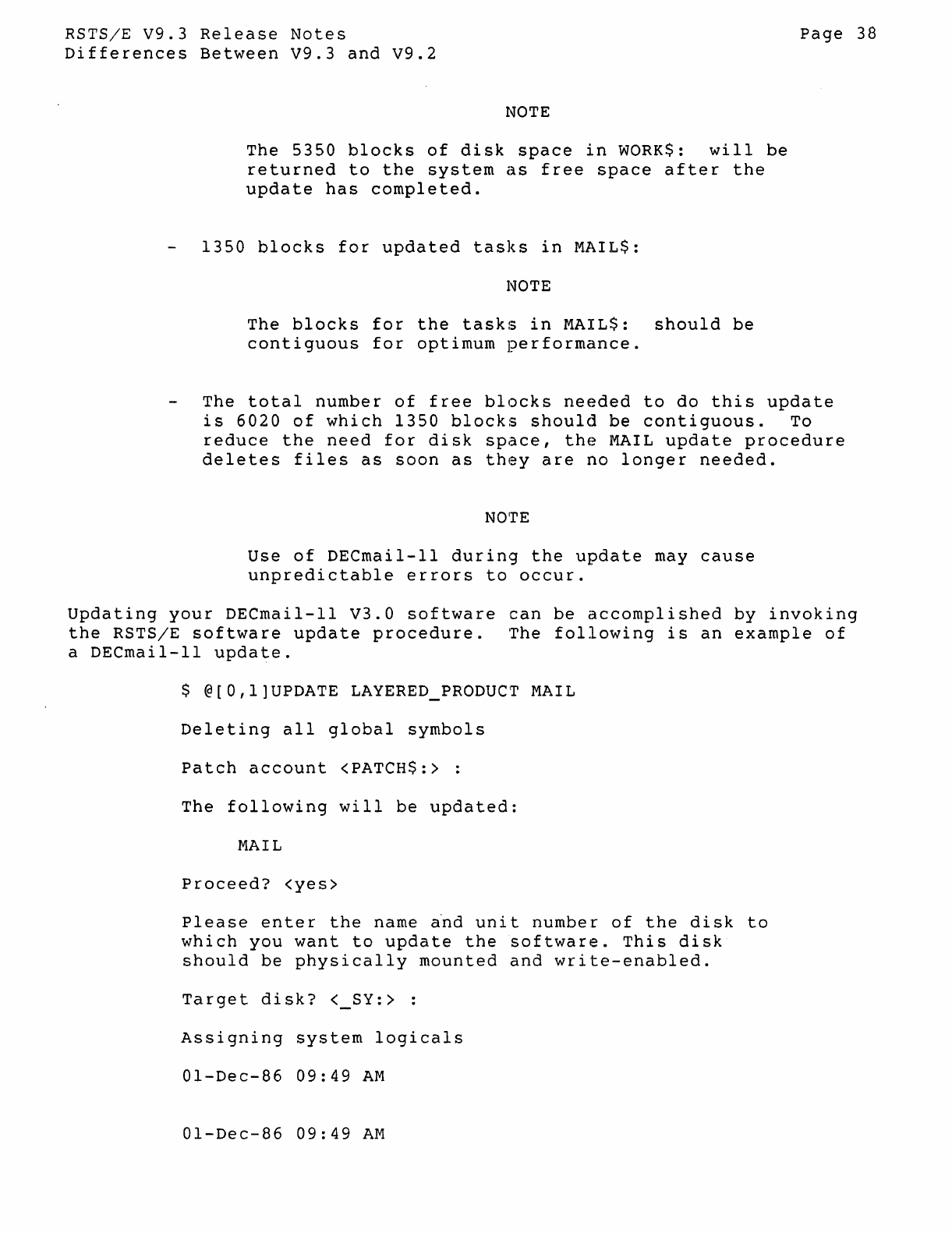
RSTS/E
V9.3
Release
Notes
Differences
B~tween
V9.3
and
V9.2
NOTE
The
5350
blocks
of
disk
space
in
WORKS:
will
be
returned
to
the
system
as
free
space
after
the
update
has
completed.
1350
blocks
for
updated
tasks
in
MAIL$:
NOTE
The
blocks
for
the
tasks
in
MAIL$:
should
be
contiguous
for
optimum
performance.
Page
38
The
total
number
of
free
blocks
needed
to
do
this
update
is
6020
of
which
1350
blocks
should
be
contiguous.
To
reduce
the
need
for
disk
space,
the
MAIL
update
procedure
deletes
files
as
soon
as
they
are
no
longer
needed.
NOirE
Use
of
DECmail-ll
during
the
update
may
cause
unpredictable
errors
to
occur.
Updating
your
DECmail-11
V3.0
software
can
be
accomplished
by
invoking
the
RSTS/E
software
update
procedure.
'The
following
is
an
example
of
a
DECmail-ll
update.
$ @[O,l]UPDATE
LAYERED
PRODUCT
MAIL
Deleting
all
global
symbols
Patch
account
<PATCH$:> :
The
following
will
be
updated:
MAIL
Proceed?
<yes>
Please
ente
r
the
name a'nd
uni
t
number
of
the
di
sk
to
which
you
want
to
update
the
software.
This
disk
should
be
physically
mounted
and
write-enabled.
Target
disk?
< SY:> :
Assigning
system
logicals
01-Dec-86
09:49
AM
01-Dec-86
09:49
AM
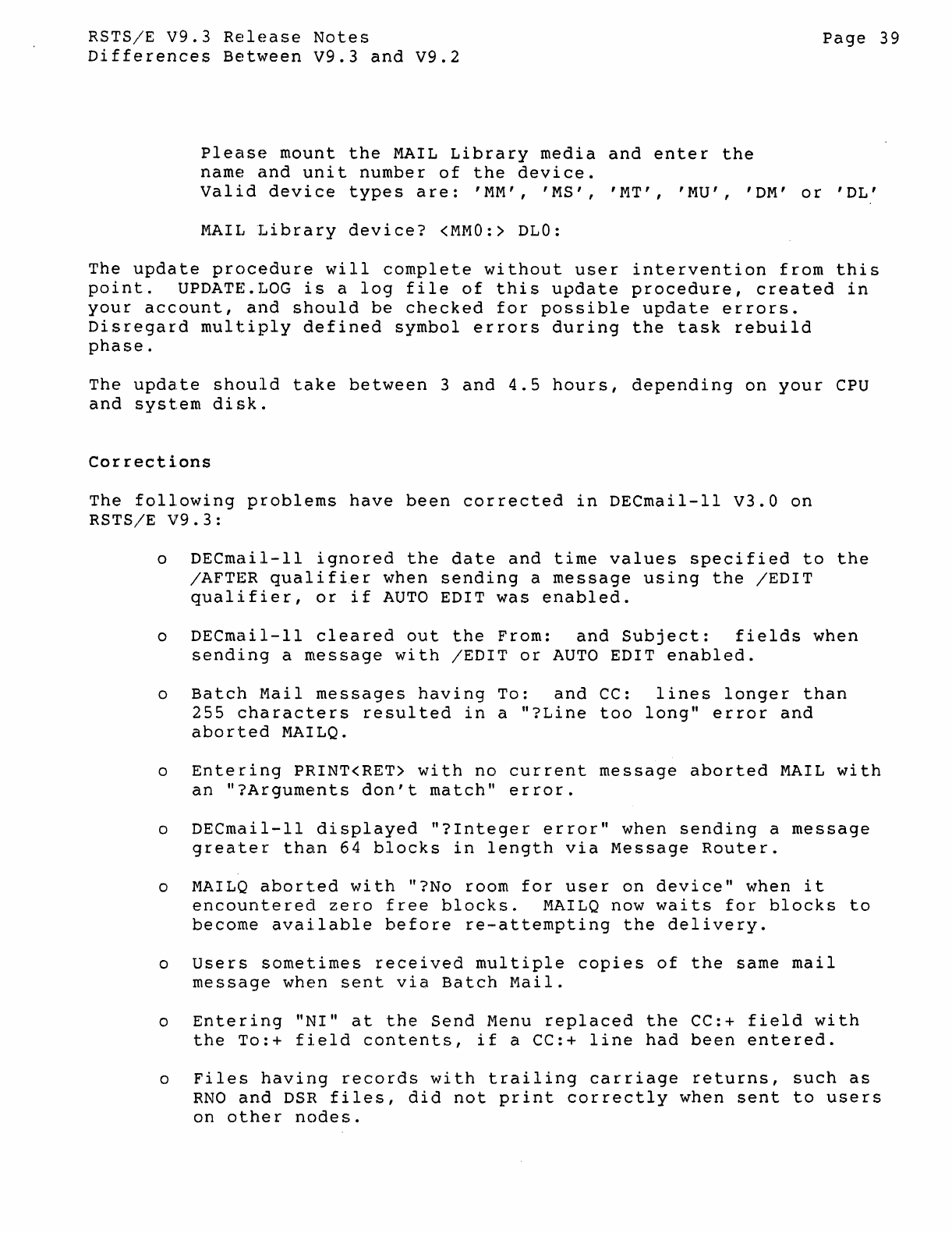
RSTS/E
V9.3
Release
Notes
Page
39
Differences
Between
V9.3
and
V9.2
please
mount
the
MAIL
Library
media
and
enter
the
name
and
unit
number
of
the
device.
Valid
device
types
are:
'MM',
'MS',
'MT',
'MU',
'DM'
or
'DL'
MAIL
Library
device?
<MMO:>
DLO:
The
update
procedure
will
complete
without
user
intervention
from
this
point.
UPDATE.
LOG
is
a
log
file
of
this
update
procedure,
created
in
your
account,
and
should
be
checked
for
possible
update
errors.
Disregard
multiply
defined
symbol
errors
during
the
task
rebuild
phase.
The
upda.te
should
take
between
3
and
4.5
hours,
depending
on
your
CPU
and
system
disk.
Correcti.ons
The
following
problems
have
been
corrected
in
DECmail-ll
V3.0
on
RSTS/E
V9.3:
o
DECmail-ll
ignored
the
date
and
time
values
specified
to
the
/AFTER
qualifier
when
sending
a
message
using
the
/EDIT
qualifier,
or
if
AUTO
EDIT
was
enabled.
o
DECmail-ll
cleared
out
the
From:
and
Subject:
fields
when
sending
a
message
with
/EDIT
or
AUTO
EDIT
enabled.
o
Batch
Mail
messages
having
To:
and
CC:
lines
longer
than
255
characters
resulted
in
a
"?Line
too
long"
error
and
aborted
MAILQ.
o
Entering
PRINT<RET>
with
no
current
message
aborted
MAIL
with
an
"?Arguments
don't
match"
error.
o
DECmail-ll
displayed
"?Integer
error"
when
sending
a
message
greater
than
64
blocks
in
length
via
Message
Router.
o
MAlLO
aborted
with
"?No room
for
user
on
device"
when
it
encountered
zero
free
blocks.
MAILQ
now
waits
for
blocks
to
become
avai.lable
before
re-attempting
the
delivery.
o
Users
sometimes
received
multiple
copies
of
the
same
mail
message
when
sent
via
Batch
Mail.
o
Entering
"NI"
at
the
Send
Menu
replaced
the
CC:+
field
with
the
To:+
field
contents,
if
a CC:+
line
had
been
entered.
o
Files
having
records
with
trailing
carriage
returns,
such
as
RNO
and
DSR
files,
did
not
print
correctly
when
sent
to
users
on
other
nodes.
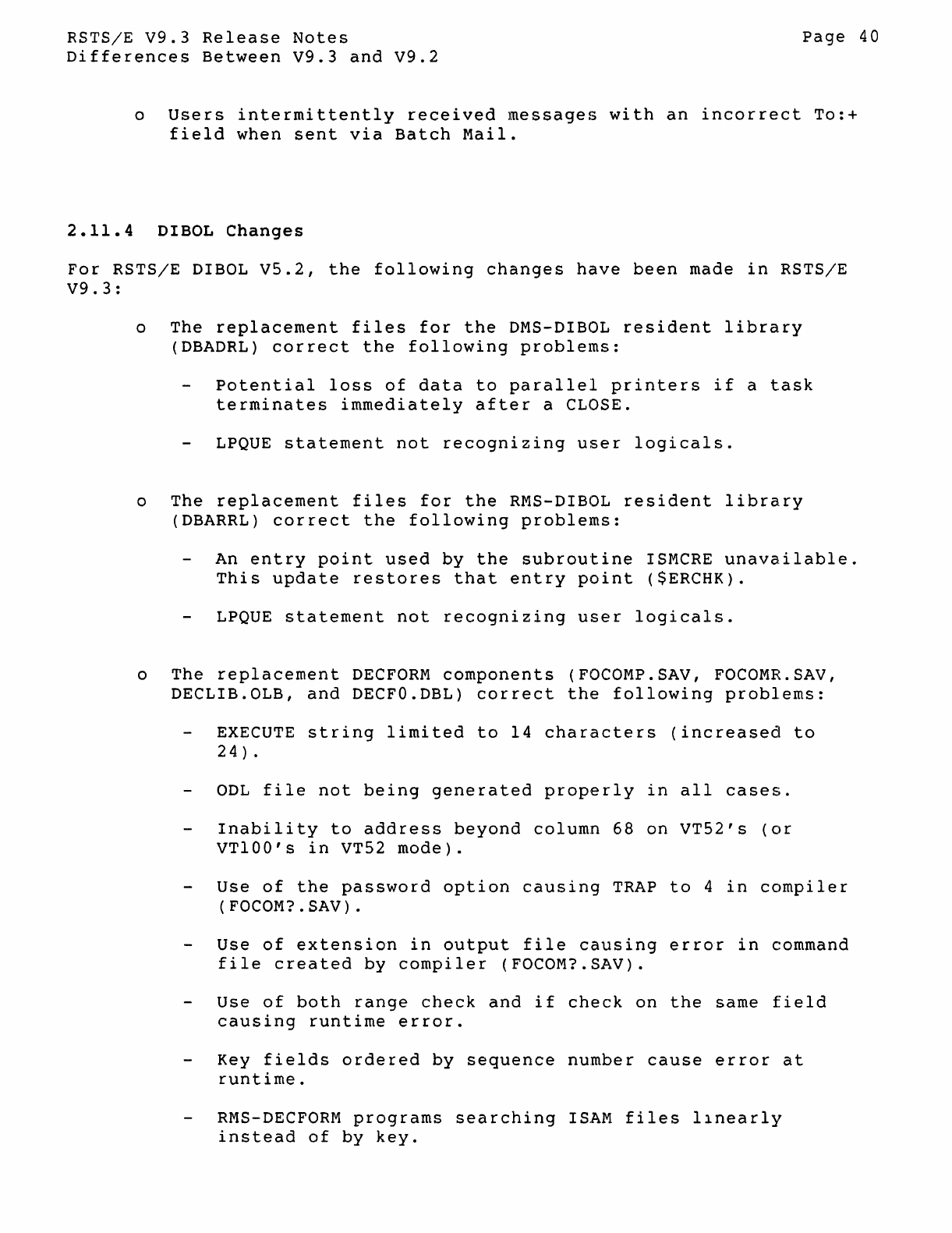
RSTS/E
V9.3
Release
Notes
Differences
Between
V9.3
and
V9.2
Page
40
o
Users
intermittently
received
messages
with
an
incorrect
To:+
field
when
sent
via
Batch
Mail.
2.11.4
DIBOL
Changes
For
RSTS/E
DIBOL
V5.2,
the
following
changes
have
been
made
in
RSTS/E
V9.3:
o
The
replacement
files
for
the
DMS-DIBOL
resident
library
(DBADRL)
correct
the
following
problems:
Potential
loss
of
data
to
parallel
printers
if
a
task
terminates
immediately
after
a CLOSE.
LPQUE
statement
not
recognizing
user
logicals.
o
The
replacement
files
for
the
RMS-DIBOL
resident
library
(DBARRL)
correct
the
following
problems:
An
entry
point
used
by
the
subroutine
ISMCRE
unavailable.
This
update
restores
that
entry
point
($ERCHK).
LPQUE
statement
not
recognizing
user
logicals.
o
The
replacement
DECFORM
components
(FOCOMP.SAV, FOCOMR.SAV,
DECLIB.OLB,
and
DECFO.DBL)
correct
the
following
problems:
EXECUTE
string
limited
to
14
characters
(increased
to
24)
.
ODL
file
not
being
generated
properly
in
all
cases.
Inability
to
address
beyond
column
68
on
VT52's
(or
VT100's
in
VT52
mode).
Use
of
the
password
option
causing
TRAP
to
4
in
compiler
(
FOCOM?
. SAV) .
Use
of
extension
in
output
file
causing
error
in
command
file
created
by
compiler
(FOCOM?SAV).
Use
of
both
range
check
and
if
check
on
the
same
field
causing
runtime
error.
Key
fields
ordered
by
sequence
number
cause
error
at
runtime.
RMS-DECFORM
programs
searching
ISAM
files
Ilnearly
instead
of
by
key.
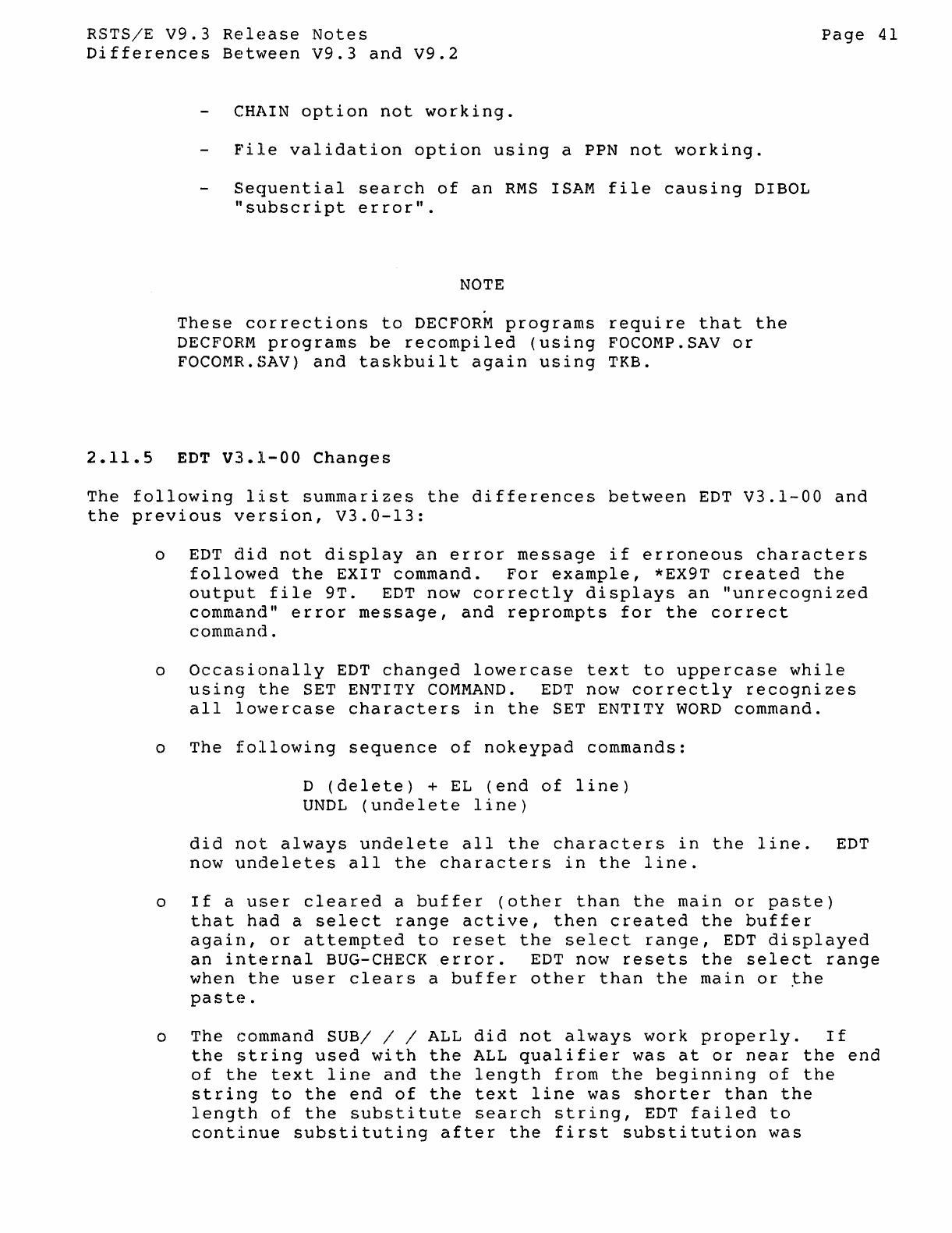
RSTSjE
V9.3
Release
Notes
Differences
Between
V9.3
and
V9.2
CHAIN
option
not
working.
File
validation
option
using
a PPN
not
working.
Sequential
search
of
an
RMS
ISAM
file
causing
DIBOL
"subscript
error".
NOTE
These
corrections
to
DECFORM
programs
require
that
the
DECFORM
programs
be
recompiled
(using
FOCOMP.SAV
or
FOCOMR.SAV)
and
taskbuilt
again
using
TKB.
2.11.5
EDT
V3.1-00
Changes
Page
41
The
following
list
summarizes
the
differences
between
EDT
V3.1-00
and
the
previous
version,
V3.0-13:
o
EDT
did
not
display
an
error
message
if
erroneous
characters
followed
the
EXIT
command.
For
example,
*EX9T
created
the
output
file
9T.
EDT
now
correctly
displays
an
"unrecognized
command"
error
message,
and
reprompts
for
the
correct
command.
o
Occasionally
EDT
changed
lowercase
text
to
uppercase
while
using
the
SET ENTITY
COMMAND.
EDT
now
correctly
recognizes
all
lowercase
characters
in
the
SET ENTITY
WORD
command.
o
The
following
sequence
of
nokeypad
commands:
D
(delete)
+
EL
(end
of
line)
UNDL
(undelete
line)
did
not
always
undelete
all
the
characters
in
the
line.
EDT
now
undeletes
all
the
characters
in
the
line.
o
If
a
user
cleared
a
buffer
(other
than
the
main
or
paste)
that
had
a
select
range
active,
then
created
the
buffer
again,
or
attempted
to
reset
the
select
range,
EDT
displayed
an
internal
BUG-CHECK
error.
EDT
now
resets
the
select
range
when
the
user
clears
a
buffer
other
than
the
main
or
~he
paste.
o
The
command
SUB/
/ / ALL
did
not
always
work
properly.
If
the
string
used
with
the
ALL
qualifier
was
at
or
near
the
end
of
the
text
line
and
the
length
from
the
beginning
of
the
string
to
the
end
of
the
text
line
was
shorter
than
the
length
of
the
substitute
search
string,
EDT
failed
to
continue
substituting
after
the
first
substitution
was
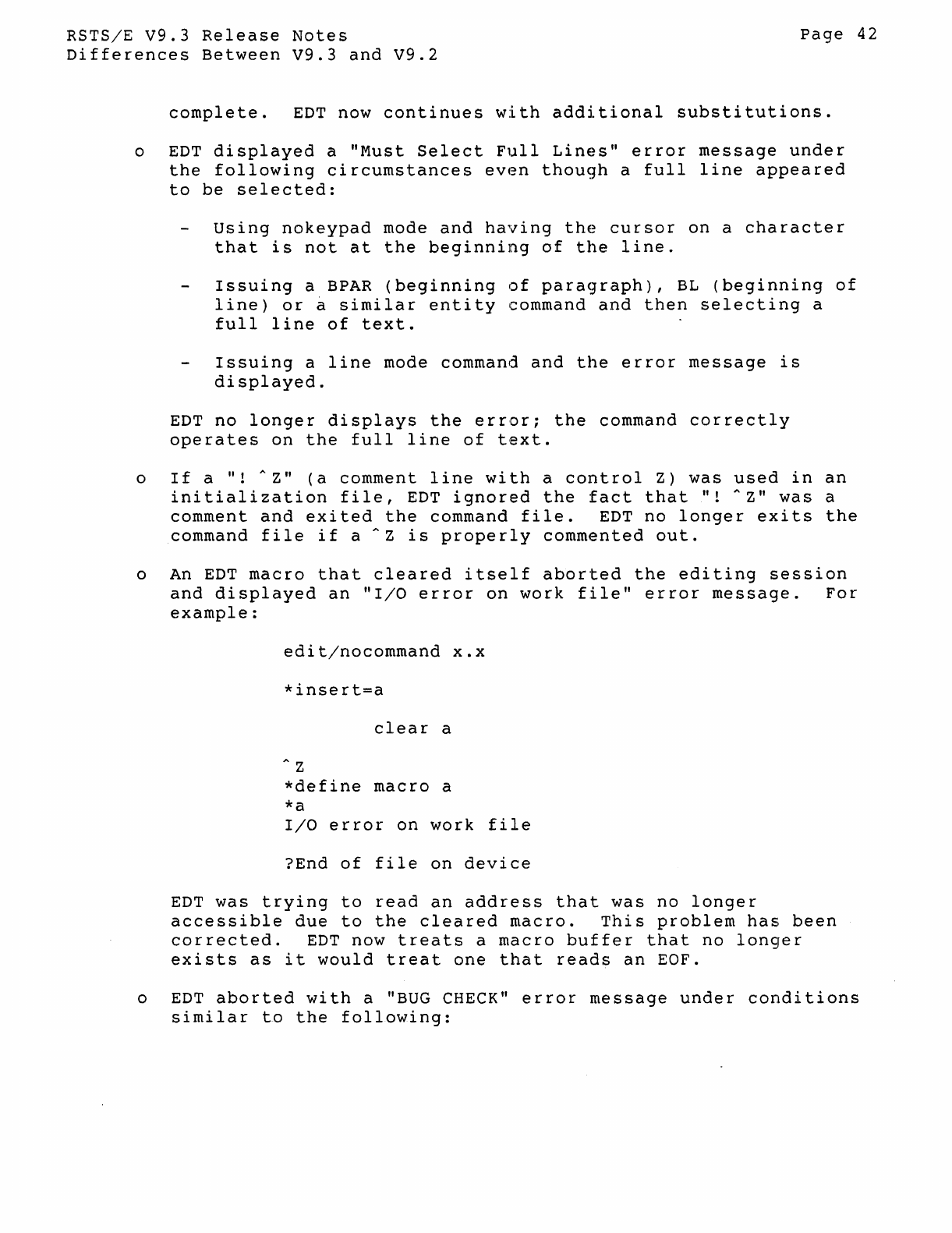
RSTS/E
V9.3
Release
Notes
Differences
Between
V9.3
and
V9.2
Page
42
complete.
EDT
now
continues
with
additional
substitutions.
o
EDT
displayed
a
"Must
Select
Full
Lines"
error
message
under
the
following
circumstances
even
though
a
full
line
appeared
to
be
selected:
Using
nokeypad
mode
and
having
the
cursor
on
a
character
that
is
not
at
the
beginning
of
the
line.
Issuing
a
BPAR
(beginning
of
paragraph),
BL
(beginning
of
line)
or
~
similar
entity
command
and
then
selecting
a
full
line
of
text.
Issuing
a
line
mode command
and
the
error
message
is
displayed.
EDT
no
longer
displays
the
error;
the
command
correctly
operates
on
the
full
line
of
text.
o
If
a
It!
....
Z"
(a
comment
line
with
a
control
Z)
was
used
in
an
initialization
file,
EDT
ignored
the
fact
that
It!
"z"
was
a
comment
and
exited
the
command
file.
EDT
no
longer
exits
the
command
file
if
a
....
Z
is
properly
commented
out.
o
An
EDT
macro
that
cleared
itself
aborted
the
editing
session
and
displayed
an
"I/O
error
on
work
file"
error
message.
For
example:
edit/nocommand
X.x
*insert=a
clear
a
" Z
*define
macro
a
*a
I/O
error
on
work
file
?End
of
file
on
device
EDT
was
trying
to
read
an
address
that
was
no
longer
accessible
due
to
the
cleared
macro.
This
problem
has
been
corrected.
EDT
now
treats
a
macro
buffer
that
no
longer
exists
as
it
would
treat
one
that
reads
an
EOF.
o
EDT
aborted
with
a
"BUG
CHECK"
error
message
under
conditions
similar
to
the
following:
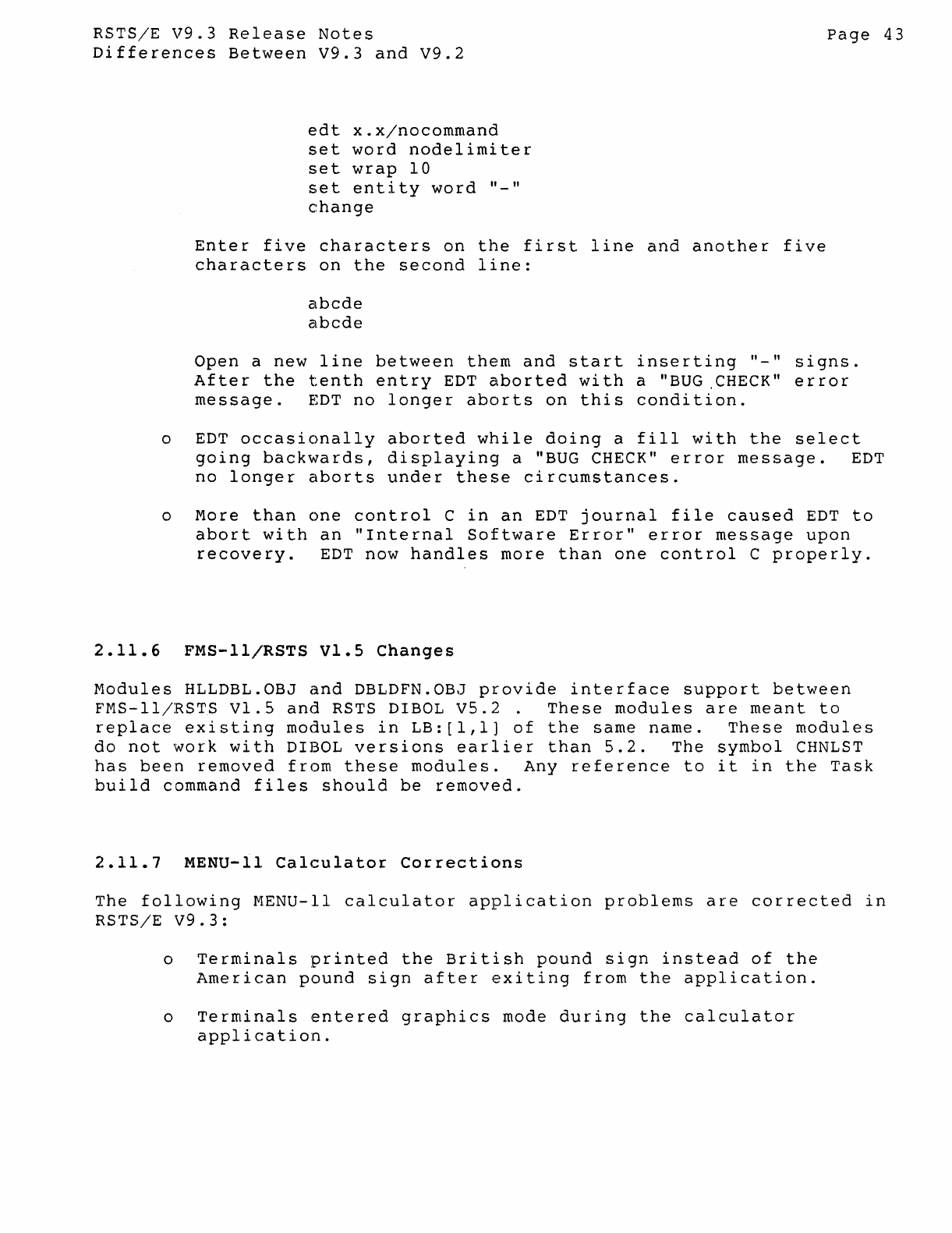
RSTS/E
V9.3
Release
Notes
Differences
Between
V9.3
and
V9.2
edt
x.x/nocommand
set
word
nodelimiter
set
wrap
10
set
entity
word
"_"
change
Enter
five
characters
on
the
first
line
and
another
five
characters
on
the
second
line:
abcde
abcde
Page
43
Open
a
new
line
between
them
and
start
inserting
"_"
signs.
After
the
tenth
entry
EDT
aborted
with
a "BUG,CHECK"
error
message.
EDT
no
longer
aborts
on
this
condition.
o
EDT
occasionally
aborted
while
doing
a
fill
with
the
select
going
backwards,
displaying
a "BUG CHECK"
error
message.
EDT
no
longer
aborts
under
these
circumstances.
o
More
than
one
control
C
in
an
EDT
journal
file
caused
EDT
to
abort
with
an
"Internal
Software
Error"
error
message
upon
recovery.
EDT
now
handles
more
than
one
control
C
properly.
2.11.6
FMS-ll/RSTS
Vl.S
Changes
Modules
HLLDBL.OBJ
and
DBLDFN.OBJ
provide
interface
support
between
FMS-ll/RSTS
Vl.S
and
RSTS DIBOL
VS.2.
These
modules
are
meant
to
replace
existing
modules
in
LB:[l,l]
of
the
same
name.
These
modules
do
not
'Work
with
DIBOL
versions
earlier
than
5.2.
The
symbol
CHNLST
has
been
removed
from
these
modules.
Any
reference
to
it
in
the
Task
build
command
files
should
be
removed.
2.11.7
MENU-II
Calculator
Corrections
The
following
MENU-II
calculator
application
problems
are
corrected
in
RSTS/E
V9.3:
o
Terminals
printed
the
British
pound
sign
instead
of
the
American
pound
sign
after
exiting
from
the
application.
o
Terminals
entered
graphics
mode
during
the
calculator
application.
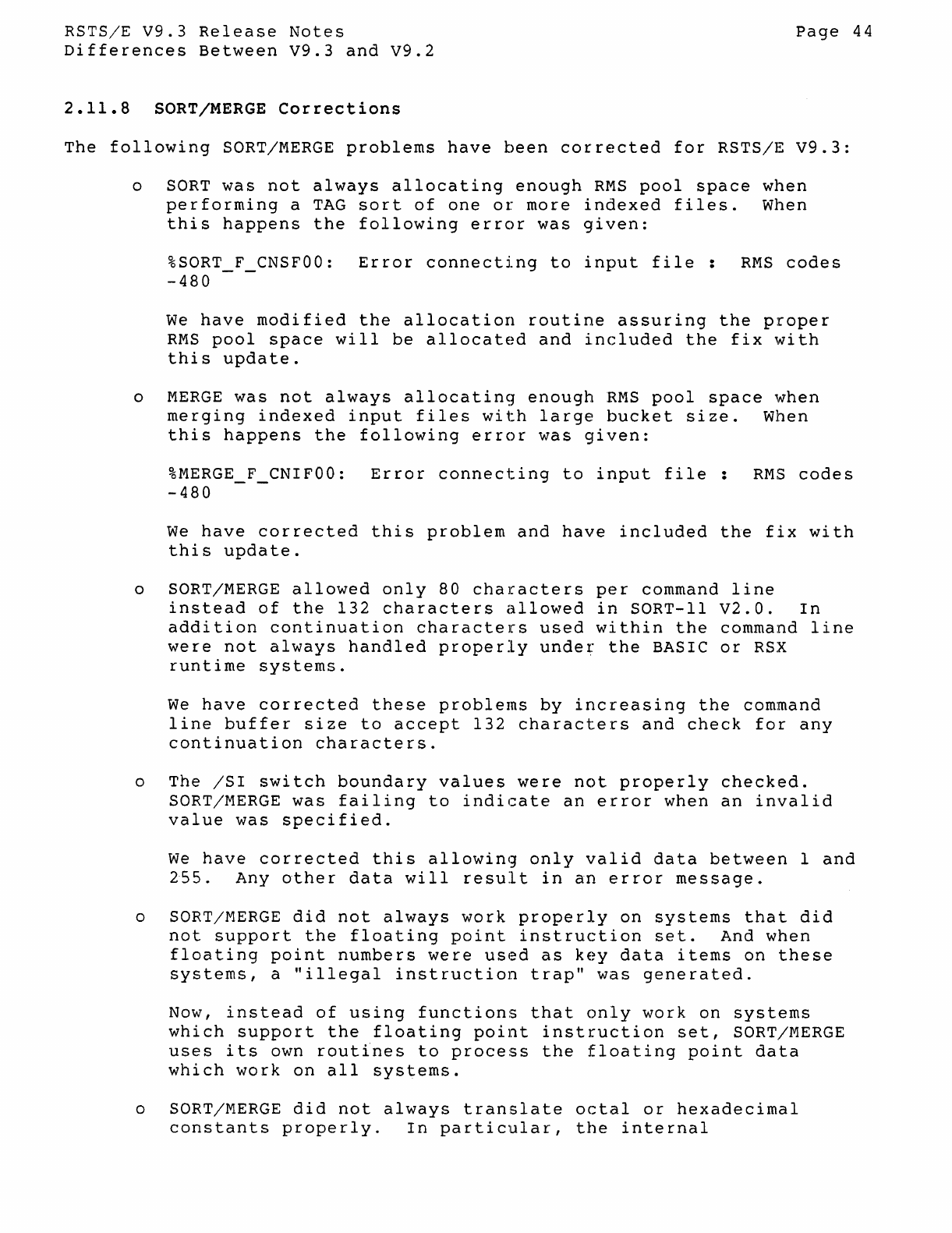
RSTS/E
V9.3
Release
Notes
Differences
Between
V9.3
and
V9.2
2.11.8
SORT/MERGE
Corrections
Page
44
The
following
SORT/MERGE
problems
have
been
corrected
for
RSTS/E
V9.3:
o SORT
was
not
always
allocating
enough
RMS
pool
space
when
performing
a
TAG
sort
of
one
or
more
indexed
files.
When
this
happens
the
following
error
was
given:
%SORT
F CNSFOO:
Error
connecting
to
input
file
-480
RMS
codes
We
have
modified
the
allocation
routine
assuring
the
proper
RMS
pool
space
will
be
allocated
and
included
the
fix
with
this
update.
o
MERGE
was
not
always
allocatinq
enough
RMS
pool
space
when
merging
indexed
input
files
with
large
bucket
size.
When
this
happens
the
following
error
was
given:
%MERGE
F
CNIFOO:
Error
connecting
to
input
file:
RMS
codes
-480
We
have
corrected
this
problem
and
have
included
the
fix
with
this
update.
o SORT/MERGE
allowed
only
80
characters
per
command
line
instead
of
the
132
characters
allowed
in
SORT-II
V2.0.
In
addition
continuation
characters
used
within
the
command
line
were
not
always
handled
properly
under
the
BASIC
or
RSX
runtime
systems.
We
have
corrected
these
problems
by
increasing
the
command
line
buffer
size
to
accept
132
characters
and
check
for
any
continuation
characters.
o
The
lSI
switch
boundary
values
were
not
properly
checked.
SORT/MERGE
was
failing
to
indicate
an
error
when
an
invalid
value
was
specified.
We
have
corrected
this
allowing
only
valid
data
between
1
and
255.
Any
other
data
will
result
in
an
error
message.
o SORT/MERGE
did
not
always
work
properly
on
systems
that
did
not
support
the
floating
point
instruction
set.
And
when
floating
point
numbers
were
used
as
key
data
items
on
these
systems,
a
"illegal
instruction
trap"
was
generated.
Now,
instead
of
using
functions
that
only
work
on
systems
which
support
the
floating
point
instruction
set,
SORT/MERGE
uses
its
own
routines
to
process
the
floating
point
data
which
work
on
all
systems.
o SORT/MERGE
did
not
always
translate
octal
or
hexadecimal
constants
properly.
In
particular,
the
internal
RSTSjE
V9.3
Release
Notes
Differences
Between
V9.3
and
V9.2
Page
45
representation
of
floating
point
constants
was
incorrect.
Consequently,
statements
in
specification
file
involving
octal
or
hexadecimal
constants
did
not
always
produce
the
expected
results.
Now
octal
or
hexadecimal
constants
are
translated
correctly.
RSTS/E
V9.3
Release
Notes
Documentation
Changes
3
Documentation
Changes
in
RSTS/E
V9.3
Page
46
There
are
no
update
pages
for
the
RSTS/E
documentation
accompanying
this
release.
Use
these
Release
Notes
to
document
any
new
features
or
changes
on
your
system.
All
the
on-line
help
files
have
been
updated,
where
appropriate,
to
reflect
the
changes
in
these
Release
Notes.
3.1
Corrections
The
following
documentation
errors
will
be
corrected
in
a
future
version
of
RSTS/E:
o
The
RSTS/E
System
Installation
and
update
Guide
has
not
been
updated
to
reflect
the
fact
that
you
are
no
longer
asked
if
you
want
DECnet
or
if
you
want
data
caching.
Both
of
these
are
enabled
in
V9.3
monitors.
o On
page
385
of
the
RSTS/E
System
Installation
and
Update
Guide,
the
documentation
incorrectly
lists
"RUN $DSKCVT"
as
the
command
to
run
DSKCVT.
The
documentation
should
read:
$
RUN
AUXLIB$:DSKCVT
o
In
the
RSTS/E
System
Directives
Manual,
page
3-12,
under
the
heading
"Data
Passed",
the
first
sentence
should
read:
The
only
data
passed
for
this
directive
is
byte
0
of
the
XRB.
o
Page
3-298
of
the
RSTS/E
System
Directives
Manual
specifies
DEVNFS
as
the
error
returned
by
the
Return
Pack
Attributes
SYS
call
(UU.ATR
subfunction
-4)
in
the
case
of
an
unmounted
disk.
The
error
actually
returned
is
NOTMNT.
o
In
the
RSTS/E
System
Directives
Manual,
on
page
3-131,
the
second
paragraph
states,in
part,
"(Unless
data
passed
and
returned
show
specific
values
for
the
XRB,
it
should
be
all
zeros.)"
The
following
statement
will
help
to
clarify
how
you
should
handle
FIRQB
and
XRB:
When
using
SEND/RECEIVE
calls,
you
must
clear
both
FIRQB
and
XRB,
even
if
XRB
is
not
used.
o
In
the
RSTS/E
System
Directives
Manual
(.SPEC
page
3-233.1)
and
the
RSTS/E
Programming
Manual
(the
MAGTAPE
and
SPEC%
RSTS/E
V9.3
Release
Notes
Documentation
Changes
Page
47
functions
page
2-36),
the
discussion
on
returned
densities
will
be
corrected
as
follows:
When
you
specify
a
density
that
is
not
a
valid
density,
the
next
highest
density
for
the
drive
is
returned.
If
the
specified
density
is
higher
than
the
maximum
density
for
the
drive,
the
maximum
density
is
returned.
o
In
the
RSTS/E
Programming
Manual,
the
discussion
of
the
FIP
SYS
CALL
26
will
be
extended
as
follows:
When
you
do
not
have
sufficient
privileges
and
attempt
to
get
the
status
of
a
job
other
than
your
own,
the
?Illegal
SYS( )
usage
error
message
is
returned.
The
job
number
is
not
forced
to
your
own.
o
In
the
RSTS/E
Quick
Reference
Guide
(page
27-29),
the
/USER
qualifier
was
inadvertently
omitted
for
the
CREATE/ACCOUNT
command.
The
documentation
for
the
/USER
qualifier
is:
/[NO]USER
Indicates
the
type
of
account
to
create.
/USER
means
create
an
account
with
login
attributes
and
file
storage
capabilities.
/NOUSER
means
create
an
account
for
file
storage
only.
o
In
the
RSTS/E
System
User's
Guide,
on
page
8-22,
the
documentation
incorrectly
lists
/CROSS_REFERENCE
as
a
valid
qualifier
for
the
MACRO
command.
o
In
the
RSTS/E
System
User's
Guide,
on
page
7-19,
the
documentation
incorrectly
lists
/ALL
as
a
valid
qualifier
for
the
DELETE/ENTRY
command.
o On
page
381
of
the
Installation
and
Update
Guide,
the
toggle
sequence
for
the
bootstrap
is
obsolete.
The
last
line
presently
reads:
010036
005007
This
line
should
be
replaced
with
the
following
three
lines:
010036
010040
010042
010001
005000
005007
RSTS/E
V9.3
Release
Notes
Documentation
Changes
Page
48
o
The
RSTS/E
utilities
Reference
Manual
(page
2-118)
incorrectly
states
that
the
PIP
/BL
switch
can
be
used
to
transfer
non-sequential
RMS
files
to
tape.
Due
to
problems
PIP
has
when
copying
non-sequential
RMS
files
to
tape,
you
should
use
the
RMS
utilities
RMSBCK
and
RMSRST
to
transfer
these
files
to
and
from
tape.
RSTS/E
V9.3
Release
Notes
Page
49
Known
Restrictions
with
RSTS/E
V9.3
4 Known
Restrictions
in
RSTS/E
Version
9.3
4.1
Initialization
Code
(INIT.SYS)
If
your
installed
monitor
has
a
Virtual
Disk
defined
(DV:),
and
you
START a
monitor
that
has
no
Virtual
Disk
defined,
and
then
START
your
original
monitor
containing
the
Virtual
Disk
again,
you
will
get
"?Device
unavailable"
errors
when
you
attempt
to
use
the
Virtual
Disk.
The
workaround
is
to
use
the
DEFALT
option
of
INIT.SYS
to
remove
and
then
redefine
the
Virtual
Disk
for
your
original
monitor.
4.2
Monitor
4.2.1
DB
and
DR
Disk
Drivers
The
DB
and
DR
disk
drivers
may
count
or
log
errors
for
the
wrong
disk
unit
if
there
is
heavy
DB/DR
disk
activity
and
an
attempt
is
made
to
mount
a
unit
that
is
spun
down
or
offline.
This
problem
will
corrected
in
a
future
release
of
RSTS/E.
4.3
Installation
4.3.1
Booting
Magnetic
Tape
Magnetic
tape
distributions
of
RSTS/E
V9.3
or
any
bootable
recovery
tapes
of
V9.3
must
be
booted
from
unit
zero.
This
problem
will
be
corrected
in
the
next
release.
4.3.2
Flag
Files
The
installation
or
update
of
RSTS/E
leaves
several
zero
length
flag
files
-
files
used
by
the
installation
procedure
to
determine
what
parts
of
the
installation
have
been
completed
-
in
various
system
accounts
after
installation.
Deleting
any
of
these
files
may
cause
unpredictable
results.
In
particular,
deleting
the
flag
file
[1,2]VER093.SYS
breaks
certain
layered
product
installations
and
updates.
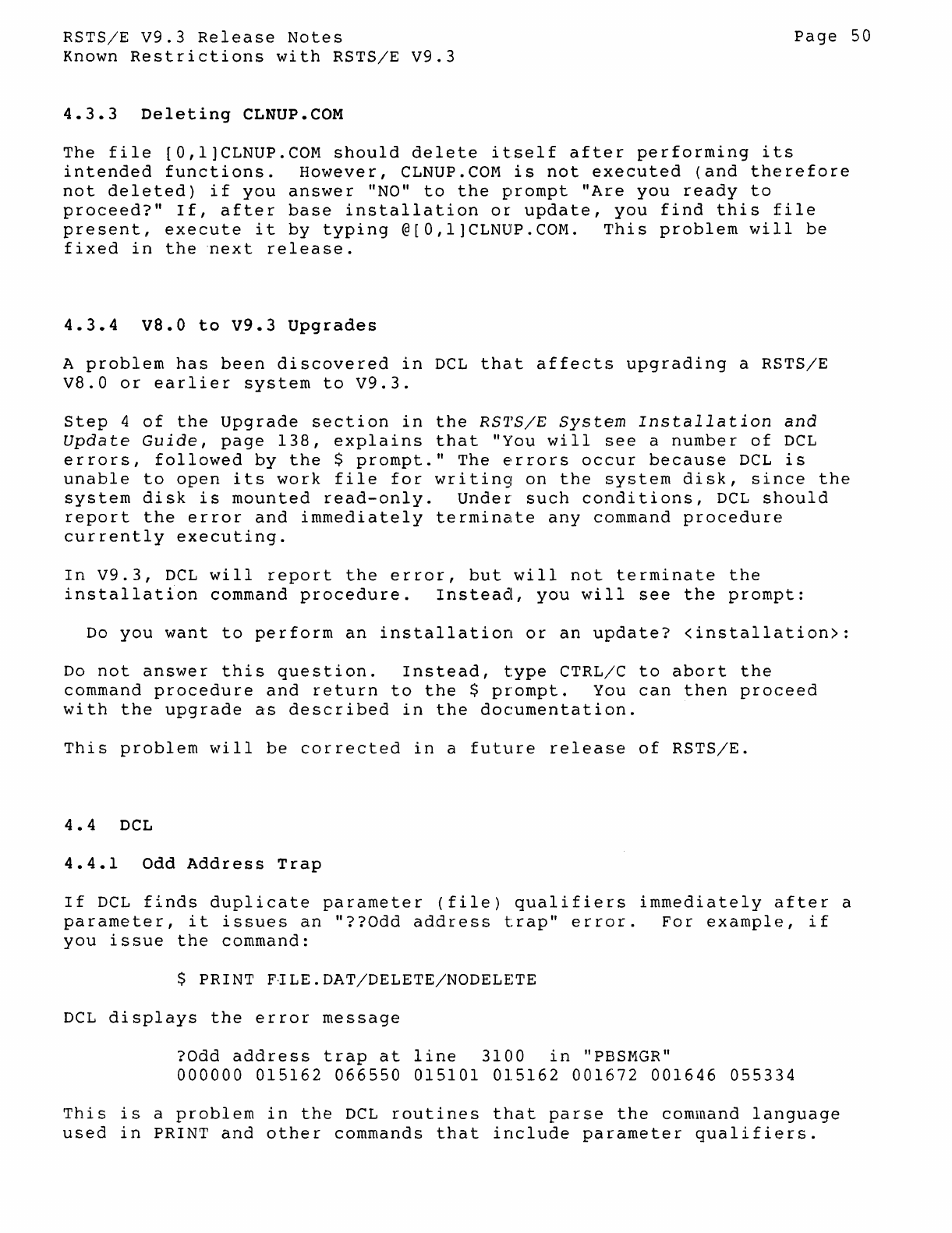
RSTS/E
V9.3
Release
Notes
Page
50
Known
Restrictions
with
RSTS/E
V9.3
4.3.3
Deleting
CLNUP.COM
The
file
[O,l]CLNUP.COM
should
delete
itself
after
performing
its
intended
functions.
However,
CLNUP.COM
is
not
executed
(and
therefore
not
deleted)
if
you
answer
"NO"
to
the
prompt
"Are
you
ready
to
proceed?"
If,
after
base
installation
or
update,
you
find
this
file
present,
execute
it
by
typing
@[O,l]CLNUP.COM.
This
problem
will
be
fixed
in
the
"next
release.
4.3.4
VS.O
to
V9.3
Upgrades
A
problem
has
been
discovered
in
DCL
that
affects
upgrading
a
RSTS/E
V8.0
or
earlier
system
to
V9.3.
step
4
of
the
Upgrade
section
in
the
RS1'S/E
System
Installation
and
Update
Guide,
page
138,
explains
that
"You
will
see
a
number
of
DCL
errors,
followed
by
the
$
prompt."
The
errors
occur
because
DCL
is
unable
to
open
its
work
file
for
writing
on
the
system
disk,
since
the
system
disk
is
mounted
read-only.
Under
such
conditions,
DCL
should
report
the
error
and
immediately
terminate
any
command
procedure
currently
executing.
In
V9.3,
DCL
will
report
the
error,
but
will
not
terminate
the
installation
command
procedure.
Instead,
you
will
see
the
prompt:
Do
you
want
to
perform
an
installation
or
an
update?
<installation>:
Do
not
answer
this
question.
Instead,
type
CTRL/C
to
abort
the
command
procedure
and
return
to
the
$
prompt.
You
can
then
proceed
with
the
upgrade
as
described
in
the
documentation.
This
problem
will
be
corrected
in
a
future
release
of
RSTS/E.
4.4
DeL
4.4.1
Odd
Address
Trap
If
DCL
finds
duplicate
parameter
(file)
qualifiers
immediately
after
a
par
a
me
t e
r,
i
tis
sue
san
"??
Od
d
add
res
s t
rap"
err
0 r .
For
e x amp 1
e,
i f
you
issue
the
command:
$ PRINT F1LE.DAT/DELETE/NODELETE
DCL
displays
the
error
message
?Odd
address
trap
at
line
3100
in
"PBSMGR"
000000
015162
066550
015101
015162
001672 001646
055334
This
is
a
problem
in
the
DCL
routines
that
parse
the
command
language
used
in
PRINT
and
other
commands
that
include
parameter
qualifiers.
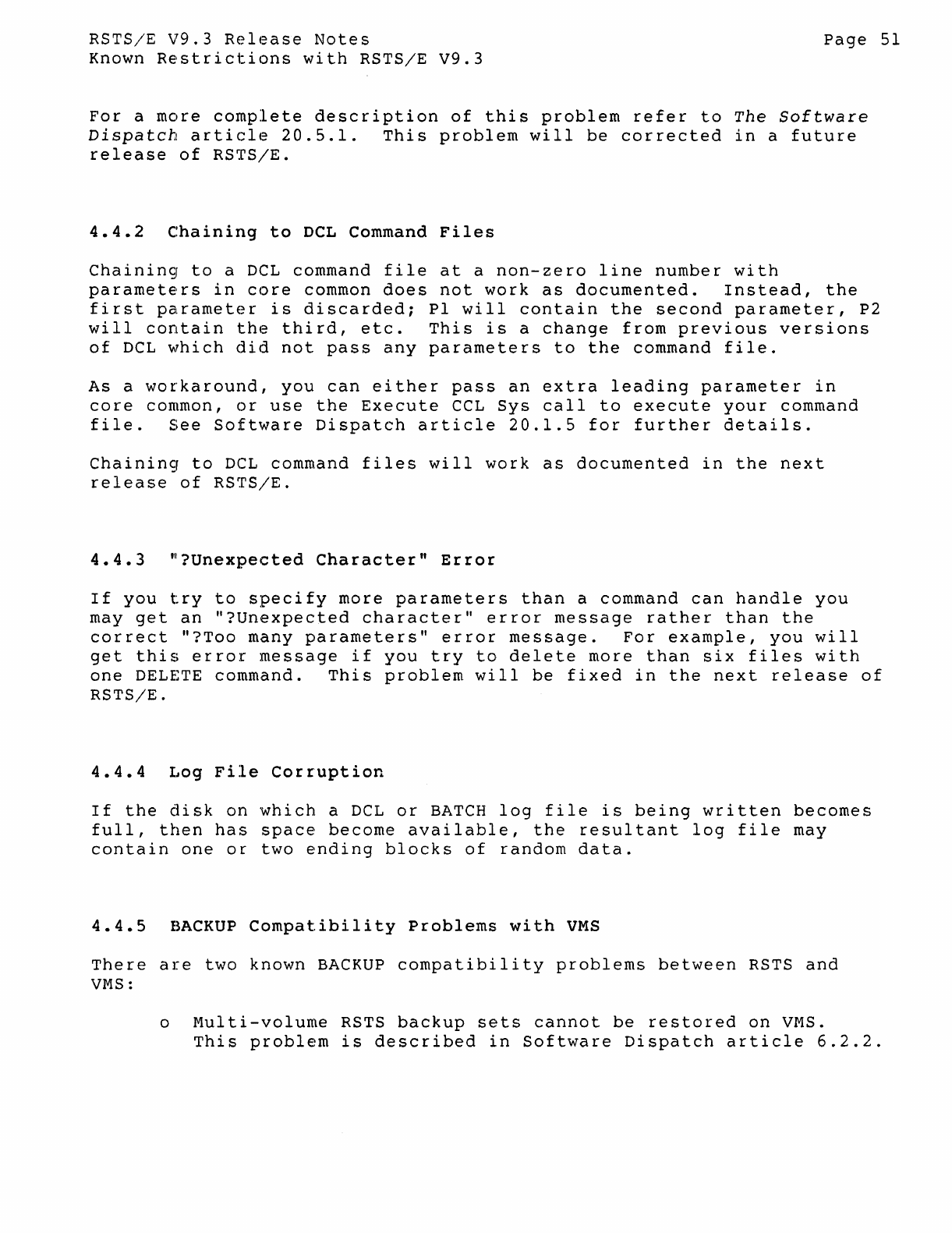
RSTS/E
V9.3
Release
Notes
Page
51
Known
Restrictions
with
RSTS/E
V9.3
For
a
more
complete
description
of
this
problem
refer
to
The
Software
Dispatch
article
20.5.1.
This
problem
will
be
corrected
in
a
future
release
of
RSTS/E.
4.4.2
Chaining
to
DCL
Command
Files
Chaining
to
a DeL
command
file
at
a
non-zero
line
number
with
parameters
in
core
common
does
not
work
as
documented.
Instead,
the
first
parameter
is
discarded;
PI
will
contain
the
second
parameter,
P2
will
contain
the
third,
etc.
This
is
a
change
from
previous
versions
of
DCL
which
did
not
pass
any
parameters
to
the
command
file.
As
a
workaround,
you
can
either
pass
an
extra
leading
parameter
in
core
common,
or
use
the
Execute
CCL
Sys
call
to
execute
your
command
file.
See
Software
Dispatch
article
20.1.5
for
further
details.
Chaininsr
to
DCL
command
files
will
work
as
documented
in
the
next
release
of
RSTS/E.
4.4.3
~?Unexpected
Character"
Error
If
you
try
to
specify
more
parameters
than
a
command
can
handle
you
may
get
an
"?Unexpected
character"
error
message
rather
than
the
correct
"?Too
many
parameters"
error
message.
For
example,
you
will
get
this
error
message
if
you
try
to
delete
more
than
six
files
with
one
DELETE
command.
This
problem
will
be
fixed
in
the
next
release
of
RSTS/E.
4.4.4
Log
File
Corruption
If
the
disk
on
which
a
DCL
or
BATCH
log
file
is
being
written
becomes
full,
then
has
space
become
available,
the
resultant
log
file
may
contain
one
or
two
ending
blocks
of
random
data.
4.4.5
BACKUP
Compatibility
Problems
with
VMS
There
are
two
known
BACKUP
compatibility
problems
between
RSTS
and
VMS:
o
Multi-volume
RSTS
backup
sets
cannot
be
restored
on
VMS.
This
problem
is
described
in
Software
Dispatch
article
6.2.2.
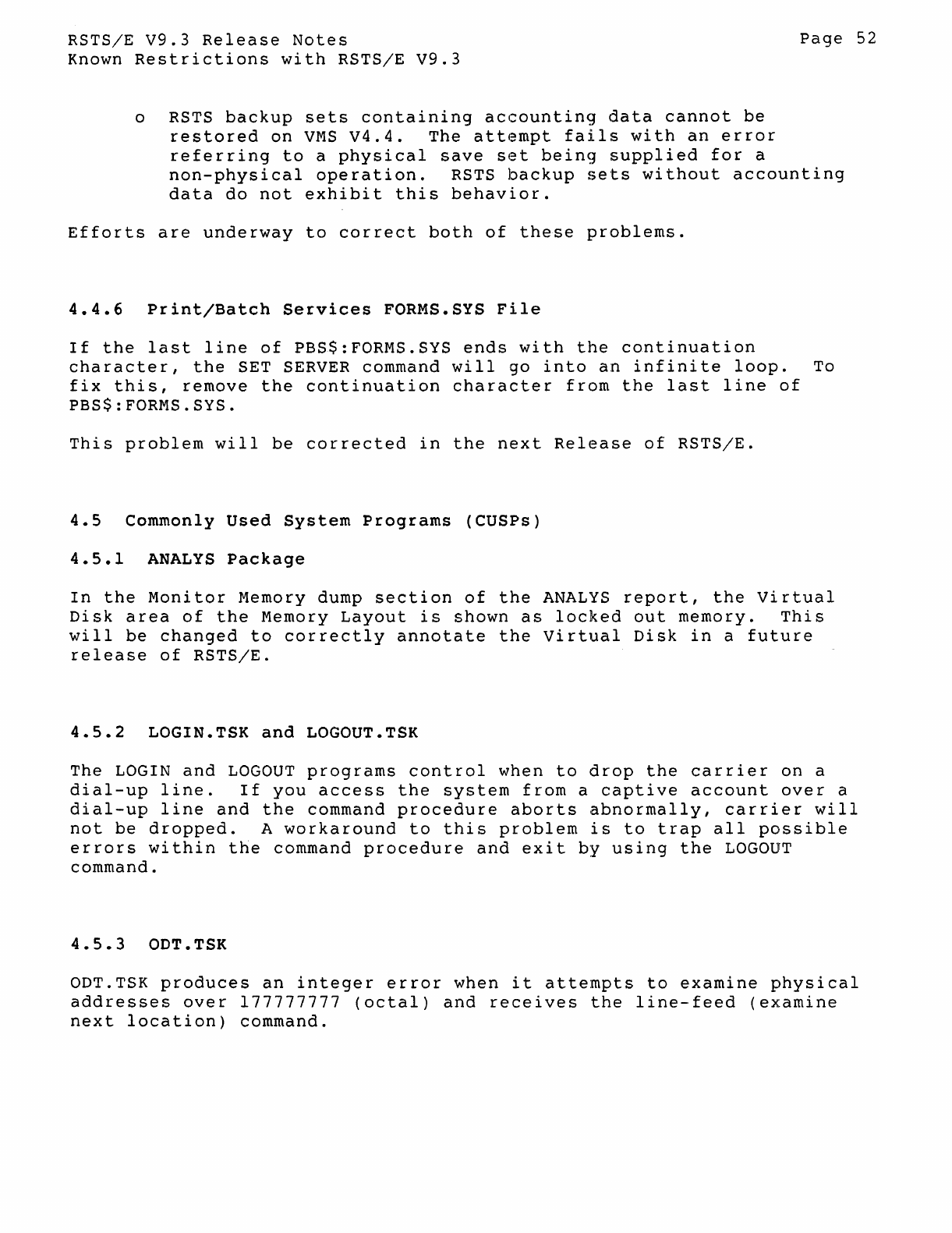
RSTS/E
V9.3
Release
Notes
Page
52
Known
Restrictions
with
RSTS/E
V9.3
o
RSTS
backup
sets
containing
accounting
data
cannot
be
restored
on
VMS
V4.4.
The
attempt
fails
with
an
error
referring
to
a
physical
save
set
being
supplied
for
a
non-physical
operation.
RSTS
backup
sets
without
accounting
data
do
not
exhibit
this
behavior.
Efforts
are
underway
to
correct
both
of
these
problems.
4.4.6
Print/Batch
Services
FORMS.SYS
File
If
the
last
line
of
PBS$:FORMS.SYS
ends
with
the
continuation
character,
the
SET
SERVER
command
will
go
into
an
infinite
loop.
To
fix
this,
remove
the
continuation
character
from
the
last
line
of
PBS$:FORMS.SYS.
This
problem
will
be
corrected
in
the
next
Release
of
RSTS/E.
4.5
Commonly
Used
System
Programs
(CUSPs)
4.5.1
ANALYS
Package
In
the
Monitor
Memory dump
section
of
the
ANALYS
report,
the
Virtual
Disk
area
of
the
Memory
Layout
is
shown
as
locked
out
memory.
This
will
be
changed
to
correctly
annotate
the
Virtual
Disk
in
a
future
release
of
RSTS/E.
4.5.2
LOGIN.TSK
and
LOGOUT.TSK
The
LOGIN
and
LOGOUT
programs
control
when
to
drop
the
carrier
on
a
dial-up
line.
If
you
access
the
system
from
a
captive
account
over
a
dial-up
line
and
the
command
procedure
aborts
abnormally,
carrier
will
not
be
dropped.
A
workaround
to
this
problem
is
to
trap
all
possible
errors
within
the
command
procedure
and
exit
by
using
the
LOGOUT
command.
4.5.3
ODT.TSK
ODT.TSK
produces
an
integer
error
when
it
attempts
to
examine
physical
addresses
over
177777777
(octal)
and
receives
the
line-feed
(examine
next
location)
command.
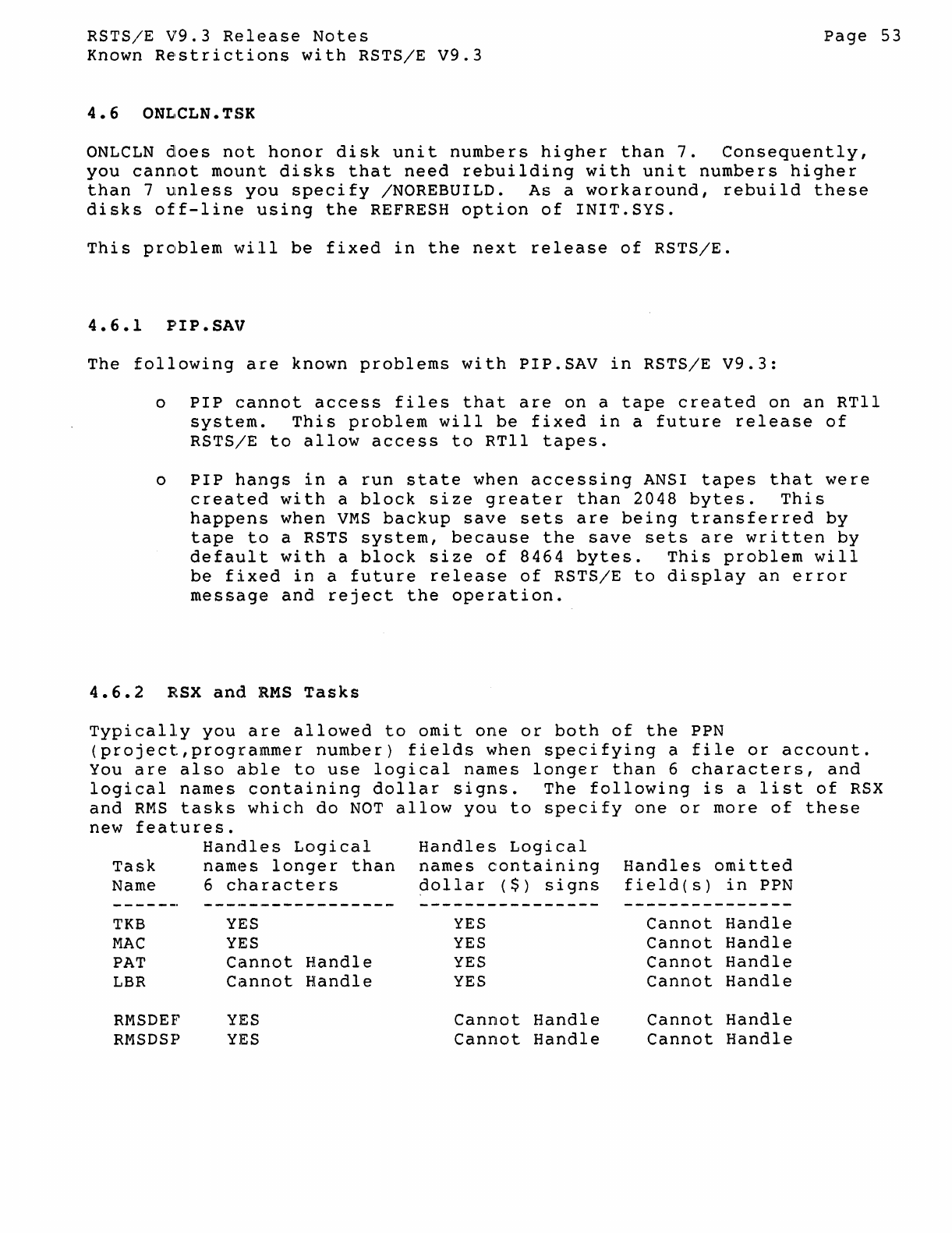
RSTSjE
V9.3
Release
Notes
Page
53
Known
Restrictions
with
RSTS/E
V9.3
ONLCLN
does
not
honor
disk
unit
numbers
higher
than
7.
Consequently,
you
cannot
mount
disks
that
need
rebuilding
with
unit
numbers
higher
than
7
unless
you
specify
/NOREBUILD.
As
a
workaround,
rebuild
these
disks
off-line
using
the
REFRESH
option
of
INIT.SYS.
This
problem
will
be
fixed
in
the
next
release
of
RSTS/E.
4 • 6 • 1
pI
I P • SA V
The
following
are
known
problems
with
PIP.SAV
in
RSTS/E
V9.3:
o
PIP
cannot
access
files
that
are
on
a
tape
created
on
an
RTll
system.
This
problem
will
be
fixed
in
a
future
release
of
RSTS/E
to
allow
access
to
RTll
tapes.
o
PIP
hangs
in
a
run
state
when
accessing
ANSI
tapes
that
were
created
with
a
block
size
greater
than
2048
bytes.
This
happens
when
VMS
backup
save
sets
are
being
transferred
by
tape
to
a RSTS
system,
because
the
save
sets
are
written
by
default
with
a
block
size
of
8464
bytes.
This
problem
will
be
fixed
in
a
future
release
of
RSTS/E
to
display
an
error
message
and
reject
the
operation.
4.6.2
RSX
and
RMS
Tasks
Typically
you
are
allowed
to
omit
one
or
both
of
the
PPN
(project,programmer
number)
fields
when
specifying
a
file
or
account.
You
are
also
able
to
use
logical
names
longer
than
6
characters,
and
logical
names
containing
dollar
signs.
The
following
is
a
list
of
RSX
and
RMS
tasks
which
do
NOT
allow
you
to
specify
one
or
more
of
these
new
features.
Handles
Logical
Task
names
longer
than
Name 6
characters
-------
-----------------
TKB
YES
MAC
YES
PAT
Cannot
Handle
LBR
Cannot
Handle
RMSDEF
YES
RMSDSP
YES
Handles
Logical
names
containing
~ollar
($)
signs
YES
YES
YES
YES
Cannot
Handle
Cannot
Handle
Handles
omitted
field(s)
in
PPN
Cannot
Handle
Cannot
Handle
Cannot
Handle
Cannot
Handle
Cannot
Handle
Cannot
Handle
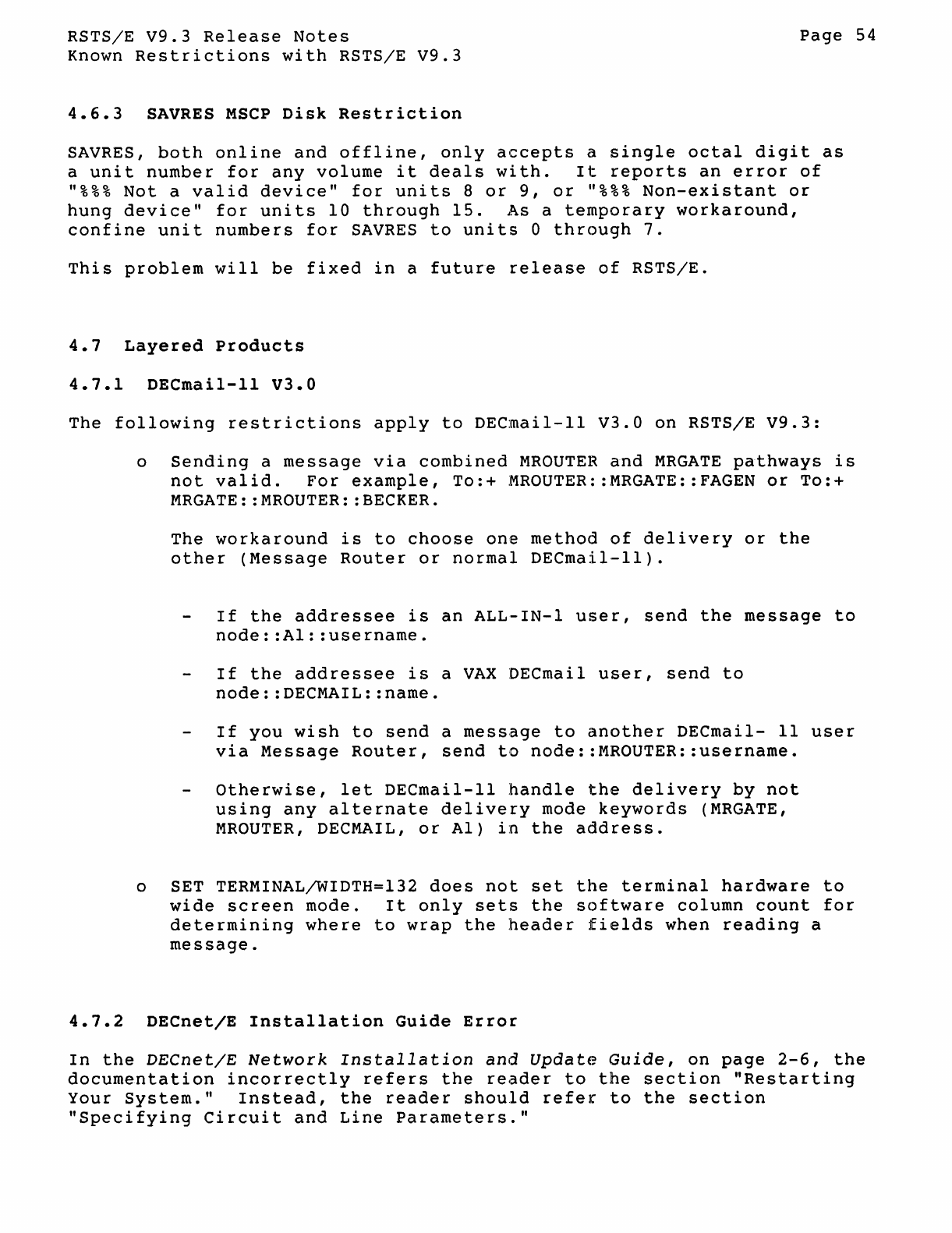
RSTS/E
V9.3
Release
Notes
Page
54
Known
Restrictions
with
RSTS/E
V9.3
4.6.3
SAVRES
MSCP
Disk
Restriction
SAYRES,
both
online
and
offline,
only
accepts
a
single
octal
digit
as
a
unit
number
for
any
volume
it
deals
with.
It
reports
an
error
of
"%%%
Not
a
valid
device"
for
units
8
or
9,
or
"%%%
Non-existant
or
hung
device"
for
units
10
through
15.
As
a
temporary
workaround,
confine
unit
numbers
for
SAYRES
to
units
0
through
7.
This
problem
will
be
fixed
in
a
future
release
of
RSTS/E.
4.7
Layered
Products
4.7.1
DECmail-11
V3.0
The
following
restrictions
apply
to
DECmail-ll
V3.0
on
RSTS/E
V9.3:
o
Sending
a
message
via
combined
MROUTER
and
MRGATE
pathways
is
not
valid.
For
example,
To:+
MROUTER::MRGATE::FAGEN
or
To:+
MRGATE::MROUTER::BECKER.
The
workaround
is
to
choose
one
method
of
delivery
or
the
other
(Message
Router
or
normal
DECmail-ll).
If
the
addressee
is
an
ALL-IN-l
user,
send
the
message
to
node::Al::username.
If
the
addressee
is
a
VAX
DECmail
user,
send
to
node::DECMAIL::name.
If
you
wish
to
send
a
message
to
another
DECmail-
11
user
via
Message
Router,
send
to
node::MROUTER::username.
otherwise,
let
DECmail-ll
handle
the
delivery
by
not
using
any
alternate
delivery
mode
keywords
(MRGATE,
MROUTER,
DECMAIL,
or
AI)
in
the
address.
o SET TERMINAL/WIDTH=132
does
not
set
the
terminal
hardware
to
wide
screen
mode.
It
only
sets
the
software
column
count
for
determining
where
to
wrap
the
header
fields
when
reading
a
message.
4.7.2
DECnet/E
Installation
Guide
Error
In
the
DECnet/E
Network
Installation
and
Update
Guide,
on
page
2-6,
the
documentation
incorrectly
refers
the
reader
to
the
section
"Restarting
Your
System."
Instead,
the
reader
should
refer
to
the
section
"Specifying
Circuit
and
Lin~
Parameters."
liOW
TO ORDER ADDITIONAL DOCUMENTATION
DIRECT TELEPHONE ORDERS
In
Continentall USA
and Puerto Rico
call 800-258-1710
In
Canada
call 800-267-6146
In
New Hampshire,
Alaska or Hawaii
call 603-884-6660
DIRECT MAIL ORDERS (U.S. and Puerto Rico*)
DIGITAL EQUIPMENT CORPORATION
P.O. Box CS200B
Nashua, New Hampshire 03061
DIRECT MAIL ORDERS (Canada)
DIGITAL EQUIPMENT OF CANADA LTD.
940 Belfast Road
Ottawa, Ontario, Canada
K1
G 4C2
Attn: P&SG Business Manager
ELECTRONIC ORDERING
Dial BOO-DEC-DEMO with any VT100 or VT200
cOn;)patible
terminal and a 1200/2400 baud modem.
If you need assistance, call BOO-DEC-INFO.
INTERNATIONAL
DIGITAL EQUIPMENT CORPORATION
P&SG Business Manager
c/o Digital's local subsidiary
or approved distributor
Internal orders should be placed through the Software Distribution Center (SOC), Digital
Equipment Corporation, Northboro, Massachusetts 01532
* Any prepaid order from Puerto Rico must
be
placed
with the Local Digital Subsidiary:
809-754-7575

Reader's Comments
RSTS/E
Release Notes
AA-J865A-Te
Note: This form
is
for document comments only. DIGITAL
will
use comments submitted
on
this form at
the
company's
discretion. If you require a written reply
and
are eligible to receive
one
under
Software Performance Report (SPR) service, submit your comments
on
an
SPR
form.
Did
you find this manual understandable, usable,
and
well-organized? Please make suggestions for
improvement. _
Did
you find errors in this manual? If so, specify the error
and
the page number.
________
_
Please indicate the type of user/reader that you most nearly represent.
D Assembly language programmer
D Higher-level language programmer
D Occasional programmer (experienced)
D User with little programming experience
D
Student
programmer
D Other
(p~asespecily)
______
.
__________________
_
Name Date
________________
_
Organization
Street
__
_
City
___
_ Zip
Code
State
_______
or
Country
·
1
1
1
1
1
·------Do
Not
Tear·
Fold
Here
and
Tape
-----------.-------------------,-------1
IIIIII
BUSINESS
RE::PL
V MAIL
FIRST CLASS PERMIT NO.33 MAYNARD MASS.
POSTAGE WILL
BE
PAID BY ADDRESSEE
Office Systems Documentation Group, MKO"I-2/E02
RSTS/E Documentation
DIGITAL EQUIPMENT CORPORATION
CONTINENTAL BOULEVARD
MERRIMACK, N;H. 03054
111
•••••
111.11
••••
1.1
••
1
••
11.1
••
1.1
••
1.1
••••
1.11.1
••
1
No Postage
Necessary
if Mailed
in
the
United States
-------Do
Not
Tear·
Fold
Here
and
Tape
-
----------.------------------
-
-------
