File Type Guide
User Manual:
Open the PDF directly: View PDF  .
.
Page Count: 3
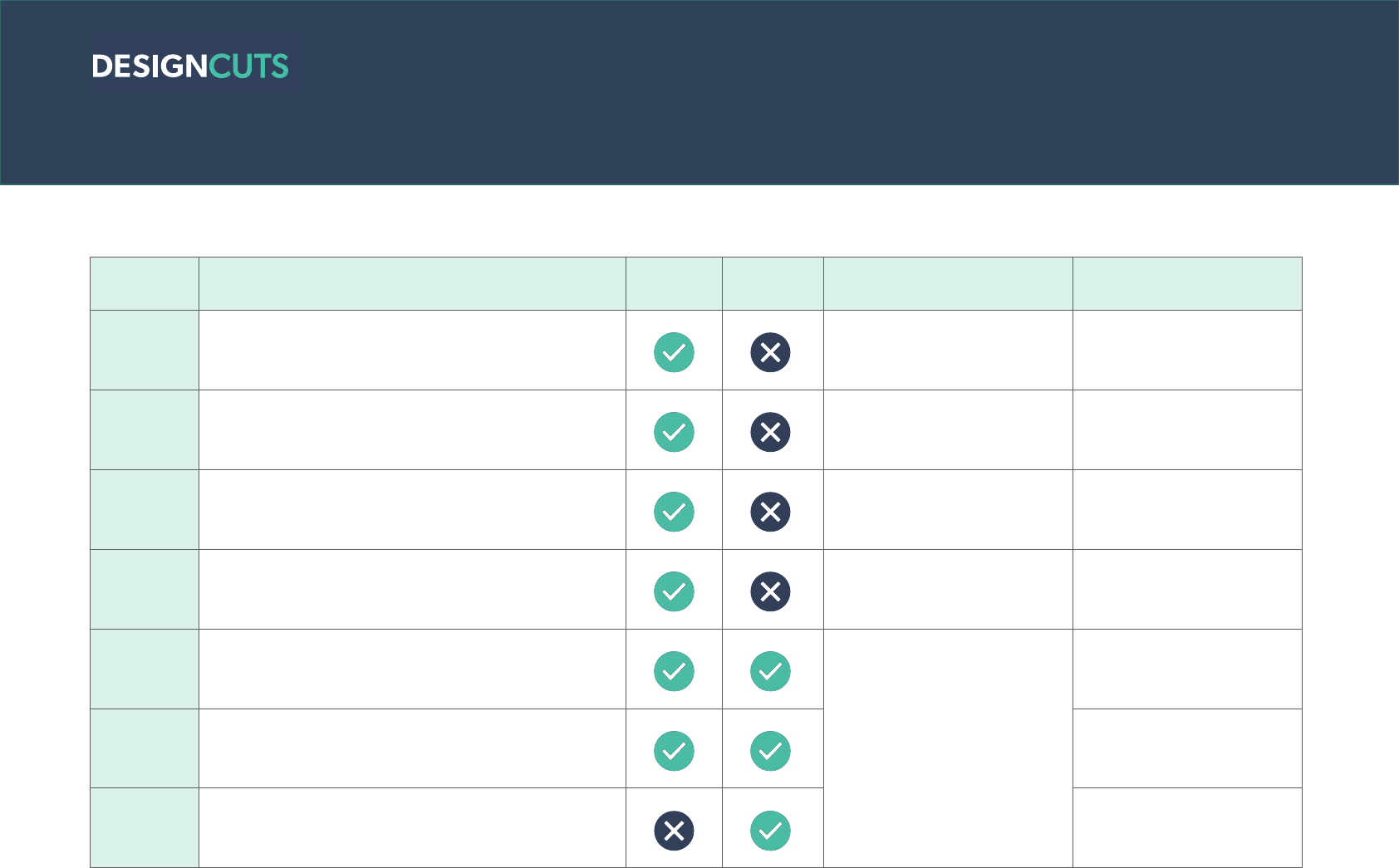
A Guide to Standard File Types
FILE TYPE DESCRIPTION BITMAP
(RASTER) VECTOR CAN BE USED IN RECOMMENDED FOR
.JPG
Best format for a photo or image with many colours
where image size needs to be smaller (i.e for web).
No transparency support.
Most image editing soware Minimising image file size
.GIF A lossless format for image files that supports both
animated and static images. Most image editing soware Short, low quality videos
.PNG Ideal for transparent raster images on the web or for
web images with a low number of colours. Most image editing soware Transparent web images
.TIF Ideal format for high quality photo and raster
applications. Most image editing soware High quality images,
particularly for print
.EPS Contains PostScript code, which is used for storing
font and vector image information.
Adobe Illustrator, Sketch,
InkScape, Affinity, Corel Draw,
etc.
Use in Adobe Photoshop will
convert file to bitmap.
Vector files and logos for
print
.PDF
File format that captures all the elements of a printed
document as an electronic image that you can view,
and navigate digitally and print.
Universally readable and
printable
.SVG Vector image format for graphics with support for
interactivity and animation
Vector files and logos for
web
Screens have a resolution of 72ppi and uses RGB colour settings (all files types listed above can be used in RGB format, but you may have to
re-format the file to be in this colour setting). Print has a resolution of 300ppi and uses CMYK colour settings (.JPG, .EPS, .PDF and .TIF are the
best formats to use in print).

A Guide to Adobe File Types
Photoshop
BITMAP DESCRIPTION
.PSD / .PSB
.PSD files are layered image files used in Adobe
PhotoShop. .PSB files are a large document format similar
to a .PSD file but for a larger image sizes.
.ATN
Photoshop Action files are built to record steps/actions in
Photoshop and is meant to be “played” again at a later time
to automate those same steps.
.ABR Photoshop Brush file that stores information about the
shape and texture of one or more brushes.
.ASL Adobe Photoshop Style files are used when applying the
same appearance /effect to multiple objects or layers.
.PAT
Pattern Image file used by graphics programs for creating a
pattern or texture across an image using a small and usually
square picture.
.RAW A .RAW file contains the original image information from
the camera sensor without any in-camera processing.
Illustrator
VECTOR DESCRIPTION
.AI
.AI files are fully editable, transparent files used in Adobe
Illustrator, that retain all document infromation such as
Graphic Styles, Brushes, Patterns and Swatches.
.AIT
Illustrator Template file that’s used to create multiple Adobe
Illustrator (.AI) files. .AIT files hold the different components
of the Adobe Illustrator drawing like the images, settings,
and layout.
InDesign DESCRIPTION
.INDD Page layout file used by Adobe InDesign. Any images and
fonts used need to be kept in a folder InDesign can find.
.INDL
Object library created by InDesign; allows users to
organize and reuse common page elements together
graphics, text,ruler guides, and grouped images.

A Guide to Font File Types
FILE TYPE DESCRIPTION WEB USE DIGITAL USE PRINT USE
GLYPH/
LIGATURE
SUPPORT
.OTF
OpenType fonts contain the screen and printer font data in one
component. OTF has several exclusive capabilities, including support
for multiple platforms and expanded character sets.
.TTF TrueType fonts can be scaled to any size and are clear and readable in
all sizes. They can be sent to any printer or other output device.
.EOT
Embedded OpenType fonts are a compact form of OpenType fonts for
use as embedded fonts on web pages. They are supported only by
Microso Internet Explorer.
.WOFF /
.WOFF2
The Web Open Font Format is a font format for use in web pages and
is essentially OpenType or TrueType with compression and additional
metadata.
WOFF2 is a font format that provides, on average, a 30% reduction
in file size, thus helping Web fonts load more quickly in compatible
browsers.
.SVG SVGs contain the glyph outlines as standard SVG elements and attrib-
utes as if they were a single vector object in a SVG image.
.OTF or .TTF?
OpenType support larger character sets for language coverage and typography and are a newer file type, as well as have all the capabilties that
TTF have. TrueType fonts are both legible on screen and print well, and are supported by most soware as they are a older file type.
