Insight User Manual
Insight_User_Manual
User Manual:
Open the PDF directly: View PDF  .
.
Page Count: 7
Team Insight: Liver Transplantation Prediction System User Manual
1
USER’S MANUAL
30th April 2018
Developed by: Aibo Sun, Rasika Guru, Roshani Mangalore

Team Insight: Liver Transplantation Prediction System User Manual
2
Contents
1.0 SYSTEM OVERVIEW ............................................................................................................... 3
2.0 USING THE SYSTEM ............................................................................................................... 4
2.1 Logging On: ........................................................................................................................ 4
2.2 Home Page: ........................................................................................................................ 5
2.3 View clinical features influencing the predictive analysis ................................................. 5
2.4 Match donor with Potential recipient ............................................................................... 6
2.4.1 Upload Recipient information (MELD score range can also be selected)………………6
2.4.2 Upload Donor Information……………………………………………………………………………………7
2.4.3 View Top 5 recipients for each Donor…………………………………………………………………..7

Team Insight: Liver Transplantation Prediction System User Manual
3
1.0 SYSTEM OVERVIEW
The user-friendly web application is intended to be used by the medical professionals to identify
the potential recipient for every donor. The clinical features that influence the prediction of the
graft survival probability is also displayed. The input for the application are two CSV files:
1) Donor file - Contains an exhaustive list of donors available along with their clinical
attributes. (Sample file attached)
donors.csv
2) Recipient file - Contains the information of the recipients who are on the waiting list.
(Sample file attached)
recipients.csv
The ‘match’ feature available in the UI displays the top 5 recipients for every donor along with
their matching scores and the graft survival probability. The recipient with the top matching
score is identified as the potential recipient. In case the recipients have the same matching
score, the survival prediction score is used to break the ties.
Team Insight: Liver Transplantation Prediction System User Manual
4
2.0 USING THE SYSTEM
The user can login to the Liver Transplantation prediction system. Upon login, user can perform
the following two tasks,
1. View clinical features influencing the liver prediction analysis.
2. Upload the csv files containing donor and recipient clinical information and click on
match tab to view top 5 potential recipients for every donor along with their matching
and survival prediction score
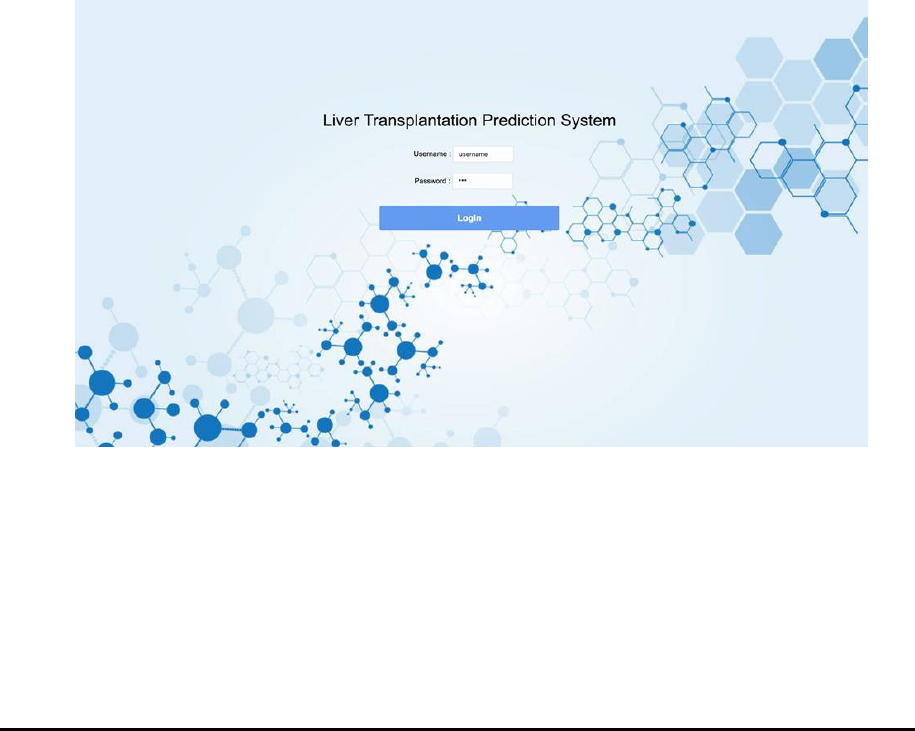
2.1 Logging On:
Currently, the application has default username and password for logging in. Future work
involves creating a login system that ensures only authorized registered users have access to the
application. The web application allows only users with registered username and correct
password.
Team Insight: Liver Transplantation Prediction System User Manual
5
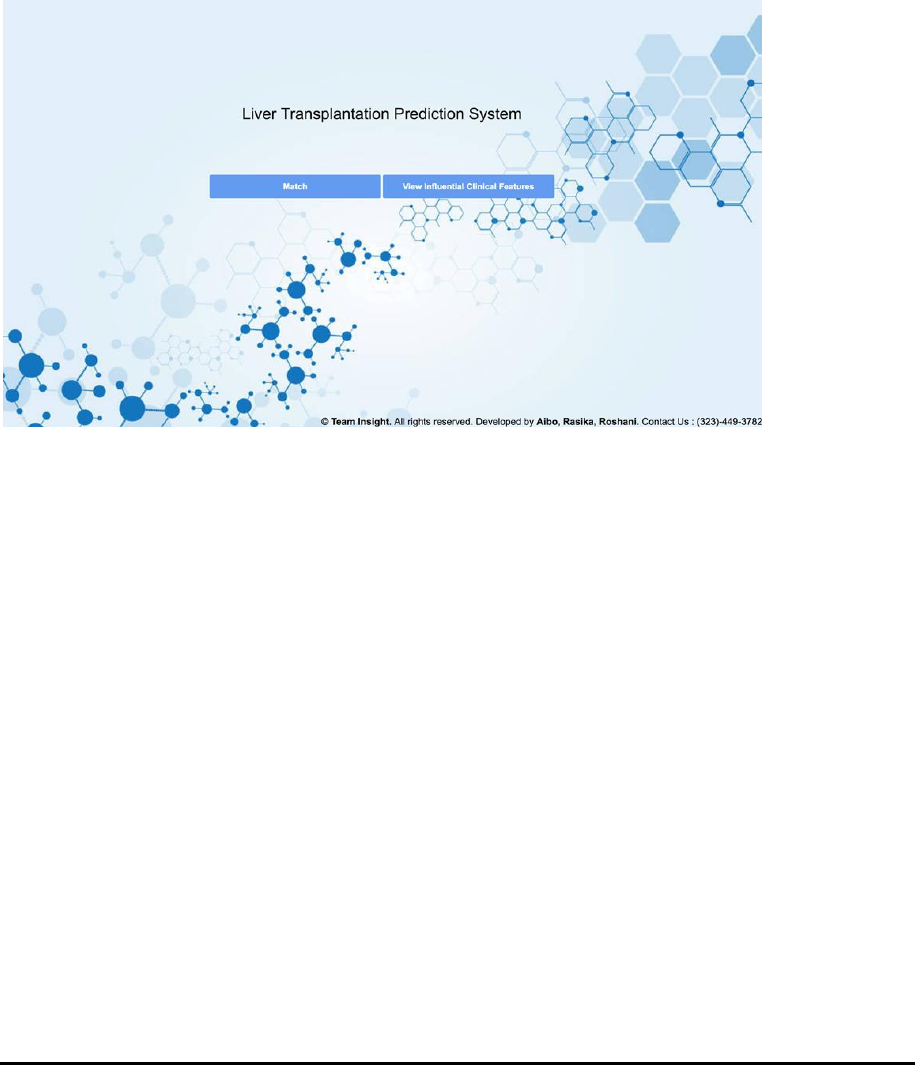
2.2 Home Page:
On this homepage, there is a navigation containing two main buttons, one is directing to
matching page and another one is directing to influential clinical features viewing page.
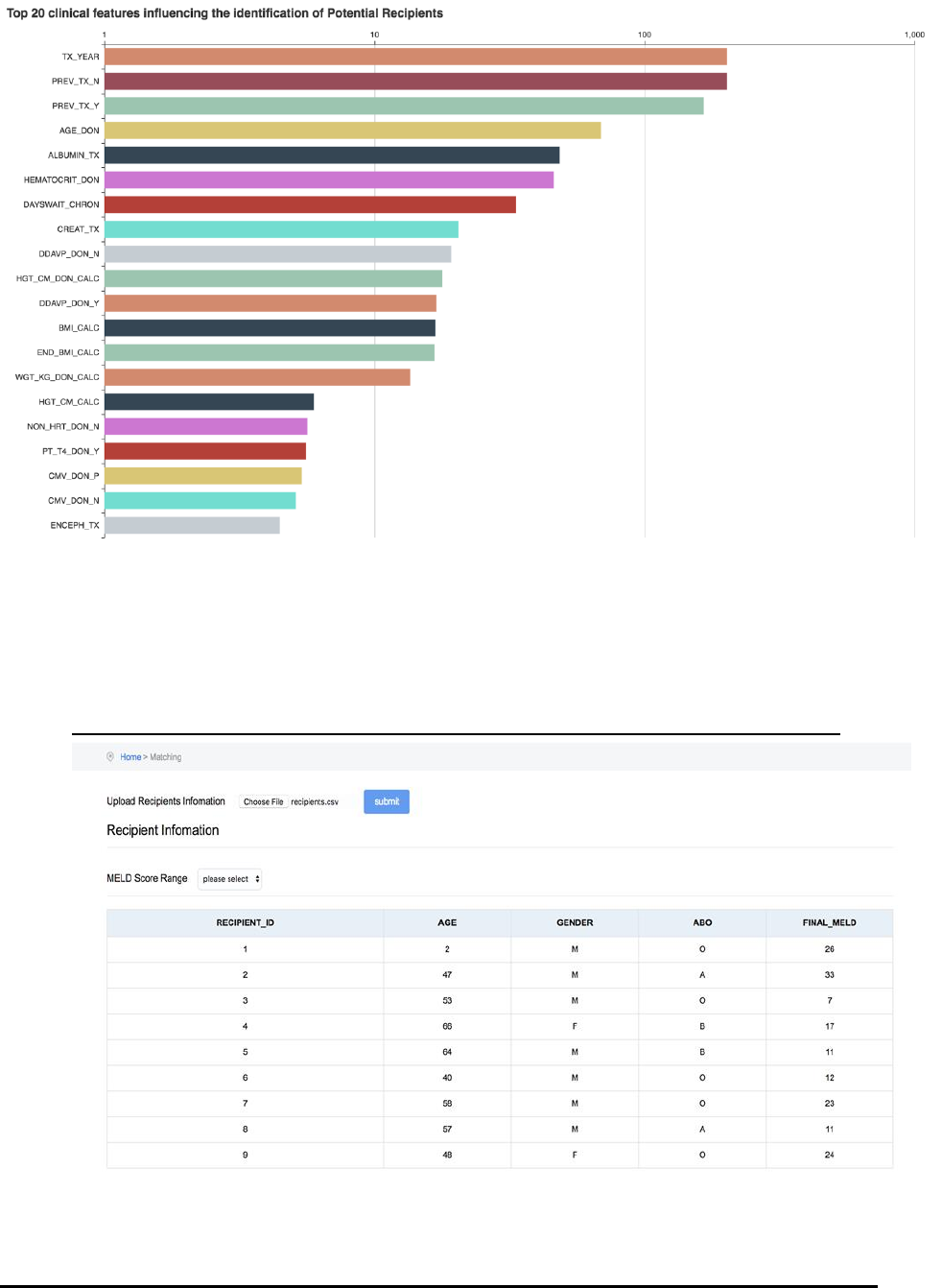
2.3 View clinical features influencing the predictive analysis
Upon clicking the ‘View Influential Clinical features’ tab in the home page, the top 20 influential
features for predicting the graft survival rate is displayed. On hovering, the description of the
features are also displayed.
Team Insight: Liver Transplantation Prediction System User Manual
6
2.4 Match donor with Potential recipient
a. Upload Recipient Information (MELD score range can also be selected)
Team Insight: Liver Transplantation Prediction System User Manual
7
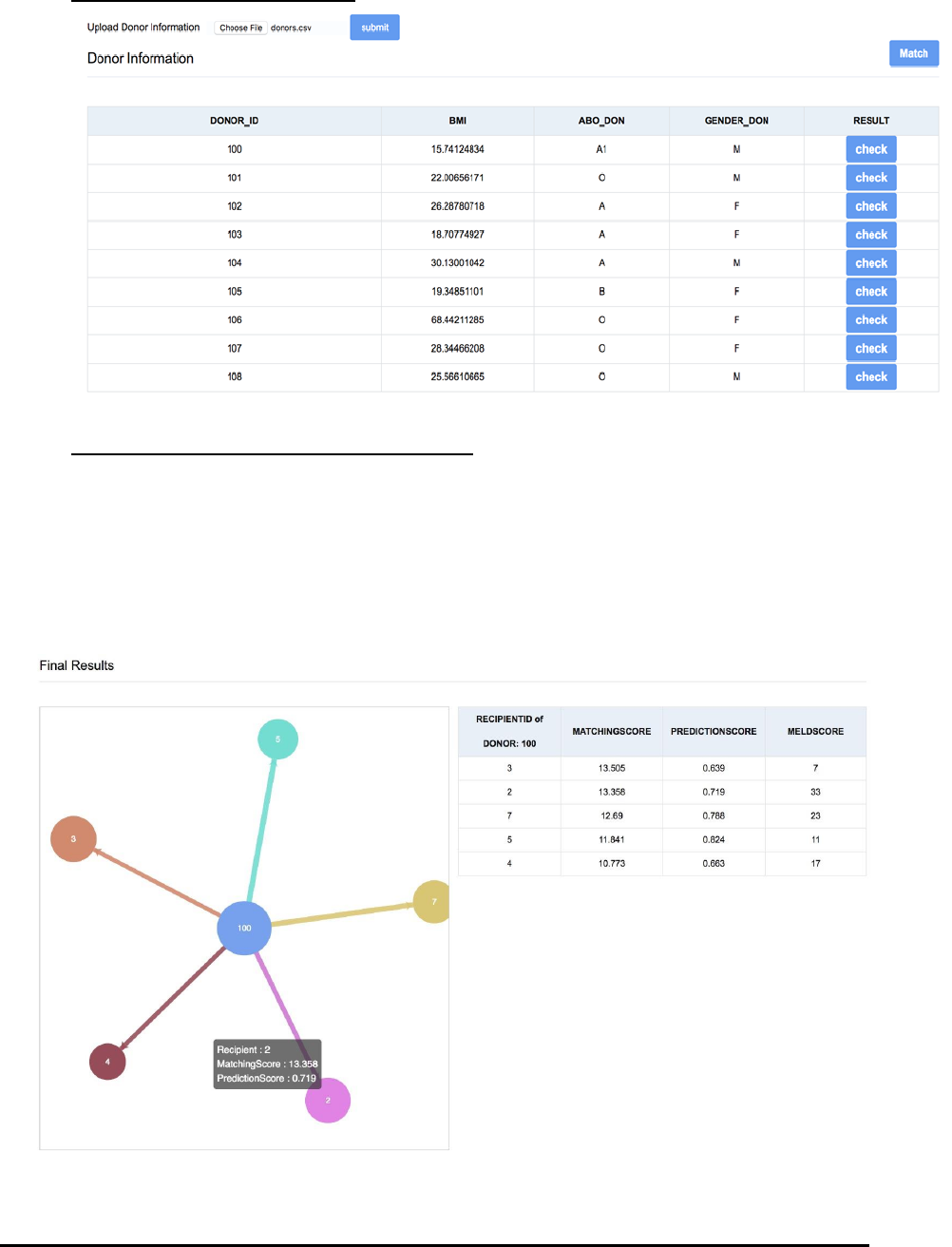
b. Upload donor information
c. View top 5 recipients for each donor:
When the user clicks on ‘check’ for each donor, the page displays top 5 recipients for the
donor. Upon hovering every recipient node, it displays the Recipient Identification
number, Matching score and prediction score. Upon hovering the donor node, it displays
the donor ID.
The result page also displays the table which has top 5 recipients with the Matching
score, Prediction score and the MELD score
