Installation Guide Capgemini.Pipefy.Activities V1.0
User Manual:
Open the PDF directly:
View PDF
.
Page Count: 2
31567
Capgemini.Pipefy.Activities
Installation Guide
How to Install Ca
pgemini.Pi
pefy.Activities
1
- Locate %programdata%\Uipath\Studio\Packages folder
2
–
Move the Capgemini.Pipefy.Activitie
s.nupkg to
the folder.
3
–
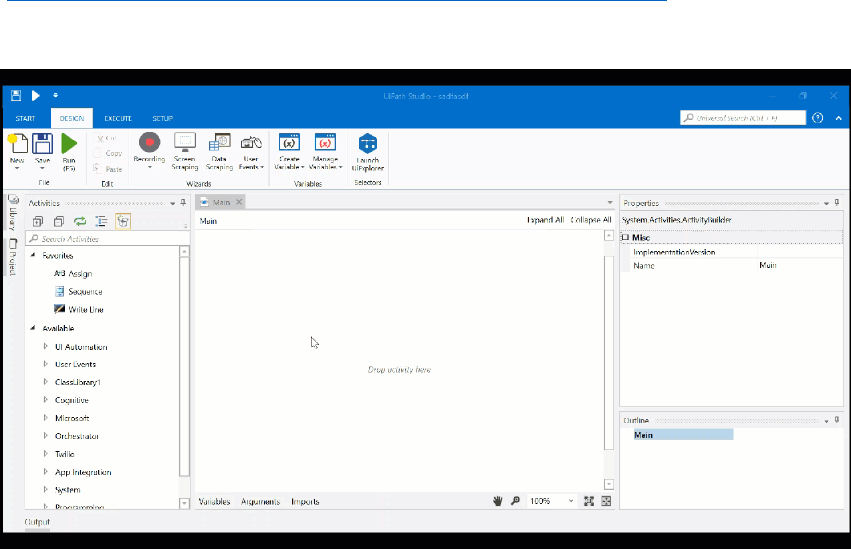
Follow the steps below to add the Activitie
s on Uipath Platform
(
https://files.readme.io/e55d3a2-adding-custom-activity-
in
-studio.gif
)
 .
.
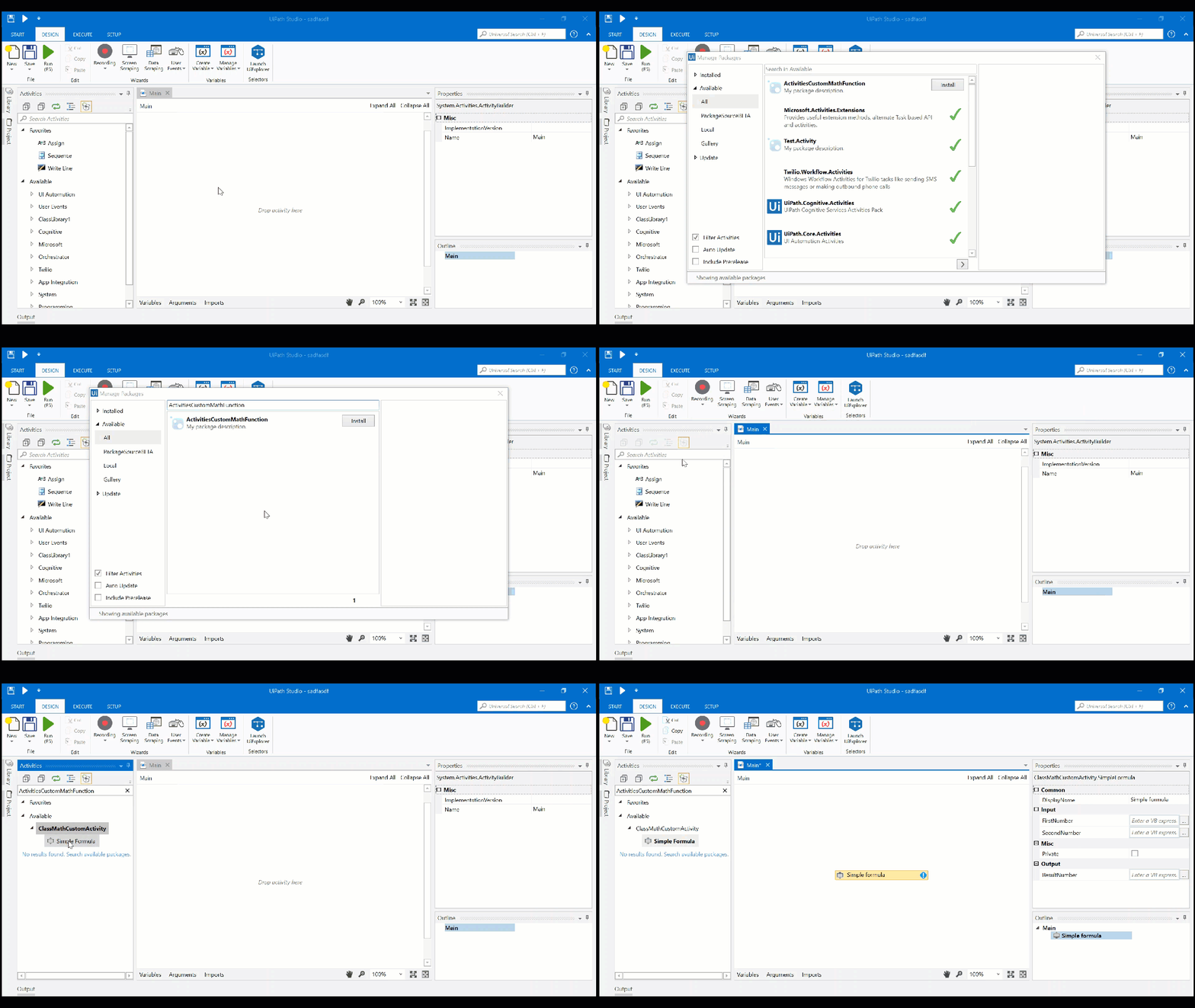
 .
.