Presentation Install Guide
Install_guide
User Manual:
Open the PDF directly: View PDF  .
.
Page Count: 16

Windows version installation and quick run guide
OPERA 2.0
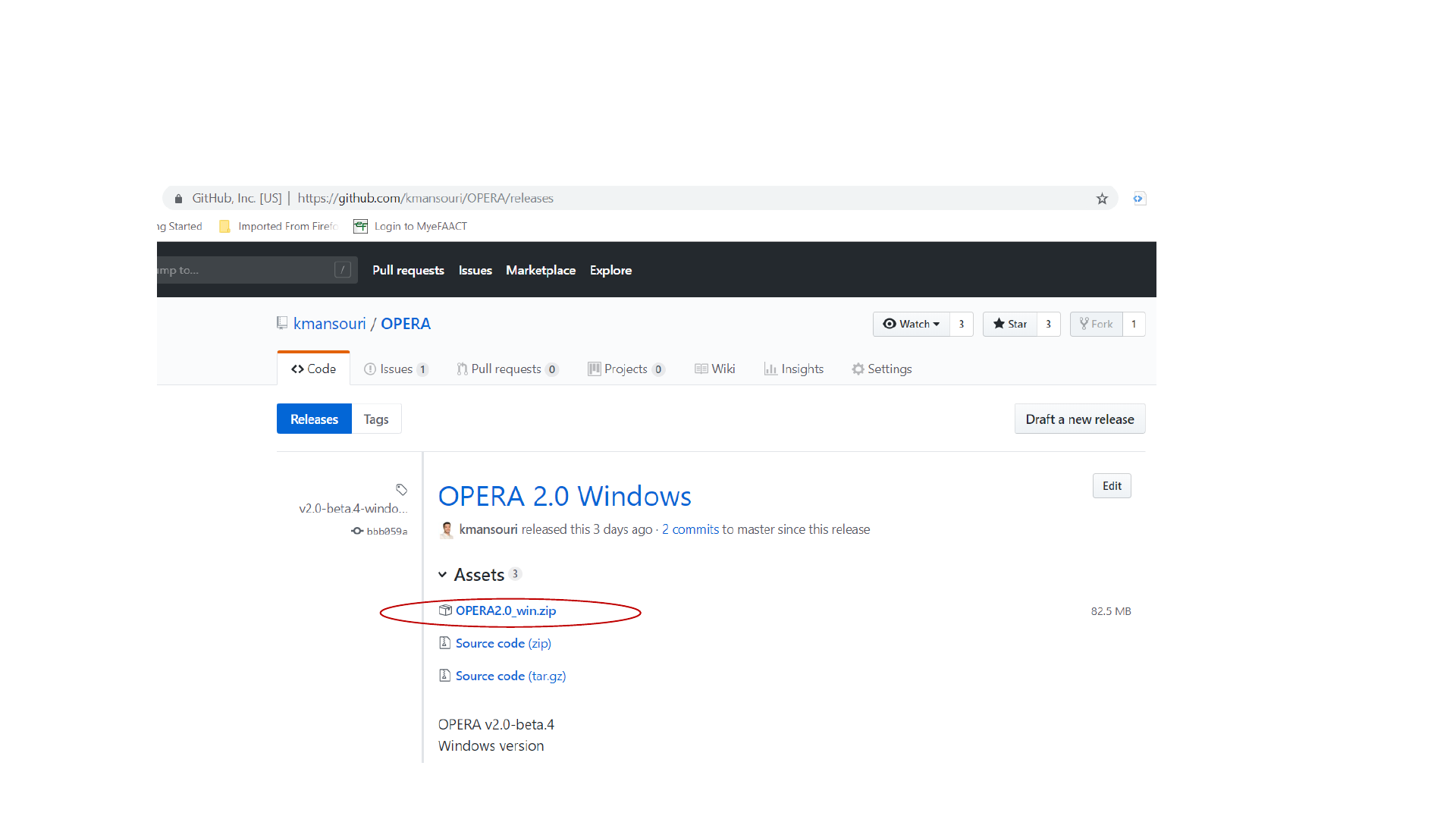
Download OPERA2.0_win.zip from “Releases”
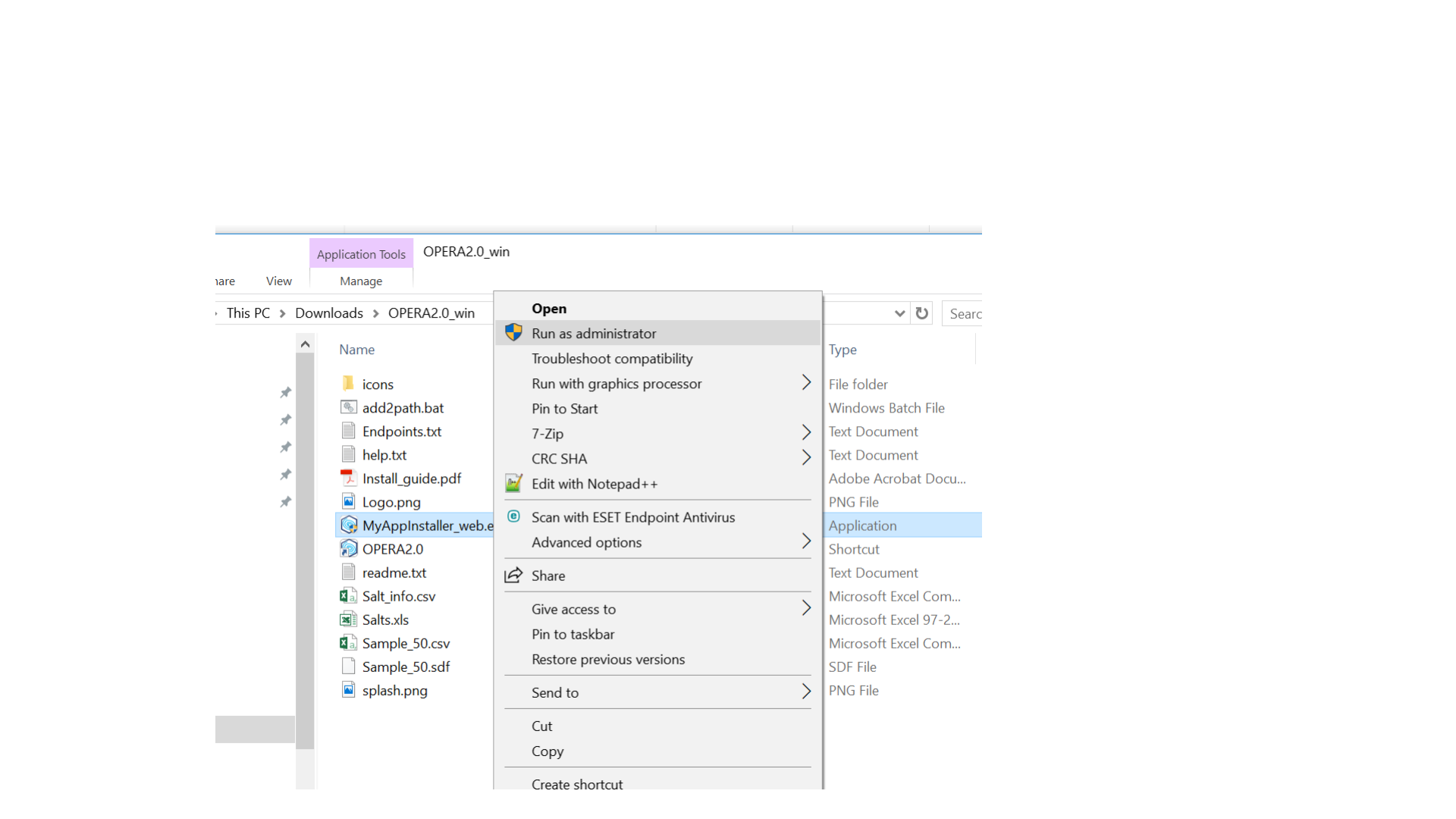
Unzip and run MyAppInstaller as administrator
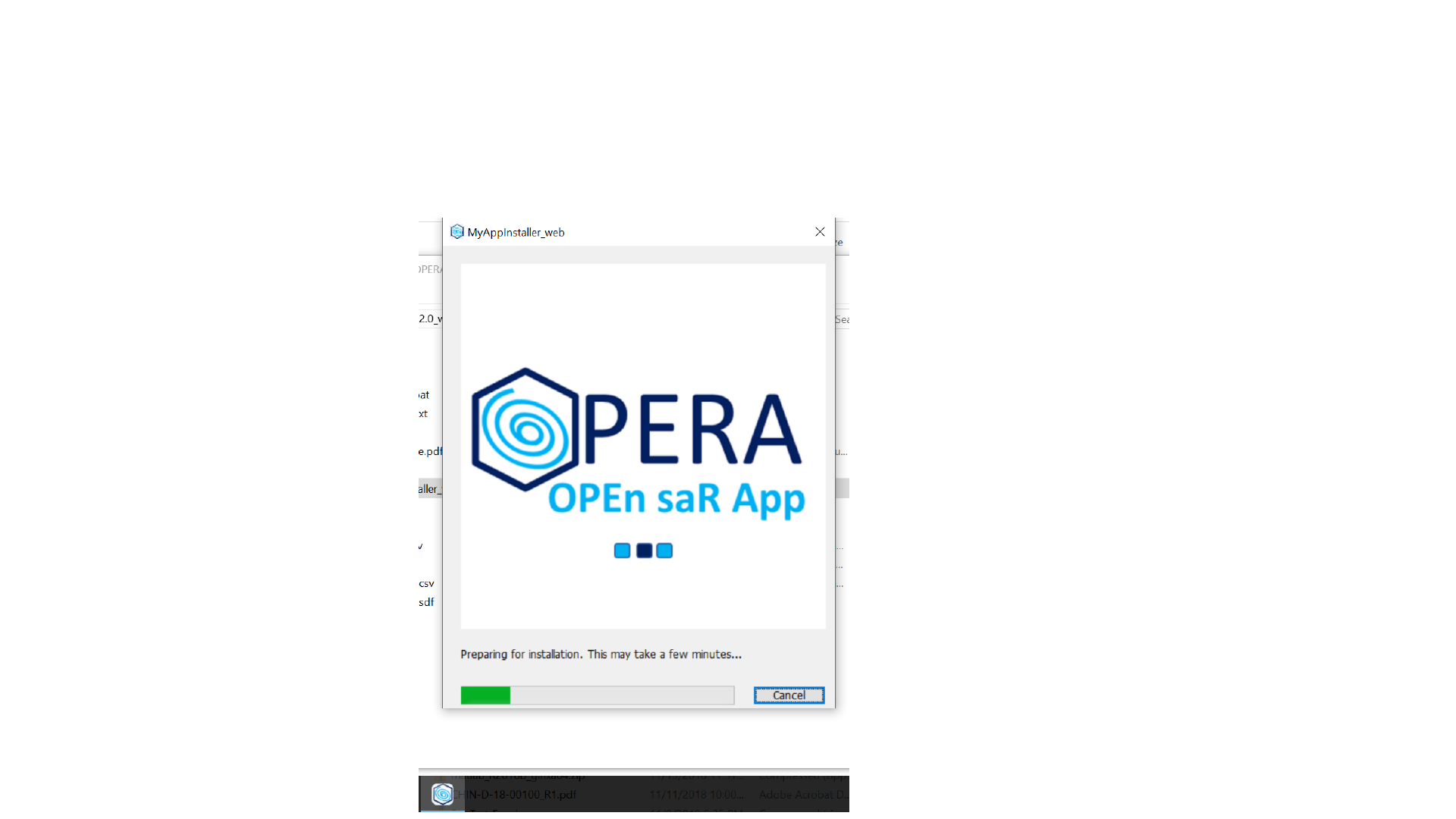
The installer will unpack and initialize quickly
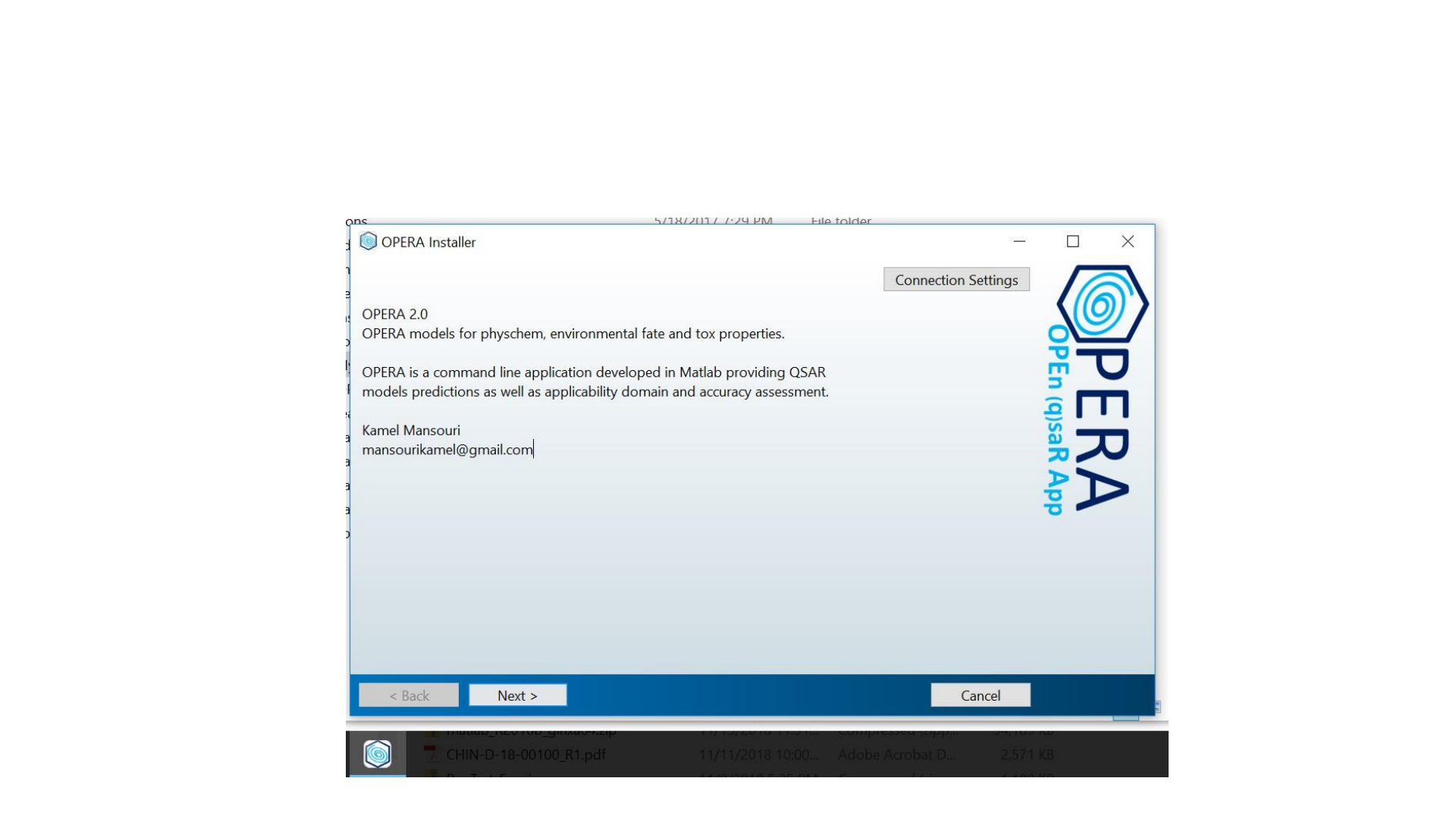
First intro to OPERA2, click next when ready
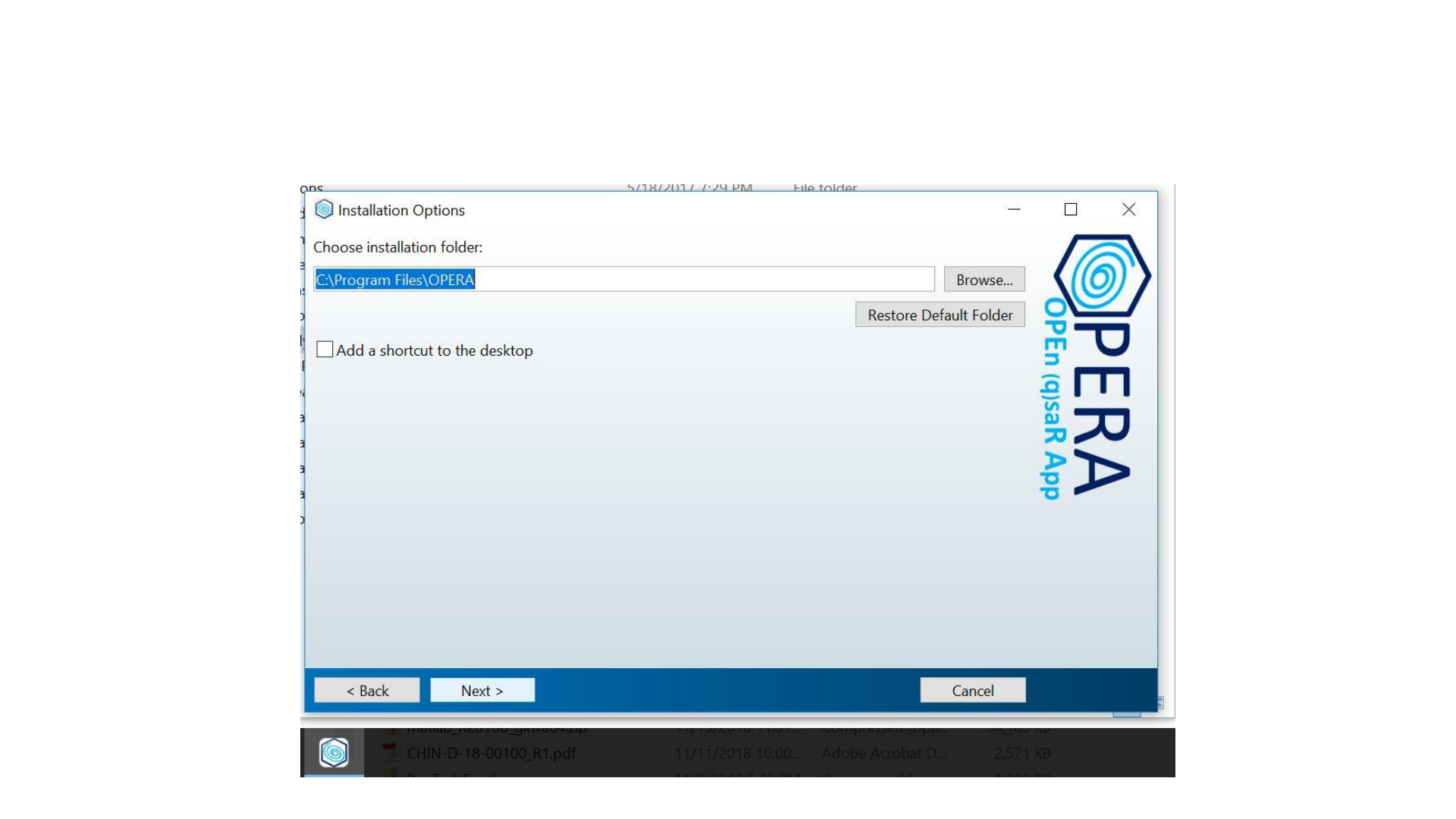
Important recommended install options.
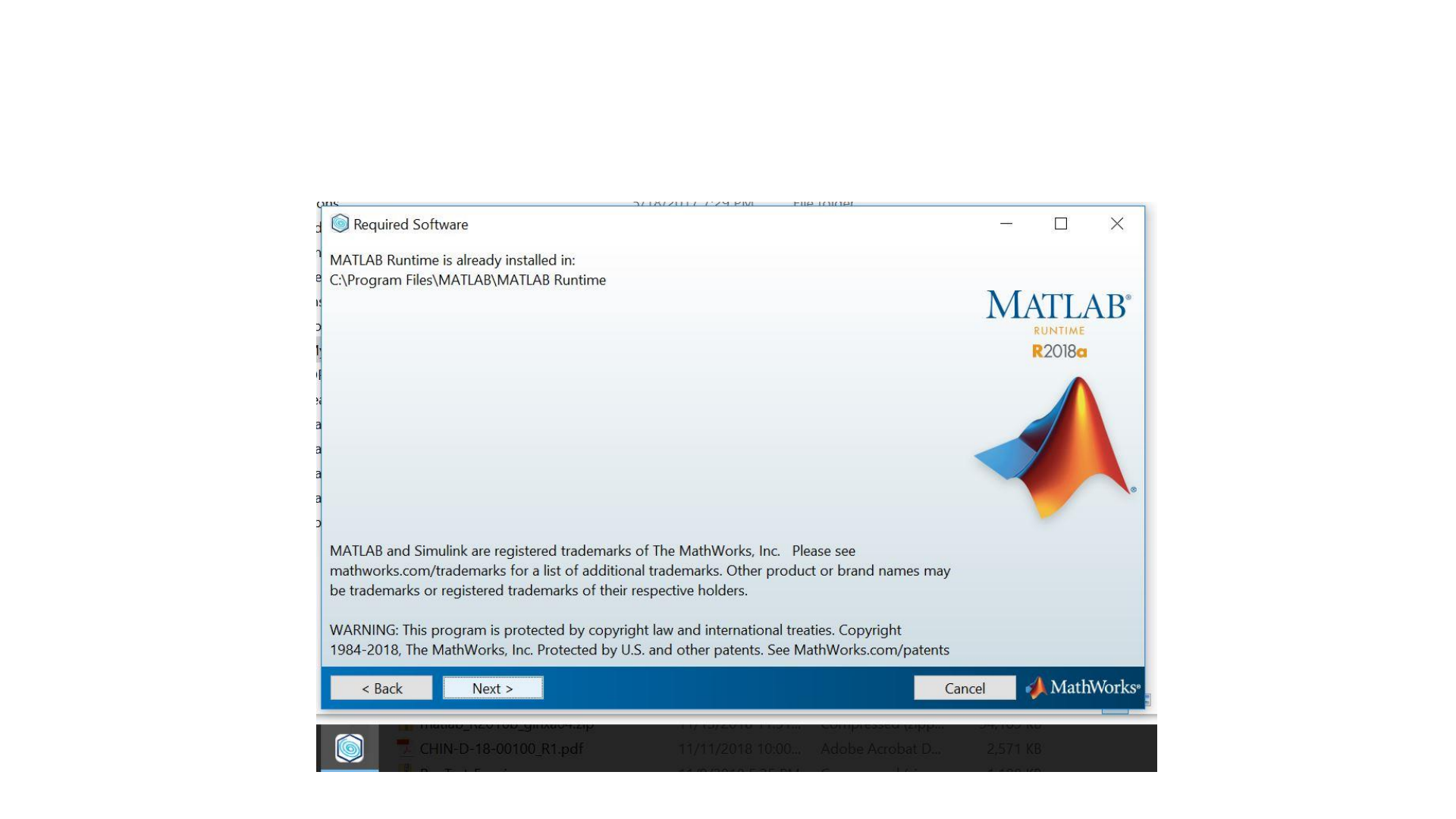
Just click next
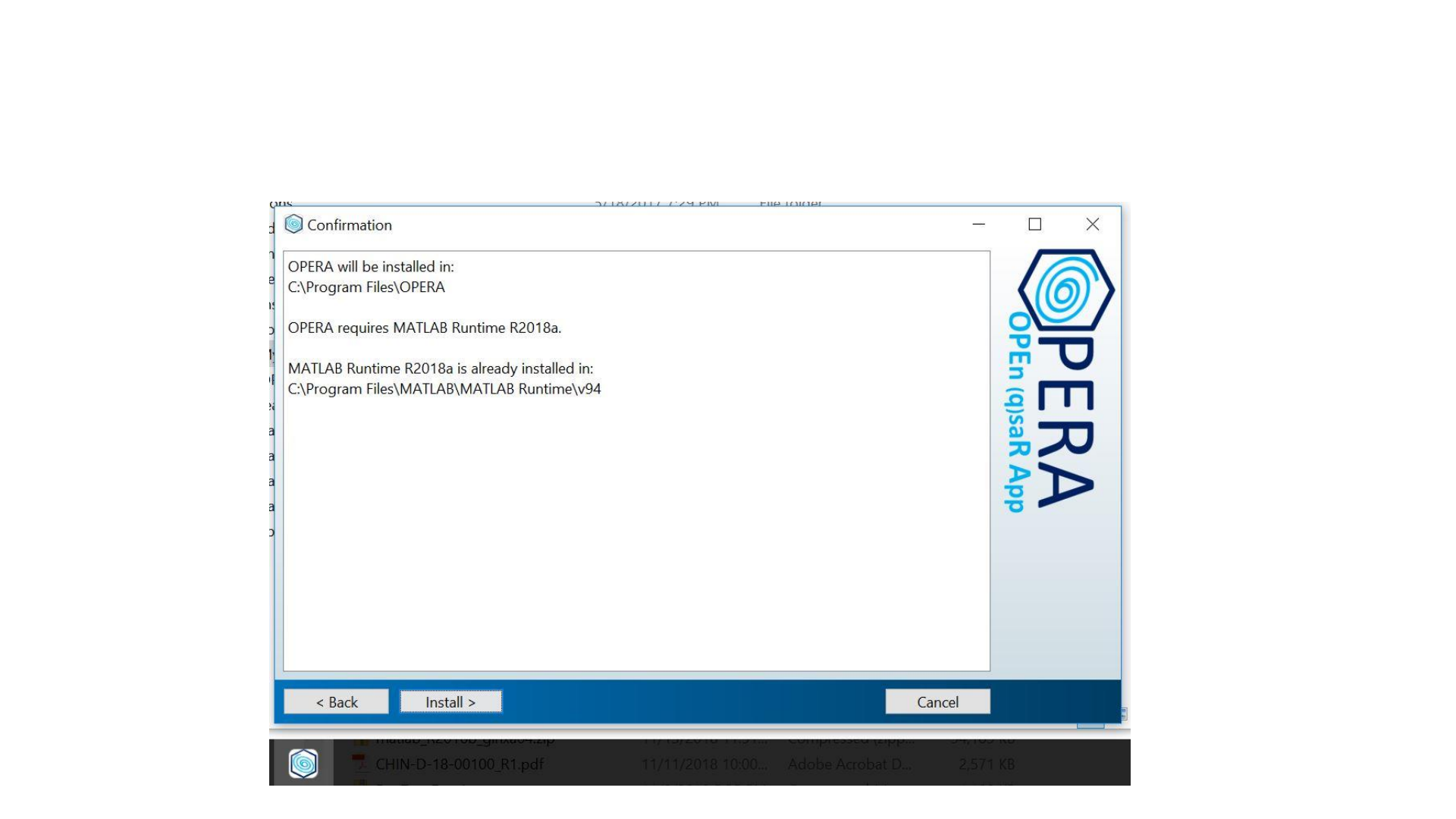
Confirm and install.
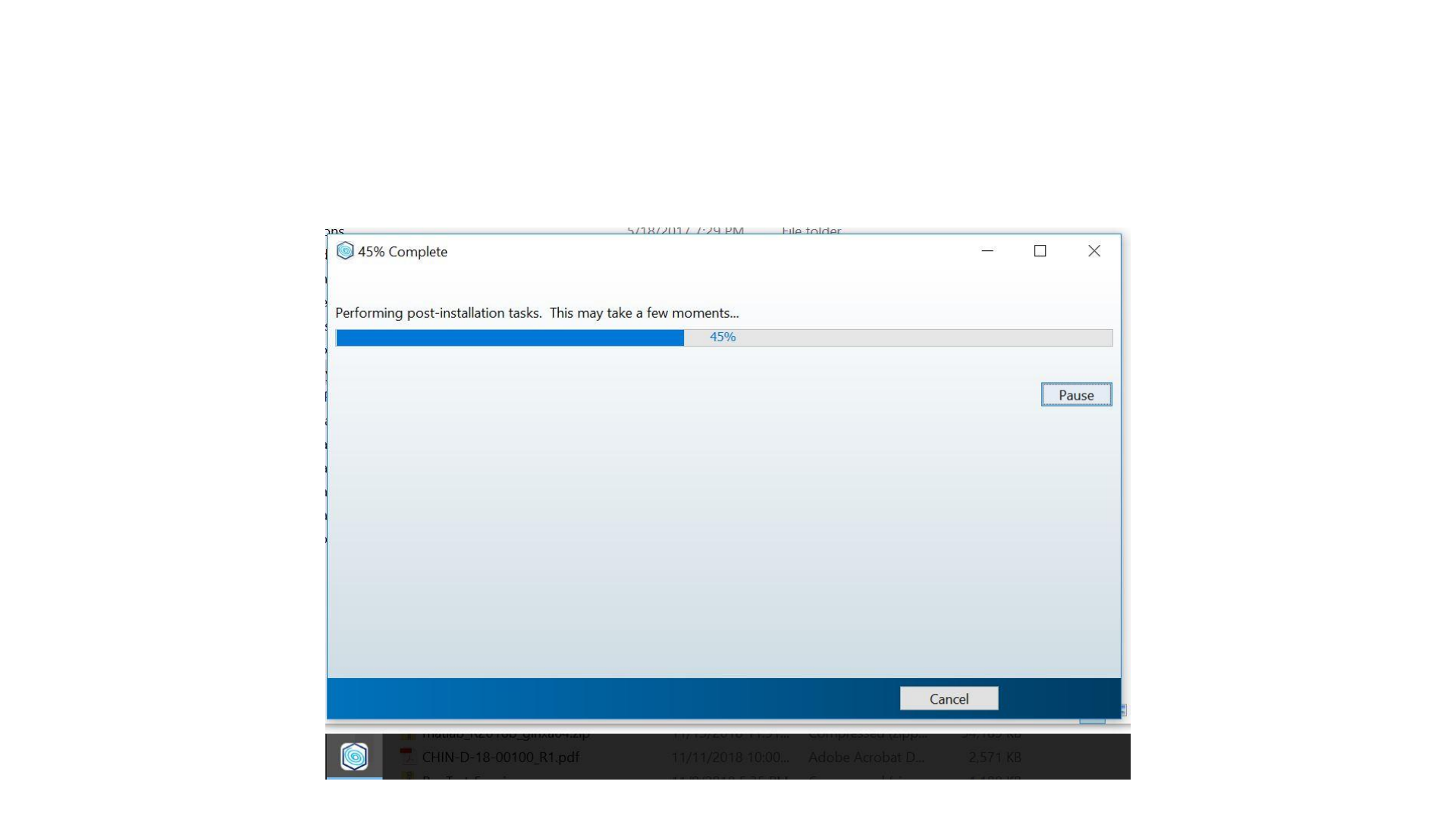
Wait while downloading and installing the
runtime. (next time will go faster)
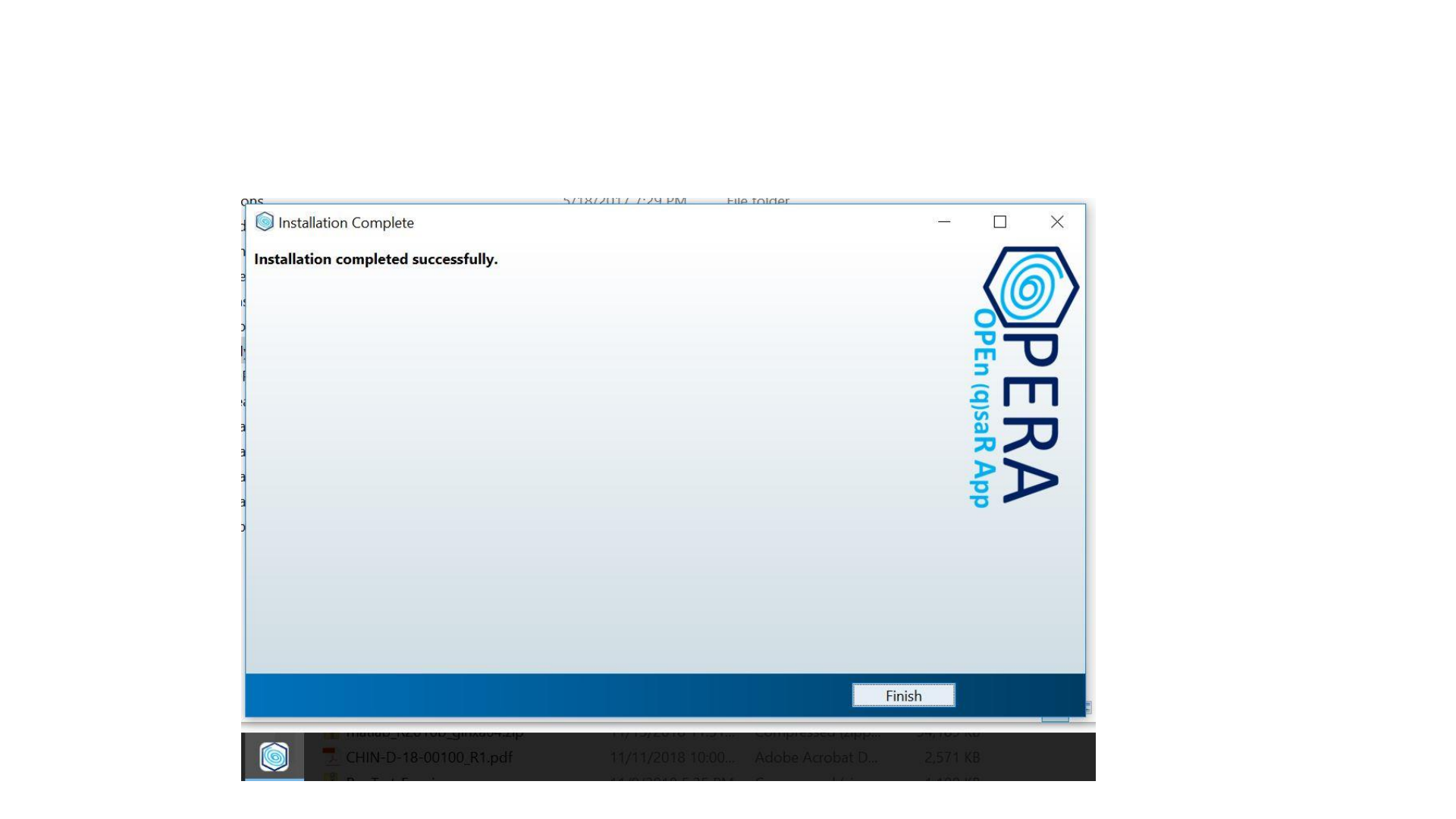
That’s it! IT’s OPERAtional.
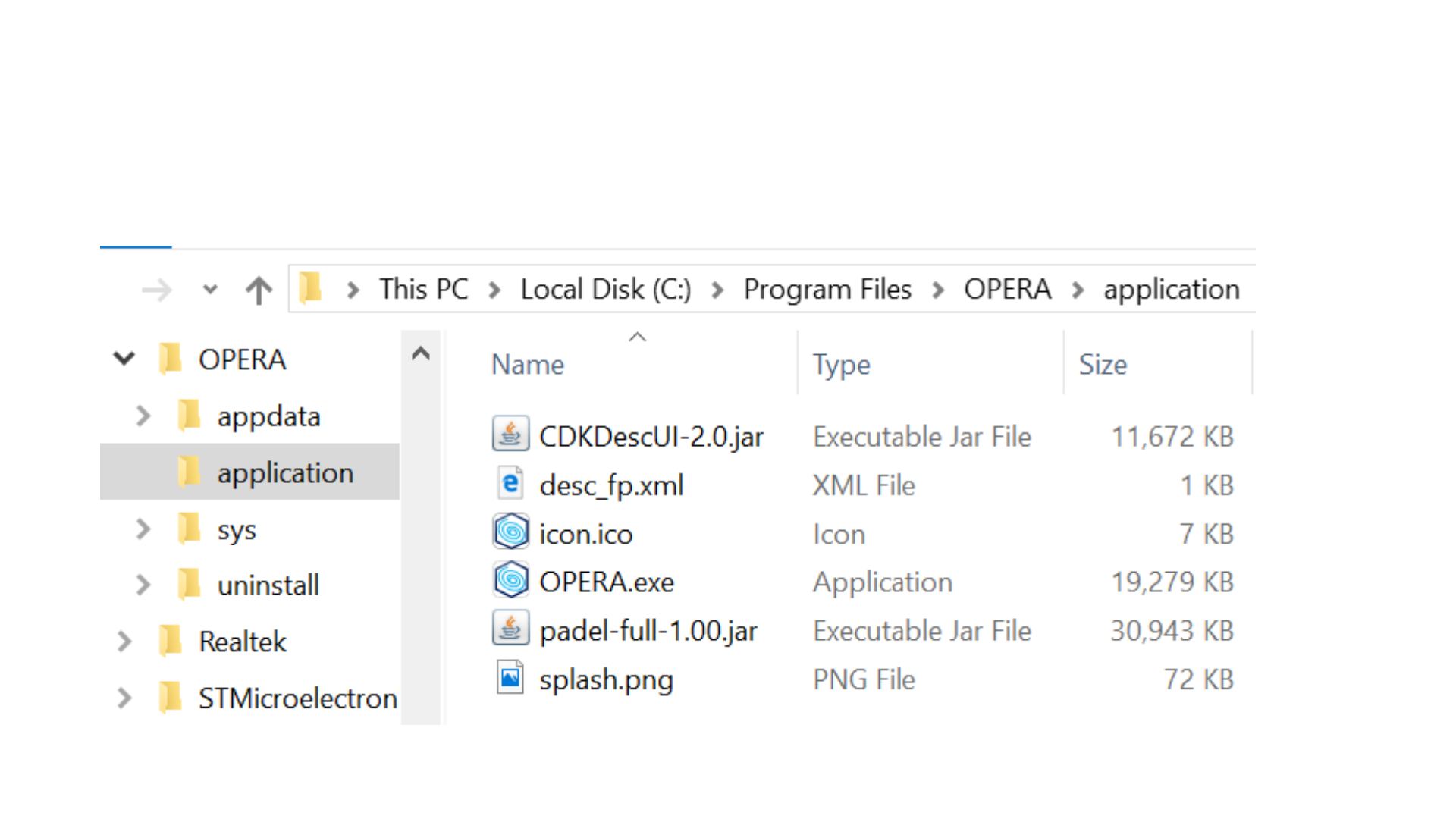
Installed files
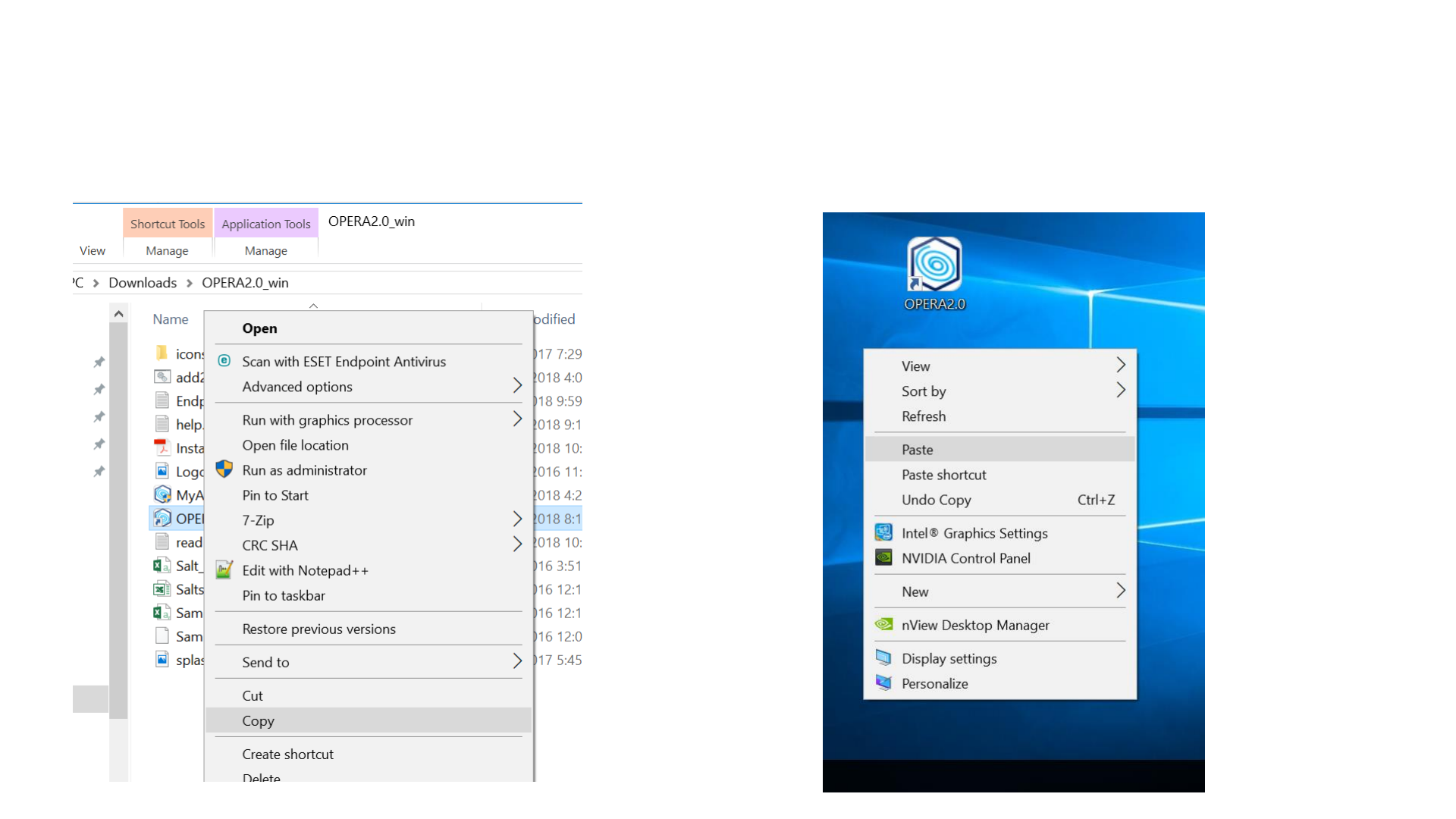
Now copy that shortcut to your desktop. It
will setup your environment variable.
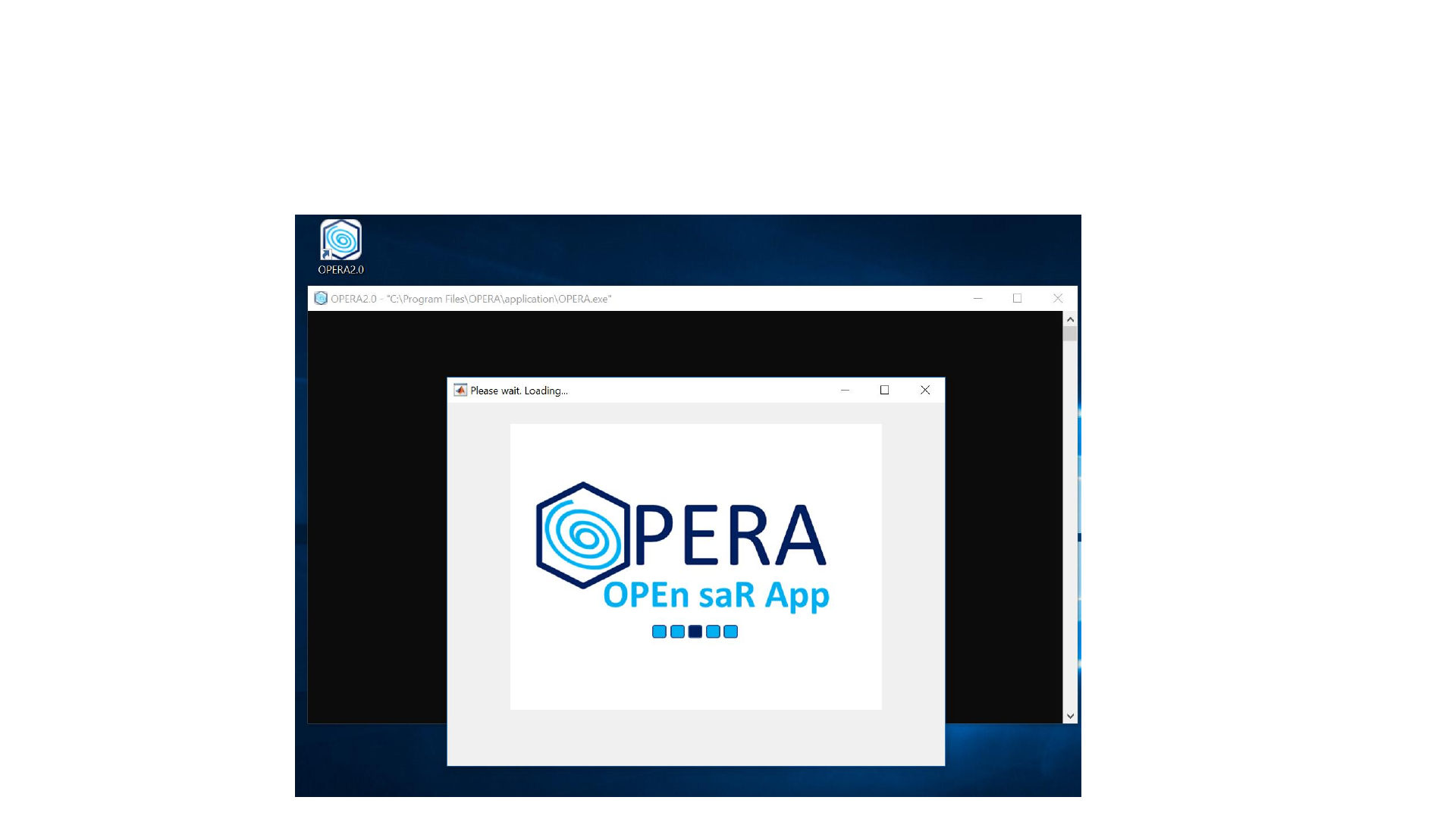
Double click the shortcut to run the app
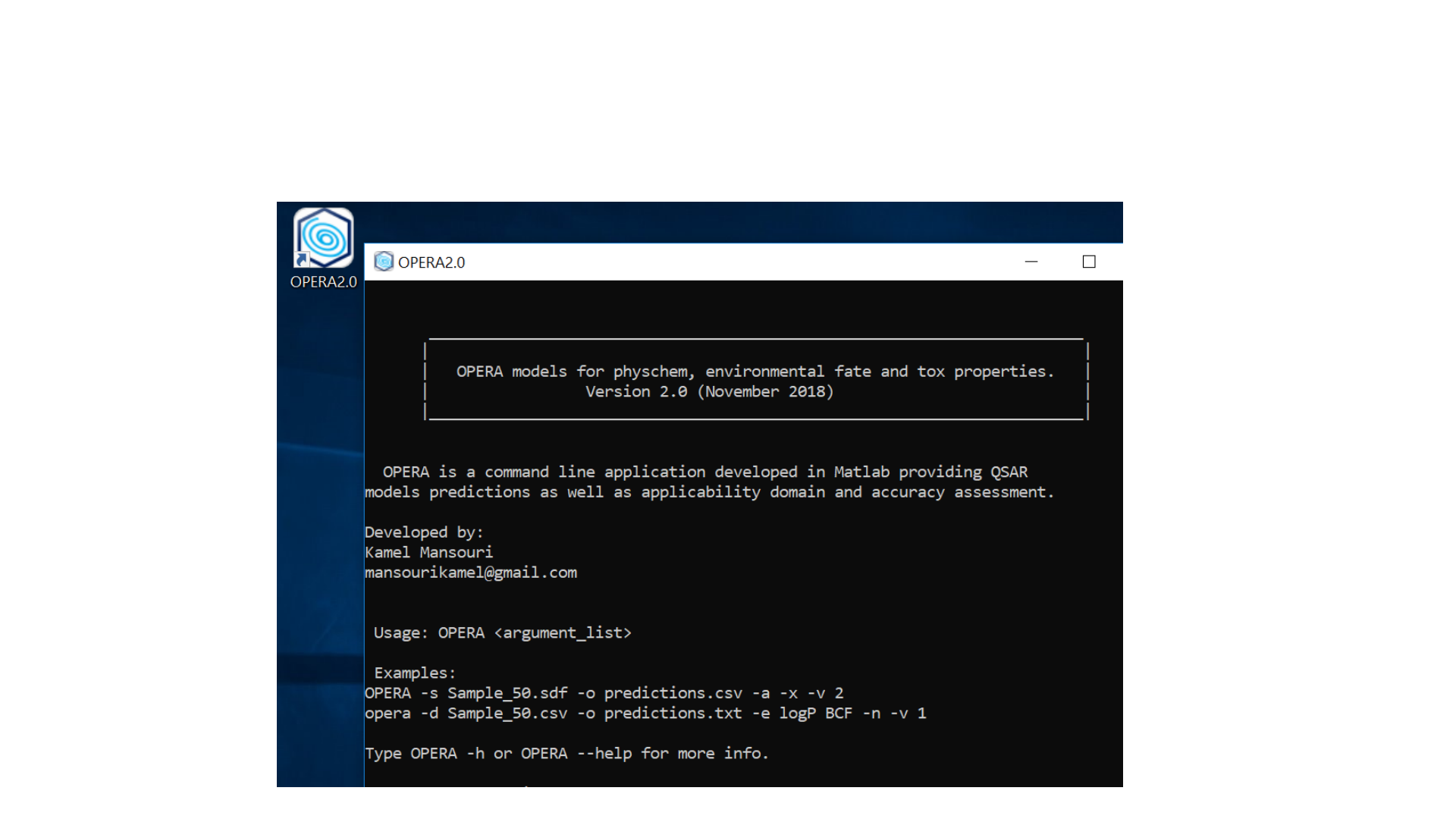
Ready to run the models
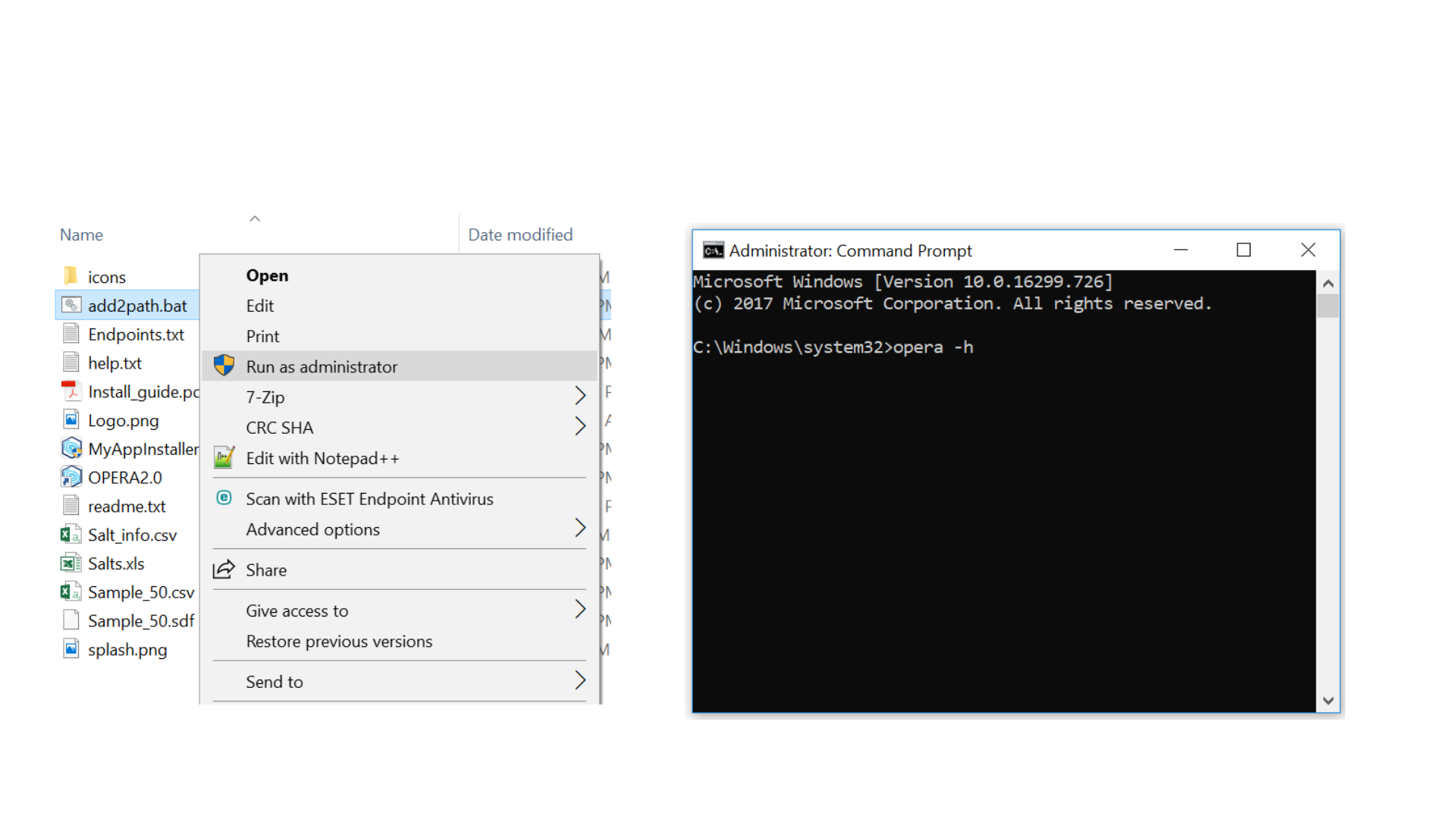
Optional: permanently edit system %PATH%
Only run once!
Only needed to install for all users or to use in a pipeline/ workflow.

Thank you!
Your feedback will be appreciated!
mansourikamel@gmail.com
Register on the GitHub repo for the updates
https://github.com/kmansouri/OPERA
