AV 21F15 JVC 2115EE Chassis CG
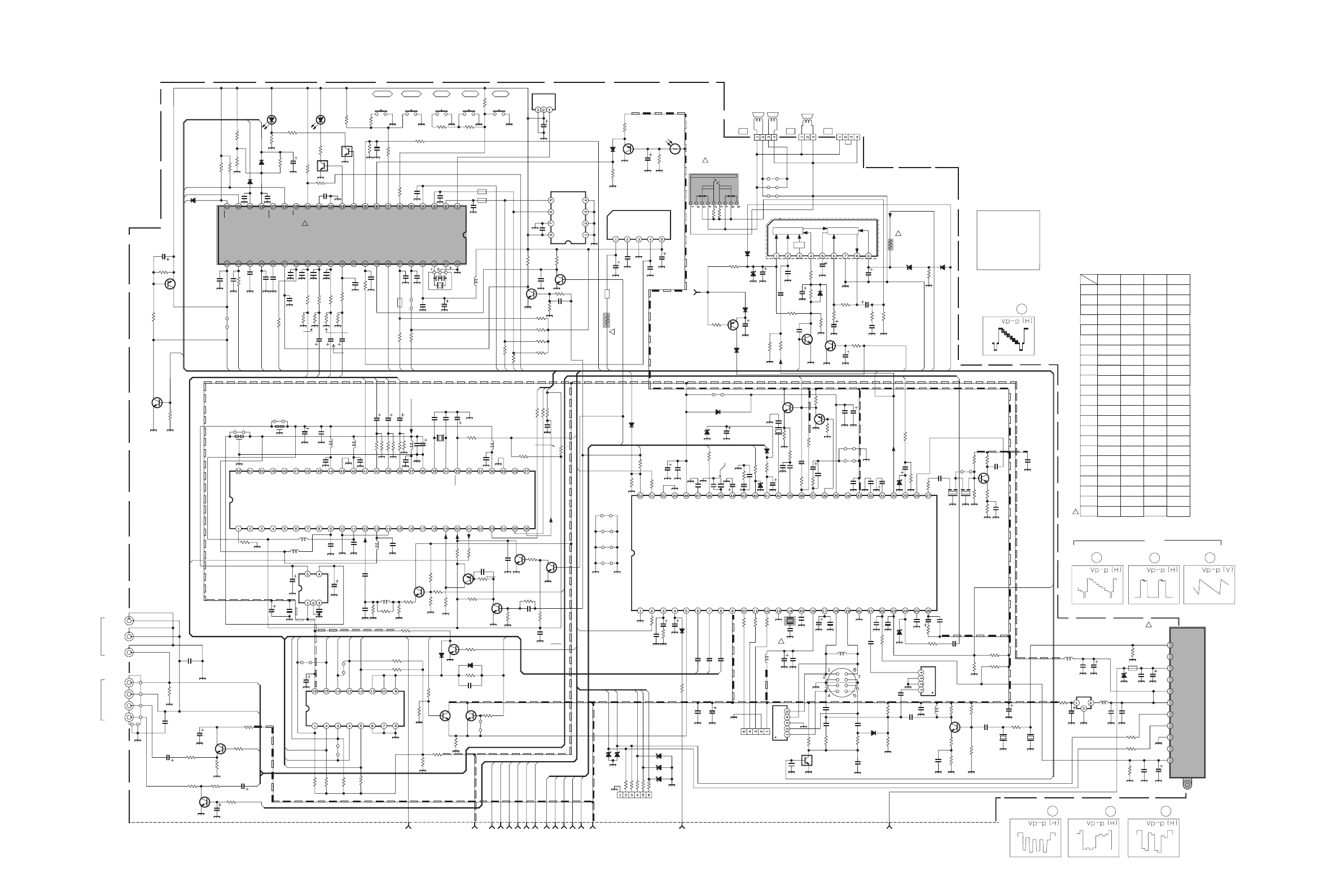
User Manual: AV-21F15
Open the PDF directly: View PDF  .
.
Page Count: 150 [warning: Documents this large are best viewed by clicking the View PDF Link!]
- 52027sch.pdf
- 52027.pdf
- 52027b.pdf
- 52027c.pdf
- 52027ien.pdf
- 52027par.pdf
- PARTS LIST
- CONTENTS
- USING PW BOARD & REMOTE CONTROL UNIT
- REMOTE CONTROL UNIT PARTS LIST
- EXPLODED VIEW PARTS LIST
- EXPLODED VIEW
- PRINTED WIRING BOARD PARTS LIST [ AV-21Q3/D ]
- PRINTED WIRING BOARD PARTS LIST [ AV-21Q3/AU / AV-21Q3/HK ]
- PRINTED WIRING BOARD PARTS LIST [ AV-21QMG3 / AV-21QMG3/-A ]
- PRINTED WIRING BOARD PARTS LIST [ AV-21QMG3/U ]
- PRINTED WIRING BOARD PARTS LIST [ AV-2115EE ]
- PACKING PARTS LIST
- PACKING
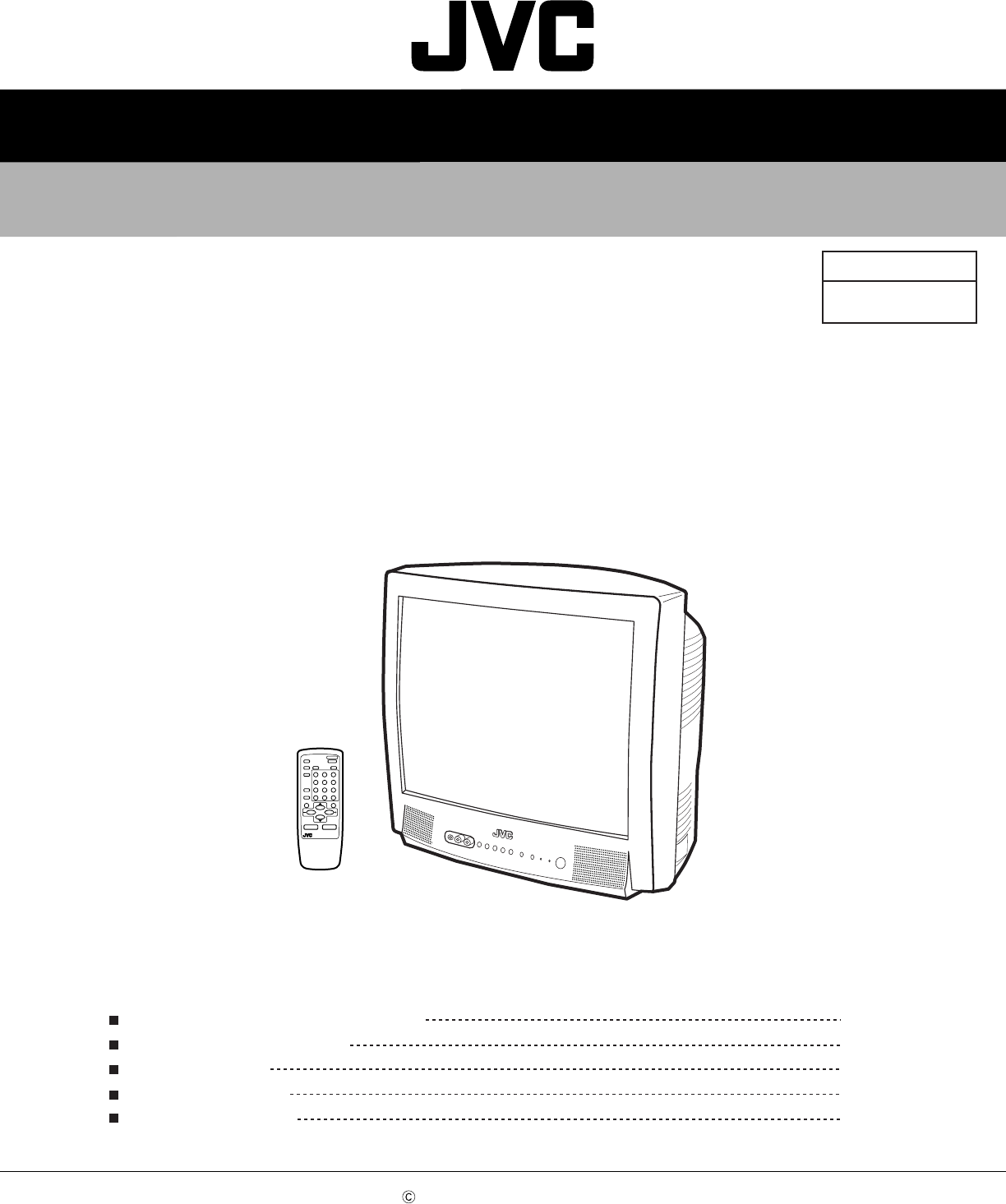
SCHEMATIC DIAGRAMS
COLOUR TELEVISION
No.52027
Aug. 2002
COPYRIGHT 2002 VICTOR COMPANY OF JAPAN, LTD.
AV-21Q3/D / AV-21Q3/AU
AV-21Q3/HK / AV-21QMG3
AV-21QMG3/-A / AV-21QMG3/U
AV-2115EE
AV-21Q3
AV-21QMG3
AV-2115EE
NOTE ON USING CIRCUIT DIAGRAMS
SEMICONDUCTOR SHAPES
BLOCK DIAGRAM
CIRCUIT DIAGRAMS
PATTERN DIAGRAMS
2-1
2-2
2-3
2-5
2-13
CD-ROM No.SML200209
BASIC CHASSIS
CG
CONTENTS
POWER
1
No.52027
AV-21Q3
AV-21QMG3
AV-2115EE
AV-21Q3
AV-21QMG3
AV-2115EE
Aug. 2002 No. 520272-16
STANDARD CIRCUIT DIAGRAM
AV-21Q3/D, AV-21Q3/AU, AV-21Q3/HK,
AV-21QMG3, AV-21QMG3/-A, AV-21QMG3/U
AV-2115EE
NOTE ON USING CIRCUIT DIAGRAMS
1.SAFETY
The components identified by the symbol and shading are
critical for safety. For continued safety replace safety critical
components only with manufactures recommended parts.
2.SPECIFIED VOLTAGE AND WAVEFORM VALUES
The voltage and waveform values have been measured under the
following conditions.
(1)Input signal : Colour bar signal
(2)Setting positions of
each knob/button and
variable resistor
(3)Internal resistance of tester :DC 20k /V
(4)Oscilloscope sweeping time :H 20µS/div
:V 5mS/div
:Others Sweeping time is
specified
(5)Voltage values :All DC voltage values
Since the voltage values of signal circuit vary to some extent
according to adjustments, use them as reference values.
3.INDICATION OF PARTS SYMBOL [EXAMPLE]
In the PW board :R1209 R209
4.INDICATIONS ON THE CIRCUIT DIAGRAM
(1)Resistors
Resistance value
No unit :[ ]
K:[K ]
M
Rated allowable power
No indication :1/ 16 [W]
Others :As specified
Type
No indication :Carbon resistor
OMR :Oxide metal film resistor
MFR :Metal film resistor
MPR :Metal plate resistor
UNFR :Uninflammable resistor
FR :Fusible resistor
Composition resistor 1/2 [W] is specified as 1/2S or Comp.
(2)Capacitors
: Original setting position
when shipped
5.NOTE FOR REPAIRING SERVICE
This model's power circuit is partly different in the GND. The
difference of the GND is shown by the LIVE : ( ) side GND and the
ISOLATED(NEUTRAL) : ( ) side GND.Therefore, care must be
taken for the following points.
(1)Do not touch the LIVE side GND or the LIVE side GND and the
ISOLATED(NEUTRAL) side GND simultaneously. If the above
caution is not respected, an electric shock may be caused.
Therefore, make sure that the power cord is surely removed from
the receptacle when, for example, the chassis is pulled out.
(2)Do not short between the LIVE side GND and ISOLATED(NEUTRAL)
side GND or never measure with a measuring apparatus measure
with a measuring apparatus ( oscilloscope, etc.) the LIVE side GND
and ISOLATED(NEUTRAL) side GND at the same time.
If the above precaution is not respected , a fuse or any parts will be broken.
Since the circuit diagram is a standard one, the circuit and
circuit constants may be subject to change for improvement
without any notice.
NOTE
Due improvement in performance, some part numbers show
in the circuit diagram may not agree with those indicated in
the part list.
When ordering parts, please use the numbers that appear
in the Parts List.
Type
MM :Metalized mylar capacitor
PP :Polypropylene capacitor
MPP :Metalized polypropylene capacitor
MF :Metalized film capacitor
TF :Thin film capacitor
BP :Bipolar electrolytic capacitor
TAN :Tantalum capacitor
(3)Coils
No unit :[ µH]
Others :As specified
(4)Power Supply
:B1
:9V :5V
Respective voltage values are indicated
(5)Test point
:Test point :Only test point display
(6)Connecting method
:Connector :Wrapping or soldering
:Receptacle
(7)Ground symbol
:LIVE side ground
:ISOLATED(NEUTRAL) side ground
:EARTH ground
:DIGITAL ground
:[M ]
Capacitance value
1 or higher :[pF]
less than 1 :[µF]
Withstand voltage
No indication :DC50[V]
Others :DC withstand voltage [V]
AC indicated :AC withstand voltage [V]
Electrolytic Capacitors
47/50[Example]:Capacitance value [µF]/withstand voltage[V]
No indication :Ceramic capacitor
:B2 (12V)
No.52027No.52027
2
AV-21Q3
AV-21QMG3
AV-2115EE
AV-21Q3
AV-21QMG3
AV-2115EE
B
G1
RK
H
1
4
E
UMARK
C
GK
G1
HE
H
BK
G2 GK
RK
HE
BK
G1
G2
E1
SCREEN
Q351
Q352
Q353
R364
R369
R360
R361
R362
C357
L351
L354
R3
55
R356
R359
R366
C354
TP-E
R351
Y303
W611
SK351
Y304
R346
W338
R349
TP-47B
D352
D351
D356
UL MARK
51
MARK T
C
B
C
B
E
/2!
E
CKF1674-BH1-1
W337
R363
R365
C352
C351
52
L3
L353
K351
W336
353
R
R354
R357
R358
R367
R368
C355
C356
R352
R345
R347
R348
W576
D353
D354 D355
TP-47G/R
TP-47R/G
2-2
TOP
CRT SOCKET PWB PATTERN
2-15
CONTENTS
SEMICONDUCTOR SHAPES 2-2
BLOCK DIAGRAM 2-3
CIRCUIT DIAGRAMS
MAIN PWB CIRCUIT DIAGRAMS
2-5
PATTERN DIAGRAMS
MAIN PWB PATTERN
2-13
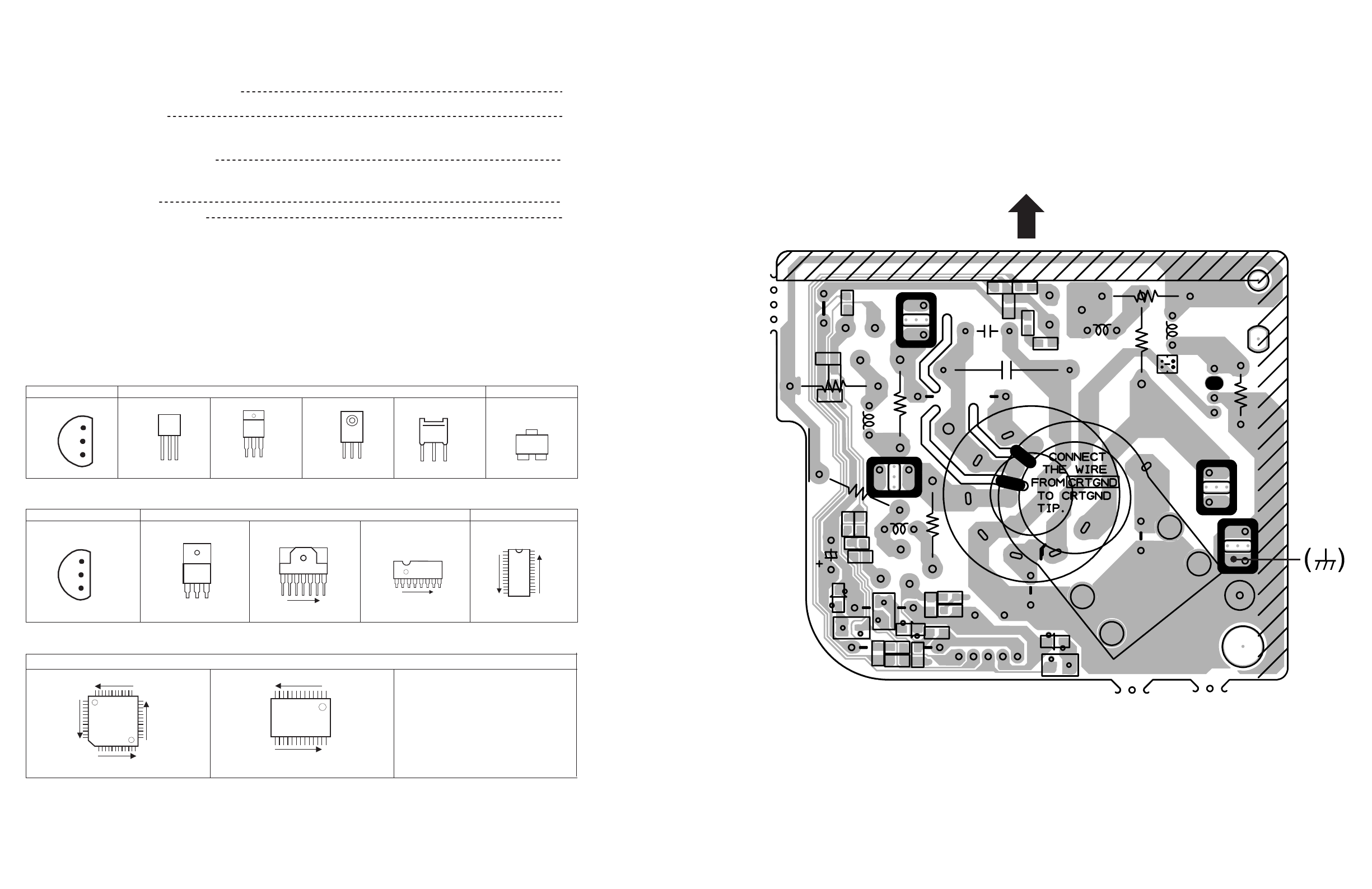
SEMICONDUCTOR SHAPES
TRANSISTOR
BOTTOM VIEW FRONT VI EW TOP VIEW
CHIP TR
IC
BOTTOM VIEW FRONT VIEW TOP VIEW
CHIP IC
TOP VIEW
1 N
N
1
OUT
E
IN
IN OUTE
1 N
N
1
N
N
N
1
N
E
C
B
ECB
C
BE
BCE
(G)(D )(S )
ECB
ECB
CRT SOCKET PWB PATTERN
2-15
No.52027 No.52027
3
AV-21Q3
AV-21QMG3
AV-2115EE
AV-21Q3
AV-21QMG3
AV-2115EE
2-3 2-4
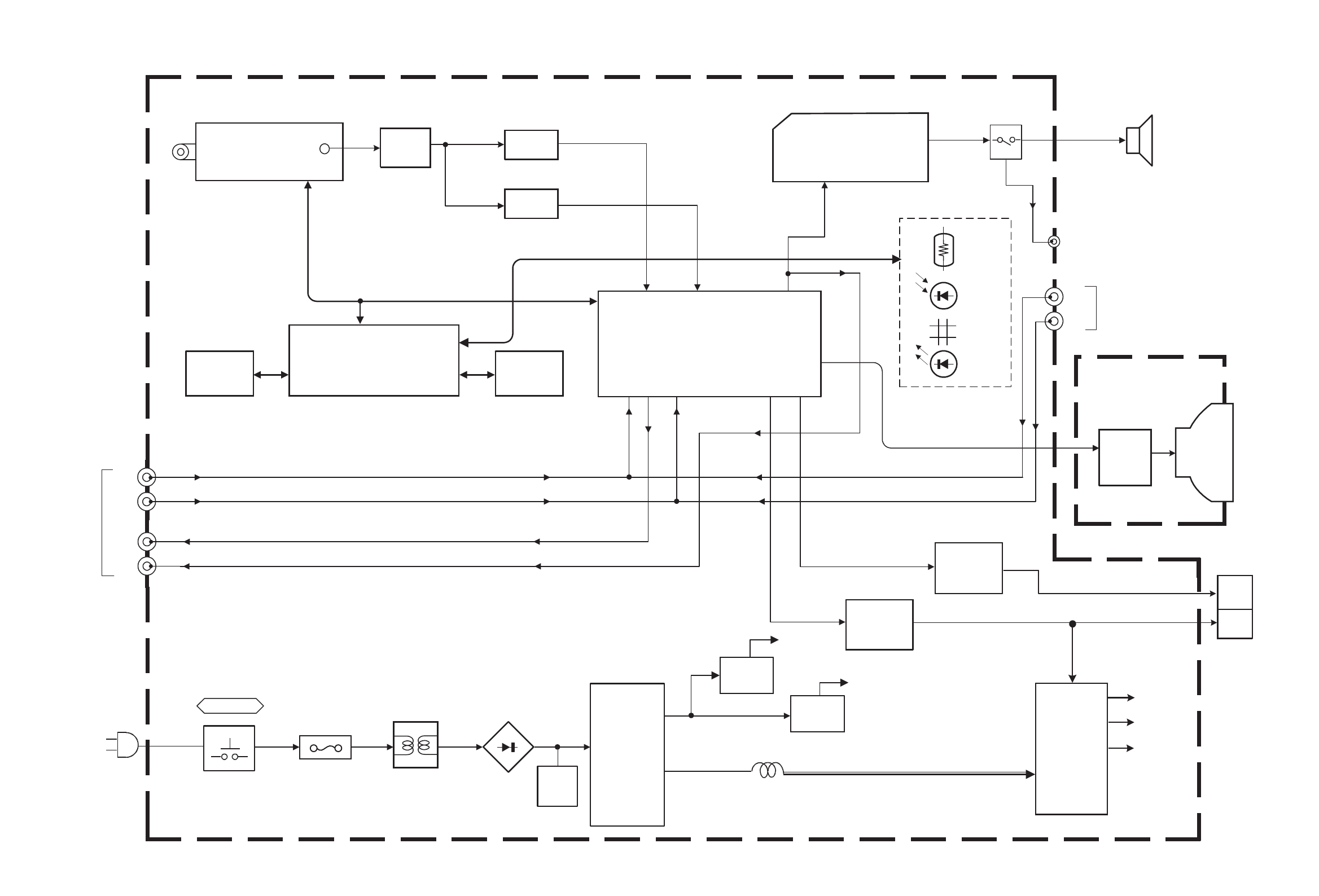
BLOCK DIAGRAM
Q102
IF AMP SF102
VIDEO
AUDIO
IC701
MICRO COMPUTER
IC301
1 CHIP DECODER
RGB 10.11.12
29
30
36
24
MAIN PWB
IC702
MEMORY IC703
5V REG & RESET
IC651
AUDIO AMP
SP
AUDIO
3
8
SF122
SCL/SDA
IC421
VERT.OUT
Q522
H.OUT
DY(V)
DY(H)
DEF.YOKE
H.OUT V.OUT
H.OUT
V.OUT
42 46
SCL
SDA
POWER SW
IN
OUT
AC IN
HEAD
PHONE
F901
SAW QSS
IN
TU001
TUNER
IF
D901
LF901
IC921
RECT
POWER
REG.
R / G /B
V01
CRT
CRT SOCKET PWB
RGB
DRV
REMOCON
KEY
IND.
VIDEO
AUDIO
T522
HVT
FOCUS
SCREEN
EHV
18.19 21
37.38
VIDEO
IN VIDEO
OUT AUDIO
IN
AUDIO
OUT
SCL
SDA
SP
OUT
VIDEO
AUDIO
REAR
FRONT
IN
B1
T921
SW
TRANSF.
IC972
5V REG.
REG.
REG.
IC971
9V REG.
ECO
4
No.52027 No.52027
AV-21Q3
AV-21QMG3
AV-2115EE
AV-21Q3
AV-21QMG3
AV-2115EE
!
!
!
!
!
!
!
.033
C721
4.7k
R714
820
R771
180p
CH
C729
4.7k
R720
X
C731
BW
K704
1/50
C719
5.6
QQL244J-5R6Z
L701
BW
Y705
SLR-342VR-T16
POWER
D704
X
R773
SLR-342DU-T16
TIMER
D705
820
R772
X
D706
82k
R736
*6
D501
.01
C712
10k
R721
4.7k
R726
.01
C713
X
C736
X
C735
X
C734
10K
R730
1k
R728
100k
R737
X
C733
*1
SW
Q703
X
C732
100
R748
X
C738
BW
K703
100/16
C710 *1
SW
Q702
QSW0619-003ZS704
QSW0619-003ZS701
.01
C709
PIC-47143SY
IR DETECT UNIT
IC704
OUT
Vcc
GND
QSW0619-003ZS702
QSW0619-003ZS703
220/25
C658
15k
R727
QSW0619-003Z
S705
BW
K701
180pCH
C717
1k
R729
4.7k
R731
4.7k
R709
4.7k
R710
4.7k
R711
560
R706
56p
C724
100p CH
C722
10k
R738
10k
R739
560
R707
560
R718
1k
R725
4.7k
R713
4.7k
R712
220
R704
220
R705
180pCH
C716
220
R715
220
R716
56k
R742
*
MICOM
IC701
X
C737
X
C725
X
CS0S5
.01
C720
.01
C718
0
Y704
X
C856
.01
C711
X
R734
1k
R708
X
R722
X
Y001
X
C723
AT24C08-21DMG3
MEMORY
IC702
180p CHC728
.01C730
.01
C114
X
C850
*4
D707
L78LR05E-MA
5V REG&RESET
IC703
X
SW
Q704
0
R747
X
C727
1000/10
C708
.01
C706
.01
C707
X
SW
Q701
.001
C663
.047
C652
X
R846
X
Y801
BW
Y002
470/16
C705
X
L822
X
C826
X
R717
10k
R746
X
L821
X
C822
x
Y301
X
RGB.SW
IC371
X
C318
MA3091/M/-X
D303
-1443A
SCG
X
C837
X
C836
X
C371
QAX0666
-002 QAX0731
-001
QAX0666
-002
X
L823
X
C827
X
EF802
X
C831
SF102
5.6k
R701
X
C838
0
Y373
X
INVERTER
Q825
QAX0666
-002
X
X821
X
CH
C823
X
R832
XCH
C830
4.7M
R327
X
TEXT
IC821
X
X
X
Y802
BW
Y371
0
Y372
X
X
C855
X
R825
Q103
X
C849
X
R838
X
INVERTER
Q822
X
CH
C834
X
INVERTER
Q824
XR836
X
R837
X
R750
4.7k
R749
XY654
*3
XCF161
X
R827
X
L827
QAX0642
-001Z
XR835
X
X
C845
X
CH
C824
X
R834
XCH
C835
BW BW
X
R833
XCH
C833
X
INVERTER
Q821
180
1/2W
R815
CEMN065-001
J003
QNN0384-001
J002
CEMN065-002
J004
*3
SW
Q708
270
1/2W
R806
3.9k
R740
560
R741
*4
D731
10/50
C811
220
R811
220/16
C805
X
C812
*1
SW
Q804
68
R807
75
R802
6.8k
R702
4.7k
R817
2SC1815/YG/-T
BUFFER
Q803
470/16
C806
X
L824
680
R816
X
C832
220R301
4.7k
R302
220
R303
10/50
C341
.01
C306
.47/50
TF
C304
10p
CH
C303
1/50
N
BP
C367
390
R120
*4
D341
.47/50
C305
8.2
QQL244K-8R2Z
L103
BW
C741
220
R121
.47/50
C119
D102
10/50
C324
.01
C311
100/16
C315
*1
BUFFER
Q302
120p
CH
C120
.01
C314
1k
R314
470/10
C501
0
R502
1.2k
R307 10/50
C503 .01
C502
10/50
C316
10k
R401
.047/25
C317
0
R312
IF
BTPS(32)
AGC
BT
AS
SCL
SDA
BM
5V
LOCK
NC
NC
QAU0282-001
TU001
0.47/50
C323
MA859
-T2
*
R161
X
R376
220pCH
C310
BW
R501
XD793
*2
BUFFER
Q301
1k
R313
*
C166
1.5k
R321
XL104
XY653
XY655
10k
R796
.01
C744
X
R160
X
R745
X
R848
X
C843
CE41651-001Z
X302
12p
CH
C321
2.7k
R322
.027/25
C322
10k
R323
X
R325
1k
R324
*5
D301
0
Y302
100
R326
*5
D302
*
C161
*
CF161
X
EF801
220
R304
220
R305
3.3K
R341
X
L825
X
C844
X
C846
X
C821
AN5265 AUDIO AMPIC651
330
R653
X
C848
X
R849
X
SW
Q710
1500p
C162
15k
R797
*4
D655
.47
TF
C401
3.3/50
C313
X
Y976
BW
Y975
X
470/16
C307
.012
C301
X
C852
X
R158
NRSA63J
-100X
QAX0325-001
SAW FILTER
SF122X
SAW
FILTER
SF101
NN5198K
DECODE
IC301
.01
C121
.01
C122
X
D795
QAX0705-001Z
X301
1/50
N
BP
C366
1.8k
R308
.01
C309 6.8k
R503
100/16
C308
1/50
N
BP
C365
4.7/50
C302
10
R103
CHGC05-340-G
CN00T
47/25
C112
.0047
C113
220p5%
C326
.01
C115
.01
C116
.22
TF
C117
180k
R159
X
D794
XD791
XD792
220
R791
220
R792
220
R793
220
R794
220
R795
220
R306
X
CN00C
NRSA63J
-100X
XTF
C402
*
C109 X
C108
*
D102
*10
AMP
Q102
X
R116
X
C825
180
R111
*
R115
*
R117
.0047
C105
X
C111
QQL244J-2R2ZL101
100
R113
0
C110
*
R114 6.8k
R109
.0047
C106
2.7k
R110
47/25
C103
.0047
C107
X
CF102
.0047
C104
X
CF103
*
R112
*
R118
*
SW
Q103
X
R001
*
C164
X
C009
220R002
X
C007
MTZJ33A-T2
D001
X
C006
10/50
C001
.01
C002
56k
R004
220R003
.1
TF
C005
BWK001
4.7/50
C008
X
L002
R112
*
R163
273WOMR
QRL039J-270
R723
.47/50
N
BP
C312
10/50
C653
X
CN0S3
4.7/50
C659
NRSA63J
-220X
NC
QGA2501C5-03Z
CN0S4
X
100
R666
10k
R665
8.2k
R656
X
R828
100/16
C664
*7
D654
BW
C742
100 1/2W
R667
5.6
QRT029J-5R6
R668
BW
C743
*7
D652 *4
D651
*4
D701
10/50
C655
Y160
22k
R654
1/50
N
BP
C656
2.2k
R657
2.2k
R658
*4
D653
*1
SW
Q651 OPT
C651
56
1W OMR
QRG01GJ-560
R810
4.7k
R651
15k
R660 470/16
C654
4.7
1/2W
R659
0
Y374
X
Ys SW
Q372
0
R372
X
Ys SW
Q371
6.8k
R374
ABL
9V
V_SYNC
H_OUT
H_VCC
FBP
V_OUT
A.PROT
P_ON/OFF
X_RAY
5V
A_VCC
A_GND
STB_PW
ODD/EVEN
32V
X
R862
X
R860
BW
X
L828
X
X
R375
QNS0197-001
J005
X
R385
X
R378
75
R102
X
R373
X
C847
Q161 *1
X
XXR115
*
R162*
R164
*
R165
*
AMP
Q161
*
R166
*
C165
1500p
C841
X
C853
X
C854
AK04-T2
D305
X
C842
BW
CP
CP701
10/50
C701
*
SAW FILTER
SF102
10/50
N
BP
C325
X
R381
X
R377
X
R380
XR382
XR379 X
D373
X
SW
Q373
X
D372
X
R383
XR384
270
1/2W
R662 270
1/2W
R661
P1241-04
SENSORECO
PC701
*2
SW
Q709
3.9k
R703
* -1441A
SCG
NRSA63J
-222X
XR114 NRSA63J
-472X
X
XXR118 NRSA63J
-222X
XR117 NRSA63J
-0R0X
SCG
-1424A
X
XXR162 NRSA63J
-122X
XR161 NRSA63J
-102X
X
XXR164 NRSA63J
-221X
XR163 NRSA63J
-222X
XXR165 NRSA63J
-220X
X
XXC109 NCB31HK
-472X
XR166 NRSA63J
-821X
X
XXC164 NCB31HK
-103X
XC161 NCB31HK
-103X
X
XXC166 NCB31HK
-104X
XC165 NCB31HK
-103X
MN18732
87JL1 MN18732
87JL1
IC701
XL826
MN18732
87JJ1
X
X
BW
NRSA63J
-100X
X
X
X
-1442A
SCG
X
X
X
X
X
X
X
X
X
X
X
X
X
X
MN18732
87JK1
*4
D656
100/25
C657
1k
R719
X
C726
.1
C437
X
R855
X
R853
LB
QAX0307-001
X701
X
IN
OUT
GND
5V REG
IC001
*2
MUTE
Q653
8.2
QQL244K-8R2Z
L001
470/16
C004
x
C003
X
CF162
*
Y160
XJ006
47k
R655
*4
D657
X
R851
X
R850
*1
SW
Q652
.01
C665
X
R852
X
R854
X
INVERTER
Q826
X
R841
X
R842
X
R843
X
R856
XR857
X
REG.IC
IC822
1001/2W
D306
X
C504
1k
NRSA63J-102X
R652
6.8k
R664
X
R861
X
R859
XR845
X
R844
X
D801
BW
Y161
2
A_MUTE
ODD/EVEN
I/II
AFT
SDA1
VOL
BUS_FREESCL1
SDA2 SCL2
TCL
AUDIO
LINE_V
TDA
OSD_R
OSD_G
OSD_B
OSD_YS
A.PROT
X_RAY
TEXT_YS
TEXT_B
TEXT_G
TEXT_R
TEXT/OTH
3.58/OTH
H_VCC
TRESET
V_OUT
VIDEO
LINE_A
2
2
A.PROT
TEXT_R
TEXT_G
TEXT_B
VOL
OSD_YS
OSD_B
LINE_V
OSD_R
BO
RO
OSD_G
2
GO
A_MUTE
TCL
TEXT/OTH
V_OUT
3
A_VCC
A_GND
ODD/EVEN
SDA1
SCL1
SDA1
V_SYNC
VIDEO
SCL1
2
TEXT_YS
A_MUTE
H_OUT
RO
GO
BO
LINE_A
FBP
1
PIC_MUTE
A_VCC
H_VCC
PIC_MUTE
H_OUT
V_SYNC
FBP
AFT
A.PROT
P_ON/OFF
X_RAY
TEXT/OTH
SDA2
BUS_FREE
STB_PW
SCL2
A_GND
STB_PW
P_ON/OFF
LINE_V
1
AUDIO
TRESET
TDA
3.58/OTH
MENU
VOL+ VOL- CH+ CH-
AUDIO
SDA
SCL
NP
VDD A0
A1
A2
VSS
PROTECT
P_ON/OFF
LOCK
3.58/OTH
4.5/OTH
H_SYNC
TV/V
NC
A_MUTE
ALC ON/OFF
VOL
TEXT
I/II
TEXT/OTH
NC
NC
NC
OSD_Ys
OSD_B
OSD_G
OSD_R
RST
GND
LED[TIM]
LED[POW]
AFT
V_SYNC
TCLOCK
ECO IN
NC
SDA1
SCL1
VDD
OSC1SCL2
TCLOCK
BUS_FREE
KEY1
KEY2
OSC2
VSSREMOCON
SDA2
IN
CD
GND
RESET
5VOUT
S3 S4
R1 R2
OSD_YS
OSD_B
OSD_G
HS
VS
NC
VDD2.5V
S5
RESET
IN GND
VSS
VDD
TDATA
TEXT/OTH
ODD/EVEN
NR
3.3V 2.5V
21QMG3,
3.3V
DIFFERENCE LIST(*PARTS)
VSSA
VDD3.3V
VSS
VDD2.5V
OSD_R
XTAL1
XTAL2
CVBS
2115EE
OR
VDDA2.5V
VSSA
VDDA2.5
RST
21QMG3/-A
*10: 2SC5083/L-P/-T
VDD3.3
VSS
NC
D303
VSYNC/SSC
NC
G1 GO G2 INH VEE VSS
CB
NC
AB2B1BOROVDD
V_IN
A_IN
V_OUT
A_OUT
V_IN
A_IN
R
G
B
GND
9V
*1:
*2:
*3:
*4:
*5:
2SD601A/QR/-X
2SB709A/QR/-X
UN2212-X
MA111-X
MTZJ9.1B-T2
21Q3/D 21Q3/HK,
SCG-1441A (AV-21Q3/HK, AV-21Q3/AU)
SCG-1424A (AV-21Q3/D)
21Q3/AU
CN0S4
*6: MTZJ6.8C-T2
MTZJ12C-T2*7:
QQR0621-002Z*9:
UN2112-X*8:
NOTE
VPP
SCL
C.APC1
ABCL
EXT Ys
EXT R
EXT G
EXT B
VCJ Vcc(9V)
R_OUT
G_OUT
B_OUT
VCJ GND
4.43MHZ
SECAM
SECAM
PLL
BELL
ref
ref
NC
SP01
FRONT
REAR
NC
NC
V/SIF Vcc(9V)
SAW
SAW
V/SIF GND
QSS_IN
RFAGCout
AFToout
V/C IN
IF_AGC
VAPCQDetout
SIF_IN
AUDIO_IN
AUDIO_OUT
Black Level
De-emphasis
CHROMA Vcc(9V)
VIFDetout
Vcc[5V]
VIDEO_OUT
C.APC2
Y/Vsync_IN
Hsync_IN
3.58MHz
HVcc
Hout
H AFC1
Decoupling
SAWTooth
Vout
Ver.AGC
VDD[5V]
SCP
VSS
SDA
FBP
CEBSS09D-03KJ2
NC
HEADPHONE
NC
A_IN
NC
NC
Vcc1
IN
MUTE
DC ATT AUDIO OUT
NC
VOL
FB
GND
OUT
Acc2
NC
NC
NC
NC
NC
NC
NC
NC
NC
NC
NC
NC
NC
SCG-1443A (AV-21QMG3,AV-21QMG3/-A)
SCG-1442A (AV-2115EE)
MAIN PWB (1/2)
OR
QNN0281-002
QNN0281-003
0V
4.7V
0V
0.7V
4.2V 0.1V 2.4V 0V 4.9V 2.9V 4.9V 4.9V 4.9V 0V
4.9V 4.9V 4.8V
4.9V 4.9V 4.9V4.1V0V4.9V1.7V 4.9V
0V0V0V0V 4.9V4.4V4.4V4.7V4.7V
4.9V
4.9V
4.9V
4.1V
5.4V
5V
4.9V
4.9V
4.9V
0.1V
0V
4.7V
0V
15.1V
4.9V4.9V4.9V14.4V
0.3V
0V
0.6V
15V
-2.2V
0V
10.5V
0.3V5.5V12.4V 22.1V10.9V10.7V
4.2V
4.9V
4.2V
9V
4.2V4.3V2.7V
6.2V0.9V
3.4V3.7V1.1V3V5V4.9V4.3V0.6V 4.2V
4.1V9V
4.6V4.2V8.5V
4.9V0V3.3V6.2V4.2V
3.4V3.6V
3.9V3.2V
2.7V3.8V9V4.1V2.8V3.1V3.1V3.2V9V4.9V4.9V
2.2V
9V
3.4V
2.9V3.2V3.6V1.8V1.8V2.7V
1.5V
4.2V
4.3V
4.9V
32.6V
0V
1.8V
3.8
V
2.4V
0.2V
0.1V0.2V0V
2.4V
0.5V
3.3V
0V
3.3V
4V0.3V0.8V
0.1V0.5V0V2.4V0.7V3.3V0V2.4V
0.1
V
0V4V
4V1.7V
0.1V
0.1V
4.1V
0V
2.2V
4.9V 0.5V
1.5V
0V
3.7V
4.9V
2.4V
4.9V
4.9V
4.9V
0V
0.3V
4.1V 4.8V
8.1V
3.2V
1.2V1.2V1.3V1.3V
1.3V1.2V1.2V1.2V 1.2V 0V
0.2V
9V
0V
IC301 36
2
39
22.5 2.2
46
42
IC301
10
33.4 3.4
12
11
IC301 IC301 IC301
2-5 2-6
CIRCUIT DIAGRAMS
MAIN PWB CIRCUIT DIAGRAMS (1/2)
[AV-21Q3/D, AV-21Q3/HK, AV-21Q3/AU, AV-2115EE, AV-21QMG3, AV-21QMG3/-A]
No.52027 No.52027
5
AV-21Q3
AV-21QMG3
AV-2115EE
AV-21Q3
AV-21QMG3
AV-2115EE
CRT SOCKET
CHT32KK0-22-N
W-B1
BA17809T
REG 9V
IC971
X
BA17805T
REG 5V
IC972
1000/35
QETM1VM-108
C552
H_VCC
TP-47B
82k
R430
QQS0161-001
!
T921
9V
A_GND
2SA1208/ST/Z1-T
PROTECTORFBT
Q571
QCB32HK-222Z
C944
1000/25
QEHR1EM-108Z
C945
47
3WOMR
R979
SCREEN
2SD2627-YB11
H OUT
Q522
47/25
C523
TP-47G/R
QQR1244-001
T501
BW
Y553
X
L522
BW
Y501
*4
D982
8.2M
QRZ9046-825Z
!
R991
10k
R429
BW
Y502
X
FR
FR556
100
R359
U
CN10U
12
2WOMR
R976
220/16
C977
220/25
C976
.001 250VAC
QCZ9079-102
!
C992
2.7k
R453
FBT
QQH0131-001
!
T522
G2SBA60
D901
*4
D931
100k 2WOMR
QRL029J-104
R903
RGP10M-5010-T3
D930
100/10
C571
QAF0052-621
!
!
VA901
DTC124ESA-T
V.NECK
Q401
X
Y550
QQR0527-002
!
LF901
270
1/2W
R526
X
R904
56
1/2W
R521
68k
R934
12k
2WOMR
R365
82k
R436
QCB32HK-222Z
C947
STC344-T
G-OUT
Q352
P_ON/OFF
680pF 2kV
QCZ0364-681
C931
H004
68k
3WOMR
QRL039J-683
R928
BW
L353
1.8k
R368
330
R356
*4
D425
*5
D921
MTZJ27B-T2
D427
4.7/50
C924
10/50
C429
.0082
MY
C526
QGZ5003C1-02
CNDEG
4.7
1/2W
R933
BW
L352
12k
2WOMR
R364
1.5k
1/2W
R362
150
R351
12k
2WOMR
R363
*6
D557
X
R566
X
C528
*1
SW
Q402
STC344-T
R-OUT
Q351 100
R357
330p CH
C356
STC344-T
B-OUT
Q353
1.8k
R367
1.8k
R366
T
CN10T
BW
L354
BW
L351
270p CH
C354
330
R355
330
R354
QRM034J-R18
R923
1.5k
1/2W
QRZ0107-152Z
R361
1.5k
1/2W
QRZ0107-152Z
R360
470/10
C357
220p CH
C355
QNZ0537-001
QNZ0537-001
!
SK351
X
1/2W
R434
100/50
C557
FOCUS
.001 250VAC
QCZ9079-102
!
C991
TP-E
150
R353
150
R352
X
R369
100
R358
4.7k
R421 100/35
C428
TP-47R/G
QRJ146J-2R2X
FR557
1.2k
1/2W
R977
QGZ5003C1-04
CN0HV
QGA2501C5-05Z
CN0S1
4.7/50
QETN1HM-475Z
C433
X
R963
0
R423
2SA966/OY/-T
SW
Q974
X
C422 3.3k
R425
0
R426
AN5522 V.OUT
IC421
8.2k
R441
XC421
X
DEG RELAY
RY971
3.9k
R577
*8
K421
100/35
C427
X
R962
1M
1/4W
R924
22k
1/2W
R576
*5
D925
2.2k
R571
1SS133-T2
D920
X
C351
X
R964
.01 .630V
QFKA2JK-103
C929
1000p 250VAC
QCZ9015-102
C904
3300p
TF
QFLC1HJ-332Z
C926
.001 250VAC
QCZ9015-102
C907
ICP-N75-Y
!
CP
CP982
X
R961
X
C582
4.7
QQL244J-4R7Z
L943
*8
K941
100/160
QEZ0203-107
C942
*5
D943
RGP30B-F1
D942
1000/25
C946
220
1/2W
R922
2200p 250VAC
QCZ9079-222
!
C993
STR-W5753A/F5
IC921
X
R965
82
QQL26AK-820Z
L941
X
C961
X
Q961
QRF104K-3R9
R901
.0047
MY
C430
4.7
QQL244J-4R7Z
L942
X
SW
Q404
X
R439
X
R438
BW
Y904
X
Q962
X
R437
220/25
C978
X
Y303
.001 250VAC
QCZ9015-102
C905
CHT32KK0-22-N
W-B
X
C930
4.7/250
C554
X
R422
LB
2.2k
R974
X
C971
X
Y972
0
Y973
*3
SW
Q975
*8
K902
*4
D983
BW
Y902
220p
C932
X
R984
X
R982
X
R981
1.8
1/2W
R921
X
R983
*8
K901
X
D985
X
D986
*1
SW
Q572
X
C981
X
SW
Q981
X
SW
Q982
.001
C426
*4
D554
BW
Y905
MTZJ20B-T2
D581
0
R424
39k
R583
560p 2kV
QCZ0364-561
C941
150k
1/4W
D929
*8
K942
1000/25
QETN1EM-108Z
C948
A_VCC
22k
R582
X
SW
Q403
ICP-N25-Y
!
CP
CP981
ODD/EVEN
QRJ146J-2R2X
R552
11W
QRZ9011-1R0
!
!
!
!
!
!
!
R551
5V
X
C553
X_RAY
MTZJ9.1B-T2
D553
10k
R442
MF0.22
0.047
AC275V
QFZ9078-224
!
C901
1.8k
1/2W
R581
STB_PW
A.PROT
QAD0121-9R0
TH901
QSW0750-001
!
POWER SW
S901
T3.15AH
QMF51E2-3R15J4
!
F901
3.9
1/2W
R432
QEZ0199-127
C909
1
1/2W
R443
2.7
1/2W
R433
BW
R584
.43
250V
C527
X
R985
.01
1.5KV
QFZ0200
-103
QFZ0199
-434
C525
X
D973
X
Q973 X
R986
X
R987
47/25
C572
X
D424
.33
TF
C436
*6
D423
BW
Y903
X
C561
1.5k 2WOMR
QRL029J-152
R980
U
CHGC04-400-G
CN00U
680 3WOMR
QRL039J-681
R529
BW
Y304
X
R524
.1/100
MY
C555
*5
D552
.01
QFLC2AJ-103Z
C424
PW
QGAB80F1-02
CN0PW
MTZJ36A-T2
D927
*5
D582
*7
D928
.0033
MY
C529
47/35
C925
47k
R978
.1
TF
C581
RU3AM-LFC4
D941
X
R530
X
Y971
470p
NDC31HJ-471X
C949
680
1/2W
R554
BW
Y961
ABL
V_OUT
X
D562
V_SYNC
FBP
32V
QQLZ034-320
L551
X
D561
100/160
QEZ0203-107
C531
X
R565
MTZJ7.5S-T2
D571
X
C562
QFZ0097-103
C352
470
1/2W
R440
100k 2WOMR
QRL029J-104
R906
275VAC MF
QFZ9078-473
!
!!
!
!
!
!
QEZ0199-127
QEZ0552-127
or 400V
C909
!
!
!
C910
*8
K943
X
R575
X
D555
H_OUT
10k
R431
2200/25
C435
X
Y503
5600p
C425
*5
D551
QNZ0536-001
!
SK351
10k
R578
X
C530
X
R528
33
2WOMR
R525
1.5 2WOMR
R573
X
D584
X
D351
G
B
R
1.5 2WOMR
R574
X
D352
.1
C922
MTZJ16C-T2
D933
3.9k 1/2W
R935
MTZJ75-T2
D421
X
R585
1k
R532
330
R531
2SC2655/Y/-T
H DRIVE
Q521
18p
C423
X
D974 X
R988
220/10
C979
QQR0621-002Z
K351
X
CN0S2
3.9k
R347
X
R348
4.7k
R349
X
R345
XR346
X
D353
X
C972
X
D354
X
D355X
D356
V_OUT
26V
*5
Drain
NC
POWER CORD
LIVE
DRIVE
DEG-COIL
*6
ISOLATED
:
:
*7 :
RGP10J-5025-T3
1SR124-400A-T2
*4 :
MTZJ3.3A-T2
G
R
B
GND
NC
OR
OR
ON
OSC
TSD
OVP
Source
Vcc
NC
(AC110-240V)
SCREEN
FOCUS
EHV
X_RAY1
CN0E1
STB
GNDVcc
BLU
V01
(1/2)
(Within MAIN PWB)
S1
PUMP UP
GK
QNZ0536-001
*8 :
*
*
A51LMV10X
POWER
QQR1113-001Z
CORD
*9
RK
AV-21Q3
THERMAL
/D
QMPR340
:
(())
PROTECTION
LIVE ISOLATED
(())
-165-K2
AV-21Q3
/HK
QMPR370
L01
V.DY
-165-E2
H.DY
X_RAY2
DIFFERENCE LIST (*PARTS)
CRT SOCKET PWB
AV-21Q3
HB
GND
HEATER
TP_E
/AU
BK
H
H
9V
G1
G2
G3
MTZJ5.1A-T2
SCG-1443A
(AV-21QMG3, AV-21QMG3/-A)
SCG-1442A
(AV-2115EE)
QAD0119-9R0
NC
TP_B1
OR
X_RAY PROTECTOR
FOR TEST
MAIN PWB (2/2)
QMPG090
-165-K2
2.4V
2.6V
115.3V
2.5V
2.8V
114V
2.2V
2.4V
124.2V
AV-2115
EE
QMPR340
-165-K2
DY01
OKNG
MA111-X
BRN
B1
SCG-1441A
(AV-21Q3/HK, AV-21Q3/AU)
*1
*2
*3
2SD601A/QR/-X
2SB709A/QR/-X
UN2212-X
:
:
X NON MOUNT
(OPTION)
BUS WIRE
BW
NOTE
:
:
:
AV-21QM
G3
QMPR340
-165-K2
AV-21QM
G3/-A
QMPR380
-165-K2
SCG-1424A
(AV-21Q3/D)
QQW0006-001
OR ERZV10V621CS
CE20336-00A
GND
FB/OLP
OCP/INH
137.5V
0.1V
16.9V
1V
11.8V 9V
11.4V 4.9V
15.4V 15.2V
14.6V
0.1V 3.9V
3.7V 24.7
V1V
14.6
V
24.9V 3.7V
4.9V
0V
5.5V
7.2V
0.2V
0.2V
0.2V
9.7V
-0.2V
4.9V
0V
114.8V
114.5V
0V
132.6V
3.1V
2.7V
127V
3.2V
2.7V
IC421 5
IC421 3 6
50
25
Q521 B
1
Q521 C
20
Q522 B
2
3
1000
T522
17
5
9
70 240
28 220
Q353 C
120
Q351 C
120
Q352 C
120
TP-E
( )
TP-91
( B1)
2-7 2-8
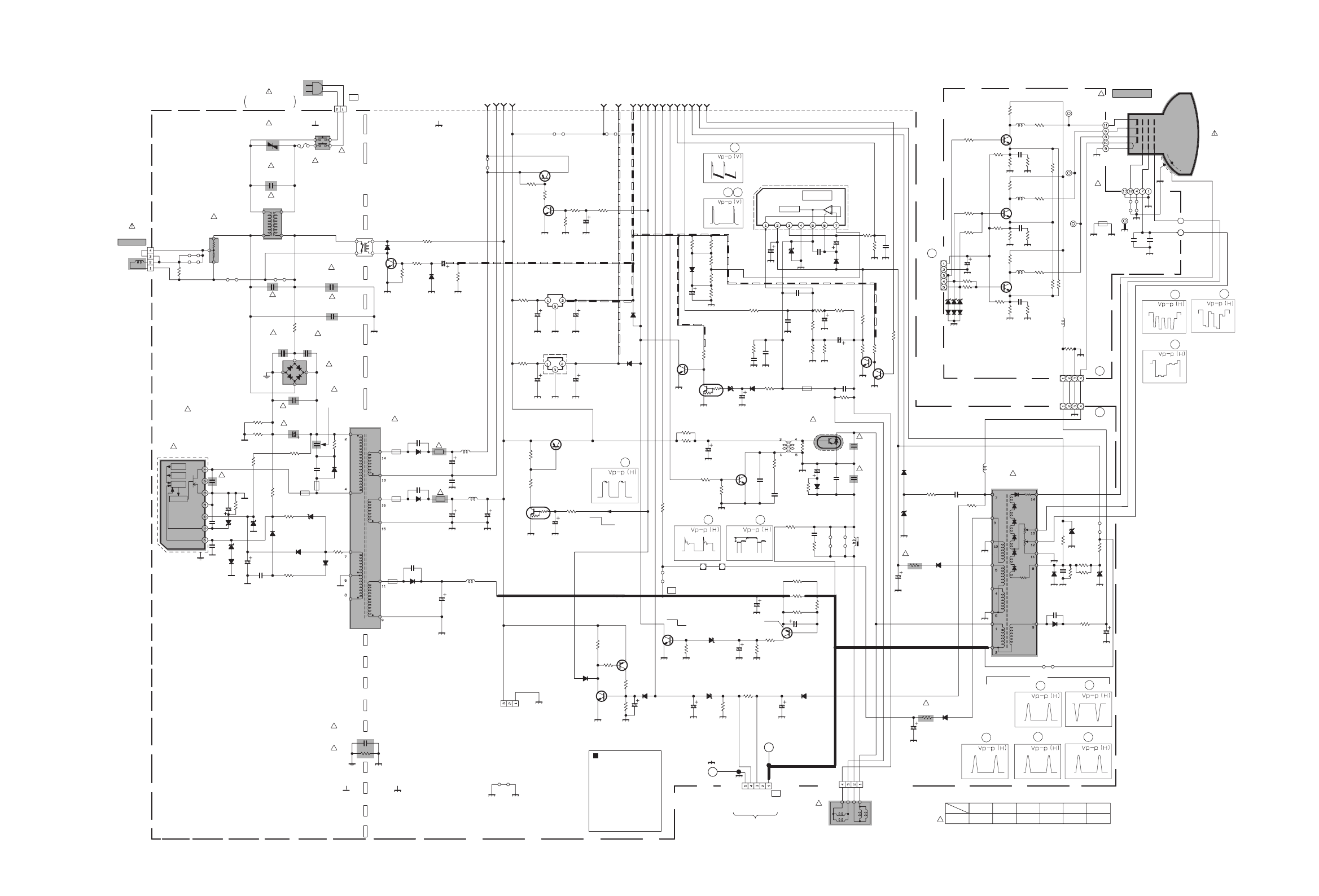
MAIN PWB CIRCUIT DIAGRAMS (2/2)
[AV-21Q3/D, AV-21Q3/HK, AV-21Q3/AU, AV-2115EE, AV-21QMG3, AV-21QMG3/-A]
6
No.52027 No.52027
AV-21Q3
AV-21QMG3
AV-2115EE
AV-21Q3
AV-21QMG3
AV-2115EE
2-9 2-10
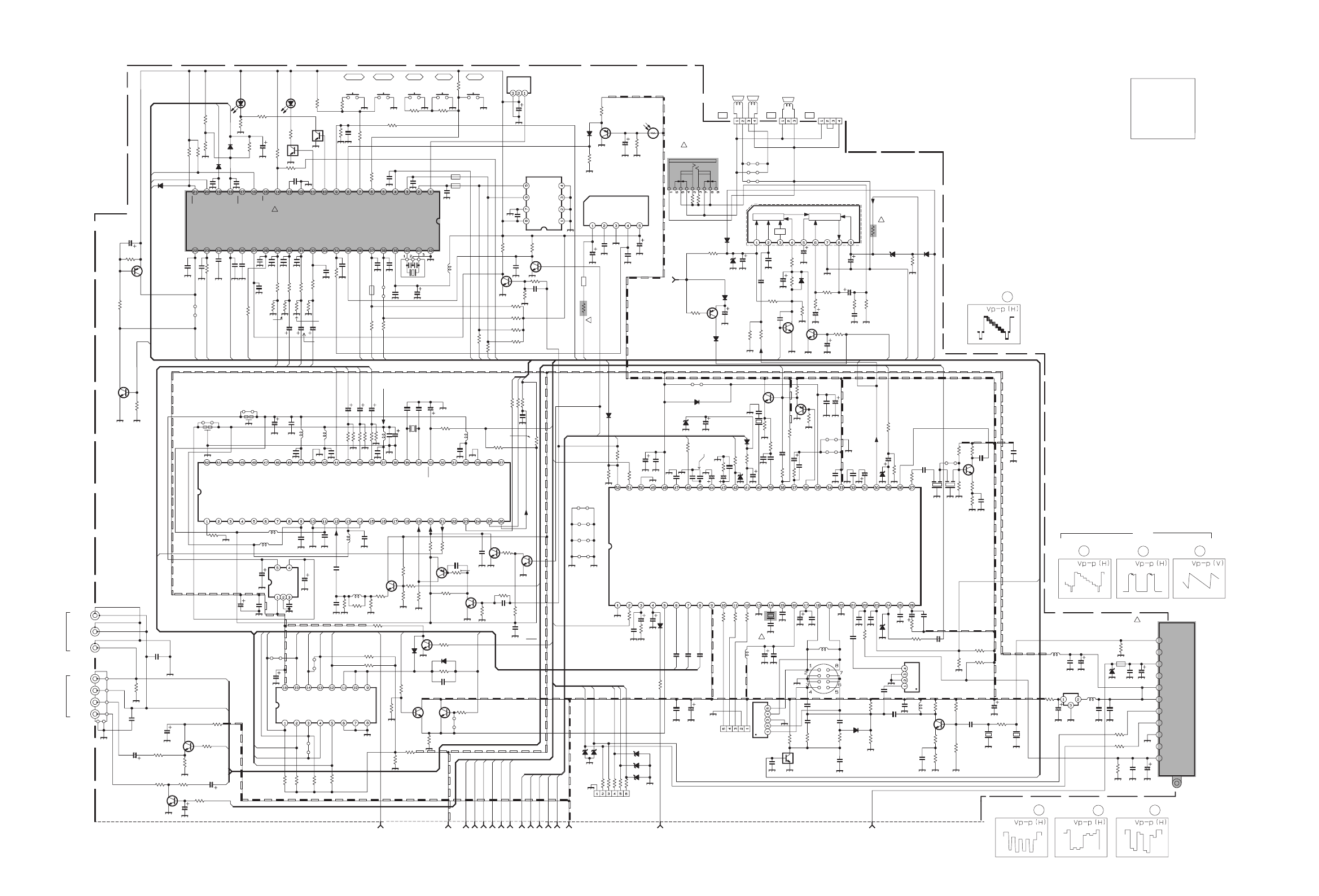
MAIN PWB CIRCUIT DIAGRAMS (1/2) [AV-21QMG3/U]
!
!
!
!
!
!
.033
C721
4.7k
R714
820
R771
180p
CH
C729
4.7k
R720
X
C731
BW
K704
1/50
C719
5.6
QQL244J-5R6Z
L701
BW
Y705
SLR-342VR-T16
POWER
D704
X
R773
SLR-342DU-T16
TIMER
D705
820
R772
X
D706
82k
R736
*6
D501
.01
C712
10k
R721
4.7k
R726
.01
C713
X
C736
X
C735
X
C734
10K
R730
1k
R728
100k
R737
X
C733
*1
SW
Q703
X
C732
100
R748
X
C738
BW
K703
100/16
C710 *1
SW
Q702
QSW0619-003ZS704
QSW0619-003ZS701
.01
C709
PIC-47143SY
IR DETECT UNIT
IC704
OUT
Vcc
GND
QSW0619-003ZS702
QSW0619-003ZS703
220/25
C658
15k
R727
QSW0619-003Z
S705
BW
K701
180pCH
C717
1k
R729
4.7k
R731
4.7k
R709
4.7k
R710
4.7k
R711
560
R706
56p
C724
100p CH
C722
10k
R738
10k
R739
560
R707
560
R718
1k
R725
4.7k
R713
4.7k
R712
220
R704
220
R705
180pCH
C716
220
R715
220
R716
56k
R742
MN1873287JJ1
MICOM
IC701
X
C737
X
C725
X
CS0S5
.01
C720
.01
C718
0
Y704
X
C856
.01
C711
X
R734
1k
R708
X
R722
X
Y001
X
C723
AT24C08-21DMG3
MEMORY
IC702
180p CHC728
.01C730
.01
C114
X
C850
*4
D707
L78LR05E-MA
5V REG&RESET
IC703
X
SW
Q704
0
R747
X
C727
1000/10
C708
.01
C706
.01
C707
X
SW
Q701
.001
C663
.047
C652
X
R846
X
Y801
BW
Y002
470/16
C705
X
L822
X
C826
X
R717
10k
R746
X
L821
X
C822
x
Y301
X
RGB.SW
IC371
X
C318
MA3091/M/-X
D303
X
C837
X
C836
X
C371
X
L823
X
C827
X
EF802
X
C831
5.6k
R701
X
C838
0
Y373
X
INVERTER
Q825
X
X821
X
CH
C823
X
R832
XCH
C830
4.7M
R327
X
TEXT
IC821
X
Y802
BW
Y371
0
Y372
X
C855
X
R825
X
C849
X
R838
X
INVERTER
Q822
X
CH
C834
X
INVERTER
Q824
XR836
X
R837
X
R750
4.7k
R749
XY654
X
R827
X
L827
XR835
X
C845
X
CH
C824
X
R834
XCH
C835
X
R833
XCH
C833
X
INVERTER
Q821
180
1/2W
R815
CEMN065-001
J003
QNN0384-001
J002
CEMN065-002
J004
*3
SW
Q708
270
1/2W
R806
3.9k
R740
560
R741
*4
D731
10/50
C811
220
R811
220/16
C805
X
C812
*1
SW
Q804
68
R807
75
R802
6.8k
R702
4.7k
R817
2SC1815/YG/-T
BUFFER
Q803
470/16
C806
X
L824
680
R816
X
C832
220R301
4.7k
R302
220
R303
10/50
C341
.01
C306
.47/50
TF
C304
10p
CH
C303
1/50
N
BP
C367
390
R120
*4
D341
.47/50
C305
8.2
QQL244K-8R2Z
L103
BW
C741
220
R121
.47/50
C119
10/50
C324
.01
C311
100/16
C315
*1
BUFFER
Q302
120p
CH
C120
.01
C314
1k
R314
470/10
C501
0
R502
1.2k
R307 10/50
C503 .01
C502
10/50
C316
10k
R401
.047/25
C317
0
R312
IF
BTPS(32)
AGC
BT
AS
SCL
SDA
BM
5V
LOCK
NC
NC
QAU0282-001
TU001
0.47/50
C323
1k
R161
X
R376
220pCH
C310
BW
R501
XD793
*2
BUFFER
Q301
1k
R313
.1
C166
1.5k
R321
XL104
XY653
XY655
10k
R796
.01
C744
X
R160
X
R745
X
R848
X
C843
CE41651-001Z
X302
12p
CH
C321
2.7k
R322
.027/25
C322
10k
R323
X
R325
1k
R324
*5
D301
0
Y302
100
R326
*5
D302
.01
C161
QAX0642-001Z
CF161
X
EF801
220
R304
220
R305
3.3K
R341
X
L825
X
C844
X
C846
X
C821
AN5265 AUDIO AMPIC651
330
R653
X
C848
X
R849
X
SW
Q710
1500p
C162
15k
R797
*4
D655
.47
TF
C401
3.3/50
C313
X
Y976
BW
Y975
470/16
C307
.012
C301
X
C852
X
R158
QAX0325-001
SAW FILTER
SF122X
SAW
FILTER
SF101
NN5198K
DECODE
IC301
.01
C121
.01
C122
X
D795
QAX0705-001Z
X301
1/50
N
BP
C366
1.8k
R308
.01
C309 6.8k
R503
100/16
C308
1/50
N
BP
C365
4.7/50
C302
10
R103
CHGC05-340-G
CN00T
47/25
C112
.0047
C113
220p5%
C326
.01
C115
.01
C116
.22
TF
C117
180k
R159
X
D794
XD791
XD792
220
R791
220
R792
220
R793
220
R794
220
R795
220
R306
X
CN00C
XTF
C402
.0047
C109 X
C108
MA859-T2
D102
*10
AMP
Q102
X
R116
X
C825
180
R111
2.2k
R115
0
R117
.0047
C105
X
C111
QQL244J-2R2ZL101
100
R113
0
C110
4.7k
R114 6.8k
R109
.0047
C106
2.7k
R110
47/25
C103
.0047
C107
X
CF102
.0047
C104
X
CF103
22
R112
2.2k
R118
*3
SW
Q103
X
R001
.01
C164
X
C009
220R002
X
C007
MTZJ33A-T2
D001
X
C006
10/50
C001
.01
C002
56k
R004
220R003
.1
TF
C005
BWK001
4.7/50
C008
X
L002
1.2k
R163
273WOMR
QRL039J-270
R723
.47/50
N
BP
C312
10/50
C653
X
CN0S3
4.7/50
C659
NC
QGA2501C5-03Z
CN0S4
100
R666
10k
R665
8.2k
R656
X
R828
100/16
C664
*7
D654
BW
C742
100 1/2W
R667
5.6
QRT029J-5R6
R668
BW
C743
*7
D652 *4
D651
*4
D701
10/50
C655
22k
R654
1/50
N
BP
C656
2.2k
R657
2.2k
R658
*4
D653
*1
SW
Q651 OPT
C651
56
1W OMR
QRG01GJ-560
R810
4.7k
R651
15k
R660 470/16
C654
4.7
1/2W
R659
0
Y374
X
Ys SW
Q372
0
R372
X
Ys SW
Q371
6.8k
R374
ABL
9V
V_SYNC
H_OUT
H_VCC
FBP
V_OUT
A.PROT
P_ON/OFF
X_RAY
5V
A_VCC
A_GND
STB_PW
ODD/EVEN
32V
X
R862
X
R860
X
L828
X
R375
QNS0197-001
J005
X
R385
X
R378
75
R102
X
R373
X
C847
1.2k
R162220
R164
22
R165
*1
AMP
Q161
820
R166
.01
C165
1500p
C841
X
C853
X
C854
AK04-T2
D305
X
C842
BW
CP
CP701
10/50
C701
QAX0731-001
SAW FILTER
SF102
10/50
N
BP
C325
X
R381
X
R377
X
R380
XR382
XR379 X
D373
X
SW
Q373
X
D372
X
R383
XR384
270
1/2W
R662 270
1/2W
R661
P1241-04
SENSORECO
PC701
*2
SW
Q709
3.9k
R703
XL826
*4
D656
100/25
C657
1k
R719
X
C726
.1
C437
X
R855
X
R853
LB
QAX0307-001
X701
X
IN
OUT
GND
5V REG
IC001
*2
MUTE
Q653
8.2
QQL244K-8R2Z
L001
470/16
C004
x
C003
X
CF162
BW
Y160
XJ006
47k
R655
*4
D657
X
R851
X
R850
*1
SW
Q652
.01
C665
X
R852
X
R854
X
INVERTER
Q826
X
R841
X
R842
X
R843
X
R856
XR857
X
REG.IC
IC822
1001/2W
D306
X
C504
1k
NRSA63J-102X
R652
6.8k
R664
X
R861
X
R859
XR845
X
R844
X
D801
BW
Y161
2
A_MUTE
ODD/EVEN
I/II
AFT
SDA1
VOL
BUS_FREESCL1
SDA2 SCL2
TCL
AUDIO
LINE_V
TDA
OSD_R
OSD_G
OSD_B
OSD_YS
A.PROT
X_RAY
TEXT_YS
TEXT_B
TEXT_G
TEXT_R
TEXT/OTH
3.58/OTH
H_VCC
TRESET
V_OUT
VIDEO
LINE_A
2
2
A.PROT
TEXT_R
TEXT_G
TEXT_B
VOL
OSD_YS
OSD_B
LINE_V
OSD_R
BO
RO
OSD_G
2
GO
A_MUTE
TCL
TEXT/OTH
V_OUT
3
A_VCC
A_GND
ODD/EVEN
SDA1
SCL1
SDA1
V_SYNC
VIDEO
SCL1
2
TEXT_YS
A_MUTE
H_OUT
RO
GO
BO
LINE_A
FBP
1
PIC_MUTE
A_VCC
H_VCC
PIC_MUTE
H_OUT
V_SYNC
FBP
AFT
A.PROT
P_ON/OFF
X_RAY
TEXT/OTH
SDA2
BUS_FREE
STB_PW
SCL2
A_GND
STB_PW
P_ON/OFF
LINE_V
1
AUDIO
TRESET
TDA
3.58/OTH
MENU
VOL+ VOL- CH+ CH-
AUDIO
SDA
SCL
NP
VDD A0
A1
A2
VSS
PROTECT
P_ON/OFF
LOCK
3.58/OTH
4.5/OTH
H_SYNC
TV/V
NC
A_MUTE
ALC ON/OFF
VOL
TEXT
I/II
TEXT/OTH
NC
NC
NC
OSD_Ys
OSD_B
OSD_G
OSD_R
RST
GND
LED[TIM]
LED[POW]
AFT
V_SYNC
TCLOCK
ECO IN
NC
SDA1
SCL1
VDD
OSC1SCL2
TCLOCK
BUS_FREE
KEY1
KEY2
OSC2
VSSREMOCON
SDA2
IN
CD
GND
RESET
5VOUT
S3 S4
R1 R2
OSD_YS
OSD_B
OSD_G
HS
VS
NC
VDD2.5V
S5
RESET
IN GND
VSS
VDD
TDATA
TEXT/OTH
ODD/EVEN
NR
3.3V 2.5V
3.3V
VSSA
VDD3.3V
VSS
VDD2.5V
OSD_R
XTAL1
XTAL2
CVBS
OR
VDDA2.5V
VSSA
VDDA2.5
RST
*10: 2SC5083/L-P/-T
VDD3.3
VSS
NC
D303
VSYNC/SSC
NC
G1 GO G2 INH VEE VSS
CB
NC
AB2B1BOROVDD
V_IN
A_IN
V_OUT
A_OUT
V_IN
A_IN
R
G
B
GND
9V
*1:
*2:
*3:
*4:
*5:
2SD601A/QR/-X
2SB709A/QR/-X
UN2212-X
MA111-X
MTZJ9.1B-T2
SCG-1431A (AV-21QMG3/U)
CN0S4
*6: MTZJ6.8C-T2
MTZJ12C-T2*7:
QQR0621-002Z*9:
UN2112-X*8:
NOTE
VPP
SCL
C.APC1
ABCL
EXT Ys
EXT R
EXT G
EXT B
VCJ Vcc(9V)
R_OUT
G_OUT
B_OUT
VCJ GND
4.43MHZ
SECAM
SECAM
PLL
BELL
ref
ref
NC
SP01
FRONT
REAR
NC
NC
V/SIF Vcc(9V)
SAW
SAW
V/SIF GND
QSS_IN
RFAGCout
AFToout
V/C IN
IF_AGC
VAPCQDetout
SIF_IN
AUDIO_IN
AUDIO_OUT
Black Level
De-emphasis
CHROMA Vcc(9V)
VIFDetout
Vcc[5V]
VIDEO_OUT
C.APC2
Y/Vsync_IN
Hsync_IN
3.58MHz
HVcc
Hout
H AFC1
Decoupling
SAWTooth
Vout
Ver.AGC
VDD[5V]
SCP
VSS
SDA
FBP
CEBSS09D-03KJ2
NC
HEADPHONE
NC
A_IN
NC
NC
Vcc1
IN
MUTE
DC ATT AUDIO OUT
NC
VOL
FB
GND
OUT
Acc2
NC
NC
NC
NC
NC
NC
NC
NC
NC
NC
NC
NC
NC
MAIN PWB (1/2)
OR
QNN0281-002
QNN0281-003
0V
4.7V
0V
0.7V
4.2V 0.1V 2.4V 0V 4.9V 2.9V 4.9V 4.9V 4.9V 0V
4.9V 4.9V 4.8V
4.9V 4.9V 4.9V4.1V0V4.9V1.7V 4.9V
0V0V0V0V 4.9V4.4V4.4V4.7V4.7V
4.9V
4.9V
4.9V
4.1V
5.4V
5V
4.9V
4.9V
4.9V
0.1V
0V
4.7V
0V
15.1V
4.9V4.9V4.9V14.4V
0.3V
0V
0.6V
15V
-2.2V
0V
10.5V
0.3V5.5V12.4V 22.1V10.9V10.7V
4.2V
4.9V
4.2V
9V
4.2V4.3V2.7V
6.2V0.9V
3.4V3.7V1.1V3V5V4.9V4.3V0.6V 4.2V
4.1V9V
4.6V4.2V8.5V
4.9V0V3.3V6.2V4.2V
3.4V3.6V
3.9V3.2V
2.7V3.8V9V4.1V2.8V3.1V3.1V3.2V9V4.9V4.9V
2.2V
9V
3.4V
2.9V3.2V3.6V1.8V1.8V2.7V
1.5V
4.2V
4.3V
4.9V
32.6V
0V
1.8V
3.8
V
2.4V
0.2V
0.1V0.2V0V
2.4V
0.5V
3.3V
0V
3.3V
4V0.3V0.8V
0.1V0.5V0V2.4V0.7V3.3V0V2.4V
0.1
V
0V4V
4V1.7V
0.1V
0.1V
4.1V
0V
2.2V
4.9V 0.5V
1.5V
0V
3.7V
4.9V
2.4V
4.9V
4.9V
4.9V
0V
0.3V
4.1V 4.8V
8.1V
3.2V
1.2V1.2V1.3V1.3V
1.3V1.2V1.2V1.2V 1.2V 0V
0.2V
9V
0V
IC301 36
2
39
22.5 2.2
46
42
IC301
10
33.4 3.4
12
11
IC301 IC301 IC301
No.52027 No.52027
7
AV-21Q3
AV-21QMG3
AV-2115EE
AV-21Q3
AV-21QMG3
AV-2115EE
2-11 2-12
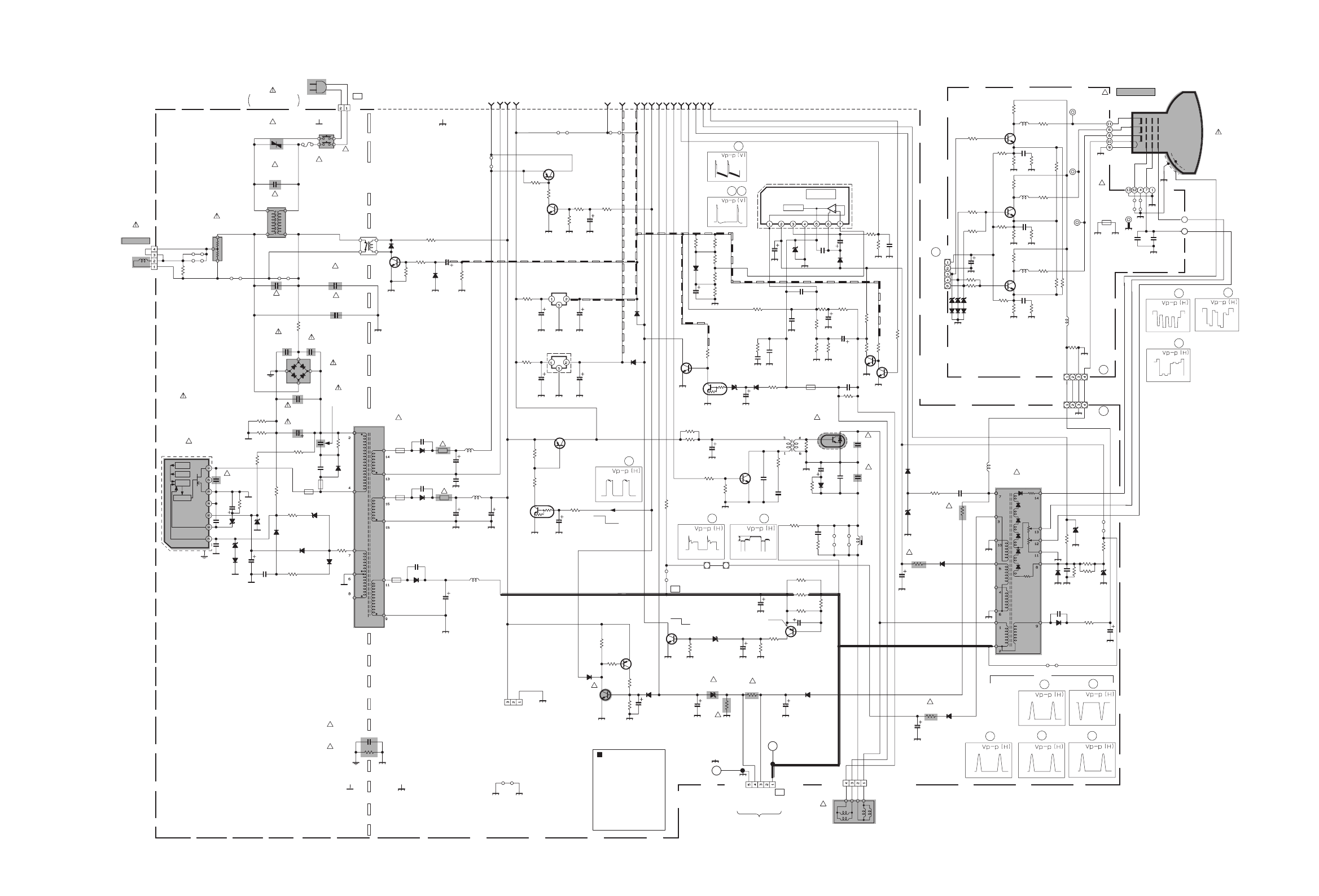
MAIN PWB CIRCUIT DIAGRAM (2/2) [AV-21QMG3/U]
CRT SOCKET
CHT32KK0-22-N
W-B1
BA17809T
REG 9V
IC971
X
BA17805T
REG 5V
IC972
1000/35
QETM1VM-108
C552
H_VCC
TP-47B
82k
R430
QQS0161-001
!
T921
9V
A_GND
2SA1208/ST/Z1-T
PROTECTORFBT
Q571
QCB32HK-222Z
C944
1000/25
QEHR1EM-108Z
C945
47
3WOMR
R979
SCREEN
2SD2627-YB11
H OUT
Q522
47/25
C523
TP-47G/R
QQR1244-001
T501
X
Y553
X
L522
BW
Y501
*4
D982
8.2M
QRZ9046-825Z
!
R991
10k
R429
BW
Y502
FR
QRZ9017-4R7
!
FR556
100
R359
U
CN10U
12
2WOMR
R976
220/16
C977
220/25
C976
.001
QCZ9079-102
!
C992
2.7k
R453
FBT
QQH0131-001
!
T522
G2SBA60
D901
*4
D931
100k 2WOMR
QRL029J-104
R903
RGP10M-5010-T3
D930
100/10
C571
QAF0052-621
!
VA901
DTC124ESA-T
V.NECK
Q401
BW
Y550
QQR0527-002
!
LF901
270
1/2W
R526
X
R904
56
1/2W
R521
68k
R934
12k
2WOMR
R365
82k
R436
QCB32HK-222Z
C947
STC344-T
G-OUT
Q352
P_ON/OFF
680p 2kV
QCZ0364-681
C931
H004
68k
3WOMR
QRL039J-683
R928
BW
L353
1.8k
R368
330
R356
*4
D425
*5
D921
MTZJ27B-T2
D427
4.7/50
C924
10/50
C429
.0082
MY
C526
QGZ5003C1-02
CNDEG
4.7
1/2W
R933
BW
L352
12k
2WOMR
R364
1.5k
1/2W
R362
150
R351
12k
2WOMR
R363
*6
D557
NRSA02F-562X
!
!
R566
X
C528
*1
SW
Q402
STC344-T
R-OUT
Q351 100
R357
330p CH
C356
STC344-T
B-OUT
Q353
1.8k
R367
1.8k
R366
T
CN10T
BW
L354
BW
L351
270p CH
C354
330
R355
330
R354
QRM034J-R18
R923
1.5k
1/2W
QRZ0107-152Z
R361
1.5k
1/2W
QRZ0107-152Z
R360
470/10
C357
220p CH
C355
QNZ0537-001
QNZ0537-001
!
SK351
X
1/2W
R434
100/50
C557
FOCUS
.001 250VAC
250VAC
250VAC
250VAC
QCZ9079-102
!
C991
TP-E
150
R353
150
R352
X
R369
100
R358
4.7k
R421 100/35
C428
TP-47R/G
QRJ146J-2R2X
FR557
1.2k
1/2W
R977
QGZ5003C1-04
CN0HV
QGA2501C5-05Z
CN0S1
4.7/50
QETN1HM-475Z
C433
X
R963
0
R423
2SA966/OY/-T
SW
Q974
X
C422 3.3k
R425
0
R426
AN5522 V.OUT
IC421
8.2k
R441
XC421
X
DEG RELAY
RY971
3.9k
R577
*8
K421
100/35
C427
X
R962
1M
1/4W
R924
22k
1/2W
R576
*5
D925
2.2k
R571
1SS133-T2
D920
X
C351
X
R964
.01 630V
QFKA2JK-103
C929
QCZ9015-102
C904
3300p
TF
QFLC1HJ-332Z
C926
.001 250VAC
.001
QCZ9015-102
C907
ICP-N75-Y
!
CP
CP982
X
R961
X
C582
4.7
QQL244J-4R7Z
L943
*8
K941
100/160
QEZ0203-107
C942
*5
D943
RGP30B-F1
D942
1000/25
C946
220
1/2W
R922
2200p 250VAC
QCZ9079-222
!
C993
STR-W5753A/F5
!
!
IC921
X
R965
82
QQL26AK-820Z
L941
X
C961
X
Q961
QRF104K-3R9
R901
.0047
MY
C430
4.7
QQL244J-4R7Z
L942
X
SW
Q404
X
R439
X
R438
BW
Y904
X
Q962
X
R437
220/25
C978
X
Y303
.001
QCZ9015-102
C905
CHT32KK0-22-N
W-B
X
C930
4.7/250
C554
X
R422
LB
2.2k
R974
X
C971
X
Y972
0
Y973
*3
SW
Q975
*8
K902
*4
D983
BW
Y902
220p
C932
18k
R984
10k
R982
27k
R981
1.8
1/2W
R921
82k
R983
*8
K901
*4
D985
*4
D986
*1
SW
Q572
X
C981
*2
SW
Q981
2SC2785/JH/-T
!
SW
Q982
.001
C426
*4
D554
BW
Y905
MTZJ20B-T2
D581
0
R424
39k
R583
560p 2kV
QCZ0364-561
C941
150k
1/4W
D929
*8
K942
1000/25
QETN1EM-108Z
C948
A_VCC
22k
R582
X
SW
Q403
ICP-N25-Y
!
CP
CP981
ODD/EVEN
QRJ146J-2R2X
R552
11W
QRZ9011-1R0
!R551
5V
X
C553
X_RAY
MTZJ9.1B-T2
D553
10k
R442
MFAC275V
QFZ9078-224
!
C901
33K
1/2W
R581
STB_PW
A.PROT
QAD0121-9R0
TH901
QSW0750-001
!
POWER SW
S901
T3.15AH
QMF51E2-3R15J4
!
F901
3.9
1/2W
R432
QEZ0199-127
C909
QEZ0552-127
QEZ0199-127
C909
or 120 400V
1
1/2W
R443
2.7
1/2W
R433
BW
R584
.43
250V
C527
X
R985
.01
1.5KV
QFZ0200
-103
QFZ0199
-434
!
!
!
C525
X
D973
X
Q973 X
R986
X
R987
47/25
C572
X
D424
.33
TF
C436
*6
D423
BW
Y903
X
C561
1.5k 2WOMR
QRL029J-152
R980
U
CHGC04-400-G
CN00U
680 3WOMR
QRL039J-681
R529
BW
Y304
X
R524
.1/100
MY
C555
*5
D552
.01
QFLC2AJ-103Z
C424
PW
QGAB80F1-02
CN0PW
MTZJ36A-T2
D927
*5
D582
*7
D928
.0033
MY
C529
47/35
C925
47k
R978
.1
TF
C581
RU3AM-LFC4
D941
X
R530
X
Y971
470p
NDC31HJ-471X
C949
680
1/2W
R554
BW
Y961
ABL
V_OUT
MTZJ7.5S-T2
!
D562
V_SYNC
FBP
32V
QQLZ034-320
L551
*6
D561
100/160
QEZ0203-107
C531
NRSA02F-4421X
!
R565
MTZJ7.5S-T2
D571
47/50
C562
QFZ0097-103
C352
470
1/2W
R440
100k 2WOMR
QRL029J-104
R906
275VAC0.047 MF
QFZ9078-473
!
C910
*8
K943
X
R575
X
D555
H_OUT
10k
R431
2200/25
C435
X
Y503
5600p
C425
*5
D551
QNZ0536-001
!
SK351
10k
R578
X
C530
X
R528
33
2WOMR
R525
1.5 2WOMR
R573
X
D584
X
D351
G
B
R
1.5 2WOMR
R574
X
D352
.1
C922
MTZJ16C-T2
D933
3.9k 1/2W
R935
MTZJ75-T2
D421
X
R585
1k
R532
330
R531
2SC2655/Y/-T
H DRIVE
Q521
18p
C423
X
D974 X
R988
220/10
C979
QQR0621-002Z
K351
QGA2501C5-03Z
CN0S2
3.9k
R347
X
R348
4.7k
R349
X
R345
XR346
X
D353
X
C972
X
D354
X
D355X
D356
V_OUT
26V
*5
Drain
NC
POWER CORD
LIVE
DRIVE
DEG-COIL
*6
ISOLATED
:
:
*7 :
RGP10J-5025-T3
1SR124-400A-T2
*4 :
MTZJ3.3A-T2
G
R
B
GND
NC
OR
OR
ON
OSC
TSD
OVP
Source
Vcc
NC
(AC110-240V)
SCREEN
FOCUS
EHV
X_RAY1
CN0E1
STB
GNDVcc
BLU
V01
(1/2)
S1
PUMP UP
GK
QNZ0536-001
*8 :
QMPR340-165-K2
!
A51LMV10X
QQR1113-001Z
*9
RK
THERMAL
:
(())
PROTECTION
LIVE ISOLATED
(())
L01
V.DY H.DY
X_RAY2
CRT SOCKET PWB
(With in MAIN PWB)
HB
GND
HEATER
TP_E
BK
H
H
9V
G1
G2
G3
MTZJ5.1A-T2
QAD0119-9R0
NC
TP_B1
OR
X_RAY PROTECTOR
FOR TEST
MAIN PWB (2/2)
2.4V
2.6V
115.3V
2.5V
2.8V
114V
2.2V
2.4V
124.2V
DY01
OKNG
MA111-X
BRN
B1
*1
*2
*3
2SD601A/QR/-X
2SB709A/QR/-X
UN2212-X
:
:
X NON MOUNT
(OPTION)
BUS WIRE
BW
NOTE
:
:
:
SCG-1431A (AV-21QMG3/U)
QQW0006-001
OR ERZV10V621CS
CE20336-00A
GND
FB/OLP
OCP/INH
137.5V
0.1V
16.9V
1V
11.8V 9V
11.4V 4.9V
15.4V 15.2V
14.6V
0.1V 3.9V
3.7V 24.7
V1V
14.6
V
24.9V 3.7V
4.9V
0V
5.5V
7.2V
0.2V
0.2V
0.2V
9.7V
-0.2V
4.9V
0V
114.8V
114.5V
0V
132.6V
3.1V
2.7V
127V
3.2V
2.7V
IC421 5
IC421 3 6
50
25
Q521 B
1
Q521 C
20
Q522 B
2
3
1000
T522
17
5
9
70 240
28 220
Q353 C
120
Q351 C
120
Q352 C
120
TP-E
( )
TP-91
( B1)
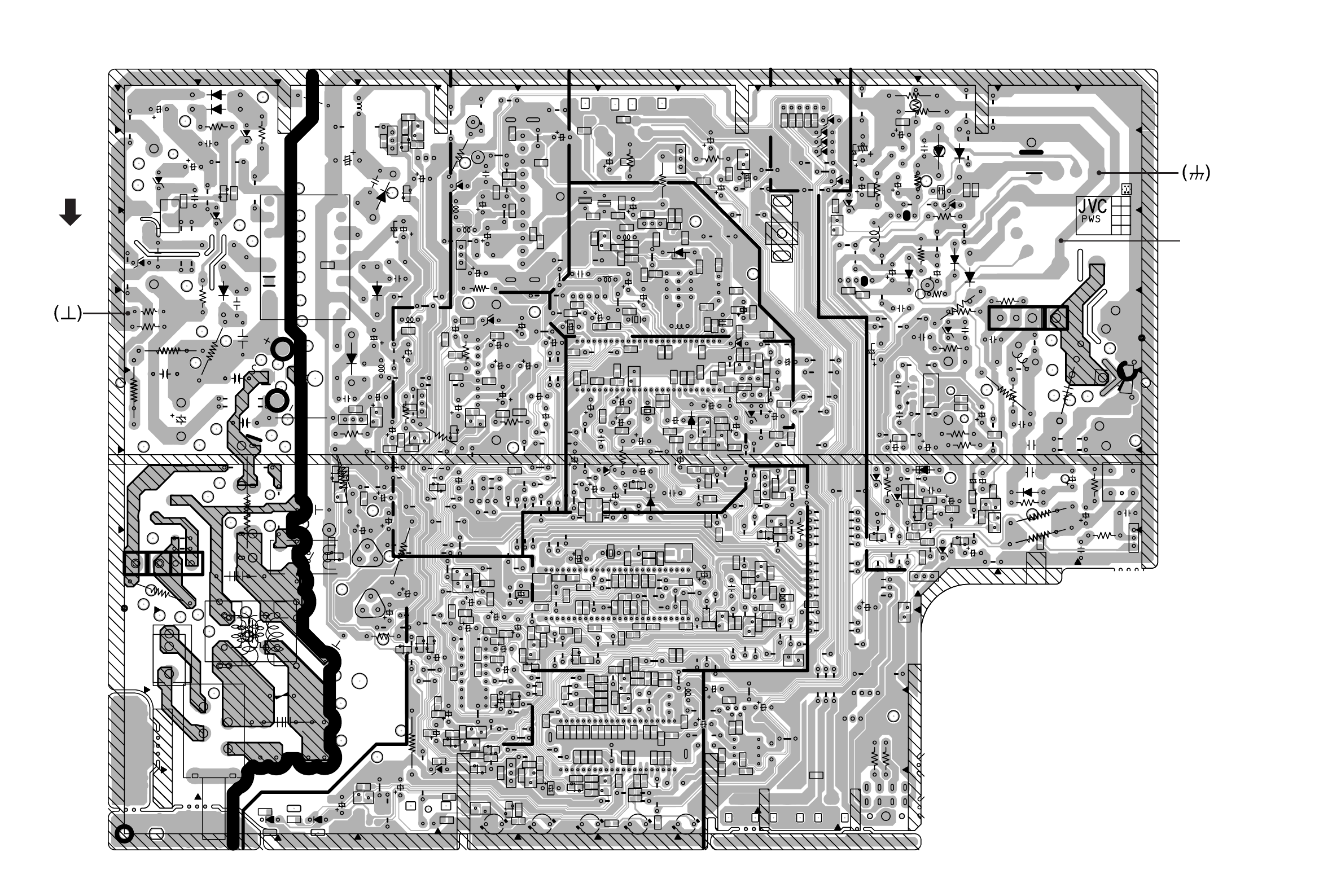
8
No.52027 No.52027
AV-21Q3
AV-21QMG3
AV-2115EE
AV-21Q3
AV-21QMG3
AV-2115EE
GND
HB
ABL
25V
B1
A1V1
SCL
E2
7
8
F
G
HI
JK
M
5
4
B
A
C
E
6
IF
GH
3
I
L
31
0
1
POWER
REMOCON
K
M
J
2
HP
E
2
1
0
9
54
1
2
1
A
C
IN OUT G
1
3
#NAME?
2
4
1
3
21
40 42
25
35
1
T15
5
6
TIMER
L9
30
5
10
B
VOL- CH+ CH-
VOL+
LOCK
5
1
2V2
A2
2
I C
41
MENU
3
3
2
D
6
20
22
52
30 35
E
1
MICOM
2015
DEF
40
11
SDA
BT
NC
IF
27
FA2 2
5V
BM
GND
4
3
21
COL
5
6
78910
9
/2!
3
1
5
1
HEATER
ECO
4
-2MONO
TEXT
13
BC
MARK
50 45
V/C
2
4
B1
NC/HB
E
C
B
AS
POWER
8
7
3
6
27 52
50
45
30
5
15
20
35
26 25
C
8
40
T3.15AL 250V
5
10
15
HV
H.PULSE
D
IN OUT
1
5
11
10
1
4
2
1
10
46
31
EB
S1
A
MARK
U
4
MARK
6
AUDIO
IN
1
5
3
4
7
2625
LIVE
CKF1674-BH1-1
4.MAY'02
U.SOMKIAT
DEG
4
FC901
AGC
NC
41
5
1
MARK
1
W605
W603
C847
Q102
D423
D921
W651
D925
D102
W504
C949
IC821
35R9
CP981
C981
RY971
W519
R903
Y371
R923
R432
R433
R434
Q401
R440
R443
R664
Q974
R526
CF161
R581
R653
R921
W226
W648
C114
R991
W003
C436
C581
C926
K901
Q962
C555
C430
C427
C428
C663
C924
C307
C659
C946
Y001
C942
C008
W523
W524
PC701
C302
C304
C312 C315
C316
C341
W231
C705
R861
C422
C501
C503
C561
C571
C978
C653
C655
W647
R702
Q709
C976
R502
R573
R651
R748
R977
C944
C947
C742
D705
L001
L103
R574
S3
VA901
R749
L11
D706
C901
R531
D707
Q402
Y501
D973
Y553
C904
C905
C925
W612
L943
J003
J004
J005
S701
D927
R103
D651
IC971
X301
S702
S703
S704
D554
H003
K001
K421
Y503
C907
C992 W009
S705
L522
S901
TH901
Q103
R985
W563
Y002
Q371
Q372
D793
C366
C371
R815
Q651
Q652
IC703
D372
D001
C836
W048
D581
D791
D792
D794
D795
C708
C710
W424
R982
W422
R983
D341
UL MARK
D425
R978
D652
Y976
W173
C527
R654
R002
R003
R004
W619
W656
R109
R111 R112
R114
R116 R117
R118
R121
W625
C834
C812
W627
R301
R302
R303
R304 R305
R307
W482
R313
R3
41
L8
21
J002
D982
K703
K704
Q824
R438
D731
R740
H006
R8
48
W566
W012
W014
R421
R423
R424
R425
R426
R430
R431
R441
R442
R503
W649
R565 R566
R575
F901
Q804
R772
R658
R659
R652
C838
R660
W655
R705
R706 R707
R710
R711
R714
R720
R721
R725
R726
R727 R730
R825
S2
R738
R739
R802
R807
C822
W630
R811
R828
W631
D901
4
Y7
W661
C709
C713
W632
IC701
W023
C825 X821
R974
W634
W578
C120
C122
R827
C652
W579
W580
W539
W635
R703
C303
C306
C309
C310
C311
W638
C402
2
C5
C654
W652
C727
Q704
W639
Q825
W653
D704
R734
D657
R838
R8
46
C972
W429
R904
IC301
C910
S4
T522
T921
W431
W640
W030
Y904
W032
Y905
W436
W061
W062
Q653
Y653
Y655
Q821 Q822
R835
R655
R836
W247
C841
Y654
74R3
W643
45
W4
W543 C842
W451
W054
D584
W644
90W5
W057
C529
C321
R312
W066
C322
A
R3
22
W459
R323
R314
Q302
LF901
W069
W646
L104
W544
R665
C846
W077
R321
W080
Q301
C429
D302
W087
R158
W090
W094
C853
W098
W101
C325
W103
R3
26
W106
W111
W112
W113 W114
W117
C1
61
W120
W124
C324
R324
R325
2Y3
C104
W1
36
W137
R110
D555
W154
C741
R530
C530
W162
W164
W165
EF801
W155
C504
W548
W472
W473
W474
W182
R741 C845
R327
W184
W195
W196
W198
W187
W188
W190
R745
W199
W201
W206
R842
W214
R8
51
D501
R8
52
W225
R161
C426
R377
R3
78
R379
R380 R381
R382
W596
IC704
R771
R773
W517
S5
R001
C582
J006
C009
D653
CF162
D654
IC822
L822
L824
L827
R666
T501
Y161
R844
W663
W664
FR557
B
B
R961
R964
R965
D.GND
SCL1
SDA1
SCL2
SDA2
BUS FREE
EB
1
8
1
4
1
5
5
4
5
1
16 15 10 9
RGB SW
B
5
1
E
OUT
IN
PW
21
5
8
14
B
E
C
E
ISOLATED
14
E
C
B
EB
7
EB
TUNER
5
6
1
4
37
EB
876 4321
910111213141516
8
9
51
D373
W411
W479
W412
R582
Y372
Y373
Q521
Q571
C855
CF102
R723
D551
D552
D561
D582
D930
D942
D943
W502
W602
Q373
C930
D562
W413
D931
IC371
C848
CP982
CF103
C651
IC421
D986
C437
R922
Y972
R552
C991
FR556
R577
R554
R571
R576
Y903
R986
R662
R981
C856
R933
R934
W050
W561
C723
R701
R987
CP701
C421
C424
C922
W004
W608
C554
W521
C706
C005
C435
C552
C945
C948
C531
C909
C001
C004
C103
C112
C117
Q826
C119
W609
W526
R859
R860
C162
C305
C308
C313
C401
C433
C523
C562
C572
C977
C656
C658
D305
W476
D701
R661
W610
C971
C831
C553
Q961
C929
K902
C931
R750
L002
W005
L941
L942
Y502
Q973
C7
43
R976
Y973
C365
TU001
R901
W613
R436
R984
SF102
SF101
SF122
Q803
H002
D928
Y971
Y961
K941
K942
K943
Q522
W614
C525
Y902
H001
C979
Q572
R906
D985
R806
C805
C806
IC702
C367
D303
R383
W615
C850
IC921
C811
D553
D571
C3
18
C719
W423
C425
D929
R862
W616
D424
L701
C664
W617
C665
C326
C166
R102
W618
W620
W621
W623
W624
R113
R115
R722
R120
C832
C833
W626
R719
C835
R816
R736
R817
W628
C830
W629
R306
R308
W481
CL005
R437
D9
83
R810
1
X7
K701
Y705
Q701
Q702
Q7
3
Q403
Y301
W011
Y374 W013
R439
R401
R422
R453
L828
W650
R583
W073
C837
R657
Q404
R656
Q981
C657
R704
R708
R709
R712 R713
R715
R716
R717
R7
18
IC651
R728
R729
R731
R737
W016
W017
R742
R791
R792
R793
R794
R795
R746
C826
R747
C8
27
C707
C711
12
C7
33
W6
C721
C722
C724
Q982
C7
20
C823
R384
R3
85
R837
C002
C003
C006
C007
C824
C105
C106
C107
C108
C109
C110
C111
C113
C115
C116
C121
C821
D655
Q975
W636
C165
C301
C314
C701
C726
W659
C423
18
C7
C716
C717
C729
C728
C725
W505
D974
R162
R988
W432
C849
W028
R8
32
W641
CL003
W329
R8
33
R834
W041
C738
R373
Q710
W049
R372
C852
R584
W053
D656
W588
R501
W654
W657
X302
W645
C323
W071
W072
C317
D933
C932
H004
C730
C731
C732
C744
D427
R159
R160
W092
W095
C7
33
C734
W097
W099
R796
C843
W105
R163
R578
64
R1
R1
65
W110
IC001
R166 D301
Q161
D801
C7
35
C7
36
W129
W130
C7
37
W227
C164
R532
D421
W143
C528
W494
W148
W150
W495
C526
R528
W159
W466
91
W5
Q708
W496
W168
W169
C844
W175
W176
50R8
W174
W204
R841
R843
W220
W216
W217
R375
R853
R429
R854
R376
R855
R856
R979
R857
W658
W601
W483
W510
W511
R849
R797
C854
W555
W228
W229
Y975
R585
W604
Y160
D306
EF802
IC972
L823
L825
L826
R667
Y801
Y802
W660
R845
W662
R521
D557
Y550
C557
R962 R963
C961
IN
OUT
R524
R551
R980
R529
C941
R928
C993
L551
D941
R525
R668
2-13 2-14
PATTERN DIAGRAMS MAIN PWB PATTERN
FRONT TP-91
(B1)
TP-E
Printed in Japan
0208 WPCDP8080
VICTOR COMPANY OF JAPAN, LIMITED
HOME AV NETWORK BUSINESS UNIT. 12, 3-chome, Moriya-cho, Kanagawa-ku, Yokohama, Kanagawa-prefecture, 221-8528, Japan
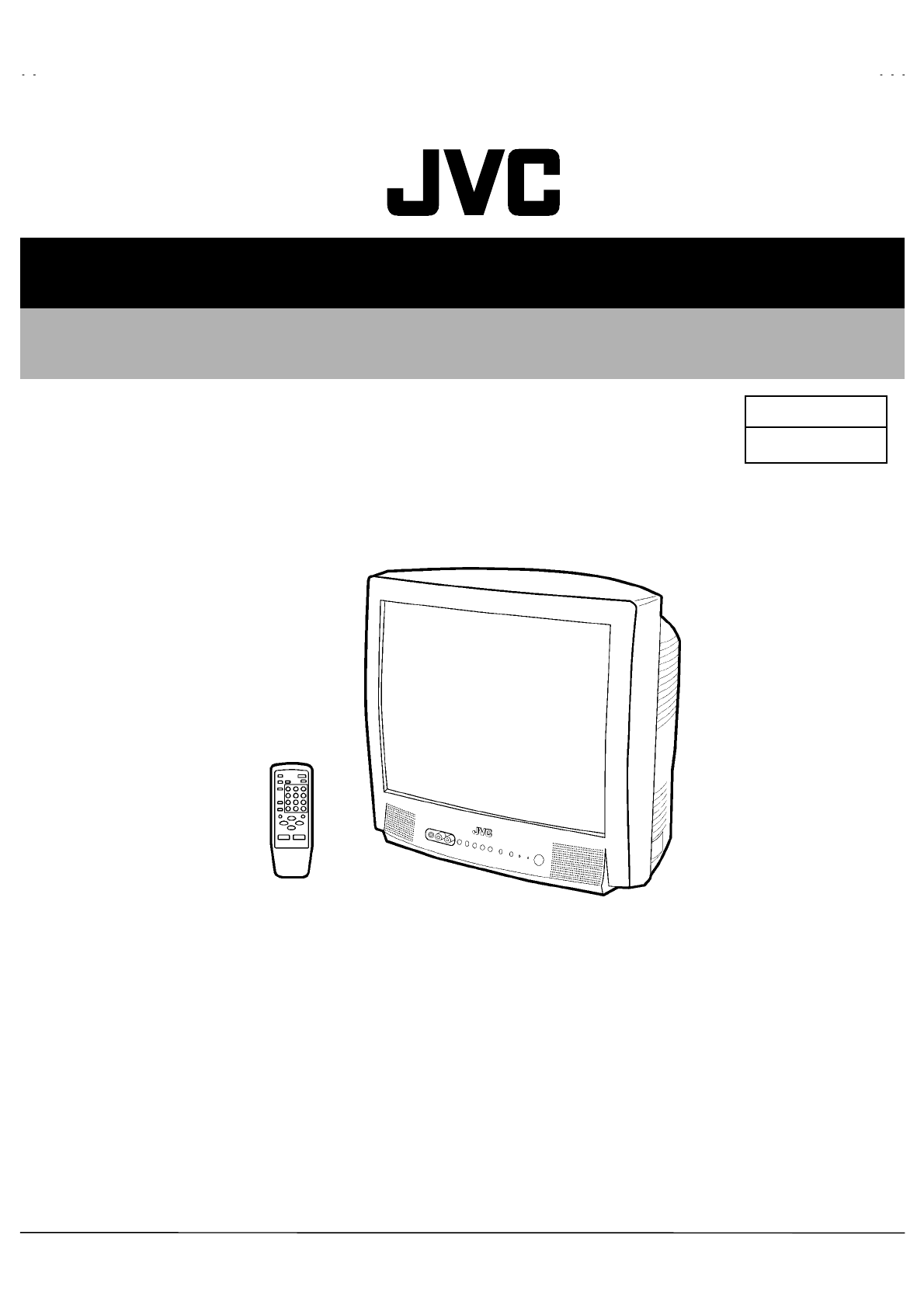
No. 52027
Aug. 2002
AV-21Q3
AV-21QMG3
AV-2115EE
1COPYRIGHT © 2002 VICTOR COMPANY OF JAPAN, LTD.
AV-21Q3/D / AV-21Q3/AU
AV-21Q3/HK / AV-21QMG3
AV-21QMG3/-A / AV-21QMG3/U
AV-2115EE
CONTENTS
! SPECIFICATIONS ・・・・・・・・・・・・・・・・・・・・・・・・・・・・・・・・
・・・・・・・・・・・・・・・・・・・・・・・・・・・・・・・・・・・・・・・・・・・・・・・・・・・・・・・・・・・・・・・・
・・・・・・・・・・・・・・・・・・・・・・・・・・・・・・・・・・・・・・・・・・・・・・・・・・・・・・・・・・・・・
・・・・・・・・・・・・・・・・・・・・・・・・・・・・・・・・・・・・・・・・・・・・・・・・・・・・・・・・・・
・・・・・・・・・・・・・・・・・・・・・・・・・・・・・ 2
! SAFETY PRECAUTIONS ・・・・・・・・・・・・・・・・・・・・・・・・・・・・・・・・
・・・・・・・・・・・・・・・・・・・・・・・・・・・・・・・・・・・・・・・・・・・・・・・・・・・・・・・・・・・・・・・・
・・・・・・・・・・・・・・・・・・・・・・・・・・・・・・・・・・・・・・・・・・・・・・・・・・・・・・・
・・・・・・・・・・・・・・・・・・・・・・・・・・・・・・・・・・・・・・・・・・・・・・
・・・・・・・・・・・・・・・・・・・・・・・ 3
! FEATURES・・・・・・・・・・・・・・・・・・・・・・・・・・・・・・・・
・・・・・・・・・・・・・・・・・・・・・・・・・・・・・・・・・・・・・・・・・・・・・・・・・・・・・・・・・・・・・・・・
・・・・・・・・・・・・・・・・・・・・・・・・・・・・・・・・・・・・・・・・・・・・・・・・・・・・・・・・・・・・・・・・
・・・・・・・・・・・・・・・・・・・・・・・・・・・・・・・・・・・・・・・・・・・・・・・・・・・・・・・・・・・・・・・・
・・・・・・・・・・・・・・・・・・・・・・・・・・・・・・・・・・・
・・・・・・
・・・ 4
! FUNCTIONS ・・・・・・・・・・・・・・・・・・・・・・・・・・・・・・・・
・・・・・・・・・・・・・・・・・・・・・・・・・・・・・・・・・・・・・・・・・・・・・・・・・・・・・・・・・・・・・・・・
・・・・・・・・・・・・・・・・・・・・・・・・・・・・・・・・・・・・・・・・・・・・・・・・・・・・・・・・・・・・・・・・
・・・・・・・・・・・・・・・・・・・・・・・・・・・・・・・・・・・・・・・・・・・・・・・・・・・・・・・・・・・・・・・・
・・・・・・・・・・・・・・・・・・・・・・・・・・・・・・・・・・
・・・・
・・ 5
! MAIN DIFFERENCE LIST ・・・・・・・・・・・・・・・・・・・・・・・・・・・・・・・・
・・・・・・・・・・・・・・・・・・・・・・・・・・・・・・・・・・・・・・・・・・・・・・・・・・・・・・・・・・・・・・・・
・・・・・・・・・・・・・・・・・・・・・・・・・・・・・・・・・・・・・・・・・・・・・・・・・・・・・・・
・・・・・・・・・・・・・・・・・・・・・・・・・・・・・・・・・・・・・・・・・・・・・・
・・・・・・・・・・・・・・・・・・・・・・・ 7
! SPECIFIC SERVICE INSTRUCTIONS ・・・・・・・・・・・・・・・・・・・・・・・・・・・・・・・・
・・・・・・・・・・・・・・・・・・・・・・・・・・・・・・・・・・・・・・・・・・・・・・・・・・・・・・・・・・・・・・・・
・・・・・・・・・・・・・・・・・・・・・・・・・・・・・・・・・・・・・・・・・・・・・
・・・・・・・・・・・・・・・・・・・・・・・・・・
・・・・・・・・・・・・・ 8
! SERVICE ADJUSTMENTS ・・・・・・・・・・・・・・・・・・・・・・・・・・・・・・・・
・・・・・・・・・・・・・・・・・・・・・・・・・・・・・・・・・・・・・・・・・・・・・・・・・・・・・・・・・・・・・・・・
・・・・・・・・・・・・・・・・・・・・・・・・・・・・・・・・・・・・・・・・・・・・・・・・・・・・・
・・・・・・・・・・・・・・・・・・・・・・・・・・・・・・・・・・・・・・・・・・
・・・・・・・・・・・・・・・・・・・・・ 14
! PARTS LIST ・・・・・・・・・・・・・・・・・・・・・・・・・・・・・・・・
・・・・・・・・・・・・・・・・・・・・・・・・・・・・・・・・・・・・・・・・・・・・・・・・・・・・・・・・・・・・・・・・
・・・・・・・・・・・・・・・・・・・・・・・・・・・・・・・・・・・・・・・・・・・・・・・・・・・・・・・・・・・・・・・・
・・・・・・・・・・・・・・・・・・・・・・・・・・・・・・・・・・・・・・・・・・・・・・・・・・・・・・・・・・・・・・・・
・・・・・・・・・・・・・・・・・・・・・・・・・・・・・・・・・
・・
・33
★ OPERATING INSTRUCTIONS
★ STANDARD CIRCUIT DIAGRAM ・・・・・・・・・・・・・・・・・・・・・・・・・・・・・・・・
・・・・・・・・・・・・・・・・・・・・・・・・・・・・・・・・・・・・・・・・・・・・・・・・・・・・・・・・・・・・・・・・
・・・・・・・・・・・・・・・・・・・・・・・・・・・・・・・・・・・・・・・・・・・・・・・・
・・・・・・・・・・・・・・・・・・・・・・・・・・・・・・・・
・・・・・・・・・・・・・・・・ 2-1
SERVICE MANUAL
COLOUR TELEVISION
BASIC CHASSIS
CG
No. 52027
A
V-21Q3
A
V-21QMG3
A
V-2115EE
2
SPECIFICATIONS
CONTENTS
ITEM AV-21Q3/D / AV-21Q3/AU
AV-21Q3/HK / AV-2115EE
AV-21GMG3
AV-21QMG3/-A / AV-21QMG3/U
Dimensions(W×H×D) 497mm×454mm×480mm
Mass(Net) 19kg
TV RF System B/G, I, D/K B/G, I, D/K,M
RF Mode PAL / SECAM PAL / SECAM / NTSC3.58 / NTSC4.43
Colour System
VIDEO Mode PAL / SECAM / NTSC3.58 / NTSC4.43
Picture Tube Visible size: 51cm measured diagonally
High Voltage 26.5kV±1.5kV(at zero beam current)
Receiving Frequency VHF (VL) 46.25MHz~140.25MHz
VHF (VH) 143.25MHz~423.25MHz
UHF 439.25MHz~865.25MHz
CATV
Cable TVs of Mid (X-Z, S1-S10)
Super (S11-S20) & Hyper (S21-S41)
bands receivable
VIF Carrier 38.0MHz
Intermediate
Frequency SIF Carrier
32.5MHz (5.5MHz)
31.5MHz (6.5MHz)
32.0MHz (6.0MHz)
32.5MHz(5.5MHz) /33.5MHz (4.5MHz)
31.5MHz (6.5MHz)
32.0MHz (6.0MHz)
Colour Sub Carrier Frequency
PAL (4.43MHz),
SECAM (4.40625MHz / 4.25MHz)
NTSC (3.58MHz / 4.43MHz)
Power Input Rated Voltage
[AV-21Q3/D / AV-2115EE ]
: AC110~240V, 50 / 60Hz
[AV-21Q3/AU / AV-21Q3/HK]
: AC220~240V, 50 / 60Hz
AC110~240V, 50 / 60Hz
Power Consumption 90W (Max) / 60W(Avg)
Speaker 5cm×9 cm, Oval type×1
Audio Output 3W (monaural)
Aerial Input Terminal 75Ω Unbalanced
Input Video 1V(p-p), 75Ω (Front / Rear)
Audio 500mV(rms) (-4dBs), High impedance,
RCA×2 (Front / Rear)
Output Video 1V(p-p), 75Ω
Audio 500mV(rms) (-4dBs), Low impedance,
Headphone jack 3.5mm mini jack
Remote Control Unit RM-C364GY
(Battery size : AA / R06 / UM-3×2)
Design and specifications are subject to change without notice.
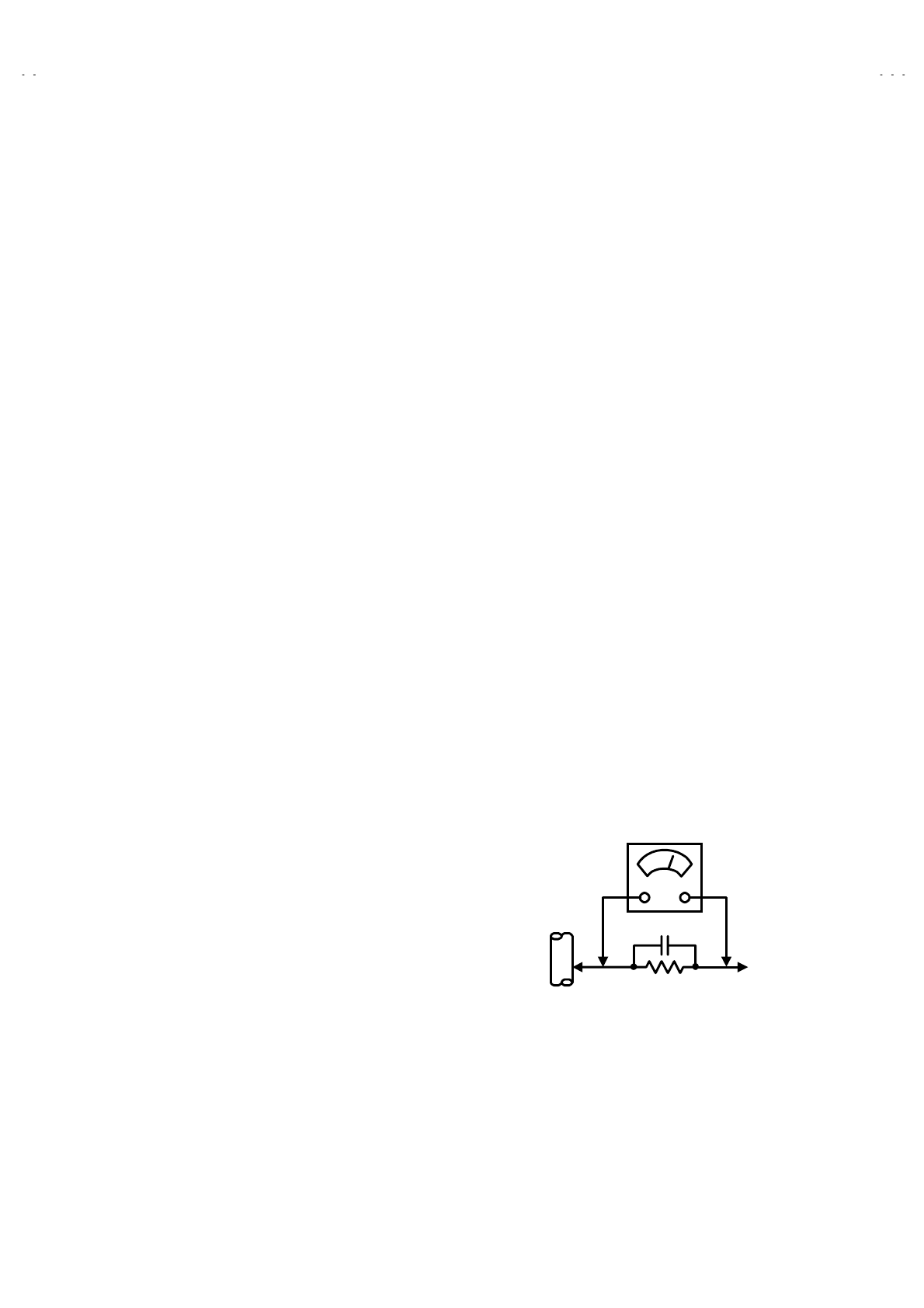
No.52027
A
V-21Q3
A
V-21QMG3
A
V-2115EE
3
SAFETY PRECAUTIONS
1. The design of this product contains special hardware, many
circuits and components specially for safety purposes. For
continued protection, no changes should be made to the original
design unless authorized in writing by the manufacturer.
Replacement parts must be identical to those used in the original
circuits. Service should be performed by qualified personnel
only.
2. Alterations of the design or circuitry of the products should not be
made. Any design alterations or additions will void the
manufacturer's warranty and will further relieve the manufacturer
of responsibility for personal injury or property damage resulting
therefrom.
3. Many electrical and mechanical parts in the products have
special safety-related characteristics. These characteristics are
often not evident from visual inspection nor can the protection
afforded by them necessarily be obtained by using replacement
components rated for higher voltage, wattage, etc. Replacement
parts which have these special safety characteristics are
identified in the parts list of Service manual. Electrical
components having such features are identified by shading
on the schematics and by (!
!!
!) on the parts list in Service
manual. The use of a substitute replacement which does not
have the same safety characteristics as the recommended
replacement part shown in the parts list of Service manual may
cause shock, fire, or other hazards.
4. Don't short between the LIVE side ground and ISOLATED
(NEUTRAL) side ground or EARTH side ground when
repairing.
Some model's power circuit is partly different in the GND. The
difference of the GND is shown by the LIVE : (") side GND, the
ISOLATED(NEUTRAL) : (#) side GND and EARTH : ($) side
GND. Don't short between the LIVE side GND and
ISOLATED(NEUTRAL) side GND or EARTH side GND and
never measure with a measuring apparatus (oscilloscope etc.)
the LIVE side GND and ISOLATED(NEUTRAL) side GND or
EARTH side GND at the same time.
If above note will not be kept, a fuse or any parts will be broken.
5. If any repair has been made to the chassis, it is recommended
that the B1 setting should be checked or adjusted (See
ADJUSTMENT OF B1 POWER SUPPLY).
6. The high voltage applied to the picture tube must conform with
that specified in Service manual. Excessive high voltage can
cause an increase in X-Ray emission, arcing and possible
component damage, therefore operation under excessive high
voltage conditions should be kept to a minimum, or should be
prevented. If severe arcing occurs, remove the AC power
immediately and determine the cause by visual inspection
(incorrect installation, cracked or melted high voltage harness,
poor soldering, etc.). To maintain the proper minimum level of
soft X-Ray emission, components in the high voltage circuitry
including the picture tube must be the exact replacements or
alternatives approved by the manufacturer of the complete
product.
7. Do not check high voltage by drawing an arc. Use a high voltage
meter or a high voltage probe with a VTVM. Discharge the
picture tube before attempting meter connection, by connecting
a clip lead to the ground frame and connecting the other end of
the lead through a 10kΩ 2W resistor to the anode button.
8. When service is required, observe the original lead dress. Extra
precaution should be given to assure correct lead dress in the
high voltage circuit area. W here a short circuit has occurred,
those components that indicate evidence of overheating should
be replaced. Always use the manufacturer's replacement
components.
9. Isolation Check
(Safety for Electrical Shock Hazard)
After re-assembling the product, always perform an isolation
check on the exposed metal parts of the cabinet (antenna
terminals, video/audio input and output terminals, Control knobs,
metal cabinet, screwheads, earphone jack, control shafts, etc.)
to be sure the product is safe to operate without danger of
electrical shock.
(1) Dielectric Strength Test
The isolation between the AC primary circuit and all metal parts
exposed to the user, particularly any exposed metal part having a
return path to the chassis should withstand a voltage of 3000V
AC (r.m.s.) for a period of one second.
(. . . . Withstand a voltage of 1100V AC (r.m.s.) to an appliance
rated up to 120V, and 3000V AC (r.m.s.) to an appliance rated
200V or more, for a period of one second.)
This method of test requires a test equipment not generally found
in the service trade.
(2) Leakage Current Check
Plug the AC line cord directly into the AC outlet (do not use a line
isolation transformer during this check.). Using a "Leakage
Current Tester", measure the leakage current from each exposed
metal part of the cabinet, particularly any exposed metal part
having a return path to the chassis, to a known good earth
ground (water pipe, etc.). Any leakage current must not exceed
0.5mA AC (r.m.s.).
However, in tropical area, this must not exceed 0.2mA AC
(r.m.s.).
"
""
" Alternate Check Method
Plug the AC line cord directly into the AC outlet (do not use a line
isolation transformer during this check.). Use an AC voltmeter
having 1000 ohms per volt or more sensitivity in the following
manner. Connect a 1500Ω 10W resistor paralleled by a 0.15µF
AC-type capacitor between an exposed metal part and a known
good earth ground (water pipe, etc.). Measure the AC voltage
across the resistor with the AC voltmeter. Move the resistor
connection to each exposed metal part, particularly any exposed
metal part having a return path to the chassis, and measure the
AC voltage across the resistor. Now, reverse the plug in the AC
outlet and repeat each measurement. Any voltage measured
must not exceed 0.75V AC (r.m.s.). This corresponds to 0.5mA
AC (r.m.s.).
However, in tropical area, this must not exceed 0.3V AC (r.m.s.).
This corresponds to 0.2mA AC (r.m.s.).
0.15
μ
F AC-TYPE
1500 Ω 10W
GOOD EARTH GROUND
PLACE THIS PROBE
ON EACH EXPOSED
METAL PART
AC VOLTMETER
(HAVING 1000 Ω/V,
OR MORE SENSITIVITY)
No. 52027
A
V-21Q3
A
V-21QMG3
A
V-2115EE
4
FEATURES
" New chassis design enables use of an interactive on-screen control.
" Wide range voltage (110V~240V) AC power input.(Except for AV-21Q3/AU and AV-21Q3/HK)
" With AUDIO / VIDEO INPUT & OUTPUT terminal.
" MUTING button can reduce the audio level to zero instantly.
" Functional remote control to operate TV set (for channel select, volume control, power ON/OFF, etc.) from a distance.
" I
2C bus control utilizes single chip ICs for IF, V/C, DEF. VSM PRESET, PRESET & SETUP TOUR.
" By means of AUTO PROGRAM, the TV stations can be selected automatically and the TV channels can also be rearranged automatically.
" Built-in AI ECO (ECONOMY, ECOLOGY) sensor
In accordance with the brightness in a room, the brightness and / of contrast of the picture can be adjusted automatically to make the
optimum picture which is easy on the eye.
" Built-in ON TIMER, RETURN + & CHILD LOCK.
SYSTEM BLOCK DIAGRAM
IC301
VIDEO/CHROMA
DECORDER
IC702
MEMORY
TU001
TUNER
IC701
MICRO
COMPUTER SCL1/SDA1
SCL2/SDA2
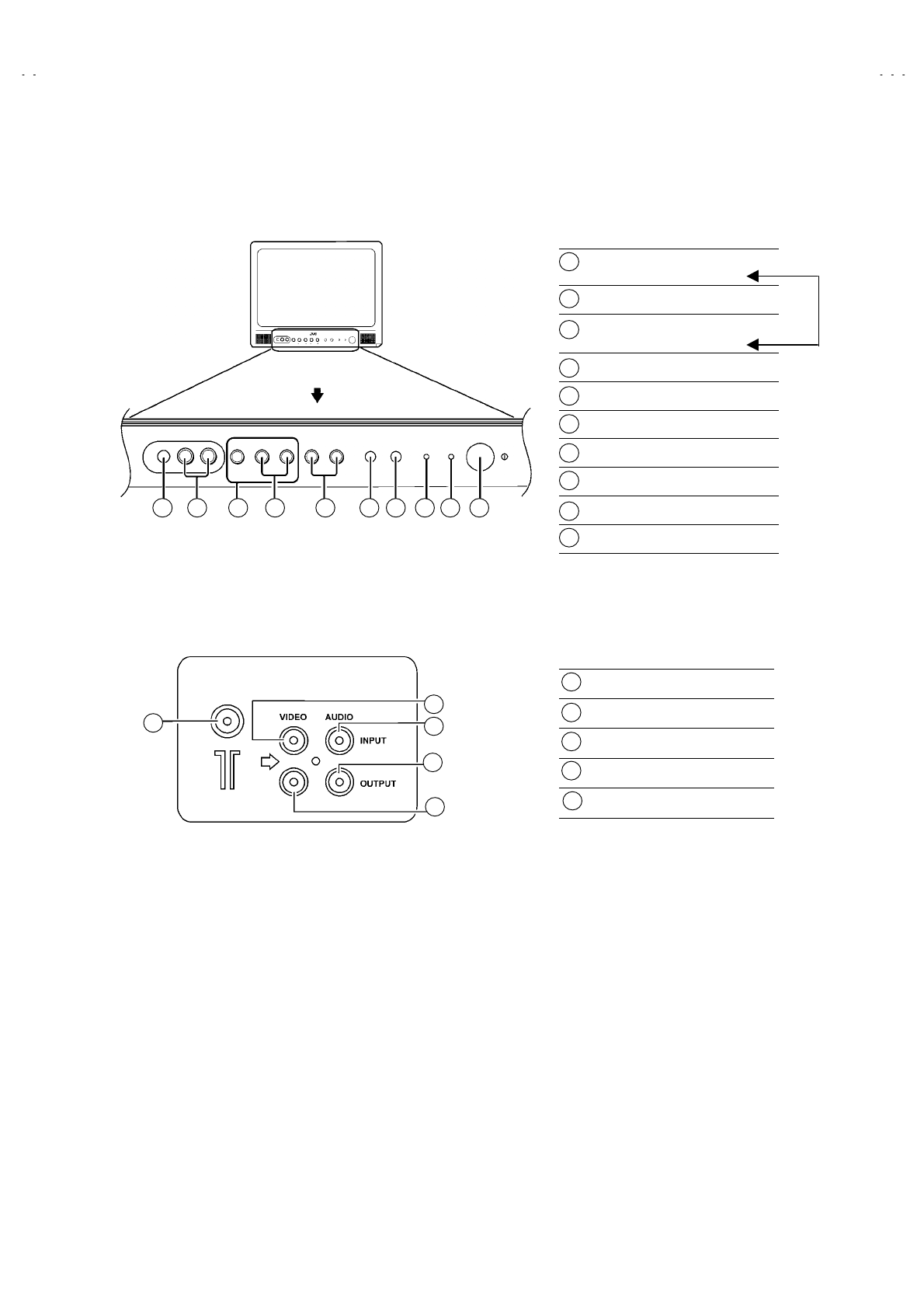
No. 52027
A
V-21Q3
A
V-21QMG3
A
V-2115EE
5
FUNCTIONS
■ FRONT PANEL
■ REAR TERMINAL
MENU buttons
(Replacement of IC301)
CHANNEL -/+ buttons
VOLUME -/+ buttons
(Replacement of IC301)
AI ECO sensor
REMOTE CONTROL sensor
ON TIMER lamp
POWER lamp
MAIN POWER button
A/V INPUT terminal
HEADPHONE jack
1
2
3
4
5
6
7
8
9
10
10 9 1 2 3 4 5 6 7 8
ANT Terminal
VIDEO INPUT Terminal
AUDIO INPUT Terminal
AUDIO OUTPUT Terminal
VIDEO OUTPUT Terminal
1
2
3
4
5
2
3
4
5
1
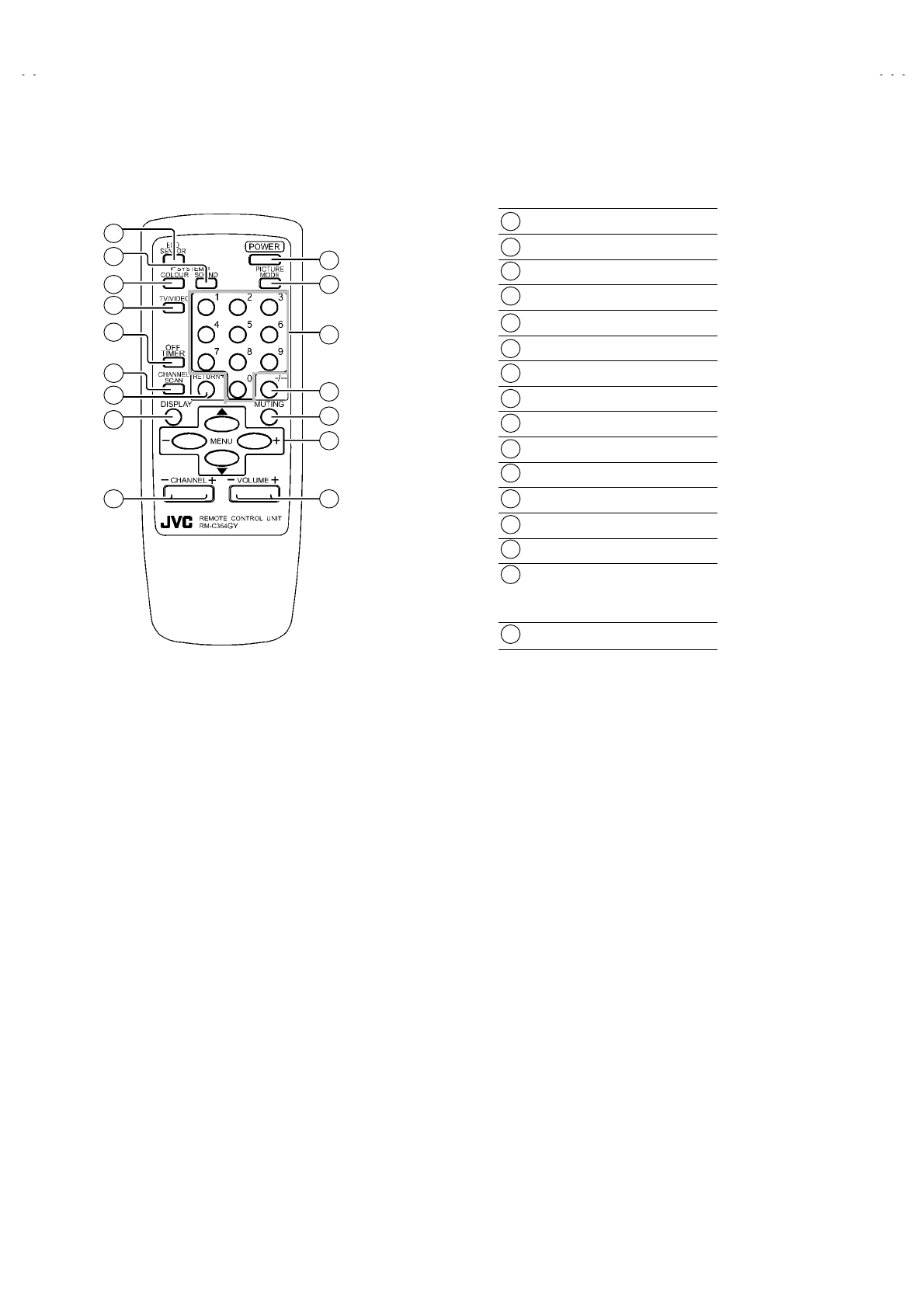
No. 52027
A
V-21Q3
A
V-21QMG3
A
V-2115EE
6
■ REMOTE CONTROL UNIT
ECO SENSOR key
SOUND SYSTEM key
COLOUR SYSTEM key
TV/VIDEO key
OFF TIMER key
CHANNEL SCAN key
RETURN+key
DISPLAY key
CHANNEL -/+ key
POWER key
PICTURE MODE key
Number (CH.) key
-/--key
MUTING key
MENU key
MENU ▲/▼ key
MENU -/+ key
VOLUME-/+ key
1
2
3
4
5
6
7
8
9
10
11
12
13
14
15
16
1
2
3
4
5
6
7
8
9
10
11
12
13
14
15
16
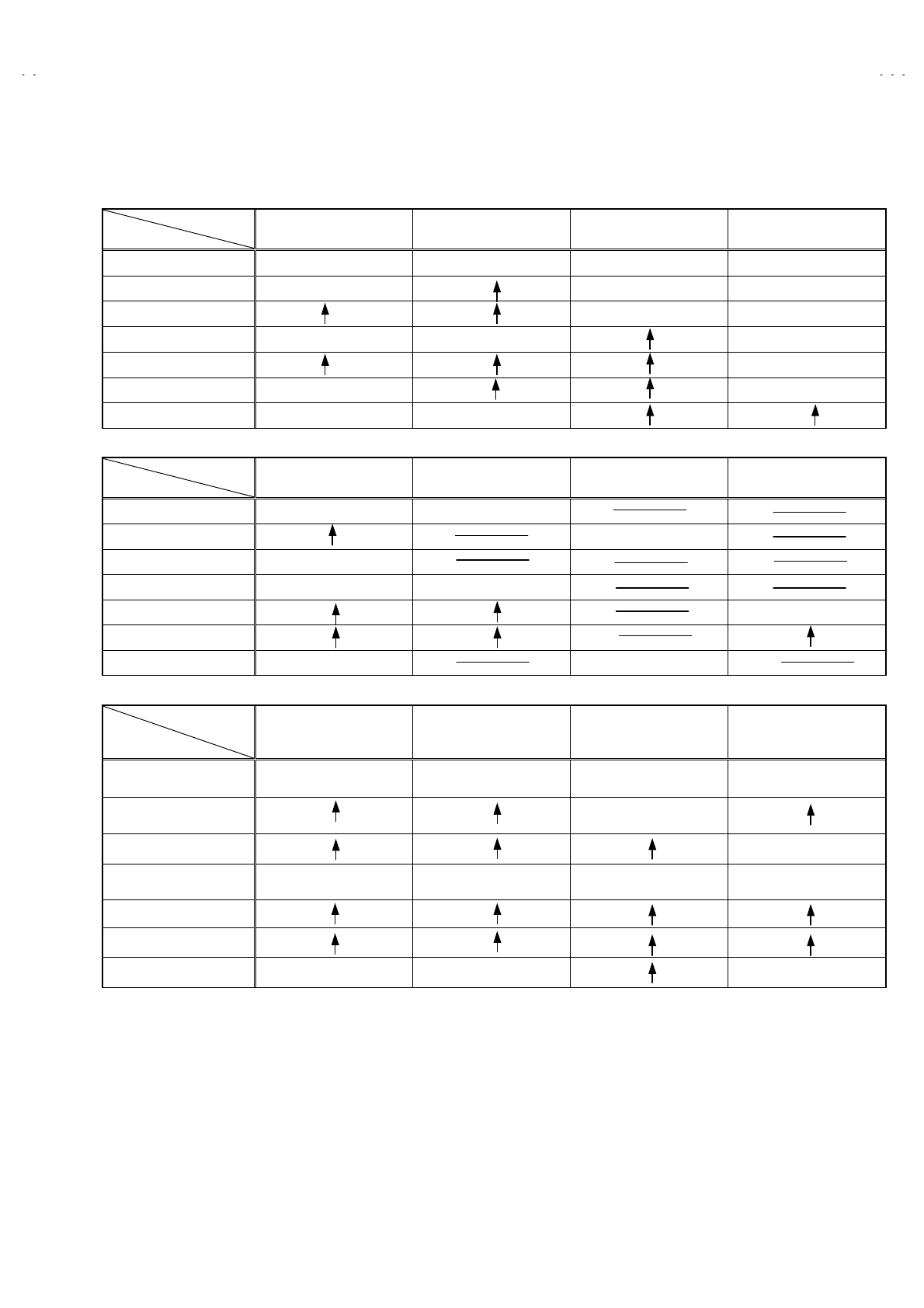
No. 52027
A
V-21Q3
A
V-21QMG3
A
V-2115EE
7
MAIN DIFFERENCE LIST
Part Name
Model Name Main PWB Front Cabinet JVC Mark Power Cord
AV-21Q3/D SCG-1424A GG10196-001B-H CM43094-009-H QMPR340-165-K2
AV-21Q3/AU SCG-1441A CM48125-009 QMPG090-165-K2
AV-21Q3/HK GG40023-001A-H QMPR370-165-E2
AV-21QMG3 SCG-1443A GG10196-002A-H QMPR340-165-K2
AV-21QMG3/-A QMPR380-165-K2
AV-21QMG3/U SCG-1431A QMPR340-165-K2
AV-2115EE SCG-1442A GG10196-001B-H
Part Name
Model Name Inst Book Digest Manual Warranty Card Conversion Plug
AV-21Q3/D LCT1188-001A-H LCT1190-001A-H
AV-21Q3/AU BT-56001-2
AV-21Q3/HK LCT1208-001A-H
AV-21QMG3 LCT1196-001A-H LCT1197-001A-H
AV-21QMG3/-A QAM0055-001
AV-21QMG3/u
AV-2115EE LCT1195-001BH BT-56001-2
Item
Model Name TV RF System Colour System
[RF Mode] Power Input OSD Language
AV-21Q3/D B/G, I, D/K PAL / SECAM AC110~240V,
50 / 60Hz E / C / M / I
AV-21Q3/AU AC220~240V,
50 / 60Hz
AV-21Q3/HK E / C
AV-21QMG3 B/G, I, D/K,M PAL / SECAM
NTSC3.58 / NTSC4.43
AC110~240V,
50 / 60Hz E / R / A / P
AV-21QMG3/-A
AV-21QMG3/U
AV-2115EE B/G, I, D/K PAL / SECAM E / R / U

No. 52027
A
V-21Q3
A
V-21QMG3
A
V-2115EE
8
SPECIFIC SERVICE INSTRUCTIONS
REMOVING THE REAR COVER
1. Unplug the power plug.
2. As shown in figure, remove the 5 screws marked !
!!
! and a
screw marked "
""
" and a screw marked #
##
#.
3. Remove the back board and remove the power cord from the
rear cover.
4. Withdraw the rear cover toward you.
REMOVING THE MAIN PW BOARD
" After removing the rear cover.
1. Slightly raise the both sides of the MAIN PW BOARD by hand
and remove the PWB stopper marked $
$$
$ from the cabinet
bottom.
2. Withdraw the MAIN PW BOARD backward.
(If necessary, take off the wire clamp, connectors etc.)
REMOVING THE SPEAKER
" After removing the rear cover.
1. As shown in figure, remove the 2 screws marked %
%%
%.
CHECKING THE MAIN PW BOARD
1. To check the back side of the PW Board.
1) Pull out the MAIN PW Board. (Refer to REMOVING THE MAIN
PW Board)
2) Erect the PW Board vertically so that you can easily check the
back side of the PW Board.
[CAUTION]
" When erecting the PW Board, be careful so that there will be no
contacting with other PW Board.
" Before turning on power, make sure that the CRT earth wire and
other connector are properly connected.
WIRE CLAMPING AND CABLE TYING
1. Be sure to clamp the wire.
2. Never remove the cable tie used for tying the wires together.
Should it be inadvertently removed, be sure to tie the wires with a
new cable tie.
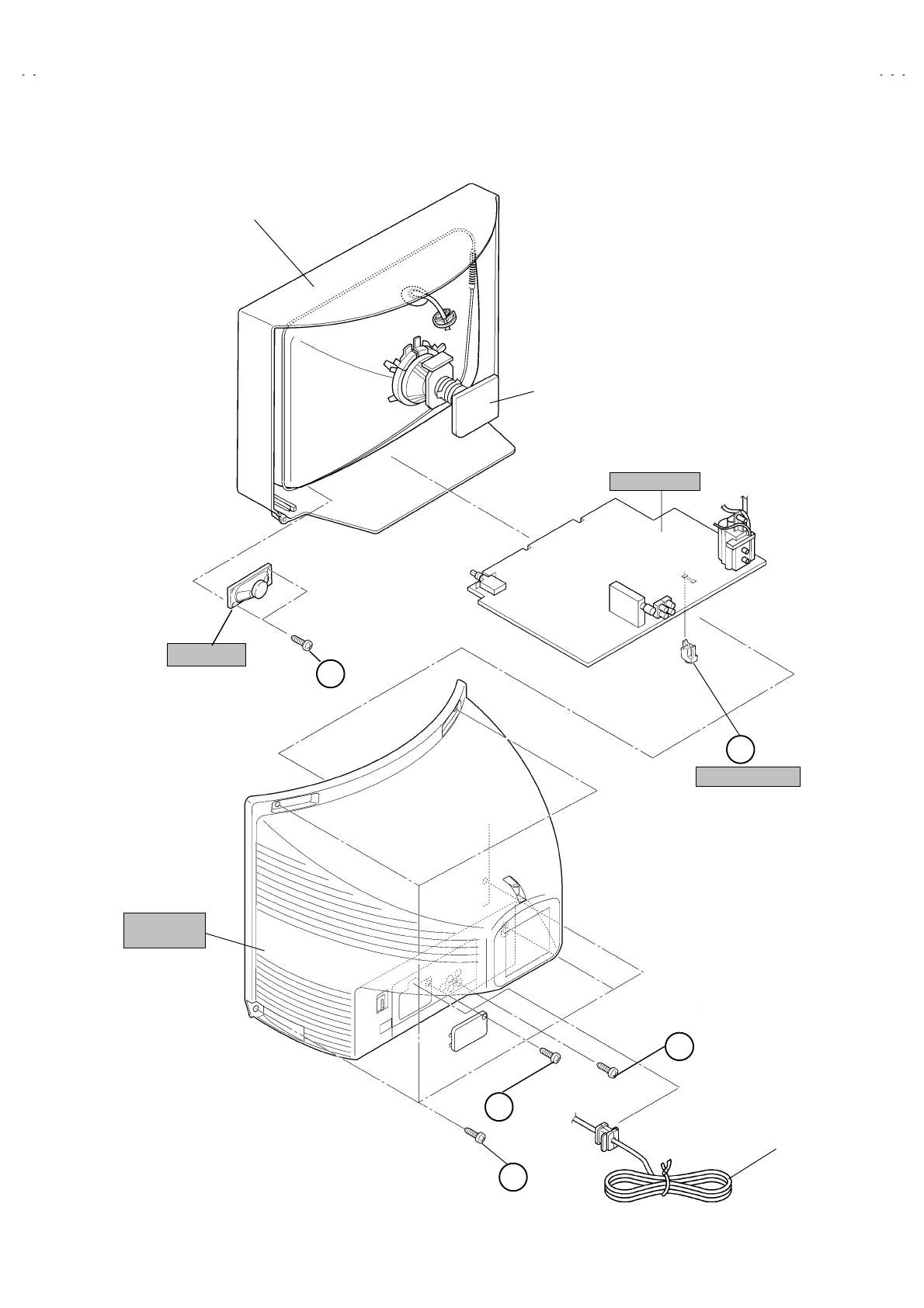
No. 52027
A
V-21Q3
A
V-21QMG3
A
V-2115EE
9
PWB STOPPER
CRT SOCKET
PWB
FRONT CABI.
POWER
CORD
MAIN PWB
E
REAR
COVER
B
A
(×
××
×2)
(×
××
×1)
(×
××
×5)
D
SPEAKER
C(×
××
×1)
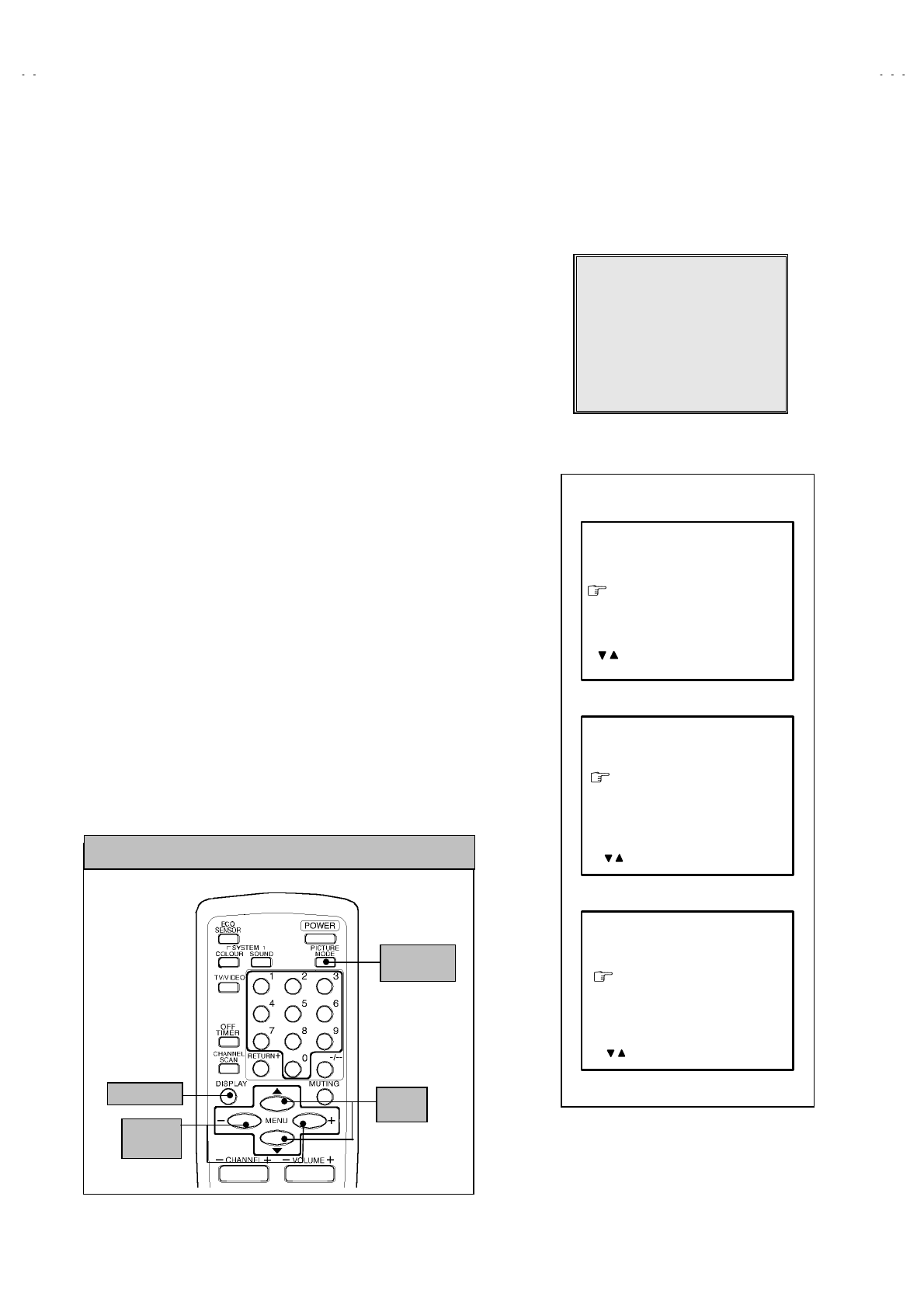
No. 52027
A
V-21Q3
A
V-21QMG3
A
V-2115EE
10
REPLACEMENT OF MEMORY ICs
1. MEMORY ICs
This model uses memory ICs. This memory IC data are for proper operation of the video and deflection circuits.
When replacing memory ICs, be sure to use ICs written with the initial values of data.
2. PROCEDURE FOR REPLACING MEMORY ICs
(1) Power off
Switch the power off and disconnect the power plug from the wall outlet.
(2) Replace ICs
Be sure to use memory ICs written with the initial data values.
(3) Power on
Connect the power plug into the wall outlet and switch the power on.
(4) Check and set SYSTEM CONSTANT SET
・
・・
・It must not adjust without adjustment signals.
1) Press the DISPLAY key and the PICTURE MODE key of the REMOTE
CONTROL UNIT simultaneously.
2) The SERVICE MENU screen of Fig. 1 will be displayed.
3) While the SERVICE MENU is displayed, again press the DISPLAY key and
PICTURE MODE key simultaneously, and the SYSTEM CONSTANT SET
screen of Fig. 2 will be displayed.
4) Check the setting values of the SYSTEM CONSTANT SET of Table 1 If the
value is different, select the setting item with the MENU ▼/▲key, and set
the correct value with the MENU - / + key.
5) Press the DISPLAY key twice, and return to the normal screen.
(5) Receive channel of setting
Refer to the OPERATING INSTRUCTIONS and set the receive channels
(channels preset) as described
(6) User Setting
Check the user setting value of Table 2, and if setting value is different, set
the correct value.
For setting, refer to the OPERATING INSTRUCTIONS.
(7) Setting of SERVICE MENU
Verify the setting items of the SERVICE MENU, and reset where necessary.
For setting, refer to the SERVICE ADJUSTMENTS.
SERVICE MENU
1.IF 2.V/C
3.DEF 4.VSM PRESET
5.PRESET
6.SETUP TOUR OFF
1-6 SELECT DISP : EXIT
******
************
***********
**********
***** **
** **
**
.
****
********
****
*** ** **
*** ** ***** ** **
*** ** **** ***
** ***** ***
** ***
Fig.1
Fig.2
DISPLAY key
MENU
-/+ key
MENU
▼/▲ key
PICTURE
MODE key
KEY ASSIGNMENT OF REMOTE CONTROL UNIT
SYSTEM CONSTANT-Ⅰ
ⅠⅠ
Ⅰ
COLOUR :
BILINGUAL : NO
TUNER : MU
ECO SENSOR : YES
LANGUAGE :
SYSTEM CONSTANT SET 1
***
***
: SELECT
- / + : OPERATE DISP : EXIT
/
SYSTEM CONSTANT-Ⅱ
ⅡⅡ
Ⅱ
B/B SOUND :
LOCK : 180
COLOUR AUTO :
QSS : MINT
ALC : NO
TEXT RATE : 20
SYSTEM CONSTANT SET 2
***
: SEL - / + : OPE DISP : EXIT
/
***
SYSTEM CONSTANT-Ⅲ
ⅢⅢ
Ⅲ
AMP TUNER : NO
VNR : YES
TEXT TABLE : CYL
VOLUM PWM : POS
SYSTEM CONSTANT SET 3
: SEL - / + : OPE DISP : EXIT
/
(RM-C364GY)
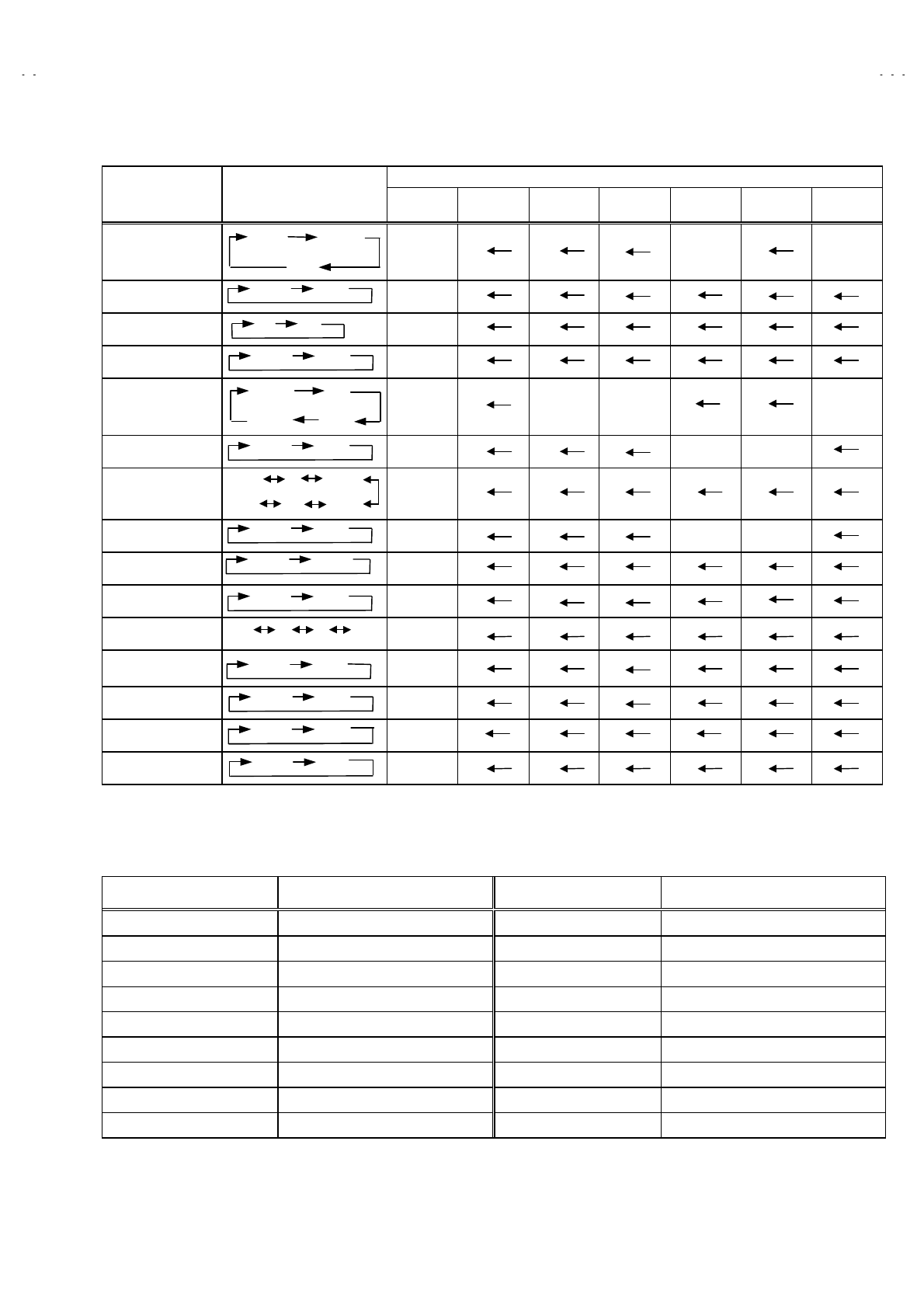
No. 52027
A
V-21Q3
A
V-21QMG3
A
V-2115EE
11
SETTING OF SYSTEM CONSTANT SET
Setting value
Setting item Setting contents AV-
21Q3/D
AV-
21Q3/AU
AV-
21Q3/HK
AV-
21QMG3
AV-
21QMG3/-A
AV-
21QMG3/U
AV-
2115EE
COLOUR TRIPLE MULTI. . TRIPLE
BILINGUAL NO
TUNER MU
ECO SENSOR YES
LANGUAGE E/C/M/I E/C E/R/A/P E/R/U
B/B SOUND OFF ON OFF
LOCK
YES 10 20 ~
250 240 230
~180
COLOUR AUTO NO YES NO
QSS MINT
ALC NO
TEXT RATE 10 20 40 80 20
AMP TUNER NO
VNR YES
TEXT TABLE CYL
VOLUM PWM POS
Table 1
USER SETTING VALUES
Setting item Setting value Setting item Setting value
SUB POWER ON LANGUAGE ENGLISH
CHANNEL POSITION 1 POSITION CHANNEL PRESET Refer to OPERATING INSTRUCTION
VOLUME About 10 AI ECO SENSOR OFF
INPUT TV VNR OFF
ON SCREEN DISPLAY POSITION INDICATION AUTO SHUTOFF OFF
COLOUR SYSTEM PAL ON TIMER PR1 0:00
SOUND SYSTEM B / G BLUE BACK OFF
OFF TIMER OFF OSD.Shows 00 CHILD LOCK OFF
PICTURE MODE (VSM) BRIGHT SETUP TOUR ON
Table 2
YES NO
ON OFF
MU MA
YES NO
MULTI.
PAL
YES NO
MINT MQSS
YES NO
YES NO
YES NO
A
RA CYL
POS NEG
E/R/A/P
E/C/M/I
E/R
E/R/U
TRIPLE
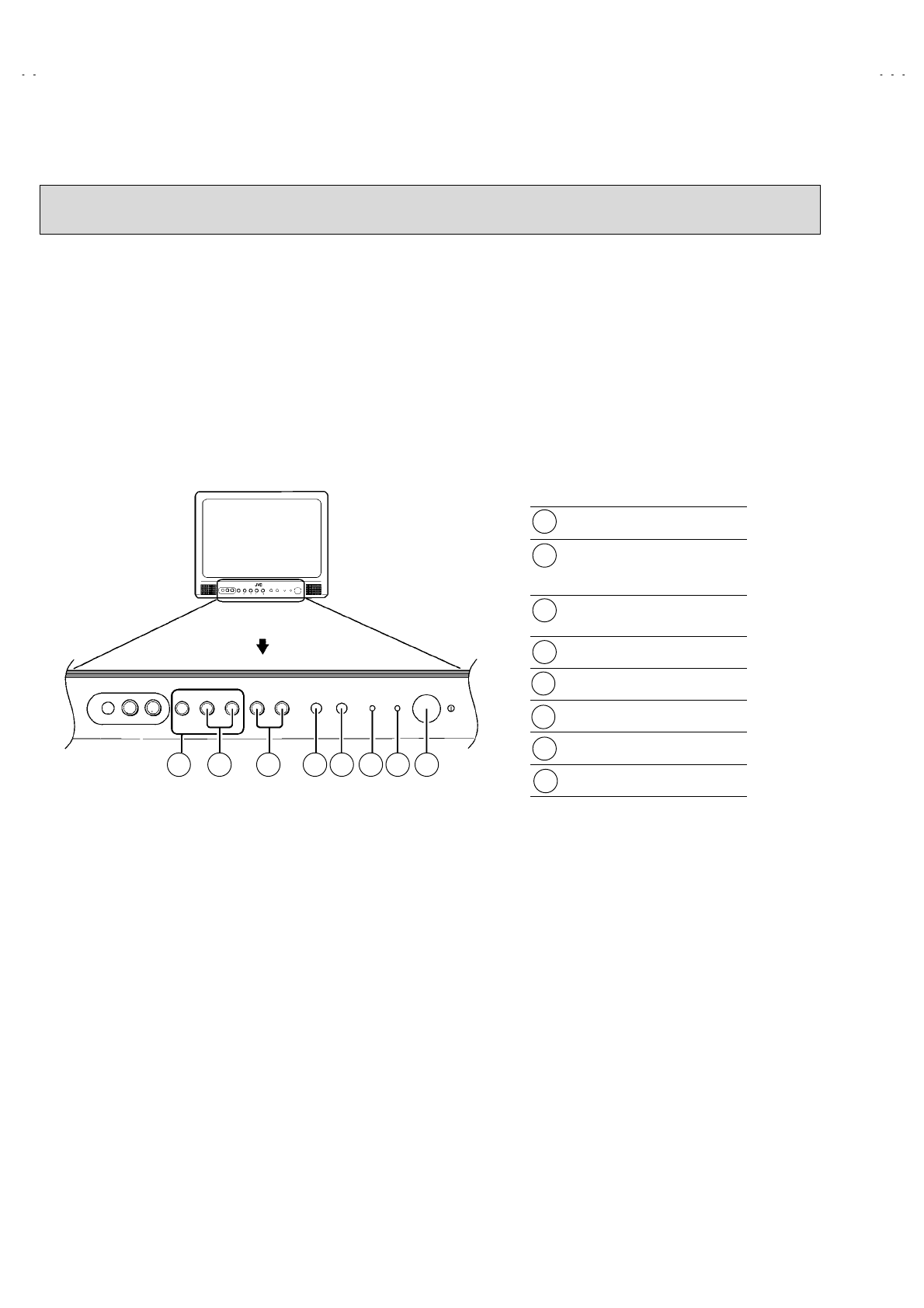
No. 52027
A
V-21Q3
A
V-21QMG3
A
V-2115EE
12
REPLACEMENT OF IC301 (IF V/C DECODER)
" For the IC301(IF V/C DECODER) of this model, all data are written in the micro-computer. So, write the data in the micro-
computer (EP-ROM : memory IC) in accordance with the following procedures before starting adjustment.
PROCEDURES
(1) Turn the POWER OFF.
(2) Replace the IC301 with a new one.
(3) While pressing MENU button and VOLUME -/+ button ON the FRONT CABINET simultaneously, turn the POWER ON. When the
POWER is turned ON, the data is written in the micro-computer (EP-ROM : memory IC) immediately.
LOCATIONS OF FRONT PANEL BUTTONS AND LAMPS
MENU buttons
CHANNEL ・ / ・ buttons
(MENU ・ / ・ buttons)
VOLUME -/+ buttons
(MENU -/+ buttons)
AI ECO sensor
REMOTE CONTROL sensor
ON TIMER lamp
POWER lamp
MAIN POWER button
MENU buttons
CHANNEL -/+buttons
(MENU -/+buttons)
VOLUME -/+ buttons
(MENU -/+ buttons)
AI ECO sensor
REMOTE CONTROL sensor
ON TIMER lamp
POWER lamp
MAIN POWER button
1
2
3
4
5
6
7
8
1 2 3 4 5 6 7 8
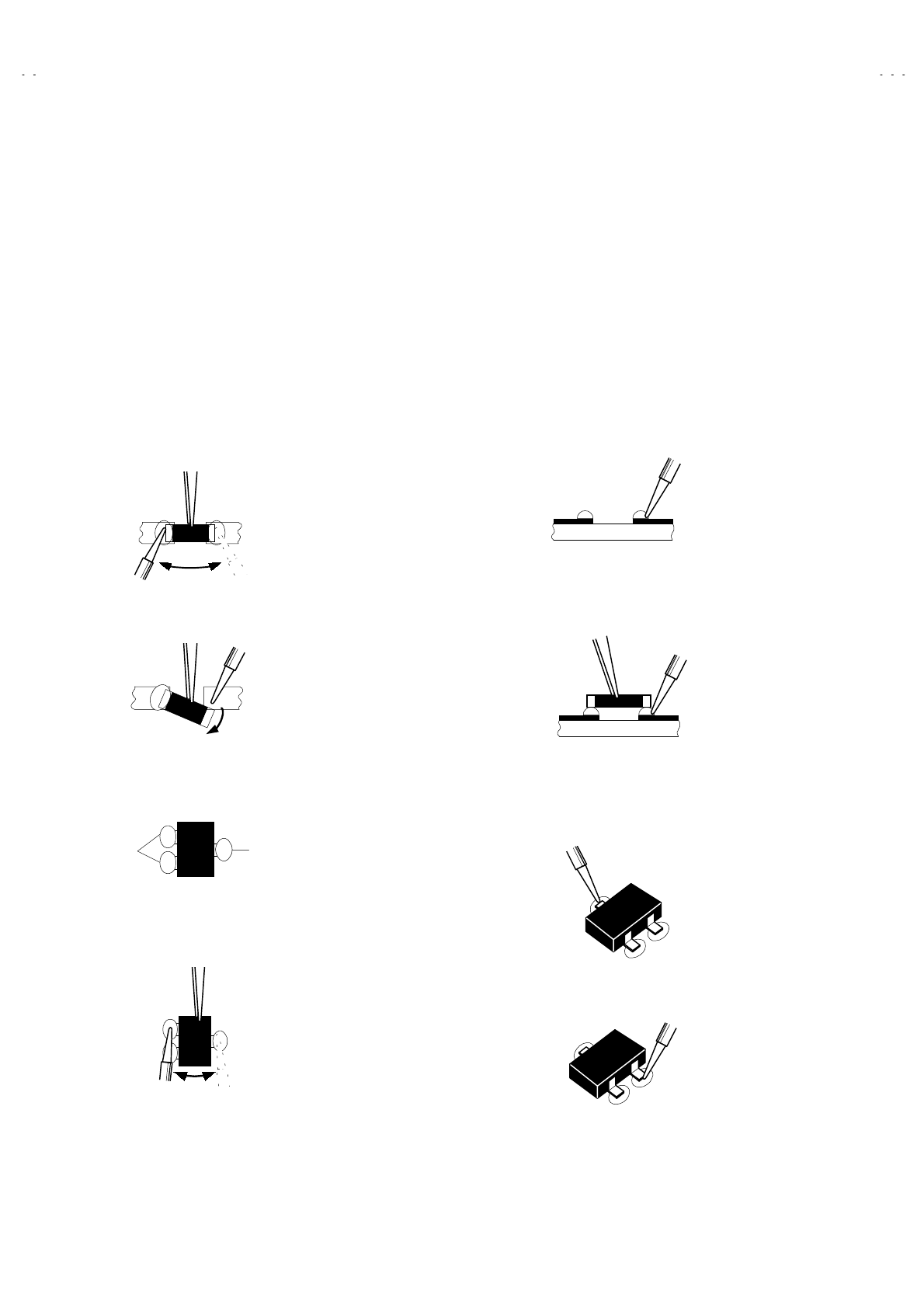
No.52027
A
V-21Q3
A
V-21QMG3
A
V-2115EE
13
REPLACEMENT OF CHIP COMPONENT
! CAUTIONS
1. Avoid heating for more than 3 seconds.
2. Do not rub the electrodes and the resist parts of the pattern.
3. When removing a chip part, melt the solder adequately.
4. Do not reuse a chip part after removing it.
! SOLDERING IRON
1. Use a high insulation soldering iron with a thin pointed end of it.
2. A 30w soldering iron is recommended for easily removing parts.
! REPLACEMENT STEPS
1. How to remove Chip parts
#
##
# Resistors, capacitors, etc
(1) As shown in the figure, push the part with tweezers and
alternately melt the solder at each end.
(2) Shift with tweezers and remove the chip part.
#
##
# Transistors, diodes, variable resistors, etc
(1) Apply extra solder to each lead.
(2) As shown in the figure, push the part with tweezers and
alternately melt the solder at each lead. Shift and remove the
chip part.
Note : After removing the part, remove remaining solder from the
pattern.
2. How to install Chip parts
#
##
# Resistors, capacitors, etc
(1) Apply solder to the pattern as indicated in the figure.
(2) Grasp the chip part with tweezers and place it on the solder.
Then heat and melt the solder at both ends of the chip part.
#
##
# Transistors, diodes, variable resistors, etc
(1) Apply solder to the pattern as indicated in the figure.
(2) Grasp the chip part with tweezers and place it on the solder.
(3) First solder lead A as indicated in the figure.
(4) Then solder leads
B and C.
SOLDER SOLDER
A
B
C
A
B
C
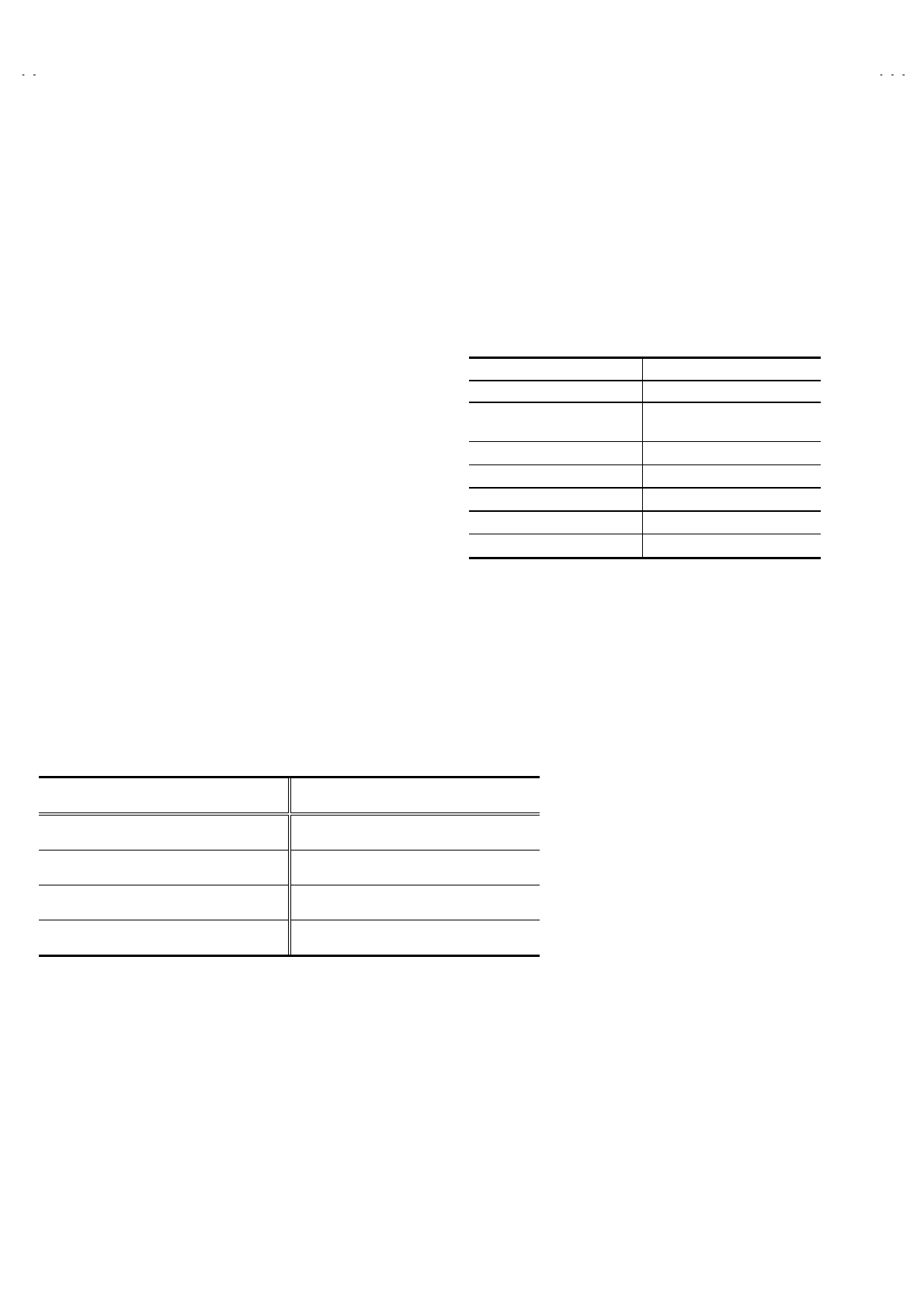
No. 52027
A
V-21Q3
A
V-21QMG3
A
V-2115EE
14
SERVICE ADJUSTMENTS
BEFORE STARTING SERVICE ADJUSTMENT
1. There are 2 way of adjusting this TV: One is with the
REMOTE CONTROL UNIT and the other is the conventional
method using adjustment parts and components.
2. The adjustment with the REMOTE CONTROL UNIT is made
on the basis of the initial setting values. The setting values
which adjust the screen to its optimum condition may differ
from the initial setting values.
3. Make sure that connection is correctly made to AC power
source.
4. Turn on the power of the set and equipment before use, and
start the adjustment procedures after waiting at least 30 minutes.
5. Unless otherwise specified, prepare the most suitable reception
or input signal for adjustment.
6. Never touch any adjustment parts, which are not specified
in the list for this adjustment VRs, transforms, condensers,
etc.
7. Preparation for adjustment
Unless otherwise specified in the adjustment instructions, preset
the following functions with the REMOTE CONTROL UNIT.
User mode position
PICTURE MODE (VSM) BRIGHT
VNR OFF
TINT / COLOUR / BRIGHT
CONT. / SHARP CENTER
BLUE BACK OFF
OFF TIMER OFF
AI ECO SENSOR OFF
AUTO SHUT OFF OFF
SETUP TOUR ON
MEASURING INSTRUMENT AND FIXTURES
1. DC voltmeter (or digital voltmeter)
2. Oscilloscope
3. Signal generator (Pattern generator) [PAL / SECAM / NTSC]
4. Remote control unit
ADJUSTMENT ITEMS
Adjustment item Adjustment item
B1 POWER SUPPLY DEFLECTION circuit adjustment
FOCUS adjustment VSM PRESET setting
IF circuit adjustment PURITY/ CONVERGENCE adjustment
V/C (Video / Chroma) circuit adjustment
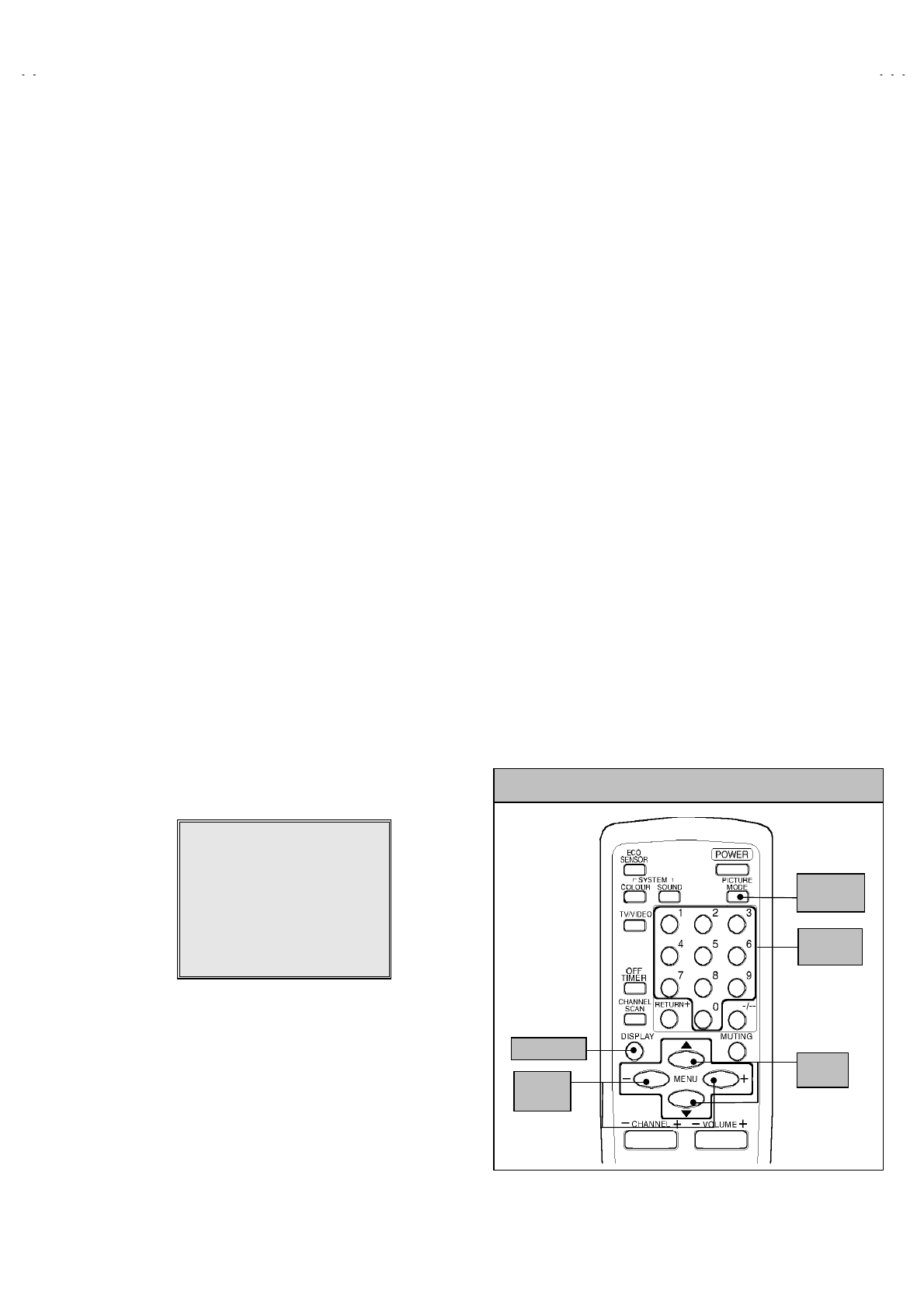
No. 52027
A
V-21Q3
A
V-21QMG3
A
V-2115EE
15
BASIC OPERATION OF SERVICE MENU
" The adjustment using SERVICE MENU
The following adjustment items use the SERVICE MENU in the series of the adjustment. The adjustments are made on the basis of the
initial setting values. The adjustment values which adjust the screen to the optimum condition can be different from the initial setting values.
With the SERVICE MENU, various settings can be made, and they are broadly classified in the following items of settings.
1.IF・・・・・・・・・・・・・・・・・・・・・・・・ Adjustment of the IF circuits.
2.V/C ・・・・・・・・・・・・・・・・・・・・・・ Adjustment of the VIDEO/CHROMA circuit.
3.DEF ・・・・・・・・・・・・・・・・・・・・・ Adjustment of the DEFLECTION circuit.
4.VSM PRESET・・・・・・・・・・・・・ Adjustment of the initial setting values of VSM condition as STANDARD, SOFT and BRIGHT.
(VSM : Video Status Memory)
5.PRESET ・・・・・・・・・・・・・・・・・ Adjustment of the RF circuit [Do not adjust].
6.SETUP TOUR OFF ・・・・・・・・ It should be able to select mode (LANGUAGE and AUTO CH PRESET).
[Should be OFF].
" Key operation of the SERVICE MENU
[Enter to SERVICE MENU]
Press the DISPLAY key and the PICTURE MODE key of the REMOTE CONTROL
UNIT simultaneously. Then enter the SERVICE MENU mode as shown in Fig.1.
[Exit from SERVICE MENU]
When complete the adjustment work, press the DISPLAY key to return to the
SERVICE MENU.
And then press the DISPLAY key again, return to the normal screen.
[Select from SERVICE MENU]
In SERVICE MENU, press the number (1~6) key of the remote control unit, to select
any of the adjustment items.
The colours which selected item characters are changed.
SERVICE MENU
SERVICE MENU
1.IF 2.V/C
3.DEF 4.VSM PRESET
5.PRESET
6.SETUP TOUR OFF
1-6 SELECT DISP : EXIT
******
************
***********
**********
***** **
** **
**
.
****
********
****
*** ** **
*** ** ***** ** **
*** ** **** ***
** ***** ***
** ***
Fig.1
(RM-C364GY)
KEY ASSIGNMENT OF REMOTE CONTROL UNIT
MENU
▼/▲ key
MENU
-/+key
DISPLAY key
PICTURE
MODE key
NUMBERS
key
No. 52027
A
V-21Q3
A
V-21QMG3
A
V-2115EE
16
[Method of setting]
1. IF
[1. VCO]
① 1 Key・・・・・・・・・・・・・・・・・・・・・・・・・ Select 1.IF.
② 1 Key・・・・・・・・・・・・・・・・・・・・・・・・・ Select 1.VCO
③ The VCO (CW) screen will be displayed a allow mark when the AFC voltage is at a certain level.
④ DISPLAY Key ・・・・・・・・・・・・・・・・・ As you press this key twice, you will return to the SERVICE MENU.
[2. DELAY POINT]
① 1 Key・・・・・・・・・・・・・・・・・・・・・・・・・ Select 1.IF.
② 2 Key・・・・・・・・・・・・・・・・・・・・・・・・・ Select 2.DELAY POINT.
③ MENU -/+ Key ・・・・・・・・・・・・・・・・・ Set (adjust) the setting values of the setting items.
④ DISPLAY Key ・・・・・・・・・・・・・・・・・ When this is pressed twice, you will return to the SERVICE MENU.
2.V/C, 3.DEF and 4.VSM PRESET
① 2~4Key ・・・・・・・・・・・・・・・・・・・・・・・ Select one from 2. V/C, 3. DEF and 4. VSM PRESET.
② MENU ▼/▲ Key ・・・・・・・・・・・・・・ Select setting items.
③ MENU -/+ Key ・・・・・・・・・・・・・・・・・ Adjust the values of the items.
④ DISPLAY Key・・・・・・・・・・・・・・・・・・ When this is pressed, return to the SERVICE MENU.
6.SETUP TOUR
① By pressing the 6 key, you can change the ON or OFF ( should be OFF).
(Should be OFF)
%If it is ON, then you turn the TV power off, when you are turn the TV power on again.
The JVC’s logo will be shown about 15 seconds automatically.
② MENU -/+ Key ・・・・・・・・・・・・・・・・・ Select Language.
③ MENU ▼ Key・・・・・・・・・・・・・・・・・ Auto Search.
No. 52027
A
V-21Q3
A
V-21QMG3
A
V-2115EE
17
SERVICE MENU FLOW CHART
SERVICE MENU
IF
1. VCO
2. DELAY POINT
1-2 : SELECT DISP : EXIT
SUB MENU 1. IF
VCO (CW)
***.**
MHz
TOO HIGH
ABOVE REFERENCE
JUST REFERENCE
BELOW REFERENCE
TOO LOW
AFT ADJUST
***(**)
***(**)***(**)
***(**)
VCO ADJUST
***(**)
***(**)***(**)
***(**)
FINE
DISP : EXIT
DELAY POINT UHF
AGC TAKE-OVER
**
- / + : OPERATE DISP : EXIT
6.SETUP TOUR
ON /
OFF
(By pressing 6-key)
BRIGHT
TINT
COLOUR
BRIGHT
CONT.
SHARP
- / + : OPERATE DISP : EXIT
**
**
**
**
**
SUB MENU 4. VSM PRESET
/ :SELECT
DEF
- / + : OPERATE DISP : EXIT
**
SUB MENU 3. DEF
/ :SELECT
50Hz
1. VER. POSITION
PAL
V/C PAL
1. CUTOFF
- / + : OPERATE DISP : EXIT
(R)
* **
(G)
* **
(B)
* **
50Hz
SUB MENU 2. V/C
/ :SELECT
PRESET
1. C-TRAP FIX
- / + : OPERATE DISP : EXIT
*
50Hz
SUB MENU 5. PRESET
/ :SELECT
B/K
PAL
SERVICE MENU
1.IF 2.V/C
3.DEF 4.VSM PRESET
5.PRESET
6.SETUP TOUR OFF
1-6 SELECT DISP : EXIT
******
************
***********
**********
***** **
** **
**
.
****
********
****
*** ** **
*** ** ***** ** **
*** ** **** ***
** ***** ***
** ***
OFF
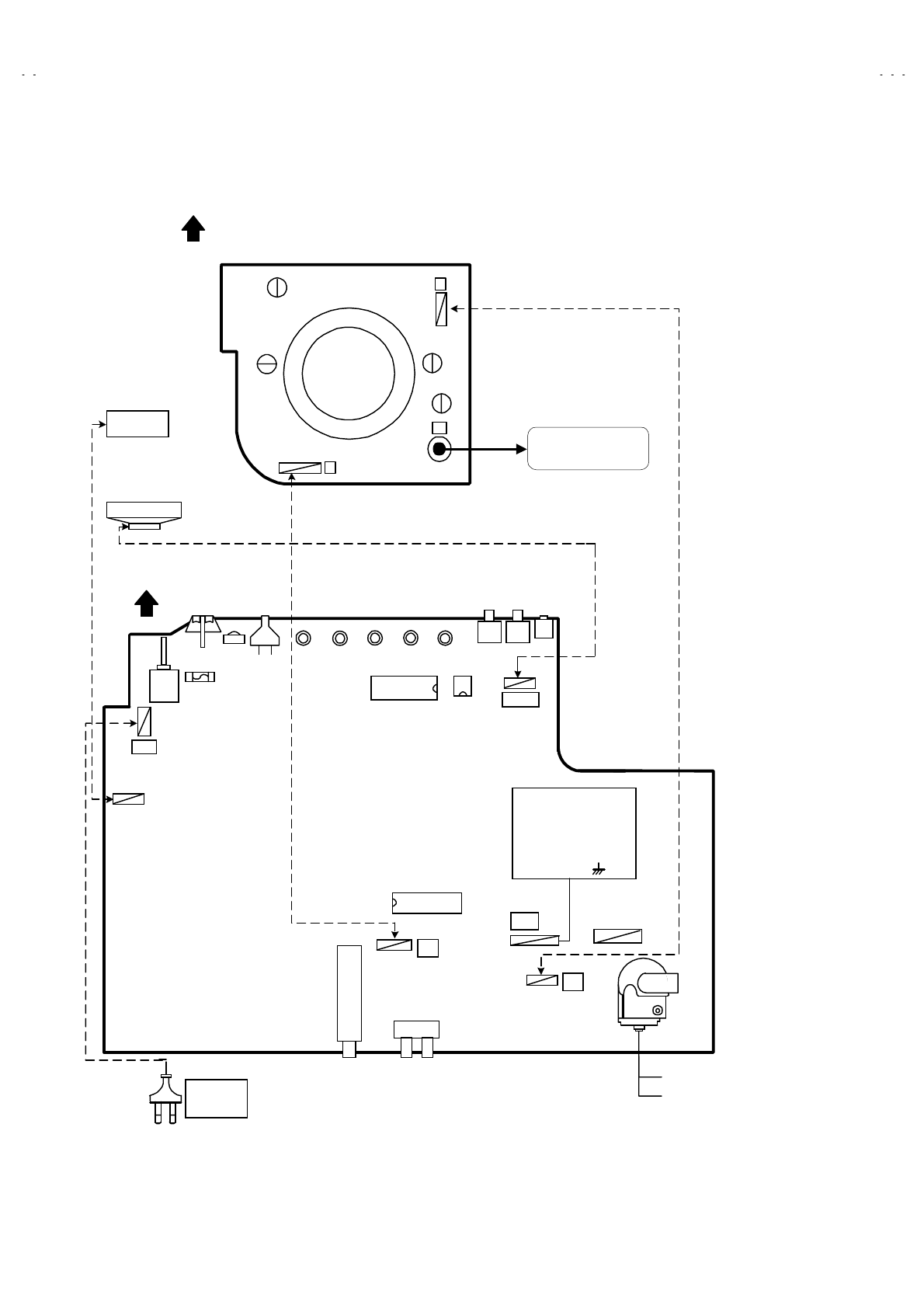
No. 52027
A
V-21Q3
A
V-21QMG3
A
V-2115EE
18
ADJUSTMENT LOCATIONS
S4
1Pin TP-91(B1)
2Pin NC
3Pin X-ray1
4Pin X-ray2
5Pin TP-E( )
HVT
S1HV
U
IC301
MEMORY IC
IC702
IC701
F901
DEG
TU001
FRONT
TOP
MAIN PWB
CRT SOCKET PWB
(SOLDER SIDE)
TP-47G/R
E1
U
T
PW
UPPER:FOCUS
LOWER:SCREEN
TP-47R/G
TP-47B
TP-E
T
CRT EARTH WIRE
(BRAIDED ASS'Y)
SPEAKER
POWER
CORD
PLUG
DEG
COIL
No. 52027
A
V-21Q3
A
V-21QMG3
A
V-2115EE
19
INITIAL SETTING VALUE OF SERVICE MENU
1. Adjustment of the SERVICE MENU is made on the basis of the initial setting values ; however, the new setting values which
set the screen in its optimum condition may differ from the initial setting.
2. Do not change the initial Setting Values of the Setting (Adjustment) items not listed In “ADJUSTMENT”.
2. V/C
Initial setting value
Colour system
Setting item
Variable
range PAL SECAM NTSC 3.58 NTSC 4.43
RED
GREEN
1. CUT OFF
BLUE
-128~+127 -50
RED
2. DRIVE BLUE -128~+127 0
3. BRIGHT -127~+127 0
4. CONT. -63~+63 0
5. COLOUR -63~+63 0
TV 00
AV-21Q3/D
AV-21Q3/AU
AV-21Q3/HK
AV-2115EE
00
6. TINT VIDEO
AV-21QMG3
AV-21QMG3/-A
AV-21QMG3/U
-63~+63
+8 0
7. SECAM BL ADJ. -31~+31 0
TV - 8(Fixed)
8. SHARP Do Not Adj.
VIDEO -32~+31
+15(Fixed)
3. DEFLECTION
Initial setting value
Setting item Variable range
fv : 50Hz MODE fv : 60Hz MODE
1. VER. POSITION -04 ~ +03 - 1 - 3
2. HOR. POSITION -16 ~ +15 + 3 + 3
3. VER. HEIGHT -64 ~ +63 -35 + 1
4. VER. LINEARITY -32 ~ +31 +15 - 1
5. VER. SCURVE -32 ~ +31 -32 + 0
6. HOR. VCO ADJUST (Do Not Adj.) -63 ~ +62 + 0 + 0
4.VSM PRESET
VSM preset mode
VSM Setting item
BRIGHT STANDARD SOFT
TINT SETTING VALUE +15
COLOUR SETTING VALUE +15
BRIGHT SETTING VALUE +15
CONT. SETTING VALUE +30 +15 +11
SHARP SETTING VALUE +15 +12
No. 52027
A
V-21Q3
A
V-21QMG3
A
V-2115EE
20
5. PRESET
The items in the following table, it is no requirement for adjustment.
If values had changed by the miss operation, set the initial setting values in the following table.
Colour System Do Not Adjust
Initial setting value (Fixed value)
Setting item
PAL SECAM NTSC 3.58 NTSC 4.43
1. C TRAP FIX 1 1 1 1
2. SHARP PEAK 0 0 0 0
3. ABL 1 1 1 1
4. GAMMA 0 0 0 0
TV 0 2 2 3
5. Y. DELAY TIME
VIDEO 0 2 0 2
6. BLACK EXP START +3 +3 +3 +3
TV 1 1 0 0
7. C-BPF
VIDEO 1 1 1 1
8. CW / SCP 0 0 0 0
9. VIF DET LEVEL 0 0 0 0
11. IF AGC MIN 0 0 0 0
12. VIF AGC 0 0 0 0
13. VIF PMOD 0 0 0 0
19. VNR 15 15 15 15
20. RGB LIM 1 1 1 1
21. RGB LIMIT LEVEL 2 2 2 2
23. TEXT H. POSITION -3 -3 -3 -3
24. READ DATA
Sound System Do Not Adjust
Setting item B/G I D/K M
10. SIF DET LEVEL +0+0+0+0
14. SIF BPF BW ADJUST +0+0+0+0
15. SIF TRAP FO ADJUST +0+0+0+0
16. SIF TRAP FO ADJUST 2 +0+0+0+0
17. SIF -TRAP 0 0 0 0
18. SIF -BPF 1 0 0 0
22. SIF SW 0 1 1 1
No. 52027
A
V-21Q3
A
V-21QMG3
A
V-2115EE
21
ADJUSTMENTS
B1 POWER SUPPLY
Item Measuring
instrument Test point Adjustment part Description
Check of
B1 Power
Supply
Signal
generator
DC Volt-
meter
TP-91 (B1)
TP-E (#
##
#)
1. Input a whole black signal.
2. Connect a DC voltmeter to TP-91(B1) and TP-E (#).
3. Make sure that the voltage is DC116.2±2.0V.
FOCUS ADJUSTMENT
Item Measuring
instrument Test point Adjustment part Description
Adjustment
of FOCUS
Signal
generator
FOCUS VR
[In HVT]
1. Input a cross-hatch signal.
2. While watching the screen, adjust the FOCUS VR to make the
vertical and horizontal lines as fine and sharp as possible.
3. Make sure that when the screen is darkened, the lines remain in
good focus.
IF CIRCUIT ADJUSTMENT
Item Measuring
instrument Test point Adjustment part Description
●Please use signal generator which is correct proof about the
sending frequency.
Adjustment
of VCO(CW)
Signal
generator
Remote
control unit
1. VCO
1. Input the PAL full colour bar (210.25MHz) signal.
2. Enter the SERVICE MENU.
3. Select 1.IF from the SERVICE MENU.
4. Press 1 key and select 1.VCO.
5. S el ec t VCO ADJUST with MENU ▲/▼ key.
6. Press MENU -/+ key until the colour of the characters TOO
HIGH changes blue to yellow. Then gradually press the MENU
-/+ key until the TOO LOW changes yellow. At this time, confirm
that the value of VCO ADJUST is near +00.
7. S el ec t AFT ADJUST with MENU ▲/▼ key.
8. Press MENU -/+ key until the characters JUST REFERENCE
changes blue to yellow.
9. Pr es s t he DISPLAY key three times to return to normal screen.
VCO (CW) ***.** MHz
TOO HIGH
ABOVE REFERENCE
JUST REFERENCE
BELOW REFERENCE
TOO LOW
AFT ADJUST
***(**)
***(**)***(**)
***(**)
VCO ADJUST
***(**)
***(**)***(**)
***(**)
FINE
DISP : EXIT
YELLOW
Do not ad
j
ust
ADJUSTMENT AT THIS POINT IS USELESS
ABOVE REFERENCE
TOO HIGH
BELOW REFERENCE
JUST REFERENCE
TOO LOW
ADJUSTMENT POINT
No. 52027
A
V-21Q3
A
V-21QMG3
A
V-2115EE
22
Item Measuring
instrument Test point Adjustment part Description
Adjustment
of DELAY
POINT
(AGC)
Signal
generator
Remote
control unit
DELAY POINT
(AGC TAKE-OVER)
1. Input a black and white signal (colour off).
2. Enter the SERVICE MENU.
3. S el ec t 1. IF from the SERVICE MENU.
4. S el ec t 2. DELAY POINT by pressing the 2 key on the remote
control unit.
5. Set the initial setting values of the setting items as shown bellow
table.
6. Then adjust the MENU - or + key until video noise disappears.
7. Turn to other channels and make sure that there are no
irregularities.
Setting Item Variable range Initial setting value
ALPS
(
QAU0282-001
)
NTSC 3.58
47
DELAY POINT
(AGC TAKE OVER) OTHER
0~127
35
DELAY POINT UHF
AGC TAKE-OVER **
- / + : OPERATE DISP : EXIT
No. 52027
A
V-21Q3
A
V-21QMG3
A
V-2115EE
23
VIDEO / CHROMA CIRCUIT ADJUSTMENT
The setting (adjustment) using the REMOTE CONTROL UNIT is made on the basis of the initial setting values.
The setting values which adjust the screen to the optimum condition can be different from the initial setting values.
Do not change the initial setting values of the setting items not listed in “ADJUSTMENT”.
Item Measuring
instrument Test point Adjustment part Description
Adjustment
of WHITE
BALANCE
(Low light)
Signal
generator
Remote
control unit
1. CUT OFF (R)
CUT OFF (G)
CUT OFF (B)
SCREEN VR
[IN HVT]
1. Input a black and white signal (colour off).
2. Enter the SERVICE MENU.
3. S el ec t 2. V/C from the SERVICE MENU, then select 1. CUT OFF
(R), (G) and (B) .
4. Set each value to initial setting value with 4~9 keys of the
remote control unit.
5. Pr es s th e 1 key of the remote control unit to show the single
horizontal line on screen.
6. T urn t he SCREEN VR fully counter-clockwise, then slowly turn it
clockwise to where one of a red, blue or green colour is faintly
visible.
7. Us e keys 4~9 of the remote control unit and adjust the other 2
colours which except the appeared colour to where the single
horizontal line appears white.
8. T urn t he SCREEN VR to where the single horizontal line glows
faintly.
9. Pr es s t he 2 key to turn off the single horizontal line.
10. Press the DISPLAY key twice to return to the normal screen.
Adjustment
of WHITE
BALANCE
(High light)
Signal
generator
Remote
control unit
2. DRIVE (R)
DRIVE (B)
1. Input a black and white signal (colour off).
2. Enter the SERVICE MENU.
3. S el ec t 2. V/C from the SERVICE MENU.
4. S el ec t 2. DRIVE (R) / (B) with MENU ▼/▲ key, and set each
value to initial setting value with 4 and 7 or 6 and 9 keys of the
remote control unit.
5. Us e th e k eys 4 and 7 or 6 and 9 to produce a white screen
6. Press the DISPLAY key twice to return to the nomal screen.
Adjustment item Variable
range
Initial setting
value
R-128~+127 -50
G-128~+127 -50
1. CUT OFF
B-128~+127 -50
Adjustment item Variable
range
Initial setting
value
R-128~+127 +0
2. DRIVE B-128~+127 +0
V/C PAL
1. CUTOFF
- / + : OPERATE DISP : EXIT
(R)
* **
(G)
* **
(B)
* **
50Hz
/ :SELECT
123
456
789
CUTOFF ON
(H.LINE ON)
CUTOFF OFF
(H.LINE OFF)
R. CUTOFF( )
▲
R. DRIVE( )
R. CUTOFF( )
R. DRIVE( )
▼
RGB
G.CUTOFF( )
▲
B. CUTOFF( )
▲
B. DRIVE( )
▲
▲
B. CUTOFF( )
B. DRIVE( )
G.CUTOFF( )
▼
▲
▲
▲
KEY ASSIGNMENT OF REMOTE CONTROL UNIT
V/C PAL
2. DRIVE
- / + : OPERATE DISP : EXIT
(R)
* **
(B)
* **
50Hz
/ :SELECT
No. 52027
A
V-21Q3
A
V-21QMG3
A
V-2115EE
24
Item Measuring
instrument Test point Adjustment part Description
Adjustment
of
SUB BRIGHT
Remote
control unit
3. BRIGHT 1. Receive any broadcast.
2. Enter the SERVICE MENU.
3. S el ec t 2. V/C from SERVICE MENU.
4. S el ec t 3. BRIGHT with the MENU ▼/▲key.
5. Set the initial setting value with the MENU - / + key.
6. If the brightness is not the best with the initial set value, make
fine adjustment until you get the best brightness.
Adjustment
of
SUB CONT.
Remote
control unit
4. CONT. 1. Receive any broadcast.
2. Enter the SERVICE MENU.
3. S el ec t 2. V/C from SERVICE MENU.
4. S el ec t 4. CONT. with the MENU ▼/▲key.
5. Set the initial setting value with the MENU - / + key.
6. If the contrast is not the best with the initial set value, make fine
adjustment until you get the best contrast.
5. COLOUR [Method of adjustment without measuring instrument]
PAL COLOUR 1. Receive a PAL broadcast.
2. Enter the SERVICE MENU.
3. S el ec t 2. V/C from the SERVICE MENU.
4. S el ec t 5. COLOUR with the MENU ▼/▲ key.
5. Set the initial setting value for PAL COLOUR with the MENU
- / + key.
6. If the colour is not the best with the initial set value, make fine
adjustment until you get the best colour.
SECAM COLOUR 1. Receive a SECAM broadcast.
2. Make fine adjustment of SECAM COLOUR as previously.
NTSC 3.58 COLOUR 1. Receive a NTSC 3.58MHz broadcast.
2. Make similar fine adjustment of NTSC 3.58 COLOUR as
previously.
Adjustment
of
SUB
COLOUR Ⅰ
ⅠⅠ
Ⅰ
Remote
control unit
NTSC 4.43 COLOUR When NTSC 3.58 adjustment completed, NTSC 4.43 will be
automatically set at the respective values.
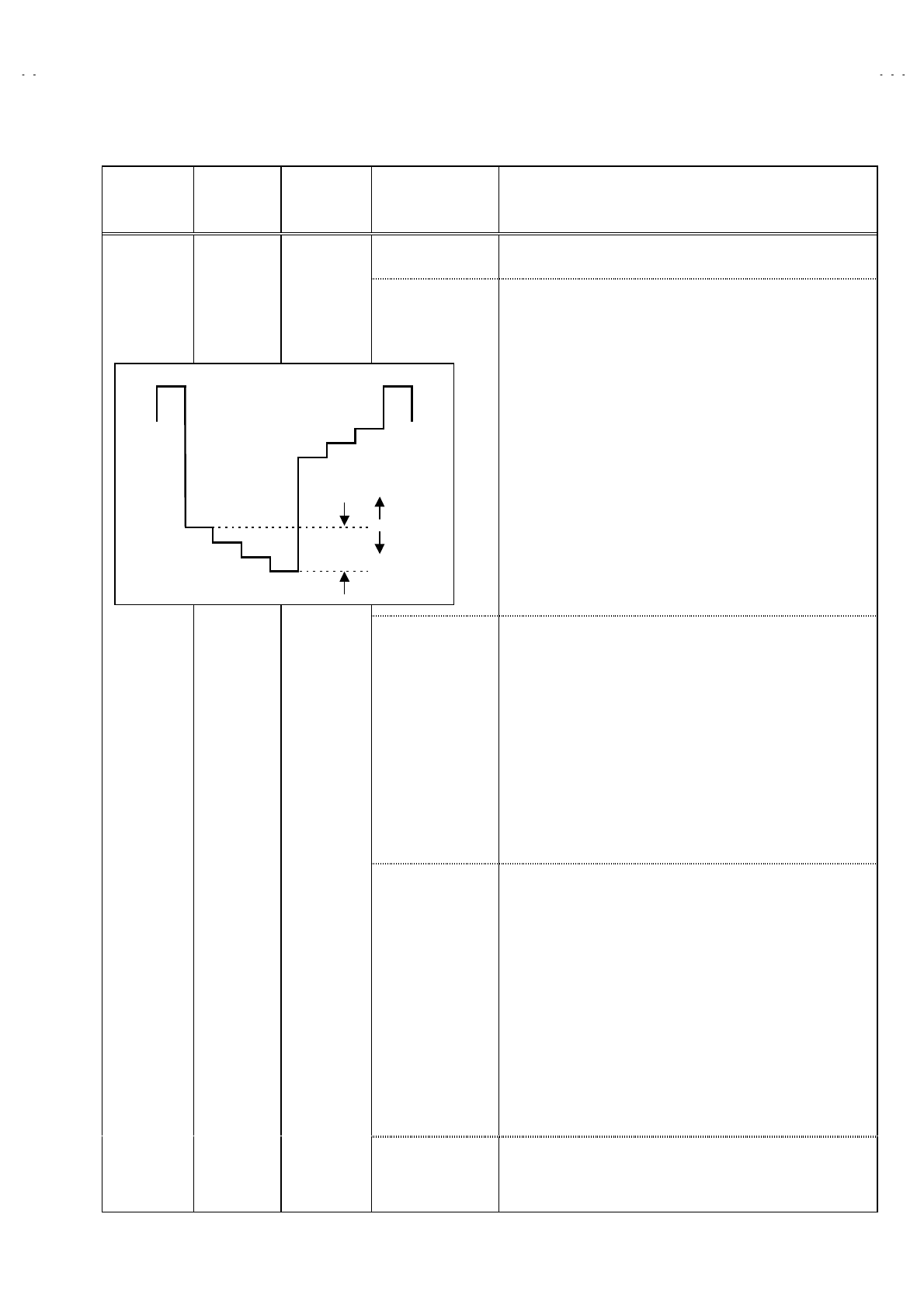
No. 52027
A
V-21Q3
A
V-21QMG3
A
V-2115EE
25
Item Measuring
instrument Test point Adjustment part Description
5. COLOUR [Method of adjustment using measuring instrument]
PAL COLOUR 1. Input a PAL full field colour bar signal (75% white).
2. Enter the SERVICE MENU.
3. S el ec t 2. V/C from SERVICE MENU.
4. S el ec t 5. COLOUR with the MENU ▼/▲ key.
5. Set the initial setting value of PAL COLOUR with the MENU
- / + key.
6. Connect the oscilloscope between TP-47G/R and TP-E (#).
7. Adjust PAL COLOUR to bring the value of (A) in the illustration
to +10V(W-G). (Voltage value between (W) and (G))
SECAM COLOUR 1. Input a SECAM full field colour bar signal (75% white).
2. Set the initial setting value of SECAM COLOUR with the MENU
- / + key.
3. Adjust SECAM COLOUR to bring the value of (A) in the
illustration to +10V(W-G). (Voltage value between (W) and (G))
NTSC 3.58 COLOUR 1. Input a NTSC 3.58 full field colour bar signal (75% white).
2. Set the initial setting value of NTSC 3.58 COLOUR with the
MENU - / + key.
3. Adjust NTSC 3.58 COLOUR to bring the value of (A) in the
illustration to +10V(W-G). (Voltage value between (W) and (G))
Adjustment
of SUB
COLOUR Ⅱ
ⅡⅡ
Ⅱ
Signal
generator
Oscillo-
scope
Remote
control unit
TP-47G/R
TP-E (#
##
#)
[CRT SOCKET
PWB]
NTSC 4.43 COLOUR When NTSC 3.58 is set, NTSC 4.43 will be automatically set at the
respective values.
WY
Cy G
Mg R
B
(A)
0V
(-)
(+)
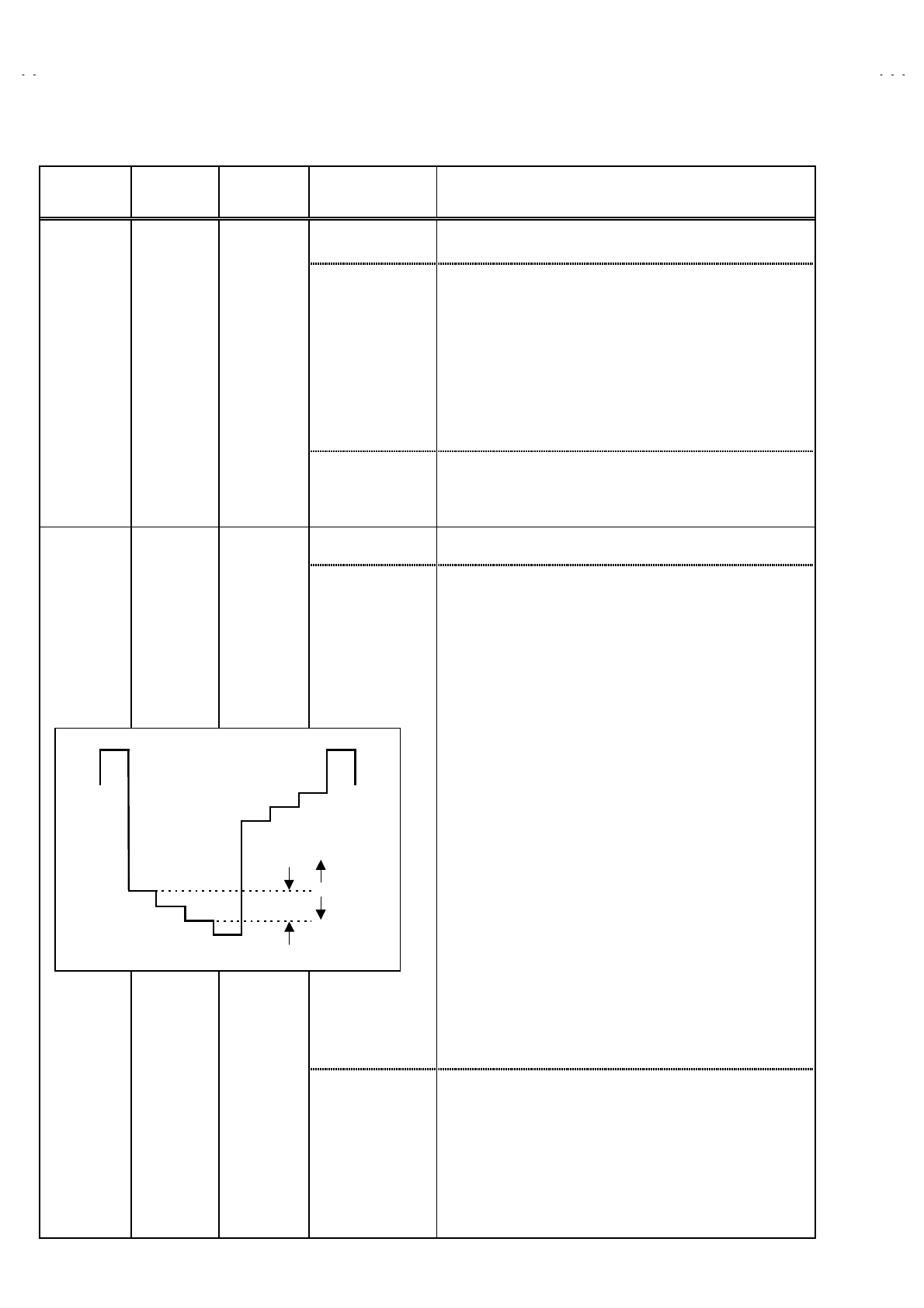
No. 52027
A
V-21Q3
A
V-21QMG3
A
V-2115EE
26
Item Measuring
instrument Test point Adjustment part Description
6. TINT [Method of adjustment without measuring instrument]
NTSC 3.58 TINT 1. Input a NTSC 3.58 full field colour bar signal (75% white).
2. Enter the SERVICE MENU.
3. S el ec t 2. V/C from SERVICE MENU.
4. S el ec t 6. TINT with the MENU ▼/▲ key.
5. Set the initial setting value of NTSC 3.58 with the MENU - / +
key.
6. If you cannot get the best tint with the initial setting value, make
fine adjustment until you get the best tint.
Adjustment
of TINTⅠ
ⅠⅠ
Ⅰ
Signal
generator
Remote
control unit
NTSC 4.43 TINT When NTSC 3.58 is set, NTSC 4.43 will be automatically set at the
respective values.
6. TINT [Method of adjustment using measuring instrument]
NTSC 3.58 TINT 1. Input a NTSC 3.58 full field colour bar signal (75% white).
2. Enter the SERVICE MENU.
3. S el ec t 2. V/C from SERVICE MENU.
4. S el ec t 6. TINT with the MENU ▼/▲ key.
5. Set the initial setting value of NTSC 3.58 with the MENU - / +
key.
6. Connect the oscilloscope between TP-47G/R and TP-E. (#).
7. Adjust NTSC 3.58 TINT to bring the value of (B) in the
illustration +7V(W- Cy). (Voltage value between (W) and (Cy))
Adjustment
of TINTⅡ
ⅡⅡ
Ⅱ
Signal
generator
Oscillo-
scope
Remote
control unit
TP-47G/R
TP-E (#
##
#)
[CRT
SOCKET
PWB]
NTSC 4.43 TINT When NTSC 3.58 is set, NTSC 4.43 will be automatically set at the
respective values.
W
Y
Cy
G
Mg
R
B
(B)
0V
(-)
(+)
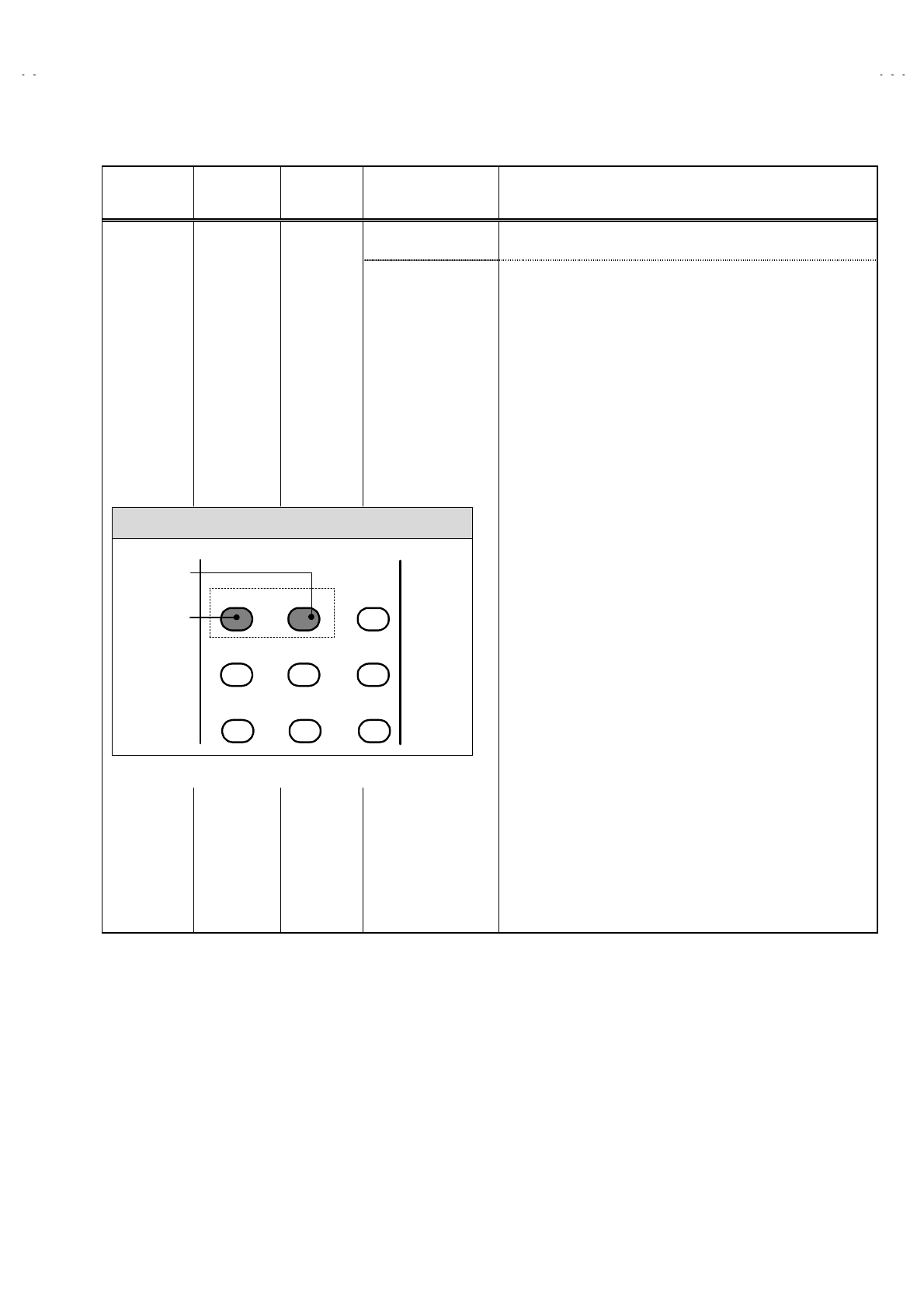
No. 52027
A
V-21Q3
A
V-21QMG3
A
V-2115EE
27
Item Measuring
instrument Test point Adjustment part Description
7.SECAM
BL ADJUST
[Method of adjustment using measuring instrument]Adjustment
of SECAM
BLACK
OFFSET
Remote
control unit
Signal
generator
1. Input a SECAM full field colour bar signal.
2. Enter the SERVICE MENU.
3. S el ec t 2. V/C from SERVICE MENU.
4. S el ec t 7. SECAM BL ADJUST with MENU ▼/▲ key.
5. Set the initial setting value with the MENU - / + key.
6. Swit ch the ①key (colour OFF) and ②key (colour ON) on the
remote control and make sure that there is no colour on the
black and white screen.
7. If the black and white screen is not best with the initial setting
value, make fine adjustment until you get the best black and
white screen.
8. While watching the screen, adjust the value to be the same
colour between ON & OFF by ten key on the remote control
unit.
9. Press the DISPLAY key twice to return to the normal screen.
KEY ASSIGNMENT OF REMOTE CONTROL UNIT
12 3
456
789
COLOUR
ON
COLOUR
OFF
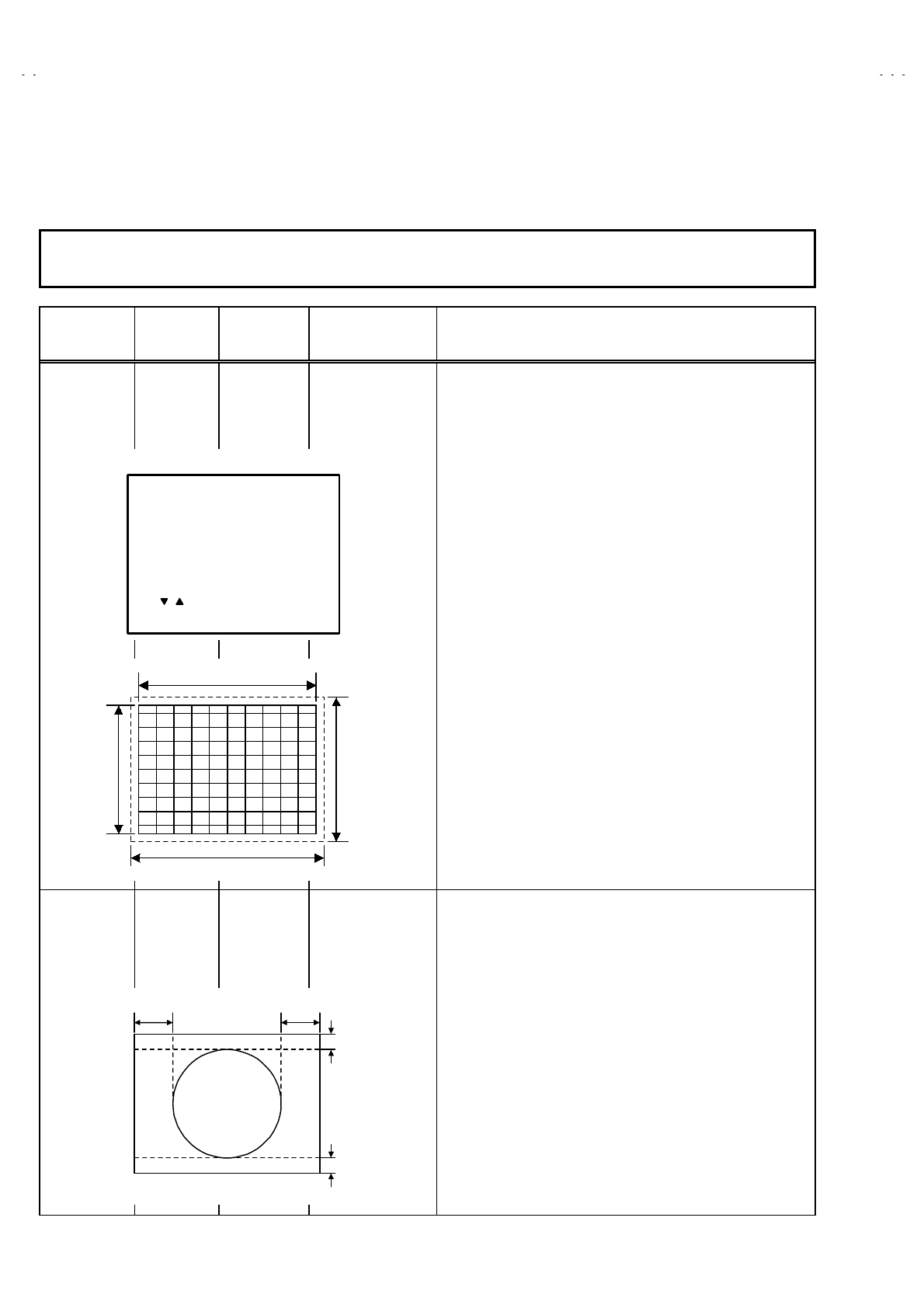
No. 52027
A
V-21Q3
A
V-21QMG3
A
V-2115EE
28
DEFLECTION CIRCUIT ADJUSTMENT
" There are 2 modes of adjustment (setting value) ------ ① 50Hz mode and ② 60Hz mode ----- depending upon the kind of signals
(vertical frequency 50Hz / 60Hz).
" When adjusted in mode ① , mode ② will be automatically set.
The setting (adjustment) using the REMOTE CONTROL UNIT is made on the basis of the initial setting values.
The setting values which adjust the screen to the optimum condition can be different from the initial setting values.
Item Measuring
instrument Test point Adjustment part Description
Adjustment
of
V.HEIGHT
&
V.POSITION
Signal
generator
Remote
control unit
1. VER. POSITION
3. VER. HEIGHT
1. Input a circle pattern signal.
2. Enter the SERVICE MENU.
3. S el ec t 3. DEF. from SERVICE MENU.
4. S el ec t 1. VER. POSITION with the MENU ▼/▲ key.
5. Set the initial setting value with the MENU - / + key.
6. Adj ust V and V’ to be equal with the MENU - / + key as shown in
Fig.2.
7. Input a cross-hatch signal.
8. S el ec t 3. V. HEIGHT with the MENU ▼/▲ key.
9. Set the initial setting value with the MENU - / + key.
10. As shown in Fig.1, adjust VER. HEIGHT and make the vertical
screen size 92% of the picture size with the MENU - / + keys of
remote control unit.
Adjustment
of
HOR.
POSITION
Signal
generator
Remote
control unit
2.HOR. POSITION 11. Input a circle pattern signal.
12. S el ec t 2. HOR POSITION with the MENU ▼/▲ key.
13. Set the initial setting value of 2. HOR. POSITION with the
MENU - / + key.
14. Adj ust 2. HOR. POSITION to make H=H" as shown in Fig.2
with the MENU - / + key.
Screen size
Picture size 100%
Screen
size
92%
Picture
size
100%
Fig.1
HH"
Fig.2
V
V'
DEF
- / + : OPERATE DISP : EXIT
***
SUB MENU 3. DEF
/ :SELECT
50Hz
1. VER. POSITION
PAL
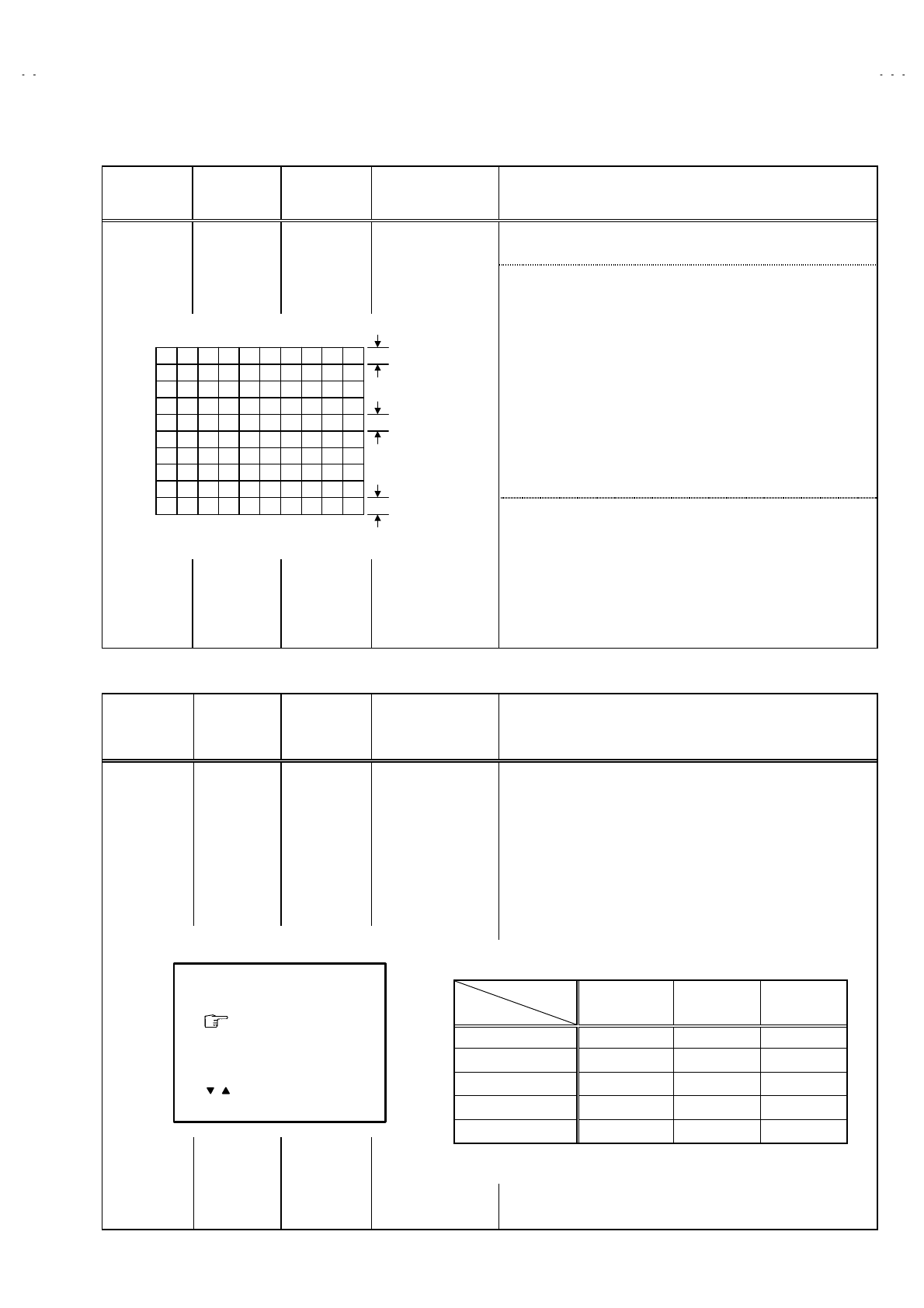
No. 52027
A
V-21Q3
A
V-21QMG3
A
V-2115EE
29
Item Measuring
instrument Test point Adjustment part Description
●
●●
●When the vertical linearity has been deteriorated
remarkably, perform the following steps.
15. Input a cross-hatch signal.
16. S el ec t 4. VER. LIN. with the MENU ▼/▲ key.
17. Set the initial setting value of 4. VER LIN. with the MENU - / +
key.
18. S el ec t 5. VER. SCURVE with the MENU ▼/▲ key.
19. Set the initial setting value of 5. VER. SCURVE with the MENU
- / + key.
20. Adj ust 4. VER. LIN. and 5. VER. SCURVE so that the spaces
of each line as shown in Fig.3 on TOP, CENTER and
BOTTOM become uniform.
Adjustment
of VER. LIN.
& VER.
SCURVE
Signal
generator
Remote
control unit
4. VER. LIN.
5. VER. SCURVE
Make sure that the adjustment is properly done on the screen of
60Hz mode.
[NOTE]
" Adjust to make both 50Hz & 60Hz are the same v. size and
fine straight line.
" When adjust again, adjust 50Hz mode first.
" When adjust in 60Hz mode, only 60Hz mode is adjust.
VSM PRESET SETTING
Item Measuring
instrument Test point Adjustment part Description
Setting of
VSM
PRESET
Remote
control unit
TINT
COLOUR
BRIGHT
CONT.
SHARP
1. Enter the SERVICE MENU.
2. S el ec t 4. VSM PRESET from the SERVICE MENU.
3. Select BRIGHT with the PICTURE MODE key.
4. Adjust t he MENU ▼/▲ and MENU - / + key to bring the set
values of TINT ~
~~
~ SHARP to the values shown in the below
table.
5. Respectively select the VSM PRESET mode for SOFT and
STANDARD, and make similar adjustment as in 3 above.
TOP
CENTER
BOTTOM
Fig.3
BRIGHT
TINT
COLOUR
BRIGHT
CONT.
SHARP
- / + : OPERATE DISP : EXIT
**
**
**
**
**
/ :SELECT
•
••
• VSM PRESET
Preset Mode
Setting Item
BRIGHT STANDARD SOFT
TINT +15 ←←
COLOUR +15 ←←
BRIGHT +15 ←←
CONT +30 +15 +13
SHARP +15 ←+12
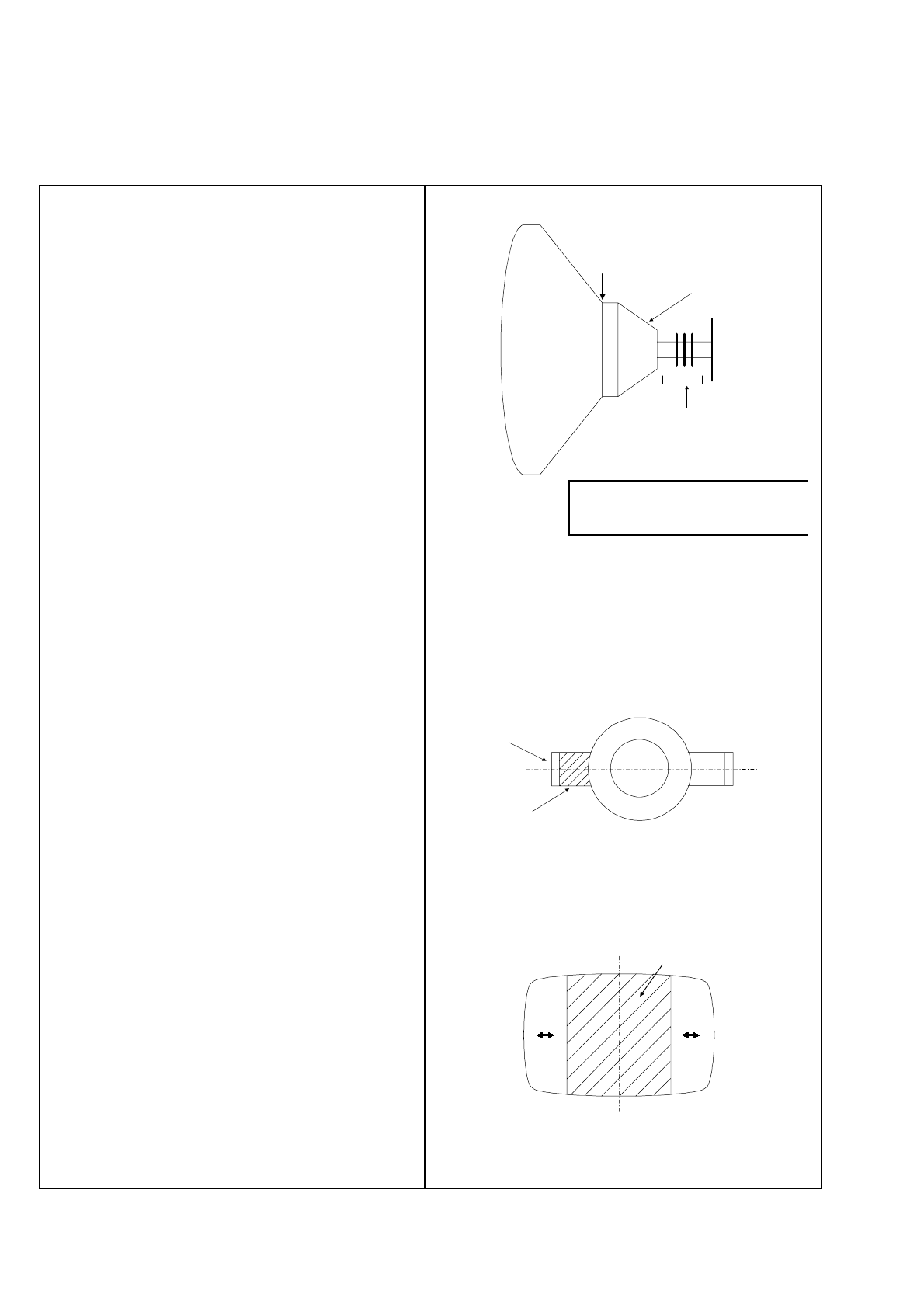
No. 52027
A
V-21Q3
A
V-21QMG3
A
V-2115EE
30
PURITY / CONVERGENCE ADJUSTMENT
PURITY ADJUSTMENT
1. Demagnetize CRT with the demagnetizer.
2. Loosen the retainer screw of the deflection yoke.
3. Remove the wedges.
4. Input a green raster signal from the signal generator, and turn
the screen to green raster.
5. Move the deflection yoke backward.
6. Bring the long lug of the purity magnets on the short lug and
position them horizontally. (Fig.2)
7. Adjust the gap between two lugs so that the GREEN RASTER
will come into the center of the screen. (Fig.3)
8. Move the deflection yoke forward, and fix the position of the
deflection yoke so that the whole screen will become green.
9. Insert the wedge to the top side of the deflection yoke so that it
will not move.
10. Input a crosshatch signal.
11. Verify that the screen is horizontal.
12. Input red and blue raster signals, and make sure that purity is
properly adjusted.
CRT
WEDGE DEFLECTION
YOKE
P / C
MAGNETS
P
46
PURITY MAGNETS
Long lug
Short lug
Bring the long lug over the short lug
and position them horizontally.
(FRONT VIEW ) GREEN RASTER
CENTER
P : PURITY MAGNET
4 : 4 POLES (convergence magnets)
6 : 6 POLES (convergence magnets)
$ P/C MAGNETS
Fig.1
Fig.3
Fig.2
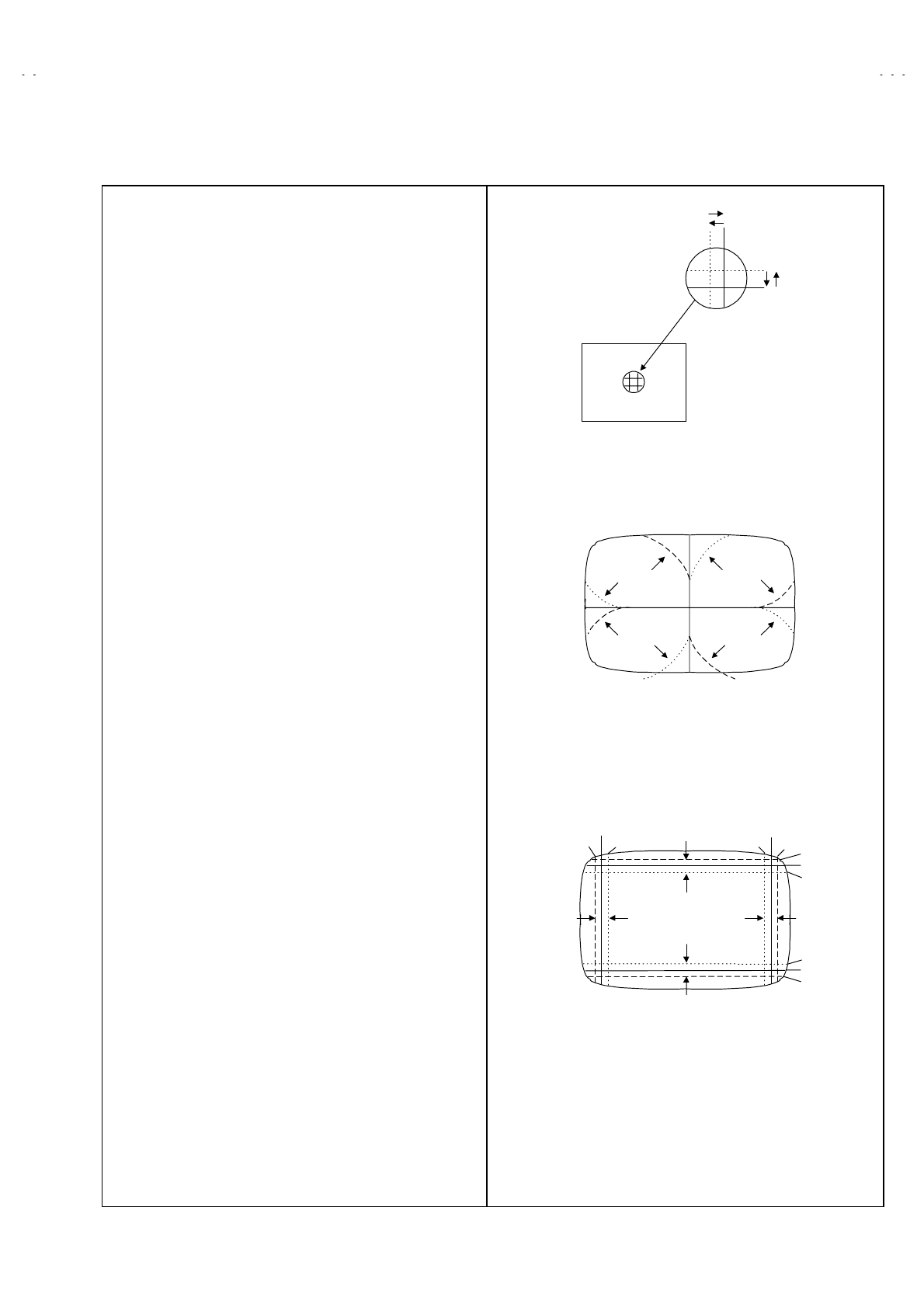
No. 52027
A
V-21Q3
A
V-21QMG3
A
V-2115EE
31
STATIC CONVERGENCE ADJUSTMENT
1. Input a crosshatch signal.
2. Using 4-pole convergence magnets, overlap the red and blue
lines in the center of the screen (Fig.1) and turn them to
magenta (red/blue).
3. Using 6-pole convergence magnets, overlap the
magenta(red/blue) and green lines in the center of the screen
and turn them to white.
4. Repeat 2 and 3 above, and make best convergence.
DYNAMIC CONVERGENCE ADJUSTMENT
1. Move the deflection yoke up and down and overlap the lines in
the periphery. (Fig. 2)
2. Move the deflection yoke left to right and overlap the lines in the
periphery. (Fig. 3)
3. Repeat 1 and 2 above, and make best convergence.
● After adjustment, fix the wedge at the original position.
Fasten the retainer screw of the deflection yoke.
Fix the 6 magnets with glue.
(FRONT VIEW)
GREEN
(FRONT VIEW )
BLUE
RED
BLUE
GREEN
RED
RED
GREEN
BLUE
GREEN RED
BLUE
GREEN
(FRONT VIEW )
BLUE RED
BLUE
GREEN
RED RED
GREEN
BLUE
GREEN
RED
BLUE
Fig.3
Fig.2
Fig.1

No. 52027
A
V-21Q3
A
V-21QMG3
A
V-2115EE
32
SERVICE MANUAL
COPYRIGHT © 2003 VICTOR COMPANY OF JAPAN, LTD. No.52027B
2003/03
AV-2115EE
AV-2116EE
COLOUR TELEVISION
52027B200303
AV-2115EE/SK,
AV-2116EE/SK
The following items for the AV-2115EE/SK, AV-2116EE/SK models were changed partly from AV-2115EE
models.
Therefore, this service manual describes only the items which differ from those of the AV-2115EE model
service manual.
For details other than those described in this manual, please refer to the AV-2115EE model service manual
(No.52027, Aug.2002).
OUTLINE
HOW TO IDENTIFY MODELS
Since the production place of the model has been changed, changes are presented here.
“AV-2115EE/SK”, “AV-2116EE/SK” is added to the serial No. under at the Rating label.
MODEL
Indicated
SERIAL No.
AV-2115EE
AV-2115EE/SK
AV-2116EE/SK
BASIC CHASSIS
CG
Supplementary
AV-2115EE
AV-2116EE
1-2 (No.52027B)
DIFFERENCE LIST
USING P.W.BOARD (Page 34)
EXPLODED VIEW PARTS LIST
EXPLODED VIEW (Page 36)
PRINTED WIRING BOARD PARTS LIST
[AV-2115EE/SK]
Since there are many differences in MAIN PW BOARD, lists of all the parts are described here.
MAIN PW BOARD(SCG-1460A-H2)
P.W.B ASS’Y AV-2115EE AV-2115EE/SK AV-2116EE/SK DESCRIPTION
MAIN PWB SCG-1442A-H2 SCG-1460A-H2 SCG-1465A-H2 Non compatible
CRT SOCKET PWB - - SCG-3003A-CK
Ref. No.
PARTS No.
PARTS NAME DESCRIPTION
AV-2115EE AV-2115EE/SK
AV-2116EE/SK
V01 A51LMV10X - PICTURE TUBE
V01 - A51KQK99X01 ITC
L01 QQW0006-001 QQW0077-001 DEG COIL
DY01 CE20336-00A - DEF YOKE
T1522 QQH0131-001 QQH0134-001-KD F.B.TRANSF.
1 GG10196-001A-H GG10196-001C-HK FRONT CABINET
3 GG30054-001A-H GG30054-001B-H POWER KNOB
5 GG20030-001A-H GG20030-001D-H CONTROL KNOB
6 GG30055-001A-H GG30055-001B-H REMOCON LENS
10 A75034-B - PC MAGNET
11 CE42153-00AJ1 - WEDGE ASSY (x3)
14 CM12863-A02-MH GG10049-002A-HK REAR COVER
17 GG20024-001A-H GG20024-001B-H RATING LABEL
Ref. No. PARTS No. PARTS NAME DESCRIPTION
IC1301 NN5198K IC
IC1301 NN5198K IC
IC1421 AN5522 IC
IC1651 AN5265 IC
IC1701 MN1873287JK1 IC(MCU)
IC1702 AT24C08-21DMG3 IC (SERVICE)
IC1703 L78LR05E-MA IC
IC1704 GP1UM281QK IR DETECT UNIT 38kHz
IC1921 STR-W5753A/F5 IC
IC1971 BA17809T IC
IC1972 BA17805T IC
Q1102 2SC5083/L-P/-T TRANSISTOR
Q1301 2SB709A/QR/-X TRANSISTOR
Q1302 2SD601A/QR/-X TRANSISTOR
Q1351 STC344-T TRANSISTOR
Q1352 STC344-T TRANSISTOR
Q1353 STC344-T TRANSISTOR
Q1401 DTC124ESA-T DIGI TRANSISTOR
Q1402 2SD601A/QR/-X TRANSISTOR
Q1521 2SC2655/Y/-T TRANSISTOR
Q1522 2SD2627-YB11 POW TRANSISTOR
Q1571 2SA1208/ST/Z1-T TRANSISTOR
Q1572 2SD601A/QR/-X TRANSISTOR
Q1651 2SD601A/QR/-X TRANSISTOR
Q1652 2SD601A/QR/-X TRANSISTOR
Q1653 2SB709A/QR/-X TRANSISTOR
Q1702 2SD601A/QR/-X TRANSISTOR
Q1703 2SD601A/QR/-X TRANSISTOR
Q1708 UN2212-X DIGI TRANSISTOR
Q1709 2SB709A/QR/-X TRANSISTOR
Q1803 2SC1815/YG/-T TRANSISTOR
Q1804 2SD601A/QR/-X TRANSISTOR
Q1974 2SA966/OY/-T TRANSISTOR
Q1975 UN2212-X DIGI TRANSISTOR
D1001 MTZJ33A-T2 Z DIODE
D1102 IM-BW BUS WIRE
D1301 MTZJ9.1B-T2 Z DIODE
D1302 MTZJ9.1B-T2 Z DIODE
D1303 MA3091/M/-X Z DIODE
D1305 AK04-T2 SB DIODE
D1306 QRE121J-121Y C RESISTOR 120Ω 1/2W J
D1341 MA111-X SI DIODE
D1421 MTZJ75-T2 Z DIODE
D1423 1SR124-400A-T2 SI DIODE
D1425 MA111-X SI DIODE
D1427 MTZJ27B-T2 Z DIODE
D1501 MTZJ6.8C-T2 Z DIODE
D1551 RGP10J-5025-T3 SI DIODE
D1552 RGP10J-5025-T3 SI DIODE
D1553 MTZJ9.1B-T2 Z DIODE
D1554 MA111-X SI DIODE
D1557 1SR124-400A-T2 SI DIODE
D1571 MTZJ7.5S-T2 Z DIODE
Ref. No. PARTS No. PARTS NAME DESCRIPTION
AV-2115EE
AV-2116EE
(No.52027B)1-3
D1581 MTZJ20B-T2 Z DIODE
D1582 RGP10J-5025-T3 SI DIODE
D1651 MA111-X SI DIODE
D1652 MTZJ12C-T2 Z DIODE
D1653 MA111-X SI DIODE
D1654 MTZJ12C-T2 Z DIODE
D1655 MA111-X SI DIODE
D1656 MA111-X SI DIODE
D1657 MA111-X SI DIODE
D1701 MA111-X SI DIODE
D1704 SLR-342VR-T16 LED RED
D1705 SLR-342DU-T16 LED ORANGE
D1707 MA111-X SI DIODE
D1731 MA111-X SI DIODE
D1920 1SS133-T2 SI DIODE
D1921 RGP10J-5025-T3 SI DIODE
D1925 RGP10J-5025-T3 SI DIODE
D1927 MTZJ36A-T2 Z DIODE
D1928 MTZJ3.3A-T2 Z DIODE
D1930 RGP10M-5010-T3 SI DIODE
D1931 MA111-X SI DIODE
D1933 MTZJ16C-T2 Z DIODE
D1941 RU3AM-LFC4 SI DIODE
D1942 RGP30B-F1 SI DIODE
D1943 RGP10J-5025-T3 SI DIODE
D1982 MA111-X SI DIODE
D1983 MA111-X SI DIODE
PC1701 P1241-04 PHOTO CONDUCTOR
C1001 QETN1HM-106Z E CAPACITOR 10uF 50V M
C1002 NCB31HK-103X C CAPACITOR 0.01uF 50V K
C1004 QETN1CM-477Z E CAPACITOR 470uF 16V M
C1005 QFV71HJ-104Z MF CAPACITOR 0.1uF 50V J
C1008 QETN1HM-475Z E CAPACITOR 4.7uF 50V M
C1103 QETN1EM-476Z E CAPACITOR 47uF 25V M
C1104 NCB31HK-472X C CAPACITOR 4700pF 50V K
C1105 NCB31HK-472X C CAPACITOR 4700pF 50V K
C1106 NCB31HK-472X C CAPACITOR 4700pF 50V K
C1107 NCB31HK-472X C CAPACITOR 4700pF 50V K
C1110 NRSA63J-0R0X MG RESISTOR 0Ω 1/16W J
C1112 QETN1EM-476Z E CAPACITOR 47uF 25V M
C1113 NCB31HK-472X C CAPACITOR 4700pF 50V K
C1114 NCB31HK-103X C CAPACITOR 0.01uF 50V K
C1115 NCB31HK-103X C CAPACITOR 0.01uF 50V K
C1116 NCB31HK-103X C CAPACITOR 0.01uF 50V K
C1117 QFV71HJ-224Z MF CAPACITOR 0.22uF 50V J
C1119 QETN1HM-474Z E CAPACITOR 0.47uF 50V M
C1120 NDC31HJ-121X C CAPACITOR 120pF 50V J
C1121 NCB31HK-103X C CAPACITOR 0.01uF 50V K
C1122 NCB31HK-103X C CAPACITOR 0.01uF 50V K
C1162 NCB31HK-152X C CAPACITOR 1500pF 50V K
C1301 NCB31HK-123X C CAPACITOR 0.012uF 50V K
C1302 QETN1HM-475Z E CAPACITOR 4.7uF 50V M
C1303 NDC31HJ-100X C CAPACITOR 10pF 50V J
C1304 QFV71HJ-474Z MF CAPACITOR 0.47uF 50V J
C1305 QETN1HM-474Z E CAPACITOR 0.47uF 50V M
C1306 NCB31HK-103X C CAPACITOR 0.01uF 50V K
C1307 QETN1CM-477Z E CAPACITOR 470uF 16V M
C1308 QETN1CM-107Z E CAPACITOR 100uF 16V M
C1309 NCB31HK-103X C CAPACITOR 0.01uF 50V K
C1310 NDC31HJ-221X C CAPACITOR 220pF 50V J
C1311 NCB31HK-103X C CAPACITOR 0.01uF 50V K
C1312 QENC1HM-474Z BP E CAPACITOR 0.47uF 50V M
C1313 QETN1HM-335Z E CAPACITOR 3.3uF 50V M
C1314 NCB31HK-103X C CAPACITOR 0.01uF 50V K
C1315 QETN1CM-107Z E CAPACITOR 100uF 16V M
C1316 QETN1HM-106Z E CAPACITOR 10uF 50V M
C1317 NCB31EK-473X C CAPACITOR 0.047uF 25V K
C1321 NDC31HJ-120X C CAPACITOR 12pF 50V J
Ref. No. PARTS No. PARTS NAME DESCRIPTION
C1322 NCB31EK-273X C CAPACITOR 0.027uF 25V K
C1323 QETN1HM-474Z E CAPACITOR 0.47uF 50V M
C1324 QETN1HM-106Z E CAPACITOR 10uF 50V M
C1325 QENC1HM-106Z BP E CAPACITOR 10uF 50V M
C1326 NCS21HJ-221X C CAPACITOR 220pF 50V J
C1341 QETN1HM-106Z E CAPACITOR 10uF 50V M
C1352 QFZ0097-103 MM CAPACITOR 0.01uF
C1354 NDC31HJ-271X C CAPACITOR 270pF 50V J
C1355 NDC31HJ-221X C CAPACITOR 220pF 50V J
C1356 NDC31HJ-331X C CAPACITOR 330pF 50V J
C1357 QETN1AM-477Z E CAPACITOR 470uF 10V M
C1365 QENC1HM-105Z BP E CAPACITOR 1uF 50V M
C1366 QENC1HM-105Z BP E CAPACITOR 1uF 50V M
C1367 QENC1HM-105Z BP E CAPACITOR 1uF 50V M
C1401 QFV71HJ-474Z MF CAPACITOR 0.47uF 50V J
C1423 QCS32HJ-180Z C CAPACITOR 18pF 500V J
C1424 QFLC2AJ-103Z M CAPACITOR 0.01uF 100V J
C1426 QFLC1HJ-102Z M CAPACITOR 1000pF 50V J
C1427 QETN1VM-107Z E CAPACITOR 100uF 35V M
C1428 QETN1VM-107Z E CAPACITOR 100uF 35V M
C1429 QETN1HM-106Z E CAPACITOR 10uF 50V M
C1430 QFN32AJ-472Z M CAPACITOR 4700pF 100V J
C1433 QEHR1HM-475Z E CAPACITOR 4.7uF 50V M
C1435 QETM1EM-228 E CAPACITOR 2200uF 25V M
C1436 QFV71HJ-334Z MF CAPACITOR 0.33uF 50V J
C1437 NCB31HK-104X C CAPACITOR 0.1uF 50V K
C1501 QETN1AM-477Z E CAPACITOR 470uF 10V M
C1502 NCB31HK-103X C CAPACITOR 0.01uF 50V K
C1503 QETN1HM-106Z E CAPACITOR 10uF 50V M
C1523 QETN1EM-476Z E CAPACITOR 47uF 25V M
C1525 QFZ0200-942 MPP CAPACITOR 9400pF 1.5kV H
C1526 QFLC1HJ-822Z M CAPACITOR 8200pF 50V J
C1527 QFZ0199-374 MPP CAPACITOR 0.37uF
C1529 QFLC1HJ-332Z M CAPACITOR 3300pF 50V J
C1531 QEZ0203-107 E CAPACITOR 100uF 160V M
C1552 QETM1VM-108 E CAPACITOR 1000uF 35V M
C1554 QETN2EM-475Z E CAPACITOR 4.7uF 250V M
C1555 QFLC2AJ-104Z M CAPACITOR 0.1uF 100V J
C1557 QETN1HM-107Z E CAPACITOR 100uF 50V M
C1571 QETN1AM-107Z E CAPACITOR 100uF 10V M
C1572 QETN1EM-476Z E CAPACITOR 47uF 25V M
C1581 QFV71HJ-104Z MF CAPACITOR 0.1uF 50V J
C1652 NCB31HK-473X C CAPACITOR 0.047uF 50V K
C1653 QETN1HM-106Z E CAPACITOR 10uF 50V M
C1654 QETN1CM-477Z E CAPACITOR 470uF 16V M
C1655 QETN1HM-106Z E CAPACITOR 10uF 50V M
C1656 QENC1HM-105Z BP E CAPACITOR 1uF 50V M
C1657 QETN1EM-107Z E CAPACITOR 100uF 25V M
C1658 QETN1EM-227Z E CAPACITOR 220uF 25V M
C1659 QETN1HM-475Z E CAPACITOR 4.7uF 50V M
C1663 NCB31HK-102X C CAPACITOR 1000pF 50V K
C1664 QETN1CM-107Z E CAPACITOR 100uF 16V M
C1665 NCB31HK-103X C CAPACITOR 0.01uF 50V K
C1701 QETN1HM-106Z E CAPACITOR 10uF 50V M
C1705 QETN1CM-477Z E CAPACITOR 470uF 16V M
C1706 NCB31HK-104X C CAPACITOR 0.1uF 50V K
C1707 NCB31HK-103X C CAPACITOR 0.01uF 50V K
C1708 QETN1AM-108Z E CAPACITOR 1000uF 10V M
C1709 NCB31HK-103X C CAPACITOR 0.01uF 50V K
C1710 QETN1CM-107Z E CAPACITOR 100uF 16V M
C1711 NCB31HK-103X C CAPACITOR 0.01uF 50V K
C1712 NCB31HK-103X C CAPACITOR 0.01uF 50V K
C1713 NCB31HK-103X C CAPACITOR 0.01uF 50V K
C1716 NDC31HJ-181X C CAPACITOR 180pF 50V J
C1717 NDC31HJ-181X C CAPACITOR 180pF 50V J
C1718 NCB31HK-103X C CAPACITOR 0.01uF 50V K
C1719 QETN1HM-105Z E CAPACITOR 1uF 50V M
C1720 NCB31HK-103X C CAPACITOR 0.01uF 50V K
C1721 NCB31EK-333X C CAPACITOR 0.033uF 25V K
C1722 NDC31HJ-101X C CAPACITOR 100pF 50V J
Ref. No. PARTS No. PARTS NAME DESCRIPTION
AV-2115EE
AV-2116EE
1-4 (No.52027B)
C1724 NDC31HJ-560X C CAPACITOR 56pF 50V J
C1728 NDC31HJ-181X C CAPACITOR 180pF 50V J
C1729 NDC31HJ-181X C CAPACITOR 180pF 50V J
C1730 NCB31HK-103X C CAPACITOR 0.01uF 50V K
C1741 IM-BW BUS WIRE
C1742 IM-BW BUS WIRE
C1743 IM-BW BUS WIRE
C1744 NCB31HK-103X C CAPACITOR 0.01uF 50V K
C1805 QETN1CM-227Z E CAPACITOR 220uF 16V M
C1806 QETN1CM-477Z E CAPACITOR 470uF 16V M
C1811 QETN1HM-106Z E CAPACITOR 10uF 50V M
C1841 NCB31HK-152X C CAPACITOR 1500pF 50V K
C1901 QFZ9078-224 MPP CAPACITOR 0.22uF
C1904 QCZ9015-102Z C CAPACITOR 1000pF AC250V Z
C1905 QCZ9015-102Z C CAPACITOR 1000pF AC250V Z
C1907 QCZ9015-102Z C CAPACITOR 1000pF AC250V Z
C1909 QEZ0552-127 E CAPACITOR 120uF
C1910 QFZ9078-473 MPP CAPACITOR 0.047uF
C1922 QFLC1HJ-104Z M CAPACITOR 0.1uF 50V J
C1924 QETN1HM-475Z E CAPACITOR 4.7uF 50V M
C1925 QETN1VM-476Z E CAPACITOR 47uF 35V M
C1926 QFLC1HJ-332Z M CAPACITOR 3300pF 50V J
C1929 QFKA2JK-103 MM CAPACITOR 0.01uF 630V K
C1931 QCZ0364-681 C CAPACITOR 680pF
C1932 NDC31HJ-221X C CAPACITOR 220pF 50V J
C1941 QCZ0364-561 C CAPACITOR 560pF
C1942 QEZ0203-107 E CAPACITOR 100uF 160V M
C1944 QCB32HK-222Z C CAPACITOR 2200pF 500V K
C1945 QEHR1EM-108Z E CAPACITOR 1000uF 25V M
C1946 QETN1EM-108Z E CAPACITOR 1000uF 25V M
C1947 QCB32HK-222Z C CAPACITOR 2200pF 500V K
C1948 QETN1EM-108Z E CAPACITOR 1000uF 25V M
C1949 NDC31HJ-471X C CAPACITOR 470pF 50V J
C1976 QETN1EM-227Z E CAPACITOR 220uF 25V M
C1977 QETN1CM-227Z E CAPACITOR 220uF 16V M
C1978 QETN1EM-227Z E CAPACITOR 220uF 25V M
C1979 QETN1AM-227Z E CAPACITOR 220uF 10V M
C1991 QCZ9079-102 C CAPACITOR 1000pF AC250V M
C1992 QCZ9079-102 C CAPACITOR 1000pF AC250V M
C1993 QCZ9079-222 C CAPACITOR 2200pF AC250V M
R1002 NRSA63J-221X MG RESISTOR 220Ω 1/16W J
R1003 NRSA63J-221X MG RESISTOR 220Ω 1/16W J
R1004 NRSA63J-563X MG RESISTOR 56kΩ 1/16W J
R1102 NRSA63J-750X MG RESISTOR 75Ω 1/16W J
R1103 NRSA63J-100X MG RESISTOR 10Ω 1/16W J
R1109 NRSA63J-682X MG RESISTOR 6.8kΩ 1/16W J
R1110 NRSA63J-272X MG RESISTOR 2.7kΩ 1/16W J
R1111 NRSA63J-181X MG RESISTOR 180Ω 1/16W J
R1112 NRSA63J-100X MG RESISTOR 10Ω 1/16W J
R1113 NRSA63J-101X MG RESISTOR 100Ω 1/16W J
R1120 NRSA63J-391X MG RESISTOR 390Ω 1/16W J
R1121 NRSA63J-221X MG RESISTOR 220Ω 1/16W J
R1159 NRSA63J-184X MG RESISTOR 180kΩ 1/16W J
R1301 NRSA63J-221X MG RESISTOR 220Ω 1/16W J
R1302 NRSA63J-472X MG RESISTOR 4.7kΩ 1/16W J
R1303 NRSA63J-101X MG RESISTOR 100Ω 1/16W J
R1304 NRSA63J-101X MG RESISTOR 100Ω 1/16W J
R1305 NRSA63J-101X MG RESISTOR 100Ω 1/16W J
R1306 NRSA63J-221X MG RESISTOR 220Ω 1/16W J
R1307 NRSA63J-122X MG RESISTOR 1.2kΩ 1/16W J
R1308 NRSA63J-182X MG RESISTOR 1.8kΩ 1/16W J
R1312 NRSA63J-0R0X MG RESISTOR 0Ω 1/16W J
R1313 NRSA63J-102X MG RESISTOR 1kΩ 1/16W J
R1314 NRSA63J-102X MG RESISTOR 1kΩ 1/16W J
R1321 NRSA63J-152X MG RESISTOR 1.5kΩ 1/16W J
R1322 NRSA63J-272X MG RESISTOR 2.7kΩ 1/16W J
R1323 NRSA63J-103X MG RESISTOR 10kΩ 1/16W J
R1324 NRSA63J-102X MG RESISTOR 1kΩ 1/16W J
R1326 NRSA63J-101X MG RESISTOR 100Ω 1/16W J
Ref. No. PARTS No. PARTS NAME DESCRIPTION
R1327 NRSA63J-475X MG RESISTOR 4.7MΩ 1/16W J
R1341 NRSA63J-332X MG RESISTOR 3.3kΩ 1/16W J
R1347 NRSA63J-392X MG RESISTOR 3.9kΩ 1/16W J
R1349 NRSA63J-472X MG RESISTOR 4.7kΩ 1/16W J
R1351 NRSA63J-151X MG RESISTOR 150Ω 1/16W J
R1352 NRSA63J-151X MG RESISTOR 150Ω 1/16W J
R1353 NRSA63J-151X MG RESISTOR 150Ω 1/16W J
R1354 NRSA63J-331X MG RESISTOR 330Ω 1/16W J
R1355 NRSA63J-331X MG RESISTOR 330Ω 1/16W J
R1356 NRSA63J-331X MG RESISTOR 330Ω 1/16W J
R1357 NRSA63J-101X MG RESISTOR 100Ω 1/16W J
R1358 NRSA63J-101X MG RESISTOR 100Ω 1/16W J
R1359 NRSA63J-101X MG RESISTOR 100Ω 1/16W J
R1360 QRZ0107-152Z C RESISTOR 1.5kΩ 1/2W K
R1361 QRZ0107-152Z C RESISTOR 1.5kΩ 1/2W K
R1362 QRZ0107-152Z C RESISTOR 1.5kΩ 1/2W K
R1363 QRL029J-123 OMF RESISTOR 12kΩ 2W J
R1364 QRL029J-123 OMF RESISTOR 12kΩ 2W J
R1365 QRL029J-123 OMF RESISTOR 12kΩ 2W J
R1366 NRSA63J-182X MG RESISTOR 1.8kΩ 1/16W J
R1367 NRSA63J-182X MG RESISTOR 1.8kΩ 1/16W J
R1368 NRSA63J-182X MG RESISTOR 1.8kΩ 1/16W J
R1372 NRSA63J-0R0X MG RESISTOR 0Ω 1/16W J
R1374 NRSA63J-682X MG RESISTOR 6.8kΩ 1/16W J
R1401 NRSA63J-103X MG RESISTOR 10kΩ 1/16W J
R1421 NRSA63J-472X MG RESISTOR 4.7kΩ 1/16W J
R1423 NRSA63J-0R0X MG RESISTOR 0Ω 1/16W J
R1424 NRSA63J-0R0X MG RESISTOR 0Ω 1/16W J
R1425 NRSA63J-332X MG RESISTOR 3.3kΩ 1/16W J
R1426 NRSA63J-0R0X MG RESISTOR 0Ω 1/16W J
R1429 NRSA63J-103X MG RESISTOR 10kΩ 1/16W J
R1430 NRSA63J-823X MG RESISTOR 82kΩ 1/16W J
R1431 NRSA63J-103X MG RESISTOR 10kΩ 1/16W J
R1432 QRE121J-3R9Y C RESISTOR 3.9Ω 1/2W J
R1433 QRE121J-2R7Y C RESISTOR 2.7Ω 1/2W J
R1436 NRSA63J-823X MG RESISTOR 82kΩ 1/16W J
R1440 QRE121J-471Y C RESISTOR 470Ω 1/2W J
R1441 NRSA63J-822X MG RESISTOR 8.2kΩ 1/16W J
R1442 NRSA63J-103X MG RESISTOR 10kΩ 1/16W J
R1443 QRE121J-1R0Y C RESISTOR 1Ω 1/2W J
R1453 NRSA63J-272X MG RESISTOR 2.7kΩ 1/16W J
R1501 IM-BW BUS WIRE
R1502 NRSA63J-0R0X MG RESISTOR 0Ω 1/16W J
R1503 NRSA63J-682X MG RESISTOR 6.8kΩ 1/16W J
R1521 QRE121J-560Y C RESISTOR 56Ω 1/2W J
R1525 QRL029J-330 OMF RESISTOR 33Ω 2W J
R1526 QRE121J-271Y C RESISTOR 270Ω 1/2W J
R1529 QRL039J-681 OMF RESISTOR 680Ω 3W J
R1531 NRSA63J-331X MG RESISTOR 330Ω 1/16W J
R1532 NRSA63J-102X MG RESISTOR 1kΩ 1/16W J
R1551 QRZ9011-1R0 FUSI RESISTOR 1Ω 1/2W J
R1552 QRJ146J-2R2X UNF C RESISTOR 2.2Ω 1/4W J
R1554 QRE121J-681Y C RESISTOR 680Ω 1/2W J
R1571 QRE121J-222Y C RESISTOR 2.2kΩ 1/2W J
R1573 QRT029J-1R5 MF RESISTOR 1.5Ω 2W J
R1574 QRT029J-1R5 MF RESISTOR 1.5Ω 2W J
R1576 QRE121J-223Y C RESISTOR 22kΩ 1/2W J
R1577 NRSA63J-392X MG RESISTOR 3.9kΩ 1/16W J
R1578 NRSA63J-103X MG RESISTOR 10kΩ 1/16W J
R1581 QRE121J-182Y C RESISTOR 1.8kΩ 1/2W J
R1582 NRSA63J-223X MG RESISTOR 22kΩ 1/16W J
R1583 NRSA63J-393X MG RESISTOR 39kΩ 1/16W J
R1584 IM-BW BUS WIRE
R1651 NRSA63J-472X MG RESISTOR 4.7kΩ 1/16W J
R1652 NRSA63J-102X MG RESISTOR 1kΩ 1/16W J
R1653 NRSA63J-331X MG RESISTOR 330Ω 1/16W J
R1654 NRSA63J-223X MG RESISTOR 22kΩ 1/16W J
R1655 NRSA63J-473X MG RESISTOR 47kΩ 1/16W J
R1656 NRSA63J-822X MG RESISTOR 8.2kΩ 1/16W J
R1657 NRSA63J-222X MG RESISTOR 2.2kΩ 1/16W J
Ref. No. PARTS No. PARTS NAME DESCRIPTION
AV-2115EE
AV-2116EE
(No.52027B)1-5
R1658 NRSA63J-222X MG RESISTOR 2.2kΩ 1/16W J
R1659 QRE121J-4R7Y C RESISTOR 4.7Ω 1/2W J
R1660 NRSA63J-153X MG RESISTOR 15kΩ 1/16W J
R1661 QRE121J-271Y C RESISTOR 270Ω 1/2W J
R1662 QRE121J-271Y C RESISTOR 270Ω 1/2W J
R1664 NRSA63J-682X MG RESISTOR 6.8kΩ 1/16W J
R1665 NRSA63J-103X MG RESISTOR 10kΩ 1/16W J
R1666 NRSA63J-101X MG RESISTOR 100Ω 1/16W J
R1667 QRE121J-101Y C RESISTOR 100Ω 1/2W J
R1668 QRT029J-5R6 MF RESISTOR 5.6Ω 2W J
R1701 NRSA63J-562X MG RESISTOR 5.6kΩ 1/16W J
R1702 NRSA63J-682X MG RESISTOR 6.8kΩ 1/16W J
R1703 NRSA63J-392X MG RESISTOR 3.9kΩ 1/16W J
R1704 NRSA63J-221X MG RESISTOR 220Ω 1/16W J
R1705 NRSA63J-221X MG RESISTOR 220Ω 1/16W J
R1706 NRSA63J-561X MG RESISTOR 560Ω 1/16W J
R1707 NRSA63J-561X MG RESISTOR 560Ω 1/16W J
R1708 NRSA63J-102X MG RESISTOR 1kΩ 1/16W J
R1709 NRSA63J-472X MG RESISTOR 4.7kΩ 1/16W J
R1710 NRSA63J-472X MG RESISTOR 4.7kΩ 1/16W J
R1711 NRSA63J-472X MG RESISTOR 4.7kΩ 1/16W J
R1712 NRSA63J-472X MG RESISTOR 4.7kΩ 1/16W J
R1713 NRSA63J-472X MG RESISTOR 4.7kΩ 1/16W J
R1714 NRSA63J-472X MG RESISTOR 4.7kΩ 1/16W J
R1715 NRSA63J-221X MG RESISTOR 220Ω 1/16W J
R1716 NRSA63J-221X MG RESISTOR 220Ω 1/16W J
R1718 NRSA63J-561X MG RESISTOR 560Ω 1/16W J
R1719 NRSA63J-102X MG RESISTOR 1kΩ 1/16W J
R1720 NRSA63J-472X MG RESISTOR 4.7kΩ 1/16W J
R1721 NRSA63J-103X MG RESISTOR 10kΩ 1/16W J
R1723 QRL039J-270 OMF RESISTOR 27Ω 3W J
R1725 NRSA63J-102X MG RESISTOR 1kΩ 1/16W J
R1726 NRSA63J-472X MG RESISTOR 4.7kΩ 1/16W J
R1727 NRSA63J-153X MG RESISTOR 15kΩ 1/16W J
R1728 NRSA63J-102X MG RESISTOR 1kΩ 1/16W J
R1729 NRSA63J-102X MG RESISTOR 1kΩ 1/16W J
R1730 NRSA63J-103X MG RESISTOR 10kΩ 1/16W J
R1731 NRSA63J-472X MG RESISTOR 4.7kΩ 1/16W J
R1736 NRSA63J-823X MG RESISTOR 82kΩ 1/16W J
R1737 NRSA63J-104X MG RESISTOR 100kΩ 1/16W J
R1738 NRSA63J-103X MG RESISTOR 10kΩ 1/16W J
R1739 NRSA63J-103X MG RESISTOR 10kΩ 1/16W J
R1740 NRSA63J-392X MG RESISTOR 3.9kΩ 1/16W J
R1741 NRSA63J-561X MG RESISTOR 560Ω 1/16W J
R1742 NRSA63J-563X MG RESISTOR 56kΩ 1/16W J
R1746 NRSA63J-103X MG RESISTOR 10kΩ 1/16W J
R1747 NRSA63J-0R0X MG RESISTOR 0Ω 1/16W J
R1748 NRSA63J-101X MG RESISTOR 100Ω 1/16W J
R1749 NRSA63J-472X MG RESISTOR 4.7kΩ 1/16W J
R1771 NRSA63J-821X MG RESISTOR 820Ω 1/16W J
R1772 NRSA63J-821X MG RESISTOR 820Ω 1/16W J
R1791 NRSA63J-221X MG RESISTOR 220Ω 1/16W J
R1792 NRSA63J-221X MG RESISTOR 220Ω 1/16W J
R1793 NRSA63J-221X MG RESISTOR 220Ω 1/16W J
R1794 NRSA63J-221X MG RESISTOR 220Ω 1/16W J
R1795 NRSA63J-221X MG RESISTOR 220Ω 1/16W J
R1796 NRSA63J-103X MG RESISTOR 10kΩ 1/16W J
R1797 NRSA63J-153X MG RESISTOR 15kΩ 1/16W J
R1802 NRSA63J-750X MG RESISTOR 75Ω 1/16W J
R1806 QRE121J-271Y C RESISTOR 270Ω 1/2W J
R1807 NRSA63J-680X MG RESISTOR 68Ω 1/16W J
R1810 QRG01GJ-560 OMF RESISTOR 56Ω 1W J
R1811 NRSA63J-221X MG RESISTOR 220Ω 1/16W J
R1815 QRE121J-181Y C RESISTOR 180Ω 1/2W J
R1816 NRSA63J-681X MG RESISTOR 680Ω 1/16W J
R1817 NRSA63J-472X MG RESISTOR 4.7kΩ 1/16W J
R1901 QRF104K-3R9 UNF WW RESISTOR 3.9Ω 10W K
R1903 QRL029J-104 OMF RESISTOR 100kΩ 2W J
R1904 QRL039J-151 OMF RESISTOR 150Ω 3W J
R1906 QRL029J-104 OMF RESISTOR 100kΩ 2W J
Ref. No. PARTS No. PARTS NAME DESCRIPTION
R1921 QRE121J-1R8Y C RESISTOR 1.8Ω 1/2W J
R1922 QRE121J-221Y C RESISTOR 220Ω 1/2W J
R1923 QRM034J-R18 MP RESISTOR 0.18Ω 3W J
R1924 NRSA63J-154X MG RESISTOR 150kΩ 1/16W J
R1925 NRSA63J-105X MG RESISTOR 1MΩ 1/16W J
R1928 QRL039J-683 OMF RESISTOR 68kΩ 3W J
R1933 QRE121J-4R7Y C RESISTOR 4.7Ω 1/2W J
R1934 NRSA63J-683X MG RESISTOR 68kΩ 1/16W J
R1935 QRE121J-392Y C RESISTOR 3.9kΩ 1/2W J
R1974 NRSA63J-222X MG RESISTOR 2.2kΩ 1/16W J
R1976 QRL029J-120 OMF RESISTOR 12Ω 2W J
R1977 QRE121J-122Y C RESISTOR 1.2kΩ 1/2W J
R1978 NRSA63J-473X MG RESISTOR 47kΩ 1/16W J
R1979 QRL039J-470 OMF RESISTOR 47Ω 3W J
R1980 QRL029J-152 OMF RESISTOR 1.5kΩ 2W J
R1991 QRZ9046-825Z C RESISTOR 8.2MΩ 1/2W K
L1001 QQL244K-8R2Z COIL 8.2uH K
L1101 QQL244J-2R2Z COIL 2.2uH J
L1103 QQL244K-8R2Z COIL 8.2uH K
L1351 IM-BW BUS WIRE
L1352 IM-BW BUS WIRE
L1353 IM-BW BUS WIRE
L1354 IM-BW BUS WIRE
L1551 QQLZ034-360 COIL 36uH
L1552 IM-BW BUS WIRE
L1701 QQL244J-5R6Z COIL 5.6uH J
L1941 QQL26AK-820Z COIL 82uH K
L1942 QQL244J-4R7Z COIL 4.7uH J
L1943 QQL244J-4R7Z COIL 4.7uH J
T1501 QQR1244-001 DRIVE TRANSF
T1921 QQS0161-001 SW TRANSF
CN100T QJL001-053820 SIN CR B-B WIRE
CN100U CHGC04-400 CONNECTOR ASSY
CN10E1 CHGT0015-0A CONNECTOR ASSY
CN10HV QGZ5004C1-04 CONNECTOR (1-4)
CN10PW QGA7901F1-02 CONNECTOR W-B (1-2)
CN10S1 QGA2501C5-05Z CONNECTOR W-B (1-5)
CN10S4 QGA2501C5-03Z CONNECTOR W-B (1-3)
CN1DEG QGZ5004C1-04 CONNECTOR (1-4)
CP1701 IM-BW BUS WIRE
CP1981 ICP-N50-Y IC PROTECTOR 2.0A
CP1982 ICP-N75-Y IC PROTECTOR 2.7A
F1901 QMF51E2-3R15J4 FUSE 3.15A AC250V
FC1901 CEMG002-001Z FUSE CLIP (x2)
FR1557 QRJ146J-2R2X UNF C RESISTOR 2.2Ω 1/4W J
H1001 LC31334-002A HEAT SINK/AL-F/
H1002 LC31722-001A HEAT SINK/FE-P/
H1003 LC32126-001A HEAT SINK/FE-P/
H1006 CEHE007-001KH HEAT SINK
J1002 QNN0384-001 PIN JACK
J1003 QNN0281-003 PIN JACK
J1004 QNN0281-002 PIN JACK
J1005 QNS0197-001 3.5 JACK
K1351 QQR0621-002Z FERRITE BEADS
K1421 QQR1113-001Z FERRITE BEADS
K1701 IM-BW BUS WIRE
K1703 IM-BW BUS WIRE
K1704 IM-BW BUS WIRE
K1901 QQR1113-001Z FERRITE BEADS
K1902 QQR1113-001Z FERRITE BEADS
K1941 QQR1113-001Z FERRITE BEADS
K1942 QQR1113-001Z FERRITE BEADS
K1943 QQR1113-001Z FERRITE BEADS
LF1901 QQR0527-002 LINE FILTER
S1701 QSW0619-003Z TACT SWITCH
S1702 QSW0619-003Z TACT SWITCH
S1703 QSW0619-003Z TACT SWITCH
S1704 QSW0619-003Z TACT SWITCH
Ref. No. PARTS No. PARTS NAME DESCRIPTION
AV-2115EE
AV-2116EE
1-6 (No.52027B)
PRINTED WIRING BOARD PARTS LIST
[AV-2116EE/SK]
Since there are many differences in MAIN PW BOARD and CRT SOCKET PW BOARD, lists of all the parts are described here.
MAIN PW BOARD(SCG-1465A-H2)
S1705 QSW0619-003Z TACT SWITCH
S1901 QSW0750-001 PUSH SWITCH
SF1102 QAX0666-002 SAW FILTER
SF1122 QAX0325-001 SAW FILTER
SK1351 QNZ0537-001 CRT SOCKET
TH1901 QAD0121-9R0 P THERMISTOR 9Ω
TU1001 QAU0287-001 TUNER
VA1901 ERZV10V621CS ZNR
VA1901 QAF0052-621 VARISTOR 620V
W1155 NRSA63J-0R0X MG RESISTOR 0Ω 1/16W J
W1231 NRSA63J-0R0X MG RESISTOR 0Ω 1/16W J
W1338 NRSA63J-0R0X MG RESISTOR 0Ω 1/16W J
W1422 NRSA63J-0R0X MG RESISTOR 0Ω 1/16W J
W1590 NRSA63J-0R0X MG RESISTOR 0Ω 1/16W J
W1591 NRSA63J-0R0X MG RESISTOR 0Ω 1/16W J
W1653 NRSA63J-0R0X MG RESISTOR 0Ω 1/16W J
X1301 QAX0705-001Z CRYSTAL
X1302 CE41651-001Z X-TAL
X1701 QAX0307-001 C RESONATOR
Y1302 NRSA63J-0R0X MG RESISTOR 0Ω 1/16W J
Y1372 NRSA63J-0R0X MG RESISTOR 0Ω 1/16W J
Y1373 NRSA63J-0R0X MG RESISTOR 0Ω 1/16W J
Y1374 NRSA63J-0R0X MG RESISTOR 0Ω 1/16W J
Y1704 NRSA63J-0R0X MG RESISTOR 0Ω 1/16W J
Y1973 NRSA63J-0R0X MG RESISTOR 0Ω 1/16W J
Ref. No. PARTS No. PARTS NAME DESCRIPTION
Ref. No. PARTS No. PARTS NAME DESCRIPTION
IC1301 NN5198K IC
IC1301 NN5198K IC
IC1421 AN5522 IC
IC1651 AN5265 IC
IC1701 MN1873287JK1 IC(MCU)
IC1702 AT24C08-21DMG3 IC (SERVICE)
IC1703 L78LR05E-MA IC
IC1704 GP1UM281QK IR DETECT UNIT 38kHz
IC1921 STR-W5753A/F5 IC
IC1971 BA17809T IC
IC1972 BA17805T IC
Q1102 2SC5083/L-P/-T TRANSISTOR
Q1301 2SB709A/QR/-X TRANSISTOR
Q1302 2SD601A/QR/-X TRANSISTOR
Q1401 DTC124ESA-T DIGI TRANSISTOR
Q1402 2SD601A/QR/-X TRANSISTOR
Q1521 2SC2655/Y/-T TRANSISTOR
Q1522 2SD2627-YB11 POW TRANSISTOR
Q1571 2SA1208/ST/Z1-T TRANSISTOR
Q1572 2SD601A/QR/-X TRANSISTOR
Q1651 2SD601A/QR/-X TRANSISTOR
Q1652 2SD601A/QR/-X TRANSISTOR
Q1653 2SB709A/QR/-X TRANSISTOR
Q1702 2SD601A/QR/-X TRANSISTOR
Q1703 2SD601A/QR/-X TRANSISTOR
Q1708 UN2212-X DIGI TRANSISTOR
Q1709 2SB709A/QR/-X TRANSISTOR
Q1803 2SC1815/YG/-T TRANSISTOR
Q1804 2SD601A/QR/-X TRANSISTOR
Q1974 2SA966/OY/-T TRANSISTOR
Q1975 UN2212-X DIGI TRANSISTOR
D1001 MTZJ33A-T2 Z DIODE
D1102 IM-BW BUS WIRE
D1301 MTZJ9.1B-T2 Z DIODE
D1302 MTZJ9.1B-T2 Z DIODE
D1303 MA3091/M/-X Z DIODE
D1305 AK04-T2 SB DIODE
D1306 QRE121J-121Y C RESISTOR 120Ω 1/2W J
D1341 MA111-X SI DIODE
D1421 MTZJ75-T2 Z DIODE
D1423 1SR124-400A-T2 SI DIODE
D1425 MA111-X SI DIODE
D1427 MTZJ27B-T2 Z DIODE
D1501 MTZJ6.8C-T2 Z DIODE
D1551 RGP10J-5025-T3 SI DIODE
D1552 RGP10J-5025-T3 SI DIODE
D1553 MTZJ9.1B-T2 Z DIODE
D1554 MA111-X SI DIODE
D1557 1SR124-400A-T2 SI DIODE
D1571 MTZJ7.5S-T2 Z DIODE
D1581 MTZJ20B-T2 Z DIODE
D1582 RGP10J-5025-T3 SI DIODE
D1651 MA111-X SI DIODE
D1652 MTZJ12C-T2 Z DIODE
D1653 MA111-X SI DIODE
D1654 MTZJ12C-T2 Z DIODE
D1655 MA111-X SI DIODE
D1656 MA111-X SI DIODE
D1657 MA111-X SI DIODE
D1701 MA111-X SI DIODE
D1704 SLR-342VR-T16 LED RED
D1705 SLR-342DU-T16 LED ORANGE
D1707 MA111-X SI DIODE
D1731 MA111-X SI DIODE
D1920 1SS133-T2 SI DIODE
D1921 RGP10J-5025-T3 SI DIODE
D1925 RGP10J-5025-T3 SI DIODE
D1927 MTZJ36A-T2 Z DIODE
D1928 MTZJ3.3A-T2 Z DIODE
D1930 RGP10M-5010-T3 SI DIODE
D1931 MA111-X SI DIODE
D1933 MTZJ16C-T2 Z DIODE
Ref. No. PARTS No. PARTS NAME DESCRIPTION
AV-2115EE
AV-2116EE
(No.52027B)1-7
D1941 RU3AM-LFC4 SI DIODE
D1942 RGP30B-F1 SI DIODE
D1943 RGP10J-5025-T3 SI DIODE
D1982 MA111-X SI DIODE
D1983 MA111-X SI DIODE
PC1701 P1241-04 PHOTO CONDUCTOR
C1001 QETN1HM-106Z E CAPACITOR 10uF 50V M
C1002 NCB31HK-103X C CAPACITOR 0.01uF 50V K
C1004 QETN1CM-477Z E CAPACITOR 470uF 16V M
C1005 QFV71HJ-104Z MF CAPACITOR 0.1uF 50V J
C1008 QETN1HM-475Z E CAPACITOR 4.7uF 50V M
C1103 QETN1EM-476Z E CAPACITOR 47uF 25V M
C1104 NCB31HK-472X C CAPACITOR 4700pF 50V K
C1105 NCB31HK-472X C CAPACITOR 4700pF 50V K
C1106 NCB31HK-472X C CAPACITOR 4700pF 50V K
C1107 NCB31HK-472X C CAPACITOR 4700pF 50V K
C1110 NRSA63J-0R0X MG RESISTOR 0Ω 1/16W J
C1112 QETN1EM-476Z E CAPACITOR 47uF 25V M
C1113 NCB31HK-472X C CAPACITOR 4700pF 50V K
C1114 NCB31HK-103X C CAPACITOR 0.01uF 50V K
C1115 NCB31HK-103X C CAPACITOR 0.01uF 50V K
C1116 NCB31HK-103X C CAPACITOR 0.01uF 50V K
C1117 QFV71HJ-224Z MF CAPACITOR 0.22uF 50V J
C1119 QETN1HM-474Z E CAPACITOR 0.47uF 50V M
C1120 NDC31HJ-121X C CAPACITOR 120pF 50V J
C1121 NCB31HK-103X C CAPACITOR 0.01uF 50V K
C1122 NCB31HK-103X C CAPACITOR 0.01uF 50V K
C1162 NCB31HK-152X C CAPACITOR 1500pF 50V K
C1301 NCB31HK-123X C CAPACITOR 0.012uF 50V K
C1302 QETN1HM-475Z E CAPACITOR 4.7uF 50V M
C1303 NDC31HJ-100X C CAPACITOR 10pF 50V J
C1304 QFV71HJ-474Z MF CAPACITOR 0.47uF 50V J
C1305 QETN1HM-474Z E CAPACITOR 0.47uF 50V M
C1306 NCB31HK-103X C CAPACITOR 0.01uF 50V K
C1307 QETN1CM-477Z E CAPACITOR 470uF 16V M
C1308 QETN1CM-107Z E CAPACITOR 100uF 16V M
C1309 NCB31HK-103X C CAPACITOR 0.01uF 50V K
C1310 NDC31HJ-221X C CAPACITOR 220pF 50V J
C1311 NCB31HK-103X C CAPACITOR 0.01uF 50V K
C1312 QENC1HM-474Z BP E CAPACITOR 0.47uF 50V M
C1313 QETN1HM-335Z E CAPACITOR 3.3uF 50V M
C1314 NCB31HK-103X C CAPACITOR 0.01uF 50V K
C1315 QETN1CM-107Z E CAPACITOR 100uF 16V M
C1316 QETN1HM-106Z E CAPACITOR 10uF 50V M
C1317 NCB31EK-473X C CAPACITOR 0.047uF 25V K
C1321 NDC31HJ-120X C CAPACITOR 12pF 50V J
C1322 NCB31EK-273X C CAPACITOR 0.027uF 25V K
C1323 QETN1HM-474Z E CAPACITOR 0.47uF 50V M
C1324 QETN1HM-106Z E CAPACITOR 10uF 50V M
C1325 QENC1HM-106Z BP E CAPACITOR 10uF 50V M
C1326 NCS21HJ-221X C CAPACITOR 220pF 50V J
C1341 QETN1HM-106Z E CAPACITOR 10uF 50V M
C1365 QENC1HM-105Z BP E CAPACITOR 1uF 50V M
C1366 QENC1HM-105Z BP E CAPACITOR 1uF 50V M
C1367 QENC1HM-105Z BP E CAPACITOR 1uF 50V M
C1401 QFV71HJ-474Z MF CAPACITOR 0.47uF 50V J
C1423 QCS32HJ-180Z C CAPACITOR 18pF 500V J
C1424 QFLC2AJ-103Z M CAPACITOR 0.01uF 100V J
C1426 QFLC1HJ-102Z M CAPACITOR 1000pF 50V J
C1427 QETN1VM-107Z E CAPACITOR 100uF 35V M
C1428 QETN1VM-107Z E CAPACITOR 100uF 35V M
C1429 QETN1HM-106Z E CAPACITOR 10uF 50V M
C1430 QFN32AJ-472Z M CAPACITOR 4700pF 100V J
C1433 QEHR1HM-475Z E CAPACITOR 4.7uF 50V M
C1435 QETM1EM-228 E CAPACITOR 2200uF 25V M
C1436 QFV71HJ-334Z MF CAPACITOR 0.33uF 50V J
C1437 NCB31HK-104X C CAPACITOR 0.1uF 50V K
C1501 QETN1AM-477Z E CAPACITOR 470uF 10V M
Ref. No. PARTS No. PARTS NAME DESCRIPTION
C1502 NCB31HK-103X C CAPACITOR 0.01uF 50V K
C1503 QETN1HM-106Z E CAPACITOR 10uF 50V M
C1523 QETN1EM-476Z E CAPACITOR 47uF 25V M
C1525 QFZ0200-942 MPP CAPACITOR 9400pF 1.5kV H
C1526 QFLC1HJ-822Z M CAPACITOR 8200pF 50V J
C1527 QFZ0199-374 MPP CAPACITOR 0.37uF
C1529 QFLC1HJ-332Z M CAPACITOR 3300pF 50V J
C1531 QEZ0203-107 E CAPACITOR 100uF 160V M
C1552 QETM1VM-108 E CAPACITOR 1000uF 35V M
C1554 QETN2EM-475Z E CAPACITOR 4.7uF 250V M
C1555 QFLC2AJ-104Z M CAPACITOR 0.1uF 100V J
C1557 QETN1HM-107Z E CAPACITOR 100uF 50V M
C1571 QETN1AM-107Z E CAPACITOR 100uF 10V M
C1572 QETN1EM-476Z E CAPACITOR 47uF 25V M
C1581 QFV71HJ-104Z MF CAPACITOR 0.1uF 50V J
C1652 NCB31HK-473X C CAPACITOR 0.047uF 50V K
C1653 QETN1HM-106Z E CAPACITOR 10uF 50V M
C1654 QETN1CM-477Z E CAPACITOR 470uF 16V M
C1655 QETN1HM-106Z E CAPACITOR 10uF 50V M
C1656 QENC1HM-105Z BP E CAPACITOR 1uF 50V M
C1657 QETN1EM-107Z E CAPACITOR 100uF 25V M
C1658 QETN1EM-227Z E CAPACITOR 220uF 25V M
C1659 QETN1HM-475Z E CAPACITOR 4.7uF 50V M
C1663 NCB31HK-102X C CAPACITOR 1000pF 50V K
C1664 QETN1CM-107Z E CAPACITOR 100uF 16V M
C1665 NCB31HK-103X C CAPACITOR 0.01uF 50V K
C1701 QETN1HM-106Z E CAPACITOR 10uF 50V M
C1705 QETN1CM-477Z E CAPACITOR 470uF 16V M
C1706 NCB31HK-104X C CAPACITOR 0.1uF 50V K
C1707 NCB31HK-103X C CAPACITOR 0.01uF 50V K
C1708 QETN1AM-108Z E CAPACITOR 1000uF 10V M
C1709 NCB31HK-103X C CAPACITOR 0.01uF 50V K
C1710 QETN1CM-107Z E CAPACITOR 100uF 16V M
C1711 NCB31HK-103X C CAPACITOR 0.01uF 50V K
C1712 NCB31HK-103X C CAPACITOR 0.01uF 50V K
C1713 NCB31HK-103X C CAPACITOR 0.01uF 50V K
C1716 NDC31HJ-181X C CAPACITOR 180pF 50V J
C1717 NDC31HJ-181X C CAPACITOR 180pF 50V J
C1718 NCB31HK-103X C CAPACITOR 0.01uF 50V K
C1719 QETN1HM-105Z E CAPACITOR 1uF 50V M
C1720 NCB31HK-103X C CAPACITOR 0.01uF 50V K
C1721 NCB31EK-333X C CAPACITOR 0.033uF 25V K
C1722 NDC31HJ-101X C CAPACITOR 100pF 50V J
C1724 NDC31HJ-560X C CAPACITOR 56pF 50V J
C1728 NDC31HJ-181X C CAPACITOR 180pF 50V J
C1729 NDC31HJ-181X C CAPACITOR 180pF 50V J
C1730 NCB31HK-103X C CAPACITOR 0.01uF 50V K
C1741 IM-BW BUS WIRE
C1742 IM-BW BUS WIRE
C1743 IM-BW BUS WIRE
C1744 NCB31HK-103X C CAPACITOR 0.01uF 50V K
C1805 QETN1CM-227Z E CAPACITOR 220uF 16V M
C1806 QETN1CM-477Z E CAPACITOR 470uF 16V M
C1811 QETN1HM-106Z E CAPACITOR 10uF 50V M
C1841 NCB31HK-152X C CAPACITOR 1500pF 50V K
C1901 QFZ9078-224 MPP CAPACITOR 0.22uF
C1904 QCZ9015-102Z C CAPACITOR 1000pF AC250V Z
C1905 QCZ9015-102Z C CAPACITOR 1000pF AC250V Z
C1907 QCZ9015-102Z C CAPACITOR 1000pF AC250V Z
C1909 QEZ0552-127 E CAPACITOR 120uF
C1910 QFZ9078-473 MPP CAPACITOR 0.047uF
C1922 QFLC1HJ-104Z M CAPACITOR 0.1uF 50V J
C1924 QETN1HM-475Z E CAPACITOR 4.7uF 50V M
C1925 QETN1VM-476Z E CAPACITOR 47uF 35V M
C1926 QFLC1HJ-332Z M CAPACITOR 3300pF 50V J
C1929 QFKA2JK-103 MM CAPACITOR 0.01uF 630V K
C1931 QCZ0364-681 C CAPACITOR 680pF
C1932 NDC31HJ-221X C CAPACITOR 220pF 50V J
C1941 QCZ0364-561 C CAPACITOR 560pF
C1942 QEZ0203-107 E CAPACITOR 100uF 160V M
Ref. No. PARTS No. PARTS NAME DESCRIPTION
AV-2115EE
AV-2116EE
1-8 (No.52027B)
C1944 QCB32HK-222Z C CAPACITOR 2200pF 500V K
C1945 QEHR1EM-108Z E CAPACITOR 1000uF 25V M
C1946 QETN1EM-108Z E CAPACITOR 1000uF 25V M
C1947 QCB32HK-222Z C CAPACITOR 2200pF 500V K
C1948 QETN1EM-108Z E CAPACITOR 1000uF 25V M
C1949 NDC31HJ-471X C CAPACITOR 470pF 50V J
C1976 QETN1EM-227Z E CAPACITOR 220uF 25V M
C1977 QETN1CM-227Z E CAPACITOR 220uF 16V M
C1978 QETN1EM-227Z E CAPACITOR 220uF 25V M
C1979 QETN1AM-227Z E CAPACITOR 220uF 10V M
C1991 QCZ9079-102 C CAPACITOR 1000pF AC250V M
C1992 QCZ9079-102 C CAPACITOR 1000pF AC250V M
C1993 QCZ9079-222 C CAPACITOR 2200pF AC250V M
R1002 NRSA63J-221X MG RESISTOR 220Ω 1/16W J
R1003 NRSA63J-221X MG RESISTOR 220Ω 1/16W J
R1004 NRSA63J-563X MG RESISTOR 56kΩ 1/16W J
R1102 NRSA63J-750X MG RESISTOR 75Ω 1/16W J
R1103 NRSA63J-100X MG RESISTOR 10Ω 1/16W J
R1109 NRSA63J-682X MG RESISTOR 6.8kΩ 1/16W J
R1110 NRSA63J-272X MG RESISTOR 2.7kΩ 1/16W J
R1111 NRSA63J-181X MG RESISTOR 180Ω 1/16W J
R1112 NRSA63J-100X MG RESISTOR 10Ω 1/16W J
R1113 NRSA63J-101X MG RESISTOR 100Ω 1/16W J
R1120 NRSA63J-391X MG RESISTOR 390Ω 1/16W J
R1121 NRSA63J-221X MG RESISTOR 220Ω 1/16W J
R1159 NRSA63J-184X MG RESISTOR 180kΩ 1/16W J
R1301 NRSA63J-221X MG RESISTOR 220Ω 1/16W J
R1302 NRSA63J-472X MG RESISTOR 4.7kΩ 1/16W J
R1303 NRSA63J-101X MG RESISTOR 100Ω 1/16W J
R1304 NRSA63J-101X MG RESISTOR 100Ω 1/16W J
R1305 NRSA63J-101X MG RESISTOR 100Ω 1/16W J
R1306 NRSA63J-221X MG RESISTOR 220Ω 1/16W J
R1307 NRSA63J-122X MG RESISTOR 1.2kΩ 1/16W J
R1308 NRSA63J-182X MG RESISTOR 1.8kΩ 1/16W J
R1312 NRSA63J-0R0X MG RESISTOR 0Ω 1/16W J
R1313 NRSA63J-102X MG RESISTOR 1kΩ 1/16W J
R1314 NRSA63J-102X MG RESISTOR 1kΩ 1/16W J
R1321 NRSA63J-152X MG RESISTOR 1.5kΩ 1/16W J
R1322 NRSA63J-272X MG RESISTOR 2.7kΩ 1/16W J
R1323 NRSA63J-103X MG RESISTOR 10kΩ 1/16W J
R1324 NRSA63J-102X MG RESISTOR 1kΩ 1/16W J
R1326 NRSA63J-101X MG RESISTOR 100Ω 1/16W J
R1327 NRSA63J-475X MG RESISTOR 4.7MΩ 1/16W J
R1341 NRSA63J-332X MG RESISTOR 3.3kΩ 1/16W J
R1372 NRSA63J-0R0X MG RESISTOR 0Ω 1/16W J
R1374 NRSA63J-682X MG RESISTOR 6.8kΩ 1/16W J
R1401 NRSA63J-103X MG RESISTOR 10kΩ 1/16W J
R1421 NRSA63J-472X MG RESISTOR 4.7kΩ 1/16W J
R1423 NRSA63J-0R0X MG RESISTOR 0Ω 1/16W J
R1424 NRSA63J-0R0X MG RESISTOR 0Ω 1/16W J
R1425 NRSA63J-332X MG RESISTOR 3.3kΩ 1/16W J
R1426 NRSA63J-0R0X MG RESISTOR 0Ω 1/16W J
R1429 NRSA63J-103X MG RESISTOR 10kΩ 1/16W J
R1430 NRSA63J-823X MG RESISTOR 82kΩ 1/16W J
R1431 NRSA63J-103X MG RESISTOR 10kΩ 1/16W J
R1432 QRE121J-3R9Y C RESISTOR 3.9Ω 1/2W J
R1433 QRE121J-2R7Y C RESISTOR 2.7Ω 1/2W J
R1436 NRSA63J-823X MG RESISTOR 82kΩ 1/16W J
R1440 QRE121J-471Y C RESISTOR 470Ω 1/2W J
R1441 NRSA63J-822X MG RESISTOR 8.2kΩ 1/16W J
R1442 NRSA63J-103X MG RESISTOR 10kΩ 1/16W J
R1443 QRE121J-1R0Y C RESISTOR 1Ω 1/2W J
R1453 NRSA63J-272X MG RESISTOR 2.7kΩ 1/16W J
R1501 IM-BW BUS WIRE
R1502 NRSA63J-0R0X MG RESISTOR 0Ω 1/16W J
R1503 NRSA63J-682X MG RESISTOR 6.8kΩ 1/16W J
R1521 QRE121J-560Y C RESISTOR 56Ω 1/2W J
R1525 QRL029J-330 OMF RESISTOR 33Ω 2W J
R1526 QRE121J-271Y C RESISTOR 270Ω 1/2W J
Ref. No. PARTS No. PARTS NAME DESCRIPTION
R1529 QRL039J-681 OMF RESISTOR 680Ω 3W J
R1531 NRSA63J-331X MG RESISTOR 330Ω 1/16W J
R1532 NRSA63J-102X MG RESISTOR 1kΩ 1/16W J
R1551 QRZ9011-1R0 FUSI RESISTOR 1Ω 1/2W J
R1552 QRJ146J-2R2X UNF C RESISTOR 2.2Ω 1/4W J
R1554 QRE121J-681Y C RESISTOR 680Ω 1/2W J
R1571 QRE121J-222Y C RESISTOR 2.2kΩ 1/2W J
R1573 QRT029J-1R5 MF RESISTOR 1.5Ω 2W J
R1574 QRT029J-1R5 MF RESISTOR 1.5Ω 2W J
R1576 QRE121J-223Y C RESISTOR 22kΩ 1/2W J
R1577 NRSA63J-392X MG RESISTOR 3.9kΩ 1/16W J
R1578 NRSA63J-103X MG RESISTOR 10kΩ 1/16W J
R1581 QRE121J-182Y C RESISTOR 1.8kΩ 1/2W J
R1582 NRSA63J-223X MG RESISTOR 22kΩ 1/16W J
R1583 NRSA63J-393X MG RESISTOR 39kΩ 1/16W J
R1584 IM-BW BUS WIRE
R1651 NRSA63J-472X MG RESISTOR 4.7kΩ 1/16W J
R1652 NRSA63J-102X MG RESISTOR 1kΩ 1/16W J
R1653 NRSA63J-331X MG RESISTOR 330Ω 1/16W J
R1654 NRSA63J-223X MG RESISTOR 22kΩ 1/16W J
R1655 NRSA63J-473X MG RESISTOR 47kΩ 1/16W J
R1656 NRSA63J-822X MG RESISTOR 8.2kΩ 1/16W J
R1657 NRSA63J-222X MG RESISTOR 2.2kΩ 1/16W J
R1658 NRSA63J-222X MG RESISTOR 2.2kΩ 1/16W J
R1659 QRE121J-4R7Y C RESISTOR 4.7Ω 1/2W J
R1660 NRSA63J-153X MG RESISTOR 15kΩ 1/16W J
R1661 QRE121J-271Y C RESISTOR 270Ω 1/2W J
R1662 QRE121J-271Y C RESISTOR 270Ω 1/2W J
R1664 NRSA63J-682X MG RESISTOR 6.8kΩ 1/16W J
R1665 NRSA63J-103X MG RESISTOR 10kΩ 1/16W J
R1666 NRSA63J-101X MG RESISTOR 100Ω 1/16W J
R1667 QRE121J-101Y C RESISTOR 100Ω 1/2W J
R1668 QRT029J-5R6 MF RESISTOR 5.6Ω 2W J
R1701 NRSA63J-562X MG RESISTOR 5.6kΩ 1/16W J
R1702 NRSA63J-682X MG RESISTOR 6.8kΩ 1/16W J
R1703 NRSA63J-392X MG RESISTOR 3.9kΩ 1/16W J
R1704 NRSA63J-221X MG RESISTOR 220Ω 1/16W J
R1705 NRSA63J-221X MG RESISTOR 220Ω 1/16W J
R1706 NRSA63J-561X MG RESISTOR 560Ω 1/16W J
R1707 NRSA63J-561X MG RESISTOR 560Ω 1/16W J
R1708 NRSA63J-102X MG RESISTOR 1kΩ 1/16W J
R1709 NRSA63J-472X MG RESISTOR 4.7kΩ 1/16W J
R1710 NRSA63J-472X MG RESISTOR 4.7kΩ 1/16W J
R1711 NRSA63J-472X MG RESISTOR 4.7kΩ 1/16W J
R1712 NRSA63J-472X MG RESISTOR 4.7kΩ 1/16W J
R1713 NRSA63J-472X MG RESISTOR 4.7kΩ 1/16W J
R1714 NRSA63J-472X MG RESISTOR 4.7kΩ 1/16W J
R1715 NRSA63J-221X MG RESISTOR 220Ω 1/16W J
R1716 NRSA63J-221X MG RESISTOR 220Ω 1/16W J
R1718 NRSA63J-561X MG RESISTOR 560Ω 1/16W J
R1719 NRSA63J-102X MG RESISTOR 1kΩ 1/16W J
R1720 NRSA63J-472X MG RESISTOR 4.7kΩ 1/16W J
R1721 NRSA63J-103X MG RESISTOR 10kΩ 1/16W J
R1723 QRL039J-270 OMF RESISTOR 27Ω 3W J
R1725 NRSA63J-102X MG RESISTOR 1kΩ 1/16W J
R1726 NRSA63J-472X MG RESISTOR 4.7kΩ 1/16W J
R1727 NRSA63J-153X MG RESISTOR 15kΩ 1/16W J
R1728 NRSA63J-102X MG RESISTOR 1kΩ 1/16W J
R1729 NRSA63J-102X MG RESISTOR 1kΩ 1/16W J
R1730 NRSA63J-103X MG RESISTOR 10kΩ 1/16W J
R1731 NRSA63J-472X MG RESISTOR 4.7kΩ 1/16W J
R1736 NRSA63J-823X MG RESISTOR 82kΩ 1/16W J
R1737 NRSA63J-104X MG RESISTOR 100kΩ 1/16W J
R1738 NRSA63J-103X MG RESISTOR 10kΩ 1/16W J
R1739 NRSA63J-103X MG RESISTOR 10kΩ 1/16W J
R1740 NRSA63J-392X MG RESISTOR 3.9kΩ 1/16W J
R1741 NRSA63J-561X MG RESISTOR 560Ω 1/16W J
R1742 NRSA63J-563X MG RESISTOR 56kΩ 1/16W J
R1746 NRSA63J-103X MG RESISTOR 10kΩ 1/16W J
R1747 NRSA63J-0R0X MG RESISTOR 0Ω 1/16W J
Ref. No. PARTS No. PARTS NAME DESCRIPTION
AV-2115EE
AV-2116EE
(No.52027B)1-9
CRT SOCKET PW BOARD(SCG-3003A-CK)
R1748 NRSA63J-101X MG RESISTOR 100Ω 1/16W J
R1749 NRSA63J-472X MG RESISTOR 4.7kΩ 1/16W J
R1771 NRSA63J-821X MG RESISTOR 820Ω 1/16W J
R1772 NRSA63J-821X MG RESISTOR 820Ω 1/16W J
R1791 NRSA63J-221X MG RESISTOR 220Ω 1/16W J
R1792 NRSA63J-221X MG RESISTOR 220Ω 1/16W J
R1793 NRSA63J-221X MG RESISTOR 220Ω 1/16W J
R1794 NRSA63J-221X MG RESISTOR 220Ω 1/16W J
R1795 NRSA63J-221X MG RESISTOR 220Ω 1/16W J
R1796 NRSA63J-103X MG RESISTOR 10kΩ 1/16W J
R1797 NRSA63J-153X MG RESISTOR 15kΩ 1/16W J
R1802 NRSA63J-750X MG RESISTOR 75Ω 1/16W J
R1806 QRE121J-271Y C RESISTOR 270Ω 1/2W J
R1807 NRSA63J-680X MG RESISTOR 68Ω 1/16W J
R1810 QRG01GJ-560 OMF RESISTOR 56Ω 1W J
R1811 NRSA63J-221X MG RESISTOR 220Ω 1/16W J
R1815 QRE121J-181Y C RESISTOR 180Ω 1/2W J
R1816 NRSA63J-681X MG RESISTOR 680Ω 1/16W J
R1817 NRSA63J-472X MG RESISTOR 4.7kΩ 1/16W J
R1901 QRF104K-3R9 UNF WW RESISTOR 3.9Ω 10W K
R1903 QRL029J-104 OMF RESISTOR 100kΩ 2W J
R1904 QRL039J-151 OMF RESISTOR 150Ω 3W J
R1906 QRL029J-104 OMF RESISTOR 100kΩ 2W J
R1921 QRE121J-1R8Y C RESISTOR 1.8Ω 1/2W J
R1922 QRE121J-221Y C RESISTOR 220Ω 1/2W J
R1923 QRM034J-R18 MP RESISTOR 0.18Ω 3W J
R1924 NRSA63J-154X MG RESISTOR 150kΩ 1/16W J
R1925 NRSA63J-105X MG RESISTOR 1MΩ 1/16W J
R1928 QRL039J-683 OMF RESISTOR 68kΩ 3W J
R1933 QRE121J-4R7Y C RESISTOR 4.7Ω 1/2W J
R1934 NRSA63J-683X MG RESISTOR 68kΩ 1/16W J
R1935 QRE121J-392Y C RESISTOR 3.9kΩ 1/2W J
R1974 NRSA63J-222X MG RESISTOR 2.2kΩ 1/16W J
R1976 QRL029J-120 OMF RESISTOR 12Ω 2W J
R1977 QRE121J-122Y C RESISTOR 1.2kΩ 1/2W J
R1978 NRSA63J-473X MG RESISTOR 47kΩ 1/16W J
R1979 QRL039J-470 OMF RESISTOR 47Ω 3W J
R1980 QRL029J-152 OMF RESISTOR 1.5kΩ 2W J
R1991 QRZ9046-825Z C RESISTOR 8.2MΩ 1/2W K
L1001 QQL244K-8R2Z COIL 8.2uH K
L1101 QQL244J-2R2Z COIL 2.2uH J
L1103 QQL244K-8R2Z COIL 8.2uH K
L1551 QQLZ034-360 COIL 36uH
L1552 IM-BW BUS WIRE
L1701 QQL244J-5R6Z COIL 5.6uH J
L1941 QQL26AK-820Z COIL 82uH K
L1942 QQL244J-4R7Z COIL 4.7uH J
L1943 QQL244J-4R7Z COIL 4.7uH J
T1501 QQR1244-001 DRIVE TRANSF
T1921 QQS0161-001 SW TRANSF
CN100T QJB003-054010 SIN ID C-B WIRE
CN100U QJB003-044024 SIN ID C-B WIRE
CN10HV QGZ5004C1-04 CONNECTOR (1-4)
CN10PW QGA7901F1-02 CONNECTOR W-B (1-2)
CN10S1 QGA2501C5-05Z CONNECTOR W-B (1-5)
CN10S4 QGA2501C5-03Z CONNECTOR W-B (1-3)
CN1DEG QGZ5004C1-04 CONNECTOR (1-4)
CP1701 IM-BW BUS WIRE
CP1981 ICP-N50-Y IC PROTECTOR 2.0A
CP1982 ICP-N75-Y IC PROTECTOR 2.7A
F1901 QMF51E2-3R15J4 FUSE 3.15A AC250V
FC1901 CEMG002-001Z FUSE CLIP (x2)
FR1557 QRJ146J-2R2X UNF C RESISTOR 2.2Ω 1/4W J
H1001 LC31334-002A HEAT SINK/AL-F/
H1002 LC31722-001A HEAT SINK/FE-P/
H1003 LC32126-001A HEAT SINK/FE-P/
H1006 CEHE007-001KH HEAT SINK
J1002 QNN0384-001 PIN JACK
Ref. No. PARTS No. PARTS NAME DESCRIPTION
J1003 QNN0281-003 PIN JACK
J1004 QNN0281-002 PIN JACK
J1005 QNS0197-001 3.5 JACK
K1001 IM-BW BUS WIRE
K1421 QQR1113-001Z FERRITE BEADS
K1701 IM-BW BUS WIRE
K1703 IM-BW BUS WIRE
K1704 IM-BW BUS WIRE
K1901 QQR1113-001Z FERRITE BEADS
K1902 QQR1113-001Z FERRITE BEADS
K1941 QQR1113-001Z FERRITE BEADS
K1942 QQR1113-001Z FERRITE BEADS
K1943 QQR1113-001Z FERRITE BEADS
LF1901 QQR0527-002 LINE FILTER
S1701 QSW0619-003Z TACT SWITCH
S1702 QSW0619-003Z TACT SWITCH
S1703 QSW0619-003Z TACT SWITCH
S1704 QSW0619-003Z TACT SWITCH
S1705 QSW0619-003Z TACT SWITCH
S1901 QSW0750-001 PUSH SWITCH
SF1102 QAX0666-002 SAW FILTER
SF1122 QAX0325-001 SAW FILTER
TH1901 QAD0121-9R0 P THERMISTOR 9Ω
TU1001 QAU0287-001 TUNER
VA1901 ERZV10V621CS ZNR
VA1901 QAF0052-621 VARISTOR 620V
W1155 NRSA63J-0R0X MG RESISTOR 0Ω 1/16W J
W1231 NRSA63J-0R0X MG RESISTOR 0Ω 1/16W J
W1338 NRSA63J-0R0X MG RESISTOR 0Ω 1/16W J
W1422 NRSA63J-0R0X MG RESISTOR 0Ω 1/16W J
W1590 NRSA63J-0R0X MG RESISTOR 0Ω 1/16W J
W1591 NRSA63J-0R0X MG RESISTOR 0Ω 1/16W J
W1653 NRSA63J-0R0X MG RESISTOR 0Ω 1/16W J
X1301 QAX0705-001Z CRYSTAL
X1302 CE41651-001Z X-TAL
X1701 QAX0307-001 C RESONATOR
Y1302 NRSA63J-0R0X MG RESISTOR 0Ω 1/16W J
Y1372 NRSA63J-0R0X MG RESISTOR 0Ω 1/16W J
Y1373 NRSA63J-0R0X MG RESISTOR 0Ω 1/16W J
Y1374 NRSA63J-0R0X MG RESISTOR 0Ω 1/16W J
Y1704 NRSA63J-0R0X MG RESISTOR 0Ω 1/16W J
Y1973 NRSA63J-0R0X MG RESISTOR 0Ω 1/16W J
Ref. No. PARTS No. PARTS NAME DESCRIPTION
Q3351 STC344 TRANSISTOR
Q3351 STC344 TRANSISTOR
Q3352 STC344 TRANSISTOR
Q3353 STC344 TRANSISTOR
C3352 QFZ0097-103 MM CAPACITOR 0.01uF
C3354 QDC31HJ-271 C CAPACITOR 270pF 50V J
C3355 QDC31HJ-221 C CAPACITOR 220pF 50V J
C3356 QDC31HJ-331 C CAPACITOR 330pF 50V J
C3357 QETM1AM-477 E CAPACITOR 470uF 10V M
R3347 QRE142J-392 C RESISTOR 3.9kΩ 1/4W J
R3349 QRE142J-472 C RESISTOR 4.7kΩ 1/4W J
R3351 QRE142J-151 C RESISTOR 150Ω 1/4W J
R3352 QRE142J-151 C RESISTOR 150Ω 1/4W J
R3353 QRE142J-151 C RESISTOR 150Ω 1/4W J
R3354 QRE142J-331 C RESISTOR 330Ω 1/4W J
R3355 QRE142J-331 C RESISTOR 330Ω 1/4W J
R3356 QRE142J-331 C RESISTOR 330Ω 1/4W J
R3357 QRE142J-101 C RESISTOR 100Ω 1/4W J
R3358 QRE142J-101 C RESISTOR 100Ω 1/4W J
R3359 QRE142J-101 C RESISTOR 100Ω 1/4W J
R3360 QRZ0111-152 C RESISTOR 1.5kΩ 1/2W K
R3361 QRZ0111-152 C RESISTOR 1.5kΩ 1/2W K
R3362 QRZ0111-152 C RESISTOR 1.5kΩ 1/2W K
Ref. No. PARTS No. PARTS NAME DESCRIPTION
AV-2115EE
AV-2116EE
1-10 (No.52027B)
PACKING PARTS LIST
PACKING (Page 58)
R3363 QRL029J-123 OMF RESISTOR 12kΩ 2W J
R3364 QRL029J-123 OMF RESISTOR 12kΩ 2W J
R3365 QRL029J-123 OMF RESISTOR 12kΩ 2W J
R3366 QRE142J-182 C RESISTOR 1.8kΩ 1/4W J
R3367 QRE142J-182 C RESISTOR 1.8kΩ 1/4W J
R3368 QRE142J-182 C RESISTOR 1.8kΩ 1/4W J
L3354 CH41005-H-5C BUS WIRE
CN300T QGA2501C5-05 CONNECTOR W-B (1-5)
CN300U QGA2501C5-04 CONNECTOR W-B (1-4)
CN30E1 CHGT0015-0A CONNECTOR ASSY
K3351 QQR0621-002 FERRITE BEAD
SK3351 QNZ0537-001 CRT SOCKET
Ref. No. PARTS No. PARTS NAME DESCRIPTION
Ref No. PARTS No. PARTS NAME DESCRIPTION
AV-2115EE AV-2115EE/SK
2 GG20025-001A-H GG20025-003A-H CORNER LABEL 2pcs in 1set
9 BT-56001-2 BT-54012-3H WARRANTY CARD
Ref No. PARTS No. PARTS NAME DESCRIPTION
AV-2115EE AV-2116EE/SK
2 GG20025-001A-H LC21271-001A-H CORNER LABEL 2pcs in 1set
7 LCT1195-001B-H LCT1341-001A-H INST BOOK
9 BT-56001-2 BT-54012-3H WARRANTY CARD
AV-2115EE
AV-2116EE
(No.52027B)1-11
(No.52027B)
AV & MULTIMEDIA COMPANY DISPLAY CATEGORY 12, 3-chome, Moriya-cho, kanagawa-ku, Yokohama, kanagawa-prefecture, 221-8528, Japan
VICTOR COMPANY OF JAPAN, LIMITED
200303WPC
Printed in Japan
AV-2115EE
AV-2116EE
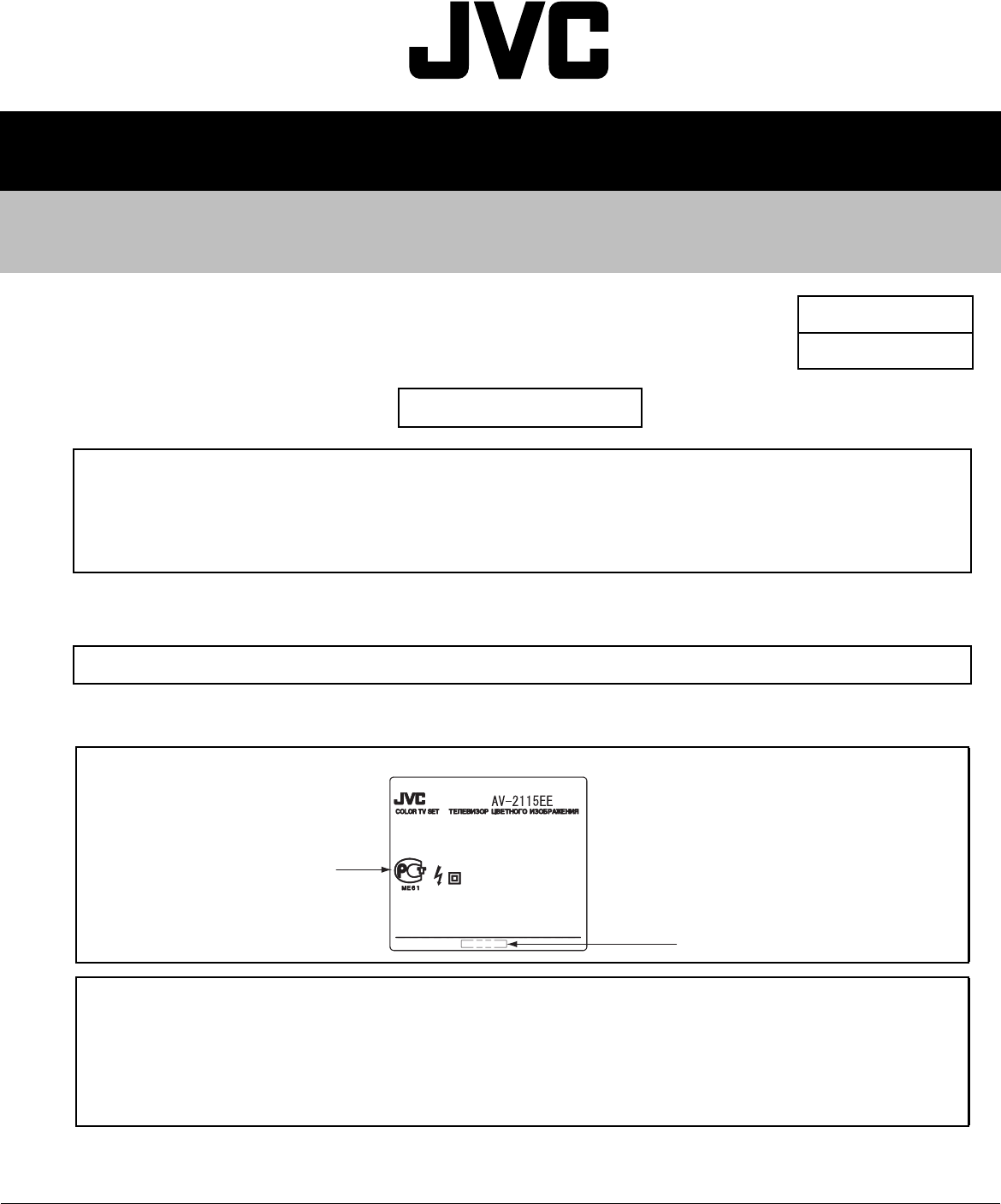
SERVICE MANUAL
COPYRIGHT © 2004 VICTOR COMPANY OF JAPAN, LIMITED No.52027C
2004/3
COLOUR TELEVISION
52027C20043
AV-2115EE/BSK
Supplementary
OUTLINE
HOW TO IDENTIFY MODELS
The following items for the AV-2115EE/BSK was changed partly from AV-2115EE.
Therefore, this service manual describes only the items which differ from those of the AV-2115EE
service manual.
For details other than those described in this manual, please refer to the AV-2115EE service manual
(No.52027, Aug.2002).
Since the distination was changed, we have issued the SERVICE MANUAL for AV-2115EE/BSK.
"2115EEBA-SK" is below the Rating label.
Indicated “2115EEBA-SK”
GOST Mark
NOTE:
This model has obtained GOST Mark safety approvals.
Thus we are sticking the labels of GOST Mark on the following places, indicating that the model has obtained the safety
approvals.
Label sticking places:
(1) Rating label
(2) Packing case (four places)
BASIC CHASSIS
CG
(No.52027C)
AV & MULTIMEDIA COMPANY VIDEO DISPLAY CATEGORY 12, 3-chome, Moriya-cho, kanagawa-ku, Yokohama, kanagawa-prefecture, 221-8528, Japan
VICTOR COMPANY OF JAPAN, LIMITED
WPC
Printed in Japan
DIFFERENCE LIST
USING P.W. BOARD (Page 34)
EXPLODED VIEW PARTS LIST (Page 36)
PRINTING WIRING BOARD PARTS LIST
MAIN P.W. BOARD ASS'Y (Page 54~57)
P.W.B ASS'Y Name AV-2115EE AV-2115EE/BSK DESCRIPTION
MAIN PWB SCG-1442A-H2 SCG-1506A-H2 Non compatible
Ref. No. PARTS No. PARTS NAME DESCRIPTION
AV-2132W1/E AV-2132W1/EBSK
V01 A51LMV10X A51KQK99X01 ITC Inc.DEF YOKE / PC MAGNET / WEDGE
L01 QQW0006-001 QQW0077-001 DEG COIL
DY01 CE20336-00A --- DEF YOKE Delete
T1522 QQH0131-001 QQH0134-001-KD FB TRANSF
1 GG10196-001C GG10196-001C-HK FRONT CABINET
10 A75034-B --- PC MAGNET Delete
11 CE42728-00A --- WEDGE ASSY (×3) Delete
14 GG10049-002A-H GG10049-002A-HK REAR COVER
Ref. No.
PARTS No.
PARTS NAME DESCRIPTIONAV-2115EE AV-2115EE/BSK
SCG-1442A-H2 SCG-1506A-H2
D1704 LH22440-T16 SLR-342VR-T16 LED POWER
D1705 LE22440-T16 SLR-342DU-T16 LED TIMER
C1301 NCB31HK-681X NCB31HK-123X C CAPACITOR 0.012uF 50V K
C1351 --- QCZ0121-102 C CAPACITOR 1000pF 3KV Addition
C1352 QFZ0097-103 --- MM CAPACITOR 0.01uF 1250V K Delete
C1525 QFZ0200-103 QFZ0200-942 MPP CAPACITOR 9400pF 1.5kV H
C1527 QFZ0199-434 QFZ0199-374 MPP CAPACITOR 0.37uF 250V J
R1401 NRSA02J-103X NRSA63J-103X MG RESISTOR 10kΩ 1/16W J
R1431 NRSA02J-103X NRSA63J-103X MG RESISTOR 10kΩ 1/16W J
R1904 --- QRL039J-151 OMF RESISTOR 150Ω 3W J Addition
T1921 QQS0213-001 QQS0161-001 SW TRANSF
L1551 QQLZ034-320 QQLZ034-360 COIL 36uH
CN10S4 --- QGA2501C5-03Z CONNECTOR W-B (1-3) Addition
CN1DEG QGZ5004C1-02 QGZ5004C1-04 CONNECTOR (1-4)
SK1351 QNZ0536-001 QNZ0537-001 CRT SOCKET
LCT1188-001A-H
0502-Ki-NIC-JMT © 2002 VICTOR COMPANY OF JAPAN, LIMITED
COLOUR TELEVISION
INSTRUCTIONS
Thank you for buying this JVC
colour television.
To make sure you understand how to
use your new TV, please read this
manual thoroughly before you begin.
AV-14A3
AV-14F3
AV-1435
AV-1438
AV-20N3
AV-21D3
AV-21E3
AV-21F3
AV-21FR3
AV-21LT3
AV-21LTR3
AV-21Q3
Contents
Safety precautions 2
Preparation 3
1 Confirm which remote control you have ...... 3
2 Inserting the batteries ................................... 3
3
Connecting the aerial and external devices ...
4
4 Connecting the power cord ........................ 6
5 SETUP TOUR .............................................. 6
Basic operation 7
Remote control buttons and functions 8
ECO SENSOR button ..................................... 8
PICTURE MODE button ................................. 8
COLOUR SYSTEM button ............................. 8
SOUND SYSTEM button ............................... 8
DISPLAY button ............................................. 9
RETURN + button .......................................... 9
CHANNEL SCAN button ................................ 9
MUTING button ............................................. 9
OFF TIMER button ......................................... 9
Viewing teletext programmes 10, 11
Using the TV’s menus 12
Basic operation ............................................ 12
ON TIMER ..................................................... 13
INPUT ........................................................... 13
VNR ............................................................... 14
AUTO SHUTOFF .......................................... 14
CHILD LOCK ................................................. 14
BLUE BACK .................................................. 15
AI ECO DISPLAY .......................................... 15
SETUP TOUR ............................................... 16
LANGUAGE .................................................. 16
AUTO CH PRESET ....................................... 16
MANUAL CH PRESET .................................. 17
SKIP .............................................................. 18
Picture Adjustments .................................... 18
Using the buttons on the TV 19
Troubleshooting 21
Specifications 22
LCT1188-001A-H_Cover 20/5/2002, 10:332-3
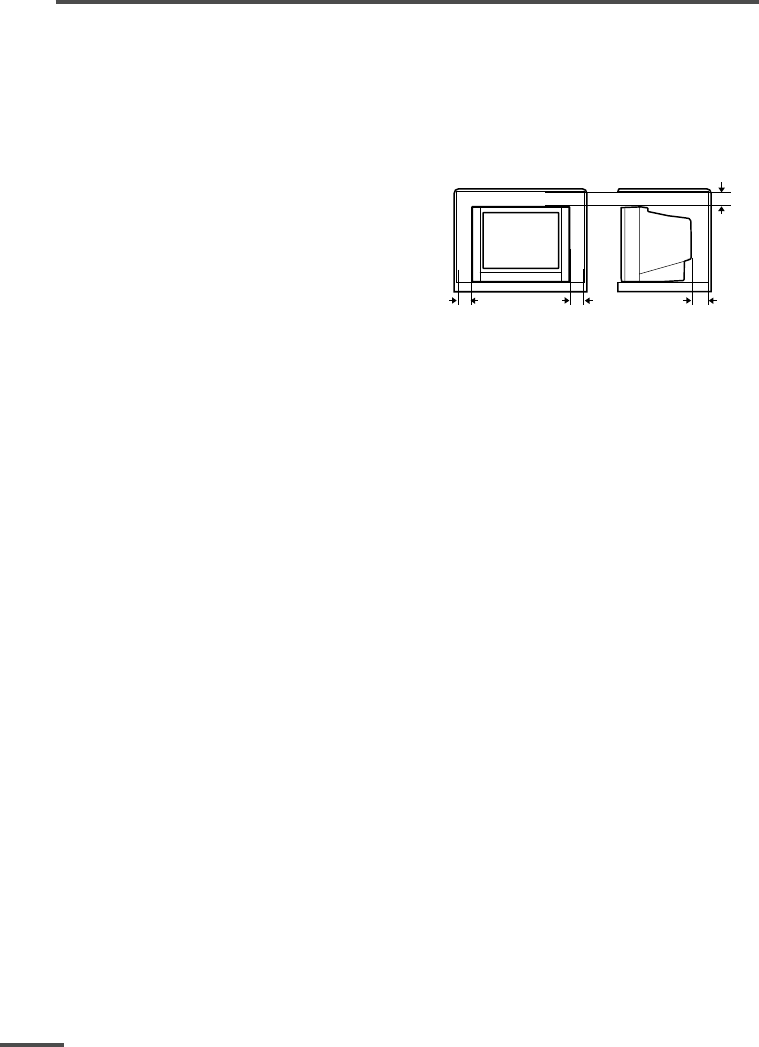
2
Safety precautions
WARNING
•To prevent fire or shock hazard, do not expose the TV to rain or moisture.
CAUTION
•Operate only from the power source indicated on the rear of the TV.
•Avoid damaging the power cord and mains plug. When you unplug the TV, pull it out by
the mains plug. Do not pull on the power cord.
•Never block or cover the cabinet openings for
ventilation. Never install the TV where good
ventilation is unattainable. When installing
this TV, leave spaces for ventilation around
the TV more than the minimum distances
shown in the diagram.
•Do not allow objects or liquid into the
cabinet openings.
• In the event of a fault, unplug the TV and call a service technician. Do not attempt to
repair it by yourself or remove the rear cover.
•The surface of the TV screen is easily damaged. Be very careful with it when handling
the TV. Should the TV screen become soiled, wipe it with a soft dry cloth. Never rub it
forcefully. Never use any cleaner or detergent on it.
• When you don’t use this TV for a long period of time, be sure to unplug it.
15 cm
10 cm 15 cm
10 cm
LCT1188-001A-H 10/6/2002, 11:072
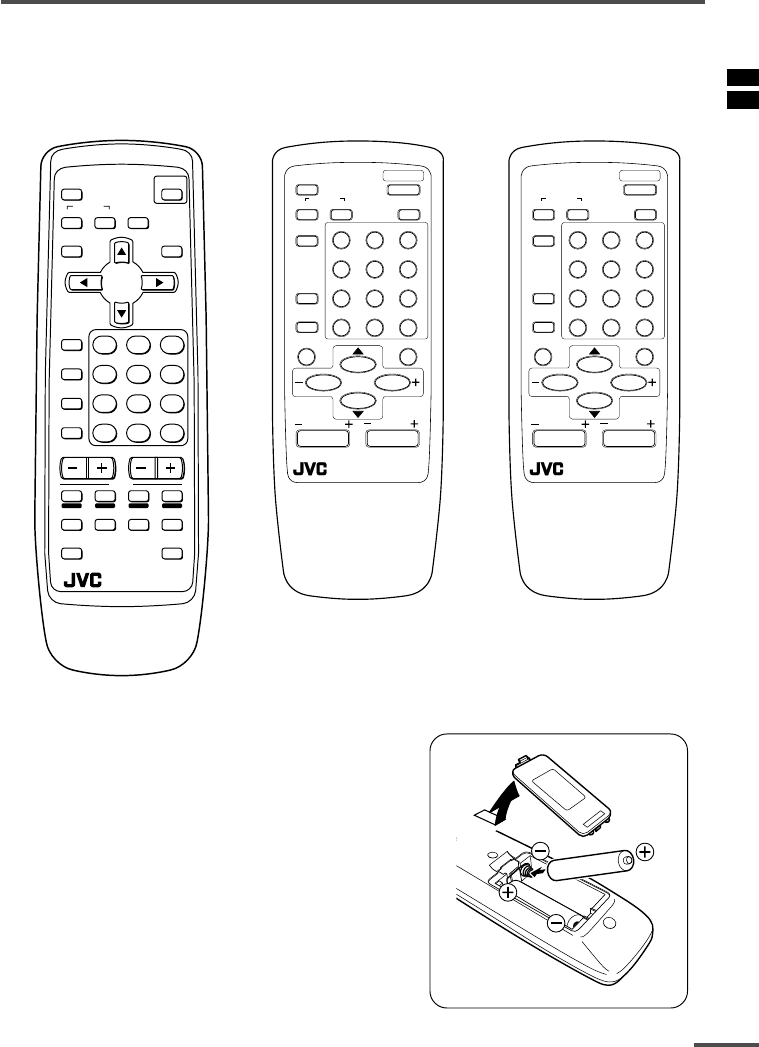
3
Preparation
1Confirm which remote control you have
Your TV comes with one of the three remote controls shown below. Functions you can
operate differ depending on the type of remote control.
RM-C90 RM-C364GY RM-C360GY
ECO
SENSOR
OFF
TIMER
PICTURE
MODE
CHANNEL
SCAN
REVEAL
SUBPAGE CANCEL
TV
TEXT
HOLD
RM-C90
INDEX SIZE
SYSTEM
COLOUR SOUND MUTING
MENU
CHANNEL
RETURN+
POWER
DISPLAY
TV/VIDEO
TV/TEXT
VOLUME
123
456
789
0-/--
POWER
123
456
789
RETURN
+0-/--
PICTURE
MODE
SYSTEM
COLOUR
TV/VIDEO
CHANNEL
SCAN
OFF
TIMER
ECO
SENSOR
DISPLAY
MENU
VOLUME
MUTING
SOUND
CHANNEL
REMOTE CONTROL UNIT
RM-C364GY
POWER
123
456
789
RETURN
+0-/--
PICTURE
MODE
SYSTEM
COLOUR
TV/VIDEO
CHANNEL
SCAN
OFF
TIMER
DISPLAY
MENU
VOLUME
MUTING
SOUND
CHANNEL
REMOTE CONTROL UNIT
RM-C360GY
2Inserting the batteries
Correctly insert two batteries, observing the , and
. polarities and inserting the . end first.
CAUTION:
Follow the cautions printed on the batteries.
Notes:
•Use AA/R6/UM-3 dry cell batteries.
•If the remote control does not work properly, fit new
batteries.
The supplied batteries are for testing, not regular use.
LCT1188-001A-H 10/6/2002, 11:073
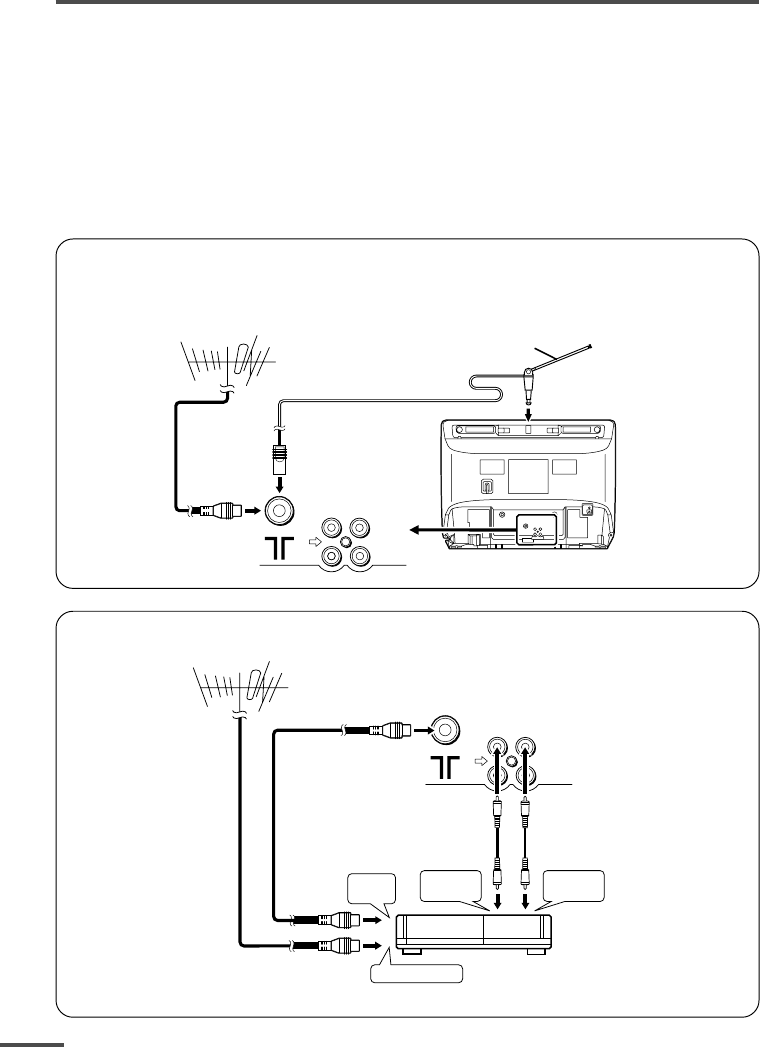
4
Preparation
3Connecting the aerial and external devices
•For further details, refer to the manuals provided with the devices you are connecting.
•Connecting cables are not supplied.
• The front and rear AUDIO/VIDEO input jacks are directly connected so that input to either jack
is output through both. You cannot provide input to both the front and rear jacks at the same
time. Disconnect one input, or use one of the jacks as an output jack only (for monitoring or
recording).
•The rod aerial is supplied with the AV-14A3/AV-14F3/AV-1435/AV-1438.
■Connecting the aerial and VCR
Connecting the aerial
To install rod aerial:
Install into the top-rear aerial holder. Once installed, it cannot be removed.
• Illustration of AV-14F3.
VHF/UHF outdoor aerial
VIDEO AUDIO
IN
OUT
Indoor aerial
Rod aerial
To RF
output
To video
output
To aerial input
To audio
output
3
2
VCR
VHF/UHF outdoor aerial
1
VIDEO AUDIO
IN
OUT
• Illustration of AV-14F3.
Connecting the aerial and VCR
LCT1188-001A-H 10/6/2002, 11:084
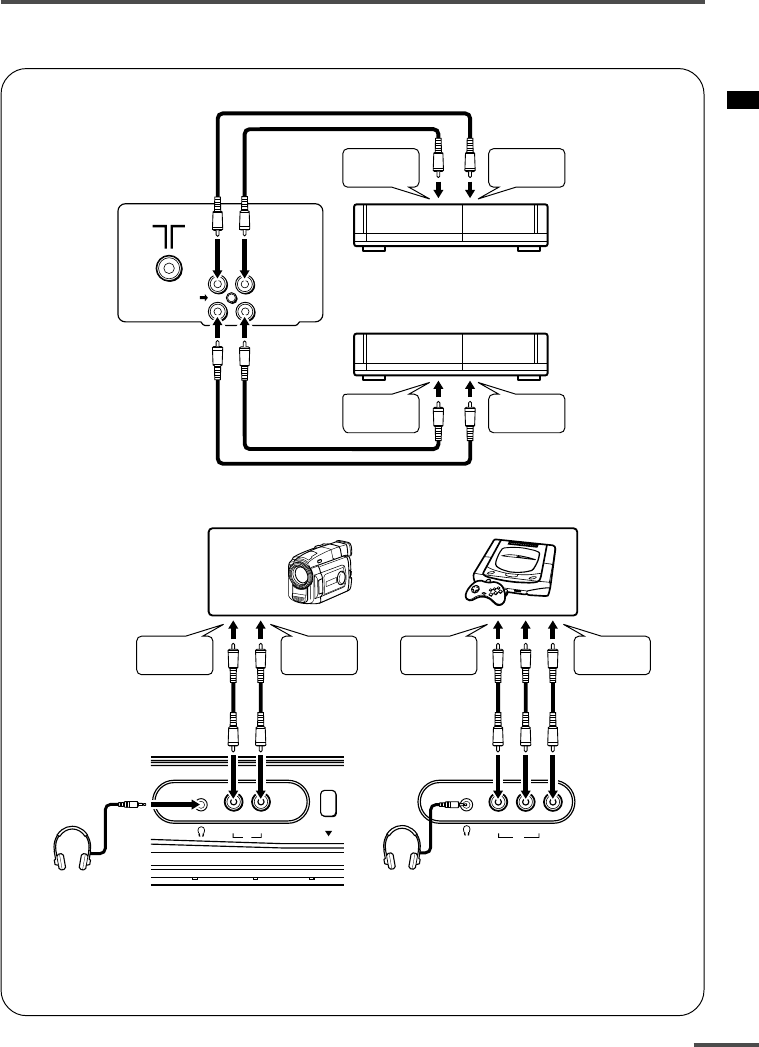
5
MENU
VIDEO AUDIO
IN
VIDEO AUDIO
IN
To audio
output
To video
output
To audio
output
To video
output
Headphones Headphones
Camcorder or TV game
Preparation
■Connecting other external devices
•Use the headphones with a stereo mini jack (3.5 mm in diameter). When you connect the
headphones, the TV speakers go off.
For AV-1438:
•Because the front AUDIO jacks are monaural, even stereo input becomes monaural.
•Illustration of AV-21D3.
VIDEO
IN
OUT
AUDIO
VCR (for recording)
VCR (for playing)
To audio
output
To video
output
To audio
input
To video
input
•Illustration of AV-1438.
•Illustration of AV-21D3.
LCT1188-001A-H 10/6/2002, 11:085
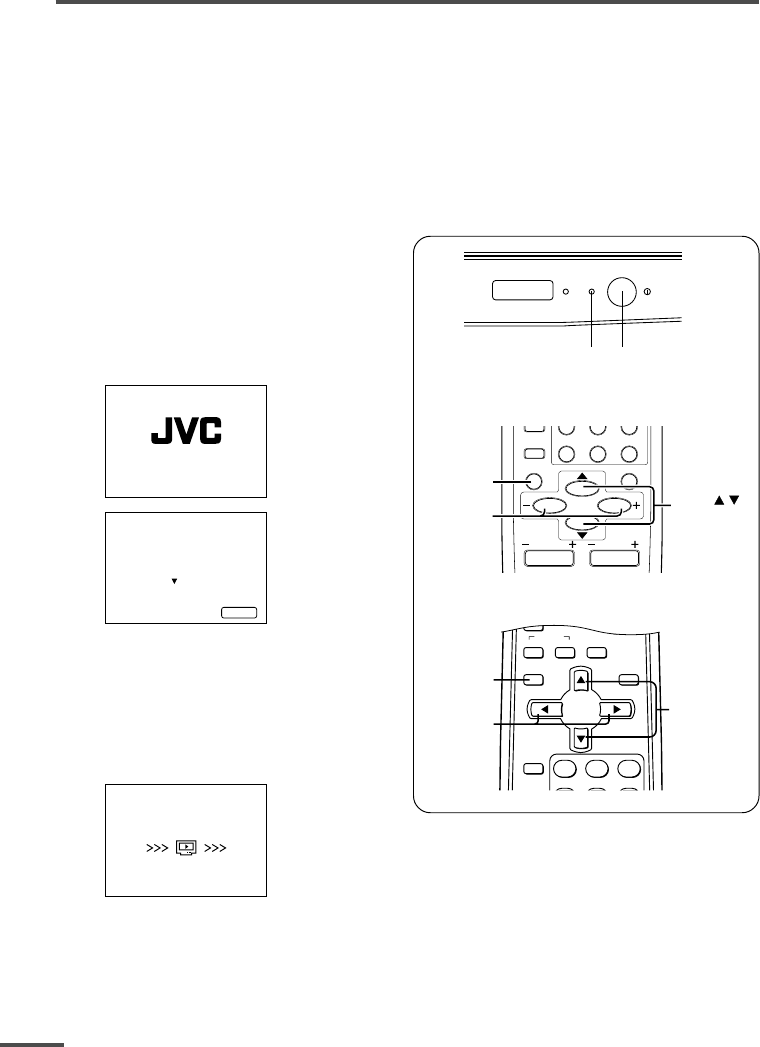
6
Preparation
4Connecting the power cord
Connect the power cord to the AC outlet.
Operate only from the power source indicated on the rear of the TV.
5SETUP TOUR
When the TV is first turned on it enters the SETUP TOUR mode, and the JVC logo is
displayed. Follow the instructions on the on-screen display to perform the SETUP TOUR.
•In case of resetting that the reason for such as removal, you can set the SETUP TOUR
function on the “MENU 3” menu. For details, see page 16.
1Press the Main power button
on the TV.
The POWER lamp or POWER/ON
TIMER lamp lights. After the JVC
logo has been displayed, the TV
automatically switches to the
language setting mode.
SETUP TOUR
EXIT BY
OPERATE BY -+
DISPLAY
SETUP TOUR
LANGUAGE
ENGLISH
NEXT
2Press the MENU M buttons to
select the on-screen language.
3Press the MENU y button.
The AUTO PROGRAMMING function
will start and the indicator blinks.
STOP BY -+
SETUP TOUR
NOW PROGRAMMING
•To stop the AUTO PROGRAMMING function, press the MENU m buttons.
When all the TV channels that can be received on your TV have been preset, the
display goes out and the AUTO PROGRAMMING function operation is completed.
•If a TV channel you want to view is not set to the channel, set it with the MANUAL CH
PRESET function. For details, see page 17.
ON
TIMER POWER
POWER lamp Main power button
DISPLAY
button
MENU t
buttons
MENU m
buttons
OFF
TIMER
SYSTEM
COLOUR SOUND MUTING
MENU
DISPLAY
TV/VIDEO
TV/TEXT
123
RETURN
+0-/--
CHANNEL
SCAN
DISPLAY
MENU
VOLUME
MUTING
DISPLAY
button
MENU /
buttons
MENU –/+
buttons
CHANNEL
<RM-C360GY/RM-C364GY>
<RM-C90>
LCT1188-001A-H 10/6/2002, 11:086
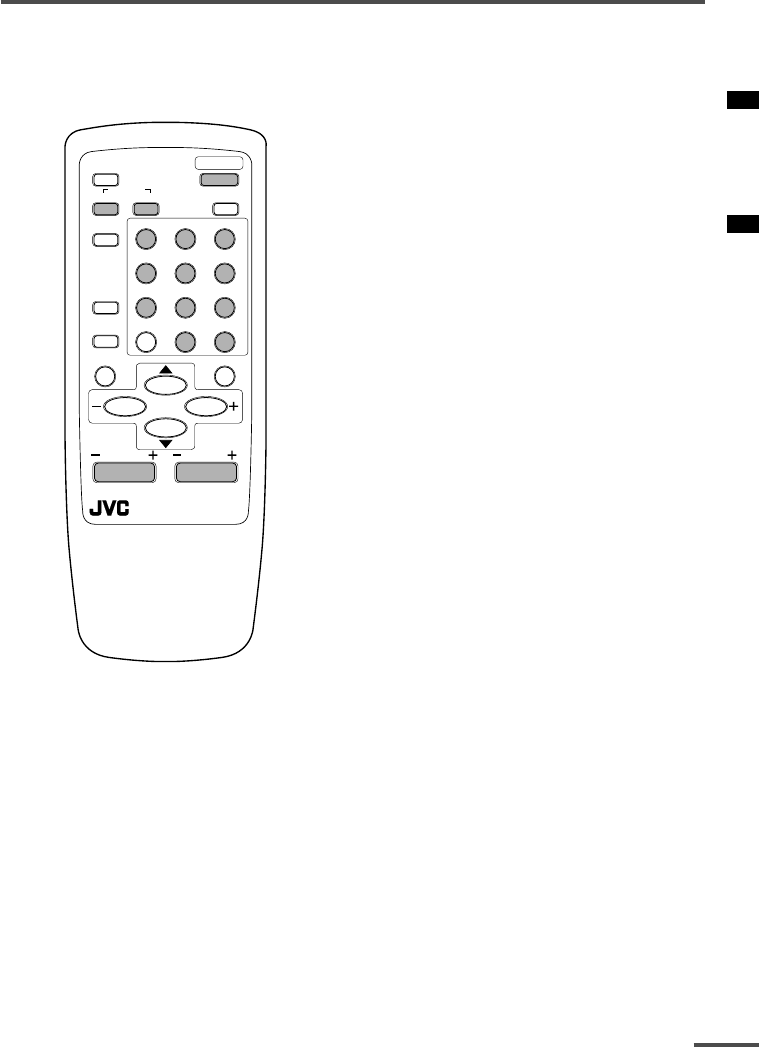
7
Basic operation
•The illustration below is for the remote
control RM-C364GY. Your remote control may
not look exactly like the illustrations.
POWER
123
456
789
RETURN
+0-/--
PICTURE
MODE
SYSTEM
COLOUR
TV/VIDEO
CHANNEL
SCAN
OFF
TIMER
ECO
SENSOR
DISPLAY
MENU
CHANNEL
REMOTE CONTROL UNIT
RM-C364GY
VOLUME
MUTING
SOUND
1 Press the POWER button to turn
your TV on.
•If your TV does not turn on, press the
Main power button on the TV then press
the POWER button again.
•You can also turn on your TV by pressing
any of the following buttons;
-the CHANNEL m button
-the Number buttons
-the TV/VIDEO button
2Select a channel.
■Press the CHANNEL m button.
•Up/down selection cannot be selected
for channels to which the SKIP has been
set to “YES”. See page 18.
■Press the Number buttons to enter
the channel number.
•If you want to enter a two-digit number,
press the -/-- button to select the two
digit mode “--”, then enter the channel
number.
3Press the VOLUME M button to
adjust the sound.
4To turn your TV off, press the
POWER button.
•We recommend that you press the Main
power button on the TV to turn the main
power off if you do not plan to use your
TV for a long time or if you wish to save
energy.
If the picture is not clear:
Press the COLOUR SYSTEM button to
select another colour system, see page 8.
If the sound is not clear:
Press the SOUND SYSTEM button to select
another sound system, see page 8.
Viewing Images from an External
Device:
Press the TV/VIDEO button to select the
VIDEO mode.
•You can also use the INPUT function to select
the VIDEO mode. For details, refer to page 13.
LCT1188-001A-H 10/6/2002, 11:087
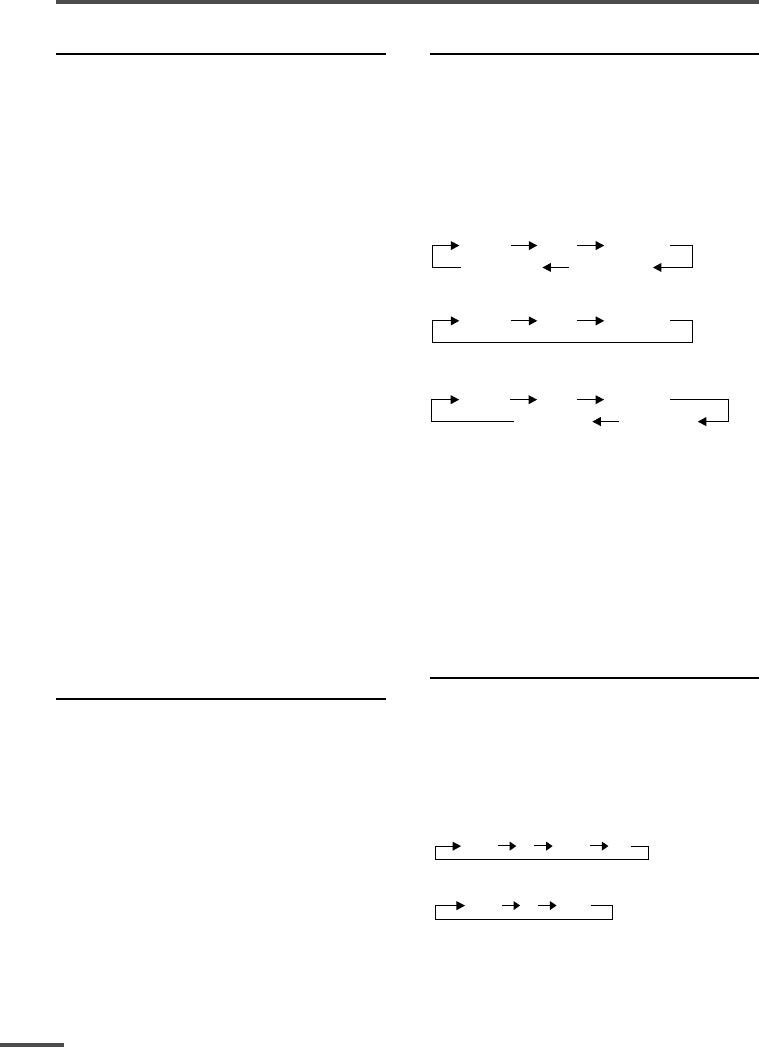
8
Remote control buttons and functions
ECO SENSOR button
<AV-14A3 does not have this function>
You can adjust this TV so that the screen
automatically adjusts to the optimum
contrast according to the brightness of
your room. This function reduces eye
strain and the power consumption of this
TV.
Press this button to select the desired
mode.
AI ECO SENSOR 1:
The AI ECO SENSOR function switches
on.
Usually, it is recommended to watch the
TV in this mode.
AI ECO SENSOR 2:
The AI ECO SENSOR function switches
on.
If you feel the screen in the “AI ECO
SENSOR 1” mode is too dark, select this
mode.
AI ECO SENSOR OFF:
The AI ECO SENSOR function switches
off.
•You can display on the screen the effect of the
AI ECO SENSOR function.
For details, see “AI ECO DISPLAY” on page 15.
PICTURE MODE button
You can select one of three picture
adjustment settings as you like.
Press this button to select a mode.
BRIGHT:
Heightens contrast and sharpness.
STANDARD:
Standardizes picture adjustments.
SOFT:
Softens contrast and sharpness.
•Pressing this button returns all the picture
settings in the “MENU 4” to their default
settings.
COLOUR SYSTEM button
If the picture is not clear or no colour
appears, change the current colour system
to another colour system.
Press this button to select the colour
system.
In TV mode (channel 1 to 99 and AV):
<AV-1438>
AUTO PAL SECAM
NTSC3.58
NTSC4.43
<Other models>
AUTO PAL SECAM
In VIDEO mode:
AUTO PAL SECAM
NTSC3.58
NTSC4.43
AUTO:
Automatic colour system selection.
•For the colour systems in each country or
region, see the table“Broadcasting systems”
on page 22.
•If the picture is not normal in the AUTO
mode, change the AUTO mode to another
colour system.
SOUND SYSTEM button
If the sound is not clear even when the
picture appears normal, change the
current sound system to another sound
system.
Press this button to select the sound
system.
<AV-1438>
B/G I D/K M
<Other models>
B/G I D/K
•For the sound systems in each country or
region, see the table “Broadcasting systems”
on page 22.
•You cannot select any sound system when in
a VIDEO mode.
LCT1188-001A-H 10/6/2002, 11:088
9
Remote control buttons and functions
DISPLAY button
You can continuously display the current
channel number or VIDEO mode on the
screen.
Press this button.
To turn the display off, press this button
again.
•When selecting a channel or VIDEO mode
with no input signal, indication of selected
channel or VIDEO mode becomes fixed on the
screen.
RETURN + button
You can set a channel you frequently view
to the Return Channel and you can view
that channel at any time with one-touch.
To set the channel to the Return
Channel:
1Select the channel you want to set
to the Return Channel.
2Press this button and hold until the
message “RETURN PLUS
PROGRAMMED!” appears.
•When you turn off the TV, the Return
Channel setting is cancelled.
To view the Return Channel:
Press this button.
•You can view two channels (current channel
and Return Channel) alternately by pressing
this button.
To cancel the Return Channel setting:
Press this button and hold until the
message“RETURN PLUS CANCELLED!”
appears.
If no channel is set to the Return
Channel:
You can view the channel selected right
before the current channel by pressing
this button.
CHANNEL SCAN button
You can quickly view all TV channels
programmes that you can view on your
TV, and search for the programme you
want to view.
1Press this button to start scanning
TV channels.
The TV channel programmes are each
displayed for several seconds.
•The programmes of TV channels for which
the SKIP function is set to “YES” are not
displayed. (See page 18.)
2When you find the programme you
want to view, press this button
again to stop scanning.
MUTING button
You can turn the sound off instantly.
Press this button.
To turn the sound on, press this button
again.
OFF TIMER button
You can set the TV to automatically turn
off after a set time.
Press this button to select the period of
time.
•You can set the period of time to a maximum
of 120 minutes in 10 minute increments.
•1 minute before the OFF TIMER function
turns off the TV, “GOOD NIGHT!” appears.
To display the remaining time, press this
button once.
To cancel the OFF TIMER function, press
this button to set the period of time to 0.
•The OFF TIMER function will not turn off the
TV’s main power.
LCT1188-001A-H 10/6/2002, 11:089
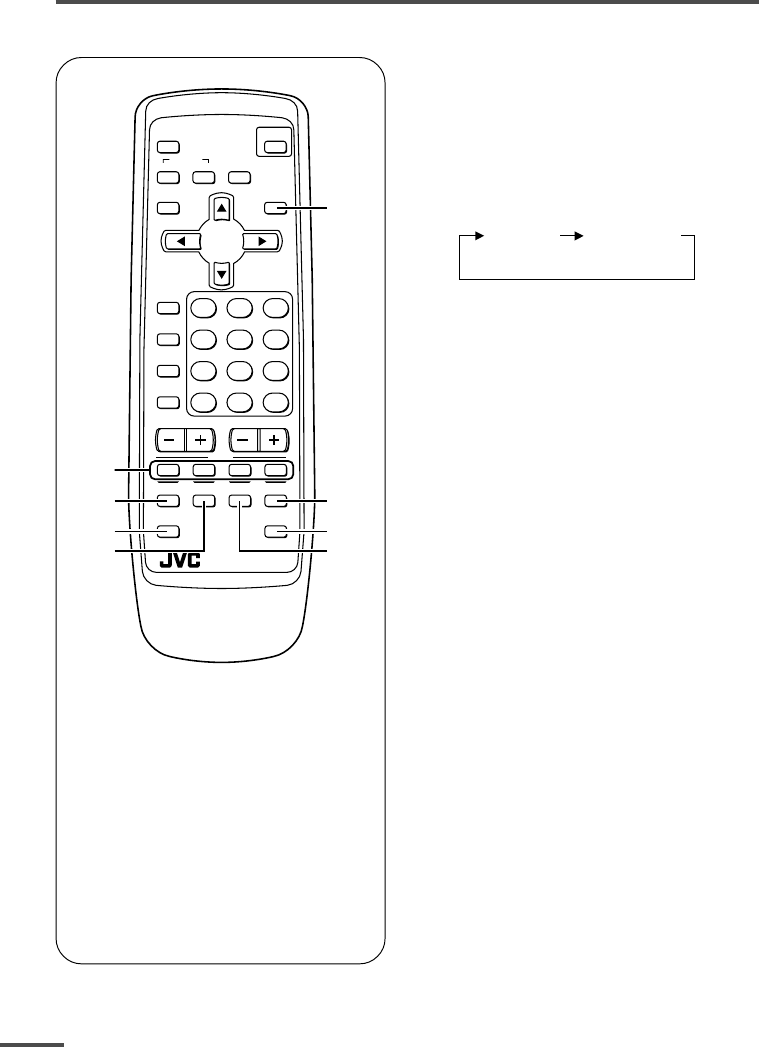
10
Viewing teletext programmes
1TV/TEXT button
2Coloured buttons
3REVEAL button
4SUBPAGE button
5HOLD button
6SIZE buttonI
7CANCEL button
8INDEX button
ECO
SENSOR
OFF
TIMER
PICTURE
MODE
CHANNEL
SCAN
REVEAL
SUBPAGE CANCEL
TV
TEXT
HOLD
RM-C90
INDEX SIZE
SYSTEM
COLOUR SOUND MUTING
MENU
CHANNEL
RETURN+
POWER
DISPLAY
TV/VIDEO
TV/TEXT
VOLUME
123
456
789
0-/--
2
5
7
6
4
3
1
8
■ Basic operation
1Select a TV channel with a
teletext programme.
2Press TV/TEXT button to change
the TV mode to the teletext
mode.
TV mode TEXT mode
(TEXT only)
3Select a teletext page by
pressing the CHANNEL –/+
button, number buttons or
coloured buttons.
To return to the TV mode, press the
TV/VIDEO button or the TV/TEXT
button.
•If you have trouble receiving teletext
broadcasts, consult your local dealer or the
teletext station.
<AV-21FR3/AV-21LTR3 only>
LCT1188-001A-H 10/6/2002, 11:0810
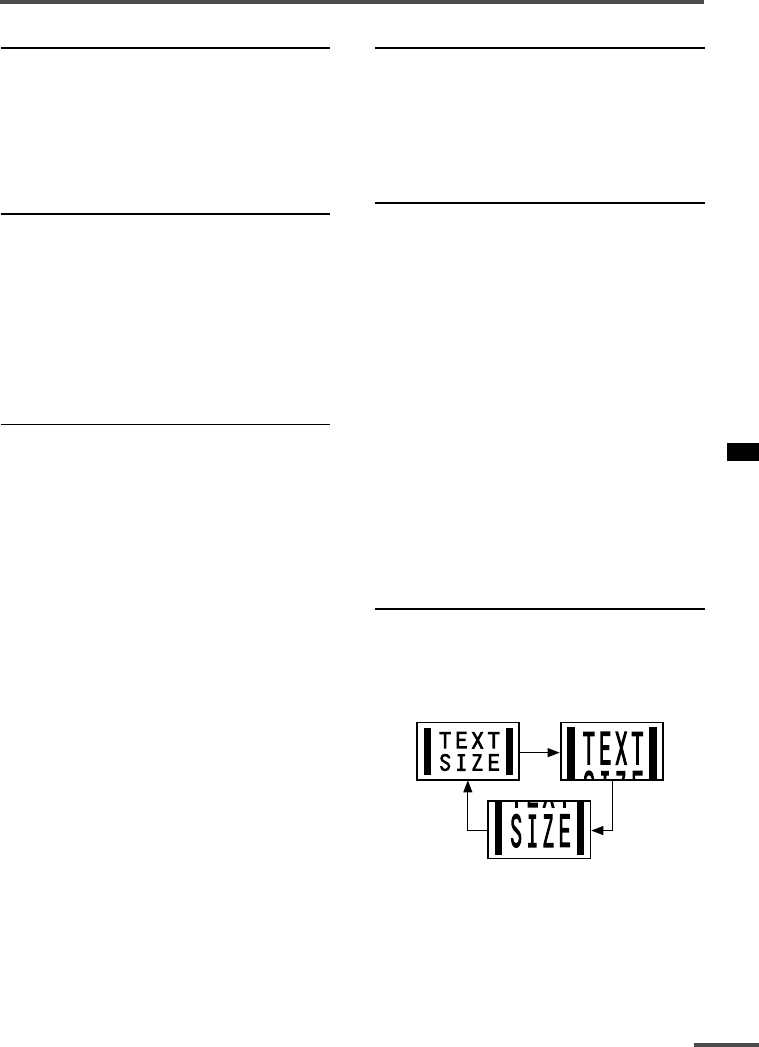
11
Viewing teletext programmes
REVEAL
Some teletext pages include hidden text
(such as answers to a quiz).
You can display the hidden text.
Each time you press the REVEAL
button, text is hidden or revealed.
HOLD
You can hold a teletext page on the screen
for as long as you want, even while
several other teletext pages are being
received.
Press the HOLD button.
To cancel the HOLD function, press the
HOLD button again.
CANCEL
You can watch a TV programme even
when in the teletext mode.
1Press the Number button to enter a
page number, or press a coloured
button.
The TV starts searching for a teletext
page.
2 Press the CANCEL button.
The TV programme appears.
When the TV finds the teletext page, its
page number appears in the upper left
of the screen.
3Press the CANCEL button to view
the teletext page.
•Pressing the CANCEL button cannot
change the teletext mode to the TV mode.
INDEX
You can return to the index page instantly.
Press the INDEX button.
Returns to teletext page 100 or a page
which has been specified.
SUBPAGE
Some teletext pages include sub-pages
that are automatically displayed.
You can hold any sub-page, or view it at
any time.
1Press the SUBPAGE button to
operate the Sub-page function.
2Press the Number buttons to enter a
sub-page number.
Example:
3rd sub-page ➞ press 0, 0, 0 and 3.
•You can also select a sub-page by pressing
the red or green button.
To cancel the Sub-page function, press the
SUBPAGE button again.
SIZE
You can double the height of the teletext
display.
Press the SIZE button.
The teletext display changes cyclically.
LCT1188-001A-H 10/6/2002, 11:0811
12
Changes the AUTO
SHUTOFF setting.
MENU number
The icon on
the left indicates
the currently
selected function.
Using the TV’s menus
This TV has a number of functions you can operate using the menus. To use all your TV’s
functions fully, you need to understand how to use the menus.
<RM-C360GY/RM-C364GY>
RETURN
+0-/--
CHANNEL
SCAN
DISPLAY
MENU
VOLUME
MUTING
DISPLAY
button
MENU /
buttons
MENU –/+
buttons
CHANNEL
<RM-C90>
DISPLAY
button
MENU t
buttons
MENU m
buttons
OFF
TIMER
SYSTEM
COLOUR SOUND MUTING
MENU
DISPLAY
TV/VIDEO
TV/TEXT
123
■ Basic operation
1Press the MENU T buttons.
One of the 4 menus is displayed.
MENU 1
INPUT TV
ON TIMER
PR 1 0:00
VNR OFF
SELECT BY EXIT BY
OPERATE BY -+
DISPLAY
2Repeatedly press the MENU T
buttons to display a desired
menu.
•If you hold down the y button, the next
menu is displayed.
•If the selected function is on the first line,
pressing the r button displays the
preceding menu.
3Repeatedly press the MENU T
buttons to select a desired
function.
4Press the MENU M buttons to
change function settings.
Example:
MENU 2
AUTO SHUTOFF OFF
CHILD LOCK OFF
BLUE BACK ON
AI ECO DISPLAY ON
SELECT BY EXIT BY
OPERATE BY -+
DISPLAY
MENU 2
AUTO SHUTOFF ON
CHILD LOCK OFF
BLUE BACK ON
AI ECO DISPLAY ON
SELECT BY EXIT BY
OPERATE BY -+
DISPLAY
•With some functions, the operation
method may differ.
5Press the DISPLAY button to turn
the display off.
•To operate a menu using the buttons on
the front panel of the TV, refer to
“Operating menus” on page 20.
LCT1188-001A-H 10/6/2002, 11:0912
13
Using the TV’s menus
When the time set for the ON TIMER
function is reached:
The TV automatically turns on and the
channel set for the ON TIMER function is
displayed.
•For safety reasons the TV will automatically
turn off if no operations are made within
approximately two hours after the TV is
turned on with the ON TIMER function.
•The OFF TIMER function and AUTO
SHUTOFF function have priority over the ON
TIMER function.
INPUT
You can view images from VCRs or other
devices connected to your TV.
1Press MENU T to display the
“MENU 1” menu, then select
“INPUT”.
MENU 1
INPUT TV
ON TIMER
PR 1 0:00
VNR OFF
SELECT BY EXIT BY
OPERATE BY -+
DISPLAY
2Press MENU M to select the VIDEO
mode.
TV mode changes to VIDEO mode.
ON TIMER
Your TV will automatically turn on and
tune into the channel you set after the
period of time you set.
1Press MENU T to display the
“MENU 1” menu, then select
“ON TIMER”.
MENU 1
INPUT TV
ON TIMER
PR 1 0:00
VNR OFF
OPERATE BY VOL-+
SELECT BY EXIT BY
PROGRAM BY -+
DISPLAY
2Press MENU M to select a channel
you want to view when the TV turns
on.
3Press VOLUME M to select the
period of time after which you want
to turn on the TV.
The ON TIMER function starts.
• Each time you press the button, the period
of time changes in 15 minute intervals (up
to 12 hours).
To cancel the ON TIMER function,
press the VOLUME m button to set the
period of time to “0:00”.
4Press DISPLAY to turn the display
off.
•If you turn off the TV’s main power by
pressing the Main power button, the ON
TIMER function is canceled.
• If you do not turn off the TV after starting
the ON TIMER function, the channel will
automatically switch to the channel set for
the ON TIMER function.
LCT1188-001A-H 10/6/2002, 11:0913
14
Using the TV’s menus
VNR (Video Noise Reduction)
You can reduce the picture noise.
1Press MENU T to display the
“MENU 1” menu, then select “VNR”.
MENU 1
INPUT TV
ON TIMER
PR 1 0:00
VNR ON
SELECT BY EXIT BY
OPERATE BY -+
DISPLAY
2Press MENU M to select “ON”.
To cancel the VNR function, select
“OFF”.
AUTO SHUTOFF
You can set your TV to turn off if no
signals are received for about 15 minutes
or longer after the end of a broadcast.
1Press MENU T to display the
“MENU 2” menu, then select “AUTO
SHUTOFF”.
MENU 2
AUTO SHUTOFF ON
CHILD LOCK ON
BLUE BACK ON
AI ECO DISPLAY ON
SELECT BY EXIT BY
OPERATE BY -+
DISPLAY
2Press MENU M to select “ON”.
To cancel the AUTO SHUTOFF function,
select “OFF”.
•The AUTO SHUTOFF function does not
turn off the TV’s main power.
•The AUTO SHUTOFF will not work for a
VIDEO mode.
CHILD LOCK
You can disable the front control buttons
of the TV.
When this function is set to “ON”, the TV
can be operated using only the remote
control.
Use this function to prevent children from
operating the TV without parental consent.
1Press MENU T to display the
“MENU 2” menu, then select “CHILD
LOCK”.
MENU 2
AUTO SHUTOFF ON
CHILD LOCK ON
BLUE BACK ON
AI ECO DISPLAY ON
SELECT BY EXIT BY
OPERATE BY -+
DISPLAY
2Press MENU M to select “ON”.
To cancel the CHILD LOCK function,
select “OFF”.
•The CHILD LOCK function is canceled when
you turn the power off.
LCT1188-001A-H 10/6/2002, 11:0914
15
Using the TV’s menus
BLUE BACK
You can mute the sound and change the
picture into a blue screen while no signals
are received by the TV, or when the
signals are unstable.
1Press MENU T to display the
“MENU 2” menu, then select “BLUE
BACK”.
MENU 2
AUTO SHUTOFF ON
CHILD LOCK ON
BLUE BACK ON
AI ECO DISPLAY ON
SELECT BY EXIT BY
OPERATE BY -+
DISPLAY
2Press MENU M to select “ON”.
To cancel the BLUE BACK function,
select “OFF”.
•To view a broadcast even when the
reception signal is poor, set the BLUE
BACK function to “OFF”.
•Even when the BLUE BACK function is set
to “OFF”, the sound may not be audible.
AI ECO DISPLAY
<AV-14A3 does not have this function>
You can display on the screen the effect of
the AI ECO SENSOR function.
1Press MENU T to display the
“MENU 2” menu, then select “AI
ECO DISPLAY”.
MENU 2
AUTO SHUTOFF OFF
CHILD LOCK OFF
BLUE BACK OFF
AI ECO DISPLAY ON
SELECT BY EXIT BY
OPERATE BY -+
DISPLAY
2Press MENU M to select “ON”.
The clover mark indicating the brightness of
your room is displayed for several seconds
each time the brightness changes. The
number of clover marks displayed on screen
increases as your room becomes darker.
To cancel the AI ECO DISPLAY
function, select “OFF”.
•To switch the AI ECO SENSOR’s mode, see
the “ECO SENSOR button” on page 8.
LCT1188-001A-H 10/6/2002, 11:0915
16
Using the TV’s menus
SETUP TOUR
You can start the SETUP TOUR function.
1Press MENU T to display the
“MENU 3” menu, then select
“SETUP TOUR”.
MENU 3
AUTO CH PRESET
MANUAL CH PRESET
SETUP TOUR
LANGUAGE ENGLISH
SELECT BY EXIT BY
OPERATE BY -+
DISPLAY
2Press MENU M.
JVC logo is appear and the SETUP
TOUR function will start.
For details, see page 6.
LANGUAGE
You can select the language for the on-
screen display.
1Press MENU T to display the
“MENU 3” menu, then select
“LANGUAGE”.
MENU 3
AUTO CH PRESET
MANUAL CH PRESET
SETUP TOUR
LANGUAGE ENGLISH
SELECT BY EXIT BY
OPERATE BY -+
DISPLAY
2Press MENU M to select
language.
The on-screen display indications are
in the selected language.
AUTO CH PRESET
You can automatically preset all TV
channels that can be received by your TV
to channels.
1Press MENU T to display the
“MENU 3” menu, then select “AUTO
CH PRESET”.
MENU 3
AUTO CH PRESET
MANUAL CH PRESET
SETUP TOUR
LANGUAGE ENGLISH
SELECT BY EXIT BY
OPERATE BY -+
DISPLAY
2 Press MENU M to start the AUTO
CH PRESET function.
“>>>ON SEARCH” is displayed on
the screen.
When all the TV channels that can be
received on your TV have been preset,
the display goes out and the AUTO CH
PRESET function operation is
completed.
To stop the AUTO CH PRESET:
Press the MENU m buttons.
•The AUTO CH PRESET function does not
preset a TV channel to the AV channel
(channel number 0).
•If the TV cannot preset the TV channel you
want to view, preset it manually. For details,
see “MANUAL CH PRESET” on page 17.
LCT1188-001A-H 10/6/2002, 11:0916
17
Using the TV’s menus
MANUAL CH PRESET
You can manually preset desired TV
channels to desired channels.
1Press MENU T to display the
“MENU 3” menu, then select
“MANUAL CH PRESET”.
MENU 3
AUTO CH PRESET
MANUAL CH PRESET
SETUP TOUR
LANGUAGE ENGLISH
SELECT BY EXIT BY
OPERATE BY -+
DISPLAY
2Press MENU M.
The sub-menu is displayed.
MANUAL
FINE
SKIP NO
SOUND SYSTEM B/G
EXIT
SELECT BY PR 1 VL
PROGRAM BY -+ EXIT BY
SEARCH BY VOL-+
DISPLAY
•The channel number is displayed as a PR
number. For example, channel 1 will be
displayed as PR 1. However, the AV
channel will be displayed as AV.
3Press MENU M to select the
channel number.
4 Press VOLUME M to start
searching for the TV channel.
“>>>” or “<<<” is displayed on the
screen.
When the TV finds a TV channel, the
“>>>” or “<<<” display goes out,
and the TV channel is preset to the
currently selected channel number.
•If the TV channel you want to preset is not
displayed, repeat step 4 until the TV finds
the TV channel you want to preset.
•To stop the MANUAL CH PRESET function,
press any button other than the VOLUME
m button.
If the picture is not clear:
Fine-tune the TV channel.
1Press MENU t to select “FINE”.
MANUAL
FINE
SKIP NO
SOUND SYSTEM B/G
EXIT
SELECT BY PR 3 VL
PROGRAM BY -+ EXIT BY
FINE BY VOL-+
DISPLAY
2Hold VOLUME m down to fine-tune
the TV channel so that the best image
is displayed on screen.
“>” or “<” indicates that the TV is fine-
tuning the TV channel.
If the sound is not clear:
1Press MENU t to select “SOUND
SYSTEM”.
MANUAL
FINE
SKIP NO
SOUND SYSTEM M
EXIT
SELECT BY PR 3 VL
PROGRAM BY -+ EXIT BY
CHANGE BY VOL-+
DISPLAY
2Press VOLUME m to select the
appropriate sound system.
•For the sound systems in each country
or region, refer to the table
“Broadcasting systems” on page 22.
5Press MENU T to select
“MANUAL”.
6Repeat steps 3 to 5 if you want to
preset another TV channel to a
channel.
LCT1188-001A-H 10/6/2002, 11:0917
18
Using the TV’s menus
SKIP
You can set undesired channels to be
skipped. Channels set to be skipped
cannot be selected by the CHANNEL m
buttons nor the CHANNEL SCAN button.
• Channels to which TV channels have not
been preset are automatically set to be
skipped.
1Press MENU T to display the
“MENU 3” menu, then select
“MANUAL CH PRESET”.
2Press MENU M.
The sub-menu is displayed.
3Press MENU T to select “SKIP”.
MANUAL
FINE
SKIP NO
SOUND SYSTEM M
EXIT
SELECT BY PR 3 VL
PROGRAM BY -+ EXIT BY
YES/NO BY VOL-+
DISPLAY
4Press MENU M to select the
channel you want to skip.
5Press VOLUME M to select “YES”.
The channel is set to be skipped.
To cancel the SKIP function, select
“NO”.
6Repeat steps 4 and 5 if you want to
set another channel to skip.
Picture Adjustments
You can adjust the picture as you like.
1Press MENU T to display the
“MENU 4” menu.
MENU 4
TINT
COLOUR
BRIGHT
CONT.
SHARP
SELECT BY EXIT BY
OPERATE BY -+
DISPLAY
2 Press MENU T to select an item
and press MENU M to adjust it.
TINT* - : Reddish + : Greenish
COLOUR - : Lighter + : Deeper
BRIGHT - : Darker + : Brighter
CONT. - : Lower + : Higher
SHARP - : Softer + : Sharper
*TINT (tint) is displayed only when
viewing images from NTSC3.58 or
NTSC4.43 colour systems.
LCT1188-001A-H 10/6/2002, 11:0918
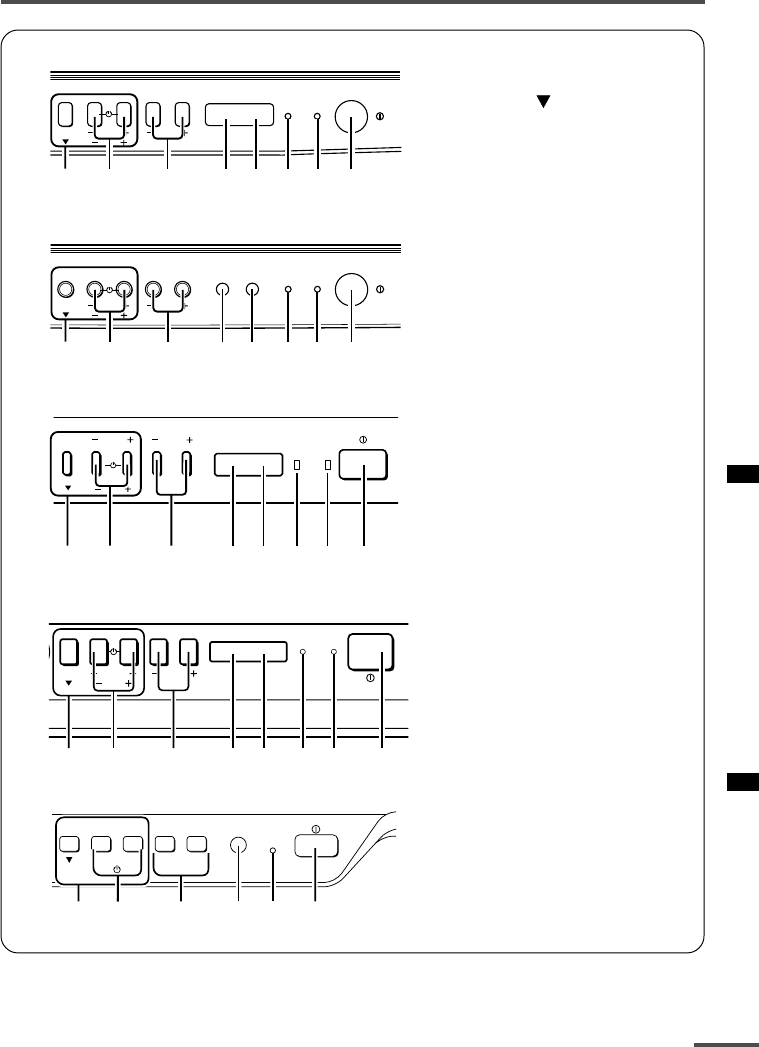
19
Using the buttons on the TV
1MENU buttons
• MENU button
• MENU m buttons
2CHANNEL m buttons
3VOLUME m buttons
4AI ECO sensor
5Remote control sensor
6ON TIMER lamp
The light is switched on
while ON TIMER function
is operating.
7POWER lamp
When the Main power is
on, the light is red.
8POWER/ON TIMER lamp
When the Main power is
on, the light is green.
When ON TIMER function
is on, it is red.
9Main power button
<AV-21D3/AV-21LT3/AV-21LTR3>
<AV-21Q3>
<AV-14F3/AV-1435/AV-1438/AV-20N3/AV-21F3/AV-21FR3>
<AV-14A3>
MENU
CHANNEL
VOLUME
ON
TIMER POWER
EXIT
1237
6
5
49
MENU
CHANNEL
VOLUME
ON
TIMER POWER
EXIT
1237
6
5
49
MENU
CHANNEL
VOLUME
POWERON TIMER
EXIT
12367
45 9
CHANNEL VOLUME
––
–
++
+
MENU
EXIT
POWER/
ON TIMER
83921 5
MENU VOLUME
POWERON TIMER
EXIT
12 3 76549
CHANNEL
<AV-21E3>
LCT1188-001A-H 10/6/2002, 11:0919
20
Basic operation
•Check to make sure the CHILD LOCK
function is set to “OFF”. When the CHILD
LOCK function is set to “ON”, the TV cannot
be operated using the front control buttons.
For details, see “CHILD LOCK” on page 14.
1 Press CHANNEL M to turn the TV
on from standby mode.
2Press CHANNEL M to select a
channel.
3Press VOLUME M to adjust the
volume.
4To turn your TV off, press the Main
power button to turn off the TV’s
main power.
To change the TV mode to the VIDEO
mode:
•Select the VIDEO mode with the INPUT
function in “MENU 1”.
Operating menus
You can operate functions in menus using
the front control buttons on the TV.
1 Press MENU y to display a menu.
2Press MENU y repeatedly to display
the menu you want to use.
3Press MENU y to select the desired
function or item.
4 Press MENU M or VOLUME M to
carry out the desired operation.
For details, see the description for each
function.
5Press VOLUME M to turn the menu
display off.
To turn the sub-menu display off:
1Press MENU y to select “EXIT”.
MANUAL
FINE
SKIP NO
SOUND SYSTEM M
EXIT
SELECT BY PR 3 VL
PROGRAM BY -+ EXIT BY
EXIT BY VOL-+
DISPLAY
2Press VOLUME m to turn the display
off.
Using the buttons on the TV
LCT1188-001A-H 10/6/2002, 11:1020
21
Troubleshooting
If there is no picture or the TV does not operate normally, make sure the problem isn’t due
to the reasons indicated below.
If the problem persists even after taking the measures indicated, please contact a service
technician.
Cannot turn the TV on
•Press the Main power button on the TV.
•Connect the power cord to the AC outlet.
The screen turns blue
•Is the BLUE BACK function on? (see page 15.)
Remote control inoperable
•Replace the batteries. (see page 3.)
Buttons on front of the TV do not work
•Switch the CHILD LOCK function off.
(see page 14.)
TV does not respond immediately
•Press the main power button on the TV to
turn off the main power. Press the main
power button again to turn on the TV. If the
TV returns to a normal state, operation is
normal.
The TV turns off suddenly
•Is the OFF TIMER function set to operate?
(see page 9.)
•Is the AUTO SHUTOFF function on?
(see page 14.)
•Have you not performed an operation for
about two hours after the TV was switched on
by the ON TIMER function? (see page 13.) If
you don’t perform an operation within about
two hours, the TV is automatically switched
off for safety.
Poor sound
•Press the SOUND SYSTEM button to select
another sound system. (see page 8.)
Poor picture
•Press the COLOUR SYSTEM button to select
another colour system. (see page 8.)
•Adjust the picture settings. (see page 18.)
•Set the Picture mode to STANDARD.
(see page 8.)
•If noise (snow) totally blocks out the picture,
check the following.
-Have the TV and aerial been connected
properly?
-Has the aerial cable been damaged?
-Is the aerial pointing in the right direction?
-Is the aerial itself faulty?
• If the TV or aerial suffer interference from
other equipment, stripes or noise may appear
in the picture. Move any equipment which
can cause interference away from the TV.
• If the TV or aerial suffer interference from
signals reflecting from mountains or
buildings, double-pictures (ghosting) will
occur. Change the aerial’s direction or replace
it with an aerial with better directionality.
• When a white and bright still image (such as
a white dress) is displayed on the screen, the
white part may look as if it is coloured. When
the image disappears from the screen, the
unnatural colours will also disappear.
The TV turns on suddenly
•Is the ON TIMER function set to operate?
(see page 13.)
The TV channel changes suddenly
•Is the ON TIMER function set to operate?
(see page 13.)
No receivable teletext programme
<AV-21FR3/AV-21LTR3 only>
•Select a channel with teletext information.
You cannot watch teletext recorded on a video
tape.
LCT1188-001A-H 10/6/2002, 11:1021
22
Asia,
Middle
East
Specifications
TV RF systems
AV-1438: B, G, I, D, K, K1, M
Other models: B, G, I, D, K, K1
Colour systems
AV-1438: PAL, SECAM, NTSC 3.58 MHz/NTSC 4.43 MHz
Other models: PAL, SECAM, NTSC 3.58 MHz/NTSC 4.43 MHz (in VIDEO mode only)
Receiving channels
VHF low channel (VL), VHF high channel (VH), UHF channel (U)
Receives cable channels in mid band, super band and hyper band.
External input / output
INPUT: VIDEO input (RCA), AUDIO input (RCA)
OUTPUT: VIDEO output (RCA), AUDIO output (RCA)
Headphone jack: stereo mini jack (3.5 mm diameter)
Teletext system (AV-21FR3/AV-21LTR3 only)
FLOF (Fastext), WST (World Standard Text)
Language displayed by teletext (AV-21FR3/AV-21LTR3 only)
English, Lithuanian, Russian, Czechoslovakian, Ukrainian, Latvian, Romanian, Hungarian
Accessories
•Remote control unit: AV-21FR3/AV-21LTR3; RM-C90
AV-14A3; RM-C360GY
Other models; RM-C364GY
•AA / R6 / UM-3 dry cell battery × 2
• Rod aerial × 1 (AV-14A3/AV-14F3/AV-1435/AV-1438 only)
Design and specifications subject to change without notice.
Broadcasting systems
Area Country or Region System
Colour Sound
Bahrain, Kuwait, Oman, Qatar,
United Arab Emirates, Yemen, etc. PAL B/G
Indonesia, Malaysia, Singapore, Thailand,
India, etc.
China, Vietnam, etc. PAL D/K
Hong Kong, etc. PAL I
Islamic Republic of Iran, Lebanon, Saudi Arabia, etc. SECAM B/G
Philipins, Taiwan, Myanmar, etc. NTSC M
Russia, etc. SECAM D/K
Europe Czech Republic, Poland, etc. PAL D/K
Germany, Holland, Belgium, etc. PAL B/G
UK, etc. PAL I
Oceania Australia, New Zealand, etc. PAL B/G
Republic of South Africa, etc. PAL I
Africa Nigeria, etc. PAL B/G
Egypt, Morocco, etc. SECAM B/G
LCT1188-001A-H 10/6/2002, 11:1022

23
LCT1188-001A-H 10/6/2002, 11:1023

LCT1188-001A-H
0502-Ki-NIC-JMT © 2002 VICTOR COMPANY OF JAPAN, LIMITED
COLOUR TELEVISION
INSTRUCTIONS
Thank you for buying this JVC
colour television.
To make sure you understand how to
use your new TV, please read this
manual thoroughly before you begin.
AV-14A3
AV-14F3
AV-1435
AV-1438
AV-20N3
AV-21D3
AV-21E3
AV-21F3
AV-21FR3
AV-21LT3
AV-21LTR3
AV-21Q3
Contents
Safety precautions 2
Preparation 3
1 Confirm which remote control you have ...... 3
2 Inserting the batteries ................................... 3
3
Connecting the aerial and external devices ...
4
4 Connecting the power cord ........................ 6
5 SETUP TOUR .............................................. 6
Basic operation 7
Remote control buttons and functions 8
ECO SENSOR button ..................................... 8
PICTURE MODE button ................................. 8
COLOUR SYSTEM button ............................. 8
SOUND SYSTEM button ............................... 8
DISPLAY button ............................................. 9
RETURN + button .......................................... 9
CHANNEL SCAN button ................................ 9
MUTING button ............................................. 9
OFF TIMER button ......................................... 9
Viewing teletext programmes 10, 11
Using the TV’s menus 12
Basic operation ............................................ 12
ON TIMER ..................................................... 13
INPUT ........................................................... 13
VNR ............................................................... 14
AUTO SHUTOFF .......................................... 14
CHILD LOCK ................................................. 14
BLUE BACK .................................................. 15
AI ECO DISPLAY .......................................... 15
SETUP TOUR ............................................... 16
LANGUAGE .................................................. 16
AUTO CH PRESET ....................................... 16
MANUAL CH PRESET .................................. 17
SKIP .............................................................. 18
Picture Adjustments .................................... 18
Using the buttons on the TV 19
Troubleshooting 21
Specifications 22
LCT1188-001A-H_Cover 20/5/2002, 10:332-3
LCT1196-001A-H
0502-Ki-NIC-JMT © 2002 VICTOR COMPANY OF JAPAN, LIMITED
COLOUR TELEVISION
INSTRUCTIONS
Thank you for buying this JVC
colour television.
To make sure you understand how to
use your new TV, please read this
manual thoroughly before you begin.
AV-14AMG3
AV-14FMG3
AV-20NMG3
AV-21DMG3
AV-21LMG3
AV-21QMG3
AV-14FMG3B
AV-20NMG3B
AV-21FMG3B
Contents
Safety precautions 2
Preparation 3
1 Confirm which remote control you have ...... 3
2 Inserting the batteries ................................... 3
3
Connecting the aerial and external devices ...
4
4 Connecting the power cord ........................ 6
5 SETUP TOUR .............................................. 6
Basic operation 7
Remote control buttons and functions 8
ECO SENSOR button ..................................... 8
PICTURE MODE button ................................. 8
COLOUR SYSTEM button ............................. 8
SOUND SYSTEM button ............................... 8
DISPLAY button ............................................. 9
RETURN + button .......................................... 9
CHANNEL SCAN button ................................ 9
MUTING button ............................................. 9
OFF TIMER button ......................................... 9
Using the TV’s menus 10
Basic operation ............................................ 10
ON TIMER ..................................................... 11
INPUT ........................................................... 11
VNR ............................................................... 11
AUTO SHUTOFF .......................................... 12
CHILD LOCK ................................................. 12
BLUE BACK .................................................. 12
Picture Adjustments .................................... 12
AI ECO DISPLAY .......................................... 13
SETUP TOUR ............................................... 13
AUTO CH PRESET ....................................... 13
MANUAL CH PRESET .................................. 14
SKIP .............................................................. 15
LANGUAGE .................................................. 15
Using the buttons on the TV 16
Troubleshooting 18
Specifications 19
LCT1196-001A-H_Cover 20/5/2002, 10:492-3
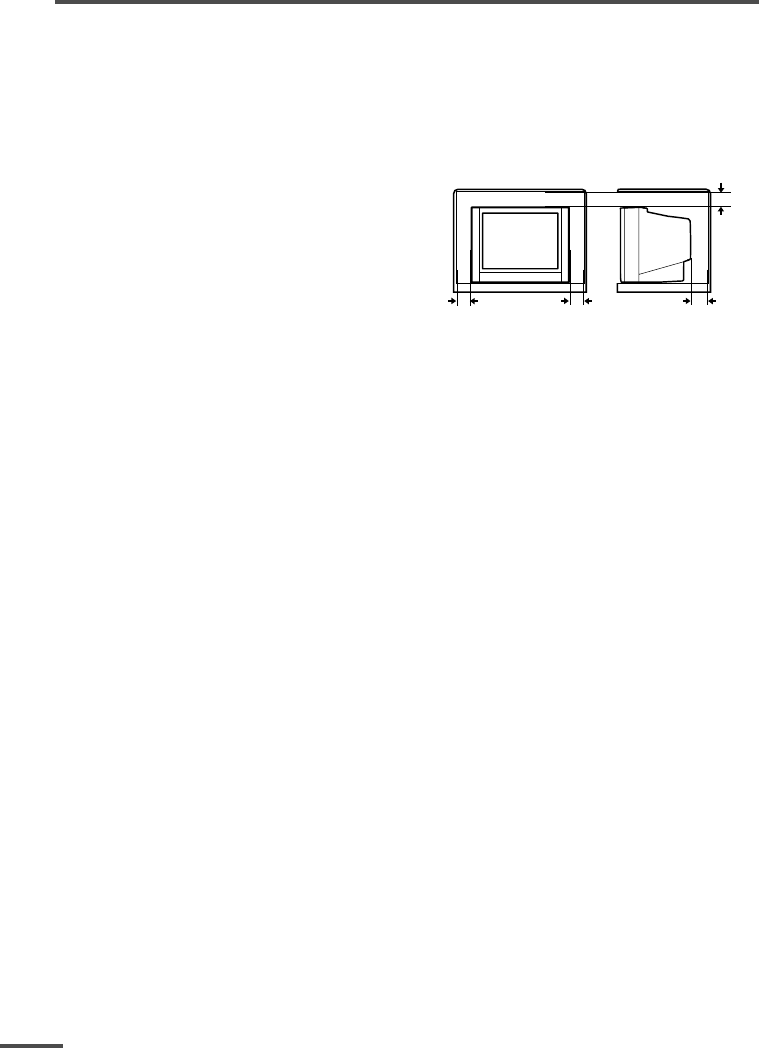
2
Safety precautions
WARNING
• To prevent fire or shock hazard, do not expose the TV to rain or moisture.
CAUTION
• Operate only from the power source indicated on the rear of the TV.
• Avoid damaging the power cord and mains plug. When you unplug the TV, pull it out by
the mains plug. Do not pull on the power cord.
• Never block or cover the cabinet openings for
ventilation. Never install the TV where good
ventilation is unattainable. When installing
this TV, leave spaces for ventilation around
the TV more than the minimum distances
shown in the diagram.
• Do not allow objects or liquid into the
cabinet openings.
• In the event of a fault, unplug the TV and call a service technician. Do not attempt to
repair it by yourself or remove the rear cover.
• The surface of the TV screen is easily damaged. Be very careful with it when handling
the TV. Should the TV screen become soiled, wipe it with a soft dry cloth. Never rub it
forcefully. Never use any cleaner or detergent on it.
• When you don’t use this TV for a long period of time, be sure to unplug it.
15 cm
10 cm 15 cm
10 cm
LCT1196-001A-H 21/5/2002, 14:242
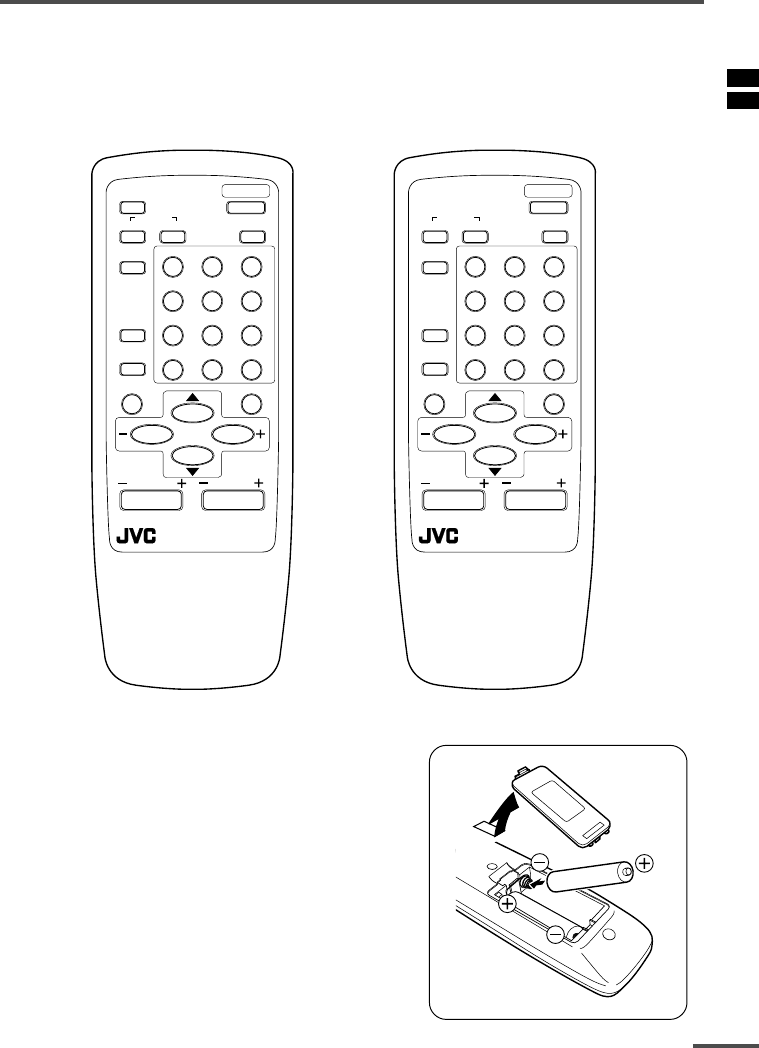
3
Preparation
1 Confirm which remote control you have
Your TV comes with one of the two remote controls shown below. Functions you can
operate differ depending on the type of remote control.
RM-C364GY/RM-C364 RM-C360GY
POWER
123
456
789
RETURN
+0-/--
PICTURE
MODE
SYSTEM
COLOUR
TV/VIDEO
CHANNEL
SCAN
OFF
TIMER
ECO
SENSOR
DISPLAY
MENU
VOLUME
MUTING
SOUND
CHANNEL
REMOTE CONTROL UNIT
RM-C364GY
POWER
123
456
789
RETURN
+0-/--
PICTURE
MODE
SYSTEM
COLOUR
TV/VIDEO
CHANNEL
SCAN
OFF
TIMER
DISPLAY
MENU
VOLUME
MUTING
SOUND
CHANNEL
REMOTE CONTROL UNIT
RM-C360GY
2 Inserting the batteries
Correctly insert two batteries, observing the , and
. polarities and inserting the . end first.
CAUTION:
Follow the cautions printed on the batteries.
Notes:
•Use AA/R6/UM-3 dry cell batteries.
•If the remote control does not work properly, fit new
batteries.
The supplied batteries are for testing, not regular use.
LCT1196-001A-H 21/5/2002, 14:243
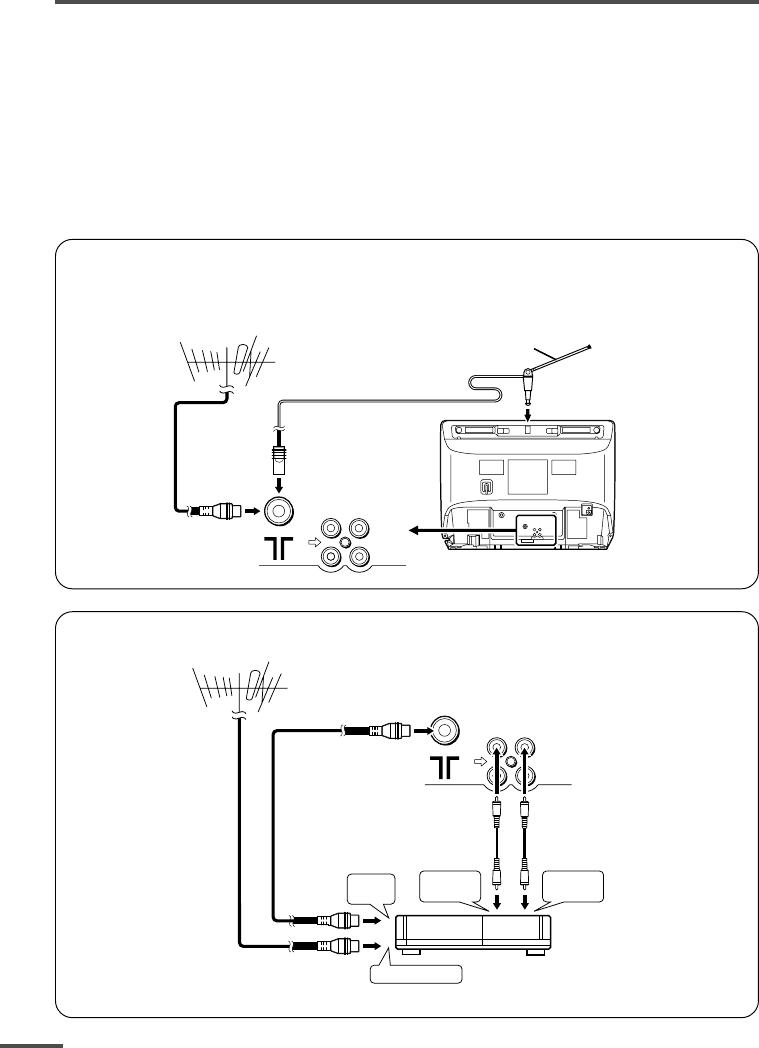
4
Preparation
3 Connecting the aerial and external devices
•For further details, refer to the manuals provided with the devices you are connecting.
•Connecting cables are not supplied.
•The front and rear AUDIO/VIDEO input jacks are directly connected so that input to either jack
is output through both. You cannot provide input to both the front and rear jacks at the same
time. Disconnect one input, or use one of the jacks as an output jack only (for monitoring or
recording).
•The rod aerial is supplied with the AV-14AMG3/AV-14FMG3/AV-14FMG3B.
■Connecting the aerial and VCR
Connecting the aerial
To install rod aerial:
Install into the top-rear aerial holder. Once installed, it cannot be removed.
• Illustration of AV-14FMG3.
VHF/UHF outdoor aerial
VIDEO AUDIO
IN
OUT
Indoor aerial
Rod aerial
To RF
output
To video
output
To aerial input
To audio
output
3
2
VCR
VHF/UHF outdoor aerial
1
VIDEO AUDIO
IN
OUT
• Illustration of AV-14FMG3.
Connecting the aerial and VCR
LCT1196-001A-H 21/5/2002, 14:244
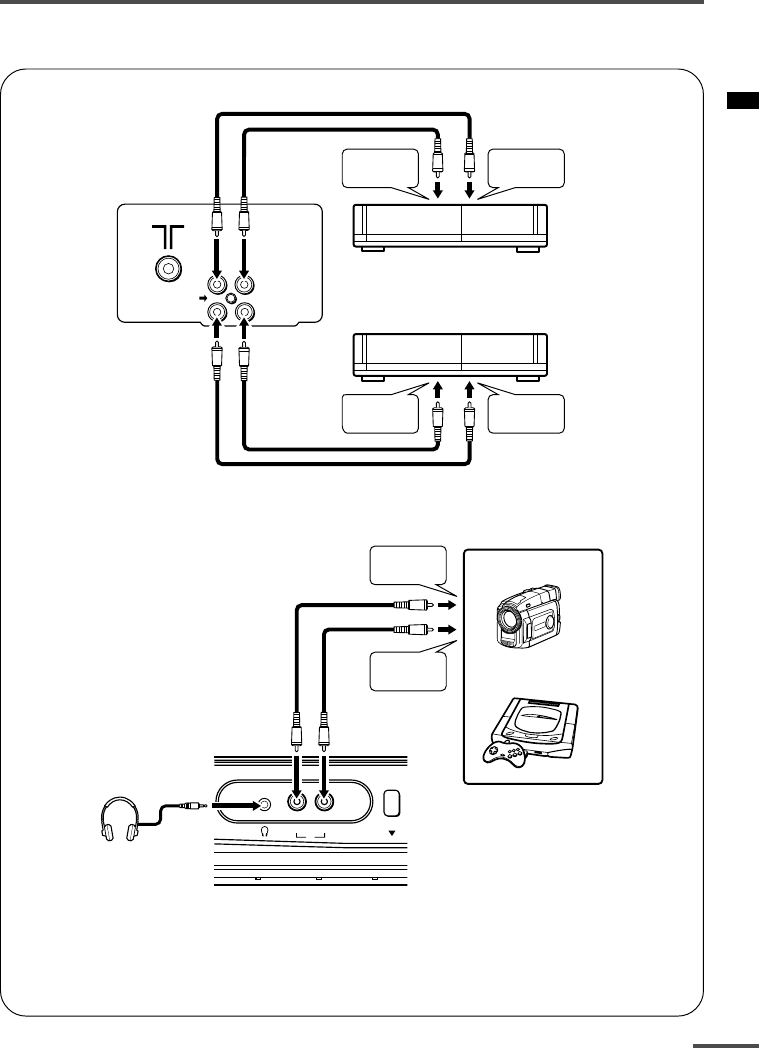
5
Preparation
■Connecting other external devices
•Use the headphones with a stereo mini jack (3.5 mm in diameter). When you connect the
headphones, the TV speakers go off.
•Illustration of AV-21DMG3.
VIDEO
IN
OUT
AUDIO
VCR (for recording)
VCR (for playing)
To audio
output
To video
output
To audio
input
To video
input
•Illustration of AV-21DMG3.
MENU
VIDEO AUDIO
IN
To audio
output
To video
output
Headphones
Camcorder
or
TV game
LCT1196-001A-H 21/5/2002, 14:245
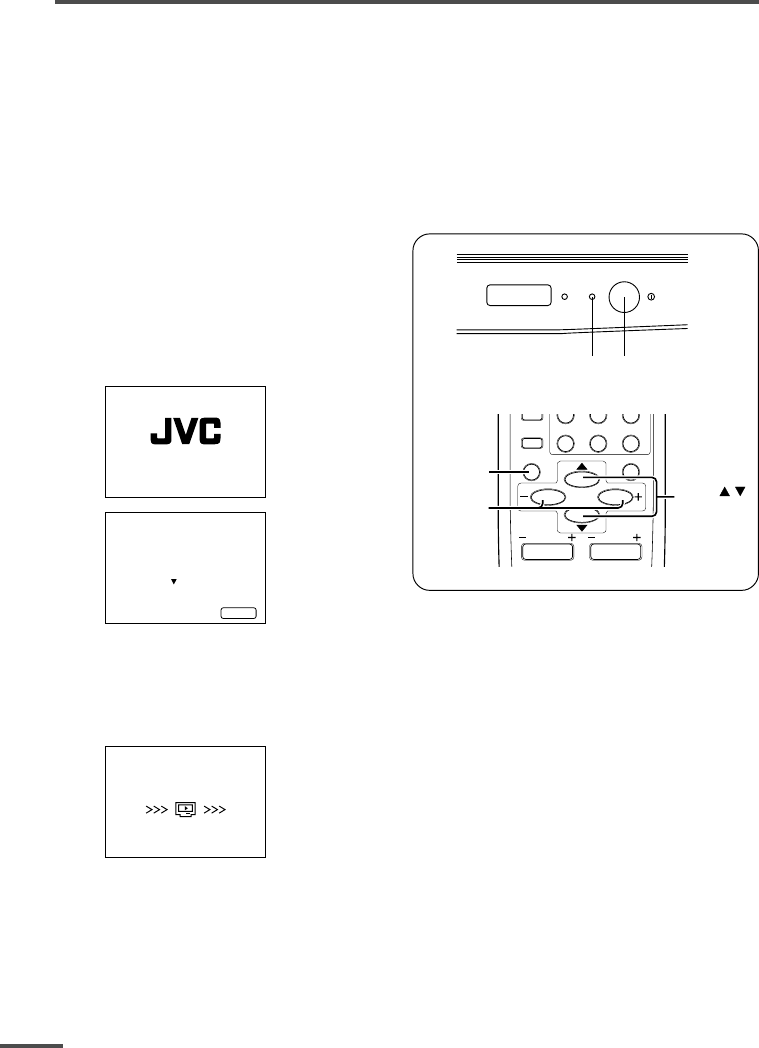
6
Preparation
4 Connecting the power cord
Connect the power cord to the AC outlet.
Operate only from the power source indicated on the rear of the TV.
5 SETUP TOUR
When the TV is first turned on it enters the SETUP TOUR mode, and the JVC logo is
displayed. Follow the instructions on the on-screen display to perform the SETUP TOUR.
•In case of resetting that the reason for such as removal, you can set the SETUP TOUR
function on the “MENU 3” menu. For details, see page 13.
1 Press the Main power button
on the TV.
The POWER lamp or POWER/ON
TIMER lamp lights. After the JVC
logo has been displayed, the TV
automatically switches to the
language setting mode.
SETUP TOUR
EXIT BY
OPERATE BY -+
DISPLAY
SETUP TOUR
LANGUAGE
ENGLISH
NEXT
2 Press the MENU M buttons to select the on-screen language.
3 Press the MENU y button.
The AUTO PROGRAMMING function will start and the indicator blinks.
STOP BY -+
SETUP TOUR
NOW PROGRAMMING
•To stop the AUTO PROGRAMMING function, press the MENU m buttons.
When all the TV channels that can be received on your TV have been preset, the
display goes out and the AUTO PROGRAMMING function operation is completed.
•If a TV channel you want to view is not set to the channel, set it with the MANUAL CH
PRESET function. For details, see page 14.
ON
TIMER POWER
POWER lamp Main power button
RETURN+0-/--
CHANNEL
SCAN
DISPLAY
MENU
VOLUME
MUTING
DISPLAY
button
MENU /
buttons
MENU –/+
buttons
CHANNEL
LCT1196-001A-H 21/5/2002, 14:246
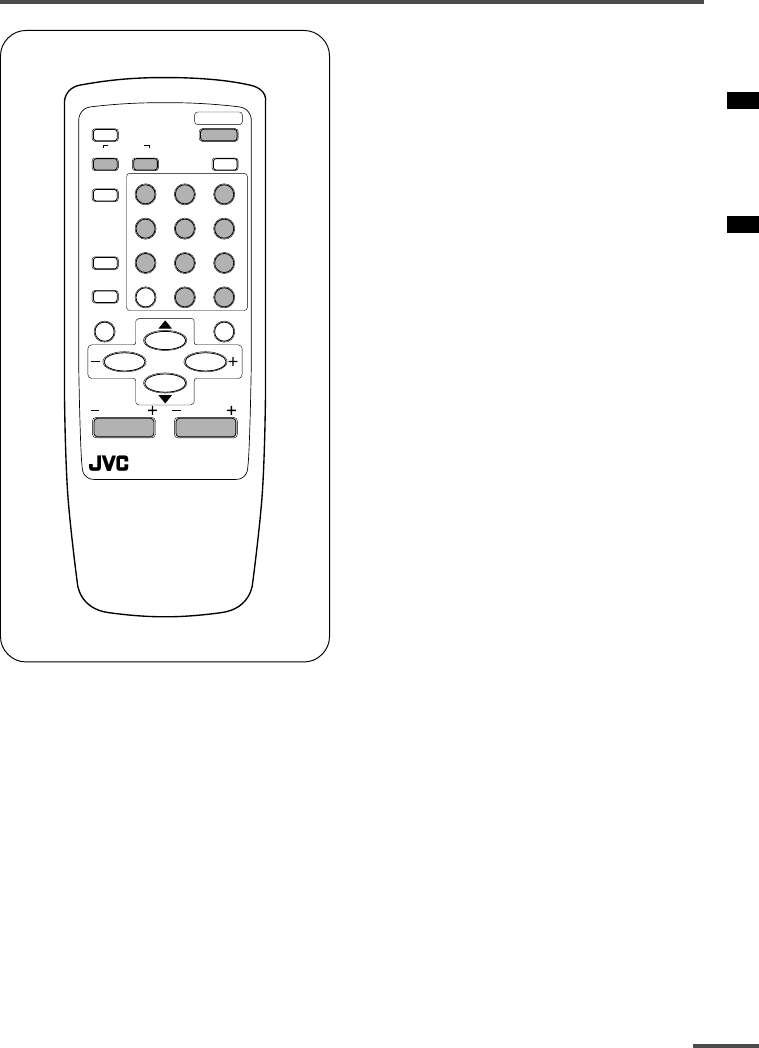
7
Basic operation
POWER
123
456
789
RETURN
+0-/--
PICTURE
MODE
SYSTEM
COLOUR
TV/VIDEO
CHANNEL
SCAN
OFF
TIMER
ECO
SENSOR
DISPLAY
MENU
CHANNEL
REMOTE CONTROL UNIT
RM-C364GY
VOLUME
MUTING
SOUND
1 Press the POWER button to
turn your TV on.
•If your TV does not turn on, press the
Main power button on the TV then
press the POWER button again.
•You can also turn on your TV by
pressing any of the following buttons;
- the CHANNEL m button
- the Number buttons
- the TV/VIDEO button
2 Select a channel.
■Press the CHANNEL m button.
•Up/down selection cannot be selected
for channels to which the SKIP has been
set to “YES”. See page 15.
■Press the Number buttons to enter
the channel number.
•If you want to enter a two-digit number,
press the -/-- button to select the two
digit mode “--”, then enter the channel
number.
3 Press the VOLUME M button to
adjust the sound.
4 To turn your TV off, press the
POWER button.
•We recommend that you press the Main
power button on the TV to turn the main
power off if you do not plan to use your
TV for a long time or if you wish to save
energy.
If the picture is not clear:
Press the COLOUR SYSTEM button to
select another colour system, see page 8.
If the sound is not clear:
Press the SOUND SYSTEM button to select
another sound system, see page 8.
Viewing Images from an External
Device:
Press the TV/VIDEO button to select the
VIDEO mode.
•You can also use the INPUT function to select
the VIDEO mode. For details, refer to page 11.
LCT1196-001A-H 21/5/2002, 14:247
8
Remote control buttons and functions
ECO SENSOR button
<AV-14AMG3 does not have this function>
You can adjust this TV so that the screen
automatically adjusts to the optimum
contrast according to the brightness of
your room. This function reduces eye
strain and the power consumption of this
TV.
Press this button to select the desired
mode.
AI ECO SENSOR 1:
The AI ECO SENSOR function switches
on.
Usually, it is recommended to watch the
TV in this mode.
AI ECO SENSOR 2:
The AI ECO SENSOR function switches
on.
If you feel the screen in the “AI ECO
SENSOR 1” mode is too dark, select this
mode.
AI ECO SENSOR OFF:
The AI ECO SENSOR function switches
off.
•You can display on the screen the effect of the
AI ECO SENSOR function.
For details, see “AI ECO DISPLAY” on page 13.
PICTURE MODE button
You can select one of three picture
adjustment settings as you like.
Press this button to select a mode.
BRIGHT:
Heightens contrast and sharpness.
STANDARD:
Standardizes picture adjustments.
SOFT:
Softens contrast and sharpness.
•Pressing this button returns all the picture
settings in the “MENU 4” to their default
settings.
COLOUR SYSTEM button
If the picture is not clear or no colour
appears, change the current colour system
to another colour system.
Press this button to select the colour
system.
AUTO PAL SECAM
NTSC3.58
NTSC4.43
AUTO:
Automatic colour system selection.
•For the colour systems in each country or
region, see the table“Broadcasting systems”
on page 19.
•If the picture is not normal in the AUTO
mode, change the AUTO mode to another
colour system.
SOUND SYSTEM button
If the sound is not clear even when the
picture appears normal, change the
current sound system to another sound
system.
Press this button to select the sound
system.
B/G I D/K M
•For the sound systems in each country or
region, see the table “Broadcasting systems”
on page 19.
•You cannot select any sound system when in
a VIDEO mode.
LCT1196-001A-H 21/5/2002, 14:248
9
Remote control buttons and functions
DISPLAY button
You can continuously display the current
channel number or VIDEO mode on the
screen.
Press this button.
To turn the display off, press this button
again.
•When selecting a channel or VIDEO mode
with no input signal, indication of selected
channel or VIDEO mode becomes fixed on the
screen.
RETURN + button
You can set a channel you frequently view
to the Return Channel and you can view
that channel at any time with one-touch.
To set the channel to the Return
Channel:
1 Select the channel you want to set
to the Return Channel.
2 Press this button and hold until the
message “RETURN PLUS
PROGRAMMED!” appears.
•When you turn off the TV, the Return
Channel setting is cancelled.
To view the Return Channel:
Press this button.
•You can view two channels (current channel
and Return Channel) alternately by pressing
this button.
To cancel the Return Channel setting:
Press this button and hold until the
message“RETURN PLUS CANCELLED!”
appears.
If no channel is set to the Return
Channel:
You can view the channel selected right
before the current channel by pressing
this button.
CHANNEL SCAN button
You can quickly view all TV channels
programmes that you can view on your
TV, and search for the programme you
want to view.
1 Press this button to start scanning
TV channels.
The TV channel programmes are each
displayed for several seconds.
•The programmes of TV channels for which
the SKIP function is set to “YES” are not
displayed. (See page 15.)
2 When you find the programme you
want to view, press this button
again to stop scanning.
MUTING button
You can turn the sound off instantly.
Press this button.
To turn the sound on, press this button
again.
OFF TIMER button
You can set the TV to automatically turn
off after a set time.
Press this button to select the period of
time.
•You can set the period of time to a maximum
of 120 minutes in 10 minute increments.
•1 minute before the OFF TIMER function
turns off the TV, “GOOD NIGHT!” appears.
To display the remaining time, press this
button once.
To cancel the OFF TIMER function, press
this button to set the period of time to 0.
•The OFF TIMER function will not turn off the
TV’s main power.
LCT1196-001A-H 21/5/2002, 14:249
10
Changes the AUTO
SHUTOFF setting.
MENU number
The icon on
the left indicates
the currently
selected function.
Using the TV’s menus
This TV has a number of functions you can operate using the menus. To use all your TV’s
functions fully, you need to understand how to use the menus.
RETURN+0-/--
CHANNEL
SCAN
DISPLAY
MENU
VOLUME
MUTING
DISPLAY
button
MENU /
buttons
MENU –/+
buttons
CHANNEL
■ Basic operation
1 Press the MENU T buttons.
One of the 4 menus is displayed.
MENU 1
INPUT TV
ON TIMER
PR 1 0:00
VNR OFF
SELECT BY EXIT BY
OPERATE BY -+
DISPLAY
2 Repeatedly press the MENU T
buttons to display a desired
menu.
•If you hold down the y button, the next
menu is displayed.
•If the selected function is on the first line,
pressing the r button displays the
preceding menu.
3 Repeatedly press the MENU T
buttons to select a desired
function.
4 Press the MENU M buttons to
change function settings.
Example:
MENU 2
AUTO SHUTOFF OFF
CHILD LOCK OFF
BLUE BACK ON
AI ECO DISPLAY ON
SELECT BY EXIT BY
OPERATE BY -+
DISPLAY
⇔
MENU 2
AUTO SHUTOFF ON
CHILD LOCK OFF
BLUE BACK ON
AI ECO DISPLAY ON
SELECT BY EXIT BY
OPERATE BY -+
DISPLAY
•With some functions, the operation
method may differ.
5 Press the DISPLAY button to turn
the display off.
•To operate a menu using the buttons on
the front panel of the TV, refer to
“Operating menus” on page 17.
LCT1196-001A-H 21/5/2002, 14:2410
11
Using the TV’s menus
When the time set for the ON TIMER
function is reached:
The TV automatically turns on and the
channel set for the ON TIMER function is
displayed.
•For safety reasons the TV will automatically
turn off if no operations are made within
approximately two hours after the TV is
turned on with the ON TIMER function.
•The OFF TIMER function and AUTO
SHUTOFF function have priority over the ON
TIMER function.
INPUT
You can view images from VCRs or other
devices connected to your TV.
1 Press MENU T to display the
“MENU 1” menu, then select
“INPUT”.
MENU 1
INPUT TV
ON TIMER
PR 1 0:00
VNR OFF
SELECT BY EXIT BY
OPERATE BY -+
DISPLAY
2 Press MENU M to select the VIDEO
mode.
TV mode changes to VIDEO mode.
VNR (Video Noise Reduction)
You can reduce the picture noise.
1 Press MENU T to display the
“MENU 1” menu, then select “VNR”.
MENU 1
INPUT TV
ON TIMER
PR 1 0:00
VNR ON
SELECT BY EXIT BY
OPERATE BY -+
DISPLAY
2 Press MENU M to select “ON”.
To cancel the VNR function, select
“OFF”.
ON TIMER
Your TV will automatically turn on and
tune into the channel you set after the
period of time you set.
1 Press MENU T to display the
“MENU 1” menu, then select
“ON TIMER”.
MENU 1
INPUT TV
ON TIMER
PR 1 0:00
VNR OFF
OPERATE BY VOL-+
SELECT BY EXIT BY
PROGRAM BY -+
DISPLAY
2 Press MENU M to select a channel
you want to view when the TV turns
on.
3 Press VOLUME M to select the
period of time after which you want
to turn on the TV.
The ON TIMER function starts.
•Each time you press the button, the period
of time changes in 15 minute intervals (up
to 12 hours).
To cancel the ON TIMER function,
press the VOLUME m button to set the
period of time to “0:00”.
4 Press DISPLAY to turn the display
off.
•If you turn off the TV’s main power by
pressing the Main power button, the ON
TIMER function is canceled.
•If you do not turn off the TV after starting
the ON TIMER function, the channel will
automatically switch to the channel set for
the ON TIMER function.
LCT1196-001A-H 21/5/2002, 14:2511
12
Using the TV’s menus
AUTO SHUTOFF
You can set your TV to turn off if no
signals are received for about 15 minutes
or longer after the end of a broadcast.
1 Press MENU T to display the
“MENU 2” menu, then select “AUTO
SHUTOFF”.
MENU 2
AUTO SHUTOFF ON
CHILD LOCK ON
BLUE BACK ON
AI ECO DISPLAY ON
SELECT BY EXIT BY
OPERATE BY -+
DISPLAY
2 Press MENU M to select “ON”.
To cancel the AUTO SHUTOFF function,
select “OFF”.
•The AUTO SHUTOFF function does not
turn off the TV’s main power.
•The AUTO SHUTOFF will not work for a
VIDEO mode.
CHILD LOCK
You can disable the front control buttons
of the TV.
When this function is set to “ON”, the TV
can be operated using only the remote
control.
Use this function to prevent children from
operating the TV without parental consent.
1 Press MENU T to display the
“MENU 2” menu, then select “CHILD
LOCK”.
MENU 2
AUTO SHUTOFF ON
CHILD LOCK ON
BLUE BACK ON
AI ECO DISPLAY ON
SELECT BY EXIT BY
OPERATE BY -+
DISPLAY
2 Press MENU M to select “ON”.
To cancel the CHILD LOCK function,
select “OFF”.
•The CHILD LOCK function is canceled when
you turn the power off.
BLUE BACK
You can mute the sound and change the
picture into a blue screen while no signals
are received by the TV, or when the
signals are unstable.
1 Press MENU T to display the
“MENU 2” menu, then select “BLUE
BACK”.
MENU 2
AUTO SHUTOFF ON
CHILD LOCK ON
BLUE BACK ON
AI ECO DISPLAY ON
SELECT BY EXIT BY
OPERATE BY -+
DISPLAY
2 Press MENU M to select “ON”.
To cancel the BLUE BACK function,
select “OFF”.
•To view a broadcast even when the
reception signal is poor, set the BLUE
BACK function to “OFF”.
•Even when the BLUE BACK function is set
to “OFF”, the sound may not be audible.
Picture Adjustments
You can adjust the picture as you like.
1 Press MENU T to display the
“MENU 4” menu.
MENU 4
TINT
COLOUR
BRIGHT
CONT.
SHARP
SELECT BY EXIT BY
OPERATE BY -+
DISPLAY
2 Press MENU T to select an item
and press MENU M to adjust it.
TINT* - : Reddish + : Greenish
COLOUR - : Lighter + : Deeper
BRIGHT - : Darker + : Brighter
CONT. - : Lower + : Higher
SHARP - : Softer + : Sharper
*TINT (tint) is displayed only when
viewing images from NTSC3.58 or
NTSC4.43 colour systems.
LCT1196-001A-H 21/5/2002, 14:2512
13
Using the TV’s menus
AI ECO DISPLAY
<AV-14AMG3 does not have this function>
You can display on the screen the effect of
the AI ECO SENSOR function.
1 Press MENU T to display the
“MENU 2” menu, then select “AI
ECO DISPLAY”.
MENU 2
AUTO SHUTOFF OFF
CHILD LOCK OFF
BLUE BACK OFF
AI ECO DISPLAY ON
SELECT BY EXIT BY
OPERATE BY -+
DISPLAY
2 Press MENU M to select “ON”.
The clover mark indicating the brightness of
your room is displayed for several seconds
each time the brightness changes. The
number of clover marks displayed on screen
increases as your room becomes darker.
To cancel the AI ECO DISPLAY
function, select “OFF”.
•To switch the AI ECO SENSOR’s mode, see
the “ECO SENSOR button” on page 8.
SETUP TOUR
You can start the SETUP TOUR function.
1 Press MENU T to display the
“MENU 3” menu, then select
“SETUP TOUR”.
MENU 3
AUTO CH PRESET
MANUAL CH PRESET
SETUP TOUR
LANGUAGE ENGLISH
SELECT BY EXIT BY
OPERATE BY -+
DISPLAY
2 Press MENU M.
JVC logo is appear and the SETUP
TOUR function will start.
For details, see page 6.
AUTO CH PRESET
You can automatically preset all TV
channels that can be received by your TV
to channels.
1 Press MENU T to display the
“MENU 3” menu, then select “AUTO
CH PRESET”.
MENU 3
AUTO CH PRESET
MANUAL CH PRESET
SETUP TOUR
LANGUAGE ENGLISH
SELECT BY EXIT BY
OPERATE BY -+
DISPLAY
2 Press MENU M to start the AUTO
CH PRESET function.
“>>>ON SEARCH” is displayed on
the screen.
When all the TV channels that can be
received on your TV have been preset,
the display goes out and the AUTO CH
PRESET function operation is
completed.
To stop the AUTO CH PRESET:
Press the MENU m buttons.
•The AUTO CH PRESET function does not
preset a TV channel to the AV channel
(channel number 0).
•If the TV cannot preset the TV channel you
want to view, preset it manually. For details,
see “MANUAL CH PRESET” on page 14.
LCT1196-001A-H 21/5/2002, 14:2513
14
Using the TV’s menus
MANUAL CH PRESET
You can manually preset desired TV
channels to desired channels.
1 Press MENU T to display the
“MENU 3” menu, then select
“MANUAL CH PRESET”.
MENU 3
AUTO CH PRESET
MANUAL CH PRESET
SETUP TOUR
LANGUAGE ENGLISH
SELECT BY EXIT BY
OPERATE BY -+
DISPLAY
2 Press MENU M.
The sub-menu is displayed.
MANUAL
FINE
SKIP NO
SOUND SYSTEM B/G
EXIT
SELECT BY PR 1 VL
PROGRAM BY -+ EXIT BY
SEARCH BY VOL-+
DISPLAY
•The channel number is displayed as a PR
number. For example, channel 1 will be
displayed as PR 1. However, the AV
channel will be displayed as AV.
3 Press MENU M to select the
channel number.
4 Press VOLUME M to start
searching for the TV channel.
“>>>” or “<<<” is displayed on the
screen.
When the TV finds a TV channel, the
“>>>” or “<<<” display goes out,
and the TV channel is preset to the
currently selected channel number.
•If the TV channel you want to preset is not
displayed, repeat step 4 until the TV finds
the TV channel you want to preset.
•To stop the MANUAL CH PRESET function,
press any button other than the VOLUME
m button.
If the picture is not clear:
Fine-tune the TV channel.
1Press MENU t to select “FINE”.
MANUAL
FINE
SKIP NO
SOUND SYSTEM B/G
EXIT
SELECT BY PR 3 VL
PROGRAM BY -+ EXIT BY
FINE BY VOL-+
DISPLAY
2Hold VOLUME m down to fine-tune
the TV channel so that the best image
is displayed on screen.
“>” or “<” indicates that the TV is fine-
tuning the TV channel.
If the sound is not clear:
1Press MENU t to select “SOUND
SYSTEM”.
MANUAL
FINE
SKIP NO
SOUND SYSTEM M
EXIT
SELECT BY PR 3 VL
PROGRAM BY -+ EXIT BY
CHANGE BY VOL-+
DISPLAY
2Press VOLUME m to select the
appropriate sound system.
•For the sound systems in each country
or region, refer to the table
“Broadcasting systems” on page 19.
5 Press MENU T to select
“MANUAL”.
6 Repeat steps 3 to 5 if you want to
preset another TV channel to a
channel.
LCT1196-001A-H 21/5/2002, 14:2514
15
Using the TV’s menus
SKIP
You can set undesired channels to be
skipped. Channels set to be skipped
cannot be selected by the CHANNEL m
buttons nor the CHANNEL SCAN button.
•Channels to which TV channels have not
been preset are automatically set to be
skipped.
1 Press MENU T to display the
“MENU 3” menu, then select
“MANUAL CH PRESET”.
2 Press MENU M.
The sub-menu is displayed.
3 Press MENU T to select “SKIP”.
MANUAL
FINE
SKIP NO
SOUND SYSTEM M
EXIT
SELECT BY PR 3 VL
PROGRAM BY -+ EXIT BY
YES/NO BY VOL-+
DISPLAY
4 Press MENU M to select the
channel you want to skip.
5 Press VOLUME M to select “YES”.
The channel is set to be skipped.
To cancel the SKIP function, select
“NO”.
6 Repeat steps 4 and 5 if you want to
set another channel to skip.
LANGUAGE
You can select the language for the on-
screen display.
1 Press MENU T to display the
“MENU 3” menu, then select
“LANGUAGE”.
MENU 3
AUTO CH PRESET
MANUAL CH PRESET
SETUP TOUR
LANGUAGE ENGLISH
SELECT BY EXIT BY
OPERATE BY -+
DISPLAY
2 Press MENU M to select
language.
The on-screen display indications are
in the selected language.
LCT1196-001A-H 21/5/2002, 14:2515
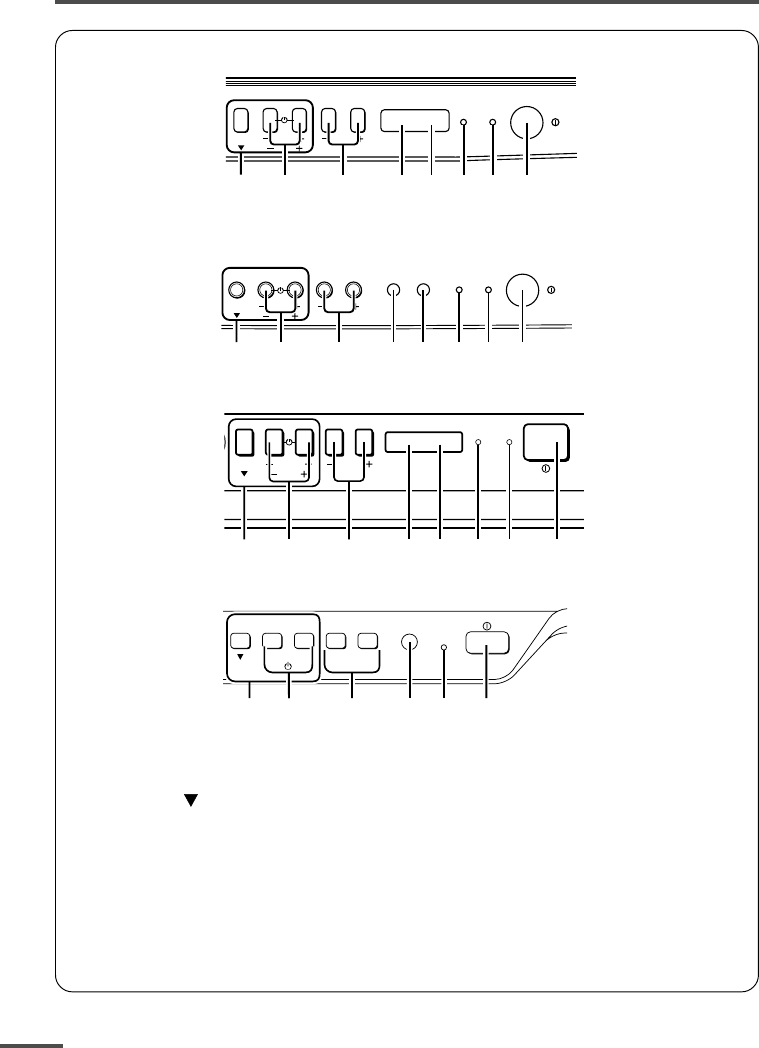
16
Using the buttons on the TV
1MENU buttons
• MENU button
• MENU m buttons
2CHANNEL m buttons
3VOLUME m buttons
4AI ECO sensor
5Remote control sensor
6ON TIMER lamp
The light is switched on while
ON TIMER function is operating.
<AV-21DMG3/AV-21LMG3>
<AV-21QMG3>
<AV-14FMG3/AV-14FMG3B/AV-20NMG3/AV-20NMG3B/AV-21FMG3B>
<AV-14AMG3>
7POWER lamp
When the Main power is on,
the light is red.
8POWER/ON TIMER lamp
When the Main power is on,
the light is green.
When ON TIMER function is on,
it is red.
9Main power button
MENU
CHANNEL
VOLUME
ON
TIMER POWER
EXIT
1237
6
5
49
MENU
CHANNEL
VOLUME
ON
TIMER POWER
EXIT
1237
6
5
49
MENU
CHANNEL
VOLUME
POWERON TIMER
EXIT
12367
45 9
CHANNEL VOLUME
––
–
++
+
MENU
EXIT
POWER/
ON TIMER
83921 5
LCT1196-001A-H 21/5/2002, 14:2516
17
Basic operation
•Check to make sure the CHILD LOCK
function is set to “OFF”. When the CHILD
LOCK function is set to “ON”, the TV cannot
be operated using the front control buttons.
For details, see “CHILD LOCK” on page 12.
1 Press CHANNEL M to turn the TV
on from standby mode.
2 Press CHANNEL M to select a
channel.
3 Press VOLUME M to adjust the
volume.
4 To turn your TV off, press the Main
power button to turn off the TV’s
main power.
To change the TV mode to the VIDEO
mode:
•Select the VIDEO mode with the INPUT
function in “MENU 1”.
Operating menus
You can operate functions in menus using
the front control buttons on the TV.
1 Press MENU y to display a menu.
2 Press MENU y repeatedly to display
the menu you want to use.
3 Press MENU y to select the desired
function or item.
4 Press MENU M or VOLUME M to
carry out the desired operation.
For details, see the description for each
function.
5 Press VOLUME M to turn the menu
display off.
To turn the sub-menu display off:
1Press MENU y to select “EXIT”.
MANUAL
FINE
SKIP NO
SOUND SYSTEM M
EXIT
SELECT BY PR 3 VL
PROGRAM BY -+ EXIT BY
EXIT BY VOL-+
DISPLAY
2Press VOLUME m to turn the display
off.
Using the buttons on the TV
LCT1196-001A-H 21/5/2002, 14:2517
18
Troubleshooting
If there is no picture or the TV does not operate normally, make sure the problem isn’t due
to the reasons indicated below.
If the problem persists even after taking the measures indicated, please contact a service
technician.
Cannot turn the TV on
•Press the Main power button on the TV.
•Connect the power cord to the AC outlet.
The screen turns blue
•Is the BLUE BACK function on? (see page 12.)
Remote control inoperable
•Replace the batteries. (see page 3.)
Buttons on front of the TV do not work
•Switch the CHILD LOCK function off.
(see page 12.)
TV does not respond immediately
•Press the main power button on the TV to
turn off the main power. Press the main
power button again to turn on the TV. If the
TV returns to a normal state, operation is
normal.
The TV turns off suddenly
•Is the OFF TIMER function set to operate?
(see page 9.)
•Is the AUTO SHUTOFF function on?
(see page 12.)
•Have you not performed an operation for
about two hours after the TV was switched on
by the ON TIMER function? (see page 11.) If
you don’t perform an operation within about
two hours, the TV is automatically switched
off for safety.
Poor sound
•Press the SOUND SYSTEM button to select
another sound system. (see page 8.)
Poor picture
•Press the COLOUR SYSTEM button to select
another colour system. (see page 8.)
•Adjust the picture settings. (see page 12.)
•Set the Picture mode to STANDARD.
(see page 8.)
•If noise (snow) totally blocks out the picture,
check the following.
- Have the TV and aerial been connected
properly?
- Has the aerial cable been damaged?
- Is the aerial pointing in the right direction?
- Is the aerial itself faulty?
•If the TV or aerial suffer interference from
other equipment, stripes or noise may appear
in the picture. Move any equipment which
can cause interference away from the TV.
•If the TV or aerial suffer interference from
signals reflecting from mountains or
buildings, double-pictures (ghosting) will
occur. Change the aerial’s direction or replace
it with an aerial with better directionality.
•When a white and bright still image (such as
a white dress) is displayed on the screen, the
white part may look as if it is coloured. When
the image disappears from the screen, the
unnatural colours will also disappear.
The TV turns on suddenly
•Is the ON TIMER function set to operate?
(see page 11.)
The TV channel changes suddenly
•Is the ON TIMER function set to operate?
(see page 11.)
LCT1196-001A-H 21/5/2002, 14:2618
19
Asia,
Middle
East
Specifications
TV RF systems
B, G, I, D, K, K1, M
Colour systems
PAL, SECAM, NTSC 3.58 MHz, NTSC 4.43 MHz
Receiving channels
VHF low channel (VL), VHF high channel (VH), UHF channel (U)
Receives cable channels in mid band, super band and hyper band.
External input / output
INPUT: VIDEO input (RCA), AUDIO input (RCA)
OUTPUT: VIDEO output (RCA), AUDIO output (RCA)
Headphone jack: stereo mini jack (3.5 mm diameter)
Accessories
•Remote control unit: AV-14AMG3; RM-C360GY
AV-14FMG3/AV-20NMG3/AV-21DMG3/AV-21LMG3/AV-21QMG3;
RM-C364GY
AV-14FMG3B/AV-20NMG3B/AV-21FMG3B; RM-C364
•AA / R6 / UM-3 dry cell battery × 2
•Rod aerial × 1 (AV-14AMG3/AV-14FMG3/AV-14FMG3B only)
Design and specifications subject to change without notice.
Broadcasting systems
Area Country or Region System
Colour Sound
Bahrain, Kuwait, Oman, Qatar,
United Arab Emirates, Yemen, etc. PAL B/G
Indonesia, Malaysia, Singapore, Thailand,
India, etc.
China, Vietnam, etc. PAL D/K
Hong Kong, etc. PAL I
Islamic Republic of Iran, Lebanon, Saudi Arabia, etc. SECAM B/G
Philippines, Taiwan, Myanmar, etc. NTSC M
Russia, etc. SECAM D/K
Europe Czech Republic, Poland, etc. PAL D/K
Germany, Holland, Belgium, etc. PAL B/G
UK, etc. PAL I
Oceania Australia, New Zealand, etc. PAL B/G
Republic of South Africa, etc. PAL I
Africa Nigeria, etc. PAL B/G
Egypt, Morocco, etc. SECAM B/G
LCT1196-001A-H 21/5/2002, 14:2619

LCT1196-001A-H
0502-Ki-NIC-JMT © 2002 VICTOR COMPANY OF JAPAN, LIMITED
COLOUR TELEVISION
INSTRUCTIONS
Thank you for buying this JVC
colour television.
To make sure you understand how to
use your new TV, please read this
manual thoroughly before you begin.
AV-14AMG3
AV-14FMG3
AV-20NMG3
AV-21DMG3
AV-21LMG3
AV-21QMG3
AV-14FMG3B
AV-20NMG3B
AV-21FMG3B
Contents
Safety precautions 2
Preparation 3
1 Confirm which remote control you have ...... 3
2 Inserting the batteries ................................... 3
3
Connecting the aerial and external devices ...
4
4 Connecting the power cord ........................ 6
5 SETUP TOUR .............................................. 6
Basic operation 7
Remote control buttons and functions 8
ECO SENSOR button ..................................... 8
PICTURE MODE button ................................. 8
COLOUR SYSTEM button ............................. 8
SOUND SYSTEM button ............................... 8
DISPLAY button ............................................. 9
RETURN + button .......................................... 9
CHANNEL SCAN button ................................ 9
MUTING button ............................................. 9
OFF TIMER button ......................................... 9
Using the TV’s menus 10
Basic operation ............................................ 10
ON TIMER ..................................................... 11
INPUT ........................................................... 11
VNR ............................................................... 11
AUTO SHUTOFF .......................................... 12
CHILD LOCK ................................................. 12
BLUE BACK .................................................. 12
Picture Adjustments .................................... 12
AI ECO DISPLAY .......................................... 13
SETUP TOUR ............................................... 13
AUTO CH PRESET ....................................... 13
MANUAL CH PRESET .................................. 14
SKIP .............................................................. 15
LANGUAGE .................................................. 15
Using the buttons on the TV 16
Troubleshooting 18
Specifications 19
LCT1196-001A-H_Cover 20/5/2002, 10:492-3
LCT1195-001B-H
0502-Ki-NIC-JMT © 2002 VICTOR COMPANY OF JAPAN, LIMITED
COLOUR TELEVISION
INSTRUCTIONS
Thank you for buying this JVC
colour television.
To make sure you understand how to
use your new TV, please read this
manual thoroughly before you begin.
AV-1415EE
AV-1435EE
AV-2105EE
AV-2115EE
AV-2135EE
AV-1435TEE
AV-2135TEE
Contents
Safety precautions 2
Preparation 3
1 Confirm which remote control you have ...... 3
2 Inserting the batteries ................................... 3
3
Connecting the aerial and external devices ...
4
4 Connecting the power cord ........................ 6
5 SETUP TOUR .............................................. 6
Basic operation 7
Remote control buttons and functions 8
ECO SENSOR button ..................................... 8
PICTURE MODE button ................................. 8
COLOUR SYSTEM button ............................. 8
SOUND SYSTEM button ............................... 8
DISPLAY button ............................................. 9
RETURN + button .......................................... 9
CHANNEL SCAN button ................................ 9
MUTING button ............................................. 9
OFF TIMER button ......................................... 9
Viewing teletext programmes 10, 11
Using the TV’s menus 12
Basic operation ............................................ 12
ON TIMER ..................................................... 13
INPUT ........................................................... 13
VNR ............................................................... 14
AUTO SHUTOFF .......................................... 14
CHILD LOCK ................................................. 14
BLUE BACK .................................................. 15
AI ECO DISPLAY .......................................... 15
SETUP TOUR ............................................... 16
LANGUAGE .................................................. 16
AUTO CH PRESET ....................................... 16
MANUAL CH PRESET .................................. 17
SKIP .............................................................. 18
Picture Adjustments .................................... 18
Using the buttons on the TV 19
Troubleshooting 21
Specifications 22
LCT1195-001B-H_Cover 11/6/2002, 15:032
2
Safety precautions
WARNING
•To prevent fire or shock hazard, do not expose the TV to rain or moisture.
CAUTION
•Operate only from the power source indicated on the rear of the TV.
•Avoid damaging the power cord and mains plug. When you unplug the TV, pull it out by
the mains plug. Do not pull on the power cord.
•Never block or cover the cabinet openings for
ventilation. Never install the TV where good
ventilation is unattainable. When installing
this TV, leave spaces for ventilation around
the TV more than the minimum distances
shown in the diagram.
•Do not allow objects or liquid into the
cabinet openings.
• In the event of a fault, unplug the TV and call a service technician. Do not attempt to
repair it by yourself or remove the rear cover.
•The surface of the TV screen is easily damaged. Be very careful with it when handling
the TV. Should the TV screen become soiled, wipe it with a soft dry cloth. Never rub it
forcefully. Never use any cleaner or detergent on it.
• When you don’t use this TV for a long period of time, be sure to unplug it.
15 cm
10 cm 15 cm
10 cm
LCT1195-001A-H 28/5/2002, 10:012
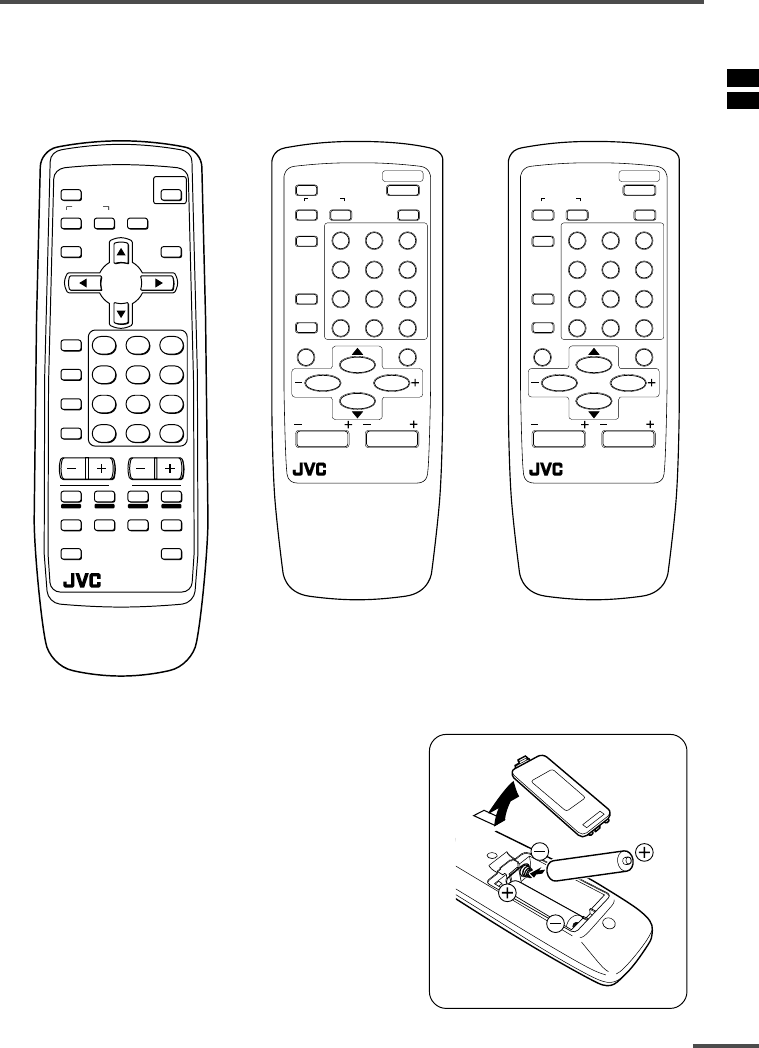
3
Preparation
1Confirm which remote control you have
Your TV comes with one of the three remote controls shown below. Functions you can
operate differ depending on the type of remote control.
RM-C90 RM-C364GY RM-C360GY
ECO
SENSOR
OFF
TIMER
PICTURE
MODE
CHANNEL
SCAN
REVEAL
SUBPAGE CANCEL
TV
TEXT
HOLD
RM-C90
INDEX SIZE
SYSTEM
COLOUR SOUND MUTING
MENU
CHANNEL
RETURN+
POWER
DISPLAY
TV/VIDEO
TV/TEXT
VOLUME
123
456
789
0-/--
POWER
123
456
789
RETURN
+0-/--
PICTURE
MODE
SYSTEM
COLOUR
TV/VIDEO
CHANNEL
SCAN
OFF
TIMER
ECO
SENSOR
DISPLAY
MENU
VOLUME
MUTING
SOUND
CHANNEL
REMOTE CONTROL UNIT
RM-C364GY
POWER
123
456
789
RETURN
+0-/--
PICTURE
MODE
SYSTEM
COLOUR
TV/VIDEO
CHANNEL
SCAN
OFF
TIMER
DISPLAY
MENU
VOLUME
MUTING
SOUND
CHANNEL
REMOTE CONTROL UNIT
RM-C360GY
2Inserting the batteries
Correctly insert two batteries, observing the , and
. polarities and inserting the . end first.
CAUTION:
Follow the cautions printed on the batteries.
Notes:
•Use AA/R6/UM-3 dry cell batteries.
•If the remote control does not work properly, fit new
batteries.
The supplied batteries are for testing, not regular use.
LCT1195-001A-H 28/5/2002, 10:013
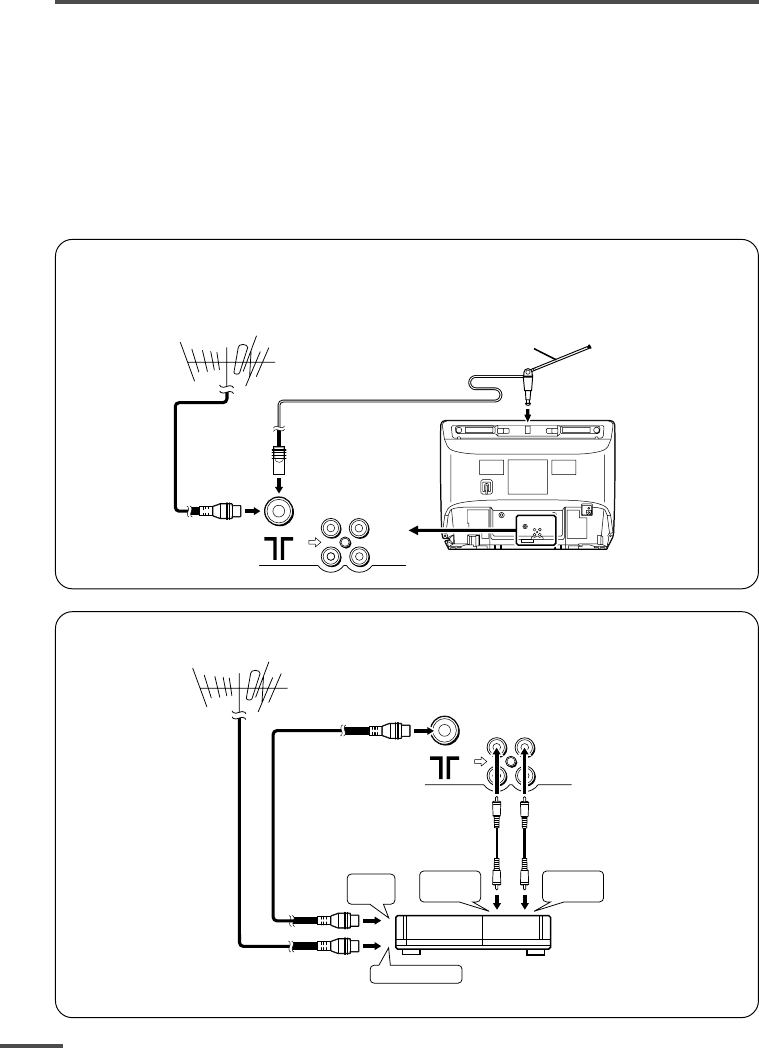
4
Preparation
3Connecting the aerial and external devices
•For further details, refer to the manuals provided with the devices you are connecting.
•Connecting cables are not supplied.
• The front and rear AUDIO/VIDEO input jacks are directly connected so that input to either jack
is output through both. You cannot provide input to both the front and rear jacks at the same
time. Disconnect one input, or use one of the jacks as an output jack only (for monitoring or
recording).
•The rod aerial is supplied with the AV-1415EE/AV-1435EE/AV-1435TEE.
■Connecting the aerial and VCR
Connecting the aerial
To install rod aerial:
Install into the top-rear aerial holder. Once installed, it cannot be removed.
• Illustration of AV-1435EE.
VHF/UHF outdoor aerial
VIDEO AUDIO
IN
OUT
Indoor aerial
Rod aerial
To RF
output
To video
output
To aerial input
To audio
output
3
2
VCR
VHF/UHF outdoor aerial
1
VIDEO AUDIO
IN
OUT
• Illustration of AV-1435EE.
Connecting the aerial and VCR
LCT1195-001A-H 28/5/2002, 10:014
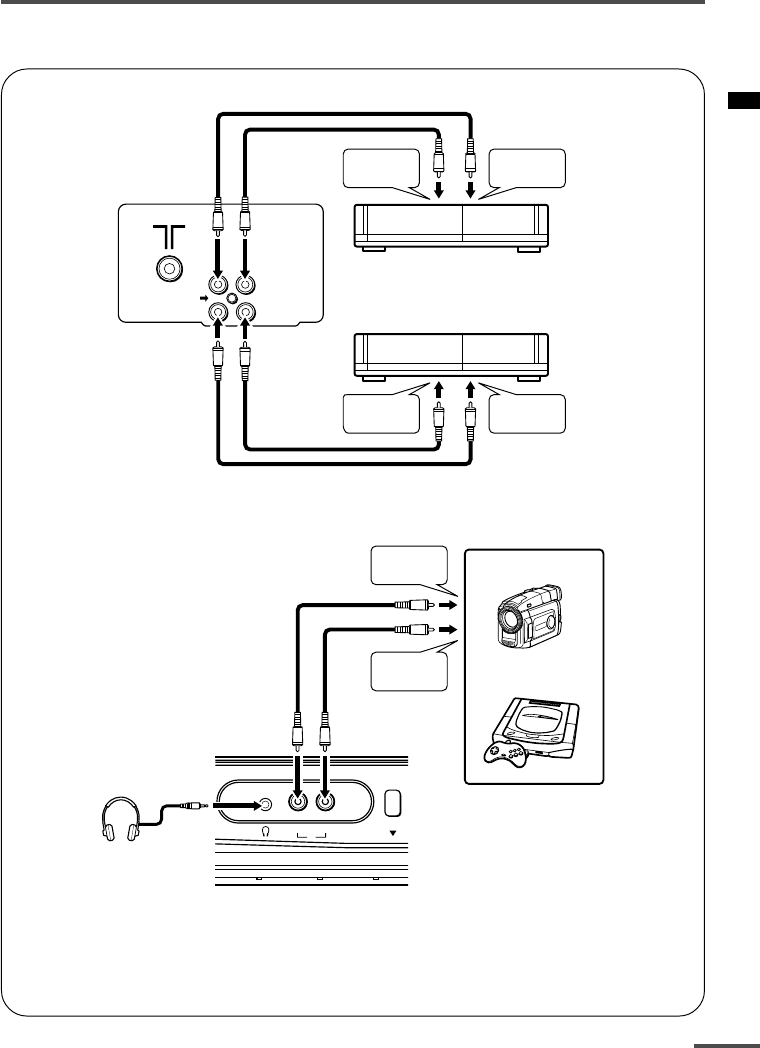
5
Preparation
■Connecting other external devices
•Use the headphones with a stereo mini jack (3.5 mm in diameter). When you connect the
headphones, the TV speakers go off.
•Illustration of AV-2135EE.
VIDEO
IN
OUT
AUDIO
VCR (for recording)
VCR (for playing)
To audio
output
To video
output
To audio
input
To video
input
•Illustration of AV-2135EE.
MENU
VIDEO AUDIO
IN
To audio
output
To video
output
Headphones
Camcorder
or
TV game
LCT1195-001A-H 28/5/2002, 10:015
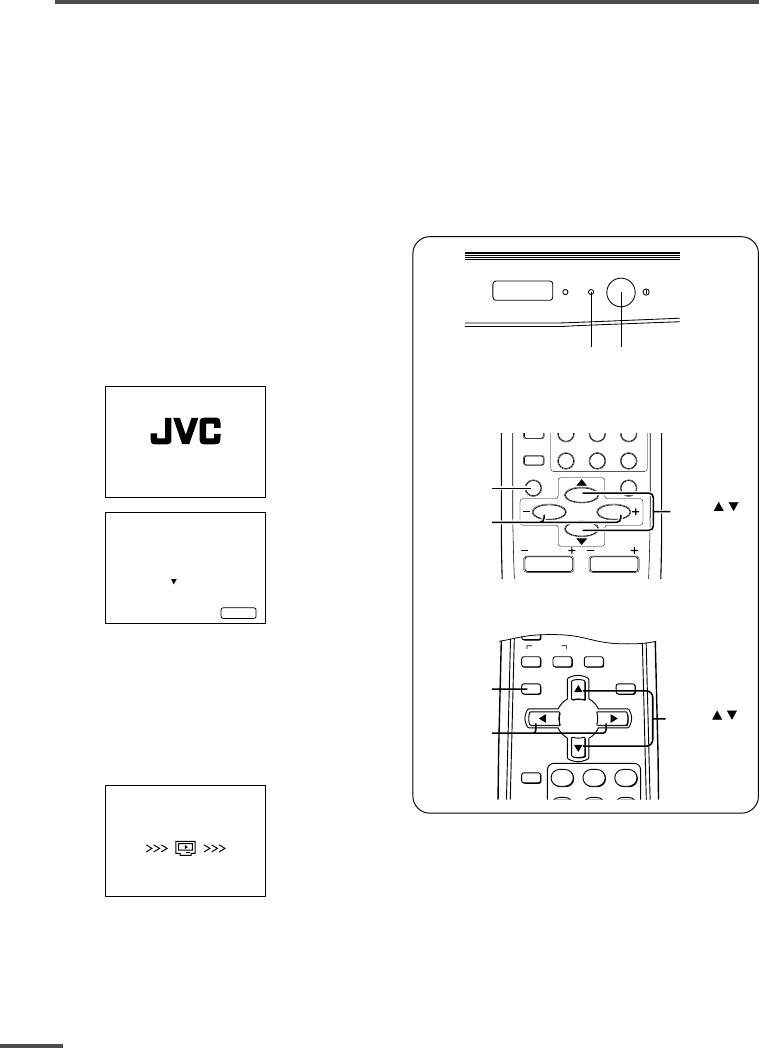
6
Preparation
4Connecting the power cord
Connect the power cord to the AC outlet.
Operate only from the power source indicated on the rear of the TV.
5SETUP TOUR
When the TV is first turned on it enters the SETUP TOUR mode, and the JVC logo is
displayed. Follow the instructions on the on-screen display to perform the SETUP TOUR.
•In case of resetting that the reason for such as removal, you can set the SETUP TOUR
function on the “MENU 3” menu. For details, see page 16.
1Press the Main power button
on the TV.
The POWER lamp or POWER/ON
TIMER lamp lights. After the JVC
logo has been displayed, the TV
automatically switches to the
language setting mode.
SETUP TOUR
EXIT BY
OPERATE BY -+
DISPLAY
SETUP TOUR
LANGUAGE
ENGLISH
NEXT
2Press the MENU M buttons to
select the on-screen language.
3Press the MENU y button.
The AUTO PROGRAMMING function
will start and the indicator blinks.
STOP BY -+
SETUP TOUR
NOW PROGRAMMING
•To stop the AUTO PROGRAMMING function, press the MENU m buttons.
When all the TV channels that can be received on your TV have been preset, the
display goes out and the AUTO PROGRAMMING function operation is completed.
•If a TV channel you want to view is not set to the channel, set it with the MANUAL CH
PRESET function. For details, see page 17.
ON
TIMER POWER
POWER lamp Main power button
DISPLAY
button
MENU –/+
buttons
MENU /
buttons
OFF
TIMER
SYSTEM
COLOUR SOUND MUTING
MENU
DISPLAY
TV/VIDEO
TV/TEXT
123
RETURN
+0-/--
CHANNEL
SCAN
DISPLAY
MENU
VOLUME
MUTING
DISPLAY
button
MENU /
buttons
MENU –/+
buttons
CHANNEL
<RM-C360GY/RM-C364GY>
<RM-C90>
LCT1195-001A-H 28/5/2002, 10:016
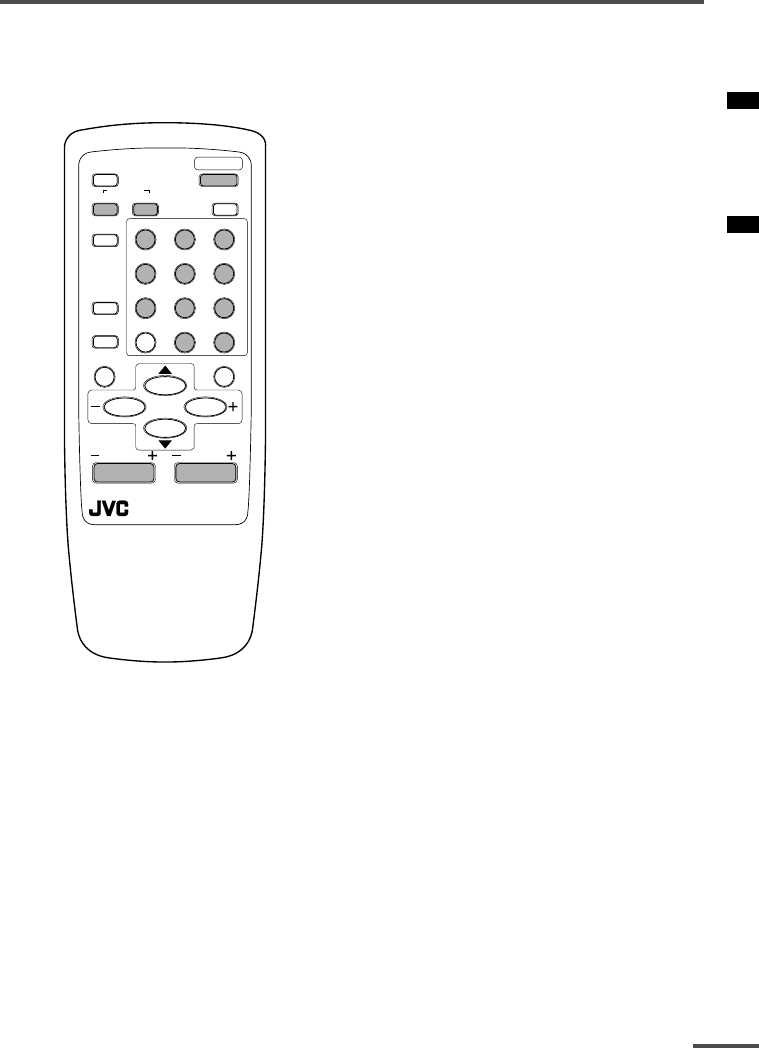
7
Basic operation
•The illustration below is for the remote
control RM-C364GY. Your remote control may
not look exactly like the illustrations.
POWER
123
456
789
RETURN
+0-/--
PICTURE
MODE
SYSTEM
COLOUR
TV/VIDEO
CHANNEL
SCAN
OFF
TIMER
ECO
SENSOR
DISPLAY
MENU
CHANNEL
REMOTE CONTROL UNIT
RM-C364GY
VOLUME
MUTING
SOUND
1 Press the POWER button to turn
your TV on.
•If your TV does not turn on, press the
Main power button on the TV then press
the POWER button again.
•You can also turn on your TV by pressing
any of the following buttons;
-the CHANNEL m button
-the Number buttons
-the TV/VIDEO button
2Select a channel.
■Press the CHANNEL m button.
•Up/down selection cannot be selected
for channels to which the SKIP has been
set to “YES”. See page 18.
■Press the Number buttons to enter
the channel number.
•If you want to enter a two-digit number,
press the -/-- button to select the two
digit mode “--”, then enter the channel
number.
3Press the VOLUME M button to
adjust the sound.
4To turn your TV off, press the
POWER button.
•We recommend that you press the Main
power button on the TV to turn the main
power off if you do not plan to use your
TV for a long time or if you wish to save
energy.
If the picture is not clear:
Press the COLOUR SYSTEM button to
select another colour system, see page 8.
If the sound is not clear:
Press the SOUND SYSTEM button to select
another sound system, see page 8.
Viewing Images from an External
Device:
Press the TV/VIDEO button to select the
VIDEO mode.
•You can also use the INPUT function to select
the VIDEO mode. For details, refer to page 13.
LCT1195-001A-H 28/5/2002, 10:017
8
Remote control buttons and functions
ECO SENSOR button
<AV-1415EE does not have this function.>
You can adjust this TV so that the screen
automatically adjusts to the optimum
contrast according to the brightness of
your room. This function reduces eye
strain and the power consumption of this
TV.
Press this button to select the desired
mode.
AI ECO SENSOR 1:
The AI ECO SENSOR function switches
on.
Usually, it is recommended to watch the
TV in this mode.
AI ECO SENSOR 2:
The AI ECO SENSOR function switches
on.
If you feel the screen in the “AI ECO
SENSOR 1” mode is too dark, select this
mode.
AI ECO SENSOR OFF:
The AI ECO SENSOR function switches
off.
•You can display on the screen the effect of the
AI ECO SENSOR function. For details, see “AI
ECO DISPLAY” on page 15.
PICTURE MODE button
You can select one of three picture
adjustment settings as you like.
Press this button to select a mode.
BRIGHT:
Heightens contrast and sharpness.
STANDARD:
Standardizes picture adjustments.
SOFT:
Softens contrast and sharpness.
•Pressing this button returns all the picture
settings in the “MENU 4” to their default
settings.
COLOUR SYSTEM button
If the picture is not clear or no colour
appears, change the current colour system
to another colour system.
Press this button to select the colour
system.
In TV mode (channel 1 to 99 and AV):
AUTO PAL SECAM
In VIDEO mode:
AUTO PAL SECAM
NTSC3.58
NTSC4.43
AUTO:
Automatic colour system selection.
•For the colour systems in each country or
region, see the table“Broadcasting systems”
on page 22.
•If the picture is not normal in the AUTO
mode, change the AUTO mode to another
colour system.
SOUND SYSTEM button
If the sound is not clear even when the
picture appears normal, change the
current sound system to another sound
system.
Press this button to select the sound
system.
B/G I D/K
•For the sound systems in each country or
region, see the table “Broadcasting systems”
on page 22.
•You cannot select any sound system when in
a VIDEO mode.
LCT1195-001A-H 28/5/2002, 10:018
9
Remote control buttons and functions
DISPLAY button
You can continuously display the current
channel number or VIDEO mode on the
screen.
Press this button.
To turn the display off, press this button
again.
•When selecting a channel or VIDEO mode
with no input signal, indication of selected
channel or VIDEO mode becomes fixed on the
screen.
RETURN + button
You can set a channel you frequently view
to the Return Channel and you can view
that channel at any time with one-touch.
To set the channel to the Return
Channel:
1Select the channel you want to set
to the Return Channel.
2Press this button and hold until the
message “RETURN PLUS
PROGRAMMED!” appears.
•When you turn off the TV, the Return
Channel setting is cancelled.
To view the Return Channel:
Press this button.
•You can view two channels (current channel
and Return Channel) alternately by pressing
this button.
To cancel the Return Channel setting:
Press this button and hold until the
message“RETURN PLUS CANCELLED!”
appears.
If no channel is set to the Return
Channel:
You can view the channel selected right
before the current channel by pressing
this button.
CHANNEL SCAN button
You can quickly view all TV channels
programmes that you can view on your
TV, and search for the programme you
want to view.
1Press this button to start scanning
TV channels.
The TV channel programmes are each
displayed for several seconds.
•The programmes of TV channels for which
the SKIP function is set to “YES” are not
displayed. (See page 18.)
2When you find the programme you
want to view, press this button
again to stop scanning.
MUTING button
You can turn the sound off instantly.
Press this button.
To turn the sound on, press this button
again.
OFF TIMER button
You can set the TV to automatically turn
off after a set time.
Press this button to select the period of
time.
•You can set the period of time to a maximum
of 120 minutes in 10 minute increments.
•1 minute before the OFF TIMER function
turns off the TV, “GOOD NIGHT!” appears.
To display the remaining time, press this
button once.
To cancel the OFF TIMER function, press
this button to set the period of time to 0.
•The OFF TIMER function will not turn off the
TV’s main power.
LCT1195-001A-H 28/5/2002, 10:019
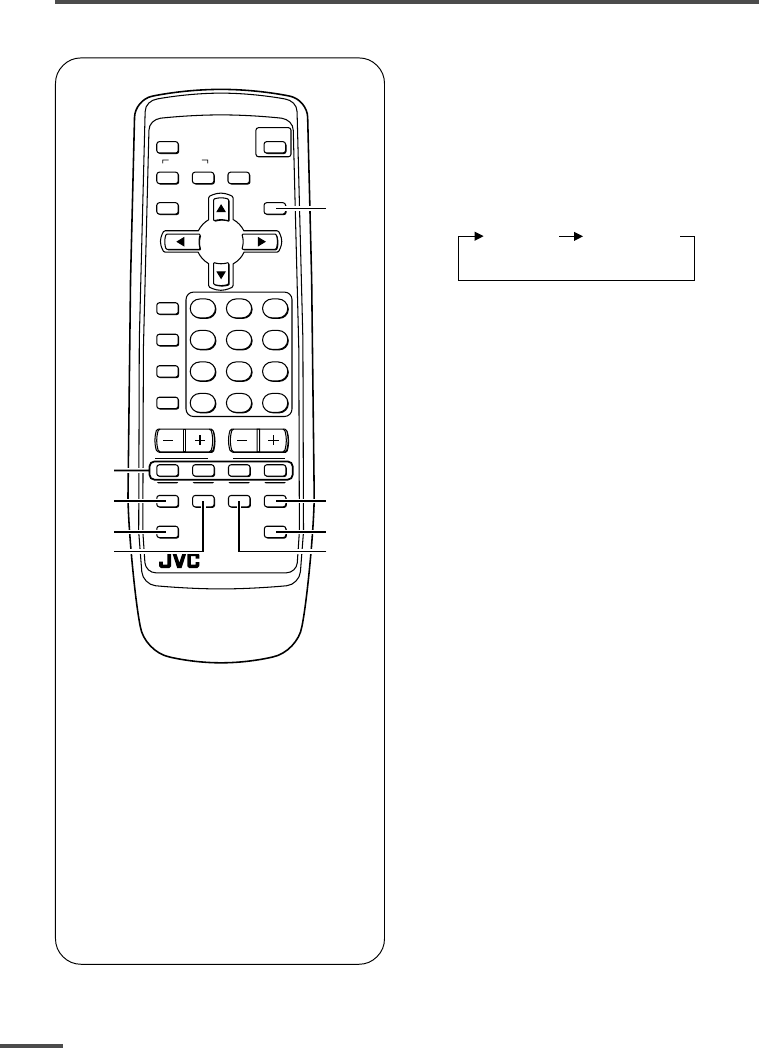
10
Viewing teletext programmes
1TV/TEXT button
2Coloured buttons
3REVEAL button
4SUBPAGE button
5HOLD button
6SIZE buttonI
7CANCEL button
8INDEX button
ECO
SENSOR
OFF
TIMER
PICTURE
MODE
CHANNEL
SCAN
REVEAL
SUBPAGE CANCEL
TV
TEXT
HOLD
RM-C90
INDEX SIZE
SYSTEM
COLOUR SOUND MUTING
MENU
CHANNEL
RETURN+
POWER
DISPLAY
TV/VIDEO
TV/TEXT
VOLUME
123
456
789
0-/--
2
5
7
6
4
3
1
8
■ Basic operation
1Select a TV channel with a
teletext programme.
2Press TV/TEXT button to change
the TV mode to the teletext
mode.
TV mode TEXT mode
(TEXT only)
3Select a teletext page by
pressing the CHANNEL –/+
button, number buttons or
coloured buttons.
To return to the TV mode, press the
TV/VIDEO button or the TV/TEXT
button.
•If you have trouble receiving teletext
broadcasts, consult your local dealer or the
teletext station.
<AV-1435TEE/AV-2135TEE only>
LCT1195-001A-H 28/5/2002, 10:0110
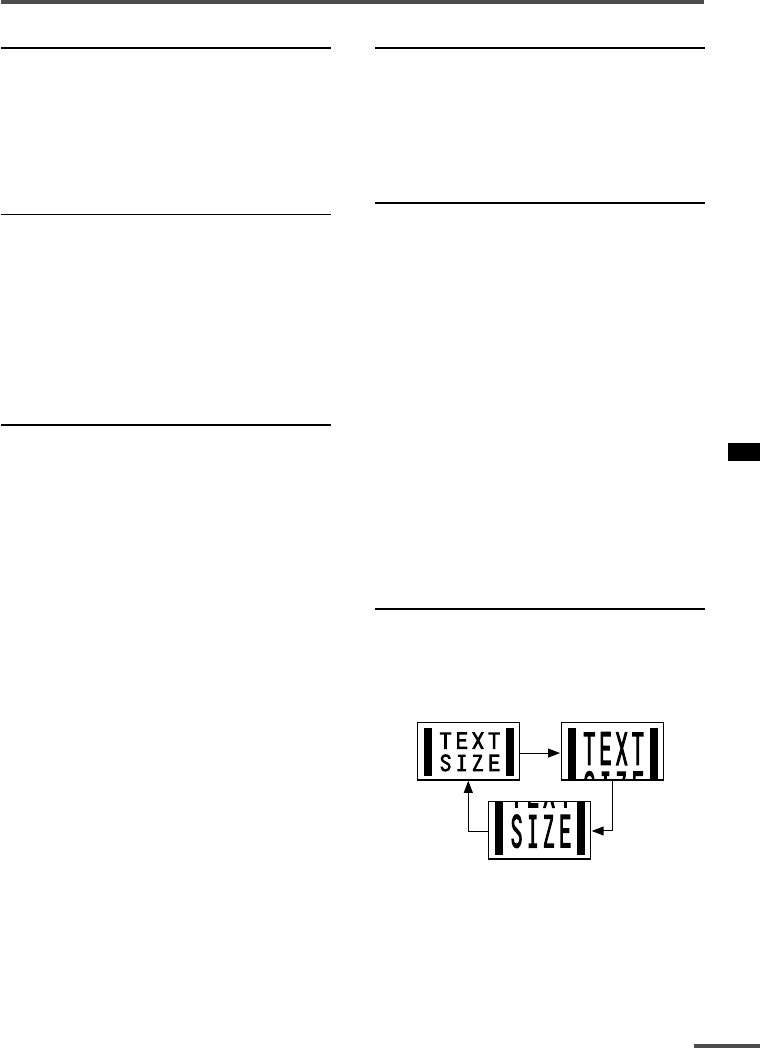
11
Viewing teletext programmes
REVEAL
Some teletext pages include hidden text
(such as answers to a quiz).
You can display the hidden text.
Each time you press the REVEAL
button, text is hidden or revealed.
HOLD
You can hold a teletext page on the screen
for as long as you want, even while
several other teletext pages are being
received.
Press the HOLD button.
To cancel the HOLD function, press the
HOLD button again.
CANCEL
You can watch a TV programme even
when in the teletext mode.
1Press the Number button to enter a
page number, or press a coloured
button.
The TV starts searching for a teletext
page.
2 Press the CANCEL button.
The TV programme appears.
When the TV finds the teletext page, its
page number appears in the upper left
of the screen.
3Press the CANCEL button to view
the teletext page.
•Pressing the CANCEL button cannot
change the teletext mode to the TV mode.
INDEX
You can return to the index page instantly.
Press the INDEX button.
Returns to teletext page 100 or a page
which has been specified.
SUBPAGE
Some teletext pages include sub-pages
that are automatically displayed.
You can hold any sub-page, or view it at
any time.
1Press the SUBPAGE button to
operate the Sub-page function.
2Press the Number buttons to enter a
sub-page number.
Example:
3rd sub-page ➞ press 0, 0, 0 and 3.
•You can also select a sub-page by pressing
the red or green button.
To cancel the Sub-page function, press the
SUBPAGE button again.
SIZE
You can double the height of the teletext
display.
Press the SIZE button.
The teletext display changes cyclically.
LCT1195-001A-H 28/5/2002, 10:0111
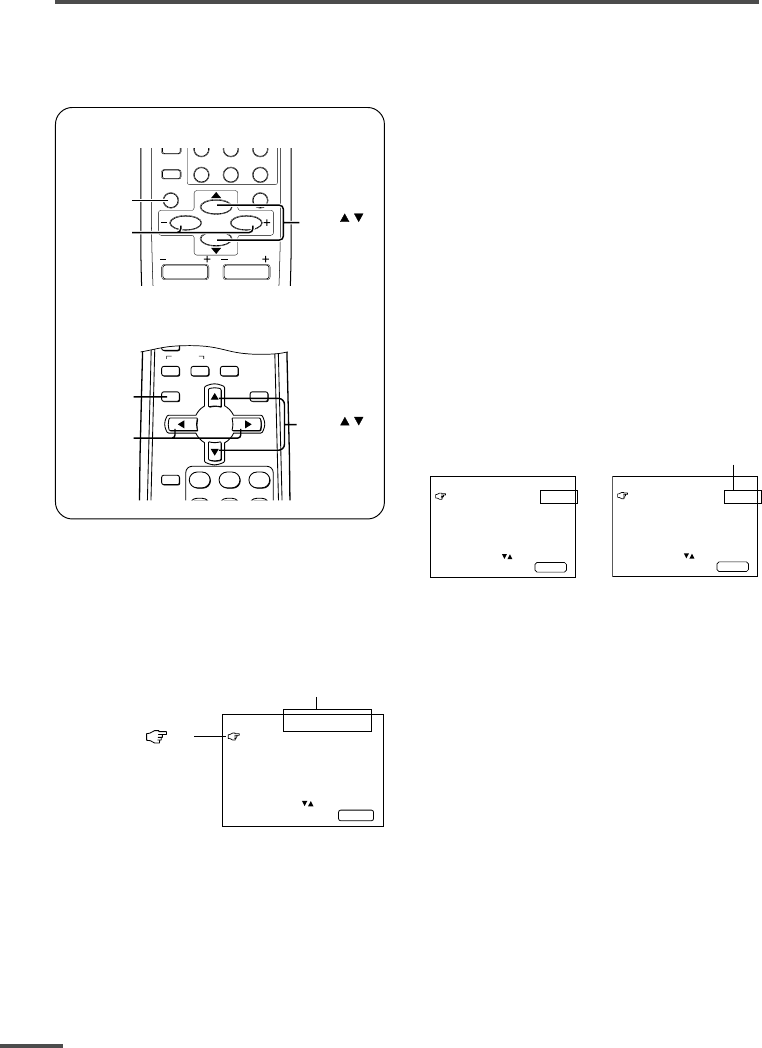
12
MENU 2
AUTO SHUTOFF ON
CHILD LOCK OFF
BLUE BACK ON
AI ECO DISPLAY ON
SELECT BY EXIT BY
OPERATE BY -+
DISPLAY
Changes the AUTO
SHUTOFF setting.
MENU number
The icon on
the left indicates
the currently
selected function.
Using the TV’s menus
This TV has a number of functions you can operate using the menus. To use all your TV’s
functions fully, you need to understand how to use the menus.
<RM-C360GY/RM-C364GY>
RETURN
+0-/--
CHANNEL
SCAN
DISPLAY
MENU
VOLUME
MUTING
DISPLAY
button
MENU /
buttons
MENU –/+
buttons
CHANNEL
<RM-C90>
DISPLAY
button
MENU –/+
buttons
MENU /
buttons
OFF
TIMER
SYSTEM
COLOUR SOUND MUTING
MENU
DISPLAY
TV/VIDEO
TV/TEXT
123
■ Basic operation
1Press the MENU T buttons.
One of the 4 menus is displayed.
MENU 1
INPUT TV
ON TIMER
PR 1 0:00
VNR OFF
SELECT BY EXIT BY
OPERATE BY -+
DISPLAY
2Repeatedly press the MENU T
buttons to display a desired
menu.
•If you hold down the y button, the next
menu is displayed.
•If the selected function is on the first line,
pressing the r button displays the
preceding menu.
3Repeatedly press the MENU T
buttons to select a desired
function.
4Press the MENU M buttons to
change function settings.
Example:
MENU 2
AUTO SHUTOFF OFF
CHILD LOCK OFF
BLUE BACK ON
AI ECO DISPLAY ON
SELECT BY EXIT BY
OPERATE BY -+
DISPLAY
⇔
•With some functions, the operation
method may differ.
5Press the DISPLAY button to turn
the display off.
•To operate a menu using the buttons on
the front panel of the TV, refer to
“Operating menus” on page 20.
LCT1195-001A-H 28/5/2002, 10:0112
13
Using the TV’s menus
When the time set for the ON TIMER
function is reached:
The TV automatically turns on and the
channel set for the ON TIMER function is
displayed.
•For safety reasons the TV will automatically
turn off if no operations are made within
approximately two hours after the TV is
turned on with the ON TIMER function.
•The OFF TIMER function and AUTO
SHUTOFF function have priority over the ON
TIMER function.
INPUT
You can view images from VCRs or other
devices connected to your TV.
1Press MENU T to display the
“MENU 1” menu, then select
“INPUT”.
MENU 1
INPUT TV
ON TIMER
PR 1 0:00
VNR OFF
SELECT BY EXIT BY
OPERATE BY -+
DISPLAY
2Press MENU M to select the VIDEO
mode.
TV mode changes to VIDEO mode.
ON TIMER
Your TV will automatically turn on and
tune into the channel you set after the
period of time you set.
1Press MENU T to display the
“MENU 1” menu, then select
“ON TIMER”.
MENU 1
INPUT TV
ON TIMER
PR 1 0:00
VNR OFF
OPERATE BY VOL-+
SELECT BY EXIT BY
PROGRAM BY -+
DISPLAY
2Press MENU M to select a channel
you want to view when the TV turns
on.
3Press VOLUME M to select the
period of time after which you want
to turn on the TV.
The ON TIMER function starts.
• Each time you press the button, the period
of time changes in 15 minute intervals (up
to 12 hours).
To cancel the ON TIMER function,
press the VOLUME m button to set the
period of time to “0:00”.
4Press DISPLAY to turn the display
off.
•If you turn off the TV’s main power by
pressing the Main power button, the ON
TIMER function is canceled.
• If you do not turn off the TV after starting
the ON TIMER function, the channel will
automatically switch to the channel set for
the ON TIMER function.
LCT1195-001A-H 28/5/2002, 10:0113
14
Using the TV’s menus
VNR (Video Noise Reduction)
You can reduce the picture noise.
1Press MENU T to display the
“MENU 1” menu, then select “VNR”.
MENU 1
INPUT TV
ON TIMER
PR 1 0:00
VNR ON
SELECT BY EXIT BY
OPERATE BY -+
DISPLAY
2Press MENU M to select “ON”.
To cancel the VNR function, select
“OFF”.
AUTO SHUTOFF
You can set your TV to turn off if no
signals are received for about 15 minutes
or longer after the end of a broadcast.
1Press MENU T to display the
“MENU 2” menu, then select “AUTO
SHUTOFF”.
MENU 2
AUTO SHUTOFF ON
CHILD LOCK ON
BLUE BACK ON
AI ECO DISPLAY ON
SELECT BY EXIT BY
OPERATE BY -+
DISPLAY
2Press MENU M to select “ON”.
To cancel the AUTO SHUTOFF function,
select “OFF”.
•The AUTO SHUTOFF function does not
turn off the TV’s main power.
•The AUTO SHUTOFF will not work for a
VIDEO mode.
CHILD LOCK
You can disable the front control buttons
of the TV.
When this function is set to “ON”, the TV
can be operated using only the remote
control.
Use this function to prevent children from
operating the TV without parental consent.
1Press MENU T to display the
“MENU 2” menu, then select “CHILD
LOCK”.
MENU 2
AUTO SHUTOFF ON
CHILD LOCK ON
BLUE BACK ON
AI ECO DISPLAY ON
SELECT BY EXIT BY
OPERATE BY -+
DISPLAY
2Press MENU M to select “ON”.
To cancel the CHILD LOCK function,
select “OFF”.
•The CHILD LOCK function is canceled when
you turn the power off.
LCT1195-001A-H 28/5/2002, 10:0214
15
Using the TV’s menus
BLUE BACK
You can mute the sound and change the
picture into a blue screen while no signals
are received by the TV, or when the
signals are unstable.
1Press MENU T to display the
“MENU 2” menu, then select “BLUE
BACK”.
MENU 2
AUTO SHUTOFF ON
CHILD LOCK ON
BLUE BACK ON
AI ECO DISPLAY ON
SELECT BY EXIT BY
OPERATE BY -+
DISPLAY
2Press MENU M to select “ON”.
To cancel the BLUE BACK function,
select “OFF”.
•To view a broadcast even when the
reception signal is poor, set the BLUE
BACK function to “OFF”.
•Even when the BLUE BACK function is set
to “OFF”, the sound may not be audible.
AI ECO DISPLAY
<AV-1415EE does not have this function.>
You can display on the screen the effect of
the AI ECO SENSOR function.
1Press MENU T to display the
“MENU 2” menu, then select “AI
ECO DISPLAY”.
MENU 2
AUTO SHUTOFF OFF
CHILD LOCK OFF
BLUE BACK OFF
AI ECO DISPLAY ON
SELECT BY EXIT BY
OPERATE BY -+
DISPLAY
2Press MENU M to select “ON”.
The clover mark indicating the brightness of
your room is displayed for several seconds
each time the brightness changes. The
number of clover marks displayed on screen
increases as your room becomes darker.
To cancel the AI ECO DISPLAY
function, select “OFF”.
•To switch the AI ECO SENSOR’s mode, see
the “ECO SENSOR button” on page 8.
LCT1195-001A-H 28/5/2002, 10:0215
16
Using the TV’s menus
SETUP TOUR
You can start the SETUP TOUR function.
1Press MENU T to display the
“MENU 3” menu, then select
“SETUP TOUR”.
MENU 3
AUTO CH PRESET
MANUAL CH PRESET
SETUP TOUR
LANGUAGE ENGLISH
SELECT BY EXIT BY
OPERATE BY -+
DISPLAY
2Press MENU M.
JVC logo is appear and the SETUP
TOUR function will start.
For details, see page 6.
LANGUAGE
You can select the language for the on-
screen display.
1Press MENU T to display the
“MENU 3” menu, then select
“LANGUAGE”.
MENU 3
AUTO CH PRESET
MANUAL CH PRESET
SETUP TOUR
LANGUAGE ENGLISH
SELECT BY EXIT BY
OPERATE BY -+
DISPLAY
2Press MENU M to select
language.
The on-screen display indications are
in the selected language.
AUTO CH PRESET
You can automatically preset all TV
channels that can be received by your TV
to channels.
1Press MENU T to display the
“MENU 3” menu, then select “AUTO
CH PRESET”.
MENU 3
AUTO CH PRESET
MANUAL CH PRESET
SETUP TOUR
LANGUAGE ENGLISH
SELECT BY EXIT BY
OPERATE BY -+
DISPLAY
2 Press MENU M to start the AUTO
CH PRESET function.
“>>>ON SEARCH” is displayed on
the screen.
When all the TV channels that can be
received on your TV have been preset,
the display goes out and the AUTO CH
PRESET function operation is
completed.
To stop the AUTO CH PRESET:
Press the MENU m buttons.
•The AUTO CH PRESET function does not
preset a TV channel to the AV channel
(channel number 0).
•If the TV cannot preset the TV channel you
want to view, preset it manually. For details,
see “MANUAL CH PRESET” on page 17.
LCT1195-001A-H 28/5/2002, 10:0216
17
Using the TV’s menus
MANUAL CH PRESET
You can manually preset desired TV
channels to desired channels.
1Press MENU T to display the
“MENU 3” menu, then select
“MANUAL CH PRESET”.
MENU 3
AUTO CH PRESET
MANUAL CH PRESET
SETUP TOUR
LANGUAGE ENGLISH
SELECT BY EXIT BY
OPERATE BY -+
DISPLAY
2Press MENU M.
The sub-menu is displayed.
MANUAL
FINE
SKIP NO
SOUND SYSTEM B/G
EXIT
SELECT BY PR 1 VL
PROGRAM BY -+ EXIT BY
SEARCH BY VOL-+
DISPLAY
•The channel number is displayed as a PR
number. For example, channel 1 will be
displayed as PR 1. However, the AV
channel will be displayed as AV.
3Press MENU M to select the
channel number.
4 Press VOLUME M to start
searching for the TV channel.
“>>>” or “<<<” is displayed on the
screen.
When the TV finds a TV channel, the
“>>>” or “<<<” display goes out,
and the TV channel is preset to the
currently selected channel number.
•If the TV channel you want to preset is not
displayed, repeat step 4 until the TV finds
the TV channel you want to preset.
•To stop the MANUAL CH PRESET function,
press any button other than the VOLUME
m button.
If the picture is not clear:
Fine-tune the TV channel.
1Press MENU t to select “FINE”.
MANUAL
FINE
SKIP NO
SOUND SYSTEM B/G
EXIT
SELECT BY PR 3 VL
PROGRAM BY -+ EXIT BY
FINE BY VOL-+
DISPLAY
2Hold VOLUME m down to fine-tune
the TV channel so that the best image
is displayed on screen.
“>” or “<” indicates that the TV is fine-
tuning the TV channel.
If the sound is not clear:
1Press MENU t to select “SOUND
SYSTEM”.
MANUAL
FINE
SKIP NO
SOUND SYSTEM M
EXIT
SELECT BY PR 3 VL
PROGRAM BY -+ EXIT BY
CHANGE BY VOL-+
DISPLAY
2Press VOLUME m to select the
appropriate sound system.
•For the sound systems in each country
or region, refer to the table
“Broadcasting systems” on page 22.
5Press MENU T to select
“MANUAL”.
6Repeat steps 3 to 5 if you want to
preset another TV channel to a
channel.
LCT1195-001A-H 28/5/2002, 10:0217
18
Using the TV’s menus
SKIP
You can set undesired channels to be
skipped. Channels set to be skipped
cannot be selected by the CHANNEL m
buttons nor the CHANNEL SCAN button.
• Channels to which TV channels have not
been preset are automatically set to be
skipped.
1Press MENU T to display the
“MENU 3” menu, then select
“MANUAL CH PRESET”.
2Press MENU M.
The sub-menu is displayed.
3Press MENU T to select “SKIP”.
MANUAL
FINE
SKIP NO
SOUND SYSTEM M
EXIT
SELECT BY PR 3 VL
PROGRAM BY -+ EXIT BY
YES/NO BY VOL-+
DISPLAY
4Press MENU M to select the
channel you want to skip.
5Press VOLUME M to select “YES”.
The channel is set to be skipped.
To cancel the SKIP function, select
“NO”.
6Repeat steps 4 and 5 if you want to
set another channel to skip.
Picture Adjustments
You can adjust the picture as you like.
1Press MENU T to display the
“MENU 4” menu.
MENU 4
TINT
COLOUR
BRIGHT
CONT.
SHARP
SELECT BY EXIT BY
OPERATE BY -+
DISPLAY
2 Press MENU T to select an item
and press MENU M to adjust it.
TINT* - : Reddish + : Greenish
COLOUR - : Lighter + : Deeper
BRIGHT - : Darker + : Brighter
CONT. - : Lower + : Higher
SHARP - : Softer + : Sharper
*TINT (tint) is displayed only when
viewing images from NTSC3.58 or
NTSC4.43 colour systems.
LCT1195-001A-H 28/5/2002, 10:0218
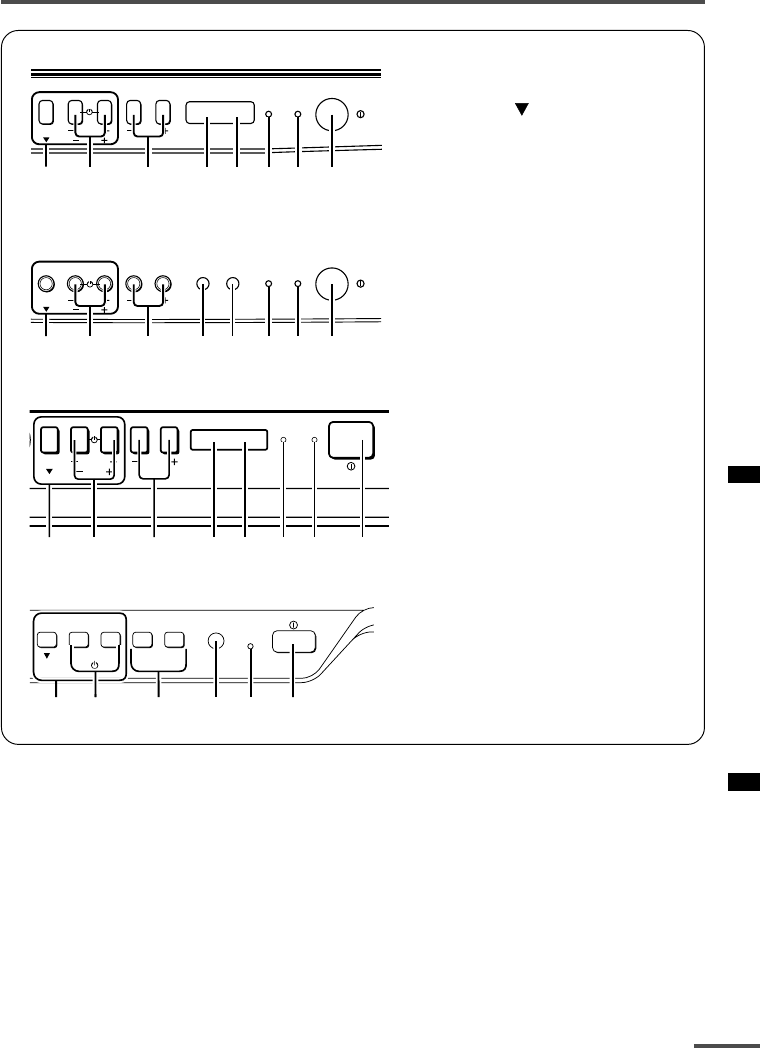
19
Using the buttons on the TV
<AV-2135EE/AV-2135TEE/AV-2105EE>
<AV-2115EE>
<AV-1435EE/AV-1435TEE>
<AV-1415EE>
MENU
CHANNEL
VOLUME
ON
TIMER POWER
EXIT
1237
6
5
49
MENU
CHANNEL
VOLUME
ON
TIMER POWER
EXIT
1237
6
5
49
MENU
CHANNEL
VOLUME
POWERON TIMER
EXIT
12367
45 9
CHANNEL VOLUME
––
–
++
+
MENU
EXIT
POWER/
ON TIMER
83921 5
1MENU buttons
• MENU button
• MENU m buttons
2CHANNEL –/+ buttons
3VOLUME –/+ buttons
4AI ECO sensor
5Remote control sensor
6ON TIMER lamp
The light is switched on while
ON TIMER function is operating.
7POWER lamp
When the Main power is on,
the light is red.
8POWER/ON TIMER lamp
When the Main power is on,
the light is green.
When ON TIMER function is on,
it is red.
9Main power button
LCT1195-001A-H 28/5/2002, 10:0219
20
Basic operation
•Check to make sure the CHILD LOCK
function is set to “OFF”. When the CHILD
LOCK function is set to “ON”, the TV cannot
be operated using the front control buttons.
For details, see “CHILD LOCK” on page 14.
1 Press CHANNEL M to turn the TV
on from standby mode.
2Press CHANNEL M to select a
channel.
3Press VOLUME M to adjust the
volume.
4To turn your TV off, press the Main
power button to turn off the TV’s
main power.
To change the TV mode to the VIDEO
mode:
•Select the VIDEO mode with the INPUT
function in “MENU 1”.
Operating menus
You can operate functions in menus using
the front control buttons on the TV.
1 Press MENU y to display a menu.
2Press MENU y repeatedly to display
the menu you want to use.
3Press MENU y to select the desired
function or item.
4 Press MENU M or VOLUME M to
carry out the desired operation.
For details, see the description for each
function.
5Press VOLUME M to turn the menu
display off.
To turn the sub-menu display off:
1Press MENU y to select “EXIT”.
MANUAL
FINE
SKIP NO
SOUND SYSTEM M
EXIT
SELECT BY PR 3 VL
PROGRAM BY -+ EXIT BY
EXIT BY VOL-+
DISPLAY
2Press VOLUME m to turn the display
off.
Using the buttons on the TV
LCT1195-001A-H 28/5/2002, 10:0220
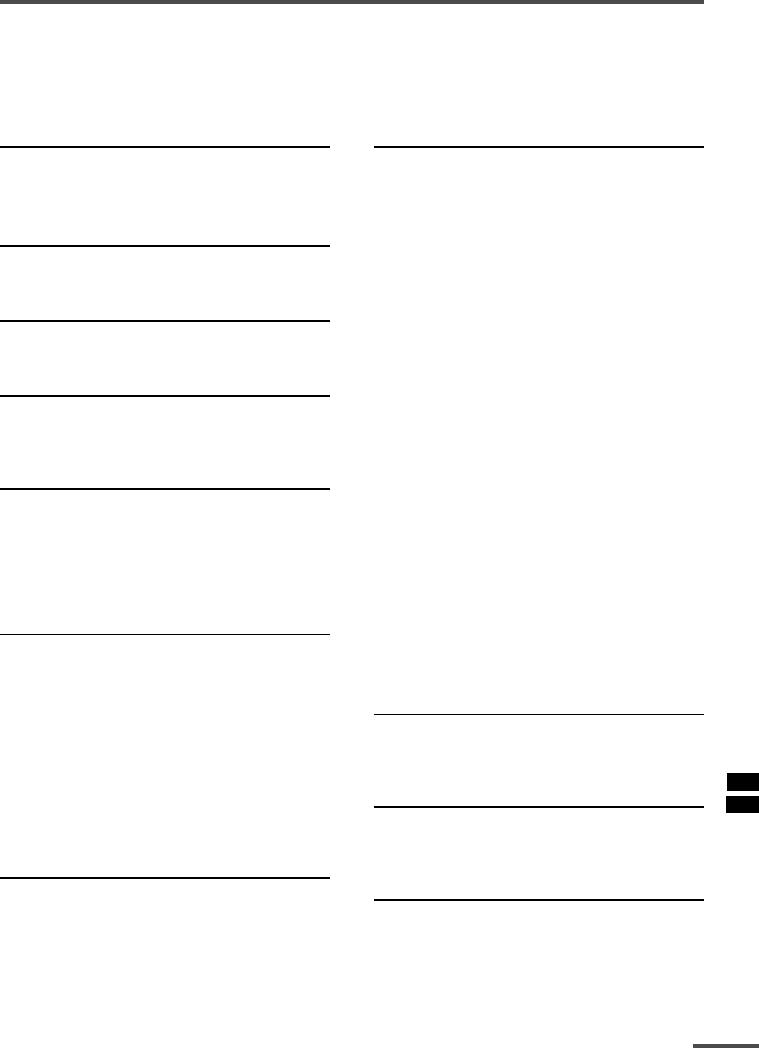
21
Troubleshooting
If there is no picture or the TV does not operate normally, make sure the problem isn’t due
to the reasons indicated below.
If the problem persists even after taking the measures indicated, please contact a service
technician.
Cannot turn the TV on
•Press the Main power button on the TV.
•Connect the power cord to the AC outlet.
The screen turns blue
•Is the BLUE BACK function on? (see page 15.)
Remote control inoperable
•Replace the batteries. (see page 3.)
Buttons on front of the TV do not work
•Switch the CHILD LOCK function off.
(see page 14.)
TV does not respond immediately
•Press the main power button on the TV to
turn off the main power. Press the main
power button again to turn on the TV. If the
TV returns to a normal state, operation is
normal.
The TV turns off suddenly
•Is the OFF TIMER function set to operate?
(see page 9.)
•Is the AUTO SHUTOFF function on?
(see page 14.)
•Have you not performed an operation for
about two hours after the TV was switched on
by the ON TIMER function? (see page 13.) If
you don’t perform an operation within about
two hours, the TV is automatically switched
off for safety.
Poor sound
•Press the SOUND SYSTEM button to select
another sound system. (see page 8.)
Poor picture
•Press the COLOUR SYSTEM button to select
another colour system. (see page 8.)
•Adjust the picture settings. (see page 18.)
•Set the Picture mode to STANDARD.
(see page 8.)
•If noise (snow) totally blocks out the picture,
check the following.
-Have the TV and aerial been connected
properly?
-Has the aerial cable been damaged?
-Is the aerial pointing in the right direction?
-Is the aerial itself faulty?
• If the TV or aerial suffer interference from
other equipment, stripes or noise may appear
in the picture. Move any equipment which
can cause interference away from the TV.
• If the TV or aerial suffer interference from
signals reflecting from mountains or
buildings, double-pictures (ghosting) will
occur. Change the aerial’s direction or replace
it with an aerial with better directionality.
• When a white and bright still image (such as
a white dress) is displayed on the screen, the
white part may look as if it is coloured. When
the image disappears from the screen, the
unnatural colours will also disappear.
The TV turns on suddenly
•Is the ON TIMER function set to operate?
(see page 13.)
The TV channel changes suddenly
•Is the ON TIMER function set to operate?
(see page 13.)
No receivable teletext programme
<AV-1435TEE/AV-2135TEE only>
•Select a channel with teletext information.
You cannot watch teletext recorded on a video
tape.
LCT1195-001A-H 28/5/2002, 10:0221
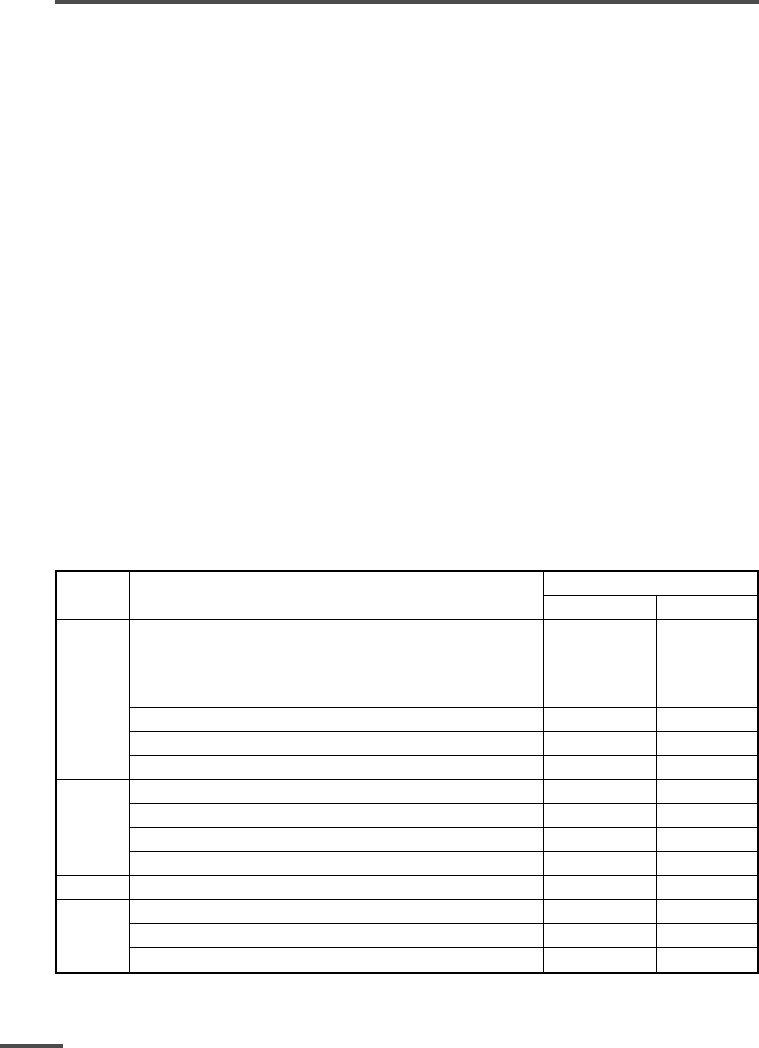
22
Asia,
Middle
East
Specifications
TV RF systems
B, G, I, D, K, K1
Colour systems
PAL, SECAM, NTSC 3.58/4.43 MHz (in VIDEO mode only)
Receiving channels
VHF low channel (VL), VHF high channel (VH), UHF channel (U)
Receives cable channels in mid band, super band and hyper band.
External input / output
INPUT: VIDEO input (RCA), AUDIO input (RCA)
OUTPUT: VIDEO output (RCA), AUDIO output (RCA)
Headphone jack: stereo mini jack (3.5 mm diameter)
Teletext system (AV-1435TEE/AV-2135TEE only)
FLOF (Fastext), WST (World Standard Text)
Language displayed by teletext (AV-1435TEE/AV-2135TEE only)
English, Lithuanian, Russian, Czechoslovakian, Ukrainian, Latvian, Romanian, Hungarian
Accessories
•Remote control unit: AV-1435TEE/AV-2135TEE; RM-C90
AV-1415EE; RM-C360GY
Other models; RM-C364GY
•AA / R6 / UM-3 dry cell battery × 2
•Rod aerial × 1 (AV-1415EE/AV-1435EE/AV-1435TEE only)
Design and specifications subject to change without notice.
Broadcasting systems
Area Country or Region System
Colour Sound
Bahrain, Kuwait, Oman, Qatar,
United Arab Emirates, Yemen, etc. PAL B/G
Indonesia, Malaysia, Singapore, Thailand,
India, etc.
China, Vietnam, etc. PAL D/K
Hong Kong, etc. PAL I
Islamic Republic of Iran, Lebanon, Saudi Arabia, etc. SECAM B/G
Russia, etc. SECAM D/K
Europe Czech Republic, Poland, etc. PAL D/K
Germany, Holland, Belgium, etc. PAL B/G
UK, etc. PAL I
Oceania Australia, New Zealand, etc. PAL B/G
Republic of South Africa, etc. PAL I
Africa Nigeria, etc. PAL B/G
Egypt, Morocco, etc. SECAM B/G
LCT1195-001A-H 28/5/2002, 10:0222
No. 52027
A
V-21Q3
A
V-21QMG3
A
V-2115EE
33
PARTS LIST
CAUTION
! The parts identified by the ! symbol are important for the safety. Whenever replacing these parts, be sure to use specified ones to secure
the safety .
! The parts not indicated in this Parts List and those which are filled with lines in the Parts No. columns will not be supplied.
! P. W. Board Ass'y will not be supplied, but those which are filled with the Parts No. in the Parts No. columns will be supplied.
ABBREVIATIONS OF RESISTORS, CAPACITORS AND TOLERANCES
RESISTORS CAPACITORS
C R Carbon Resistor C CAP. Ceramic Capacitor
F R Fusible Resistor E CAP. Electrolytic Capacitor
P R Plate Resistor M CAP. Mylar Capacitor
V R Variable ResistorHV CAP. High Voltage Capacitor
HV R High Voltage Resistor MF CAP. Metalized Film Capacitor
MF R Metal Film Resistor MM CAP. Metalized Mylar Capacitor
MG R Metal Glazed Resistor MP CAP. Metalized Polystyrol Capacitor
MP R Metal Plate Resistor PP CAP. Polypropylene Capacitor
OM R Metal Oxide Film Resistor PS CAP.Polystyrol Capacitor
CMF R Coating Metal Film Resistor TF CAP. Thin Film Capacitor
UNF R Non-Flammable Resistor MPP CAP. Metalized Polypropylene Capacitor
CH V R Chip Variable Resistor TAN. CAP. Tantalum Capacitor
CH MG R Chip Metal Glazed Resistor CH C CAP. Chip Ceramic Capacitor
COMP. R Composition Resistor BP E CAP. Bi-Polar Electrolytic Capacitor
LPTC R Linear Positive Temperature Coefficient
Resistor CH AL E CAP. Chip Aluminum Electrolytic Capacitor
CH AL BP CAP. Chip Aluminum Bi-Polar Capacitor
CH TAN. E CAP. Chip Tantalum Electrolytic Capacitor
CH AL BP E CAP. Chip Tantalum Bi-Polar Electrolytic Capacitor
TOLERANCES
FG J KMNRHZP
±1% ±2% ±5% ±10% ±20% ±30% +30%
-10%
+50%
-10%
+80%
-20%
+100%
-0%
No. 52027
A
V-21Q3
A
V-21QMG3
A
V-2115EE
34
CONTENTS
! USING PW BOARD & REMOTE CONTROL UNIT ・・・・・・・・・・・・・・・・・・・・・・・・・・・・・・・・・・・・・・・・・・・・・・・・・・・・・・ 34
! REMOTE CONTROL UNIT PARTS LIST ・・・・・・・・・・・・・・・・・・・・・・・・・・・・・・・・・・・・・・・・・・・・・・・・・・・・・・・・・・・・・・・・ 35
! EXPLODED VIEW PARTS LIST・・・・・・・・・・・・・・・・・・・・・・・・・・・・・・・・・・・・・・・・・・・・・・・・・・・・・・・・・・・・・・・・・・・・・・・・・・ 36
! EXPLODED VIEW ・・・・・・・・・・・・・・・・・・・・・・・・・・・・・・・・・・・・・・・・・・・・・・・・・・・・・・・・・・・・・・・・・・・・・・・・・・・・・・・・・・・・・・・・ 37
! PRINTED WIRING BOARD PARTS LIST
" MAIN PW BOARD ASS'Y (SCG-1424A) (With CRT SOCKET PW BOARD) ・・・・・・・・・・・・・・・・・・・・・・・・・・・・・・・・・・・・・・・・ 38
" MAIN PW BOARD ASS'Y (SCG-1441A) (With CRT SOCKET PW BOARD) ・・・・・・・・・・・・・・・・・・・・・・・・・・・・・・・・・・・・・・・・ 42
" MAIN PW BOARD ASS'Y (SCG-1443A) (With CRT SOCKET PW BOARD) ・・・・・・・・・・・・・・・・・・・・・・・・・・・・・・・・・・・・・・・・ 46
" MAIN PW BOARD ASS'Y (SCG-1431A) (With CRT SOCKET PW BOARD) ・・・・・・・・・・・・・・・・・・・・・・・・・・・・・・・・・・・・・・・・ 50
" MAIN PW BOARD ASS'Y (SCG-1442A) (With CRT SOCKET PW BOARD) ・・・・・・・・・・・・・・・・・・・・・・・・・・・・・・・・・・・・・・・・ 54
! PACKING PARTS LIST ・・・・・・・・・・・・・・・・・・・・・・・・・・・・・・・・・・・・・・・・・・・・・・・・・・・・・・・・・・・・・・・・・・・・・・・・・・・・・・・・・・・ 58
! PACKING ・・・・・・・・・・・・・・・・・・・・・・・・・・・・・・・・・・・・・・・・・・・・・・・・・・・・・・・・・・・・・・・・・・・・・・・・・・・・・・・ 59
USING PW BOARD & REMOTE CONTROL UNIT
PWB ASS'Y
Model MAIN PWB REMOTE CONTROL UNIT
AV-21Q3/D SCG-1424A RM-C364GY-1H
AV-21Q3/AU SCG-1441A
AV-21Q3/HK
AV-21QMG3 SCG-1443A
AV-21QMG3/-A
AV-21QMG3/U SCG-1431A
AV-2115EE SCG-1442A
[ AV-21Q3/AU / AV-21Q3/HK ]
[ AV-21Q3/D ]
[ AV-21QMG3 / AV-21QMG3/-A ]
[ AV-21QMG3/U ]
[ AV-2115EE ]
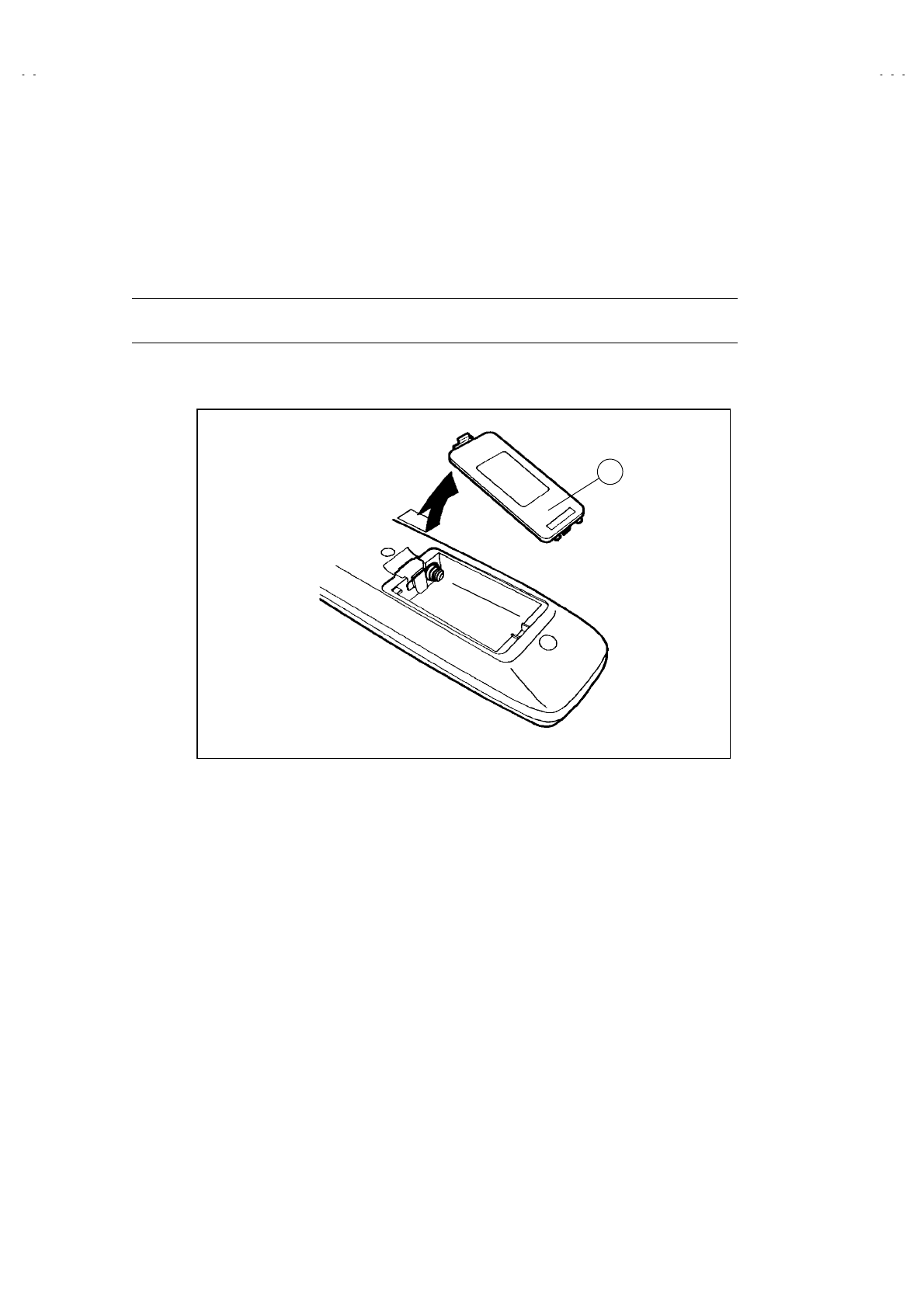
No. 52027
A
V-21Q3
A
V-21QMG3
A
V-2115EE
35
REMOTE CONTROL UNIT PARTS LIST
REMOTE CONTROL UNIT PARTS LIST (RM-C364GY-1H)
!Ref.No. Part No. Part Name Description
1 25-1168F BATTERY COVER
1

No. 52027
A
V-21Q3
A
V-21QMG3
A
V-2115EE
36
EXPLODED VIEW PARTS LIST
!Ref.No. Part No. Part Name Description
!V01 A51LMV10X PICTURE TUBE
!L01 QQW0006-001 DEG COIL
!DY01 CE20336-00A DEF YOKE
!T1522 QQH0131-001 F.B.TRANSF.
!
!!
!
1 GG10196-001B-H FRONT CABINET AV-21Q3/D
!
!!
!
1 GG10196-001B-H FRONT CABINET AV-21Q3/AU
!
!!
!
1 GG10196-001B-H FRONT CABINET AV-21Q3/HK
!
!!
!
1 GG10196-002A-H FRONT CABINET AV-21QMG3
!
!!
!
1 GG10196-002A-H FRONT CABINET AV-21QMG3/-A
!
!!
!
1 GG10196-002A-H FRONT CABINET AV-21QMG3/U
!
!!
!
1 GG10196-001B-H FRONT CABINET AV-2115EE
2 CM43094-009-H JVC MARK AV-21Q3/D
2 CM48125-009 JVC MARK AV-21Q3/AU
2 GG40023-001A-H JVC MARK AV-21Q3/HK
2 GG40023-001A-H JVC MARK AV-21QMG3
2 GG40023-001A-H JVC MARK AV-21QMG3/-A
2 GG40023-001A-H JVC MARK AV-21QMG3/U
2 GG40023-001A-H JVC MARK AV-2115EE
! 3 GG30054-001A-H POWER KNOB
4 CM35235-012-H SPRING AV-21Q3/D
4 CM35235-003-H SPRING AV-21Q3/AU
4 CM35235-003-H SPRING AV-21Q3/HK
4 CM35235-003-H SPRING AV-21QMG3
4 CM35235-003-H SPRING AV-21QMG3/-A
4 CM35235-012-H SPRING AV-21QMG3/U
4 CM35235-003-H SPRING AV-2115EE
! 5 GG20030-001A-H CONTROL KNOB
! 6 GG30055-001A-H REMOCON LENS
! 7 GG30056-001A-H LED LENS
8 A48457-1 SPRING
9 CHGB0016-0B-N BRAIDED ASSY
10 A75034-B PC MAGNET or CE42378-00B
11 CE42153-00AJ1 WEDGE ASSY (X3)
! 12 CEBSS09D-03KJ2 SPEAKER
! 13 CM48144-002-H PB STOPPER
! 14 CM12863-A02-MH REAR COVER
! 15 CM23167-A01-H CORD CLAMP
!
!!
!
16 QMPR340-165-K2 POWER CORD AV-21Q3/D
!
!!
!
16 QMPG090-165-K2 POWER CORD AV-21Q3/AU
!
!!
!
16 QMPR370-165-E2 POWER CORD AV-21Q3/HK
!
!!
!
16 QMPR340-165-K2 POWER CORD AV-21QMG3
!
!!
!
16 QMPR380-165-K2 POWER CORD AV-21QMG3/-A
!
!!
!
16 QMPR340-165-K2 POWER CORD AV-21QMG3/U
!
!!
!
16 QMPR340-165-K2 POWER CORD AV-2115EE
! 17 GG20024-001A-H RATING LABEL
18 QYSBSF3010Z TAP SCREW (X1)
19 QYSBSFG4016Z TAP SCREW (X6)
20 CM36617-B01-H BACK BOARD
!
!!
!
21 CM36141-009-H WARNING LABEL AV-21QMG3/U
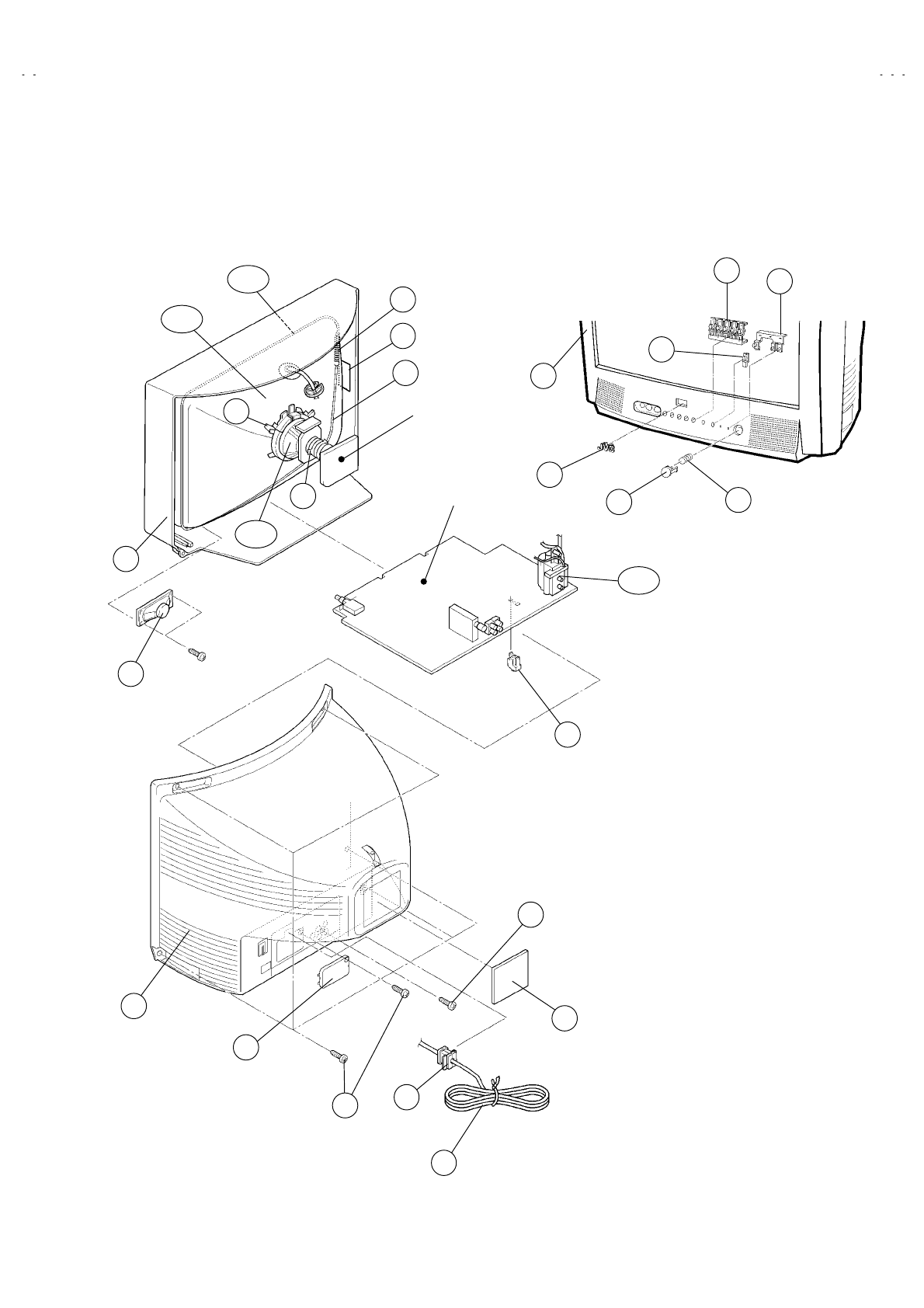
No. 52027
A
V-21Q3
A
V-21QMG3
A
V-2115EE
37
EXPLODED VIEW
CRT SOCKET
PWB
MAIN PWB
!
(×1)
8
L01
DY01
!
!
V01
12
!
9
10
!
T1522
14
!!
17
(×6)
4
3
!
!
13
!
!
11
16
!
15
!
18
2
1
!
!
1
7
5
19
!
6
20
21
!
AV-21QMG3/U
ONLY
No. 52027
A
V-21Q3
38
PRINTED WIRING BOARD PARTS LIST
MAIN P.W. BOARD ASS’Y (SCG-1424A)
!Symbol No. Part No. Part Name Description
RESISTOR
R1002 NRSA63J-221X MG R 220
Ω
1/16W J
R1003 NRSA63J-221X MG R 220
Ω
1/16W J
R1004 NRSA63J-563X MG R 56k
Ω
1/16W J
R1102 NRSA63J-750X MG R 75
Ω
1/16W J
R1103 NRSA63J-100X MG R 10
Ω
1/16W J
R1109 NRSA63J-682X MG R 6.8k
Ω
1/16W J
R1110 NRSA63J-272X MG R 2.7k
Ω
1/16W J
R1111 NRSA63J-181X MG R 180
Ω
1/16W J
R1112 NRSA63J-100X MG R 10
Ω
1/16W J
R1113 NRSA63J-101X MG R 100
Ω
1/16W J
R1120 NRSA63J-391X MG R 390
Ω
1/16W J
R1121 NRSA63J-221X MG R 220
Ω
1/16W J
R1159 NRSA02J-184X MG R 180k
Ω
1/10W J
R1301 NRSA63J-221X MG R 220
Ω
1/16W J
R1302 NRSA63J-472X MG R 4.7k
Ω
1/16W J
R1303 NRSA63J-101X MG R 100
Ω
1/16W J
R1304 NRSA63J-101X MG R 100
Ω
1/16W J
R1305 NRSA63J-101X MG R 100
Ω
1/16W J
R1306 NRSA63J-221X MG R 220
Ω
1/16W J
R1307 NRSA63J-122X MG R 1.2k
Ω
1/16W J
R1308 NRSA63J-182X MG R 1.8k
Ω
1/16W J
R1312 NRSA63J-0R0X MG R 0.0
Ω
1/16W J
R1313 NRSA63J-102X MG R 1k
Ω
1/16W J
R1314 NRSA63J-102X MG R 1k
Ω
1/16W J
R1321 NRSA63J-152X MG R 1.5k
Ω
1/16W J
R1322 NRSA63J-272X MG R 2.7k
Ω
1/16W J
R1323 NRSA63J-103X MG R 10k
Ω
1/16W J
R1324 NRSA63J-102X MG R 1k
Ω
1/16W J
R1326 NRSA63J-101X MG R 100
Ω
1/16W J
R1327 NRSA02J-475X MG R 4.7M
Ω
1/10W J
R1341 NRSA63J-332X MG R 3.3k
Ω
1/16W J
R1347 NRSA63J-392X MG R 3.9k
Ω
1/16W J
R1349 NRSA63J-472X MG R 4.7k
Ω
1/16W J
R1351 NRSA63J-151X MG R 150
Ω
1/16W J
R1352 NRSA63J-151X MG R 150
Ω
1/16W J
R1353 NRSA63J-151X MG R 150
Ω
1/16W J
R1354 NRSA63J-331X MG R 330
Ω
1/16W J
R1355 NRSA63J-331X MG R 330
Ω
1/16W J
R1356 NRSA63J-331X MG R 330
Ω
1/16W J
R1357 NRSA63J-101X MG R 100
Ω
1/16W J
R1358 NRSA63J-101X MG R 100
Ω
1/16W J
R1359 NRSA63J-101X MG R 100
Ω
1/16W J
R1360 QRZ0107-152Z C R 1.5k
Ω
1/2W K
R1361 QRZ0107-152Z C R 1.5k
Ω
1/2W K
R1362 QRZ0107-152Z C R 1.5k
Ω
1/2W K
R1363 QRL029J-123 OM R 12k
Ω
2W J
R1364 QRL029J-123 OM R 12k
Ω
2W J
R1365 QRL029J-123 OM R 12k
Ω
2W J
R1366 NRSA63J-182X MG R 1.8k
Ω
1/16W J
R1367 NRSA63J-182X MG R 1.8k
Ω
1/16W J
R1368 NRSA63J-182X MG R 1.8k
Ω
1/16W J
R1372 NRSA63J-0R0X MG R 0.0
Ω
1/16W J
R1374 NRSA63J-392X MG R 3.9k
Ω
1/16W J
R1401 NRSA63J-103X MG R 10k
Ω
1/16W J
R1421 NRSA63J-472X MG R 4.7k
Ω
1/16W J
R1423 NRSA63J-0R0X MG R 0.0
Ω
1/16W J
R1424 NRSA63J-0R0X MG R 0.0
Ω
1/16W J
R1425 NRSA63J-332X MG R 3.3k
Ω
1/16W J
R1426 NRSA63J-0R0X MG R 0.0
Ω
1/16W J
R1429 NRSA63J-103X MG R 10k
Ω
1/16W J
R1430 NRSA63J-823X MG R 82k
Ω
1/16W J
R1431 NRSA63J-103X MG R 10k
Ω
1/16W J
R1432 QRE121J-3R9Y C R 3.9
Ω
1/2W J
R1433 QRE121J-2R7Y C R 2.7
Ω
1/2W J
R1436 NRSA63J-823X MG R 82k
Ω
1/16W J
R1437 NRSA63J-822X MG R 8.2k
Ω
1/16W J
R1438 NRSA63J-223X MG R 22k
Ω
1/16W J
R1439 NRSA63J-104X MG R 100k
Ω
1/16W J
R1440 QRE121J-471Y C R 470
Ω
1/2W J
R1441 NRSA63J-822X MG R 8.2k
Ω
1/16W J
R1442 NRSA63J-103X MG R 10k
Ω
1/16W J
!Symbol No. Part No. Part Name Description
RESISTOR
R1443 QRE121J-1R0Y C R 1.0
Ω
1/2W J
R1453 NRSA63J-272X MG R 2.7k
Ω
1/16W J
R1502 NRSA63J-0R0X MG R 0.0
Ω
1/16W J
R1503 NRSA63J-682X MG R 6.8k
Ω
1/16W J
R1525 QRL029J-180 OM R 18
Ω
2W J
R1526 QRE121J-271Y C R 270
Ω
1/2W J
R1529 QRL039J-681 OM R 680
Ω
3W J
R1531 NRSA63J-331X MG R 330
Ω
1/16W J
R1532 NRSA63J-102X MG R 1k
Ω
1/16W J
!R1551 QRZ9011-1R0 F R 1.0
Ω
1/2W J
R1552 QRJ146J-2R2X C R 2.2
Ω
1/4W J
R1554 QRE121J-681Y C R 680
Ω
1/2W J
R1571 QRE121J-222Y C R 2.2k
Ω
1/2W J
R1573 QRT029J-1R5 MF R 1.5
Ω
2W J
R1574 QRT029J-1R5 MF R 1.5
Ω
2W J
R1576 QRE121J-223Y C R 22k
Ω
1/2W J
R1577 NRSA63J-392X MG R 3.9k
Ω
1/16W J
R1578 NRSA63J-103X MG R 10k
Ω
1/16W J
R1581 QRE121J-182Y C R 1.8k
Ω
1/2W J
R1582 NRSA63J-223X MG R 22k
Ω
1/16W J
R1583 NRSA63J-393X MG R 39k
Ω
1/16W J
R1651 NRSA63J-472X MG R 4.7k
Ω
1/16W J
R1652 NRSA63J-102X MG R 1k
Ω
1/16W J
R1653 NRSA63J-331X MG R 330
Ω
1/16W J
R1654 NRSA63J-223X MG R 22k
Ω
1/16W J
R1655 NRSA63J-473X MG R 47k
Ω
1/16W J
R1656 NRSA63J-822X MG R 8.2k
Ω
1/16W J
R1657 NRSA63J-222X MG R 2.2k
Ω
1/16W J
R1658 NRSA63J-222X MG R 2.2k
Ω
1/16W J
R1659 QRE121J-4R7Y C R 4.7
Ω
1/2W J
R1660 NRSA63J-153X MG R 15k
Ω
1/16W J
R1661 QRE121J-271Y C R 270
Ω
1/2W J
R1662 QRE121J-271Y C R 270
Ω
1/2W J
R1664 NRSA63J-682X MG R 6.8k
Ω
1/16W J
R1665 NRSA63J-103X MG R 10k
Ω
1/16W J
R1666 NRSA63J-101X MG R 100
Ω
1/16W J
R1667 QRE121J-101Y C R 100
Ω
1/2W J
!R1668 QRT029J-5R6 MF R 5.6
Ω
2W J
R1701 NRSA63J-562X MG R 5.6k
Ω
1/16W J
R1702 NRSA63J-682X MG R 6.8k
Ω
1/16W J
R1703 NRSA63J-392X MG R 3.9k
Ω
1/16W J
R1704 NRSA63J-221X MG R 220
Ω
1/16W J
R1705 NRSA63J-221X MG R 220
Ω
1/16W J
R1706 NRSA63J-561X MG R 560
Ω
1/16W J
R1707 NRSA63J-561X MG R 560
Ω
1/16W J
R1708 NRSA63J-102X MG R 1k
Ω
1/16W J
R1709 NRSA63J-472X MG R 4.7k
Ω
1/16W J
R1710 NRSA63J-472X MG R 4.7k
Ω
1/16W J
R1711 NRSA63J-472X MG R 4.7k
Ω
1/16W J
R1712 NRSA63J-472X MG R 4.7k
Ω
1/16W J
R1713 NRSA63J-472X MG R 4.7k
Ω
1/16W J
R1714 NRSA63J-472X MG R 4.7k
Ω
1/16W J
R1715 NRSA63J-221X MG R 220
Ω
1/16W J
R1716 NRSA63J-221X MG R 220
Ω
1/16W J
R1718 NRSA63J-561X MG R 560
Ω
1/16W J
R1719 NRSA63J-102X MG R 1k
Ω
1/16W J
R1720 NRSA63J-472X MG R 4.7k
Ω
1/16W J
R1721 NRSA63J-103X MG R 10k
Ω
1/16W J
!R1723 QRL039J-270 OM R 27
Ω
3W J
R1725 NRSA63J-102X MG R 1k
Ω
1/16W J
R1726 NRSA63J-472X MG R 4.7k
Ω
1/16W J
R1727 NRSA63J-153X MG R 15k
Ω
1/16W J
R1728 NRSA63J-102X MG R 1k
Ω
1/16W J
R1729 NRSA63J-102X MG R 1k
Ω
1/16W J
R1730 NRSA63J-103X MG R 10k
Ω
1/16W J
R1731 NRSA63J-472X MG R 4.7k
Ω
1/16W J
R1736 NRSA63J-823X MG R 82k
Ω
1/16W J
R1737 NRSA63J-104X MG R 100k
Ω
1/16W J
R1738 NRSA63J-103X MG R 10k
Ω
1/16W J
R1739 NRSA63J-103X MG R 10k
Ω
1/16W J
R1740 NRSA63J-392X MG R 3.9k
Ω
1/16W J
[ AV-21Q3/D ]
No. 52027
A
V-21Q3
39
!Symbol No. Part No. Part Name Description
RESISTOR
R1741 NRSA63J-561X MG R 560
Ω
1/16W J
R1742 NRSA63J-563X MG R 56k
Ω
1/16W J
R1746 NRSA63J-103X MG R 10k
Ω
1/16W J
R1747 NRSA63J-0R0X MG R 0.0
Ω
1/16W J
R1748 NRSA63J-101X MG R 100
Ω
1/16W J
R1749 NRSA63J-472X MG R 4.7k
Ω
1/16W J
R1771 NRSA63J-821X MG R 820
Ω
1/16W J
R1772 NRSA63J-821X MG R 820
Ω
1/16W J
R1791 NRSA63J-221X MG R 220
Ω
1/16W J
R1792 NRSA63J-221X MG R 220
Ω
1/16W J
R1793 NRSA63J-221X MG R 220
Ω
1/16W J
R1794 NRSA63J-221X MG R 220
Ω
1/16W J
R1795 NRSA63J-221X MG R 220
Ω
1/16W J
R1796 NRSA63J-103X MG R 10k
Ω
1/16W J
R1797 NRSA63J-153X MG R 15k
Ω
1/16W J
R1802 NRSA63J-750X MG R 75
Ω
1/16W J
R1806 QRE121J-271Y C R 270
Ω
1/2W J
R1807 NRSA63J-680X MG R 68
Ω
1/16W J
R1810 QRG01GJ-560 OM R 56
Ω
1W J
R1811 NRSA63J-221X MG R 220
Ω
1/16W J
R1815 QRE121J-181Y C R 180
Ω
1/2W J
R1816 NRSA63J-681X MG R 680
Ω
1/16W J
R1817 NRSA63J-472X MG R 4.7k
Ω
1/16W J
R1901 QRF104K-3R9 UNF R 3.9
Ω
10W K
R1903 QRL029J-104 OM R 100k
Ω
2W J
R1906 QRL029J-104 OM R 100k
Ω
2W J
R1921 QRE121J-2R2Y C R 2.2
Ω
1/2W J
R1922 QRE121J-221Y C R 220
Ω
1/2W J
R1923 QRM034J-R22 MP R 0.22
Ω
3W J
R1928 QRL039J-683 OM R 68k
Ω
3W J
R1933 QRE121J-4R7Y C R 4.7
Ω
1/2W J
R1934 NRSA63J-683X MG R 68k
Ω
1/16W J
R1935 QRE121J-392Y C R 3.9k
Ω
1/2W J
R1974 NRSA63J-222X MG R 2.2k
Ω
1/16W J
R1976 QRT029J-8R2 MF R 8.2
Ω
2W J
R1977 QRE121J-122Y C R 1.2k
Ω
1/2W J
R1978 NRSA63J-473X MG R 47k
Ω
1/16W J
R1979 QRL039J-220 OM R 22
Ω
3W J
R1980 QRL029J-152 OM R 1.5k
Ω
2W J
!R1991 QRZ9046-825Z C R 8.2M
Ω
1/2W K
CAPACITOR
C1001 QETN1HM-106Z E CAP. 10
µ
F 50V M
C1002 NCB31HK-103X C CAP. 0.01
µ
F 50V K
C1004 QETN1CM-477Z E CAP. 470
µ
F 16V M
C1005 QFV71HJ-104Z MF CAP. 0.1
µ
F 50V J
C1008 QETN1HM-475Z E CAP. 4.7
µ
F 50V M
C1103 QETN1EM-476Z E CAP. 47
µ
F 25V M
C1104 NCB31HK-472X C CAP. 4700pF 50V K
C1105 NCB31HK-472X C CAP. 4700pF 50V K
C1106 NCB31HK-472X C CAP. 4700pF 50V K
C1107 NCB31HK-472X C CAP. 4700pF 50V K
C1110 NRSA63J-0R0X MG R 0.0
Ω
1/16W J
C1112 QETN1EM-476Z E CAP. 47
µ
F 25V M
C1113 NCB31HK-472X C CAP. 4700pF 50V K
C1114 NCB31HK-103X C CAP. 0.01
µ
F 50V K
C1115 NCB31HK-103X C CAP. 0.01
µ
F 50V K
C1116 NCB31HK-103X C CAP. 0.01
µ
F 50V K
C1117 QFV71HJ-224Z MF CAP. 0.22
µ
F 50V J
C1119 QETN1HM-474Z E CAP. 0.47
µ
F 50V M
C1120 NDC31HJ-121X C CAP. 120pF 50V J
C1121 NCB31HK-103X C CAP. 0.01
µ
F 50V K
C1122 NCB31HK-103X C CAP. 0.01
µ
F 50V K
C1162 NCB31HK-152X C CAP. 1500pF 50V K
C1301 NCB31HK-123X C CAP. 0.012
µ
F 50V K
C1302 QETN1HM-475Z E CAP. 4.7
µ
F 50V M
C1303 NDC31HJ-100X C CAP. 10pF 50V J
C1304 QFV71HJ-474Z MF CAP. 0.47
µ
F 50V J
C1305 QETN1HM-474Z E CAP. 0.47
µ
F 50V M
C1306 NCB31HK-103X C CAP. 0.01
µ
F 50V K
C1307 QETN1CM-477Z E CAP. 470
µ
F 16V M
C1308 QETN1CM-107Z E CAP. 100
µ
F 16V M
C1309 NCB31HK-103X C CAP. 0.01
µ
F 50V K
!Symbol No. Part No. Part Name Description
CAPACITOR
C1310 NDC31HJ-221X C CAP. 220pF 50V J
C1311 NCB31HK-103X C CAP. 0.01
µ
F 50V K
C1312 QENC1HM-474Z E CAP. 0.47
µ
F 50V M
C1313 QETN1HM-335Z E CAP. 3.3
µ
F 50V M
C1314 NCB31HK-103X C CAP. 0.01
µ
F 50V K
C1315 QETN1CM-107Z E CAP. 100
µ
F 16V M
C1316 QETN1HM-106Z E CAP. 10
µ
F 50V M
C1317 NCB31EK-473X C CAP. 0.047
µ
F 25V K
C1321 NDC31HJ-120X C CAP. 12pF 50V J
C1322 NCB31EK-273X C CAP. 0.027
µ
F 25V K
C1323 QETN1HM-474Z E CAP. 0.47
µ
F 50V M
C1324 QETN1HM-106Z E CAP. 10
µ
F 50V M
C1325 QENC1HM-106Z BP E CAP. 10
µ
F 50V M
C1326 NCS21HJ-221X C CAP. 220pF 50V J
C1341 QETN1HM-106Z E CAP. 10
µ
F 50V M
C1352 QFZ0097-103 MM CAP. 0.01
µ
F 1250V K
C1354 NDC31HJ-271X C CAP. 270pF 50V J
C1355 NDC31HJ-221X C CAP. 220pF 50V J
C1356 NDC31HJ-331X C CAP. 330pF 50V J
C1357 QETN1AM-477Z E CAP. 470
µ
F 10V M
C1365 QENC1HM-105Z E CAP. 1
µ
F 50V M
C1366 QENC1HM-105Z E CAP. 1
µ
F 50V M
C1367 QENC1HM-105Z E CAP. 1
µ
F 50V M
C1401 QFV71HJ-474Z MF CAP. 0.47
µ
F 50V J
C1423 QCS32HJ-180Z C CAP. 18pF 500V J
C1424 QFLC2AJ-103Z M CAP. 0.01
µ
F 100V J
C1426 QFLC1HJ-102Z M CAP. 1000pF 50V J
C1427 QETN1VM-107Z E CAP. 100
µ
F 35V M
C1428 QETN1VM-107Z E CAP. 100
µ
F 35V M
C1429 QETN1HM-106Z E CAP. 10
µ
F 50V M
C1430 QFLC2AJ-472Z M CAP. 4700pF 100V J
C1433 QETN1HM-475Z E CAP. 4.7
µ
F 50V M
C1435 QETM1EM-228 E CAP. 2200
µ
F 25V M
C1436 QFV71HJ-334Z MF CAP. 0.33
µ
F 50V J
C1437 NCB31HK-104X C CAP. 0.1
µ
F 50V K
C1501 QETN1AM-477Z E CAP. 470
µ
F 10V M
C1502 NCB31HK-103X C CAP. 0.01
µ
F 50V K
C1503 QETN1HM-106Z E CAP. 10
µ
F 50V M
C1523 QETN1EM-476Z E CAP. 47
µ
F 25V M
!C1525 QFZ0200-103 MPP CAP. 0.01
µ
F1.5kVH±3%
C1526 QFLC1HJ-103Z M CAP. 0.01
µ
F 50V J
!C1527 QFZ0199-434 MPP CAP. 0.43
µ
F 250V J
C1529 QFLC2AJ-102Z M CAP. 1000pF 100V J
C1531 QEZ0203-107 E CAP. 100
µ
F 160V M
C1552 QETM1VM-108 E CAP. 1000
µ
F 35V M
C1554 QETN2EM-475Z E CAP. 4.7
µ
F 250V M
C1555 QFLC2AJ-104Z M CAP. 0.1
µ
F 100V J
C1557 QETN1HM-107Z E CAP. 100
µ
F 50V M
C1571 QETN1AM-107Z E CAP. 100
µ
F 10V M
C1572 QETN1EM-476Z E CAP. 47
µ
F 25V M
C1581 QFV71HJ-104Z MF CAP. 0.1
µ
F 50V J
C1652 NCB31HK-473X C CAP. 0.047
µ
F 50V K
C1653 QETN1HM-106Z E CAP. 10
µ
F 50V M
C1654 QETN1CM-477Z E CAP. 470
µ
F 16V M
C1655 QETN1HM-106Z E CAP. 10
µ
F 50V M
C1656 QENC1HM-105Z E CAP. 1
µ
F 50V M
C1657 QETN1EM-107Z E CAP. 100
µ
F 25V M
C1658 QETN1EM-227Z E CAP. 220
µ
F 25V M
C1659 QETN1HM-475Z E CAP. 4.7
µ
F 50V M
C1663 NCB31HK-102X C CAP. 1000pF 50V K
C1664 QETN1CM-107Z E CAP. 100
µ
F 16V M
C1665 NCB31HK-103X C CAP. 0.01
µ
F 50V K
C1701 QETN1HM-106Z E CAP. 10
µ
F 50V M
C1705 QETN1CM-477Z E CAP. 470
µ
F 16V M
C1706 NCB31HK-104X C CAP. 0.1
µ
F 50V K
C1707 NCB31HK-103X C CAP. 0.01
µ
F 50V K
C1708 QETN1AM-108Z E CAP. 1000
µ
F 10V M
C1709 NCB31HK-103X C CAP. 0.01
µ
F 50V K
C1710 QETN1CM-107Z E CAP. 100
µ
F 16V M
C1711 NCB31HK-103X C CAP. 0.01
µ
F 50V K
C1712 NCB31HK-103X C CAP. 0.01
µ
F 50V K
C1713 NCB31HK-103X C CAP. 0.01
µ
F 50V K
C1716 NDC31HJ-181X C CAP. 180pF 50V J
C1717 NDC31HJ-181X C CAP. 180pF 50V J
[ AV-21Q3/D ]
No. 52027
A
V-21Q3
40
!Symbol No. Part No. Part Name Description
CAPACITOR
C1718 NCB31HK-103X C CAP. 0.01
µ
F 50V K
C1719 QETN1HM-105Z E CAP. 1
µ
F 50V M
C1720 NCB31HK-103X C CAP. 0.01
µ
F 50V K
C1721 NCB31EK-333X C CAP. 0.033
µ
F 25V K
C1722 NDC31HJ-101X C CAP. 100pF 50V J
C1724 NDC31HJ-560X C CAP. 56pF 50V J
C1728 NDC31HJ-181X C CAP. 180pF 50V J
C1729 NDC31HJ-181X C CAP. 180pF 50V J
C1730 NCB31HK-103X C CAP. 0.01
µ
F 50V K
C1741 QETN1HM-106Z E CAP. 10
µ
F 50V M
C1742 QETN1HM-106Z E CAP. 10
µ
F 50V M
C1743 QETN1HM-106Z E CAP. 10
µ
F 50V M
C1744 NCB31HK-103X C CAP. 0.01
µ
F 50V K
C1805 QETN1CM-227Z E CAP. 220
µ
F 16V M
C1806 QETN1CM-477Z E CAP. 470
µ
F 16V M
C1811 QETN1HM-106Z E CAP. 10
µ
F 50V M
C1841 NCB31HK-152X C CAP. 1500pF 50V K
!C1901 QFZ9078-224 MPF CAP. 0.22
µ
FAC275V M
!C1904 QCZ9015-102 C CAP. 1000pFAC250V Z
!C1905 QCZ9015-102 C CAP. 1000pFAC250V Z
!C1907 QCZ9015-102 C CAP. 1000pFAC250V Z
!C1909 QEZ0552-127 E CAP. or QEZ0199-127 120
µ
F 400V M
!C1910 QFZ9078-473 MPF CAP. 0.047
µ
FAC275V M
C1922 QFLC1HJ-104Z M CAP. 0.1
µ
F 50V J
C1924 QETN1HM-475Z E CAP. 4.7
µ
F 50V M
C1925 QETN1VM-476Z E CAP. 47
µ
F 35V M
C1926 QFLC1HJ-332Z M CAP. 3300pF 50V J
!C1929 QFKA2JK-103 MM CAP. 0.01
µ
F 630V K
!C1931 QCZ0364-681 C CAP. 680pF 2kV K
C1932 NDC31HJ-221X C CAP. 220pF 50V J
C1941 QCZ0364-561 C CAP. 560pF 2kV K
C1942 QEZ0203-107 E CAP. 100
µ
F 160V M
C1944 QCB32HK-222Z C CAP. 2200pF 500V K
C1945 QEHR1EM-108Z E CAP. 1000
µ
F 25V M
C1946 QETN1EM-108Z E CAP. 1000
µ
F 25V M
C1947 QCB32HK-222Z C CAP. 2200pF 500V K
C1948 QETN1EM-108Z E CAP. 1000
µ
F 25V M
C1949 NDC31HJ-471X C CAP. 470pF 50V J
C1976 QETN1EM-227Z E CAP. 220
µ
F 25V M
C1977 QETN1CM-227Z E CAP. 220
µ
F 16V M
C1978 QETN1EM-227Z E CAP. 220
µ
F 25V M
C1979 QETN1AM-227Z E CAP. 220
µ
F 10V M
!C1991 QCZ9079-102 C CAP. 1000pFAC250V M
!C1992 QCZ9079-102 C CAP. 1000pFAC250V M
!C1993 QCZ9079-222 C CAP. 2200pFAC250V M
TRANSFORMER
T1501 QQR1244-001 DRIVE TRANSF.
!T1522 QQH0131-001 F.B.TRANSF.
!T1921 QQS0161-001 SW TRANSF.
COIL
L1001 QQL244K-8R2Z COIL 8.2
µ
H K
L1101 QQL244J-2R2Z COIL 2.2
µ
H J
L1103 QQL244K-8R2Z COIL 8.2
µ
H K
L1351 IM-BW BUS WIRE
L1352 IM-BW BUS WIRE
L1353 IM-BW BUS WIRE
L1354 IM-BW BUS WIRE
L1551 QQLZ034-320 INDUCTOR
L1701 QQL244J-5R6Z COIL 5.6
µ
H J
L1941 QQL26AK-820Z COIL 82
µ
H K
L1942 QQL244J-4R7Z INDUCTOR
L1943 QQL244J-4R7Z INDUCTOR
!Symbol No. Part No. Part Name Description
DIODE
D1001 MTZJ33A-T2 ZENER DIODE
D1102 IM-BW BUS WIRE
D1301 MTZJ9.1B-T2 ZENER DIODE
D1302 MTZJ9.1B-T2 ZENER DIODE
D1305 AK04-T2 SB DIODE
D1306 QRE121J-121Y C R 120
Ω
1/2W J
D1341 MA111-X SI.DIODE
D1421 MTZJ75-T2 ZENER DIODE
D1423 1SR124-400A-T2 SI.DIODE
D1425 MA111-X SI.DIODE
D1427 MTZJ27B-T2 ZENER DIODE
D1501 MTZJ6.8C-T2 ZENER DIODE
D1551 RGP10J-5025-T3 SI.DIODE
D1552 RGP10J-5025-T3 SI.DIODE
D1553 MTZJ9.1B-T2 ZENER DIODE
D1554 MA111-X SI.DIODE
D1557 1SR124-400A-T2 SI.DIODE
D1571 MTZJ7.5S-T2 ZENER DIODE
D1581 MTZJ20B-T2 ZENER DIODE
D1582 RGP10J-5025-T3 SI.DIODE
D1651 MA111-X SI.DIODE
D1652 MTZJ12C-T2 ZENER DIODE
D1653 MA111-X SI.DIODE
D1654 MTZJ12C-T2 ZENER DIODE
D1655 MA111-X SI.DIODE
D1656 MA111-X SI.DIODE
D1657 MA111-X SI.DIODE
D1701 MA111-X SI.DIODE
D1704 SLR-342VR-T16 LED
D1705 SLR-342DU-T16 LED
D1707 MA111-X SI.DIODE
D1731 MA111-X SI.DIODE
!D1901 G2SBA60 BRIDGE DIODE
D1921 RGP10J-5025-T3 SI.DIODE
D1925 RGP10J-5025-T3 SI.DIODE
D1927 MTZJ36A-T2 ZENER DIODE
D1928 MTZJ3.3A-T2 ZENER DIODE
D1929 MTZJ5.6A-T2 ZENER DIODE
D1930 RGP10M-5010-T3 SI.DIODE
D1931 MA111-X SI.DIODE
D1933 MTZJ16C-T2 ZENER DIODE
D1941 RU3AM-LFC4 SI.DIODE
D1942 RU3YX-LFC4 SI.DIODE
D1943 RGP10J-5025-T3 SI.DIODE
D1982 MA111-X SI.DIODE
D1983 MA111-X SI.DIODE
TRANSISTOR
Q1102 2SC5083/L-P/-T SI.TRANSISTOR
Q1301 2SB709A/QR/-X SI.TRANSISTOR
Q1302 2SD601A/QR/-X SI.TRANSISTOR
Q1351 STC344-T SI.TRANSISTOR
Q1352 STC344-T SI.TRANSISTOR
Q1353 STC344-T SI.TRANSISTOR
Q1401 DTC124ESA-T DIGI.TRANSISTOR
Q1402 2SD601A/QR/-X SI.TRANSISTOR
Q1403 2SD601A/QR/-X SI.TRANSISTOR
Q1404 2SD601A/QR/-X SI.TRANSISTOR
Q1521 2SC2655/Y/-T SI.TRANSISTOR
!Q1522 2SD2627-YB11 POWER TRANSISTOR H.OUT
Q1571 2SA1208/ST/Z1-T SI.TRANSISTOR
Q1572 2SD601A/QR/-X SI.TRANSISTOR
Q1651 2SD601A/QR/-X SI.TRANSISTOR
Q1652 2SD601A/QR/-X SI.TRANSISTOR
Q1653 2SB709A/QR/-X SI.TRANSISTOR
Q1702 2SD601A/QR/-X SI.TRANSISTOR
Q1703 2SD601A/QR/-X SI.TRANSISTOR
Q1708 UN2212-X DIGI.TRANSISTOR
Q1709 2SB709A/QR/-X SI.TRANSISTOR
Q1803 2SC1815/YG/-T SI.TRANSISTOR
Q1804 2SD601A/QR/-X SI.TRANSISTOR
Q1974 2SA966/OY/-T SI.TRANSISTOR
Q1975 UN2212-X DIGI.TRANSISTOR
[ AV-21Q3/D ]

No. 52027
A
V-21Q3
41
!Symbol No. Part No. Part Name Description
IC
IC1301 NN5198K I C
IC1421 AN5522 I C
IC1651 AN5265 I C
!IC1701 MN1873287JL1 I C
IC1702 AT24C08-21DMG3 I C (SERVICE)
IC1703 L78LR05E-MA I C
IC1704 PIC-47143SY IR DETECT UNIT
!IC1921 STR-W5753A/F5 I C
IC1971 BA17809T I C
IC1972 BA17805T I C
OTHERS
LC30114-001C-H LED HOLDER
CM35921-B02 CDS HOLDER
CP1701 IM-BW BUS WIRE
!CP1981 ICP-N25-Y I.C.PROTECT
!CP1982 ICP-N75-Y I.C.PROTECT
!F1901 QMF51E2-3R15J4 FUSE 3.15A
FC1901 CEMG002-001Z FUSE CLIP
!FR1557 QRJ146J-2R2X C R 2.2
Ω
1/4W J
J1002 QNN0384-001 PIN JACK
J1003 QNN0281-003 PIN JACK or CEMN065-001
J1004 QNN0281-002 PIN JACK or CEMN065-002
!J1005 QNS0197-001 3.5 JACK
K1001 IM-BW BUS WIRE
K1351 QQR0621-002Z FERRITE BEADS
K1421 QQR1113-001Z FERRITE BEADS
K1701 IM-BW BUS WIRE
K1703 IM-BW BUS WIRE
K1704 IM-BW BUS WIRE
K1901 QQR1113-001Z FERRITE BEADS
K1902 QQR1113-001Z FERRITE BEADS
K1941 QQR1113-001Z FERRITE BEADS
K1942 QQR1113-001Z FERRITE BEADS
K1943 QQR1113-001Z FERRITE BEADS
!LF1901 QQR0527-002 LINE FILTER
PC1701 P1241-04 PHOTO CONDUCTOR
S1701 QSW0619-003Z TACT SWITCH VOL+
S1702 QSW0619-003Z TACT SWITCH VOL-
S1703 QSW0619-003Z TACT SWITCH CH+
S1704 QSW0619-003Z TACT SWITCH CH-
S1705 QSW0619-003Z TACT SWITCH MENU
!S1901 QSW0750-001 PUSH SWITCH POWER SW
SF1102 QAX0666-002 SAW FILTER
SF1122 QAX0325-001 SAW FILTER
!SK1351 QNZ0537-001 CRT SOCKET or QNZ0536-001
!TH1901 QAD0121-9R0 THERMISTOR or QAD0119-9R0
TP-47G IM-BW BUS WIRE
TP-E IM-BW BUS WIRE
!TU1001 QAU0282-001 TUNER
!VA1901 ERZV10V621CS VARISTOR or QAF0052-621
!X1301 QAX0705-001Z CRYSTAL
X1302 CE41651-001Z X-TAL
X1701 QAX0307-001 C RESONATOR
[ AV-21Q3/D ]
No. 52027
A
V-21Q3
42
PRINTED WIRING BOARD PARTS LIST
MAIN P.W. BOARD ASS’Y (SCG-1441A)
!Symbol No. Part No. Part Name Description
RESISTOR
R1002 NRSA63J-221X MG R 220
Ω
1/16W J
R1003 NRSA63J-221X MG R 220
Ω
1/16W J
R1004 NRSA63J-563X MG R 56k
Ω
1/16W J
R1102 NRSA63J-750X MG R 75
Ω
1/16W J
R1103 NRSA63J-100X MG R 10
Ω
1/16W J
R1109 NRSA63J-682X MG R 6.8k
Ω
1/16W J
R1110 NRSA63J-272X MG R 2.7k
Ω
1/16W J
R1111 NRSA63J-181X MG R 180
Ω
1/16W J
R1112 NRSA63J-100X MG R 10
Ω
1/16W J
R1113 NRSA63J-101X MG R 100
Ω
1/16W J
R1120 NRSA63J-391X MG R 390
Ω
1/16W J
R1121 NRSA63J-221X MG R 220
Ω
1/16W J
R1159 NRSA02J-184X MG R 180k
Ω
1/10W J
R1301 NRSA63J-221X MG R 220
Ω
1/16W J
R1302 NRSA63J-472X MG R 4.7k
Ω
1/16W J
R1303 NRSA63J-101X MG R 100
Ω
1/16W J
R1304 NRSA63J-101X MG R 100
Ω
1/16W J
R1305 NRSA63J-101X MG R 100
Ω
1/16W J
R1306 NRSA63J-221X MG R 220
Ω
1/16W J
R1307 NRSA63J-122X MG R 1.2k
Ω
1/16W J
R1308 NRSA63J-182X MG R 1.8k
Ω
1/16W J
R1312 NRSA63J-0R0X MG R 0.0
Ω
1/16W J
R1313 NRSA63J-102X MG R 1k
Ω
1/16W J
R1314 NRSA63J-102X MG R 1k
Ω
1/16W J
R1321 NRSA63J-152X MG R 1.5k
Ω
1/16W J
R1322 NRSA63J-272X MG R 2.7k
Ω
1/16W J
R1323 NRSA63J-103X MG R 10k
Ω
1/16W J
R1324 NRSA63J-102X MG R 1k
Ω
1/16W J
R1326 NRSA63J-101X MG R 100
Ω
1/16W J
R1327 NRSA02J-475X MG R 4.7M
Ω
1/10W J
R1341 NRSA63J-332X MG R 3.3k
Ω
1/16W J
R1347 NRSA63J-392X MG R 3.9k
Ω
1/16W J
R1349 NRSA63J-472X MG R 4.7k
Ω
1/16W J
R1351 NRSA63J-151X MG R 150
Ω
1/16W J
R1352 NRSA63J-151X MG R 150
Ω
1/16W J
R1353 NRSA63J-151X MG R 150
Ω
1/16W J
R1354 NRSA63J-331X MG R 330
Ω
1/16W J
R1355 NRSA63J-331X MG R 330
Ω
1/16W J
R1356 NRSA63J-331X MG R 330
Ω
1/16W J
R1357 NRSA63J-101X MG R 100
Ω
1/16W J
R1358 NRSA63J-101X MG R 100
Ω
1/16W J
R1359 NRSA63J-101X MG R 100
Ω
1/16W J
R1360 QRZ0107-152Z C R 1.5k
Ω
1/2W K
R1361 QRZ0107-152Z C R 1.5k
Ω
1/2W K
R1362 QRZ0107-152Z C R 1.5k
Ω
1/2W K
R1363 QRL029J-123 OM R 12k
Ω
2W J
R1364 QRL029J-123 OM R 12k
Ω
2W J
R1365 QRL029J-123 OM R 12k
Ω
2W J
R1366 NRSA63J-182X MG R 1.8k
Ω
1/16W J
R1367 NRSA63J-182X MG R 1.8k
Ω
1/16W J
R1368 NRSA63J-182X MG R 1.8k
Ω
1/16W J
R1372 NRSA63J-0R0X MG R 0.0
Ω
1/16W J
R1374 NRSA63J-392X MG R 3.9k
Ω
1/16W J
R1401 NRSA63J-103X MG R 10k
Ω
1/16W J
R1421 NRSA63J-472X MG R 4.7k
Ω
1/16W J
R1423 NRSA63J-0R0X MG R 0.0
Ω
1/16W J
R1424 NRSA63J-0R0X MG R 0.0
Ω
1/16W J
R1425 NRSA63J-332X MG R 3.3k
Ω
1/16W J
R1426 NRSA63J-0R0X MG R 0.0
Ω
1/16W J
R1429 NRSA63J-103X MG R 10k
Ω
1/16W J
R1430 NRSA63J-823X MG R 82k
Ω
1/16W J
R1431 NRSA63J-103X MG R 10k
Ω
1/16W J
R1432 QRE121J-3R9Y C R 3.9
Ω
1/2W J
R1433 QRE121J-2R7Y C R 2.7
Ω
1/2W J
R1436 NRSA63J-823X MG R 82k
Ω
1/16W J
R1437 NRSA63J-822X MG R 8.2k
Ω
1/16W J
R1438 NRSA63J-223X MG R 22k
Ω
1/16W J
R1439 NRSA63J-104X MG R 100k
Ω
1/16W J
R1440 QRE121J-471Y C R 470
Ω
1/2W J
R1441 NRSA63J-822X MG R 8.2k
Ω
1/16W J
R1442 NRSA63J-103X MG R 10k
Ω
1/16W J
R1443 QRE121J-1R0Y C R 1.0
Ω
1/2W J
!Symbol No. Part No. Part Name Description
RESISTOR
R1453 NRSA63J-272X MG R 2.7k
Ω
1/16W J
R1502 NRSA63J-0R0X MG R 0.0
Ω
1/16W J
R1503 NRSA63J-682X MG R 6.8k
Ω
1/16W J
R1525 QRL029J-180 OM R 18
Ω
2W J
R1526 QRE121J-271Y C R 270
Ω
1/2W J
R1529 QRL039J-681 OM R 680
Ω
3W J
R1531 NRSA63J-331X MG R 330
Ω
1/16W J
R1532 NRSA63J-102X MG R 1k
Ω
1/16W J
!R1551 QRZ9011-1R0 F R 1.0
Ω
1/2W J
R1552 QRJ146J-2R2X C R 2.2
Ω
1/4W J
R1554 QRE121J-681Y C R 680
Ω
1/2W J
R1571 QRE121J-222Y C R 2.2k
Ω
1/2W J
R1573 QRT029J-1R5 MF R 1.5
Ω
2W J
R1574 QRT029J-1R5 MF R 1.5
Ω
2W J
R1576 QRE121J-223Y C R 22k
Ω
1/2W J
R1577 NRSA63J-392X MG R 3.9k
Ω
1/16W J
R1578 NRSA63J-103X MG R 10k
Ω
1/16W J
R1581 QRE121J-182Y C R 1.8k
Ω
1/2W J
R1582 NRSA63J-223X MG R 22k
Ω
1/16W J
R1583 NRSA63J-393X MG R 39k
Ω
1/16W J
R1651 NRSA63J-472X MG R 4.7k
Ω
1/16W J
R1652 NRSA63J-102X MG R 1k
Ω
1/16W J
R1653 NRSA63J-331X MG R 330
Ω
1/16W J
R1654 NRSA63J-223X MG R 22k
Ω
1/16W J
R1655 NRSA63J-473X MG R 47k
Ω
1/16W J
R1656 NRSA63J-822X MG R 8.2k
Ω
1/16W J
R1657 NRSA63J-222X MG R 2.2k
Ω
1/16W J
R1658 NRSA63J-222X MG R 2.2k
Ω
1/16W J
R1659 QRE121J-4R7Y C R 4.7
Ω
1/2W J
R1660 NRSA63J-153X MG R 15k
Ω
1/16W J
R1661 QRE121J-271Y C R 270
Ω
1/2W J
R1662 QRE121J-271Y C R 270
Ω
1/2W J
R1664 NRSA63J-682X MG R 6.8k
Ω
1/16W J
R1665 NRSA63J-103X MG R 10k
Ω
1/16W J
R1666 NRSA63J-101X MG R 100
Ω
1/16W J
R1667 QRE121J-101Y C R 100
Ω
1/2W J
!R1668 QRT029J-5R6 MF R 5.6
Ω
2W J
R1701 NRSA63J-562X MG R 5.6k
Ω
1/16W J
R1702 NRSA63J-682X MG R 6.8k
Ω
1/16W J
R1703 NRSA63J-392X MG R 3.9k
Ω
1/16W J
R1704 NRSA63J-221X MG R 220
Ω
1/16W J
R1705 NRSA63J-221X MG R 220
Ω
1/16W J
R1706 NRSA63J-561X MG R 560
Ω
1/16W J
R1707 NRSA63J-561X MG R 560
Ω
1/16W J
R1708 NRSA63J-102X MG R 1k
Ω
1/16W J
R1709 NRSA63J-472X MG R 4.7k
Ω
1/16W J
R1710 NRSA63J-472X MG R 4.7k
Ω
1/16W J
R1711 NRSA63J-472X MG R 4.7k
Ω
1/16W J
R1712 NRSA63J-472X MG R 4.7k
Ω
1/16W J
R1713 NRSA63J-472X MG R 4.7k
Ω
1/16W J
R1714 NRSA63J-472X MG R 4.7k
Ω
1/16W J
R1715 NRSA63J-221X MG R 220
Ω
1/16W J
R1716 NRSA63J-221X MG R 220
Ω
1/16W J
R1718 NRSA63J-561X MG R 560
Ω
1/16W J
R1719 NRSA63J-102X MG R 1k
Ω
1/16W J
R1720 NRSA63J-472X MG R 4.7k
Ω
1/16W J
R1721 NRSA63J-103X MG R 10k
Ω
1/16W J
!R1723 QRL039J-270 OM R 27
Ω
3W J
R1725 NRSA63J-102X MG R 1k
Ω
1/16W J
R1726 NRSA63J-472X MG R 4.7k
Ω
1/16W J
R1727 NRSA63J-153X MG R 15k
Ω
1/16W J
R1728 NRSA63J-102X MG R 1k
Ω
1/16W J
R1729 NRSA63J-102X MG R 1k
Ω
1/16W J
R1730 NRSA63J-103X MG R 10k
Ω
1/16W J
R1731 NRSA63J-472X MG R 4.7k
Ω
1/16W J
R1736 NRSA63J-823X MG R 82k
Ω
1/16W J
R1737 NRSA63J-104X MG R 100k
Ω
1/16W J
R1738 NRSA63J-103X MG R 10k
Ω
1/16W J
R1739 NRSA63J-103X MG R 10k
Ω
1/16W J
R1740 NRSA63J-392X MG R 3.9k
Ω
1/16W J
R1741 NRSA63J-561X MG R 560
Ω
1/16W J
R1742 NRSA63J-563X MG R 56k
Ω
1/16W J
[ AV-21Q3/AU / AV-21Q3/HK ]
No. 52027
A
V-21Q3
43
!Symbol No. Part No. Part Name Description
RESISTOR
R1746 NRSA63J-103X MG R 10k
Ω
1/16W J
R1747 NRSA63J-0R0X MG R 0.0
Ω
1/16W J
R1748 NRSA63J-101X MG R 100
Ω
1/16W J
R1749 NRSA63J-472X MG R 4.7k
Ω
1/16W J
R1771 NRSA63J-821X MG R 820
Ω
1/16W J
R1772 NRSA63J-821X MG R 820
Ω
1/16W J
R1791 NRSA63J-221X MG R 220
Ω
1/16W J
R1792 NRSA63J-221X MG R 220
Ω
1/16W J
R1793 NRSA63J-221X MG R 220
Ω
1/16W J
R1794 NRSA63J-221X MG R 220
Ω
1/16W J
R1795 NRSA63J-221X MG R 220
Ω
1/16W J
R1796 NRSA63J-103X MG R 10k
Ω
1/16W J
R1797 NRSA63J-153X MG R 15k
Ω
1/16W J
R1802 NRSA63J-750X MG R 75
Ω
1/16W J
R1806 QRE121J-271Y C R 270
Ω
1/2W J
R1807 NRSA63J-680X MG R 68
Ω
1/16W J
R1810 QRG01GJ-560 OM R 56
Ω
1W J
R1811 NRSA63J-221X MG R 220
Ω
1/16W J
R1815 QRE121J-181Y C R 180
Ω
1/2W J
R1816 NRSA63J-681X MG R 680
Ω
1/16W J
R1817 NRSA63J-472X MG R 4.7k
Ω
1/16W J
R1901 QRF104K-3R9 UNF R 3.9
Ω
10W K
R1903 QRL029J-104 OM R 100k
Ω
2W J
R1906 QRL029J-104 OM R 100k
Ω
2W J
R1921 QRE121J-2R2Y C R 2.2
Ω
1/2W J
R1922 QRE121J-221Y C R 220
Ω
1/2W J
R1923 QRM034J-R22 MP R 0.22
Ω
3W J
R1928 QRL039J-683 OM R 68k
Ω
3W J
R1933 QRE121J-4R7Y C R 4.7
Ω
1/2W J
R1934 NRSA63J-683X MG R 68k
Ω
1/16W J
R1935 QRE121J-392Y C R 3.9k
Ω
1/2W J
R1974 NRSA63J-222X MG R 2.2k
Ω
1/16W J
R1976 QRL029J-120 OM R 12
Ω
2W J
R1977 QRE121J-122Y C R 1.2k
Ω
1/2W J
R1978 NRSA63J-473X MG R 47k
Ω
1/16W J
R1979 QRL039J-470 OM R 47
Ω
3W J
R1980 QRL029J-152 OM R 1.5k
Ω
2W J
!R1991 QRZ9046-825Z C R 8.2M
Ω
1/2W K
CAPACITOR
C1001 QETN1HM-106Z E CAP. 10
µ
F 50V M
C1002 NCB31HK-103X C CAP. 0.01
µ
F 50V K
C1004 QETN1CM-477Z E CAP. 470
µ
F 16V M
C1005 QFV71HJ-104Z MF CAP. 0.1
µ
F 50V J
C1008 QETN1HM-475Z E CAP. 4.7
µ
F 50V M
C1103 QETN1EM-476Z E CAP. 47
µ
F 25V M
C1104 NCB31HK-472X C CAP. 4700pF 50V K
C1105 NCB31HK-472X C CAP. 4700pF 50V K
C1106 NCB31HK-472X C CAP. 4700pF 50V K
C1107 NCB31HK-472X C CAP. 4700pF 50V K
C1110 NRSA63J-0R0X MG R 0.0
Ω
1/16W J
C1112 QETN1EM-476Z E CAP. 47
µ
F 25V M
C1113 NCB31HK-472X C CAP. 4700pF 50V K
C1114 NCB31HK-103X C CAP. 0.01
µ
F 50V K
C1115 NCB31HK-103X C CAP. 0.01
µ
F 50V K
C1116 NCB31HK-103X C CAP. 0.01
µ
F 50V K
C1117 QFV71HJ-224Z MF CAP. 0.22
µ
F 50V J
C1119 QETN1HM-474Z E CAP. 0.47
µ
F 50V M
C1120 NDC31HJ-121X C CAP. 120pF 50V J
C1121 NCB31HK-103X C CAP. 0.01
µ
F 50V K
C1122 NCB31HK-103X C CAP. 0.01
µ
F 50V K
C1162 NCB31HK-152X C CAP. 1500pF 50V K
C1301 NCB31HK-123X C CAP. 0.012
µ
F 50V K
C1302 QETN1HM-475Z E CAP. 4.7
µ
F 50V M
C1303 NDC31HJ-100X C CAP. 10pF 50V J
C1304 QFV71HJ-474Z MF CAP. 0.47
µ
F 50V J
C1305 QETN1HM-474Z E CAP. 0.47
µ
F 50V M
C1306 NCB31HK-103X C CAP. 0.01
µ
F 50V K
C1307 QETN1CM-477Z E CAP. 470
µ
F 16V M
C1308 QETN1CM-107Z E CAP. 100
µ
F 16V M
C1309 NCB31HK-103X C CAP. 0.01
µ
F 50V K
C1310 NDC31HJ-221X C CAP. 220pF 50V J
C1311 NCB31HK-103X C CAP. 0.01
µ
F 50V K
C1312 QENC1HM-474Z E CAP. 0.47
µ
F 50V M
C1313 QETN1HM-335Z E CAP. 3.3
µ
F 50V M
C1314 NCB31HK-103X C CAP. 0.01
µ
F 50V K
C1315 QETN1CM-107Z E CAP. 100
µ
F 16V M
!Symbol No. Part No. Part Name Description
CAPACITOR
C1316 QETN1HM-106Z E CAP. 10
µ
F 50V M
C1317 NCB31EK-473X C CAP. 0.047
µ
F 25V K
C1321 NDC31HJ-120X C CAP. 12pF 50V J
C1322 NCB31EK-273X C CAP. 0.027
µ
F 25V K
C1323 QETN1HM-474Z E CAP. 0.47
µ
F 50V M
C1324 QETN1HM-106Z E CAP. 10
µ
F 50V M
C1325 QENC1HM-106Z BP E CAP. 10
µ
F 50V M
C1326 NCS21HJ-221X C CAP. 220pF 50V J
C1341 QETN1HM-106Z E CAP. 10
µ
F 50V M
C1352 QFZ0097-103 MM CAP. 0.01
µ
F 1250V K
C1354 NDC31HJ-271X C CAP. 270pF 50V J
C1355 NDC31HJ-221X C CAP. 220pF 50V J
C1356 NDC31HJ-331X C CAP. 330pF 50V J
C1357 QETN1AM-477Z E CAP. 470
µ
F 10V M
C1365 QENC1HM-105Z E CAP. 1
µ
F 50V M
C1366 QENC1HM-105Z E CAP. 1
µ
F 50V M
C1367 QENC1HM-105Z E CAP. 1
µ
F 50V M
C1401 QFV71HJ-474Z MF CAP. 0.47
µ
F 50V J
C1423 QCS32HJ-180Z C CAP. 18pF 500V J
C1424 QFLC2AJ-103Z M CAP. 0.01
µ
F 100V J
C1426 QFLC1HJ-102Z M CAP. 1000pF 50V J
C1427 QETN1VM-107Z E CAP. 100
µ
F 35V M
C1428 QETN1VM-107Z E CAP. 100
µ
F 35V M
C1429 QETN1HM-106Z E CAP. 10
µ
F 50V M
C1430 QFLC2AJ-472Z M CAP. 4700pF 100V J
C1433 QETN1HM-475Z E CAP. 4.7
µ
F 50V M
C1435 QETM1EM-228 E CAP. 2200
µ
F 25V M
C1436 QFV71HJ-334Z MF CAP. 0.33
µ
F 50V J
C1437 NCB31HK-104X C CAP. 0.1
µ
F 50V K
C1501 QETN1AM-477Z E CAP. 470
µ
F 10V M
C1502 NCB31HK-103X C CAP. 0.01
µ
F 50V K
C1503 QETN1HM-106Z E CAP. 10
µ
F 50V M
C1523 QETN1EM-476Z E CAP. 47
µ
F 25V M
!C1525 QFZ0200-103 MPP CAP. 0.01
µ
F1.5kVH±3%
C1526 QFLC1HJ-103Z M CAP. 0.01
µ
F 50V J
!C1527 QFZ0199-434 MPP CAP. 0.43
µ
F 250V J
C1529 QFLC2AJ-102Z M CAP. 1000pF 100V J
C1531 QEZ0203-107 E CAP. 100
µ
F 160V M
C1552 QETM1VM-108 E CAP. 1000
µ
F 35V M
C1554 QETN2EM-475Z E CAP. 4.7
µ
F 250V M
C1555 QFLC2AJ-104Z M CAP. 0.1
µ
F 100V J
C1557 QETN1HM-107Z E CAP. 100
µ
F 50V M
C1571 QETN1AM-107Z E CAP. 100
µ
F 10V M
C1572 QETN1EM-476Z E CAP. 47
µ
F 25V M
C1581 QFV71HJ-104Z MF CAP. 0.1
µ
F 50V J
C1652 NCB31HK-473X C CAP. 0.047
µ
F 50V K
C1653 QETN1HM-106Z E CAP. 10
µ
F 50V M
C1654 QETN1CM-477Z E CAP. 470
µ
F 16V M
C1655 QETN1HM-106Z E CAP. 10
µ
F 50V M
C1656 QENC1HM-105Z E CAP. 1
µ
F 50V M
C1657 QETN1EM-107Z E CAP. 100
µ
F 25V M
C1658 QETN1EM-227Z E CAP. 220
µ
F 25V M
C1659 QETN1HM-475Z E CAP. 4.7
µ
F 50V M
C1663 NCB31HK-102X C CAP. 1000pF 50V K
C1664 QETN1CM-107Z E CAP. 100
µ
F 16V M
C1665 NCB31HK-103X C CAP. 0.01
µ
F 50V K
C1701 QETN1HM-106Z E CAP. 10
µ
F 50V M
C1705 QETN1CM-477Z E CAP. 470
µ
F 16V M
C1706 NCB31HK-104X C CAP. 0.1
µ
F 50V K
C1707 NCB31HK-103X C CAP. 0.01
µ
F 50V K
C1708 QETN1AM-108Z E CAP. 1000
µ
F 10V M
C1709 NCB31HK-103X C CAP. 0.01
µ
F 50V K
C1710 QETN1CM-107Z E CAP. 100
µ
F 16V M
C1711 NCB31HK-103X C CAP. 0.01
µ
F 50V K
C1712 NCB31HK-103X C CAP. 0.01
µ
F 50V K
C1713 NCB31HK-103X C CAP. 0.01
µ
F 50V K
C1716 NDC31HJ-181X C CAP. 180pF 50V J
C1717 NDC31HJ-181X C CAP. 180pF 50V J
C1718 NCB31HK-103X C CAP. 0.01
µ
F 50V K
C1719 QETN1HM-105Z E CAP. 1
µ
F 50V M
C1720 NCB31HK-103X C CAP. 0.01
µ
F 50V K
C1721 NCB31EK-333X C CAP. 0.033
µ
F 25V K
C1722 NDC31HJ-101X C CAP. 100pF 50V J
C1724 NDC31HJ-560X C CAP. 56pF 50V J
C1728 NDC31HJ-181X C CAP. 180pF 50V J
C1729 NDC31HJ-181X C CAP. 180pF 50V J
C1730 NCB31HK-103X C CAP. 0.01
µ
F 50V K
C1741 QETN1HM-106Z E CAP. 10
µ
F 50V M
[ AV-21Q3/AU / AV-21Q3/HK ]

No. 52027
A
V-21Q3
44
!Symbol No. Part No. Part Name Description
CAPACITOR
C1742 QETN1HM-106Z E CAP. 10
µ
F 50V M
C1743 QETN1HM-106Z E CAP. 10
µ
F 50V M
C1744 NCB31HK-103X C CAP. 0.01
µ
F 50V K
C1805 QETN1CM-227Z E CAP. 220
µ
F 16V M
C1806 QETN1CM-477Z E CAP. 470
µ
F 16V M
C1811 QETN1HM-106Z E CAP. 10
µ
F 50V M
C1841 NCB31HK-152X C CAP. 1500pF 50V K
!C1901 QFZ9078-224 MPF CAP. 0.22
µ
FAC275V M
!C1904 QCZ9015-102 C CAP. 1000pFAC250V Z
!C1905 QCZ9015-102 C CAP. 1000pFAC250V Z
!C1907 QCZ9015-102 C CAP. 1000pFAC250V Z
!C1909 QEZ0552-127 E CAP. or QEZ0199-127 120
µ
F 400V M
!C1910 QFZ9078-473 MPF CAP. 0.047
µ
FAC275V M
C1922 QFLC1HJ-104Z M CAP. 0.1
µ
F 50V J
C1924 QETN1HM-475Z E CAP. 4.7
µ
F 50V M
C1925 QETN1VM-476Z E CAP. 47
µ
F 35V M
C1926 QFLC1HJ-332Z M CAP. 3300pF 50V J
!C1929 QFKA2JK-103 MM CAP. 0.01
µ
F 630V K
!C1931 QCZ0364-681 C CAP. 680pF 2kV K
C1932 NDC31HJ-221X C CAP. 220pF 50V J
C1941 QCZ0364-561 C CAP. 560pF 2kV K
C1942 QEZ0203-107 E CAP. 100
µ
F 160V M
C1944 QCB32HK-222Z C CAP. 2200pF 500V K
C1945 QEHR1EM-108Z E CAP. 1000
µ
F 25V M
C1946 QETN1EM-108Z E CAP. 1000
µ
F 25V M
C1947 QCB32HK-222Z C CAP. 2200pF 500V K
C1948 QETN1EM-108Z E CAP. 1000
µ
F 25V M
C1949 NDC31HJ-471X C CAP. 470pF 50V J
C1976 QETN1EM-227Z E CAP. 220
µ
F 25V M
C1977 QETN1CM-227Z E CAP. 220
µ
F 16V M
C1978 QETN1EM-227Z E CAP. 220
µ
F 25V M
C1979 QETN1AM-227Z E CAP. 220
µ
F 10V M
!C1991 QCZ9079-102 C CAP. 1000pFAC250V M
!C1992 QCZ9079-102 C CAP. 1000pFAC250V M
!C1993 QCZ9079-222 C CAP. 2200pFAC250V M
TRANSFORMER
T1501 QQR1244-001 DRIVE TRANSF.
!T1522 QQH0131-001 F.B.TRANSF.
!T1921 QQS0161-001 SW TRANSF.
COIL
L1001 QQL244K-8R2Z COIL 8.2
µ
H K
L1101 QQL244J-2R2Z COIL 2.2
µ
H J
L1103 QQL244K-8R2Z COIL 8.2
µ
H K
L1351 IM-BW BUS WIRE
L1352 IM-BW BUS WIRE
L1353 IM-BW BUS WIRE
L1354 IM-BW BUS WIRE
L1551 QQLZ034-320 INDUCTOR
L1701 QQL244J-5R6Z COIL 5.6
µ
H J
L1941 QQL26AK-820Z COIL 82
µ
H K
L1942 QQL244J-4R7Z INDUCTOR
L1943 QQL244J-4R7Z INDUCTOR
!Symbol No. Part No. Part Name Description
DIODE
D1001 MTZJ33A-T2 ZENER DIODE
D1102 IM-BW BUS WIRE
D1301 MTZJ9.1B-T2 ZENER DIODE
D1302 MTZJ9.1B-T2 ZENER DIODE
D1305 AK04-T2 SB DIODE
D1306 QRE121J-121Y C R 120
Ω
1/2W J
D1341 MA111-X SI.DIODE
D1421 MTZJ75-T2 ZENER DIODE
D1423 1SR124-400A-T2 SI.DIODE
D1425 MA111-X SI.DIODE
D1427 MTZJ27B-T2 ZENER DIODE
D1501 MTZJ6.8C-T2 ZENER DIODE
D1551 RGP10J-5025-T3 SI.DIODE
D1552 RGP10J-5025-T3 SI.DIODE
D1553 MTZJ9.1B-T2 ZENER DIODE
D1554 MA111-X SI.DIODE
D1557 1SR124-400A-T2 SI.DIODE
D1571 MTZJ7.5S-T2 ZENER DIODE
D1581 MTZJ20B-T2 ZENER DIODE
D1582 RGP10J-5025-T3 SI.DIODE
D1651 MA111-X SI.DIODE
D1652 MTZJ12C-T2 ZENER DIODE
D1653 MA111-X SI.DIODE
D1654 MTZJ12C-T2 ZENER DIODE
D1655 MA111-X SI.DIODE
D1656 MA111-X SI.DIODE
D1657 MA111-X SI.DIODE
D1701 MA111-X SI.DIODE
D1704 SLR-342VR-T16 LED
D1705 SLR-342DU-T16 LED
D1707 MA111-X SI.DIODE
D1731 MA111-X SI.DIODE
!D1901 G2SBA60 BRIDGE DIODE
D1921 RGP10J-5025-T3 SI.DIODE
D1925 RGP10J-5025-T3 SI.DIODE
D1927 MTZJ36A-T2 ZENER DIODE
D1928 MTZJ3.3A-T2 ZENER DIODE
D1929 MTZJ5.6A-T2 ZENER DIODE
D1930 RGP10M-5010-T3 SI.DIODE
D1931 MA111-X SI.DIODE
D1933 MTZJ16C-T2 ZENER DIODE
D1941 RU3AM-LFC4 SI.DIODE
D1942 RGP30B-F1 SI.DIODE
D1943 RGP10J-5025-T3 SI.DIODE
D1982 MA111-X SI.DIODE
D1983 MA111-X SI.DIODE
TRANSISTOR
Q1102 2SC5083/L-P/-T SI.TRANSISTOR
Q1301 2SB709A/QR/-X SI.TRANSISTOR
Q1302 2SD601A/QR/-X SI.TRANSISTOR
Q1351 STC344-T SI.TRANSISTOR
Q1352 STC344-T SI.TRANSISTOR
Q1353 STC344-T SI.TRANSISTOR
Q1401 DTC124ESA-T DIGI.TRANSISTOR
Q1402 2SD601A/QR/-X SI.TRANSISTOR
Q1403 2SD601A/QR/-X SI.TRANSISTOR
Q1404 2SD601A/QR/-X SI.TRANSISTOR
Q1521 2SC2655/Y/-T SI.TRANSISTOR
!Q1522 2SD2627-YB11 POWER TRANSISTOR H.OUT
Q1571 2SA1208/ST/Z1-T SI.TRANSISTOR
Q1572 2SD601A/QR/-X SI.TRANSISTOR
Q1651 2SD601A/QR/-X SI.TRANSISTOR
Q1652 2SD601A/QR/-X SI.TRANSISTOR
Q1653 2SB709A/QR/-X SI.TRANSISTOR
Q1702 2SD601A/QR/-X SI.TRANSISTOR
Q1703 2SD601A/QR/-X SI.TRANSISTOR
Q1708 UN2212-X DIGI.TRANSISTOR
Q1709 2SB709A/QR/-X SI.TRANSISTOR
Q1803 2SC1815/YG/-T SI.TRANSISTOR
Q1804 2SD601A/QR/-X SI.TRANSISTOR
Q1974 2SA966/OY/-T SI.TRANSISTOR
Q1975 UN2212-X DIGI.TRANSISTOR
[ AV-21Q3/AU / AV-21Q3/HK ]
No. 52027
A
V-21Q3
45
!Symbol No. Part No. Part Name Description
IC
IC1301 NN5198K I C
IC1421 AN5522 I C
IC1651 AN5265 I C
!IC1701 MN1873287JL1 I C
IC1702 AT24C08-21DMG3 I C (SERVICE)
IC1703 L78LR05E-MA I C
IC1704 PIC-47143SY IR DETECT UNIT
!IC1921 STR-W5753A/F5 I C
IC1971 BA17809T I C
IC1972 BA17805T I C
OTHERS
LC30114-001C-H LED HOLDER
CM35921-B02 CDS HOLDER
CP1701 IM-BW BUS WIRE
!CP1981 ICP-N25-Y I.C.PROTECT
!CP1982 ICP-N75-Y I.C.PROTECT
!F1901 QMF51E2-3R15J4 FUSE 3.15A
FC1901 CEMG002-001Z FUSE CLIP
!FR1557 QRJ146J-2R2X C R 2.2
Ω
1/4W J
J1002 QNN0384-001 PIN JACK
J1003 QNN0281-003 PIN JACK or CEMN065-001
J1004 QNN0281-002 PIN JACK or CEMN065-002
!J1005 QNS0197-001 3.5 JACK
K1001 IM-BW BUS WIRE
K1351 QQR0621-002Z FERRITE BEADS
K1421 QQR1113-001Z FERRITE BEADS
K1701 IM-BW BUS WIRE
K1703 IM-BW BUS WIRE
K1704 IM-BW BUS WIRE
K1901 QQR1113-001Z FERRITE BEADS
K1902 QQR1113-001Z FERRITE BEADS
K1941 QQR1113-001Z FERRITE BEADS
K1942 QQR1113-001Z FERRITE BEADS
K1943 QQR1113-001Z FERRITE BEADS
!LF1901 QQR0527-002 LINE FILTER
PC1701 P1241-04 PHOTO CONDUCTOR
S1701 QSW0619-003Z TACT SWITCH VOL+
S1702 QSW0619-003Z TACT SWITCH VOL-
S1703 QSW0619-003Z TACT SWITCH CH+
S1704 QSW0619-003Z TACT SWITCH CH-
S1705 QSW0619-003Z TACT SWITCH MENU
!S1901 QSW0750-001 PUSH SWITCH POWER SW
SF1102 QAX0666-002 SAW FILTER
SF1122 QAX0325-001 SAW FILTER
!SK1351 QNZ0537-001 CRT SOCKET or QNZ0536-001
!TH1901 QAD0121-9R0 THERMISTOR or QAD0119-9R0
!TU1001 QAU0282-001 TUNER
!VA1901 ERZV10V621CS VARISTOR or QAF0052-621
!X1301 QAX0705-001Z CRYSTAL
X1302 CE41651-001Z X-TAL
X1701 QAX0307-001 C RESONATOR
[ AV-21Q3/AU / AV-21Q3/HK ]
No. 52027
A
V-21QMG3
46
PRINTED WIRING BOARD PARTS LIST
MAIN P.W. BOARD ASS’Y (SCG-1443A)
!Symbol No. Part No. Part Name Description
RESISTOR
R1002 NRSA63J-221X MG R 220
Ω
1/16W J
R1003 NRSA63J-221X MG R 220
Ω
1/16W J
R1004 NRSA63J-563X MG R 56k
Ω
1/16W J
R1102 NRSA63J-750X MG R 75
Ω
1/16W J
R1103 NRSA63J-100X MG R 10
Ω
1/16W J
R1109 NRSA63J-682X MG R 6.8k
Ω
1/16W J
R1110 NRSA63J-272X MG R 2.7k
Ω
1/16W J
R1111 NRSA63J-181X MG R 180
Ω
1/16W J
R1112 NRSA63J-220X MG R 22
Ω
1/16W J
R1113 NRSA63J-101X MG R 100
Ω
1/16W J
R1114 NRSA63J-472X MG R 4.7k
Ω
1/16W J
R1115 NRSA63J-222X MG R 2.2k
Ω
1/16W J
R1117 NRSA63J-0R0X MG R 0.0
Ω
1/16W J
R1118 NRSA63J-222X MG R 2.2k
Ω
1/16W J
R1120 NRSA63J-391X MG R 390
Ω
1/16W J
R1121 NRSA63J-221X MG R 220
Ω
1/16W J
R1159 NRSA02J-184X MG R 180k
Ω
1/10W J
R1161 NRSA63J-102X MG R 1k
Ω
1/16W J
R1162 NRSA63J-122X MG R 1.2k
Ω
1/16W J
R1163 NRSA63J-222X MG R 2.2k
Ω
1/16W J
R1164 NRSA63J-221X MG R 220
Ω
1/16W J
R1165 NRSA63J-220X MG R 22
Ω
1/16W J
R1166 NRSA63J-821X MG R 820
Ω
1/16W J
R1301 NRSA63J-221X MG R 220
Ω
1/16W J
R1302 NRSA63J-472X MG R 4.7k
Ω
1/16W J
R1303 NRSA63J-101X MG R 100
Ω
1/16W J
R1304 NRSA63J-101X MG R 100
Ω
1/16W J
R1305 NRSA63J-101X MG R 100
Ω
1/16W J
R1306 NRSA63J-221X MG R 220
Ω
1/16W J
R1307 NRSA63J-122X MG R 1.2k
Ω
1/16W J
R1308 NRSA63J-182X MG R 1.8k
Ω
1/16W J
R1312 NRSA63J-0R0X MG R 0.0
Ω
1/16W J
R1313 NRSA63J-102X MG R 1k
Ω
1/16W J
R1314 NRSA63J-102X MG R 1k
Ω
1/16W J
R1321 NRSA63J-152X MG R 1.5k
Ω
1/16W J
R1322 NRSA63J-272X MG R 2.7k
Ω
1/16W J
R1323 NRSA63J-103X MG R 10k
Ω
1/16W J
R1324 NRSA63J-102X MG R 1k
Ω
1/16W J
R1326 NRSA63J-101X MG R 100
Ω
1/16W J
R1327 NRSA02J-475X MG R 4.7M
Ω
1/10W J
R1341 NRSA63J-332X MG R 3.3k
Ω
1/16W J
R1347 NRSA63J-392X MG R 3.9k
Ω
1/16W J
R1349 NRSA63J-472X MG R 4.7k
Ω
1/16W J
R1351 NRSA63J-151X MG R 150
Ω
1/16W J
R1352 NRSA63J-151X MG R 150
Ω
1/16W J
R1353 NRSA63J-151X MG R 150
Ω
1/16W J
R1354 NRSA63J-331X MG R 330
Ω
1/16W J
R1355 NRSA63J-331X MG R 330
Ω
1/16W J
R1356 NRSA63J-331X MG R 330
Ω
1/16W J
R1357 NRSA63J-101X MG R 100
Ω
1/16W J
R1358 NRSA63J-101X MG R 100
Ω
1/16W J
R1359 NRSA63J-101X MG R 100
Ω
1/16W J
R1360 QRZ0107-152Z C R 1.5k
Ω
1/2W K
R1361 QRZ0107-152Z C R 1.5k
Ω
1/2W K
R1362 QRZ0107-152Z C R 1.5k
Ω
1/2W K
R1363 QRL029J-123 OM R 12k
Ω
2W J
R1364 QRL029J-123 OM R 12k
Ω
2W J
R1365 QRL029J-123 OM R 12k
Ω
2W J
R1366 NRSA63J-182X MG R 1.8k
Ω
1/16W J
R1367 NRSA63J-182X MG R 1.8k
Ω
1/16W J
R1368 NRSA63J-182X MG R 1.8k
Ω
1/16W J
R1372 NRSA63J-0R0X MG R 0.0
Ω
1/16W J
R1374 NRSA63J-392X MG R 3.9k
Ω
1/16W J
R1401 NRSA63J-103X MG R 10k
Ω
1/16W J
R1421 NRSA63J-472X MG R 4.7k
Ω
1/16W J
R1423 NRSA63J-0R0X MG R 0.0
Ω
1/16W J
R1424 NRSA63J-0R0X MG R 0.0
Ω
1/16W J
R1425 NRSA63J-332X MG R 3.3k
Ω
1/16W J
R1426 NRSA63J-0R0X MG R 0.0
Ω
1/16W J
R1429 NRSA63J-103X MG R 10k
Ω
1/16W J
R1430 NRSA63J-823X MG R 82k
Ω
1/16W J
R1431 NRSA63J-103X MG R 10k
Ω
1/16W J
R1432 QRE121J-3R9Y C R 3.9
Ω
1/2W J
!Symbol No. Part No. Part Name Description
RESISTOR
R1433 QRE121J-2R7Y C R 2.7
Ω
1/2W J
R1436 NRSA63J-823X MG R 82k
Ω
1/16W J
R1437 NRSA63J-822X MG R 8.2k
Ω
1/16W J
R1438 NRSA63J-223X MG R 22k
Ω
1/16W J
R1439 NRSA63J-104X MG R 100k
Ω
1/16W J
R1440 QRE121J-471Y C R 470
Ω
1/2W J
R1441 NRSA63J-822X MG R 8.2k
Ω
1/16W J
R1442 NRSA63J-103X MG R 10k
Ω
1/16W J
R1443 QRE121J-1R0Y C R 1.0
Ω
1/2W J
R1453 NRSA63J-272X MG R 2.7k
Ω
1/16W J
R1502 NRSA63J-0R0X MG R 0.0
Ω
1/16W J
R1503 NRSA63J-682X MG R 6.8k
Ω
1/16W J
R1525 QRL029J-180 OM R 18
Ω
2W J
R1526 QRE121J-271Y C R 270
Ω
1/2W J
R1529 QRL039J-681 OM R 680
Ω
3W J
R1531 NRSA63J-331X MG R 330
Ω
1/16W J
R1532 NRSA63J-102X MG R 1k
Ω
1/16W J
!R1551 QRZ9011-1R0 F R 1.0
Ω
1/2W J
R1552 QRJ146J-2R2X C R 2.2
Ω
1/4W J
R1554 QRE121J-681Y C R 680
Ω
1/2W J
R1571 QRE121J-222Y C R 2.2k
Ω
1/2W J
R1573 QRT029J-1R5 MF R 1.5
Ω
2W J
R1574 QRT029J-1R5 MF R 1.5
Ω
2W J
R1576 QRE121J-223Y C R 22k
Ω
1/2W J
R1577 NRSA63J-392X MG R 3.9k
Ω
1/16W J
R1578 NRSA63J-103X MG R 10k
Ω
1/16W J
R1581 QRE121J-333Y C R 33k
Ω
1/2W J
R1582 NRSA63J-223X MG R 22k
Ω
1/16W J
R1583 NRSA63J-393X MG R 39k
Ω
1/16W J
R1651 NRSA63J-472X MG R 4.7k
Ω
1/16W J
R1652 NRSA63J-102X MG R 1k
Ω
1/16W J
R1653 NRSA63J-331X MG R 330
Ω
1/16W J
R1654 NRSA63J-223X MG R 22k
Ω
1/16W J
R1655 NRSA63J-473X MG R 47k
Ω
1/16W J
R1656 NRSA63J-822X MG R 8.2k
Ω
1/16W J
R1657 NRSA63J-222X MG R 2.2k
Ω
1/16W J
R1658 NRSA63J-222X MG R 2.2k
Ω
1/16W J
R1659 QRE121J-4R7Y C R 4.7
Ω
1/2W J
R1660 NRSA63J-153X MG R 15k
Ω
1/16W J
R1661 QRE121J-271Y C R 270
Ω
1/2W J
R1662 QRE121J-271Y C R 270
Ω
1/2W J
R1664 NRSA63J-682X MG R 6.8k
Ω
1/16W J
R1665 NRSA63J-103X MG R 10k
Ω
1/16W J
R1666 NRSA63J-101X MG R 100
Ω
1/16W J
R1667 QRE121J-101Y C R 100
Ω
1/2W J
!R1668 QRT029J-5R6 MF R 5.6
Ω
2W J
R1701 NRSA63J-562X MG R 5.6k
Ω
1/16W J
R1702 NRSA63J-682X MG R 6.8k
Ω
1/16W J
R1703 NRSA63J-392X MG R 3.9k
Ω
1/16W J
R1704 NRSA63J-221X MG R 220
Ω
1/16W J
R1705 NRSA63J-221X MG R 220
Ω
1/16W J
R1706 NRSA63J-561X MG R 560
Ω
1/16W J
R1707 NRSA63J-561X MG R 560
Ω
1/16W J
R1708 NRSA63J-102X MG R 1k
Ω
1/16W J
R1709 NRSA63J-472X MG R 4.7k
Ω
1/16W J
R1710 NRSA63J-472X MG R 4.7k
Ω
1/16W J
R1711 NRSA63J-472X MG R 4.7k
Ω
1/16W J
R1712 NRSA63J-472X MG R 4.7k
Ω
1/16W J
R1713 NRSA63J-472X MG R 4.7k
Ω
1/16W J
R1714 NRSA63J-472X MG R 4.7k
Ω
1/16W J
R1715 NRSA63J-221X MG R 220
Ω
1/16W J
R1716 NRSA63J-221X MG R 220
Ω
1/16W J
R1718 NRSA63J-561X MG R 560
Ω
1/16W J
R1719 NRSA63J-102X MG R 1k
Ω
1/16W J
R1720 NRSA63J-472X MG R 4.7k
Ω
1/16W J
R1721 NRSA63J-103X MG R 10k
Ω
1/16W J
!R1723 QRL039J-270 OM R 27
Ω
3W J
R1725 NRSA63J-102X MG R 1k
Ω
1/16W J
R1726 NRSA63J-472X MG R 4.7k
Ω
1/16W J
R1727 NRSA63J-153X MG R 15k
Ω
1/16W J
R1728 NRSA63J-102X MG R 1k
Ω
1/16W J
R1729 NRSA63J-102X MG R 1k
Ω
1/16W J
R1730 NRSA63J-103X MG R 10k
Ω
1/16W J
[ AV-21QMG3 / AV-21QMG3/-A ]
No. 52027
A
V-21QMG3
47
!Symbol No. Part No. Part Name Description
RESISTOR
R1731 NRSA63J-472X MG R 4.7k
Ω
1/16W J
R1736 NRSA63J-823X MG R 82k
Ω
1/16W J
R1737 NRSA63J-104X MG R 100k
Ω
1/16W J
R1738 NRSA63J-103X MG R 10k
Ω
1/16W J
R1739 NRSA63J-103X MG R 10k
Ω
1/16W J
R1740 NRSA63J-392X MG R 3.9k
Ω
1/16W J
R1741 NRSA63J-561X MG R 560
Ω
1/16W J
R1742 NRSA63J-563X MG R 56k
Ω
1/16W J
R1746 NRSA63J-103X MG R 10k
Ω
1/16W J
R1747 NRSA63J-0R0X MG R 0.0
Ω
1/16W J
R1748 NRSA63J-101X MG R 100
Ω
1/16W J
R1749 NRSA63J-472X MG R 4.7k
Ω
1/16W J
R1771 NRSA63J-821X MG R 820
Ω
1/16W J
R1772 NRSA63J-821X MG R 820
Ω
1/16W J
R1791 NRSA63J-221X MG R 220
Ω
1/16W J
R1792 NRSA63J-221X MG R 220
Ω
1/16W J
R1793 NRSA63J-221X MG R 220
Ω
1/16W J
R1794 NRSA63J-221X MG R 220
Ω
1/16W J
R1795 NRSA63J-221X MG R 220
Ω
1/16W J
R1796 NRSA63J-103X MG R 10k
Ω
1/16W J
R1797 NRSA63J-153X MG R 15k
Ω
1/16W J
R1802 NRSA63J-750X MG R 75
Ω
1/16W J
R1806 QRE121J-271Y C R 270
Ω
1/2W J
R1807 NRSA63J-680X MG R 68
Ω
1/16W J
R1810 QRG01GJ-560 OM R 56
Ω
1W J
R1811 NRSA63J-221X MG R 220
Ω
1/16W J
R1815 QRE121J-181Y C R 180
Ω
1/2W J
R1816 NRSA63J-681X MG R 680
Ω
1/16W J
R1817 NRSA63J-472X MG R 4.7k
Ω
1/16W J
R1901 QRF104K-3R9 UNF R 3.9
Ω
10W K
R1903 QRL029J-104 OM R 100k
Ω
2W J
R1906 QRL029J-104 OM R 100k
Ω
2W J
R1921 QRE121J-2R2Y C R 2.2
Ω
1/2W J
R1922 QRE121J-221Y C R 220
Ω
1/2W J
R1923 QRM034J-R22 MP R 0.22
Ω
3W J
R1928 QRL039J-683 OM R 68k
Ω
3W J
R1933 QRE121J-4R7Y C R 4.7
Ω
1/2W J
R1934 NRSA63J-683X MG R 68k
Ω
1/16W J
R1935 QRE121J-392Y C R 3.9k
Ω
1/2W J
R1974 NRSA63J-222X MG R 2.2k
Ω
1/16W J
R1976 QRL029J-120 OM R 12
Ω
2W J
R1977 QRE121J-122Y C R 1.2k
Ω
1/2W J
R1978 NRSA63J-473X MG R 47k
Ω
1/16W J
R1979 QRL039J-470 OM R 47
Ω
3W J
R1980 QRL029J-152 OM R 1.5k
Ω
2W J
!R1991 QRZ9046-825Z C R 8.2M
Ω
1/2W K
CAPACITOR
C1001 QETN1HM-106Z E CAP. 10
µ
F 50V M
C1002 NCB31HK-103X C CAP. 0.01
µ
F 50V K
C1004 QETN1CM-477Z E CAP. 470
µ
F 16V M
C1005 QFV71HJ-104Z MF CAP. 0.1
µ
F 50V J
C1008 QETN1HM-475Z E CAP. 4.7
µ
F 50V M
C1103 QETN1EM-476Z E CAP. 47
µ
F 25V M
C1104 NCB31HK-472X C CAP. 4700pF 50V K
C1105 NCB31HK-472X C CAP. 4700pF 50V K
C1106 NCB31HK-472X C CAP. 4700pF 50V K
C1107 NCB31HK-472X C CAP. 4700pF 50V K
C1109 NCB31HK-472X C CAP. 4700pF 50V K
C1110 NRSA63J-0R0X MG R 0.0
Ω
1/16W J
C1112 QETN1EM-476Z E CAP. 47
µ
F 25V M
C1113 NCB31HK-472X C CAP. 4700pF 50V K
C1114 NCB31HK-103X C CAP. 0.01
µ
F 50V K
C1115 NCB31HK-103X C CAP. 0.01
µ
F 50V K
C1116 NCB31HK-103X C CAP. 0.01
µ
F 50V K
C1117 QFV71HJ-224Z MF CAP. 0.22
µ
F 50V J
C1119 QETN1HM-474Z E CAP. 0.47
µ
F 50V M
C1120 NDC31HJ-121X C CAP. 120pF 50V J
C1121 NCB31HK-103X C CAP. 0.01
µ
F 50V K
C1122 NCB31HK-103X C CAP. 0.01
µ
F 50V K
C1161 NCB31HK-103X C CAP. 0.01
µ
F 50V K
C1162 NCB31HK-152X C CAP. 1500pF 50V K
C1164 NCB31HK-103X C CAP. 0.01
µ
F 50V K
C1165 NCB31HK-103X C CAP. 0.01
µ
F 50V K
!Symbol No. Part No. Part Name Description
CAPACITOR
C1166 NCB31HK-104X C CAP. 0.1
µ
F 50V K
C1301 NCB31HK-123X C CAP. 0.012
µ
F 50V K
C1302 QETN1HM-475Z E CAP. 4.7
µ
F 50V M
C1303 NDC31HJ-100X C CAP. 10pF 50V J
C1304 QFV71HJ-474Z MF CAP. 0.47
µ
F 50V J
C1305 QETN1HM-474Z E CAP. 0.47
µ
F 50V M
C1306 NCB31HK-103X C CAP. 0.01
µ
F 50V K
C1307 QETN1CM-477Z E CAP. 470
µ
F 16V M
C1308 QETN1CM-107Z E CAP. 100
µ
F 16V M
C1309 NCB31HK-103X C CAP. 0.01
µ
F 50V K
C1310 NDC31HJ-221X C CAP. 220pF 50V J
C1311 NCB31HK-103X C CAP. 0.01
µ
F 50V K
C1312 QENC1HM-474Z E CAP. 0.47
µ
F 50V M
C1313 QETN1HM-335Z E CAP. 3.3
µ
F 50V M
C1314 NCB31HK-103X C CAP. 0.01
µ
F 50V K
C1315 QETN1CM-107Z E CAP. 100
µ
F 16V M
C1316 QETN1HM-106Z E CAP. 10
µ
F 50V M
C1317 NCB31EK-473X C CAP. 0.047
µ
F 25V K
C1321 NDC31HJ-120X C CAP. 12pF 50V J
C1322 NCB31EK-273X C CAP. 0.027
µ
F 25V K
C1323 QETN1HM-474Z E CAP. 0.47
µ
F 50V M
C1324 QETN1HM-106Z E CAP. 10
µ
F 50V M
C1325 QENC1HM-106Z BP E CAP. 10
µ
F 50V M
C1326 NCS21HJ-221X C CAP. 220pF 50V J
C1341 QETN1HM-106Z E CAP. 10
µ
F 50V M
C1352 QFZ0097-103 MM CAP. 0.01
µ
F 1250V K
C1354 NDC31HJ-271X C CAP. 270pF 50V J
C1355 NDC31HJ-221X C CAP. 220pF 50V J
C1356 NDC31HJ-331X C CAP. 330pF 50V J
C1357 QETN1AM-477Z E CAP. 470
µ
F 10V M
C1365 QENC1HM-105Z E CAP. 1
µ
F 50V M
C1366 QENC1HM-105Z E CAP. 1
µ
F 50V M
C1367 QENC1HM-105Z E CAP. 1
µ
F 50V M
C1401 QFV71HJ-474Z MF CAP. 0.47
µ
F 50V J
C1423 QCS32HJ-180Z C CAP. 18pF 500V J
C1424 QFLC2AJ-103Z M CAP. 0.01
µ
F 100V J
C1426 QFLC1HJ-102Z M CAP. 1000pF 50V J
C1427 QETN1VM-107Z E CAP. 100
µ
F 35V M
C1428 QETN1VM-107Z E CAP. 100
µ
F 35V M
C1429 QETN1HM-106Z E CAP. 10
µ
F 50V M
C1430 QFLC2AJ-472Z M CAP. 4700pF 100V J
C1433 QETN1HM-475Z E CAP. 4.7
µ
F 50V M
C1435 QETM1EM-228 E CAP. 2200
µ
F 25V M
C1436 QFV71HJ-334Z MF CAP. 0.33
µ
F 50V J
C1437 NCB31HK-104X C CAP. 0.1
µ
F 50V K
C1501 QETN1AM-477Z E CAP. 470
µ
F 10V M
C1502 NCB31HK-103X C CAP. 0.01
µ
F 50V K
C1503 QETN1HM-106Z E CAP. 10
µ
F 50V M
C1523 QETN1EM-476Z E CAP. 47
µ
F 25V M
!C1525 QFZ0200-103 MPP CAP. 0.01
µ
F1.5kVH±3%
C1526 QFLC1HJ-103Z M CAP. 0.01
µ
F 50V J
!C1527 QFZ0199-434 MPP CAP. 0.43
µ
F 250V J
C1529 QFLC2AJ-102Z M CAP. 1000pF 100V J
C1531 QEZ0203-107 E CAP. 100
µ
F 160V M
C1552 QETM1VM-108 E CAP. 1000
µ
F 35V M
C1554 QETN2EM-475Z E CAP. 4.7
µ
F 250V M
C1555 QFLC2AJ-104Z M CAP. 0.1
µ
F 100V J
C1557 QETN1HM-107Z E CAP. 100
µ
F 50V M
C1571 QETN1AM-107Z E CAP. 100
µ
F 10V M
C1572 QETN1EM-476Z E CAP. 47
µ
F 25V M
C1581 QFV71HJ-104Z MF CAP. 0.1
µ
F 50V J
C1652 NCB31HK-473X C CAP. 0.047
µ
F 50V K
C1653 QETN1HM-106Z E CAP. 10
µ
F 50V M
C1654 QETN1CM-477Z E CAP. 470
µ
F 16V M
C1655 QETN1HM-106Z E CAP. 10
µ
F 50V M
C1656 QENC1HM-105Z E CAP. 1
µ
F 50V M
C1657 QETN1EM-107Z E CAP. 100
µ
F 25V M
C1658 QETN1EM-227Z E CAP. 220
µ
F 25V M
C1659 QETN1HM-475Z E CAP. 4.7
µ
F 50V M
C1663 NCB31HK-102X C CAP. 1000pF 50V K
C1664 QETN1CM-107Z E CAP. 100
µ
F 16V M
C1665 NCB31HK-103X C CAP. 0.01
µ
F 50V K
C1701 QETN1HM-106Z E CAP. 10
µ
F 50V M
C1705 QETN1CM-477Z E CAP. 470
µ
F 16V M
C1706 NCB31HK-104X C CAP. 0.1
µ
F 50V K
[ AV-21QMG3 / AV-21QMG3/-A ]
No. 52027
A
V-21QMG3
48
!Symbol No. Part No. Part Name Description
CAPACITOR
C1707 NCB31HK-103X C CAP. 0.01
µ
F 50V K
C1708 QETN1AM-108Z E CAP. 1000
µ
F 10V M
C1709 NCB31HK-103X C CAP. 0.01
µ
F 50V K
C1710 QETN1CM-107Z E CAP. 100
µ
F 16V M
C1711 NCB31HK-103X C CAP. 0.01
µ
F 50V K
C1712 NCB31HK-103X C CAP. 0.01
µ
F 50V K
C1713 NCB31HK-103X C CAP. 0.01
µ
F 50V K
C1716 NDC31HJ-181X C CAP. 180pF 50V J
C1717 NDC31HJ-181X C CAP. 180pF 50V J
C1718 NCB31HK-103X C CAP. 0.01
µ
F 50V K
C1719 QETN1HM-105Z E CAP. 1
µ
F 50V M
C1720 NCB31HK-103X C CAP. 0.01
µ
F 50V K
C1721 NCB31EK-333X C CAP. 0.033
µ
F 25V K
C1722 NDC31HJ-101X C CAP. 100pF 50V J
C1724 NDC31HJ-560X C CAP. 56pF 50V J
C1728 NDC31HJ-181X C CAP. 180pF 50V J
C1729 NDC31HJ-181X C CAP. 180pF 50V J
C1730 NCB31HK-103X C CAP. 0.01
µ
F 50V K
C1741 QETN1HM-106Z E CAP. 10
µ
F 50V M
C1742 QETN1HM-106Z E CAP. 10
µ
F 50V M
C1743 QETN1HM-106Z E CAP. 10
µ
F 50V M
C1744 NCB31HK-103X C CAP. 0.01
µ
F 50V K
C1805 QETN1CM-227Z E CAP. 220
µ
F 16V M
C1806 QETN1CM-477Z E CAP. 470
µ
F 16V M
C1811 QETN1HM-106Z E CAP. 10
µ
F 50V M
C1841 NCB31HK-152X C CAP. 1500pF 50V K
!C1901 QFZ9078-224 MPF CAP. 0.22
µ
FAC275V M
!C1904 QCZ9015-102 C CAP. 1000pFAC250V Z
!C1905 QCZ9015-102 C CAP. 1000pFAC250V Z
!C1907 QCZ9015-102 C CAP. 1000pFAC250V Z
!C1909 QEZ0552-127 E CAP. or QEZ0199-127 120
µ
F 400V M
!C1910 QFZ9078-473 MPF CAP. 0.047
µ
FAC275V M
C1922 QFLC1HJ-104Z M CAP. 0.1
µ
F 50V J
C1924 QETN1HM-475Z E CAP. 4.7
µ
F 50V M
C1925 QETN1VM-476Z E CAP. 47
µ
F 35V M
C1926 QFLC1HJ-332Z M CAP. 3300pF 50V J
!C1929 QFKA2JK-103 MM CAP. 0.01
µ
F 630V K
!C1931 QCZ0364-681 C CAP. 680pF 2kV K
C1932 NDC31HJ-221X C CAP. 220pF 50V J
C1941 QCZ0364-561 C CAP. 560pF 2kV K
C1942 QEZ0203-107 E CAP. 100
µ
F 160V M
C1944 QCB32HK-222Z C CAP. 2200pF 500V K
C1945 QEHR1EM-108Z E CAP. 1000
µ
F 25V M
C1946 QETN1EM-108Z E CAP. 1000
µ
F 25V M
C1947 QCB32HK-222Z C CAP. 2200pF 500V K
C1948 QETN1EM-108Z E CAP. 1000
µ
F 25V M
C1949 NDC31HJ-471X C CAP. 470pF 50V J
C1976 QETN1EM-227Z E CAP. 220
µ
F 25V M
C1977 QETN1CM-227Z E CAP. 220
µ
F 16V M
C1978 QETN1EM-227Z E CAP. 220
µ
F 25V M
C1979 QETN1AM-227Z E CAP. 220
µ
F 10V M
!C1991 QCZ9079-102 C CAP. 1000pFAC250V M
!C1992 QCZ9079-102 C CAP. 1000pFAC250V M
!C1993 QCZ9079-222 C CAP. 2200pFAC250V M
TRANSFORMER
T1501 QQR1244-001 DRIVE TRANSF.
!T1522 QQH0131-001 F.B.TRANSF.
!T1921 QQS0161-001 SW TRANSF.
COIL
L1001 QQL244K-8R2Z COIL 8.2
µ
H K
L1101 QQL244J-2R2Z COIL 2.2
µ
H J
L1103 QQL244K-8R2Z COIL 8.2
µ
H K
L1351 IM-BW BUS WIRE
L1352 IM-BW BUS WIRE
L1353 IM-BW BUS WIRE
L1354 IM-BW BUS WIRE
L1551 QQLZ034-320 INDUCTOR
L1701 QQL244J-5R6Z COIL 5.6
µ
H J
L1941 QQL26AK-820Z COIL 82
µ
H K
L1942 QQL244J-4R7Z INDUCTOR
L1943 QQL244J-4R7Z INDUCTOR
!Symbol No. Part No. Part Name Description
DIODE
D1001 MTZJ33A-T2 ZENER DIODE
D1102 MA859-T2 SI.DIODE
D1301 MTZJ9.1B-T2 ZENER DIODE
D1302 MTZJ9.1B-T2 ZENER DIODE
D1305 AK04-T2 SB DIODE
D1306 QRE121J-121Y C R 120
Ω
1/2W J
D1341 MA111-X SI.DIODE
D1421 MTZJ75-T2 ZENER DIODE
D1423 1SR124-400A-T2 SI.DIODE
D1425 MA111-X SI.DIODE
D1427 MTZJ27B-T2 ZENER DIODE
D1501 MTZJ6.8C-T2 ZENER DIODE
D1551 RGP10J-5025-T3 SI.DIODE
D1552 RGP10J-5025-T3 SI.DIODE
D1553 MTZJ9.1B-T2 ZENER DIODE
D1554 MA111-X SI.DIODE
D1557 1SR124-400A-T2 SI.DIODE
D1571 MTZJ7.5S-T2 ZENER DIODE
D1581 MTZJ20B-T2 ZENER DIODE
D1582 RGP10J-5025-T3 SI.DIODE
D1651 MA111-X SI.DIODE
D1652 MTZJ12C-T2 ZENER DIODE
D1653 MA111-X SI.DIODE
D1654 MTZJ12C-T2 ZENER DIODE
D1655 MA111-X SI.DIODE
D1656 MA111-X SI.DIODE
D1657 MA111-X SI.DIODE
D1701 MA111-X SI.DIODE
D1704 SLR-342VR-T16 LED
D1705 SLR-342DU-T16 LED
D1707 MA111-X SI.DIODE
D1731 MA111-X SI.DIODE
!D1901 G2SBA60 BRIDGE DIODE
D1921 RGP10J-5025-T3 SI.DIODE
D1925 RGP10J-5025-T3 SI.DIODE
D1927 MTZJ36A-T2 ZENER DIODE
D1928 MTZJ3.3A-T2 ZENER DIODE
D1929 MTZJ5.6A-T2 ZENER DIODE
D1930 RGP10M-5010-T3 SI.DIODE
D1931 MA111-X SI.DIODE
D1933 MTZJ16C-T2 ZENER DIODE
D1941 RU3AM-LFC4 SI.DIODE
D1942 RGP30B-F1 SI.DIODE
D1943 RGP10J-5025-T3 SI.DIODE
D1982 MA111-X SI.DIODE
D1983 MA111-X SI.DIODE
TRANSISTOR
Q1102 2SC5083/L-P/-T SI.TRANSISTOR
Q1103 UN2212-X DIGI.TRANSISTOR
Q1161 2SD601A/QR/-X SI.TRANSISTOR
Q1301 2SB709A/QR/-X SI.TRANSISTOR
Q1302 2SD601A/QR/-X SI.TRANSISTOR
Q1351 STC344-T SI.TRANSISTOR
Q1352 STC344-T SI.TRANSISTOR
Q1353 STC344-T SI.TRANSISTOR
Q1401 DTC124ESA-T DIGI.TRANSISTOR
Q1402 2SD601A/QR/-X SI.TRANSISTOR
Q1403 2SD601A/QR/-X SI.TRANSISTOR
Q1404 2SD601A/QR/-X SI.TRANSISTOR
Q1521 2SC2655/Y/-T SI.TRANSISTOR
!Q1522 2SD2627-YB11 POWER TRANSISTOR
Q1571 2SA1208/ST/Z1-T SI.TRANSISTOR
Q1572 2SD601A/QR/-X SI.TRANSISTOR
Q1651 2SD601A/QR/-X SI.TRANSISTOR
Q1652 2SD601A/QR/-X SI.TRANSISTOR
Q1653 2SB709A/QR/-X SI.TRANSISTOR
Q1702 2SD601A/QR/-X SI.TRANSISTOR
Q1703 2SD601A/QR/-X SI.TRANSISTOR
Q1708 UN2212-X DIGI.TRANSISTOR
Q1709 2SB709A/QR/-X SI.TRANSISTOR
Q1803 2SC1815/YG/-T SI.TRANSISTOR
Q1804 2SD601A/QR/-X SI.TRANSISTOR
Q1974 2SA966/OY/-T SI.TRANSISTOR
Q1975 UN2212-X DIGI.TRANSISTOR
[ AV-21QMG3 / AV-21QMG3/-A ]

No. 52027
A
V-21QMG3
49
!Symbol No. Part No. Part Name Description
IC
IC1301 NN5198K I C
IC1421 AN5522 I C
IC1651 AN5265 I C
!IC1701 MN1873287JJ1 I C(MCU)
IC1702 AT24C08-21DMG3 I C (SERVICE)
IC1703 L78LR05E-MA I C
IC1704 PIC-47143SY IR DETECT UNIT
!IC1921 STR-W5753A/F5 I C
IC1971 BA17809T I C
IC1972 BA17805T I C
OTHERS
LC30114-001C-H LED HOLDER
CM35921-B02 CDS HOLDER
CF1161 QAX0642-001Z C FILTER
CP1701 IM-BW BUS WIRE
!CP1981 ICP-N25-Y I.C.PROTECT
!CP1982 ICP-N75-Y I.C.PROTECT
!F1901 QMF51E2-3R15J4 FUSE 3.15A
FC1901 CEMG002-001Z FUSE CLIP
!FR1557 QRJ146J-2R2X C R 2.2
Ω
1/4W J
J1002 QNN0384-001 PIN JACK
J1003 QNN0281-003 PIN JACK or CEMN065-001
J1004 QNN0281-002 PIN JACK or CEMN065-002
!J1005 QNS0197-001 3.5 JACK
K1001 IM-BW BUS WIRE
K1351 QQR0621-002Z FERRITE BEADS
K1421 QQR1113-001Z FERRITE BEADS
K1701 IM-BW BUS WIRE
K1703 IM-BW BUS WIRE
K1704 IM-BW BUS WIRE
K1901 QQR1113-001Z FERRITE BEADS
K1902 QQR1113-001Z FERRITE BEADS
K1941 QQR1113-001Z FERRITE BEADS
K1942 QQR1113-001Z FERRITE BEADS
K1943 QQR1113-001Z FERRITE BEADS
!LF1901 QQR0527-002 LINE FILTER
PC1701 P1241-04 PHOTO CONDUCTOR
S1701 QSW0619-003Z TACT SWITCH VOL+
S1702 QSW0619-003Z TACT SWITCH VOL-
S1703 QSW0619-003Z TACT SWITCH CH+
S1704 QSW0619-003Z TACT SWITCH CH-
S1705 QSW0619-003Z TACT SWITCH MEUN
!S1901 QSW0750-001 PUSH SWITCH POWER SW
SF1102 QAX0731-001 SAW FILTER
SF1122 QAX0325-001 SAW FILTER
!SK1351 QNZ0537-001 CRT SOCKET or QNZ0536-001
!TH1901 QAD0121-9R0 THERMISTOR or QAD0119-9R0
TP-47G IM-BW BUS WIRE
TP-E IM-BW BUS WIRE
!TU1001 QAU0282-001 TUNER
!VA1901 ERZV10V621CS VARISTOR or QAF0052-621
!X1301 QAX0705-001Z CRYSTAL
X1302 CE41651-001Z X-TAL
X1701 QAX0307-001 C RESONATOR
[ AV-21QMG3 / AV-21QMG3/-A ]
No. 52027
A
V-21QMG3
50
PRINTED WIRING BOARD PARTS LIST
MAIN P.W. BOARD ASS’Y (SCG-1431A)
!Symbol No. Part No. Part Name Description
RESISTOR
R1002 NRSA63J-221X MG R 220
Ω
1/16W J
R1003 NRSA63J-221X MG R 220
Ω
1/16W J
R1004 NRSA63J-563X MG R 56k
Ω
1/16W J
R1102 NRSA63J-750X MG R 75
Ω
1/16W J
R1103 NRSA63J-100X MG R 10
Ω
1/16W J
R1109 NRSA63J-682X MG R 6.8k
Ω
1/16W J
R1110 NRSA63J-272X MG R 2.7k
Ω
1/16W J
R1111 NRSA63J-181X MG R 180
Ω
1/16W J
R1112 NRSA63J-220X MG R 22
Ω
1/16W J
R1113 NRSA63J-101X MG R 100
Ω
1/16W J
R1114 NRSA63J-472X MG R 4.7k
Ω
1/16W J
R1115 NRSA63J-222X MG R 2.2k
Ω
1/16W J
R1117 NRSA63J-0R0X MG R 0.0
Ω
1/16W J
R1118 NRSA63J-222X MG R 2.2k
Ω
1/16W J
R1120 NRSA63J-391X MG R 390
Ω
1/16W J
R1121 NRSA63J-221X MG R 220
Ω
1/16W J
R1159 NRSA02J-184X MG R 180k
Ω
1/10W J
R1161 NRSA63J-102X MG R 1k
Ω
1/16W J
R1162 NRSA63J-122X MG R 1.2k
Ω
1/16W J
R1163 NRSA63J-222X MG R 2.2k
Ω
1/16W J
R1164 NRSA63J-221X MG R 220
Ω
1/16W J
R1165 NRSA63J-220X MG R 22
Ω
1/16W J
R1166 NRSA63J-821X MG R 820
Ω
1/16W J
R1301 NRSA63J-221X MG R 220
Ω
1/16W J
R1302 NRSA63J-472X MG R 4.7k
Ω
1/16W J
R1303 NRSA63J-101X MG R 100
Ω
1/16W J
R1304 NRSA63J-101X MG R 100
Ω
1/16W J
R1305 NRSA63J-101X MG R 100
Ω
1/16W J
R1306 NRSA63J-221X MG R 220
Ω
1/16W J
R1307 NRSA63J-122X MG R 1.2k
Ω
1/16W J
R1308 NRSA63J-182X MG R 1.8k
Ω
1/16W J
R1312 NRSA63J-0R0X MG R 0.0
Ω
1/16W J
R1313 NRSA63J-102X MG R 1k
Ω
1/16W J
R1314 NRSA63J-102X MG R 1k
Ω
1/16W J
R1321 NRSA63J-152X MG R 1.5k
Ω
1/16W J
R1322 NRSA63J-272X MG R 2.7k
Ω
1/16W J
R1323 NRSA63J-103X MG R 10k
Ω
1/16W J
R1324 NRSA63J-102X MG R 1k
Ω
1/16W J
R1326 NRSA63J-101X MG R 100
Ω
1/16W J
R1327 NRSA02J-475X MG R 4.7M
Ω
1/10W J
R1341 NRSA63J-332X MG R 3.3k
Ω
1/16W J
R1347 NRSA63J-392X MG R 3.9k
Ω
1/16W J
R1349 NRSA63J-472X MG R 4.7k
Ω
1/16W J
R1351 NRSA63J-151X MG R 150
Ω
1/16W J
R1352 NRSA63J-151X MG R 150
Ω
1/16W J
R1353 NRSA63J-151X MG R 150
Ω
1/16W J
R1354 NRSA63J-331X MG R 330
Ω
1/16W J
R1355 NRSA63J-331X MG R 330
Ω
1/16W J
R1356 NRSA63J-331X MG R 330
Ω
1/16W J
R1357 NRSA63J-101X MG R 100
Ω
1/16W J
R1358 NRSA63J-101X MG R 100
Ω
1/16W J
R1359 NRSA63J-101X MG R 100
Ω
1/16W J
R1360 QRZ0107-152Z C R 1.5k
Ω
1/2W K
R1361 QRZ0107-152Z C R 1.5k
Ω
1/2W K
R1362 QRZ0107-152Z C R 1.5k
Ω
1/2W K
R1363 QRL029J-123 OM R 12k
Ω
2W J
R1364 QRL029J-123 OM R 12k
Ω
2W J
R1365 QRL029J-123 OM R 12k
Ω
2W J
R1366 NRSA63J-182X MG R 1.8k
Ω
1/16W J
R1367 NRSA63J-182X MG R 1.8k
Ω
1/16W J
R1368 NRSA63J-182X MG R 1.8k
Ω
1/16W J
R1372 NRSA63J-0R0X MG R 0.0
Ω
1/16W J
R1374 NRSA63J-392X MG R 3.9k
Ω
1/16W J
R1401 NRSA63J-103X MG R 10k
Ω
1/16W J
R1421 NRSA63J-472X MG R 4.7k
Ω
1/16W J
R1423 NRSA63J-0R0X MG R 0.0
Ω
1/16W J
R1424 NRSA63J-0R0X MG R 0.0
Ω
1/16W J
R1425 NRSA63J-332X MG R 3.3k
Ω
1/16W J
R1426 NRSA63J-0R0X MG R 0.0
Ω
1/16W J
R1429 NRSA63J-103X MG R 10k
Ω
1/16W J
R1430 NRSA63J-823X MG R 82k
Ω
1/16W J
R1431 NRSA63J-103X MG R 10k
Ω
1/16W J
R1432 QRE121J-3R9Y C R 3.9
Ω
1/2W J
!Symbol No. Part No. Part Name Description
RESISTOR
R1433 QRE121J-2R7Y C R 2.7
Ω
1/2W J
R1436 NRSA63J-823X MG R 82k
Ω
1/16W J
R1437 NRSA63J-822X MG R 8.2k
Ω
1/16W J
R1438 NRSA63J-223X MG R 22k
Ω
1/16W J
R1439 NRSA63J-104X MG R 100k
Ω
1/16W J
R1440 QRE121J-471Y C R 470
Ω
1/2W J
R1441 NRSA63J-822X MG R 8.2k
Ω
1/16W J
R1442 NRSA63J-103X MG R 10k
Ω
1/16W J
R1443 QRE121J-1R0Y C R 1.0
Ω
1/2W J
R1453 NRSA63J-272X MG R 2.7k
Ω
1/16W J
R1502 NRSA63J-0R0X MG R 0.0
Ω
1/16W J
R1503 NRSA63J-682X MG R 6.8k
Ω
1/16W J
R1525 QRL029J-180 OM R 18
Ω
2W J
R1526 QRE121J-271Y C R 270
Ω
1/2W J
R1529 QRL039J-681 OM R 680
Ω
3W J
R1531 NRSA63J-331X MG R 330
Ω
1/16W J
R1532 NRSA63J-102X MG R 1k
Ω
1/16W J
!R1551 QRZ9011-1R0 F R 1.0
Ω
1/2W J
R1552 QRJ146J-2R2X C R 2.2
Ω
1/4W J
R1554 QRE121J-681Y C R 680
Ω
1/2W J
!R1565 NRSA02F-4421X MG R 4.42k
Ω
1/10W F
!R1566 NRSA02F-562X MG R 5.6k
Ω
1/10W F
R1571 QRE121J-222Y C R 2.2k
Ω
1/2W J
R1573 QRT029J-1R5 MF R 1.5
Ω
2W J
R1574 QRT029J-1R5 MF R 1.5
Ω
2W J
R1576 QRE121J-223Y C R 22k
Ω
1/2W J
R1577 NRSA63J-392X MG R 3.9k
Ω
1/16W J
R1578 NRSA63J-103X MG R 10k
Ω
1/16W J
R1581 QRE121J-333Y C R 33k
Ω
1/2W J
R1582 NRSA63J-223X MG R 22k
Ω
1/16W J
R1583 NRSA63J-393X MG R 39k
Ω
1/16W J
R1651 NRSA63J-472X MG R 4.7k
Ω
1/16W J
R1652 NRSA63J-102X MG R 1k
Ω
1/16W J
R1653 NRSA63J-331X MG R 330
Ω
1/16W J
R1654 NRSA63J-223X MG R 22k
Ω
1/16W J
R1655 NRSA63J-473X MG R 47k
Ω
1/16W J
R1656 NRSA63J-822X MG R 8.2k
Ω
1/16W J
R1657 NRSA63J-222X MG R 2.2k
Ω
1/16W J
R1658 NRSA63J-222X MG R 2.2k
Ω
1/16W J
R1659 QRE121J-4R7Y C R 4.7
Ω
1/2W J
R1660 NRSA63J-153X MG R 15k
Ω
1/16W J
R1661 QRE121J-271Y C R 270
Ω
1/2W J
R1662 QRE121J-271Y C R 270
Ω
1/2W J
R1664 NRSA63J-682X MG R 6.8k
Ω
1/16W J
R1665 NRSA63J-103X MG R 10k
Ω
1/16W J
R1666 NRSA63J-101X MG R 100
Ω
1/16W J
R1667 QRE121J-101Y C R 100
Ω
1/2W J
!R1668 QRT029J-5R6 MF R 5.6
Ω
2W J
R1701 NRSA63J-562X MG R 5.6k
Ω
1/16W J
R1702 NRSA63J-682X MG R 6.8k
Ω
1/16W J
R1703 NRSA63J-392X MG R 3.9k
Ω
1/16W J
R1704 NRSA63J-221X MG R 220
Ω
1/16W J
R1705 NRSA63J-221X MG R 220
Ω
1/16W J
R1706 NRSA63J-561X MG R 560
Ω
1/16W J
R1707 NRSA63J-561X MG R 560
Ω
1/16W J
R1708 NRSA63J-102X MG R 1k
Ω
1/16W J
R1709 NRSA63J-472X MG R 4.7k
Ω
1/16W J
R1710 NRSA63J-472X MG R 4.7k
Ω
1/16W J
R1711 NRSA63J-472X MG R 4.7k
Ω
1/16W J
R1712 NRSA63J-472X MG R 4.7k
Ω
1/16W J
R1713 NRSA63J-472X MG R 4.7k
Ω
1/16W J
R1714 NRSA63J-472X MG R 4.7k
Ω
1/16W J
R1715 NRSA63J-221X MG R 220
Ω
1/16W J
R1716 NRSA63J-221X MG R 220
Ω
1/16W J
R1718 NRSA63J-561X MG R 560
Ω
1/16W J
R1719 NRSA63J-102X MG R 1k
Ω
1/16W J
R1720 NRSA63J-472X MG R 4.7k
Ω
1/16W J
R1721 NRSA63J-103X MG R 10k
Ω
1/16W J
!R1723 QRL039J-270 OM R 27
Ω
3W J
R1725 NRSA63J-102X MG R 1k
Ω
1/16W J
R1726 NRSA63J-472X MG R 4.7k
Ω
1/16W J
R1727 NRSA63J-153X MG R 15k
Ω
1/16W J
R1728 NRSA63J-102X MG R 1k
Ω
1/16W J
[ AV-21QMG3/U ]
No. 52027
A
V-21QMG3
51
!Symbol No. Part No. Part Name Description
RESISTOR
R1729 NRSA63J-102X MG R 1k
Ω
1/16W J
R1730 NRSA63J-103X MG R 10k
Ω
1/16W J
R1731 NRSA63J-472X MG R 4.7k
Ω
1/16W J
R1736 NRSA63J-823X MG R 82k
Ω
1/16W J
R1737 NRSA63J-104X MG R 100k
Ω
1/16W J
R1738 NRSA63J-103X MG R 10k
Ω
1/16W J
R1739 NRSA63J-103X MG R 10k
Ω
1/16W J
R1740 NRSA63J-392X MG R 3.9k
Ω
1/16W J
R1741 NRSA63J-561X MG R 560
Ω
1/16W J
R1742 NRSA63J-563X MG R 56k
Ω
1/16W J
R1746 NRSA63J-103X MG R 10k
Ω
1/16W J
R1747 NRSA63J-0R0X MG R 0.0
Ω
1/16W J
R1748 NRSA63J-101X MG R 100
Ω
1/16W J
R1749 NRSA63J-472X MG R 4.7k
Ω
1/16W J
R1771 NRSA63J-821X MG R 820
Ω
1/16W J
R1772 NRSA63J-821X MG R 820
Ω
1/16W J
R1791 NRSA63J-221X MG R 220
Ω
1/16W J
R1792 NRSA63J-221X MG R 220
Ω
1/16W J
R1793 NRSA63J-221X MG R 220
Ω
1/16W J
R1794 NRSA63J-221X MG R 220
Ω
1/16W J
R1795 NRSA63J-221X MG R 220
Ω
1/16W J
R1796 NRSA63J-103X MG R 10k
Ω
1/16W J
R1797 NRSA63J-153X MG R 15k
Ω
1/16W J
R1802 NRSA63J-750X MG R 75
Ω
1/16W J
R1806 QRE121J-271Y C R 270
Ω
1/2W J
R1807 NRSA63J-680X MG R 68
Ω
1/16W J
R1810 QRG01GJ-560 OM R 56
Ω
1W J
R1811 NRSA63J-221X MG R 220
Ω
1/16W J
R1815 QRE121J-181Y C R 180
Ω
1/2W J
R1816 NRSA63J-681X MG R 680
Ω
1/16W J
R1817 NRSA63J-472X MG R 4.7k
Ω
1/16W J
R1901 QRF104K-3R9 UNF R 3.9
Ω
10W K
R1903 QRL029J-104 OM R 100k
Ω
2W J
R1906 QRL029J-104 OM R 100k
Ω
2W J
R1921 QRE121J-2R2Y C R 2.2
Ω
1/2W J
R1922 QRE121J-221Y C R 220
Ω
1/2W J
R1923 QRM034J-R22 MP R 0.22
Ω
3W J
R1928 QRL039J-683 OM R 68k
Ω
3W J
R1933 QRE121J-4R7Y C R 4.7
Ω
1/2W J
R1934 NRSA63J-683X MG R 68k
Ω
1/16W J
R1935 QRE121J-392Y C R 3.9k
Ω
1/2W J
R1974 NRSA63J-222X MG R 2.2k
Ω
1/16W J
R1976 QRT029J-8R2 MF R 8.2
Ω
2W J
R1977 QRE121J-122Y C R 1.2k
Ω
1/2W J
R1978 NRSA63J-473X MG R 47k
Ω
1/16W J
R1979 QRL039J-220 OM R 22
Ω
3W J
R1980 QRL029J-152 OM R 1.5k
Ω
2W J
R1981 NRSA02J-103X MG R 10k
Ω
1/10W J
R1982 NRSA02J-103X MG R 10k
Ω
1/10W J
R1983 NRSA02J-823X MG R 82k
Ω
1/10W J
R1984 NRSA02J-183X MG R 18k
Ω
1/10W J
!R1991 QRZ9046-825Z C R 8.2M
Ω
1/2W K
CAPACITOR
C1001 QETN1HM-106Z E CAP. 10
µ
F 50V M
C1002 NCB31HK-103X C CAP. 0.01
µ
F 50V K
C1004 QETN1CM-477Z E CAP. 470
µ
F 16V M
C1005 QFV71HJ-104Z MF CAP. 0.1
µ
F 50V J
C1008 QETN1HM-475Z E CAP. 4.7
µ
F 50V M
C1103 QETN1EM-476Z E CAP. 47
µ
F 25V M
C1104 NCB31HK-472X C CAP. 4700pF 50V K
C1105 NCB31HK-472X C CAP. 4700pF 50V K
C1106 NCB31HK-472X C CAP. 4700pF 50V K
C1107 NCB31HK-472X C CAP. 4700pF 50V K
C1109 NCB31HK-472X C CAP. 4700pF 50V K
C1110 NRSA63J-0R0X MG R 0.0
Ω
1/16W J
C1112 QETN1EM-476Z E CAP. 47
µ
F 25V M
C1113 NCB31HK-472X C CAP. 4700pF 50V K
C1114 NCB31HK-103X C CAP. 0.01
µ
F 50V K
C1115 NCB31HK-103X C CAP. 0.01
µ
F 50V K
C1116 NCB31HK-103X C CAP. 0.01
µ
F 50V K
C1117 QFV71HJ-224Z MF CAP. 0.22
µ
F 50V J
C1119 QETN1HM-474Z E CAP. 0.47
µ
F 50V M
C1120 NDC31HJ-121X C CAP. 120pF 50V J
C1121 NCB31HK-103X C CAP. 0.01
µ
F 50V K
C1122 NCB31HK-103X C CAP. 0.01
µ
F 50V K
C1161 NCB31HK-103X C CAP. 0.01
µ
F 50V K
!Symbol No. Part No. Part Name Description
CAPACITOR
C1162 NCB31HK-152X C CAP. 1500pF 50V K
C1164 NCB31HK-103X C CAP. 0.01
µ
F 50V K
C1165 NCB31HK-103X C CAP. 0.01
µ
F 50V K
C1166 NCB31HK-104X C CAP. 0.1
µ
F 50V K
C1301 NCB31HK-123X C CAP. 0.012
µ
F 50V K
C1302 QETN1HM-475Z E CAP. 4.7
µ
F 50V M
C1303 NDC31HJ-100X C CAP. 10pF 50V J
C1304 QFV71HJ-474Z MF CAP. 0.47
µ
F 50V J
C1305 QETN1HM-474Z E CAP. 0.47
µ
F 50V M
C1306 NCB31HK-103X C CAP. 0.01
µ
F 50V K
C1307 QETN1CM-477Z E CAP. 470
µ
F 16V M
C1308 QETN1CM-107Z E CAP. 100
µ
F 16V M
C1309 NCB31HK-103X C CAP. 0.01
µ
F 50V K
C1310 NDC31HJ-221X C CAP. 220pF 50V J
C1311 NCB31HK-103X C CAP. 0.01
µ
F 50V K
C1312 QENC1HM-474Z E CAP. 0.47
µ
F 50V M
C1313 QETN1HM-335Z E CAP. 3.3
µ
F 50V M
C1314 NCB31HK-103X C CAP. 0.01
µ
F 50V K
C1315 QETN1CM-107Z E CAP. 100
µ
F 16V M
C1316 QETN1HM-106Z E CAP. 10
µ
F 50V M
C1317 NCB31EK-473X C CAP. 0.047
µ
F 25V K
C1321 NDC31HJ-120X C CAP. 12pF 50V J
C1322 NCB31EK-273X C CAP. 0.027
µ
F 25V K
C1323 QETN1HM-474Z E CAP. 0.47
µ
F 50V M
C1324 QETN1HM-106Z E CAP. 10
µ
F 50V M
C1325 QENC1HM-106Z BP E CAP. 10
µ
F 50V M
C1326 NCS21HJ-221X C CAP. 220pF 50V J
C1341 QETN1HM-106Z E CAP. 10
µ
F 50V M
C1352 QFZ0097-103 MM CAP. 0.01
µ
F 1250V K
C1354 NDC31HJ-271X C CAP. 270pF 50V J
C1355 NDC31HJ-221X C CAP. 220pF 50V J
C1356 NDC31HJ-331X C CAP. 330pF 50V J
C1357 QETN1AM-477Z E CAP. 470
µ
F 10V M
C1365 QENC1HM-105Z E CAP. 1
µ
F 50V M
C1366 QENC1HM-105Z E CAP. 1
µ
F 50V M
C1367 QENC1HM-105Z E CAP. 1
µ
F 50V M
C1401 QFV71HJ-474Z MF CAP. 0.47
µ
F 50V J
C1423 QCS32HJ-180Z C CAP. 18pF 500V J
C1424 QFLC2AJ-103Z M CAP. 0.01
µ
F 100V J
C1426 QFLC1HJ-102Z M CAP. 1000pF 50V J
C1427 QETN1VM-107Z E CAP. 100
µ
F 35V M
C1428 QETN1VM-107Z E CAP. 100
µ
F 35V M
C1429 QETN1HM-106Z E CAP. 10
µ
F 50V M
C1430 QFLC2AJ-472Z M CAP. 4700pF 100V J
C1433 QETN1HM-475Z E CAP. 4.7
µ
F 50V M
C1435 QETM1EM-228 E CAP. 2200
µ
F 25V M
C1436 QFV71HJ-334Z MF CAP. 0.33
µ
F 50V J
C1437 NCB31HK-104X C CAP. 0.1
µ
F 50V K
C1501 QETN1AM-477Z E CAP. 470
µ
F 10V M
C1502 NCB31HK-103X C CAP. 0.01
µ
F 50V K
C1503 QETN1HM-106Z E CAP. 10
µ
F 50V M
C1523 QETN1EM-476Z E CAP. 47
µ
F 25V M
!C1525 QFZ0200-103 MPP CAP. 0.01
µ
F1.5kVH±3%
C1526 QFLC1HJ-103Z M CAP. 0.01
µ
F 50V J
!C1527 QFZ0199-434 MPP CAP. 0.43
µ
F 250V J
C1529 QFLC2AJ-102Z M CAP. 1000pF 100V J
C1531 QEZ0203-107 E CAP. 100
µ
F 160V M
C1552 QETM1VM-108 E CAP. 1000
µ
F 35V M
C1554 QETN2EM-475Z E CAP. 4.7
µ
F 250V M
C1555 QFLC2AJ-104Z M CAP. 0.1
µ
F 100V J
C1557 QETN1HM-107Z E CAP. 100
µ
F 50V M
C1562 QETN1HM-106Z E CAP. 10
µ
F 50V M
C1571 QETN1AM-107Z E CAP. 100
µ
F 10V M
C1572 QETN1EM-476Z E CAP. 47
µ
F 25V M
C1581 QFV71HJ-104Z MF CAP. 0.1
µ
F 50V J
C1652 NCB31HK-473X C CAP. 0.047
µ
F 50V K
C1653 QETN1HM-106Z E CAP. 10
µ
F 50V M
C1654 QETN1CM-477Z E CAP. 470
µ
F 16V M
C1655 QETN1HM-106Z E CAP. 10
µ
F 50V M
C1656 QENC1HM-105Z E CAP. 1
µ
F 50V M
C1657 QETN1EM-107Z E CAP. 100
µ
F 25V M
C1658 QETN1EM-227Z E CAP. 220
µ
F 25V M
C1659 QETN1HM-475Z E CAP. 4.7
µ
F 50V M
C1663 NCB31HK-102X C CAP. 1000pF 50V K
C1664 QETN1CM-107Z E CAP. 100
µ
F 16V M
C1665 NCB31HK-103X C CAP. 0.01
µ
F 50V K
C1701 QETN1HM-106Z E CAP. 10
µ
F 50V M
C1705 QETN1CM-477Z E CAP. 470
µ
F 16V M
[ AV-21QMG3/U ]
No. 52027
A
V-21QMG3
52
!Symbol No. Part No. Part Name Description
CAPACITOR
C1706 NCB31HK-104X C CAP. 0.1
µ
F 50V K
C1707 NCB31HK-103X C CAP. 0.01
µ
F 50V K
C1708 QETN1AM-108Z E CAP. 1000
µ
F 10V M
C1709 NCB31HK-103X C CAP. 0.01
µ
F 50V K
C1710 QETN1CM-107Z E CAP. 100
µ
F 16V M
C1711 NCB31HK-103X C CAP. 0.01
µ
F 50V K
C1712 NCB31HK-103X C CAP. 0.01
µ
F 50V K
C1713 NCB31HK-103X C CAP. 0.01
µ
F 50V K
C1716 NDC31HJ-181X C CAP. 180pF 50V J
C1717 NDC31HJ-181X C CAP. 180pF 50V J
C1718 NCB31HK-103X C CAP. 0.01
µ
F 50V K
C1719 QETN1HM-105Z E CAP. 1
µ
F 50V M
C1720 NCB31HK-103X C CAP. 0.01
µ
F 50V K
C1721 NCB31EK-333X C CAP. 0.033
µ
F 25V K
C1722 NDC31HJ-101X C CAP. 100pF 50V J
C1724 NDC31HJ-560X C CAP. 56pF 50V J
C1728 NDC31HJ-181X C CAP. 180pF 50V J
C1729 NDC31HJ-181X C CAP. 180pF 50V J
C1730 NCB31HK-103X C CAP. 0.01
µ
F 50V K
C1741 QETN1HM-106Z E CAP. 10
µ
F 50V M
C1742 QETN1HM-106Z E CAP. 10
µ
F 50V M
C1743 QETN1HM-106Z E CAP. 10
µ
F 50V M
C1744 NCB31HK-103X C CAP. 0.01
µ
F 50V K
C1805 QETN1CM-227Z E CAP. 220
µ
F 16V M
C1806 QETN1CM-477Z E CAP. 470
µ
F 16V M
C1811 QETN1HM-106Z E CAP. 10
µ
F 50V M
C1841 NCB31HK-152X C CAP. 1500pF 50V K
!C1901 QFZ9078-224 MPF CAP. 0.22
µ
FAC275V M
!C1904 QCZ9015-102 C CAP. 1000pFAC250V Z
!C1905 QCZ9015-102 C CAP. 1000pFAC250V Z
!C1907 QCZ9015-102 C CAP. 1000pFAC250V Z
!C1909 QEZ0552-127 E CAP. or QEZ0199-127 120
µ
F 400V M
!C1910 QFZ9078-473 MPF CAP. 0.047
µ
FAC275V M
C1922 QFLC1HJ-104Z M CAP. 0.1
µ
F 50V J
C1924 QETN1HM-475Z E CAP. 4.7
µ
F 50V M
C1925 QETN1VM-476Z E CAP. 47
µ
F 35V M
C1926 QFLC1HJ-332Z M CAP. 3300pF 50V J
!C1929 QFKA2JK-103 MM CAP. 0.01
µ
F 630V K
!C1931 QCZ0364-681 C CAP. 680pF 2kV K
C1932 NDC31HJ-221X C CAP. 220pF 50V J
C1941 QCZ0364-561 C CAP. 560pF 2kV K
C1942 QEZ0203-107 E CAP. 100
µ
F 160V M
C1944 QCB32HK-222Z C CAP. 2200pF 500V K
C1945 QEHR1EM-108Z E CAP. 1000
µ
F 25V M
C1946 QETN1EM-108Z E CAP. 1000
µ
F 25V M
C1947 QCB32HK-222Z C CAP. 2200pF 500V K
C1948 QETN1EM-108Z E CAP. 1000
µ
F 25V M
C1949 NDC31HJ-471X C CAP. 470pF 50V J
C1976 QETN1EM-227Z E CAP. 220
µ
F 25V M
C1977 QETN1CM-227Z E CAP. 220
µ
F 16V M
C1978 QETN1EM-227Z E CAP. 220
µ
F 25V M
C1979 QETN1AM-227Z E CAP. 220
µ
F 10V M
C1981 QETN1CM-107Z E CAP. 100
µ
F 16V M
!C1991 QCZ9079-102 C CAP. 1000pFAC250V M
!C1992 QCZ9079-102 C CAP. 1000pFAC250V M
!C1993 QCZ9079-222 C CAP. 2200pFAC250V M
TRANSFORMER
T1501 QQR1244-001 DRIVE TRANSF.
!T1522 QQH0131-001 F.B.TRANSF.
!T1921 QQS0161-001 SW TRANSF.
COIL
L1001 QQL244K-8R2Z COIL 8.2
µ
H K
L1101 QQL244J-2R2Z COIL 2.2
µ
H J
L1103 QQL244K-8R2Z COIL 8.2
µ
H K
L1351 IM-BW BUS WIRE
L1352 IM-BW BUS WIRE
L1353 IM-BW BUS WIRE
L1354 IM-BW BUS WIRE
L1551 QQLZ034-320 INDUCTOR
L1701 QQL244J-5R6Z COIL 5.6
µ
H J
L1941 QQL26AK-820Z COIL 82
µ
H K
L1942 QQL244J-4R7Z INDUCTOR
L1943 QQL244J-4R7Z INDUCTOR
!Symbol No. Part No. Part Name Description
DIODE
D1001 MTZJ33A-T2 ZENER DIODE
D1102 MA859-T2 SI.DIODE
D1301 MTZJ9.1B-T2 ZENER DIODE
D1302 MTZJ9.1B-T2 ZENER DIODE
D1305 AK04-T2 SB DIODE
D1306 QRE121J-121Y C R 120
Ω
1/2W J
D1341 MA111-X SI.DIODE
D1421 MTZJ75-T2 ZENER DIODE
D1423 1SR124-400A-T2 SI.DIODE
D1425 MA111-X SI.DIODE
D1427 MTZJ27B-T2 ZENER DIODE
D1501 MTZJ6.8C-T2 ZENER DIODE
D1551 RGP10J-5025-T3 SI.DIODE
D1552 RGP10J-5025-T3 SI.DIODE
D1553 MTZJ9.1B-T2 ZENER DIODE
D1554 MA111-X SI.DIODE
D1557 1SR124-400A-T2 SI.DIODE
D1561 1SR124-400A-T2 SI.DIODE
!D1562 MTZJ7.5S-T2 ZENER DIODE
D1571 MTZJ7.5S-T2 ZENER DIODE
D1581 MTZJ20B-T2 ZENER DIODE
D1582 RGP10J-5025-T3 SI.DIODE
D1651 MA111-X SI.DIODE
D1652 MTZJ12C-T2 ZENER DIODE
D1653 MA111-X SI.DIODE
D1654 MTZJ12C-T2 ZENER DIODE
D1655 MA111-X SI.DIODE
D1656 MA111-X SI.DIODE
D1657 MA111-X SI.DIODE
D1701 MA111-X SI.DIODE
D1704 SLR-342VR-T16 LED
D1705 SLR-342DU-T16 LED
D1707 MA111-X SI.DIODE
D1731 MA111-X SI.DIODE
!D1901 G2SBA60 BRIDGE DIODE
D1921 RGP10J-5025-T3 SI.DIODE
D1925 RGP10J-5025-T3 SI.DIODE
D1927 MTZJ36A-T2 ZENER DIODE
D1928 MTZJ3.3A-T2 ZENER DIODE
D1929 MTZJ5.6A-T2 ZENER DIODE
D1930 RGP10M-5010-T3 SI.DIODE
D1931 RGP10J-5025-T3 SI.DIODE
D1933 MTZJ16C-T2 ZENER DIODE
D1941 RU3AM-LFC4 SI.DIODE
D1942 RU3YX-LFC4 SI.DIODE
D1943 RGP10J-5025-T3 SI.DIODE
D1982 MA111-X SI.DIODE
D1983 MA111-X SI.DIODE
D1985 MA111-X SI.DIODE
D1986 MA111-X SI.DIODE
TRANSISTOR
Q1102 2SC5083/L-P/-T SI.TRANSISTOR
Q1103 UN2212-X DIGI.TRANSISTOR
Q1161 2SD601A/QR/-X SI.TRANSISTOR
Q1301 2SB709A/QR/-X SI.TRANSISTOR
Q1302 2SD601A/QR/-X SI.TRANSISTOR
Q1351 STC344-T SI.TRANSISTOR
Q1352 STC344-T SI.TRANSISTOR
Q1353 STC344-T SI.TRANSISTOR
Q1401 DTC124ESA-T DIGI.TRANSISTOR
Q1402 2SD601A/QR/-X SI.TRANSISTOR
Q1403 2SD601A/QR/-X SI.TRANSISTOR
Q1404 2SD601A/QR/-X SI.TRANSISTOR
Q1521 2SC2655/Y/-T SI.TRANSISTOR
!Q1522 2SD2627-YB11 POWER TRANSISTOR H.OUT
Q1571 2SA1208/ST/Z1-T SI.TRANSISTOR
Q1572 2SD601A/QR/-X SI.TRANSISTOR
Q1651 2SD601A/QR/-X SI.TRANSISTOR
Q1652 2SD601A/QR/-X SI.TRANSISTOR
Q1653 2SB709A/QR/-X SI.TRANSISTOR
Q1702 2SD601A/QR/-X SI.TRANSISTOR
Q1703 2SD601A/QR/-X SI.TRANSISTOR
Q1708 UN2212-X DIGI.TRANSISTOR
Q1709 2SB709A/QR/-X SI.TRANSISTOR
Q1803 2SC1815/YG/-T SI.TRANSISTOR
Q1804 2SD601A/QR/-X SI.TRANSISTOR
Q1974 2SA966/OY/-T SI.TRANSISTOR
Q1975 UN2212-X DIGI.TRANSISTOR
Q1981 2SA1037AK/QR/-X SI.TRANSISTOR
!Q1982 2SC2785/JH/-T SI TRANSISTOR
[ AV-21QMG3/U ]

No. 52027
A
V-21QMG3
53
!Symbol No. Part No. Part Name Description
IC
IC1301 NN5198K I C
IC1421 AN5522 I C
IC1651 AN5265 I C
!IC1701 MN1873287JJ1 I C(MCU)
IC1702 AT24C08-21DMG3 I C (SERVICE)
IC1703 L78LR05E-MA I C
IC1704 PIC-47143SY IR DETECT UNIT
!IC1921 STR-W5753A/F5 I C
IC1971 BA17809T I C
IC1972 BA17805T I C
OTHERS
LC30114-001C-H LED HOLDER
CM35921-B02 CDS HOLDER
CF1161 QAX0642-001Z C FILTER
CP1701 IM-BW BUS WIRE
!CP1981 ICP-N25-Y I.C.PROTECT
!CP1982 ICP-N75-Y I.C.PROTECT
!F1901 QMF51E2-3R15J4 FUSE 3.15A
FC1901 CEMG002-001Z FUSE CLIP
!FR1556 QRZ9017-4R7 F R 4.7
Ω
1/4W J
!FR1557 QRJ146J-2R2X C R 2.2
Ω
1/4W J
J1002 QNN0384-001 PIN JACK
J1003 QNN0281-003 PIN JACK or CEMN065-001
J1004 QNN0281-002 PIN JACK or CEMN065-002
!J1005 QNS0197-001 3.5 JACK
K1001 IM-BW BUS WIRE
K1351 QQR0621-002Z FERRITE BEADS
K1421 QQR1113-001Z FERRITE BEADS
K1701 IM-BW BUS WIRE
K1703 IM-BW BUS WIRE
K1704 IM-BW BUS WIRE
K1901 QQR1113-001Z FERRITE BEADS
K1902 QQR1113-001Z FERRITE BEADS
K1941 QQR1113-001Z FERRITE BEADS
K1942 QQR1113-001Z FERRITE BEADS
K1943 QQR1113-001Z FERRITE BEADS
!LF1901 QQR0527-002 LINE FILTER
PC1701 P1241-04 PHOTO CONDUCTOR
S1701 QSW0619-003Z TACT SWITCH
S1702 QSW0619-003Z TACT SWITCH
S1703 QSW0619-003Z TACT SWITCH
S1704 QSW0619-003Z TACT SWITCH
S1705 QSW0619-003Z TACT SWITCH
!S1901 QSW0750-001 PUSH SWITCH
SF1102 QAX0731-001 SAW FILTER
SF1122 QAX0325-001 SAW FILTER
!SK1351 QNZ0537-001 CRT SOCKET or QNZ0536-001
!TH1901 QAD0121-9R0 THERMISTOR or QAD0119-9R0
TP-47G IM-BW BUS WIRE
TP-E IM-BW BUS WIRE
!TU1001 QAU0282-001 TUNER
!VA1901 ERZV10V621CS VARISTOR or QAF0052-621
!X1301 QAX0705-001Z CRYSTAL
X1302 CE41651-001Z X-TAL
X1701 QAX0307-001 C RESONATOR
[ AV-21QMG3/U ]
No. 52027
A
V-2115EE
54
PRINTED WIRING BOARD PARTS LIST
MAIN P.W. BOARD ASS’Y (SCG-1442A)
!Symbol No. Part No. Part Name Description
RESISTOR
R1002 NRSA63J-221X MG R 220
Ω
1/16W J
R1003 NRSA63J-221X MG R 220
Ω
1/16W J
R1004 NRSA63J-563X MG R 56k
Ω
1/16W J
R1102 NRSA63J-750X MG R 75
Ω
1/16W J
R1103 NRSA63J-100X MG R 10
Ω
1/16W J
R1109 NRSA63J-682X MG R 6.8k
Ω
1/16W J
R1110 NRSA63J-272X MG R 2.7k
Ω
1/16W J
R1111 NRSA63J-181X MG R 180
Ω
1/16W J
R1112 NRSA63J-100X MG R 10
Ω
1/16W J
R1113 NRSA63J-101X MG R 100
Ω
1/16W J
R1120 NRSA63J-391X MG R 390
Ω
1/16W J
R1121 NRSA63J-221X MG R 220
Ω
1/16W J
R1159 NRSA02J-184X MG R 180k
Ω
1/10W J
R1301 NRSA63J-221X MG R 220
Ω
1/16W J
R1302 NRSA63J-472X MG R 4.7k
Ω
1/16W J
R1303 NRSA63J-101X MG R 100
Ω
1/16W J
R1304 NRSA63J-101X MG R 100
Ω
1/16W J
R1305 NRSA63J-101X MG R 100
Ω
1/16W J
R1306 NRSA63J-221X MG R 220
Ω
1/16W J
R1307 NRSA63J-122X MG R 1.2k
Ω
1/16W J
R1308 NRSA63J-182X MG R 1.8k
Ω
1/16W J
R1312 NRSA63J-0R0X MG R 0.0
Ω
1/16W J
R1313 NRSA63J-102X MG R 1k
Ω
1/16W J
R1314 NRSA63J-102X MG R 1k
Ω
1/16W J
R1321 NRSA63J-152X MG R 1.5k
Ω
1/16W J
R1322 NRSA63J-272X MG R 2.7k
Ω
1/16W J
R1323 NRSA63J-103X MG R 10k
Ω
1/16W J
R1324 NRSA63J-102X MG R 1k
Ω
1/16W J
R1326 NRSA63J-101X MG R 100
Ω
1/16W J
R1327 NRSA02J-475X MG R 4.7M
Ω
1/10W J
R1341 NRSA63J-332X MG R 3.3k
Ω
1/16W J
R1347 NRSA63J-392X MG R 3.9k
Ω
1/16W J
R1349 NRSA63J-472X MG R 4.7k
Ω
1/16W J
R1351 NRSA63J-151X MG R 150
Ω
1/16W J
R1352 NRSA63J-151X MG R 150
Ω
1/16W J
R1353 NRSA63J-151X MG R 150
Ω
1/16W J
R1354 NRSA63J-331X MG R 330
Ω
1/16W J
R1355 NRSA63J-331X MG R 330
Ω
1/16W J
R1356 NRSA63J-331X MG R 330
Ω
1/16W J
R1357 NRSA63J-101X MG R 100
Ω
1/16W J
R1358 NRSA63J-101X MG R 100
Ω
1/16W J
R1359 NRSA63J-101X MG R 100
Ω
1/16W J
R1360 QRZ0107-152Z C R 1.5k
Ω
1/2W K
R1361 QRZ0107-152Z C R 1.5k
Ω
1/2W K
R1362 QRZ0107-152Z C R 1.5k
Ω
1/2W K
R1363 QRL029J-123 OM R 12k
Ω
2W J
R1364 QRL029J-123 OM R 12k
Ω
2W J
R1365 QRL029J-123 OM R 12k
Ω
2W J
R1366 NRSA63J-182X MG R 1.8k
Ω
1/16W J
R1367 NRSA63J-182X MG R 1.8k
Ω
1/16W J
R1368 NRSA63J-182X MG R 1.8k
Ω
1/16W J
R1372 NRSA63J-0R0X MG R 0.0
Ω
1/16W J
R1374 NRSA63J-392X MG R 3.9k
Ω
1/16W J
R1401 NRSA63J-103X MG R 10k
Ω
1/16W J
R1421 NRSA63J-472X MG R 4.7k
Ω
1/16W J
R1423 NRSA63J-0R0X MG R 0.0
Ω
1/16W J
R1424 NRSA63J-0R0X MG R 0.0
Ω
1/16W J
R1425 NRSA63J-332X MG R 3.3k
Ω
1/16W J
R1426 NRSA63J-0R0X MG R 0.0
Ω
1/16W J
R1429 NRSA63J-103X MG R 10k
Ω
1/16W J
R1430 NRSA63J-823X MG R 82k
Ω
1/16W J
R1431 NRSA63J-103X MG R 10k
Ω
1/16W J
R1432 QRE121J-3R9Y C R 3.9
Ω
1/2W J
R1433 QRE121J-2R7Y C R 2.7
Ω
1/2W J
R1436 NRSA63J-823X MG R 82k
Ω
1/16W J
R1437 NRSA63J-822X MG R 8.2k
Ω
1/16W J
R1438 NRSA63J-223X MG R 22k
Ω
1/16W J
R1439 NRSA63J-104X MG R 100k
Ω
1/16W J
R1440 QRE121J-471Y C R 470
Ω
1/2W J
R1441 NRSA63J-822X MG R 8.2k
Ω
1/16W J
R1442 NRSA63J-103X MG R 10k
Ω
1/16W J
R1443 QRE121J-1R0Y C R 1.0
Ω
1/2W J
R1453 NRSA63J-272X MG R 2.7k
Ω
1/16W J
!Symbol No. Part No. Part Name Description
RESISTOR
R1502 NRSA63J-0R0X MG R 0.0
Ω
1/16W J
R1503 NRSA63J-682X MG R 6.8k
Ω
1/16W J
R1525 QRL029J-180 OM R 18
Ω
2W J
R1526 QRE121J-271Y C R 270
Ω
1/2W J
R1529 QRL039J-681 OM R 680
Ω
3W J
R1531 NRSA63J-331X MG R 330
Ω
1/16W J
R1532 NRSA63J-102X MG R 1k
Ω
1/16W J
!R1551 QRZ9011-1R0 F R 1.0
Ω
1/2W J
R1552 QRJ146J-2R2X C R 2.2
Ω
1/4W J
R1554 QRE121J-681Y C R 680
Ω
1/2W J
R1571 QRE121J-222Y C R 2.2k
Ω
1/2W J
R1573 QRT029J-1R5 MF R 1.5
Ω
2W J
R1574 QRT029J-1R5 MF R 1.5
Ω
2W J
R1576 QRE121J-223Y C R 22k
Ω
1/2W J
R1577 NRSA63J-392X MG R 3.9k
Ω
1/16W J
R1578 NRSA63J-103X MG R 10k
Ω
1/16W J
R1581 QRE121J-182Y C R 1.8k
Ω
1/2W J
R1582 NRSA63J-223X MG R 22k
Ω
1/16W J
R1583 NRSA63J-393X MG R 39k
Ω
1/16W J
R1651 NRSA63J-472X MG R 4.7k
Ω
1/16W J
R1652 NRSA63J-102X MG R 1k
Ω
1/16W J
R1653 NRSA63J-331X MG R 330
Ω
1/16W J
R1654 NRSA63J-223X MG R 22k
Ω
1/16W J
R1655 NRSA63J-473X MG R 47k
Ω
1/16W J
R1656 NRSA63J-822X MG R 8.2k
Ω
1/16W J
R1657 NRSA63J-222X MG R 2.2k
Ω
1/16W J
R1658 NRSA63J-222X MG R 2.2k
Ω
1/16W J
R1659 QRE121J-4R7Y C R 4.7
Ω
1/2W J
R1660 NRSA63J-153X MG R 15k
Ω
1/16W J
R1661 QRE121J-271Y C R 270
Ω
1/2W J
R1662 QRE121J-271Y C R 270
Ω
1/2W J
R1664 NRSA63J-682X MG R 6.8k
Ω
1/16W J
R1665 NRSA63J-103X MG R 10k
Ω
1/16W J
R1666 NRSA63J-101X MG R 100
Ω
1/16W J
R1667 QRE121J-101Y C R 100
Ω
1/2W J
!R1668 QRT029J-5R6 MF R 5.6
Ω
2W J
R1701 NRSA63J-562X MG R 5.6k
Ω
1/16W J
R1702 NRSA63J-682X MG R 6.8k
Ω
1/16W J
R1703 NRSA63J-392X MG R 3.9k
Ω
1/16W J
R1704 NRSA63J-221X MG R 220
Ω
1/16W J
R1705 NRSA63J-221X MG R 220
Ω
1/16W J
R1706 NRSA63J-561X MG R 560
Ω
1/16W J
R1707 NRSA63J-561X MG R 560
Ω
1/16W J
R1708 NRSA63J-102X MG R 1k
Ω
1/16W J
R1709 NRSA63J-472X MG R 4.7k
Ω
1/16W J
R1710 NRSA63J-472X MG R 4.7k
Ω
1/16W J
R1711 NRSA63J-472X MG R 4.7k
Ω
1/16W J
R1712 NRSA63J-472X MG R 4.7k
Ω
1/16W J
R1713 NRSA63J-472X MG R 4.7k
Ω
1/16W J
R1714 NRSA63J-472X MG R 4.7k
Ω
1/16W J
R1715 NRSA63J-221X MG R 220
Ω
1/16W J
R1716 NRSA63J-221X MG R 220
Ω
1/16W J
R1718 NRSA63J-561X MG R 560
Ω
1/16W J
R1719 NRSA63J-102X MG R 1k
Ω
1/16W J
R1720 NRSA63J-472X MG R 4.7k
Ω
1/16W J
R1721 NRSA63J-103X MG R 10k
Ω
1/16W J
!R1723 QRL039J-270 OM R 27
Ω
3W J
R1725 NRSA63J-102X MG R 1k
Ω
1/16W J
R1726 NRSA63J-472X MG R 4.7k
Ω
1/16W J
R1727 NRSA63J-153X MG R 15k
Ω
1/16W J
R1728 NRSA63J-102X MG R 1k
Ω
1/16W J
R1729 NRSA63J-102X MG R 1k
Ω
1/16W J
R1730 NRSA63J-103X MG R 10k
Ω
1/16W J
R1731 NRSA63J-472X MG R 4.7k
Ω
1/16W J
R1736 NRSA63J-823X MG R 82k
Ω
1/16W J
R1737 NRSA63J-104X MG R 100k
Ω
1/16W J
R1738 NRSA63J-103X MG R 10k
Ω
1/16W J
R1739 NRSA63J-103X MG R 10k
Ω
1/16W J
R1740 NRSA63J-392X MG R 3.9k
Ω
1/16W J
R1741 NRSA63J-561X MG R 560
Ω
1/16W J
R1742 NRSA63J-563X MG R 56k
Ω
1/16W J
R1746 NRSA63J-103X MG R 10k
Ω
1/16W J
R1747 NRSA63J-0R0X MG R 0.0
Ω
1/16W J
[ AV-2115EE ]
No. 52027
A
V-2115EE
55
!Symbol No. Part No. Part Name Description
RESISTOR
R1748 NRSA63J-101X MG R 100
Ω
1/16W J
R1749 NRSA63J-472X MG R 4.7k
Ω
1/16W J
R1771 NRSA63J-821X MG R 820
Ω
1/16W J
R1772 NRSA63J-821X MG R 820
Ω
1/16W J
R1791 NRSA63J-221X MG R 220
Ω
1/16W J
R1792 NRSA63J-221X MG R 220
Ω
1/16W J
R1793 NRSA63J-221X MG R 220
Ω
1/16W J
R1794 NRSA63J-221X MG R 220
Ω
1/16W J
R1795 NRSA63J-221X MG R 220
Ω
1/16W J
R1796 NRSA63J-103X MG R 10k
Ω
1/16W J
R1797 NRSA63J-153X MG R 15k
Ω
1/16W J
R1802 NRSA63J-750X MG R 75
Ω
1/16W J
R1806 QRE121J-271Y C R 270
Ω
1/2W J
R1807 NRSA63J-680X MG R 68
Ω
1/16W J
R1810 QRG01GJ-560 OM R 56
Ω
1W J
R1811 NRSA63J-221X MG R 220
Ω
1/16W J
R1815 QRE121J-181Y C R 180
Ω
1/2W J
R1816 NRSA63J-681X MG R 680
Ω
1/16W J
R1817 NRSA63J-472X MG R 4.7k
Ω
1/16W J
R1901 QRF104K-3R9 UNF R 3.9
Ω
10W K
R1903 QRL029J-104 OM R 100k
Ω
2W J
R1906 QRL029J-104 OM R 100k
Ω
2W J
R1921 QRE121J-2R2Y C R 2.2
Ω
1/2W J
R1922 QRE121J-221Y C R 220
Ω
1/2W J
R1923 QRM034J-R22 MP R 0.22
Ω
3W J
R1928 QRL039J-683 OM R 68k
Ω
3W J
R1933 QRE121J-4R7Y C R 4.7
Ω
1/2W J
R1934 NRSA63J-683X MG R 68k
Ω
1/16W J
R1935 QRE121J-392Y C R 3.9k
Ω
1/2W J
R1974 NRSA63J-222X MG R 2.2k
Ω
1/16W J
R1976 QRL029J-120 OM R 12
Ω
2W J
R1977 QRE121J-122Y C R 1.2k
Ω
1/2W J
R1978 NRSA63J-473X MG R 47k
Ω
1/16W J
R1979 QRL039J-470 OM R 47
Ω
3W J
R1980 QRL029J-152 OM R 1.5k
Ω
2W J
!R1991 QRZ9046-825Z C R 8.2M
Ω
1/2W K
CAPACITOR
C1001 QETN1HM-106Z E CAP. 10
µ
F 50V M
C1002 NCB31HK-103X C CAP. 0.01
µ
F 50V K
C1004 QETN1CM-477Z E CAP. 470
µ
F 16V M
C1005 QFV71HJ-104Z MF CAP. 0.1
µ
F 50V J
C1008 QETN1HM-475Z E CAP. 4.7
µ
F 50V M
C1103 QETN1EM-476Z E CAP. 47
µ
F 25V M
C1104 NCB31HK-472X C CAP. 4700pF 50V K
C1105 NCB31HK-472X C CAP. 4700pF 50V K
C1106 NCB31HK-472X C CAP. 4700pF 50V K
C1107 NCB31HK-472X C CAP. 4700pF 50V K
C1110 NRSA63J-0R0X MG R 0.0
Ω
1/16W J
C1112 QETN1EM-476Z E CAP. 47
µ
F 25V M
C1113 NCB31HK-472X C CAP. 4700pF 50V K
C1114 NCB31HK-103X C CAP. 0.01
µ
F 50V K
C1115 NCB31HK-103X C CAP. 0.01
µ
F 50V K
C1116 NCB31HK-103X C CAP. 0.01
µ
F 50V K
C1117 QFV71HJ-224Z MF CAP. 0.22
µ
F 50V J
C1119 QETN1HM-474Z E CAP. 0.47
µ
F 50V M
C1120 NDC31HJ-121X C CAP. 120pF 50V J
C1121 NCB31HK-103X C CAP. 0.01
µ
F 50V K
C1122 NCB31HK-103X C CAP. 0.01
µ
F 50V K
C1162 NCB31HK-152X C CAP. 1500pF 50V K
C1301 NCB31HK-123X C CAP. 0.012
µ
F 50V K
C1302 QETN1HM-475Z E CAP. 4.7
µ
F 50V M
C1303 NDC31HJ-100X C CAP. 10pF 50V J
C1304 QFV71HJ-474Z MF CAP. 0.47
µ
F 50V J
C1305 QETN1HM-474Z E CAP. 0.47
µ
F 50V M
C1306 NCB31HK-103X C CAP. 0.01
µ
F 50V K
C1307 QETN1CM-477Z E CAP. 470
µ
F 16V M
C1308 QETN1CM-107Z E CAP. 100
µ
F 16V M
C1309 NCB31HK-103X C CAP. 0.01
µ
F 50V K
C1310 NDC31HJ-221X C CAP. 220pF 50V J
C1311 NCB31HK-103X C CAP. 0.01
µ
F 50V K
C1312 QENC1HM-474Z E CAP. 0.47
µ
F 50V M
C1313 QETN1HM-335Z E CAP. 3.3
µ
F 50V M
C1314 NCB31HK-103X C CAP. 0.01
µ
F 50V K
C1315 QETN1CM-107Z E CAP. 100
µ
F 16V M
C1316 QETN1HM-106Z E CAP. 10
µ
F 50V M
!Symbol No. Part No. Part Name Description
CAPACITOR
C1317 NCB31EK-473X C CAP. 0.047
µ
F 25V K
C1321 NDC31HJ-120X C CAP. 12pF 50V J
C1322 NCB31EK-273X C CAP. 0.027
µ
F 25V K
C1323 QETN1HM-474Z E CAP. 0.47
µ
F 50V M
C1324 QETN1HM-106Z E CAP. 10
µ
F 50V M
C1325 QENC1HM-106Z BP E CAP. 10
µ
F 50V M
C1326 NCS21HJ-221X C CAP. 220pF 50V J
C1341 QETN1HM-106Z E CAP. 10
µ
F 50V M
C1352 QFZ0097-103 MM CAP. 0.01
µ
F 1250V K
C1354 NDC31HJ-271X C CAP. 270pF 50V J
C1355 NDC31HJ-221X C CAP. 220pF 50V J
C1356 NDC31HJ-331X C CAP. 330pF 50V J
C1357 QETN1AM-477Z E CAP. 470
µ
F 10V M
C1365 QENC1HM-105Z E CAP. 1
µ
F 50V M
C1366 QENC1HM-105Z E CAP. 1
µ
F 50V M
C1367 QENC1HM-105Z E CAP. 1
µ
F 50V M
C1401 QFV71HJ-474Z MF CAP. 0.47
µ
F 50V J
C1423 QCS32HJ-180Z C CAP. 18pF 500V J
C1424 QFLC2AJ-103Z M CAP. 0.01
µ
F 100V J
C1426 QFLC1HJ-102Z M CAP. 1000pF 50V J
C1427 QETN1VM-107Z E CAP. 100
µ
F 35V M
C1428 QETN1VM-107Z E CAP. 100
µ
F 35V M
C1429 QETN1HM-106Z E CAP. 10
µ
F 50V M
C1430 QFLC2AJ-472Z M CAP. 4700pF 100V J
C1433 QETN1HM-475Z E CAP. 4.7
µ
F 50V M
C1435 QETM1EM-228 E CAP. 2200
µ
F 25V M
C1436 QFV71HJ-334Z MF CAP. 0.33
µ
F 50V J
C1437 NCB31HK-104X C CAP. 0.1
µ
F 50V K
C1501 QETN1AM-477Z E CAP. 470
µ
F 10V M
C1502 NCB31HK-103X C CAP. 0.01
µ
F 50V K
C1503 QETN1HM-106Z E CAP. 10
µ
F 50V M
C1523 QETN1EM-476Z E CAP. 47
µ
F 25V M
!C1525 QFZ0200-103 MPP CAP. 0.01
µ
F1.5kVH±3%
C1526 QFLC1HJ-103Z M CAP. 0.01
µ
F 50V J
!C1527 QFZ0199-434 MPP CAP. 0.43
µ
F 250V J
C1529 QFLC2AJ-102Z M CAP. 1000pF 100V J
C1531 QEZ0203-107 E CAP. 100
µ
F 160V M
C1552 QETM1VM-108 E CAP. 1000
µ
F 35V M
C1554 QETN2EM-475Z E CAP. 4.7
µ
F 250V M
C1555 QFLC2AJ-104Z M CAP. 0.1
µ
F 100V J
C1557 QETN1HM-107Z E CAP. 100
µ
F 50V M
C1571 QETN1AM-107Z E CAP. 100
µ
F 10V M
C1572 QETN1EM-476Z E CAP. 47
µ
F 25V M
C1581 QFV71HJ-104Z MF CAP. 0.1
µ
F 50V J
C1652 NCB31HK-473X C CAP. 0.047
µ
F 50V K
C1653 QETN1HM-106Z E CAP. 10
µ
F 50V M
C1654 QETN1CM-477Z E CAP. 470
µ
F 16V M
C1655 QETN1HM-106Z E CAP. 10
µ
F 50V M
C1656 QENC1HM-105Z E CAP. 1
µ
F 50V M
C1657 QETN1EM-107Z E CAP. 100
µ
F 25V M
C1658 QETN1EM-227Z E CAP. 220
µ
F 25V M
C1659 QETN1HM-475Z E CAP. 4.7
µ
F 50V M
C1663 NCB31HK-102X C CAP. 1000pF 50V K
C1664 QETN1CM-107Z E CAP. 100
µ
F 16V M
C1665 NCB31HK-103X C CAP. 0.01
µ
F 50V K
C1701 QETN1HM-106Z E CAP. 10
µ
F 50V M
C1705 QETN1CM-477Z E CAP. 470
µ
F 16V M
C1706 NCB31HK-104X C CAP. 0.1
µ
F 50V K
C1707 NCB31HK-103X C CAP. 0.01
µ
F 50V K
C1708 QETN1AM-108Z E CAP. 1000
µ
F 10V M
C1709 NCB31HK-103X C CAP. 0.01
µ
F 50V K
C1710 QETN1CM-107Z E CAP. 100
µ
F 16V M
C1711 NCB31HK-103X C CAP. 0.01
µ
F 50V K
C1712 NCB31HK-103X C CAP. 0.01
µ
F 50V K
C1713 NCB31HK-103X C CAP. 0.01
µ
F 50V K
C1716 NDC31HJ-181X C CAP. 180pF 50V J
C1717 NDC31HJ-181X C CAP. 180pF 50V J
C1718 NCB31HK-103X C CAP. 0.01
µ
F 50V K
C1719 QETN1HM-105Z E CAP. 1
µ
F 50V M
C1720 NCB31HK-103X C CAP. 0.01
µ
F 50V K
C1721 NCB31EK-333X C CAP. 0.033
µ
F 25V K
C1722 NDC31HJ-101X C CAP. 100pF 50V J
C1724 NDC31HJ-560X C CAP. 56pF 50V J
C1728 NDC31HJ-181X C CAP. 180pF 50V J
C1729 NDC31HJ-181X C CAP. 180pF 50V J
C1730 NCB31HK-103X C CAP. 0.01
µ
F 50V K
C1741 QETN1HM-106Z E CAP. 10
µ
F 50V M
[ AV-2115EE ]
No. 52027
A
V-2115EE
56
!Symbol No. Part No. Part Name Description
CAPACITOR
C1742 QETN1HM-106Z E CAP. 10
µ
F 50V M
C1743 QETN1HM-106Z E CAP. 10
µ
F 50V M
C1744 NCB31HK-103X C CAP. 0.01
µ
F 50V K
C1805 QETN1CM-227Z E CAP. 220
µ
F 16V M
C1806 QETN1CM-477Z E CAP. 470
µ
F 16V M
C1811 QETN1HM-106Z E CAP. 10
µ
F 50V M
C1841 NCB31HK-152X C CAP. 1500pF 50V K
!C1901 QFZ9078-224 MPF CAP. 0.22
µ
FAC275V M
!C1904 QCZ9015-102 C CAP. 1000pFAC250V Z
!C1905 QCZ9015-102 C CAP. 1000pFAC250V Z
!C1907 QCZ9015-102 C CAP. 1000pFAC250V Z
!C1909 QEZ0552-127 E CAP. or QEZ0199-127 120
µ
F 400V M
!C1910 QFZ9078-473 MPF CAP. 0.047
µ
FAC275V M
C1922 QFLC1HJ-104Z M CAP. 0.1
µ
F 50V J
C1924 QETN1HM-475Z E CAP. 4.7
µ
F 50V M
C1925 QETN1VM-476Z E CAP. 47
µ
F 35V M
C1926 QFLC1HJ-332Z M CAP. 3300pF 50V J
C1929 QFKA2JK-103 MM CAP. 0.01
µ
F 630V K
C1931 QCZ0364-681 C CAP. 680pF 2kV K
C1932 NDC31HJ-221X C CAP. 220pF 50V J
C1941 QCZ0364-561 C CAP. 560pF 2kV K
C1942 QEZ0203-107 E CAP. 100
µ
F 160V M
C1944 QCB32HK-222Z C CAP. 2200pF 500V K
C1945 QEHR1EM-108Z E CAP. 1000
µ
F 25V M
C1946 QETN1EM-108Z E CAP. 1000
µ
F 25V M
C1947 QCB32HK-222Z C CAP. 2200pF 500V K
C1948 QETN1EM-108Z E CAP. 1000
µ
F 25V M
C1949 NDC31HJ-471X C CAP. 470pF 50V J
C1976 QETN1EM-227Z E CAP. 220
µ
F 25V M
C1977 QETN1CM-227Z E CAP. 220
µ
F 16V M
C1978 QETN1EM-227Z E CAP. 220
µ
F 25V M
C1979 QETN1AM-227Z E CAP. 220
µ
F 10V M
!C1991 QCZ9079-102 C CAP. 1000pFAC250V M
!C1992 QCZ9079-102 C CAP. 1000pFAC250V M
!C1993 QCZ9079-222 C CAP. 2200pFAC250V M
TRANSFORMER
T1501 QQR1244-001 DRIVE TRANSF.
!T1522 QQH0131-001 F.B.TRANSF.
!T1921 QQS0161-001 SW TRANSF.
COIL
L1001 QQL244K-8R2Z COIL 8.2
µ
H K
L1101 QQL244J-2R2Z COIL 2.2
µ
H J
L1103 QQL244K-8R2Z COIL 8.2
µ
H K
L1351 IM-BW BUS WIRE
L1352 IM-BW BUS WIRE
L1353 IM-BW BUS WIRE
L1354 IM-BW BUS WIRE
L1551 QQLZ034-320 INDUCTOR
L1701 QQL244J-5R6Z COIL 5.6
µ
H J
L1941 QQL26AK-820Z COIL 82
µ
H K
L1942 QQL244J-4R7Z INDUCTOR
L1943 QQL244J-4R7Z INDUCTOR
!Symbol No. Part No. Part Name Description
DIODE
D1001 MTZJ33A-T2 ZENER DIODE
D1102 IM-BW BUS WIRE
D1301 MTZJ9.1B-T2 ZENER DIODE
D1302 MTZJ9.1B-T2 ZENER DIODE
D1305 AK04-T2 SB DIODE
D1306 QRE121J-121Y C R 120
Ω
1/2W J
D1341 MA111-X SI.DIODE
D1421 MTZJ75-T2 ZENER DIODE
D1423 1SR124-400A-T2 SI.DIODE
D1425 MA111-X SI.DIODE
D1427 MTZJ27B-T2 ZENER DIODE
D1501 MTZJ6.8C-T2 ZENER DIODE
D1551 RGP10J-5025-T3 SI.DIODE
D1552 RGP10J-5025-T3 SI.DIODE
D1553 MTZJ9.1B-T2 ZENER DIODE
D1554 MA111-X SI.DIODE
D1557 1SR124-400A-T2 SI.DIODE
D1571 MTZJ7.5S-T2 ZENER DIODE
D1581 MTZJ20B-T2 ZENER DIODE
D1582 RGP10J-5025-T3 SI.DIODE
D1651 MA111-X SI.DIODE
D1652 MTZJ12C-T2 ZENER DIODE
D1653 MA111-X SI.DIODE
D1654 MTZJ12C-T2 ZENER DIODE
D1655 MA111-X SI.DIODE
D1656 MA111-X SI.DIODE
D1657 MA111-X SI.DIODE
D1701 MA111-X SI.DIODE
D1704 SLR-342VR-T16 LED
D1705 SLR-342DU-T16 LED
D1707 MA111-X SI.DIODE
D1731 MA111-X SI.DIODE
!D1901 G2SBA60 BRIDGE DIODE
D1921 RGP10J-5025-T3 SI.DIODE
D1925 RGP10J-5025-T3 SI.DIODE
D1927 MTZJ36A-T2 ZENER DIODE
D1928 MTZJ3.3A-T2 ZENER DIODE
D1929 MTZJ5.6A-T2 ZENER DIODE
D1930 RGP10M-5010-T3 SI.DIODE
D1931 MA111-X SI.DIODE
D1933 MTZJ16C-T2 ZENER DIODE
D1941 RU3AM-LFC4 SI.DIODE
D1942 RGP30B-F1 SI.DIODE
D1943 RGP10J-5025-T3 SI.DIODE
D1982 MA111-X SI.DIODE
D1983 MA111-X SI.DIODE
TRANSISTOR
Q1102 2SC5083/L-P/-T SI.TRANSISTOR
Q1301 2SB709A/QR/-X SI.TRANSISTOR
Q1302 2SD601A/QR/-X SI.TRANSISTOR
Q1351 STC344-T SI.TRANSISTOR
Q1352 STC344-T SI.TRANSISTOR
Q1353 STC344-T SI.TRANSISTOR
Q1401 DTC124ESA-T DIGI.TRANSISTOR
Q1402 2SD601A/QR/-X SI.TRANSISTOR
Q1403 2SD601A/QR/-X SI.TRANSISTOR
Q1404 2SD601A/QR/-X SI.TRANSISTOR
Q1521 2SC2655/Y/-T SI.TRANSISTOR
!Q1522 2SD2627-YB11 POWER TRANSISTOR H.OUT
Q1571 2SA1208/ST/Z1-T SI.TRANSISTOR
Q1572 2SD601A/QR/-X SI.TRANSISTOR
Q1651 2SD601A/QR/-X SI.TRANSISTOR
Q1652 2SD601A/QR/-X SI.TRANSISTOR
Q1653 2SB709A/QR/-X SI.TRANSISTOR
Q1702 2SD601A/QR/-X SI.TRANSISTOR
Q1703 2SD601A/QR/-X SI.TRANSISTOR
Q1708 UN2212-X DIGI.TRANSISTOR
Q1709 2SB709A/QR/-X SI.TRANSISTOR
Q1803 2SC1815/YG/-T SI.TRANSISTOR
Q1804 2SD601A/QR/-X SI.TRANSISTOR
Q1974 2SA966/OY/-T SI.TRANSISTOR
Q1975 UN2212-X DIGI.TRANSISTOR
[ AV-2115EE ]
No. 52027
A
V-2115EE
57
!Symbol No. Part No. Part Name Description
IC
IC1301 NN5198K I C
IC1421 AN5522 I C
IC1651 AN5265 I C
!IC1701 MN1873287JK1 I C(MCU)
IC1702 AT24C08-21DMG3 I C (SERVICE)
IC1703 L78LR05E-MA I C
IC1704 PIC-47143SY IR DETECT UNIT
!IC1921 STR-W5753A/F5 I C
IC1971 BA17809T I C
IC1972 BA17805T I C
OTHERS
LC30114-001C-H LED HOLDER
CM35921-B02 CDS HOLDER
CP1701 IM-BW BUS WIRE
CP1981 ICP-N25-Y I.C.PROTECT
CP1982 ICP-N75-Y I.C.PROTECT
!F1901 QMF51E2-3R15J4 FUSE 3.15A
FC1901 CEMG002-001Z FUSE CLIP
!FR1557 QRJ146J-2R2X C R 2.2
Ω
1/4W J
J1002 QNN0384-001 PIN JACK
J1003 QNN0281-003 PIN JACK or CEMN065-001
J1004 QNN0281-002 PIN JACK or CEMN065-002
!J1005 QNS0197-001 3.5 JACK
K1001 IM-BW BUS WIRE
K1351 QQR0621-002Z FERRITE BEADS
K1421 QQR1113-001Z FERRITE BEADS
K1701 IM-BW BUS WIRE
K1703 IM-BW BUS WIRE
K1704 IM-BW BUS WIRE
K1901 QQR1113-001Z FERRITE BEADS
K1902 QQR1113-001Z FERRITE BEADS
K1941 QQR1113-001Z FERRITE BEADS
K1942 QQR1113-001Z FERRITE BEADS
K1943 QQR1113-001Z FERRITE BEADS
!LF1901 QQR0527-002 LINE FILTER
PC1701 P1241-04 PHOTO CONDUCTOR
S1701 QSW0619-003Z TACT SWITCH VOL+
S1702 QSW0619-003Z TACT SWITCH VOL-
S1703 QSW0619-003Z TACT SWITCH CH+
S1704 QSW0619-003Z TACT SWITCH CH-
S1705 QSW0619-003Z TACT SWITCH MENU
!S1901 QSW0750-001 PUSH SWITCH POWER SW
SF1102 QAX0666-002 SAW FILTER
SF1122 QAX0325-001 SAW FILTER
!SK1351 QNZ0537-001 CRT SOCKET or QNZ0536-001
!TH1901 QAD0121-9R0 THERMISTOR or QAD0119-9R0
TP-47G IM-BW BUS WIRE
TP-E IM-BW BUS WIRE
!TU1001 QAU0282-001 TUNER
!VA1901 ERZV10V621CS VARISTOR or QAF0052-621
!X1301 QAX0705-001Z CRYSTAL
X1302 CE41651-001Z X-TAL
X1701 QAX0307-001 C RESONATOR
[ AV-2115EE ]

No. 52027
A
V-21Q3
A
V-21QMG3
A
V-2115EE
58
PACKING PARTS LIST
!Ref.No. Part No. Part Name Description
1 GG10056-073A-H PACKING CASE
2 GG20025-001A-H CORNER LABEL 2pcs in 1set
3 GG10197-001A-H CUSHION ASSY 4pcs in 1set
4 CP30967-003-H POLY BAG or CP30967-005-H
5 RM-C364GY-1H REMOCON UNIT
6 QPA02503505P POLY BAG
!
!!
!
7 LCT1188-001A-H INST BOOK AV-21Q3/D
!
!!
!
7 LCT1188-001A-H INST BOOK AV-21Q3/AU
!
!!
!
7 LCT1208-001A-H INST BOOK AV-21Q3/HK
!
!!
!
7 LCT1196-001A-H INST BOOK AV-21QMG3
!
!!
!
7 LCT1196-001A-H INST BOOK AV-21QMG3/-A
!
!!
!
7 LCT1196-001A-H INST BOOK AV-21QMG3/U
!
!!
!
7 LCT1195-001B-H INST BOOK AV-2115EE
!
!!
!
8 LCT1190-001A-H DIGEST MANUAL AV-21Q3/D
!
!!
!
8 LCT1197-001A-H DIGEST MANUAL AV-21QMG3
!
!!
!
8 LCT1197-001A-H DIGEST MANUAL AV-21QMG3/-A
!
!!
!
8 LCT1197-001A-H DIGEST MANUAL AV-21QMG3/U
9 BT-56001-2 WARRANTY CARD AV-21Q3/AU
9 BT-56001-2 WARRANTY CARD AV-2115EE
10 BT-56002-2 SER.NET CARD AV-21Q3/AU
!
!!
!
11 QAM0055-001 CONVERSION PLUG AV-21QMG3/-A
!
!!
!
11 QAM0055-001 CONVERSION PLUG AV-21QMG3/U
12 CM46966-002 STICKER AV-21Q3/AU
!
!!
!
13 CP30702-001 REC KEEPING CARD AV-21QMG3/U
!
!!
!
14 CM47692-001-H HYATT LABEL AV-21QMG3/U
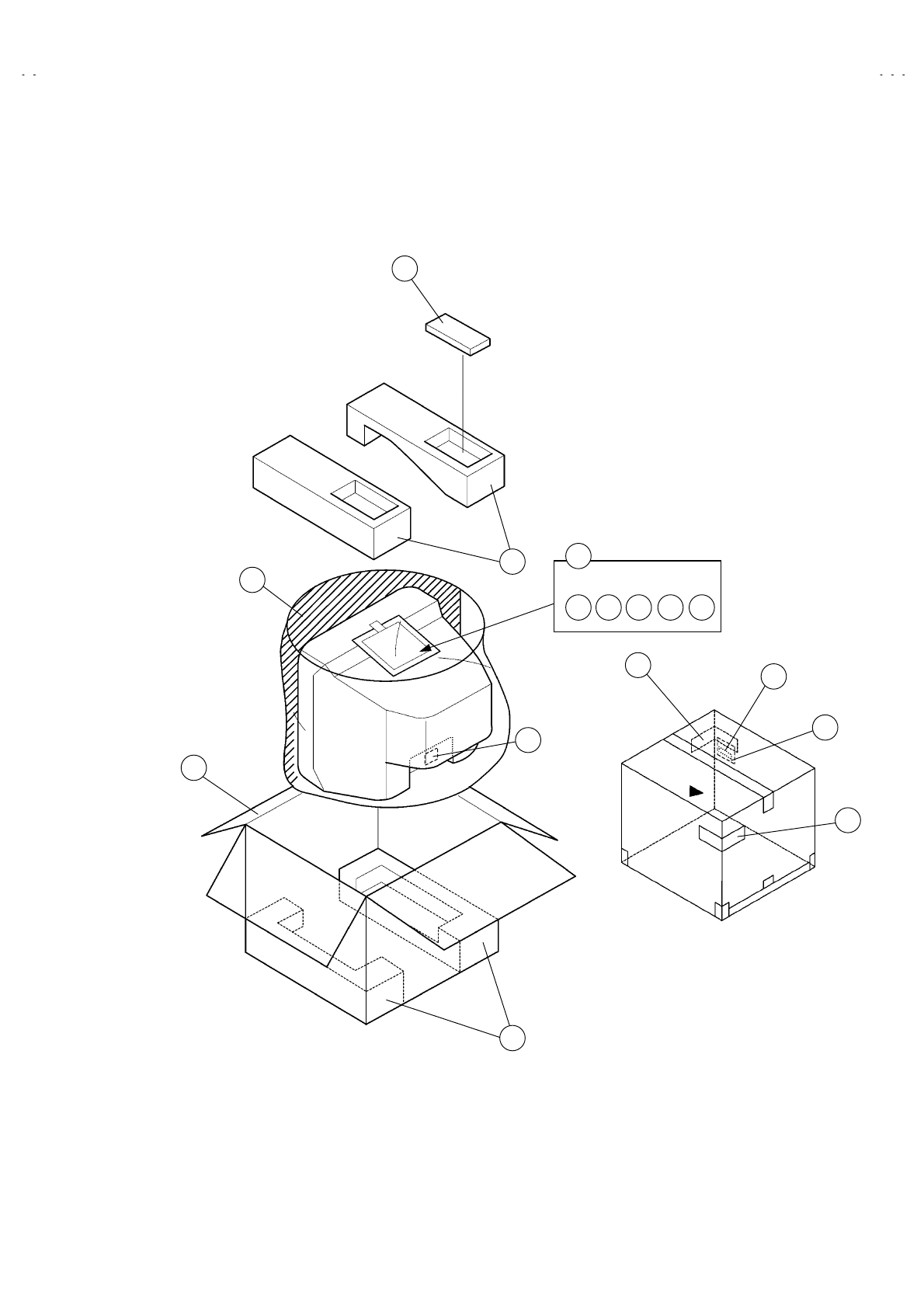
No. 52027
A
V-21Q3
A
V-21QMG3
A
V-2115EE
59
PACKING
2
2
5
3
3
4
1
6
7 8 9
!!
10 11
12
13
14
!
!
!
4
Printed in Japan
0208 WPC
VICTOR COMPANY OF JAPAN, LIMITED
HOME AV NETWORK BUSINESS UNIT 12, 3-chome, Moriya-cho, Kanagawa-ku, Yokohama, Kanagawa-prefecture, 221-8528, Japan
